


BlueTweak Blog
25 Best Zendesk Alternatives in 2026
Looking for a Zendesk alternative in 2026? Compare 25 top help desk platforms by pricing, AI features, voice support, workforce management, & best-fit use case

Zendesk is still one of the biggest names in customer support software, but for many teams, the real cost goes well beyond the headline subscription price. Once you add voice, AI, workforce management, advanced reporting, or multiple brands, the stack can become expensive, fragmented, and difficult to manage.
This guide breaks down the best alternatives in 2026 for teams that want a better fit. We’ve compared 25 platforms by pricing, core features, AI capabilities, voice support, and ideal use case, so you can quickly narrow the shortlist and find the right option for your support operation.
Evaluating Zendesk Alternatives in 2026
Many organizations are reassessing their customer service platforms as support volumes grow and requirements become more complex and evolve. Some are building a support stack from the ground up and wish to avoid unforeseen costs; others are looking for a better fit between capabilities, pricing, and scale.
Typical triggers include rising AI Agent costs, the need to manage separate telephony, WFM, and QA tools, and expansion into new markets where multilingual support adds further complexity.
Teams across industries are prioritizing predictable pricing, native omnichannel coverage, and AI that can enhance operational efficiency while delivering measurable improvements in speed and quality.
This guide evaluates 25 alternatives across five key dimensions: omnichannel depth, workforce management capabilities, multilingual AI, pricing transparency, and total cost of operation. The options span a range of operating models, from 20-seat BPOs to 100-agent internal teams, with a focus on simplifying support operations.
“What we're seeing across mid-market and BPO environments is a shift away from ‘best-of-breed' stacks toward unified platforms. Not because integrations don't work, but because operationally, they introduce delays, data gaps, and cost unpredictability. Teams want one system that owns the full customer journey, from first contact to resolution.” — Radu Dumitrescu, Head of Automation & Digital Transformation at BlueTweak
What Is Zendesk & Why Teams Consider Alternatives
Zendesk pioneered the modern helpdesk category in 2007, and for years, it set the standard for email-centric support. Its ticketing foundation remains strong, and the Zendesk Marketplace offers 1,500+ integrations; more than almost any competitor.
Zendesk's Strengths
- Mature ticketing engine: Custom fields, triggers, macros, and views give teams granular control.
- Ecosystem depth: Integrations with Salesforce, Shopify, Jira, Slack, and virtually every business tool.
- Brand recognition: Easy to get budget approval when presenting a known entity to leadership.
Common Triggers for Exploring Alternatives
Despite these strengths, several pain points consistently push teams to evaluate top Zendesk competitors:
If these considerations apply, this guide will be relevant. The alternatives to Zendesk cover these gaps in different ways.
Quick Comparison: Top 5 Zendesk Alternatives
Before we go into detail, here's how the leading alternatives stack up:.
Looking for a Zendesk alternative that combines ticketing, voice, AI, workforce management, and reporting in one platform? Book a demo to see how BlueTweak helps support teams simplify operations, reduce tool sprawl, and deliver omnichannel service at scale.
25 Best Zendesk Alternatives to Consider in 2026
1. BlueTweak: Best for All-in-One Omnichannel Support
BlueTweak stands out as the best Zendesk alternative for support teams that have outgrown a basic helpdesk but don’t want to assemble a stack of separate tools for voice, workforce management, quality assurance, and AI.. It’s built for mid-market customer service operations that need omnichannel support, multilingual workflows, and more predictable costs than a Zendesk setup with multiple add-ons.
Where Zendesk often relies on a core ticketing product plus extra spend on Talk, AI, and third-party tools, BlueTweak brings those capabilities together in one platform. That makes it a strong fit for teams that want to simplify operations, reduce tool-switching, and manage customer conversations across email, chat, voice, social, and SMS from a single workspace.
Why Teams Choose BlueTweak
The biggest reason teams move away from Zendesk isn’t usually ticketing. It’s everything around the ticketing layer. As support operations grow, teams often end up paying separately for voice, workforce management, quality assurance, reporting, and AI tools, which makes the stack more expensive and harder to manage.
BlueTweak is designed to solve that problem by bundling the operational pieces around customer support into one system. Instead of stitching together a helpdesk, telephony layer, QA platform, and scheduling tool, teams can manage the full support workflow from first contact to resolution in a single environment.
Features:
- Unified omnichannel support: Manage email, live chat, voice, SMS, and social conversations from one platform, with full customer history attached to every interaction.
- AI-powered service workflows: Use voicebots, chatbots, suggested replies, summaries, routing logic, and sentiment detection to speed up triage and reduce repetitive manual work.
- Built-in multilingual support: Translate customer conversations across voice and text in real time, helping multilingual teams support customers more consistently across markets.
- Workforce management & QA: Handle forecasting, scheduling, adherence, quality monitoring, and coaching without adding separate WFM or QA software to your stack..
- Knowledge base & self-service tools: Create help content for both agents and customers, with AI features that can draw on knowledge base content to improve answers and reduce resolution time.
- Reporting and SLA visibility: Track service performance through real-time dashboards, SLA monitoring, and custom reporting across channels and teams..
- Enterprise-grade security: Role-based permissions, MFA, audit logs; ISO certification in progress.
Best fit for
BlueTweak is best suited to support teams with more operational complexity than a standard helpdesk setup can comfortably handle. That includes:
- Mid-market teams with roughly 20–100 agents
- BPOs or outsourced support providers managing multiple clients or brands
- eCommerce, telecom, finance, and SaaS teams handling support across voice and digital channels
- Organizations expanding into new markets and needing multilingual support workflows
- Teams that want WFM, QA, AI, analytics, and ticketing in the same platform rather than spread across multiple vendors
Pros:
BlueTweak’s main advantage is that it’s built around the realities of running a modern support operation, not just a helpdesk inbox. For teams that need voice, multilingual support, QA, scheduling, and reporting in addition to ticketing, that changes the economics of the platform.
- All-in-one operational setup: Instead of adding separate subscriptions for voice, WFM, QA, and analytics, teams can run those functions from one interface.
- Multilingual AI built into the platform: Real-time translation across 50+ languages for voice and text, makes it easier to support customers across markets without relying on external plugins or fragmented workflows
- BPO-ready architecture: BlueTweak’s multi-tenant setup is especially useful for outsourced support teams or shared service environments that need to manage multiple brands, clients, or business units from one platform.
- More predictable total cost: Rather than stacking Zendesk with Talk, AI, and third-party tools, teams can evaluate a more consolidated cost structure from the start.
- Voicebot that actually works: Unlike basic IVRs, BlueTweak's voicebot uses NLU to understand intent, pulls answers from your KB, and hands off to humans seamlessly. Customers report 30-40% deflection on tier-1 customer queries.
- Faster implementation for operational teams: BlueTweak positions itself as a quicker path to a working omnichannel setup than assembling a broader support stack from multiple vendors
Cons:
- Smaller support operations that mainly need a lightweight email inbox or basic ticketing system may find BlueTweak more platform than they need.
- It has a smaller marketplace than Zendesk, so buyers with a heavy dependency on niche third-party integrations should validate connector requirements early in the buying process.
- Unlike tools with a self-serve free tier, BlueTweak is positioned as a guided evaluation rather than an instant sign-up product.
BlueTweak in practice
BlueTweak is built from more than two decades of BPO and customer operations experience, and that operational focus shows in how the platform is positioned. In its work with the Europe Direct Contact Centre, for example, BlueTweak reports that combining AI-powered translation, knowledge base integration, and workflow automation led to a 35% improvement in workflow efficiency and a 36% increase in overall operational efficiency.
For teams comparing Zendesk alternatives, that’s the core reason BlueTweak stands out: it isn’t trying to be a lighter version of Zendesk. It’s aimed at support organizations that want to consolidate ticketing, voice, AI, workforce management, and quality operations into one platform instead of managing them separately.
Pricing:
BlueTweak starts at €65 per agent/month for the core platform, including omnichannel support, AI features, workforce management, quality assurance, analytics, and APIs).
AI capabilities use a separate usage-based model, but the pricing structure is more predictable than tools that charge per resolution or layer multiple AI add-ons onto the core platform. Voicebot usage is billed per minute, while AI features for email and chat are billed per interaction. Translation and transcription are included within AI usage rather than charged as separate extras.
If you want to see how BlueTweak compares to a Zendesk-style support stack in practice, book a demo to explore its omnichannel support, AI, workforce management, and reporting tools in more detail.
2. Freshdesk: Best for Small to Mid-Sized Teams That Want an Affordable Help Desk with Optional AI
Freshdesk has established a reputation as an affordable and user-friendly alternative to Zendesk. It's particularly popular with small to mid-sized businesses looking for solid ticketing, basic automation, and a cleaner interface than Zendesk's legacy UI.
Features:
- Omnichannel: Email, chat, phone, social media ticketing
- AI: Freddy AI Copilot (drafts replies, summarizes tickets) and Freddy AI Agent (autonomous resolution)
- Automation: Ticket routing, SLA management, workflow rules
- Knowledge Base: Customer-facing help center with SEO optimization
- Integrations: 1,000+ apps, including Slack, Salesforce, Shopify
- Analytics: Pre-built dashboards plus custom reports
Who Uses It
Freshdesk serves a broad range from startups to enterprises. Strong adoption in e-commerce, education, healthcare, and SaaS.
Pricing:
- Free: Up to 10 agents, basic ticketing
- Growth: $15/agent/month (email, social, basic automation)
- Pro: $49/agent/month (custom objects, time tracking, multilingual KB)
- Enterprise: $79/agent/month (custom roles, sandbox, audit logs)
Add-ons and extra costs:
- Freddy AI Agent: Adds AI agent capabilities such as AI Agent Studio and Email AI Agent. Freshworks includes the first 500 sessions, after which usage is charged at £36 per 100 sessions.
- Freddy AI Copilot: Adds agent-assist features including sentiment analysis, response suggestions, live translation, summarization, and resolution support for £23 per agent/month when billed annually.
- Freddy AI Insights: Adds proactive and conversational insights, including root cause analysis, though service limits apply depending on usage and plan.
Pros:
- Affordable entry point: $15/agent gets you going with core features
- Intuitive interface: Clean, modern UI that's easier to learn than Zendesk
- Quick setup: Most teams are operational in 1-2 weeks
- Gamification: Built-in leaderboards and achievement badges boost agent morale
Cons:
- AI gets expensive: At scale, Freddy AI costs add 30-60% to your base subscription
- Voice requires Freshcaller: Not included; separate product with separate billing
- No native WFM: You'll need a third-party tool like Assembled or Playvox
- Per-session AI billing: Freddy AI Agent charges per “session” (usage-based), making costs unpredictable during volume spikes
3. Intercom: Best for Product-Led SaaS Teams Focused on Conversational Support
Intercom pioneered conversational support and remains the top choice for product-led SaaS companies. Its Messenger widget feels native in web apps, and its proactive messaging tools help onboard users and prevent churn.
Features:
- Conversational UI: Messenger widget for chat, email, and product tours
- Fin AI Agent: Autonomous resolution with $0.99/resolution pricing
- Fin AI Copilot: Agent assists with reply suggestions (+$35/agent/month for unlimited)
- Omnichannel: Email, chat, SMS, WhatsApp (usage-based channel fees)
- Product Tours: In-app onboarding flows and feature announcements
- Help Center: Customer-facing knowledge base
Who Uses It
Intercom is dominant in B2B SaaS, especially product-led growth companies.
Pricing:
- Essential: $29/seat/month (inbox, basic bots, help center)
- Advanced: $85/seat/month (workflows, routing, private help center)
- Expert: $132/seat/month (SSO, HIPAA, multi-brand messenger)
Add-ons and extra costs:
- Intercom Pro: $99/month, including AI features such as CX Score, Topics, Recommendations, Monitors, and Custom Scorecards, with analysis of 1,000 conversations per month.
- Copilot: $29 per agent/month for Intercom’s AI assistant, with unlimited usage. Includes 10 Copilot conversations and 10 AI Auto-translation conversations per agent per month for free.
- Proactive Support Plus: $99/month for advanced in-app and outbound support features, including Posts, Checklists, Product Tours, Surveys, and Series campaign builder, with 500 messages sent per month included.
Pros:
- Best-in-class messenger: Feels like it belongs in your product, not bolted on
- Proactive engagement: Product tours and in-app messages prevent support tickets
- Resolution-based AI: Fin only charges when it successfully resolves an issue
- Strong for SaaS: Explicitly built for customer service software companies with in-app needs
Cons:
- No voice support: Can't handle phone calls natively
- Unpredictable costs: Usage-based pricing for AI, SMS, WhatsApp, and email makes budgeting difficult
- Not ideal for high-volume support: Best for product-led SaaS, not 100-agent contact centers
- Expensive at scale: By the time you add Advanced plan + Fin AI + messaging channels, you're paying $120-$175 per effective agent
4. Help Scout: Best for Small Teams That Prioritize Simplicity & a Lightweight Shared Inbox
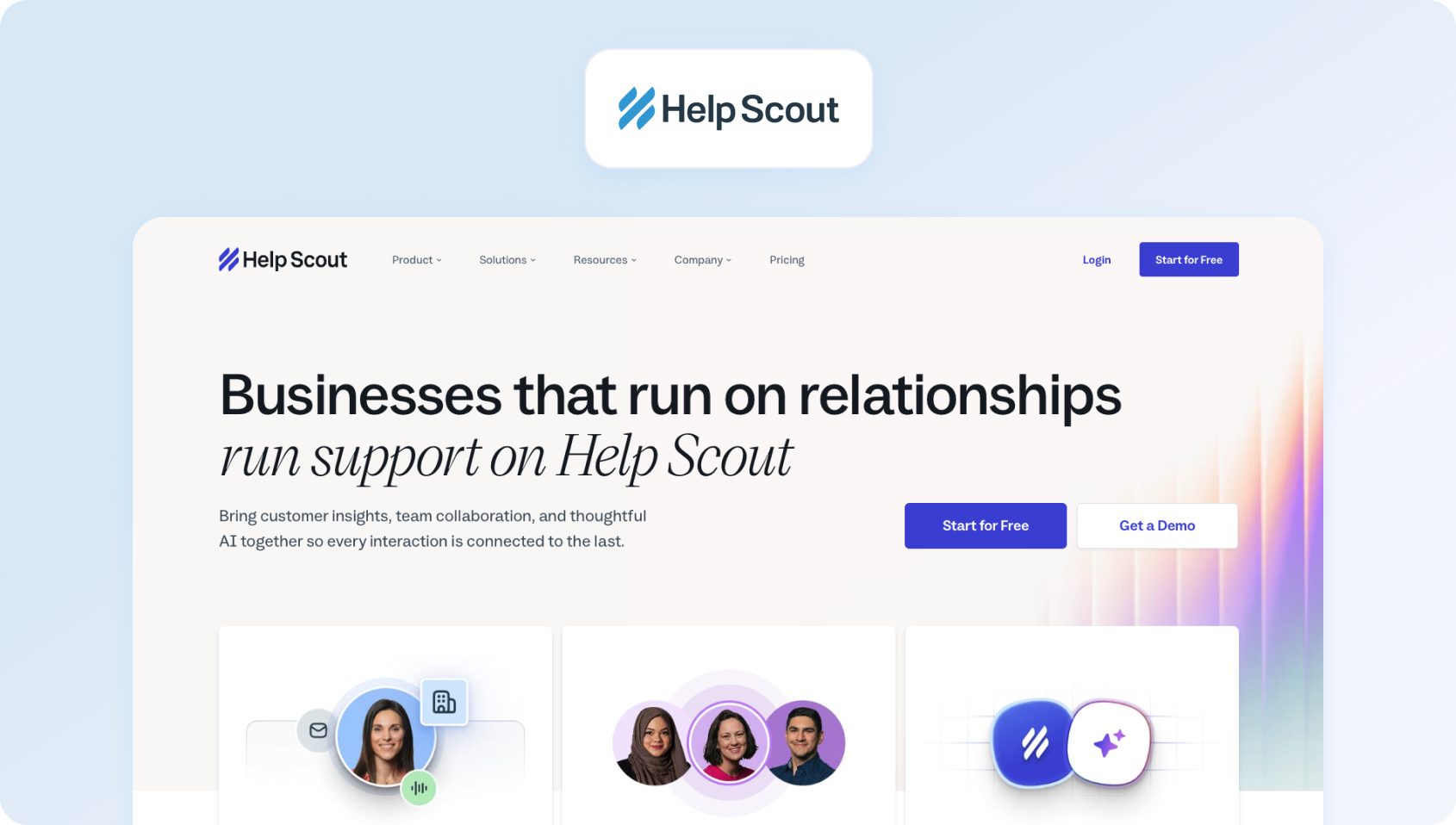
Help Scout targets teams that want email-centric support with a Gmail-like customer experience. It's beloved by small businesses and nonprofits for its simplicity and transparent pricing (recently shifted to a contact-based model, not a seat-based one).
Features:
- Shared Inbox: Email-first interface with internal notes and assignments
- Live Chat (Beacon): Embeddable widget for web and help center
- Knowledge Base (Docs): Customer-facing articles with in-widget search
- AI Features: Built-in AI Answers, AI Drafts, AI Assist (tone adjustment), AI Summarize
- Phone: Make and receive calls (logged in Help Scout)
- SMS: Send and receive texts from the inbox
Who Uses It
Small businesses, startups, and B-corps love Help Scout's ethos (they plant a tree for each customer). Strong in e-commerce, education, and service businesses.
Pricing:
Help Scout shifted from per-seat to per-contact pricing:
- Free: 100 contacts/month, (up to 5 users)
- Standard: $25/month (up to 25 users)
- Plus: $45/month (up to 50 users)
- Pro: $75/month (unlimited users)
Pricing scales with a 3-month trailing average of “contacts helped” (unique people who received replies).
Pros:
- Unlimited users: Invite your whole company without per-seat charges
- Contact-based pricing: Smooths seasonal fluctuations (3-month average)
- Built-in AI: No extra fees for basic AI customer service features
- Great for collaboration: Sales, product, and support can all access the same context
Cons:
- Unpredictable for growing teams: One successful marketing campaign that doubles support volume = doubled bill
- Limited voice capabilities: Basic calling, not suitable for high-volume phone support
- AI limited to Help Scout content: Chatbot can't access Google Docs, Confluence, or other knowledge sources
- Expensive integrations: Salesforce, Jira, and HubSpot locked in Plus plan ($70/month for 200 contacts minimum)
5. Zoho Desk: Best for Teams Already Invested in the Zoho Ecosystem
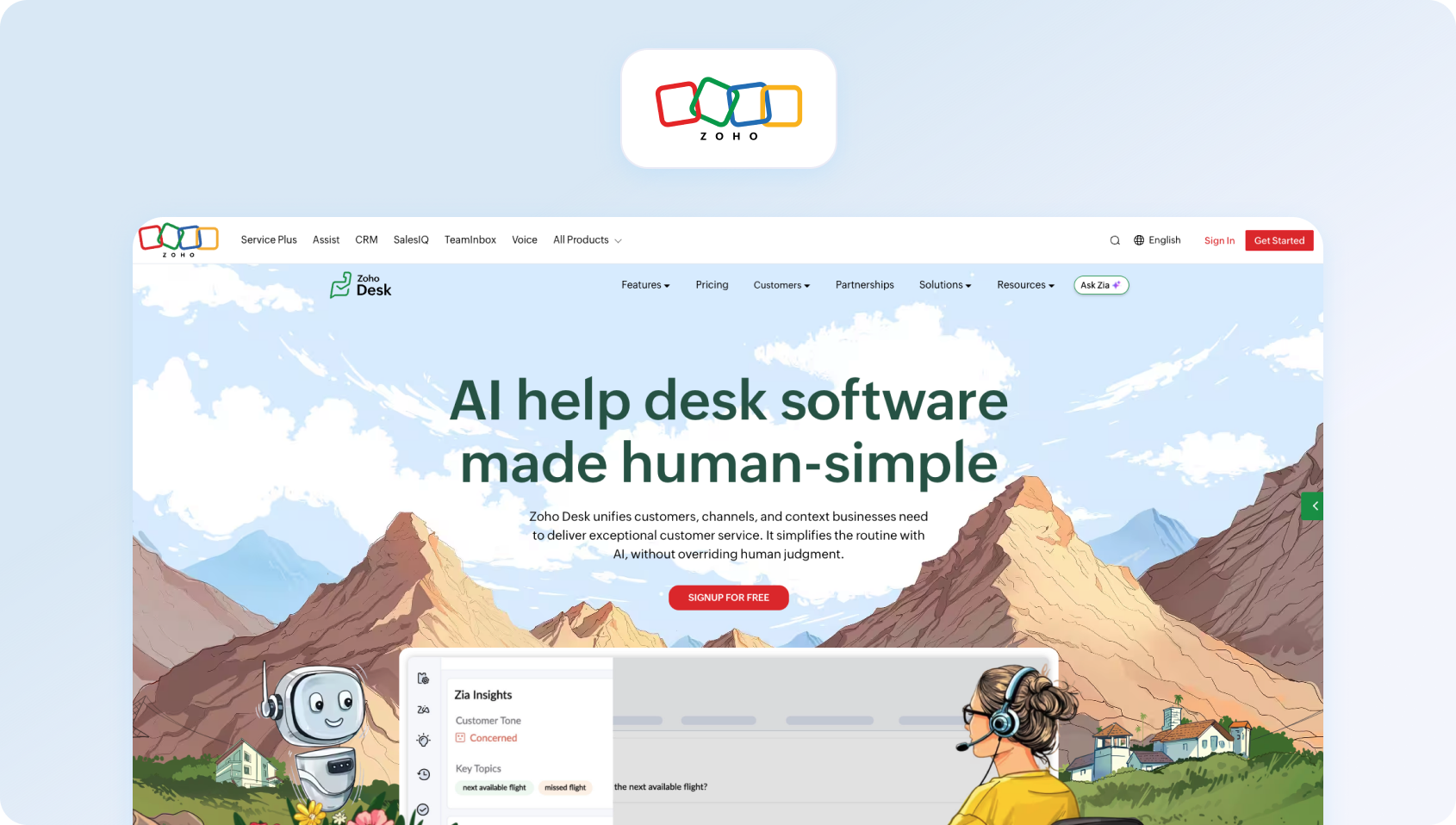
Zoho Desk appeals to teams already using the Zoho ecosystem (CRM, Books, Project Management). It offers robust features at competitive price points, although the Zoho Desk interface and setup complexity may feel dated compared to newer alternatives.
Features:
- Omnichannel: Email, phone, live chat, social media, instant messaging (WhatsApp, Telegram, etc.)
- Zia AI: Sentiment analysis, reply suggestions, predictive ticket assignment
- Automation: Workflows, macros, SLA management
- Knowledge Base: Internal and customer-facing help articles
- Community Forums: Build customer communities
- Integrations: Deep Zoho suite integration plus 100+ third-party apps
Who Uses It
Broad adoption from SMBs to enterprises. Strong in tech, retail, healthcare, and financial services.
Pricing:
- Free: 3 users, basic ticketing, email support, limited capabilities
- Express: €7/agent/month (social media, workflows, 5 users)
- Standard: €14/agent/month (instant messaging, SLAs, unlimited users)
- Professional: €23/agent/month (advanced AI, multi-department, 10 departments, unlimited users)
- Enterprise: €40/agent/month (custom modules, sandbox, 50 departments, unlimited users)
Pros:
- Aggressive pricing: Among the most affordable full-featured options
- Zoho ecosystem: Seamless data flow if you use Zoho CRM, Books, or other products
- Robust automation: Automated workflows and blueprints rival platforms 3x the price
- Generous free tier: 3 agents with real functionality, not just a trial
Cons:
- Dated UI: The interface feels cluttered and less intuitive than Freshdesk or Help Scout
- Steep learning curve: Feature depth comes with complexity; expect weeks of setup
- Limited third-party integrations: Great for the Zoho ecosystem, but weaker for Salesforce, HubSpot, and others.
- AI limited to higher tiers: Zia (AI assistant) is only available in Professional and above
6. HubSpot Service Hub: Best for HubSpot Customers That Want Support, CRM, and Automation in One Ecosystem
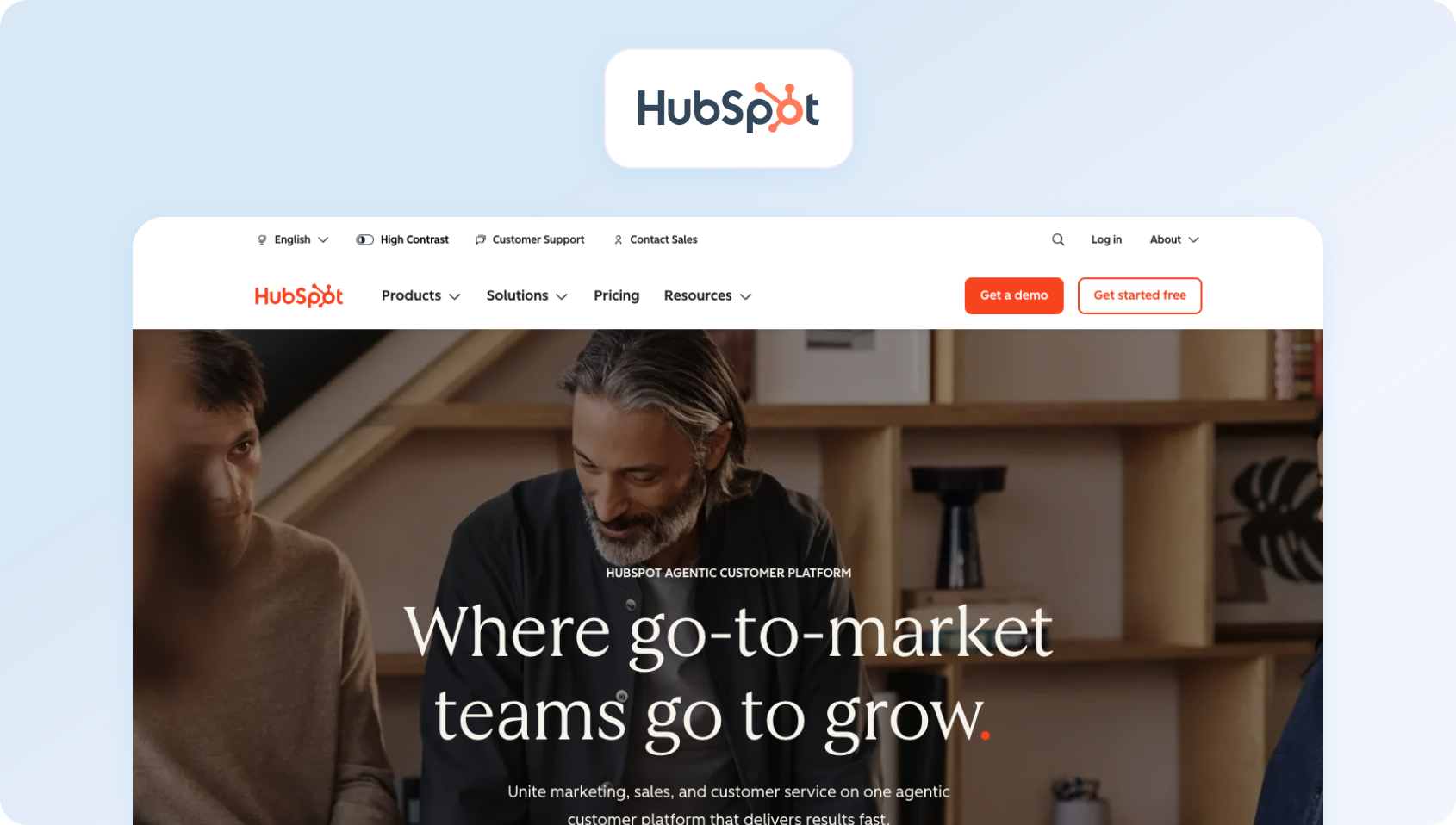
The HubSpot Service Hub is ideal for teams already using HubSpot CRM, Marketing Hub, or Sales Hub. The unified customer platform enables support agents to view every marketing touchpoint and sales conversation.
Features:
- Omnichannel: Shared inbox for email, chat, Facebook Messenger, WhatsApp
- Phone: Make and receive calls with IVR call flows
- Ticketing: Full helpdesk with pipelines, automation, SLAs
- Knowledge Base: Customer-facing help center
- Customer Portal: Secure portal for customers to track their customer requests
- Customer Feedback: NPS, CSAT, and custom customer satisfaction surveys
- AI Agents: Breeze AI (Enterprise) resolves tickets autonomously
Who Uses It
HubSpot Service Hub serves SMBs to mid-market companies that want tight alignment between marketing, sales, and support. Strong in B2B SaaS, professional services, and agencies.
Pricing:
- Free: Up to 2 users, basic ticketing, shared inbox, 1 help center
- Starter: $7/seat/month (500 HubSpot credits)
- Professional: $90/seat/month (3,000 HubSpot credits)
- Enterprise: $150/seat/month (5,000 HubSpot credits)
Pros:
- Unified customer platform: Support agents see the complete customer journey (marketing emails opened, sales calls logged, previous tickets)
- No CRM cost: HubSpot CRM has a free plan included, eliminating the need for a separate Salesforce license
- Strong for existing HubSpot users: If you're already paying for Marketing or Sales Hub, adding Service makes sense
- AI included (Enterprise): Breeze AI agents handle resolution autonomously without per-interaction fees
Cons:
- Expensive at scale: Professional tier pricing + mandatory onboarding fees add up quickly
- Limited standalone value: Works best when bundled with other HubSpot products; weaker as a standalone support tool
- No native WFM: Workforce management requires third-party integrations
- Enterprise lock-in: Best AI features, advanced automation, and success forecasting require the Enterprise tier ($150/seat, minimum 10 seats)
7. Salesforce Service Cloud: Best for Enterprises That Want Deep CRM Integration and Extensive Customization
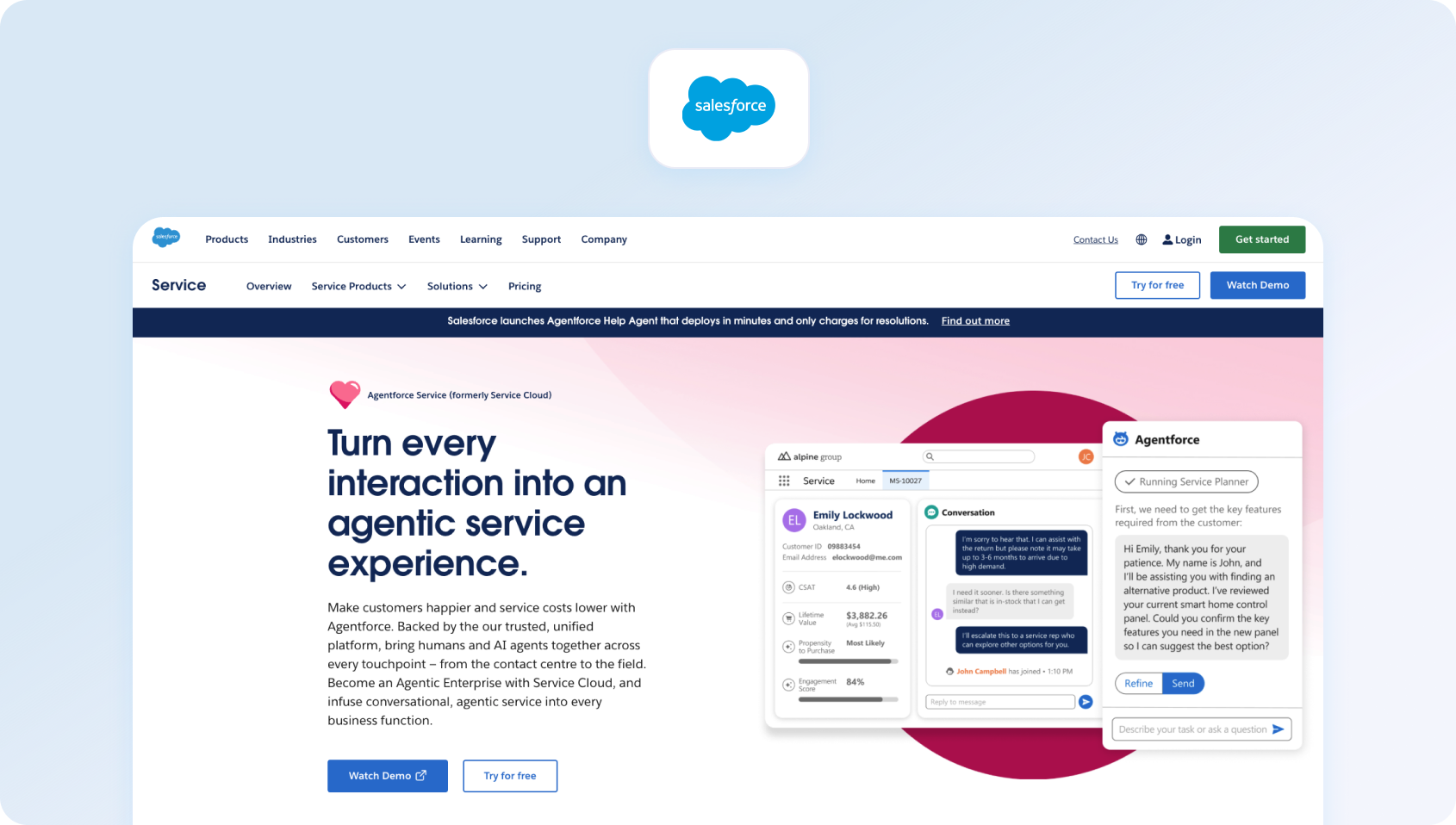
Salesforce Service Cloud (with Einstein AI) is the enterprise heavyweight in this category. If you're running Salesforce CRM and need deep customization, complex routing, or industry-specific compliance to deliver customer support requests, it's purpose-built for you.
Features:
- Omnichannel: Email, chat, phone, SMS, social media, video support
- Einstein AI: Case classification, recommended replies, next-best-action suggestions
- Field Service: Dispatch and mobile workforce management
- CTI Integration: Deep telephony integrations with major contact center platforms
- Lightning Console: Agent workspace with customizable layouts
- Salesforce Ecosystem: Native integration with the entire Salesforce platform
Who Uses It
Enterprise customers in financial services, healthcare, retail, and manufacturing. Think Fortune 500 companies with 200+ agent operations.
Pricing:
- Starter Suite: $25/user/month (10-user maximum, basic features)
- Professional: $100/user/month (workflows, knowledge, reports)
- Enterprise: $175/user/month (advanced automation, 24/7 support)
- Unlimited: $350/user/month (premier support, configuration services)
- Agentforce 1 Service: $550/user/month (As with the Unlimited package, plus the full AI suite)
Add-ons and implementation typically double the cost. Einstein AI features vary by tier.
Pros:
- Unmatched customization: Build virtually any workflow or exceptional customer service process
- Salesforce ecosystem: If you're already on Salesforce, the data integration is seamless
- Enterprise-grade: Handles 10,000+ agent deployments with ease
- Industry clouds: Pre-built solutions for healthcare, financial services, and manufacturing
Cons:
- Extremely expensive: Even mid-tier plans cost 3-5x more than alternatives
- Complex implementation: Expect 3-6 months and $50K-$200K in consulting fees
- Overkill for SMBs: Feature depth is wasted on teams under 100 agents
- Requires Salesforce expertise: You'll need dedicated admins or consultants
8. LiveAgent: Best for Budget-Conscious Teams That Need Voice, Chat, and Help Desk Features
LiveAgent positions itself as an affordable all-in-one solution with native phone support. It's particularly popular with e-commerce businesses that require a comprehensive solution combining live chat, ticketing, and a call center in one package.
Features:
- Omnichannel: Email, live chat, phone, social media (Facebook, Twitter, Instagram), contact forms
- Built-in Call Center: Unlimited inbound/outbound calls, IVR, call recording
- Live Chat: Proactive chat invitations, real-time typing view
- Ticketing System: Universal inbox, automation features, SLA management
- Knowledge Base: Customer self-service portal
- CRM: Built-in contact management
Who Uses It
LiveAgent is used across e-commerce, SaaS, and SMBs. Customers include Huawei, BMW, and USC.
Pricing:
- Small: $10/agent/month, billed annually
- Medium: $19/agent/month, billed annually
- Large: $33/agent/month, billed annually
- Enterprise: $46/agent/month, billed annually
Pros:
- Native phone included: Unlimited calling in base plans (rare at this price point)
- Affordable: Competitive pricing with generous feature inclusion
- Fast setup: Most teams are operational within days
- No per-minute charges: Flat monthly rate includes unlimited calls
Cons:
- Limited AI: Basic automation, but no modern AI chatbot or voicebot
- Dated interface: UI feels older compared to Freshdesk or Intercom
- Smaller ecosystem: Fewer integrations than major competitors
- No advanced multilingual support: Basic translation, not real-time AI-powered
9. Front: Best for Collaborative Support Teams That Manage Customer Conversations Across Shared Inboxes
Front reimagines email as a collaborative workspace. If your team lives in email and needs internal collaboration without switching to a separate help desk solution, Front keeps everything in an inbox-style interface.
Features:
- Shared Inbox: Email-first interface with comments, assignments, tags
- Omnichannel: Email, SMS, live chat, WhatsApp, social media
- Collaboration: Internal comments, @mentions, approval workflow automation
- Analytics: Response times, team performance, workload distribution
- Integrations: 100+ apps, including Salesforce, Asana, Slack
Who Uses It
Small teams in sales, success, and support who prefer email workflows.
Pricing:
- Starter: $25/seat/month (Single channel)
- Professional: $65/seat/month (Omnichannel: email, SMS, social, WhatsApp, etc.)
- Enterprise: $105/seat/month (Omnichannel: email, SMS, social, WhatsApp, etc.unlimited conversations, automation rules)
- AI add-ons available: Autopilot from $0.05/conversation, Copilot from $20 per seat/month, Smart QA from $20 per seat/month, and Smart CSAT from $10 per seat/month
Pros:
- Email-native: Teams that hate “helpdesk” interfaces love Front's familiar email UX
- Real-time collaboration: See who's typing, leave internal notes, and assign without forwarding
- Great for multi-team use: Sales, support, and success can share context
- Clean, modern UI: One of the best-looking interfaces in the category
Cons:
- No phone support: Can't handle voice calls natively
- Expensive for basic features: Paying $59+/seat for what's essentially shared email
- Not a true helpdesk: Lacks SLA tracking, escalation workflows, knowledge base
- Limited AI: Basic automation, no chatbot or AI reply assistance
10. Gorgias: Best for E-commerce Brands That Need Support, Automation, and Revenue Tools in One Platform
Gorgias is purpose-built for e-commerce, with deep Shopify integration and macros designed for order status, returns, and shipping inquiries. If you're running a Shopify store, Gorgias speaks your language.
Features:
- E-commerce Focus: Pre-built macros for order management, shipping, returns
- Shopify Integration: Deep access to order data, customer history, product info
- Omnichannel: Email, live chat, Facebook, Instagram, SMS
- Automation: Rule-based routing, auto-responses, intent detection
- Revenue Tracking: Connect support interactions to revenue generated
Who Uses It
E-commerce brands on Shopify, Magento, and BigCommerce.
Pricing:
- Starter: $40/month (50 tickets)
- Basic: $77/month (300 tickets)
- Pro: $471/month (2,000 tickets)
- Advanced: $1,227/month (5,000 tickets)
- Enterprise: Custom (unlimited tickets)
Ticket-based pricing makes costs unpredictable during sales events.
Pros:
- Built for e-commerce: Macros and workflows designed specifically for online retail
- Shopify superpowers: Access order details, issue refunds, update shipping—all from the ticket
- Revenue attribution: See which support interactions lead to purchases
- Fast for common e-commerce queries: Pre-built automations for “where's my order?”
Cons:
- Ticket-based pricing: Black Friday or a viral product launch can blow your budget
- No phone support: Can't handle voice calls
- Shopify-centric: Works best with Shopify; weaker for other platforms
- Limited for non-e-commerce: Feature set is narrow outside retail use cases
11. Kustomer: Best for High-Volume Support Teams That Want a CRM-Style Customer Timeline and Strong Omnichannel Workflows
Kustomer takes a customer-centric approach (not ticket-centric). Instead of opening multiple tickets for a single customer, everything is organized on a unified timeline. It's popular with brands that want conversational, contextual support.
Features:
- Customer Timeline: All interactions (calls, chats, orders, emails) on one view
- Omnichannel: Email, chat, SMS, WhatsApp, voice, social
- No Ticket Numbers: Conversations, not tickets (customers never see “ticket #12345”)
- AI & Automation: Chatbots, routing, suggested replies
- CRM Capabilities: Built-in customer data platform
Who Uses It
Consumer brands in retail, travel, and fintech.
Pricing:
Kustomer operates a custom pricing model; verify with the vendor directly for pricing.
Pros:
- Customer-centric UX: Agents see people, not ticket numbers
- Unified timeline: Complete interaction history without switching screens
- Good for high-touch brands: Luxury and lifestyle brands love the conversational approach
- Strong automation: Intelligent routing based on customer context and history
Cons:
- Expensive: Pricing is competitive with or higher than Zendesk Enterprise
- No public pricing: Forces sales conversations for basic information
- Requires culture shift: Teams used to ticket-based workflows need retraining
- Limited WFM: No native scheduling or forecasting tools
12. Gladly: Best for Retail and E-commerce Brands That Want a Conversation-Centric Customer Service Platform
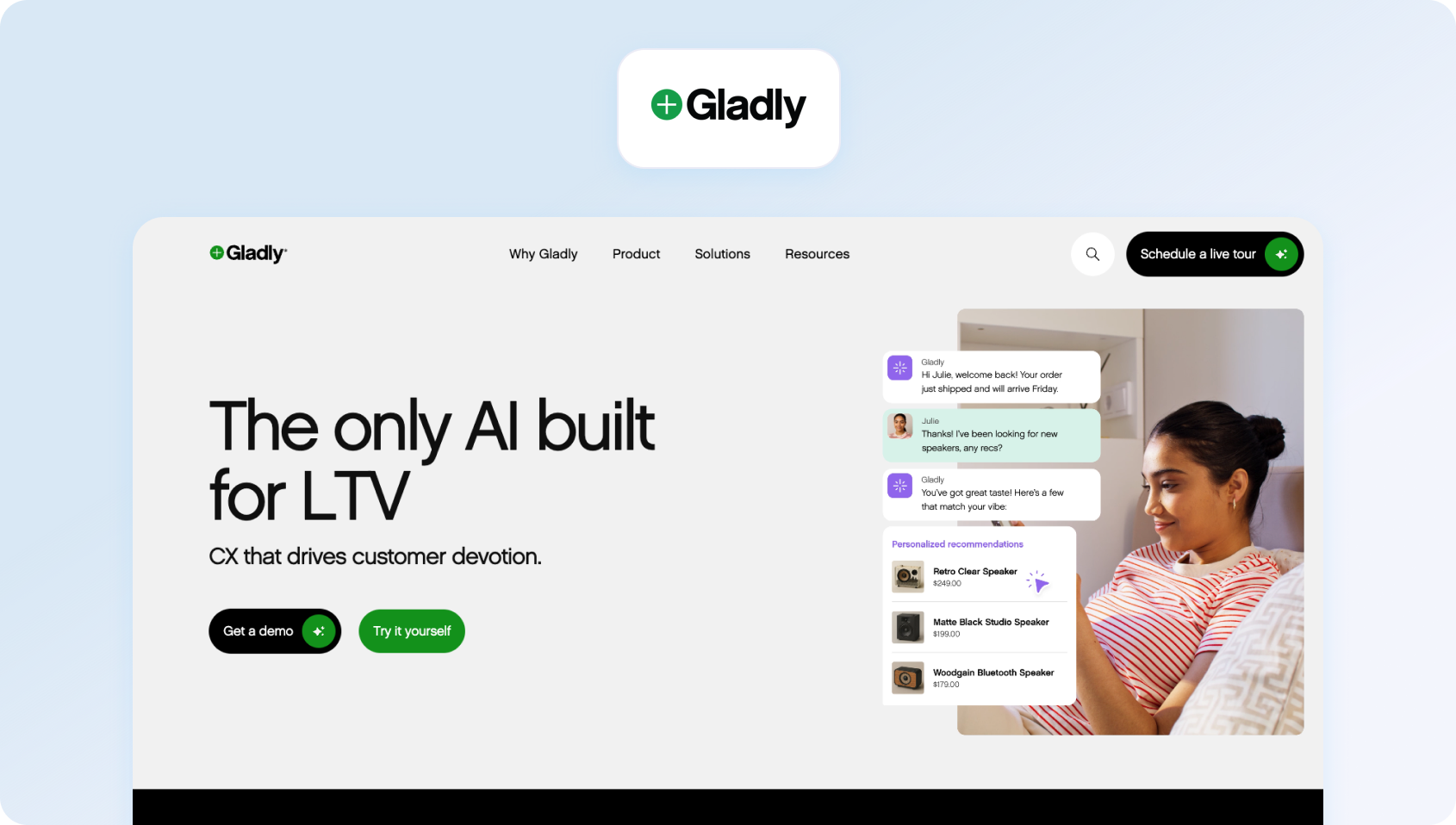
Gladly, like Kustomer, puts customers (not tickets) at the center. Its “radically personal” approach focuses on continuous conversations across multiple channels, with each agent seeing the customer's full history.
Features:
- Lifelong Conversation Threads: All interactions with one customer in one thread
- Omnichannel: Voice, SMS, email, chat, social messaging
- Customer Profiles: Rich profiles with purchase history, preferences, and notes
- Task Management: Follow-ups and to-dos tied to customers, not tickets
- Reporting: Customer-centric metrics (not just ticket counts)
Who Uses It
Consumer brands focused on loyalty and lifetime value.
Pricing:
Gladly also operates a custom pricing model; verify with the vendor directly for pricing.
Pros:
- True omnichannel: Seamless hand-offs between voice, chat, and email in one conversation
- Customer-first philosophy: Agents build relationships, not close tickets
- Great for brand differentiation: Luxury and high-touch brands use it to stand out
- Voice native: Strong telephony built in, not bolted on
Cons:
- Very expensive: Premium pricing, even compared to Salesforce
- No public pricing: Requires a sales process and often minimum commitments
- Best for large teams: Designed for 100+ agent operations
- Limited self-service support: Not ideal if you want to deflect volume with chatbots
13. Dixa: Best for Support Teams That Want Unified Customer Conversations Across Channels
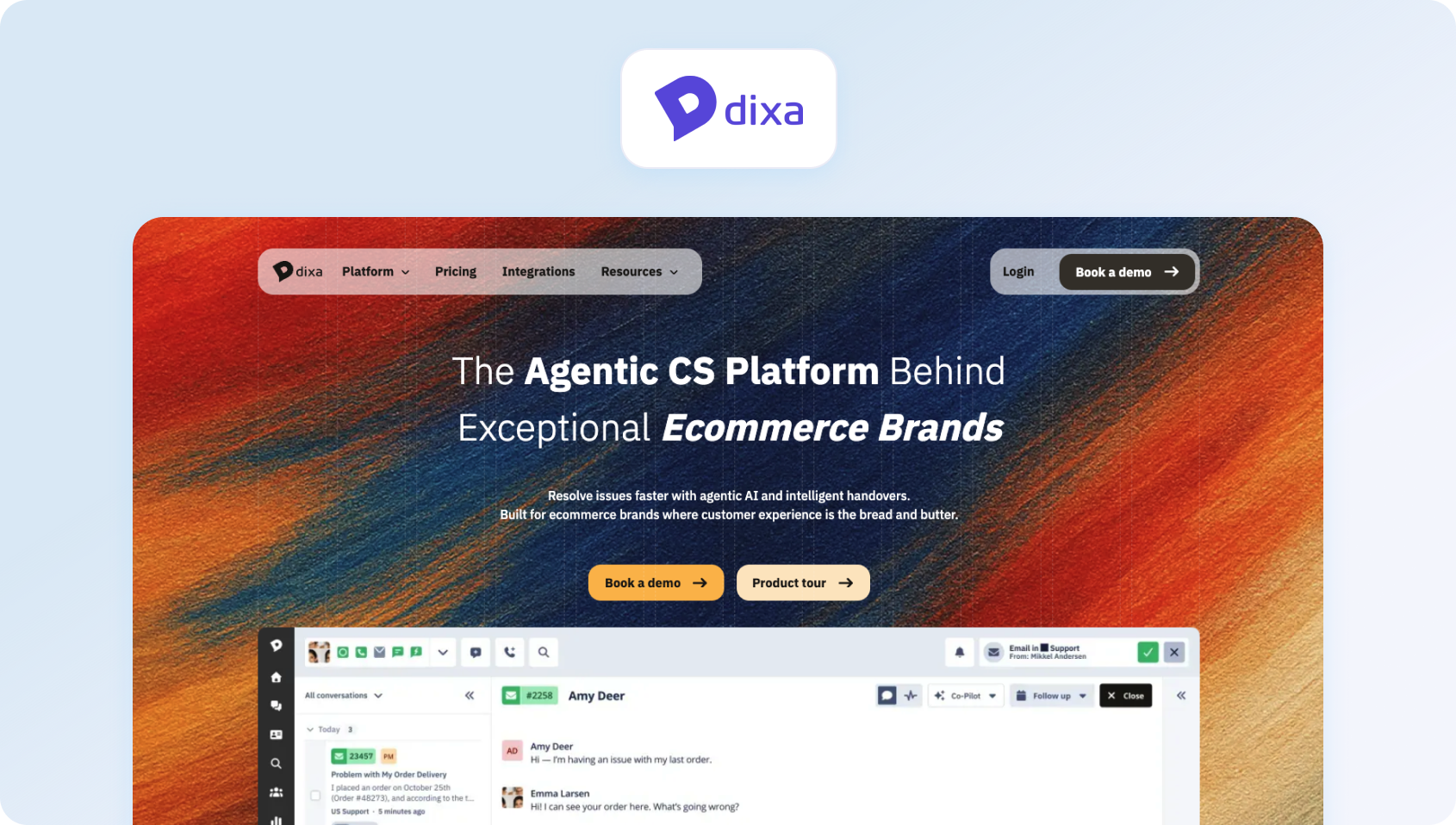
Dixa is a Scandinavian customer service platform that emphasizes “friendship through conversation.” It offers solid omnichannel capabilities with a focus on making support feel more human and less transactional.
Features:
- Omnichannel: Email, chat, voice, Facebook Messenger, WhatsApp
- Smart Routing: Skill-based routing and automatic prioritization
- Conversation Continuity: Context preserved across channels
- VoIP Included: Native calling with local numbers in 100+ countries
- Analytics: Real-time dashboards and historical reporting
Who Uses It
European SMBs and mid-market companies, especially in e-commerce and subscription services.
Pricing:
- Growth: €89 per agent/month, including omnichannel support across phone, email, forms, chat, and social, plus a knowledge base, AI Agent (Mim), intelligent routing, IVR, call recording, callbacks, SLAs, and native integrations.
- Ultimate: €139 per agent/month, adding features such as routing with external data, knowledge-centered service, standard AI intent detection, advanced automations, skills-based routing, sandbox access, and third-party AI integrations.
- Prime: €179 per agent/month, adding SSO, advanced AI intent detection, advanced insights, custom user roles, multiple organizations, queue and claim restrictions, enterprise API limits, and outbound email templates.
Pros:
- Voice included: Native calling without a separate telephony provider
- Clean Scandinavian design: Intuitive interface with minimal clutter
- Good for international: Local numbers in 100+ countries
- Conversation-focused: Less ticket-centric than traditional helpdesks
Cons:
- Limited market presence: Smaller than US-based competitors
- No public pricing: Requires sales engagement
- Basic AI: Lacks advanced automation compared to Intercom or Freshdesk
- Smaller integration ecosystem: Fewer pre-built connectors than major platforms
14. Talkdesk CX Cloud: Best for Contact Centres That Need Enterprise-Grade Support
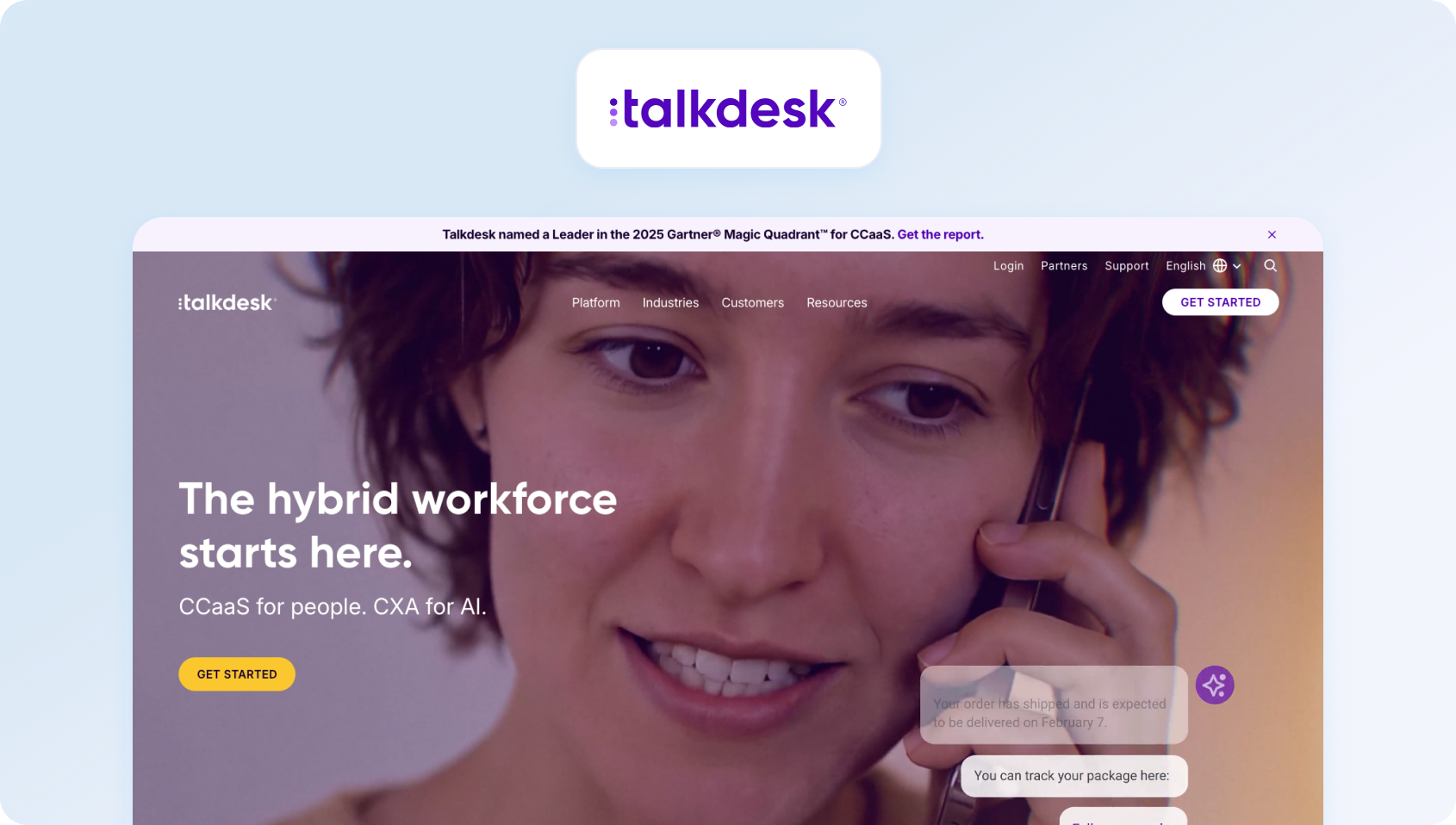
Talkdesk began as a cloud contact center and has since evolved into a comprehensive CX platform. If voice is your primary channel and you need enterprise-grade telephony with helpdesk capabilities, Talkdesk delivers.
Features:
- Enterprise Contact Center: Advanced IVR, skills-based routing, call recording
- Omnichannel: Voice, SMS, email, chat, social messaging
- AI (Talkdesk AI): Virtual agent, sentiment analysis, call transcription
- WFM: Native workforce management with scheduling and forecasting
- Quality Management: Call recording, evaluation forms, coaching workflows
Who Uses It
Enterprises with voice-heavy support operations.
Pricing:
- CX Cloud Digital Essentials: $85 per user/month, including digital engagement, quality management, API access, dashboards, and automation tools.
- CX Cloud Essentials: $85 per user/month, including voice engagement, routing, workspace tools, and integrations.
- CX Cloud Elevate: $115 per user/month, plus quality management, screen recording, feedback, and automated notifications.
- CX Cloud Elite: $145 per user/month, adding workforce management, performance management, custom reporting, and customer experience analytics.
- Industry Experience Clouds: custom pricing for vertical-specific deployments in sectors such as healthcare, financial services, retail, and government.
Pros:
- Best-in-class voice: Purpose-built for high-volume call centers
- Native WFM: Integrated scheduling, forecasting, and adherence monitoring
- Native QA: Built-in quality management and coaching tools
- Strong AI: Voicebot and virtual agent capabilities rival specialized CCaaS platforms
Cons:
- Voice-centric: Better for call centers than email-heavy customer support teams
- Complex pricing: Multiple modules and add-ons make the true cost hard to predict
- Steep learning curve: Feature depth requires significant training
- Overkill for small teams: Designed for 50+ agent operations
15. NICE CXone: Best for Large Contact Centres That Need WEM, Routing, and Advanced CX Analytics
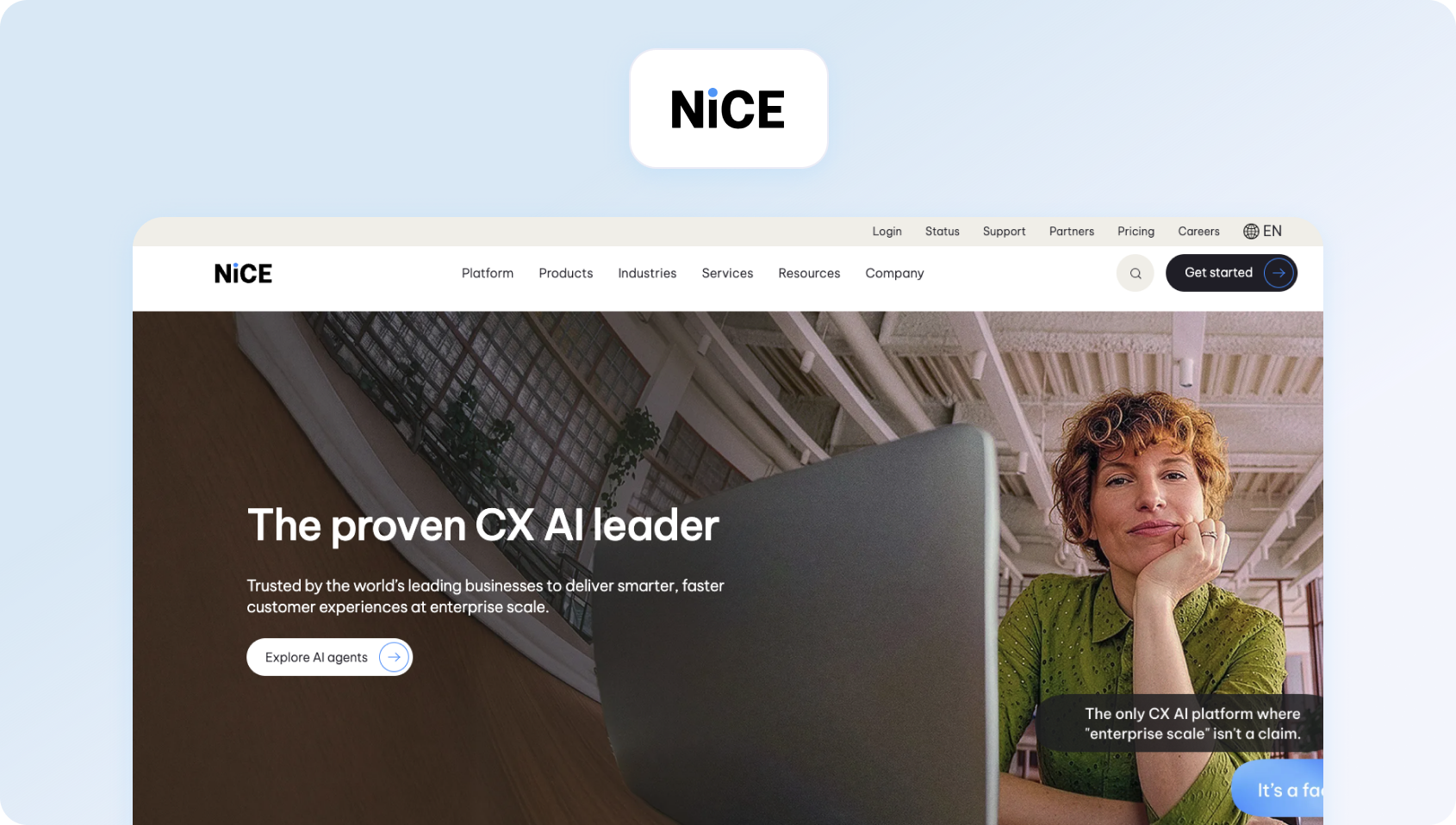
NICE CXone is the enterprise-grade contact center platform with CRM capabilities. It's the go-to for organizations that need compliance features, advanced analytics, and proven scalability.
Features:
- True Omnichannel: Voice, email, chat, SMS, social media in a unified agent desktop
- Enlighten AI: Real-time agent assist, sentiment analysis, coaching recommendations.
- WFM: Comprehensive workforce optimization suite
- Quality Management: Recording, evaluation, calibration, coaching
- Analytics: Real-time and historical reporting with AI-powered insights
Who Uses It
Large enterprises and BPOs in healthcare, financial services, retail, and telecom.
Pricing:
- Omnichannel Suite: $110 per agent/month
- Essential Suite: $135 per agent/month
- Core Suite: $169 per agent/month
- Complete Suite: $209 per agent/month
- Ultimate Suite: $249 per agent/month, plus $0.25 per session for certain AI-powered interactions
Industry-specific packages: Tailored CXone packages for sectors such as banking, insurance, healthcare, retail, and government, also available. Most are priced at $249 per agent/month plus $0.25 per session, with sector-specific capabilities such as self-service automation, agent assist, engagement hubs, and industry-focused insights. Government pricing is structured differently, with packages starting from $2 per consumer/year for selected public-sector use cases.
Pros:
- Enterprise-proven: Handles 10,000+ agent deployments reliably
- Comprehensive: Everything you need for contact center operations in one platform
- Strong compliance: HIPAA, PCI-DSS, SOC 2—built for regulated industries
- Best-in-class WFM: Industry-leading forecasting and scheduling
Cons:
- Extremely complex: Requires dedicated admins and a long implementation
- Expensive: Enterprise pricing puts it out of reach for SMBs
- Overkill for most: Feature depth wasted on teams under 100 agents
- Long sales cycle: Expect 3-6 months from evaluation to go-live
16. Genesys Cloud CX: Best for Omnichannel Contact Centres That Need Deep WEM and AI Capabilities
Genesys Cloud CX competes directly with NICE CXone in the enterprise CCaaS space. It's known for flexibility, AI capabilities, and strong multi-tenant architecture (critical for BPOs).
Features:
- Omnichannel: Voice, digital channels, video, co-browse
- Genesys AI: Voicebot, chatbot, agent assist, predictive routing
- Native WFM: Forecasting, scheduling, intraday management
- Quality & Analytics: Recording, evaluation, speech analytics
- AppFoundry: 300+ pre-built integrations
Who Uses It
Enterprises and BPOs.
Pricing:
- Genesys Cloud CX 1: $75 per user/month (billed annually), including voice, call routing, IVR, outbound campaigns, analytics, recording, knowledge, native bots, predictive engagement, predictive routing, and Agent Copilot.
- Genesys Cloud CX 2: $115 per user/month (billed annually), adding digital channels plus built-in quality assurance and compliance.
- Genesys Cloud CX 3: $155 per user/month (billed annually), including employee performance, resource management, AI-powered forecasting and scheduling, and speech and text analytics.
- Genesys Cloud CX 4: $240 per user/month (billed annually), including journey management, virtual agents, Supervisor Copilot, Virtual Supervisor, social listening, and 30 AI Experience tokens per named agent.
Pros:
- Multi-tenant strength: Excellent for BPOs managing multiple clients
- Flexible architecture: Highly customizable for complex requirements
- Strong AI: Voicebot and predictive engagement capabilities
- Open platform: Extensive API and integration ecosystem
Cons:
- Enterprise complexity: Not suitable for teams under 50 agents
- Expensive: Premium pricing even for mid-tier features
- Requires implementation partner: DIY setup is impractical
- Long onboarding: Expect 2-4 months to full deployment
17. ServiceNow Customer Service Management: Best for Large Enterprises That Want Customer Service Connected to Broader Service Operations
ServiceNow CSM brings ITSM discipline to customer service. If you're already using ServiceNow for IT operations and want to extend the platform to responsive customer support, CSM is the natural fit.
Features:
- Omnichannel: Email, chat, phone (via integrations), social, mobile
- Case Management: ITSM-style workflows with SLAs and escalations
- Knowledge: Robust knowledge base with AI-powered search
- Self-Service Options: Customer portal with case tracking
- Now Assist: AI for agent productivity and case resolution
Who Uses It
Enterprises already on ServiceNow platform, especially in B2B, tech, and services.
Pricing:
Custom pricing available; verify with the vendor for details.
Pros:
- Perfect for ServiceNow shops: Extends existing ITSM investment
- ITSM workflows: Best for technical support and B2B service management
- Strong knowledge management: AI-powered KB search and content recommendations
- Enterprise-grade: Security, compliance, and governance built in
Cons:
- Extremely expensive: Among the priciest options in this guide
- ITSM-centric: Better for technical support than consumer service
- Complex implementation: Requires ServiceNow expertise
- Overkill for most: Only makes sense if you're already on ServiceNow
18. Sprinklr Service: Best for Global Enterprises That Need Customer Service, Social, and Digital Engagement
Sprinklr started as a social media management platform and evolved into a unified CX platform. Its strength lies in social listening and engagement at scale, processing thousands of tweets, Instagram comments, and Facebook messages daily.
Features:
- Social-First: Native support for 30+ social channels
- Omnichannel: Voice, email, chat, messaging apps, review sites
- AI: Sprinklr AI for routing, sentiment, chatbots
- Listening: Social listening and brand monitoring
- Unified Agent Desktop: All channels in one workspace
Who Uses It
Large consumer brands managing high social media volumes.
Pricing:
Custom pricing available on completion of a product demo; verify for details.
Pros:
- Unmatched social coverage: Best platform for brands active on social media
- Social listening: Monitor brand mentions across the internet
- Handles massive volume: Built for customer service teams managing 100K+ social interactions monthly
- Unified platform: Marketing, advertising, and service in one ecosystem
Cons:
- Very expensive: Enterprise pricing out of reach for SMBs
- Overkill for most: Unless you have massive social volume, it's too much platform
- Complex: Steep learning curve and long implementation
- Not ideal for phone-heavy: Social-first means voice is secondary
19. Khoros Care: Best for Brands That Prioritize Social Customer Service and Digital Community Engagement
Khoros focuses on digital and social customer care. Like Sprinklr, it's built for brands managing support across social media, messaging apps, and review sites.
Features:
- Digital-First: Social media, messaging apps, review sites, online communities
- AI & Automation: Bot framework, intelligent routing, sentiment analysis
- Community Forums: Build and manage customer communities
- Listening: Social monitoring and brand tracking
- CRM Integration: Salesforce, Microsoft Dynamics connectors
Who Uses It
Consumer brands with a strong digital presence.
Pricing:
Khoros doesn’t publish subscription prices; verify with the vendor for details on their custom-quote model.
Pros:
- Community platform: Excels at building customer forums and peer-to-peer support
- Social expertise: Deep social media management capabilities
- Good for consumer brands: Purpose-built for B2C digital support
- Integration with social ads: Connect support data to social advertising campaigns
Cons:
- Expensive: Enterprise pricing model
- Digital-only focus: Not ideal for phone-heavy support operations
- Complex setup: Requires significant configuration and training
- Declining market position: Losing ground to Sprinklr and Salesforce Social Studio
20. LivePerson: Best for Enterprises Focused on Messaging, Automation, and AI-Led Customer Conversations
LivePerson pioneered live chat in the late 1990s and now focuses on conversational AI. Its Conversational Cloud platform combines messaging, AI, and analytics for brands going messaging-first.
Features:
- Conversational Cloud: Messaging across web, mobile, SMS, WhatsApp, Apple Business Chat
- Intent Manager: AI detects customer intent and routes accordingly
- Conversation Builder: Low-code bot building
- Agent Workspace: Unified workspace for messaging channels
- Analytics: Conversational analytics and reporting
Who Uses It
Large enterprises in retail, financial services, and telecom.
Pros:
- Messaging expertise: 25+ years focused on conversational support
- Strong AI platform: Intent detection and bot building are mature
- Asynchronous support: Customers message when convenient, agents respond when available
- Good for messaging-first customer support strategy: If you're de-emphasizing phone, LivePerson fits
Cons:
- Complex pricing: Conversation-based pricing is hard to predict
- Not ideal for voice: Better for messaging than traditional phone support
- Enterprise-focused: Minimum contracts and pricing exclude SMBs
- Declining relevance: Facing pressure from Intercom, Zendesk, and platform players
Pricing:
LivePerson doesn't publish standard pricing for Conversational Cloud. Pricing is provided through a customized sales process and typically depends on conversation volume, AI usage, messaging channels, and implementation requirements.
21. Five9: Best for Contact Centres That Need Voice, Digital Channels, and WEM
Five9 is a cloud contact center platform that recently added digital channels. If voice is 70% or more of your volume and you need enterprise-grade telephony, Five9 competes with Talkdesk and Genesys.
Features:
- Cloud Contact Center: Advanced IVR, ACD, skills-based routing
- Omnichannel: Voice, email, chat, SMS, social (digital channels are less mature)
- Five9 AI: Agent assist, virtual agent, speech analytics
- WFM: Integrated workforce management suite
- CRM Integration: Deep connectors for Salesforce, ServiceNow, Zendesk
Who Uses It
Mid-market to enterprise with voice-heavy operations.
Pros:
- Voice expertise: 20+ years building contact center telephony
- Reliable platform: 99.99% uptime SLA
- Strong WFM: Native forecasting and scheduling
- Enterprise-ready: Handles high-volume operations reliably
Cons:
- Voice-centric: Digital channels feel like afterthoughts
- Complex pricing: Multiple editions and add-ons make the total cost unclear
- Weaker for omnichannel: If email/chat are primary, better options exist
- Enterprise-focused: Overkill for teams under 50 agents
Pricing:
- Digital: $119 per seat/month, covering channels such as chat, email, SMS/MMS, and social messaging.
- Core: $159 per seat/month for all channels plus essential AI capabilities.
- Plus: custom pricing for teams that want all channels with more advanced AI functionality.
- Pro: custom pricing for teams that need all channels, AI essentials, and workforce engagement management (WEM).
- Enterprise: custom pricing for larger operations that want all channels, advanced AI, and WEM in a single package.
22. Dialpad: Best for AI-Enabled Voice and Contact Centre Teams
Dialpad built a modern business customer communications platform (voice, video, messaging) and extended it to contact centers. Its AI transcription and sentiment analysis run in real-time during calls.
Features:
- Cloud Contact Center: IVR, ACD, call recording, analytics
- Real-Time AI: Live transcription, sentiment scoring, action item detection during calls
- Omnichannel: Voice, SMS, web chat, social messaging
- Integrations: Pre-built connectors for Salesforce, HubSpot, Zendesk, and 70+ apps
- Unified Communications: Combines contact center with business phone system
Who Uses It
SMBs to mid-market teams needing modern voice + light digital communication channels.
Pricing:
- Dialpad Support (contact centre): starts at $80 per user/month for Essentials, $115/user/month for Advanced, and $150/user/month for Premium when billed annually. Monthly billing is also available at higher rates.
- Dialpad Sell (sales outreach): starts at $39 per user/month for Essentials, $95/user/month for Advanced, and $150/user/month for Premium when billed annually.
- Dialpad Connect (business communications): starts at $15 per user/month for Standard and $25/user/month for Pro when billed annually, with Enterprise pricing available on request.
For teams comparing Dialpad with Zendesk, Dialpad Support is the most relevant product, since it’s the contact centre offering.
Pros:
- Modern platform: Built for the cloud-first era, not legacy telephony
- Real-time AI: Transcription and sentiment during calls (not after)
- Easy setup: Faster implementation than Five9 or Genesys
- Unified comms: Combine contact center with business phone system
Cons:
- Contact center key features lag: Younger than Five9/Genesys, fewer enterprise features
- Limited WFM: Basic scheduling, not comprehensive workforce management
- Weaker omnichannel: Voice and SMS strong; email/ticketing weaker
- Growing pains: Rapid growth has led to occasional support issues
23. Zowie: Best for E-commerce Support Teams That Want AI Agents to Handle Repetitive Customer Conversations
Zowie is an AI-first customer service operations software built specifically for e-commerce. It lets you automate and manage customer inquiries while integrating deeply with Shopify, Magento, and other e-commerce platforms.
Features:
- AI Automation: Handles up to 60% of common e-commerce queries automatically
- E-commerce Integration: Deep connections to Shopify, Magento, WooCommerce
- Order Management: Check order status, process returns, update shipping—all automated
- Omnichannel: Chat, email, Facebook Messenger, Instagram
- Analytics: Track automation rates, customer satisfaction, and resolution times
Who Uses It
Direct-to-consumer e-commerce brands.
Pricing:
Zowie uses a pay-per-automation or outcome-based model; contact sales for pricing details.
Pros:
- E-commerce native: Explicitly built for online retail
- High automation rate: Can deflect 50-70% of common queries
- Quick setup: Most brands are operational within 2 weeks
- Good ROI for small teams: Reduces the need to hire additional agents
Cons:
- E-commerce only: No value outside online retail
- No voice: Can't handle phone support
- Limited for complex support: Works for order status, not product troubleshooting
- Small team focus: Not built for 50+ agent operations
24. Groove: Best for Small Teams That Want a Low-Cost Help Desk with Flexible AI Pricing
Groove positions itself as the simple, affordable help desk software for small businesses. If you're a 5-10 person team that finds Zendesk overwhelming and wants a shared email with basic features, Groove fits.
Features:
- Shared Inbox: Email-centric support with assignments and notes
- Knowledge Base: Customer-facing help articles
- Reporting: Basic analytics on response times and volumes
- Integrations: Slack, Shopify, Mailchimp, and 40+ apps
- Collaboration: Private notes, @mentions, collision detection
Who Uses It
Micro-businesses and startups (3-15 people). Customers include small SaaS companies, consultants, and agencies.
Pricing:
Groove no longer uses the older Standard / Plus / Pro pricing structure. Instead, it now offers a free core support platform with unlimited seats, including the shared inbox, ticketing, knowledge base, reporting, live chat, and core support workflows.
Rather than charging per seat for the platform itself, Groove positions pricing around AI outcomes (for example, charging based on AI resolutions or AI-generated drafts rather than the number of agents using the tool).
Pros:
- Affordable: Among the cheapest options that aren't just shared Gmail
- Simple: Clean user-friendly interface, minimal learning curve
- No per-ticket pricing: Flat monthly rate regardless of volume
- Good for micro-teams: Perfect for bootstrapped startups
Cons:
- Very basic: Lacks AI, automation, and advanced features
- Email-focused: No real omnichannel capabilities
- Limited integrations: Small ecosystem compared to major platforms
- Outgrow it quickly: Most teams outgrow Groove by 15-20 people
25. HappyFox: Best for Teams That Want Unlimited-Agent Pricing at Higher Support Volumes
HappyFox offers a traditional help desk with essential features at competitive prices. It's particularly popular with IT service desks and internal support teams.
Features:
- Ticketing: Multi-channel ticket management system (email, chat, phone, social)
- Knowledge Base: Internal and external help articles
- Task Management: Convert customer support tickets to customer support tasks, set dependencies
- Asset Management: Track hardware and customer support software assets (IT focus)
- Community Forums: Customer community platform
- Automation: Workflows, SLA management, smart rules
Who Uses It
IT departments, educational institutions, and SMBs.
Pricing:
Agent-based pricing:
- Basic: $29 per agent/month, up to 5 agents
- Team: $69 per agent/month, unlimited agents, plus multi-brand support and more customization
- Pro: $119 per agent/month, advanced features such as task management, asset management, and more automation
- Enterprise Pro: custom pricing for larger teams that need advanced reporting, audit logs, agent scripting, and higher storage limits
Unlimited agents pricing:
- Growth: starts at $1,999/month and includes unlimited agents with annual ticket limits
- Scale: starts at $3,999/month
- Scale Plus: starts at $5,999/month
- Enterprise Pro: custom pricing for high-volume enterprise teams
Pros:
- Affordable: Competitive pricing for the feature set
- IT-friendly: Asset management and service desk features
- Good for education: Popular with schools and universities
- Straightforward: No hidden fees or complex add-ons
Cons:
- Dated interface: UI feels older compared to modern alternatives
- Limited AI: Basic automation, no chatbot or AI agent assist
- Smaller ecosystem: Fewer integrations than major competitors
- Voice not native: Requires third-party telephony integration
How We Evaluated These Zendesk Alternatives
We assessed each platform against a consistent framework, using publicly available documentation, demo videos, pricing pages, and verified user reviews. Here's our methodology:
Features Assessment
We checked each alternative to Zendesk against the must-have checklist below. Platforms received one of three ratings:
- Meets: Feature is native, documented, and available in plans suitable for 20-100 agents.
- Partial: Feature exists but requires add-ons, workarounds, or higher tiers.
- Not Evident: No public documentation or demo evidence of the feature.
Who Uses It
We identified user segments (BPOs, e-commerce, SaaS, etc.) from case studies, public customer logos, and review site filters. Where unclear, we noted “TBD” based on the platform's positioning.
Pricing
All pricing data is sourced from vendor websites. Where pricing isn't public, we noted “Contact sales” and the stated model (seat-based, usage-based, or hybrid). Annual billing assumptions apply unless otherwise noted.
Want to put the cost side of the comparison into numbers? Try BlueTweak’s ROI calculator to estimate how much your team could save by replacing separate helpdesk, voice, WFM, QA, and AI tools with a more unified support platform.
Pros and Cons
Strengths and weaknesses tie directly to our checklist and rubric. We avoided superlatives (“best,” “easiest,” “most powerful”) and instead relied on evidence-based observations, such as “no native WFM” or “voicebot requires Professional tier.”
Must-Have Capability Checklist
Scoring Rubric
We weighted each alternative based on fit for 20-100 agent teams. Here's how we prioritized:
Platforms that required enterprise tiers for basic features, such as SSO or native voice, scored lower on “Fit for 20-100 agents.” Those with usage-based AI pricing (per resolution, per minute) scored lower on “Total cost to run” due to the unpredictability.
Choosing the Right Zendesk Alternative for 2026
Teams rarely leave Zendesk because ticketing alone falls short. More often, it’s the cost and complexity around the core helpdesk (think: voice, AI, workforce management, QA, and reporting) that turns a familiar platform into a fragmented and increasingly expensive support stack.
The best Zendesk alternatives in 2026 solve that problem by combining more of those capabilities in one place, with clearer pricing and less operational overhead.
For teams that need native voice, workforce management, multilingual AI, and predictable costs, BlueTweak offers the strongest all-round fit for mid-market support operations. It’s designed for businesses that have outgrown a basic helpdesk but don’t want to bolt together multiple tools just to run omnichannel support efficiently.
That doesn’t make it the right choice for every team. If you’re a five-person startup that only needs email and live chat, a lighter platform will probably be enough. And if you’re a large enterprise already deeply committed to a broader Salesforce or enterprise contact centre ecosystem, your requirements may point elsewhere. But for support teams in the 20–100 agent range looking to simplify operations, reduce tool sprawl, and get more value from AI, BlueTweak is the standout choice in this year’s list.
If you want to see how BlueTweak compares to a Zendesk-style stack in practice, book a demo to explore its omnichannel support, AI, workforce management, and reporting capabilities in more detail, or try the ROI calculator to estimate the cost of consolidating your support stack.
FAQs

25 Best Intercom Alternatives & Competitors in 2026
Customer expectations have changed dramatically over the last few years. Today's support teams are handling voice, email, SMS, WhatsApp, social messaging, and AI-assisted conversations simultaneously.
While Intercom remains one of the best-known customer messaging platforms, many businesses eventually hit its limits. Usage-based AI pricing, limited native voice functionality, and growing integration costs often make it difficult to scale efficiently.
If you're comparing Intercom alternatives, this guide reviews 25 leading platforms across pricing, AI capabilities, omnichannel support, workforce management, and long-term value. For mid-market teams looking to consolidate multiple tools into one platform, BlueTweak emerges as one of the strongest all-in-one options.
Why Businesses Are Looking for Intercom Alternatives
Intercom pioneered conversational support and remains the go-to choice for many B2B SaaS companies prioritizing in-app messaging and proactive customer engagement. Its Messenger widget feels native in web applications, Fin AI Agent delivers autonomous resolution, and product tours help onboard users without creating support tickets.
However, several pain points consistently drive teams to evaluate better Intercom alternatives:
- Usage-based unpredictability
- No native voice support
- Resolution-based AI pricing
- Limited for contact centers
- Expensive at scale
This guide compares alternatives across omnichannel depth, native WFM/QA, multilingual AI, pricing transparency, and total cost to operate. We've included options for every segment, from affordable email-first helpdesks to enterprise CCaaS platforms, with BlueTweak leading for mid-market teams that need everything in one subscription.
Intercom Alternatives at a Glance
With dozens of customer support platforms available, narrowing your shortlist can be overwhelming. The table below highlights our top five Intercom alternatives based on features, pricing, AI capabilities, and overall value for growing support teams.
If you're looking for a quick comparison, this is a great place to start. For a more detailed evaluation (including strengths, limitations, pricing, and best-fit use cases for all 25 vendors) continue to the full breakdown below.
Every platform excels in different areas. While this comparison provides a high-level overview, the right choice ultimately depends on your support channels, team size, AI requirements, and budget. Below, we take a closer look at all 25 Intercom alternatives, including detailed feature comparisons, pricing, pros and cons, and the types of businesses each platform is best suited for.
Looking for an easier way to replace Intercom?
If you're comparing platforms because costs are rising or you're juggling multiple customer support tools, BlueTweak brings voice, chat, email, AI, workforce management, and quality assurance together in one platform with transparent pricing. Book a personalised demo to see how it works for your team.
25 Best Intercom Alternatives to Consider in 2026
Find the right fit fast. We've ranked 25 Intercom alternatives by channels, AI, voice, and price so you can shortlist in minutes.
1. BlueTweak: Best for unified omnichannel customer support

BlueTweak is the top Intercom alternative for 20–100 agent teams that need unified omnichannel support, native voice, and multilingual AI, without add-on sprawl or usage-based surprises. Built on 20+ years of BPO operations, it offers predictable, per-seat pricing and a comprehensive CX OS (tickets, voice, chat, bots, WFM, analytics, and KB) in one stack.
Best fit
BlueTweak is ideal for businesses with 20-100 support agents that want to replace multiple customer service tools with one AI-powered platform. It combines voice, chat, email, social messaging, workforce management, quality assurance, analytics, and multilingual AI in a single subscription.
Features
- Unified omnichannel ticketing:Email,chat, voice,social, SMS with a single history and queueing model
- AI-powered service: Voicebot, chatbot, suggested replies ticket summaries, sentiment/routing
- Multilingual & translation: On-the-fly translation across voice and text; documented multi-language coverage
- Workforce & quality management: Forecasting, scheduling, adherence, scoring/coaching
- Knowledge & self-service: Knowledge base for agents and customer help center
- Analytics & SLA tracking: Real-time dashboards and custom reports
- Enterprise-grade security: Role-based permissions, MFA, audit logs; ISO certification in progress
Who Uses It
BlueTweak serves BPO providers running multi-client operations, as well as e-commerce, aero, travel, and tech companies with 20-100 agent teams.
"Most organizations don't replace Intercom because chat isn't working - they replace it because everything around chat has become too complex. As support expands across voice, messaging apps, AI, workforce management, and quality assurance, managing multiple disconnected tools quickly becomes expensive and difficult to scale. A unified platform gives teams better visibility, more consistent customer experiences, and far greater control over operational costs." — Radu Dumitrescu, Head of Automation & Digital Transformation, BlueTweak
Pros
- All-in-one simplicity: No separate subscriptions for WFM, QA, or voice
- Predictable pricing: Seat-based model avoids usage swings
- Multilingual AI at core: Real-time translation across 50+ languages for voice and text
- BPO-native architecture: Manages multiple brands/clients from one instance
- Native voice included: Voicebot with NLU, KB-grounded answers, seamless agent handoff
- Fast implementation: Most teams go live in 2-4 weeks with hands-on support
Cons
- More miniature marketplace than Intercom's extensive integration ecosystem
- Brand awareness is lower than established players
- No free tier; requires demo and sales conversation
BlueTweak in Action
BlueTweak's approach has already delivered measurable results for large-scale customer service operations. In a global BPO environment, Conectys used BlueTweak to consolidate customer support across multiple brands and channels within a single platform.
As a result, the organization reduced average resolution times by 25%, improved reporting efficiency by 40%, and increased customer satisfaction by 35%. By bringing omnichannel communications, AI-powered automation, workforce management, and analytics together in one solution, Conectys simplified day-to-day operations while giving agents faster access to the information they needed to deliver consistent customer experiences.
Pricing
BlueTweak starts from €65 per agent/month, bringing together omnichannel ticketing, native voice, AI-powered automation, workforce management, quality assurance, analytics, knowledge management, and API access in a single subscription.
Unlike many competing platforms, essential capabilities aren't split across multiple add-ons or charged on a per-resolution basis, giving growing support teams greater pricing transparency and more predictable monthly costs as they scale.
Want to understand the potential savings of consolidating multiple support tools into one platform? Try the BlueTweak ROI Calculator to estimate your return before making the switch.
2. Zendesk: Best for enterprise support ecosystems
Zendesk offers mature ticketing, an extensive marketplace (with over 1,500 integrations), and comprehensive feature coverage. It's an Intercom alternative for teams prioritizing ecosystem depth over conversational UX.
Best fit
Zendesk is best suited to organizations that need a mature help desk with extensive third-party integrations. It's a strong option for businesses already invested in a large software ecosystem and willing to pay for additional functionality.
Features
- Omnichannel: Email, chat, voice (Talk via Twilio), social, messaging
- AI: Answer Bot, workflow automation, intent detection
- Voice: Zendesk Talk with call routing and recording
- Marketplace: 1,500+ pre-built integrations
- Analytics: Explore with customizable dashboards
Who Uses It
SMBs to enterprises across e-commerce, SaaS, retail, and financial services.
Pros
- Mature ecosystem with an extensive app marketplace
- Familiar UI for many teams
- Strong integration library
- Enterprise-grade compliance options
Cons
- Voice is partner-dependent (Twilio), not native
- WFM and advanced AI are gated behind enterprise tiers
- TCO climbs quickly with add-ons
- No native voicebot—text-based Answer Bot only
Pricing
Zendesk's Suite plans start at $55/agent/month for Suite Team, rising to $89 for Suite Growth and $115 for Suite Professional (annual billing). Voice, workforce management, quality assurance, and advanced AI capabilities are priced separately, so organizations should expect the total cost to increase as additional functionality is added.
3. Freshdesk: Best for growing SMB support teams
Freshdesk offers affordable ticketing with a clean user experience. It's a strong, cheaper alternative to Intercom for SMBs prioritizing simplicity over conversational features.
Best fit
Freshdesk is a good choice for small and growing businesses looking for affordable ticket management with an intuitive interface. It offers a gentle learning curve, although advanced AI and voice capabilities increase costs as teams scale.
Features
- Omnichannel: Email, chat, phone, social media
- AI: Freddy AI Copilot (drafts, summaries), Freddy AI Agent (autonomous)
- Automation: Routing, SLA management, workflows
- Knowledge Base: Customer-facing help center
Who Uses It
Startups to enterprises; strong in e-commerce, education, healthcare, and SaaS.
Pros
- Affordable entry point ($15/agent)
- Intuitive interface, clean modern UI
- Quick setup (1-2 weeks operational)
- Gamification boosts agent morale
Cons
- AI gets expensive at scale
- Voice requires a separate Freshcaller product
- No native WFM
- Per-session AI billing creates cost unpredictability
Pricing
Freshdesk offers a free plan for up to 10 agents. Paid plans start at $19/agent/month for Growth, increasing to $49 for Pro and $79 for Enterprise (billed annually). Freddy AI Copilot is available as a paid add-on from $29/agent/month, while Freddy AI Agent uses usage-based pricing from $100 per 1,000 sessions, meaning AI costs can increase alongside support volume.
4. Help Scout: Best for email-first support teams
Help Scout offers email-centric support with a Gmail-like user experience. Recently shifted to a contact-based pricing model (unlimited users), making it a more affordable alternative to Intercom for collaborative teams.
Best fit
Help Scout works best for businesses where email remains the primary support channel. Its collaborative inbox and unlimited user pricing make it particularly attractive for customer success and smaller support teams.
Features
- Shared Inbox: Email-first interface
- Live Chat (Beacon): Embeddable widget
- Knowledge Base (Docs): Customer-facing articles
- AI Features: Built-in drafts, summaries, tone adjustment
- Phone & SMS: Make/receive calls and texts
Who Uses It
Small businesses, startups, B-corps; strong in e-commerce, education, and services.
Pros
- Unlimited users on all paid plans
- Contact-based pricing smooths seasonal fluctuations
- Built-in AI with no extra fees
- Great for cross-functional collaboration
Cons
- Unpredictable for growing teams (one campaign doubles bill)
- Limited voice capabilities
- AI is limited to Help Scout content only
- Expensive integrations are locked in the Plus plan
Pricing
Help Scout uses contact-based pricing rather than charging per agent. Paid plans start at $25/month for 100 contacts, increasing to $45 for 200 contacts and $75 for 300 contacts. Unlimited users are included on paid plans, but costs scale with the number of customers you support over a rolling three-month average.
5. Zoho Desk: Best for Zoho ecosystem users

Zoho Desk appeals to teams using the Zoho ecosystem (CRM, Books, Projects). Offers robust features at competitive prices as an alternative to Intercom.
Best fit
Zoho Desk is ideal for organizations already using Zoho CRM and other Zoho applications. Native integrations and competitive pricing deliver excellent value for businesses committed to the wider Zoho ecosystem.
Features
- Omnichannel: Email, phone, live chat, social, instant messaging
- Zia AI: Sentiment analysis, reply suggestions, predictive assignment
- Automation: Workflows, macros, SLA management
- Knowledge Base: Internal and customer-facing
- Community Forums: Build customer communities
Who Uses It
SMBs to enterprises; strong in tech, retail, healthcare, and financial services.
Pros
- Aggressive pricing (most affordable full-featured)
- Zoho ecosystem integration
- Robust automation rivals 3x-priced platforms
- Generous free tier (3 agents)
Cons
- Dated UI feels cluttered
- Steep learning curve, weeks of setup
- Limited third-party integrations
- AI is limited to Professional and above
Pricing
Zoho Desk offers one of the most affordable pricing structures in the customer support market. A Free plan supports up to three agents, while paid plans start at €9/agent/month for Express, increasing to €20 for Standard, €35 for Professional, and €50/agent/month for Enterprise (annual billing). Higher tiers unlock advanced automation, AI capabilities through Zia, and greater customisation, making Zoho a strong value option for growing support teams already invested in the Zoho ecosystem.
6. HubSpot Service Hub: Best for HubSpot CRM customers

HubSpot Service Hub extends the HubSpot CRM ecosystem into customer support, ideal for teams already using HubSpot for marketing or sales who want unified customer data across all touchpoints.
Best fit
HubSpot Service Hub is designed for companies already using HubSpot's marketing or sales tools. Bringing customer support into the same platform creates a single view of every customer interaction.
Features
- Shared Inbox & Ticketing: Email-based support with ticket management and team collaboration
- Knowledge Base: Customer-facing help center with search and article management
- Live Chat: Website chat widget with chatbot builder
- Customer Portal: Self-service area where customers track tickets and access resources
- Automation: Workflows, ticket routing, SLA management
- Breeze AI (Enterprise): AI-powered agent assist, summaries, and content generation
- Reporting: Standard dashboards with custom report builder
- HubSpot CRM Integration: Native connection to contacts, deals, and companies across all HubSpot hubs
Who Uses It
SMBs to mid-market companies already in the HubSpot ecosystem; strong adoption in SaaS, professional services, and B2B companies prioritizing unified customer platforms.
Pros
- Support, sales, and marketing data in one CRM
- No extra cost for robust contact management
- If you're on HubSpot, setup is straightforward
- Workflow builder rivals platforms at 2x the price
- Enterprise tier gets AI features without per-resolution fees
Cons
- Professional and Enterprise tiers cost more than standalone helpdesks
- Features lag competitors if not using the broader HubSpot ecosystem
- Lacks workforce management or quality assurance tools
- Requires a 10-seat minimum and an annual commitment for the top tier
- $1,500-$3,500 implementation charges on top of subscription
Pricing
HubSpot Service Hub includes a Free plan for up to two users. Paid plans start at $7/seat/month (annual billing) for Starter, increasing to $90/seat/month for Professional and $150/seat/month for Enterprise. Professional and Enterprise plans also require one-time onboarding fees of $1,500 and $3,500 respectively. While Service Hub includes AI credits with paid plans, additional usage may require purchasing extra HubSpot Credits, so costs can increase as AI adoption and support volumes grow.
7. Salesforce Service Cloud: Best for highly customised enterprise support
Salesforce Service Cloud is the enterprise CRM giant's service platform, offering unmatched customization for Fortune 500 companies with complex requirements and existing Salesforce investments.
Best fit
Salesforce Service Cloud is built for large enterprises with complex customer service requirements. Its extensive customisation options make it a powerful solution for organizations with dedicated Salesforce administrators.
Features
- Omnichannel: Email, chat, phone (via integration), SMS, social messaging, video
- Case Management: Advanced workflows, escalation rules, entitlements, SLAs
- Einstein AI: Predictive case routing, reply recommendations, knowledge suggestions, sentiment analysis
- Knowledge Base: Robust article management with AI-powered search
- Field Service: Schedule and dispatch field technicians (Lightning add-on)
- AppExchange: 7,000+ pre-built integrations and apps
- Industry Clouds: Pre-configured customer service solutions for healthcare, financial services, retail, and manufacturing
- Customization: Unlimited custom objects, fields, workflows via Apex code
Who Uses It
Fortune 500 enterprises in financial services, healthcare, retail, and manufacturing; companies with dedicated Salesforce admin teams and existing Salesforce ecosystem investments.
Pricing excludes implementation costs ($50K-$200K+), Einstein AI features (additional license), and specialized clouds.
Pros
- Build exactly what you need with Apex, Lightning components, and custom objects
- Native integration with Sales Cloud, Marketing Cloud, Commerce Cloud
- Security, compliance, and governance built for regulated industries
- Pre-built processes for healthcare, banking, insurance, and retail
- 7,000+ AppExchange apps extend functionality
Cons
- Among the most costly options ($80-$330/user + implementation)
- Requires 3-6 months and $50K-$200K in consulting fees
- Feature depth and complexity wasted on teams under 50 support agents
- Need dedicated admins who know the platform
- Customizations require ongoing developer resources
Pricing
Salesforce Service Cloud offers a range of plans for businesses of different sizes. Starter Suite begins at $25/user/month (up to 10 users), followed by Professional at $80/user/month, Enterprise at $165/user/month, and Unlimited at $330/user/month (annual billing). While the platform is highly scalable, organizations should also budget for implementation, customisation, and optional Einstein AI capabilities, which are licensed separately and can significantly increase the total cost of ownership.
8. LiveAgent: Best for affordable voice support

LiveAgent combines helpdesk ticketing with native phone support, offering unlimited calling at flat monthly rates—a rarity among Intercom alternatives in this price range.
Best fit
LiveAgent suits businesses that want native phone support without enterprise pricing. It's particularly attractive for SMBs where voice remains a key customer service channel.
Features
- Omnichannel Ticketing: Email, chat, phone, social media, contact forms
- Native Phone System: Built-in calling with IVR, call routing, recording, unlimited inbound calls
- Live Chat: Website chat widget with proactive invitations and canned responses
- Knowledge Base: Internal and customer-facing help articles
- Automation: Ticket rules, SLA management, time-based triggers
- Reporting: Standard dashboards tracking response times, ticket volumes, and agent performance
- Mobile Apps: iOS and Android for agents on the go
- Integrations: 200+ pre-built connectors, including Shopify, WordPress, Mailchimp
Who Uses It
E-commerce, SaaS, and SMBs needing voice support without per-minute charges; customers include Huawei, BMW, USC, and mid-sized retail brands.
Pros
- Built-in calling without a separate telephony provider
- No per-minute charges like Zendesk Talk or RingCentral
- $15-$85/agent is competitive, especially with phone included
- Most teams are operational within 1 week
- Strong option if phone support is the primary channel
Cons
- No chatbot, voicebot, or advanced automation features
- UI feels older compared to Freshdesk or Intercom
- 200 integrations versus Zendesk's 1,500+
- Translation requires manual setup, no real-time AI translation
Pricing
LiveAgent offers four straightforward pricing tiers. Plans start at $10/agent/month for Small, increasing to $19 for Medium, $33 for Large, and $46/agent/month for Enterprise (annual billing). All paid plans include native calling without per-minute charges, making LiveAgent one of the more affordable options for businesses that rely heavily on voice support.
All plans include unlimited calling; billed annually with a 10% discount
9. Front: Best for collaborative shared inboxes
Front transforms shared email into collaborative customer communication, blending helpdesk features with team collaboration tools. It's built for teams that live in email but need more than Gmail.
Best fit
Front is ideal for teams that collaborate primarily through email. It combines shared inbox functionality with internal collaboration tools, making it popular with customer success, sales, and support teams.
Features
- Shared Inbox: Email-centric interface with assignments, internal comments, @mentions
- Multi-Channel: Email, SMS, WhatsApp, Facebook, Twitter in one inbox
- Collaboration: Real-time editing, internal discussions, @mentions, shared drafts
- Rules & Workflows: Automate support, tagging, routing, and assignments based on conditions
- Analytics: Response time tracking, team performance, workload distribution
- Integrations: Deep connectors for Salesforce, HubSpot, Asana, Slack, 100+ apps
- Templates & Snippets: Canned responses for common queries
- Mobile Apps: Full-featured iOS and Android apps
Who Uses It
Small teams (5-30 people) across sales, customer success, and support who prefer email-centric workflows; popular with agencies, consultancies, and B2B startups.
Pros
- Feels like enhanced Gmail, not a traditional ticketing system
- Multiple people can work on the same conversation simultaneously
- Beautiful interface that teams actually enjoy using
- Sales, success, and support all collaborate in one platform
- Operational within days, not weeks
Cons
- Email, SMS, and messaging only—no voice calling
- Missing ticketing fundamentals like SLA management, queues
- Basic automation, no chatbot or voicebot capabilities
- Starter's 50-conversation cap creates unpredictable costs
Pricing
Front offers four paid plans designed for collaborative customer communication. Pricing starts at $25/seat/month for Starter, increasing to $65 for Growth, and $105 for Scale. While Front's pricing is easy to understand, businesses should note that some plans include conversation limits or are designed for larger teams, meaning costs can increase as support volumes or feature requirements grow.
10. Gorgias: Best for Shopify customer support
Gorgias built its platform exclusively for e-commerce, automating Shopify support queries and tying customer service metrics directly to revenue.
Best fit
Gorgias is purpose-built for e-commerce businesses using Shopify and similar platforms. It excels at automating order-related enquiries while connecting support directly to revenue.
Features
- E-commerce Integration: Deep connections to Shopify, Magento, WooCommerce, BigCommerce
- Omnichannel: Email, live chat, SMS, Facebook, Instagram, phone (limited)
- Order Management: View orders, process refunds, edit shipping, all from the ticket interface
- Automation: Rules engine handles “where's my order,” returns, and tracking updates automatically
- Macros: Pre-built response templates for common e-commerce scenarios
- Revenue Attribution: Track which support conversations lead to purchases
- Self-Service: Customers check order status via chat without agent involvement
- Analytics: Standard helpdesk metrics plus e-commerce KPIs (revenue per ticket, conversion rates)
Who Uses It
Direct-to-consumer e-commerce brands on Shopify, Magento, and BigCommerce; typically online retailers with moderate to high order volumes seeking automation.
Pros
- Features explicitly designed for online retail
- Best-in-class Shopify integration (edit orders, refunds in-ticket)
- See which conversations lead to sales
- Automation handles 30-40% of repetitive tickets
- Affordable entry point ($10-$60/month)
Cons
- Unpredictable costs during sales, product launches, and holidays
- Voice calling is extremely limited (Basic plan: 0 calls; Pro: 50 calls)
- Works best on Shopify; other platforms get fewer key features
- No value outside online retail
- $900/month for 5,000 tickets; overages add up quickly during peak seasons
Pricing
Gorgias offers three primary plans based on monthly ticket volumes. Basic starts at $77/month (billed annually) and includes 300 tickets and 30 AI automated interactions per month. Pro costs $471/month with 2,000 tickets and 190 AI interactions, while Advanced starts at $1,227/month, including 5,000 tickets and 530 AI interactions. Businesses exceeding their included limits pay additional per-ticket and per-interaction fees, meaning costs can increase significantly during busy sales periods or as automation usage grows.
11. Kustomer: Best for customer-centric service operations

Kustomer takes a customer-centric approach, organizing all interactions on a unified timeline rather than separate tickets. It's built for consumer brands prioritizing conversational, contextual support.
Best fit
Kustomer is well suited to brands that prioritise personalised customer experiences over traditional ticket management. Its unified customer timeline provides agents with rich context throughout every conversation.
Features
- Customer Timeline: All interactions (calls, chats, orders, emails) on one view
- Omnichannel: Email, chat, SMS, WhatsApp, voice, social
- No Ticket Numbers: Conversations, not tickets (customers never see ticket numbers)
- AI & Automation: Chatbots, routing, suggested replies
- CRM Capabilities: Built-in customer data platform
Who Uses It
Consumer brands in retail, travel, and fintech; customers include luxury and lifestyle companies.
Pros
- Agents see people, not ticket numbers
- Complete interaction history without switching screens
- Luxury and lifestyle brands love a conversational approach
- Intelligent routing based on customer context and history
- Seat-based or conversation-based models
Cons
- Pricing competitive with or higher than Zendesk Enterprise
- Forces sales conversations for basic information
- Requires full migration to Kustomer CRM
- No native scheduling or forecasting tools
- All the features with AI require additional fees on top of the base plans
Pricing
Kustomer now uses custom enterprise pricing, with organizations required to contact the sales team for a tailored quotation. Costs are typically based on factors such as the number of users, required AI capabilities, communication channels, and implementation requirements. While this provides flexibility for larger organizations, it also makes it more difficult for buyers to estimate the total cost of ownership or compare pricing with vendors that publish transparent per-seat rates.
12. Gladly: Best for premium customer experiences
Gladly puts customers (not tickets) at the center with lifelong conversation threads. It's designed for consumer brands focused on loyalty and personalized experiences.
Best fit
Gladly is designed for high-touch consumer brands focused on customer loyalty. It keeps every interaction connected in one lifelong conversation, making it ideal for premium support environments.
Features
- Lifelong Conversation Threads: All interactions with one customer in one thread
- Omnichannel: Voice, SMS, email, chat, social messaging
- Customer Profiles: Rich profiles with purchase history, preferences, and notes
- Task Management: Follow-ups tied to customers, not tickets
- Customer AI: Sidekick AI for automated conversations
- Reporting: Customer-centric metrics (not just ticket counts)
Who Uses It
Consumer brands in retail, hospitality, and travel.
Pros
- Seamless hand-offs between voice, chat, and email in one conversation
- Agents build relationships, not close tickets
- Strong telephony built in, not bolted on
- Luxury and high-touch brands use it to stand out
Cons
- Premium pricing ($150-$180/seat), even compared to Salesforce
- Requires a sales process and often minimum commitments
- Designed for 100+ agent operations
- Not ideal for deflecting volume with chatbots
- Excludes smaller teams
Pricing
Gladly also now uses a custom enterprise pricing model, with organizations required to contact the sales team for a tailored quotation. Pricing typically depends on factors such as team size, communication channels, AI capabilities, and implementation requirements. While this allows Gladly to tailor packages to larger customer service operations, it also makes it more difficult for buyers to compare costs directly with vendors that publish transparent per-seat pricing.
13. Dixa: Best for European omnichannel support

Dixa is a Scandinavian customer service platform emphasizing conversation over tickets. It offers solid omnichannel capabilities with native voice for international teams.
Best fit
Dixa is a strong choice for European businesses looking for a modern customer service platform with native voice capabilities. Its conversation-first approach helps agents deliver more personalised support.
Features
- Omnichannel: Email, chat, voice, Facebook Messenger, WhatsApp, Instagram, Twitter
- Smart Routing: Skill-based routing and automatic prioritization
- Conversation Continuity: Context preserved across channels
- VoIP Included: Native calling with local numbers in 100+ countries
- Mim AI Agent: Handles 55% of repetitive tasks
- Analytics: Real-time dashboards and historical reporting
Who Uses It
European SMBs and mid-market companies.
Pros
- Native calling without a separate telephony provider
- Intuitive interface with minimal clutter
- Local numbers in 100+ countries
- Less ticket-centric than traditional helpdesks
- Mim handles majority of repetitive tasks
Cons
- Smaller than US-based competitors
- Requires sales engagement for most plans
- Lacks advanced automation compared to Intercom or Freshdesk
- Fewer pre-built connectors than major platforms
Pricing
Dixa offers three transparent pricing plans, with all tiers billed annually. Growth starts at €89/agent/month, including omnichannel support across voice, email, live chat, social messaging, AI Agent (Mim), intelligent routing, knowledge management, and native integrations. Ultimate costs €139/agent/month, adding advanced automations, skills-based routing, AI intent detection, and third-party AI integrations. Prime starts at €179/agent/month, introducing enterprise capabilities such as SSO, advanced analytics, custom user roles, higher API limits, and multi-organization management. While Dixa includes a broad range of functionality in each tier, businesses should expect costs to increase as they move into its more advanced AI and enterprise features.
14. Talkdesk CX Cloud: Best for enterprise contact centres
Talkdesk is an enterprise cloud contact center platform with comprehensive voice, omnichannel routing, AI, native WFM, and QA capabilities.
Best fit
Talkdesk is best suited to organizations managing high volumes of voice interactions. Native workforce management, AI, and quality assurance tools make it a strong contact centre solution.
Features
- Enterprise Contact Center: Advanced IVR, skills-based routing, call recording
- Omnichannel: Voice, SMS, email, chat, social messaging
- AI (Talkdesk AI): Virtual agent, sentiment analysis, call transcription
- WFM: Native workforce management with scheduling and forecasting
- Quality Management: Call recording, evaluation forms, coaching workflows
Who Uses It
Mid-market to enterprise voice-heavy operations (100+ agents) in healthcare, retail, financial services, and hospitality.
Pros
- Purpose-built for high-volume call centers
- Integrated scheduling, forecasting, and adherence monitoring
- Built-in quality management and coaching tools
- Voicebot and virtual agent capabilities rival specialized CCaaS
- Pre-built templates for healthcare, retail, and finance
Cons
- Better for call centers than email-heavy support teams
- Multiple modules and add-ons make the true cost hard to predict
- Feature depth requires significant training
Pricing
Talkdesk offers several CX Cloud pricing tiers depending on whether organizations prioritise digital engagement, voice, or broader contact centre capabilities. CX Cloud Digital Essentials starts at $85/user/month and includes digital engagement channels, quality management, dashboards, automation tools, and API access. CX Cloud Essentials is also priced at $85/user/month and focuses on voice engagement, routing, workspace tools, and integrations. CX Cloud Elevate costs $115/user/month, adding features such as screen recording, feedback management, and automated notifications, while CX Cloud Elite starts at $145/user/month and adds workforce management, performance management, custom reporting, and customer experience analytics. Industry-specific deployments through Industry Experience Clouds use custom pricing.
15. NICE CXone: Best for large regulated enterprises
NICE CXone is the enterprise-grade contact center platform with comprehensive WFM, QA, analytics, and proven scalability for large operations.
Best fit
NICE CXone is built for large organizations that require enterprise-scale customer service with advanced compliance capabilities. It performs particularly well in highly regulated industries.
Features
- True Omnichannel: Voice, email, chat, SMS, social media in a unified agent desktop
- Enlighten AI: Real-time agent assist, sentiment analysis, coaching recommendations
- WFM: Comprehensive workforce optimization suite
- Quality Management: Recording, evaluation, calibration, coaching
- Analytics: Real-time and historical reporting with AI-powered insights
- Compliance: HIPAA, PCI-DSS, SOC 2 built for regulated industries
Who Uses It
Large enterprises and BPOs (500+ agents) in healthcare, financial services, retail, and telecom require compliance and scale.
Pros
- Handles 10,000+ agent deployments reliably
- Comprehensive: Everything needed for contact center operations in one platform
- HIPAA, PCI-DSS, and SOC 2 are built for regulated industries
- Industry-leading forecasting and scheduling
Cons
- Requires dedicated admins and a long implementation
- Enterprise pricing is out of reach for SMBs
- Feature depth wasted on teams under 100 agents
- Expect 3-6 months from evaluation to go-live
- Users report pricing complexity and unexpected costs
Pricing
NICE CXone starts at $110/agent/month for the Omnichannel Suite, increasing to $135 for Essential, $169 for Core, $209 for Complete, and $249/agent/month for Ultimate. Some advanced AI capabilities use a consumption-based pricing model alongside the seat licence, so organizations should evaluate expected AI usage when estimating total cost.
16. Genesys Cloud CX: Best for global contact centres
Genesys Cloud CX competes directly with NICE CXone in the enterprise CCaaS market, known for its flexibility, AI capabilities, and multi-tenant architecture, which is critical for BPOs.
Best fit
Genesys Cloud CX is ideal for multinational organizations and BPOs managing complex customer service operations across multiple regions. Its flexibility and scalability make it a leading enterprise platform.
Features
- Omnichannel: Voice, digital channels, video, co-browse
- Genesys AI: Voicebot, chatbot, agent assist, predictive routing
- Native WFM: Forecasting, scheduling, intraday management
- Quality & Analytics: Recording, evaluation, speech analytics
- AppFoundry: 300+ pre-built integrations
- Multi-tenant architecture
Who Uses It
Enterprises and BPOs (100+ agents); strong in telecom, finance, healthcare, and retail.
Pros
- Excellent for BPOs managing multiple clients
- Highly customizable for complex requirements
- Voicebot and predictive engagement capabilities
- Extensive API and integration ecosystem
- Handles large enterprise deployments
Cons
- Not suitable for teams under 50 human agents
- Premium pricing even for mid-tier features
- DIY setup impractical
- Expect 2-4 months for full deployment
- Complex admin interface
Pricing
Genesys Cloud CX offers four named-user plans. Cloud CX 1 starts at $75/user/month for voice contact centres, Cloud CX 2 at $115 adds omnichannel capabilities and quality management, Cloud CX 3 at $155 includes workforce engagement management, while Cloud CX 4 starts at $240/user/month and adds advanced AI capabilities. Some AI features use separate AI Experience tokens, and telecom usage charges may apply.
17. ServiceNow Customer Service Management: Best for IT service organizations
ServiceNow CSM brings ITSM discipline to customer service. Ideal for organizations already using ServiceNow for IT operations.
Best fit
ServiceNow Customer Service Management works best for enterprises already using the ServiceNow platform. It extends existing IT workflows into customer service with powerful automation and governance.
Features
- Omnichannel: Email, chat, phone (via integrations), social, mobile
- Case Management: ITSM-style workflows with SLAs and escalations
- Knowledge: Robust knowledge base with AI-powered search
- Self-Service: Customer self-service portal with case tracking
- Now Assist: AI for agent productivity and case resolution
- ITSM Integration: Seamless connection with ServiceNow ITSM
Who Uses It
Enterprises on the ServiceNow platform, especially in B2B, tech, and professional services.
Pros
- Extends existing ITSM investment
- Best for technical support and B2B service management
- AI-powered KB search and recommendations
- Security, compliance, and governance built in
- Service, IT, HR, all in one ecosystem
Cons
- Among the priciest options
- Better for technical support than consumer service
- Requires ServiceNow expertise
- Only makes sense if already on ServiceNow
- Months to implement properly
Pricing
ServiceNow doesn't publish pricing for Customer Service Management. Organizations must contact the sales team for a tailored quotation based on users, modules, and deployment requirements. Total investment typically depends on the wider ServiceNow platform, implementation services, and any additional AI or workflow automation products.
18. Sprinklr Service: Best for social customer engagement

Sprinklr is an enterprise unified CXM platform designed for large organizations managing customer service across 30+ social and digital channels.
Best fit
Sprinklr is designed for enterprises managing customer service across a large number of digital and social channels. It combines social listening, engagement, and customer support in one platform.
Features
- Social-First: Native support for 30+ social channels
- Omnichannel: Voice, email, chat, messaging apps, review sites
- AI: Routing, sentiment, chatbots
- Listening: Social listening and brand monitoring
- Unified Agent Desktop: All channels in one workspace
Who Uses It
Enterprise brands (Fortune 500) in retail, telecom, hospitality, and financial services are managing high-volume social/digital support.
Pros
- Best for brands active on social media
- Monitor brand mentions across the internet
- Built for 100K+ social interactions monthly
- Marketing, advertising, and service in one ecosystem
- Comprehensive reporting across all channels
Cons
- Enterprise pricing ($249/seat minimum) is out of reach for SMBs
- Unless massive social volume, it's too much platform
- Steep learning curve and long implementation
- Social-first means voice is secondary
Pricing
Sprinklr no longer publishes detailed package pricing for its enterprise CX platform. Businesses must request a custom quotation based on the number of users, channels, AI capabilities, and additional products required. Pricing is generally tailored to large enterprise deployments.
19. Khoros Care: Best for digital-first customer communities

Khoros focuses on digital and social customer care, built for brands managing support across social media, messaging apps, and review sites.
Best fit
Khoros Care is ideal for brands that rely heavily on online communities and social media support. It helps businesses engage customers across digital channels while building peer-to-peer support communities.
Features
- Digital-First: Social media, messaging apps, review sites, online communities
- AI & Automation: Bot framework, intelligent routing, sentiment analysis
- Community Forums: Build and manage customer communities
- Listening: Social monitoring and brand tracking
- CRM Integration: Salesforce, Microsoft Dynamics connectors
Who Uses It
Consumer brands with strong digital presence in retail, telecom, and hospitality.
Pros
- Excels at building customer forums and peer-to-peer support
- Deep social media management capabilities
- Purpose-built for B2C digital support
- Connect support relevant customer data to social advertising
Cons
- Enterprise pricing model
- Not ideal for phone-heavy support operations
- Requires significant configuration and training
- Losing ground to Sprinklr and Salesforce Social Studio
Pricing
Khoros uses bespoke enterprise pricing and doesn't publish licence costs. Organizations should contact the sales team for a customized quotation based on the size of their digital customer service operation and required modules.
20. LivePerson: Best for conversational AI engagement
LivePerson's Conversational Cloud is a messaging-first platform with Voice AI capabilities, leveraging generative AI and LLM orchestration.
Best fit
LivePerson is best suited to enterprises focused on messaging-based customer engagement. Its conversational AI capabilities help automate customer interactions across digital channels.
Features
- Conversational Cloud: Messaging across web, mobile, SMS, WhatsApp, Apple Business Chat
- Intent Manager: AI detects customer intent and routes accordingly
- Conversation Builder: Low-code bot building
- Agent Workspace: Unified workspace for customer communication channels
- Analytics Studio: Voice + text conversation analysis
- Compliance: GDPR, HIPAA, PCI DSS, CCPA
Who Uses It
Enterprise brands in retail, financial services, telecom, and hospitality are prioritizing digital-first, messaging-based engagement.
Pros
- Intent detection and bot building are mature
- Customers message when convenient
- Handles 1 billion+ conversations monthly
- Bring Your Own AI model
Cons
- Conversation-based pricing is hard to predict
- Better for messaging than traditional phone support
- Minimum contracts and pricing exclude SMBs
- Limited native voice capabilities
- Requires sales contact
Pricing
LivePerson doesn't publish standard pricing for Conversational Cloud. Pricing is provided through a customized sales process and typically depends on conversation volume, AI usage, messaging channels, and implementation requirements.
21. Five9 Intelligent CX: Best for voice-first contact centres

Five9 is a cloud contact center platform with 20+ years of voice expertise. It recently added digital channels and positioned itself for mid-market to enterprise operations, prioritizing telephony.
Best fit
Five9 is a strong choice for organizations where voice remains the primary customer service channel. Its advanced telephony capabilities are backed by workforce management and AI-powered agent assistance.
Features
- Cloud Contact Center: Advanced IVR, ACD, skills-based routing, predictive dialing
- Omnichannel: Voice, email, chat, SMS, social (digital channels are less mature than voice)
- Five9 Genius AI: Agent assist, virtual agent (IVA), speech analytics, real-time transcription
- WFM: Integrated workforce management with forecasting and scheduling
- CRM Integration: Deep connectors for Salesforce, ServiceNow, Zendesk, Microsoft Dynamics
Who Uses It
Mid-market to enterprise voice-heavy contact centers (50-500 agents).
Pros
- 99.999% uptime SLA, trusted by 3,000+ organizations
- Native forecasting, scheduling, intraday management
- Handles high-volume operations reliably
- Best-in-class Salesforce and ServiceNow connectors
Cons
- Digital channels feel like afterthoughts; a weaker omnichannel customer experience
- Multiple editions and add-ons make the total cost unclear
- If email/chat are primary channels, better options exist
- IVA, Agent Assist, and advanced features cost extra
Pricing
Five9 offers several CX Cloud bundles with pricing based on the channels, AI capabilities, and workforce engagement features required. Digital starts at $119/user/month for digital channels, while Core starts at $159/user/month and adds voice alongside AI essentials. Higher tiers, including Plus, Pro, and Enterprise, use custom pricing and add more advanced AI capabilities, workforce engagement management, analytics, and optimization tools. Five9 also notes that pricing can vary depending on whether organizations use concurrent users, named agents, or usage-based models, with additional charges potentially applying for AI and telephony usage.
22. Dialpad AI Contact Center: Best for AI-powered business communications

Dialpad built a modern business communications platform (voice, video, messaging) and extended it to contact centers. Real-time AI transcription and sentiment analysis run during calls.
Best fit
Dialpad is well suited to growing businesses looking to combine business communications and customer support. Real-time transcription and AI coaching make it particularly valuable for voice teams.
Features
- Cloud Contact Center: IVR, ACD, call recording, real-time analytics
- Real-Time AI: Live transcription, sentiment scoring, action item detection during calls
- Omnichannel: Voice, SMS, web chat, social messaging
- Integrations: Pre-built connectors for Salesforce, HubSpot, Zendesk, 70+ apps
- Unified Communications: Combines contact center with business phone system
- AI Recaps: Automatic call summaries and coaching recommendations
Who Uses It
SMBs to mid-market teams (20-200 agents) needing modern voice plus light digital channels; customers span tech, professional services, and healthcare.
Pros
- Built for the cloud-first era, not legacy telephony
- Transcription and sentiment analysis during calls (not after)
- Faster implementation than Five9, Genesys, or Talkdesk
- Combine the contact center with the business phone system in one platform
- Strong mobile experience for remote teams
- Most teams are operational in 2-4 weeks
Cons
- Younger than Five9/Genesys, fewer enterprise capabilities
- Basic scheduling, not comprehensive workforce management
- Voice and SMS are strong; email/ticketing is less mature
Pricing
Dialpad offers separate pricing tiers across its communications and contact centre products. Dialpad Support starts at around $80/user/month for contact centre capabilities, with higher tiers adding more advanced routing, analytics, integrations, and administrative controls. Dialpad AI Agent uses a conversation-based pricing model, where organizations purchase AI Agent Credits based on usage rather than paying a fixed per-seat licence.
23. Zowie: Best for AI-powered e-commerce automation
Zowie is an AI-first customer service platform built specifically for e-commerce, automating common queries while integrating deeply with Shopify, Magento, and other platforms.
Best fit
Zowie is designed specifically for online retailers wanting to automate repetitive customer enquiries. Deep e-commerce integrations help reduce support volumes without sacrificing customer experience.
Features
- AI Automation: Handles up to 60% of common e-commerce queries automatically
- E-commerce Integration: Deep connections to Shopify, Magento, WooCommerce, BigCommerce
- Order Management: Check order status, process returns, update shipping—all automated messages
- Omnichannel: Chat, email, Facebook Messenger, Instagram
- Product Recommendations: AI-powered upselling and cross-selling
- Analytics: Track automation rates, customer satisfaction, and resolution times
- Multilingual: Support for multiple languages
Who Uses It
Direct-to-consumer e-commerce brands on Shopify, Magento, WooCommerce; typically stores with moderate to high order volumes seeking automation.
Pros
- Explicitly built for online retail, not adapted from a generic helpdesk
- Most brands are operational within 2 weeks
- Reduces the need to hire additional agents
- AI understands your inventory and can make recommendations
- Instant answers for “where's my order” type questions
Cons
- No value outside the online retail vertical
- Can't handle phone support
- Works for order status, not product troubleshooting or technical issues
- Not built for 50+ agent operations
- Strongest for Shopify stores, weaker for other platforms
Pricing
Zowie uses custom enterprise pricing based on automation volumes, order volumes, and business requirements. Organizations need to contact the sales team for a tailored quotation, making it best suited to larger e-commerce businesses evaluating AI-first customer service.
24. Groove: Best for small business help desks
Groove positions itself as the simple, affordable help desk for small businesses. If you're a micro-team that finds Zendesk overwhelming and wants a shared email with basic features, Groove is a good fit.
Best fit
Groove is ideal for startups and small businesses that need straightforward ticket management without enterprise complexity. Its simple interface makes it easy to deploy and adopt quickly.
Features
- Shared Inbox: Email-centric support with assignments, notes, and collision detection
- Knowledge Base: Customer-facing help articles with search
- Reporting: Basic analytics on response times, volumes, and team performance
- Integrations: Slack, Shopify, Mailchimp, Zapier, and 40+ apps
- Collaboration: Private notes, @mentions, internal discussions
- Rules & Automation: Basic workflow automation and ticket routing
Who Uses It
Micro-businesses and startups (3-15 people); customers include small SaaS companies, consultants, agencies, and bootstrapped startups.
Pros
- Among the cheapest full-featured helpdesks (not just shared Gmail)
- Clean interface, minimal learning curve, quick onboarding
- Flat monthly rate regardless of volume
- Perfect for bootstrapped startups with 3-10 people
- Familiar workflow for teams used to Gmail/Outlook
- Can start with just 1-2 users
Cons
- Lacks AI, advanced automation, and chatbot capabilities
- No real omnichannel (no native voice, chat is basic)
- Small ecosystem (40 apps) compared to Zendesk (1,500+)
- Most teams outgrow Groove by 15-20 people
- Missing workforce management, quality assurance, and sentiment analysis
Pricing
Groove offers a free forever pricing model across its core platform, with no monthly subscription fee. Users can access the platform at $0/month, with revenue generated through transaction fees on selected products rather than software licences. For example, GrooveSell and GrooveKart charge a 5% platform fee on sales, while GrooveMail supports unlimited contacts at no cost when users connect their own SMTP provider.
25. HappyFox :Best for internal service desks

HappyFox offers a traditional help desk with essential features at competitive prices. It's particularly popular with IT service desks and internal customer support teams.
Best fit
HappyFox is well suited to IT teams and organizations that need traditional help desk functionality alongside asset management. It provides a solid mix of ticketing, automation, and knowledge management at competitive prices.
Features
- Ticketing: Multi-channel ticket management (email, chat, phone, social, web forms)
- Knowledge Base: Internal and external help articles with search and organization
- Task Management: Convert tickets to tasks, set dependencies, and track projects
- Asset Management: Track hardware and customer service software assets (IT service desk focus)
- Community Forums: Build a customer community platform for peer-to-peer support
- Automation: Workflows, SLA management, smart rules, escalations
- Reporting: Standard reports on customer service team performance, ticket volumes, and resolution times
Who Uses It
IT departments, educational institutions, and SMBs; strong adoption in schools, universities, and companies needing IT asset management alongside exceptional customer support.
Pros
- Competitive pricing for the feature set ($29-$89/agent range)
- Asset management and service desk features appeal to IT teams
- Popular with schools and universities (often with education discounts)
- No hidden fees or complex add-ons
- Built-in customer community platform included
Cons
- UI feels older compared to alternatives
- Basic automation, no chatbot or AI agent assist capabilities
- Fewer integrations (50-75) than major competitors
- Requires third-party telephony integration (not included)
- Interface complexity without corresponding power features
Pricing
HappyFox offers four help desk pricing tiers billed annually. Basic starts at $24/agent/month and includes unlimited tickets, omnichannel ticket creation, SLA management, knowledge base functionality, and SSO support for smaller teams (up to five agents). Team costs $49/agent/month, adding multi-brand support, custom roles, ticket queues, and additional support options. Pro is priced at $99/agent/month and adds advanced operational features such as asset management, task management, load-balanced ticket assignment, scheduled tickets, and uptime SLAs.
What Is Intercom & Why Teams Consider Customer Support Alternatives
Intercom revolutionized customer communication by making support conversational rather than transactional. Its strengths remain compelling: The Messenger widget integrates seamlessly into products. Proactive messaging prevents support tickets through in-app guidance. Product tours onboard users without human intervention. Fin AI Agent handles resolution autonomously at scale.
However, five factors consistently drive teams to explore Intercom chat alternatives:

- Unpredictable costs: Usage-based pricing for Fin AI ($0.99/resolution), messaging channels (SMS, WhatsApp, and email campaigns), and phone support result in monthly bills that swing 30-50%. Teams report difficulty budgeting when a single marketing campaign or product launch can triple support volume overnight.
- No voice capability: Intercom doesn't handle phone calls natively. Teams requiring voice must integrate with Twilio, Five9, or another telephony provider, resulting in fragmented workflows and duplicate customer data entry.
- Not built for contact centers: Intercom alternatives offer essential features missing from Intercom: workforce management for scheduling and forecasting, quality assurance for monitoring and coaching, skills-based routing for complex queries, and call transcription for compliance and training.
- Limited for high-volume operations: Intercom excels for product-led SaaS with moderate support volume. It's less suitable for 100-agent contact centers handling thousands of daily interactions across multiple channels and languages.
- Add-on accumulation: Base plans start at $29/seat, but effective costs range from $120 to $175/agent after adding Copilot Unlimited ($35/agent), Proactive Support Plus ($99/month), and usage-based channel fees.
If these considerations apply to you, the top Intercom alternatives listed below address these gaps in different ways.
Every support team has different challenges. Whether you're managing multilingual customer service, scaling AI automation, or introducing voice support, a personalized BlueTweak demo shows exactly how the platform fits your workflows.
How We Evaluated These Intercom Alternatives
We assessed each intercom competitor using publicly available documentation, demo videos, pricing pages, and verified user reviews.
- Features Assessment: We checked each alternative to Intercom against our must-have checklist. Platforms were categorized as Meets (native, documented, and available for 20-100 agents), Partial (requiring add-ons or higher tiers), or Not Evident (no public documentation).
- Who Uses It: We identified user segments from case studies, public logos, and review filters. Where unclear, we noted TBD based on positioning.
- Pricing: All pricing data comes from vendor websites as of October 2025. Where pricing isn't public, we noted “Contact sales” and the stated model.
- Pros and Cons: Strengths and weaknesses tie directly to our checklist and rubric, avoiding superlatives in favor of evidence-based observations.
Must-Have Capability Checklist and Advanced Features
- Omnichannel: Email, chat, voice, SMS, social, bots
- WFM & QA:
Native scheduling, forecasting, quality review - Analytics & Dashboards: Real-time, SLA tracking, custom reports
- Knowledge Base & Self-Service: Internal/external KBs, AI search, multilingual
- Multilingual AI (Voice + Text): Translation, transcription, sentiment analysis, guardrails
- APIs, Integrations & Compliance: REST API, customer relationship management (CRM)/e-commerce, data residency, ISO/GDPR
- Pricing Clarity: Transparent, seat-based, or usage tiers, bundled features
- AI Tools: Voicebot, proposed replies, auto routing/summarization
Scoring Rubric
Technology Overview: From Chat-First Helpdesks to Unified CX (2015→2026)
Between 2015 and 2026, customer support platforms evolved from chat-first helpdesks to comprehensive omnichannel solutions. Intercom defined the modern conversational support category in 2011, but the market has since consolidated around unified platforms that bundle voice, WFM, QA, and multilingual AI natively.
The old model looked like this: Purchase Intercom for in-app messaging and chat. Integrate Twilio or a separate contact center for voice. Add a third-party WFM tool for scheduling. Use spreadsheets or a separate QA platform for quality monitoring. Manage translation through plugins. Stitch together reports from 3-5 different dashboards.
This worked when support was primarily chat and email in a single language. It breaks down when managing thousands of customer interactions across multiple channels, including voice, email, SMS, WhatsApp, and social media, in various languages.
Modern Intercom competitors like BlueTweak, Genesys Cloud CX, and NICE CXone bundle these capabilities natively. This resulted in fewer vendor relationships, improved data flow between systems, cleaner customer profiles, and more predictable monthly costs.
Three forces drove this consolidation:
- Channel expansion (chat, SMS, WhatsApp, social media, voice all need unified queues)
- AI maturity (modern AI can transcribe calls, translate conversations, suggest replies, and resolve tickets, but only with unified context)
- CFO scrutiny (finance teams demand predictable TCO, not surprise usage spikes).
This shift reflects a broader change in how support is structured, As Radu Dumitrescu, Head of Automation & Digital Transformation at BlueTweak, explains: “Support teams are moving away from stitched-together tools towards unified platforms where every interaction (voice, chat, and AI) is connected. That's the only way to scale quality and control costs at the same time.”
When evaluating alternatives to Intercom, prioritize native omnichannel, integrated WFM and QA, multilingual AI with guardrails, pricing transparency, and security basics in base plans.
Choosing the Right Intercom Alternative for 2026
Teams leave Intercom when usage-based pricing volatility, lack of native voice, or missing contact center features outweigh its conversational strengths. The best Intercom alternatives for 2026 offer comprehensive omnichannel capabilities, clearer pricing structures, and modern AI.
If you need an all-in-one customer service platform with native voice, workforce management, multilingual AI, and predictable pricing, BlueTweak delivers the best balance for 20-100 agent teams. You won't need separate subscriptions for WFM, QA, or advanced AI; everything's included at €65/agent/month
BlueTweak won't fit if you're a 5-person startup that needs just chat and email, or a 500-agent enterprise that's standardized on Salesforce. But for mid-market teams (20-100 agents) looking to consolidate vendors, eliminate usage-based surprises, and add voice capabilities, it's the Editor's Choice.
If you're ready to move beyond fragmented customer service software, start a 14-day free trial or speak with our team to discover how BlueTweak combines AI, voice, omnichannel support, workforce management, and quality assurance into one platform.
.png)
The 12 Best Genesys Alternatives for Omnichannel Support in 2026
Genesys is built for scale, but that doesn’t always make it the right fit for a growing support team. For many mid-market contact centers, the real challenge is finding one that doesn’t bury core capabilities behind add-ons, long implementation cycles, and enterprise-level complexity.
If you’re comparing Genesys alternatives, this guide breaks down the best options for 2026, with a close look at platforms like BlueTweak that combine omnichannel support, AI, workforce management, and transparent pricing in one place.
Why Teams Start Looking for a Genesys Alternative
Genesys Cloud CX gives growing support teams access to enterprise-grade contact center capabilities, but for many mid-market businesses, that’s also where the friction starts. What looks like a flexible omnichannel platform on paper can become far more expensive and operationally complex once you add the AI tools, workforce management, quality assurance, and reporting features needed to run a modern support function.
Implementation often takes months rather than weeks. Core capabilities are split across plans, add-ons, or separate modules. And instead of simplifying operations, teams can end up managing a patchwork of tools, licenses, integrations, and admin workflows that feel better suited to a 500-seat contact center than a 20–100 agent support team.
That’s why more businesses are comparing Genesys alternatives built for faster time-to-value and lower operational overhead. Platforms like BlueTweak are designed to give mid-market teams the capabilities they actually need (think: voice, email, chat, social, AI, workforce management, and quality assurance) in one platform, with transparent pricing and without the enterprise implementation burden.
In the comparison below, we break down 12 Genesys alternatives for 2026 and look at what matters most when replacing Genesys: omnichannel support, AI that improves handling time and agent productivity, built-in workforce management, implementation complexity, and total cost to operate.
Looking for a simpler alternative to Genesys? Explore how BlueTweak gives teams 20–100 agents omnichannel support, AI, WFM, and QA in one platform. Book a demo or try it free for 14 days.
Best Genesys Alternatives at a Glance
If you’re comparing Genesys competitors, the quickest way to narrow the field is to look at where each platform fits best, how pricing works, and whether core capabilities like omnichannel support, AI, workforce management, and quality assurance are included or sold separately. The table below gives you a side-by-side view of the leading Genesys alternatives for mid-market contact centers, so you can quickly shortlist the platforms worth a closer look.
Not every Genesys alternative is solving the same problem. Some platforms are built for enterprise contact centers with complex routing and large agent teams, while others are better suited to mid-market businesses that need omnichannel support, AI, and workforce management without the cost and implementation burden of a heavier platform.
If you’re managing a 20–100 agent team, BlueTweak is one of the strongest options to shortlist, but the right fit still depends on your channels, team structure, and how much complexity you actually need. Below, we break down each Genesys competitor in more detail, including pricing, strengths, limitations, and the type of support team each platform is best suited to.
12 Genesys Alternatives for 2026
Before we jump into the list of platforms, it's worth grounding the evaluation in what matters for a 20–100-agent operation in 2026. Mid-market teams need reliability, omnichannel coverage, and AI that shortens handling time, not sprawling ecosystems of optional add-ons.
The right Genesys alternative should consolidate channels, reduce operational drag, and give your team modern automation without enterprise-level overhead or technical debt. Here are 12 platforms worth considering for the year ahead.
1. BlueTweak

BlueTweak is an all-in-one customer service solution built for support teams that need enterprise-grade contact center functionality without enterprise-level complexity.
Unlike Genesys, which often requires teams to layer on separate modules for AI, workforce management, quality assurance, and advanced reporting, BlueTweak brings voice, email, chat, social, AI-powered automation, analytics, workforce management, and quality assurance together in one unified platform.
That makes it a strong Genesys alternative for mid-market contact centers managing 20–100 agents. Instead of stitching together add-ons or paying for capabilities across multiple plans, teams can run omnichannel support, automate routine interactions, manage staffing, monitor quality, and track performance from a single workspace.
Why BlueTweak stands out as a Genesys alternative
BlueTweak is designed for support leaders who have outgrown help desk software but don’t want the implementation burden, fragmented pricing, or admin overhead that often comes with enterprise contact center platforms. It combines the core capabilities modern customer service teams need (omnichannel support, AI, workforce management, quality assurance, analytics, and automation) in one system, with transparent pricing and faster time-to-value.
“We built BlueTweak for support teams that have outgrown basic help desk tools but don’t want the complexity of a traditional enterprise contact center. By bringing omnichannel support, AI, workforce management, quality assurance, and analytics into one platform, we help teams improve service quality, reduce operational overhead, and get value faster.” — Radu Dumitrescu, Head of Presale & Digital Transformation, BlueTweak
Features
Omnichannel support across voice and digital channels
- Voice, email, chat, and social support in one platform, so agents can manage every customer conversation from a single workspace instead of jumping between separate tools.
- Intelligent routing based on skills, language, priority, and customer history, which helps send each interaction to the right agent faster and improves first-contact resolution.
- A unified customer profile showing full interaction history across channels, giving agents the context they need to avoid asking customers to repeat themselves.
- Multi-brand routing for teams managing multiple products, business units, or client accounts, making it easier to keep conversations organized across different service lines.
AI that helps agents work faster and automate routine support
- AI voicebot for handling routine customer inquiries with context-preserving escalation to human agents, so simple requests can be resolved automatically while more complex issues still reach the right person.
- Knowledge-base-grounded chatbot for self-service support, helping customers find answers quickly without waiting for an agent.
- Suggested replies and canned responses grounded in your help content and policies, which speeds up agent responses while keeping messaging consistent.
- AI ticket summaries that condense long conversations into actionable context, making it easier for agents and managers to understand what happened at a glance.
- Automatic call transcription that turns voice interactions into searchable text, helping teams review conversations, capture details, and improve quality assurance.
Built-in workforce management and quality assurance
- Workforce management for forecasting demand and optimizing agent schedules, so teams can staff more accurately and avoid over- or under-resourcing.
- Quality assurance scorecards for structured evaluations, giving managers a consistent way to review interactions and measure service quality.
- Calibration and coaching workflows for improving consistency across teams, which helps supervisors align on standards and support agent development.
- SLA and performance monitoring across channels and queues, so support leaders can track whether service targets are being met in real time.
Real-time analytics and visibility into support performance
- Customer sentiment tracking, which helps teams understand how customers are feeling during and after interactions.
- SLA compliance monitoring, so managers can quickly see whether service targets are being met and where delays are happening.
- Agent productivity reporting, giving leaders visibility into workload, efficiency, and performance across the team.
- Support outcome analytics in real-time, making it easier to spot bottlenecks early and improve service delivery before issues escalate.
Multilingual support and global service coverage
- Multilingual customer support capabilities with real-time translation across channels, helping teams serve customers in different languages without losing context.
- Reduced handoff friction for global teams, since translated conversations stay connected to the same customer journey.
- More consistent service experiences across languages, which helps international support teams maintain quality and responsiveness across regions.
Best for:
BlueTweak is best for mid-market customer support teams managing roughly 20–100 agents that need:
- Omnichannel support across voice and digital channels in one platform
- AI features that improve productivity and automate repetitive support work
- Built-in workforce management and quality assurance
- Multilingual support and multi-brand routing
- Clearer pricing without paying separately for every operational module
It’s particularly well suited to SaaS, ecommerce, telecom, BPO, and multi-brand service teams that need contact center depth without the complexity of an enterprise-first platform.
Pricing
€65/agent/month, with ticketing, omnichannel support, AI features, workforce management, quality assurance, analytics, and APIs included in the base platform. For teams comparing Genesys competitors on total cost of ownership, that all-in pricing model is a major advantage over platforms that split AI, WFM, QA, or advanced reporting across separate modules or premium tiers.
Want to understand the cost impact of switching from Genesys? Try BlueTweak’s ROI calculator to estimate the savings from consolidating voice, digital channels, AI, workforce management, and quality assurance in one platform.
Pros:
- All-in-one platform eliminates vendor fragmentation and reduces IT complexity
- Multilingual customer support with real-time translation preserves context across languages
- Multi-brand routing manages multiple product lines or client accounts in a single instance
- Fast implementation with guided rollout measured in weeks instead of months
- Customer support automation includes a KB-grounded chatbot and voicebot
- API-open architecture enables seamless integration with existing business systems
- Transparent pricing includes workforce management, quality assurance, and AI features
Cons:
- Newer contact center platform with a smaller third-party marketplace
- Less brand recognition than established Genesys competitors
BlueTweak In Action
BlueTweak’s value is clearest when support teams need to improve service quality and operational efficiency without expanding tool sprawl. In a medical clinic deployment, it centralized patient communications and appointment workflows, helping the team reduce response time by 50%, increase in patient satisfaction by 25%, reduce security incidents by 30%, and improve decision-making processes by 45%.
Similarly, in an airline use case, BlueTweak supported multilingual, omnichannel service across a wide range of languages, leading to a 33% increase in customer satisfaction, a 36% improvement in customer retention rates, and increasing productivity by 45%.
These two examples show the range of environments BlueTweak can support, while delivering the same core benefits: better visibility, faster handling, and a more unified customer experience.
Want the functionality of Genesys without the enterprise overhead? Book a BlueTweak demo to see how it handles omnichannel support, AI, workforce management, and quality assurance in one platform, or start a 14-day free trial with no credit card required.
2. Dialpad
Dialpad offers a cloud communications platform combining unified communications with contact center capabilities. The platform emphasizes AI-powered tools, including real-time transcription, post-call summaries, and sentiment analysis during customer conversations.
Features
- Voice and digital channels with intelligent routing based on skills and customer data
- AI capabilities (Vi) for real-time transcription, coaching, and information surfacing during calls
- Call monitoring and quality management for tracking agent performance
- Integration with business tools (Salesforce, Zendesk, Google Workspace)
- Video conferencing capabilities for remote teams and visual engagement
- Web chat and messaging channels
Who uses it
Small to mid-sized businesses that need a unified platform for business communications and contact center operations, especially remote teams needing video capabilities.
Pricing
- Dialpad Support (contact centre): starts at $80 per user/month for Essentials, $115/user/month for Advanced, and $150/user/month for Premium when billed annually. Monthly billing is also available at higher rates.
- Dialpad Sell (sales outreach): starts at $39 per user/month for Essentials, $95/user/month for Advanced, and $150/user/month for Premium when billed annually.
- Dialpad Connect (business communications): starts at $15 per user/month for Standard and $25/user/month for Pro when billed annually, with Enterprise pricing available on request.
Note: Telephony usage and some AI features are billed in addition to seat licenses.
Pros
- Real-time AI transcription and coaching during customer interactions
- Unified platform for voice, messaging, and video conferencing
- User-friendly interface with a relatively gentle learning curve
- Strong integration with Google Workspace and major CRM systems
Cons
- Usage-based pricing for minutes and AI features adds complexity to TCO
- Contact center features are less mature than specialized contact center software
- Workforce optimization capabilities require add-ons or integrations
- Voice quality can vary depending on network conditions
3. Five9

Five9 is an established contact center platform focused on inbound and outbound call center operations, with strong AI features and workforce optimization capabilities. The platform targets mid-market to enterprise contact centers needing sophisticated intelligent routing systems and campaign management.
Features
- Voice and digital channels, including email, chat, SMS, and social media
- Intelligent virtual agents for self-service automation
- Predictive dialing for outbound calls and marketing campaigns
- Conversation analytics and sentiment analysis
- AI-powered agent assist tools that surface relevant information during customer interactions
- Call flows are customizable using visual designers
Who uses it
Mid-market to enterprise contact centers managing 50+ agents with significant outbound call volumes or complex routing requirements.
Pricing
- Digital: starts at $119 per seat/month for digital channels such as chat, email, SMS/MMS, and social messaging.
- Core: starts at $159 per seat/month and adds all channels plus essential AI capabilities.
- Plus: custom pricing for teams that need all channels with more advanced AI functionality.
- Pro: custom pricing for businesses that want all channels, AI essentials, and workforce engagement management (WEM).
Enterprise: custom pricing for larger contact centers that need a full package combining all channels, advanced AI, and WEM.
Note: Five9 typically enforces minimums (often ~50 seats), so smaller teams face higher contract floors.
Pros
- Strong outbound calling capabilities with predictive dialers
- Comprehensive workforce optimization and quality management are built in
- Mature AI features, including conversation analytics and virtual agents
- Extensive integrations with CRM and business systems
Cons
- Expensive compared to alternatives for smaller contact center operations
- Minimum seat commitments exclude teams below 50 agents
- Complex pricing with numerous tiers and add-ons
- Implementation can be lengthy and requires professional services
4. NICE CXone

NICE CXone is an enterprise-grade contact center solution offering comprehensive omnichannel support, workforce optimization, and customer experience analytics. The platform serves large contact center operations requiring sophisticated analytics capabilities and journey orchestration.
Features
- Voice and digital channels with unified customer data across all customer interactions
- Virtual agents and predictive routing powered by AI
- Sentiment analysis and automated quality management
- Customer journey orchestration connecting interactions across touchpoints
- Workforce management with forecasting, scheduling, adherence tracking, and performance management
- Quality management with automated evaluations, calibration tools, and coaching workflows
Who uses it
Enterprise contact centers managing hundreds of agents with complex requirements across multiple channels and customer journey touchpoints.
Pricing:
- Omnichannel Suite: starts at $110 per agent/month.
- Essential Suite: starts at $135 per agent/month.
- Core Suite: starts at $169 per agent/month.
- Complete Suite: starts at $209 per agent/month.
- Ultimate Suite: starts at $249 per agent/month, with certain AI-powered interactions billed separately at $0.25 per session.
- Industry-specific packages: NICE also offers tailored CXone packages for sectors including banking, insurance, healthcare, retail, and government. Most of these are priced from $249 per agent/month plus $0.25 per session, and include sector-specific capabilities such as self-service automation, agent assist, engagement hubs, and industry-focused insights. Government pricing is structured differently, with some public-sector packages starting from $2 per consumer/year.
Note: Official list prices; many enterprise deals involve custom quotes and discounts.
Pros
- Enterprise-grade scalability for large contact center operations
- Comprehensive customer journey analytics and orchestration
- Strong workforce optimization and quality management capabilities
- Extensive AI features, including predictive analytics and automation
Cons
- Very expensive for mid-market teams under 100 agents
- Complex implementation requiring significant professional services
- Steep learning curve with extensive training requirements
- Overkill for straightforward contact center operations
5. Talkdesk

Talkdesk provides cloud contact center software emphasizing AI-powered automation and customer experience analytics. The platform targets mid-market to enterprise businesses seeking a balance between enterprise features and implementation simplicity.
Features
- Omnichannel support across voice, email, chat, SMS, and social media
- Virtual agents for self-service automation
- AI-powered agent assist that surfaces relevant knowledge during customer conversations
- Sentiment analysis and customer emotion detection
- Automated quality management and call monitoring
- Integration with CRM systems, connecting customer data across business communications
- Workforce management handling forecasting and scheduling
- Analytics tracking contact center performance, customer satisfaction, and agent productivity
- Customizable dashboards for real-time insights
Who uses it:
Mid-market to enterprise contact centers needing AI capabilities and omnichannel support with faster implementation than legacy platforms.
Pricing
- CX Cloud Digital Essentials: starts at $85 per user/month and includes digital engagement channels, quality management, API access, dashboards, and automation tools.
- CX Cloud Essentials: also starts at $85 per user/month, with voice engagement, routing, agent workspace tools, and integrations.
- CX Cloud Elevate: starts at $115 per user/month and adds quality management, screen recording, customer feedback tools, and automated notifications.
- CX Cloud Elite: starts at $145 per user/month, adding workforce management, performance management, custom reporting, and customer experience analytics.
- Industry Experience Clouds: custom pricing for sector-specific deployments in industries such as healthcare, financial services, retail, and government.
Note: Talkdesk pricing increases significantly as you add AI and analytics modules.
Pros
- Modern user-friendly interface with relatively quick implementation
- Strong AI capabilities, including virtual agents and agent assist
- Good balance of enterprise features without excessive complexity
- Active development with regular feature updates
Cons
- Pricing increases significantly as you add AI and analytics modules
- Workforce management capabilities are less comprehensive than specialized platforms
- Some advanced features require moving to higher-priced tiers
- Integration depth varies by third-party system
6. RingCentral

RingCentral combines unified communications with contact center capabilities (RingCX) in a cloud communications platform serving businesses of various sizes. The platform emphasizes seamless integration between internal team communications and customer-facing contact center operations.
Features
- Voice and digital channels, including chat, email, SMS, and social media
- Intelligent routing and real-time analytics
- Quality management with call monitoring and evaluation tools
- Integration with RingCentral's core UCaaS platform for smooth transitions between team chat and customer interactions
- Workforce management add-ons (AI-powered WFM from CommunityWFM acquisition) for scheduling and forecasting
- Video conferencing capabilities supporting remote teams and visual customer engagement
Who uses it
Businesses wanting unified communications for internal teams plus contact center capabilities for customer-facing operations in one platform.
Pricing
- RingEX Core: starts at $20 per user/month (billed annually) for business calling and team messaging.
- RingEX higher tiers: generally range from $25–$35 per user/month on annual plans, with more analytics, integrations, and meeting features included.
- RingCX contact center pricing: RingCentral does not publicly list standard RingCX pricing on its main plans page; verify with the vendor for a custom quote based on seat count, channels, and feature requirements.
Note: Pricing complexity between UCaaS and contact center components makes TCO difficult to predict.
Pros
- Unified platform for internal communications and customer interactions
- Strong video conferencing capabilities for remote teams
- Growing AI capabilities and feature set
- Good integration with business applications
Cons
- Contact center features are less mature than specialized platforms
- Pricing complexity between UCaaS and contact center components
- Workforce management requires additional licensing
- Some advanced contact center features require higher tiers
7. Zoom Contact Center / Zoom Phone
Zoom Contact Center extends Zoom's video conferencing platform into omnichannel contact center software. The solution targets businesses that already use Zoom for meetings and want to add customer support capabilities.
Features
- Voice, video, chat, email, and SMS in one platform
- Intelligent routing for voice and digital channels
- Video engagement for complex customer inquiries requiring visual support
- Integration with Zoom's core meeting platform for seamless escalation to expert consultations
- Quality management with call monitoring and coaching tools
Who uses it
Businesses that use Zoom for internal meetings and want integrated contact center capabilities, especially those benefiting from video customer engagement.
Pricing
- Essentials: starts at $69 per user/month (annual billing) for inbound omnichannel support across voice, video, chat, and SMS, plus IVR, surveys, and transcription.
- Premium: starts at $99 per user/month (annual billing) and adds email, social channels, outbound dialers, and co-browsing.
- Elite: starts at $149 per user/month (annual billing) and includes AI Expert Assist, advanced quality management, and workforce management.
Note: The contact center is layered on the existing Zoom subscription; PSTN/voice minutes are metered separately.
Pros
- Strong video capabilities for visual customer engagement
- Seamless integration with the Zoom meeting platform
- Familiar interface for organizations already using Zoom
- Quick deployment for existing Zoom customers
Cons
- Contact center features are less comprehensive than specialized platforms
- Usage-based voice pricing adds complexity to the total cost
- Workforce optimization capabilities are limited compared to alternatives
- Best value requires existing Zoom investment
8. 8×8
8×8 offers unified communications and contact center solutions (X Series), combining business phone systems with customer-facing contact center capabilities. The platform serves small to mid-sized businesses seeking integrated voice and digital channels.
Features
- Omnichannel support, including voice, chat, email, SMS, and social media
- Speech analytics and sentiment analysis powered by AI
- Call recording and call monitoring for compliance and coaching
- Quality management tools with evaluation scorecards and coaching workflows
- Integration with CRM system, connecting customer data across business communications
Who uses it
Small to mid-sized contact centers needing unified communications and customer support in one platform.
Pricing
- 8×8 Contact Center: pricing is no longer listed publicly as fixed tiers on 8×8’s main pricing page. Instead, the Contact Center is positioned as a quote-based product, with packages tailored to factors such as channel mix, AI capabilities, workforce engagement management, and deployment requirements.
Note: The current site directs to “request a quote” for the contact center; published numbers are historical market ranges, not hard list prices.
Pros
- Unified platform for internal communications and customer support
- Comprehensive contact center features at mid-tier pricing
- Global voice capabilities with international coverage
- Established vendor with reliable infrastructure
Cons
- Pricing structure is complex across UC and contact center tiers
- Interface feels dated compared to modern Genesys alternatives
- Some AI features require higher-priced bundles
- Customer support quality varies according to user reviews
9. Amazon Connect

Amazon Connect is AWS's cloud contact center platform, using usage-based pricing rather than per-agent licensing. The platform targets businesses seeking the flexibility to dynamically scale contact center operations based on demand.
Features
- Voice and digital channels, including chat, email, and SMS
- Amazon Lex for AI chatbots and virtual agents
- Contact Lens for conversation analytics and sentiment analysis
- Amazon Wisdom for AI-powered agent assist during customer interactions
- Call flows configured using visual designers with AWS Lambda integration for custom logic
- Integration with AWS services and existing infrastructure
Who uses it
Businesses with technical teams comfortable with AWS, especially those with variable contact center capacity needs or existing AWS infrastructure.
Pricing
Amazon Connect uses usage-based pricing rather than per-agent licensing, so costs depend on the channels and features your team actually uses.
- Inbound and outbound voice usage starts at $0.018 per minute for Amazon Connect Voice service, with standard telephony charges billed separately.
- Amazon Connect also charges separately for other channels and features, such as chat, email, messaging, AI, and workforce tools.
Note: No per-agent license fees; total cost is entirely usage-based (minutes, numbers, add-ons like Contact Lens and dialers).
Pros
- Pay-per-use pricing can be cost-effective for variable call volumes
- Deep integration with AWS services and infrastructure
- Highly customizable with Lambda functions and AWS toolkit
- No minimum seat commitments or user licenses
Cons
- Requires technical expertise to configure and maintain
- Usage-based pricing makes the total cost difficult to predict
- Workforce management requires third-party solutions
- Best suited for technically sophisticated organizations
10. Zendesk (with Contact Center Add-Ons)
Zendesk is an established customer support software that can be extended with contact center capabilities through add-ons. The platform serves businesses that want to add voice capabilities to their existing Zendesk ticketing and support workflows.
Features:
- Multi-channel ticketing across email, chat, voice, and social media
- Knowledge base with a self-service portal for customers
- AI-powered ticket classification and routing
- Workflow automation and custom triggers
- Contact Center add-on for omnichannel voice capabilities
- Zendesk Talk for phone support with usage-based or per-agent pricing
Who uses it
Mid-market to enterprise customer service teams with existing Zendesk investment wanting to add voice capabilities.
Pricing:
- Zendesk Support Team: starts at $19 per agent/month (billed annually) for email-based ticketing, basic business rules, reporting dashboards, and prebuilt analytics.
- Zendesk Suite Team: starts at $55 per agent/month (billed annually) and includes omnichannel ticketing, messaging, live chat, telephony, help center functionality, and AI agents.
- Zendesk Suite Professional: starts at $115 per agent/month (billed annually) and adds more advanced reporting, AI writing tools, admin assistance, skills-based routing, and IVR.
- Zendesk Suite Enterprise: starts at $169 per agent/month (billed annually), while Suite Enterprise + Copilot is quote-based for teams that need more advanced governance, security, and AI functionality.
- Zendesk Contact Center: is available as an add-on and starts at $50 per agent/month (billed annually) on top of a Zendesk Suite plan.
Note: Complex pricing with many add-ons; real TCO includes multiple modules.
Pros
- Established platform with extensive third-party marketplace
- Strong integration ecosystem with business tools
- Comprehensive customer support software features across tiers
- Good documentation and community forums
Cons
- Expensive when adding voice and workforce management capabilities
- AI features and automation require premium paid plans
- Complex pricing model with numerous add-ons
- Interface feels dated compared to modern alternatives
11. CloudTalk
CloudTalk is a cloud-based phone system and call center solution that emphasizes simplicity and ease of use for small- to mid-sized support teams. The platform focuses on voice capabilities, with growing support for digital channels.
Features
- Cloud phone system with call center capabilities
- Intelligent call routing and IVR customization
- Call monitoring, recording, and quality management
- Basic analytics tracking call volumes and agent performance
- Integration with popular CRM and help desk tools
- AI add-ons are available separately for voice agents and sentiment analysis
Who uses it
Small to mid-sized businesses needing a straightforward call center solution without enterprise complexity, particularly those prioritizing phone support over omnichannel operations.
Pricing
- Lite: starts at €19 per user/month (annual billing) for entry-level cloud phone functionality.
- Starter: starts at €25 per user/month and covers core calling, routing, and productivity features.
- Essential: starts at €29 per user/month and adds advanced analytics, integrations, API access, and workflow automation.
- Expert: starts at €49 per user/month and includes more advanced reporting, monitoring, Salesforce integrations, and outbound dialer capabilities.
CloudTalk also offers paid add-ons for features such as AI conversation intelligence, AI voice agents, power and parallel dialers, and branded caller ID, so total cost can rise depending on your outbound, automation, and analytics requirements.
Pros
- Affordable pricing for small teams focused on voice
- User-friendly interface with quick setup
- Good integration with popular CRM and help desk tools
- International phone numbers available
Cons
- Limited digital channel capabilities compared to omnichannel platforms
- AI features require separate add-on purchases
- Basic workforce management and quality management features
- Less suitable for complex contact center operations
12. Nextiva
Nextiva provides unified communications and contact center solutions serving small to mid-sized businesses. The platform combines business phone systems with contact center capabilities and CRM integration.
Features
- Voice and digital channels, including chat, email, SMS, and social media
- Intelligent call routing and IVR capabilities
- CRM integration with contact management
- Workflow automation across communication channels
- Call recording and quality management
- Analytics and reporting dashboards
Who uses it
Small to mid-sized businesses wanting unified communications for business phone and customer support in one platform.
Pricing
- Core: starts at $15 per user/month (billed annually) for unified business communications, including voice, SMS, video meetings, call routing, and team chat.
- Engage: starts at $25 per user/month (billed annually) and adds more customer communication and routing features, including toll-free numbers, customer-to-team SMS, advanced reporting, inbound call center functionality, and live chat/chatbot tools.
- Scale: starts at $75 per user/month (billed annually) for teams that want a broader customer experience platform, with blended inbound and outbound support, AI transcription and summaries, skills-based routing, and journey orchestration.
- Nextiva Contact Center: starts at $75 per agent/month for the Essential plan, with higher Professional and Premium tiers sold on a quote basis.
Pros
- Unified platform for business communications and customer support
- Strong CRM integration capabilities
- Good mid-market feature set without enterprise complexity
- Reliable voice quality and uptime
Cons
- Pricing complexity between UC and contact center tiers
- Contact center features are less mature than specialized platforms
- Named vs. concurrent licensing models add confusion to TCO
- Some advanced features require moving to premium tiers
What to look for in a Genesys alternative

If you’re replacing Genesys, the goal usually isn’t to find the platform with the longest feature list. It’s to find one that gives your team the capabilities it actually needs, without layering on unnecessary complexity or hidden costs.
Omnichannel support in one workspace
Your contact center platform should handle voice, chat, email, SMS, and social interactions without forcing agents to jump between separate tools or lose customer context during handoffs. The best Genesys alternatives give agents a single workspace for managing conversations across channels, so service stays consistent even as customers move between voice and digital touchpoints.
AI grounded in your knowledge base
AI features such as transcription, summaries, suggested replies, agent assist, and self-service automation only work if they’re grounded in your company’s real support content, policies, and workflows. Look for platforms that connect AI directly to your knowledge base, rather than relying on generic outputs that can introduce inconsistency or risk.
Built-in workforce management and quality assurance
Forecasting, scheduling, adherence tracking, scorecards, coaching workflows, and SLA dashboards should be part of the operating model, not a separate patchwork of tools. If workforce management and quality assurance sit in different systems, teams end up with more admin overhead, weaker reporting, and slower operational decision-making.
Clear integrations and open APIs
Your contact center software should connect cleanly with CRM, e-commerce, help desk, and BI platforms, while still giving you the flexibility to build custom workflows where needed. Strong APIs and pre-built integrations matter because they reduce implementation friction and make it easier to connect customer interactions to the rest of your support and revenue stack.
Analytics that support day-to-day decisions
At a minimum, you should be able to track metrics such as First Call Resolution (FCR), Average Handle Time (AHT), abandonment, containment, sentiment, and service levels across channels, teams, and customer segments. The goal isn’t just reporting for reporting’s sake — it’s giving support leaders the visibility they need to improve staffing, coaching, channel performance, and customer outcomes.
Transparent total cost of ownership
Look beyond the base seat price. Some Genesys alternatives charge extra for AI interactions, telephony, advanced analytics, workforce tools, or quality management, while others bundle more of those capabilities into the core platform. Comparing total cost of ownership means understanding not just the list price, but how much you’ll actually pay once the platform is configured for day-to-day contact center operations.
For mid-market teams that want to simplify rather than add more moving parts, BlueTweak is one of the strongest Genesys alternatives to consider. It combines voice, digital channels, AI, workforce management, quality assurance, analytics, and a knowledge base in one platform, which makes it a better fit for support teams that need contact center depth without enterprise overhead.
If you’re looking for a simpler alternative to Genesys, BlueTweak is worth a closer look. Book a demo to see how it combines voice, digital channels, AI, workforce management, and quality assurance in one platform, or start a 14-day free trial with no credit card required.
How We Evaluated These Genesys Alternatives
This comparison of Genesys alternatives is based on publicly available documentation, feature specifications, vendor websites, and pricing information as available at the time of writing in July 2026. We identify who uses each contact center solution through public customer logos and case studies.
Where vendors publish clear plan pricing, we’ve included it. Where pricing is quote-based or depends on deployment requirements, we’ve noted that accordingly. We also looked at how each platform positions itself in the market, the types of teams it serves, and whether its feature set aligns with the needs of mid-market contact centers.
Must-Have Capability Checklist
If you’re replacing Genesys, these are the core capabilities worth validating before you shortlist any platform:
- Omnichannel support: voice, chat, email, SMS, and social, with seamless handoffs and shared customer context across channels
- AI grounded in your knowledge base: support for transcription, summaries, suggested replies, and real-time assist, ideally tied to trusted internal content
- Operational tooling: workforce management, quality assurance, SLA tracking, and performance dashboards built into the platform or available as strong first-party capabilities
- Analytics and reporting: visibility into metrics such as First Call Resolution (FCR), Average Handle Time (AHT), containment, sentiment, and agent performance
- Security and admin controls: role-based permissions, audit logs, MFA, and data governance features that support compliance requirements
- Integrations and APIs: pre-built connectors and flexible APIs for CRM, commerce, help desk, and business intelligence systems
- Customer feedback tools: the ability to collect post-interaction feedback and connect it to broader service performance reporting
- Transparent pricing: clear visibility into whether AI, analytics, workforce tools, telephony, and quality management are included in the base plan or sold separately
Scoring Rubric
We evaluated these Genesys alternatives against the factors that matter most for support teams comparing enterprise contact center platforms:
- Fit for mid-market teams: whether the platform is practical for teams managing roughly 20–100 agents, rather than being designed primarily for large enterprise contact centers
- Voice/omnichannel depth: how well the platform supports voice alongside digital channels such as email, chat, SMS, and social
- AI coverage: whether the platform includes useful AI capabilities for both self-service and agent productivity, and whether those capabilities are grounded in reliable customer support knowledge.
- WFM and QA capabilities: whether workforce management and quality assurance are built in or require extra vendors, modules, or implementation work.
- Time-to-value: how quickly a typical support team can implement and operationalize the platform.
- Total cost to operate (TCO): not just base seat pricing, but the likely impact of add-ons, usage fees, integrations, support, and training on total cost of ownership.
- Security and control: whether the platform provides the governance, permissions, and compliance support needed for more complex service environments.
Which Genesys Alternative Is Right for Your Team?
The best Genesys alternative depends on what your support operation actually needs. Larger enterprise contact centers with hundreds of agents, highly specialized workflows, and complex routing requirements may still prefer platforms such as Five9 or NICE CXone, even if they come with higher cost and implementation overhead.
For mid-market support teams managing 20–100 agents, the priorities are usually different. The goal is less about maximizing enterprise complexity and more about finding a platform that combines voice, digital channels, AI, workforce management, and quality assurance in a way that’s easier to deploy, easier to manage, and easier to justify commercially.
That’s where BlueTweak stands out as the perfect fit. It gives growing support teams a unified platform for voice, email, chat, and social, alongside AI-powered summaries, suggested replies, transcription, workforce management, quality assurance, analytics, and automation, without forcing teams into a fragmented add-on model.
If you’re looking for a Genesys alternative that gives mid-market teams contact center depth without enterprise overhead, BlueTweak is well worth a closer look. Book a demo to see BlueTweak in action, start a 14-day free trial with no credit card required.
28 Best Help Desk Software Options for Your Contact Center in 2026
Most businesses don't outgrow their help desk because they're processing more tickets; they outgrow it because support becomes fragmented. One tool handles email, another manages phone support, while reporting, workforce planning, and AI all live somewhere else.
As customer expectations rise, that fragmented approach creates more work instead of less. Agents waste valuable team time switching between systems, manually processing tickets, tracking issues across multiple departments, and searching for answers to common questions instead of helping customers. Without artificial intelligence to automatically route enquiries, surface canned responses, or support knowledge base creation, even simple requests can require far more effort than they should.
BlueTweak was built to solve that problem. By bringing voice, email, chat, automation, workforce management, and quality assurance into one customer experience platform, it helps growing support teams spend less time switching between systems and more time resolving customer issues.
Beyond Tickets: When a Help Desk Isn’t Enough
You probably started with help desk software to keep things simple: one place to organize tickets, track requests, and tidy up your support queue. And for a while, that was enough. But as your team scaled, the cracks began to show.
Ticket volumes climbed. Questions started flooding in from every direction. You needed smarter routing to get the right agent on the right case, and faster. You wanted AI tools that could tag and classify tickets, read tone and sentiment, even draft quick replies using your own knowledge base.
That’s when your old software started to feel small. Maybe it didn’t support every channel. Maybe your reporting lived in one app, your workforce planning in another, and your QA data in a third. Or maybe the pricing tiers kept key features locked behind premium upgrades that doubled your costs.
You want omnichannel depth, AI-powered automation, and seamless integrations that tie your support ecosystem together. And you want predictable pricing that won’t punish you for growing.
This article examines why teams are reevaluating their help desk tools in 2026, what to consider in modern platforms, and which solutions stand out.
Technology Overview: Help Desk Software 2018 to 2026
Help desk software has transformed from simple ticket management systems into comprehensive customer service platforms. Understanding this evolution helps you spot which desk solutions are truly modern and which are still running on outdated technology.
Then (2018): Channel silos fragmented customer conversations. Email lived in one system, chat in another, phone calls in a third. Basic ticket management handled email support requests but struggled with integrating real-time chat and voice. AI capabilities were minimal, maybe basic keyword detection for ticket assignment. Analytics were thin, focusing on ticket volume and simple resolution metrics. Knowledge bases existed, but rarely connected meaningfully to agent workflows.
Now (2026): Omnichannel support is the foundation, not an add-on. Modern help desk tools unify voice, email, chat, and social messaging into one workspace where customer context flows seamlessly between channels. Customer support automation powered by AI handles classification, summarization, and routing automatically. Suggested reply features ground responses in your knowledge base, ensuring agents give consistent, accurate answers. Call transcription software converts voice interactions to searchable text.
Many help desk software examples still operate on 2018 architecture: bolt-on integrations, channel silos, and AI features sold as expensive add-ons. These legacy desk platforms struggle to keep pace with modern customer expectations.
Buyer takeaway: Unify your support channels, integrate your knowledge base deeply into agent workflows, and consolidate analytics for a seamless experience. Avoid stacking point tools that fragment customer data and increase vendor complexity.
Help Desk Software Platforms At A Glance
Here's a quick snapshot of the top 5 platforms on this list. The full rundown of all 28 platforms, including pricing, features, and pros/cons for each, follows below.
¹ Shown here is Zendesk's Suite Team plan, which is the entry point that actually includes omnichannel support, comparable to the other rows in this table. Zendesk also sells a Support-only plan from $19/agent/month, but that tier is email/ticketing only and doesn't include the channels or AI features being compared here.
The comparison above provides a quick overview, but every business has different requirements when it comes to AI capabilities, phone support, integrations, pricing, and scalability. Below, we'll take a closer look at each platform to help you find the best fit for your customer support team.
Want to experience our top pick before you compare the rest? Start a free 14-day BlueTweak trial (no credit card required) and explore AI-powered ticketing, omnichannel customer support, workforce management, and quality assurance from a single platform.
Top 28 Help Desk Software Providers in 2026
Choosing help desk software in 2026 means weighing a lot more than ticket volume and price per seat. Support teams now need to think about omnichannel coverage, AI automation, workforce management, and how many separate tools they'll have to stitch together to get a complete view of the customer.
To help you cut through the noise, we evaluated 28 leading platforms (from all-in-one customer experience suites to specialized live chat tools and enterprise ITSM systems) on the criteria that matter most: channel coverage, AI capabilities, ease of implementation, pricing transparency, and how well each one scales as a team grows.
Here's how they stack up, starting with our pick for the best overall help desk software in 2026.
1. BlueTweak: Best Overall Help Desk Software for AI-Powered Omnichannel Support
BlueTweak tops our list as the best overall help desk software in 2026, offering a unified customer experience platform built for growing support teams that need far more than a traditional business phone system. While many alternatives focus primarily on business calls, internal calls, video meetings, or basic VoIP functionality, BlueTweak brings voice, email, chat, social messaging, AI automation, workforce management, and quality assurance together in a single platform, making it one of the most complete solutions on the market.
Unlike voice-first providers that bolt on contact center features through separate plans or third-party integrations, BlueTweak equips support teams with everything they need to manage the entire customer journey from one workspace. That combination of breadth and depth is what sets it apart from the competition, and it's why we rank it as the top choice for teams that want a genuinely all-in-one platform. It's especially well-suited to distributed teams and organizations looking for a scalable alternative without the headache of juggling multiple vendors.
Best for: Teams that want the best overall help desk experience – mid-market support organizations that need AI-powered omnichannel capabilities, combining voice, digital channels, automation, workforce management, and quality assurance in one platform.
Features:
- Unified inbox consolidates voice, email, chat, SMS, and social media into one workspace
- Ticketing system with intelligent ticket routing based on skills, language, and priority
- AI voicebot handles routine calls with context-preserving escalation to human agents
- Call transcription software converts conversations to searchable text automatically
- Suggested reply and canned responses grounded in the knowledge base for consistent, fast answers
- AI ticket summary condenses long threads into key points
- Call center workforce management forecasts demand and schedules agents
- Customer service quality assurance with scorecards and calibration
- Customer service analytics track sentiment, SLA performance, and outcomes in real time
- Multilingual customer support with real-time translation across all channels
- Spam detection to filter out junk tickets automatically
- Customer profile view shows the complete interaction history across channels
- Multi-brand routing manages multiple product lines or client accounts in one instance
Who Uses It: Support teams managing 20 to 100 agents who need omnichannel capabilities, AI assistance, and predictable pricing without add-on complexity.
“Modern help desk software shouldn't just help agents manage tickets… it should help them solve customer problems. When AI, omnichannel support, workforce management, quality assurance, and a knowledge base all work together in one platform, support teams spend less time switching between systems and more time delivering exceptional customer experiences." — Radu Dumitrescu, Head of Presale & Digital Transformation, BlueTweak
Pros:
- All-in-one platform eliminates vendor fragmentation
- Multilingual customer support with real-time translation preserves context across languages
- Multi-brand routing manages multiple product lines or client accounts in one instance
- Fast implementation with guided rollout (weeks, not months)
- Customer support automation includes a KB-grounded chatbot and a voicebot
- API-open architecture enables seamless integration with existing systems
- Transparent pricing includes workforce management, quality assurance, and AI features
Cons:
- Newer platform with a smaller marketplace compared to established players
- Less brand recognition than legacy help desk vendors
- Some advanced security features are planned for future releases
BlueTweak in Action:
BlueTweak's impact extends beyond feature lists. One e-commerce customer replaced a fragmented support technology stack with the BlueTweak platform and, within six months, achieved a 45% increase in ticket deflection, reduced interaction times by 30%, and improved overall support team efficiency by 45%. By automating repetitive enquiries with AI while giving agents better tools for the conversations that mattered, the business was able to scale customer support without proportionally increasing headcount.
Pricing: €65/agent/month all-in (ticketing, omnichannel, AI features, WFM, QA, analytics, APIs). See BlueTweak’s pricing page for full details.
Not sure what switching from multiple support tools could save your business? Try BlueTweak's ROI Calculator to estimate your potential cost savings and see the financial impact of consolidating your customer support platform.
2. Zendesk: Best for Enterprise Teams Needing Established Integrations
Zendesk is one of the most recognized names in help desk software, having grown from an email ticketing tool into a full customer service platform with omnichannel routing, workforce management, and AI. Its feature depth is strong, but much of it, including AI and WFM, sits behind higher-priced tiers.
Best for: Zendesk is best for mid-market to enterprise teams that want a widely recognized platform with a large marketplace of integrations, and are willing to pay premium tiers for AI, workforce management, and quality assurance.
Features:
- Multi-channel support, including email, chat, voice, and social media
- Ticket management system with customizable workflows and automation
- Knowledge base with self-service customer portal
- AI-powered features including automatic ticket classification and routing
- Workforce management and quality assurance are available in higher tiers
- Extensive integration capabilities with third-party apps
- Advanced reporting and analytics
- Mobile apps for agents
Who Uses It: Mid-market to enterprise teams needing established help desk software with extensive marketplace integrations.
Pros:
- Established platform with extensive third-party integrations
- Strong marketplace of apps and plugins
- Comprehensive help desk software features across all tiers
- Good documentation and community support
Cons:
- Expensive, especially when adding voice and workforce management
- AI features and advanced automation require premium tiers
- It can feel overwhelming for small teams due to customization options
- Some users report that the interface feels dated compared to newer desk solutions
- It isn't flexible, and support time can feel long in desperate times
Pricing:
- Support Team: $19/agent/month (billed annually)
- Suite Team: $55/agent/month (billed annually)
- Suite Growth: $89/agent/month (billed annually)
- Suite Professional: $115/agent/month (billed annually)
- Suite Enterprise: From $169/agent/month (billed annually)
Note: Higher tiers add AI, WFM, and QA. Entry pricing covers basic desk features, but serious contact center capabilities require upper tiers, so total costs can increase depending on your deployment.
3. Freshworks: Best Budget-Friendly Help Desk for Growing Teams
Freshworks offers affordable help desk software for customer support with a generous free tier and scalable pricing. It targets small to mid-sized teams that need basic help desk tools without the complexity of enterprise solutions.
Best for: Freshworks is best for small to mid-sized teams that want affordable, easy-to-use ticketing with room to add automation and AI as they grow.
Features:
- Email ticketing with automated ticket routing
- Multi-channel support, including chat, phone, and social media
- Knowledge base with customer-facing portal
- Basic AI features for ticket classification
- Automation rules and workflow management
- Team collaboration tools
- Mobile apps for on-the-go support
- Integration with Freshworks ecosystem
Who Uses It: Small to mid-sized businesses needing affordable help desk software with room to scale.
Pros:
- Affordable entry pricing with a generous free tier
- Clean, user-friendly interface with minimal steep learning curve
- Good balance of help desk software features for the price
- Part of the Freshworks suite for unified business tools
Cons:
- Limited advanced features compared to enterprise platforms
- Voice capabilities are less robust than specialized contact center solutions
- Some automation features require higher tiers
- Reporting tools are not as comprehensive as competitors'
Pricing:
- Free: Basic ticketing for up to 10 agents
- Growth: $19/agent/month (annual billing): adds automation and multi-channel support
- Pro: $49/agent/month: advanced features and AI
- Enterprise: $79/agent/month: custom workflows and dedicated support
Note: A free tier is available for small teams. Real cost scales as you add channels and AI capabilities.
4. Zoho Desk: Best for Teams Already Using Zoho
Zoho Desk is part of the broader Zoho ecosystem, offering help desk software that integrates naturally with Zoho CRM, Zoho Analytics, and other Zoho products. It targets teams already using Zoho who want unified customer data.
Best for: Zoho Desk is best for small to mid-sized businesses already invested in the Zoho ecosystem who want help desk software that shares data with their CRM and analytics tools.
Features:
- Multi-channel ticketing across email, phone, chat, and social
- AI assistant (Zia) for ticket classification and response suggestions
- Knowledge base with customer self-service portal
- Automation rules and custom workflows
- Custom ticket fields and status tracking
- Integration with the Zoho ecosystem
- Mobile support for agents
- Basic analytics and reporting
Who Uses It: Small to mid-sized businesses, especially those already using Zoho products.
Pros:
- Tight integration with the Zoho ecosystem
- Affordable pricing for small teams
- An AI assistant helps with project management
- Good for teams wanting a unified Zoho experience
Cons:
- Best value requires using other Zoho products
- Less robust than standalone help desk platforms
- Limited third-party integrations outside the Zoho ecosystem
- Some users report a learning curve for advanced customization
Pricing:
- Free: Up to 3 agents with basic help desk features
- Standard: $14/agent/month (annual) – core ticketing and automation
- Enterprise: $40/agent/month (annual) – advanced AI, live chat, and multi-brand support
Note: Zoho Desk offers competitive pricing with a free plan for small teams and affordable paid tiers that scale from basic ticketing to AI-powered enterprise support.
5. Help Scout: Best for Simple, Human-Centered Support
Help Scout positions itself as help desk software focused on human connection. It emphasizes simplicity and an email-like experience over complex ticketing systems, appealing to teams that want to engage with customers without feeling like a corporate support machine.
Best for: Help Scout is best for small to mid-sized teams that want an email-like shared inbox and prioritize personal customer interactions over complex ticketing features.
Features:
- Shared inbox for email support
- Live chat with proactive messaging
- Knowledge base with customer self-service
- Customer profile view with interaction history
- Collision detection prevents agents from making duplicate replies
- Automated workflows and saved replies
- Basic reporting and analytics
- Integration with popular business tools
Who Uses It: Small to mid-sized teams prioritizing personalized customer interactions over enterprise-grade features.
Pros:
- Clean, intuitive interface feels like email rather than a traditional help desk system
- Strong focus on personalized customer service
- Good knowledge base functionality
- Excellent customer support from the Help Scout team
Cons:
- Limited channels, primarily email and chat, voice requires integration
- Basic reporting compared to enterprise platforms
- Fewer automation features than competitors
- Not suitable for teams needing advanced workforce management
Pricing:
- Standard: $25/user/month (billed annually) – shared inbox, live chat, workflows, and core automation
- Plus: $45/user/month (billed annually) – advanced workflows, reporting, Salesforce, HubSpot, and Jira integrations, plus enhanced collaboration
- Pro: $75/user/month (billed annually) – enterprise-grade security, governance, and scalability
Note: A free plan is available for small teams (up to five users), while paid plans add more advanced automation, integrations, and security features. AI Answers is priced separately based on usage, so organisations relying heavily on AI may see overall costs increase.
6. Intercom: Best for Proactive SaaS Customer Engagement
Intercom combines help desk software with customer engagement tools, positioning itself as a platform for proactive support and sales. It's particularly popular with SaaS companies that want to blend support with user onboarding and product messaging.
Best for: Intercom is best for SaaS and technology companies that want to combine reactive support with proactive messaging, onboarding, and AI chatbot automation.
Features:
- Unified inbox for email, chat, and social messaging
- AI chatbot (Fin) for automated responses
- Proactive messaging and customer engagement tools
- Knowledge base with AI-powered search
- Customer segmentation and targeting
- Product tours and onboarding flows
- Team collaboration features
- Extensive integration capabilities
Who Uses It: SaaS and technology companies wanting to blend customer support with product engagement and sales.
Pros:
- Strong proactive engagement features beyond reactive support
- Modern interface with excellent user experience
- AI chatbot (Fin) delivers good automation for common queries
- Product tours help with customer onboarding
Cons:
- Expensive, especially when AI usage scales
- Pricing complexity with seat costs plus per-resolution AI charges
- Less suitable for teams needing traditional help desk features like workforce management
- Best value comes from using the full Intercom suite, not just support features
Pricing:
- Essential: $29/seat/month (billed annually) – shared inbox, ticketing, live chat, and core customer support features
- Advanced & Expert: Custom pricing – adds more advanced automation, workflows, analytics, security, and multi-brand capabilities
- Fin AI Agent: $0.99 per resolved conversation, charged separately based on usage
Note: Intercom combines per-seat licensing with usage-based AI pricing, so costs can increase as conversation volumes grow. Businesses planning to rely heavily on Fin AI should factor these additional charges into their overall budget.
7. HubSpot Service Hub: Best for HubSpot CRM Customers
HubSpot Service Hub is part of the HubSpot CRM platform, offering help desk software that integrates seamlessly with HubSpot's sales and marketing tools. It's designed for teams already using HubSpot who want unified data across departments.
Best for: HubSpot Service Hub is best for small to mid-sized businesses already using HubSpot CRM who want unified sales, marketing, and service data in one platform.
Features:
- Ticketing system integrated with HubSpot CRM
- Live chat and chatbot builder
- Knowledge base with customer self-service
- Customer feedback surveys and NPS tracking
- Automation workflows
- Conversation routing and team inbox
- Reporting dashboards with CRM data integration
- Integration with the HubSpot ecosystem
Who Uses It: Small to mid-sized businesses using HubSpot CRM who want unified sales, marketing, and service data.
Pros:
- Seamless integration with HubSpot CRM
- Unified data across sales, marketing, and service
- User-friendly interface consistent with the HubSpot ecosystem
- Good for teams prioritizing CRM-driven support
Cons:
- Limited help desk software features compared to specialized platforms
- Voice capabilities require third-party integration
- Pricing can escalate quickly with seat count
- Best suited for existing HubSpot customers; less compelling standalone
Pricing:
- Starter: $20/seat/month (billed annually) – core help desk features, shared inbox, and basic automation
- Professional: $90/seat/month (billed annually) – advanced automation, reporting, customer portal, knowledge base, and customer feedback tools
- Enterprise: $150/seat/month (billed annually) – skill-based routing, advanced permissions, and enterprise governance
Note: HubSpot Service Hub offers a free plan alongside scalable paid tiers that expand automation, reporting, and customer support features. Organisations using AI should also factor in HubSpot Credits, which are included with paid plans but may require additional purchases as usage grows.
8. Salesforce Service Cloud: Best for Large Enterprise Customization
Salesforce Service Cloud is enterprise-grade help desk software built on the Salesforce platform. It offers comprehensive customer service features with deep CRM integration, extensive customization, and AI through Einstein.
Best for: Salesforce Service Cloud is best for large enterprises that need deep CRM integration, extensive customization, and AI through Einstein, and have the budget and resources for complex implementation.
Features:
- Omnichannel routing across email, chat, phone, and social
- Case management with advanced workflows
- Knowledge base integrated with Salesforce data
- AI-powered Einstein for predictive routing and recommendations
- Field service management capabilities
- Extensive customization through Salesforce platform
- Workforce management and quality assurance
- Comprehensive analytics and reporting
Who Uses It: Large enterprises needing a robust platform with extensive customization and Salesforce ecosystem integration.
Pros:
- Enterprise-grade scalability and reliability
- Deep integration with Salesforce CRM
- Extensive customization through the Salesforce platform
- Comprehensive AI capabilities through Einstein
Cons:
- Very expensive, especially for smaller teams
- Steep learning curve and complex implementation
- Best value requires using the broader Salesforce ecosystem
- Overkill for teams not needing enterprise-level customization
Pricing:
- Starter Suite: $25/user/month (billed monthly or annually) – core customer service tools, case management, and built-in AI
- Pro Suite: $100/user/month (billed annually) – enhanced automation, customization, AppExchange access, and advanced service capabilities
- Enterprise: $165/user/month (billed annually) – AI-powered customer service, self-service help center, and advanced workflow automation
Note: Salesforce Service Cloud offers scalable pricing for businesses of all sizes, but the total cost can increase as you add advanced capabilities. Features such as Digital Engagement, Service Cloud Voice, Workforce Engagement, and additional AI functionality may require separate licenses or higher-tier plans.
9. ServiceNow: Best for Unified Enterprise IT and Service Operations
ServiceNow focuses on IT service management (ITSM) but offers customer service management capabilities. It targets enterprises needing unified service operations across IT and customer-facing teams.
Best for: ServiceNow is best for large enterprises that want to unify IT, HR, and customer service operations on a single, highly configurable platform.
Features:
- Unified service platform for IT and customer service
- Advanced workflow automation and orchestration
- Knowledge management with AI-powered search
- Multi-channel support
- Field service management
- Extensive configuration and customization
- AI and machine learning capabilities
- Integration with enterprise systems
Who Uses It: Large enterprises needing unified service management across IT, HR, and customer support.
Pros:
- Enterprise-grade platform with comprehensive capabilities
- Unified service operations across departments
- Strong workflow automation
- Robust security and compliance features
Cons:
- Very expensive with a lengthy implementation timeline
- Steep curve requiring specialized expertise
- Overkill for teams primarily focused on customer support
- Complex pricing and licensing models
Pricing:
ServiceNow Customer Service Management is available through custom enterprise quotes rather than publicly listed per-user plans. CSM Advanced and CSM Prime packages are available, with Prime adding AI Specialists and Workforce Optimization capabilities.
Note: ServiceNow is designed for large enterprise organisations, with pricing based on users, products, implementation, and support requirements. Businesses should also factor in implementation services, platform configuration, and ongoing administration costs when evaluating the total investment.
10. Jira Service Management: Best for Technical and Dev-Adjacent Support Teams
Jira Service Management brings Atlassian's project management approach to help desk software. It's particularly popular with technical teams and companies already using Jira for development.
Best for: Jira Service Management is best for technical teams and Atlassian users that want tight integration between customer support and development workflows.
Features:
- ITSM and customer service ticketing
- Integration with Jira Software for seamless dev handoffs
- Knowledge base and self-service portal
- Automation rules and SLA management
- Custom ticket forms and workflows
- Asset and configuration management
- Mobile apps for agents
- Integration with the Atlassian ecosystem
Who Uses It: Technical teams, IT departments, and companies using Atlassian products who want unified project and service management.
Pros:
- Excellent integration with development workflows via Jira Software
- Familiar interface for teams using Atlassian products
- Strong automation and workflow customization
- Good asset and configuration management
Cons:
- Better suited for internal IT service than customer-facing support
- Learning curve for non-technical users
- Limited omnichannel capabilities compared to customer service platforms
- Voice support requires third-party integration
Pricing:
- Standard: $20/agent/month (billed annually) – incident, request, problem, and change management with automation
- Premium: $40/agent/month (billed annually) – AI-powered service management, virtual agent, asset management, and advanced analytics
- Enterprise: Custom pricing
Note: A free plan is available for small IT teams, while paid plans add AI, asset management, and more advanced service management capabilities. Jira Service Management delivers the greatest value for organisations already using the Atlassian ecosystem, although Marketplace apps and premium features can increase the overall cost.
11. Genesys Cloud CX: Best for Large-Scale Enterprise Contact Centers
Genesys Cloud CX is enterprise-grade contact center software that includes comprehensive help desk capabilities. It targets large operations needing omnichannel routing, AI, workforce management, and quality assurance at scale.
Best for: Genesys Cloud CX is best for enterprise contact centers running hundreds of agents that need sophisticated omnichannel routing, workforce management, and analytics at scale.
Features:
- Omnichannel routing across voice, email, chat, and social
- AI-powered predictive routing and automation
- Workforce management and quality assurance native
- Advanced analytics with sentiment analysis
- Knowledge base integration
- IVR with AI capabilities
- Extensive integrations
- Enterprise-grade security and compliance
Who Uses It: Enterprise contact centers managing hundreds of agents across multiple channels with sophisticated routing and analytics needs.
Pros:
- Enterprise-grade scalability and reliability
- Comprehensive contact center capabilities
- Strong workforce management and quality tools
- Extensive AI and automation
Cons:
- Very expensive, especially for smaller teams
- Complex implementation requires professional services
- Steep curve and technical expertise required
- Overkill for businesses under 100 agents
Pricing:
- Genesys Cloud CX 1: $75/user/month (billed annually)
- Genesys Cloud CX 2: $115/user/month (billed annually)
- Genesys Cloud CX 3: $155/user/month (billed annually)
- Genesys Cloud CX 4: $240/user/month (billed annually)
Note: Genesys includes native AI capabilities across all plans, with higher tiers unlocking more advanced customer experience and workforce engagement features. Some AI functionality consumes AI Experience Tokens, while additional usage-based charges may apply for telephony, AI consumption, and other services.
12. LiveAgent: Best Value Omnichannel Help Desk with Built-In Voice
LiveAgent is a help desk software that combines ticketing, live chat, and call center features at competitive pricing. It targets small to mid-sized teams that want all-in-one capabilities without the enterprise costs.
Best for: LiveAgent is best for small to mid-sized teams that want affordable ticketing, chat, and a built-in call center without paying for separate telephony.
Features:
- Multi-channel ticketing (email, chat, phone, social)
- Built-in call center with IVR
- Live chat with proactive invitations
- Knowledge base and customer portal
- Automation rules and SLA management
- Gamification for agent motivation
- Multi-brand support
- Extensive integration options
Who Uses It: Small to mid-sized support teams needing affordable omnichannel help desk software.
Pros:
- Affordable pricing with voice included
- Great feature set for the price
- Built-in call center eliminates the need for separate telephony
- Good for multi-brand operations
Cons:
- Interface feels dated compared to modern competitors
- Limited AI capabilities
- Basic workforce management
- Smaller ecosystem of integrations
Pricing:
- Small: $15/agent/month (billed annually)
- Medium: $29/agent/month (billed annually)
- Large: $49/agent/month (billed annually)
- Enterprise: $69/agent/month (billed annually)
Note: LiveAgent offers competitively priced plans that scale with your support team's needs, alongside a 30-day free trial. AI-powered features, including AI Answer Assistant and AI Chatbot, are available, while built-in voice capabilities are introduced from the Medium plan onwards.
13. Deskpro: Best for Flexible Cloud or On-Premise Deployment
Deskpro offers help desk software with both cloud and on-premise deployment options. It targets teams with specific data security requirements or those wanting control over hosting.
Best for: Deskpro is best for mid-sized teams with strict data control requirements that need the option to deploy on-premise instead of relying solely on the cloud.
Features:
- Multi-channel ticketing
- Knowledge base with client portal
- Live chat and messaging
- Automation and workflow management
- Custom ticket fields and forms
- Agent productivity tools
- Reporting and analytics
- Cloud or on-premise deployment
Who Uses It: Mid-sized teams needing flexible deployment options or specific data control requirements.
Pros:
- Flexible deployment options (cloud or on-premise)
- Good customization capabilities
- Comprehensive help desk features
- Suitable for teams with strict data requirements
Cons:
- Higher pricing than competitors for similar feature sets
- Interface is less modern than newer platforms
- Smaller user community and marketplace
- On-premises requires internal IT resources
Pricing:
- Team: $39/agent/month (minimum 5 agents)
- Professional: $59/agent/month (minimum 10 agents)
- Enterprise: $99/agent/month (minimum 25 agents)
Note: Deskpro provides flexible cloud and on-premises deployment with a free trial available. As your requirements grow, higher-tier plans unlock AI features, enterprise administration, and more advanced support capabilities.
14. Gorgias: Best Help Desk for E-Commerce Brands
Gorgias specializes in help desk software for e-commerce, with deep integrations into Shopify, Magento, and other commerce platforms. It positions itself as the solution for online retailers who need support tied to order data.
Best for: Gorgias is best for e-commerce brands on Shopify, Magento, or similar platforms that want order data and revenue attribution built directly into support tickets.
Features:
- Deep e-commerce integrations showing order data in tickets
- Multi-channel support (email, chat, social media, SMS, voice)
- Automation rules based on customer and order data
- Macros for common responses
- Revenue attribution for support tickets
- Customer satisfaction tracking
- AI features for automation
- Integration with e-commerce tools
Who Uses It: E-commerce brands using Shopify, Magento, or similar platforms who want order context in every support interaction.
Pros:
- Excellent e-commerce integrations with order data in tickets
- Revenue attribution shows support's business impact
- Unlimited agent seats on paid plans
- Strong automation for common e-commerce scenarios
Cons:
- Limited functionality outside e-commerce use cases
- Ticket-based pricing can become expensive at scale
- AI interactions metered separately
- Less suitable for non-retail businesses
Pricing:
- Starter: From $10/month – includes 50 billable tickets per month
- Basic: From $50/month (billed annually) – includes 300 billable tickets per month
- Pro & Advanced: From $300–$750/month (billed annually) – supports higher ticket volumes and unlocks more advanced capabilities
Note: Gorgias uses a ticket-based pricing model rather than charging per agent, making costs closely tied to support volume. Businesses using AI Agent should also factor in additional usage-based charges for automated resolutions.
15. Hiver: Best for Gmail-Based Support Teams
Hiver transforms Gmail into a help desk software, enabling teams to manage customer inquiries directly within their inbox. It targets small teams who want simple support tools without adopting new platforms.
Best for: Hiver is best for small teams that already live in Gmail and want lightweight ticket assignment and tracking without adopting a new platform.
Features:
- Gmail integration for shared inbox management
- Email-based ticket assignment and tracking
- Collision detection to prevent duplicate responses
- SLA management and reminders
- Basic automation rules
- Email templates and notes
- Reporting on response times and volumes
- Live chat as an add-on
Who Uses It: Small teams using Gmail who want lightweight help desk functionality without learning new platforms.
Pros:
- No learning curve for Gmail users
- Quick deployment without platform migration
- Affordable for small teams
- Familiar email-based workflow
Cons:
- Limited to email and basic chat
- Lacks advanced help desk software features
- No voice or social media support
- Not suitable for teams needing omnichannel or AI capabilities
Pricing:
- Growth: $25/user/month (billed annually)
- Pro: $55/user/month (billed annually)
- Elite: $85/user/month (billed annually)
Note: Hiver offers a free plan alongside scalable paid tiers for growing support teams. Businesses already using Gmail can manage customer support directly from their inbox, while Hiver Omni adds omnichannel capabilities, including voice, live chat, Slack, AI features, and more advanced automation. Voice support is available as an add-on from the Growth plan.
16. Front: Best for Collaborative Shared Inbox Support
Front creates a shared inbox for teams to manage email, chat, and social media conversations. It positions itself as collaborative help desk software for teams who want unified communications without traditional ticketing systems.
Best for: Front is best for small to mid-sized teams that want to collaborate on email, chat, and social conversations in a shared inbox without a traditional ticketing system.
Features:
- Shared inbox for email, chat, SMS, and social media
- Collision detection and internal comments
- Assignment rules and workflows
- Automated actions and routing
- Analytics and reporting
- Integration with business tools
- Mobile apps
- Team performance insights
Who Uses It: Small to mid-sized teams wanting shared inbox collaboration without traditional help desk complexity.
Pros:
- Clean interface focused on collaboration
- Good for teams transitioning from email to help desk software
- Strong analytics showing team performance
- Integrates well with business tools
Cons:
- Limited traditional ticketing features
- Voice support requires third-party integration
- Pricing scales quickly with seat count
- No built-in knowledge base or self-service
Pricing:
- Starter: $25/seat/month, shared inbox basics
- Pro: $65/seat/month, advanced automation and collaboration features
- Enterprise: $105/seat/month, enterprise-grade security, governance, and AI capabilities
Note: Front is designed for teams that prioritise collaborative shared inboxes over a full contact centre platform. As your requirements grow, higher-tier plans unlock more advanced automation, security, and AI features, while some AI capabilities remain available as paid add-ons.
17. HappyFox: Best for Structured Workflow and Task Management
HappyFox offers help desk software with project management and workflow automation. It targets teams that need structure without the complexity of an enterprise.
Best for: HappyFox is best for mid-sized teams that want structured ticketing combined with task management and workflow automation.
Features:
- Multi-channel ticketing (email, chat, phone, social)
- Task management and workflow automation
- Knowledge base with client portal
- SLA management and escalations
- Asset management
- Mobile apps for agents
- Reporting and analytics
- Integration capabilities
Who Uses It: Mid-sized teams needing structured help desk software with workflow management.
Pros:
- Good balance of features and usability
- Strong workflow and task management
- Comprehensive ticketing capabilities
- Mobile support for remote agents
Cons:
- Pricing not transparent (requires sales contact)
- Smaller marketplace than major competitors
- Some advanced features require higher tiers
- Less known brand compared to Zendesk or Freshdesk
Pricing:
- Basic: $24/agent/month (billed annually) – up to 5 agents
- Team: $49/agent/month (billed annually)
- Pro: $99/agent/month (billed annually)
- Enterprise Pro: Custom pricing – enterprise governance, advanced audit logs, dedicated customer success, and premium support
Note: HappyFox offers scalable pricing for growing support teams, with higher tiers adding more advanced automation, reporting, and administration features. Businesses looking for voice, AI automation, and omnichannel support can also choose the AI Contact Center Suite, which starts at $99/agent/month.
18. TeamSupport: Best for B2B Relationship-Driven Support
TeamSupport focuses on B2B customer support, offering help desk software designed for complex, relationship-driven support interactions with business customers.
Best for: TeamSupport is best for B2B companies managing complex customer accounts and internal escalations that need account-based context over individual ticket tracking.
Features:
- Account-based ticketing showing customer relationships
- Collaboration tools for internal escalations
- Customer health scoring
- Product database for asset tracking
- Knowledge base
- Customer self-service portal
- Reporting focused on customer success metrics
- Integration with business tools
Who Uses It: B2B companies managing complex customer relationships and support escalations.
Pros:
- Excellent for B2B relationship management
- Account-based view shows customer health
- Strong collaboration features for internal teams
- Good for managing complex technical support
Cons:
- Less suitable for B2C or high-volume support
- Limited AI and automation
- Smaller integration marketplace
- Higher pricing than consumer-focused help desk tools
Pricing:
- Starter: $45/agent/month
- Professional: $65/agent/month
- Scale: $85/agent/month
Note: TeamSupport is designed specifically for B2B customer support, with paid plans that scale from core ticket management to advanced AI, reporting, and customer relationship features. It's an excellent fit for businesses managing complex customer accounts rather than large-scale, high-volume support centres.
19. Kayako: Best for Cross-Channel Customer Journey Tracking
Kayako offers help desk software emphasizing customer journey tracking across all touchpoints. It positions itself as the platform for teams wanting a complete conversation history.
Best for: Kayako is best for mid-sized teams that prioritize a unified view of the customer journey across every channel and touchpoint.
Features:
- Unified customer view across channels
- Journey tracking showing customer history
- Multi-channel support (email, chat, phone, social)
- Knowledge base and self-service
- Automation and workflow rules
- Team collaboration tools
- Reporting and analytics
- Integration capabilities
Who Uses It: Mid-sized teams prioritizing customer context and journey tracking.
Pros:
- Strong customer journey tracking
- Unified view shows complete interaction history
- Good collaboration features
- Comprehensive omnichannel support
Cons:
- Pricing not transparent (requires sales contact)
- Less market presence than major competitors
- Some users report implementation complexity
- Limited advanced AI capabilities
Pricing:
- Kayako One: Custom pricing for the full customer support platform, including ticketing, a unified inbox, knowledge base, automation, analytics, and AI capabilities
- Kay AI: $1 per AI-resolved ticket – usage-based pricing with no additional seat fees for AI resolutions
Note: Rather than charging per agent for AI, Kayako prices its AI capabilities based on successful resolutions. This can offer good value for teams with high automation rates, although businesses should evaluate overall platform pricing alongside expected AI usage when comparing providers.
20. Re:amaze: Best for E-Commerce Live Chat and Support
Re:amaze provides help desk software integrated with e-commerce platforms and live chat. It targets online businesses needing customer support tied to commerce data.
Best for: Re:amaze is best for small to mid-sized e-commerce businesses that want live chat and ticketing tied directly to commerce data.
Features:
- Multi-channel support (email, chat, social, SMS, voice)
- E-commerce integrations with order data
- Live chat with chatbot automation
- Knowledge base and FAQ builder
- Workflow automation
- Customer satisfaction surveys
- Reporting and analytics
- Integration with commerce platforms
Who Uses It: Small to mid-sized e-commerce businesses needing integrated support and commerce data.
Pros:
- Good e-commerce integrations
- Affordable pricing for small teams
- Live chat with automation
- Multi-channel support included
Cons:
- Limited features outside e-commerce use cases
- Basic workforce management
- Smaller ecosystem than enterprise platforms
- Voice capabilities are less robust than specialized solutions
Pricing:
- Starter: $59/month – unlimited users with up to 500 active conversations per month
- Basic: $29/team member/month (billed annually)
- Pro: $49/team member/month (billed annually)
- Plus: $69/team member/month (billed annually)
Note: Re:amaze combines conversation-based and per-user pricing, giving e-commerce businesses flexibility as they grow. AI Agent is included across all plans, although additional usage charges apply after the included AI resolution allowance.
21. Kustomer: Best for Relationship-First Customer Timelines
Kustomer offers customer service software with a customer-centric approach, showing complete customer timelines instead of traditional ticket-based views. It targets teams wanting relationship management over ticket management.
Best for: Kustomer is best for mid-market to enterprise teams that prefer managing customer relationships through a timeline view rather than individual tickets.
Features:
- Customer timeline view showing complete history
- Omnichannel support (email, chat, phone, social, SMS)
- AI-powered routing and automation
- Workflow builder
- Knowledge base integration
- Customer satisfaction tracking
- Reporting and analytics
- Extensive integration capabilities
Who Uses It: Mid-market to enterprise teams prioritizing customer relationships over individual ticket management.
Pros:
- Innovative customer-centric view
- Strong omnichannel capabilities
- Good AI and automation tools
- Flexible pricing models (seat-based or conversation-based)
Cons:
- Expensive compared to simpler help desk tools
- Learning curve due to non-traditional approach
- Minimum seat or conversation commitments
- Best suited for teams prioritizing relationship management
Pricing:
- Custom pricing: Contact Kustomer for a tailored quote based on your business requirements.
Note: Pricing is customized according to team size, channels, AI usage, and implementation needs. Kustomer is best suited to mid-market and enterprise organisations, with annual commitments and additional deployment costs potentially increasing the overall investment.
22. Gladly: Best for Loyalty-Focused Consumer Brands
Gladly takes a radical approach to help desk software by organizing everything around people, not tickets. Each customer gets a single, lifelong conversation thread across all channels.
Best for: Gladly is best for consumer brands that want to build long-term loyalty through a single, lifelong conversation thread per customer, and can support the premium price tag.
Features:
- People-centric platform (no ticket numbers)
- Single conversation thread across all channels
- Voice, SMS, email, chat, and social media support
- Customer timeline showing complete history
- Agent desktop built for personalized service
- Workforce management capabilities
- Reporting focused on customer experience
- Integration with commerce and CRM platforms
Who Uses It: Consumer brands prioritizing highly personalized service and customer loyalty.
Pros:
- Radical customer-centric approach eliminates ticket numbers
- Excellent for brands prioritizing relationship building
- Strong omnichannel capabilities
- Good for building customer loyalty
Cons:
- Very expensive with high minimums
- Requires a mindset shift from ticket-based workflows
- Not suitable for transactional support
- Limited public pricing transparency
Pricing:
- Custom pricing: Gladly provides tailored quotes based on your organisation's requirements. Contact the sales team for a personalised estimate.
Note: Gladly is designed for mid-market and enterprise customer service teams, with pricing based on factors such as users, channels, and implementation requirements. Organizations using Gladly Voice or AI-powered capabilities should also factor in additional telephony and usage-based costs when estimating the total investment.
23. Crisp: Best Affordable Live Chat for Startups

Crisp offers help desk software built around live chat and messaging, targeting startups and small businesses needing modern customer communication tools.
Best for: Crisp is best for startups and small businesses that want modern, affordable live chat and messaging as their primary support channel.
Features:
- Live chat with chatbot automation
- Multi-channel inbox (email, chat, social)
- Knowledge base and help center
- Shared inbox for team collaboration
- CRM features and client data
- Campaign tools for proactive messaging
- Mobile apps
- Integration capabilities
Who Uses It: Startups and small businesses needing affordable live chat and help desk software.
Pros:
- Affordable entry pricing
- Modern interface focused on messaging
- Good live chat capabilities
- Quick setup for small teams
Cons:
- Limited advanced features
- Basic automation compared to enterprise platforms
- Voice support requires integration
- Best for chat-first support, not comprehensive omnichannel
Pricing:
- Free: $0/month – includes 2 seats, website chat widget, shared inbox, and basic customer messaging features
- Mini: $45/workspace/month – includes 4 seats, shared email inbox, automation, and $5 of AI credits
- Essentials: $95/workspace/month – includes 10 seats, omnichannel inbox, AI chatbot, knowledge base, analytics, and $25 of AI credits
- Plus: $295/workspace/month – includes 20+ seats, advanced AI tools, ticketing, customer portal, advanced analytics, and $75 of AI credits
- Enterprise: Custom pricing – dedicated onboarding, personalised SLAs, enhanced rate limits, and custom features
Note: Crisp uses a flat per-workspace pricing model rather than charging per agent, with each paid plan including a set number of seats and monthly AI credits. Higher tiers unlock more advanced omnichannel, AI, and customer support capabilities, while additional charges may apply for extra agents, AI usage beyond the included credits, and optional add-ons.
24. HelpCrunch: Best All-in-One Tool for Small Budgets
HelpCrunch combines live chat, email marketing, and help desk software into one platform. It targets small businesses wanting unified customer communication tools.
Best for: HelpCrunch is best for small businesses that want to combine support, live chat, and email marketing in one affordable platform.
Features:
- Live chat with proactive messaging
- Email and in-app messaging
- Shared inbox for support
- Knowledge base and help docs
- Chatbot automation
- Data and segmentation
- Mobile apps
- Integrations
Who Uses It: Small businesses wanting to combine support, marketing, and engagement in one affordable platform.
Pros:
- Affordable all-in-one solution
- Combines support and marketing features
- User-friendly interface
- Good for small teams with a limited budget
Cons:
- Limited advanced help desk capabilities
- Basic reporting and analytics
- Voice support not included
- Best suited for very small teams
Pricing:
- Basic: From $15/team member/month for live chat, shared inbox, basic automation, knowledge base, and customer messaging features
- Pro: From $25/team member/month with AI Agents, chatbots, advanced automation, multilingual knowledge base, and additional customization
- Unlimited: Custom pricing – unlimited team members, unlimited AI Agent conversations and data sources, advanced reporting, priority support, and dedicated onboarding
Note: HelpCrunch offers straightforward per-team member pricing, with higher tiers adding AI-powered automation, multilingual support, and more advanced customer service capabilities. Businesses with larger support operations can opt for the Unlimited plan, while organizations using AI Agents should factor in any additional AI conversation and data source usage beyond the included allowances.
25. LiveChat: Best for Chat-First Support and Sales Teams
LiveChat specializes in live chat software with integrated help desk capabilities. It targets teams prioritizing real-time chat conversations over traditional ticketing.
Best for: LiveChat is best for teams that treat live chat as their primary channel and want strong proactive chat and sales-oriented features.
Features:
- Live chat with proactive invitations
- Ticketing system for follow-up
- Chatbot automation (ChatBot add-on)
- Chat routing and queueing
- Customer satisfaction surveys
- Reporting and analytics focused on chat
- Mobile apps
- Integration with business tools
Who Uses It: Teams prioritizing live chat as the primary customer communication channel.
Pros:
- Strong live chat capabilities
- Good for sales and support teams
- Proactive chat features
- Clean, modern interface
Cons:
- Limited features beyond chat
- Email and voice support are basic
- Chatbot requires a paid add-on
- Higher pricing for the full feature set
Pricing:
- Starter: $19/agent/month (billed annually) – core live chat features
- Team: $49/agent/month (billed annually) – adds team management, unlimited chat history, and enhanced reporting
- Business: $79/agent/month (billed annually) – advanced reporting, work scheduler, staffing forecasts, and additional management tools
- Enterprise: Custom pricing – dedicated account management, enterprise security, and tailored support for large organisations
Note: LiveChat offers straightforward per-agent pricing, with higher tiers adding more advanced reporting, workforce management, and administration capabilities. Businesses should also factor in the cost of optional AI products, such as ChatBot, which are priced separately from the core LiveChat platform.
26. HESK: Best Free Option for Technical Teams
HESK is free, open-source help desk software for teams wanting complete control and customization without licensing fees.
Best for: HESK is best for small teams or organizations with in-house technical expertise that want a free, self-hosted, fully customizable help desk.
Features:
- Email-based ticketing system
- Knowledge base
- Client portal
- Custom ticket fields
- File attachments
- Email notifications
- Basic reporting
- Self-hosted deployment
Who Uses It: Small teams or organizations with technical resources wanting free, customizable help desk software.
Pros:
- Completely free for self-hosted deployment
- Full source code access for customization
- No per-user licensing costs
- Good for technical teams wanting control
Cons:
- Requires internal hosting and technical expertise
- Very basic features compared to commercial platforms
- No built-in live chat or voice support
- Limited community support
- Significant ongoing maintenance burden
Pricing:
- Free: Self-hosted version with core help desk features and knowledge base functionality
- HESK Cloud: $29.99/month – supports up to 10 agents with managed hosting, updates, backups, and cloud-only features
- HESK Cloud Pro: $49.99/month – supports up to 50 agents with advanced automation, surveys, recurring tickets, and branding removal
- HESK Cloud MAX: $99.99/month – supports up to 200 agents with additional storage and enterprise-scale capacity
Note: HESK offers both a free self-hosted edition and managed cloud plans with flat monthly pricing rather than per-agent licensing. Higher-tier plans add cloud-exclusive features and support for larger teams, making HESK a cost-effective option for organisations that prefer predictable pricing over traditional per-user subscriptions.
27. ManageEngine ServiceDesk Plus: Best Affordable ITSM for IT Departments
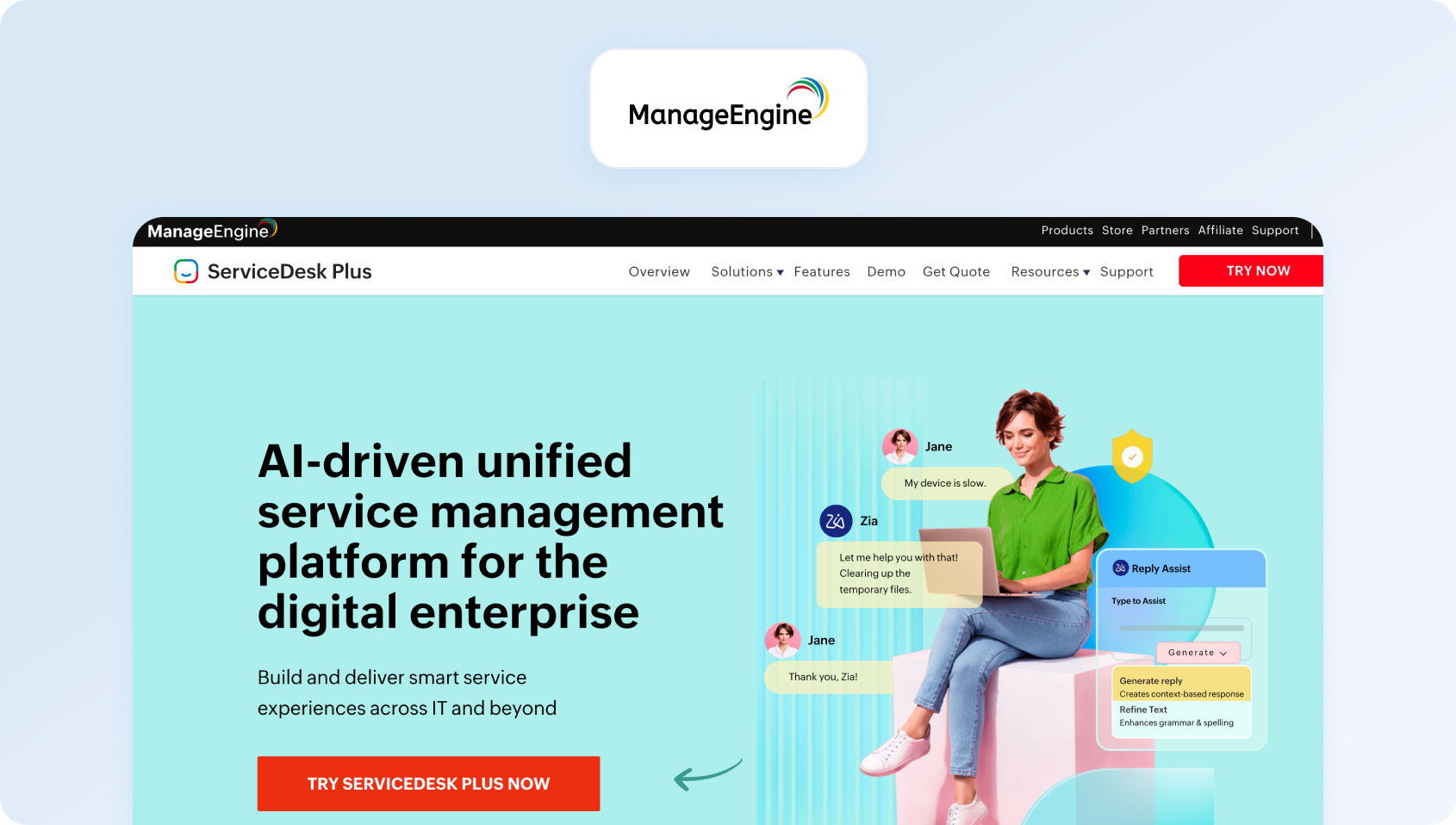
ManageEngine ServiceDesk Plus focuses on IT service management with help desk capabilities. It targets IT departments needing unified ITSM and support.
Best for: ManageEngine ServiceDesk Plus is best for IT departments and MSPs that need ITSM features like asset and change management alongside affordable per-technician pricing.
Features:
- ITSM ticketing and incident management
- Asset and configuration management
- Change and release management
- Knowledge base
- Self-service portal
- Automation and workflow rules
- Reporting and analytics
- Cloud and on-premise options
Who Uses It: IT departments and MSPs needing ITSM with help desk functionality.
Pros:
- Comprehensive ITSM capabilities
- Affordable for IT departments
- Asset and configuration management included
- Good for internal IT service
Cons:
- Better suited for internal IT than customer-facing support
- Interface feels dated
- Learning curve for non-technical users
- Limited omnichannel capabilities for customer service
Pricing:
- Standard: From $13/technician/month (billed annually)
- Professional: From $27/technician/month (billed annually)
- Enterprise: From $67/technician/month (billed annually)
Note: ManageEngine ServiceDesk Plus offers transparent per-technician pricing, with higher tiers adding more advanced IT service management and asset management capabilities. Organisations should also factor in optional add-ons, such as live chat, remote control, and other ITSM modules, when estimating the total cost of ownership.
28. SolarWinds Service Desk: Best for IT Asset Management
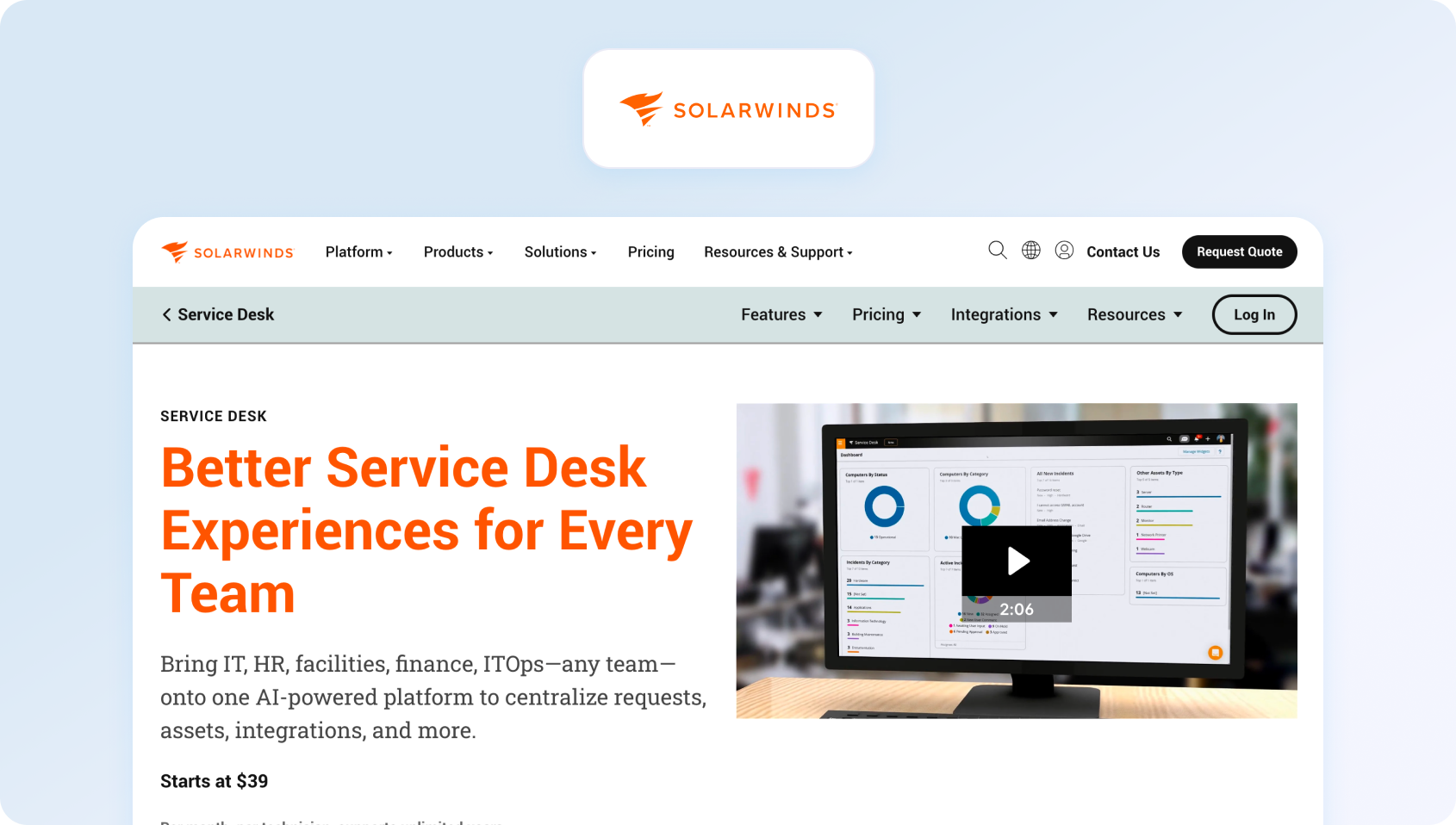
SolarWinds Service Desk provides help desk software, integrated with IT service management and asset tracking.
Best for: SolarWinds Service Desk is best for IT departments and MSPs that want strong asset management and tracking bundled with their help desk ticketing.
Features:
- Ticketing and incident management
- Asset management and tracking
- Change management
- Knowledge base
- Self-service portal
- Automation workflows
- Reporting and dashboards
- Cloud-based deployment
Who Uses It: IT departments and MSPs needing help desk software with asset management.
Pros:
- Strong asset management capabilities
- Good for IT service management
- Unlimited end-user support
- Cloud-based with good uptime
Cons:
- Expensive for basic help desk needs
- Best suited for IT departments, not customer service
- Limited omnichannel capabilities
- Some users report complex configuration
Pricing:
- Essentials: $39/technician/month (billed annually)
- Advanced: $99/technician/month (billed annually)
- Premier: $124/technician/month (billed annually)
Note: SolarWinds Service Desk offers transparent per-technician pricing, with higher tiers adding AI-powered automation, enterprise service management, and more advanced ITSM capabilities. Organizations should also factor in asset management licensing and optional AI features when estimating the total cost of ownership.
What Matters for a Help Desk Software in 2026
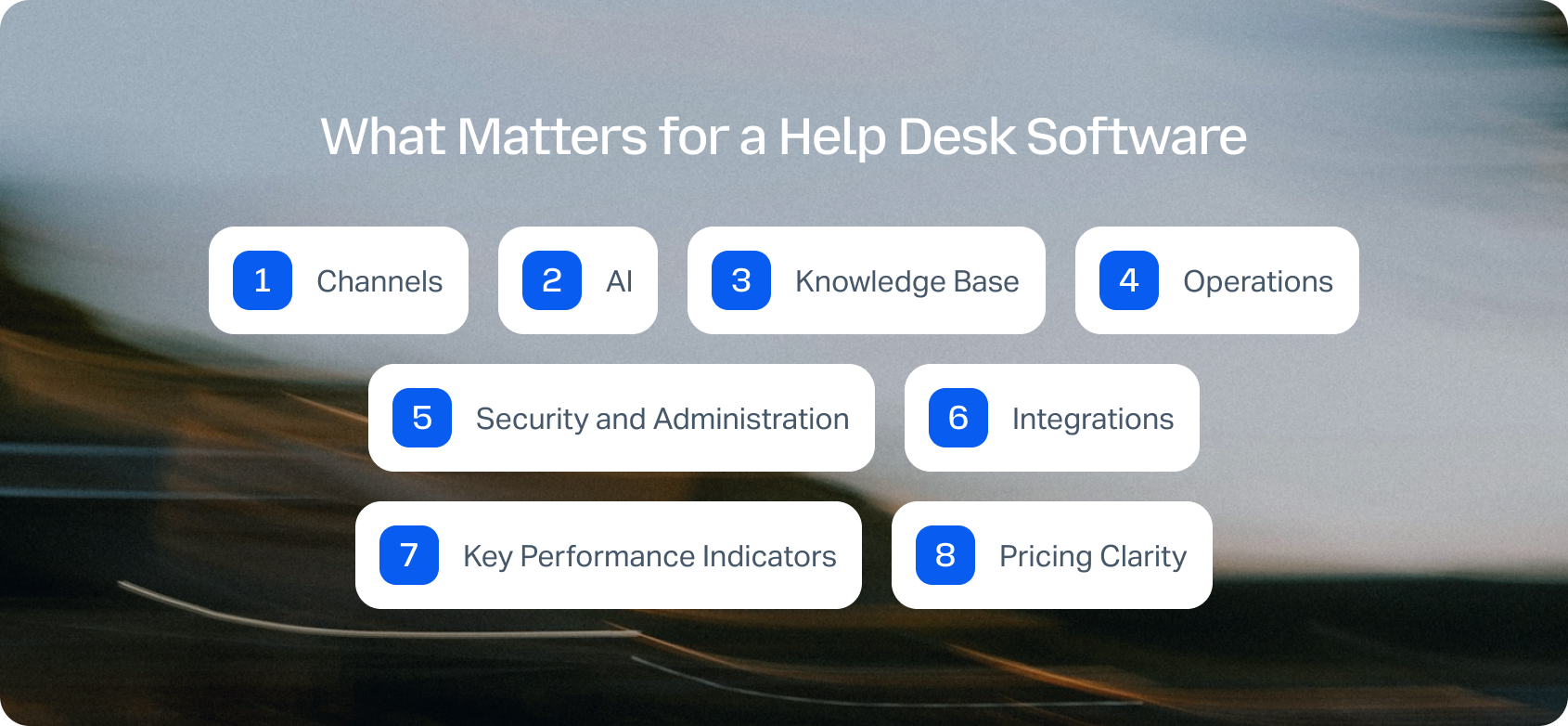
Channels
Modern help desk software for customer support needs to meet people where they are. Whether they want to chat on the phone or via social media, companies need to be agile. A robust help desk system consolidates these multiple support channels into a unified inbox, allowing agents to view the complete customer history regardless of how customers contact you. Seamless handoffs from chat to voice or email to chat prevent customers from repeating themselves and keep your support agents working in one workspace.
AI
AI supports the flow from intake to resolution. Incoming messages are classified with natural language processing, which tags issue type, priority, and required skills to route work to the correct queue. Agents receive a concise AI ticket summary, as lengthy email threads or chats are distilled into key points. During the conversation, suggested replies pull trusted content from your knowledge base to speed up responses and keep them consistent, while real-time translation enables agents to assist customers in any language. In parallel, sentiment analysis flags at-risk conversations, allowing leaders to prioritize follow-up and prevent escalations. Agents are not overwhelmed with redundant tickets due to spam filtering.
Knowledge Base
A smart knowledge base does more than store articles. It integrates into agent workflows, surfacing relevant help articles mid-conversation. For customers, it enables self-service options through a customer portal, thereby reducing ticket volume and enhancing the customer experience. The best help desk tools ground their AI-proposed replies in knowledge base content, ensuring agents provide accurate and consistent information without relying on guesswork.
Operations
Call center workforce management uses ticket trends to forecast demand and schedules agents to meet it. Customer service quality assurance samples interactions, scores them against rubrics, and surfaces coaching opportunities. SLA dashboards show real-time performance by agent, team, channel, and priority. Automated ticket routing distributes workload effectively across your customer support team.
Security and Administration
Administration features, including multi-factor authentication, audit logs, role-based permissions, and data retention policies, are non-negotiable for compliance with regulations like the General Data Protection Regulation. You need controls in place to determine who can change routing rules, access customer data, or modify system configurations. Enterprise help desk software must meet strict data security standards.
Integrations
Your help desk should integrate with CRM systems (such as Salesforce or HubSpot), commerce platforms (like Shopify or Magento), telephony systems, and business intelligence tools. Open APIs and webhooks enable custom workflows without the need for middleware. The best help desk software solutions offer extensive customization options through integration capabilities that connect your entire tech stack.
Key Performance Indicators
Begin with a concise scorecard that tells a single story. First-contact resolution indicates whether issues are resolved on the first interaction, while average handle time reflects agent productivity. In parallel, the containment rate indicates how well your AI voicebot or AI customer service chatbot deflects tickets, and the abandonment rate signals capacity or wait-time problems. Pair these with time-to-resolution to see how quickly cases close; layer in sentiment scores to identify at-risk customers; and use CSAT to confirm that the experience was well-received.
Pricing Clarity
Understand seat-based costs versus usage fees. Some help desk software SaaS platforms charge per user per month for basic features, then meter additional services such as tickets, AI interactions, or support requests separately. Others use ticket-based pricing models that scale with volume. Avoid desk platforms that require expensive add-ons for essential help desk software features, such as automated ticket routing, knowledge base integration, or AI assistance. Look for transparent pricing that includes core capabilities without forcing everything into premium tiers.
Understanding what to look for is one thing, seeing it in action is another. If you'd like to explore how AI-powered ticketing, phone support, workforce management, quality assurance, and omnichannel customer service work together in a single platform, book a personalized BlueTweak demo.
We'll show you how teams can automate ticket routing, improve agent productivity, and deliver faster, more consistent customer support.
How We Evaluated
This customer help desk software comparison draws on publicly available sources, including vendor documentation, feature breakdowns, and real-world case studies.
We also reviewed public customer logos and case studies to see which platforms are being used in practice. When pricing is listed on a vendor’s site, you’ll see it here. If it’s hidden behind a quote request or varies by plan, we’ve also noted that.
The pros and cons aren’t guesses or marketing fluff, either. Our help desk tools comparison is grounded in what’s verifiable. No hype, no filler. Just a straightforward, evidence-based comparison of help desk software to help you choose the right help desk software for your team.
Must-Have Capability Checklist
When evaluating top help desk software, it has to cover these foundational requirements:
- Omnichannel intake: Email, chat, voice, and social messaging, so customer context flows between channels
- Knowledge base integration: Strong KB-grounded answers for consistent support
- AI features: Classification, summarization, proposed reply, and translation to streamline communication
- Analytics: Track 2–3 KPIs, including ticket resolution rates, customer satisfaction, and agent performance
- Workforce management and quality assurance: Native modules or strong first-party integration
- Security and administration: MFA, audit logs, role-based permissions for compliance
- Integration capabilities: APIs and pre-built connections with CRM, commerce, and business systems
- Transparent pricing: Core AI features included, not only sold as add-ons
- Task management: Organizational tools to help agents prioritize and track customer inquiries
Scoring Rubric
These factors guided our evaluation of the best help desk tools:
Choosing the Right Help Desk Software in 2026
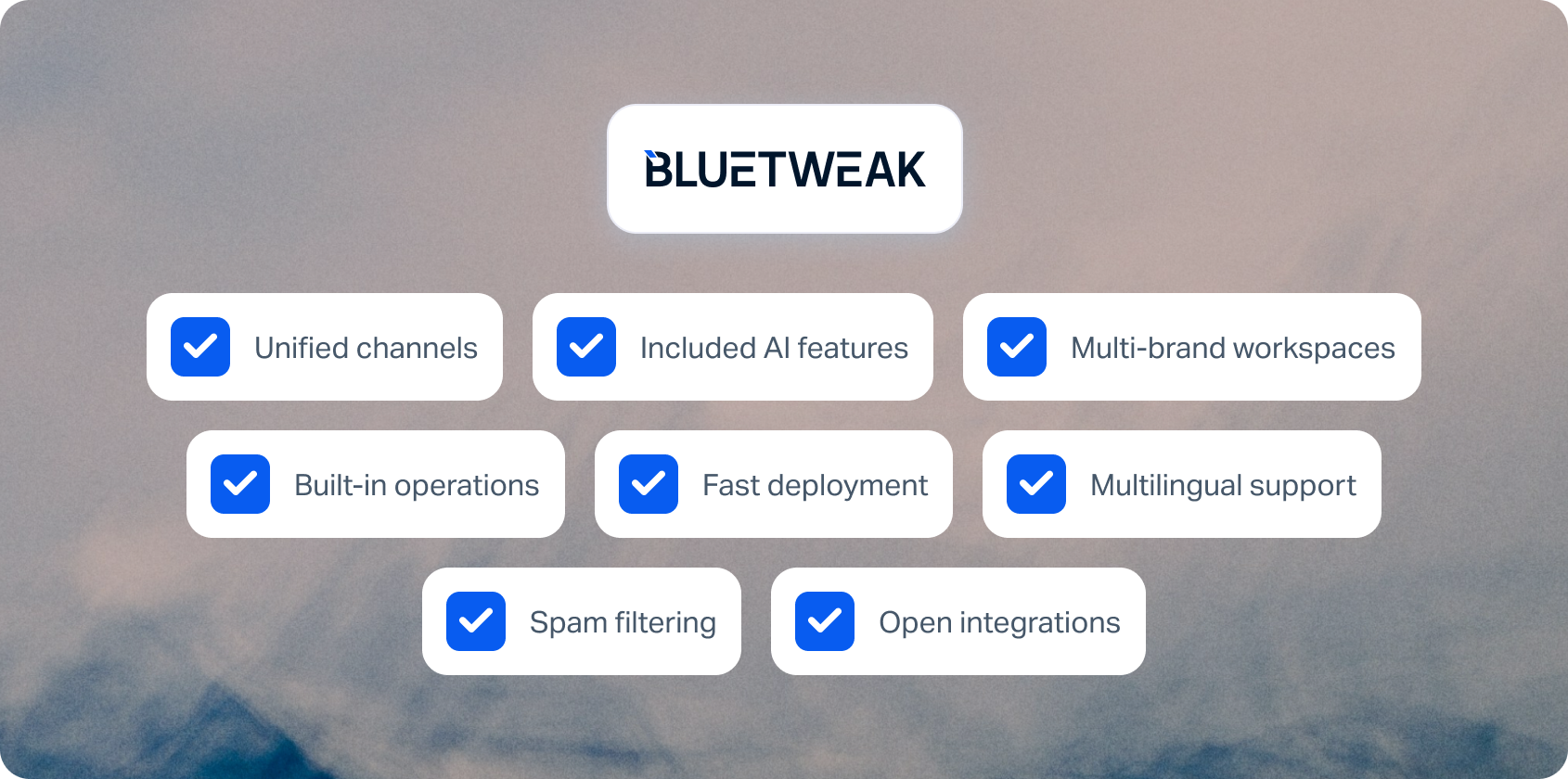
The best help desk software in 2026 depends on your team size, channel requirements, AI needs, and operational complexity. If you're a small team primarily handling email support with occasional chat, platforms like Help Scout, Freshdesk, or Zoho Desk offer simplicity and affordable entry pricing. For enterprises managing hundreds of agents across multiple channels, Salesforce Service Cloud, ServiceNow, and Genesys Cloud CX provide extensive capabilities, albeit with greater complexity and higher costs.
For customer support teams with 20 to 100 agents that need true omnichannel coverage, AI-powered automation, and workforce management without relying on multiple disconnected tools, BlueTweak stands out. It combines voice, email, chat, and social messaging with AI-powered ticket summaries, suggested replies, call transcription, workforce management, quality assurance, and transparent pricing in a single platform.
BlueTweak is a strong fit if you:
- Need a customer service platform that unifies voice, email, chat, and social channels
- Want AI features like call transcription, ticket summarisation, and knowledge base-grounded suggested replies included without expensive add-ons
- Manage multiple brands or client accounts from a single workspace
- Need built-in workforce management and quality assurance instead of third-party integrations
- Want to deploy in weeks rather than months
- Support multilingual customers with real-time translation
- Need automated spam detection to keep agents focused on genuine customer enquiries
- Prefer an API-first platform that integrates with your existing business systems
Ready to see BlueTweak in action? Book a personalised demo to explore its omnichannel capabilities, AI-powered automation, workforce management, and unified analytics. You can also use the ROI Calculator to estimate how much your business could save by consolidating customer support into a single platform.
Latest articles
The 17 Best AI Customer Service Solutions for Support Teams in 2026
What Are AI Customer Service Solutions?
AI customer service solutions are platforms that use artificial intelligence (combining machine learning, natural language processing, and RAG-grounded knowledge bases) to automate, assist, and optimize customer interactions across voice, chat, email, and social channels. This is why modern AI solutions for customer service are now being evaluated based on how deeply AI is embedded across the entire support lifecycle, not just surface-level automation.
But that definition hides a more important reality: not all AI in customer service is designed to solve the same problems. Most legacy customer service software has simply layered AI on top of existing ticketing systems, creating fragmented tools, inconsistent customer interactions, and AI that can suggest, but rarely resolve, the root of a customer’s problem.
Modern AI solutions in customer service operate differently. They apply AI across the full lifecycle:
- Before the interaction: intelligent routing based on customer intent and historical customer data
- During the interaction: real-time assistance from AI agents, suggested replies, and personalized support for human agents
- After the interaction: automated summaries, QA scoring, and predictive analytics to improve future outcomes
This shift marks a genuine inflection point. According to a 2026 report from Deloitte, 64% of service leaders report higher agent productivity and 39% report lower cost per contact as a result of AI adoption. This offers clear evidence that AI in customer service is moving from experimentation to measurable impact.
Today, this divide is shaping the market, and prospective customers are no longer asking if a platform has AI, but instead are asking if AI is embedded across every interaction (or is it bolted on as an ‘extra’). This is because the difference shows up fast:
- In resolution times
- In agent productivity
- In customer experience
- And ultimately, in operational costs
AI customer service automation solutions aren’t considered optional in 2026; they are a necessity, and choosing the wrong one is becoming increasingly expensive.
AI Customer Service Solutions at a Glance
AI customer service solutions are platforms that use artificial intelligence to automate, assist, and optimize customer interactions across channels like chat, voice, email, and social. They typically use machine learning, natural language processing, and knowledge base grounding.
Choosing between AI-powered customer service solutions in 2026 is less about whether a platform has AI and more about how deeply that AI is embedded. Some tools offer AI as an add-on layer. Others use it to power the entire customer experience, from routing to resolution to post-interaction analysis.
To make that distinction clearer, the table below compares the leading seven platforms across the factors that matter most to modern support teams, including whether AI is included in the base plan, how well it integrates across channels, and where each tool has a genuine edge.
Top-tier table:
| Platform | Best For | AI in Base | Voice AI | KB-Grounded | Unique Edge |
| BlueTweak | Omnichannel AI-native teams | Yes | Yes | Yes | AI-first architecture + WFM |
| Zendesk | Enterprise ticketing | Partial | Add-on | Yes | Market leader ecosystem |
| Intercom | SaaS / product-led | Yes | Limited | Yes | Fin AI agent |
| Salesforce Service Cloud | Salesforce users | Add-on | Yes | Yes | Deep CRM integration |
| Genesys Cloud CX | Enterprise contact centers | Yes | Yes | Yes | Global voice AI |
| Ada | Bot-first automation | Yes | No | Yes | High containment |
| Gorgias | Ecommerce | Yes | No | Yes | Shopify-native |
Only a handful of platforms in this category include AI natively within their base pricing; most still rely on add-ons that can significantly increase total cost as you scale.
While this snapshot highlights the leading AI customer service solutions, it’s not exhaustive. The comparison above is based on publicly available information (including pricing pages, product documentation, and verified feature listings) as of Q2 2026.
To help you make a more informed decision, the breakdown and full table below explore each platform in detail, covering real-world strengths, limitations, and where each solution fits depending on your customer support goals and business needs.
The 17 Best AI Customer Service Solutions for 2026
The best AI customer service solutions are platforms that combine AI-native automation, knowledge base grounding, and omnichannel support to manage, resolve, and optimize customer interactions across the entire service lifecycle.
These platforms were evaluated based on publicly available documentation, pricing pages, and verified capabilities as of Q2 2026. Ordering reflects feature breadth, market presence, and AI maturity, with a focus on how effectively each solution applies AI across real-world customer service operations.
1) BlueTweak — Best AI Customer Service Solution for Omnichannel Support Teams
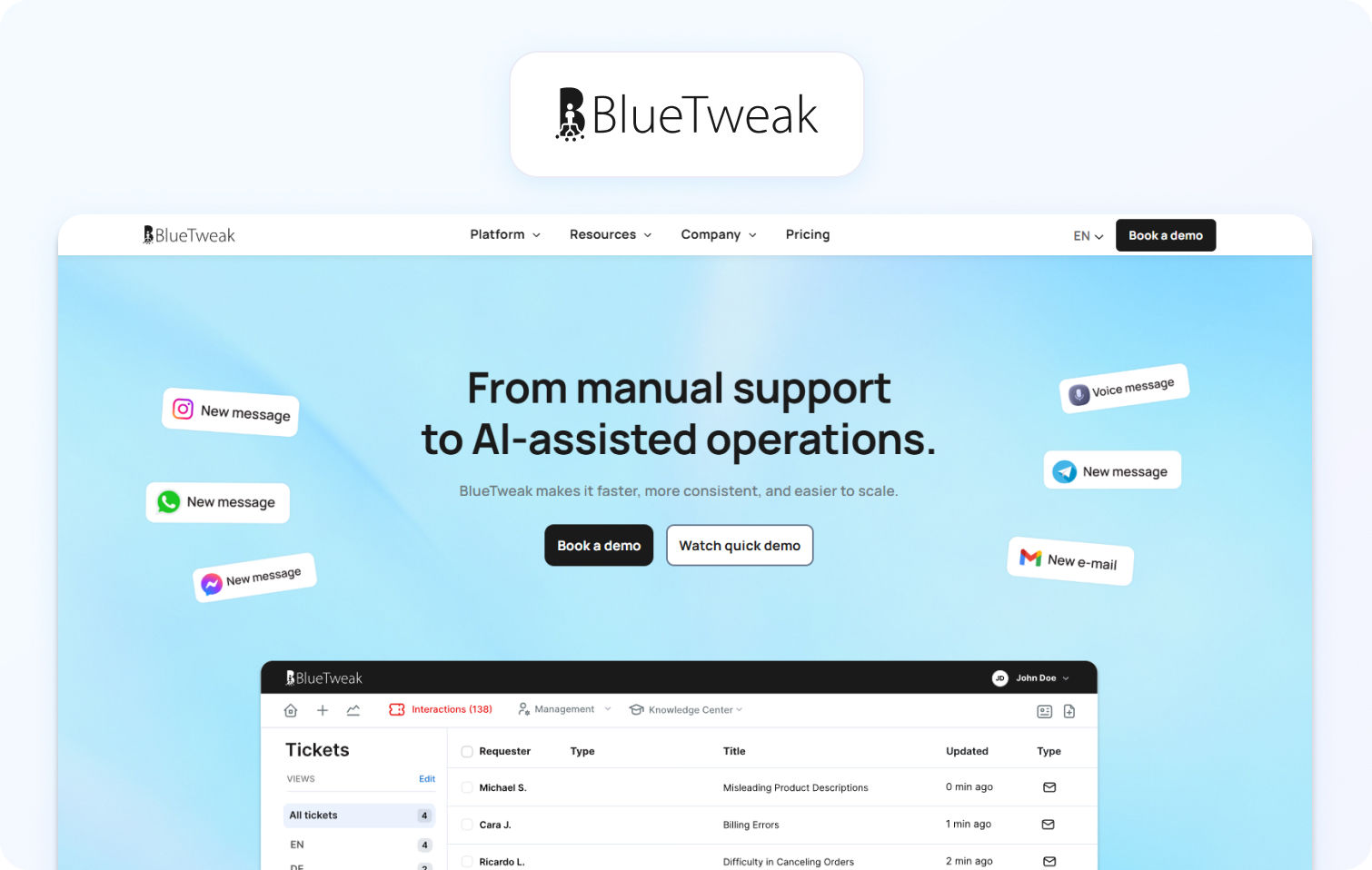
What it is: BlueTweak is a fully unified AI customer support platform built for modern support teams needing voice, chat, email, and social in one service hub. Its AI capabilities are powered by enterprise-grade cloud infrastructure and large language model frameworks (including LLM orchestration and scalable cloud environments such as AWS and Azure), enabling secure, high-performance, and fully integrated AI-driven customer interactions.
Best for: Organizations looking to replace fragmented tools with a single, AI-native platform that can streamline support, reduce operational costs, and deliver exceptional customer experiences at scale.
Key AI features:
- BlueTweak’s AI agents are powered by machine learning and natural language processing
- RAG-grounded knowledge base for accurate responses
- Real-time agent assist for human agents
- Built-in predictive analytics to anticipate customer needs
- AI summarization of customer conversations
Channels: Voice, chat, email, social, SMS
Pricing: Transparent pricing, starting at €65 per agent, per month, with all core features included. Free trial available.
Pros:
- True AI-powered customer service (not an add-on)
- Unified customer data and complete customer context
- Native WFM and QA tools improve agent productivity
Cons:
- Requires onboarding alignment for complex service strategies
Case Study: A leading packaging company used BlueTweak’s unified AI customer service solution to streamline fragmented customer service operations and improve visibility across customer interactions. By centralizing customer data, implementing a RAG-grounded knowledge base, and enabling real-time insights for support teams, the business saw a 28% increase in NPS, a 20% reduction in complaints, and a 15% improvement in team efficiency.
This demonstrates how AI-driven, omnichannel customer service solutions can directly elevate customer satisfaction, improve service quality, and create measurable gains across support operations.
AI in customer service isn’t about replacing human support, it’s about elevating it. The real value comes when AI and human agents operate from the same system, with shared context and intelligence

See for youself. Get a 14-day free trial today.
Get Free Trial2) Zendesk — Best AI Customer Service Solution for Enterprise Ticketing at Scale
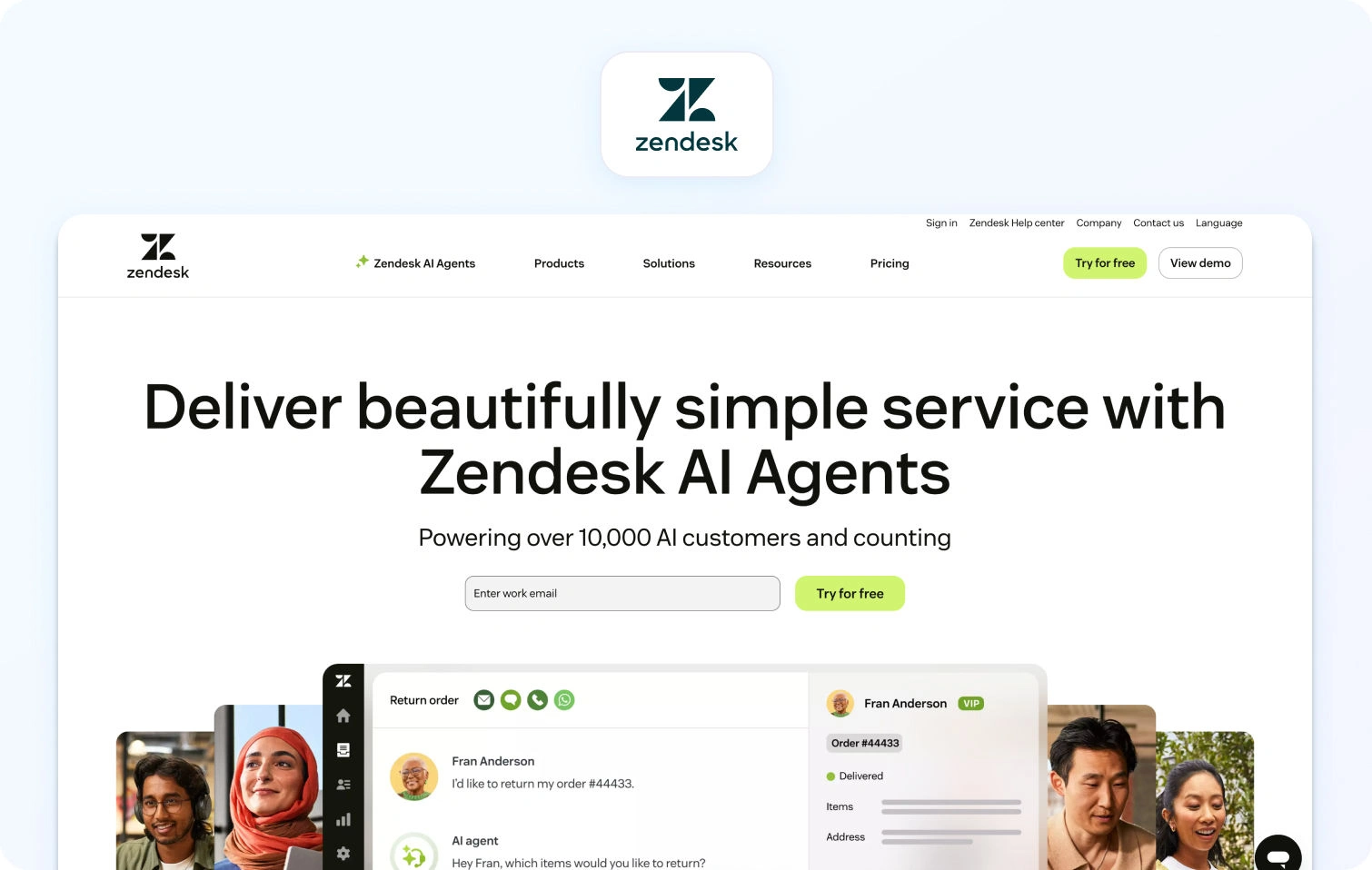
What it is: Zendesk is a widely adopted enterprise customer service software platform that combines ticketing, omnichannel messaging, and AI-assisted workflows for large-scale support operations.
Best for: Large enterprises needing structured ticketing, workflow automation, and layered AI tools across global customer support teams.
Key AI features:
- Zendesk AI for suggested replies and ticket triage
- Intent detection for customer inquiries
- Automated routing and prioritisation
- AI-powered knowledge base suggestions
Channels: Voice, chat, email, social
Pricing: Custom pricing, verify for details. Free trial available.
Pros:
- Mature enterprise ecosystem
- Strong workflow automation for service teams
- Extensive integrations
Cons:
- AI capabilities fragmented across paid add-ons
- Total cost increases significantly with AI modules
3) Intercom — Best AI Customer Service Solution for SaaS and Product-Led Teams
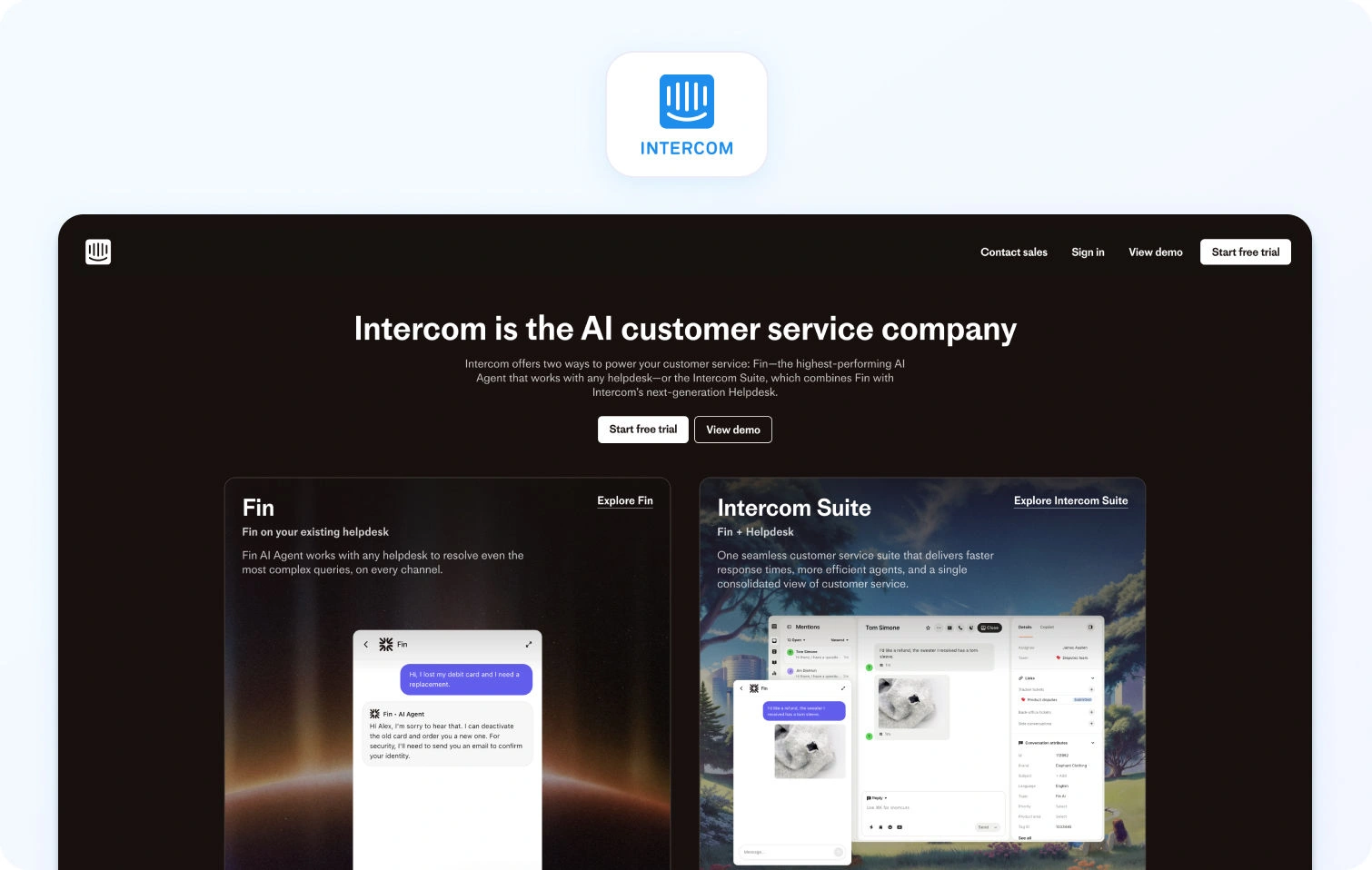
What it is: Intercom is a conversational customer support platform built for SaaS companies, combining messaging, automation, and its Fin AI agent.
Best for: Product-led companies focused on in-app customer experience and conversational support.
Key AI features:
- Fin AI agent for automated resolution
- AI-generated responses based on customer data
- Workflow automation for customer interactions
- Sentiment-aware routing
Channels: Chat, email, in-app messaging
Pricing: Starting at approx. $29 per seat, per month, plus usage-based AI costs; verify for details. Free trial available.
Pros:
- Strong conversational UX for customer support
- Fast deployment for SaaS teams
- Good automation for repetitive customer requests
Cons:
- Limited native voice support
- AI costs scale quickly with volume
4) Freshdesk — Best AI Customer Service Solution for Budget-Conscious Growing Teams
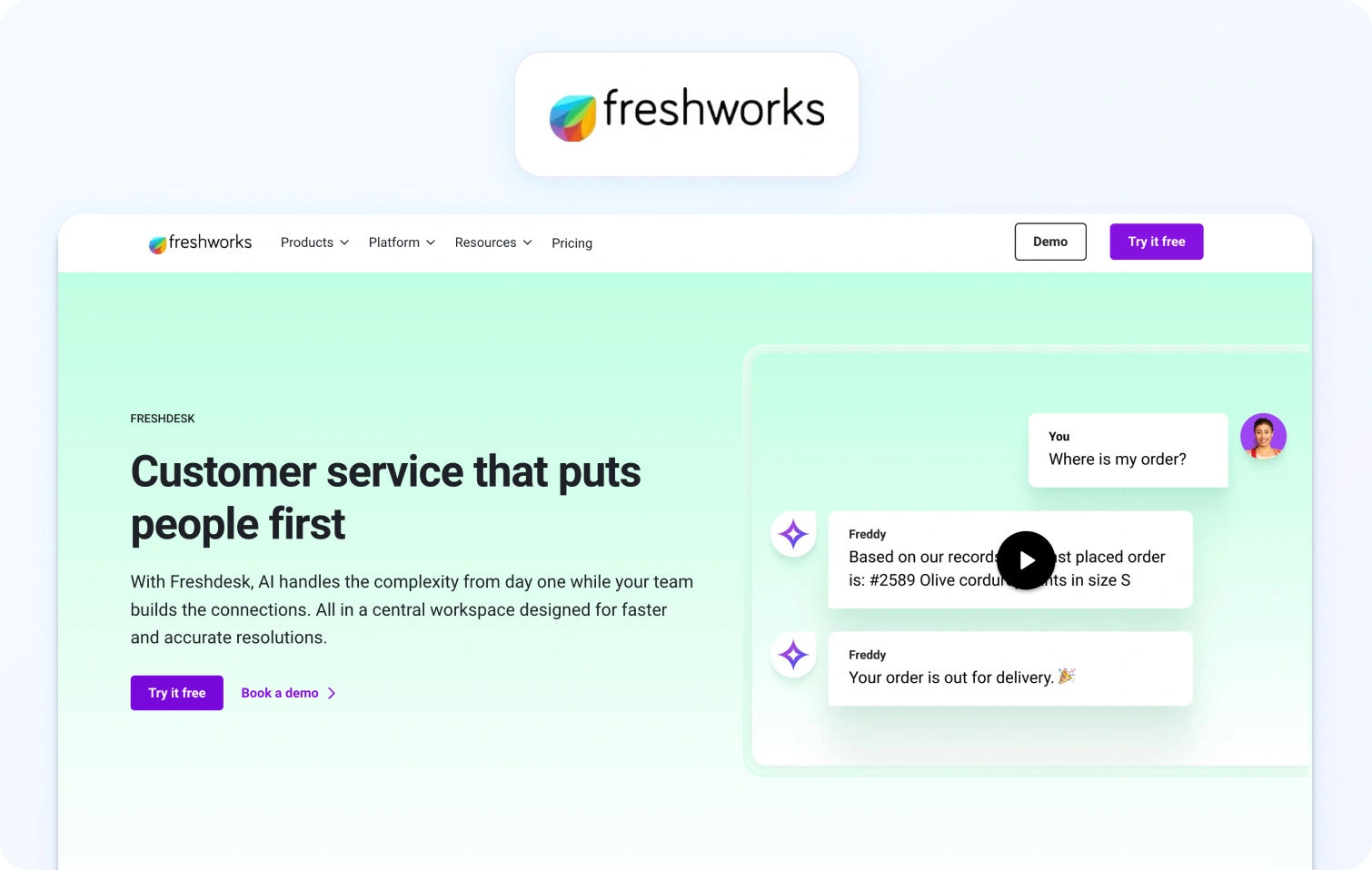
What it is: Freshdesk is a scalable customer service software platform offering ticketing, automation, and AI support tools for mid-market teams.
Best for: Growing businesses needing affordable customer service solutions with basic AI capabilities.
Key AI features:
- Freddy AI for suggested replies
- Ticket classification and routing
- Automated response workflows
- Basic sentiment detection
Channels: Email, chat, voice (add-on), social
Pricing: Starting at approx. $15 per agent, per month, verify for details. Free trial available.
Pros:
- Cost-effective entry point
- Easy onboarding for support teams
- Solid automation for routine customer queries
Cons:
- Advanced AI features locked behind higher tiers
- Limited depth in omnichannel orchestration
5) Salesforce Service Cloud — Best AI Customer Service Solution for Salesforce-Embedded Enterprises
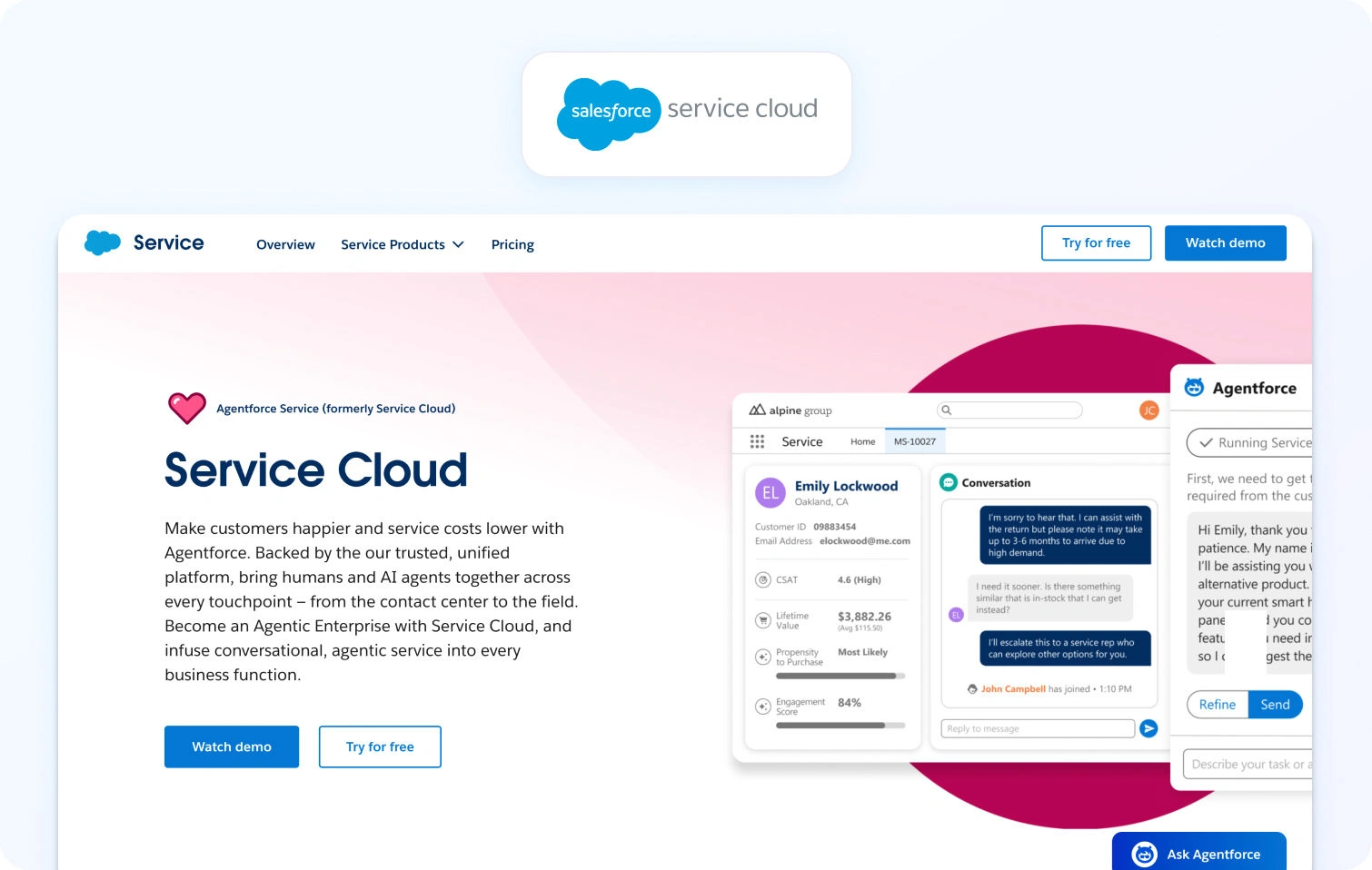
What it is: Salesforce Service Cloud is an enterprise-grade customer support software integrated deeply with Salesforce CRM and Einstein AI.
Best for: Enterprises already using Salesforce for CRM and sales operations.
Key AI features:
- Einstein AI for case classification
- Predictive routing and customer intent detection
- AI-generated knowledge suggestions
- Automated case summarisation
Channels: Voice, chat, email, social
Pricing: Tiered pricing from $25 per user, per month, verify for details. Free trial available.
Pros:
- Deep CRM integration for full customer data visibility
- Strong enterprise scalability
- Advanced analytics and forecasting
Cons:
- High complexity and long implementation cycles
- AI capabilities fragmented across modules
6) HubSpot Service Hub — Best AI Customer Service Solution for Sales-Led Organizations
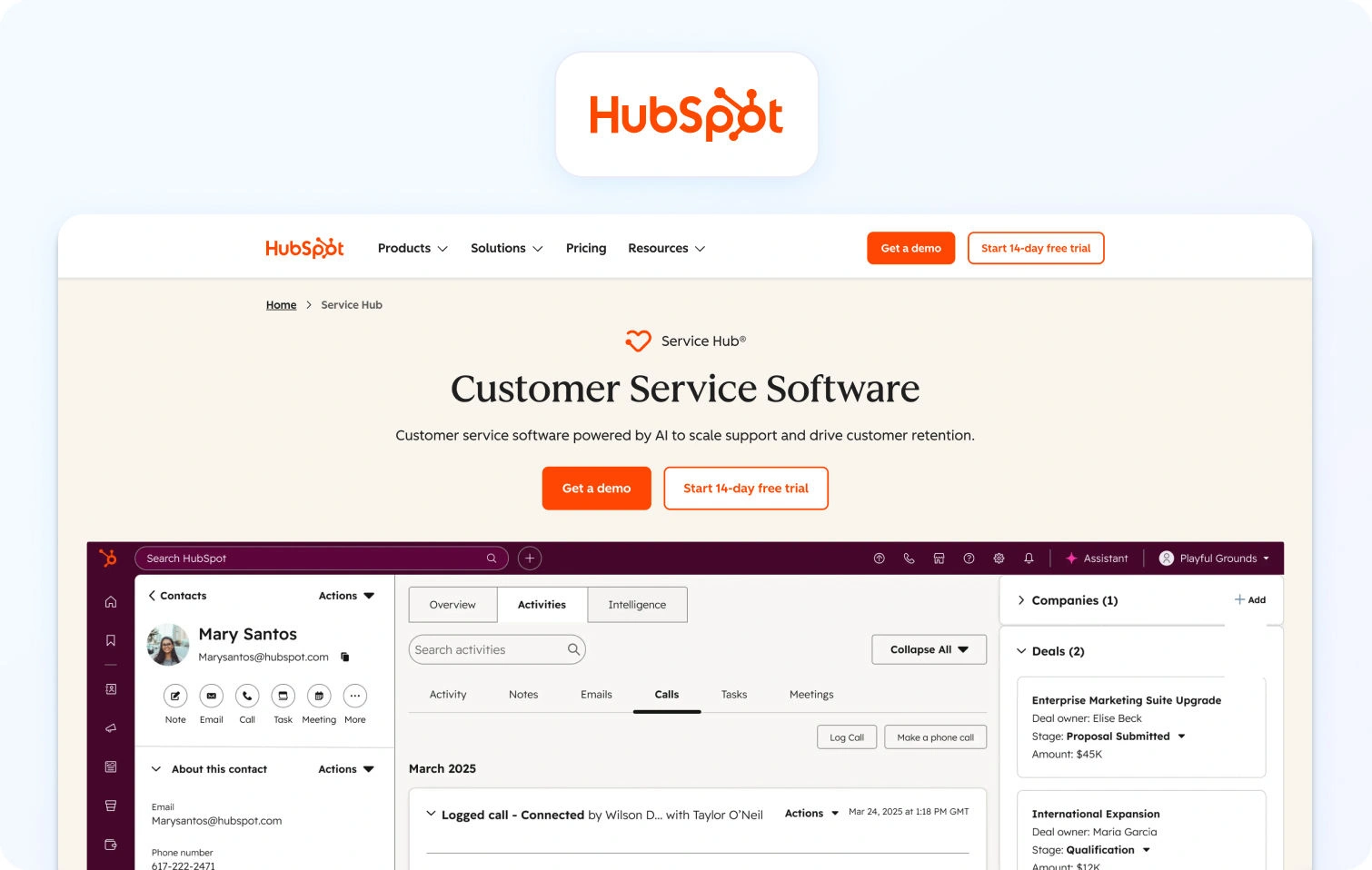
What it is: HubSpot Service Hub is a lightweight customer support platform designed to unify service, marketing, and sales data.
Best for: Sales-led organisations needing simple customer service solutions tied to CRM.
Key AI features:
- AI-assisted ticketing and responses
- Knowledge base article suggestions
- Conversation summarisation
- Basic chatbot automation
Channels: Email, chat, social
Pricing: Free and paid plans available, verify for details.
Pros:
- Strong CRM alignment across teams
- Easy adoption for support teams
- Unified customer lifecycle visibility
Cons:
- Limited advanced AI capabilities
- Less suitable for complex support environments
7) Kustomer — Best AI Customer Service Solution for CRM-Native Conversation Management
What it is: Kustomer is a CRM-first customer support platform built around unified timelines of customer interactions.
Best for: Teams needing full conversational history across channels.
Key AI features:
- AI-driven conversation summaries
- Automated routing based on customer behavior
- Sentiment analysis
- Suggested replies for agents
Channels: Voice, chat, email, SMS
Pricing: Custom pricing, verify for details.
Pros:
- Strong unified customer timeline
- Good visibility into past interactions
- CRM-native architecture
Cons:
- Smaller ecosystem than competitors
- AI features still maturing
8) Ada — Best AI Customer Service Solution for High-Volume Bot-First Resolution
What it is: Ada is a chatbot-first AI customer support solution designed for high automation and containment.
Best for: Businesses prioritising self-service and deflection at scale.
Key AI features:
- AI chatbot for automated resolution
- Intent recognition using machine learning
- Automated workflows for customer requests
- Knowledge base integration
Channels: Chat, messaging platforms
Pricing: Custom pricing, verify for details.
Pros:
- High automation and containment rates
- Strong self-service capabilities
- Fast scaling for customer inquiries
Cons:
- Limited human agent tooling
- Less suited for complex omnichannel support
9) Genesys Cloud CX — Best AI Customer Service Solution for Global Enterprise Contact Centers
What it is: Genesys Cloud CX is a contact centre platform focused on enterprise-scale voice and omnichannel customer support.
Best for: Large global contact centres requiring advanced routing and workforce optimisation.
Key AI features:
- Predictive engagement and routing
- Speech and sentiment analysis
- AI-powered workforce management
- Automated transcription and summarisation
Channels: Voice, chat, email, SMS
Pricing: Tiered pricing, starting at approx. $75 per user, per month; verify for details.
Pros:
- Industry-leading voice capabilities
- Strong workforce management tools
- Advanced analytics for support operations
Cons:
- Complex setup and configuration
- High enterprise cost structure
10) Zoho Desk — Best AI Customer Service Solution for Teams in the Zoho Ecosystem
What it is: Zoho Desk is a cost-effective customer service software platform integrated into the Zoho ecosystem.
Best for: SMEs already using Zoho products.
Key AI features:
- Zia AI assistant for ticket classification
- Sentiment detection
- Suggested replies
- Knowledge base recommendations
Channels: Email, chat, social
Pricing: Free and paid plans available; verify for details. Free trial available.
Pros:
- Very affordable
- Strong ecosystem integration
- Good for basic support teams
Cons:
- Limited AI sophistication
- Less suitable for enterprise use cases
11) Help Scout — Best AI Customer Service Solution for Small and Mid-Size Support Teams
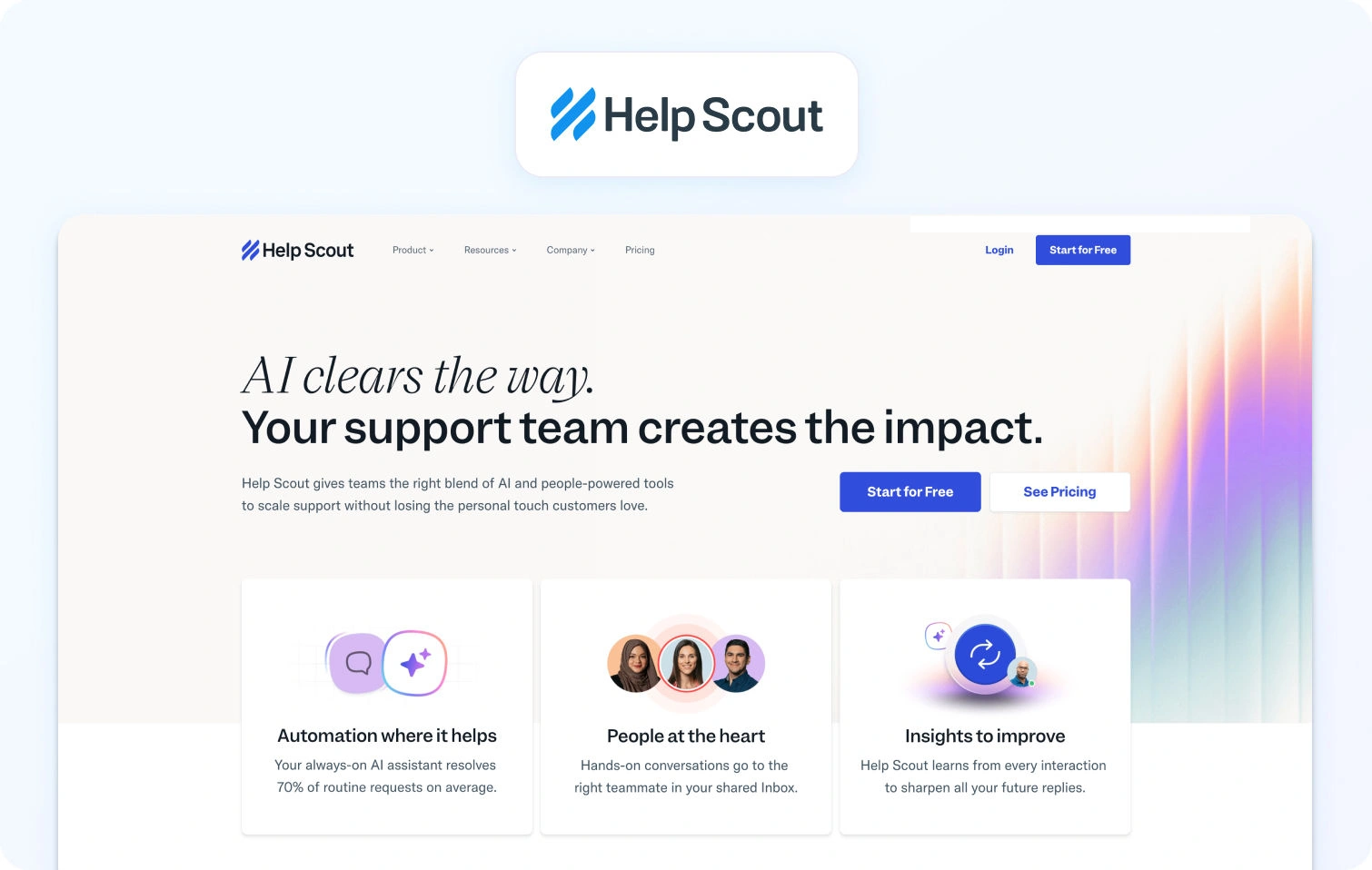
What it is: Help Scout is a simple, shared inbox-style customer support platform focused on usability.
Best for: SMBs prioritising simplicity and human-centric support.
Key AI features:
- AI-assisted replies
- Conversation summaries
- Knowledge base suggestions
- Basic automation workflows
Channels: Email, chat
Pricing: Free and paid plans, verify for details. Free trial available.
Pros:
- Extremely easy to use
- Clean interface for support teams
- Strong collaboration tools
Cons:
- Limited omnichannel capabilities
- Basic AI functionality
12) Tidio — Best AI Customer Service Solution for SMB Live Chat and Bot Automation
What it is: Tidio is a lightweight AI customer support platform combining live chat and chatbot automation.
Best for: SMBs needing quick chatbot deployment.
Key AI features:
- AI chatbots for automation
- Prebuilt conversational flows
- Basic intent detection
- Live chat handover to agents
Channels: Chat, email integrations
Pricing: Free and paid plans, verify for details. “Start for free” option available.
Pros:
- Fast setup
- Affordable for SMBs
- Strong chatbot automation
Cons:
- Limited enterprise functionality
- Basic analytics and reporting
13) Comm100 — Best AI Customer Service Solution for Regulated Industries
What it is: Comm100 is a secure customer service software platform designed for compliance-heavy industries.
Best for: Government, education, and regulated sectors.
Key AI features:
- AI chatbots with compliance controls
- Automated routing
- Knowledge base integration
- Sentiment detection
Channels: Chat, email, social
Pricing: Tiered pricing, starting at $31 per agent, per month. Verify for details.
Pros:
- Strong compliance and security features
- Reliable chatbot automation
- Suitable for regulated customer support
Cons:
- Older feeling UX
- Limited AI depth compared to newer platforms
14) HappyFox — Best AI Customer Service Solution for IT and Internal Help Desk Teams
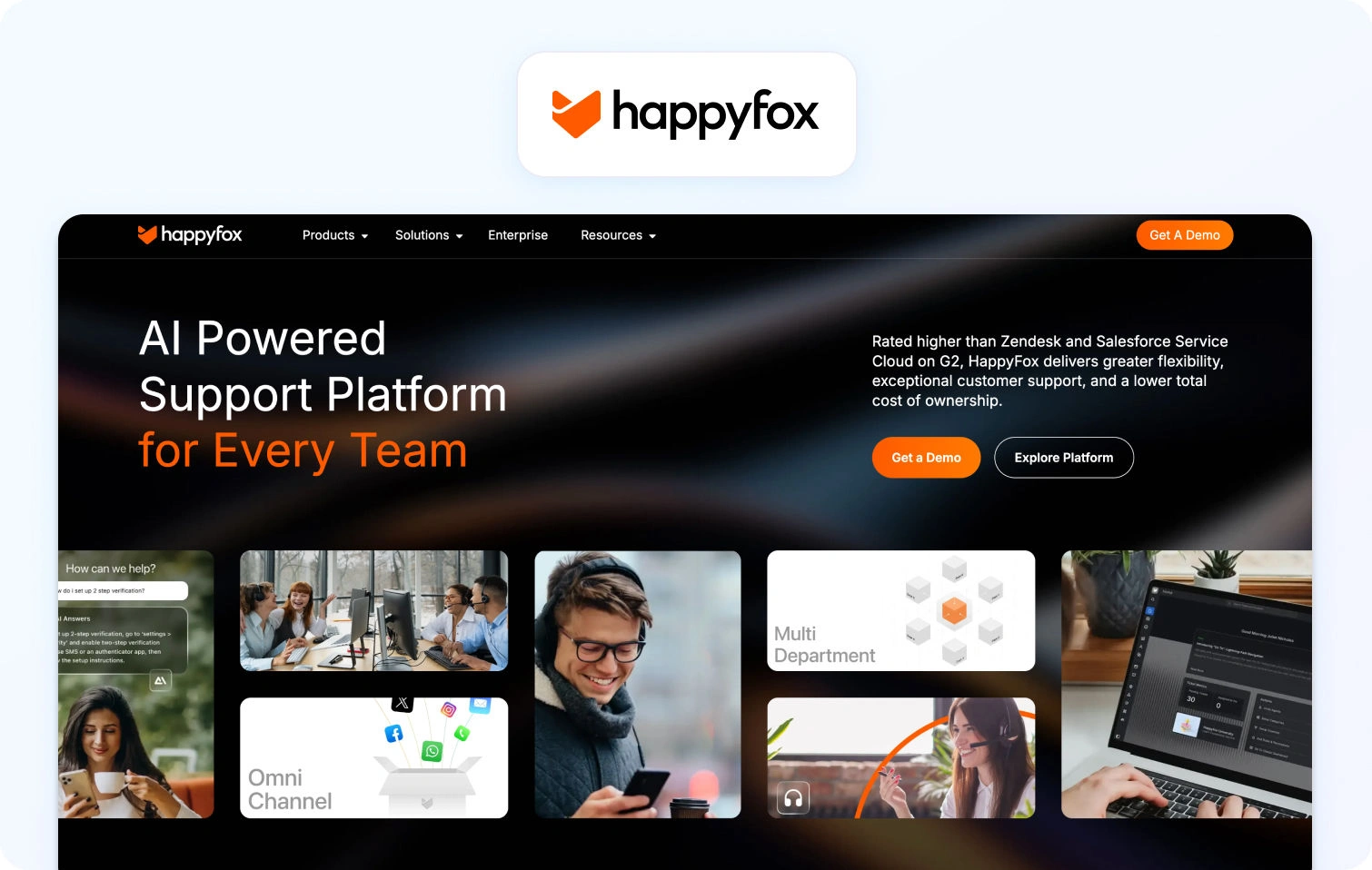
What it is: HappyFox is an IT-focused service hub designed for internal and external ticket management.
Best for: Internal IT and operations support teams.
Key AI features:
- Automated ticket classification
- Workflow automation
- Knowledge base suggestions
- Basic AI routing
Channels: Email, chat, web forms
Pricing: Tiered pricing starting at $24 per user, per month. Verify for details. Trial account available on request.
Pros:
- Strong internal support use case
- Reliable ticketing workflows
- Easy to deploy
Cons:
- Limited AI sophistication
- Not designed for customer-facing omnichannel support
15) LiveAgent — Best AI Customer Service Solution for Broad Channel Coverage at Lower Cost
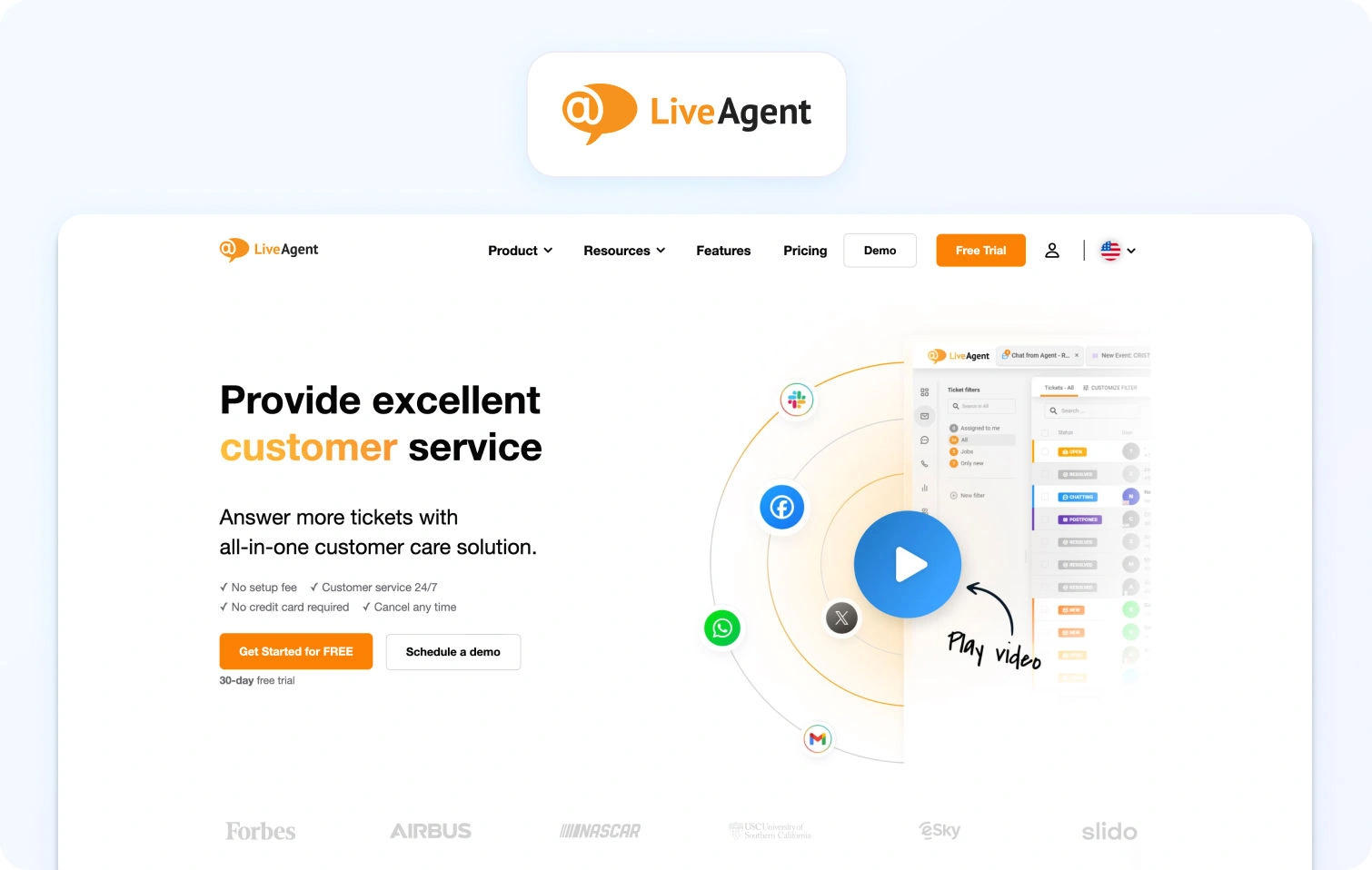
What it is: LiveAgent is a multi-channel customer service software platform offering broad communication coverage.
Best for: Teams needing cost-effective omnichannel support.
Key AI features:
- Basic chatbot automation
- Ticket routing rules
- Knowledge base support
- Simple AI-assisted workflows
Channels: Voice, chat, email, social
Pricing: Tiered pricing, starting at approx. $15 per user, per month, verify for details. Free trial available.
Pros:
- Wide channel coverage
- Affordable pricing
- Simple setup
Cons:
- Limited AI capabilities
- Less advanced analytics
16) Gorgias — Best AI Customer Service Solution for Ecommerce Support Teams
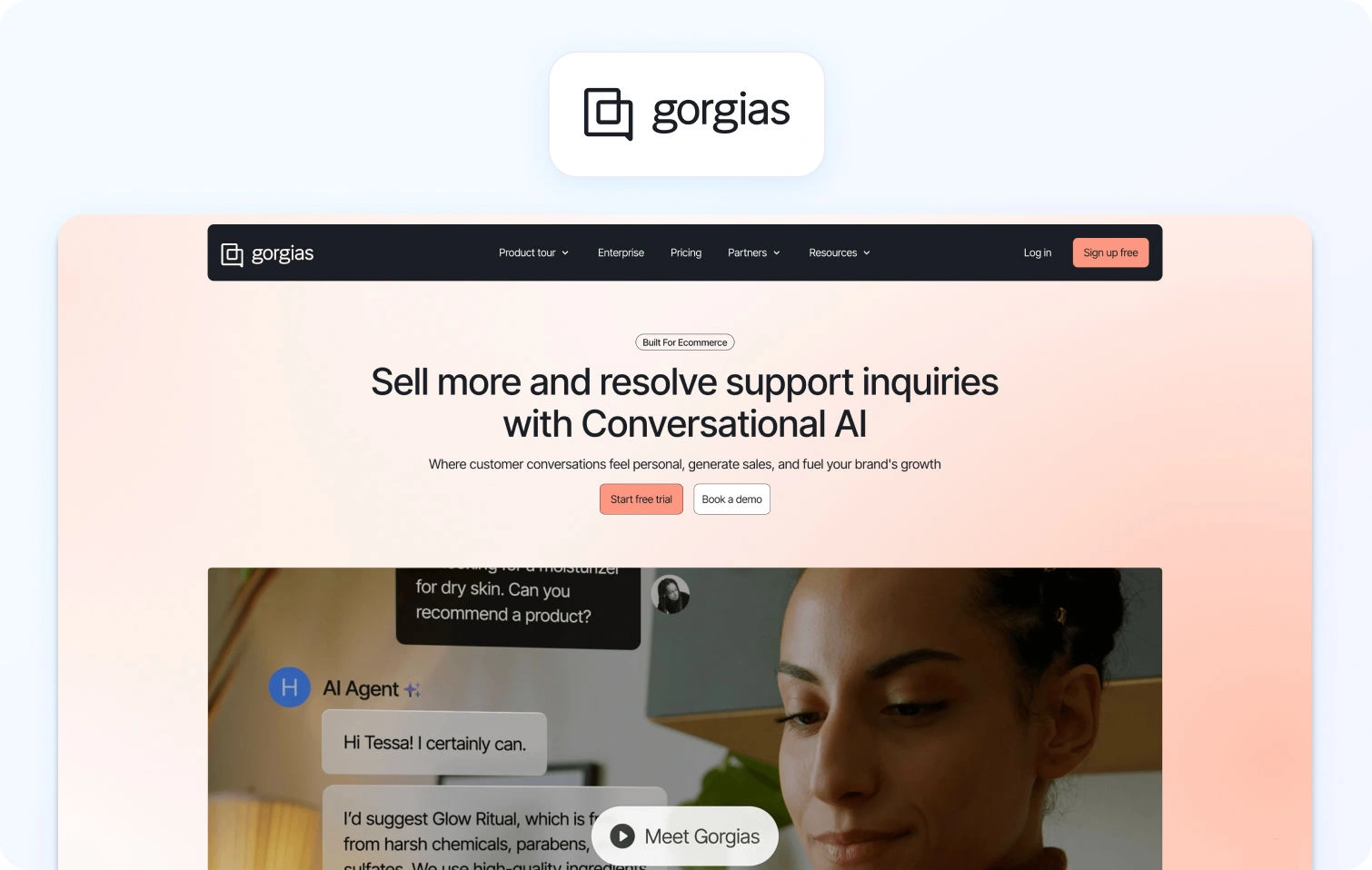
What it is: Gorgias is an ecommerce-focused customer support platform designed for Shopify and DTC brands.
Best for: E-commerce teams managing high volumes of customer inquiries.
Key AI features:
- AI-powered macros and responses
- Order-aware automation
- Sentiment detection
- Automated ticket tagging
Channels: Email, chat, social
Pricing: Tiered pricing starting at $10 per month, verify for details. Free trial available.
Pros:
- Deep ecommerce integration
- Strong automation for repetitive requests
- Fast ROI for DTC brands
Cons:
- Narrow ecommerce focus
- Limited enterprise scalability
17) Dixa — Best AI Customer Service Solution for Conversation-First Support Operations
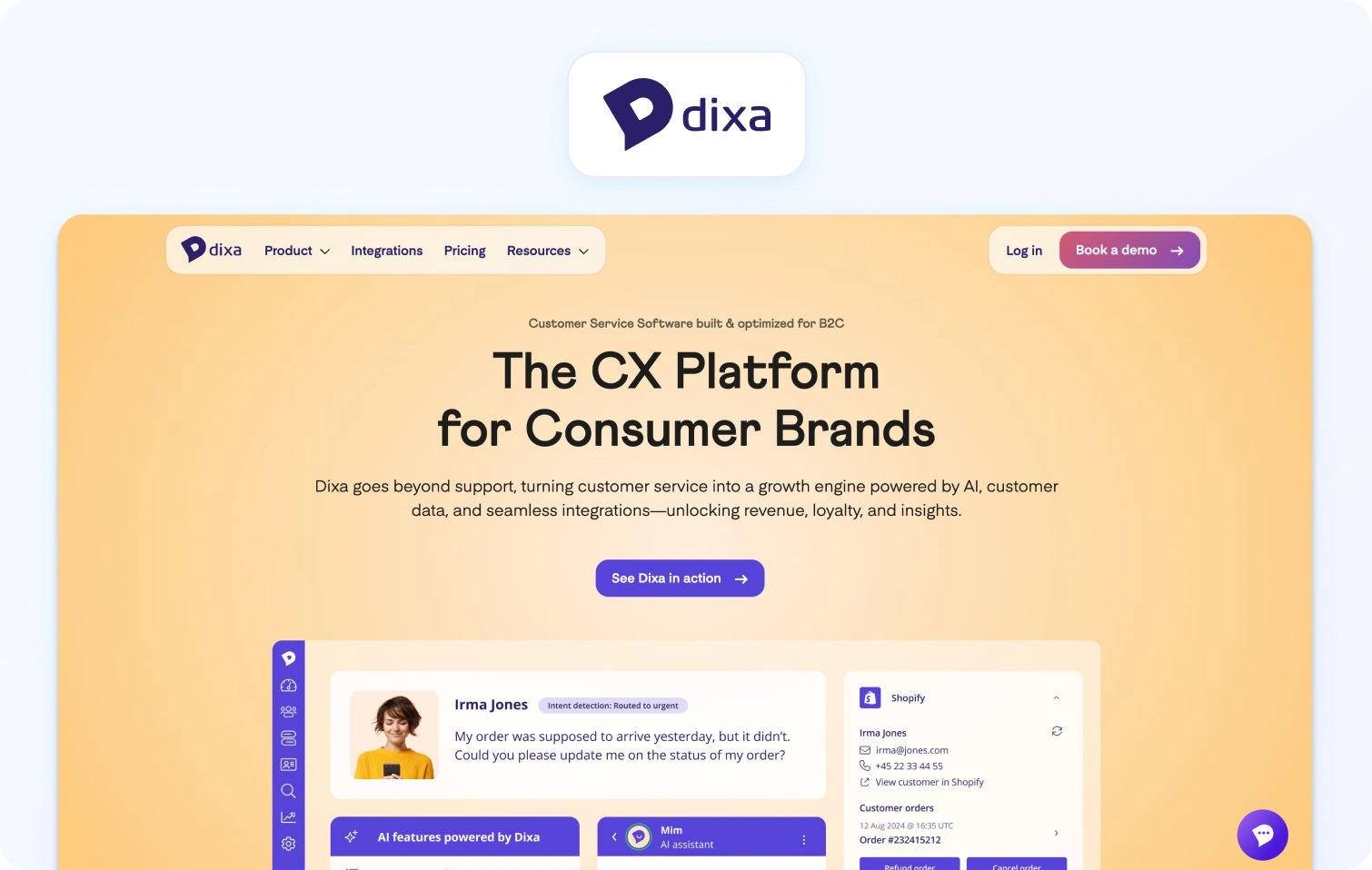
What it is: Dixa is a conversation-first customer support platform designed to unify interactions across channels.
Best for: Teams prioritising personalised, conversation-led support.
Key AI features:
- AI-powered routing
- Conversation summarisation
- Sentiment analysis
- Suggested responses for agents
Channels: Voice, chat, email, social
Pricing: Tiered pricing starting at $89 per agent, per month. Verify for details. Book a demo to discuss trial options.
Pros:
- Strong unified conversation view
- Good agent collaboration tools
- Focus on customer experience
Cons:
- Smaller ecosystem
- Less advanced AI automation than leaders
If you’re comparing a broader set of tools, including SMB and niche platforms, the full breakdown of each of these customer service AI solutions is included below, based on publicly available data as of Q2 2026:
| Platform | Best For | AI Included in Base | Native Voice | KB-Grounded AI | Omnichannel | Starting Price | Unique Edge |
|---|---|---|---|---|---|---|---|
| BlueTweak | Omnichannel AI-native teams | Yes | Yes | Yes | Yes | €65/agent/month | AI-first architecture + WFM |
| Zendesk | Enterprise ticketing | Partial | Add-on | Yes | Yes | Custom (free trial) | Market leader ecosystem |
| Intercom | SaaS/product-led | Yes | Limited | Yes | Yes | $29/seat/month + usage | Fin AI agent |
| Freshdesk | Budget teams | Partial | Add-on | Yes | Yes | $15/agent/month | Affordable scaling |
| Salesforce Service Cloud | Salesforce users | Add-on | Yes | Yes | Yes | From $25/user/month | Deep CRM integration |
| HubSpot Service Hub | Sales-led orgs | Partial | No | Yes | Yes | Free + paid tiers | Unified GTM platform |
| Kustomer | CRM-first support | Yes | Yes | Yes | Yes | Custom | Timeline-based CX |
| Ada | Bot-first automation | Yes | No | Yes | Chat-first | Custom | High containment |
| Genesys Cloud CX | Enterprise contact centers | Yes | Yes | Yes | Yes | From $75/user/month | Global voice AI |
| Zoho Desk | Zoho ecosystem | Partial | No | Yes | Yes | Free + paid tiers | Low-cost entry |
| Help Scout | SMB teams | Limited | No | Yes | Yes | Free + paid tiers | Simplicity |
| Tidio | SMB chat automation | Yes | No | Yes | Chat-first | Free + paid tiers | Fast setup |
| Comm100 | Regulated industries | Yes | No | Yes | Yes | From $31/agent/month | Compliance focus |
| HappyFox | IT help desks | Partial | No | Yes | Yes | From $24/user/month | Internal support |
| LiveAgent | Broad channels | No | Yes | No | Yes | From $15/user/month | Channel breadth |
| Gorgias | Ecommerce | Yes | No | Yes | Yes | From $10/month | Shopify-native |
| Dixa | Conversation-first CX | Yes | Yes | Yes | Yes | From $89/agent/month | Unified conversations |
What to Look For in an AI Customer Service Solution
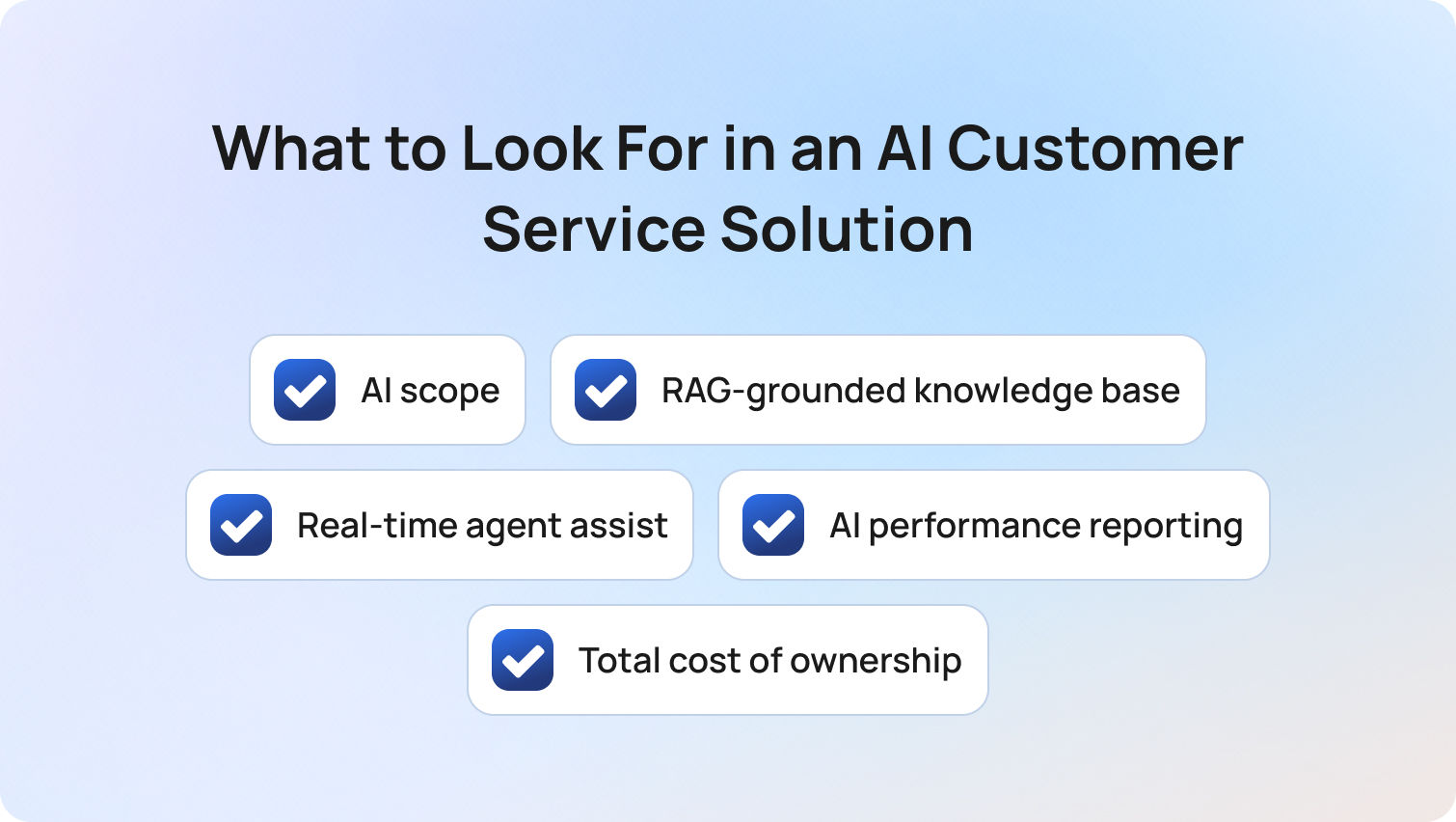
The most effective AI customer service solutions are those where AI is embedded across the full customer interaction lifecycle (before, during, and after support interactions) rather than added as a separate feature.
Choosing between AI-driven customer service solutions in 2026 requires a deeper evaluation than most vendor checklists suggest. At a surface level, many platforms appear similar: they all claim AI-powered customer service, automation, and improved customer experience. In reality, the differences in architecture, cost structure, and performance are significant, and they compound quickly as you scale.
To make a confident decision, buyers need to look beyond feature lists and assess how AI actually functions within customer service operations.
AI scope: Native vs. add-on AI
The most important distinction in today’s market is whether AI is native to the platform or layered on as an add-on.
Many tools position themselves as AI customer service solutions, but restrict core capabilities (like AI agents, suggested replies, or sentiment tagging) behind additional modules. This creates fragmentation across support teams, inconsistent customer interactions, and rising costs over time.
By contrast, AI-native platforms embed intelligence across every service interaction, improving both agent productivity and customer satisfaction without requiring bolt-on tools.
RAG-grounded knowledge base (the non-negotiable)
AI is only as reliable as the data it can access. Platforms that lack a properly integrated, RAG-grounded knowledge base often generate responses based on generic model outputs rather than verified customer data. This leads to hallucinations, inconsistent answers, and erosion of trust in both AI agents and human agents.
A strong AI customer support solution should treat the knowledge base as the single source of truth, powering both automated responses and real-time agent assistance.
Real-time agent assist (where ROI actually comes from)
While automation gets the headlines, the fastest and most reliable ROI from AI in customer service comes from improving human agent performance.
Real-time assistance (such as suggested replies, contextual customer data, and live guidance during support interactions) enables support teams to resolve issues faster and more consistently. This has a direct impact on service quality, first contact resolution, and overall customer experience.
AI performance reporting (not just operational metrics)
Most platforms provide reporting, but few separate AI performance from human performance. Without visibility into metrics like AI containment rate, AI CSAT, and error rates, it becomes impossible to properly evaluate your AI customer service solution. Aggregated reporting masks issues and limits your ability to optimize both AI agents and human agents.
Look for platforms that provide real-time insights into how AI is performing independently.
Total cost of ownership (TCO) and pricing transparency
Pricing pages rarely tell the full story. Many customer service solutions appear cost-effective at the entry level but require additional spend for AI modules, voice capabilities, or advanced analytics. Over time, this turns what should be an efficiency driver into a growing cost center.
A true evaluation of AI customer service automation solutions should include:
- Base seat cost
- AI feature access
- Usage-based pricing
- Add-ons (voice, WFM, analytics)
Platforms, like BlueTweak, that bundle AI into the core offering typically provide more predictable and scalable cost structures.
How We Evaluated These AI Customer Service Solutions
These AI customer service solutions were evaluated based on publicly available data, verified capabilities, and real-world applicability across modern customer support environments as of Q2 2026.
To ensure this guide provides genuine decision-making value, not just a feature roundup, we applied a consistent evaluation methodology across all platforms. This focuses on how each solution performs in real-world customer service operations, not just how it is marketed.
Our evaluation considered:
- Public documentation and pricing pages
- Verified AI capabilities (not just claimed features)
- Independent review summaries from G2 and Capterra (Q2 2026)
No vendor paid for inclusion in this list, and all platforms were assessed using the same criteria to ensure consistency and comparability.
To translate this methodology into something actionable, we’ve broken it down into two parts: a practical capability checklist and a weighted scoring framework.
Must-Have AI Customer Service Capability Checklist
A complete AI customer service solution should include a defined set of core capabilities that enable both automation and human-assisted support at scale.
Before committing to any platform, it’s important to validate that it meets a baseline level of functionality; these are essential for delivering consistent, scalable customer support in 2026.
The checklist below outlines the capabilities that separate modern AI-powered customer service solutions from legacy tools:
- AI-powered suggested or proposed replies
- RAG-grounded knowledge base for both bot and agent use
- Real-time sentiment analysis to analyze customer sentiment during interactions
- AI-generated summaries of customer conversations
- Autonomous resolution (bot containment) across channels
- Native omnichannel inbox (voice, chat, email, social, SMS)
- AI performance reporting (AI vs. human metrics)
- QA scoring across both AI and human agents
- Security controls (MFA, RBAC, audit logs, data residency)
This checklist provides a fast way to eliminate platforms that cannot support modern customer service teams at scale.
BlueTweak AI Customer Service Scoring Rubric
The BlueTweak AI Customer Service Scoring Rubric is a weighted evaluation framework designed to assess how effectively a platform delivers AI across the full customer service lifecycle.
While checklists help with elimination, they don’t help with prioritisation. Not all features carry equal weight, and some have a far greater impact on customer experience, agent productivity, and long-term business growth.
To address this, we’ve developed a scoring model that reflects what matters most when selecting an AI customer service solution.
Before reviewing the table, it’s important to note that this framework prioritises:
- Native AI capabilities over add-ons
- End-to-end lifecycle coverage
- Measurable performance and transparency
BlueTweak AI Customer Service Scoring Rubric:
| Criterion | Weight | What “High” Looks Like |
|---|---|---|
| AI scope (native, not add-on) | 25% | Suggested reply, KB grounding, sentiment, summarisation — all included in base |
| Omnichannel depth | 20% | Voice + 4+ digital channels, unified inbox, full customer data visibility |
| Reporting on AI performance | 15% | AI containment, AI CSAT, error rate — tracked separately |
| WFM and QA native | 15% | Built-in workforce management and QA scoring |
| Time-to-value | 10% | Fast deployment with minimal technical expertise required |
| TCO / pricing transparency | 10% | Clear pricing, no critical AI features behind add-ons |
| Security and admin | 5% | Enterprise-grade controls (MFA, RBAC, audit logs) |
Final Thoughts: Choosing the Right AI Customer Service Solution for 2026
Choosing the right AI customer service solution in 2026 means selecting a platform that can consistently deliver high-quality, AI-driven customer interactions while improving customer satisfaction and operational efficiency at scale.
The key question isn’t whether a platform offers AI customer service solutions; they all do. The real question is whether AI is:
- Native (not bolted on)
- Included transparently in pricing
- Applied across the full lifecycle of customer interactions, from routing and resolution to analysis and optimisation
This distinction becomes critical as customer service teams scale. Platforms that rely on fragmented AI tools or add-ons often struggle to maintain consistency across customer queries, leading to gaps in customer sentiment, slower resolution times, and rising operational complexity.
By contrast, AI-native platforms enable both AI agents and support agents to operate with shared context; using real-time insights, customer feedback, and a unified knowledge base to deliver faster, more accurate, and more personalized support.
This is where the real impact shows up:
- Higher customer satisfaction
- Stronger alignment with evolving customer expectations
- Better performance across key support metrics like resolution time and first contact resolution
Ultimately, customer service refers not just to resolving issues, but to consistently delivering value across every interaction. The right platform makes that scalable without increasing complexity or cost.
If your goal is to unify channels, automate routine tasks, and equip your teams with AI that can really address customer needs in real-time, platforms like BlueTweak stand out.
If you’re comparing platforms, the fastest way to evaluate the difference is to see it live. You can book a demo or start a free trial to experience how BlueTweak’s AI agents and unified service hub perform in real support scenarios.
Book a BlueTweak Demo
Book Demo
The 12 Best AI Contact Center Solutions for Modern Support Teams in 2026
What Is an AI Contact Center Solution?
Before comparing vendors, it’s worth taking a step back and properly defining what a modern AI contact center solution actually is, and just as importantly, what it is not. At its core, an AI contact center solution is a cloud-based platform that brings together voice and digital communication channels, enhanced by embedded artificial intelligence, to manage, route, and resolve customer interactions in real time. But that definition alone doesn’t capture the scale of transformation happening in customer experience.
What we’re seeing in 2026 is not just a shift in tooling, but a shift in architecture. Legacy contact centers were built around telephony. Systems were designed for voice-first interactions, with rigid infrastructure, limited flexibility, and little visibility beyond basic call metrics. As digital channels emerged, many organizations layered on additional tools, resulting in fragmented workflows, duplicated data, and agents constantly switching between systems.
Cloud-based contact center-as-a-service platforms improved accessibility and scalability, but many still treated channels, automation, and analytics as separate components rather than a unified system.
AI-native platforms represent the next stage of this evolution. Instead of adding intelligence on top, they are built with AI embedded at every layer of the product. That distinction is critical. It’s the difference between a system that supports agents and one that actively enhances their performance in real time.
To properly evaluate today’s AI-powered contact center solutions, buyers should think in terms of three interconnected layers.
The first is the channel layer, which defines where conversations take place. This includes voice, email, live chat, SMS, and social messaging platforms. In a modern environment, these channels are not siloed. Conversations move seamlessly between them, with full context preserved, allowing agents to engage customers without losing continuity.
The second is the intelligence layer, which is where AI delivers its most visible impact. This includes capabilities such as intelligent routing, real-time transcription, automated summarization, suggested responses, and increasingly, autonomous resolution. The most advanced platforms go beyond surface-level automation and ground their AI in a company’s knowledge base, ensuring responses are accurate, consistent, and context-aware.
The third is the operations layer, which underpins how teams are managed and optimized. This includes workforce management, quality assurance, performance tracking, and reporting. In legacy setups, these functions often require separate tools or costly integrations. In AI-native platforms, they are built in, allowing leaders to make faster, more informed decisions based on real-time data.
This layered approach is what separates a true AI solution contact center platform from a traditional system with AI features bolted on. This is also why 2026 represents such a pivotal moment.
Large language model-powered capabilities, particularly in agent assist and customer self-service, have moved from experimental pilots to operational standards. Buyers are no longer asking whether a platform has AI. They are asking how deeply AI is embedded, how reliably it performs, and how much operational value it actually delivers.
2026 AI Contact Center Solutions: At-a-Glance Comparison
| Platform | Native Voice | AI Included | WFM Native | KB AI | Starting Price | Best For |
|---|---|---|---|---|---|---|
| BlueTweak | Yes | Yes | Yes | Yes | €65/agent/mo | 20–500 agents, omnichannel |
| Genesys Cloud CX | Yes | Partial | Yes | Varies | ~$75+ per agent | Enterprise |
| Five9 | Yes | Add-on | Yes | Add-on | Verify | High-volume voice |
| NICE CXone | Yes | Add-on | Yes | Add-on | Verify | Enterprise / Compliance |
| Talkdesk | Yes | Partial | Partial | Partial | ~$85+ per agent | Mid-market vertical |
| Zendesk | Yes | Add-on | Add-on | Add-on | ~$55+ per agent | Zendesk users |
| Salesforce Service | Yes | Add-on | Add-on | Partial | Verify | Salesforce-native |
| Freshdesk | Yes | Add-on | Add-on | Partial | ~$15+ per agent | SMB and growing |
| 8x8 | Yes | Partial | Partial | Partial | Verify | UCaaS + CCaaS |
| Dialpad AI | Yes | Yes | Add-on | Partial | ~$80+ per agent | Mid-market AI-first |
| Aircall | Yes | Add-on | No | No | ~$30+ per license | SMB voice + CRM |
| Intercom | Limited | Yes | No | Yes | ~$29+ per seat | SaaS / Digital-first |
Table note: “Yes” indicates the capability is native and included. “Partial” indicates limited or tier-dependent availability. “Add-on” indicates additional cost. “No” indicates the feature is not available. Pricing is based on publicly available information as of Q2 2026 and should be verified before procurement.
The 12 Best AI Contact Center Solutions for 2026
Choosing between today’s AI contact center solutions is less about ticking off features and more about understanding how each platform is built. While many vendors claim to offer AI and omnichannel support, the real difference lies in whether those capabilities are native to the platform or layered on as add-ons. This has a direct impact on both performance and total cost of ownership.
At the same time, buyers are increasingly looking to consolidate fragmented tech stacks into a single system that can handle channels, intelligence, and operations together. The platforms below have been selected based on how well they deliver across those areas, helping teams balance AI capability, operational control, and long-term scalability.
1) BlueTweak: Best AI-Native Contact Center Platform for Omnichannel Teams
What it is: An AI-native, omnichannel contact center platform designed to unify voice, digital channels, and operations in a single workspace.
Best for: Mid-market to enterprise teams (20–500 agents) seeking true AI-first architecture
Standout AI features: Native transcription, summarization, agent assist, and KB-grounded responses
Channels: Voice, email, chat, SMS, social
Reporting & WFM: Fully native WFM, QA, and real-time analytics
Pricing: Transparent, bundled AI in base license
Pros:
- AI included by default
- Strong WFM and reporting out of the box
- Fast time-to-value
Watch-outs:
- Less brand recognition than legacy vendors
- Smaller ecosystem compared to Salesforce or Zendesk
Case study:
A growing e-commerce brand partnered with BlueTweak to replace a fragmented support stack and introduce AI across email and chat channels, using historical data to automate high-frequency queries and reduce manual workload. Within six months, the business achieved a 45% increase in ticket deflection and a 30% reduction in interaction times, allowing agents to focus on more complex issues while maintaining service quality. As volumes scaled, performance remained consistent without increasing headcount, highlighting how AI-native platforms can transform support from a cost center into a scalable growth function.
Speak to a BlueTweak Expert Today
Book Call2) Genesys Cloud CX: Best CCaaS for Enterprise Scaling
What it is: A leading enterprise-grade CCaaS platform with deep routing and orchestration capabilities
Best for: Large enterprises with complex routing needs
Standout AI features: Predictive routing, speech analytics
Channels: Voice-first with digital extensions
Reporting & WFM: Strong native WFM
Pricing: ~$75+/agent
Pros:
- Mature platform
- Deep enterprise capabilities
Watch-outs:
- AI often tiered or add-on
- Can be complex to implement
3) Five9: Best AI Contact Center Solution for High-Volume Voice
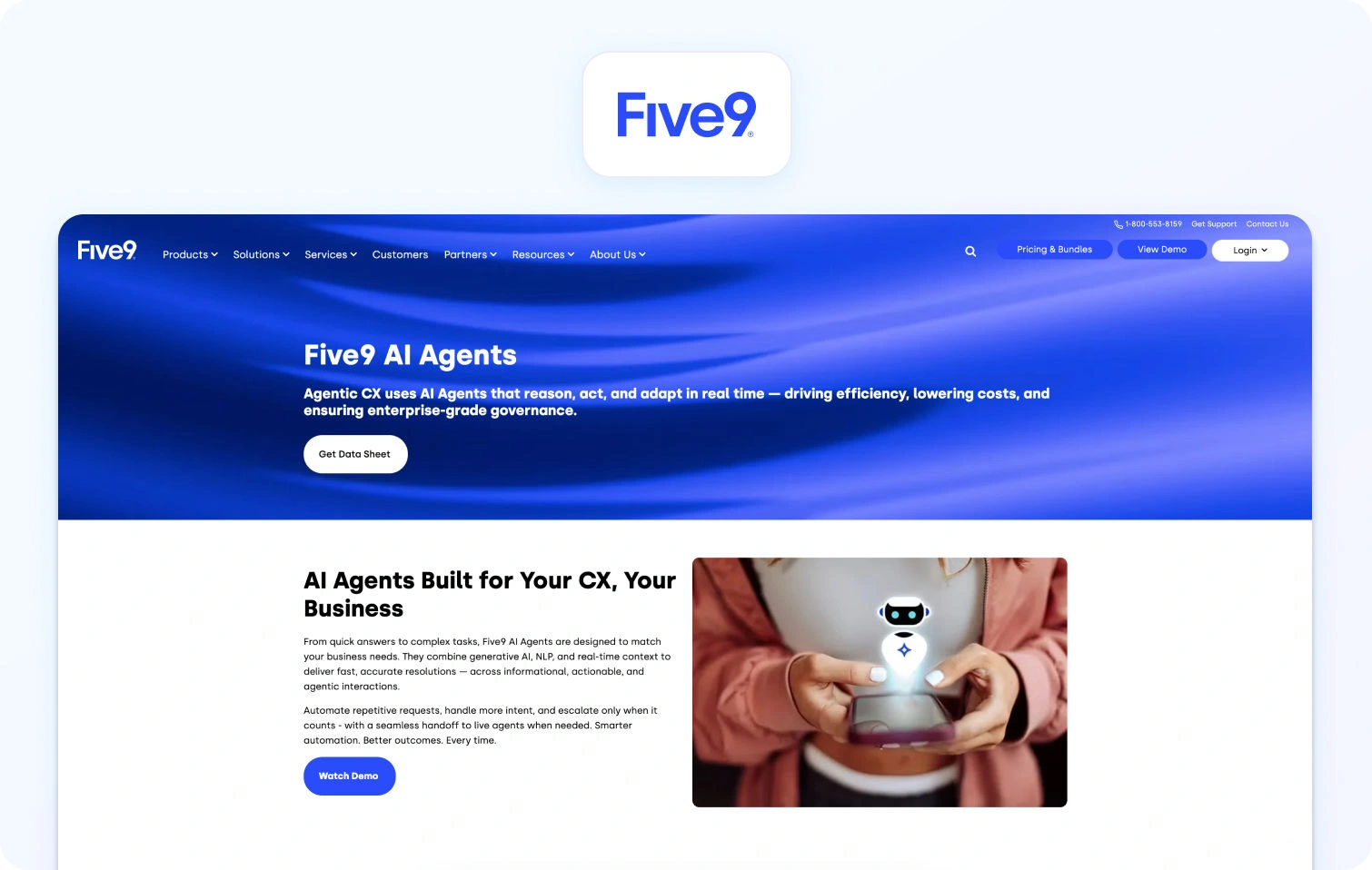
What it is: A cloud contact center platform focused on high-volume voice environments
Best for: Outbound-heavy or voice-centric teams
Standout AI features: IVR automation, agent assist
Channels: Voice, limited digital
Reporting & WFM: Available, often add-on
Pricing: Varies
Pros:
- Strong voice infrastructure
- Scalable
Watch-outs:
- AI not fully native
- Digital channels less mature
4) NICE CXone: Best AI Contact Center Platform for Compliance and Analytics
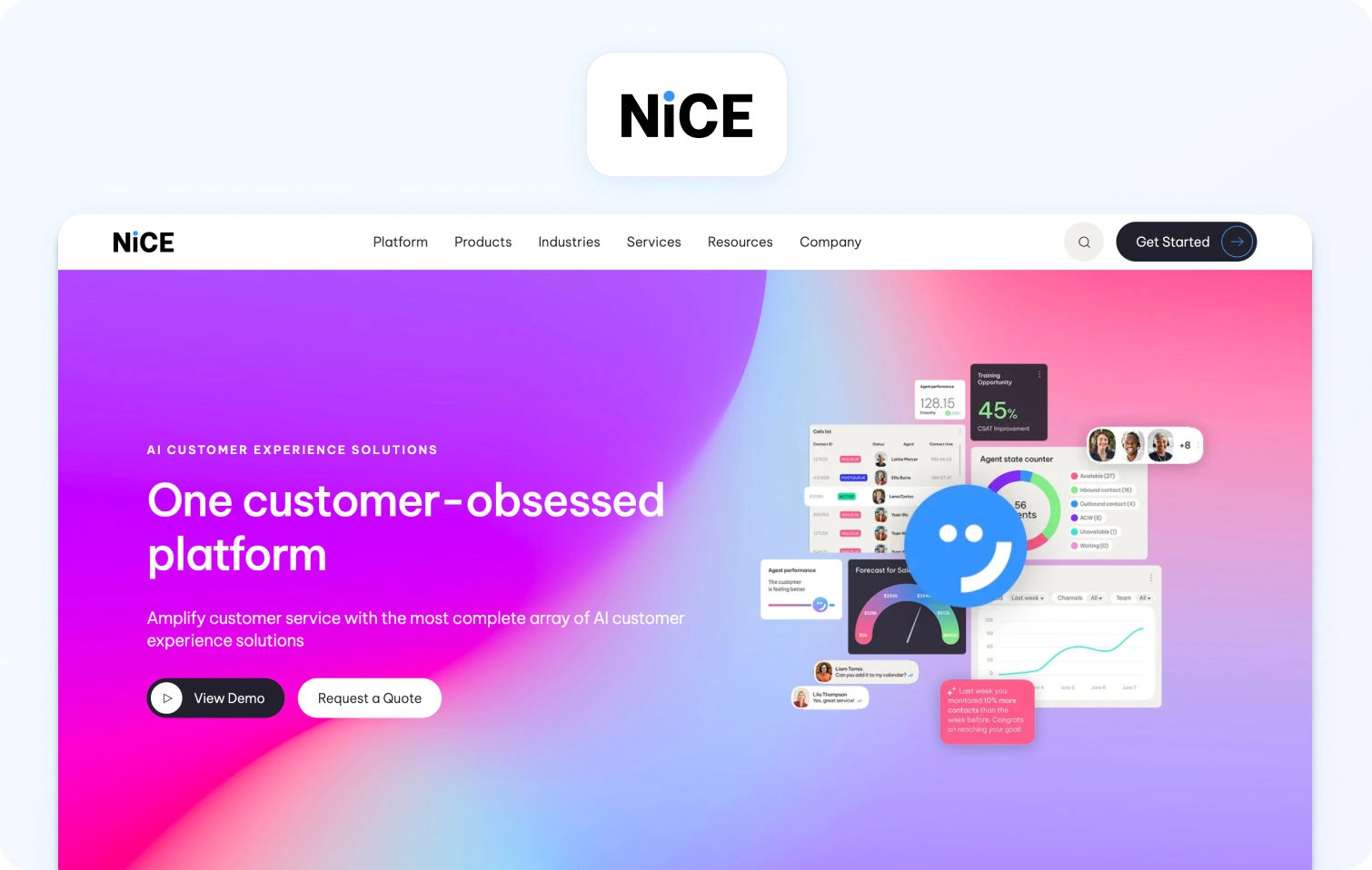
What it is: An enterprise CX platform with strong compliance and analytics capabilities
Best for: Highly regulated industries
Standout AI features: Advanced analytics, workforce optimization
Channels: Omnichannel
Reporting & WFM: Best-in-class WFM
Pricing: Varies
Pros:
- Robust compliance
- Deep analytics
Watch-outs:
- Expensive
- AI often modular
5) Talkdesk: Best AI Contact Center Solution for Industry-Specific Workflows
What it is: A modern CCaaS platform with industry-specific solutions
Best for: Mid-market verticals (healthcare, finance)
Standout AI features: AI Trainer, automation workflows
Channels: Omnichannel
Reporting & WFM: Partial native
Pricing: ~$85+/agent
Pros:
- Industry templates
- Strong UX
Watch-outs:
- AI varies by tier
- Add-ons increase cost
6) Zendesk (Talk + Suite): Best Contact Center AI Solution for Support-Led Teams
What it is: A customer support suite with integrated voice capabilities
Best for: Existing Zendesk users
Standout AI features: Answer Bot, macros
Channels: Email, chat, voice
Reporting & WFM: Add-ons required
Pricing: ~$55+/agent
Pros:
- Easy to use
- Strong ticketing
Watch-outs:
- AI limited unless upgraded
- WFM not native
7) Salesforce Service Cloud (Voice + Einstein): Best AI Contact Center Solution for CRM Integration
What it is: A CRM-native contact center solution with AI layered through Einstein
Best for: Salesforce-centric organizations
Standout AI features: Einstein AI, predictive insights
Channels: Omnichannel
Reporting & WFM: Add-ons
Pricing: Varies
Pros:
- Deep CRM integration
- Scalable
Watch-outs:
- Expensive ecosystem
- Complex setup
8) Freshdesk / Freshdesk Contact Centre (Freshcaller): Best AI Contact Center Solution for SMBs
What it is: A lightweight, affordable CCaaS for growing teams
Best for: SMBs
Standout AI features: Basic automation
Channels: Voice, chat, email
Reporting & WFM: Add-ons
Pricing: ~$15+/agent
Pros:
- Low cost
- Quick setup
Watch-outs:
- Limited AI depth
- Scaling challenges
9) 8x8 Contact Centre: Best Unified Communications and Contact Center Platform
What it is: A combined UCaaS + CCaaS platform
Best for: Unified communications + contact center
Standout AI features: Speech analytics
Channels: Omnichannel
Reporting & WFM: Partial
Pricing: Varies
Pros:
- Unified platform
- Global reach
Watch-outs:
- AI not fully native
- UX inconsistencies
10) Dialpad AI Contact Center: Best AI-Powered Contact Center for Real-Time Agent Assist

What it is: An AI-first contact center with strong real-time capabilities
Best for: Mid-market AI-focused teams
Standout AI features: Real-time transcription and coaching
Channels: Voice, messaging
Reporting & WFM: Add-on WFM
Pricing: ~$80+/agent
Pros:
- Strong native AI
- Easy to deploy
Watch-outs:
- Limited WFM
- Fewer enterprise features
11) Aircall: Best Lightweight Contact Center Solution for SMB Voice Teams
What it is: A voice-first contact center solution with CRM integrations
Best for: SMBs with heavy outbound calling
Standout AI features: Basic analytics
Channels: Voice
Reporting & WFM: Limited
Pricing: ~$30+/license
Pros:
- Simple
- Fast setup
Watch-outs:
- Not truly omnichannel
- Minimal AI
12) Intercom (Fin AI + Phone): Best AI Contact Center Solution for Digital-First Support
What it is: A digital-first platform with AI-driven customer support
Best for: SaaS and product-led companies
Standout AI features: Fin AI (autonomous support)
Channels: Chat, email, limited voice
Reporting & WFM: Limited
Pricing: ~$29+/seat
Pros:
- Strong AI automation
- Great for digital support
Watch-outs:
- Voice still emerging
- Limited WFM
Why Teams Are Replacing Legacy Contact Centre Tools in 2026
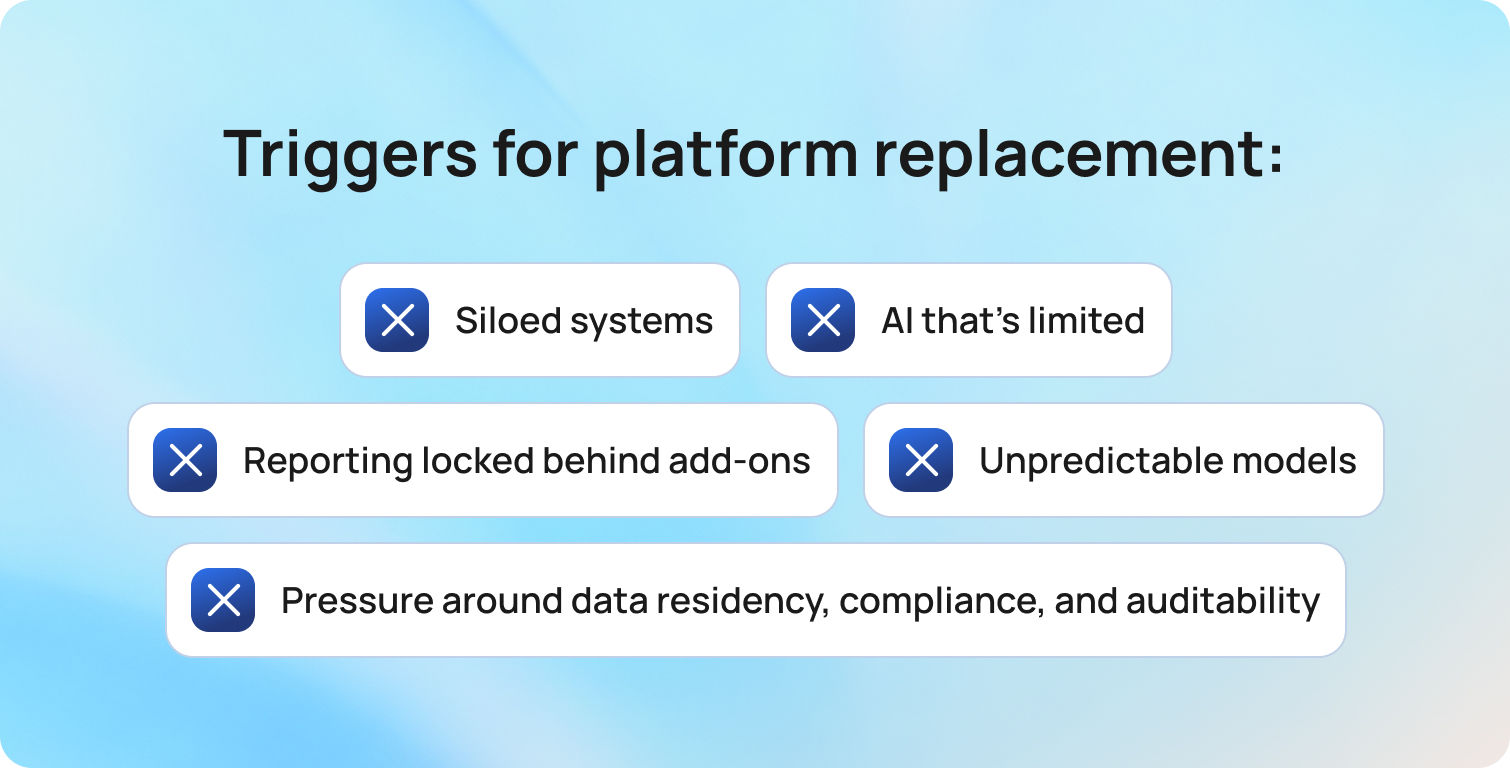
The shift toward AI contact center solutions isn’t just being driven by innovation or hype. It’s being forced by operational friction that legacy systems can no longer absorb. For many organizations, the breaking point is the accumulation of inefficiencies that compound over time. What once felt manageable at a smaller scale becomes unsustainable as interaction volumes grow, channels expand, and customer expectations increase.
At the center of this is fragmentation; many teams are still operating across disconnected systems, where voice sits in one platform, digital channels live in another, and reporting is handled elsewhere entirely. Agents are left to stitch together conversations manually, switching between tabs, re-entering context, and losing valuable time on every interaction. That fragmentation directly impacts the customer experience while also slowing teams down.
Alongside this, there’s a growing gap between what AI is expected to deliver and what legacy platforms can realistically support. In many environments, AI is still limited to basic chatbots, static workflows, or canned macros. There’s little to no real-time assistance for agents, no meaningful automation of post-call work, and no intelligence guiding decisions as conversations unfold.
This is where the pressure begins to show up in performance metrics. Teams dealing with these limitations often see declining first contact resolution, rising average handle times, and inconsistent customer satisfaction scores. Even small inefficiencies, when multiplied across thousands of interactions, quickly translate into measurable cost and lost revenue.
Common triggers for platform replacement include:
- Siloed systems forcing agents to switch between voice tools and ticketing platforms
- AI that’s limited to basic chatbots or macros, with no real-time coaching or summarization
- Reporting is locked behind expensive BI add-ons, slowing access to insights
- Usage-based pricing models that become unpredictable as volumes scale
- Increasing pressure around data residency, compliance, and auditability
- What’s changed in 2026 is that these challenges are no longer viewed as acceptable trade-offs. They are seen as structural issues that require a different type of platform.
There is also a growing financial dimension to this shift. From a CFO or COO perspective, the cost of maintaining legacy or partially modernized systems is becoming harder to justify. AI capabilities that are sold as add-ons often introduce a second layer of spend on top of base licenses, while still failing to deliver meaningful operational gains.
Over time, this creates a situation where organizations are paying more but getting less value.
The biggest misconception we see is that AI is a feature you can bolt on later. In reality, if AI isn’t native to the platform, you’re paying twice; once for the tool, and again for the inefficiencies it creates.
This is why more teams are moving toward AI-powered contact center solutions that are built with intelligence at their core. Instead of layering AI on top of existing workflows, these platforms are designed to reduce complexity, unify operations, and improve performance from day one.
The result is a fundamental shift in how contact centers operate, where efficiency, insight, and customer experience are no longer competing priorities, but outcomes of the same system.
What to Look For in an AI Contact Center Solution (2026)
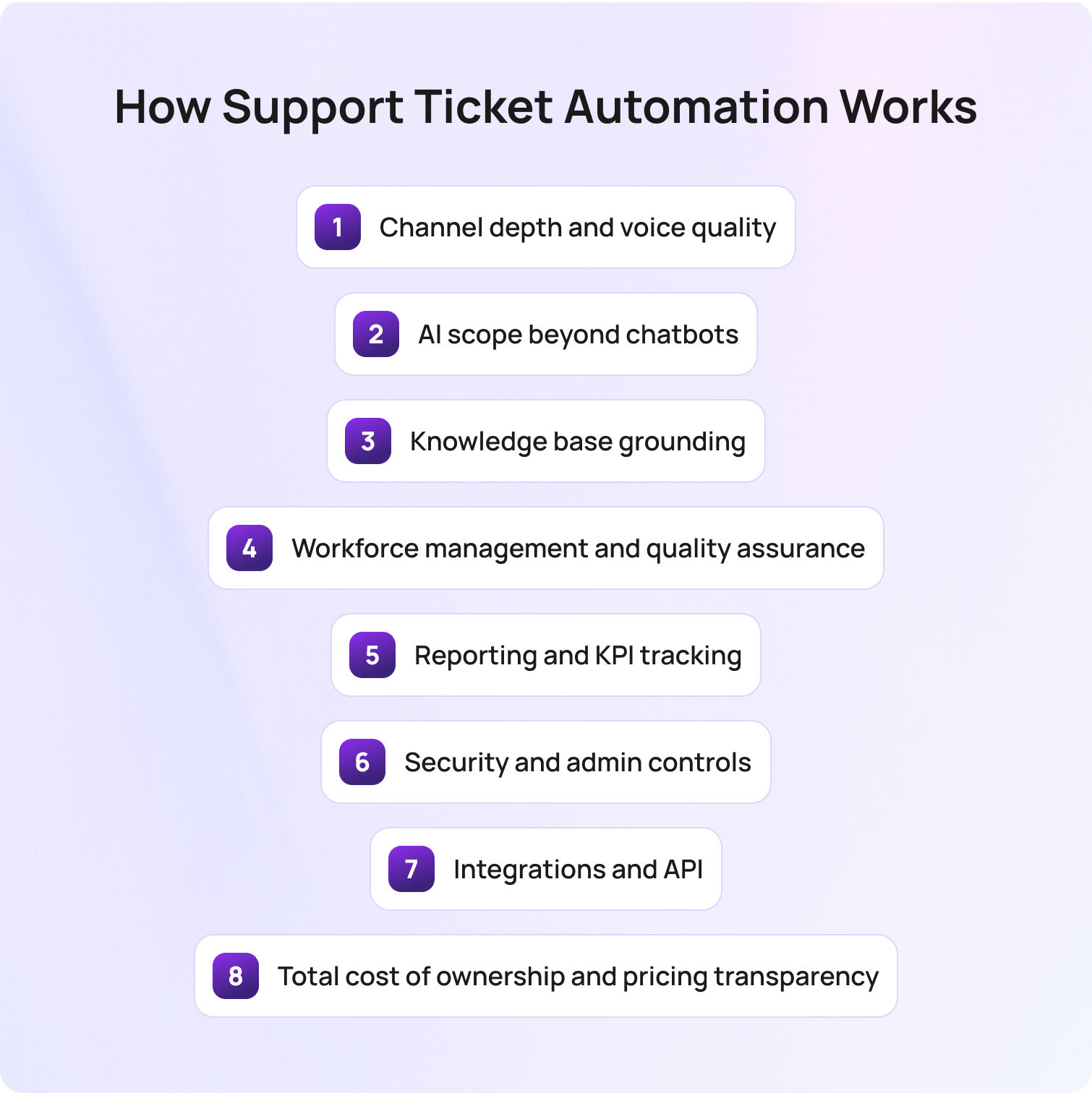
Choosing the right AI contact center solution means understanding how each platform will impact operations, agent performance, and long-term scalability. In 2026, decision-makers need to look beyond marketing claims and evaluate the substance behind each capability.
Channel depth and voice quality
Modern AI contact center platforms unify voice, email, chat, SMS, and social messaging into a single agent workspace. True omnichannel support reduces context switching, improves first contact resolution, and simplifies reporting. When evaluating vendors, always verify native telephony quality, MOS scores, uptime SLAs, and how easily digital channels integrate with voice workflows. High-quality voice infrastructure underpins the entire customer experience.
AI scope beyond chatbots
AI in 2026 goes far beyond basic macros or chatbots. Leading platforms provide real-time agent coaching, suggested replies, post-interaction summarization, autonomous resolution, and predictive routing. Buyers should map which AI capabilities are native versus paid add-ons, and understand the operational impact: how much manual work is actually reduced, and how consistent AI output is across channels.
Knowledge base grounding
AI that cannot access a company’s knowledge base risks producing inaccurate or inconsistent responses. Platforms that integrate AI with your KB (ensuring it serves as the single source of truth for both agent assist and bot interactions) are critical for maintaining trust, accuracy, and compliance.
Workforce management and quality assurance
Forecasting, scheduling, adherence monitoring, and call quality scoring are central to running an efficient contact center. Platforms with native WFM and QA reduce integration risk and ongoing costs. Relying on third-party tools can introduce delays, data discrepancies, and hidden expenses.
Reporting and KPI tracking
Executives and team leaders need immediate insight into key metrics such as FCR, AHT, containment rates, abandon rates, agent concurrency, CSAT, sentiment, and MOS. Platforms that surface this information natively (without requiring an external BI layer) allow faster decision-making and tighter operational control.
Security and admin controls
Strong security is foundational. Look for SOC 2 or ISO 27001 compliance, multi-factor authentication, audit logs, and flexible data residency options. These features protect both sensitive customer data and your organization’s operational integrity.
Integrations and API
A robust API and pre-built connectors to CRM, ecommerce, HRIS, and analytics systems ensure your contact center platform can scale with your business. Webhooks and versioned APIs support custom workflows, enabling automation and integration without constant vendor intervention.
Total cost of ownership and pricing transparency
The most important metric is not the headline license price; it’s the real cost of running the platform at scale. Calculate base seats, AI add-ons, WFM add-ons, and telephony usage to understand the true ROI. Platforms with AI included in the base license consistently deliver faster returns and fewer budget surprises.
How We Evaluated The AI Contact Center Platforms
Our assessment of AI contact center solutions is based entirely on publicly available information reviewed in Q2 2026, including vendor documentation, product and pricing pages, and official marketplace listings. No vendor featured in the list has paid for placement, ensuring that the ranking reflects real capabilities rather than marketing influence.
Where possible, we also incorporated:
- Customer case studies and success stories highlighting measurable outcomes
- Publicly listed client references to assess enterprise adoption and scalability
- Aggregated user reviews from platforms such as G2 and Capterra to capture real-world experience
Pricing information was drawn exclusively from publicly available pages. Where tiers are quote-based or variable, we note this transparently as “Verify” or “Varies by plan.”
Pros and cons are evidence-based, derived from feature documentation and user experiences rather than vendor claims. Limitations include the fact that we did not conduct live trials for every platform; capabilities and pricing may change, and buyers should always validate via a vendor demo before committing.
Must-Have Capability Checklist
If you’re evaluating an AI contact center solution in 2026, these are the non-negotiables to look for:
- Native omnichannel support (voice, chat, email, SMS, and social)
- AI is included in the base license, not sold as an add-on
- Real-time agent assist (transcription, suggestions, summarization)
- Knowledge base–grounded AI responses
- Native workforce management (forecasting, scheduling, adherence)
- Built-in QA and performance tracking
- Real-time and historical reporting (FCR, AHT, CSAT, containment)
- Transparent, predictable pricing with no hidden usage fees
- Enterprise-grade security (SOC 2, MFA, audit logs, data residency)
- Open API and strong integrations (CRM, ecommerce, BI tools)
BlueTweak meets all of the criteria above, based on current product capabilities and documentation.
The BlueTweak Scoring Rubric
If a platform can’t meet the majority of these criteria, it’s likely to introduce complexity rather than remove it. The next step is to compare how leading vendors stack up against these requirements in practice, not just in terms of features, but how those features are packaged, priced, and delivered.
The table below provides a side-by-side view of the top AI contact center solutions, helping you quickly identify which platforms align most closely with these must-have capabilities.
| Criterion | Weight | What “High” Looks Like |
|---|---|---|
| Voice & omnichannel | 20% | Native telephony + 5+ channels |
| AI coverage | 20% | Assist + automation + KB grounding |
| Reporting | 15% | Real-time + historical KPIs |
| WFM / QA | 15% | Fully native |
| Time-to-value | 10% | Days, not months |
| TCO transparency | 10% | No hidden fees |
| Security | 10% | SOC 2, MFA, RBAC |
Final Thoughts: Choosing the Right AI Contact Center Platform in 2026
The market for AI contact center solutions has reached a point where most platforms can cover the basics. The real difference now lies in how those capabilities are delivered, how well they integrate into day-to-day operations, and how sustainable they are as your team scales.
For most organizations, the decision comes down to three factors: how effectively a platform unifies channels, how deeply AI is embedded into workflows, and how much operational control it provides through reporting and workforce management. Platforms that perform well across all three tend to reduce complexity over time, while those that rely on add-ons or fragmented tooling often reintroduce it.
There’s also a growing need to think beyond immediate requirements. Many teams initially prioritize speed of deployment or cost, only to find themselves revisiting the decision 12–18 months later as volumes increase and expectations shift. Choosing a platform that can support both current needs and future maturity is becoming a critical part of the evaluation process.
In that context, solutions like BlueTweak are gaining traction not simply because they offer AI, but because they are designed around it; bringing together channels, intelligence, and operations in a way that reduces dependency on additional tools. For teams looking to simplify their stack while improving performance, that architectural approach is often where the most long-term value is found.
Remember, the focus shouldn’t be on choosing the platform with the most features, but on finding the one that delivers the most clarity, consistency, and control across your customer experience.
If you want to see how this approach works in practice, you can book a BlueTweak demo to explore the platform in more detail.
Book a BlueTweak Demo Today
Book Demo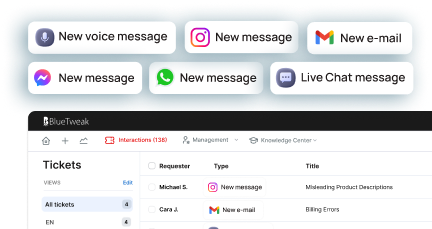
AI-to-Human Handoff: Best Practices for Customer Support Escalation in 2026
What is an AI-to-Human Handoff?
An AI-to-human handoff is the structured transfer of a customer interaction from an AI system to a human agent, ensuring full conversation context and customer data are preserved so the customer does not need to repeat information.
This is the point where automation ends, and human judgment takes over, and the quality of that transition determines whether resolution accelerates or breaks down. By the time escalation happens, the customer is already beyond self-service, often frustrated, time-conscious, and expecting resolution, not repetition.
A good handoff feels invisible: the agent picks up exactly where the AI left off, fully informed, and ready to act. A bad handoff forces the customer to start over, breaking trust instantly.
This applies across both chat and voice channels, though each brings different operational challenges.
The stakes are high. According to a PwC customer experience study, 73% of consumers say having to repeat information is one of the most frustrating parts of a support interaction, especially after being transferred. That frustration compounds quickly in AI-led journeys.
The Real Cost of a Broken Handoff
At its core, a broken AI-to-human handoff disrupts the customer experience by forcing repetition, losing conversation history, and reducing the effectiveness of both AI agents and human agents. Before solving the handoff, it’s worth understanding what failure actually costs.
Poor escalation creates a chain reaction across your support operation:
- Customers repeat themselves, and trust drops immediately
- Agents start cold, increasing average handle time (AHT) and lowering first contact resolution (FCR)
- Escalation rates become misleading, masking AI failure rather than reflecting real need
- Repeat contacts increase, driving up cost-to-serve and long-term churn
Gartner research shows that low-effort interactions cost 37% less than high-effort ones, while also reducing repeat contacts and escalations, which highlighs how inefficient handoffs directly increase cost-to-serve.
Most teams treat AI-to-human handoff as a routing problem. It’s not. It’s a context problem. If the agent doesn’t inherit the full story, the system has already failed, regardless of how accurate the routing logic is.
This is where most teams go wrong; they optimize when to escalate, but not how the escalation actually works.
The Five Elements of a Good Handoff
A seamless AI-to-human handoff depends on five core elements that ensure a smooth transition, maintain complete context, and enable human agents to resolve complex issues efficiently.
Once you’ve defined when escalation should happen, the real challenge is designing how that transition performs in practice. Most teams focus heavily on trigger logic, but that’s only one part of the system. A seamless handoff is the result of deliberate design across five interdependent elements. When even one is weak, the entire experience breaks down. BlueTweak applies this principle by structuring full conversation context into agent-ready summaries, rather than relying on raw conversation history.
1. Full context transfer (not just a transcript)
Many platforms claim to “pass context,” but in reality, they pass raw conversation logs. That’s not context, it’s unstructured data.
A high-performing handoff delivers a structured context package that enables immediate understanding. This should include a clear summary of the issue, relevant customer and account data, identified intent, sentiment indicators, and any prior attempts at resolution.
The objective is not to provide more information, but to provide the right information in a usable format. If an agent needs to read through an entire transcript to understand the problem, the handoff has already introduced friction.
This is the foundation of truly effective AI support agents' seamless handoff to human agents. Full conversation context ensures the human agent can act immediately with a complete understanding of the customer issue.
2. Intent-aware transfer design (warm vs. cold isn’t binary)
The common distinction between warm and cold transfers is useful, but incomplete. In practice, escalation design should reflect the nature of the interaction. Lower-complexity, low-emotion queries can typically be handled through efficient cold transfers, provided the context is well structured. As complexity increases, so does the need for richer summarisation and clearer framing of the issue.
Where emotion, urgency, or risk is involved, a more considered approach is required. In these cases, a warm transfer, where the agent is briefed before engaging the customer, helps preserve continuity and reduces the likelihood of escalation fatigue. Sensitive or regulated scenarios may require even more control, including priority routing and specialist handling.
The key point is that AI handoff to humans during complex questions should be intentionally designed, not treated as a uniform fallback. In short, intent-aware design ensures the escalation flow adapts to complexity, emotion, and risk rather than treating all escalations equally.
3. Agent-first interface design (where handoffs succeed or fail)
Even with strong AI performance, a poorly designed agent experience will undermine the handoff. At the point of connection, the agent interface must immediately communicate three things: the customer’s goal, what has already been attempted, and what is likely required next.
If this information is fragmented, hidden, or difficult to interpret, agents will revert to asking clarifying questions that the customer believes they have already answered. This is one of the most common (and avoidable) sources of frustration in escalated interactions.
Handoff quality is therefore not just a function of AI capability, but of how effectively that capability is surfaced to the human agent. The best systems are designed around agent comprehension, not data availability, and effective interface design ensures human agents can quickly interpret conversation history and deliver accurate answers without delay.
4. Customer expectation management (the continuity layer)
From the customer’s perspective, escalation introduces uncertainty. Without clear communication, the experience can feel like being passed between systems rather than progressing toward resolution.
The AI should actively manage this transition by acknowledging that further support is required, confirming that the next agent has full visibility of the issue, and setting expectations around what will happen next. This includes providing realistic wait times and clarifying whether additional input will be needed.
This becomes particularly important in AI bot handoff to human customer disputes, where trust and reassurance play a significant role in overall satisfaction.
A well-managed handoff does more than transfer the interaction; it maintains a sense of momentum and confidence. Managing expectations ensures a smooth transition that maintains trust and reduces uncertainty during human escalation.
5. Closed-loop learning (from process to system)
In many organisations, the handoff marks the end of the AI interaction. In high-performing teams, it marks the beginning of improvement. Every escalation provides a valuable signal; was the issue suitable for automation? Did the agent receive sufficient context? Was the outcome resolved efficiently?
Capturing and analysing this data allows teams to continuously refine both AI performance and escalation logic. Over time, this reduces unnecessary handoffs, improves resolution rates, and strengthens the overall support model.
Without this feedback loop, handoffs remain static. With it, they become a mechanism for ongoing optimisation. Feedback loops allow AI systems to learn from handoffs, improving future AI responses and reducing unnecessary escalation.
Effective AI-to-human handoffs combine structured conversation context, intelligent handoff triggers, and strong human agent enablement to deliver a seamless transition across all customer interactions.
Three Types of Handoff Triggers
Effective AI agent handoffs rely on clearly defined handoff triggers that determine when AI should escalate to a human agent based on complexity, confidence, or customer intent. To build a reliable system, you need a clear framework for when escalation should happen. Most teams only implement one type, but the best systems use all three.
Explicit triggers
When a customer directly asks for a human, the system should escalate immediately with no loops, no friction, no retries. Ignoring this is one of the fastest ways to damage trust. In short, explicit triggers ensure customers can access human assistance immediately when they request it.
Confidence-based triggers
These activate when the AI drops below a defined confidence threshold or fails to resolve an issue after a set number of attempts. The challenge is calibration: too aggressive, and you overload agents; too loose, and customers get stuck. Essentially, confidence-based triggers prevent AI systems from overextending beyond their capability and reduce customer frustration.
Contextual triggers
These are the most advanced and the most valuable. They include:
- Sentiment signals (frustration, urgency)
- Topic categories (billing issues, disputes, compliance concerns)
- Behavioral patterns (repeat contacts, circular conversations)
This is where AI handoff to humans during complex questions becomes effective, catching edge cases that rules alone would miss. Contextual triggers allow AI to detect complex issues and escalate based on real customer interactions, not just predefined rules.
Voice vs. Chat Handoffs: What's Different?
While the goal of a seamless handoff remains the same, AI-to-human handoff design differs significantly between voice and web chat due to differences in timing, conversation history, and real-time expectations. While the principles remain consistent, the execution differs significantly between chat and voice environments.
In chat-based support, handoffs are inherently more forgiving. Full transcripts are available by default, context can be structured and reviewed before engagement, and customers can wait in a queue without losing the thread of the conversation. When designed well, the transition can feel almost invisible.
Voice, by contrast, operates under real-time constraints where silence, repetition, or hesitation are immediately felt by the customer. This changes how handoffs need to be designed.
In voice environments, warm transfers become far more important. Providing the receiving agent with a live “whisper” briefing before they join the call allows them to enter the conversation with confidence, rather than asking the customer to restate the issue. Without this, even well-routed escalations can feel disjointed.
Real-time transcription also becomes a critical enabler. Unlike chat, there is no native transcript to rely on mid-interaction. Live transcription ensures the agent has immediate visibility into what has already been discussed, reducing cognitive load and improving response quality.
There is also a greater need to actively manage dead air during the transfer. In chat, a short delay is expected. In voice, even a few seconds of silence can create uncertainty. Clear messaging, hold protocols, and seamless routing all play a role in maintaining confidence during the transition.
Finally, voice handoffs place more emphasis on infrastructure reliability. Call quality, latency, and protocol stability (such as SIP performance) directly impact the experience in ways that chat simply does not.
The important distinction is that AI handoffs during complex questions cannot be implemented as a single, channel-agnostic rule set. It must be intentionally designed for the constraints and expectations of each medium.
This is precisely where modern platforms need to go further than routing logic alone, ensuring that context, timing, and agent readiness are orchestrated across both chat and voice in a consistent system. BlueTweak’s approach to handoff design reflects this shift, focusing not just on escalation decisions, but on how those escalations are experienced end-to-end by both customers and agents.
How to Measure Handoff Quality
Measuring AI-to-human handoff performance requires more than tracking volume; it involves evaluating how effectively AI systems transfer conversation context, enable human support, and improve customer outcomes. If you can’t measure your AI-to-human handoff, you can’t improve it.
The challenge is that most teams track only escalation volume and treat handoff rate as a success metric in isolation. In reality, volume tells you very little about quality.
A high-performing handoff should be evaluated as a system, not a single data point. That means looking at how effectively context is transferred, how well agents resolve escalated cases, and whether the customer experience improves or deteriorates after escalation.
Handoff rate
Handoff rate measures the percentage of AI interactions that escalate to a human agent. On its own, this number is easy to misinterpret. A low rate might indicate strong automation, or it might signal that customers are being trapped in AI loops. A high rate could reflect poor AI performance, or simply a use case that genuinely requires human intervention.
The metric only becomes meaningful when paired with outcomes. The goal is not to minimise handoffs, but to ensure they occur at the right moments, for the right reasons. Handoff rate should reflect meaningful escalation, not AI failure or poor experience design
Context completeness score
This metric answers a more fundamental question: Does the agent have everything they need at the moment of connection? In practice, this is best measured through agent feedback or QA review, rather than system logs. Agents should be able to quickly assess whether the context provided was sufficient, partially useful, or missing critical information.
A consistently low score here is a clear signal that the handoff is failing before the agent even engages. It is also one of the strongest predictors of poor downstream performance, particularly in complex or sensitive cases. Complete context is essential for enabling human agents to resolve customer issues efficiently.
Post-handoff first contact resolution (FCR)
Post-handoff FCR measures whether the agent resolves the issue within the same interaction after escalation. This is where handoff quality becomes tangible. If escalated cases regularly require follow-up, it suggests one of two issues: either the wrong cases are being escalated, or the agent is not receiving the context needed to act effectively.
Tracking this metric specifically for escalated interactions, rather than blending it into overall FCR, provides a much clearer view of how well your handoff process is performing. Post-handoff resolution shows whether the transition layer actually improves outcomes.
Repeat contact rate
Repeat contact rate captures whether customers return within a defined window, typically 24 to 48 hours, after an escalated interaction. This is one of the most reliable indicators of hidden failure. Even if an issue appears resolved in the moment, a follow-up contact suggests that something was missed, either in the handoff, the resolution, or the clarity of communication.
When viewed alongside the handoff rate, this metric helps distinguish between necessary escalation and ineffective escalation. In short, repeat contact reveals hidden gaps in the handoff process and overall customer support experience.
CSAT delta
CSAT delta compares customer satisfaction between fully automated interactions and those that required escalation. This is where many teams uncover uncomfortable truths. If escalated interactions consistently score lower than automated ones, the issue is rarely the agent; it is almost always the handoff experience.
A well-designed AI-to-human handoff should increase customer confidence, not diminish it. When the opposite happens, it signals a breakdown in continuity, expectation setting, or context transfer.
Taken together, these metrics shift handoff from a binary event into a measurable system. The focus should be on more than just moving conversations from AI-to-human, to ensuring that every escalation improves the likelihood of fast, accurate, and satisfying resolution. CSAT differences highlight whether human involvement enhances or weakens the customer experience.
How BlueTweak Handles AI-to-Human Handoff
BlueTweak approaches AI-to-human handoff as a complete system, ensuring AI agents and human agents work together with full conversation context, structured customer data, and continuous optimisation.
By this point, the standard for a high-performing AI-to-human handoff is clear. The real question is not whether escalation exists within your support stack, but whether it consistently delivers under real-world conditions across channels, edge cases, and moments of heightened customer emotion.
This is where many platforms fall short. They treat handoff as a routing event, rather than a coordinated system spanning AI decisioning, context management, agent experience, and continuous optimisation.
Most support teams don’t have a handoff problem. What they’re actually struggling with is continuity, and BlueTweak addresses this directly. Rather than treating AI-to-human handoff as a feature, it is designed as an end-to-end system that ensures the interaction does not restart, degrade, or lose momentum at the point of escalation.
In practice, that means:
- Context is not just transferred, but structured into a usable format that enables immediate agent action.
- Trigger logic combines explicit requests, confidence thresholds, and contextual signals such as sentiment and intent.
- The agent interface is built around clarity, surfacing what matters most at the exact moment of connection.
- Feedback loops are embedded into the workflow, allowing teams to continuously refine both AI behaviour and escalation quality.
This system-level approach is what allows handoffs to perform reliably, not just in controlled scenarios, but in the unpredictable reality of live customer interactions.
This is where BlueTweak’s approach stands apart, treating handoff as the connective tissue between automation and human expertise.
A clear example of this can be seen in BlueTweak’s work with global BPO provider Conectys, where consolidating context and streamlining agent workflows led to faster resolution times and measurable improvements in customer satisfaction.
The focus should be on ensuring that escalation improves the outcome.
Want to see for yourself? Get a 14-day, no strings attached, free trial.
Free TrialFinal Thoughts: Designing AI-to-Human Handoff for Real-World Customer Support
A high-performing AI-to-human handoff combines artificial intelligence and human judgment to deliver a seamless transition that improves both customer experience and business outcomes.
The AI-to-human handoff is where artificial intelligence and human judgment intersect to resolve complex issues. The most effective support teams understand that success is not defined by how often handoffs occur, but by how well they perform when they do.
A seamless transition from AI-to-human support depends on maintaining full conversation context, preserving customer data, and enabling the human agent to act with a deep understanding of the situation from the very first response.
This requires a deliberate balance. AI systems must handle scale, speed, and accurate answers through natural language processing and machine learning, while human involvement provides the nuance, emotional intelligence, and decision-making needed for complex cases.
When this balance is achieved, the impact is significant:
- Reduced customer frustration and fewer repeat explanations
- Faster resolution of customer issues and improved operational efficiency
- Stronger customer experience and increased customer loyalty
For teams asking ‘how do I build seamless AI-to-human handoff’, the answer is not a single feature or tool. It is a system; one that combines intelligent handoff triggers, complete context transfer, and continuous optimisation through feedback and AI training. This system should ensure that every handoff improves the outcome.
In customer support in 2026, the true competitive advantage is not in automation alone, but in how effectively you combine AI and human assistance into a single, seamless experience. To see how BlueTweak brings this AI-to-human handoff framework to life in real-world customer support environments, you can explore the platform or book a live demo.
Book a demo
Book demo
Support Ticket Automation: Reduce Manual Work in 2026
What Is Support Ticket Automation?
Support ticket automation is the practice of replacing manual handling of customer inquiries with intelligent workflows, AI models, and business rules that can automatically create, categorise, route, prioritise, and even resolve tickets. Its focus is on rethinking how support operates at scale.
Automation exists on a spectrum. On the one end, basic rule-based systems rely on triggers, macros, or keyword logic to perform predictable actions. They are useful for repetitive, low-complexity tasks but quickly hit limits as ticket volume and complexity grow. At the other end of the scale, AI-driven automation uses machine learning, natural language understanding, and smart workflows to detect intent, suggest or autonomously deliver responses, and continuously optimise routing, all while learning from past interactions.
This evolution marks a fundamental shift for support teams. Organizations are no longer aiming simply to offload work from agents; in 2026, these businesses need autonomous, end-to-end ticket resolution that improves operational efficiency, shortens response times, and consistently enhances the customer experience.
In simple terms, support ticket automation is the process of using AI and workflows to automatically manage and resolve customer support tickets with minimal human intervention.
The Strategic Need for Support Ticket Automation in 2026
Support teams are facing a perfect storm of high ticket volumes, tighter budgets, and rising customer expectations. Manual triage and repetitive tasks slow down response times and lead to burnout, lower agent satisfaction, and inconsistent service.
In this environment, automation has become essential. Teams that automate effectively see measurable improvements in key performance indicators such as average handle time (AHT), first-contact resolution (FCR), and customer satisfaction (CSAT). By offloading repetitive sorting, prioritising, and routing work, agents are free to focus on higher-value, complex tasks.
But there’s a strategic distinction to be made: simply automating processes isn’t enough. Many teams misuse automation as a deflection tactic rather than an end‑to‑end resolution strategy.
“Too often, teams implement automation as a tick‑box exercise instead of a transformation engine,” says Radu Dumitrescu, Head of Presale & Digital Transformation at BlueTweak. “The most successful organisations think in terms of autonomous resolution, not just skipping a few clicks.”
According to Gartner’s 2026 Customer Service & Support survey, over nine out of ten service leaders are under executive pressure to adopt AI in support environments, underscoring the organisational urgency behind automation initiatives.
Unlike traditional rule-based systems, modern AI-powered automation platforms can adapt in real time, learning from past interactions to continuously improve routing and resolution accuracy.
Why Modern Automation Matters
Legacy rule‑based systems were fine when ticket volumes and customer expectations were low. Today, they can’t scale:
- Rigid logic fails to capture nuanced intent or context, leading to misrouted issues and frustrated customers.
- Manual prioritisation slows down resolution and collapses SLA performance.
- Repetitive agent tasks don’t add strategic value and fuel burnout.
By contrast, modern automation (especially when powered by AI orchestration for support ticket automation) enables organisations to operate more efficiently and accurately across high‑volume environments.
How Support Ticket Automation Works
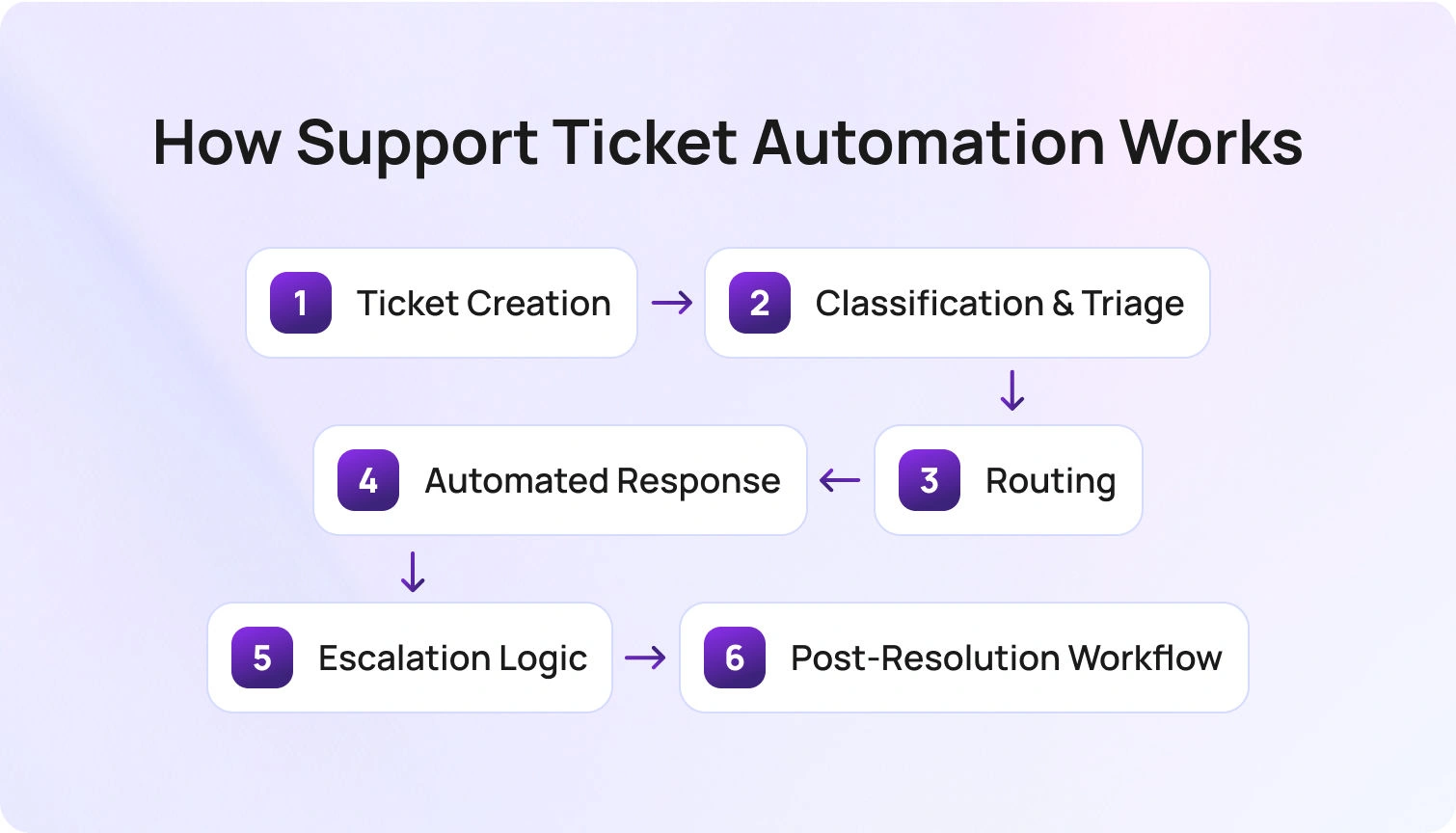
Support ticket automation isn’t magic; it’s a structured workflow that begins the moment a customer interacts with your brand. Here’s how the lifecycle typically unfolds:
- Ticket Creation: Support tickets can originate from web forms, email, chat, voice calls, social media, or other channels. Automated systems ingest these interactions and convert them into structured tickets without human input.
- Classification & Triage: Advanced intent detection and tagging assign each ticket a category and priority. AI models evaluate context and urgency, reducing misclassification and improving speed.
- Routing: Tickets are assigned to the right destination based on predefined rules or AI-driven logic. Basic systems rely on keywords or metadata, while more advanced models analyse historical patterns, agent expertise, and workload to ensure each ticket reaches the best-fit resource or automation queue
- Automated Response: AI‑generated suggestions or self‑service answers address common issues. Knowledge base‑integrated responses ensure consistency and accuracy.
- Escalation Logic: When tickets exceed automation thresholds of confidence or complexity, they’re handed off to human agents with full context, eliminating redundant work.
- Post‑Resolution Workflow: Once resolved, tickets can trigger CSAT surveys, auto‑close processes, or summarised reports for future insights.
This structured flow is what separates tactical automation from genuinely transformative support ticket workflows. This is the model BlueTweak uses to power scalable, AI-driven support operations.
Can support ticket automation fully replace human agents?
No, while modern AI-powered automation can resolve a large percentage of routine tickets, human agents remain essential for complex, sensitive, or high-value customer interactions. The goal is not replacement, but augmentation, allowing support teams to focus where they add the most value.
Key Features to Look For in a Support Ticket Automation Tool
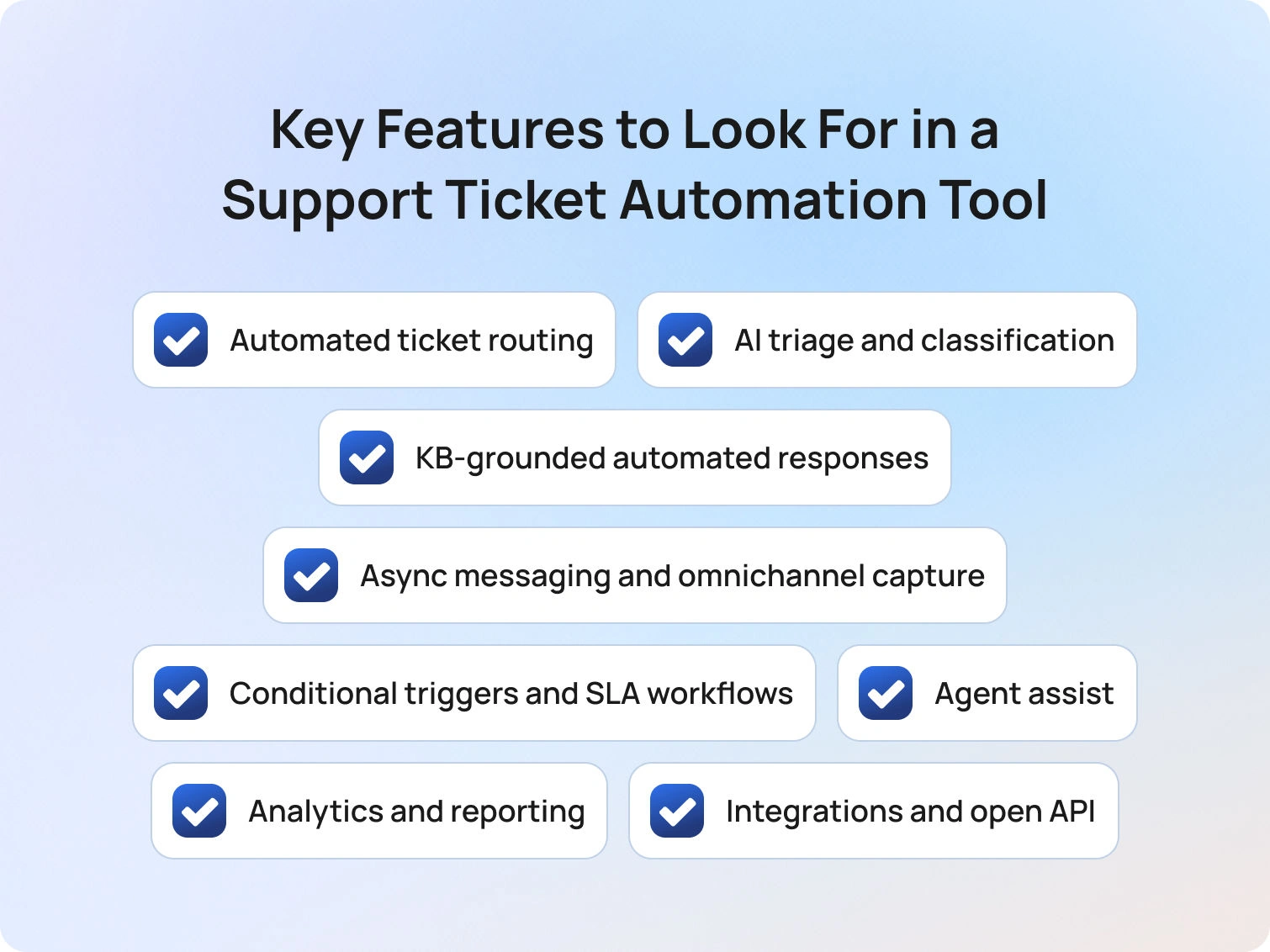
In 2026, choosing the right platform is critical. BlueTweak’s platform is designed to address the growing gap between basic automation and true AI orchestration for support ticket automation.
Once you understand how support ticket automation works, the next step is choosing a platform that can actually deliver on its promise. Not all tools operate in the same way, and the gap between basic automation and true AI orchestration for support ticket automation is where most buying decisions are won or lost.
Automated ticket routing
This is the backbone of any automation strategy and one of the most critical capabilities to get right. At a basic level, routing relies on predefined rules such as keywords, ticket type, or channel. More advanced platforms layer in AI to enable skill-based and load-balanced assignment, ensuring tickets are dynamically routed based on agent expertise, availability, and historical performance. BlueTweak’s approach combines both rule-based logic and AI-driven decisioning, allowing teams to scale routing accuracy without constantly maintaining manual rules.
AI triage and classification
Manually tagging and prioritising tickets is both time-consuming and error-prone. Modern tools use AI to detect intent, analyse sentiment, and assign priority scores in real-time, without requiring complex rule setup. BlueTweak’s automation engine continuously learns from past interactions, improving classification accuracy over time and reducing the operational overhead typically associated with maintaining taxonomy rules.
KB-grounded automated responses
The difference between helpful automation and frustrating automation often comes down to the source of truth. Generic canned responses quickly fall short, especially in complex environments. Instead, leading platforms ground responses in a live knowledge base, ensuring that both automated replies and agent suggestions are accurate, consistent, and up-to-date. BlueTweak enables this by tightly integrating knowledge management into its automation workflows, so every response is contextually relevant and aligned with approved content.
Async messaging and omnichannel capture
Customers don’t think in channels, and your automation shouldn’t either. Whether tickets originate from email, chat, voice, social media, or web forms, automation needs to ingest and process them consistently. BlueTweak’s platform supports true omnichannel automation, including multilingual support ticket automation, ensuring workflows operate seamlessly across all touchpoints, not just traditional email queues..
Conditional triggers and SLA workflows
Automation isn’t just about speed; it’s about control. Robust platforms allow teams to define conditional triggers based on time, priority, or customer attributes, which enables escalation rules, SLA breach alerts, and time-based actions. With BlueTweak, these workflows are configurable yet scalable, helping teams maintain SLA compliance without micromanaging every edge case.
Agent assist
Not every ticket should be fully automated, and that’s where agent assist comes in. AI provides suggested replies, summarises ticket history, and recommends next-best actions, allowing agents to resolve complex issues faster and more consistently. BlueTweak’s agent assist capabilities ensure that even human-handled tickets benefit from automation, bridging the gap between efficiency and quality.
Analytics and reporting
Automation without visibility is a risk. Teams need clear insights into metrics like automation rate, deflection rate, first-contact resolution, average handle time, and SLA compliance. These metrics not only prove ROI but also highlight areas for optimisation. BlueTweak provides comprehensive reporting dashboards that enable teams to continuously refine their automation strategy based on real performance data.
Integrations and open API
Automation doesn’t operate in isolation; it must connect seamlessly with CRMs, ecommerce platforms, voice systems, and business intelligence tools. Without strong integrations, even the best automation workflows will break down. BlueTweak’s open architecture ensures that automation can be embedded across the wider tech stack, enabling truly end-to-end workflows without data silos.
How to Set Up Support Ticket Automation: A Step-by-Step Approach
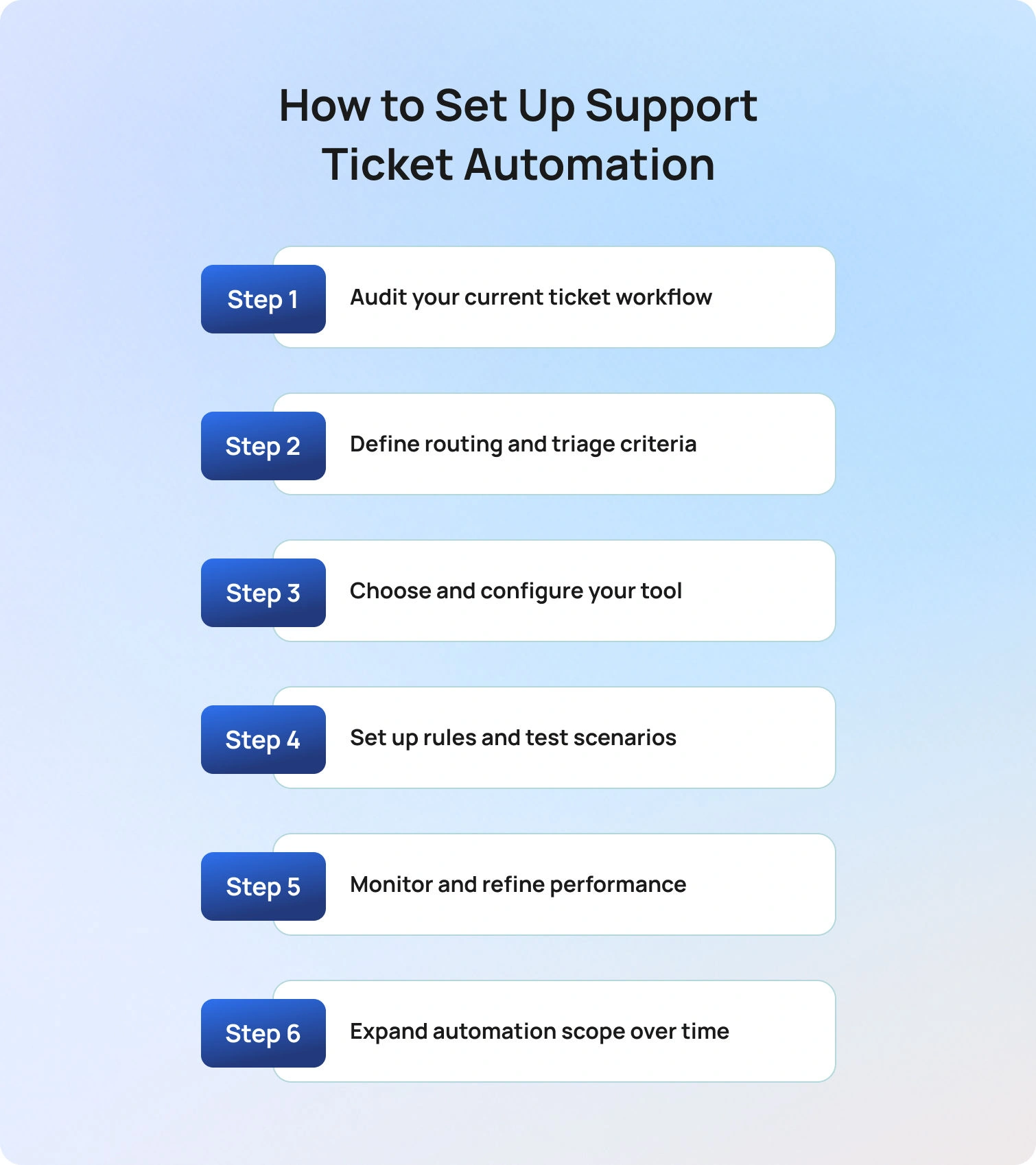
If you’re wondering how to automate customer support tickets, the key is to follow a structured, iterative approach that balances speed with control. As Radu Dumitrescu explains: “The real value of automation isn’t speed alone, it’s consistency at scale, across every customer interaction.”
Implementing support ticket automation successfully requires more than turning on a few rules. The process should be structured, iterative, and focused on both speed and control.
1. Audit your current ticket workflow
Start by understanding how your support operation functions today. Analyse ticket volume by channel, identify your most common ticket categories, and assess metrics like average handle time and resolution rates. This step highlights where manual effort is highest and where automation will have the greatest impact.
2. Define routing and triage criteria
Establish how tickets should be categorised and prioritised. This includes mapping intent types, priority tiers, channels, and agent skill groups. Getting this right is critical for automating support ticket routing effectively, as it determines how accurately tickets are assigned from the outset.
3. Choose and configure your tool
Before going live, ensure your platform is ready to support automation at scale. This means validating knowledge base quality, confirming integration readiness across systems (CRM, ecommerce, voice), and defining escalation logic. BlueTweak, for example, is designed to unify these elements into a single orchestration layer.
4. Set up rules and test scenarios
Begin with a narrow scope and build confidence gradually. Configure routing rules, AI classification models, and response workflows, then rigorously test edge cases to ensure tickets are handled correctly under different conditions. This step is where many automation projects succeed or fail.
5. Monitor and refine performance
Once live, track key metrics such as automation rate, misrouting rate, CSAT, and SLA compliance. Establish a feedback loop with agents to identify gaps and continuously improve workflows. Automation should evolve alongside your support operation.
6. Expand automation scope over time
With a stable foundation in place, layer in additional capabilities such as post-resolution surveys, CSAT triggers, proactive messaging, and autonomous resolution. This phased approach ensures scalability without compromising customer experience.
Common Challenges (and How to Solve Them)
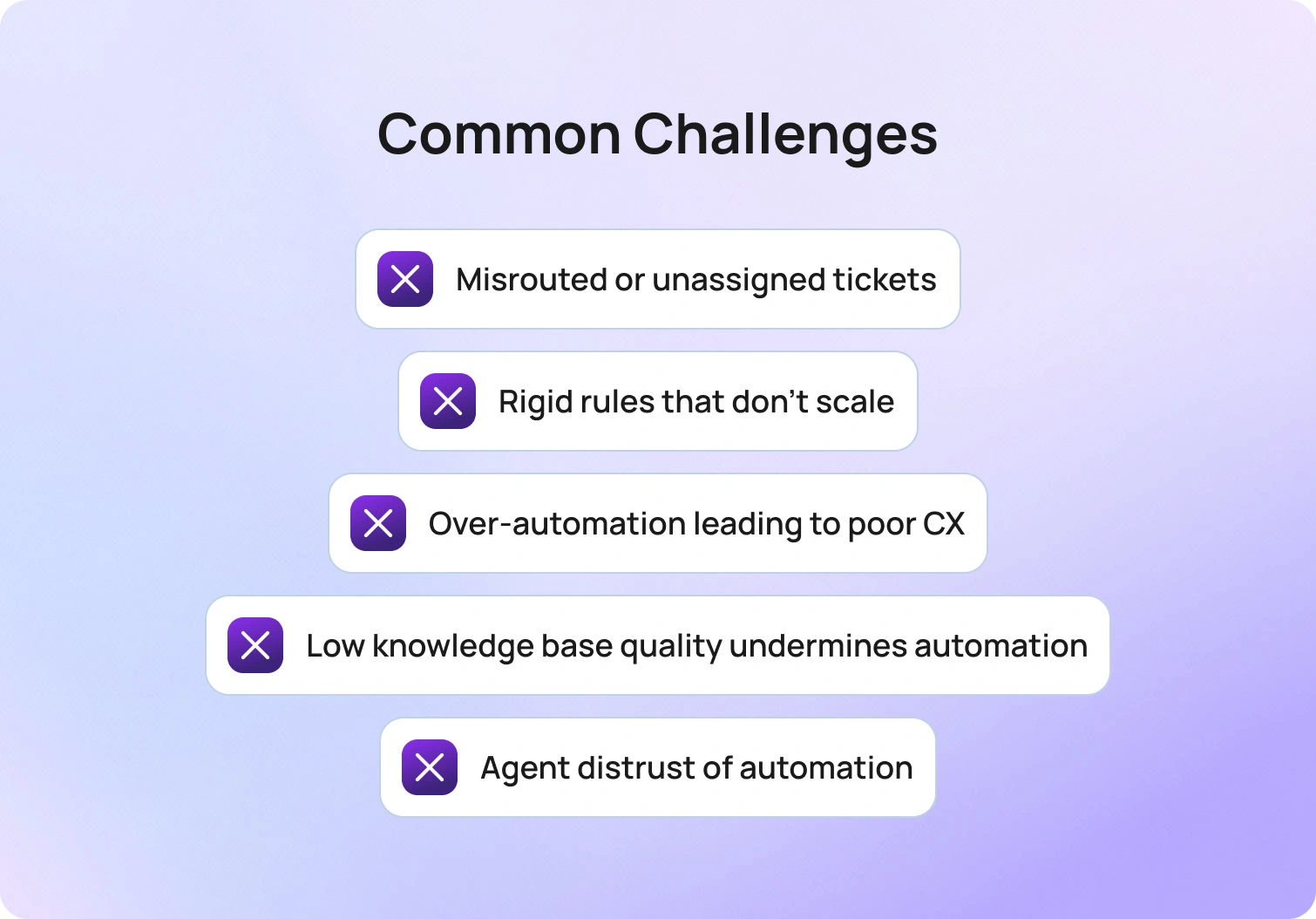
Even with the right strategy, teams often encounter challenges when automating support tickets. The difference lies in how quickly these issues are identified and addressed.
Misrouted or unassigned tickets: This usually stems from weak classification logic or incomplete routing rules. The fix is to strengthen AI triage models and introduce fallback routing conditions to ensure no ticket is left unassigned.
Rigid rules that don’t scale: Rule-based systems break down as ticket volume and complexity increase. If your workflows require constant manual updates, it’s time to introduce AI-driven routing that can adapt dynamically to patterns and workload changes.
Over-automation leading to poor CX: If customers are struggling to reach a human agent or are receiving irrelevant responses, automation has gone too far. Recalibrate by tightening escalation rules and introducing confidence thresholds for automated replies.
Low knowledge base quality undermines automation: AI is only as good as the content it relies on. Outdated or inconsistent knowledge bases lead to inaccurate responses. Treat KB maintenance as a core operational function, not a one-time setup task.
Agent distrust of automation: When agents feel automation creates more problems than it solves, adoption drops. Involve agents in workflow design, surface AI suggestions transparently, and position automation as an assistive tool, not a replacement.
According to Deloitte’s 2026 State of AI in the Enterprise research, 61% of organisations say improving data quality and access is critical to AI success, reinforcing that implementation challenges, not just technology, are often the biggest barrier to effective automation.
BlueTweak's Approach to Support Ticket Automation
Most automation tools solve isolated problems (think: routing, responses, or reporting) but fail to connect them into a cohesive system. This is where many support teams struggle to scale.
BlueTweak takes a different approach; support ticket automation is treated as an orchestration challenge rather than a collection of features. Instead of layering disconnected tools, BlueTweak unifies AI triage, routing, knowledge management, and workflow automation into a single system designed for end-to-end resolution.
This means teams can move beyond basic automation and into true autonomous support operations where tickets are not just processed faster, but resolved more intelligently. By combining AI-driven decisioning with configurable workflows and deep integrations, BlueTweak enables organisations to automate at scale without sacrificing control or customer experience. For organisations evaluating adoption, BlueTweak’s transparent pricing plans make it easy to scale automation while controlling costs.
A strong example of this in practice can be seen in BlueTweak’s own customer base; faced with high volumes of standardised support tickets and time-consuming manual responses, the company implemented BlueTweak to automate classification, streamline workflows, and improve scalability. As a result, the business reduced interaction times, improved team efficiency, and enhanced overall customer satisfaction, demonstrating how a structured, AI-driven approach to support ticket automation can deliver measurable operational and customer experience gains.
Final Thoughts: Why Support Ticket Automation Is a Competitive Advantage in 2026
Support ticket automation has evolved from a tactical efficiency play into a strategic pillar of modern customer service automation. As customer support teams face rising volumes of customer requests and increasing expectations for faster response time, the ability to automate ticket handling (from ticket routing to resolution) is now essential for maintaining both performance and experience.
By implementing an automated ticketing system that combines AI automation, workflow rules, and intelligent ticket management, organisations can eliminate repetitive tasks, reduce human error, and create more consistent outcomes across every customer interaction. This not only improves agent performance and reduces agent workload, but also enables more scalable support operations that adapt to demand without compromising quality.
The real advantage, however, lies in how these systems evolve. With AI-powered automation, automation platforms can continuously analyse customer feedback, identify patterns, and generate valuable insights that refine the entire support process over time. This creates a feedback loop where automation doesn’t just execute, it improves.
For organisations still relying on fragmented ticketing software or outdated manual processes, the gap will only widen. The future of customer support belongs to those who can orchestrate intelligent, end-to-end automation across multiple channels, ensuring every ticket reaches the right team, at the right time, with the right context.
Ready to see how you can transform your support operations? Book a demo with BlueTweak today and discover how to automate ticket workflows at scale.
How AI-Driven Customer Service Automation Drives Revenue and Efficiency
Why AI-Driven Customer Service Is Now a Business Imperative
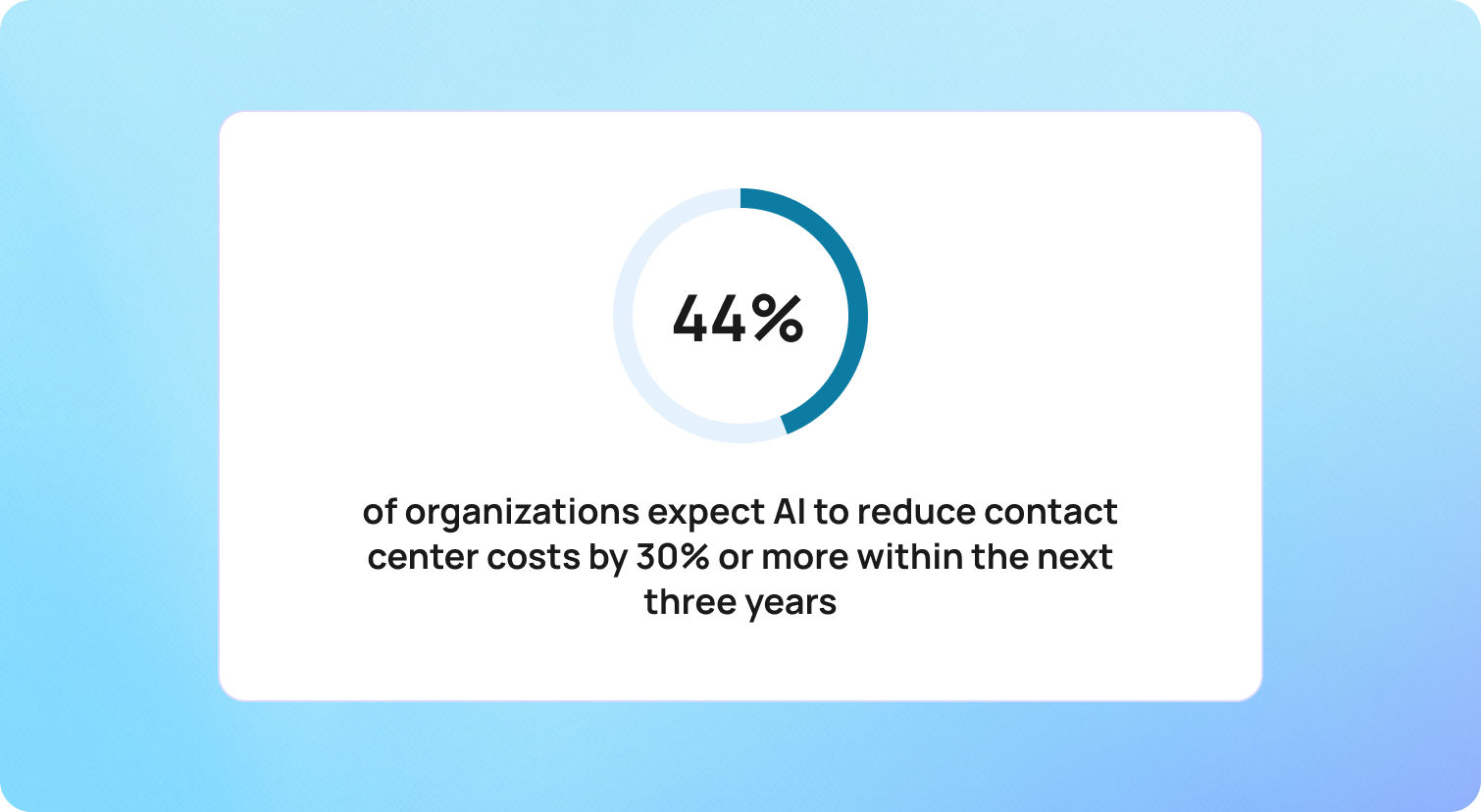
The integration of artificial intelligence (AI) into customer service platforms has fundamentally reshaped how businesses engage, support, and retain customers. What began as simple automation has evolved into intelligent, context-aware systems capable of delivering fast, personalized, and proactive experiences at scale.
Today, AI-driven customer service automation is redefining what customers expect. According to Deloitte, 43% of organizations expect AI to reduce contact center costs by 30% or more within the next three years, highlighting the growing role of AI as both an operational and financial lever.
These platforms enable businesses to automate repetitive tasks, provide 24/7 support, and deliver hyper-personalized interactions, all while unlocking new levels of scalability. Rather than increasing headcount to handle rising demand, organizations can use AI-driven customer service to manage growing volumes of inquiries with precision and consistency.
The financial impact is significant. Businesses are seeing cost reductions of 25–30%, alongside measurable improvements in customer satisfaction and operational efficiency. As AI-driven customer service strategies mature, the focus is shifting from cost savings alone to delivering faster, more personalized, and more scalable customer experiences.
At BlueTweak, this evolution is seen as a strategic turning point. According to Radu Dumitrescu, Head of Automation & Digital Transformation at BlueTweak:
"AI isn't just about automating support, it's about elevating every interaction into a meaningful, revenue-driving moment… The companies winning today are the ones using AI-driven customer service strategies to anticipate, not just respond."
As AI continues to advance, particularly in areas like sentiment analysis and predictive intelligence, its role in shaping customer experience, operational performance, and long-term growth will only become more critical.
Enhanced Customer Satisfaction Through AI-Driven Service Innovations
AI-driven customer service is no longer limited to automating basic support processes; it is fundamentally reshaping how businesses deliver customer experience at scale. By combining speed, intelligence, and personalization, modern AI-driven customer service automation enables organizations to enhance customer service while maintaining efficiency across increasingly complex customer service operations. This is where platforms like BlueTweak enable businesses to operationalise AI-driven customer service at scale, combining automation with intelligent, context-aware support.
Rather than relying solely on human agents, businesses are now implementing AI to handle high volumes of customer inquiries, automate responses, and deliver consistent, high-quality support. The result is a more responsive, scalable, and insight-driven approach to improving customer satisfaction.
24/7 Availability and Instant Response Capabilities
One of the most immediate benefits of AI in customer service is the removal of time-based limitations. AI-powered systems, including conversational AI and intelligent virtual assistants, provide continuous support, ensuring that customer queries are addressed instantly, regardless of time zone or business hours.
This shift is critical in meeting rising customer expectations. Today's customers expect immediate answers, whether they are submitting initial customer inquiries, tracking orders, or resolving issues outside traditional working hours.
AI-driven customer service automation achieves this by:
- Automating routine tasks such as password resets, billing questions, and order tracking
- Handling high volumes of customer requests without delays or queue times
- Providing relevant responses in real-time using natural language processing
Compared to traditional support operations (where email responses can take hours) AI systems resolve routine questions in seconds. This speed not only reduces friction in customer interactions but also plays a direct role in improving customer satisfaction and perceived service quality.
At the same time, human agents are freed from repetitive tasks, allowing the customer service team to focus on more complex issues that require critical thinking, empathy, and deeper product knowledge.
Personalized Customer Interactions at Scale
As AI technologies evolve, personalization has become a defining factor in AI-driven customer service quality. Customers no longer accept generic, one-size-fits-all support — they expect businesses to understand their preferences, history, and intent.
AI-driven customer service solutions achieve this by analyzing customer data across multiple touchpoints, including past purchases, browsing behavior, and previous customer interactions. This enables businesses to deliver personalized support that feels relevant and timely.
For example, AI agents can:
- Recommend products based on purchase history and behavior patterns
- Deliver context-aware responses tailored to individual customer needs
- Adapt messaging based on location, device, or interaction history
Beyond surface-level personalization, advances in generative AI and sentiment analysis allow systems to detect customer sentiment and respond accordingly. When frustration or urgency is identified, AI can prioritize requests, adjust tone, and escalate to human agents with full context.
This ability to detect customer emotions and adapt in real-time is key to enhancing customer interactions. It ensures that automated systems are not just efficient, but also aligned with the emotional expectations of modern customer experience.
Proactive Problem Resolution and Predictive Support
Perhaps the most transformative aspect of AI-driven customer service automation is its ability to anticipate customer needs rather than simply react to them. Solutions like BlueTweak bring these predictive capabilities into real-world customer service operations, helping teams move from reactive support to proactive engagement.
By analyzing customer data and identifying behavioral patterns, AI systems can detect potential issues before they escalate into incoming support tickets. This marks a significant shift in customer service strategies, from reactive problem-solving to proactive engagement.
This is also where AI-driven voice of customer solutions boost self-service capabilities. Instead of waiting for customers to submit queries, AI can:
- Identify friction points, such as repeated errors or abandoned journeys
- Trigger guided assistance during key moments in the customer journey
- Automate responses to resolve issues before escalation
- Deliver targeted incentives to recover at-risk conversions
For example, if a customer encounters repeated checkout errors, the system can automatically offer support, suggest solutions, or provide a limited-time incentive to complete the purchase.
These proactive interventions reduce the volume of customer inquiries, optimize support processes, and significantly lower customer service costs. At the same time, they improve retention by addressing problems before they impact the overall customer experience.
Predictive capabilities also extend into post-purchase support. AI can anticipate renewal cycles, maintenance needs, or usage drop-offs, enabling businesses to re-engage customers at the right moment with relevant, value-driven interactions.
Business Impact and Profitability Enhancement
AI-driven customer service isn't just a tool for improving support; it is a measurable driver of business performance. Organizations implementing AI-driven customer service automation are transforming customer service operations into scalable, insight-led systems that reduce costs, increase revenue, and enhance overall customer experience.
By combining automation, intelligent routing, and real-time data analysis, businesses can optimize both front-end customer interactions and back-end support processes. The result is a more efficient, more responsive, and more profitable customer service model. For businesses looking to accelerate this shift, platforms like BlueTweak provide a practical way to implement AI-driven customer service without overhauling existing systems.
Operational Cost Reduction and Resource Optimization
One of the most immediate benefits of AI in customer service is its ability to reduce operational overhead while maintaining high service quality. By automating routine tasks and handling large volumes of customer queries, AI significantly lowers the burden on human agents.
AI-powered customer service solutions can:
- Automate responses to routine questions such as account updates, order tracking, and billing inquiries
- Manage high volumes of customer requests without increasing headcount
- Streamline support operations through intelligent ticket routing and workflow automation
This redistribution of work allows support agents to focus on more complex tasks and high-value interactions, improving both efficiency and agent productivity.
In addition, AI reduces costly errors across customer service functions. From data entry to ticket classification, automated systems ensure consistency and accuracy, minimizing the need for rework and lowering operational costs over time. With platforms such as BlueTweak, these efficiencies can be implemented without disrupting existing workflows, allowing businesses to modernise support operations incrementally.
Revenue Growth Through Intelligent Upselling
AI-driven customer service is increasingly playing a direct role in revenue generation. By analyzing customer data in real-time, AI systems can identify opportunities to enhance customer interactions and drive conversion.
This is where AI-driven customer service strategies move beyond efficiency and into growth.
During live interactions, AI tools can:
- Recommend relevant products or services based on behavior and purchase history
- Deliver personalized support that increases trust and engagement
- Identify upsell and cross-sell opportunities within existing customer conversations
Rather than acting as a cost center, customer service becomes a revenue-generating function, capable of influencing purchasing decisions at critical moments in the customer journey.
AI also supports conversion by addressing hesitation in real-time. For example, if a customer shows signs of drop-off, AI agents can intervene with relevant responses, targeted incentives, or additional guidance, helping to recover otherwise lost revenue.
Scalability and Elastic Resource Allocation
Traditional customer service models often struggle to scale efficiently, particularly during periods of high demand. AI-driven customer service automation removes this limitation by enabling businesses to scale support operations dynamically.
AI systems can handle thousands of simultaneous customer inquiries without impacting performance, ensuring consistent service quality even during peak periods. This is particularly valuable for global businesses managing diverse customer needs across multiple regions and time zones.
At the same time, AI enables smarter resource allocation within the customer service team. By analyzing patterns in customer interactions and incoming support tickets, businesses can:
- Identify trends and optimize staffing decisions
- Allocate human agents to more complex issues
- Continuously refine support processes based on real-time insights
This combination of scalability and intelligence allows organizations to grow without proportionally increasing costs, creating a more sustainable and efficient operating model.
From Cost Center to Strategic Growth Function
The most significant shift driven by AI is strategic. Customer service is no longer viewed as a reactive support function. Instead, it has become a critical source of valuable insights, customer data, and revenue opportunities. AI systems continuously analyze interactions to identify trends, surface pain points, and uncover opportunities to improve customer service at a systemic level.
At BlueTweak, this shift is central to how businesses unlock long-term value from AI.
"The real impact of AI isn't just efficiency, it's visibility. When you can truly understand customer needs at scale, you're no longer reacting, you're leading." — Radu Dumitrescu, Head of Automation & Digital Transformation, BlueTweak
By turning customer service into a proactive, data-driven function, organizations can anticipate customer needs, refine service strategies, and deliver experiences that drive both loyalty and growth.
Key Features Driving Business Growth
To fully realize the value of AI-driven customer service, businesses need more than basic automation. High-performing customer service solutions combine multiple AI technologies to deliver seamless, intelligent, and scalable support across the entire customer journey.
These capabilities don't just improve efficiency; they directly impact customer experience, service quality, and long-term business growth. By integrating advanced AI tools into customer service operations, organizations can move from fragmented support models to unified, insight-driven systems.
Omnichannel Integration and Consistent Experiences
Modern customers engage with businesses across multiple channels, from email and live chat to social media and voice. AI-driven customer service solutions unify these touchpoints, ensuring that customer interactions remain consistent, regardless of where they begin.
This omnichannel approach enhances customer experience by eliminating silos across support operations. Whether a customer reaches out via social media or submits a request through email, AI systems ensure continuity by centralizing customer data and interaction history.
This allows businesses to:
- Deliver consistent, high-quality responses across all channels
- Reduce duplication in customer queries and support processes
- Improve first-contact resolution by providing full context to support agents
By aligning all customer service functions within a single ecosystem, businesses can enhance customer service while improving efficiency across the entire customer service team. BlueTweak's omnichannel capabilities, for example, ensure that customer data and interactions remain unified across every touchpoint, enabling truly consistent service delivery.
Advanced Natural Language Processing (NLP)
At the core of effective AI customer service is natural language processing (NLP), which enables systems to understand, interpret, and respond to human language in a meaningful way. Unlike early chatbot models that relied on rigid scripts, modern AI systems use NLP to interpret intent, context, and nuance. This allows them to handle a wide range of customer questions, even when phrased informally or ambiguously.
For example, phrases like "Where's my order?" and "My delivery hasn't arrived" are recognized as having the same intent, enabling accurate and relevant responses without friction. This capability improves AI-driven customer service quality by:
- Reducing misinterpretation of customer queries
- Delivering faster, more accurate responses
- Supporting more natural, conversational customer interactions
NLP-powered systems can also operate across multiple languages, enabling global businesses to support diverse customer needs without expanding their human agent headcount.
Automated Workflow Orchestration
Beyond handling conversations, AI plays a critical role in automating backend support processes. AI-driven workflow orchestration connects customer-facing interactions with internal systems, enabling end-to-end automation of customer service functions. When a customer submits a request, such as a refund or account update, AI systems can:
- Verify customer data and eligibility
- Trigger the appropriate workflows
- Update internal systems and knowledge base records
- Complete the action without requiring manual intervention
This level of automation significantly reduces processing times while improving service quality and consistency.
Intelligent routing further enhances efficiency by directing customer inquiries to the most appropriate resolution path. Routine tasks are handled automatically, while more complex issues are escalated to human agents with full context. This ensures that support agents can focus on high-value, complex tasks, while AI handles repetitive, time-consuming processes.
Continuous Learning and Insight Generation
One of the most powerful advantages of AI in customer service is its ability to continuously learn and improve. AI systems analyze customer interactions at scale, generating valuable insights that help businesses refine their service strategies over time. By analyzing customer data, AI can:
- Identify trends in customer needs and behavior
- Highlight gaps in support processes or knowledge base coverage
- Detect recurring issues that drive incoming support tickets
These insights allow businesses to improve customer service proactively, rather than reacting to problems after they arise.
Over time, this creates a feedback loop where AI performance improves continuously, delivering better responses, faster resolutions, and more personalized support with every interaction.
Enabling Smarter, More Scalable Customer Service
Ultimately, these features work together to transform how businesses approach customer service operations. By combining conversational AI, intelligent automation, and data-driven insights, organizations can:
- Scale customer service without increasing costs
- Enhance customer interactions across every touchpoint
- Deliver personalized support that aligns with evolving customer expectations
This is what defines modern AI-driven customer service strategies — not just automation, but intelligent systems designed to anticipate customer needs, improve efficiency, and drive measurable business outcomes.
Quantifiable Benefits Across Business Metrics
AI-driven customer service isn't just an operational tool, but rather, a measurable driver of business value. By combining speed, predictive intelligence, and personalization, AI enhances customer service quality while delivering tangible results across revenue, retention, and efficiency metrics. Businesses adopting AI-driven customer service automation are seeing benefits that extend far beyond cost savings, positioning support functions as strategic growth engines.
Customer Lifetime Value (CLV) Enhancement
AI-powered personalization strengthens the customer relationship, fostering loyalty and driving repeat purchases. By analyzing customer data, AI systems anticipate needs, tailor support, and deliver relevant offers, transforming routine customer service interactions into revenue-generating opportunities.
Verified research highlights these measurable outcomes:
- 65% of revenue comes from repeat customers, emphasizing the importance of retention-focused support
- AI-enhanced loyalty programs deliver 4.8–5.2x ROI, showing the effectiveness of personalized rewards
By using AI to predict customer needs, provide timely interventions, and deliver personalized service, organizations maximize customer lifetime value while cultivating long-term brand loyalty.
Employee Productivity and Satisfaction
AI-driven customer service is about augmenting human agents' capabilities, so support teams can focus on more strategic, complex, and emotionally nuanced tasks while AI handles repetitive or routine work. Research from Gartner confirms this broader trend: while only 20% of customer service leaders report headcount reduction directly due to AI, the majority are maintaining staffing levels even as they support higher volumes and more complex inquiries, underscoring the role of AI in boosting operational efficiency rather than eliminating jobs.
Gartner's 2026 survey also shows that 91% of customer service leaders feel pressure to implement AI, largely because executives expect it to improve customer satisfaction, drive operational efficiency, and strengthen self-service outcomes — priorities that directly influence agent productivity and morale.
Rather than replacing human roles, service organisations are reshaping jobs to take advantage of AI's strengths. Gartner also highlights that nearly 80% of organisations plan to transition agents into new roles where human expertise — such as handling emotionally sensitive interactions, complex problem-solving, and delivering judgment — complements AI at scale.
Research from PwC shows that a significant share of companies deploying AI agents report increased productivity and faster decision-making, with many also indicating improvements in customer experience. Over half of organizations surveyed reported gains in efficiency due to AI integration — a clear beneficial signal for support teams and customer service leaders alike.
By working in tandem with automated tools that handle repetitive customer interactions — such as case summarisation, knowledge retrieval, and routing — human agents are freed to concentrate on more complex, high-value work. This not only elevates overall service quality but also improves job satisfaction by allowing agents to focus on uniquely human strengths like empathy, creativity, and critical thinking.
Risk Mitigation and Compliance Assurance
AI-driven customer service automation not only streamlines support operations but also strengthens compliance and risk management, especially in regulated industries where data governance, auditability, and oversight are essential. Leading research firms consistently highlight the growing role of AI in supporting risk and compliance functions, from automated monitoring to governance frameworks that ensure responsible use.
According to PwC, organizations are increasingly modernizing risk and compliance functions by using AI-powered capabilities to automate monitoring, interpret regulatory changes in real-time, and surface risk insights faster than traditional manual processes. This transformation helps reduce operational burden and creates space for teams to focus on strategic oversight rather than rote compliance tasks.
Similarly, Deloitte's State of AI in the Enterprise research highlights that as organizations scale AI adoption, effective AI governance becomes critical to managing risk and regulatory obligations, with firms that embed governance actively across people and processes poised to achieve greater value and operational resilience.
From an industry risk perspective, Gartner predicts that legal, risk, and compliance functions will significantly increase technology investments through the remainder of the decade, reflecting the growing importance of automation and AI technologies in managing complex regulatory environments and risk workflows.
While specific numerical impacts vary by implementation and industry, these authoritative sources point to a clear trend: AI tools can automate inspection of compliance controls, surface risk indicators, and support governance practices that improve consistency and oversight. For customer service teams, this means fewer manual errors, more traceable audit trails, and reduced risk of non-compliance in interactions that involve sensitive customer data or regulated processes.
This approach ensures that AI-driven customer service supports not only operational goals but also broader enterprise risk and compliance objectives, helping organizations maintain customer trust and regulatory integrity as they scale.
Challenges and Strategic Considerations
While AI-driven customer service offers significant advantages, successful implementation requires careful planning, governance, and alignment with broader business objectives. Organizations that approach AI as a strategic capability, not just a tool, are better positioned to enhance customer service, maintain service quality, and deliver long-term value across customer service operations.
Balancing Automation with Human Touch
One of the biggest challenges in AI in customer service is finding the right balance between efficiency and empathy. AI excels at handling routine tasks, resolving common customer queries, and managing initial customer inquiries at scale. However, human agents remain essential when it comes to complex issues, nuanced conversations, and understanding customer emotions.
Rather than replacing support teams, AI customer service works best when it augments human agents, freeing them from repetitive tasks so they can focus on higher-value customer interactions. This hybrid approach ensures businesses can scale support operations without sacrificing the quality and emotional intelligence that define a strong customer experience.
Data Privacy and Security Imperatives
The effectiveness of AI-driven customer service solutions depends heavily on the quality of the customer data behind them. Incomplete, outdated, or siloed data can lead to irrelevant responses, fragmented customer interactions, and reduced service quality.
To fully realize the benefits of AI tools, businesses need to prioritize:
- Clean, structured, and accessible customer data
- Seamless integration across customer service operations and support processes
- Well-maintained knowledge bases that evolve alongside customer needs
By investing in strong data foundations, organizations enable AI systems to deliver more accurate, relevant, and personalized support, ultimately improving customer satisfaction and trust.
Managing Customer Trust and Expectations
As AI becomes more embedded in customer interactions, trust becomes a critical factor in adoption. Customers expect fast, accurate, and transparent support, but they also want to know when they're interacting with AI and when a human agent is involved.
To maintain trust while implementing AI, businesses should focus on:
- Being transparent about the use of AI agents in customer service
- Ensuring conversational AI delivers consistent, context-aware responses
- Providing clear and seamless escalation paths to human agents
Managing these expectations effectively helps businesses enhance customer service without creating friction or undermining confidence in the experience.
Implementation Complexity and Change Management
Implementing AI in customer service is not a simple switch; it requires alignment across technology, people, and processes. From integrating AI into existing systems to training support agents and refining workflows, success depends on a structured and iterative approach.
Key considerations include:
- Training customer service teams to work effectively alongside AI tools
- Redesigning customer service functions to incorporate automation
- Continuously monitoring AI performance and optimizing over time
Without this level of planning and adaptability, businesses risk underutilizing AI technologies or failing to achieve meaningful improvements in support operations.
Ensuring Ethical AI and Regulatory Compliance
As AI technologies become more central to customer service operations, businesses must also consider the ethical and regulatory implications. Handling sensitive customer data, automating responses, and making decisions at scale all introduce new responsibilities.
To ensure responsible AI adoption, organizations should focus on:
- Monitoring for bias in AI-generated responses
- Protecting customer data across all customer interactions
- Maintaining transparency and accountability in automated decision-making
By embedding these principles into their AI strategies, businesses can improve customer service while safeguarding trust, compliance, and long-term brand reputation.
Continuous Learning and System Updates
AI-driven customer service systems are not static — they require continuous learning and refinement to remain effective. As customer needs evolve and new products, services, or policies are introduced, AI tools must be regularly updated to ensure they continue delivering accurate and relevant responses.
Without ongoing optimisation, even well-implemented systems can quickly become outdated, leading to poor customer interactions, incorrect answers, and declining service quality. This is particularly important in environments where customer expectations are constantly shifting and real-time accuracy is critical.
To maintain high-performing AI customer service, businesses should focus on:
- Regularly updating knowledge bases to reflect the latest company information and policies
- Continuously training AI models using new customer data and interaction patterns
- Monitoring AI performance to identify gaps, inaccuracies, or emerging trends
- Refining automated responses to better align with customer intent and sentiment
By treating AI as an evolving system rather than a one-time implementation, organizations can consistently improve customer service, adapt to changing customer expectations, and ensure long-term value from their AI investments.
Final Thoughts: Future Trajectory and Emerging Innovations
AI-driven customer service is evolving rapidly, moving beyond automation and efficiency into more intelligent, adaptive, and context-aware experiences. Advances in areas like generative AI, natural language processing, and predictive analytics are enabling systems to better understand customer intent, anticipate needs, and deliver more relevant, human-like interactions at scale.
We're already seeing the shift toward more emotionally aware and proactive support. AI tools are beginning to interpret customer sentiment more effectively, allowing businesses to respond with greater nuance, while predictive capabilities are helping teams anticipate customer needs before they escalate into issues. At the same time, emerging technologies such as augmented reality are opening up new possibilities for guided support, particularly in technical and product-heavy environments.
What's clear is that AI in customer service is no longer just about handling routine tasks. Today, AI in customer service focuses on enhancing customer interactions across the entire customer journey. From first touchpoint to long-term retention, AI is enabling more personalized support, faster resolutions, and more consistent service quality across channels.
As these technologies continue to mature, the gap between automated and human-led support will continue to narrow. Businesses that invest in AI-driven customer service today are not only improving current customer experience but also building the foundation for more scalable, intelligent, and responsive support operations in the future.
If you're ready to see how AI-driven customer service can move beyond automation and become a true growth driver, BlueTweak can help you get there.Book a demo with the BlueTweak team
to explore how you can enhance customer experience, streamline support operations, and unlock new revenue opportunities with AI-powered customer service.
Book a BlueTweak demo
Book DemoFAQ

What Matters in a Modern Customer Support Platform (And What Doesn’t)
Why Features Alone Don't Drive Better Support
Most customer support platforms promise the same things: omnichannel, automation, AI, and reporting. On paper, they look almost identical. But in practice, very few of these features create a meaningful impact on their own.
The difference comes down to how well they work together and whether they genuinely reduce effort for your team and your customers. As Radu Dumitrescu, Head of Presale & Digital Transformation at BlueTweak, puts it:
"Most organisations don't struggle with choosing features; they struggle with connecting them in a way that actually improves outcomes. That's where modern platforms either create leverage or add complexity."
According to Deloitte's 2026 State of AI in the Enterprise report, organisations across industries are increasingly moving from experimentation to broader deployment of AI, with two-thirds reporting productivity and efficiency gains and many prioritising AI to enhance customer relationships and operational performance.
In practice, this is where many customer support software investments fall short. Platforms may offer advanced features like automation tools, AI capabilities, and integrated ticketing systems, but without a clear strategy, they often add friction instead of removing it. Support teams still find themselves handling repetitive tasks, switching between communication channels, and relying on manual processes that limit agent productivity and slow down customer conversations. The result is a gap between what the technology promises and what it actually delivers.
So instead of asking "what features does this platform have?", the better question is, "what outcomes will these features actually drive?"
Ultimately, the value of customer support software depends less on individual features and more on how well AI customer service, automation, and customer data are connected to improve real-world outcomes.
6 Capabilities That Actually Improve Customer Support Outcomes
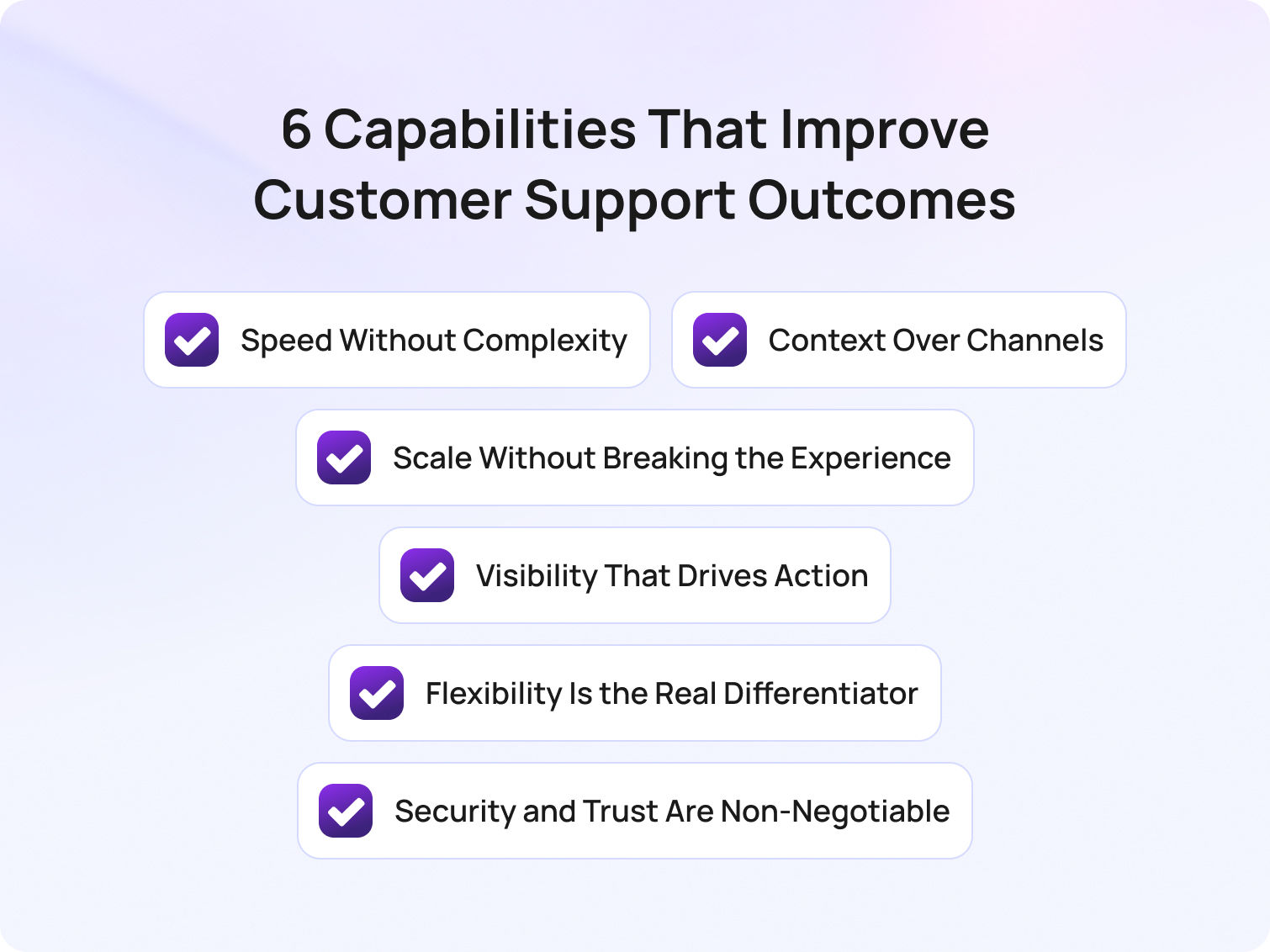
When evaluating the key features of AI customer support platforms for enterprises, it's easy to get lost in long feature lists that promise everything but deliver little in practice. The reality is that the most effective platforms don't just offer more functionality; they also focus on the key features enterprises need in AI customer support platforms to drive efficiency, consistency, and better outcomes at scale.
Rather than comparing surface-level capabilities, it's more useful to understand the features of efficient customer support platforms and how they work together in real environments. In a recent BlueTweak implementation, teams using AI-powered automation saw measurable improvements in response times and agent efficiency within the first rollout phase.
Below are the six capabilities that consistently separate high-performing teams from the rest.
1. Speed Without Complexity
Omnichannel support, automation, and AI are often positioned as separate capabilities. In reality, they only create value when they work together to deliver one outcome: faster support without added complexity.
Most platforms today technically tick the boxes: they offer email, live chat, social, and voice. They include routing rules, workflows, and even AI-powered chatbots. But simply layering these features on top of each other doesn't guarantee efficiency. In many cases, it does the opposite, creating fragmented workflows, duplicated effort, and systems that feel harder to navigate as they scale.
The real differentiator is how seamlessly these elements are connected behind the scenes. What high-performing teams look for isn't more functionality, it's less friction. That means a genuinely unified inbox rather than loosely connected channels. It means automation that removes decisions from agents, not adds new ones. And it means AI that works alongside agents in real-time, surfacing relevant information and next steps, rather than simply deflecting tickets at the front door.
To understand how speed translates into real value, it helps to break it down into specific capabilities that reduce friction for both agents and customers:
- A truly unified inbox (not stitched-together channels)
- Automation that simplifies workflows rather than complicates them
- AI that enhances agent performance in the moment
The simplest way to evaluate this is by looking at how your team feels using it. If handling more tickets makes the system feel heavier, not lighter, something isn't working.
2. Context Over Channels
Customers don't think in channels; they think in conversations. They expect to start a query on live chat, follow up via email, and, if needed, pick up the conversation on the phone without losing momentum.
But many platforms still treat these as separate interactions. The result is a fragmented experience where customers repeat themselves, and agents waste time reconstructing context from multiple systems.
This is why CRM integration shouldn't be viewed as an add-on feature. It's foundational to delivering any kind of consistent, high-quality support experience.
When done properly, it creates a single, continuous view of the customer, bringing together interaction history, behavioural data, and transactional insight in one place. This allows agents to move from reactive problem-solving to informed, personalised support.
Bridging into practical application, here are the elements that ensure context is preserved:
- A single view of the customer across all touchpoints
- Real-time access to history, behaviour, and purchases
- Continuity between conversations, regardless of channel
The impact is immediate. Conversations become faster, more relevant, and far less frustrating. Customers feel recognised, not processed, and agents spend less time searching for answers and more time delivering them. Ultimately, if your platform can't maintain context, it doesn't matter how many channels it supports.
3. Scale Without Breaking the Experience
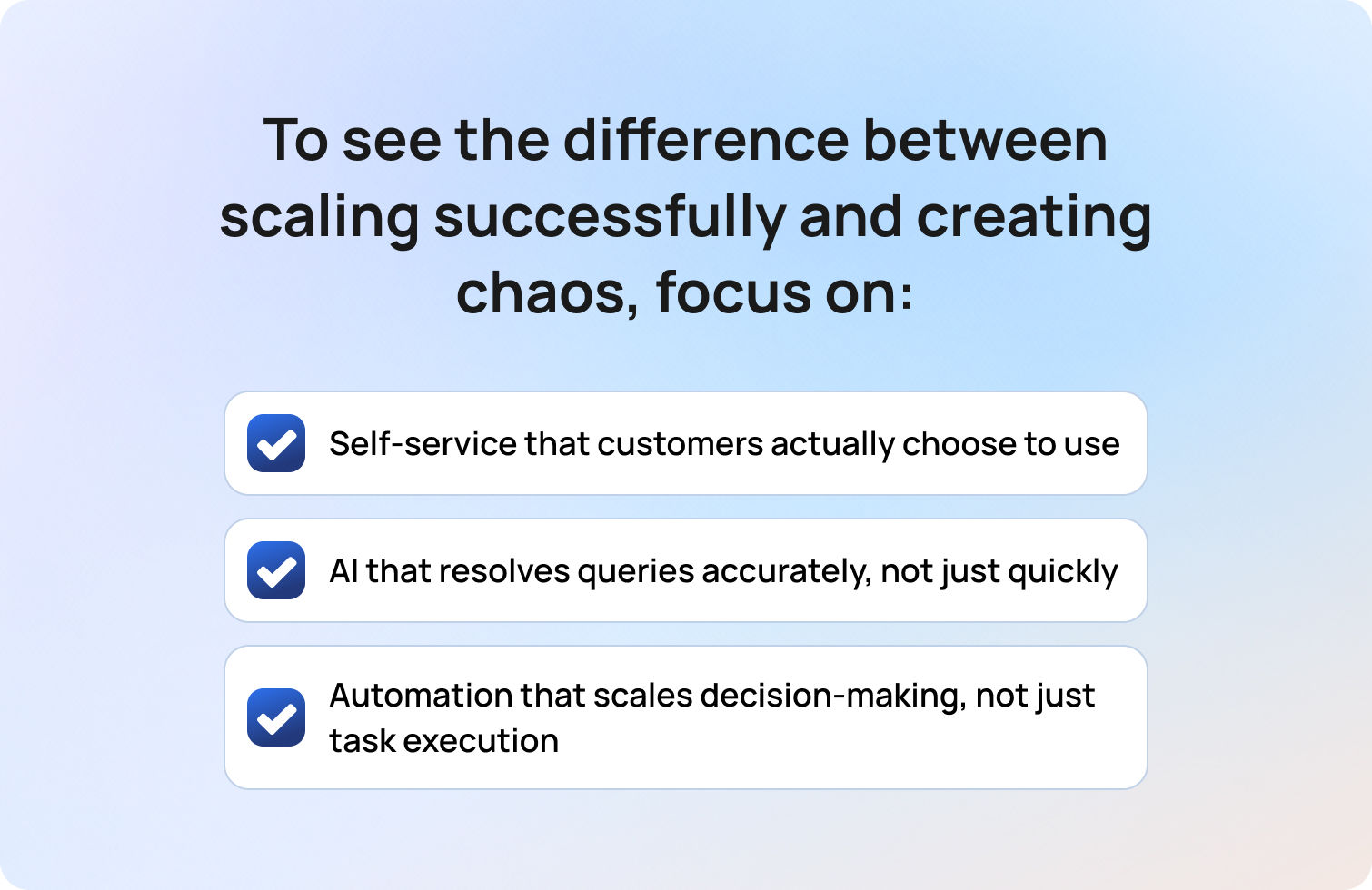
Scaling customer support is where most platforms (and processes) start to break down.
Handling 100 tickets a day is manageable. Handling 10,000 is where cracks begin to show: response times slip, quality becomes inconsistent, and agents quickly become overwhelmed. At this point, adding more people is no longer a sustainable solution.
This is where self-service, automation, and AI are meant to step in. But their success depends entirely on how well they've been implemented.
Too often, self-service takes the form of static FAQs that customers ignore. Chatbots prioritise speed over accuracy, leading to frustration rather than resolution. And automation handles tasks, but not decisions, meaning complexity still sits with the agent.
What matters is whether these tools genuinely absorb demand in a way that maintains or improves the customer experience. To see the difference between scaling successfully and creating chaos, focus on these areas:
- Self-service that customers actually choose to use
- AI that resolves queries accurately, not just quickly
- Automation that scales decision-making, not just task execution
There's a growing gap between AI adoption and AI effectiveness. Many organisations are investing heavily, but seeing limited returns because the experience hasn't been designed around real customer behaviour.
The real test is simple: as your volume increases, does your support experience improve or quietly degrade?
4. Visibility That Drives Action
Most customer support platforms offer reporting, but not many actually offer clarity.
It's easy to build dashboards filled with metrics — response times, ticket volumes, satisfaction scores — but without context or direction, these numbers rarely lead to meaningful change. They become something teams review, rather than something they act on.
The value of reporting lies in its ability to highlight where effort should be focused. Where are the bottlenecks? Which issues are driving repeat tickets? Where is time being lost? High-performing teams use data not just to measure performance, but to continuously refine it.
To turn reporting into real insight, focus on the metrics that inform decisions:
- Real-time visibility into bottlenecks and inefficiencies
- Metrics tied to outcomes, not just activity
- Reporting that informs decisions across the business
Core metrics like first response time, resolution time, CSAT, and ticket deflection rates still matter, but only when they're connected to action. For example, a drop in CSAT should trigger investigation, not just observation.
Essentially, insight isn't about what's happening; it's about what you do next.
5. Flexibility Is the Real Differentiator

This is often the most overlooked aspect of a customer support platform, and the one that matters most over time. At a glance, many platforms appear similar — they offer comparable features, interfaces, and integrations — but the real difference emerges once they're embedded into your organisation.
Out-of-the-box functionality is rarely the issue. The challenge is whether the platform can adapt to your specific workflows, team structures, and customer needs without forcing compromise.
As your business evolves, your support operation will too. New products, new markets, new processes — all of these place new demands on your systems. A rigid platform can quickly become a constraint.
Here are some key areas where flexibility truly makes a difference:
- Customisable workflows and ticket structures
- Role-based permissions tailored to different teams
- Seamless integration with your wider tech stack
Flexibility is what allows a platform to grow with you, rather than hold you back. Without it, even the most feature-rich solution will eventually feel limiting.
6. Security and Trust Are Non-Negotiable
As customer support becomes more data-driven, the stakes around security continue to rise. Every interaction now carries sensitive customer data — transaction history, behavioural insight, and more. Protecting that information isn't just a compliance requirement; it's fundamental to maintaining customer trust.
While most platforms will highlight their security credentials, the real consideration is how these measures are implemented in practice and whether they support, rather than hinder, day-to-day operations.
To ensure security works for your team and your customers, focus on:
- End-to-end data encryption
- Multi-factor authentication across all users
- Compliance with standards such as GDPR and SOC 2
But beyond certifications, security is about confidence. Your team needs to know that customer data is protected, without navigating unnecessary friction to access it. Trust, once lost, is far harder to rebuild than any system.
These six capabilities represent the key features enterprises need in AI customer support platforms to improve efficiency, enhance customer interactions, and streamline support operations at scale.
Why Some Features Don't Move the Needle (And What Actually Does)
Not every feature on a platform creates a meaningful impact. In fact, many of the "bells and whistles" found in modern customer support software are simply table stakes — expected functionality that won't differentiate your customer experience or improve performance on their own.
As Radu Dumitrescu, Head of Automation & Digital Transformation at BlueTweak, explains:
"The real challenge isn't access to features, it's whether those features are actually aligned to the way support teams work day to day. Without that alignment, even the most advanced tools end up creating more complexity than clarity."
The challenge isn't a lack of capability, but a lack of cohesion. Many customer support tools offer similar functionality, but without the right implementation, these service tools operate in isolation, creating fragmented workflows and limiting the effectiveness of both automation and AI customer service.
What truly sets high-performing platforms apart is how these features are applied in practice. The focus should always be on whether they reduce friction, support better customer conversations, and ultimately lead to stronger customer satisfaction outcomes.
To make this more tangible, here's how these capabilities show up in real platforms, and what to look for when evaluating them.
Omnichannel Capabilities
Customers expect support through multiple channels. A robust customer support platform should provide seamless communication across email, live chat, social media, phone, and even SMS. These customer support features allow agents to handle inquiries from any channel within the same interface, ensuring faster response times and higher customer satisfaction.
What to look for:
- Support for the channels your customers actually use
- A unified inbox where conversations don't fragment across systems
- The ability for agents to switch channels without losing context
Automation for Efficiency
Automation is essential for reducing repetitive tasks and enabling support teams to operate at scale. However, not all automation features are created equal, and poorly implemented workflows can add complexity rather than remove it.
What to look for:
- Automation that eliminates routine tasks, rather than shifting them elsewhere
- Intelligent routing that reduces manual effort and speeds up resolution
- Workflows that simplify decision-making for agents, not complicate it
- Workflows that can adapt dynamically to different types of customer requests without requiring constant manual intervention
AI and Chatbot Integration
AI customer service tools are increasingly central to modern platforms, but their effectiveness depends on how well they integrate into real workflows. Chatbots can manage common customer inquiries, freeing agents to address more complicated issues. Additionally, AI can assist agents by providing relevant information in real-time. A solution that serves both speed and accuracy is essential.
What to look for:
- AI agents that can handle routine queries with a high degree of accuracy
- AI tools that support agents in real-time during live customer conversations
- Seamless handoff between AI and human agents when human intervention is needed
CRM Integration
Personalised support depends on access to complete, real-time customer data. Without strong integration between systems, agents are forced to piece together a customer's history manually, slowing down interactions and reducing quality.
What to look for:
- Seamless integration with CRM systems and other service tools
- Real-time access to customer history, behaviour, and past interactions
- A single, unified view of the customer across all touchpoints
Self-Service Options
A comprehensive customer support platform should include self-service tools such as a knowledge base, FAQs, and community forums. This empowers customers to find solutions to their problems independently, reducing the load on your support team.
What to look for:
- Customer portals and knowledge bases that are easy to navigate and regularly updated
- AI customer service capabilities that improve search and recommendation accuracy
- Self-service options that genuinely reduce inbound service requests and improve overall customer satisfaction
Advanced Reporting and Analytics
A high-quality customer support platform should offer advanced reporting capabilities to track and analyse interactions, team performance, and customer satisfaction metrics. Reports should be customisable and easy to share across teams.
What to look for:
- Visibility into support metrics that directly impact performance, including trends in customer satisfaction
- Reporting that connects activity to outcomes, not just volume
- Insights that help teams continuously improve operational efficiency
Scalability
As your business grows, so will your customer support needs. Ensure the platform you choose can scale effortlessly with your team. This includes the ability to add new agents, support more customers, and introduce additional channels without overhauling the system.
What to look for:
- The ability to handle increased ticket volumes without slowing down workflows
- Flexible pricing and infrastructure that supports scaling support teams
- AI customer service tools and automation features that absorb demand effectively
Customisation and Flexibility
Customisation is crucial for adapting the platform to your specific workflows and preferences. Whether it's modifying ticket fields, creating custom reports, or adjusting agent permissions, your customer support platform should offer the flexibility to match your business processes.
What to look for:
- Customisable ticketing systems and workflows that reflect your processes
- Role-based permissions tailored to different service teams
- Integration capabilities that allow the platform to fit into your wider tech stack
Security and Compliance
Security is non-negotiable when dealing with customer data. A reliable platform should include strong security measures like data encryption, two-factor authentication, and compliance with industry standards such as GDPR, HIPAA, or SOC 2, depending on your region and industry.
What to look for:
- Strong data protection measures, including encryption and access controls
- Compliance with relevant standards such as GDPR or SOC 2
- Security practices that support both operational efficiency and customer trust
The real differentiator in customer support tools is not feature volume, but whether AI capabilities, automation, and customer data work together to improve customer experience and service efficiency.
How to Evaluate a Customer Support Platform (Without Getting Distracted by Features)
Once you move beyond feature checklists, evaluating customer support software becomes a very different exercise. The goal isn't to compare how many tools a platform offers, but to understand how effectively it supports your customer service operations in practice.
Start by looking at how the platform handles real workflows. Does it reduce repetitive tasks and routine tasks for your support teams, or simply shift them into different parts of the process? The best customer support tools use AI capabilities and advanced automation to remove friction entirely, allowing support teams to focus on higher-value customer conversations rather than simple queries.
It's also important to assess how well the platform connects your systems. Strong integration with CRM platforms, ticketing systems, and other service tools ensures that customer data, history, and service requests flow seamlessly across the business. Without this, even the most advanced features will struggle to deliver consistent outcomes.
Finally, focus on impact. Look beyond surface-level metrics and evaluate how the platform improves agent productivity, supports agents in real-time, and contributes to key support metrics like resolution time and customer satisfaction. The right platform should make support operations feel simpler, faster, and more scalable, not more complex.
Effective evaluation of customer support software should focus on outcomes such as improved agent productivity, better handling of customer requests, and stronger alignment between service tools and business operations.
The Shift from Tools to Outcomes
The way organisations think about customer support technology is changing. Where teams once focused on implementing more tools, today the emphasis is on how those tools work together to deliver measurable outcomes.
This shift is being driven by the rapid evolution of AI customer service. Modern platforms are no longer just collections of disconnected service tools; they are increasingly built around AI-powered systems that combine automation features, machine learning, and intelligent orchestration. AI tools and AI agents now play a central role in managing customer interactions, resolving routine queries, and supporting human agents in real-time.
As a result, the conversation is moving away from individual features and towards performance. Businesses are asking how their customer support tools contribute to faster resolutions, better customer experiences, and more efficient support operations. This includes everything from how customer portals deflect demand to how AI customer service tools enhance decision-making during live interactions.
Ultimately, success comes down to alignment. The most effective platforms aren't the ones with the most features, but the ones where every capability — from automation to AI — works together to improve outcomes across the entire customer journey.
Modern AI customer service platforms succeed when they unify customer data, automation, and AI tools into a single system that improves both customer interactions and operational efficiency.
Final Thoughts: From Features to Real-World Impact
As rising customer expectations continue to reshape how businesses approach support, the role of modern customer service platforms is evolving rapidly. It's no longer enough to manage customer inquiries or resolve support tickets; customer service teams today need to deliver seamless, personalised experiences across every interaction.
This is where the features of today's customer support platforms truly come into play. When implemented effectively, they don't just support customer service functions; they transform them. By combining AI customer service tools, intelligent automation, and strong integration capabilities, organisations can reduce human effort while improving human agent productivity and create more meaningful customer interactions at scale.
A key part of this shift is the move towards omnichannel support, where businesses unify communication across multiple touchpoints to create a consistent and connected experience. When done well, this approach ensures that customer data, context, and customer history flow seamlessly between channels.
But success doesn't come from technology alone. It comes from how well those tools are aligned to your workflows, your teams, and your customers. The right platform should help service teams streamline support operations, surface insights from analysing customer data, and continuously improve operational efficiency.
Implementing better customer support software isn't enough. In 2026, teams need to deliver exceptional customer experiences that drive long-term business outcomes. The future of customer support software lies in integrated AI customer service systems that combine automation, customer data, and service tools to deliver consistent, scalable, and high-quality customer experiences.
If you're evaluating customer support software and want to understand how these capabilities come together in a real environment, book a demo with BlueTweak and start exploring how modern customer support platforms translate into measurable outcomes for your team.
Book a BlueTweak Demo
Book Demo
13 Airline Customer Support Software Options To Choose In 2026
Why Airlines Need Specialized Customer Support Software in 2026
Airline support operations look very different from those in most other industries. A weather event, operational delay, or airport disruption can generate thousands of support requests within minutes.
Customer support teams must handle these spikes without sacrificing accuracy, compliance, or customer experience.
According to research from PwC, 29% of consumers stopped using or buying from a brand due to poor customer experience, highlighting how quickly service failures can translate into lost revenue. For airlines, where disruption events and operational delays are inevitable, the ability to deliver fast, accurate support during high-stress moments can be the difference between maintaining customer loyalty and losing it.
This is why many airlines are moving toward purpose-built airline customer support software that supports disruption workflows, omnichannel messaging, and operational analytics.
What Airlines Need in 2026 That Most Support Tools Miss
Most generic helpdesk platforms weren’t designed for the realities of airline operations. Traditional customer support tools are typically optimized for steady ticket volumes and predictable service environments. Airlines, by contrast, operate in a world where customer demand can spike dramatically within minutes, triggered by events such as weather disruptions, air traffic control issues, strikes, or technical delays.
When these disruption events occur, support teams must respond at scale while maintaining consistent messaging across every channel passengers use, from voice calls and email to chat, social media, and messaging apps. At the same time, agents must work with constantly evolving operational information, including flight status updates, policy adjustments, and rebooking rules. Without the right systems in place, this complexity can quickly overwhelm traditional support workflows.
There is also a higher level of accuracy and compliance required in airline customer service. Passengers often contact support teams about baggage policies, refund eligibility, loyalty accounts, schedule changes, and payment-related issues, all of which involve sensitive personal data and strict policy adherence. This means the software supporting these teams must provide both speed and guardrails, ensuring agents can respond quickly while staying aligned with approved policies and procedures.
For this reason, airlines increasingly look for airline customer support software that goes beyond simple ticket management. Modern platforms must support disruption workflows, integrate with operational systems, and provide real-time visibility into support performance during high-pressure events.
Airlines typically require the following capabilities to support both everyday inquiries and large-scale disruptions:
- IROPS readiness: sudden spikes in rebooking requests, refund inquiries, policy updates, and “where is my flight?” questions.
- High-stakes accuracy: baggage rules, cancellation policies, and fees must be consistent, compliant, and auditable.
- Omnichannel communication: voice, chat, email, messaging apps, and social media — with seamless context transfer between channels.
- Identity and privacy protection: airlines manage sensitive passenger data and must guard against account takeover risks.
- Always-on reporting: live dashboards tracking SLAs, abandonment rates, containment, and agent workloads during disruption events.
The right airline customer service software acts less like a traditional helpdesk and more like an operational control layer for customer communication.
The 13 Best Airline Customer Support Software Platforms for 2026
Before diving into individual platforms, it’s important to understand how airlines typically structure their support stack. Most carriers use a mix of capabilities, including:
- Ticketing and case management
- Voice and contact center infrastructure (CCaaS)
- Messaging and chatbot automation
- Knowledge base management
- Workforce management and analytics
The platforms below represent different strengths across that stack.
1) BlueTweak — Editor’s Choice (Mid-Market All-in-One)

Best for: Airlines seeking a unified omnichannel platform with built-in operations and analytics.
BlueTweak combines chat, voice, and email support with shared customer context, within a single environment, making it well-suited for airline support teams managing high-volume communication across channels. This approach has already been applied in real-world airline environments, where features like custom notifications help teams proactively manage disruption updates and reduce inbound support volume during peak periods.
Airline fit: Designed for organizations that need centralized support operations with minimal tool sprawl, which is particularly valuable for airline groups operating multiple brands.
Channels / voice: Chat, email, and voice are integrated within one platform.
Automation & AI: AI supports agent workflows with features like conversation summaries and suggested replies, helping teams respond faster during peak demand.
Knowledge base: A smart knowledge base supports policy consistency, enabling airlines to keep messaging aligned during disruptions or operational changes.
Ops (analytics / WFM): Built-in analytics and workforce management help teams forecast spikes, track SLAs, and manage staffing during high-volume disruption windows.
Integrations: Supports integrations with CRM systems and operational tools.
Security note: Role-based permissions and administrative controls support enterprise environments.
Pricing note: BlueTweak offers a transparent pricing structure starting at €65 per agent per month, which includes core omnichannel channels such as email, chat, and voice within a single platform. The base plan also includes features like a ticketing system, public knowledge base, analytics dashboards, workforce management, CSAT surveys, and automation rules. Pricing may vary depending on configuration, integrations, or additional AI capabilities, so airlines should verify details directly with the vendor.
2) Genesys Cloud CX
Best for: Enterprise airlines prioritizing deep contact center capabilities.
Genesys Cloud CX focuses heavily on voice infrastructure and advanced routing, which can be valuable for large airlines operating complex global contact centers.
Airline fit: Large carriers with significant call volumes and multi-region support teams.
Channels / voice: Strong voice support alongside digital channels.
Automation & AI: AI-powered routing and interaction analysis.
Knowledge base: Supports agent assistance and knowledge integrations.
Ops: Advanced workforce management and analytics.
Integrations: Extensive marketplace integrations.
Security note: Enterprise-grade security features.
Pricing note: Genesys Cloud CX uses tiered pricing based on feature depth. Entry-level plans start at around $75 per user per month (billed annually) for voice-focused contact centers, while higher tiers with full omnichannel support, workforce engagement tools, and advanced AI capabilities can reach around $240 per user per month. Additional add-ons and usage-based costs may apply depending on configuration, so verify details directly with the vendor.
3) NICE CXone
Best for: Enterprise-scale customer service operations.
NICE CXone offers a comprehensive contact center-as-a-service (CCaaS) platform designed for large support teams with complex workflows.
Airline fit: Global airlines need advanced analytics and quality management.
Channels / voice: Full omnichannel support with strong voice capabilities.
Automation & AI: AI-powered routing and automation tools.
Knowledge base: Integrates with external knowledge systems.
Ops: Workforce optimization and performance analytics.
Integrations: Wide integration ecosystem.
Security note: Enterprise compliance features.
Pricing note: NICE CXone uses a tiered, per-agent pricing model. Published packages start at around $110 per agent per month for the Omnichannel Suite, with higher tiers such as Core ($169), Complete ($209), and Ultimate ($249) adding capabilities like workforce engagement tools, analytics, and AI-powered automation. Some advanced features and AI services are available as add-ons or usage-based components depending on configuration, so verify details directly with the vendor.
4) Five9
Best for: Voice-heavy airline support environments.
Five9 is widely known for its contact center routing capabilities and voice infrastructure, which makes it a popular option for organizations that still handle a large volume of phone inquiries.
Airline fit: Airlines with significant inbound call volumes.
Channels / voice: Strong voice-first platform with digital support channels.
Automation & AI: AI-assisted routing and automation tools.
Knowledge base: Integration-based.
Ops: Analytics and workforce tools.
Integrations: CRM and contact center integrations.
Security note: Enterprise security controls.
Pricing note: Five9 offers tiered pricing bundles starting at around $119 per seat per month for digital-first contact center capabilities, with higher tiers such as Core at around $159 per seat per month, adding full voice and omnichannel functionality. Plans typically include features like inbound and outbound call handling, call recording, AI tools such as agent assist and live transcription, and workforce engagement options, including quality management and workforce management. Verify details directly with the vendor, as pricing is usually based on concurrent users with a minimum seat requirement, and additional AI usage or messaging costs may apply depending on configuration.
5) Zendesk
Best for: Ticketing-first support ecosystems.
Zendesk is one of the most widely used customer support software platforms, offering strong ticketing and ecosystem integrations.
Airline fit: Airlines prioritizing structured ticket management.
Channels / voice: Email, chat, messaging, and optional voice.
Automation & AI: Automation workflows and AI support tools.
Knowledge base: Robust help center and self-service capabilities.
Ops: Reporting dashboards.
Integrations: Large marketplace ecosystem.
Security note: Enterprise security and compliance features.
Pricing note: Pricing varies by plan and configuration. Zendesk offers a 14-day free trial for teams to explore its ticketing, messaging, and automation features before committing to a subscription. Specific pricing tiers should be verified directly with the vendor.
6) Salesforce Service Cloud
Best for: Airlines with a Salesforce-centric tech stack.
Salesforce Service Cloud is built around CRM-driven case management, making it particularly useful when customer support needs to connect deeply with loyalty programs and passenger data.
Airline fit: Airlines already using Salesforce for CRM or marketing.
Channels / voice: Omnichannel support through integrations.
Automation & AI: AI-powered case routing and insights.
Knowledge base: Integrated knowledge management.
Ops: Advanced reporting and analytics.
Integrations: Deep ecosystem via the Salesforce platform.
Security note: Enterprise-grade governance.
Pricing note: Salesforce Service Cloud uses tiered per-user pricing. Entry-level CRM suites start at around €25 per user per month, while more advanced Service Cloud tiers such as Enterprise (€165 per user/month) and Unlimited (€330 per user/month) add capabilities like AI-powered customer service, workflow automation, knowledge management, chatbots, and advanced support features. Higher-tier packages with expanded AI and data capabilities are also available, with pricing varying by configuration; pricing should be verified directly with the vendor.
7) ServiceNow Customer Service Management
Best for: Enterprise service workflows.
ServiceNow’s CSM platform focuses on complex service operations and workflow orchestration.
Airline fit: Large airlines managing complex internal service processes.
Channels / voice: Digital channels with integration-based voice.
Automation & AI: Workflow automation.
Knowledge base: Enterprise knowledge management.
Ops: Service operations analytics.
Integrations: Broad enterprise integrations.
Security note: Strong governance and compliance capabilities.
Pricing note: Custom pricing, verify with vendor.
8) Intercom
Best for: Messenger-first support strategies.
Intercom focuses on real-time messaging and automation, which can be useful for digital-first airline support.
Airline fit: Airlines emphasizing mobile or web-based customer communication.
Channels / voice: Chat and messaging-first approach.
Automation & AI: Bots and automation flows.
Knowledge base: Help center integration.
Ops: Reporting dashboards.
Integrations: Third-party integrations available.
Security note: Standard enterprise controls.
Pricing note: Intercom uses a tiered subscription model starting at $74 per user per month for the Essentials plan, which includes messaging, email, and basic automation. Higher tiers, such as Pro ($149 per user/month) and Premium (custom pricing), add advanced automation, AI-powered chat, multilingual support, and workflow capabilities. Pricing should be verified directly with the vendor, as it may vary depending on add-ons, team size, or custom configuration.
9) Freshdesk
Best for: Fast deployment ticketing platforms.
Freshdesk offers a ticketing-first help desk designed for teams seeking quick rollout and approachable workflows.
Airline fit: Regional airlines or growing support teams.
Channels / voice: Email, chat, and optional voice.
Automation & AI: Automation rules and AI support tools.
Knowledge base: Integrated help center.
Ops: Reporting and dashboards.
Integrations: Large marketplace.
Security note: Standard security features.
Pricing note: Freshdesk uses tiered per-agent pricing, starting at $19 per agent per month (Growth plan, billed annually), with higher tiers such as Pro ($55 per agent/month) and Enterprise ($89 per agent/month) adding capabilities like advanced ticket routing, custom reporting, approval workflows, and additional security features. A 14-day free trial is available for teams to test the platform before committing, but exact pricing should be verified directly with the vendor.
10) Talkdesk
Best for: Cloud contact center environments.
Talkdesk offers contact center infrastructure with AI capabilities, focusing on automation and voice routing.
Airline fit: Airlines prioritizing CCaaS features.
Channels / voice: Strong voice capabilities with digital channels.
Automation & AI: AI-based automation tools.
Knowledge base: Integration-based knowledge systems.
Ops: Analytics and workforce management.
Integrations: Contact center integrations.
Security note: Enterprise controls.
Pricing note: Talkdesk offers tiered per-user pricing depending on channel and feature depth. Plans start at around $85 per user per month for Digital Essentials, with higher tiers such as Voice Essentials ($105 per user/month) and Elite ($165 per user/month) adding voice capabilities, advanced reporting, workforce management, and AI-powered automation features. Additional industry-specific packages and add-ons are available depending on configuration, so exact pricing should be verified directly with the vendor.
11) Sprinklr Service
Best for: Social media-driven customer care.
Sprinklr Service focuses heavily on social support and digital engagement, making it useful for airlines that receive high volumes of social inquiries.
Airline fit: Airlines with large social care teams.
Channels / voice: Social media, messaging, and digital channels.
Automation & AI: AI for social engagement.
Knowledge base: Integrated content management.
Ops: Digital analytics.
Integrations: Marketing and CRM integrations.
Security note: Enterprise governance features.
Pricing note: Custom pricing, verify with vendor.
12) Twilio Flex

Best for: Engineering-heavy organizations building custom support stacks.
Twilio Flex is a programmable contact center platform, allowing organizations to design their own workflows.
Airline fit: Airlines with strong engineering teams.
Channels / voice: Programmable omnichannel.
Automation & AI: Developer-driven automation.
Knowledge base: Integration-based.
Ops: Custom analytics and reporting.
Integrations: Extensive API ecosystem.
Security note: Enterprise security infrastructure.
Pricing note: Twilio Flex uses a usage-based or per-user pricing model. Teams can pay around $1 per active user hour for usage-based billing or around $150 per named user per month for predictable monthly costs; pricing should be verified directly with the vendor. Twilio also offers a free trial with 5,000 active user hours to test the platform before committing.
13) Kustomer
Best for: Customer conversation timelines.
Kustomer focuses on customer timelines and conversation-centric support, which can help agents maintain context across channels.
Airline fit: Airlines emphasizing unified customer histories.
Channels / voice: Omnichannel messaging.
Automation & AI: Automation workflows.
Knowledge base: Help center support.
Ops: Customer experience analytics.
Integrations: CRM integrations.
Security note: Enterprise controls.
Pricing note: Pricing is custom and varies by plan, with Kustomer offering tailored packages depending on support volume, automation needs, and integrations. Plans typically include capabilities such as omnichannel messaging, conversation timelines, workflow automation, and analytics, with additional AI and advanced features available depending on configuration. Pricing should be verified directly with the vendor.
Key Use Cases for Airline Customer Support Software
Airline support platforms must handle unique operational challenges. The most effective tools support workflows designed specifically for aviation customer service.
Key use cases include:
- Flight disruption triage (delays or cancellations): Automated routing, macros, and AI-assisted replies help support teams manage sudden spikes in passenger inquiries during operational disruptions.
- Rebooking and schedule changes: Integrations with reservation systems and guided workflows enable agents to assist passengers quickly when itineraries need to change.
- Baggage claim updates: Case management tools allow teams to track baggage issues while sending automated notifications and status updates to passengers.
- Loyalty program support: Identity verification and CRM integrations help agents securely access frequent flyer accounts and resolve points or status inquiries.
- Refund and chargeback workflows: Structured approval chains and audit trails ensure refund requests follow the correct policies and remain compliant.
- Multilingual support at scale: Translation tools and localized knowledge bases allow airlines to support passengers across multiple languages and regions.
- Proactive communication: Outbound messaging can notify passengers about gate changes, delays, cancellations, or other operational updates before they contact support.
- High-volume peak events: Workforce management, real-time dashboards, and self-service options help teams handle demand spikes caused by weather events, strikes, or large-scale disruptions.
Together, these capabilities allow airlines to manage support as an operational function, not just a customer service channel.
What to Look For in Airline Customer Support Software in 2026
Choosing the right platform requires evaluating capabilities specific to airline operations. Below are the key areas to assess when comparing airline customer service software solutions.
Disruption Workflows (IROPS)
The platform should support disruption-specific routing and workflows, including surge handling, routing by disruption type, and templates for refunds or rebooking scenarios. During irregular operations (IROPS), passenger inquiries can surge dramatically, so systems must automatically prioritize requests related to cancellations, delays, and missed connections.
Airline-ready platforms should also allow support teams to quickly deploy updated macros, knowledge base articles, and communication templates to ensure messaging stays consistent across agents. This helps teams maintain accuracy when policies change quickly during major disruption events.
Omnichannel + Voice Handoff
Airline support often moves between channels. Voice calls should link to tickets and conversations, while agents should retain context across email, chat, and messaging. When a passenger begins a conversation through chat or social media and later escalates to a phone call, agents should be able to access the full conversation history instantly.
This continuity reduces friction for passengers, who shouldn’t have to repeat their issue across multiple channels. It also helps support teams resolve cases faster while maintaining consistent customer context.
Automation and AI (With Guardrails)
Automation should help triage tickets, summarize conversations, suggest responses, and translate messages, while ensuring responses remain grounded in approved knowledge base content. AI can significantly reduce agent workload by automatically categorizing requests, recommending next actions, and generating draft responses for review.
However, in airline operations, accuracy is critical. Automation systems must include guardrails that ensure responses align with approved policies and operational data, particularly when addressing refunds, baggage policies, or schedule changes.
Knowledge Base Governance
Airline policies change frequently. Knowledge base systems should support version control, multilingual content, and restricted access for regulated topics. This ensures agents always reference the most current information when responding to passengers.
Strong governance also helps maintain consistency across global support teams, particularly when airlines operate in multiple regions and languages. With structured content management, teams can update policies quickly and ensure changes are reflected across support channels.
Operations and Workforce Management
Real-time dashboards, disruption monitoring, and workforce forecasting help teams staff appropriately during peak events. During major disruption periods, support leaders need immediate visibility into metrics like queue volumes, wait times, and abandonment rates.
Workforce management tools allow airlines to forecast demand based on historical patterns and operational triggers, such as seasonal travel spikes or weather disruptions. This helps teams allocate resources efficiently and maintain service levels even during unpredictable events.
Security and Compliance
Airlines handle sensitive passenger data. Platforms should support multi-factor authentication, audit logs, role permissions, and data retention controls. These features help protect personally identifiable information (PII) and reduce the risk of account takeover or unauthorized data access.
In addition, detailed audit trails and permission controls allow organizations to monitor how data is accessed and modified across the support environment. This level of governance is essential for maintaining compliance with global data protection regulations and internal security policies.
Integrations
Customer support platforms must integrate with core airline systems, including:
- Passenger reservation systems (PSS) such as Amadeus, Sabre, or Travelport
- CRM and loyalty platforms
- Payment and refund systems
- Baggage management tools
- Flight status feeds and operational systems
- Business intelligence platforms
Pricing Transparency
Pricing models often combine seat licenses, usage costs, voice minutes, messaging volume, and AI features. Understanding these factors early helps prevent unexpected cost growth.
How We Evaluated Airline Customer Support Software
To ensure an objective comparison, we reviewed vendor product documentation, pricing pages, help centers, and marketplace listings rather than relying on third-party rankings.
We evaluated platforms based on their ability to support airline-specific operational needs, including omnichannel communication, disruption workflows, automation capabilities, knowledge management, analytics, and integrations.
Must-Have Capability Checklist
Airline-ready platforms should provide:
- Omnichannel support with voice integration
- Disruption routing and surge-ready SLAs
- AI features like summaries and suggested replies
- Multilingual support and localized knowledge bases
- Analytics dashboards and workforce forecasting
- Security controls, including MFA and audit logs
- Integrations and APIs for airline operational systems
- Transparent pricing models and governance for add-ons
- CSAT measurement and quality assurance workflows
Scoring Rubric
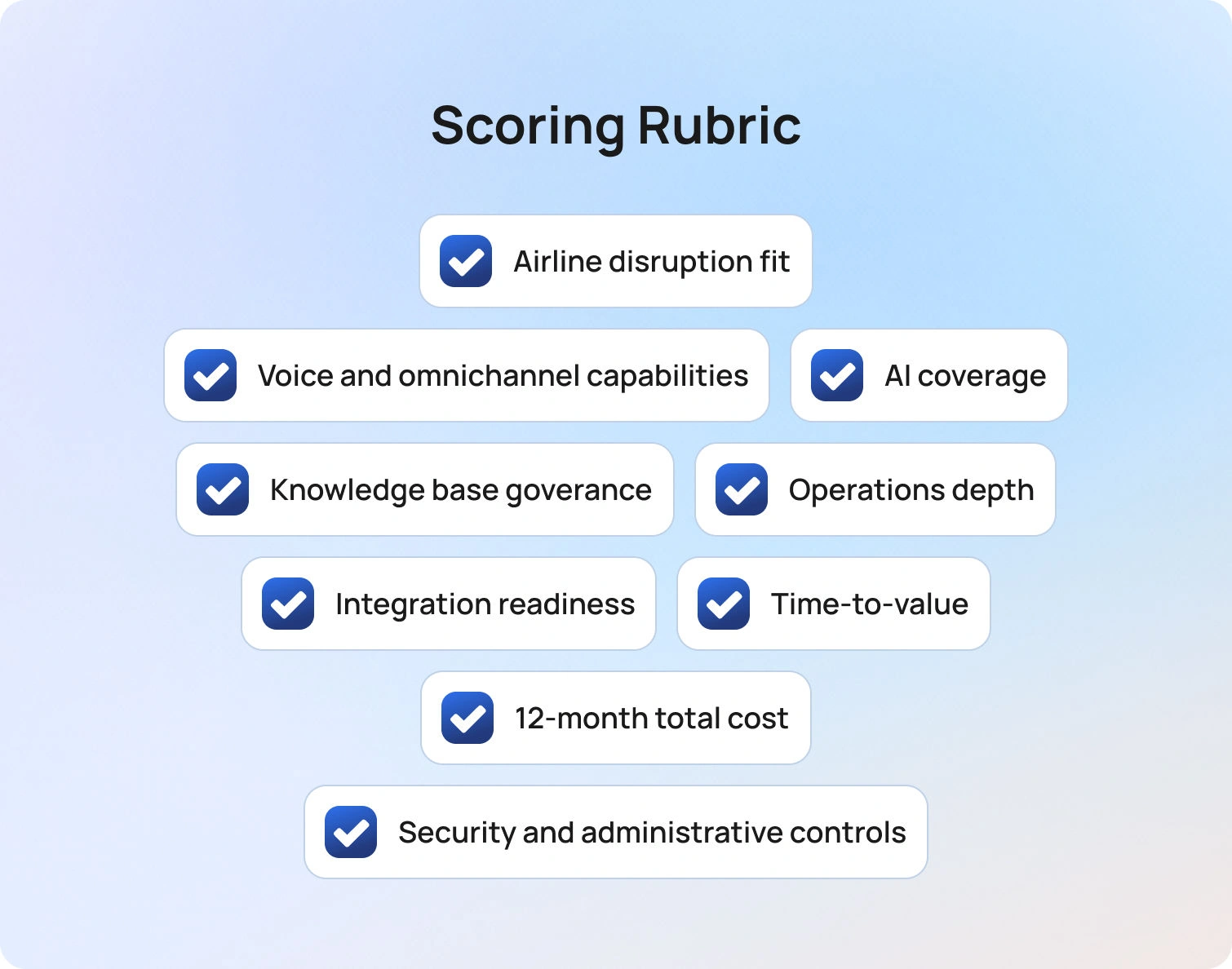
Each platform can be evaluated across the following dimensions:
- Airline disruption fit
- Voice and omnichannel capabilities
- AI coverage with guardrails
- Knowledge base governance
- Operations depth (analytics and workforce management)
- Integration readiness
- Time-to-value
- 12-month total cost of ownership clarity
- Security and administrative controls
Implementation Playbook for Airlines
Adopting customer support software for airlines requires careful planning to ensure the system performs well during real operational events.
Phase 1 (2–4 weeks)
Integrate core communication channels and flight status feeds. Build support workflows for the most common requests, such as flight delays, cancellations, baggage claims, refunds, and loyalty inquiries. Clean up and version control the knowledge base.
Phase 2 (4–6 weeks)
Introduce AI-powered capabilities, including conversation summaries and suggested responses. Implement multilingual workflows and automation for top customer intents. Establish quality assurance sampling.
Phase 3 (6–10 weeks)
Optimize voice routing and IVR workflows. Implement workforce management forecasting for disruption periods. Build dashboards segmented by airport location, language, or operational region.
Successful pilots should measure metrics such as average handle time, abandonment rates, containment, first-contact resolution, and CSAT during peak demand periods.
Pricing and ROI Modeling for Airlines
Evaluating the ROI of airline customer support software requires modeling the full operational cost structure. Typical cost components include:
- Agent seats
- Voice minutes and telephony infrastructure
- Messaging volumes
- AI usage (translation or transcription)
- Data storage and retention
- Integration costs
- Professional services
- Quality assurance and language review time
Potential ROI improvements may come from lower cost per contact, improved self-service containment, reduced abandonment during disruption events, and higher first-contact resolution.
However, airlines should carefully evaluate pricing structures. Voice services, AI capabilities, and workforce management modules are often priced separately, which can significantly impact the total cost of ownership.
Final Thoughts: Choosing the Right Airline Customer Support Software
Selecting the right customer support software for airlines ultimately comes down to how well a platform supports the realities of airline operations while improving the overall customer experience. Airlines must manage thousands of customer interactions every day, often under challenging conditions such as weather events, operational delays, or large-scale disruptions that can quickly turn into flight disruption chaos if support systems aren’t prepared.
The strongest platforms combine several capabilities that allow airlines to respond effectively during these high-pressure moments:
- Disruption workflows designed for IROPS scenarios
- Omnichannel communication with seamless voice handoff
- AI automation supported by knowledge-based guardrails
- Reliable knowledge base governance
- Workforce management and operational analytics
- Deep integrations with airline systems and integrated workflows
- Enterprise-grade security and compliance
- Transparent pricing and total cost visibility
When these capabilities work together, airlines can reduce passenger frustration, respond to customer interactions faster, and maintain service levels even during disruption events. Modern platforms increasingly combine AI agents and human agents to handle routine requests, assist with flight updates, and help airport staff and customer support teams manage growing volumes of passenger inquiries.
Beyond improving support response times, the right platform can also help airlines reduce costs by automating repetitive tasks, improving staffing efficiency, and offering insights from support data that help teams continuously improve operations. With stronger analytics and automation, airlines can better understand trends in customer interactions, optimize staffing during peak travel periods, and deliver more consistent service across the entire passenger journey.
For airlines looking to simplify their support stack, platforms that combine automation, analytics, omnichannel communication, and AI agents in a single environment can significantly improve operational resilience. By enabling smarter workflows and faster responses, these systems help airlines manage disruption events more effectively while maintaining a high-quality customer experience.
If your airline is evaluating modern customer support software for airlines, consider exploring BlueTweak to see how a unified platform can streamline customer interactions, support airport staff, and improve response times during disruption events.
Request a demo to learn how BlueTweak can support airline customer service operations.
10 Telecom Customer Service Software Options To Choose In 2026
What Telecom Support Needs in 2026

Telecom customer service has fundamentally shifted. What was once a cost center focused on call handling is now a frontline driver of retention, revenue protection, and brand perception. In an industry where switching providers is easier than ever, support quality is often the deciding factor between churn and loyalty.
This shift is being accelerated by rising customer expectations and increasing operational complexity. Customers don’t just want fast answers; they expect context-aware, personalized support across every channel, with zero friction.
At the same time, telecom providers are managing growing service portfolios, more frequent outages tied to infrastructure strain, and higher volumes of interactions driven by digital-first behaviors.
Against this backdrop, telecom customer service software must evolve beyond traditional help desk functionality and deliver capabilities that are purpose-built for the realities of the industry:
- Outage readiness: Support teams must handle sudden, large-scale spikes in demand without collapsing under volume. This means priority routing, real-time dashboards, and status-page-driven messaging that proactively informs customers before they even reach out.
- Omnichannel reality: Customers move fluidly between voice, chat, email, and social, and expect your support team to keep up. The ability to transition seamlessly from a phone call to a ticket, or from chat to follow-up email, is no longer a “nice-to-have,” it’s essential.
- First-contact resolution pressure: Every repeat call or transfer increases cost and frustration. Modern platforms need to equip agents with the right context, knowledge, and AI assistance to resolve issues the first time, not escalate them.
- Multilingual scale: Telecom providers operate across regions, often supporting diverse customer bases. Instant language switching, both for chat and voice, is critical for delivering consistent experiences globally.
Operational rigor: High-performing telecom support teams run like well-oiled machines. That requires real-time SLA dashboards, visibility into abandonment and concurrency rates, and accurate forecasting to ensure the right staffing at the right time.
Security and compliance: Telecom support involves sensitive customer data, from billing details to identity verification. Robust PII controls, audit trails, role-based access, and data governance are non-negotiable.
Platforms in 2026 need to do more than simply handle tickets; they must orchestrate complex support operations at scale. Telecom providers are not choosing software based on features alone, but on how effectively those tools reduce operational strain, improve resolution speed, and ultimately protect revenue in a high-churn environment.
The 10 Best Telecom Customer Service Software Platforms for 2026

Below are the top platforms to consider when evaluating telecom customer service software in 2026. Each option is assessed based on how well it supports telecom-specific needs, from outage management to omnichannel engagement and operational scale. Rather than listing features in isolation, we’ve broken each platform down into the areas that matter most when making a buying decision.
BlueTweak — Editor’s Choice
BlueTweak positions itself as an AI-first, omnichannel customer service platform designed to unify fragmented support environments and give teams greater control over complex operations. Rather than layering automation onto legacy systems, it takes a more integrated approach, bringing together channels, workflows, and data into a single operational view.
This is reflected in real-world deployments. For example, in its work with Conectys, BlueTweak helped streamline high-volume, multilingual support operations, delivering measurable improvements in both efficiency and customer outcomes, including a 25% reduction in resolution times and a 35% uplift in customer satisfaction.
Best for: Telecom teams looking to consolidate chat, voice, and email into one platform with fast time-to-value.
Telecom fit: Strong alignment with telecom needs, including multi-brand routing, high-volume support, and structured workflows.
Channels/voice: Native support for chat, voice, and email with seamless handoffs across channels.
AI/automation: Knowledge-base-grounded AI for summaries and suggested replies; automation capabilities vary by setup.
Ops/WFM: Built-in analytics and workforce management tools for forecasting, performance tracking, and SLA visibility.
Pricing note: Starts at €65 per agent/month for an all-in-one platform including ticketing, voice, AI, analytics, and integrations; notably offered as a single bundled package rather than modular add-ons.
Genesys Cloud CX
Genesys Cloud CX is a long-standing leader in the CCaaS space, known for its enterprise-grade routing, scalability, and deep contact center functionality. It’s particularly strong in complex, high-volume environments.
Best for: Large telecom enterprises needing advanced routing and global-scale contact center operations.
Telecom fit: Well-suited to telecoms with complex queue structures, high call volumes, and distributed teams.
Channels/voice: Strong voice capabilities with omnichannel support across digital channels.
AI/automation: Offers AI-driven routing, virtual agents, and predictive engagement (Verify by plan).
Ops/WFM: Advanced workforce engagement management, including forecasting and quality assurance.
Pricing note: Starts from £52.50/user/month for voice-only, but digital channels, WFM, analytics, and many AI capabilities are only available in higher tiers or as add-ons, depending on plan; verify for details.
NICE CXone
NICE CXone is an enterprise CCaaS platform with a strong reputation for workforce management and operational depth. It’s designed for organizations where performance optimization is as important as customer experience.
Best for: Telecom providers prioritizing workforce optimization and quality management at scale.
Telecom fit: Strong fit for large, structured support environments with strict SLA and compliance requirements.
Channels/voice: Omnichannel support, including robust voice capabilities.
AI/automation: AI-powered automation, analytics, and agent assist tools (Verify by module).
Ops/WFM: Industry-leading WFM and QA capabilities with deep analytics.
Pricing note: Modular pricing structure where WFM, analytics, and AI capabilities are typically packaged as separate modules or add-ons, depending on deployment; verify for details.
Five9
Five9 is a cloud contact center platform known for its IVR, routing, and outbound capabilities. It’s widely used in high-volume service environments.
Best for: Telecom teams focused on optimizing call routing and IVR experiences.
Telecom fit: Strong for inbound/outbound call-heavy telecom operations.
Channels/voice: Voice-first platform with additional digital channels supported.
AI/automation: Intelligent virtual agents and workflow automation available (Verify by plan).
Ops/WFM: Includes analytics and WFM features, though depth may vary.
Pricing note: Typically seat- and usage-based, with advanced automation, AI, and workforce optimization capabilities often priced separately or bundled into higher tiers; verify for details.
Zendesk
Zendesk is a widely adopted, ticketing-first platform with a large ecosystem of integrations. It’s often used as a flexible foundation for customer support operations.
Best for: Telecom teams wanting a flexible, extensible support platform with strong ticketing capabilities.
Telecom fit: Suitable for telecoms with moderate complexity; deeper telecom workflows may require customization.
Channels/voice: Omnichannel support; voice and advanced channels often require add-ons or higher-tier plans.
AI/automation: AI features like bots and suggested replies are typically available in premium tiers.
Ops/WFM: Reporting included; WFM usually requires integrations or additional tools.
Pricing note: Starts at lower per-agent tiers, but core capabilities like AI, voice, and advanced automation are frequently gated behind higher plans or add-ons, increasing as you scale; verify for details.
ServiceNow CSM
ServiceNow Customer Service Management is designed for enterprise service operations, connecting customer support with backend workflows and systems.
Best for: Telecom enterprises with complex service operations and cross-department workflows.
Telecom fit: Strong fit for managing structured processes like provisioning, billing disputes, and escalations.
Channels/voice: Digital channels supported; voice typically handled via integrations.
AI/automation: Workflow automation and AI capabilities embedded across the platform (Verify).
Ops/WFM: Strong operational visibility and process management.
Pricing note: Enterprise pricing model where capabilities such as advanced automation, AI, and integrations are often licensed separately or customized per deployment; verify for details.
Salesforce Service Cloud
Salesforce Service Cloud combines customer support with CRM data, making it a powerful option for organizations already embedded in the Salesforce ecosystem.
Best for: Telecom companies leveraging Salesforce for customer data and lifecycle management.
Telecom fit: Good fit where support is tightly linked to sales, billing, and account management.
Channels/voice: Omnichannel capabilities, but voice typically requires Service Cloud Voice as an additional product.
AI/automation: Einstein AI provides automation and agent assistance (Verify by edition).
Ops/WFM: Reporting included; advanced WFM often requires add-ons or integrations.
Pricing note: Per-user pricing by edition, but key capabilities like voice, AI, and advanced analytics are often separate add-ons; verify for details.
Talkdesk
Talkdesk is a modern CCaaS platform focused on usability, integrations, and rapid deployment.
Best for: Telecom teams looking for a balance between enterprise capability and ease of implementation.
Telecom fit: Suitable for mid-to-large telecom teams needing flexibility without heavy customization.
Channels/voice: Strong voice capabilities with omnichannel support.
AI/automation: AI-powered automation and virtual agents available (Verify by package).
Ops/WFM: Includes analytics and workforce engagement tools.
Pricing note: Packaged pricing tiers, but advanced AI, automation, and workforce tools may be bundled into higher tiers or offered as add-ons; verify for details.
Freshdesk
Freshdesk is an approachable help desk platform known for ease of use and quick setup, often favored by smaller or growing teams.
Best for: Smaller telecom providers or teams prioritizing simplicity and fast onboarding.
Telecom fit: Suitable for lower-complexity environments; may require upgrades for advanced telecom use cases.
Channels/voice: Omnichannel support available, but voice and advanced channel support depend on plan tier.
AI/automation: Freddy AI is available in higher tiers.
Ops/WFM: Basic reporting included; advanced capabilities limited.
Pricing note: Freemium entry point, but AI, automation, and advanced support capabilities are typically only available in higher-tier plans; verify for details.
Intercom
Intercom is a messenger-first platform focused on conversational support and proactive engagement.
Best for: Telecom teams prioritizing chat-led, proactive customer engagement.
Telecom fit: Better suited for digital-first telecom brands rather than call-heavy environments.
Channels/voice: Strong chat capabilities; voice is typically handled via integrations.
AI/automation: AI chatbot and automation tools available (Verify).
Ops/WFM: Reporting available; limited native WFM.
Pricing note: Modular pricing where core messaging is supplemented by add-ons for AI, automation, and advanced functionality, leading to variable total cost; verify for details.
Why This Matters: The Reality Behind Pricing Models
What becomes clear across these platforms is a consistent pattern: the headline price is rarely the true cost. While many vendors position their entry-level pricing as accessible, the capabilities telecom teams actually rely on (such as omnichannel support, AI-driven automation, and workforce management) are often not included as standard.
Instead, these features are typically introduced through higher-tier plans or layered on as additional modules. As a result, what begins as a seemingly straightforward investment can quickly expand as requirements evolve. For telecom providers operating at scale, where multiple channels, high interaction volumes, and operational complexity are the norm, this can significantly increase the total cost of ownership over time.
This is where differentiation in pricing philosophy becomes important. Some platforms are designed around modular expansion, while others, like BlueTweak, aim to deliver a more unified, all-in-one approach from the outset. For buyers, the key consideration is not just what a platform can do, but how predictably and efficiently it delivers those capabilities as your support operation grows.
Core Telecom Use Cases

Telecom support is not a generic function. It sits at the intersection of infrastructure, billing, compliance, and customer experience, which means the underlying software must support a wide range of high-stakes, high-volume scenarios.
Rather than thinking in terms of features, it’s more useful to look at the real-world use cases your platform needs to handle day in, day out, and how effectively it enables your team to manage them.
- Outage triage and mass routing: When outages hit, support demand spikes instantly. The right platform allows teams to triage by severity, automatically route customers into the appropriate queues, and deploy proactive messaging that reduces inbound volume before it overwhelms agents.
- Billing queries and plan changes: Billing remains one of the most common and sensitive support interactions. Telecom teams need structured workflows, approval layers, and secure data handling to ensure changes are processed accurately and compliantly, without adding friction.
- Device troubleshooting: From connectivity issues to configuration problems, device support requires consistency. Knowledge-base-guided workflows and AI-assisted responses help agents diagnose and resolve issues faster, while maintaining a standardized approach.
- Number porting and activation: These processes involve multiple systems and status dependencies. Effective case management, combined with clear status tracking and proactive updates, is essential to prevent delays and reduce repeat contacts.
- Fraud and SIM swap reporting: These are high-priority, high-risk interactions. Platforms must support rapid escalation, clear audit trails, and strict access controls to ensure both speed and compliance in handling sensitive cases.
- Multilingual customer support: Telecom providers often operate across multiple regions and languages. Real-time translation and localized knowledge bases enable teams to deliver consistent support without requiring fully native-speaking agent coverage in every market.
- Improving agent efficiency: With interaction volumes continuing to rise, efficiency gains are critical. Features such as AI-generated summaries and next-best reply suggestions reduce after-call work and help agents focus on resolving issues, not documenting them.
Taken together, these use cases highlight a broader truth: telecom support software must handle more than conversations; it must actively orchestrate complex service operations at scale.
What to Look For in Telecom Customer Service Software

Once you understand the core use cases, the next step is translating them into a clear set of evaluation criteria. Choosing the right telecom customer service software is about assessing how well a platform supports the operational realities of your team, especially under pressure.
- Voice and omnichannel continuity: Telecom support still relies heavily on voice, but it cannot exist in isolation. Look for platforms that connect voice interactions with tickets and digital conversations, ensuring agents have full context before, during, and after every interaction.
- Outage and surge management: Not all platforms are built for volatility. Priority routing, templated responses, and real-time operational dashboards are essential for maintaining control during spikes in demand.
- AI with meaningful guardrails: AI is only valuable if it is accurate and trustworthy. The strongest platforms ground automation in your knowledge base, enabling reliable summaries, suggested replies, and translations that reflect your actual processes.
- Knowledge base governance: A knowledge base is only as useful as it is consistent. Version control, approval workflows, and structured content management ensure that agents and AI alike are working from a single source of truth.
- Operational depth: Telecom support requires more than surface-level reporting. Look for robust analytics, workforce management, quality assurance tooling, and SLA tracking to maintain performance at scale.
- Security and administrative control: Given the sensitivity of telecom data, platforms must offer enterprise-grade security. This includes multi-factor authentication, audit logs, granular permissions, and clear data governance controls.
- Integration flexibility: Support teams don’t operate in isolation. Your platform should integrate seamlessly with CRM systems, billing platforms, network status tools, identity providers, and BI solutions to create a unified operational view.
- Pricing transparency: Finally, it’s important to understand not just the entry price, but how costs scale. Platforms that rely heavily on add-ons can quickly become expensive as you expand into voice, AI, or advanced analytics.
Ultimately, the goal is to find a platform that aligns with how your team already works and improves it, rather than forcing operational compromises.
How We Evaluated Customer Service Software
With a crowded market and overlapping feature sets, evaluating telecom support platforms requires a consistent and transparent methodology.
For this guide, we focused exclusively on vendor-published product, pricing, and documentation pages, avoiding third-party review sites to ensure all claims are verifiable and up to date. Each platform was assessed across the areas that matter most to telecom teams, including channel support and voice capabilities, AI and automation, knowledge base functionality, analytics and workforce management, security controls, and integration flexibility.
Where pricing information was publicly available, it has been referenced. In cases where details were unclear or dependent on configuration, we have indicated this with “verify”.
This approach ensures that comparisons are grounded in what vendors actually offer, not assumptions or aggregated ratings.
Must-Have Capability Checklist
While every telecom provider has slightly different requirements, there are certain capabilities that consistently separate high-performing support teams from the rest.
- Commerce and subscription integrations: Support for billing systems, subscriptions, and multi-account structures is critical for handling real-world telecom queries effectively.
- Routing and SLA automation: Automated routing, prioritization, and SLA management ensure that the most urgent issues are handled first, without manual intervention.
- AI-assisted workflows: Summaries and suggested replies, ideally grounded in your knowledge base, help reduce handling time while maintaining accuracy.
- Self-service and deflection: Bots and help center experiences that can resolve common queries, such as billing questions or service status, reduce pressure on agents.
- Operational visibility and planning: Analytics dashboards, workforce management, and quality assurance tooling enable teams to plan for peak demand and continuously improve performance.
- Security and compliance controls: Role-based access, audit logs, and data protection measures are essential for maintaining trust and meeting regulatory requirements.
- Integration and extensibility: APIs and native integrations allow your support platform to connect with the broader telecom ecosystem, from network systems to customer data platforms.
- Transparent pricing models: Clear, predictable pricing ensures that growth in usage or capability does not lead to unexpected cost increases.
- Customer feedback and sentiment tracking: Understanding how customers feel about their support experience provides a critical feedback loop for continuous improvement.
Scoring Rubric
To ensure consistency across vendors, each platform was evaluated against a set of core criteria that reflect both capability and commercial viability.
We assessed how well each tool supports omnichannel engagement, including voice where required, alongside the breadth of its automation capabilities, from routing to workflow management. AI functionality was evaluated based on coverage, multilingual support, and whether it is grounded in a knowledge base.
We also considered how effectively each platform enables self-service and deflection, as well as the depth of its operational tooling, including analytics, workforce management, and quality assurance. Beyond functionality, we looked at time-to-value, total cost of ownership over a 12-month period, and the strength of security and administrative controls.
This balanced approach ensures that recommendations reflect not just what a platform can do, but how well it performs in a real telecom environment.
Final Thoughts: Choosing Telecom Customer Service Software That Scales With You
Selecting the right telecom customer service software today is a strategic investment in how your business delivers service, builds trust, and retains customers in an increasingly competitive market.
Today’s telecom call center environment is defined by complexity. Customers expect instant, personalized service across every channel, from voice to SMS to web chat, while support teams must manage high volumes, sensitive information, and increasingly complex issues. This is where modern, cloud-based call center software becomes essential, not just to handle interactions, but to connect systems, departments, and data into one complete, unified experience.
The most effective platforms go beyond basic ticketing or routing. They create a foundation where AI agents and human call center agents work together, using shared context to resolve customer issues quickly and accurately. Features like smart routing, AI-powered summaries, and omnichannel routing are essential to improving productivity, increasing first call resolution, and delivering consistent customer experiences at scale.
At the same time, pricing structure and operational design matter just as much as functionality. A solution that appears cost-effective upfront can quickly become fragmented if key capabilities are locked behind add-ons. For telecom teams, this often leads to disconnected workflows, reduced visibility, and slower time-to-value. The platforms that stand out in 2026 are those that deliver a complete, cloud-based AI platform from day one, helping businesses create better customer experiences without unnecessary complexity.
If you’re looking for a solution that brings together omnichannel support, AI-driven efficiency, and operational control in one place, it may be time to take the next step.
Request a demo to see how BlueTweak can help you create better customer experiences, improve productivity, and power your telecom support operation with confidence.
11 Use Cases for Suggest Reply AI That Drive Results (2026)
From Blank Page to Confident Send
Queues do not slow down to let agents write. A short question arises, yet the correct answer depends on policies, entitlements, and context that span multiple systems. The result is hesitation at the keyboard and inconsistent replies that stretch resolution times. This is the gap where suggested reply AI earns its keep, not by taking over the conversation, but by removing the blank page, making it a less daunting task.
"The blank page is where most handle time is lost. When an agent opens a ticket and has to construct a reply from scratch — cross-referencing policy docs, checking order data, recalling the right tone — that cognitive overhead compounds across hundreds of interactions a day. Suggested reply AI doesn't replace the agent's judgment; it eliminates the retrieval work so that judgment is the only thing left to apply."— Radu Dumitrescu, Head of Presale & Digital Transformation, BlueTweak
When a ticket opens, an advanced AI response generator assembles a grounded first draft from the knowledge base
, conversation history, and current case data. Agents stay in control. They review, edit, add a link or file, adjust tone to match brand identity, and send. The work shifts from "write from scratch" to "finish well," which reduces cognitive load, keeps messages accurate and polite, and gives humans more time for judgment on complex issues.
This article explains how AI-powered reply suggestions
for support work, where they deliver quick wins, what key features matter, and how to roll them out responsibly.
How Reply Suggestion AI Actually Works
Under the hood,generative AI
performs two key functions: retrieval and generation. Retrieval collects conversation history, relevant articles from the knowledge base, and any approved reference snippets. Generation then uses a large language model to understand the context and write a reply that follows your style and tone.The system can display a few options, such as a concise, thoughtful reply for simple questions or a more detailed draft for complex messages. Safeguards route sensitive cases to a person. Nothing is sent automatically. An agent constantly reviews and approves suggestions before they are sent out.
11 Use Cases That Consistently Drive Results

Suggested reply AI excels in repeatable moments where speed, clarity, and brand consistency are most crucial, ensuring a prompt response to customer queries. The use cases below demonstrate how AI-suggested replies eliminate the blank page, enabling agents to complete tasks efficiently, customers to receive relevant answers more quickly, and operations to remain stable at scale.
1) Order Status and Logistics Updates
An incoming message asks, "Where is my order?" The suggested reply AI pulls carrier scans, dates, and policy wording, then drafts a thoughtful reply with the next step and a friendly sign-off. Agents edit a detail and send it immediately. It is a small win repeated on a larger scale. Response times decrease, rework decreases, and service remains consistent.
2) Account Access and Verification
When accounts lock or MFA fails, accuracy matters. AI suggested responses guide agents through verification steps, edge-case branches, and privacy language. The draft includes only the details that the process permits and proposes a transparent fallback if the user cannot verify. The team maintains compliance while moving at a faster pace.
3) Returns, Eligibility, and Warranties
Policies can be dense. A good response generator turns them into plain-language steps, including eligibility criteria, conditions, and the following steps to take. If the product qualifies, the draft includes the correct link and the single piece of data still needed. If not, the model suggests empathetic language that preserves the relationship.
4) How-To Setup and Configuration
For step-by-step guidance, the AI text response generator provides numbered instructions that avoid jargon and include a quick validation step, ensuring the customer knows the issue has been resolved. Agents can add a short video or article link when helpful, then send a version that fits the user's specific needs and device.
5) Outage and Incident Communication
During incidents, clarity and tone are crucial, especially when addressing customer inquiries effectively. Suggested reply AI assembles a calm, factual update with the current status, scope, and next checkpoint. It helps teams maintain a steady cadence without having to hand-type each message, which reduces duplicated work and keeps communications consistent across all channels.
6) Billing Questions and Plan Changes
Money conversations can escalate. Suggested replies acknowledge the concern, summarize charges in plain language, and direct the user to the exact self-service path or the verified policy. Agents keep control and can edit for nuance, which leads to more positive outcomes and improved customer satisfaction.
7) B2B Technical Triage
In technical contexts, the AI tool proposes a minimal, reproducible checklist, requests logs with the necessary redactions, and offers a concise hypothesis based on conversation data. That keeps the ticket moving toward the correct queue with all prerequisites captured, so engineers spend less time asking for the same information.
8) Multilingual Support at the Same Quality
Global teams often face a language mismatch. With guardrails and an approved glossary, AI-suggested replies can propose the same accurate answer in a different language while preserving brand identity and tone. Agents confirm intent and send a localized reply that feels native to the customer.
9) De-escalation and Empathy at Tense Moments
When sentiment turns, a high-level, on-brand template helps. The system suggests language that names the impact, commits to a timeline, and avoids defensive phrasing. Humans add context that only they can see. The blend of speed and care improves customer satisfaction without sounding robotic.
10) Knowledge Gaps and Unknowns
Sometimes the perfect reply is an honest one. A good model will generate a short acknowledgment, a clarifying question, and a commitment to follow up. It also tags the missing articles, allowing the knowledge base to be updated. That loop makes future suggestions better.
11) Post-Resolution Follow-ups
After closing, an on-brand follow-up confirms the fix, invites quick feedback, and provides a link to helpful resources. Consistent, considerate closers build stronger customer relationships and reduce reopen rates.

What Good Looks Like: Key Features That Matter
Great AI-powered suggested reply for support
share a few traits. They understand context from the whole conversation, not just the last line. They stay grounded in verified knowledge, which keeps replies accurate and aligned with policy. They let admins define tone rules and brand identity so every reply sounds like your team on its best day. They offer multiple options, ranging from a concise, thoughtful reply to a more comprehensive pathway draft. Finally, they make maintenance simple. Owners can update content and immediately see the responses generated change for the better.Equally important are guardrails. Sensitive flows such as refunds, identity checks, and legal notices should route to human-only playbooks due to the challenges in implementing AI for customer support
. Reply suggestions should "know what it does not know," flagging low confidence and proposing questions instead of overconfident answers. That is how teams maintain quality and trust while gaining speed.
Where BlueTweak Helps
BlueTweakcombines tickets, the knowledge base, and reply suggestions in one workspace, reducing context switching for agents. The system can surface the right article, propose relevant replies based on case metadata and conversation history, and allow agents to review and send them in real-time. Program owners define tone, align suggestions with procedures, and track usage and impact (e.g., handle time, first-contact outcomes, and customer satisfaction) from the same workspace. It functions as an AI-powered drafting layer designed to maintain control while increasing speed.
From SOPs to Running Workflows
Speed without structure is brittle. Teams get the best from suggested reply AI when standard operating procedures exist for the top ticket types. Those straightforward procedures become the source of truth for the model and the agent: what to ask, what to check, and how to close. Once captured, the SOP is linked to the knowledge base and stored alongside the ticket. The model can then generate replies that reflect the exact process, rather than relying on improvisation. Over time, feedback from agents and end users refines each SOP, keeping the suggested replies aligned with reality.
BlueTweak Keeps SOPs Alive in the Flow
With BlueTweak, SOP steps appear as guided actions within the case, so AI-generated responses follow the same steps agents use, rather than being stored in a separate document elsewhere. When an SOP is updated and published, the feature reflects the change immediately, helping the team stay aligned without the need for additional meetings.
How To Roll It Out

Follow these steps to launch suggested reply AI effectively — starting small, validating quality, then expanding with confidence.
| Phase | Action | Goal |
|---|---|---|
| 1. Prepare | Define your most common ticket types in writing; add verified KB articles and tone examples for apologies, denials, and follow-ups | Give the model a grounded source of truth before it generates anything |
| 2. Launch | Enable suggested replies for one channel or region only; review a sample of drafts each week | Validate quality in a controlled scope before scaling |
| 3. Refine | Encourage agents to mark suggestions helpful or not and leave a one-line note when something sounds off; use that signal to update content and rules | Continuously improve accuracy without tweaking prompts endlessly |
| 4. Expand | Roll out to additional channels, languages, or queues; for multilingual needs, start with one language and an approved glossary | Scale what works while keeping terminology consistent |
| 5. Launch prep | During new product launches, seed the model with the launch FAQ and the three most likely failure paths | Clarity first, automation second |
Measuring the Impact That Actually Matters
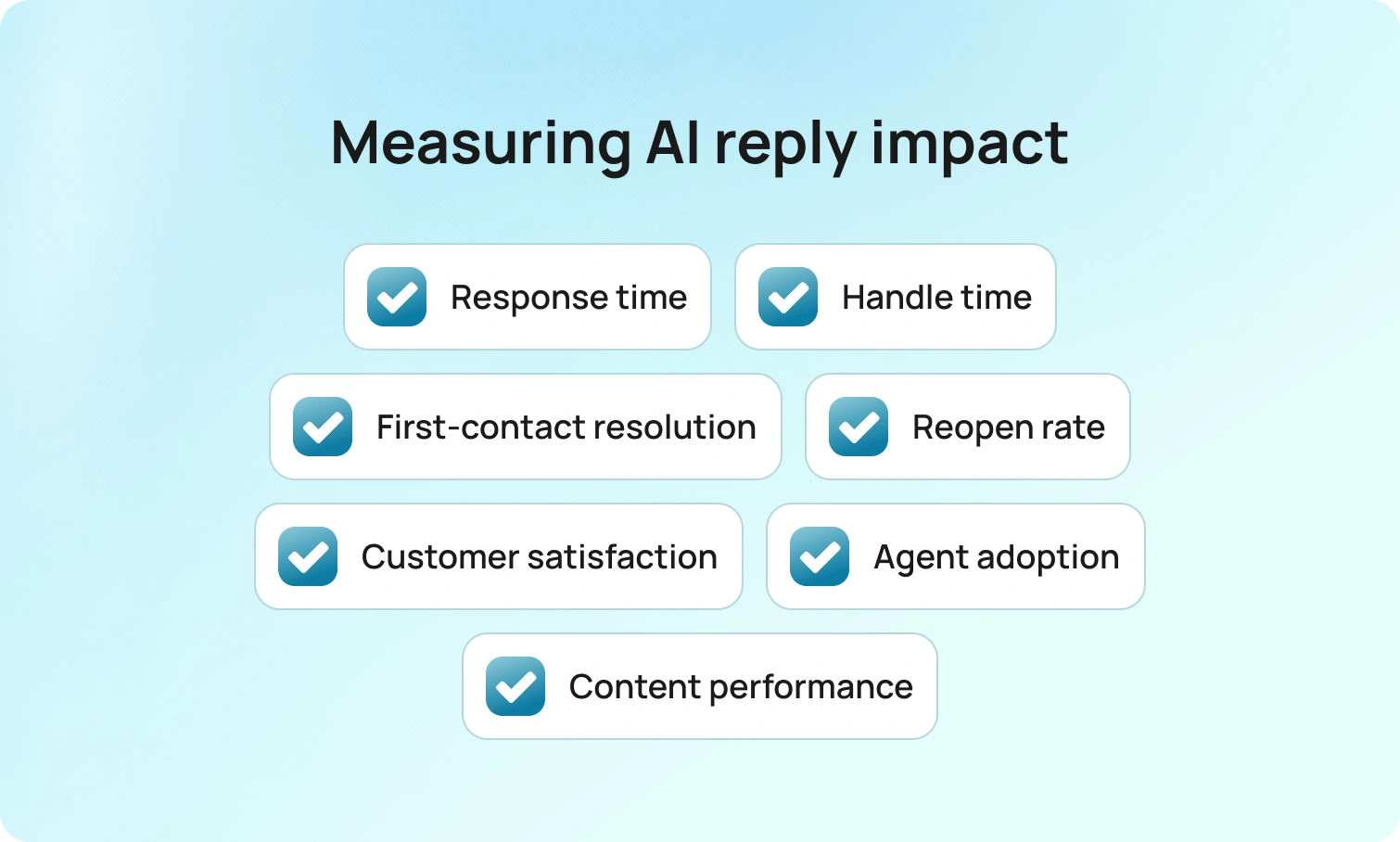
Dashboards do not answer customers. Messages do. Track this short set of metrics to know whether your suggested reply AI is working.
| Metric | What to Watch | Expected Direction |
|---|---|---|
| Time to first response | How quickly agents send the first reply after a ticket opens | ↓ Drops — first draft appears immediately |
| Handle time | Total time spent per ticket, including writing and review | ↓ Falls for routine tasks — agents edit, not write |
| First-contact resolution | Tickets resolved without a follow-up message from the customer | ↑ Rises in SOP-covered cases |
| Reopen rate | Tickets reopened because the first reply missed something | ↓ Declines as drafts include the missing step |
| Customer satisfaction | CSAT scores across AI-assisted interactions | → Holds or improves — replies stay relevant and polite |
| Suggestion acceptance rate | How often agents use a suggestion vs. writing from scratch | ↑ Rises as content and tone rules improve |
Program signals matter too. Watch where agents edit most frequently and which articles drive the best outcomes. Those insights tell you which content to refine and where to expand coverage next. BlueTweak presents that view in the same place agents work, which shortens the path from insight to action.
Guardrails, Governance, and Brand Voice
Trust comes from consistency. Establish clear guidelines for tone and wording, including how to effectively acknowledge frustration and decline requests without causing harm. Keep knowledge articles concise and up-to-date, using the exact wording the organization is comfortable with. Maintain audit trails so leaders can see how a particular answer was produced. Ensure nothing auto-sends by default. AI-suggested replies should always serve as a drafting layer, requiring human approval. Do these things well, and the team can move fast while staying accurate.
Conclusion: Faster Replies, Still Human
Suggested reply AI is not about replacing people. It is about removing the blank page so humans can focus on judgment, empathy, and complex issues. When a model can understand context, propose relevant responses, and stay grounded in a knowledge base, teams respond more quickly, write more accurate messages, and maintain a consistent brand identity across channels and languages.That combination leads to improved customer satisfaction and calmer operations within the business, as the process moves with less friction and greater clarity. BlueTweak helps teams reach that state by consolidating tickets, knowledge, and AI-suggested replies in one workspace, where control and speed can coexist.Request a BlueTweak walkthrough
to observe a ticket's progress from intake to resolution, including reply suggestions, knowledge grounding, and guided steps that work together. Discover how your team can save time, reduce costs, and deliver a better experience in every reply.
FAQ
No results



