



TL;DR
If you’re looking for a Zendesk alternative, the right choice depends on your team size, support channels, and how much you want to spend on add-ons for voice, AI, and workforce management. In this guide we’ve compared 25 of the best Zendesk alternatives, including platforms like Freshdesk, Intercom, Zoho Desk, and Help Scout, to help you find the best fit for your support team. For businesses that want to consolidate ticketing, voice, AI, reporting, and workforce management in one place, BlueTweak stands out as a strong all-in-one option. Whether you’re trying to reduce costs, simplify your support stack, or find a platform that scales more effectively than Zendesk, this comparison will help you narrow down the right solution, faster.
Zendesk is still one of the biggest names in customer support software, but for many teams, the real cost goes well beyond the headline subscription price. Once you add voice, AI, workforce management, advanced reporting, or multiple brands, the stack can become expensive, fragmented, and difficult to manage.
This guide breaks down the best alternatives in 2026 for teams that want a better fit. We’ve compared 25 platforms by pricing, core features, AI capabilities, voice support, and ideal use case, so you can quickly narrow the shortlist and find the right option for your support operation.
Evaluating Zendesk Alternatives in 2026
Many organizations are reassessing their customer service platforms as support volumes grow and requirements become more complex and evolve. Some are building a support stack from the ground up and wish to avoid unforeseen costs; others are looking for a better fit between capabilities, pricing, and scale.
Typical triggers include rising AI Agent costs, the need to manage separate telephony, WFM, and QA tools, and expansion into new markets where multilingual support adds further complexity.
Teams across industries are prioritizing predictable pricing, native omnichannel coverage, and AI that can enhance operational efficiency while delivering measurable improvements in speed and quality.
This guide evaluates 25 alternatives across five key dimensions: omnichannel depth, workforce management capabilities, multilingual AI, pricing transparency, and total cost of operation. The options span a range of operating models, from 20-seat BPOs to 100-agent internal teams, with a focus on simplifying support operations.
“What we're seeing across mid-market and BPO environments is a shift away from ‘best-of-breed' stacks toward unified platforms. Not because integrations don't work, but because operationally, they introduce delays, data gaps, and cost unpredictability. Teams want one system that owns the full customer journey, from first contact to resolution.” — Radu Dumitrescu, Head of Automation & Digital Transformation at BlueTweak
What Is Zendesk & Why Teams Consider Alternatives
Zendesk pioneered the modern helpdesk category in 2007, and for years, it set the standard for email-centric support. Its ticketing foundation remains strong, and the Zendesk Marketplace offers 1,500+ integrations; more than almost any competitor.
Zendesk's Strengths
- Mature ticketing engine: Custom fields, triggers, macros, and views give teams granular control.
- Ecosystem depth: Integrations with Salesforce, Shopify, Jira, Slack, and virtually every business tool.
- Brand recognition: Easy to get budget approval when presenting a known entity to leadership.
Common Triggers for Exploring Alternatives
Despite these strengths, several pain points consistently push teams to evaluate top Zendesk competitors:
If these considerations apply, this guide will be relevant. The alternatives to Zendesk cover these gaps in different ways.
Quick Comparison: Top 5 Zendesk Alternatives
Before we go into detail, here's how the leading alternatives stack up:.
Looking for a Zendesk alternative that combines ticketing, voice, AI, workforce management, and reporting in one platform? Book a demo to see how BlueTweak helps support teams simplify operations, reduce tool sprawl, and deliver omnichannel service at scale.
25 Best Zendesk Alternatives to Consider in 2026
1. BlueTweak: Best for All-in-One Omnichannel Support
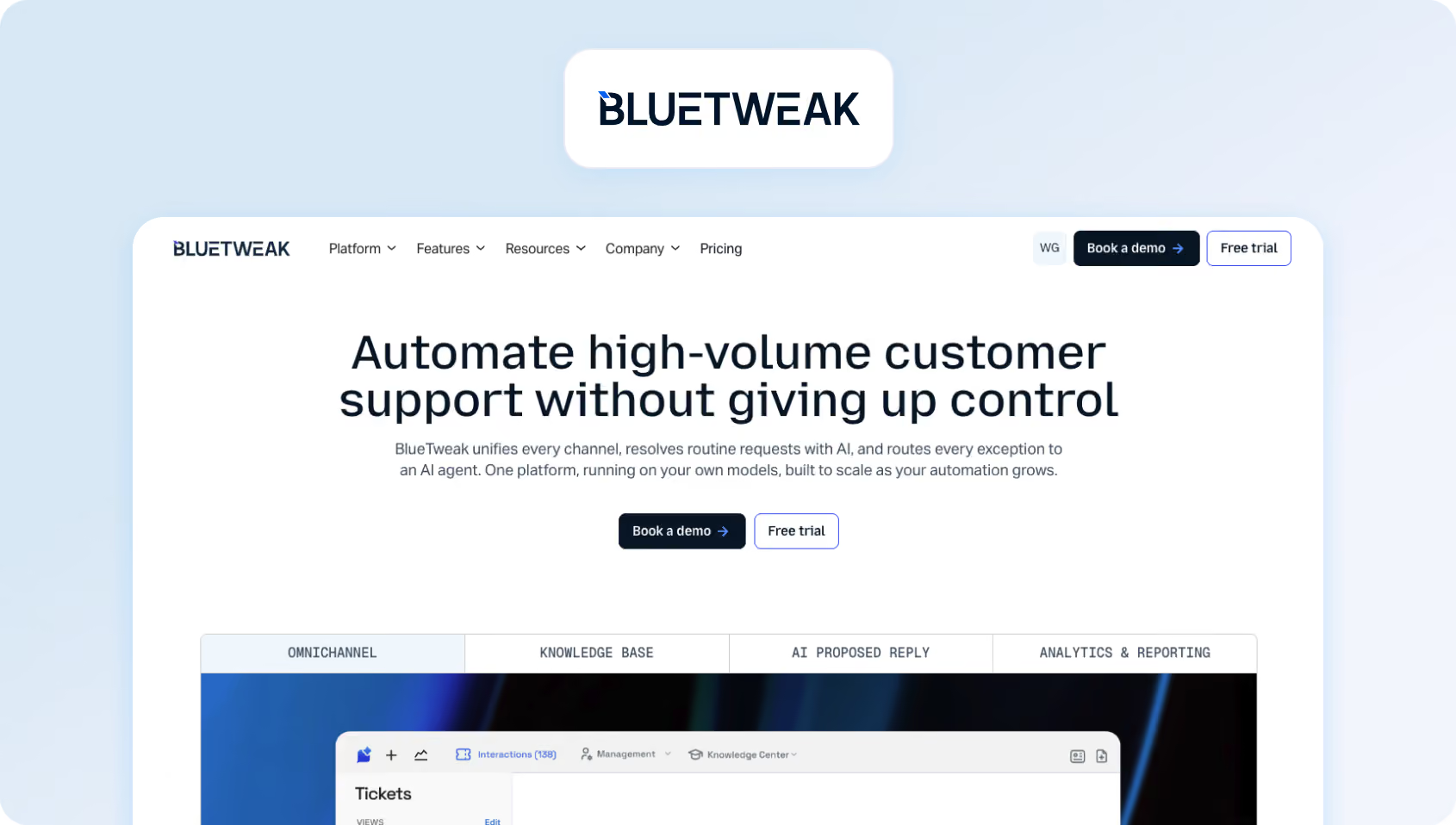
BlueTweak stands out as the best Zendesk alternative for support teams that have outgrown a basic helpdesk but don’t want to assemble a stack of separate tools for voice, workforce management, quality assurance, and AI.. It’s built for mid-market customer service operations that need omnichannel support, multilingual workflows, and more predictable costs than a Zendesk setup with multiple add-ons.
Where Zendesk often relies on a core ticketing product plus extra spend on Talk, AI, and third-party tools, BlueTweak brings those capabilities together in one platform. That makes it a strong fit for teams that want to simplify operations, reduce tool-switching, and manage customer conversations across email, chat, voice, social, and SMS from a single workspace.
Why Teams Choose BlueTweak
The biggest reason teams move away from Zendesk isn’t usually ticketing. It’s everything around the ticketing layer. As support operations grow, teams often end up paying separately for voice, workforce management, quality assurance, reporting, and AI tools, which makes the stack more expensive and harder to manage.
BlueTweak is designed to solve that problem by bundling the operational pieces around customer support into one system. Instead of stitching together a helpdesk, telephony layer, QA platform, and scheduling tool, teams can manage the full support workflow from first contact to resolution in a single environment.
Features:
- Unified omnichannel support: Manage email, live chat, voice, SMS, and social conversations from one platform, with full customer history attached to every interaction.
- AI-powered service workflows: Use voicebots, chatbots, suggested replies, summaries, routing logic, and sentiment detection to speed up triage and reduce repetitive manual work.
- Built-in multilingual support: Translate customer conversations across voice and text in real time, helping multilingual teams support customers more consistently across markets.
- Workforce management & QA: Handle forecasting, scheduling, adherence, quality monitoring, and coaching without adding separate WFM or QA software to your stack..
- Knowledge base & self-service tools: Create help content for both agents and customers, with AI features that can draw on knowledge base content to improve answers and reduce resolution time.
- Reporting and SLA visibility: Track service performance through real-time dashboards, SLA monitoring, and custom reporting across channels and teams..
- Enterprise-grade security: Role-based permissions, MFA, audit logs; ISO certification in progress.
Best fit for
BlueTweak is best suited to support teams with more operational complexity than a standard helpdesk setup can comfortably handle. That includes:
- Mid-market teams with roughly 20–100 agents
- BPOs or outsourced support providers managing multiple clients or brands
- eCommerce, telecom, finance, and SaaS teams handling support across voice and digital channels
- Organizations expanding into new markets and needing multilingual support workflows
- Teams that want WFM, QA, AI, analytics, and ticketing in the same platform rather than spread across multiple vendors
Pros:
BlueTweak’s main advantage is that it’s built around the realities of running a modern support operation, not just a helpdesk inbox. For teams that need voice, multilingual support, QA, scheduling, and reporting in addition to ticketing, that changes the economics of the platform.
- All-in-one operational setup: Instead of adding separate subscriptions for voice, WFM, QA, and analytics, teams can run those functions from one interface.
- Multilingual AI built into the platform: Real-time translation across 50+ languages for voice and text, makes it easier to support customers across markets without relying on external plugins or fragmented workflows
- BPO-ready architecture: BlueTweak’s multi-tenant setup is especially useful for outsourced support teams or shared service environments that need to manage multiple brands, clients, or business units from one platform.
- More predictable total cost: Rather than stacking Zendesk with Talk, AI, and third-party tools, teams can evaluate a more consolidated cost structure from the start.
- Voicebot that actually works: Unlike basic IVRs, BlueTweak's voicebot uses NLU to understand intent, pulls answers from your KB, and hands off to humans seamlessly. Customers report 30-40% deflection on tier-1 customer queries.
- Faster implementation for operational teams: BlueTweak positions itself as a quicker path to a working omnichannel setup than assembling a broader support stack from multiple vendors
Cons:
- Smaller support operations that mainly need a lightweight email inbox or basic ticketing system may find BlueTweak more platform than they need.
- It has a smaller marketplace than Zendesk, so buyers with a heavy dependency on niche third-party integrations should validate connector requirements early in the buying process.
- Unlike tools with a self-serve free tier, BlueTweak is positioned as a guided evaluation rather than an instant sign-up product.
BlueTweak in practice
BlueTweak is built from more than two decades of BPO and customer operations experience, and that operational focus shows in how the platform is positioned. In its work with the Europe Direct Contact Centre, for example, BlueTweak reports that combining AI-powered translation, knowledge base integration, and workflow automation led to a 35% improvement in workflow efficiency and a 36% increase in overall operational efficiency.
For teams comparing Zendesk alternatives, that’s the core reason BlueTweak stands out: it isn’t trying to be a lighter version of Zendesk. It’s aimed at support organizations that want to consolidate ticketing, voice, AI, workforce management, and quality operations into one platform instead of managing them separately.
Pricing:
BlueTweak starts at €65 per agent/month for the core platform, including omnichannel support, AI features, workforce management, quality assurance, analytics, and APIs).
AI capabilities use a separate usage-based model, but the pricing structure is more predictable than tools that charge per resolution or layer multiple AI add-ons onto the core platform. Voicebot usage is billed per minute, while AI features for email and chat are billed per interaction. Translation and transcription are included within AI usage rather than charged as separate extras.
If you want to see how BlueTweak compares to a Zendesk-style support stack in practice, book a demo to explore its omnichannel support, AI, workforce management, and reporting tools in more detail.
2. Freshdesk: Best for Small to Mid-Sized Teams That Want an Affordable Help Desk with Optional AI
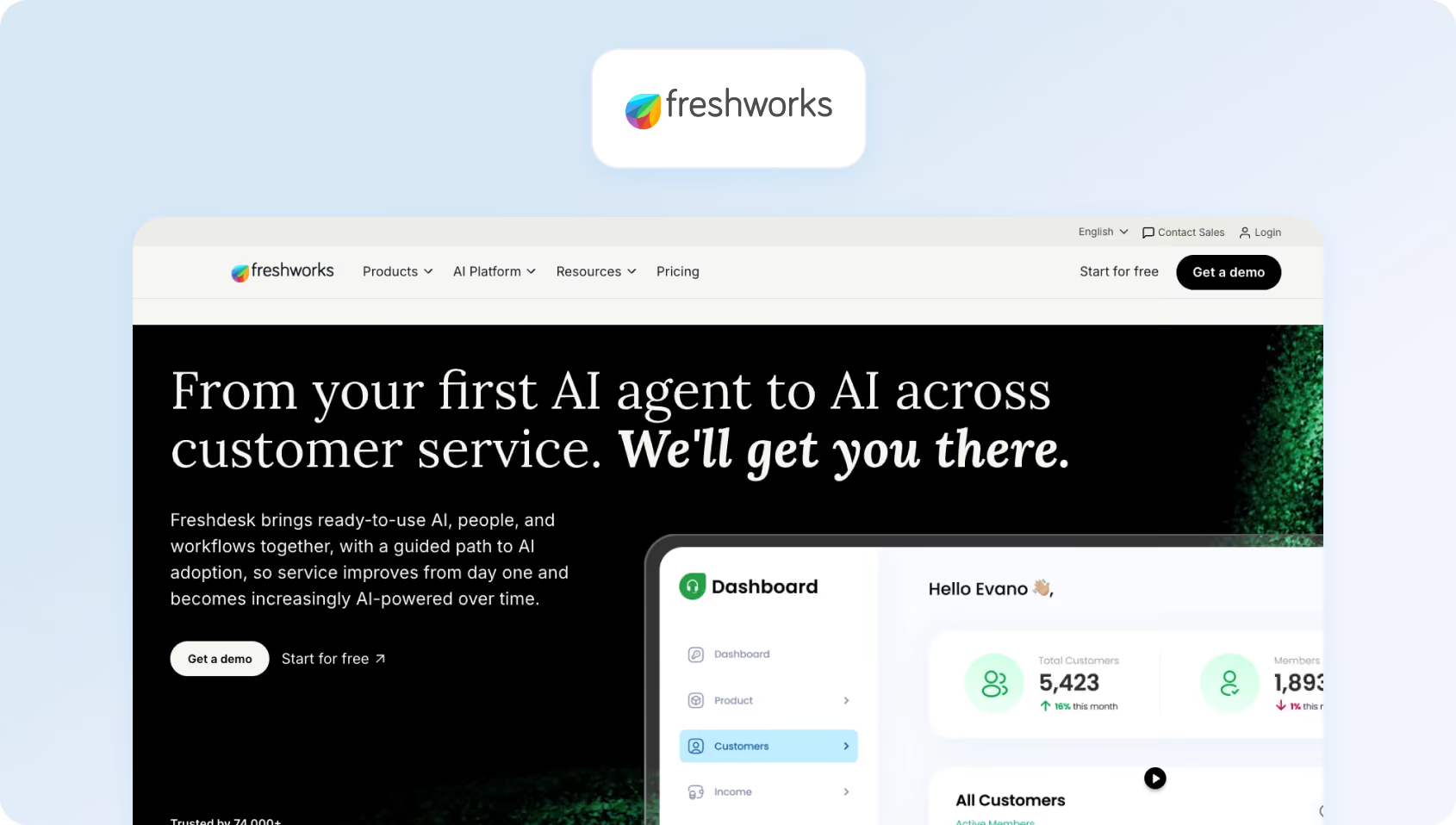
Freshdesk has established a reputation as an affordable and user-friendly alternative to Zendesk. It's particularly popular with small to mid-sized businesses looking for solid ticketing, basic automation, and a cleaner interface than Zendesk's legacy UI.
Features:
- Omnichannel: Email, chat, phone, social media ticketing
- AI: Freddy AI Copilot (drafts replies, summarizes tickets) and Freddy AI Agent (autonomous resolution)
- Automation: Ticket routing, SLA management, workflow rules
- Knowledge Base: Customer-facing help center with SEO optimization
- Integrations: 1,000+ apps, including Slack, Salesforce, Shopify
- Analytics: Pre-built dashboards plus custom reports
Who Uses It
Freshdesk serves a broad range from startups to enterprises. Strong adoption in e-commerce, education, healthcare, and SaaS.
Pricing:
- Free: Up to 10 agents, basic ticketing
- Growth: $15/agent/month (email, social, basic automation)
- Pro: $49/agent/month (custom objects, time tracking, multilingual KB)
- Enterprise: $79/agent/month (custom roles, sandbox, audit logs)
Add-ons and extra costs:
- Freddy AI Agent: Adds AI agent capabilities such as AI Agent Studio and Email AI Agent. Freshworks includes the first 500 sessions, after which usage is charged at £36 per 100 sessions.
- Freddy AI Copilot: Adds agent-assist features including sentiment analysis, response suggestions, live translation, summarization, and resolution support for £23 per agent/month when billed annually.
- Freddy AI Insights: Adds proactive and conversational insights, including root cause analysis, though service limits apply depending on usage and plan.
Pros:
- Affordable entry point: $15/agent gets you going with core features
- Intuitive interface: Clean, modern UI that's easier to learn than Zendesk
- Quick setup: Most teams are operational in 1-2 weeks
- Gamification: Built-in leaderboards and achievement badges boost agent morale
Cons:
- AI gets expensive: At scale, Freddy AI costs add 30-60% to your base subscription
- Voice requires Freshcaller: Not included; separate product with separate billing
- No native WFM: You'll need a third-party tool like Assembled or Playvox
- Per-session AI billing: Freddy AI Agent charges per “session” (usage-based), making costs unpredictable during volume spikes
3. Intercom: Best for Product-Led SaaS Teams Focused on Conversational Support
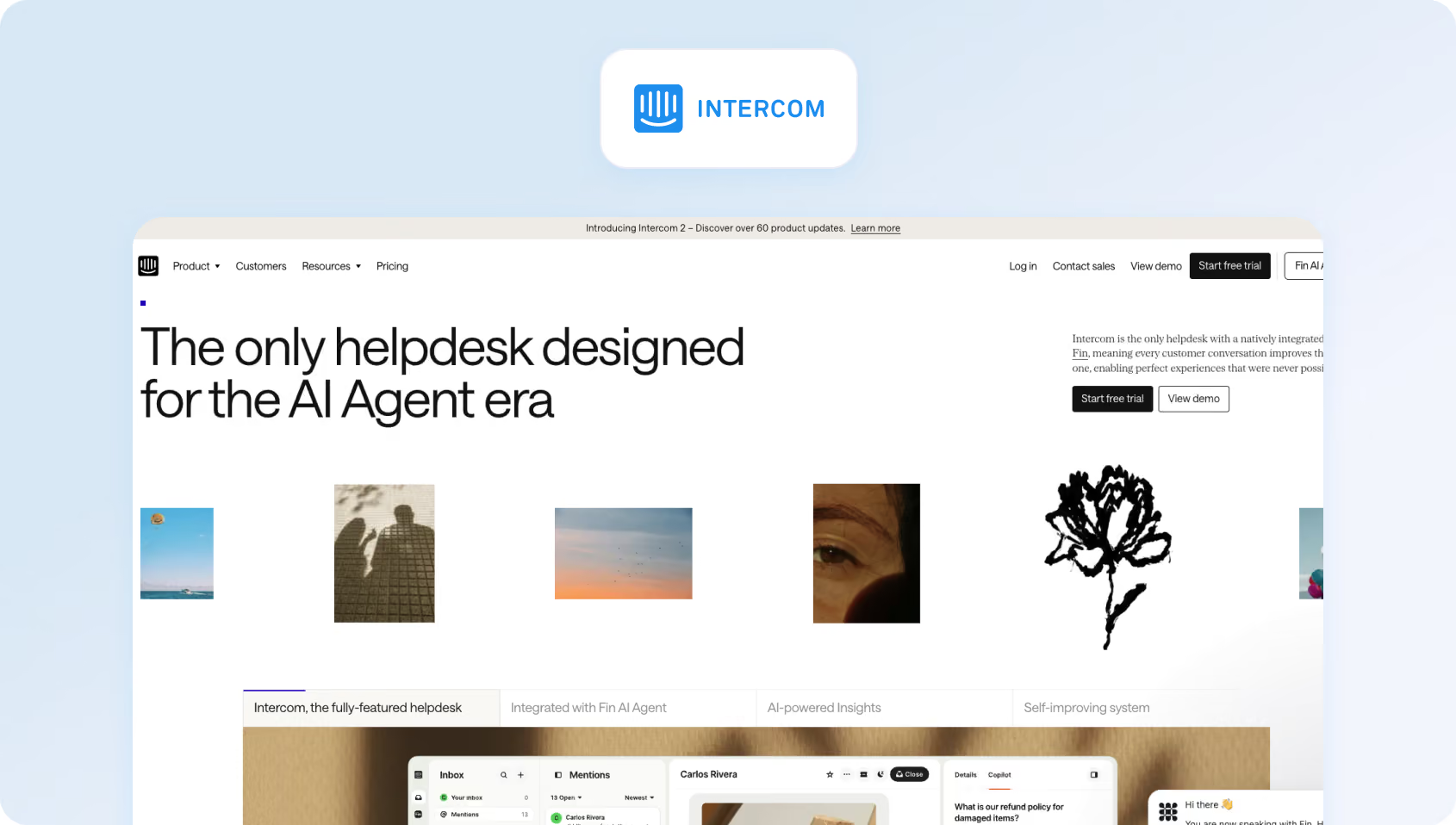
Intercom pioneered conversational support and remains the top choice for product-led SaaS companies. Its Messenger widget feels native in web apps, and its proactive messaging tools help onboard users and prevent churn.
Features:
- Conversational UI: Messenger widget for chat, email, and product tours
- Fin AI Agent: Autonomous resolution with $0.99/resolution pricing
- Fin AI Copilot: Agent assists with reply suggestions (+$35/agent/month for unlimited)
- Omnichannel: Email, chat, SMS, WhatsApp (usage-based channel fees)
- Product Tours: In-app onboarding flows and feature announcements
- Help Center: Customer-facing knowledge base
Who Uses It
Intercom is dominant in B2B SaaS, especially product-led growth companies.
Pricing:
- Essential: $29/seat/month (inbox, basic bots, help center)
- Advanced: $85/seat/month (workflows, routing, private help center)
- Expert: $132/seat/month (SSO, HIPAA, multi-brand messenger)
Add-ons and extra costs:
- Intercom Pro: $99/month, including AI features such as CX Score, Topics, Recommendations, Monitors, and Custom Scorecards, with analysis of 1,000 conversations per month.
- Copilot: $29 per agent/month for Intercom’s AI assistant, with unlimited usage. Includes 10 Copilot conversations and 10 AI Auto-translation conversations per agent per month for free.
- Proactive Support Plus: $99/month for advanced in-app and outbound support features, including Posts, Checklists, Product Tours, Surveys, and Series campaign builder, with 500 messages sent per month included.
Pros:
- Best-in-class messenger: Feels like it belongs in your product, not bolted on
- Proactive engagement: Product tours and in-app messages prevent support tickets
- Resolution-based AI: Fin only charges when it successfully resolves an issue
- Strong for SaaS: Explicitly built for customer service software companies with in-app needs
Cons:
- No voice support: Can't handle phone calls natively
- Unpredictable costs: Usage-based pricing for AI, SMS, WhatsApp, and email makes budgeting difficult
- Not ideal for high-volume support: Best for product-led SaaS, not 100-agent contact centers
- Expensive at scale: By the time you add Advanced plan + Fin AI + messaging channels, you're paying $120-$175 per effective agent
4. Help Scout: Best for Small Teams That Prioritize Simplicity & a Lightweight Shared Inbox
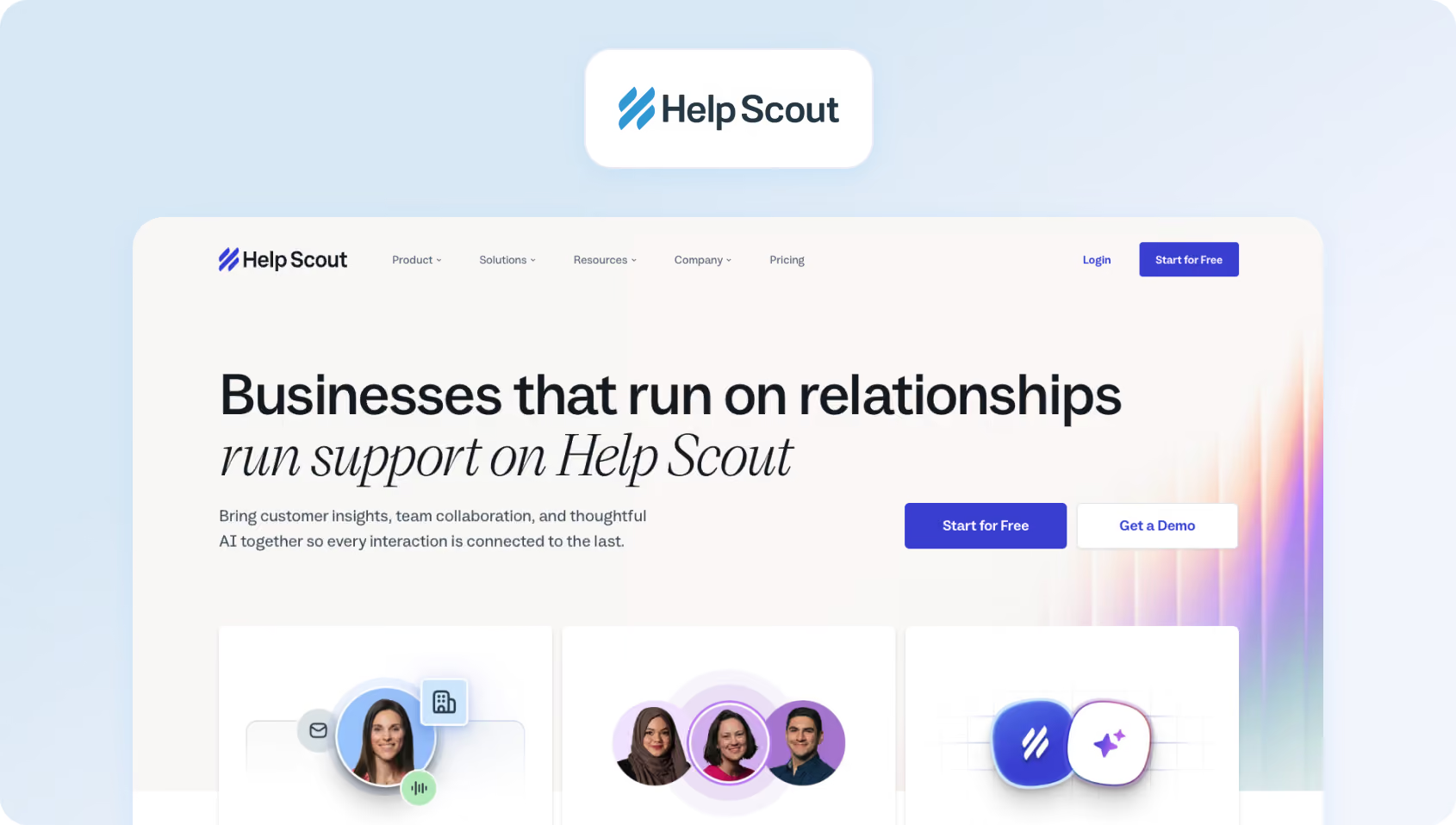
Help Scout targets teams that want email-centric support with a Gmail-like customer experience. It's beloved by small businesses and nonprofits for its simplicity and transparent pricing (recently shifted to a contact-based model, not a seat-based one).
Features:
- Shared Inbox: Email-first interface with internal notes and assignments
- Live Chat (Beacon): Embeddable widget for web and help center
- Knowledge Base (Docs): Customer-facing articles with in-widget search
- AI Features: Built-in AI Answers, AI Drafts, AI Assist (tone adjustment), AI Summarize
- Phone: Make and receive calls (logged in Help Scout)
- SMS: Send and receive texts from the inbox
Who Uses It
Small businesses, startups, and B-corps love Help Scout's ethos (they plant a tree for each customer). Strong in e-commerce, education, and service businesses.
Pricing:
Help Scout shifted from per-seat to per-contact pricing:
- Free: 100 contacts/month, (up to 5 users)
- Standard: $25/month (up to 25 users)
- Plus: $45/month (up to 50 users)
- Pro: $75/month (unlimited users)
Pricing scales with a 3-month trailing average of “contacts helped” (unique people who received replies).
Pros:
- Unlimited users: Invite your whole company without per-seat charges
- Contact-based pricing: Smooths seasonal fluctuations (3-month average)
- Built-in AI: No extra fees for basic AI customer service features
- Great for collaboration: Sales, product, and support can all access the same context
Cons:
- Unpredictable for growing teams: One successful marketing campaign that doubles support volume = doubled bill
- Limited voice capabilities: Basic calling, not suitable for high-volume phone support
- AI limited to Help Scout content: Chatbot can't access Google Docs, Confluence, or other knowledge sources
- Expensive integrations: Salesforce, Jira, and HubSpot locked in Plus plan ($70/month for 200 contacts minimum)
5. Zoho Desk: Best for Teams Already Invested in the Zoho Ecosystem
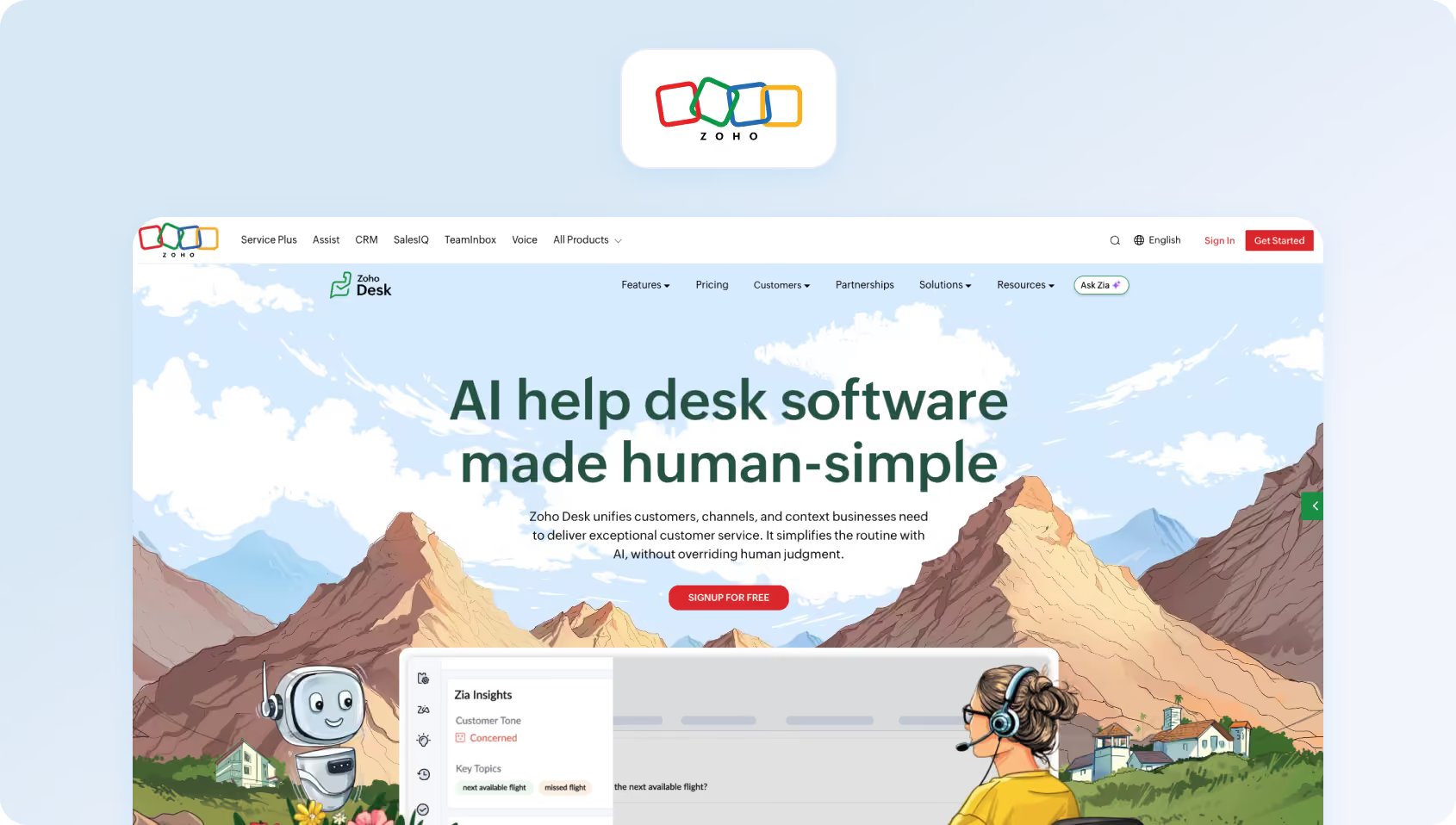
Zoho Desk appeals to teams already using the Zoho ecosystem (CRM, Books, Project Management). It offers robust features at competitive price points, although the Zoho Desk interface and setup complexity may feel dated compared to newer alternatives.
Features:
- Omnichannel: Email, phone, live chat, social media, instant messaging (WhatsApp, Telegram, etc.)
- Zia AI: Sentiment analysis, reply suggestions, predictive ticket assignment
- Automation: Workflows, macros, SLA management
- Knowledge Base: Internal and customer-facing help articles
- Community Forums: Build customer communities
- Integrations: Deep Zoho suite integration plus 100+ third-party apps
Who Uses It
Broad adoption from SMBs to enterprises. Strong in tech, retail, healthcare, and financial services.
Pricing:
- Free: 3 users, basic ticketing, email support, limited capabilities
- Express: €7/agent/month (social media, workflows, 5 users)
- Standard: €14/agent/month (instant messaging, SLAs, unlimited users)
- Professional: €23/agent/month (advanced AI, multi-department, 10 departments, unlimited users)
- Enterprise: €40/agent/month (custom modules, sandbox, 50 departments, unlimited users)
Pros:
- Aggressive pricing: Among the most affordable full-featured options
- Zoho ecosystem: Seamless data flow if you use Zoho CRM, Books, or other products
- Robust automation: Automated workflows and blueprints rival platforms 3x the price
- Generous free tier: 3 agents with real functionality, not just a trial
Cons:
- Dated UI: The interface feels cluttered and less intuitive than Freshdesk or Help Scout
- Steep learning curve: Feature depth comes with complexity; expect weeks of setup
- Limited third-party integrations: Great for the Zoho ecosystem, but weaker for Salesforce, HubSpot, and others.
- AI limited to higher tiers: Zia (AI assistant) is only available in Professional and above
6. HubSpot Service Hub: Best for HubSpot Customers That Want Support, CRM, and Automation in One Ecosystem
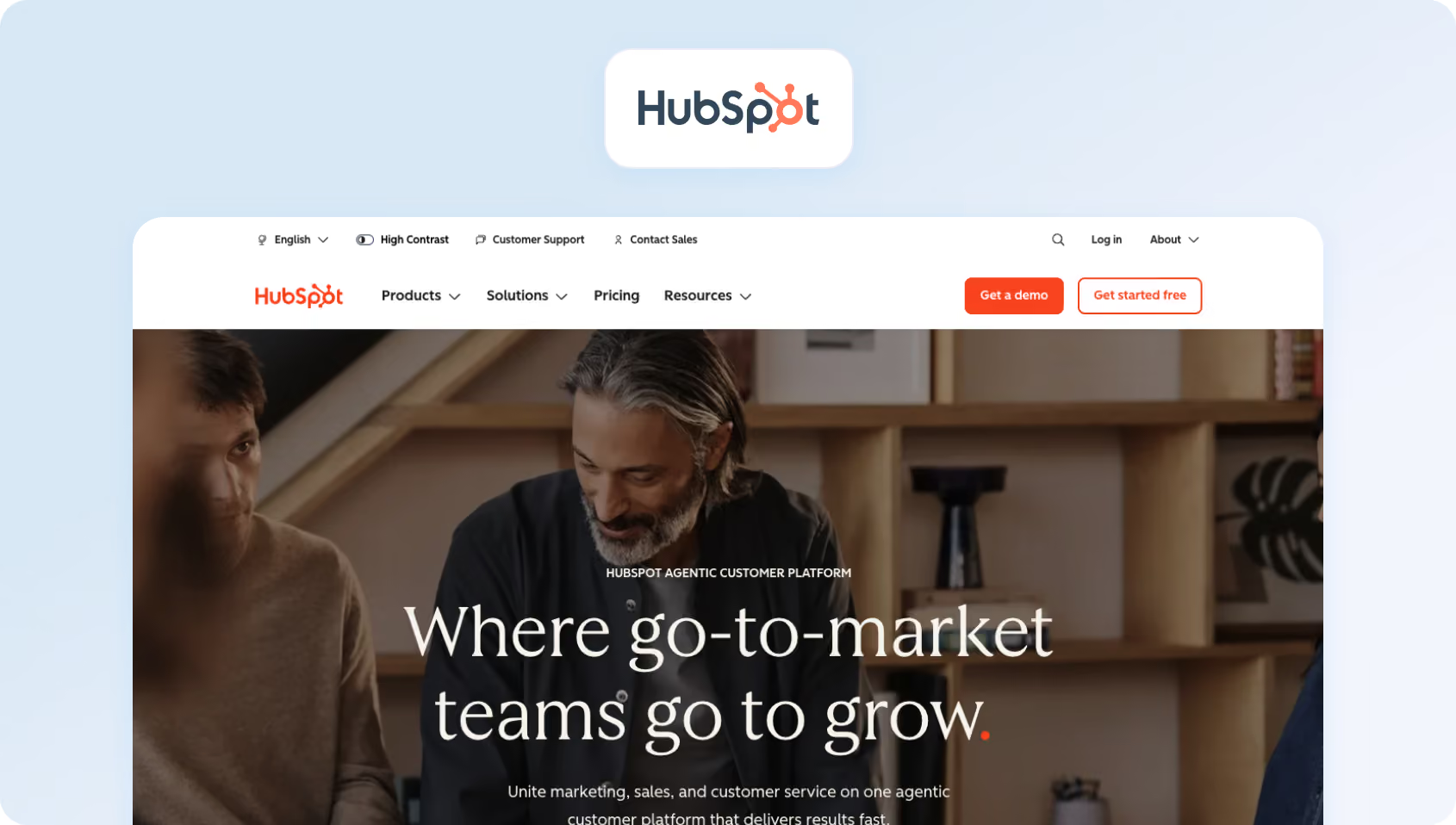
The HubSpot Service Hub is ideal for teams already using HubSpot CRM, Marketing Hub, or Sales Hub. The unified customer platform enables support agents to view every marketing touchpoint and sales conversation.
Features:
- Omnichannel: Shared inbox for email, chat, Facebook Messenger, WhatsApp
- Phone: Make and receive calls with IVR call flows
- Ticketing: Full helpdesk with pipelines, automation, SLAs
- Knowledge Base: Customer-facing help center
- Customer Portal: Secure portal for customers to track their customer requests
- Customer Feedback: NPS, CSAT, and custom customer satisfaction surveys
- AI Agents: Breeze AI (Enterprise) resolves tickets autonomously
Who Uses It
HubSpot Service Hub serves SMBs to mid-market companies that want tight alignment between marketing, sales, and support. Strong in B2B SaaS, professional services, and agencies.
Pricing:
- Free: Up to 2 users, basic ticketing, shared inbox, 1 help center
- Starter: $7/seat/month (500 HubSpot credits)
- Professional: $90/seat/month (3,000 HubSpot credits)
- Enterprise: $150/seat/month (5,000 HubSpot credits)
Pros:
- Unified customer platform: Support agents see the complete customer journey (marketing emails opened, sales calls logged, previous tickets)
- No CRM cost: HubSpot CRM has a free plan included, eliminating the need for a separate Salesforce license
- Strong for existing HubSpot users: If you're already paying for Marketing or Sales Hub, adding Service makes sense
- AI included (Enterprise): Breeze AI agents handle resolution autonomously without per-interaction fees
Cons:
- Expensive at scale: Professional tier pricing + mandatory onboarding fees add up quickly
- Limited standalone value: Works best when bundled with other HubSpot products; weaker as a standalone support tool
- No native WFM: Workforce management requires third-party integrations
- Enterprise lock-in: Best AI features, advanced automation, and success forecasting require the Enterprise tier ($150/seat, minimum 10 seats)
7. Salesforce Service Cloud: Best for Enterprises That Want Deep CRM Integration and Extensive Customization
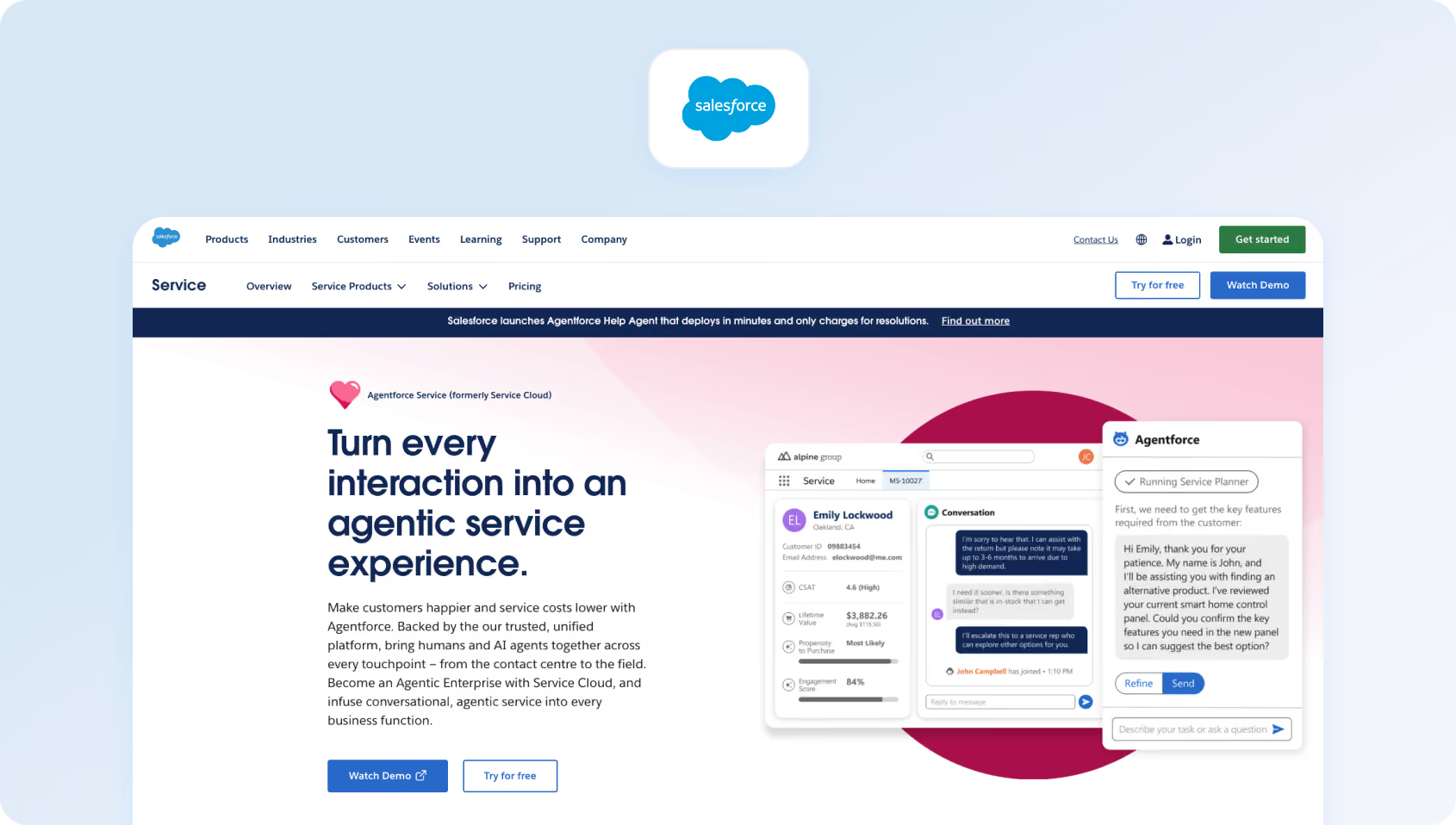
Salesforce Service Cloud (with Einstein AI) is the enterprise heavyweight in this category. If you're running Salesforce CRM and need deep customization, complex routing, or industry-specific compliance to deliver customer support requests, it's purpose-built for you.
Features:
- Omnichannel: Email, chat, phone, SMS, social media, video support
- Einstein AI: Case classification, recommended replies, next-best-action suggestions
- Field Service: Dispatch and mobile workforce management
- CTI Integration: Deep telephony integrations with major contact center platforms
- Lightning Console: Agent workspace with customizable layouts
- Salesforce Ecosystem: Native integration with the entire Salesforce platform
Who Uses It
Enterprise customers in financial services, healthcare, retail, and manufacturing. Think Fortune 500 companies with 200+ agent operations.
Pricing:
- Starter Suite: $25/user/month (10-user maximum, basic features)
- Professional: $100/user/month (workflows, knowledge, reports)
- Enterprise: $175/user/month (advanced automation, 24/7 support)
- Unlimited: $350/user/month (premier support, configuration services)
- Agentforce 1 Service: $550/user/month (As with the Unlimited package, plus the full AI suite)
Add-ons and implementation typically double the cost. Einstein AI features vary by tier.
Pros:
- Unmatched customization: Build virtually any workflow or exceptional customer service process
- Salesforce ecosystem: If you're already on Salesforce, the data integration is seamless
- Enterprise-grade: Handles 10,000+ agent deployments with ease
- Industry clouds: Pre-built solutions for healthcare, financial services, and manufacturing
Cons:
- Extremely expensive: Even mid-tier plans cost 3-5x more than alternatives
- Complex implementation: Expect 3-6 months and $50K-$200K in consulting fees
- Overkill for SMBs: Feature depth is wasted on teams under 100 agents
- Requires Salesforce expertise: You'll need dedicated admins or consultants
8. LiveAgent: Best for Budget-Conscious Teams That Need Voice, Chat, and Help Desk Features
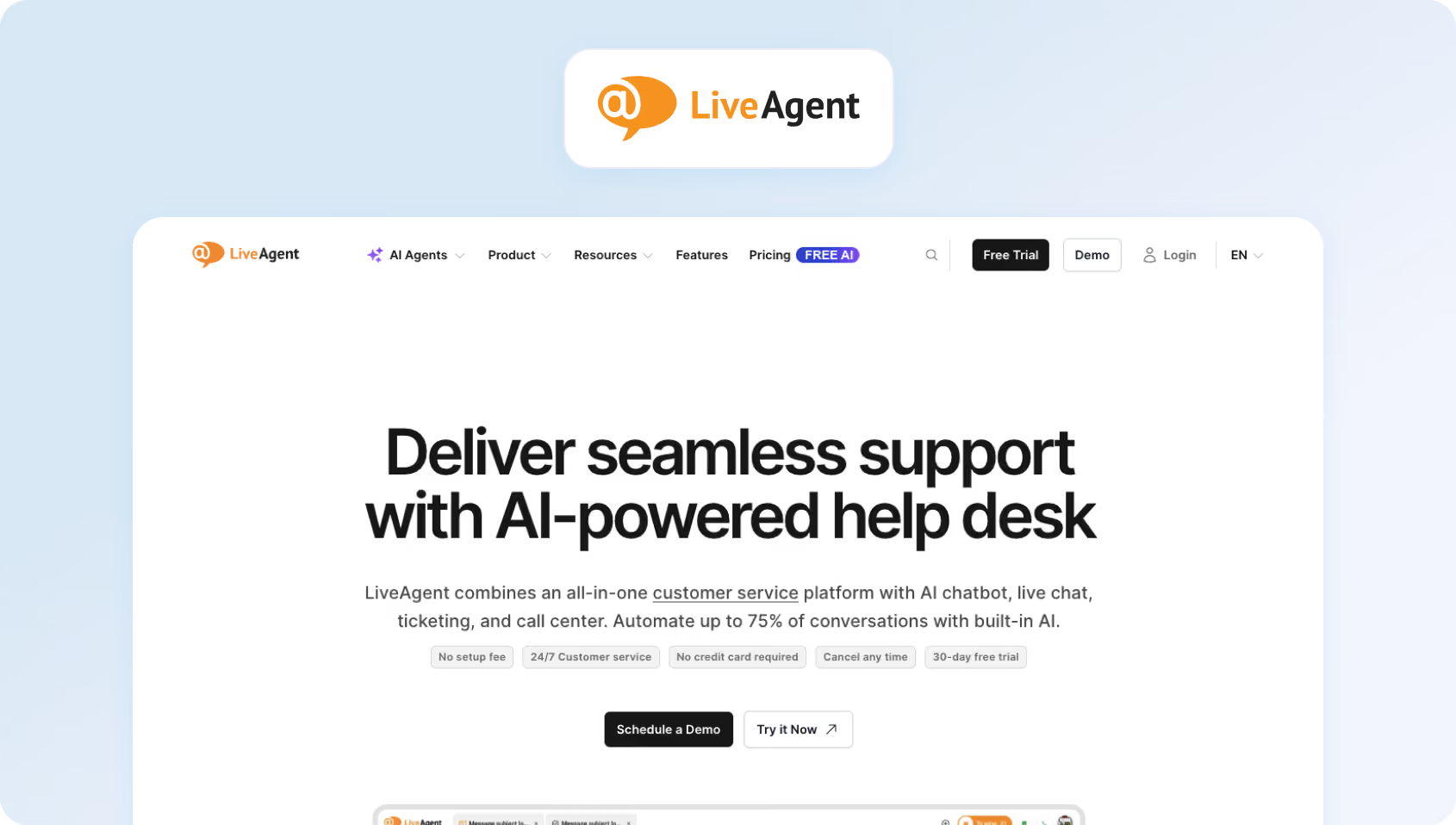
LiveAgent positions itself as an affordable all-in-one solution with native phone support. It's particularly popular with e-commerce businesses that require a comprehensive solution combining live chat, ticketing, and a call center in one package.
Features:
- Omnichannel: Email, live chat, phone, social media (Facebook, Twitter, Instagram), contact forms
- Built-in Call Center: Unlimited inbound/outbound calls, IVR, call recording
- Live Chat: Proactive chat invitations, real-time typing view
- Ticketing System: Universal inbox, automation features, SLA management
- Knowledge Base: Customer self-service portal
- CRM: Built-in contact management
Who Uses It
LiveAgent is used across e-commerce, SaaS, and SMBs. Customers include Huawei, BMW, and USC.
Pricing:
- Small: $10/agent/month, billed annually
- Medium: $19/agent/month, billed annually
- Large: $33/agent/month, billed annually
- Enterprise: $46/agent/month, billed annually
Pros:
- Native phone included: Unlimited calling in base plans (rare at this price point)
- Affordable: Competitive pricing with generous feature inclusion
- Fast setup: Most teams are operational within days
- No per-minute charges: Flat monthly rate includes unlimited calls
Cons:
- Limited AI: Basic automation, but no modern AI chatbot or voicebot
- Dated interface: UI feels older compared to Freshdesk or Intercom
- Smaller ecosystem: Fewer integrations than major competitors
- No advanced multilingual support: Basic translation, not real-time AI-powered
9. Front: Best for Collaborative Support Teams That Manage Customer Conversations Across Shared Inboxes
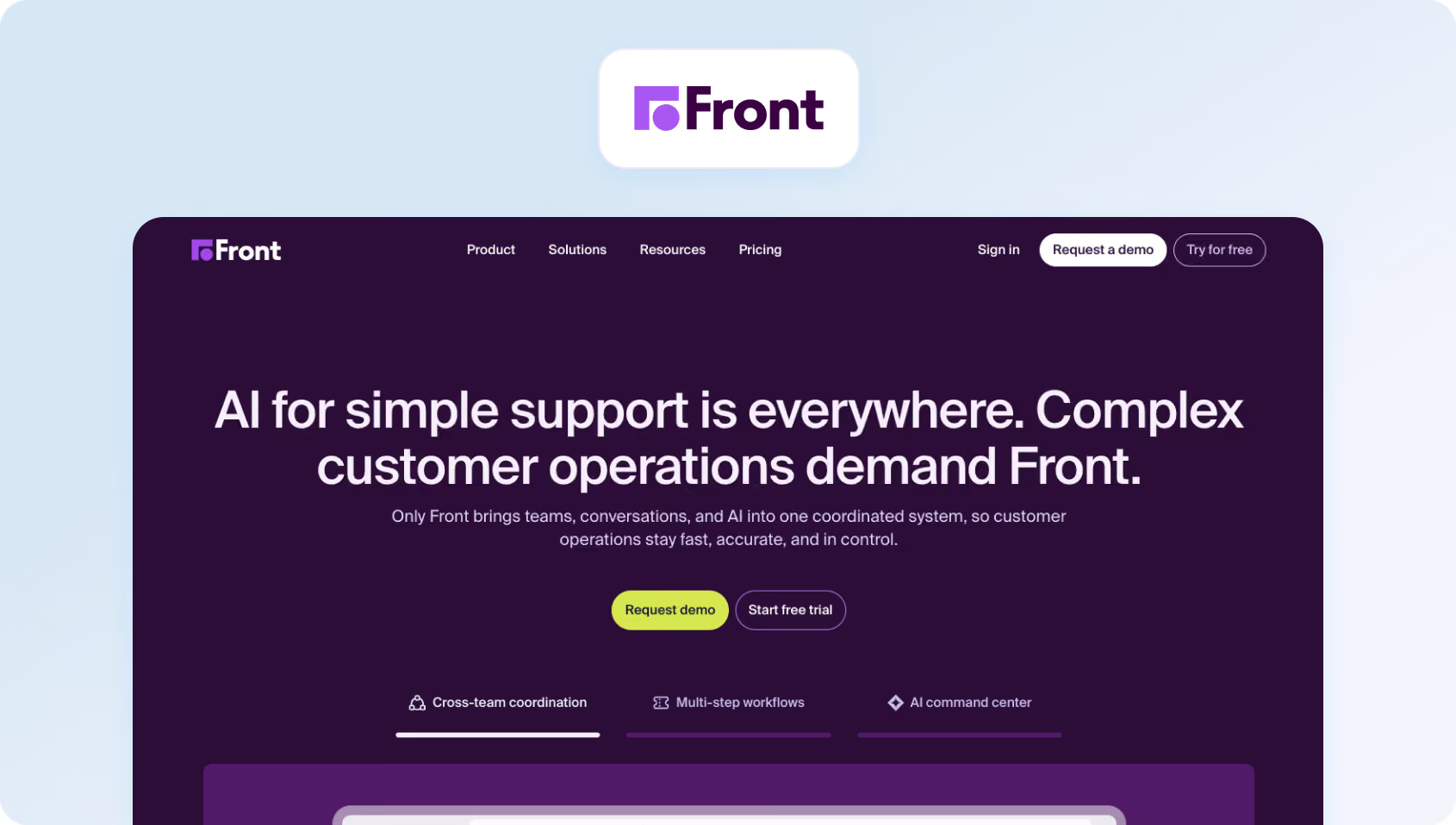
Front reimagines email as a collaborative workspace. If your team lives in email and needs internal collaboration without switching to a separate help desk solution, Front keeps everything in an inbox-style interface.
Features:
- Shared Inbox: Email-first interface with comments, assignments, tags
- Omnichannel: Email, SMS, live chat, WhatsApp, social media
- Collaboration: Internal comments, @mentions, approval workflow automation
- Analytics: Response times, team performance, workload distribution
- Integrations: 100+ apps, including Salesforce, Asana, Slack
Who Uses It
Small teams in sales, success, and support who prefer email workflows.
Pricing:
- Starter: $25/seat/month (Single channel)
- Professional: $65/seat/month (Omnichannel: email, SMS, social, WhatsApp, etc.)
- Enterprise: $105/seat/month (Omnichannel: email, SMS, social, WhatsApp, etc.unlimited conversations, automation rules)
- AI add-ons available: Autopilot from $0.05/conversation, Copilot from $20 per seat/month, Smart QA from $20 per seat/month, and Smart CSAT from $10 per seat/month
Pros:
- Email-native: Teams that hate “helpdesk” interfaces love Front's familiar email UX
- Real-time collaboration: See who's typing, leave internal notes, and assign without forwarding
- Great for multi-team use: Sales, support, and success can share context
- Clean, modern UI: One of the best-looking interfaces in the category
Cons:
- No phone support: Can't handle voice calls natively
- Expensive for basic features: Paying $59+/seat for what's essentially shared email
- Not a true helpdesk: Lacks SLA tracking, escalation workflows, knowledge base
- Limited AI: Basic automation, no chatbot or AI reply assistance
10. Gorgias: Best for E-commerce Brands That Need Support, Automation, and Revenue Tools in One Platform
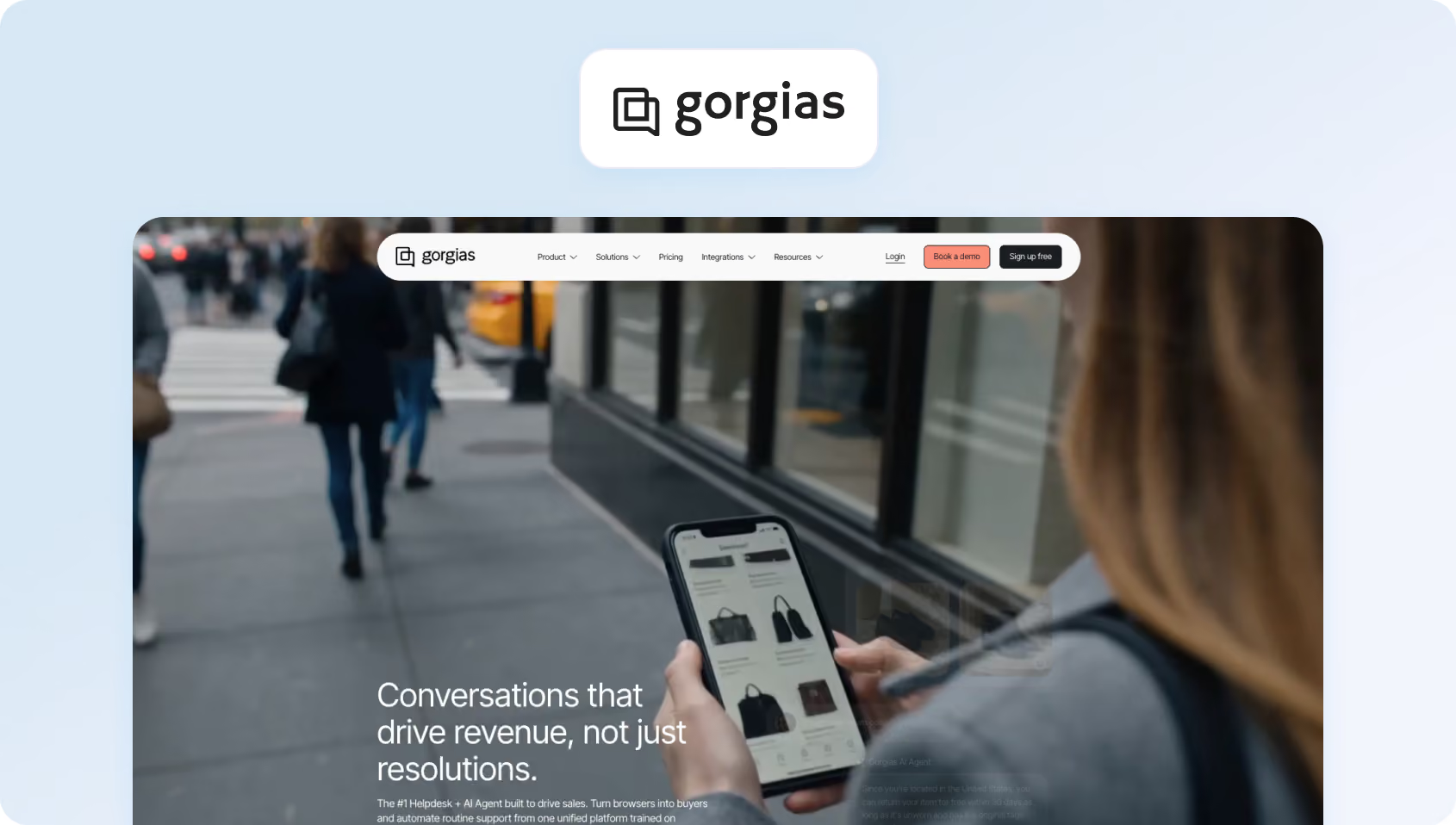
Gorgias is purpose-built for e-commerce, with deep Shopify integration and macros designed for order status, returns, and shipping inquiries. If you're running a Shopify store, Gorgias speaks your language.
Features:
- E-commerce Focus: Pre-built macros for order management, shipping, returns
- Shopify Integration: Deep access to order data, customer history, product info
- Omnichannel: Email, live chat, Facebook, Instagram, SMS
- Automation: Rule-based routing, auto-responses, intent detection
- Revenue Tracking: Connect support interactions to revenue generated
Who Uses It
E-commerce brands on Shopify, Magento, and BigCommerce.
Pricing:
- Starter: $40/month (50 tickets)
- Basic: $77/month (300 tickets)
- Pro: $471/month (2,000 tickets)
- Advanced: $1,227/month (5,000 tickets)
- Enterprise: Custom (unlimited tickets)
Ticket-based pricing makes costs unpredictable during sales events.
Pros:
- Built for e-commerce: Macros and workflows designed specifically for online retail
- Shopify superpowers: Access order details, issue refunds, update shipping—all from the ticket
- Revenue attribution: See which support interactions lead to purchases
- Fast for common e-commerce queries: Pre-built automations for “where's my order?”
Cons:
- Ticket-based pricing: Black Friday or a viral product launch can blow your budget
- No phone support: Can't handle voice calls
- Shopify-centric: Works best with Shopify; weaker for other platforms
- Limited for non-e-commerce: Feature set is narrow outside retail use cases
11. Kustomer: Best for High-Volume Support Teams That Want a CRM-Style Customer Timeline and Strong Omnichannel Workflows
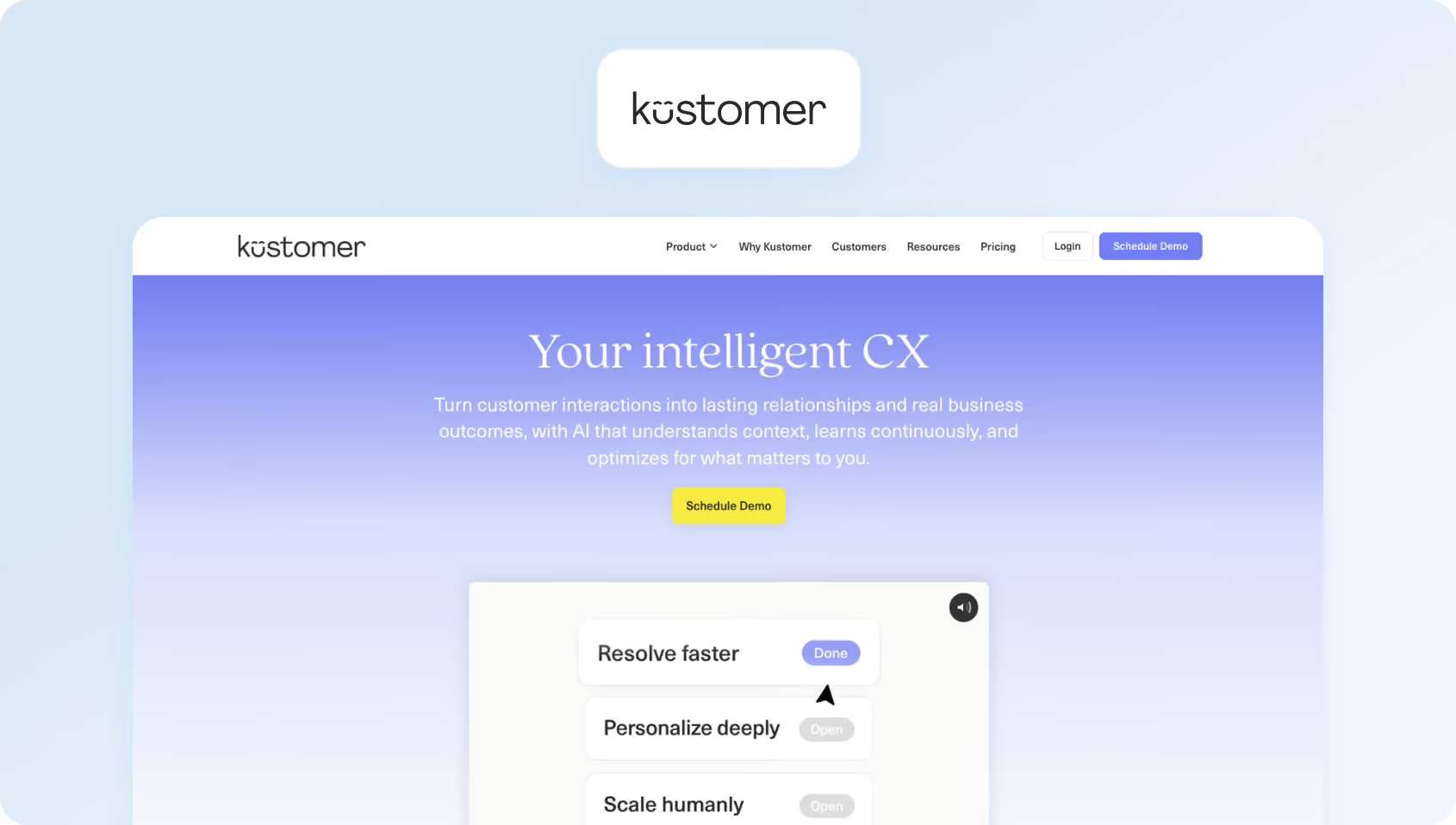
Kustomer takes a customer-centric approach (not ticket-centric). Instead of opening multiple tickets for a single customer, everything is organized on a unified timeline. It's popular with brands that want conversational, contextual support.
Features:
- Customer Timeline: All interactions (calls, chats, orders, emails) on one view
- Omnichannel: Email, chat, SMS, WhatsApp, voice, social
- No Ticket Numbers: Conversations, not tickets (customers never see “ticket #12345”)
- AI & Automation: Chatbots, routing, suggested replies
- CRM Capabilities: Built-in customer data platform
Who Uses It
Consumer brands in retail, travel, and fintech.
Pricing:
Kustomer operates a custom pricing model; verify with the vendor directly for pricing.
Pros:
- Customer-centric UX: Agents see people, not ticket numbers
- Unified timeline: Complete interaction history without switching screens
- Good for high-touch brands: Luxury and lifestyle brands love the conversational approach
- Strong automation: Intelligent routing based on customer context and history
Cons:
- Expensive: Pricing is competitive with or higher than Zendesk Enterprise
- No public pricing: Forces sales conversations for basic information
- Requires culture shift: Teams used to ticket-based workflows need retraining
- Limited WFM: No native scheduling or forecasting tools
12. Gladly: Best for Retail and E-commerce Brands That Want a Conversation-Centric Customer Service Platform
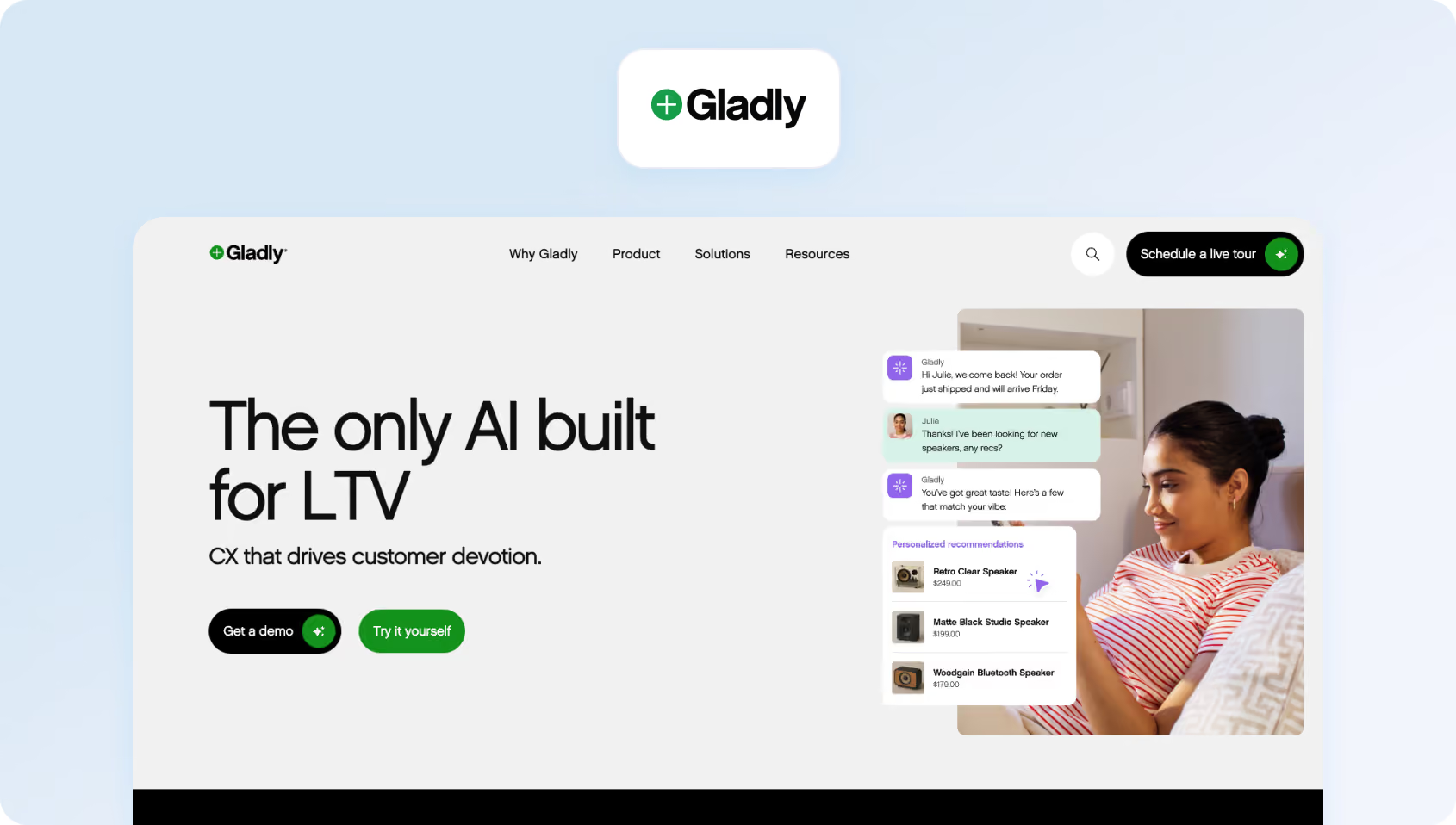
Gladly, like Kustomer, puts customers (not tickets) at the center. Its “radically personal” approach focuses on continuous conversations across multiple channels, with each agent seeing the customer's full history.
Features:
- Lifelong Conversation Threads: All interactions with one customer in one thread
- Omnichannel: Voice, SMS, email, chat, social messaging
- Customer Profiles: Rich profiles with purchase history, preferences, and notes
- Task Management: Follow-ups and to-dos tied to customers, not tickets
- Reporting: Customer-centric metrics (not just ticket counts)
Who Uses It
Consumer brands focused on loyalty and lifetime value.
Pricing:
Gladly also operates a custom pricing model; verify with the vendor directly for pricing.
Pros:
- True omnichannel: Seamless hand-offs between voice, chat, and email in one conversation
- Customer-first philosophy: Agents build relationships, not close tickets
- Great for brand differentiation: Luxury and high-touch brands use it to stand out
- Voice native: Strong telephony built in, not bolted on
Cons:
- Very expensive: Premium pricing, even compared to Salesforce
- No public pricing: Requires a sales process and often minimum commitments
- Best for large teams: Designed for 100+ agent operations
- Limited self-service support: Not ideal if you want to deflect volume with chatbots
13. Dixa: Best for Support Teams That Want Unified Customer Conversations Across Channels
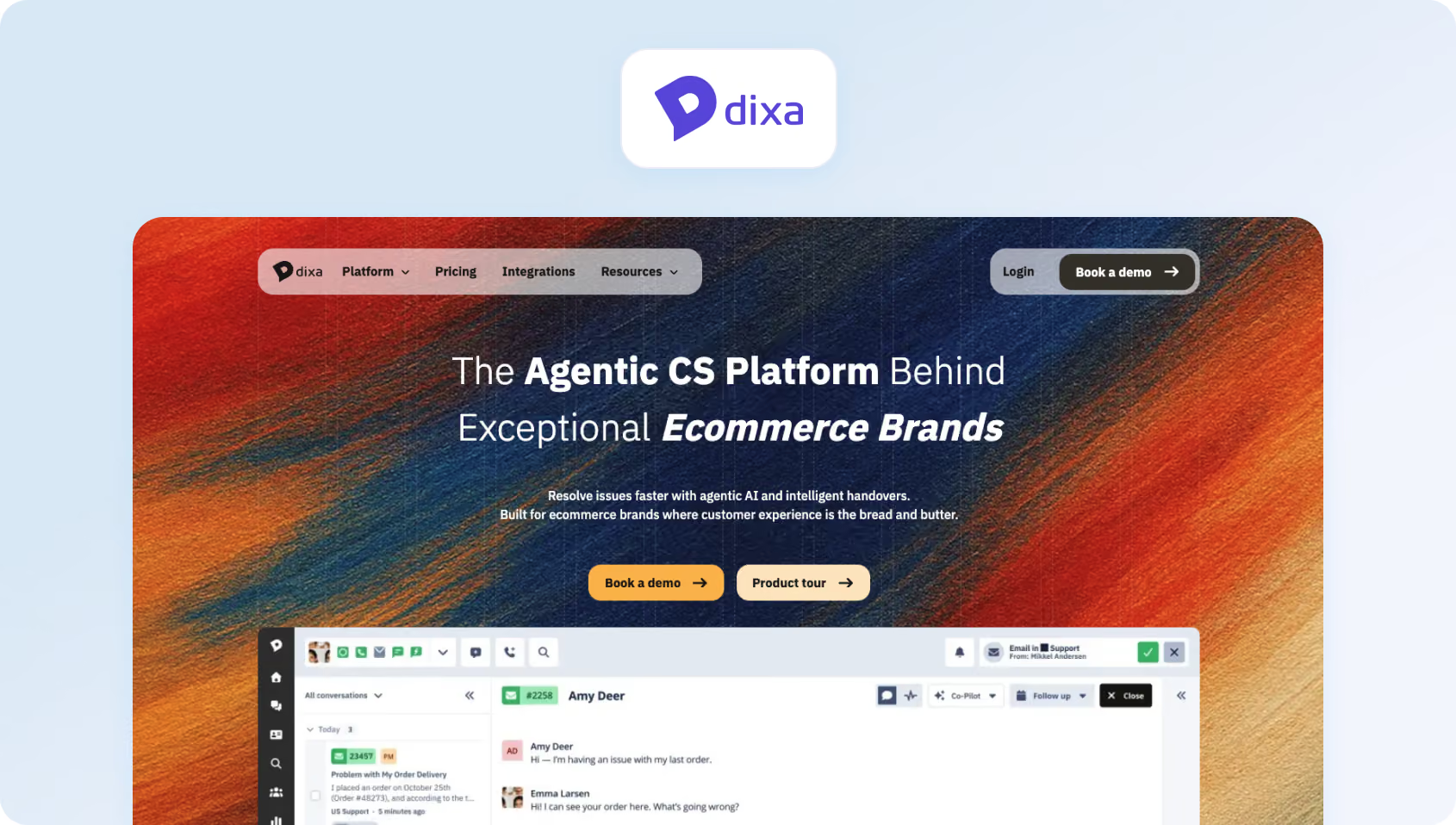
Dixa is a Scandinavian customer service platform that emphasizes “friendship through conversation.” It offers solid omnichannel capabilities with a focus on making support feel more human and less transactional.
Features:
- Omnichannel: Email, chat, voice, Facebook Messenger, WhatsApp
- Smart Routing: Skill-based routing and automatic prioritization
- Conversation Continuity: Context preserved across channels
- VoIP Included: Native calling with local numbers in 100+ countries
- Analytics: Real-time dashboards and historical reporting
Who Uses It
European SMBs and mid-market companies, especially in e-commerce and subscription services.
Pricing:
- Growth: €89 per agent/month, including omnichannel support across phone, email, forms, chat, and social, plus a knowledge base, AI Agent (Mim), intelligent routing, IVR, call recording, callbacks, SLAs, and native integrations.
- Ultimate: €139 per agent/month, adding features such as routing with external data, knowledge-centered service, standard AI intent detection, advanced automations, skills-based routing, sandbox access, and third-party AI integrations.
- Prime: €179 per agent/month, adding SSO, advanced AI intent detection, advanced insights, custom user roles, multiple organizations, queue and claim restrictions, enterprise API limits, and outbound email templates.
Pros:
- Voice included: Native calling without a separate telephony provider
- Clean Scandinavian design: Intuitive interface with minimal clutter
- Good for international: Local numbers in 100+ countries
- Conversation-focused: Less ticket-centric than traditional helpdesks
Cons:
- Limited market presence: Smaller than US-based competitors
- No public pricing: Requires sales engagement
- Basic AI: Lacks advanced automation compared to Intercom or Freshdesk
- Smaller integration ecosystem: Fewer pre-built connectors than major platforms
14. Talkdesk CX Cloud: Best for Contact Centres That Need Enterprise-Grade Support
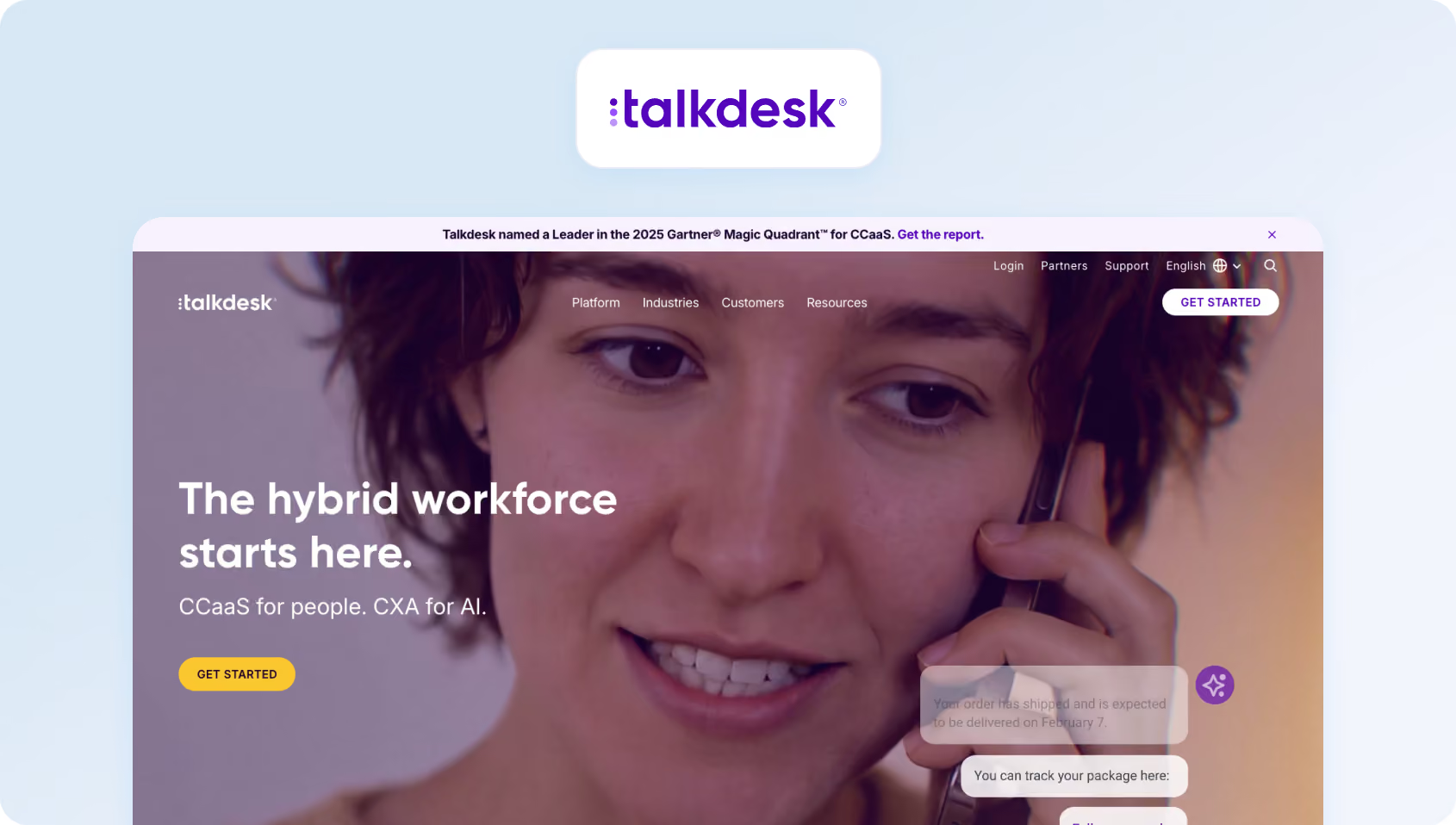
Talkdesk began as a cloud contact center and has since evolved into a comprehensive CX platform. If voice is your primary channel and you need enterprise-grade telephony with helpdesk capabilities, Talkdesk delivers.
Features:
- Enterprise Contact Center: Advanced IVR, skills-based routing, call recording
- Omnichannel: Voice, SMS, email, chat, social messaging
- AI (Talkdesk AI): Virtual agent, sentiment analysis, call transcription
- WFM: Native workforce management with scheduling and forecasting
- Quality Management: Call recording, evaluation forms, coaching workflows
Who Uses It
Enterprises with voice-heavy support operations.
Pricing:
- CX Cloud Digital Essentials: $85 per user/month, including digital engagement, quality management, API access, dashboards, and automation tools.
- CX Cloud Essentials: $85 per user/month, including voice engagement, routing, workspace tools, and integrations.
- CX Cloud Elevate: $115 per user/month, plus quality management, screen recording, feedback, and automated notifications.
- CX Cloud Elite: $145 per user/month, adding workforce management, performance management, custom reporting, and customer experience analytics.
- Industry Experience Clouds: custom pricing for vertical-specific deployments in sectors such as healthcare, financial services, retail, and government.
Pros:
- Best-in-class voice: Purpose-built for high-volume call centers
- Native WFM: Integrated scheduling, forecasting, and adherence monitoring
- Native QA: Built-in quality management and coaching tools
- Strong AI: Voicebot and virtual agent capabilities rival specialized CCaaS platforms
Cons:
- Voice-centric: Better for call centers than email-heavy customer support teams
- Complex pricing: Multiple modules and add-ons make the true cost hard to predict
- Steep learning curve: Feature depth requires significant training
- Overkill for small teams: Designed for 50+ agent operations
15. NICE CXone: Best for Large Contact Centres That Need WEM, Routing, and Advanced CX Analytics
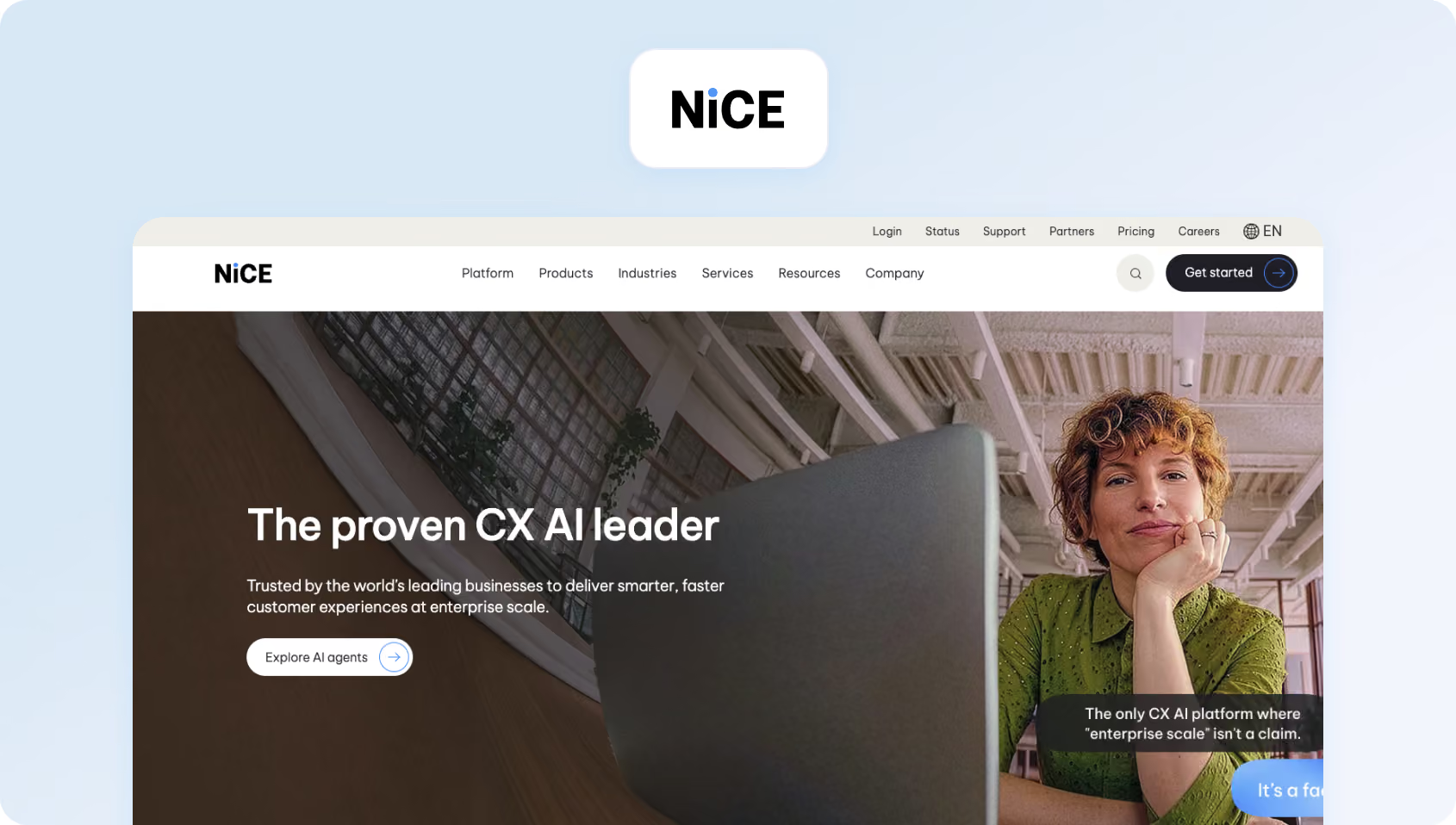
NICE CXone is the enterprise-grade contact center platform with CRM capabilities. It's the go-to for organizations that need compliance features, advanced analytics, and proven scalability.
Features:
- True Omnichannel: Voice, email, chat, SMS, social media in a unified agent desktop
- Enlighten AI: Real-time agent assist, sentiment analysis, coaching recommendations.
- WFM: Comprehensive workforce optimization suite
- Quality Management: Recording, evaluation, calibration, coaching
- Analytics: Real-time and historical reporting with AI-powered insights
Who Uses It
Large enterprises and BPOs in healthcare, financial services, retail, and telecom.
Pricing:
- Omnichannel Suite: $110 per agent/month
- Essential Suite: $135 per agent/month
- Core Suite: $169 per agent/month
- Complete Suite: $209 per agent/month
- Ultimate Suite: $249 per agent/month, plus $0.25 per session for certain AI-powered interactions
Industry-specific packages: Tailored CXone packages for sectors such as banking, insurance, healthcare, retail, and government, also available. Most are priced at $249 per agent/month plus $0.25 per session, with sector-specific capabilities such as self-service automation, agent assist, engagement hubs, and industry-focused insights. Government pricing is structured differently, with packages starting from $2 per consumer/year for selected public-sector use cases.
Pros:
- Enterprise-proven: Handles 10,000+ agent deployments reliably
- Comprehensive: Everything you need for contact center operations in one platform
- Strong compliance: HIPAA, PCI-DSS, SOC 2—built for regulated industries
- Best-in-class WFM: Industry-leading forecasting and scheduling
Cons:
- Extremely complex: Requires dedicated admins and a long implementation
- Expensive: Enterprise pricing puts it out of reach for SMBs
- Overkill for most: Feature depth wasted on teams under 100 agents
- Long sales cycle: Expect 3-6 months from evaluation to go-live
16. Genesys Cloud CX: Best for Omnichannel Contact Centres That Need Deep WEM and AI Capabilities
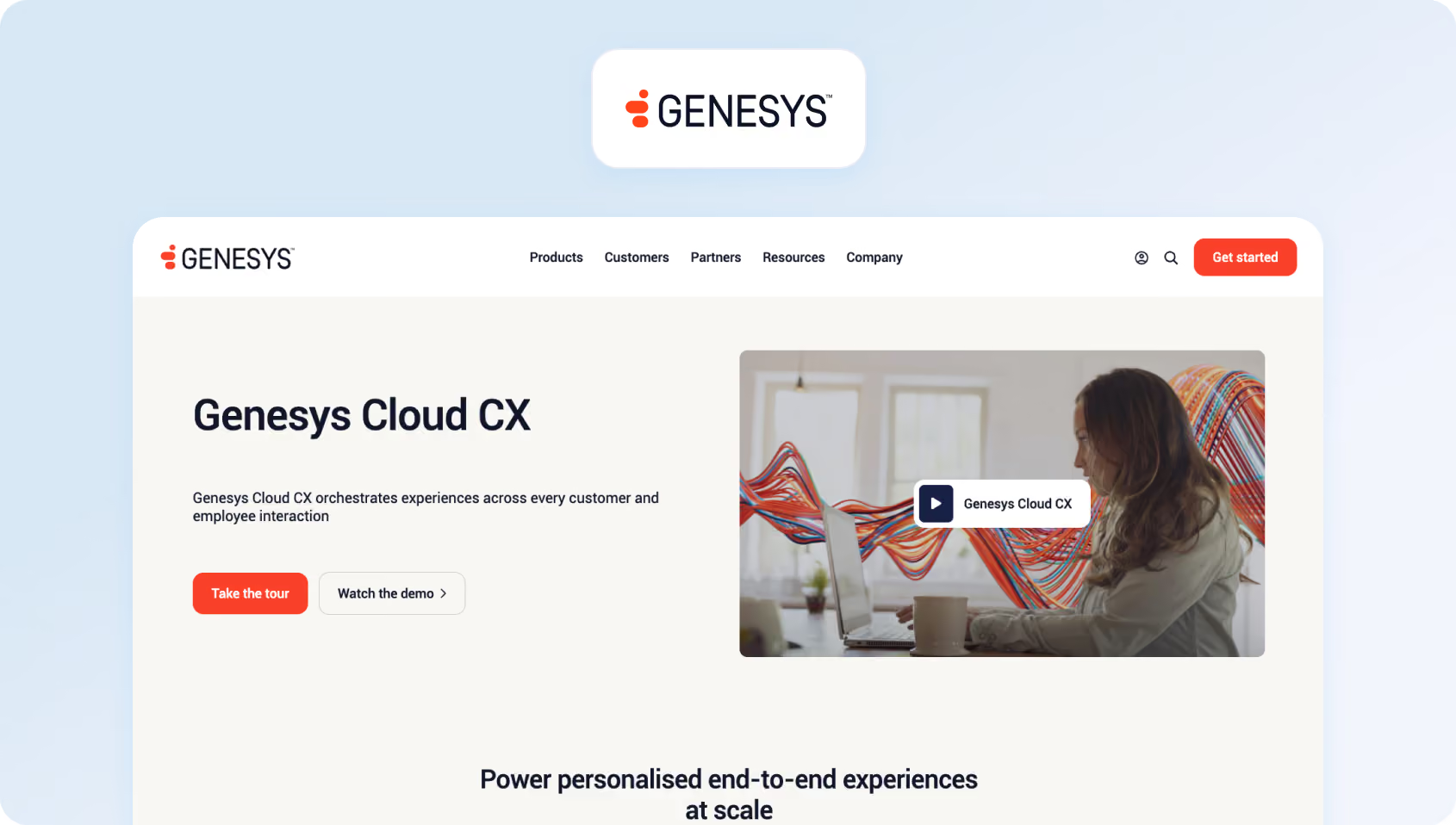
Genesys Cloud CX competes directly with NICE CXone in the enterprise CCaaS space. It's known for flexibility, AI capabilities, and strong multi-tenant architecture (critical for BPOs).
Features:
- Omnichannel: Voice, digital channels, video, co-browse
- Genesys AI: Voicebot, chatbot, agent assist, predictive routing
- Native WFM: Forecasting, scheduling, intraday management
- Quality & Analytics: Recording, evaluation, speech analytics
- AppFoundry: 300+ pre-built integrations
Who Uses It
Enterprises and BPOs.
Pricing:
- Genesys Cloud CX 1: $75 per user/month (billed annually), including voice, call routing, IVR, outbound campaigns, analytics, recording, knowledge, native bots, predictive engagement, predictive routing, and Agent Copilot.
- Genesys Cloud CX 2: $115 per user/month (billed annually), adding digital channels plus built-in quality assurance and compliance.
- Genesys Cloud CX 3: $155 per user/month (billed annually), including employee performance, resource management, AI-powered forecasting and scheduling, and speech and text analytics.
- Genesys Cloud CX 4: $240 per user/month (billed annually), including journey management, virtual agents, Supervisor Copilot, Virtual Supervisor, social listening, and 30 AI Experience tokens per named agent.
Pros:
- Multi-tenant strength: Excellent for BPOs managing multiple clients
- Flexible architecture: Highly customizable for complex requirements
- Strong AI: Voicebot and predictive engagement capabilities
- Open platform: Extensive API and integration ecosystem
Cons:
- Enterprise complexity: Not suitable for teams under 50 agents
- Expensive: Premium pricing even for mid-tier features
- Requires implementation partner: DIY setup is impractical
- Long onboarding: Expect 2-4 months to full deployment
17. ServiceNow Customer Service Management: Best for Large Enterprises That Want Customer Service Connected to Broader Service Operations
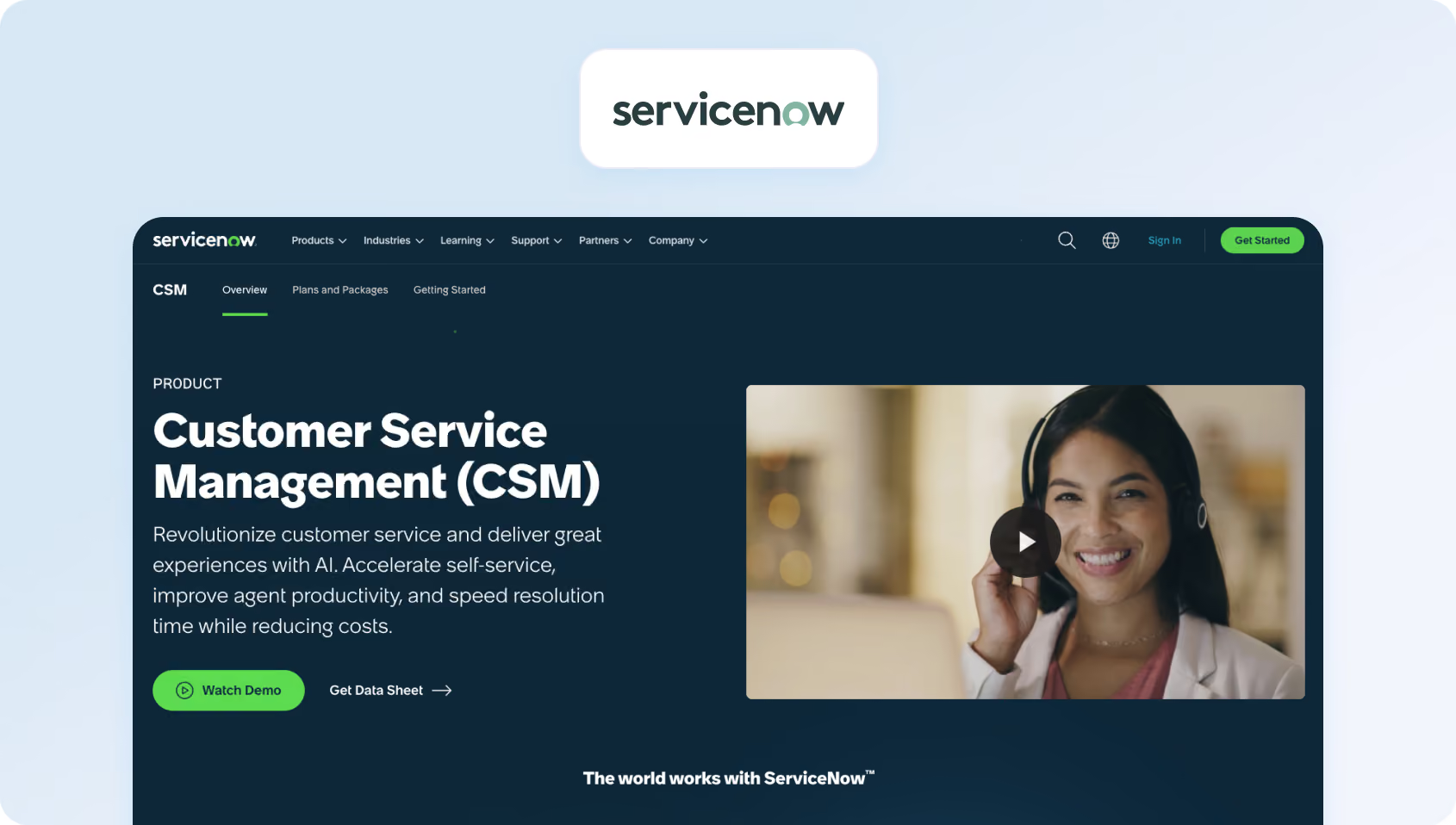
ServiceNow CSM brings ITSM discipline to customer service. If you're already using ServiceNow for IT operations and want to extend the platform to responsive customer support, CSM is the natural fit.
Features:
- Omnichannel: Email, chat, phone (via integrations), social, mobile
- Case Management: ITSM-style workflows with SLAs and escalations
- Knowledge: Robust knowledge base with AI-powered search
- Self-Service Options: Customer portal with case tracking
- Now Assist: AI for agent productivity and case resolution
Who Uses It
Enterprises already on ServiceNow platform, especially in B2B, tech, and services.
Pricing:
Custom pricing available; verify with the vendor for details.
Pros:
- Perfect for ServiceNow shops: Extends existing ITSM investment
- ITSM workflows: Best for technical support and B2B service management
- Strong knowledge management: AI-powered KB search and content recommendations
- Enterprise-grade: Security, compliance, and governance built in
Cons:
- Extremely expensive: Among the priciest options in this guide
- ITSM-centric: Better for technical support than consumer service
- Complex implementation: Requires ServiceNow expertise
- Overkill for most: Only makes sense if you're already on ServiceNow
18. Sprinklr Service: Best for Global Enterprises That Need Customer Service, Social, and Digital Engagement
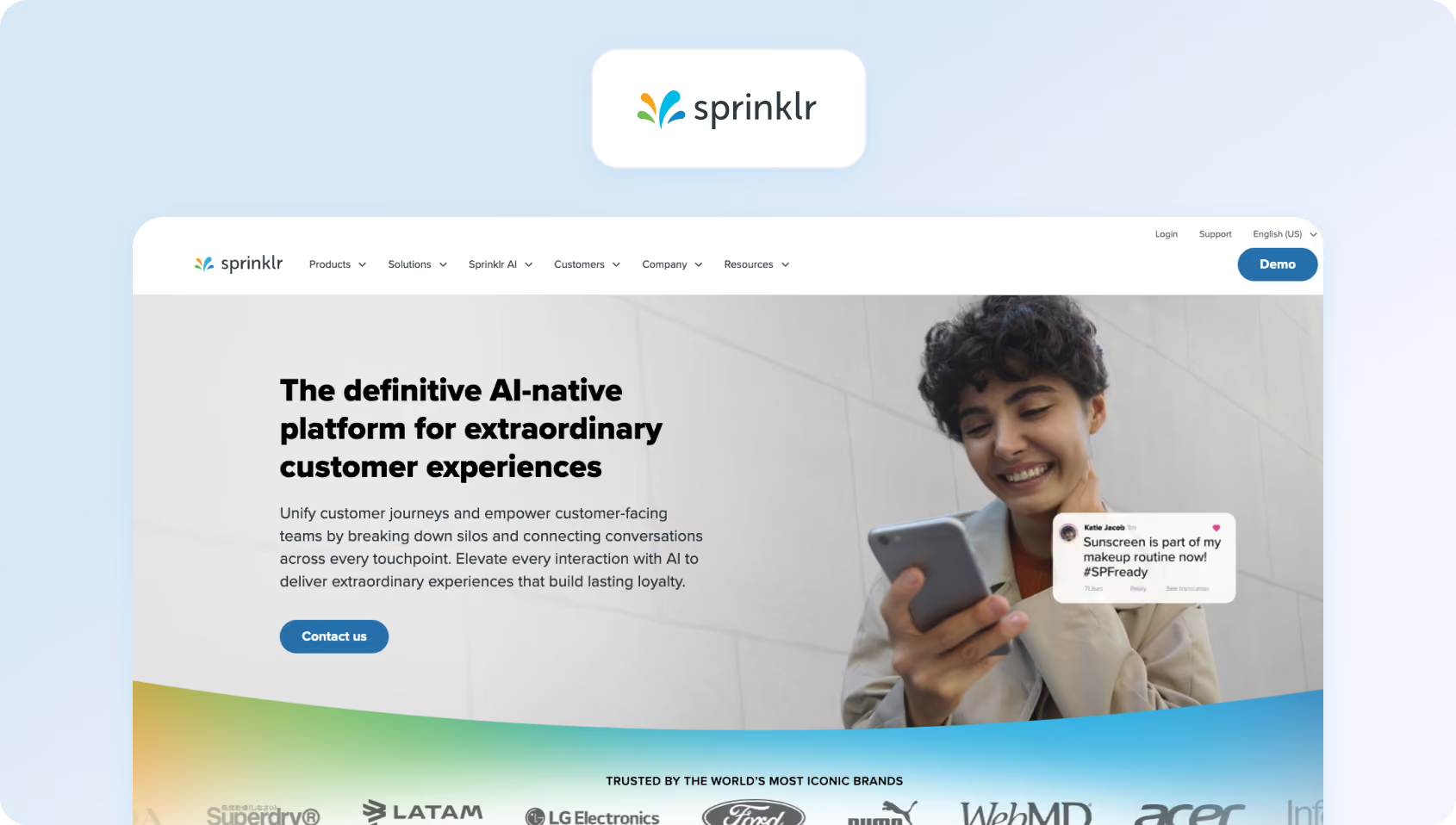
Sprinklr started as a social media management platform and evolved into a unified CX platform. Its strength lies in social listening and engagement at scale, processing thousands of tweets, Instagram comments, and Facebook messages daily.
Features:
- Social-First: Native support for 30+ social channels
- Omnichannel: Voice, email, chat, messaging apps, review sites
- AI: Sprinklr AI for routing, sentiment, chatbots
- Listening: Social listening and brand monitoring
- Unified Agent Desktop: All channels in one workspace
Who Uses It
Large consumer brands managing high social media volumes.
Pricing:
Custom pricing available on completion of a product demo; verify for details.
Pros:
- Unmatched social coverage: Best platform for brands active on social media
- Social listening: Monitor brand mentions across the internet
- Handles massive volume: Built for customer service teams managing 100K+ social interactions monthly
- Unified platform: Marketing, advertising, and service in one ecosystem
Cons:
- Very expensive: Enterprise pricing out of reach for SMBs
- Overkill for most: Unless you have massive social volume, it's too much platform
- Complex: Steep learning curve and long implementation
- Not ideal for phone-heavy: Social-first means voice is secondary
19. Khoros Care: Best for Brands That Prioritize Social Customer Service and Digital Community Engagement
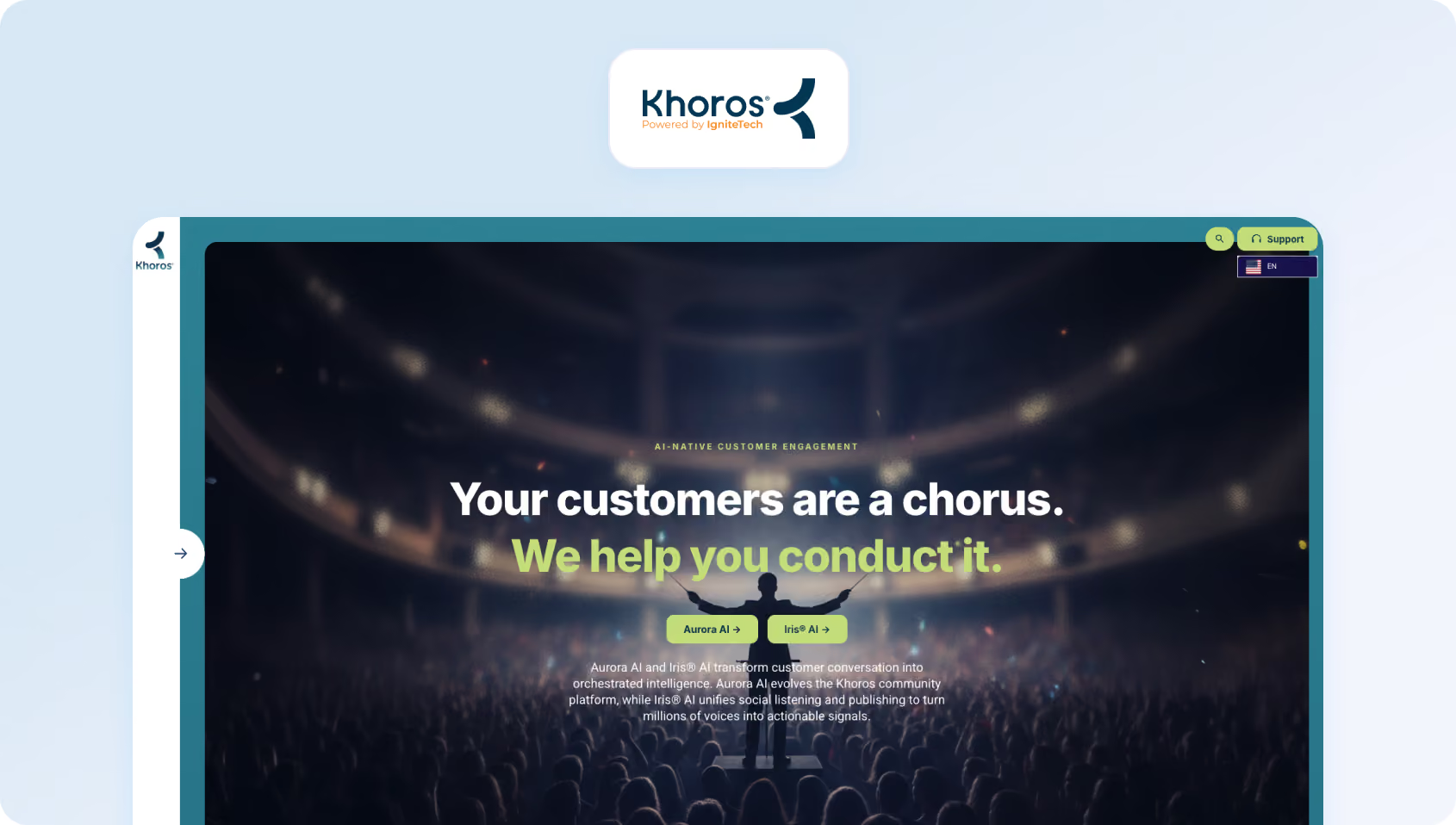
Khoros focuses on digital and social customer care. Like Sprinklr, it's built for brands managing support across social media, messaging apps, and review sites.
Features:
- Digital-First: Social media, messaging apps, review sites, online communities
- AI & Automation: Bot framework, intelligent routing, sentiment analysis
- Community Forums: Build and manage customer communities
- Listening: Social monitoring and brand tracking
- CRM Integration: Salesforce, Microsoft Dynamics connectors
Who Uses It
Consumer brands with a strong digital presence.
Pricing:
Khoros doesn’t publish subscription prices; verify with the vendor for details on their custom-quote model.
Pros:
- Community platform: Excels at building customer forums and peer-to-peer support
- Social expertise: Deep social media management capabilities
- Good for consumer brands: Purpose-built for B2C digital support
- Integration with social ads: Connect support data to social advertising campaigns
Cons:
- Expensive: Enterprise pricing model
- Digital-only focus: Not ideal for phone-heavy support operations
- Complex setup: Requires significant configuration and training
- Declining market position: Losing ground to Sprinklr and Salesforce Social Studio
20. LivePerson: Best for Enterprises Focused on Messaging, Automation, and AI-Led Customer Conversations
LivePerson pioneered live chat in the late 1990s and now focuses on conversational AI. Its Conversational Cloud platform combines messaging, AI, and analytics for brands going messaging-first.
Features:
- Conversational Cloud: Messaging across web, mobile, SMS, WhatsApp, Apple Business Chat
- Intent Manager: AI detects customer intent and routes accordingly
- Conversation Builder: Low-code bot building
- Agent Workspace: Unified workspace for messaging channels
- Analytics: Conversational analytics and reporting
Who Uses It
Large enterprises in retail, financial services, and telecom.
Pros:
- Messaging expertise: 25+ years focused on conversational support
- Strong AI platform: Intent detection and bot building are mature
- Asynchronous support: Customers message when convenient, agents respond when available
- Good for messaging-first customer support strategy: If you're de-emphasizing phone, LivePerson fits
Cons:
- Complex pricing: Conversation-based pricing is hard to predict
- Not ideal for voice: Better for messaging than traditional phone support
- Enterprise-focused: Minimum contracts and pricing exclude SMBs
- Declining relevance: Facing pressure from Intercom, Zendesk, and platform players
Pricing:
LivePerson doesn't publish standard pricing for Conversational Cloud. Pricing is provided through a customized sales process and typically depends on conversation volume, AI usage, messaging channels, and implementation requirements.
21. Five9: Best for Contact Centres That Need Voice, Digital Channels, and WEM
Five9 is a cloud contact center platform that recently added digital channels. If voice is 70% or more of your volume and you need enterprise-grade telephony, Five9 competes with Talkdesk and Genesys.
Features:
- Cloud Contact Center: Advanced IVR, ACD, skills-based routing
- Omnichannel: Voice, email, chat, SMS, social (digital channels are less mature)
- Five9 AI: Agent assist, virtual agent, speech analytics
- WFM: Integrated workforce management suite
- CRM Integration: Deep connectors for Salesforce, ServiceNow, Zendesk
Who Uses It
Mid-market to enterprise with voice-heavy operations.
Pros:
- Voice expertise: 20+ years building contact center telephony
- Reliable platform: 99.99% uptime SLA
- Strong WFM: Native forecasting and scheduling
- Enterprise-ready: Handles high-volume operations reliably
Cons:
- Voice-centric: Digital channels feel like afterthoughts
- Complex pricing: Multiple editions and add-ons make the total cost unclear
- Weaker for omnichannel: If email/chat are primary, better options exist
- Enterprise-focused: Overkill for teams under 50 agents
Pricing:
- Digital: $119 per seat/month, covering channels such as chat, email, SMS/MMS, and social messaging.
- Core: $159 per seat/month for all channels plus essential AI capabilities.
- Plus: custom pricing for teams that want all channels with more advanced AI functionality.
- Pro: custom pricing for teams that need all channels, AI essentials, and workforce engagement management (WEM).
- Enterprise: custom pricing for larger operations that want all channels, advanced AI, and WEM in a single package.
22. Dialpad: Best for AI-Enabled Voice and Contact Centre Teams
Dialpad built a modern business customer communications platform (voice, video, messaging) and extended it to contact centers. Its AI transcription and sentiment analysis run in real-time during calls.
Features:
- Cloud Contact Center: IVR, ACD, call recording, analytics
- Real-Time AI: Live transcription, sentiment scoring, action item detection during calls
- Omnichannel: Voice, SMS, web chat, social messaging
- Integrations: Pre-built connectors for Salesforce, HubSpot, Zendesk, and 70+ apps
- Unified Communications: Combines contact center with business phone system
Who Uses It
SMBs to mid-market teams needing modern voice + light digital communication channels.
Pricing:
- Dialpad Support (contact centre): starts at $80 per user/month for Essentials, $115/user/month for Advanced, and $150/user/month for Premium when billed annually. Monthly billing is also available at higher rates.
- Dialpad Sell (sales outreach): starts at $39 per user/month for Essentials, $95/user/month for Advanced, and $150/user/month for Premium when billed annually.
- Dialpad Connect (business communications): starts at $15 per user/month for Standard and $25/user/month for Pro when billed annually, with Enterprise pricing available on request.
For teams comparing Dialpad with Zendesk, Dialpad Support is the most relevant product, since it’s the contact centre offering.
Pros:
- Modern platform: Built for the cloud-first era, not legacy telephony
- Real-time AI: Transcription and sentiment during calls (not after)
- Easy setup: Faster implementation than Five9 or Genesys
- Unified comms: Combine contact center with business phone system
Cons:
- Contact center key features lag: Younger than Five9/Genesys, fewer enterprise features
- Limited WFM: Basic scheduling, not comprehensive workforce management
- Weaker omnichannel: Voice and SMS strong; email/ticketing weaker
- Growing pains: Rapid growth has led to occasional support issues
23. Zowie: Best for E-commerce Support Teams That Want AI Agents to Handle Repetitive Customer Conversations
Zowie is an AI-first customer service operations software built specifically for e-commerce. It lets you automate and manage customer inquiries while integrating deeply with Shopify, Magento, and other e-commerce platforms.
Features:
- AI Automation: Handles up to 60% of common e-commerce queries automatically
- E-commerce Integration: Deep connections to Shopify, Magento, WooCommerce
- Order Management: Check order status, process returns, update shipping—all automated
- Omnichannel: Chat, email, Facebook Messenger, Instagram
- Analytics: Track automation rates, customer satisfaction, and resolution times
Who Uses It
Direct-to-consumer e-commerce brands.
Pricing:
Zowie uses a pay-per-automation or outcome-based model; contact sales for pricing details.
Pros:
- E-commerce native: Explicitly built for online retail
- High automation rate: Can deflect 50-70% of common queries
- Quick setup: Most brands are operational within 2 weeks
- Good ROI for small teams: Reduces the need to hire additional agents
Cons:
- E-commerce only: No value outside online retail
- No voice: Can't handle phone support
- Limited for complex support: Works for order status, not product troubleshooting
- Small team focus: Not built for 50+ agent operations
24. Groove: Best for Small Teams That Want a Low-Cost Help Desk with Flexible AI Pricing
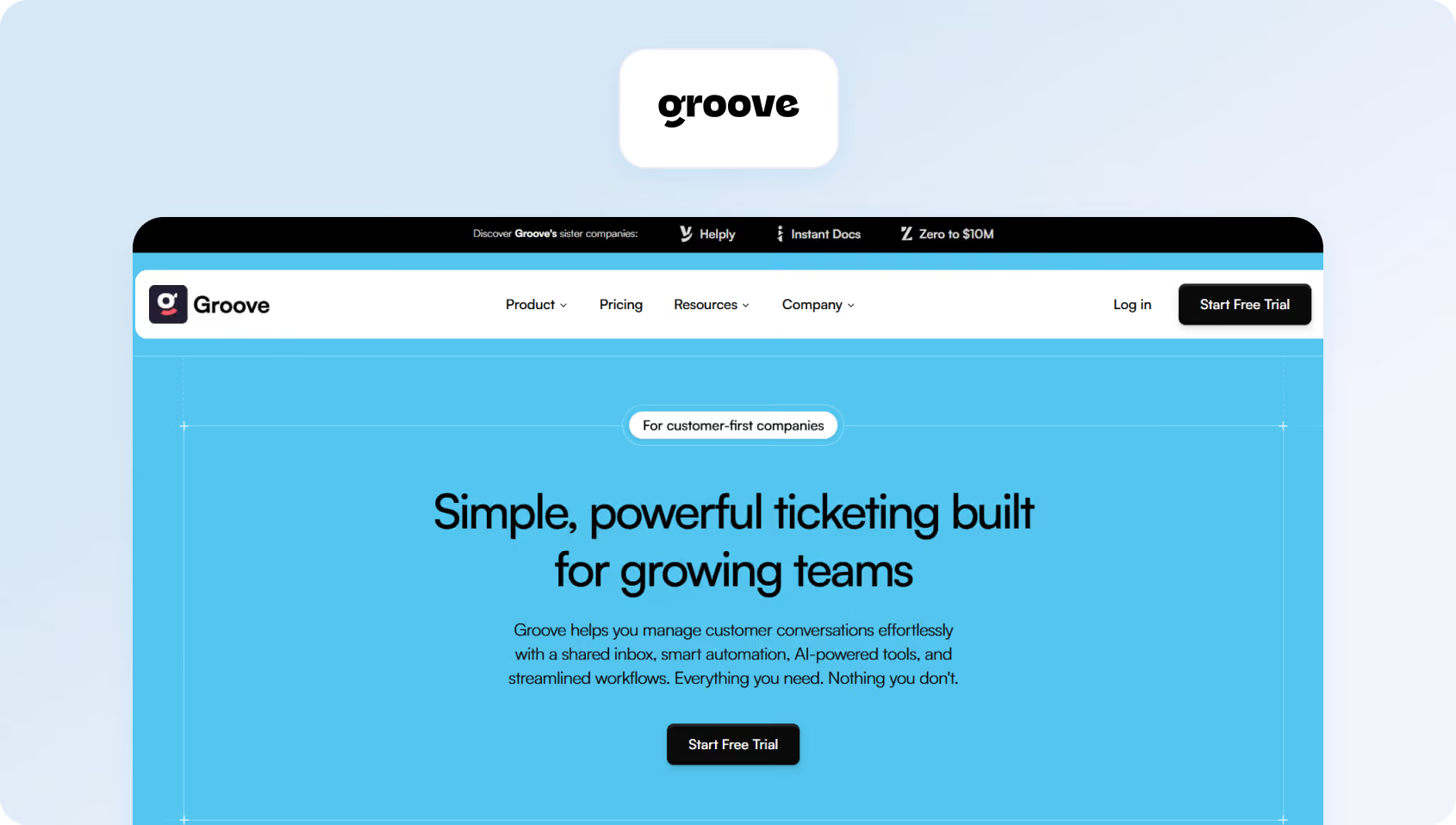
Groove positions itself as the simple, affordable help desk software for small businesses. If you're a 5-10 person team that finds Zendesk overwhelming and wants a shared email with basic features, Groove fits.
Features:
- Shared Inbox: Email-centric support with assignments and notes
- Knowledge Base: Customer-facing help articles
- Reporting: Basic analytics on response times and volumes
- Integrations: Slack, Shopify, Mailchimp, and 40+ apps
- Collaboration: Private notes, @mentions, collision detection
Who Uses It
Micro-businesses and startups (3-15 people). Customers include small SaaS companies, consultants, and agencies.
Pricing:
Groove no longer uses the older Standard / Plus / Pro pricing structure. Instead, it now offers a free core support platform with unlimited seats, including the shared inbox, ticketing, knowledge base, reporting, live chat, and core support workflows.
Rather than charging per seat for the platform itself, Groove positions pricing around AI outcomes (for example, charging based on AI resolutions or AI-generated drafts rather than the number of agents using the tool).
Pros:
- Affordable: Among the cheapest options that aren't just shared Gmail
- Simple: Clean user-friendly interface, minimal learning curve
- No per-ticket pricing: Flat monthly rate regardless of volume
- Good for micro-teams: Perfect for bootstrapped startups
Cons:
- Very basic: Lacks AI, automation, and advanced features
- Email-focused: No real omnichannel capabilities
- Limited integrations: Small ecosystem compared to major platforms
- Outgrow it quickly: Most teams outgrow Groove by 15-20 people
25. HappyFox: Best for Teams That Want Unlimited-Agent Pricing at Higher Support Volumes
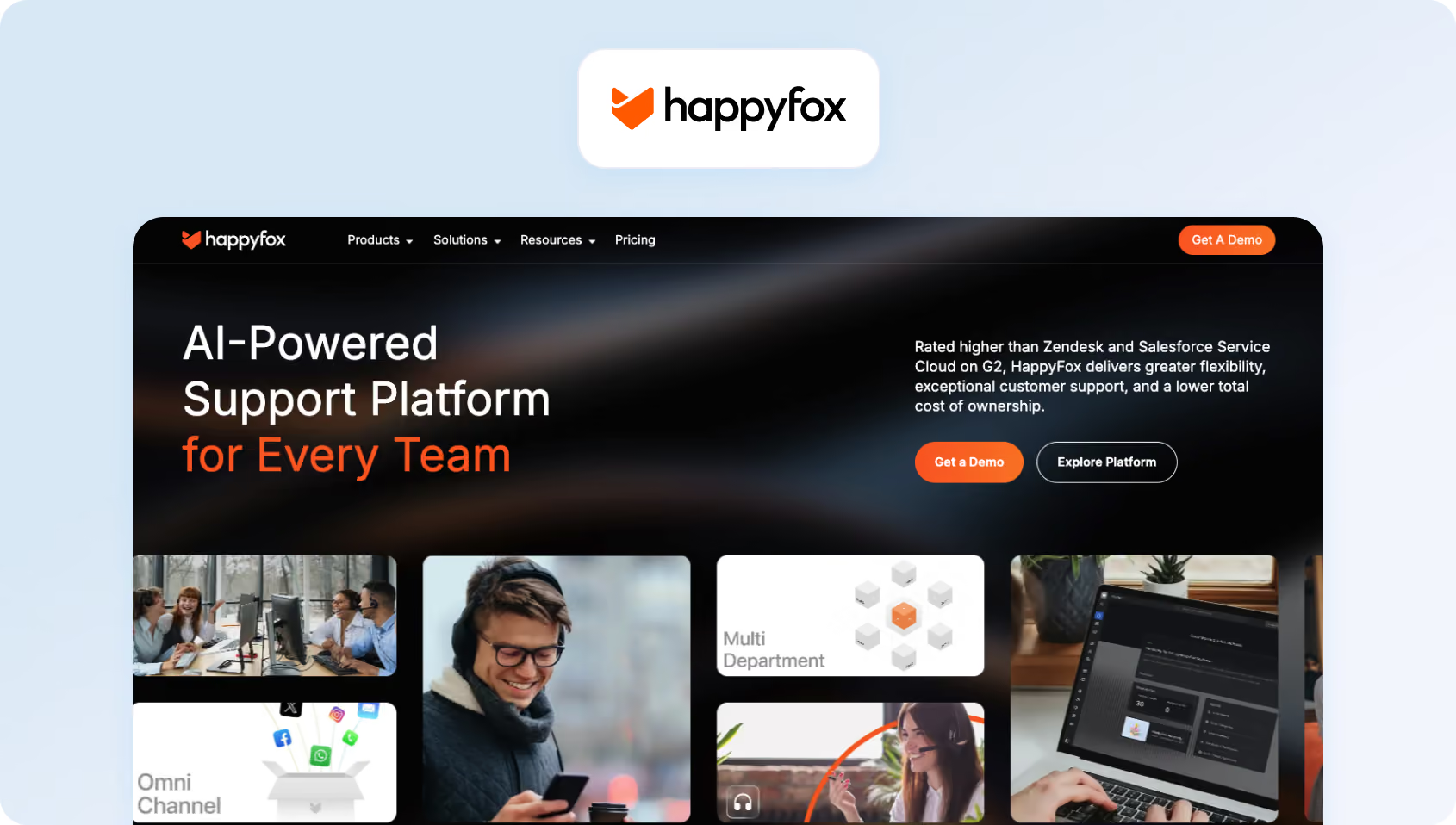
HappyFox offers a traditional help desk with essential features at competitive prices. It's particularly popular with IT service desks and internal support teams.
Features:
- Ticketing: Multi-channel ticket management system (email, chat, phone, social)
- Knowledge Base: Internal and external help articles
- Task Management: Convert customer support tickets to customer support tasks, set dependencies
- Asset Management: Track hardware and customer support software assets (IT focus)
- Community Forums: Customer community platform
- Automation: Workflows, SLA management, smart rules
Who Uses It
IT departments, educational institutions, and SMBs.
Pricing:
Agent-based pricing:
- Basic: $29 per agent/month, up to 5 agents
- Team: $69 per agent/month, unlimited agents, plus multi-brand support and more customization
- Pro: $119 per agent/month, advanced features such as task management, asset management, and more automation
- Enterprise Pro: custom pricing for larger teams that need advanced reporting, audit logs, agent scripting, and higher storage limits
Unlimited agents pricing:
- Growth: starts at $1,999/month and includes unlimited agents with annual ticket limits
- Scale: starts at $3,999/month
- Scale Plus: starts at $5,999/month
- Enterprise Pro: custom pricing for high-volume enterprise teams
Pros:
- Affordable: Competitive pricing for the feature set
- IT-friendly: Asset management and service desk features
- Good for education: Popular with schools and universities
- Straightforward: No hidden fees or complex add-ons
Cons:
- Dated interface: UI feels older compared to modern alternatives
- Limited AI: Basic automation, no chatbot or AI agent assist
- Smaller ecosystem: Fewer integrations than major competitors
- Voice not native: Requires third-party telephony integration
How We Evaluated These Zendesk Alternatives
We assessed each platform against a consistent framework, using publicly available documentation, demo videos, pricing pages, and verified user reviews. Here's our methodology:
Features Assessment
We checked each alternative to Zendesk against the must-have checklist below. Platforms received one of three ratings:
- Meets: Feature is native, documented, and available in plans suitable for 20-100 agents.
- Partial: Feature exists but requires add-ons, workarounds, or higher tiers.
- Not Evident: No public documentation or demo evidence of the feature.
Who Uses It
We identified user segments (BPOs, e-commerce, SaaS, etc.) from case studies, public customer logos, and review site filters. Where unclear, we noted “TBD” based on the platform's positioning.
Pricing
All pricing data is sourced from vendor websites. Where pricing isn't public, we noted “Contact sales” and the stated model (seat-based, usage-based, or hybrid). Annual billing assumptions apply unless otherwise noted.
Want to put the cost side of the comparison into numbers? Try BlueTweak’s ROI calculator to estimate how much your team could save by replacing separate helpdesk, voice, WFM, QA, and AI tools with a more unified support platform.
Pros and Cons
Strengths and weaknesses tie directly to our checklist and rubric. We avoided superlatives (“best,” “easiest,” “most powerful”) and instead relied on evidence-based observations, such as “no native WFM” or “voicebot requires Professional tier.”
Must-Have Capability Checklist
Scoring Rubric
We weighted each alternative based on fit for 20-100 agent teams. Here's how we prioritized:
Platforms that required enterprise tiers for basic features, such as SSO or native voice, scored lower on “Fit for 20-100 agents.” Those with usage-based AI pricing (per resolution, per minute) scored lower on “Total cost to run” due to the unpredictability.
Choosing the Right Zendesk Alternative for 2026
Teams rarely leave Zendesk because ticketing alone falls short. More often, it’s the cost and complexity around the core helpdesk (think: voice, AI, workforce management, QA, and reporting) that turns a familiar platform into a fragmented and increasingly expensive support stack.
The best Zendesk alternatives in 2026 solve that problem by combining more of those capabilities in one place, with clearer pricing and less operational overhead.
For teams that need native voice, workforce management, multilingual AI, and predictable costs, BlueTweak offers the strongest all-round fit for mid-market support operations. It’s designed for businesses that have outgrown a basic helpdesk but don’t want to bolt together multiple tools just to run omnichannel support efficiently.
That doesn’t make it the right choice for every team. If you’re a five-person startup that only needs email and live chat, a lighter platform will probably be enough. And if you’re a large enterprise already deeply committed to a broader Salesforce or enterprise contact centre ecosystem, your requirements may point elsewhere. But for support teams in the 20–100 agent range looking to simplify operations, reduce tool sprawl, and get more value from AI, BlueTweak is the standout choice in this year’s list.
If you want to see how BlueTweak compares to a Zendesk-style stack in practice, book a demo to explore its omnichannel support, AI, workforce management, and reporting capabilities in more detail, or try the ROI calculator to estimate the cost of consolidating your support stack.
FAQs

As Head of Digital Transformation, Radu looks over multiple departments across the company, providing visibility over what happens in product, and what are the needs of customers. With more than 8 years in the Technology era, and part of BlueTweak since the beginning, Radu shifted from a developer (addressing end-customer needs) to a more business oriented role, to have an influence and touch base with people who use the actual technology.



