



TL;DR
If you're searching for a Zoho Desk alternative, you're likely looking for more than a basic ticketing system. Many growing teams want an all-in-one customer support platform with multi-channel support, self-service, and advanced automation that helps support agents handle rising volumes while improving agent productivity. This article considers Zoho Desk and the best alternatives. BlueTweak stands out as a strong alternative to Zoho Desk thanks to its unified live chat, messaging, and phone calls, combined with advanced AI, smart rules, and an AI agent that helps automate customer conversations.
Why Consider Zoho Desk Alternatives for Omnichannel Customer Support in 2026?
For growing support and customer experience teams, a traditional help desk can quickly become a bottleneck. As customer expectations evolve, so do the demands on support platforms. According to PwC’s 2025 Customer Experience Survey, 70% of executives say customer expectations are evolving faster than their company can adapt, and nearly a third of consumers will abandon a brand due to poor service.
That dual pressure, to deliver quality and scale efficiently, is why many teams start exploring Zoho Desk, competitors. But not all Zoho Desk alternatives deliver the same solution; some offer deeper reporting and automation, others excel at conversational workflows, and a few specialise in specific industries like e-commerce or IT service management.
This article goes beyond simply listing every tool you could consider. We’ve curated the best Zoho Desk alternatives in 2026 by real, operational value, so you can pick with confidence, not guesswork.
When You Actually Need a Zoho Desk Alternative (And When You Don’t)
Many teams outgrow a basic ticketing tool long before they realize it. At first, a simple help desk is enough to manage emails and phone tickets, but as operations grow, small inefficiencies compound. Reporting gaps, multi-channel fragmentation, and manual processes begin to slow down your team and limit visibility into performance.
Consider switching to a more capable platform when you start running into operational bottlenecks or unmet support needs:
- You need more advanced reporting and operations visibility (beyond simple queues and statuses). Advanced dashboards, real-time metrics, and cross-brand analytics become critical for managing workload and demonstrating ROI.
- You’re adding live chat, messaging, or voice channels, and need native routing and analytics. Managing multiple channels in separate tools creates friction and increases the risk of lost tickets or inconsistent customer experiences.
- AI governance matters; you want grounded, auditable AI, not experiment-only add-ons. If AI is driving summaries, suggested replies, or chatbots, visibility and compliance become essential.
- Support shifts from “task management” to “service operations” with workforce planning, QA, and performance metrics. Once support becomes a strategic function, a basic ticketing tool may not offer the operational depth your team requires.
- Multi-brand routing, reporting, or shared inboxing becomes painful in a basic help desk. Complexity grows exponentially with each additional brand, language, or customer segment.
On the other hand, you might not need a full alternative if your support load remains simple, focused on email or phone, and you don’t plan to scale channels, languages, or operational complexity in the next 12–18 months. In those cases, sticking with a lightweight help desk can still make sense, saving cost and minimizing disruption.
11 Best Zoho Desk Alternatives to Choose From in 2026
As support teams grow and operational complexity increases, evaluating how to choose help desk software becomes critical before selecting the right Zoho Desk alternative. With the right framework, you can quickly identify platforms that match your needs and scale with your team.
Best “all-in-one” alternatives for teams scaling past basic ticketing
BlueTweak

Best for: 20–100 agent support ops, multi-brand teams, BPOs
BlueTweak is designed for support teams that have outgrown basic help desk tools but don’t want the complexity or fragmented packaging of larger enterprise suites, making it a strong Zoho Desk competitor. It combines ticketing, chat, voice, automation, workforce management, and analytics in one platform, giving operations leaders a unified view of performance and customer interactions. For multilingual or multi-brand environments, that consolidation can simplify routing, reporting, and day-to-day management.
Several organizations have adopted this unified approach to streamline operations and reduce tool sprawl. For example, one BlueTweak customer case study highlights how consolidating ticketing, voice, and analytics into a single platform helped support leaders improve operational visibility while simplifying day-to-day management.
Pricing note: From €65/agent/month core (plus usage-based AI components where applicable).
Top integrations: CRM systems, telephony carriers, knowledge bases, analytics platforms.
Migration tip: Export tickets, SLAs, and tags from Zoho Desk first, then import into BlueTweak’s migration templates.
Watch-outs: Verify any industry-specific integrations you need.
Zendesk
Best for: Teams that want mature ticketing, self-service, and a deep app marketplace
Zendesk is one of the most established support platforms in the market and is often chosen by teams that want a highly customizable help desk with a large ecosystem of integrations. Its workflow automation, ticket management, and knowledge base capabilities are mature and widely adopted. For organizations that value marketplace extensibility and enterprise-grade configurability, Zendesk remains a strong contender.
Pricing note: Suite tiers with add-ons (Verify).
Top integrations: CRM, analytics, chat, phone systems.
Migration tip: Use Zendesk’s import tools and maintain ticket metadata for continuity.
Watch-outs: Tiering and marketplace reliance can increase the total cost of ownership.
Freshdesk
Best for: Budget-conscious teams that still want full help desk fundamentals
Freshdesk is often considered one of the more approachable Zoho Desk competitors thanks to its intuitive interface and quick setup. It offers the core capabilities most support teams need (think: ticketing, automation rules, knowledge bases, and reporting) without a steep learning curve. For smaller teams or companies prioritizing fast deployment and usability, it provides a practical entry point into structured support operations.
Pricing note: Tier-based (Verify).
Top integrations: CRM, Slack, telephony, chatbots.
Migration tip: Bring over workflows first, then tickets, to minimize interruptions.
Watch-outs: Advanced ops depth often requires higher tiers.
HubSpot Service Hub
Best for: Teams already using HubSpot CRM and wanting tight customer context
HubSpot Service Hub works best for companies that already rely on HubSpot’s CRM and marketing platform. Because support data lives within the same ecosystem, agents can see the full customer journey, including marketing interactions, deals, and product activity, without switching systems. That unified customer record makes it particularly attractive for companies focused on aligning sales, marketing, and service.
Pricing note: Tier-based, starting with a limited, free plan (verify).
Top integrations: HubSpot CRM, marketing tools, and knowledge base.
Migration tip: Consolidate CRM data before importing support histories.
Watch-outs: Deeper service operations capabilities may require higher tiers.
Best alternatives for conversational support and automation
Intercom
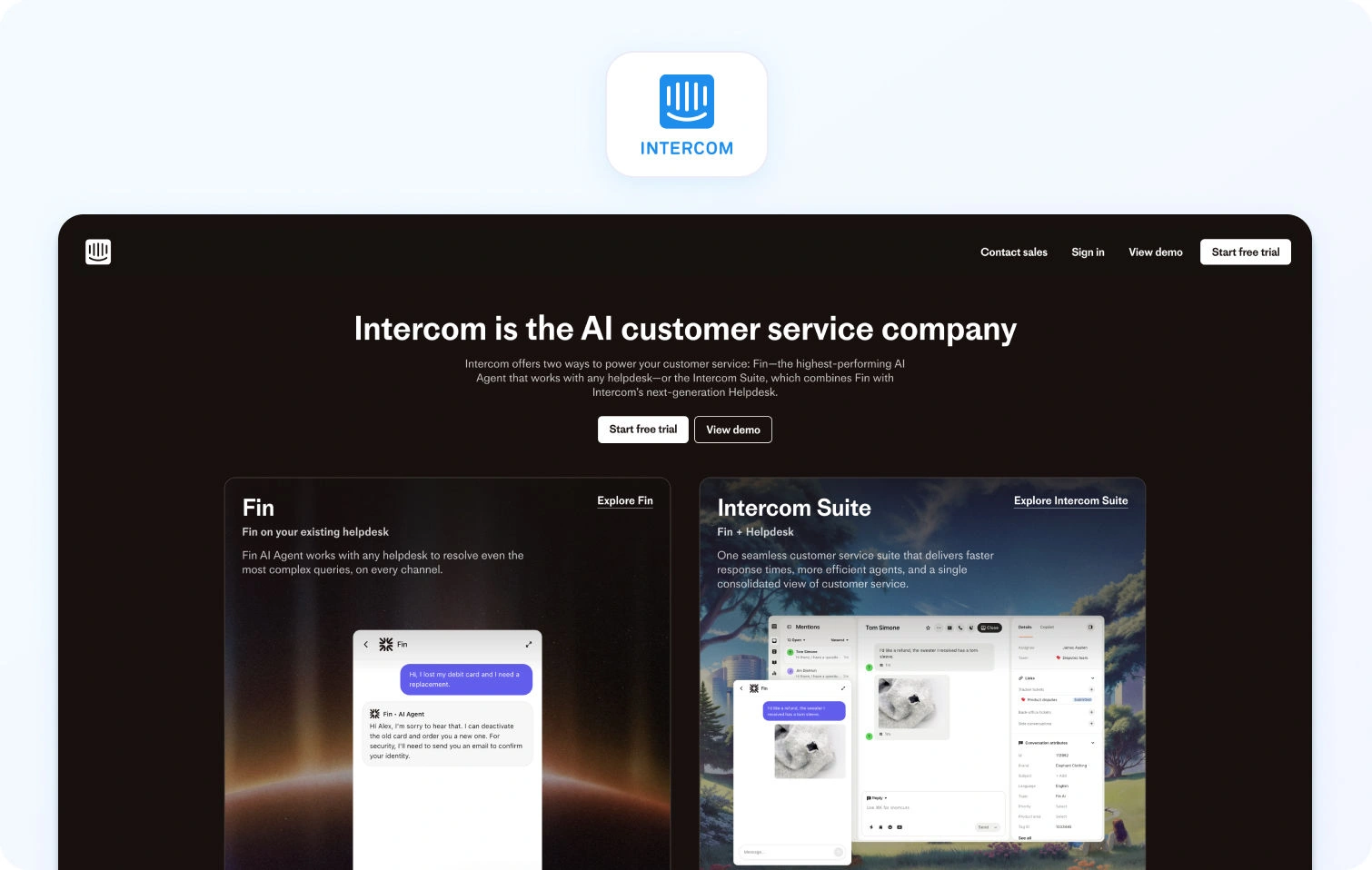
Best for: Product-led companies where in-app chat and automation are core
Intercom takes a messaging-first approach to customer support, making it particularly popular with SaaS companies and product-led organizations. Its platform is built around real-time chat, automation, and in-app customer engagement rather than traditional ticket queues. If your support model revolves around proactive messaging and AI-assisted conversations, Intercom offers one of the most mature ecosystems in that category.
Pricing note: Seat + usage components. Plans start at $29 per seat/month, billed annually (verify).
Top integrations: Product analytics platforms, CRM systems, chatbot engines.
Migration tip: Map in-app contexts early to preserve conversational threads.
Watch-outs: Costs can scale with usage and seat counts.
Gorgias
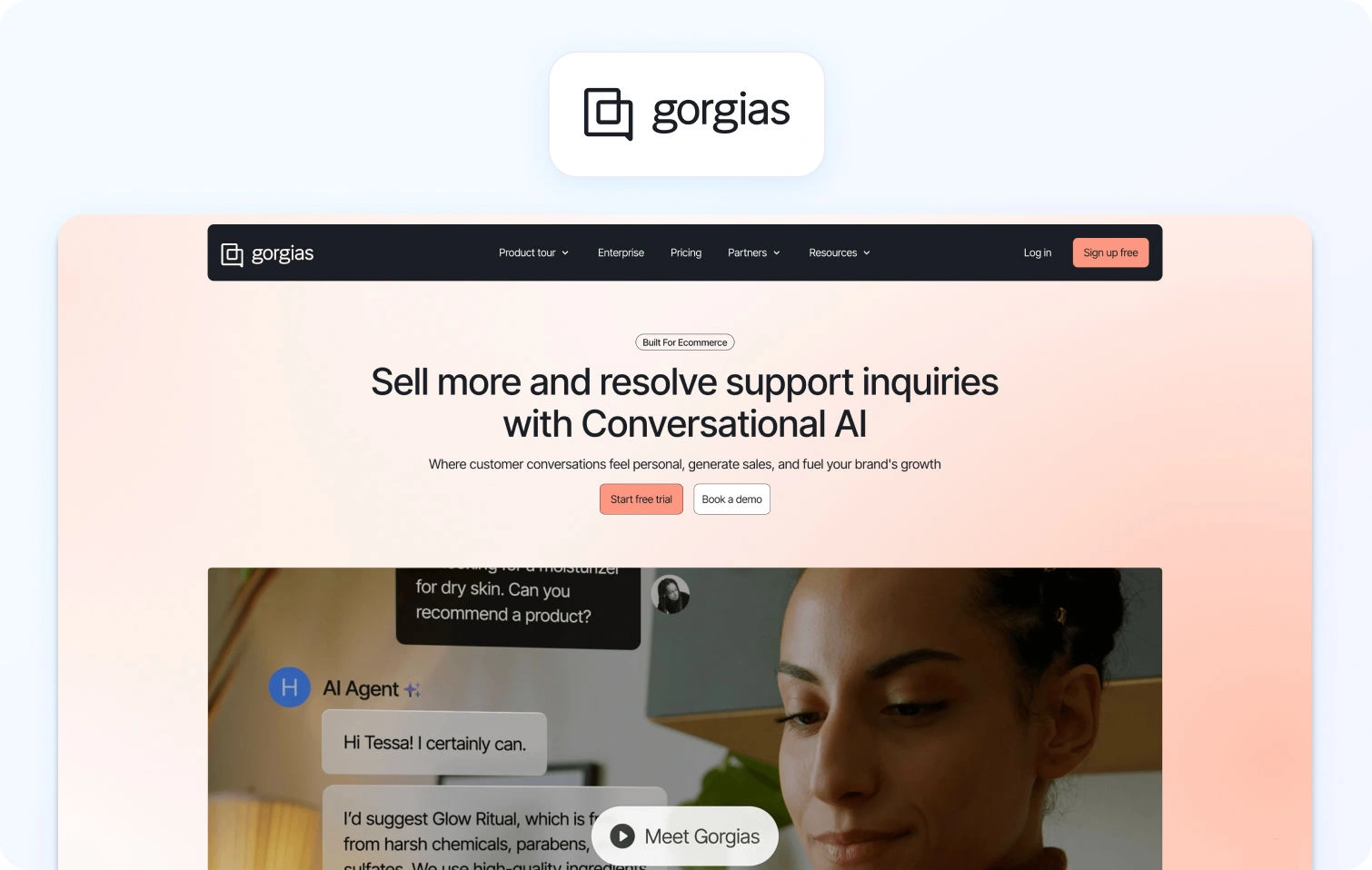
Best for: Shopify-heavy ecommerce teams handling order-centric volume
Gorgias is purpose-built for ecommerce support teams, particularly those running on Shopify. It integrates deeply with order management and customer purchase data, allowing agents to handle refunds, shipping updates, and order queries without leaving the help desk. For e-commerce brands managing high-ticket volumes tied to orders, this retail-focused workflow can significantly reduce resolution times.
Pricing note: Plans start at $10 per seat/month, billed monthly (verify).
Top integrations: E-commerce platforms, CRM, and inventory systems.
Migration tip: Bring order tags into your automation rulesets.
Watch-outs: Verify pricing mechanics and channel limits.
Best alternatives for shared inbox simplicity (lean teams)
Help Scout
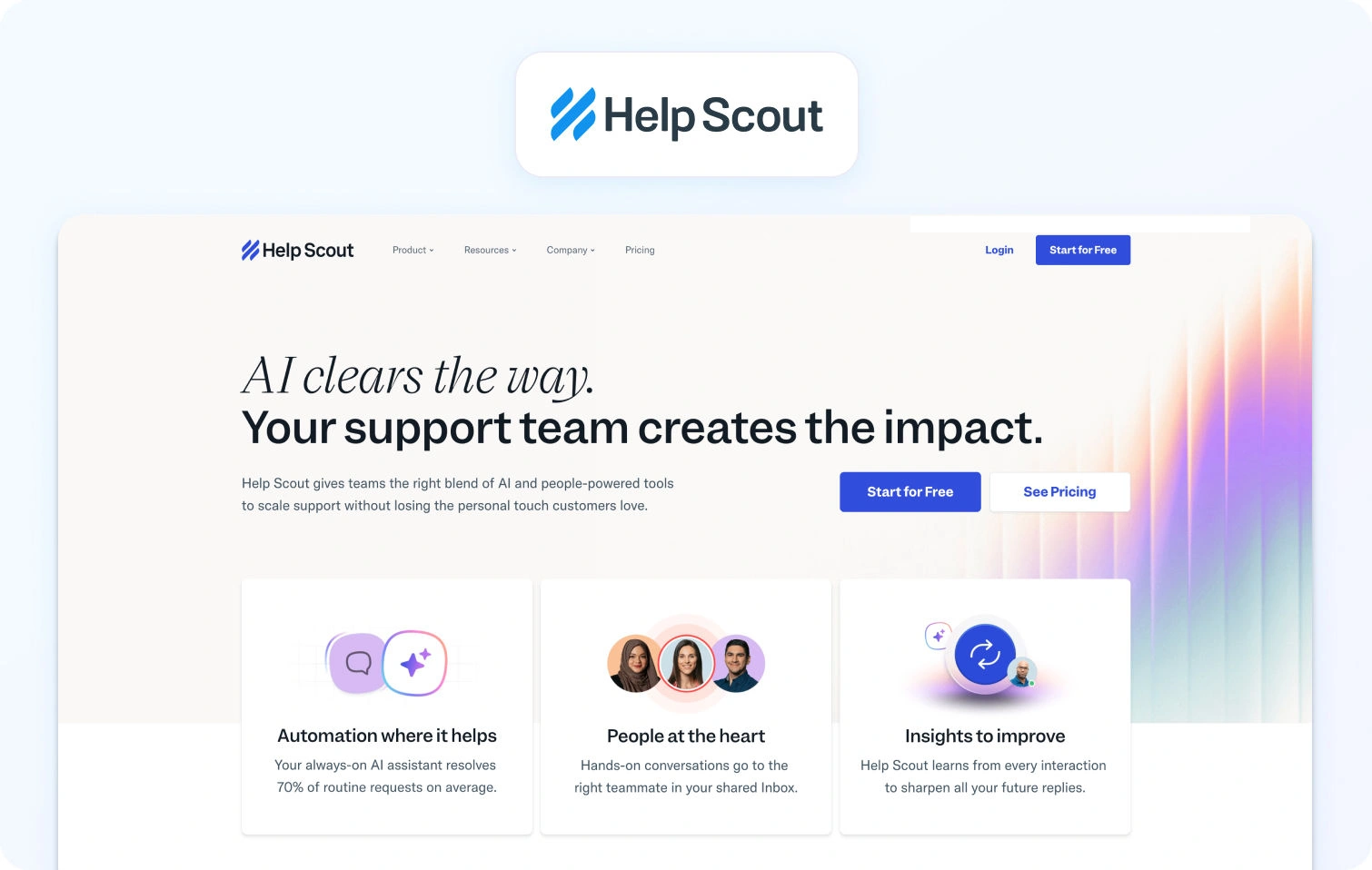
Best for: Lean support teams that want a clean shared inbox + docs
Help Scout focuses on simplicity and usability, offering a shared inbox model that feels familiar to teams used to email. It’s particularly strong for companies that want to manage support conversations collaboratively without introducing complex workflows or administrative overhead. Paired with its knowledge base features, it provides a straightforward solution for smaller teams that prioritise clarity over customization.
Pricing note: Tier-based (Verify).
Top integrations: Docs, CRM, messaging tools.
Migration tip: Migrate mailboxes first, then workflow rules.
Watch-outs: Confirm advanced routing or operations needs as you scale.
Front

Best for: Teams that live in email but want collaboration + workflows
Front blends the concept of a shared inbox with collaboration tools that help teams coordinate responses across departments. Internal comments, shared drafts, and workflow automation make it easier for support, sales, and operations teams to work together inside a single email environment. For companies where customer communication still revolves around email, Front offers a structured but familiar approach.
Pricing note: Tier-based. Plans start at $25 per seat/month, billed annually (verify).
Top integrations: Slack, CRM, chat platforms.
Migration tip: Recreate shared inbox structures before importing messages.
Watch-outs: Help desk depth vs inbox collaboration needs.
Best alternatives for IT-style workflows and complex service operations
Jira Service Management (Atlassian)
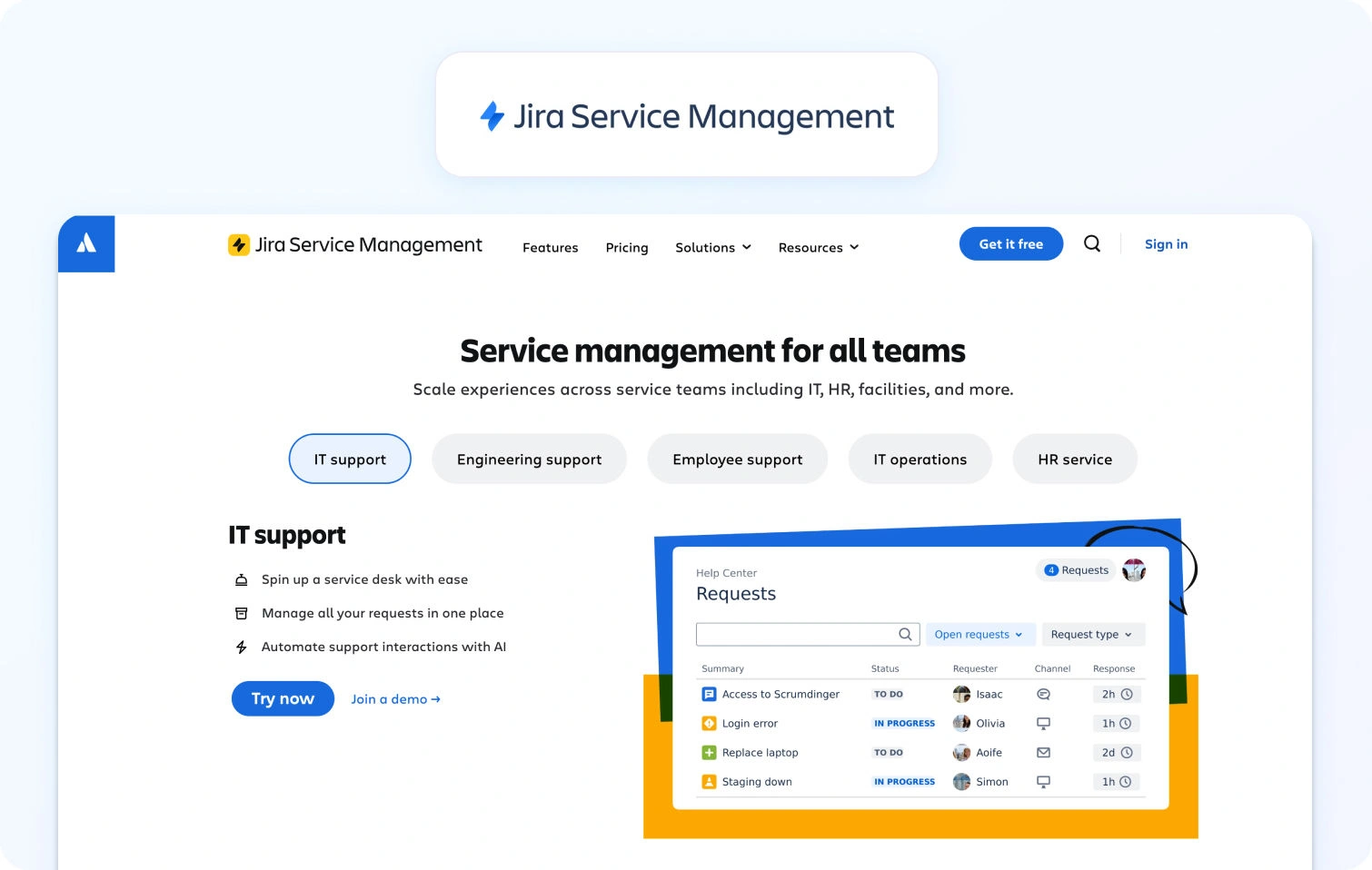
Best for: Companies wanting service workflows aligned with IT and engineering
Jira Service Management is particularly well-suited for organizations where support workflows intersect with engineering or IT operations. Built on the Atlassian ecosystem, it allows teams to link customer issues directly with development tasks, incidents, and change management processes. For companies running DevOps-driven environments, that integration can dramatically improve collaboration between support and engineering teams.
Pricing note: Tier-based, starting with a limited, free plan (verify).
Top integrations: DevOps platforms, asset management tools.
Migration tip: Align project types and issue hierarchies first.
Watch-outs: Requires more configuration and administrative discipline.
Salesforce Service Cloud
Best for: Enterprises standardizing on Salesforce CRM
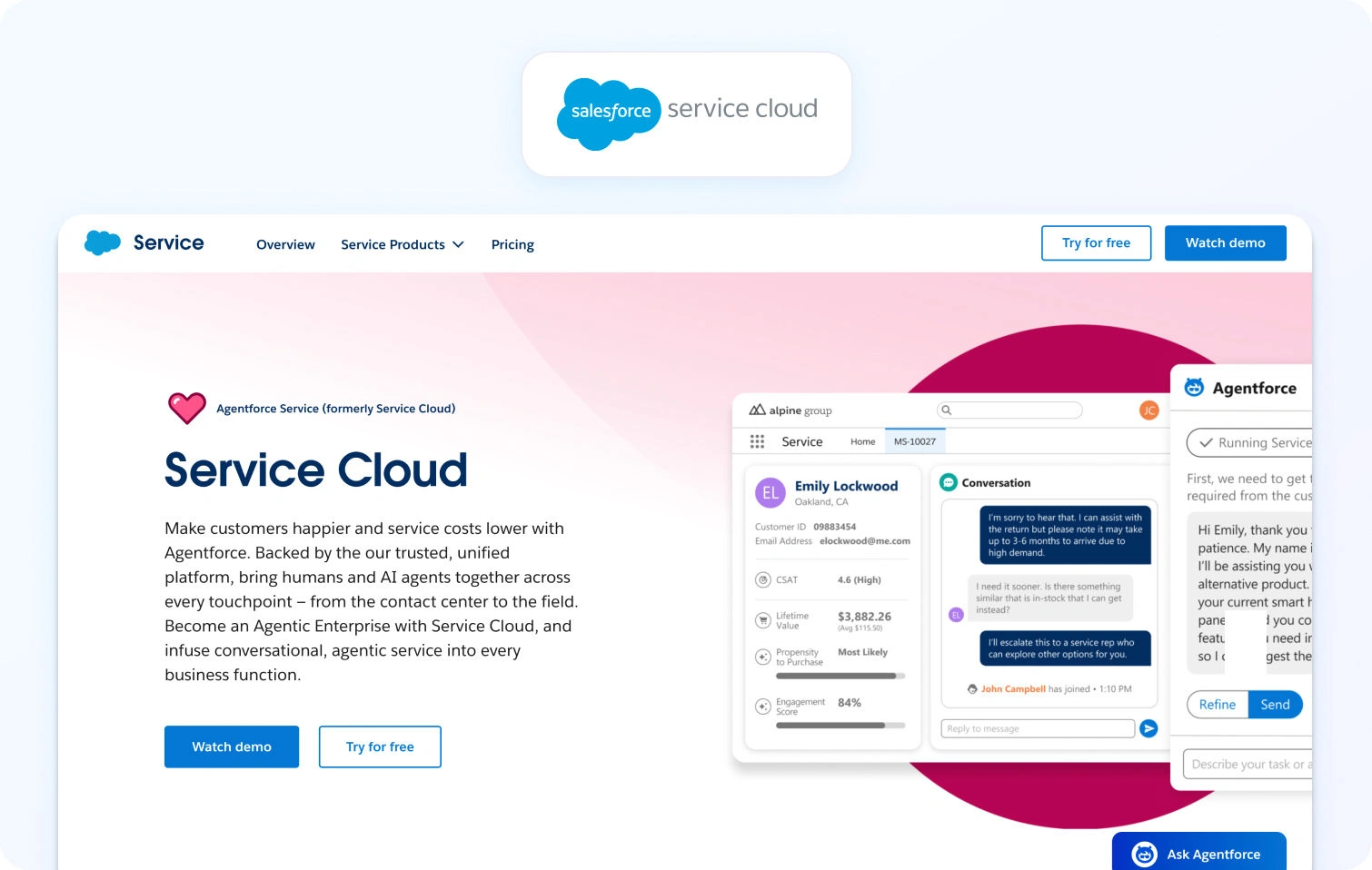
Salesforce Service Cloud is often the natural choice for organizations already running their customer data and revenue operations on Salesforce. Its deep customization capabilities allow enterprises to design highly tailored service workflows, reporting models, and customer journeys. For companies that require tight CRM alignment and enterprise governance, the platform offers significant flexibility.
Pricing note: Tier-based, starting with a limited, free plan (verify).
Top integrations: Salesforce ecosystem.
Migration tip: Sync CRM records before importing service data.
Watch-outs: Implementation complexity and administrative overhead.
ServiceNow Customer Service Management
Best for: Large organizations needing enterprise workflow orchestration
ServiceNow’s Customer Service Management platform extends beyond traditional help desk functionality into enterprise workflow orchestration. It is designed for organizations that want to unify service delivery across departments while maintaining strict governance and operational visibility. In large enterprises, the ability to connect customer issues with internal processes can help reduce friction across teams.
Pricing note: Quote-based (verify).
Top integrations: ITSM platforms, asset management tools, and knowledge systems.
Migration tip: Map key process flows before decommissioning existing systems.
Watch-outs: May be heavy for SMB or mid-market environments.
Best alternatives with built-in omnichannel + call center angle
LiveAgent
Best for: Teams wanting omnichannel support with a built-in call center
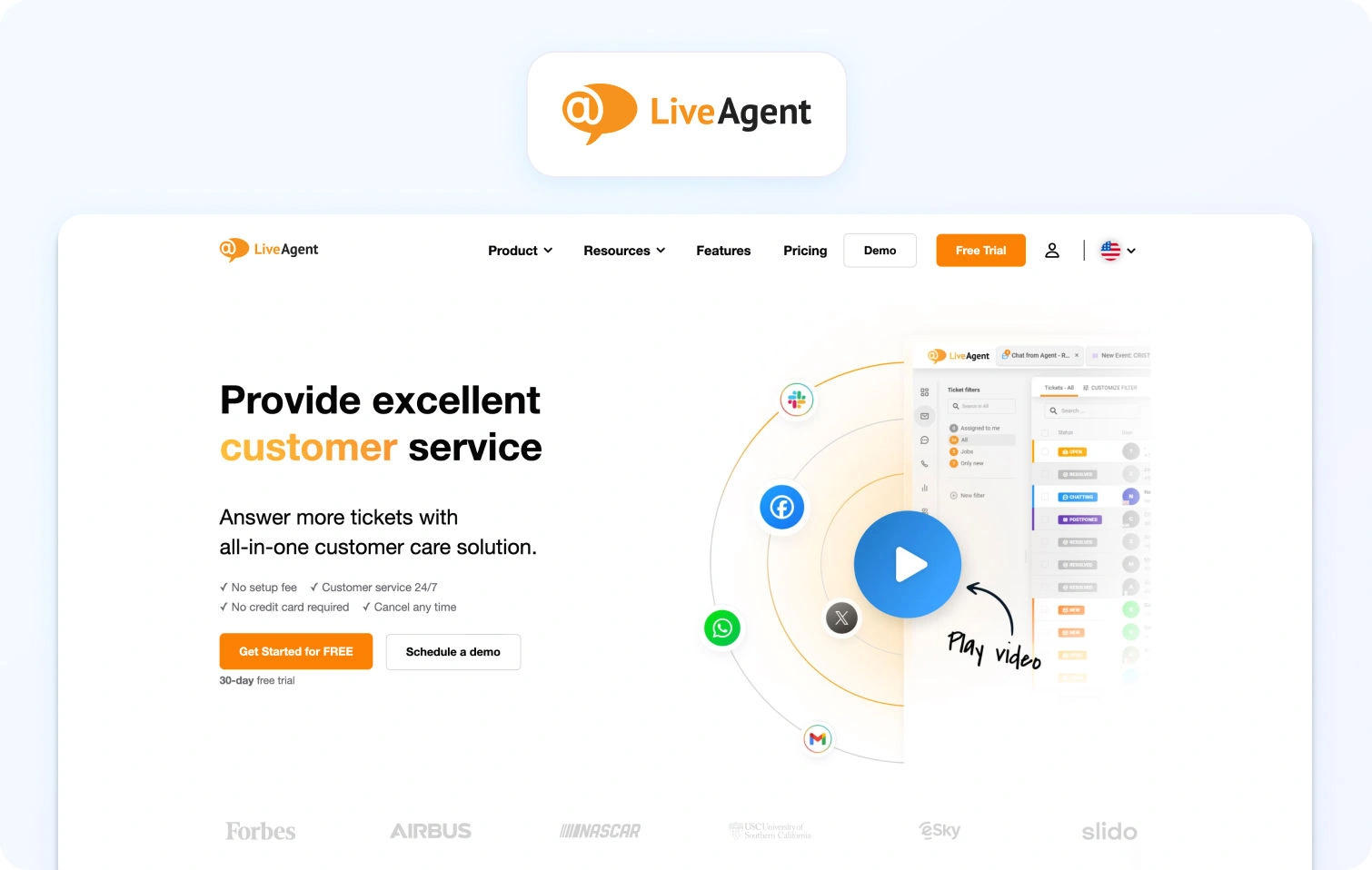
LiveAgent combines a traditional help desk with multi-channel communication tools, including voice support and live chat. This makes it appealing to teams that want to consolidate customer communication channels into a single platform without relying heavily on third-party integrations. For organizations handling both ticket-based and real-time conversations, it offers a practical hybrid approach.
Pricing note: Tier-based with plans starting at $15 per agent/month, billed annually (verify).
Top integrations: Telephony, chat, CRM platforms.
Migration tip: Prioritize channel setup before importing historical tickets.
Watch-outs: Verify reporting depth and long-term scalability.
HappyFox
Best for: Teams wanting structured workflows and reporting without enterprise-suite weight
HappyFox focuses on structured ticket workflows and operational reporting, making it appealing to teams that want more control over how support processes run. Its rule-based automation and reporting dashboards help managers monitor performance and ensure service levels are maintained. For organizations looking to formalize their support operations without adopting a large enterprise suite, it offers a balanced approach.
Pricing note: Tier-based with plans starting at $24 per agent/month, billed annually (verify).
Top integrations: CRM, automation platforms.
Migration tip: Define analytics goals before configuring workflows.
Watch-outs: Verify channel packaging and add-ons.
Kayako
Best for: Teams prioritizing omnichannel conversations and workflow customization
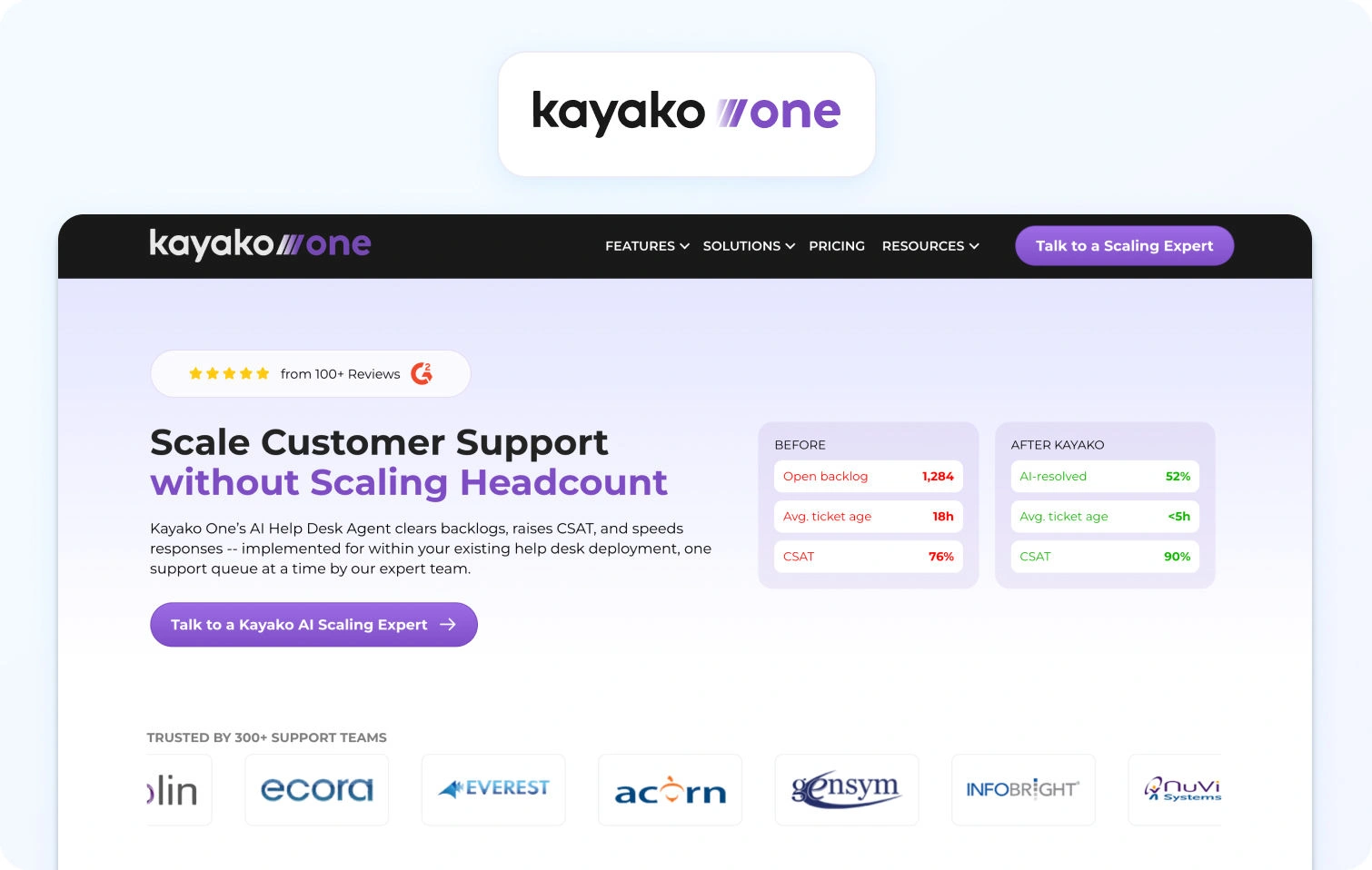
Kayako focuses on delivering a unified conversation view across channels, helping agents see the full context of a customer interaction regardless of how the conversation started. This conversation-centric model can improve continuity for customers moving between chat, email, and other channels. For teams focused on delivering seamless omnichannel experiences, that perspective can be valuable.
Pricing note: Pricing is resolution-based, vendor states $1 per resolution (verify).
Top integrations: Chat platforms, CRM systems.
Migration tip: Preserve conversation histories during import.
Watch-outs: Verify roadmap and packaging.
How We Evaluated Zoho Desk Alternatives
Customer support technology has evolved rapidly in the last few years. Platforms that once focused purely on ticket management are now expected to support omnichannel conversations, automation, AI-assisted workflows, and operational analytics. That shift has made choosing a help desk far more strategic than it used to be.
Customer expectations are rising at the same time. Recent industry research shows that around 60% of consumers say their expectations for customer service are higher today than they were just a year ago, highlighting how quickly support teams must adapt their tools and processes. For support leaders, that means the tools powering customer service must do more than manage tickets; they need to support scalable operations, real-time visibility, and increasingly complex channel strategies.
Our evaluation combined documentation reviews, pricing analysis, and observable product capabilities to understand how each platform performs for modern support teams.
Specifically, we looked at:
- Product documentation and feature pages to confirm capabilities such as ticketing, automation, and omnichannel support.
- Public pricing pages to understand seat-based vs. usage-based models and potential cost scaling.
- Customer case studies and logos to see which types of organizations typically adopt each platform.
- Marketplace listings and integrations to gauge ecosystem maturity and extensibility.
Where possible, pros and limitations were based on documented functionality or public product positioning, rather than anecdotal reviews. The goal is not to declare a single best choice, but to help teams identify which tool is best suited to their operational needs.
Like any comparison, there are limits. Product capabilities evolve quickly, packaging changes frequently, and implementation experience can vary depending on integrations and configuration. Readers should always validate shortlists with a pilot or product demo before committing.
Must-Have Capability Checklist
When comparing Zoho Desk competitors, certain capabilities increasingly separate basic help desk tools from full customer support platforms. Modern support teams rarely operate on a single channel or workflow, and platforms must support a mix of automation, analytics, and operational management.
For this list, we focused on solutions that provide, or can realistically support, the following capabilities:
- Voice and messaging channels that connect directly to the help desk workflow, allowing agents to manage conversations across channels without losing context.
- Knowledge-base grounded answers or strong knowledge base integrations to support self-service and AI-driven responses.
- AI capabilities for agent productivity, including transcription, summarization, and suggested replies.
- Operational analytics enables managers to monitor ticket volumes, agent productivity, and service-level performance.
- Workforce management or quality assurance tools, either built-in or available as first-party modules.
- Security and administrative controls, including multi-factor authentication, audit logs, and role-based access.
- Robust integrations and APIs, allowing the help desk to connect with CRM, product, and communication platforms.
- Pricing structures that include meaningful AI capabilities, rather than locking them entirely behind expensive add-ons.
- Customer feedback tools, such as CSAT surveys or satisfaction tracking, to monitor support quality.
Platforms that meet these criteria are generally capable of supporting operations as they scale from small teams to more structured service organizations. BlueTweak, for example, meets each of these requirements through its unified platform covering ticketing, automation, analytics, and operational management.
Scoring Rubric
Once the baseline capabilities were confirmed, we evaluated each platform based on how well it supports the needs of growing support teams, particularly organizations operating with 20–100 agents, where operational complexity begins to increase.
Our scoring focused on several factors that typically influence long-term success with a support platform:
- Fit for mid-sized support teams (20–100 agents) and whether the platform scales operationally without becoming overly complex.
- Voice and omnichannel depth, including how well different channels integrate with the ticketing workflow.
- AI coverage, particularly tools that assist agents with summaries, suggested replies, and knowledge-grounded answers.
- Workforce management and quality assurance, which help support leaders in managing performance, scheduling, and service quality.
- Time-to-value, meaning how quickly teams can deploy the platform and begin operating effectively.
- Total cost to operate (TCO), including seat pricing, usage-based components, and ecosystem dependencies.
- Security and operational controls, such as role-based access, audit logs, MFA, and data governance capabilities.
This rubric reflects how modern support leaders evaluate tools today. As support functions grow more strategic within organizations, the right platform won’t just be focused on handling tickets, but also enabling efficient operations, visibility, and scalable customer experience management.
Migration Notes (Making the Switch Feel Manageable)
Switching help desk platforms can feel like a major project, but in practice, most migrations follow a predictable set of steps. Modern support platforms typically provide export tools, APIs, or onboarding support that make moving historical tickets, users, and workflows far more straightforward than many teams expect.
The key is to treat the migration as an operational transition rather than a one-day system swap. With the right preparation, most support teams can move to a new platform with minimal disruption to agents or customers.
When planning a transition from Zoho Desk or another help desk tool, support leaders typically focus on a few core steps:
- Export and import tickets and users. Historical tickets, customer profiles, and agent accounts can usually be exported from the existing platform and imported into the new system. While some teams only migrate recent ticket history, others move several years of data to preserve reporting continuity.
- Preserve tags, macros, and SLA policies. Tags, saved replies, automation rules, and service level agreements often represent months or years of operational tuning. Documenting these workflows ahead of time makes it easier to rebuild them in the new platform.
- Rebuild the knowledge base structure. If your support team uses help articles or documentation, expect to recreate the article structure and set up redirects so existing links continue working. This is also a good opportunity to clean up outdated or duplicated content.
Beyond the technical setup, the most successful migrations include a short testing phase before fully switching systems.
Running a parallel pilot for two to four weeks allows a subset of agents to test the new platform while the existing system remains active. This helps teams validate routing rules, automation, reporting, and integrations before rolling the system out across the entire support organization.
During the pilot phase, it’s also important to track a few baseline operational metrics to ensure service quality remains stable during the transition. Common metrics include:
- SLA performance
- Ticket backlog
- First contact resolution (FCR)
- Average handle time (AHT)
Monitoring these indicators helps teams quickly identify workflow gaps or configuration issues early in the migration.
The good news is that once a platform is configured correctly, most teams find that a well-planned migration quickly pays off. Better visibility, improved automation, and unified communication channels often reduce operational friction and make support teams more effective almost immediately.
Final Thoughts: Choosing the Right Zoho Desk Alternative for Your Support Team
Choosing the right Zoho Desk alternative ultimately comes down to how your customer support operation is evolving. For many teams, Zoho Desk works well as a starter ticketing system, especially for small businesses that only need basic features and simple email workflows. But as support teams grow, the requirements often expand to include omnichannel support, advanced automation, deeper knowledge base capabilities, and the operational visibility needed to improve customer satisfaction.
That’s where many organizations begin exploring Zoho Desk competitors and other help desk software platforms designed for scaling teams.
The top Zoho Desk competitors bring together live chat, messaging, and even voice into a unified system, helping support agents manage support tickets, customer conversations, and customer queries from a single interface. Combined with tools like advanced analytics, intelligent routing, and AI-driven workflows, these platforms can significantly improve agent productivity and enable support leaders to operate customer service as a true business function rather than just a queue of tickets.
For medium-sized businesses in particular, the next generation of customer service platforms focuses on omnichannel support, knowledge base-driven automation, and AI features that assist agents with summaries, suggested replies, and faster resolution. When combined with capabilities like workforce management, SLA management, and smarter routing rules, modern desk software designed for operations teams can transform how organizations manage customer relationships and deliver consistent service across channels.
If you’re currently evaluating a Zoho Desk alternative, the most important step is validating the platform in your own environment. Every support team has different channels, workflows, and reporting needs, so a short pilot can quickly reveal which desk solution truly fits your organization.
If you want to see how a modern Zoho Desk alternative works in practice, including omnichannel support, AI tools, and built-in operational analytics, book a demo of BlueTweak today and explore how your support operation could run on a single, unified platform.

As Head of Digital Transformation, Radu looks over multiple departments across the company, providing visibility over what happens in product, and what are the needs of customers. With more than 8 years in the Technology era, and part of BlueTweak since the beginning, Radu shifted from a developer (addressing end-customer needs) to a more business oriented role, to have an influence and touch base with people who use the actual technology.



