



TL;DR
Looking for a Help Scout alternative? The best platforms in 2026 offer more than a shared inbox, combining AI, omnichannel support, automation, and operational analytics to help growing teams scale customer service. In this guide, we compare 13 leading Help Scout competitors, including BlueTweak, Zendesk, Freshdesk, Intercom, and more, so you can find the right fit for your support operation.
Help Scout is a popular choice for small teams thanks to its simple shared inbox and intuitive help desk. But as customer expectations rise and support operations become more complex, many businesses begin looking for platforms that offer AI, omnichannel support, automation, and deeper operational visibility.
If you're comparing Help Scout alternatives, this guide breaks down the best options for 2026, from lightweight inbox tools to enterprise platforms. If your team needs a unified customer support platform with built-in AI, voice, workforce management, and analytics, BlueTweak stands out as one of the strongest choices for growing support teams.
Why More Teams Are Evaluating Help Scout Alternatives
Help Scout built its reputation on simplicity, and for many small teams, that's exactly what makes it such a good fit. However, as support operations grow, businesses often need more than an email-first shared inbox. Omnichannel conversations, AI-assisted workflows, multilingual support, and operational reporting become essential for delivering fast, consistent customer service.
Recent research reflects this shift. A 2025 PwC customer experience survey found that 73% of consumers say experience is a key factor in purchasing decisions, making customer support a strategic driver of revenue and retention rather than simply a cost centre.
As a result, more organizations are evaluating Help Scout alternatives that can support larger teams, more channels, and increasingly sophisticated service operations.
When You Need a Help Scout Alternative (And When You Don't)
Before switching platforms, it's worth understanding whether your team actually needs an alternative to Help Scout or simply better internal processes.
Many teams stay happily on Help Scout for years. But there are clear signals when the platform starts to show its limits.
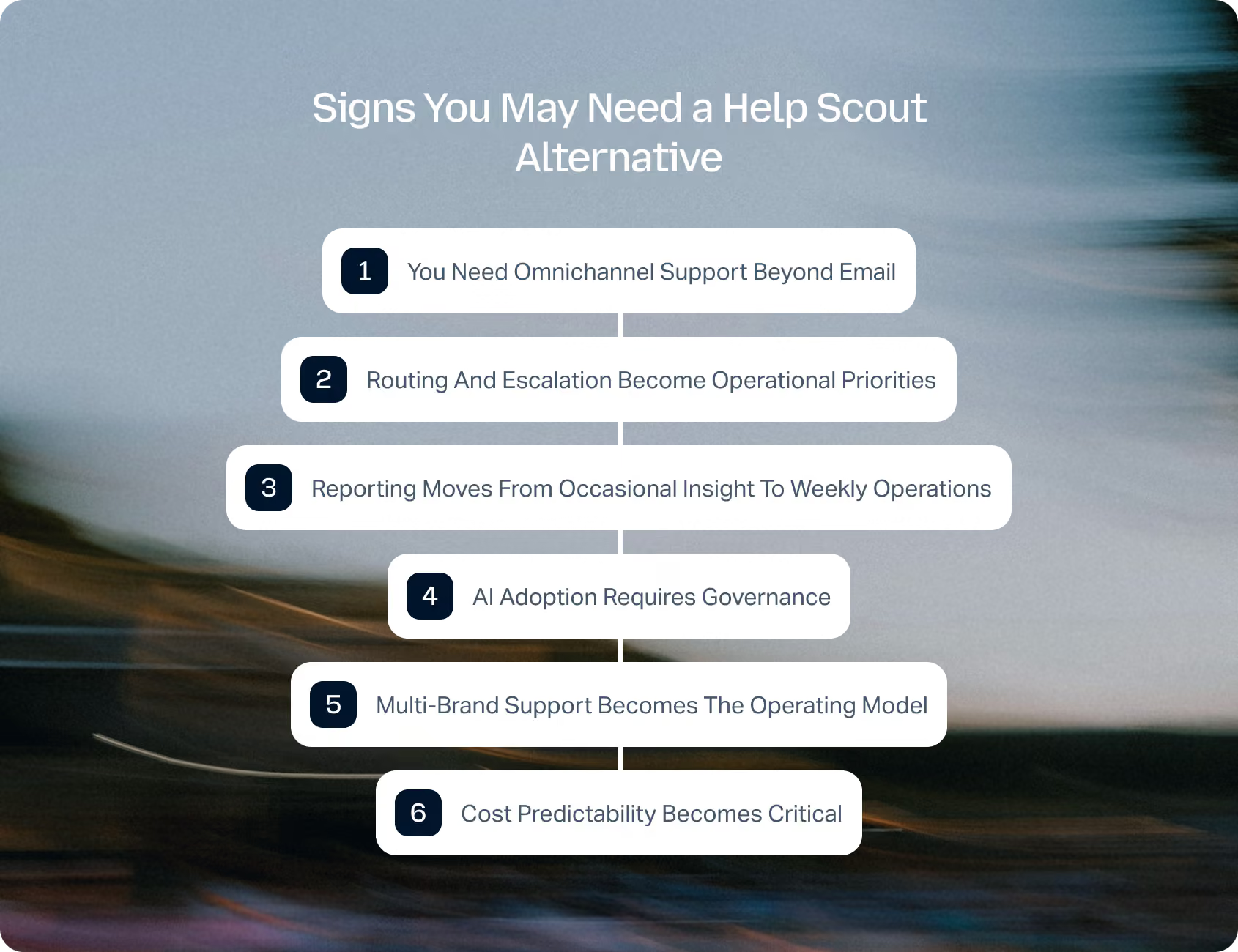
Signs You May Need a Help Scout Alternative
Teams typically begin exploring Help Scout competitors when operational complexity increases.
- You need omnichannel support beyond email: Help Scout excels at email-based support, but many organizations eventually need to manage conversations across chat, messaging apps, and voice in a single workflow.
- Routing and escalation become operational priorities: as teams grow, support requests must be routed based on skills, priority, brand, language, or SLA rules. Basic assignment workflows often aren't enough.
- Reporting moves from occasional insight to weekly operations: leadership teams increasingly expect dashboards tracking backlog aging, response times, and agent productivity as part of operational reviews.
- AI adoption requires governance: many support teams now use AI to summarize conversations, generate replies, or surface knowledge base content. That shift introduces new governance needs around auditing and data usage.
- Multi-brand support becomes the operating model: companies supporting multiple brands, regions, or clients need systems designed for structured routing and reporting across several support environments.
- Cost predictability becomes critical: as support tooling expands into multiple add-ons and integrations, finance teams often push for clearer pricing models that reduce surprise costs.
When Help Scout Still Makes Sense
Help Scout remains a strong choice if:
- Your support team is small and email-first
- Routing and escalation are relatively simple
- Reporting needs are light
- Most interactions come from a single brand or product
- Budget is restricted to Help Scout’s basic plans starting at $25/user/month
In those cases, the simplicity that makes Help Scout attractive may still be the right fit.
If your support team is outgrowing a shared inbox, it may be time to explore a platform built for modern customer support. Book a personalized BlueTweak demo to see how AI, omnichannel support, workforce management, and analytics come together in one unified solution.
13 Best Help Scout Alternatives To Choose From In 2026
The landscape of Help Scout alternatives is broad. Some tools focus on inbox collaboration, others emphasize automation or enterprise service workflows.
Below are several of the most widely adopted Help Scout competitors, grouped by their strongest use case.
Best For Unified CX Operations (Omnichannel + Ops)
Some organizations want a single platform that consolidates multiple support functions.
BlueTweak: Best for Scaling Omnichannel Customer Support
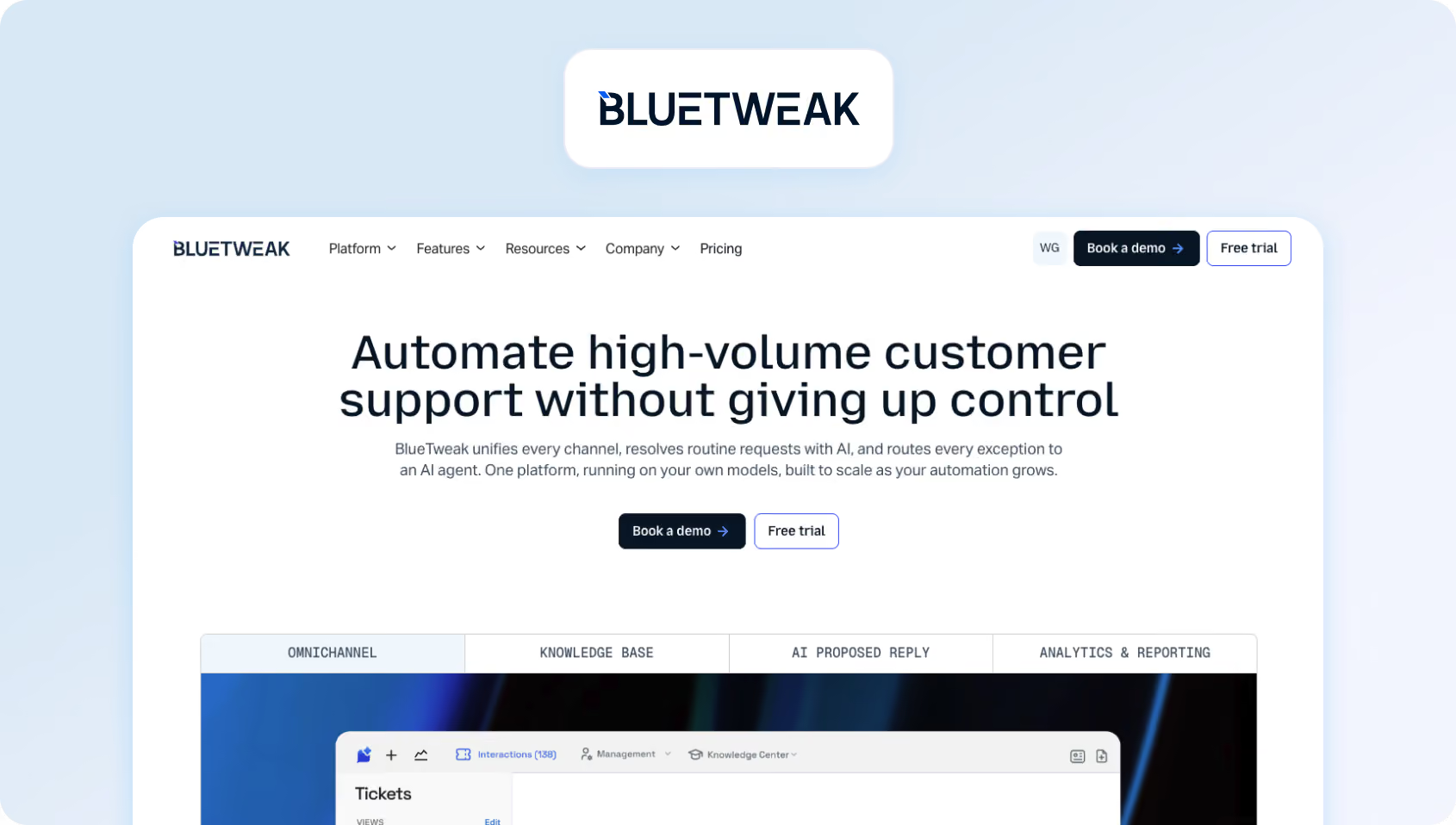
Best for: Mid-market support teams that want AI-powered omnichannel customer support without managing multiple disconnected tools.
BlueTweak is designed for growing customer support teams that have outgrown traditional shared inbox platforms like Help Scout. Instead of combining separate products for ticketing, live chat, voice, workforce management, QA, and AI, BlueTweak brings everything together in one unified customer support platform.
This is particularly evident in complex, multi-client environments, where structured routing, visibility, and performance management are critical, as demonstrated by how Conectys scaled and standardized its support operations using BlueTweak's unified platform.
Teams can manage email, live chat, voice, messaging apps, and social channels from a single workspace while using AI-powered features such as suggested replies, ticket summaries, knowledge-grounded chatbots, multilingual voicebots, and agent copilots to improve productivity.
Unlike many competitors that charge separately for core operational capabilities, BlueTweak includes workforce management, quality assurance, analytics, and omnichannel routing within a predictable pricing model, making it particularly attractive for mid-market support teams.
Why pick it?
- Unified omnichannel inbox for email, chat, voice, and messaging
- Native AI chatbots, voicebots, ticket summaries, and agent copilot
- Built-in workforce management and quality assurance
- Strong multilingual and multi-brand support
- Predictable pricing with fewer add-on costs
"Support platforms shouldn't force teams to stitch together separate tools just to deliver great service. The biggest gains come when AI, voice, messaging, workforce management, and analytics work together in a single operational platform." — Radu Dumitrescu, Head of Presales & Digital Transformation at BlueTweak
Pricing note: Starts at €65 per agent/month, including ticketing, omnichannel support, workforce management, quality assurance, analytics, and AI tools. Usage-based pricing applies to selected AI and communication services.
Top integrations: Salesforce, Shopify, Microsoft Teams, Slack, HubSpot
Migration tip: Run a short pilot environment before fully migrating live support queues.
Want to see what unified customer support looks like? Start a 14-day free trial (no credit card required), or calculate your potential savings using BlueTweak's ROI Calculator.
LiveAgent
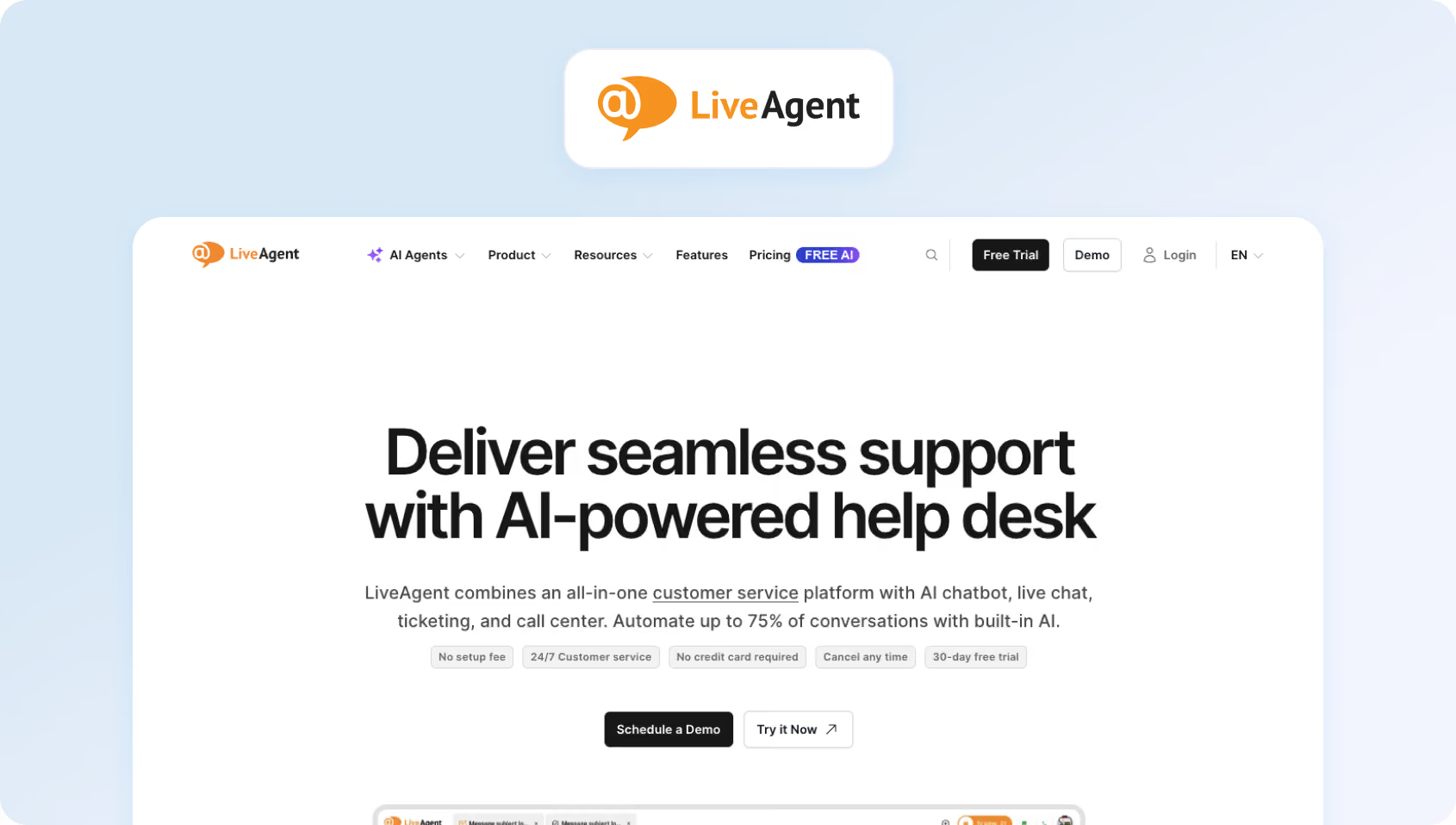
Best for: Teams wanting omnichannel support with built-in call center capabilities
LiveAgent focuses on consolidating multiple support channels into a single platform, with particular strength in voice and call center functionality.
Why pick it?
- Unified ticketing system, live chat, email, and social channels
- Built-in call center capabilities
- Multiple communication channels in one platform
Pricing note: Tiered seat pricing
Top integrations: Slack, Shopify, WordPress, Zapier
Migration tip: Validate telephony configuration before migration.
Watch-outs:
- Confirm reporting capabilities for larger teams
HappyFox
Best for: Operations-led teams focused on structured workflows
HappyFox emphasizes structured ticket workflows and operational visibility, making it popular with support leaders who prioritize process control and reporting.
Why pick it?
- Workflow rules designed for operational control
- Reporting tools built around performance monitoring
Pricing note: Tiered seat pricing
Top integrations: Slack, Salesforce, Jira
Migration tip: Rebuild automation rules during migration.
Watch-outs:
- Confirm channel availability and add-on requirements
Best “Shared Inbox” and Lightweight Workflow Alternatives
Some organizations still prefer the shared inbox model, but need stronger collaboration features or workflow controls than Help Scout provides.
Front
Best for: Shared inbox collaboration across support, sales, and operations teams
Front positions itself closer to collaborative inbox management than traditional help desk software.
Why pick it?
- Strong internal collaboration features around conversations
- Works well for teams managing customer emails across multiple departments
- Familiar email-style workflows reduce onboarding friction
Pricing note: Seat-based pricing with tiered features
Top integrations: Slack, Salesforce, HubSpot, Aircall
Migration tip: Map existing Help Scout mailboxes to Front inbox structures before importing conversations.
Watch-outs:
- May require additional tools if you need deeper help desk workflows
- Confirm automation capabilities for more complex support operations
Zendesk

Best for: Teams moving from simple inbox support to a full help desk ecosystem
Zendesk is one of the most widely adopted Help Scout competitors for organizations scaling their support operations.
Why pick it?
- Deep ticketing and automation capabilities
- Large marketplace of integrations and extensions
- Mature help center and knowledge base functionality
Pricing note: Zendesk’s Suite Team plans starts at $55/agent/month, with higher-tier plans and optional add-ons available.
Top integrations: Slack, Salesforce, Shopify, Jira
Migration tip: Start with Zendesk's ticket import tools and recreate automation workflows after migration.
Watch-outs:
- Pricing tiers and add-ons can increase the total cost of ownership
- Governance is often needed as integrations accumulate
Freshdesk (Freshworks)
Best for: Budget-conscious teams needing a full help desk foundation
Freshdesk is often evaluated as an accessible Help Scout alternative that still offers ticketing, automation, and omnichannel capabilities.
Why pick it?
- Solid ticketing and automation features
- Broad integration ecosystem
- Relatively approachable onboarding for new support teams
Pricing note: Freshdesk’s Growth plan starts at $19/user/month, with a free plan available for basic functionality. Freddy AI is available for AI-powered automation and assisted responses.
Top integrations: Slack, Shopify, Jira, Salesforce
Migration tip: Export Help Scout tags and workflows early to simplify rule recreation.
Watch-outs:
- Confirm which advanced operational features exist at your pricing tier
Zoho Desk
Best for: Companies already using the Zoho ecosystem
Zoho Desk appeals to organizations that want a lower-cost help desk integrated into a broader software suite.
Why pick it?
- Cost-effective help desk fundamentals
- Strong fit if your organization already runs Zoho CRM or other Zoho apps
Pricing note: Zoho Desk’s Standard plan starts at $14/user/month, with higher-tier plans adding advanced automation and AI capabilities.
Top integrations: Zoho CRM, Slack, Jira, Microsoft Teams
Migration tip: Align customer records between Help Scout and Zoho CRM before migrating tickets.
Watch-outs
- Confirm omnichannel and automation features available in your plan
Best For Chat-First Support And Automation-Led CX
Some modern support teams prioritize real-time messaging and automation over traditional email ticketing.
Intercom
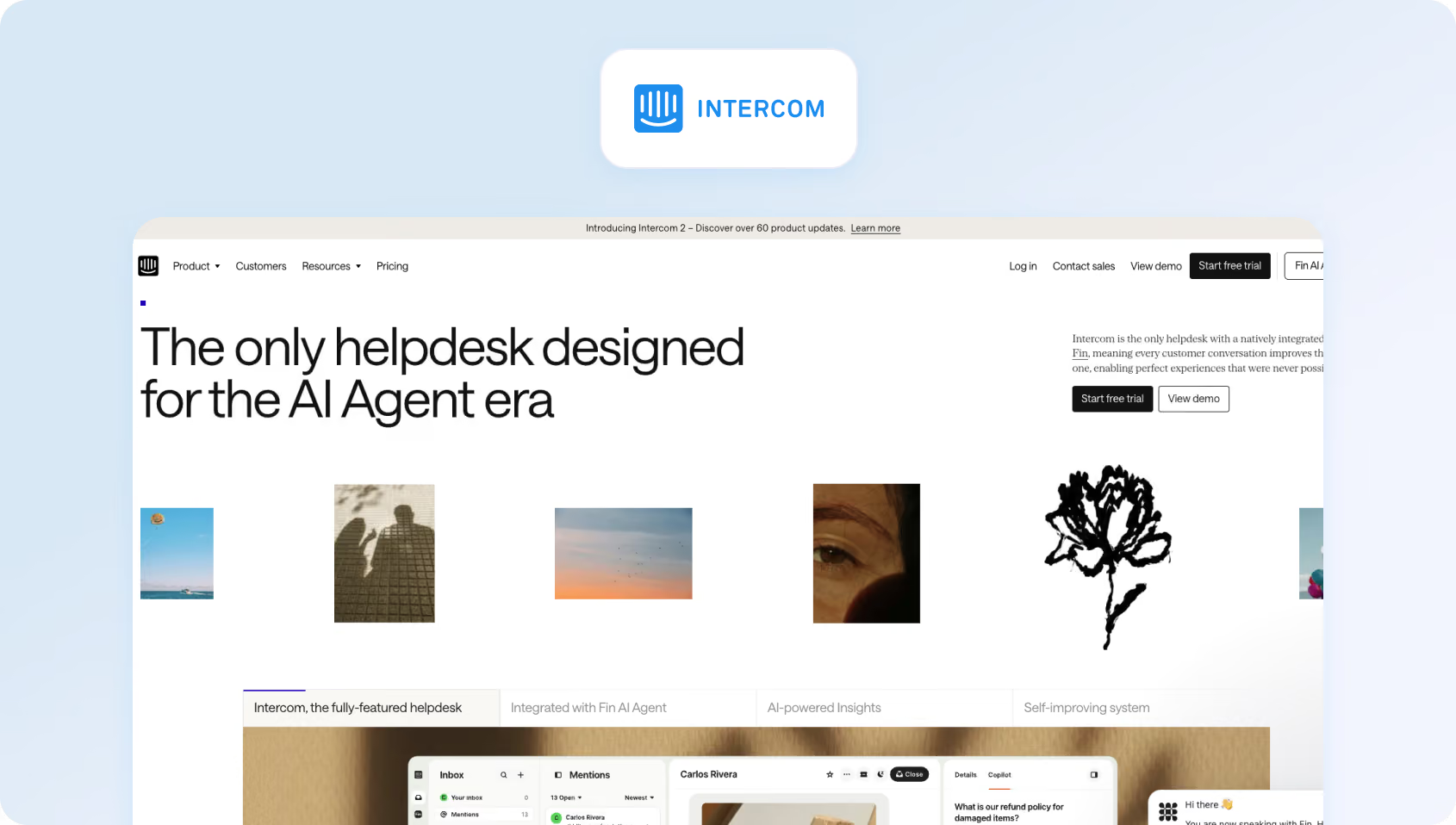
Best for: Product-led companies where chat and automation drive support
Intercom has built its platform around conversational support and automation.
Why pick it?
- Highly polished chat and messaging experiences
- Automation workflows designed for product-led growth companies
- Strong AI roadmap
Pricing note: Hybrid seat and usage pricing
Top integrations: Slack, HubSpot, Stripe, Segment
Migration tip: Review conversation tagging structures before importing tickets.
Watch-outs:
- Costs can scale quickly depending on usage and add-ons
Best For E-commerce Support Teams
Support needs often look very different in e-commerce environments.
Gorgias
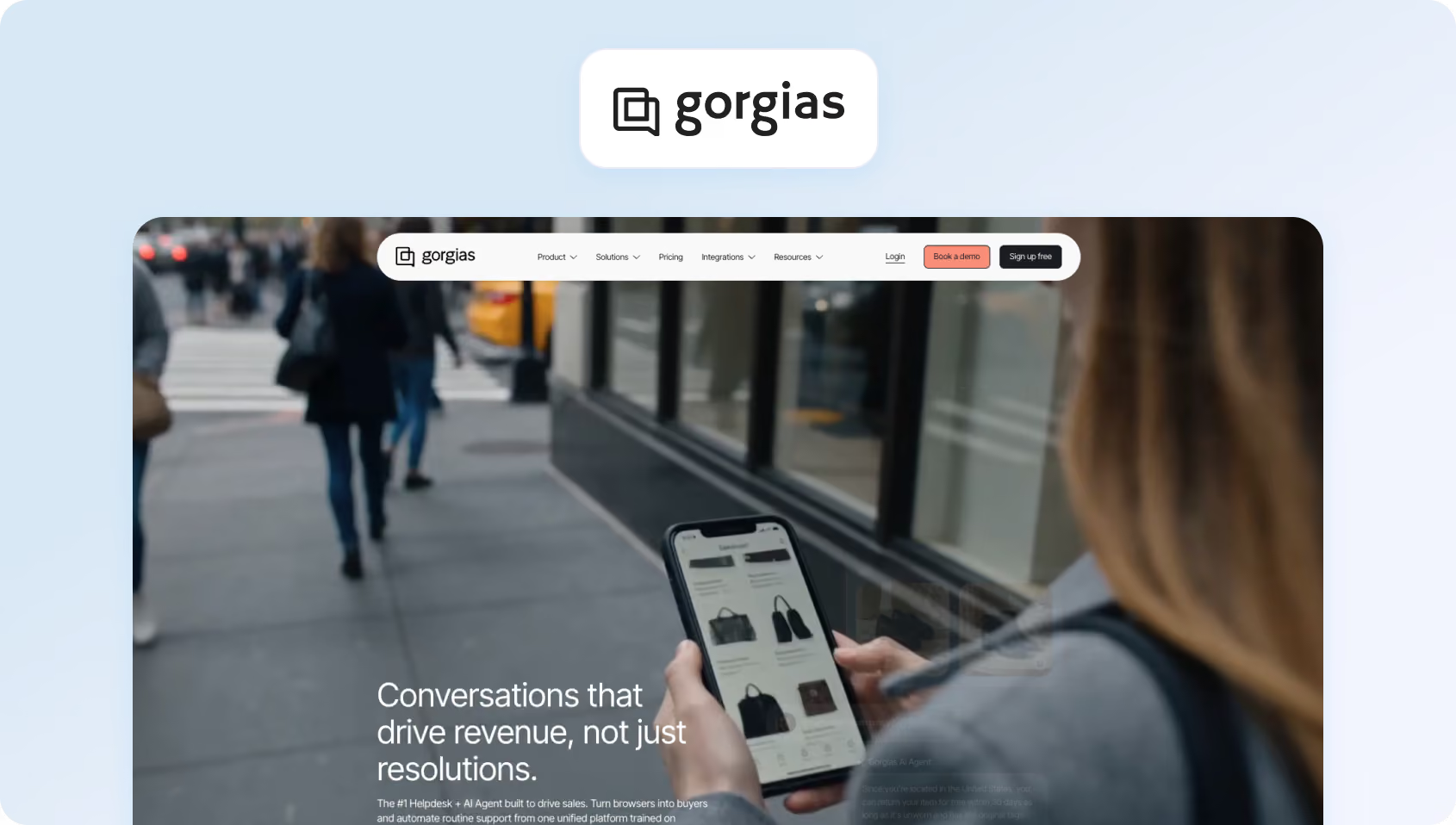
Best for: Shopify-heavy ecommerce support teams
Gorgias is widely considered one of the strongest alternatives to Help Scout for e-commerce brands.
Why pick it?
- E-commerce-specific workflows for order issues
- Automation built around refunds, shipping, and order management
Pricing note: Usage-based pricing tied to ticket volume
Top integrations: Shopify, Magento, BigCommerce, Stripe
Migration tip: Map customer order data before importing tickets.
Watch-outs:
- Verify how pricing scales with ticket volume
Best For IT-Style Workflows And Complex Service Operations
Some companies require support tools that operate more like service management platforms.
Jira Service Management
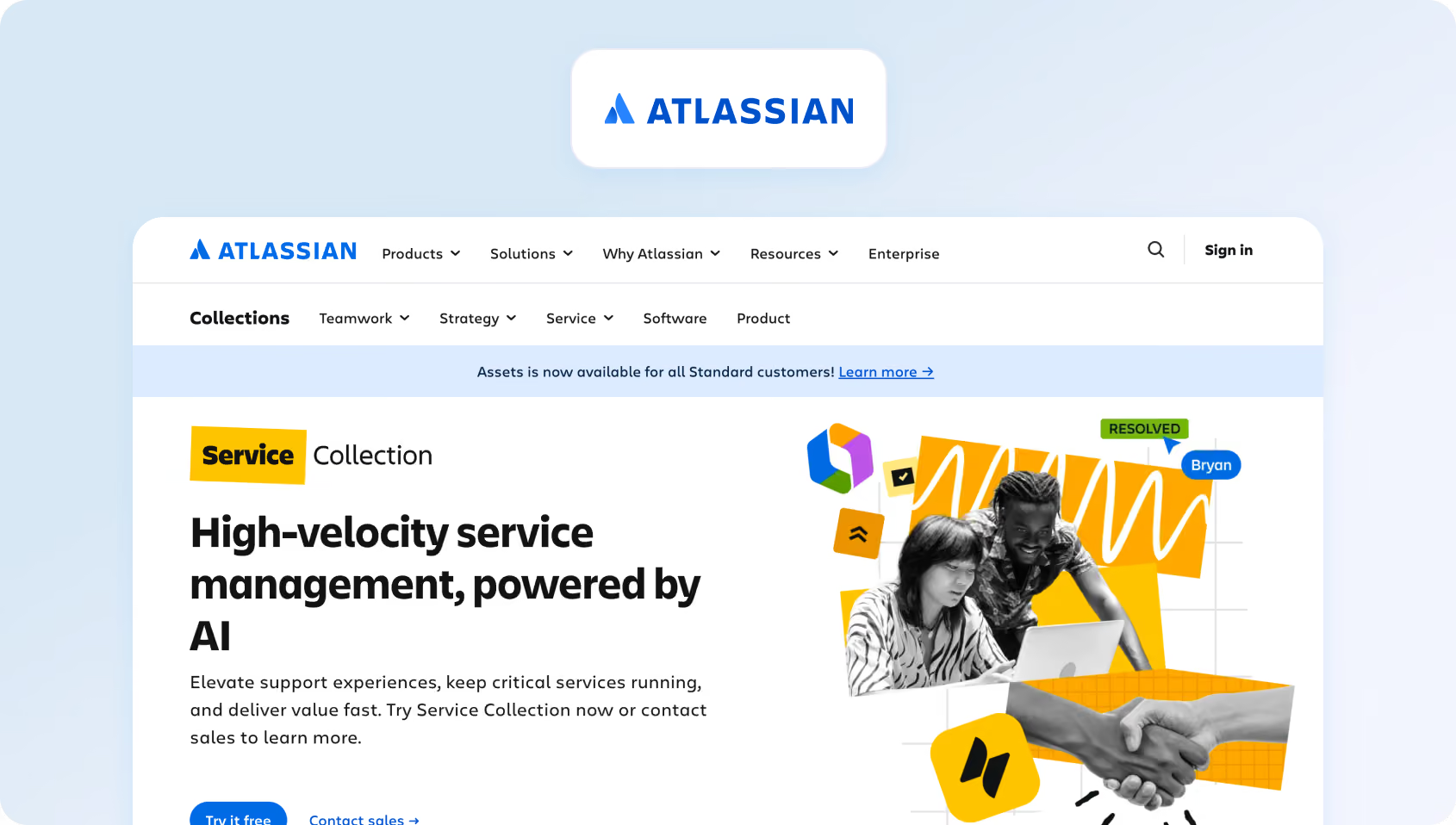
Best for: Organizations aligning customer service with engineering workflows
Jira Service Management extends Atlassian's project management ecosystem into customer service, making it particularly appealing for teams already working closely with engineering and product teams.
Why pick it?
- Extremely flexible workflow engine
- Native integration with Jira and Confluence ecosystems
Pricing note: Seat-based pricing
Top integrations: Jira, Confluence, Slack, Opsgenie
Migration tip: Rebuild SLA workflows carefully during migration.
Watch-outs:
- Configuration complexity can be higher than that of traditional help desks
Salesforce Service Cloud
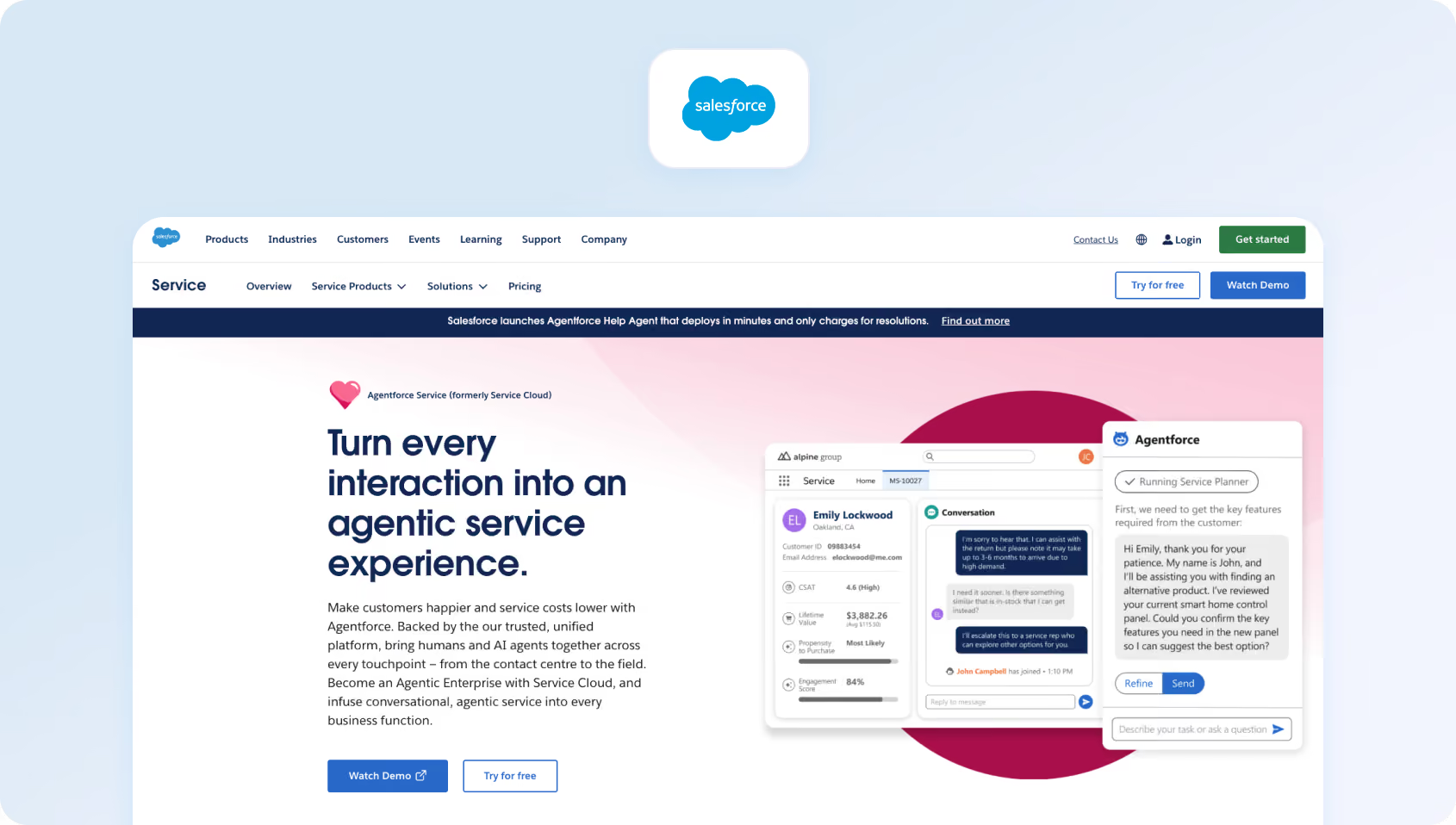
Best for: Enterprises already standardized on Salesforce
Salesforce Service Cloud is designed to extend the Salesforce CRM into full customer service operations, giving teams deep visibility into customer data and service performance.
Why pick it?
- Deep customization capabilities
- Strong governance and reporting features
- Native connection to Salesforce CRM data
Pricing note: Enterprise-tier seat pricing
Top integrations: Salesforce ecosystem apps, Slack, MuleSoft
Migration tip: Align customer records between systems before ticket imports.
Watch-outs:
- Implementation complexity and administrative overhead
Best For Inbox-To-Helpdesk Transition
Some tools focus on helping teams move gradually from inbox-style support to more structured ticketing.
HubSpot Service Hub
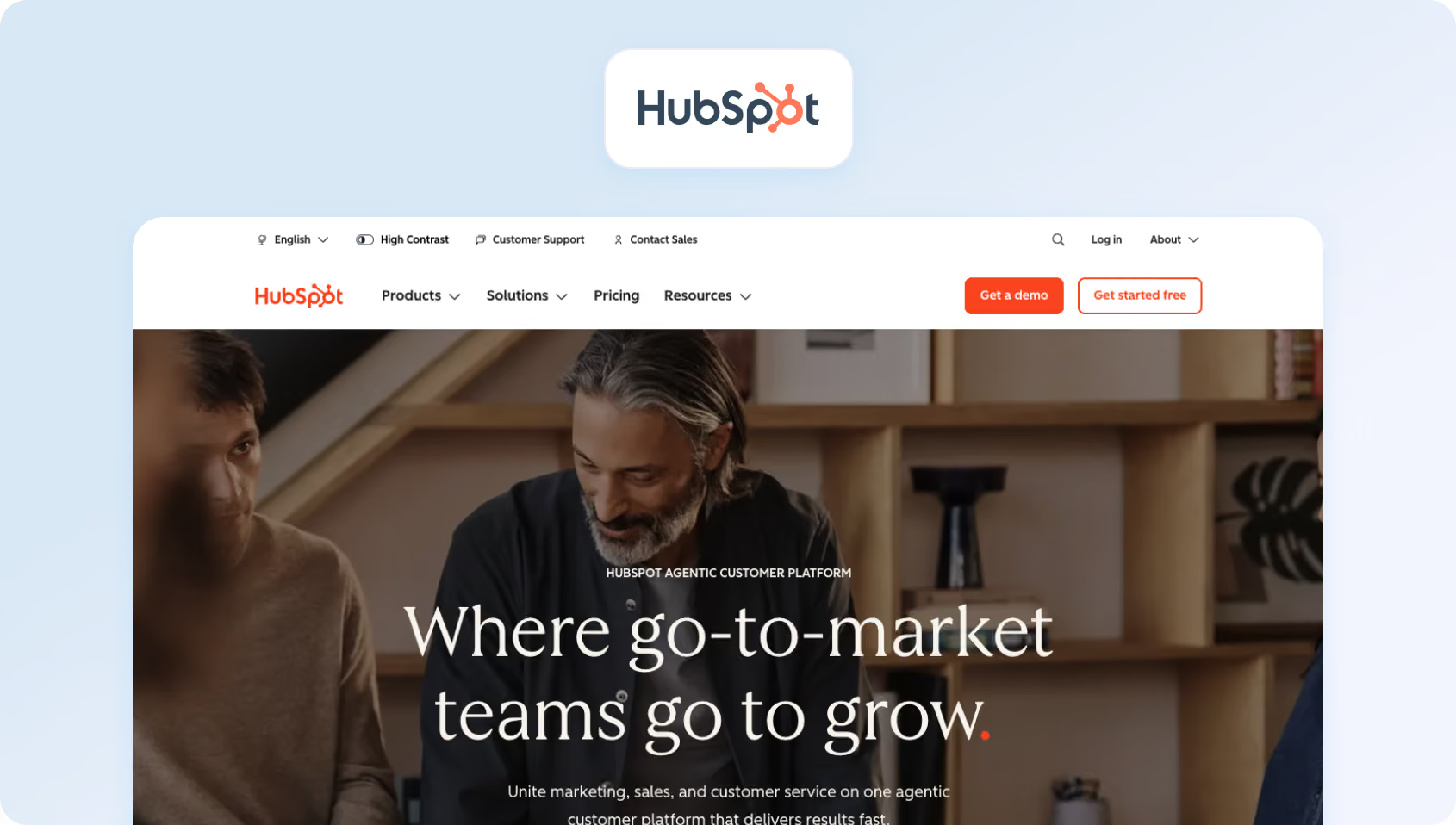
Best for: Teams already using HubSpot CRM
HubSpot Service Hub extends the HubSpot CRM into support operations, allowing companies to manage service conversations alongside marketing and sales data.
Why pick it?
- CRM-native customer context
- Unified customer records across sales and support
Pricing note: Tiered seat pricing
Top integrations: HubSpot CRM, Slack, Shopify
Migration tip: Sync contact records before importing tickets.
Watch-outs:
- Confirm help desk feature depth at higher support volumes
Kayako
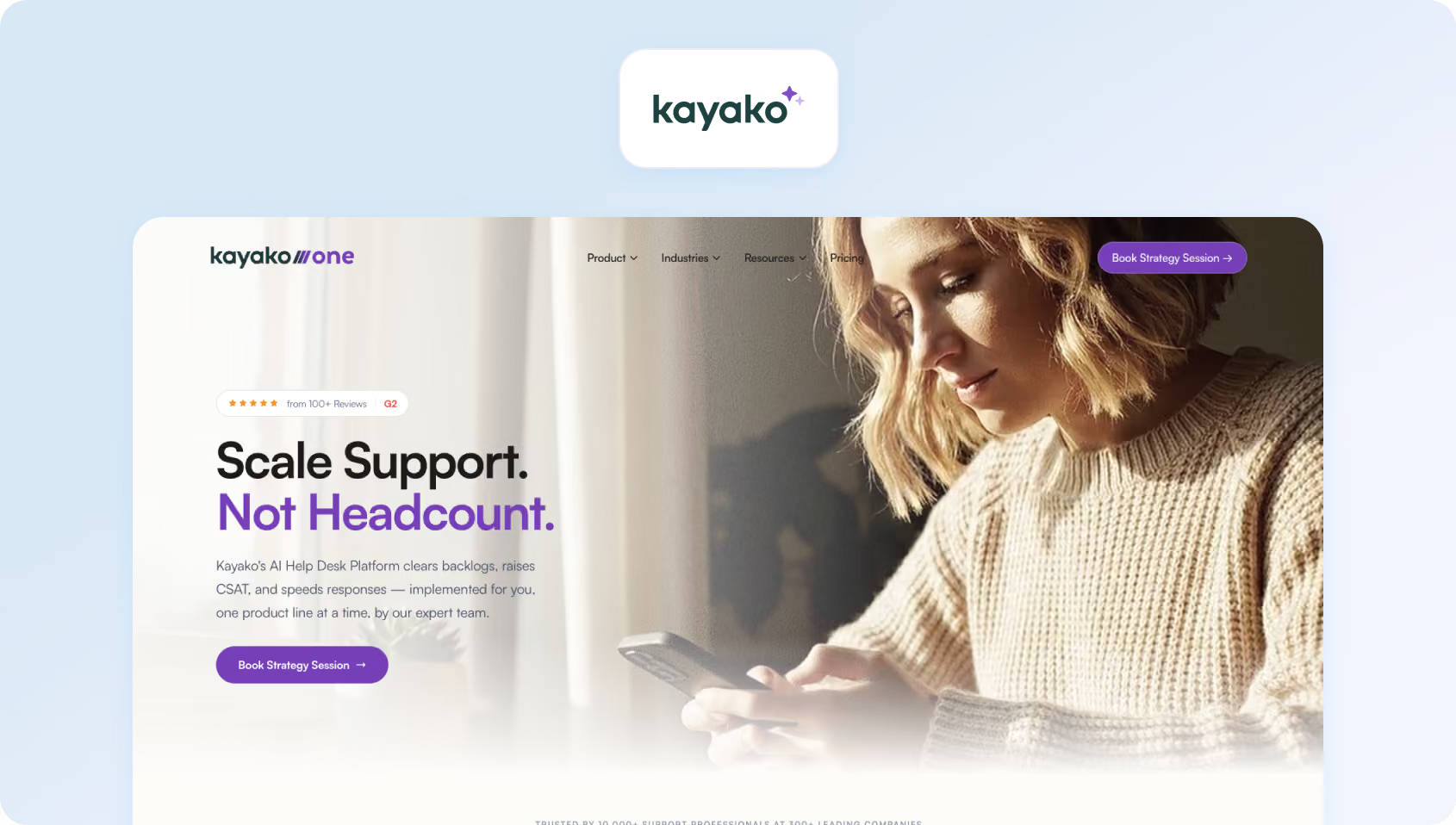
Best for: Teams wanting conversational support with traditional help desk foundations
Kayako blends conversational support experiences with a more traditional ticketing system, aiming to keep customer interactions feeling personal while maintaining structure.
Why pick it?
- Conversation-oriented support workflows
- Straightforward deployment for smaller teams
Pricing note: Verify with vendor
Top integrations: Slack, Salesforce, Zapier
Migration tip: Rebuild help center structures after migration.
Watch-outs:
- Confirm the current feature roadmap and packaging
How We Evaluated Help Scout Alternatives
To keep this guide objective, each Help Scout alternative was assessed using publicly available product documentation, pricing pages, integration marketplaces, and case studies. This approach ensures that comparisons focus on confirmed capabilities rather than marketing claims.
Must-Have Capability Checklist
When evaluating alternatives to Help Scout, most support leaders prioritize several core capabilities:
- Voice and messaging channels integrated with help desk workflows
- Knowledge-base grounded answers or strong knowledge integrations
- AI features for transcription, summarization, and reply suggestions
- Operational analytics and performance reporting
- Workforce management or quality assurance modules
- Security controls such as MFA, audit logs, and role-based permissions
- Integration ecosystem and developer APIs
- Pricing that includes core AI capabilities rather than only add-ons
- Built-in surveys or CSAT tracking
Platforms that meet all of these requirements generally provide a stronger operational foundation for growing support teams.
Scoring Rubric
Each Help Scout competitor was also evaluated using the following operational criteria:
- Fit for teams with 20–100 agents
- Depth of omnichannel support, including voice
- AI coverage, including agent assistance and knowledge grounding
- Workforce management and quality assurance tools
- Time-to-value during implementation
- Total cost to operate over time
- Security and governance features such as roles, audit logs, and MFA
Looking for a platform that combines AI, omnichannel support, workforce management, and analytics in one place? Book a personalized BlueTweak demo to see how it performs against the evaluation criteria that matter most to growing support teams.
How to Choose the Right Help Scout Alternative
With so many Help Scout competitors, selecting the right platform often depends on how your support organization is evolving. Below is a simple way to narrow your options.
Before committing to a platform, most teams also review a few practical factors. Key considerations include:
- Channels you support today and those planned within 12 months
- Ownership of knowledge base content and self-service maturity
- AI governance requirements, including auditing and approvals
- Reporting KPIs reviewed during weekly operational meetings
- Whether workforce management or quality assurance must be built in
- Budget preference between seat-based and usage-based pricing
- Internal administrative capacity to manage the platform
Pricing and 12-month TCO Checklist
When evaluating alternatives to Help Scout, support leaders are increasingly looking beyond seat pricing and instead are evaluating the total cost of ownership over a 12-month period. Channels, AI features, integrations, and operational overhead can all influence the real cost of a support platform.
A simple worksheet can help estimate real costs. An operational cost worksheet should consider:
- Number of agent seats
- Add-ons such as AI features, channels, or WFM modules
- Telephony or messaging usage (if applicable)
- Implementation or onboarding services
- Marketplace integrations or third-party apps
- Administrative time required each month
- Premium support tiers
During vendor conversations, it also helps to ask a consistent set of questions.
Questions to Ask Sales Teams
- Which features are included versus paid add-ons?
- How are AI capabilities priced?
- Are there limits on inboxes, brands, help centers, or APIs?
- What are the data retention and export policies?
- Are sandbox environments available?
- What contract minimums or renewal terms apply?
These details often shape the long-term viability of a platform more than headline pricing.
The worksheet below can help estimate your expected annual investment when comparing Help Scout alternatives.
12-Month Support Platform Cost Worksheet
This type of structured comparison often reveals that some platforms with lower headline pricing can become significantly more expensive once add-ons and usage costs are included.
If you're evaluating Help Scout alternatives, seeing a platform in action can make it much easier to compare AI capabilities, omnichannel workflows, reporting, and automation.
Book a personalized BlueTweak demo to explore how growing support teams unify customer conversations, workforce management, and analytics in a single platform.
Migration Notes
Switching Help Desk platforms can feel disruptive, but structured migrations typically reduce risk significantly. Most teams follow a similar migration process.
- First, export and import tickets, users, and customer records from Help Scout into the new system.
- Next, recreate operational logic such as tags, macros, automation rules, and SLA workflows.
- Knowledge base structures often need to be rebuilt as well, along with URL redirects to preserve search traffic.
Many teams also run a 2–4 week pilot period, operating both systems in parallel before fully switching. During this time, it's useful to track baseline performance metrics such as:
- First response time
- SLA compliance
- Ticket backlog aging
- Customer satisfaction scores
Those benchmarks make it easier to measure improvements after migration.
Final Thoughts: Choosing The Right Help Scout Alternative For Your Support Operation
Exploring Help Scout alternatives isn't necessarily about replacing it because it's failing. For many small businesses, the platform remains a reliable help desk software option for managing email-based customer communications through a simple shared inbox and integrated knowledge base.
However, as customer service teams grow, their operational needs often change.
Support leaders begin thinking less about individual support tickets and more about overall customer experience, operational efficiency, and the systems required to manage rising ticket volume. At that stage, teams often need a more comprehensive customer support platform capable of coordinating customer interactions across multiple channels.
The best Help Scout alternatives tend to fall into several categories:
- Collaborative inbox platforms that extend the familiar shared inbox model while improving team collaboration
- Full help desk solutions with deeper ticket management, automation, and SLA management
- Messaging-first platforms designed for real-time customer conversations through live chat support
- Specialized customer service software built for e-commerce or enterprise workflows
- Unified customer communication platforms that combine tickets, voice, messaging, analytics, and workforce operations
For many teams, switching from Help Scout is less about adding complexity and more about creating a system capable of supporting modern customer service processes. That might include:
- Scaling self-service through a stronger knowledge base and self-service portal
- Managing customer requests across multiple channels
- Reducing response times through smarter ticket routing
- Improving visibility into customer data and support tickets
- Enabling support agents to handle higher ticket volume without sacrificing quality
The most effective way to evaluate Scout alternatives is to run a short pilot and compare how different help desk solutions handle your real support processes, ticket management, and customer queries.
If your goal is to unify customer communications, reduce tool sprawl, and deliver superior customer experiences, a platform that combines tickets, messaging, voice, automation, and analytics in a single customer service platform may offer the strongest long-term foundation.
For teams looking to move beyond a shared inbox while maintaining a clear operational structure, exploring modern Help Scout alternatives can reveal solutions that better align with how customer support teams operate today.

As Head of Digital Transformation, Radu looks over multiple departments across the company, providing visibility over what happens in product, and what are the needs of customers. With more than 8 years in the Technology era, and part of BlueTweak since the beginning, Radu shifted from a developer (addressing end-customer needs) to a more business oriented role, to have an influence and touch base with people who use the actual technology.



