



TL;DR
E-commerce teams outgrowing Gorgias typically need native voice, deeper AI than rule-based macros, stronger reporting/WFM, or clearer total cost. This guide compares 18 alternatives, ranging from all-in-one suites like BlueTweak to modular stacks, so you can match channels, AI depth, and admin controls to your budget.
Gorgias is often the first "real" helpdesk for e-commerce brands, but as operations grow to 20–100+ agents, the cracks begin to show. The primary driver for switching is usually stack complexity. Because Gorgias lacks native telephony and advanced workforce management (WFM), teams are forced to patch together third-party tools. This not only increases the Total Cost of Ownership (TCO) but also fragments data, making deep forecasting and custom reporting nearly impossible without exporting data to external BI tools.
The Evolution of AI and Automation
In the current landscape, rule-based macros are no longer enough. Teams are seeking KB-grounded AI agents that can autonomously handle multi-step resolutions, such as processing a complex return or troubleshooting a specific product issue—rather than just deflecting tickets. Alternatives are winning by offering real-time agent coaching, automated post-call summarization, and transcription natively within the workspace, rather than as a "bolt-on" service.
Strategic Evaluation & The "CFO Lens"
When evaluating a move, decision-makers are shifting focus from "price per ticket" to "value per resolution." Gorgias's ticket-based pricing can feel like a "success tax" during high-volume seasons like Black Friday. Modern alternatives typically offer more predictable per-seat or usage-based models that align better with the bottom line.
Key factors for your shortlist include:
Impact Metrics: Beyond just speed, focus on Containment Rate, Sentiment Scores, and Mean Opinion Score (MOS) for voice quality.
Channel Fluidity: Seamlessly switching between native voice, SMS, and chat without losing context.
Operational Depth: Integrated QA modules, SLA dashboards, and per-store routing for multi-brand portfolios.
18 Gorgias Competitors for Customer Support in 2026
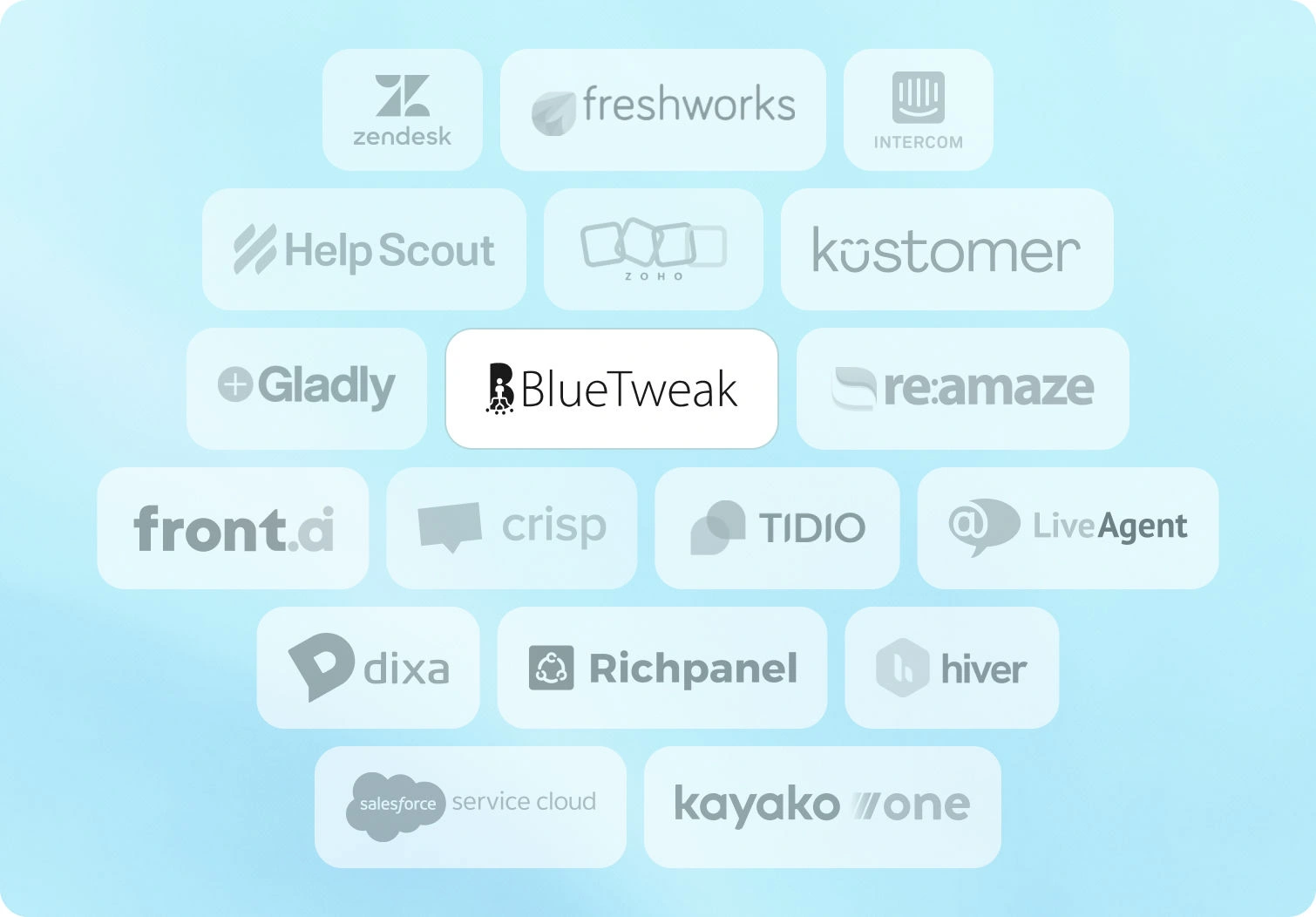
Below are the 18 customer service platforms teams evaluate when searching for a Gorgias alternative. Pricing and features are from public documentation as of January 2026.
1. BlueTweak — Editor's Choice

BlueTweak is an all-in-one CCaaS platform that unifies voice, chat, email, and social messaging with AI-powered assistance, workforce management, and quality modules. Built for mid-market teams (20-100 agents) and BPO companies, it delivers KB-grounded AI that prevents hallucinations while enabling instant, accurate responses across all channels.
Best for: Teams wanting omnichannel support with KB-grounded AI and built-in analytics/WFM without tool sprawl.
Key features:
- Native voice (call center, IVR, multilingual AI VoiceBot, transcription, translation)
- Chat with AI ChatBot and real-time translation
- Email with AI suggested reply, canned responses, and ticket summary
- KB-grounded AI assistance with public KB and hierarchy
- Ticketing system with sentiment analysis and custom fields
- Built-in workforce management and quality module
- Prebuilt and custom dashboards with advanced reporting
- Security (audit log, custom roles, MFA, data location options)
- Open APIs with a sandbox
- €65/agent/month (all features included)
- No feature gating; unlimited users and integrations
- AI usage priced separately per customer interaction (transparent, predictable)
Pros:
- Single platform eliminates separate voice, chat, AI, and analytics tools
- KB-grounded AI provides accurate proposed replies and prevents hallucinations
- Built-in WFM and QA reduce add-on costs
- Transparent pricing, no hidden fees or surprise add-ons
- Fast implementation with open APIs (weeks, not months)
- Multilingual across voice and text with real-time translation
- Built for BPOs: multi-tenant, multi-brand configuration
Cons:
- Newer brand vs. enterprise incumbents like Zendesk/Genesys
- Best for mid-market (very large enterprises may need customization)
- AI usage scales with volume; requires volume forecasting
2. Zendesk
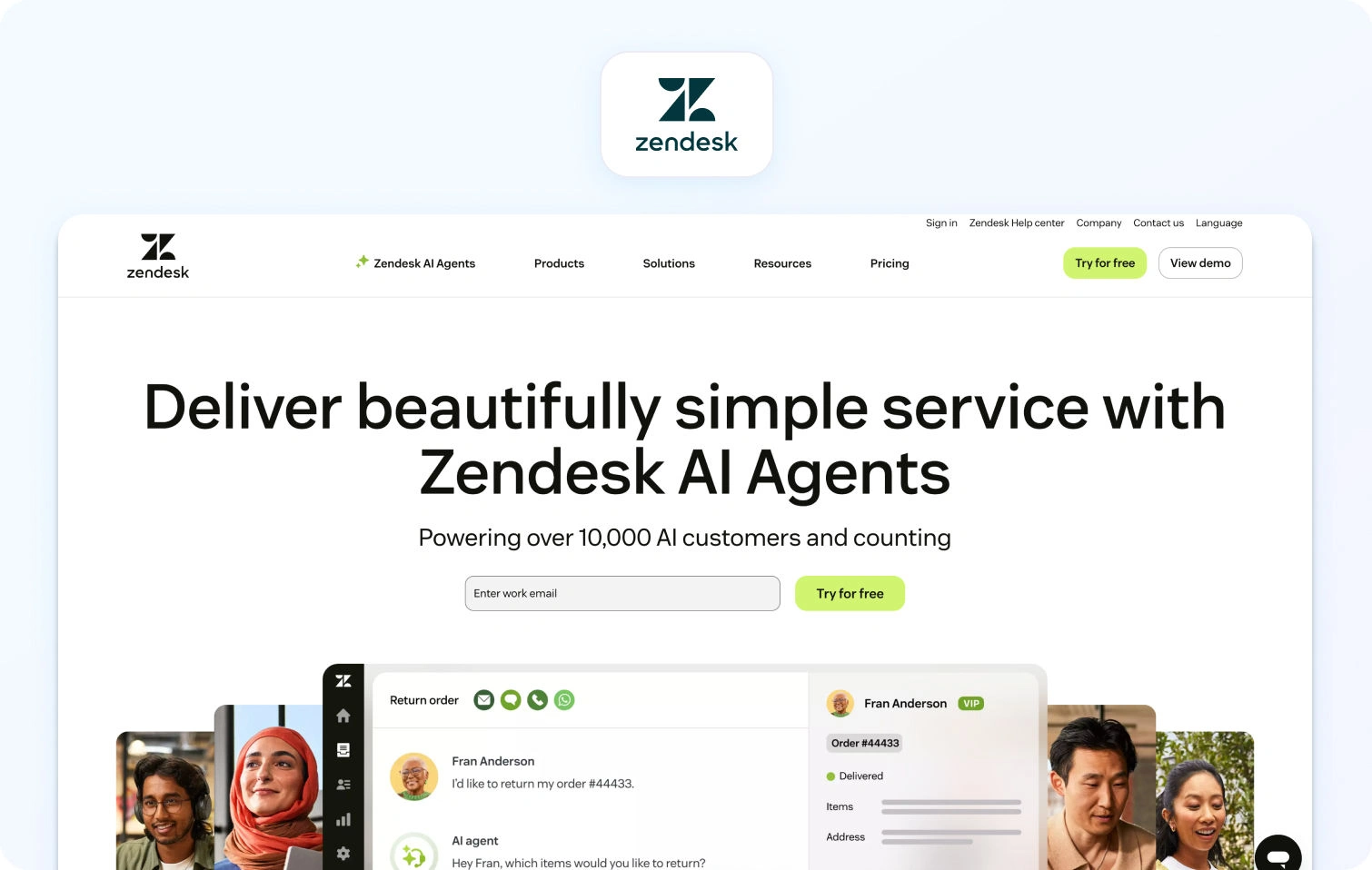
Zendesk is a cloud-based helpdesk platform with AI add-ons for ticket summarization, customer intent detection, and chatbot automation. It covers email, chat, voice (via third-party integrations), and messaging, but charges separately for advanced AI, WFM, and voice features.
Best for: Large teams that need robust reporting, extensive integrations, and enterprise-grade security.
Key features:
- Omnichannel ticketing with macros and automation
- Knowledge base with multilingual support
- Answer Bot (knowledge-base chatbot, text-only)
- AI-powered workflow automation and intelligent routing
- Zendesk Talk (voice via third-party integration)
- Workforce management (add-on: $25/agent/month)
- Quality assurance (add-on: $25/agent/month)
- Advanced reporting and analytics
- Marketplace with 1,200+ app integrations
Pricing:
- Support Team: $19/agent/month (annual) or $25/agent/month (monthly)
- Suite Team: $55/agent/month (annual) or $69/agent/month (monthly)
- Suite Professional: $115/agent/month (annual) or $149/agent/month (monthly)
- Suite Enterprise: $169/agent/month (annual) or $219/agent/month (monthly)
- Add-ons: Copilot $50/agent/month, QA $35/agent/month, WFM $25/agent/month, Contact Center $50/agent/month
Pros:
- Mature platform with deep integrations
- Strong marketplace ecosystem (1,200+ apps)
- Enterprise-grade security and compliance features
- Familiar UI for many support teams
Cons:
- High total cost once you add essential features like AI, WFM, and QA
- Voice is partner-dependent (not native)
- Per-agent pricing scales poorly as teams grow
- Steep learning curve and complex setup
- Many features are locked behind expensive tiers or add-ons
3. Freshdesk
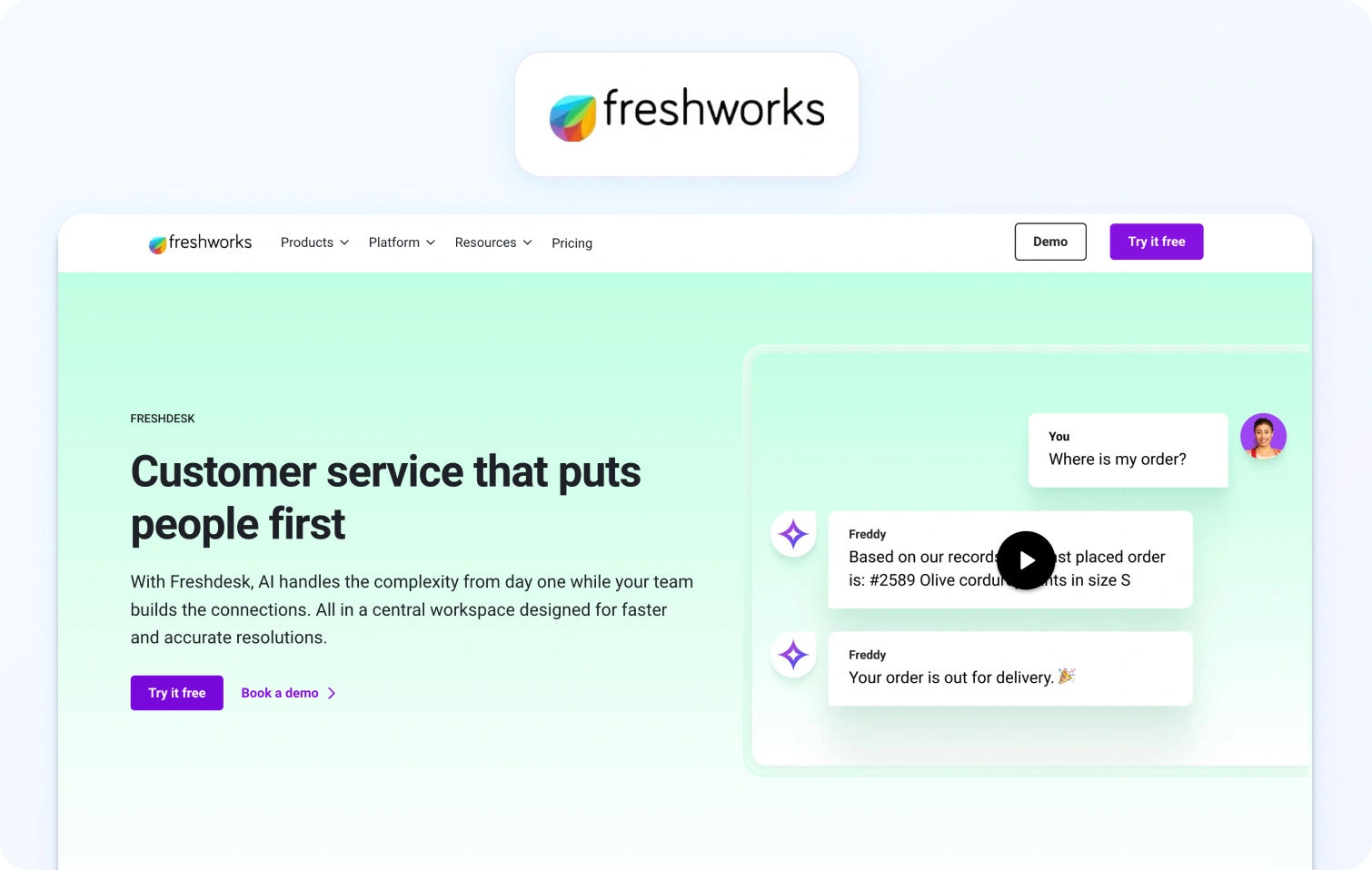
Freshdesk is a cloud-based helpdesk platform with ticketing, automation, and self-service capabilities. It offers basic omnichannel support with AI add-ons for chatbot automation and agent copilot features.
Best for: Small to mid-sized teams wanting affordable ticketing with basic omnichannel support.
Key features:
- Ticketing system with automation and SLA management
- Email and social ticketing
- Knowledge base with SEO-ready FAQ
- Team collaboration tools (collision detection, internal notes)
- Basic reporting and analytics
- Marketplace apps for integrations
- AI Copilot (add-on: $29/agent/month)
- AI Agent sessions (add-on: $100 per 1,000 sessions)
Pricing:
- Free: $0 (up to 2 agents for 6 months)
- Growth: $23/agent/month
- Pro: $66/agent/month
- Enterprise: $107/agent/month
- Freddy AI Agent: First 500 sessions free, then $49 per 100 sessions
Pros:
- Generous free plan for small teams
- Affordable entry-level pricing
- Easy to set up and use
- Good integration marketplace
Cons:
- Voice support not native (requires integrations or Freshdesk Omni upgrade)
- Advanced features and AI require add-ons that increase costs
- Limited WFM capabilities
- Reporting is less robust compared to enterprise platforms
4. Intercom
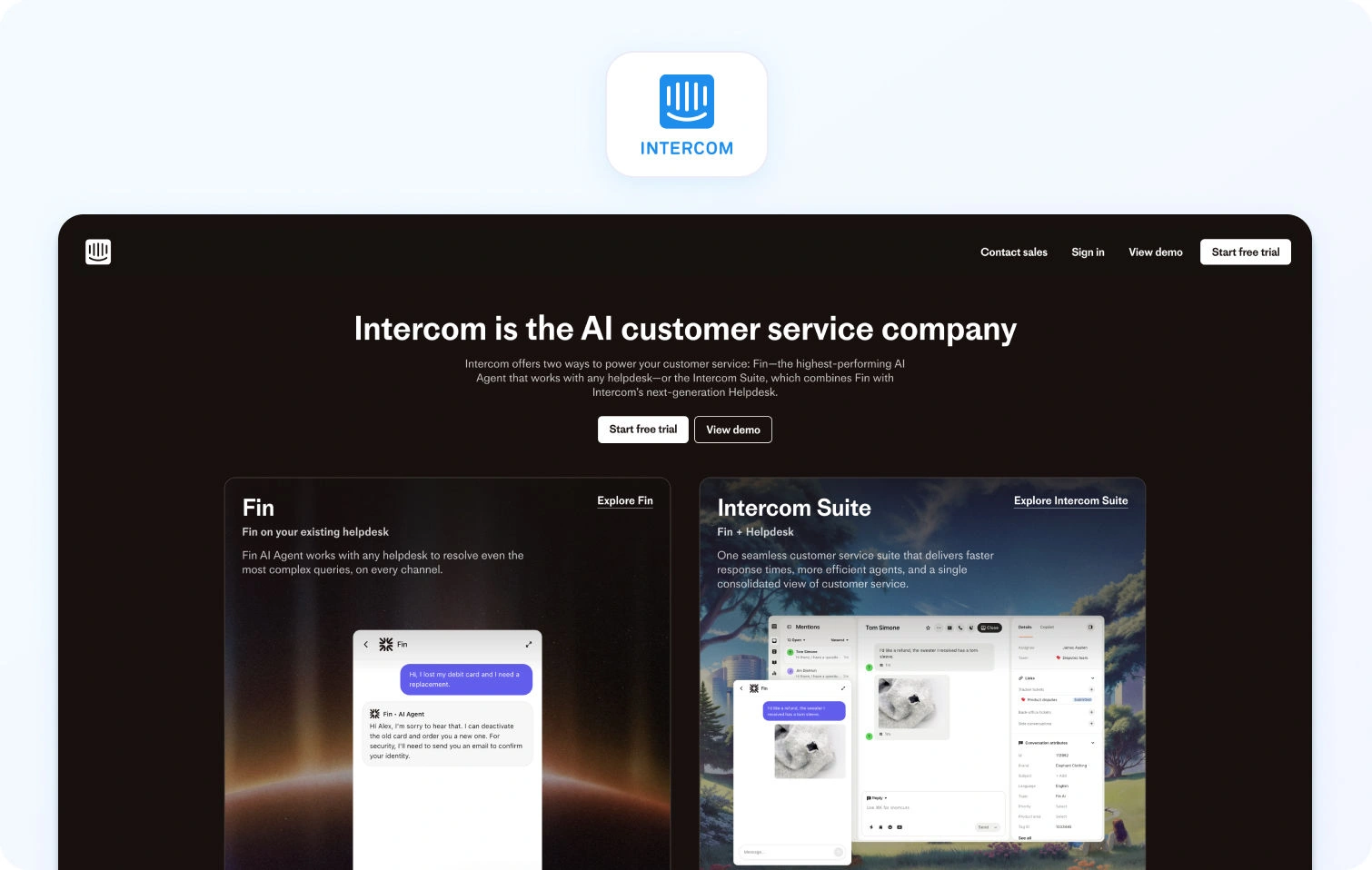
Intercom combines live chat, a custom AI chatbot (Fin AI), and helpdesk ticketing, with a focus on proactive engagement and sales conversations. It includes basic email/messaging but limited native voice support.
Best for: SaaS companies focused on proactive engagement and product tours.
Key features:
- Fin AI chatbot (GPT-powered, KB-grounded, text-only)
- Live chat and messaging
- Product tours and proactive campaigns
- Basic ticketing system
- Help center with articles
- Customer data platform
- Team inbox for collaboration
- Reporting dashboards
- Multilingual support (45+ languages)
Pricing:
- Essential: $39/seat/month (annual)
- Advanced: $99/seat/month (annual)
- Expert: $139/seat/month (annual)
- Fin AI Agent: $0.99 per resolved conversation (pay-as-you-go)
- Copilot add-on: $35/agent/month
Pros:
- Excellent for proactive, conversation-driven support
- Strong chatbot UX with modern interface
- Good for onboarding and product engagement
- Multilingual chatbot capabilities
Cons:
- No native voice support or voicebot
- Pricing becomes expensive as contact volume grows
- Limited traditional ticketing features
- Not ideal for teams needing WFM or deep call center functionality
- Unpredictable costs; AI resolution fees balloon during peak volumes
5. Help Scout
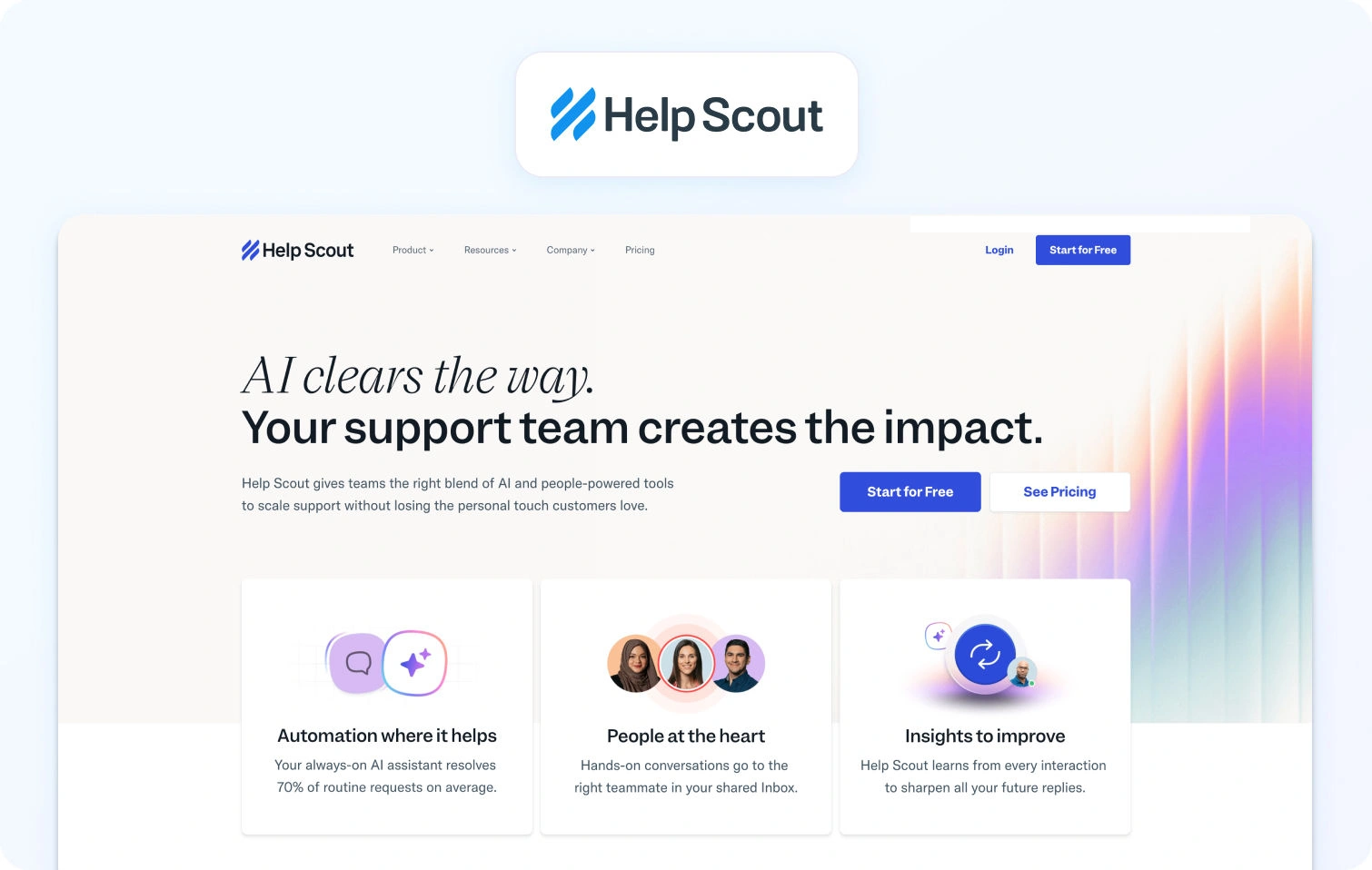
Help Scout is an email-based help desk with a shared inbox, knowledge base (Docs), and live chat (Beacon widget). It prioritizes simple, human-centric customer conversations.
Best for: Small teams prioritizing email support with a simple, human-centric interface.
Key features:
- Shared inbox for email management
- Knowledge base (Docs)
- Live chat (Beacon widget)
- Customer profiles with conversation history and customer history
- Collision detection and internal notes
- Basic reporting and analytics
Pricing:
- Free: $0 (up to 5 users, 1 inbox, 1 docs site)
- Standard: $30/user/month
- Plus: $54/user/month
- Pro: $90/user/month
- AI Answers: $0.75 per resolution
Pros:
- Clean, straightforward interface
- Strong focus on personalized, email-first support
- Affordable for small teams
- Easy to set up
Cons:
- No native voice or SMS support
- Limited automation compared to platforms like Zendesk
- Basic reporting and analytics
- Not suitable for complex, multi-channel operations
6. Zoho Desk
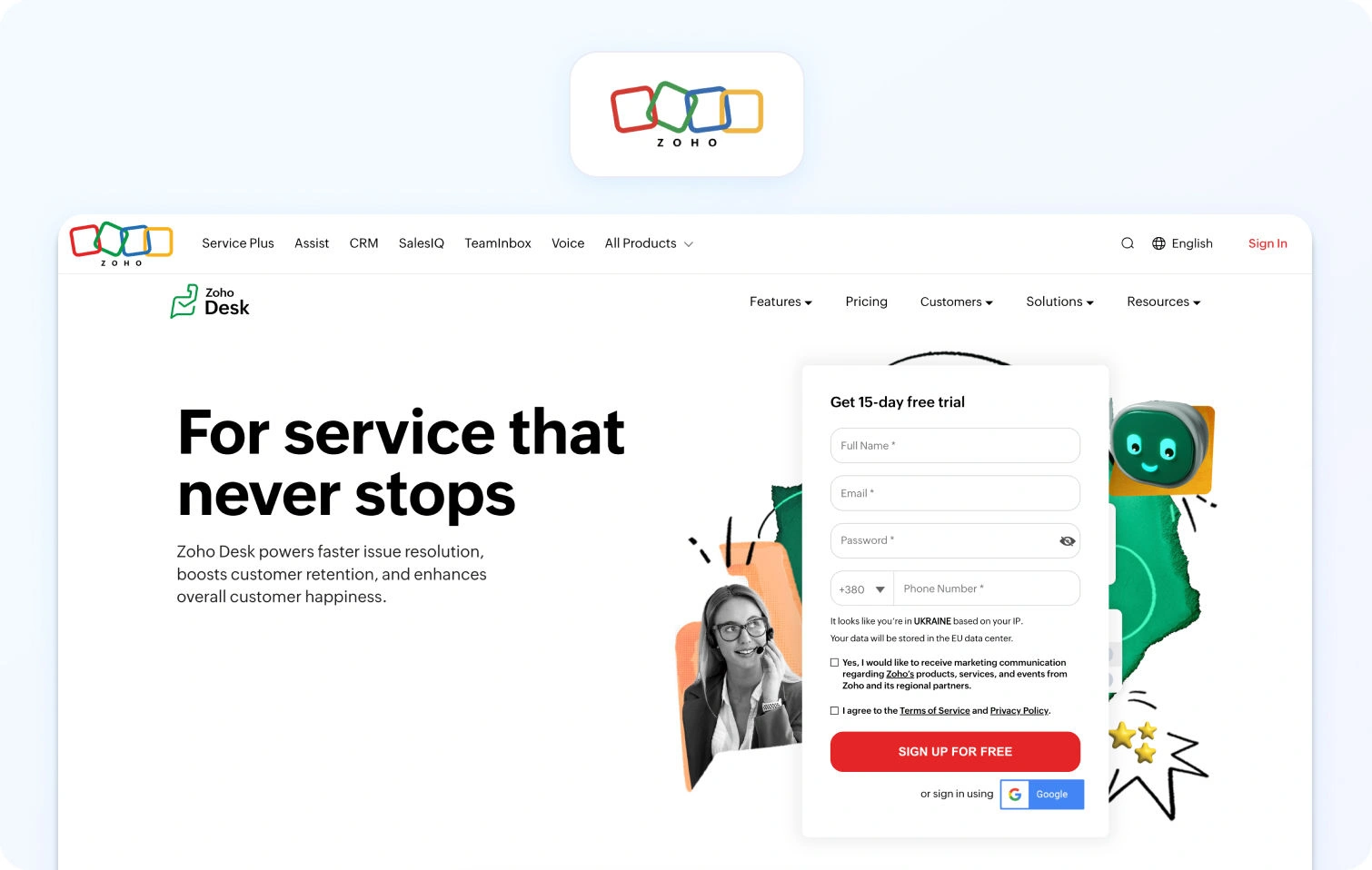
Zoho Desk is a context-aware help desk platform with ticketing, automation, and self-service capabilities. It integrates deeply with the Zoho ecosystem and includes an AI assistant (Zia) in higher tiers.
Best for: Teams in the Zoho ecosystem or needing affordable omnichannel support.
Key features:
- Ticketing system with automation
- Multi-channel support (email, phone, chat, social)
- Knowledge base with community forums
- AI assistant (Zia) for automation and insights
- SLA management and custom workflows
- Reporting and analytics
Pricing:
- Free: $0 (up to 3 users)
- Express: $9/user/month
- Standard: $20/user/month
- Professional: $35/user/month
- Enterprise: $50/user/month
Pros:
- Very affordable pricing
- Deep integration with the Zoho suite
- AI assistant included in higher tiers
- Good value for small teams
Cons:
- Interface feels dated compared to newer customer support platforms
- Voice support requires Zoho PhoneBridge integration
- Limited WFM features
- Smaller third-party integration marketplace
7. Kustomer
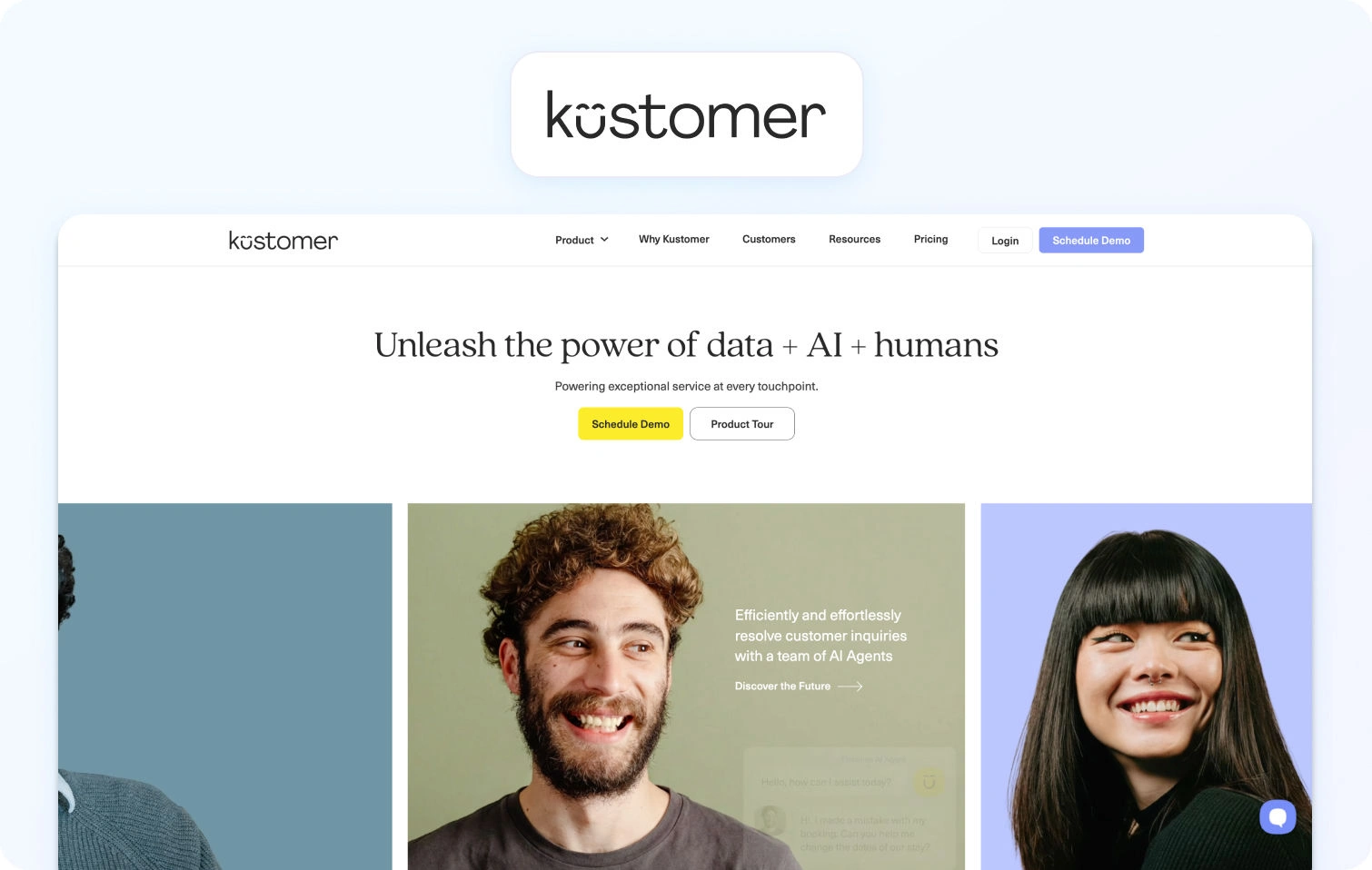
Kustomer is a CRM-based customer service platform with a timeline view that displays full interaction history across all channels. It emphasizes a unified customer context for complex support journeys.
Best for: Customer service teams needing a unified customer view across all interactions.
Key features:
- Customer timeline with full interaction history
- Omnichannel support (email, chat, voice, SMS, social)
- Workflow automation and routing
- Knowledge base
- Reporting and analytics
- API and integrations
Pricing:
- Enterprise: $89/seat/month (annual, minimum 8 seats)
- Ultimate: $139/seat/month (annual)
- AI Agents for Supporting Customers: $0.60 per engaged conversation
- AI Agents for Reps: $40/user/month
Pros:
- The unified customer timeline provides excellent context
- Strong for high-touch, complex customer journeys
- Omnichannel support included
- Good for relationship-driven support
Cons:
- Higher price point than many alternatives
- Can be complex to set up and configure
- Smaller brand recognition compared to Zendesk
- Limited native WFM features
8. Gladly
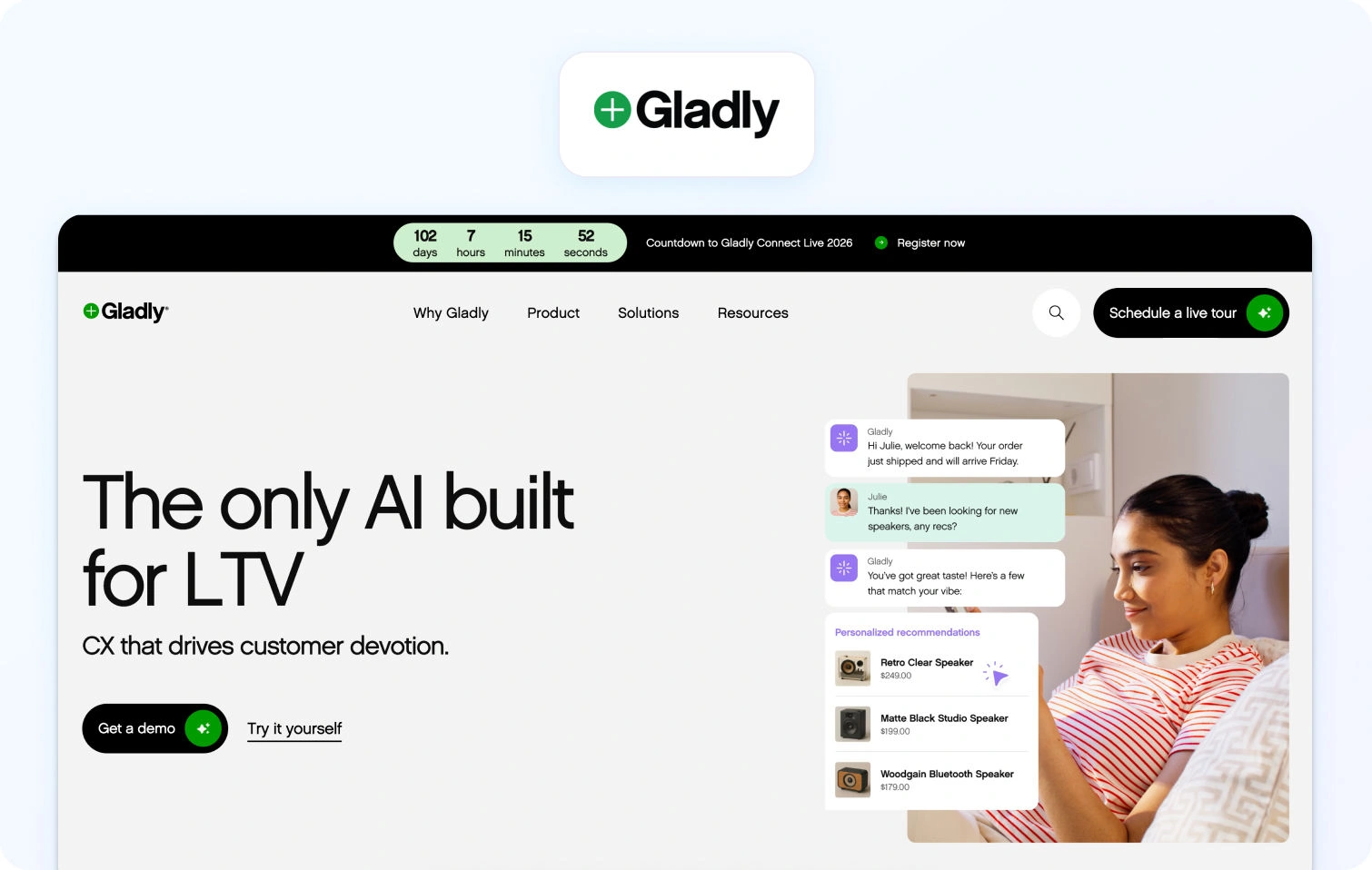
Gladly is a radically personal customer service platform built around people, not tickets. It maintains lifelong conversation threads for each customer across all customer communication channels.
Best for: Brands focused on long-term relationships with personalized service.
Key features:
- Conversation-based (no ticket numbers)
- Omnichannel support (voice, SMS, email, chat, social)
- Customer profile with full conversation history
- Self-service options
- Reporting and analytics
- Integrations with e-commerce and CRM platforms
Pricing:
- Custom pricing based on business needs
- Contact sales for quotes
Pros:
- Unique customer-centric approach
- Lifelong conversation threads instead of ticket management fragmentation
- Strong for high-value, relationship-driven support
- True omnichannel with native voice
Cons:
- Custom pricing can be expensive
- Smaller integration marketplace
- May require a mindset shift from traditional ticketing
- Limited automation compared to AI-first platforms
9. Re:amaze
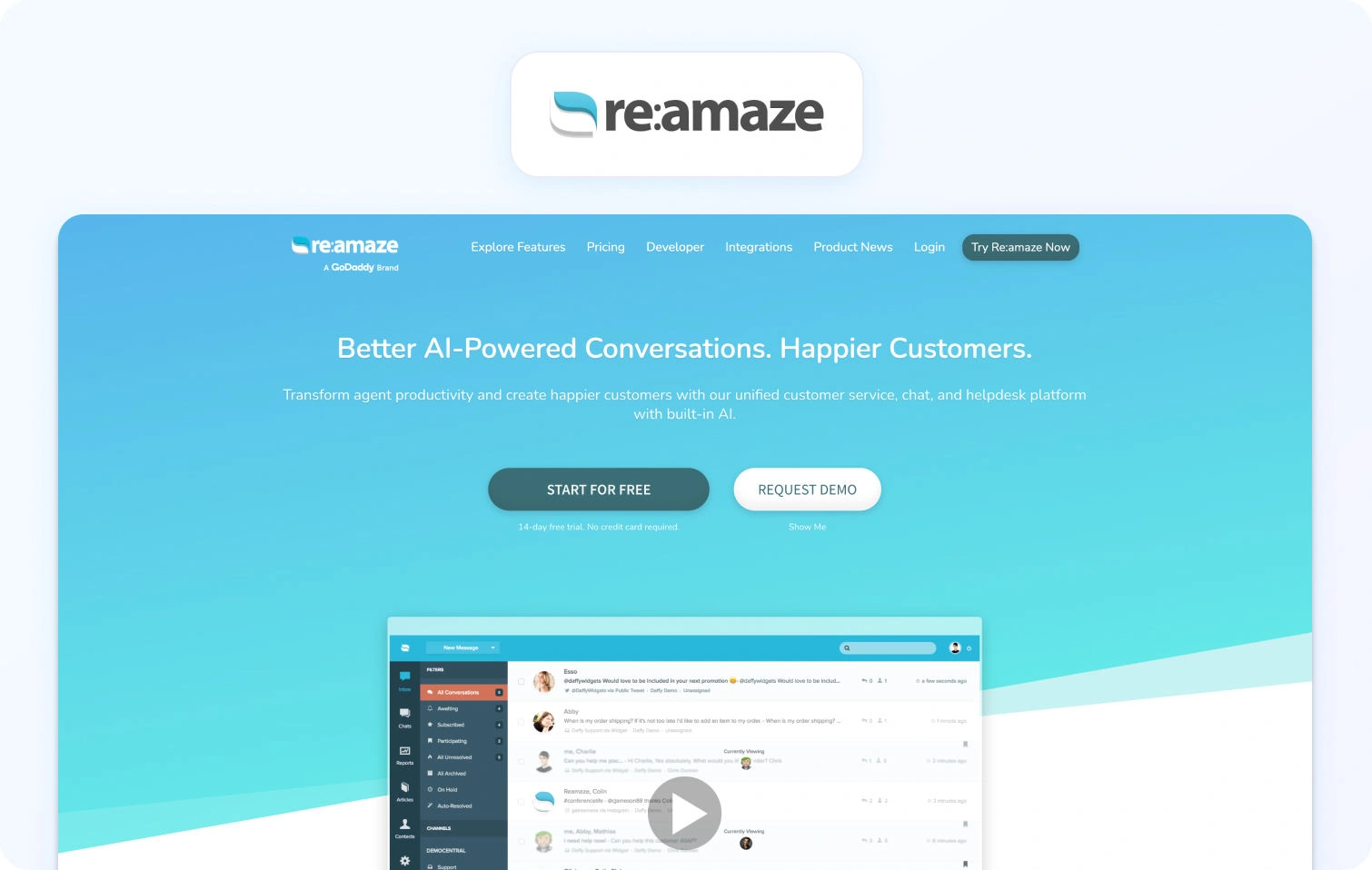
Re:amaze is a helpdesk and messaging platform for online businesses and e-commerce stores, consolidating multi-channel support into a shared inbox.
Best for: E-commerce stores needing affordable multi-channel support.
Key features:
- Multi-channel support (email, social, SMS, live chat, voice via integrations)
- Shared inbox with automated responses and chatbots
- Knowledge base (FAQ)
- Customer profiles with order history
- Basic reporting
Pricing:
- Basic: $29/user/month (20 AI resolutions included)
- Pro: $49/user/month (50 AI resolutions included)
- Plus: $69/user/month (100 AI resolutions included)
- Starter (flat rate): $59/month (unlimited users, limited to 500 responded conversations)
- Enterprise: Custom pricing
Pros:
- Affordable for small ecommerce teams
- E-commerce integrations (Shopify, WooCommerce)
- All-in-one inbox
Cons:
- Voice requires third-party integrations
- Limited advanced automation and AI
- Basic reporting
- Smaller brand
10. Front

Front is a collaborative inbox platform for teams managing shared email, SMS, and social messages with modern workflow tools.
Best for: Teams wanting email-centric collaboration.
Key features:
- Shared inbox for email and messaging
- Collaboration tools (comments, assignments, mentions)
- Workflow automation and rules
- 100+ app integrations
- Basic analytics and API access
Pricing:
- Starter: $35/seat/month (annual)
- Professional: $85/seat/month (annual)
- Enterprise: Custom (annual only)
Pros:
- Excellent for email-heavy teams with a modern collaboration workflow
- Strong collaboration features (comments, assignments, mentions)
- Modern, intuitive interface with a clean design
- Good integration library with 100+ business apps
- Powerful workflow automation and rules engine
Cons:
- No native voice support—requires third-party integrations
- Limited traditional ticketing features compared to full helpdesks
- Expensive at higher tiers ($99-$229/seat/month)
- Not built for complex contact center operations or call routing
- Can become costly as the team grows due to per-seat pricing
11. Crisp
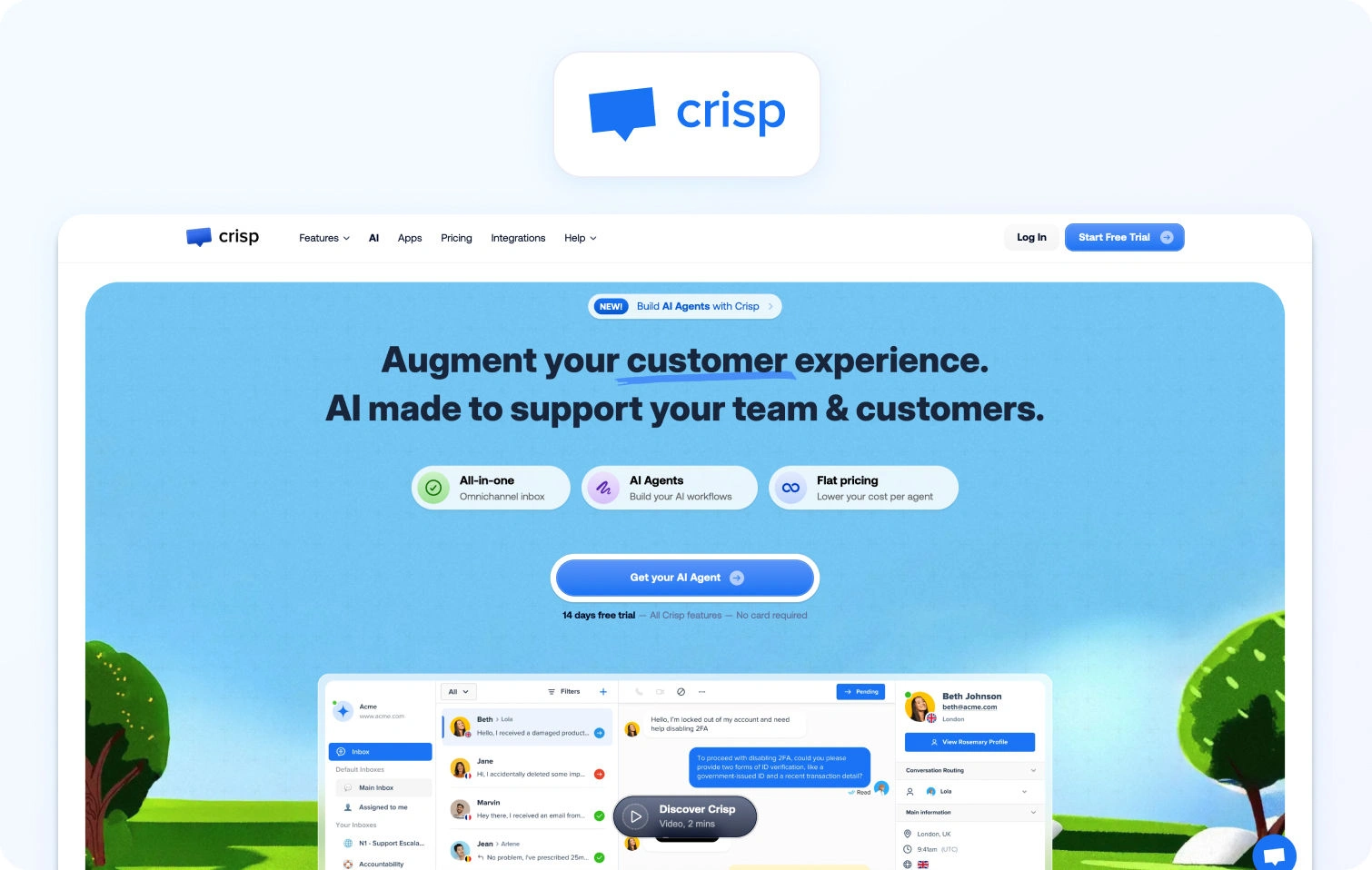
Crisp is an all-in-one messaging platform with live chat, chatbots, and a shared inbox for startups and small businesses.
Best for: Startups needing simple, affordable live chat.
Key features:
- Live chat with chatbots
- Shared inbox and knowledge base
- Automated campaigns
- CRM integrations
- Basic analytics
Pricing:
- Free: $0/month (2 seats, live chat, shared inbox)
- Mini: $45/workspace/month (4 seats included)
- Essentials: $95/workspace/month (10 seats included)
- Plus: $295/workspace/month (20+ seats included)
- Enterprise: Custom pricing
Pros:
- Affordable with a free tier for startups and small teams
- Easy setup and quick implementation
- Modern interface with a clean, user-friendly design
- Good for basic live chat needs without complexity
- Mobile app included for on-the-go support
Cons:
- No native voice or phone support—chat and messaging only
- Limited advanced features and automation compared to enterprise platforms
- Basic reporting and analytics capabilities
- Doesn't scale well to mid-market or enterprise needs
- Small integration ecosystem compared to larger competitors
12. Tidio
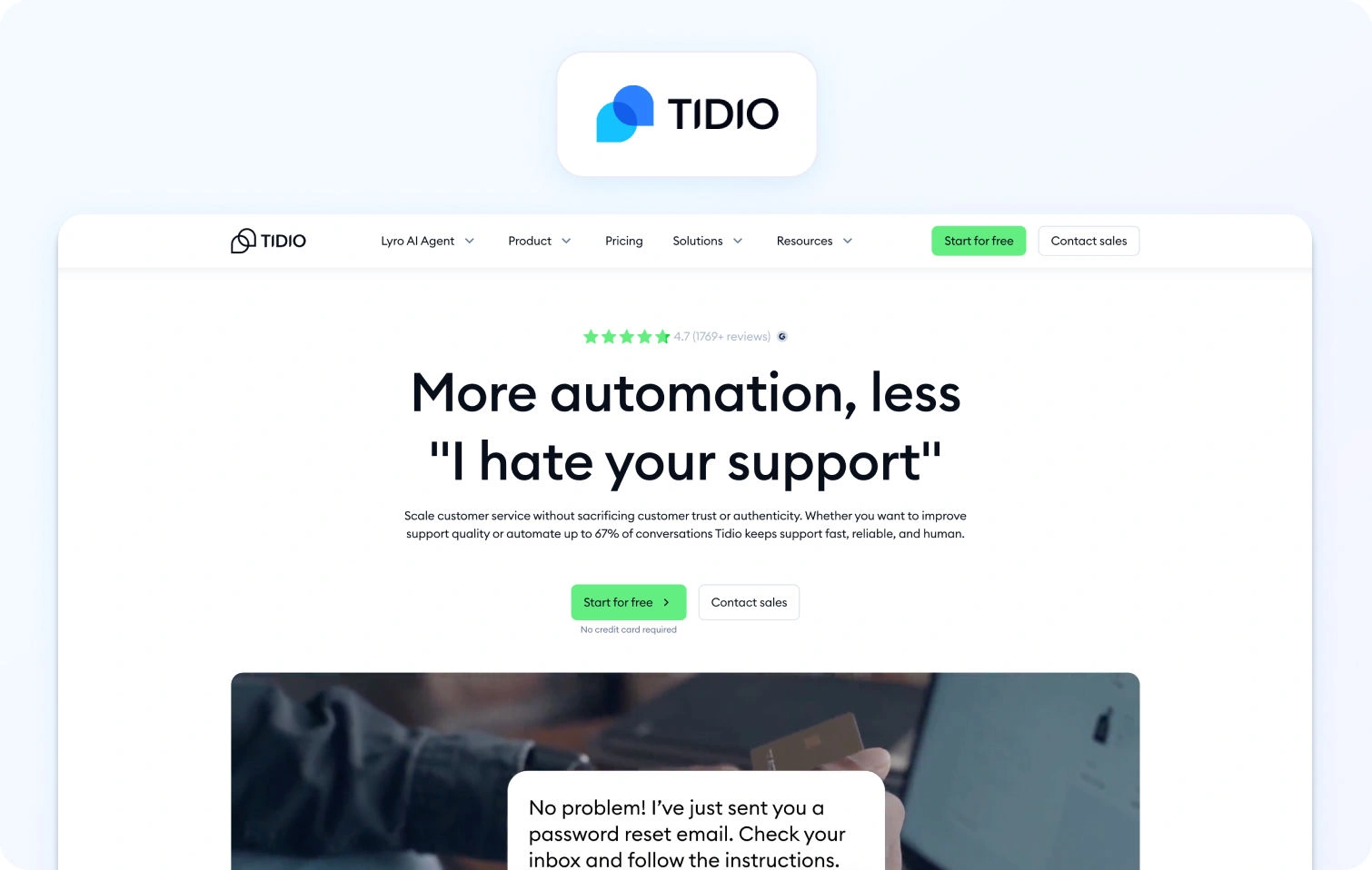
Tidio is a live chat and chatbot platform for e-commerce sites, combining chat widgets with basic automation.
Best for: Small ecommerce sites needing basic live chat.
Key features:
- Live chat widget with chatbots
- Email integration
- Mobile app
- Visitor tracking
Pricing:
- Free: $0/month (50 billable conversations)
- Starter: $29/month (100 billable conversations)
- Growth: Starts at $59/month (250+ conversations)
- Plus: Starts at $749/month (enterprise limits)
- Premium: Custom pricing
Pros:
- Free plan available for basic live chat functionality
- Easy to install on e-commerce platforms like Shopify and WooCommerce
- Affordable entry-level pricing for small businesses
- Mobile app included for managing chats on the go
- Good for simple customer engagement and lead generation
Cons:
- Very limited ticketing and helpdesk features—primarily a chat tool
- No native voice support or phone capabilities
- Confusing pricing model based on features and contacts rather than agents
- Not suitable for comprehensive omnichannel support needs
- Limited reporting and analytics compared to full helpdesk platforms
13. LiveAgent
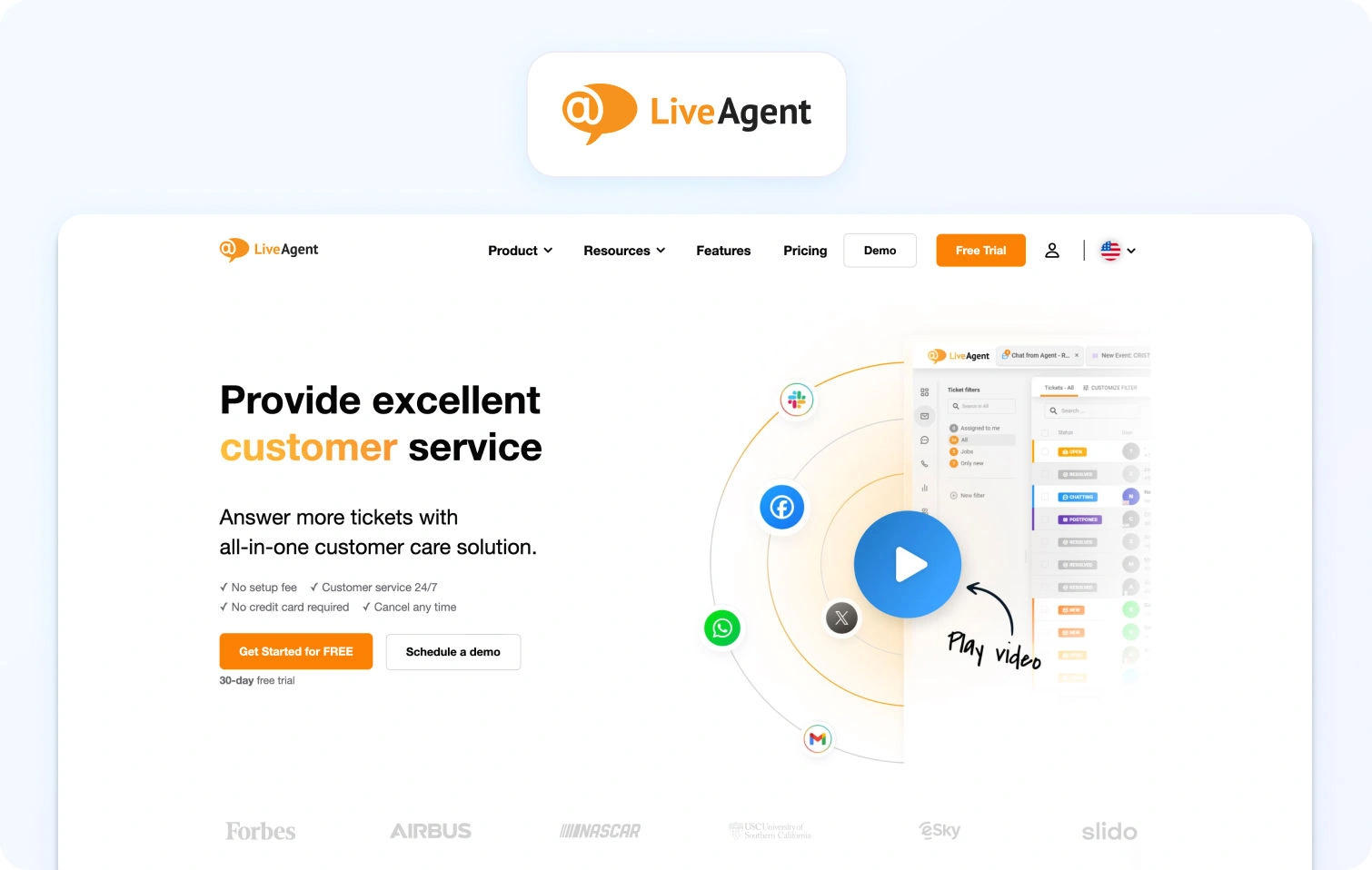
LiveAgent is a multi-channel helpdesk with ticketing, live chat, and call center features via VoIP integration.
Best for: Budget-conscious teams needing basic omnichannel, including voice.
Key features:
- Ticketing system and live chat
- Call center with IVR (VoIP integration)
- Knowledge base
- Email and social support
- Automation rules and reporting
Pricing:
- Small Business: $15/agent/month (annual)
- Medium Business: $29/agent/month (annual)
- Large Business: $49/agent/month (annual)
- Enterprise: $69/agent/month (annual)
- Monthly billing is available with higher rates
Pros:
- Very affordable pricing starting at $9/agent/month
- Native call center features with IVR and VoIP integration
- All-in-one platform covering ticketing, chat, email, and voice
- Good value for budget-conscious teams
- Free plan available for testing (limited features)
Cons:
- Interface feels dated compared to modern platforms like Intercom or Front
- Limited AI and automation capabilities, mostly rule-based
- Smaller integration marketplace compared to Zendesk or Freshdesk
- Less robust WFM and QA features compared to enterprise platforms
- May require significant customization for complex workflows
14. Dixa
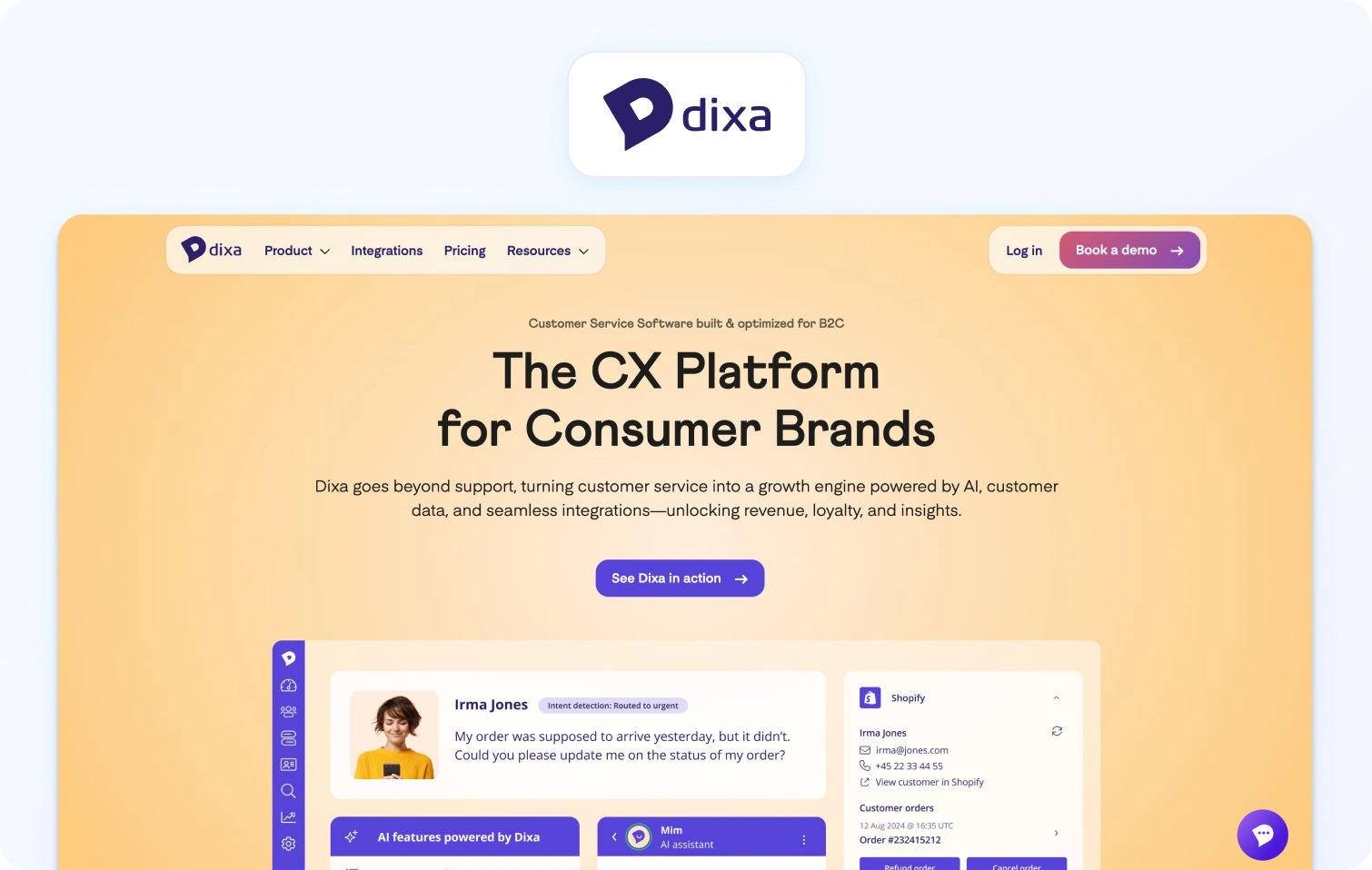
Dixa is a conversational customer service software with omnichannel customer support and a unified agent desktop.
Best for: Teams focused on conversation-driven support.
Key features:
- Omnichannel (phone, email, chat, social)
- Unified agent desktop with smart routing
- Knowledge base and quality monitoring
- Reporting and integrations
Pricing:
- Growth: $89/agent/month (annual, 7-seat minimum)
- Ultimate: $139/agent/month (annual)
- Prime: $179/agent/month (annual)
Pros:
- True omnichannel platform with native voice support
- A conversation-centric approach focuses on customer information in context
- Good analytics and reporting capabilities
- Modern interface designed for agent efficiency and support efficiency
- Quality monitoring tools built in
Cons:
- Custom pricing can be expensive for mid-market teams
- Smaller brand recognition compared to Zendesk or Salesforce
- Limited public information on features and pricing transparency
- May require higher commitment and longer contracts
- Smaller ecosystem of third-party integrations
15. Richpanel
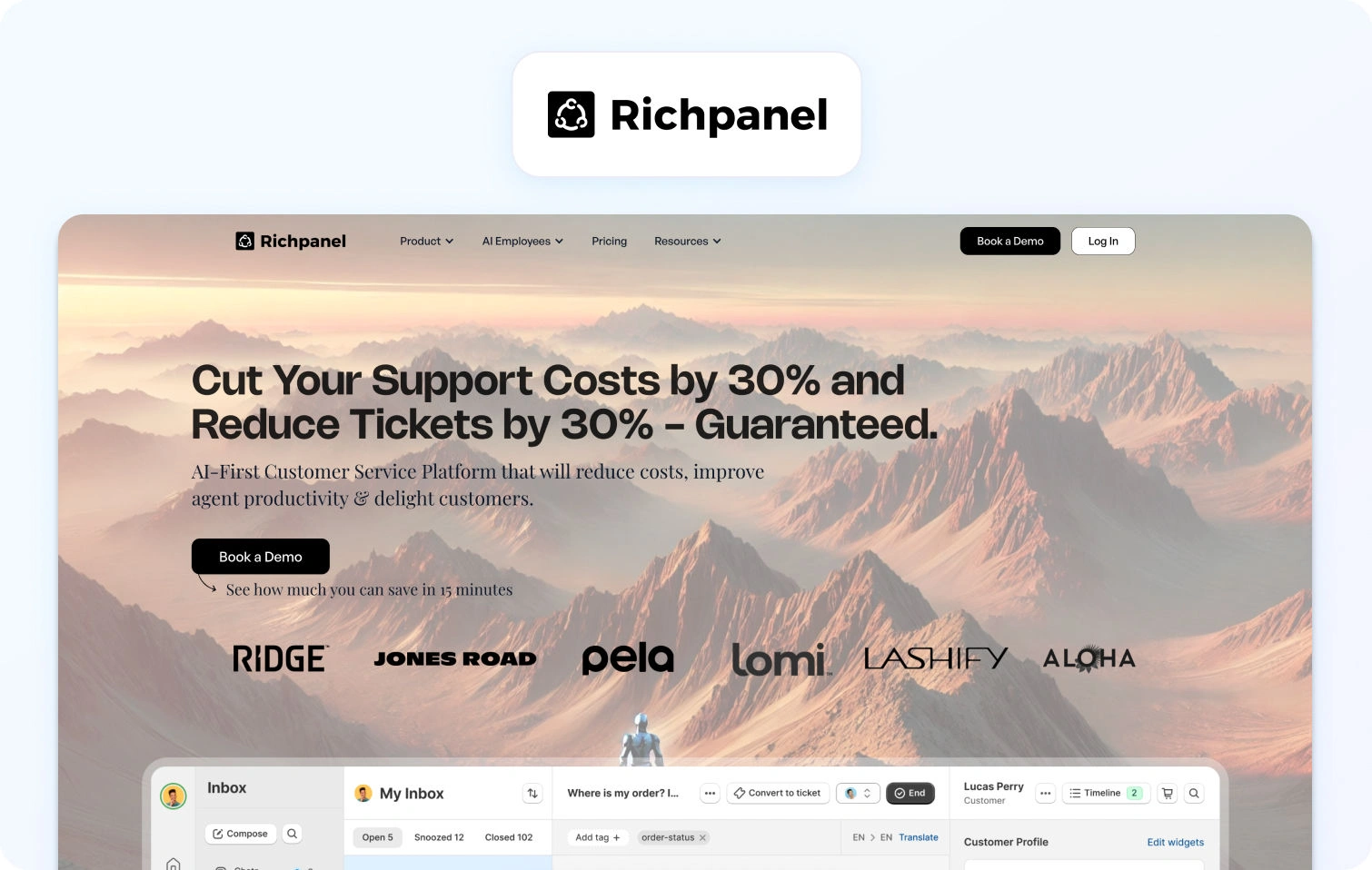
Richpanel is an e-commerce helpdesk with a self-service portal focused on reducing ticket volume through automation.
Best for: E-commerce brands wanting self-service.
Key features:
- Multi-channel (email, chat, social, SMS)
- Self-service portal (order tracking, returns)
- Helpdesk with ticketing and automation
- Shopify/ecommerce integrations
Pricing:
- Pro: $89/agent/month
- Pro Max: $119/agent/month
- Enterprise: Custom pricing
Pros:
- Strong self-service portal specifically designed for e-commerce (order tracking, returns)
- Reduces ticket volume significantly through automation and self-service
- E-commerce-specific features tailored for online retail
- Good Shopify integration with native order management
- Helps customers resolve common issues without agent involvement
Cons:
- No native voice support and limited to text-based channels
- Ticket volume-based pricing can get expensive as you scale
- Limited WFM and advanced analytics compared to enterprise platforms
- Best suited for e-commerce only, not ideal for other industries
- Smaller brand with fewer resources than established competitors
16. Hiver
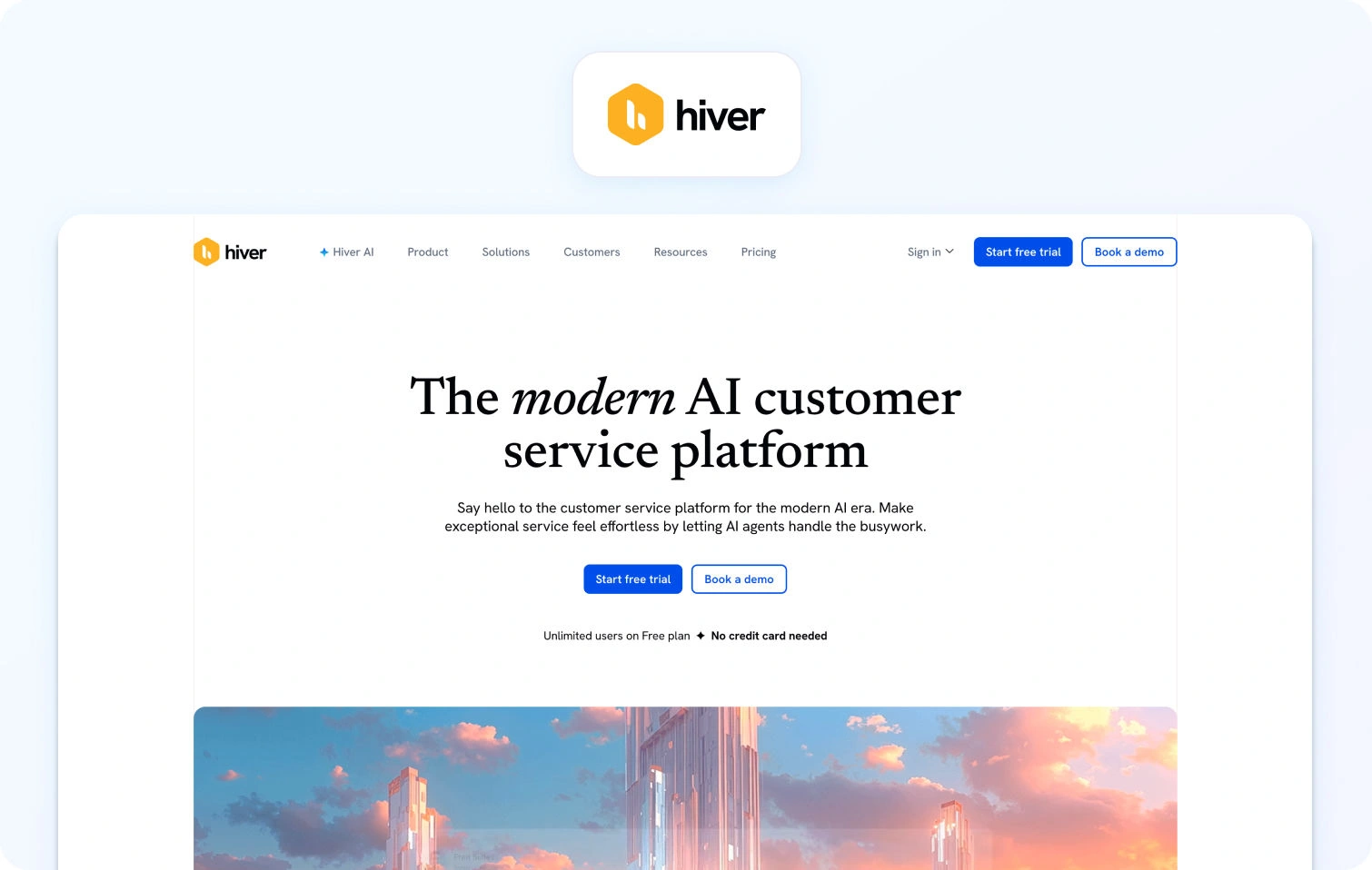
Hiver is a Gmail-based helpdesk that turns Gmail into a collaborative customer service tool.
Best for: Small teams living in Gmail.
Key features:
- Shared inbox within Gmail
- Email assignments and collision detection
- Email templates and automations
- Basic analytics
Pricing:
- Free: $0/user/month
- Growth: $35/user/month
- Pro: $85/user/month
- Elite: $125/user/month
Pros:
- Works directly in Gmail and has no new interface to learn for Gmail users
- Simple setup with minimal training required
- Affordable pricing for small teams starting at $19/user/month
- Familiar interface reduces onboarding time
- Good for teams that live in Gmail and Google Workspace
Cons:
- Email-only support (no chat, voice, or SMS capabilities)
- Very limited features compared to full helpdesk platforms
- Basic reporting and analytics, and lacks advanced insights
- Not suitable for teams needing omnichannel or complex workflows
- Limited scalability for growing teams with diverse channel needs
17. Salesforce Service Cloud
Salesforce Service Cloud is an enterprise CRM-based platform with omnichannel support and AI-powered Einstein.
Best for: Large enterprises using Salesforce CRM.
Key features:
- Case management and omnichannel routing
- Knowledge base and AI Einstein
- WFM (add-on), analytics, dashboards
- Extensive customization
Pricing:
- Starter Suite: $25/user/month
- Pro Suite: $100/user/month
- Enterprise: $175/user/month
- Unlimited: $350/user/month
- Agentforce 1 Service: $550/user/month
Pros:
- Deep integration with the Salesforce ecosystem (Sales Cloud, Marketing Cloud, etc.)
- Highly customizable and scalable for enterprise needs
- Enterprise-grade security and compliance features
- Comprehensive CRM capabilities with unified customer data
- AI-powered Einstein provides advanced automation and insights
Cons:
- Expensive, especially with required add-ons
- Complex setup and configuration requiring specialized expertise
- Steep learning curve for administrators and agents
- Overkill for teams not already using Salesforce CRM
- Implementation can take months and require consulting services
18. Kayako
Kayako is a customer service platform with a unified inbox and customer journey tracking.
Best for: Teams needing straightforward multi-channel support.
Key features:
- Unified inbox (email, chat, social, phone via integrations)
- Customer experience journey view
- Live chat, built-in knowledge base, automation
- SLA management and reporting
Pricing:
- Kayako One: $79/month (flat rate, not per-agent)
- AI-resolved tickets: +$1 per resolution
- Note: Single flat-price model instead of per-agent tiers
Pros:
- Very affordable pricing starting at $15/agent/month
- Customer journey view provides a full context of interactions across all channels
- Easy to set up and use with minimal training required
- Straightforward interface without unnecessary complexity
- Good for small to mid-sized teams that don't need enterprise-grade features
Cons:
- Voice support requires third-party integrations, not native to the platform
- Limited advanced features and AI capabilities compared to competitors
- Basic WFM and analytics, and no native workforce management or quality assurance tools
- Smaller brand with less market presence and fewer resources than established players
- Small integration marketplace and limited app ecosystem
What to Look For in a Gorgias Alternative in 2026
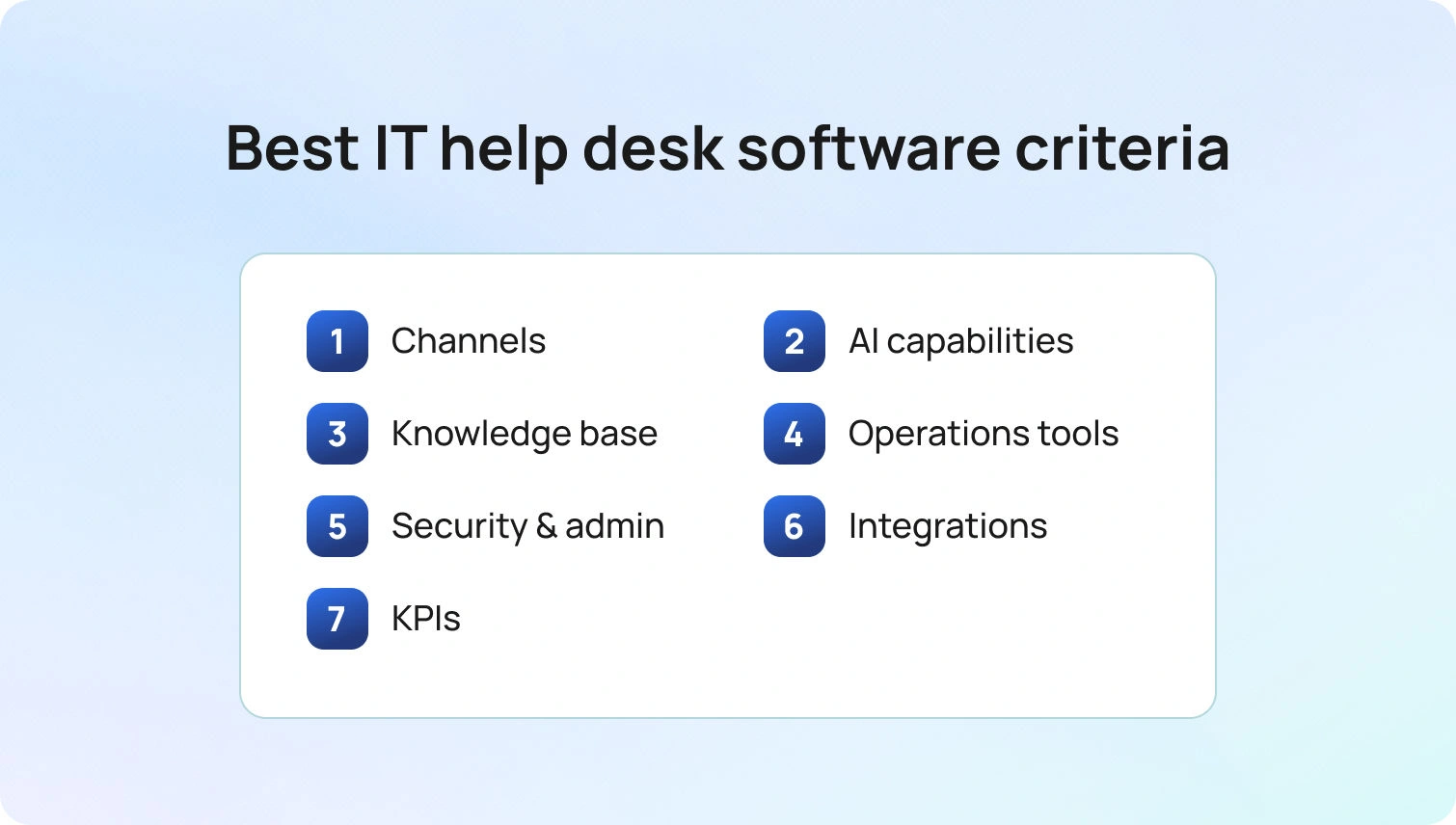
Channels: Native calling, SMS/MMS, chat, email, team messaging, and video. Verify seamless voice ↔ chat/email handoff without losing customer context.
AI capabilities: Look beyond rule-based macros. Evaluate transcription, summarization, proposed/suggested replies, real-time coaching, and post-call notes. Platforms with KB-grounded AI (such as BlueHub's knowledge base integration) provide more accurate, consistent, and instant answers.
Knowledge base: KB-grounded assistance ensures faster, more consistent agent responses. Verify centralized knowledge base integration rather than scattered documentation.
Operations tools: WFM (workforce management) for forecasting and scheduling, QA modules, SLA dashboards, and advanced reporting. Customer communication platforms bundling these features (like BlueHub) reduce third-party add-on costs.
Security and admin: Multi-factor authentication (MFA), audit logs, custom roles, and data residency controls are non-negotiable for compliance.
Integrations: CRM, e-commerce platforms, help desk tools, marketing tools, and BI seamlessly extend platform capabilities. Open APIs and webhooks allow custom workflows for a unified platform without vendor lock-in.
Key performance indicators (KPIs): Track FCR, AHT, Containment Rate, Abandon Rate, Agent Concurrency, Sentiment Scores, and MOS for voice quality. Your platform should provide tools to measure and optimize these metrics.
Pricing clarity: Per-seat vs. usage-based pricing affects budgeting. Avoid platforms that lock critical AI features behind expensive add-ons. Transparent pricing (like BlueTweak's €65/agent/month with all features included) simplifies forecasting and prevents surprise costs.
How We Evaluated These Customer Support Tool Alternatives
We reviewed public documentation, pricing pages, and marketplace listings for each platform. Features were verified against vendor websites and cross-referenced with user reviews. Pricing information comes from publicly available pages as of January 2026. Custom pricing or "contact sales" models are noted. Pros and cons are based on documented features, user feedback, and evidence from public sources instead of marketing claims.
This evaluation relies on publicly available information. Pricing, features, and capabilities may change. Always verify details directly with vendors before making a final decision.
Must-Have Capability Checklist
- Voice + messaging with seamless help desk handoff
- KB-grounded answers or strong knowledge base integrations
- AI for transcription, summarization, and proposed replies
- Analytics and custom reporting
- WFM/QA native or via first-party module
- Security/admin: MFA, audit logs, custom roles
- Integrations + open APIs
- Pricing that includes core AI (not only add-ons)
- Surveys/CSAT module to track customer satisfaction
BlueHub meets all criteria with transparent pricing of €65/agent/month.
Scoring Rubric
Score each platform on these dimensions:
- Fit for 20-100 agents: Scales without high cost or complexity
- Voice/omnichannel depth: Native calling, SMS, chat, email, social with seamless handoffs
- AI coverage: Agent assist (suggested replies, summarization) + KB grounding
- WFM/QA: Built-in workforce management and quality assurance
- Time-to-value: Implementation speed and ROI
- Total cost to operate (TCO): Per-agent pricing, usage fees, add-on costs
Security & control: Roles, audit logs, MFA, data residency
Conclusion
Use the rubric above to finish your shortlist: map each tool by channels, AI depth, and ops needs, then validate security/admin and integrations. Keep KPI impact in view. Platforms that improve FCR, AHT, Containment, and Sentiment directly affect your bottom line.
When to shortlist BlueTweak: You want omnichannel support (chat, voice, email) with KB-grounded AI and built-in analytics/WFM in one platform. For mid-market teams (20-100 agents) managing customer inquiries across multiple channels, BlueTweak delivers measurable ROI without tool sprawl and helps in reducing operational costs in customer support.
Request a demo to see how BlueTweak handles voice, chat, and email with AI-powered assistance and built-in workforce management.

As Head of Digital Transformation, Radu looks over multiple departments across the company, providing visibility over what happens in product, and what are the needs of customers. With more than 8 years in the Technology era, and part of BlueTweak since the beginning, Radu shifted from a developer (addressing end-customer needs) to a more business oriented role, to have an influence and touch base with people who use the actual technology.



