



TL;DR
Customer support automation tools help support teams reduce manual effort, improve response times, and deliver more consistent customer experiences through AI-powered workflows, intelligent routing, conversational AI, and self-service. In this guide, we compare the best customer support automation tools for 2026, including leading AI customer support platforms, AI customer service software, pricing, key features, and automation capabilities to help you choose the right solution. We'll also show why BlueTweak stands out with its unified approach to AI customer support, omnichannel service, and workforce management.
Customer support teams are under increasing pressure to do more with less. Rising ticket volumes, higher customer expectations, and the rapid adoption of AI mean support leaders need automation that improves efficiency without sacrificing quality. The challenge is that many platforms still rely on disconnected tools, add-on AI features, or complex pricing models that make scaling expensive and difficult.
That's why more businesses are looking to unified customer support automation platforms like BlueTweak, which combine AI, omnichannel support, workforce management, and analytics in one place.
This guide compares the best customer support automation tools for 2026, including the best AI customer support automation tools for 2026 and the best AI tools for customer support automation in 2026, helping you find the right platform for your team while understanding which features deliver the greatest long-term value.
What Counts as Customer Support Automation in 2026
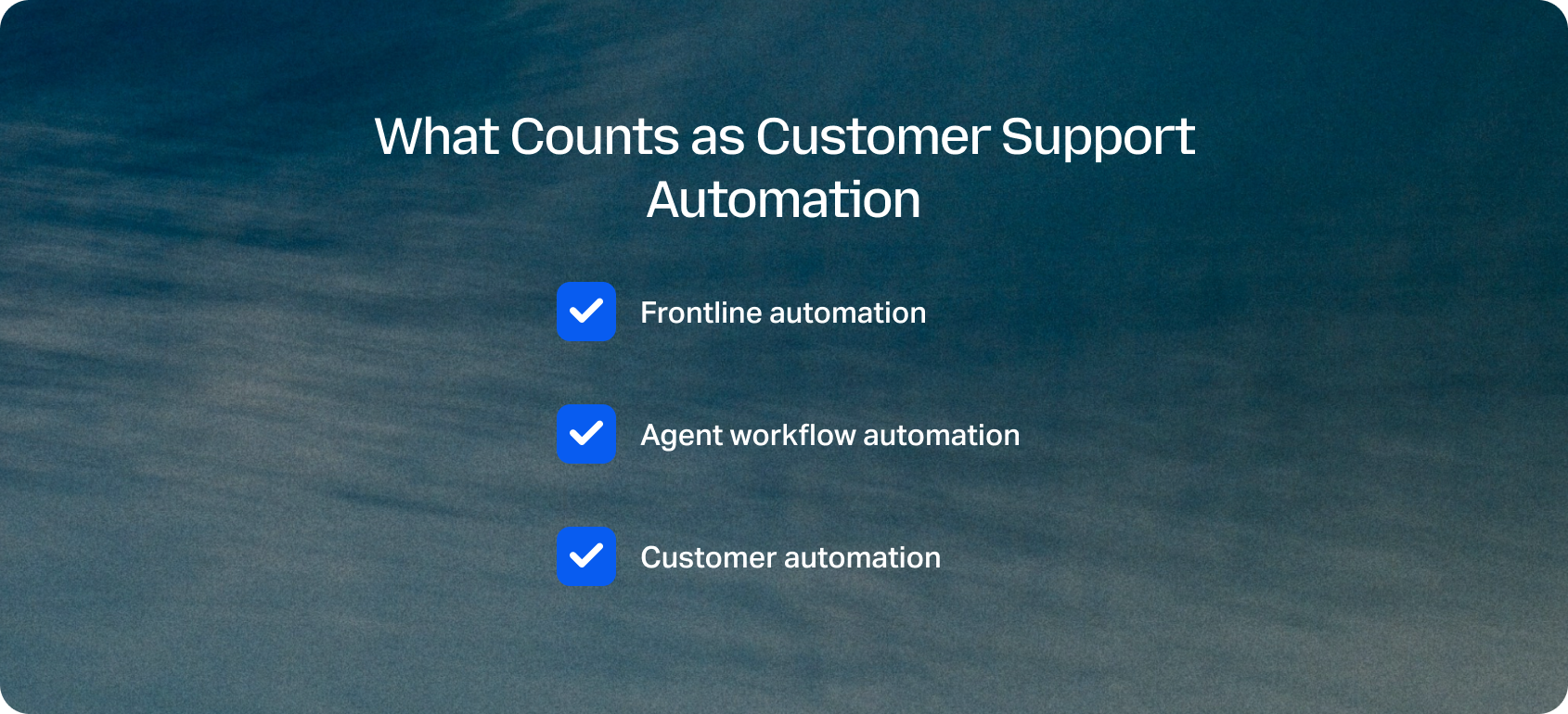
Customer support automation in 2026 has moved beyond chatbots and auto-responders. Today, it's a layered system that blends AI efficiency with human judgment, evolving from simple workflows into intelligent, adaptive operations. At a practical level, automation now sits across three distinct layers:
Frontline automation
This is where most teams start. It includes auto-triage, ticket routing, SLA management, tagging, and escalations. Instead of agents manually sorting requests, the system ensures every ticket lands in the right queue instantly, with priority and context attached.
Agent workflow automation
This is where productivity gains compound. AI generates summaries, suggests replies, prompts QA checks, and recommends next-best actions. Rather than replacing agents, this layer acts as a co-pilot, reducing cognitive load and speeding up resolution times.
Customer automation
This is the most visible layer. Bots, self-service portals, proactive messaging, and deflection strategies help customers solve issues before an agent is even needed. The key shift in 2026 is that these systems are far more context-aware and knowledge-base-driven.
Across all three layers, the defining principle is human-in-the-loop automation. Most teams evolve from assisted support to approval-led automation, and finally to fully autonomous workflows, maintaining quality and trust at every stage of scale.
Why Teams Buy Customer Support Automation Tools in 2026
Automation adoption is no longer considered experimental, but reactive. Most teams invest in customer support automation tools after hitting clear operational limits.
Common triggers include rapid ticket growth, multilingual demand, missed SLAs, fragmented tools, agent burnout, and inconsistent customer experiences. These issues don't just slow teams down; they directly impact revenue and retention.
A recent 2025 PwC report found that 73% of customers say experience is a key factor in purchasing decisions, yet many companies still struggle to deliver consistent support at scale. This gap is what automation is now solving.
The impact is measured across core KPIs:
- First Contact Resolution (FCR)
- Average Handle Time (AHT)
- Containment and deflection rates
- Abandonment rate
- Agent concurrency
- Customer sentiment
- CSAT and NPS
- Cost per ticket
From a CFO or COO perspective, the conversation has shifted. It's no longer about whether to automate, but how quickly teams can achieve time-to-value without inflating total cost of ownership (TCO). Many platforms hide automation behind add-ons (AI, voice, or workforce management), which can quietly double costs over time. This is why teams in 2026 are consolidating systems, not adding more. That's where modern customer support automation platforms differentiate.
Every support team has different volumes, workflows, and staffing costs. Before comparing vendors, it's worth understanding the potential return on investment based on your own operation.
Try BlueTweak's ROI Calculator to estimate how AI-powered customer support automation could reduce costs, improve productivity, and accelerate response times.
The 14 Best Customer Support Automation Tools for 2026
Choosing the best customer support automation tools in 2026 isn't about picking a single category to address your main problem. Most teams now need a mix of help desk capabilities, omnichannel communication, CCaaS features, and AI-driven automation layers.
This list reflects that reality. It includes full platforms, specialized tools, and enterprise-grade systems designed to automate support end-to-end. All capabilities and pricing notes are based on vendor sites; where unclear, details are marked as ‘varies by plan' or ‘verify'.
1) BlueTweak: Best for Unified AI-Powered Customer Support

BlueTweak is a unified customer support automation platform that combines AI-powered automation, omnichannel ticketing, voice, knowledge management, workforce management, quality assurance, and analytics in a single CX operating system. Instead of stitching together multiple tools, support teams can automate customer interactions, streamline operations, and manage the entire support lifecycle from one platform.
Best for: Mid-market and enterprise support teams managing multiple brands, channels, or high ticket volumes.
Key BlueTweak Features:
- End-to-end AI automation: Automate ticket routing, classification, AI summaries, suggested replies, multilingual support, and knowledge-base-grounded responses.
- True omnichannel support: Manage chat, email, voice, social, and messaging channels from one shared workspace with unified conversation history.
- Built-in workforce management and QA: Forecast demand, schedule agents, monitor performance, and improve quality without relying on separate WFM or QA software.
- Knowledge-base-grounded AI: Deliver more accurate AI responses using governed knowledge rather than generic large language models.
- Advanced reporting: Track operational performance, customer satisfaction, and automation metrics through real-time dashboards.
- Flexible integrations: Connect CRM, e-commerce platforms, and internal systems through APIs and integrations.
"The biggest mistake we see is businesses treating automation as a collection of disconnected features instead of a unified operating model. When AI, routing, knowledge management, voice, and analytics work together in one platform, automation becomes far more accurate, easier to govern, and delivers measurable ROI much faster." — Radu Dumitrescu, Head of Presales & Digital Transformation, BlueTweak
Pros
- Unified platform covering AI, ticketing, voice, QA, WFM, and analytics
- Transparent pricing with AI and voice included instead of expensive add-ons.
- Strong support for multilingual, multi-brand, and omnichannel operations
- Knowledge-base-grounded AI improves response consistency and accuracy
Cons
- Designed as a complete customer support platform rather than a point solution
- Organizations looking only for basic ticketing or chatbot functionality may not need its full operational capabilities
Pricing: From €65 per agent per month, including ticketing, omnichannel messaging, AI chatbot, AI voicebot, copilot tools, workforce management, quality assurance, analytics, knowledge base, and integrations
Why it stands out: Unlike many customer support automation tools that charge separately for AI, voice, workforce management, or analytics, BlueTweak includes these capabilities in a single platform. This reduces integration complexity, improves visibility across the support operation, and makes total cost of ownership more predictable as teams scale.
Want to experience AI-powered customer support automation before making a decision? Start a 14-day free trial (no credit card required) to explore BlueTweak's unified ticketing, voice, AI automation, workforce management, and analytics platform for yourself.
2) Zendesk
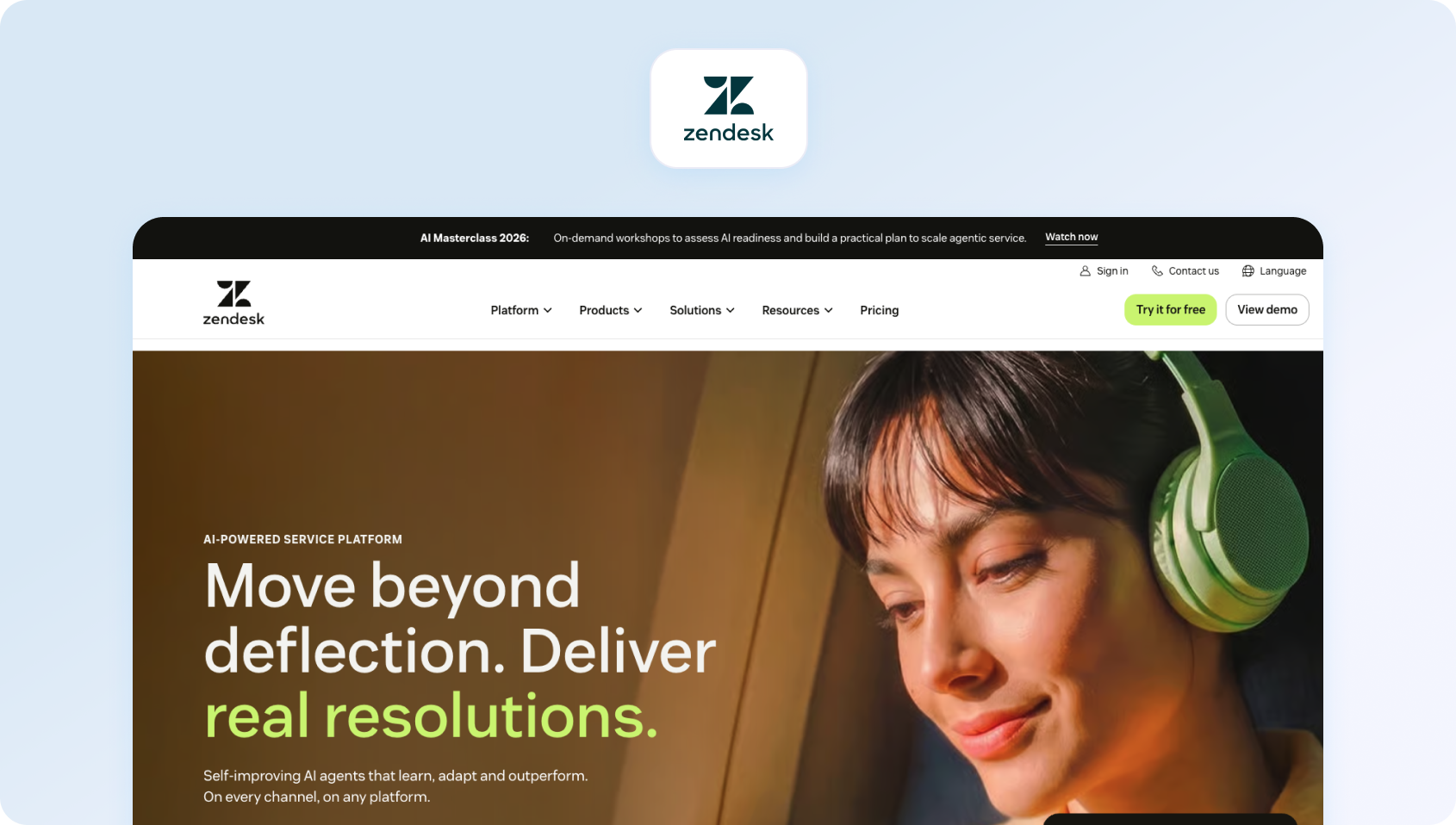
A long-standing leader in customer support automation software, Zendesk offers a mature ecosystem with strong automation workflows and AI-powered features.
Best fit: SMB to enterprise teams scaling support operations
Automation strengths: Ticket routing, macros, AI suggestions, and bots
Channels / voice: Omnichannel with optional voice add-on
Analytics / WFM / QA: Advanced reporting; WFM varies by plan
Integrations / APIs: Extensive marketplace and APIs
Pricing: Zendesk uses a tiered, per-agent pricing model, with Suite plans starting from lower-cost entry tiers and scaling up to £135 to £169 per agent per month. However, key automation features such as advanced AI agents, workforce management, and quality assurance are often positioned as add-ons, which can increase total cost as teams scale. Verify for details.
3) Freshdesk (Freshworks)
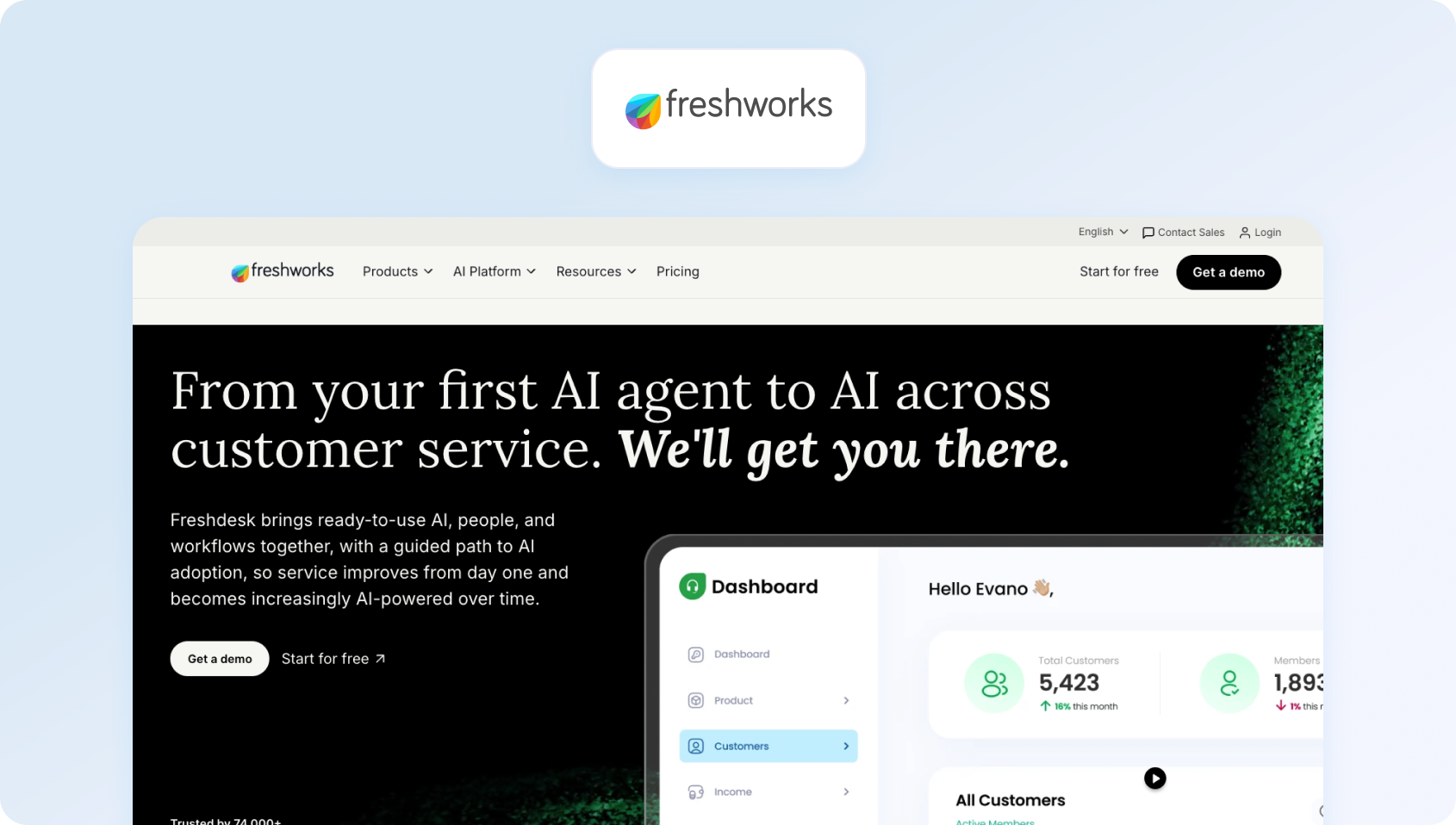
Freshdesk provides accessible automation with a focus on ease of use and fast deployment.
Best fit: Small to mid-sized teams
Automation strengths: Workflow automation, AI assist, ticket prioritization
Channels / voice: Omnichannel; voice via add-ons
Analytics / WFM / QA: Built-in analytics; limited WFM
Integrations / APIs: Wide integration library
Pricing: Freshdesk offers a flexible, tiered pricing model, including a free plan for up to two agents, with paid plans starting at $15 to $19 per agent per month and scaling up to around $79 per agent per month for Enterprise features. Advanced features like AI Copilot, predictive automation, and deeper analytics are either bundled into higher tiers or available as add-ons. Verify for details.
4) Intercom

Intercom focuses heavily on conversational automation and proactive customer engagement.
Best fit: SaaS and digital-first businesses
Automation strengths: Bots, proactive messaging, AI copilots
Channels / voice: Chat-first; voice limited
Analytics / WFM / QA: Product-focused analytics
Integrations / APIs: Strong SaaS integrations
Pricing: Intercom uses a hybrid pricing model that combines per-seat pricing with usage-based costs. Plans start at around $29 per seat per month (billed annually) for the Essential tier, increasing to approximately $85 to $139 per seat per month for more advanced plans with automation and enterprise features. In addition to seat costs, Intercom charges for AI automation through its Fin AI agent at $0.99 per resolution, meaning teams pay based on successful automated interactions rather than access alone. Verify for details.
5) Salesforce Service Cloud
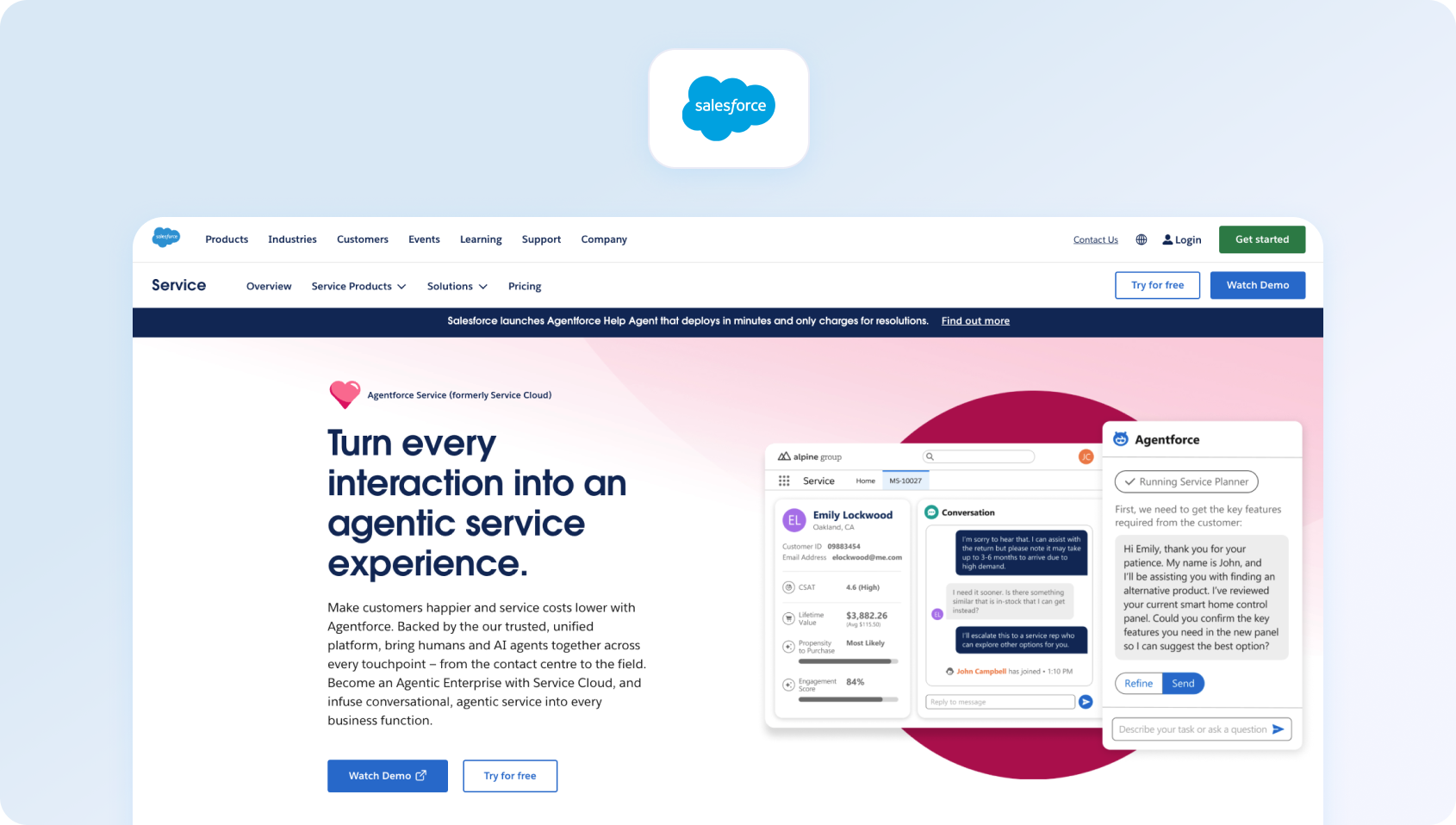
Salesforce Service Cloud is an enterprise-grade customer support automation platform tightly integrated with CRM data.
Best fit: Large enterprises with complex workflows
Automation strengths: Workflow automation, AI insights, case management
Channels / voice: Omnichannel with strong voice capabilities
Analytics / WFM / QA: Deep analytics and reporting
Integrations / APIs: Extensive ecosystem
Pricing: Salesforce Service Cloud uses a tiered, per-user pricing model, starting from around £20 per user per month for entry-level plans and scaling up to approximately £140, £280, and £440 per user per month for Enterprise, Unlimited, and Agentforce Service plans, respectively. Advanced features like AI-powered automation, digital engagement, voice, and analytics are often available as add-ons or require higher-tier plans.
6) ServiceNow (CSM)
ServiceNow extends its enterprise workflow engine into customer service management.
Best fit: Enterprises with ITSM alignment
Automation strengths: Workflow orchestration, case automation
Channels / voice: Omnichannel
Analytics / WFM / QA: Strong enterprise analytics
Integrations / APIs: Enterprise integrations
Pricing: Custom pricing; verify for details.
7) Genesys Cloud CX
Genesys Cloud CX is considered a CCaaS leader with strong voice and routing automation capabilities.
Best fit: Contact centers prioritizing voice
Automation strengths: Intelligent routing, voice automation
Channels / voice: Voice-first, with digital channels
Analytics / WFM / QA: Strong WFM and QA tools
Integrations / APIs: Extensive
Pricing: Tiered, per-user pricing model, with plans starting at £52.50 per user per month for voice-only capabilities, increasing to £168 per user per month for advanced AI-driven experience orchestration. Each tier includes core automation such as routing, IVR, analytics, and native bots, while more advanced capabilities like workforce management, speech and text analytics, and AI-powered forecasting are introduced in higher tiers. Verify for details.
8) Five9

Five9 delivers cloud contact center automation with AI-driven workflows.
Best fit: Mid-to-large contact centers
Automation strengths: IVR, routing, AI assist
Channels / voice: Voice-centric
Analytics / WFM / QA: Built-in analytics and WFM
Integrations / APIs: CRM integrations
Pricing: Five9 uses a per-user subscription model, with entry-level plans starting at approximately $119 per user per month for digital-only channels, and higher tiers adding voice, automation, and workforce engagement capabilities. More advanced plans, including those with full AI, analytics, and workforce optimization features, typically require custom quotes via sales. Verify for details.
9) Zoho Desk

Zoho Desk stands as a cost-effective customer support automation software option with solid automation features.
Best fit: SMBs and growing teams
Automation strengths: Workflow rules, AI assistant
Channels / voice: Omnichannel
Analytics / WFM / QA: Built-in dashboards
Integrations / APIs: Zoho ecosystem
Pricing: Zoho Desk offers a highly accessible, tiered pricing model, including a free plan for up to three agents, with paid tiers scaling from entry-level plans to more advanced enterprise functionality. Paid plans increase in capability across Express, Standard, Professional, and Enterprise editions, with each tier unlocking more automation, AI, and operational features. More advanced AI and automation capabilities are concentrated in higher plans; verify for details.
10) Help Scout
Help Scout emphasizes simplicity and human-centric support.
Best fit: Small teams prioritizing customer experience
Automation strengths: Basic workflows, tagging
Channels / voice: Email and chat
Analytics / WFM / QA: Lightweight reporting
Integrations / APIs: Moderate
Pricing: Help Scout offers transparent, tiered pricing with a free plan (up to five users) and paid plans starting at $25 per user per month, increasing to $45 and $75 per user per month for Plus and Pro tiers. Automation is partially bundled, with AI drafting and summaries included in higher plans, but chatbot-style automation (AI Answers) is priced separately; verify for details.
11) Front
Front blends shared inbox functionality with automation.
Best fit: Collaborative support teams
Automation strengths: Rules, assignments, collaboration tools
Channels / voice: Email and chat
Analytics / WFM / QA: Team performance insights
Integrations / APIs: Strong integrations
Pricing: Front uses a per-seat pricing model, with plans starting at $25 per seat per month for the Starter tier, increasing to $65 per seat per month for Professional and $105 per seat per month for Enterprise plans (billed annually). AI-powered features such as Copilot, QA, and CSAT are available as add-ons on lower tiers, while Enterprise includes these capabilities by default. Additional costs can also come from usage-based elements; verify for details.
12) Gorgias (ecommerce automation)
Gorgias is purpose-built for e-commerce support automation.
Best fit: E-commerce brands
Automation strengths: Order-related automation, macros
Channels / voice: Omnichannel
Analytics / WFM / QA: E-commerce-focused metrics
Integrations / APIs: Shopify-centric
Pricing: Gorgias uses a usage-based pricing model, where costs are tied to the number of support tickets rather than the number of agents. Plans start from $10 per month for 50 tickets, scaling up to $750 per month for 5,000 tickets, with enterprise pricing available for higher volumes. Gorgias allows unlimited users on most plans, with pricing increasing based on ticket volume and overages, which are billed per additional ticket once limits are exceeded. Automation is priced separately through its AI Agent, which is billed on an outcome basis; verify for details.
13) Dixa (routing-led)

Dixa focuses on intelligent routing and customer experience orchestration.
Best fit: CX-focused teams
Automation strengths: Routing, conversation distribution
Channels / voice: Omnichannel
Analytics / WFM / QA: Performance analytics
Integrations / APIs: Strong
Pricing: Dixa uses a tiered, per-agent pricing model, with plans starting at €89 per agent per month for the Growth tier, increasing to €139 for Ultimate and €179 per agent per month for Prime (billed annually). All plans include omnichannel support across phone, email, chat, and social channels as standard. AI capabilities such as chatbots, agent assist, quality assurance, and voice transcription are available as add-ons across all plans; verify for details.
14) Language I/O (translation layer)
A specialist automation layer focused on multilingual support.
Best fit: Global teams
Automation strengths: Real-time translation automation
Channels / voice: Chat and email
Analytics / WFM / QA: Limited
Integrations / APIs: Help desk integrations
Pricing: Custom, volume-based pricing model; verify for details.
What to Look For in Customer Support Automation Tools in 2026
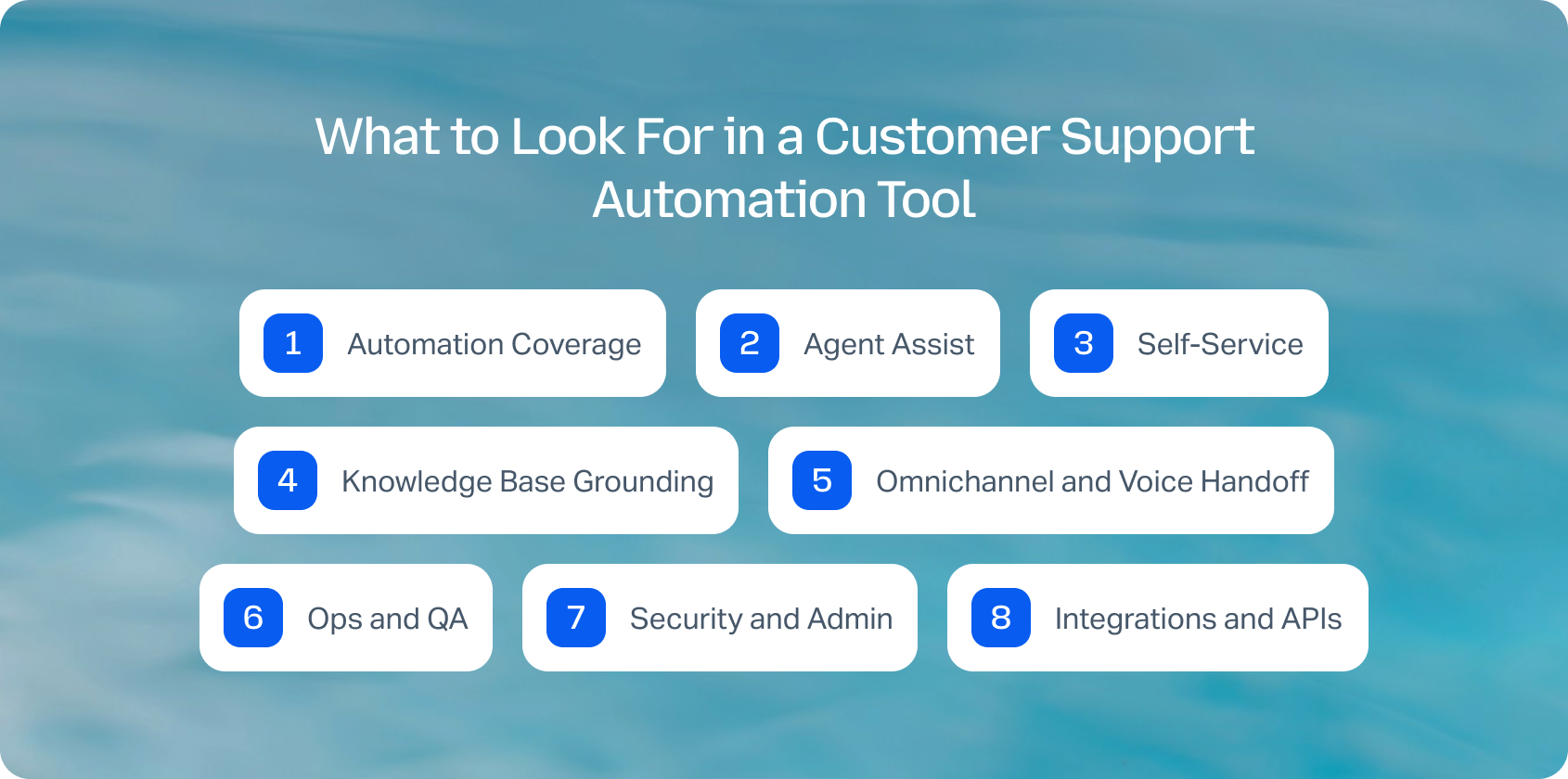
Selecting the right customer support automation tools requires more than feature comparison. The goal is to find a platform that reduces manual work while maintaining quality and consistency across every interaction.
Automation Coverage
A strong platform should handle routing, SLA workflows, escalation logic, and assignment rules without requiring constant manual intervention.
Agent Assist
Look for AI summaries, suggested replies, and macros with guardrails. The best systems ground these suggestions in your knowledge base, not generic AI outputs.
Self-Service
Bots and help centers should actively deflect tickets, not just respond to them. Effective self-service reduces volume while improving customer satisfaction.
Knowledge Base Grounding
Automation is only as good as its source of truth. Platforms should offer version control, governance, and structured content for accurate responses.
Omnichannel and Voice Handoff
Seamless transitions between chat, email, and voice are critical. Voice interactions should link back to tickets with transcripts and notes.
Ops and QA
Built-in analytics, QA frameworks, and workforce management tools help maintain performance as automation scales.
Security and Admin
Features like MFA, audit logs, role-based access, and data controls are essential, especially for enterprise teams.
Integrations and APIs
Your customer support automation platform should integrate with CRM, commerce systems, and BI tools, with webhooks for flexibility.
Pricing Clarity
Understand how automation is priced. Many vendors charge extra for AI features, voice, or advanced workflows, which can significantly increase TCO.
Reading feature lists is one thing. Seeing AI-powered routing, omnichannel support, workforce management, and knowledge-base-grounded automation working together is another.
Start a free 14-day BlueTweak trial (no credit card required), or book a personalised demo to explore how a unified customer support automation platform can help your team work more efficiently.
How We Evaluated Customer Support Automation Tools
Choosing the right customer support automation tools in 2026 requires more than scanning feature lists or relying on third-party rankings. Many platforms position themselves similarly on the surface, but the real differences appear when you look at how automation performs across the full support lifecycle, from routing and agent workflows to self-service and operational oversight.
To make this comparison meaningful, we focused on what teams actually experience post-implementation: how quickly automation delivers value, how well it scales across channels, and how clearly costs can be understood over time. Rather than relying on opinions or aggregated reviews, we grounded our evaluation entirely in vendor-documented capabilities and publicly available information.
Our methodology was designed to reflect how modern support teams buy, implement, and scale automation in real-world environments:
- We reviewed vendor product pages, pricing pages, help documentation, and official marketplaces only, avoiding third-party review sites.
- Each tool was evaluated across core automation layers, including routing, agent assist, bots, knowledge base integration, analytics, workforce management, security, and integrations.
- Pricing was taken from publicly available sources where possible; otherwise, it is marked as ‘varies by plan' or ‘verify'.
- We focused on observable features rather than inferred benefits, ensuring all pros and cons are grounded in vendor-documented functionality.
- Tools were compared based on their ability to support end-to-end automation, not just isolated features.
Must-Have Capability Checklist
While every platform takes a slightly different approach, the strongest customer support automation platforms consistently deliver across a shared set of core capabilities. These are the foundations required to automate support effectively without sacrificing quality or control.
Before shortlisting any tool, teams should ensure these essentials are covered:
- Routing and SLA automation
- AI summaries and suggested replies, ideally grounded in the knowledge base
- Self-service capabilities, including bots and deflection workflows
- An omnichannel inbox covering chat and email, with voice where required
- Analytics, alongside QA or workforce management modules
- Security controls such as MFA, role-based access, and audit logs
- Integrations, APIs, and webhook support
- Clear pricing for automation and AI features
- CSAT, surveys, and sentiment tracking, where available
Scoring Rubric
To create a fair comparison across very different types of tools (from help desks to CCaaS platforms), we applied a consistent scoring framework. This allowed us to evaluate not just feature availability, but how well each platform performs in a typical mid-sized or scaling support environment.
Each tool was rated on a scale of one to five across the following criteria:
- Fit for teams with 20 to 100 agents
- Breadth of automation across routing, agent assist, and self-service
- Knowledge base grounding quality and governance
- Omnichannel and voice capabilities
- Operational depth, including analytics, QA, and workforce management
- Time-to-value and ease of implementation
- Total cost of ownership over a 12-month period
- Security, administrative controls, and integration flexibility
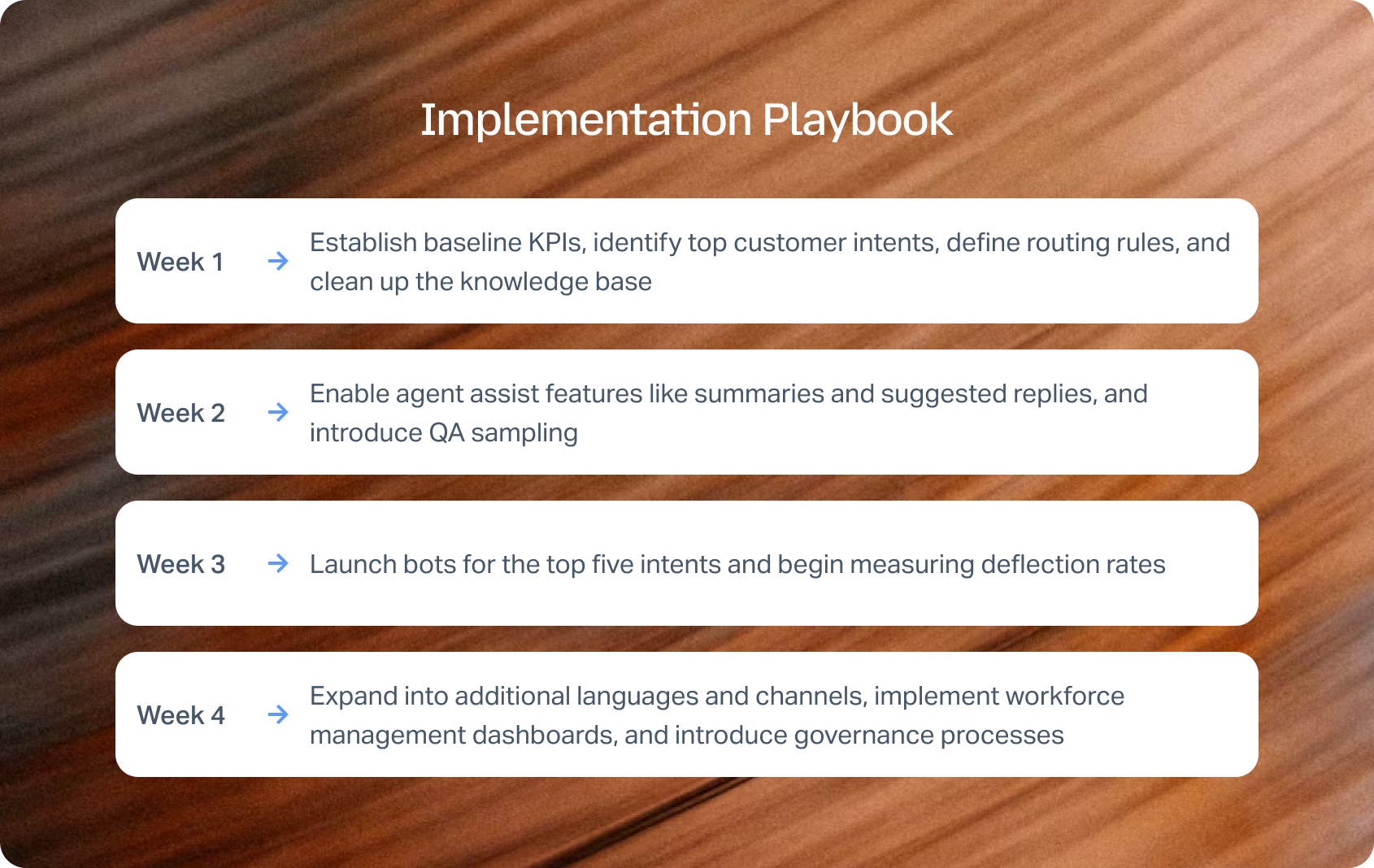
Implementation Playbook
Adopting customer support automation software doesn't require a full transformation overnight. The most effective teams roll out automation in controlled stages.
Pricing & ROI Modeling
Understanding ROI is critical when investing in customer support automation tools, especially at scale.
A realistic cost model should include seats, voice minutes, AI usage, integration costs, and QA or localization efforts. Many teams underestimate the impact of add-ons, which can significantly increase long-term spend.
ROI typically comes from:
- Reduced average handle time
- Increased containment and deflection
- Improved first contact resolution
- Lower backlog and faster response times
The key is to model conservatively. Automation delivers measurable gains, but results depend on implementation quality and ongoing optimization.
Automation ROI isn't just about reducing ticket costs. It's about improving agent productivity, increasing first-contact resolution, and scaling customer support without scaling headcount. Calculate your expected savings with the BlueTweak ROI Calculator.
Final Thoughts: How to Choose the Right Customer Support Automation Platform in 2026
The best customer support automation tools aren't necessarily the ones with the most features, but rather the ones that align with how your team operates, scales, and delivers consistent customer experiences under pressure.
In 2026, the real decision isn't just whether to automate, but where that automation lives. Many teams still rely on fragmented systems with separate tools for tickets, chat, voice, AI, and reporting. While flexible on the surface, this often leads to operational drag, inconsistent data, and rising costs as complexity increases.
That's why leading teams are moving toward platforms that combine automation breadth, knowledge-base grounding, operational depth, and pricing clarity within a single system. Increasingly, these platforms are built on cloud-native architectures that make it easier to scale AI, onboard new channels, and support growing customer service operations without adding unnecessary complexity. When automation, data, and workflows sit in one place, teams can maintain consistency across channels, reduce tool-switching, and scale more effectively without introducing friction.
Rather than layering automation on top of disconnected tools, BlueTweak is built as a unified customer support automation platform, bringing together omnichannel communication, AI-driven workflows, and operational tooling into one environment. The result is automation that works cohesively across the entire support lifecycle, not in isolated parts.
That means:
- Connected automation from the start: Routing, classification, and escalation operate within the same system, improving accuracy and response times
- Knowledge-base-grounded AI: Suggested replies and summaries are based on real, governed content, helping maintain consistency
- A unified workspace: Chat, email, voice, and social interactions sit in one timeline, giving agents full context
- Built-in operational visibility: Analytics, QA, and workforce management are included, reducing reliance on external tools
The advantage is simplicity. As automation matures, the biggest challenge becomes coordination. Platforms that unify workflows and data make it easier to scale without increasing operational complexity. Just as importantly, the right platform should be flexible enough to adapt to your workflows. Look for customer support automation software that can be customized to fit your brand, business processes, and customer expectations rather than forcing your teams to work around rigid automation rules.
For teams managing multiple channels, brands, or high ticket volumes, this becomes a key differentiator. In these environments, consolidation is necessary for maintaining a consistent customer experience.
If you're weighing help desk features, comparing pricing models, or evaluating the best customer support automation tools for 2026, focus on platforms that combine AI, automation, omnichannel support, and operational visibility without hidden costs. Organizations that successfully implement AI customer service can reduce service costs by up to 20%, while improving customer satisfaction and agent productivity through smarter automation.
Book a demo to see how BlueTweak helps teams manage customer interactions, streamline support tickets, and deliver consistent customer service at scale.

As Head of Digital Transformation, Radu looks over multiple departments across the company, providing visibility over what happens in product, and what are the needs of customers. With more than 8 years in the Technology era, and part of BlueTweak since the beginning, Radu shifted from a developer (addressing end-customer needs) to a more business oriented role, to have an influence and touch base with people who use the actual technology.



