



TL;DR
Many customer service teams outgrow Salesforce Service Cloud due to its steep learning curve, complex pricing, and reliance on add-ons for voice, AI, and workforce management. The best alternatives combine omnichannel support, AI-powered automation, and knowledge management, helping businesses manage customer interactions more efficiently. BlueTweak stands out as an affordable solution, offering a unified customer service solution that brings together channels, customer data, automation tools, and operations in one user-friendly interface.
Salesforce Service Cloud Alternatives: How Modern Customer Service Teams Should Evaluate Their Options
Salesforce Service Cloud remains a powerful customer service platform, but it is no longer the default choice for every customer service team. As customer expectations rise, support volumes increase, and AI becomes table stakes, many organisations are actively evaluating Salesforce Service Cloud alternatives that offer faster rollout, clearer pricing, and stronger native capabilities across voice, AI, and workforce operations.
For some teams, the challenge isn’t a lack of features, but the steep learning curve, operational complexity, and total cost of ownership that come with maintaining a heavily customized service cloud environment.
While Salesforce CRM continues to play a central role in customer relationship management for sales teams, customer service teams often have different priorities. Increasingly, this means evaluating how well a platform functions as a modern service desk, including its ability to support AI chatbots and voicebots that automate routine tasks, provide a unified customer view, and enable personalised service experiences without introducing operational complexity.
They need tools that help them manage customer interactions across chat, email, and voice without relying on extensive configuration, third-party add-ons, or specialist technical expertise. Increasingly, support leaders are looking for platforms that unify customer data, automate routine tasks, and provide real-time visibility into agent performance and customer sentiment, all without slowing teams down.
Today’s customer service platforms are expected to do far more than manage tickets. They must support smart ticket routing, AI-powered automation, knowledge management, and advanced analytics that help teams deliver exceptional service at scale. This shift has blurred the lines between help desks, CCaaS platforms, and broader CX operating systems, reflecting how modern support teams actually work across channels and automation.
In this guide, we review 14 Salesforce Service Cloud alternatives, using vendor product pages, pricing documentation, and official help resources only. We intentionally included a mix of help desks, contact centre platforms, and CX operating systems to provide a realistic view of the options available to businesses seeking a modern, scalable alternative to Salesforce Service Cloud.
The 14 Best Salesforce Service Cloud Alternatives

If you’re evaluating Salesforce Service Cloud alternatives, the vendors below represent a wide range of approaches to customer support and contact-centre operations, from traditional help desks to unified contact centre platforms. We’ve pulled details from each provider’s official product and feature pages to give you a fair sense of where they compete and how they differ on core capabilities like omnichannel engagement, knowledge management, AI assistance, workforce tools, and integrations.
1) BlueTweak — Editor’s Choice

BlueTweak’s omnichannel customer support platform brings chat, email, voice, and social messaging together into a single ticketing system with built-in knowledge management and AI assistance. The platform emphasises unified workflows that reduce tool switching and give agents a complete view of each customer interaction from one interface.
Core capabilities:
- Omnichannel integration: Unifies email, live chat, voice, and social messaging in one workspace so agents can work without context switching or duplicate records.
- AI-assisted responses: Context-aware proposed reply functionality that reads the conversation and suggests reply drafts grounded in the knowledge base.
- Smart Knowledge Base: Centralised source for policies, procedures, and verified answers that surface contextually during interactions.
- Reporting & analytics: Real-time performance insights across channels and teams.
- Multilingual support & translation: Ability to manage conversations in multiple languages across channels.
Pricing: BlueTweak offers a transparent, all-in per-agent subscription with optional usage-based AI billing for advanced agent assist and automated conversational resolution.
- €65 / agent/month (billed annually). Core BlueTweak platform including omnichannel support (chat, email, voice), unified inbox, knowledge base, analytics, workforce management, QA, and multi-brand reporting.
- Conversational AI – Chat: €0.20 / per chat session. Billed only when BlueTweak’s conversational AI fully resolves a chat conversation without human intervention.
- AI Proposed Reply – Ticket: €0.40 / per email thread. Billed when agents use AI-generated proposed replies in email handling.
- Conversational AI – Voice: €0.09 / per minute. Billed only when BlueTweak’s conversational AI handles and completes a voice interaction without human agent intervention.
BlueTweak’s core stack covers essential channels and operational tools in a single plan, and usage-based AI charges are only incurred when AI autonomously completes interactions or directly assists agents.
Best for: 20–100 agent teams needing a unified workspace with native AI, analytics, and multilingual support without integrating multiple separate systems.
2) Zendesk
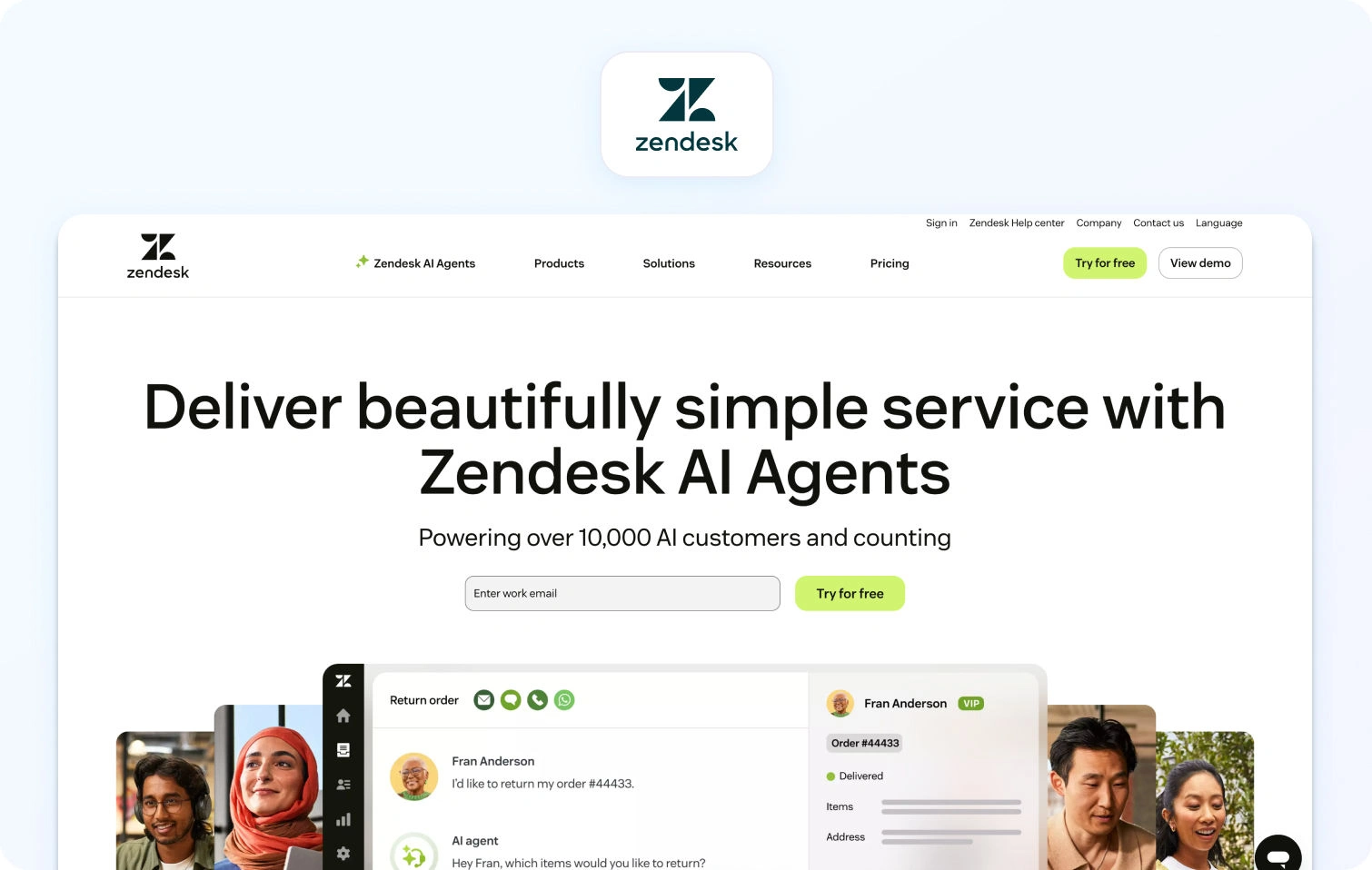
Zendesk’s customer service solution unifies customer conversations across email, messaging, voice, and social channels into a single agent workspace. AI and automation are built into workflows to help resolve tickets faster and reduce manual effort.
Core capabilities:
- Omnichannel support: Centralised ticketing for email, chat, voice, messaging, and social.
- AI & automation: Zendesk AI assists with ticket routing, suggested replies, and task automation.
- Workforce tools: Built-in workforce management and quality assurance for scheduling and performance monitoring.
- Reporting & dashboards: Pre-built analytics with the ability to customize and surface operational trends.
- Integrations: Extensive ecosystem with CRM, telephony, and third-party systems.
Pricing: Zendesk uses tiered per-agent pricing, billed annually. Prices and inclusions vary by plan.
- Suite Team: $55 / agent/month
- Suite Growth: $89 / agent/month
- Suite Professional: $115 / agent/month
- Suite Enterprise: $150+ / agent / month
Additional costs apply for voice, workforce management ($25/agent/month), quality assurance ($35/agent/month), and advanced AI features.
Best for: Teams that want a mature omnichannel service platform with broad integration coverage and scalable automation.
3) Freshdesk
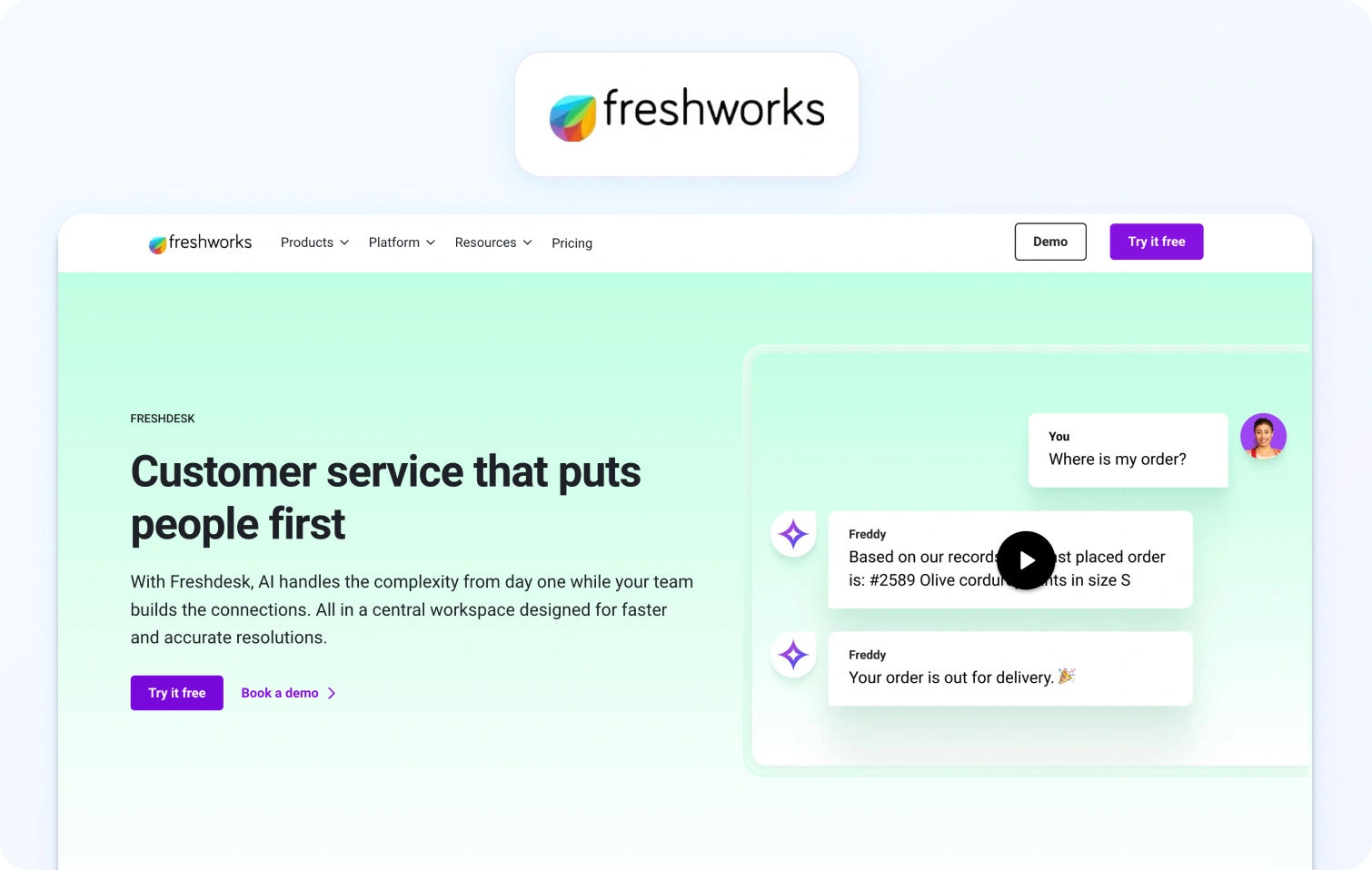
Freshdesk centralises support interactions in a cloud-based help desk platform that covers ticketing, automation, SLA management, and a knowledge base. It’s designed to help teams resolve customer issues efficiently across multiple channels.
Core capabilities:
- Ticketing & omnichannel: Capture and prioritise requests from email, chat, and social into a unified system.
- AI & automation: Freddy AI automates workflows and provides help with repetitive tasks.
- Knowledge base & self-service: Help centre for customers to find answers independently.
- Collaboration & reporting: Internal notes, SLAs, and dashboards for visibility into tickets
Pricing: Freshdesk offers three paid per‑agent plans (billed annually) plus a free option for small teams, with core help desk and ticketing features included in every tier.
- Growth: $19 per agent/month, billed annually. Ticketing, customer portal, reporting, automation, and essential help desk capabilities.
- Pro: $55 per agent/month, billed annually. Adds customised support portals, custom objects, advanced ticketing, custom reporting, and more sophisticated routing.
- Enterprise: $89 per agent/month, billed annually. Builds on Pro with audit logs, approval workflows, skills‑based assignments, extra security features, and enterprise‑grade controls.
All plans offer a “Try it free” option, allowing teams to evaluate features before committing. (Plan inclusions and add‑on options such as telephony or expanded AI usage may vary by region and billing term.)
Best for: SMB and mid-market teams seeking a straightforward help desk with automation and self-service tools.
4) Intercom
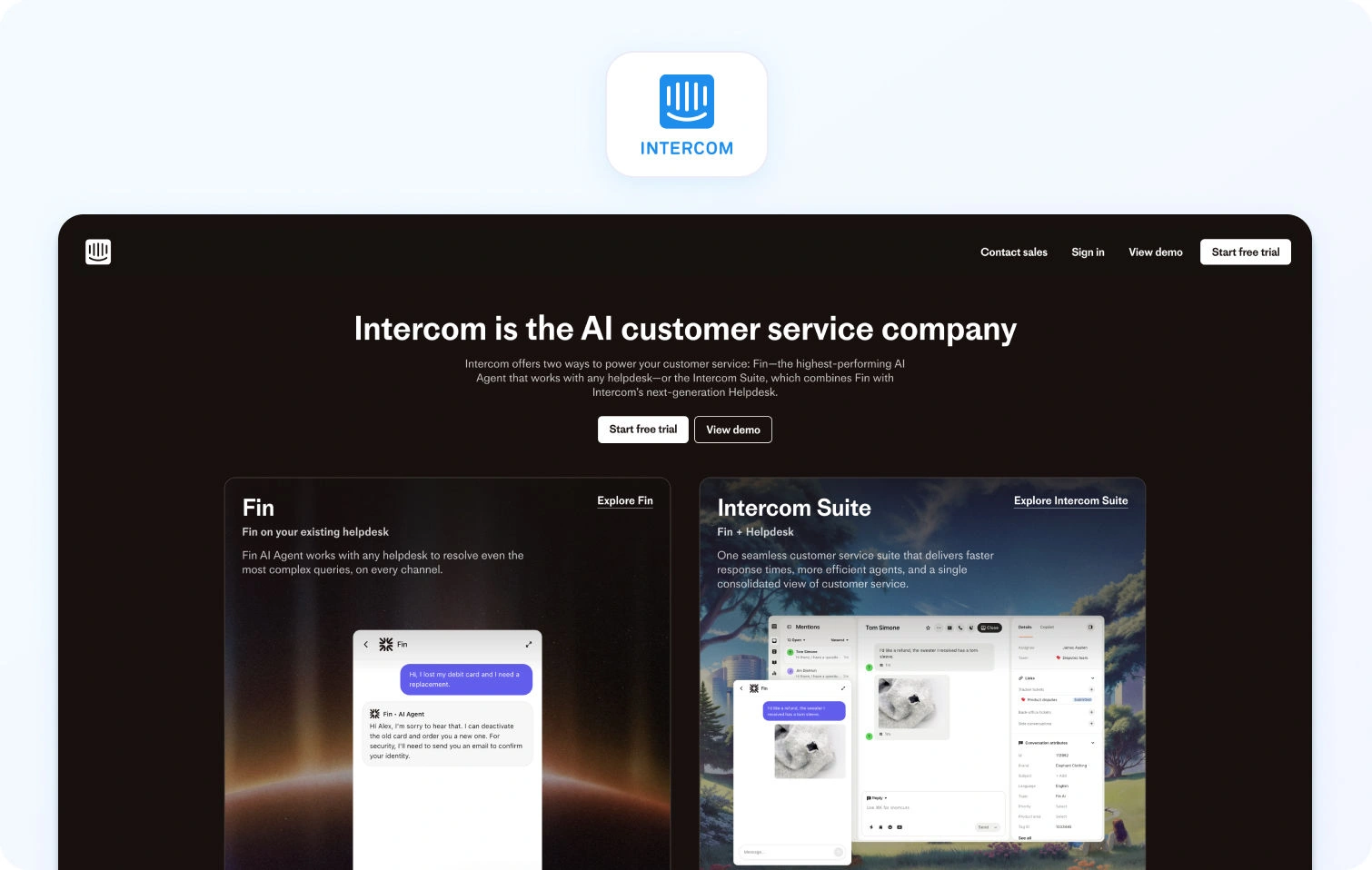
Intercom emphasises conversational support and customer engagement with a modern interface that blends messaging, automation, and bots. Its focus is on real-time customer communication and proactive engagement.
Core capabilities:
- Unified messaging inbox with real-time chat and automated workflows.
- Bots and automation to deflect common queries and route conversations.
- Contextual customer profiles that provide past interaction history.
Pricing: Intercom’s customer support platform offers three main plans (billed per seat, typically annually), each of which includes access to the Fin AI Agent. Intercom also offers a free 14‑day trial with access to each plan’s features.
- Essential: ~$29 per full seat/month. Core support features include shared inbox, live chat, ticketing, help center, and access to Fin AI Agent.
- Advanced: ~$85 per full seat/month. Adds stronger automation, multiple team inboxes, workflows builder, and expanded reporting.
- Expert: ~$132 per full seat/month. Includes multibrand Messenger & help center, advanced security (SSO, HIPAA), SLAs, and higher limits.
Fin AI Agent usage:
- $0.99 per resolution. Fin AI Agent resolves customer queries across channels and is charged only when a resolution occurs.
Other usage‑based charges:
- Messaging channels such as SMS, WhatsApp, and phone are billed based on usage.
Best for: Teams prioritising conversational support and proactive messaging.
5) Zoho Desk
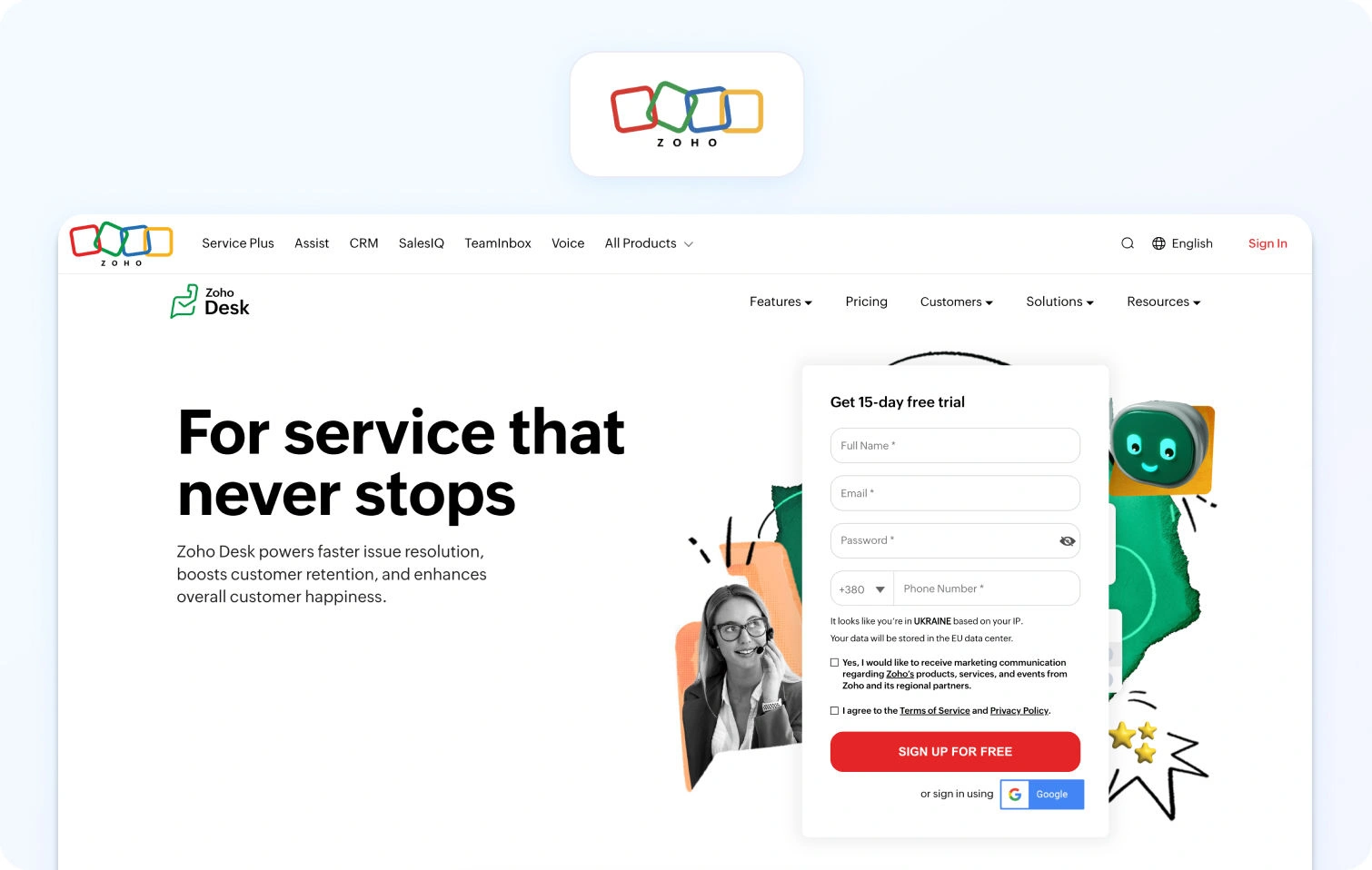
Zoho Desk provides a scalable help desk platform within the broader Zoho ecosystem. It supports email, chat, phone, and self-service with workflow automation and detailed analytics.
Core capabilities:
- Multichannel support including email, web forms, mobile, and social.
- AI assistant (Zia) for sentiment analysis and suggested responses.
- Custom workflows & analytics with the ability to track key metrics.
- Self-service portal & knowledge base for deflection and user education.
Pricing: Zoho Desk offers a range of plans from free to enterprise, billed per agent with increasing feature sets.
- Free: $0 for up to 3 agents (basic email ticketing and core help desk capabilities)
- Express: per agent/month (annual or monthly billing available), includes ticketing basics and social support via channels like Facebook and Instagram
- Standard: per agent/month, adds business messaging (WhatsApp, Instagram, Messenger, Telegram), community forums, and SLA dashboards
- Professional: per agent/month, extends multichannel ticketing, automation, workflows, telephony integrations, and more advanced dashboards
- Enterprise: per agent/month, further adds AI-powered Zia features (sentiment analysis, contextual summaries, suggested replies), multi-department support, and enhanced customisation
Best for: Teams already invested in Zoho apps or looking for flexible per-agent help desk pricing with staged feature lift as plan tiers increase.
6) Help Scout
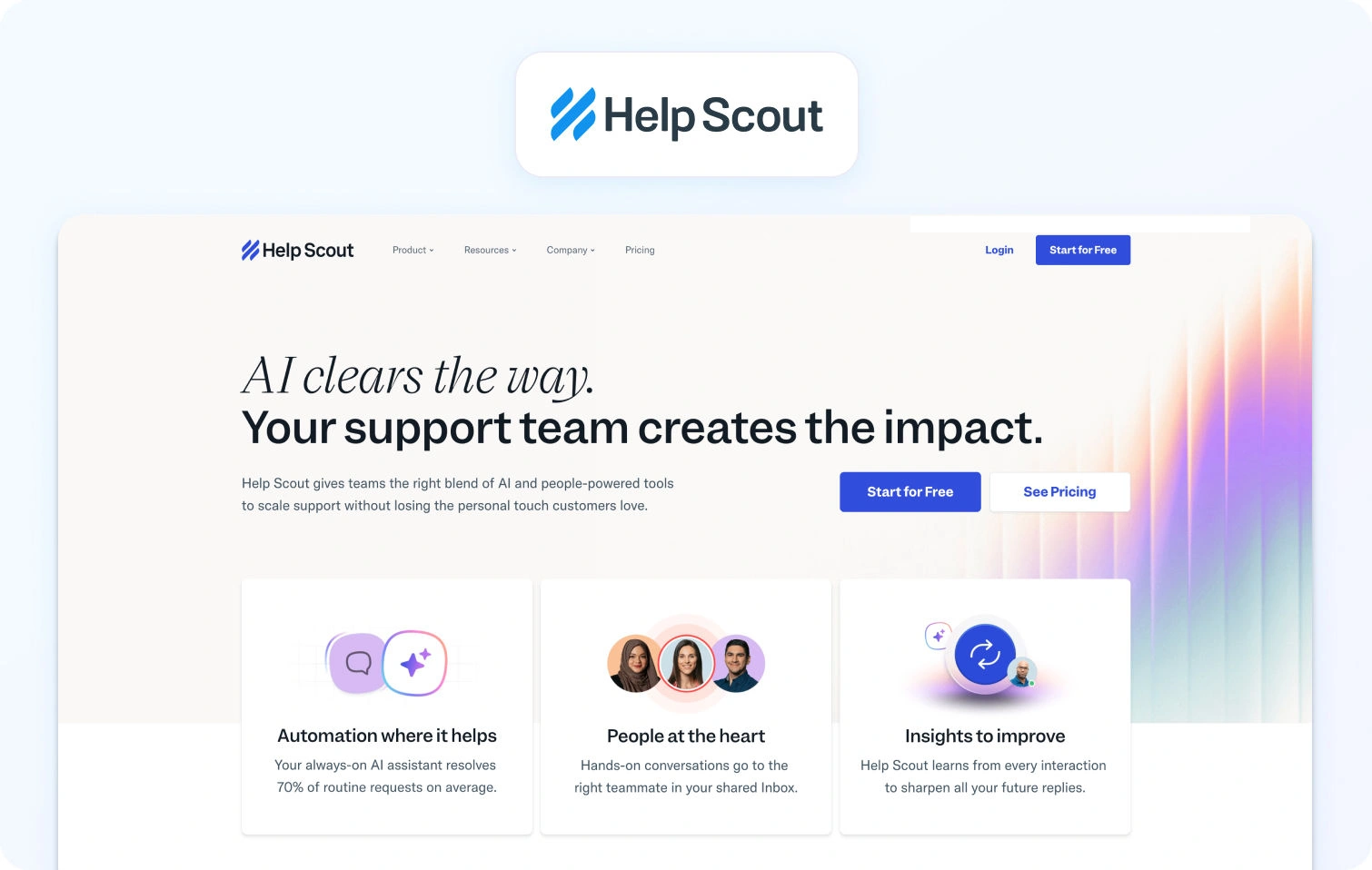
Help Scout’s shared inbox approach is designed around collaboration and simplicity, consolidating email, chat, and other messaging into a role-based workspace that teams can share.
Core capabilities:
- Centralised shared inbox, tagging, internal notes, and basic automation.
- Built-in help centre and live chat modules.
- Workflow automation and reporting dashboards.
Pricing: Help Scout offers straightforward per-user pricing, with plans designed to scale from small teams to more structured support organisations.
- Free: $0 up to 5 users with 1 shared inbox and 1 knowledge base
- Standard: $25 per user/month (billed annually). Multiple inboxes and knowledge bases, basic workflows, an AI inbox assistant, and reporting
- Plus: $45 per user/month (billed annually). Advanced workflows, unlimited AI drafts and summaries, round-robin routing, and third-party integrations
- Pro: $75 per user/month (billed annually). SSO/SAML, HIPAA compliance, advanced routing, onboarding support, and up to 50 light users
Additional costs to note:
- AI Answers are usage-based
- Extra inboxes and additional knowledge bases are priced separately
Best for: Smaller teams that value a clean shared inbox experience with light automation and AI assistance, rather than full contact-centre or workforce management depth.
7) Genesys Cloud CX
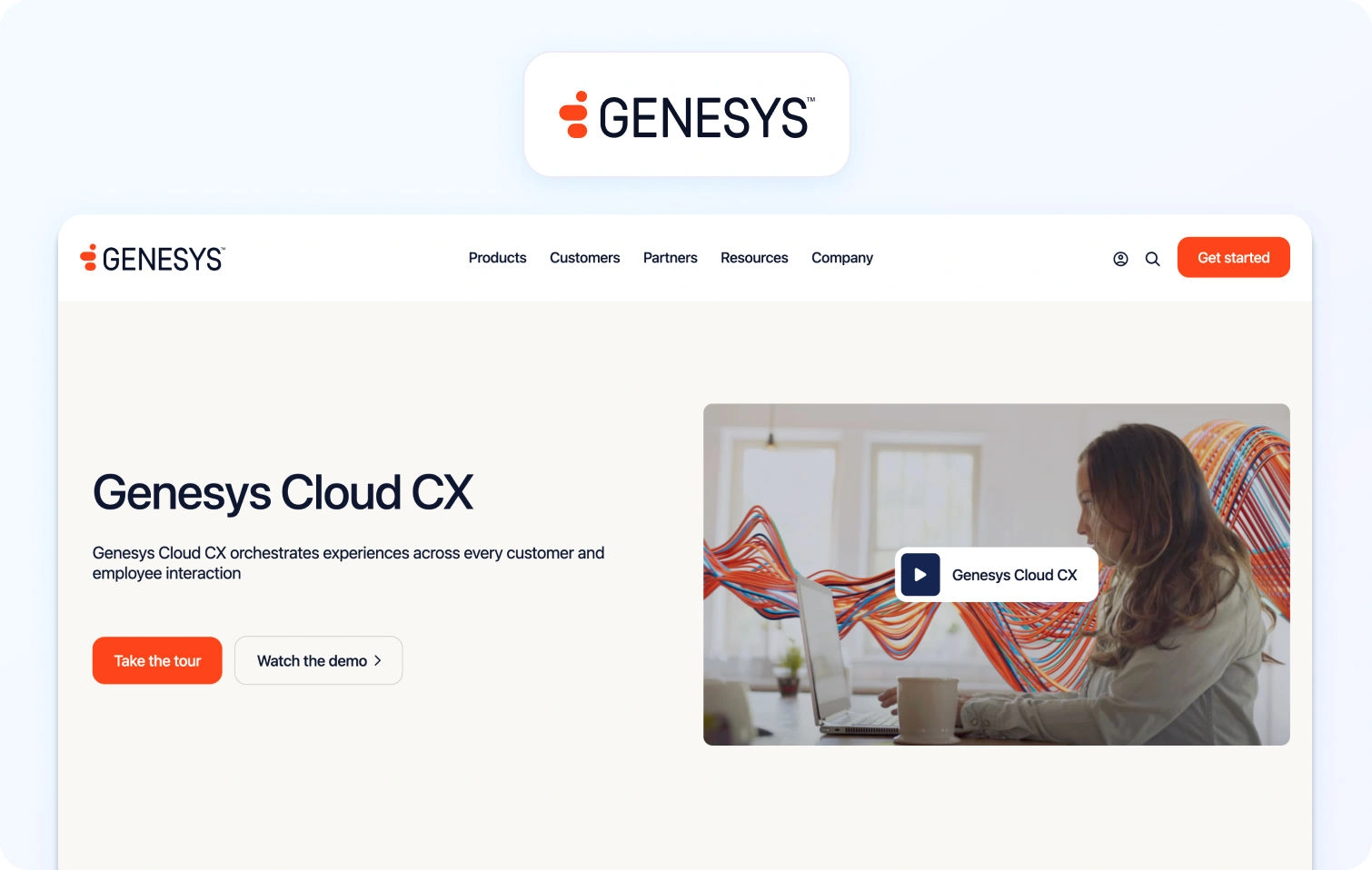
Genesys Cloud CX is a cloud contact centre platform focused on scalable voice and digital engagement with routing, analytics, and workforce management included in its core.
Core capabilities:
- Omnichannel routing with voice, chat, email, and SMS.
- Built-in workforce forecasting, scheduling, and quality monitoring.
- Analytics and AI-driven routing to match conversations with the right agents
Pricing: Genesys Cloud CX uses tiered, per-user pricing in GBP (billed annually), with each tier adding broader channel coverage and workforce capabilities.
- CX 1: £52.50 per user/month. Core voice, IVR, call routing, recording, analytics, and built-in AI assistance
- CX 2: £80.50 per user/month. Adds digital channels, omnichannel routing, quality assurance, and compliance tools
- CX 3: £108.50 per user/month. Adds workforce engagement management, forecasting and scheduling, and speech/text analytics
- CX 4: £168 per user/month. Full omnichannel suite with advanced AI, journey management, virtual agents, and supervisor tools
Best for: Contact centre teams that require a scalable omnichannel solution with strong voice routing, workforce engagement, and built-in analytics, particularly where telephony and quality assurance are core to operations rather than add-ons.
8) Five9
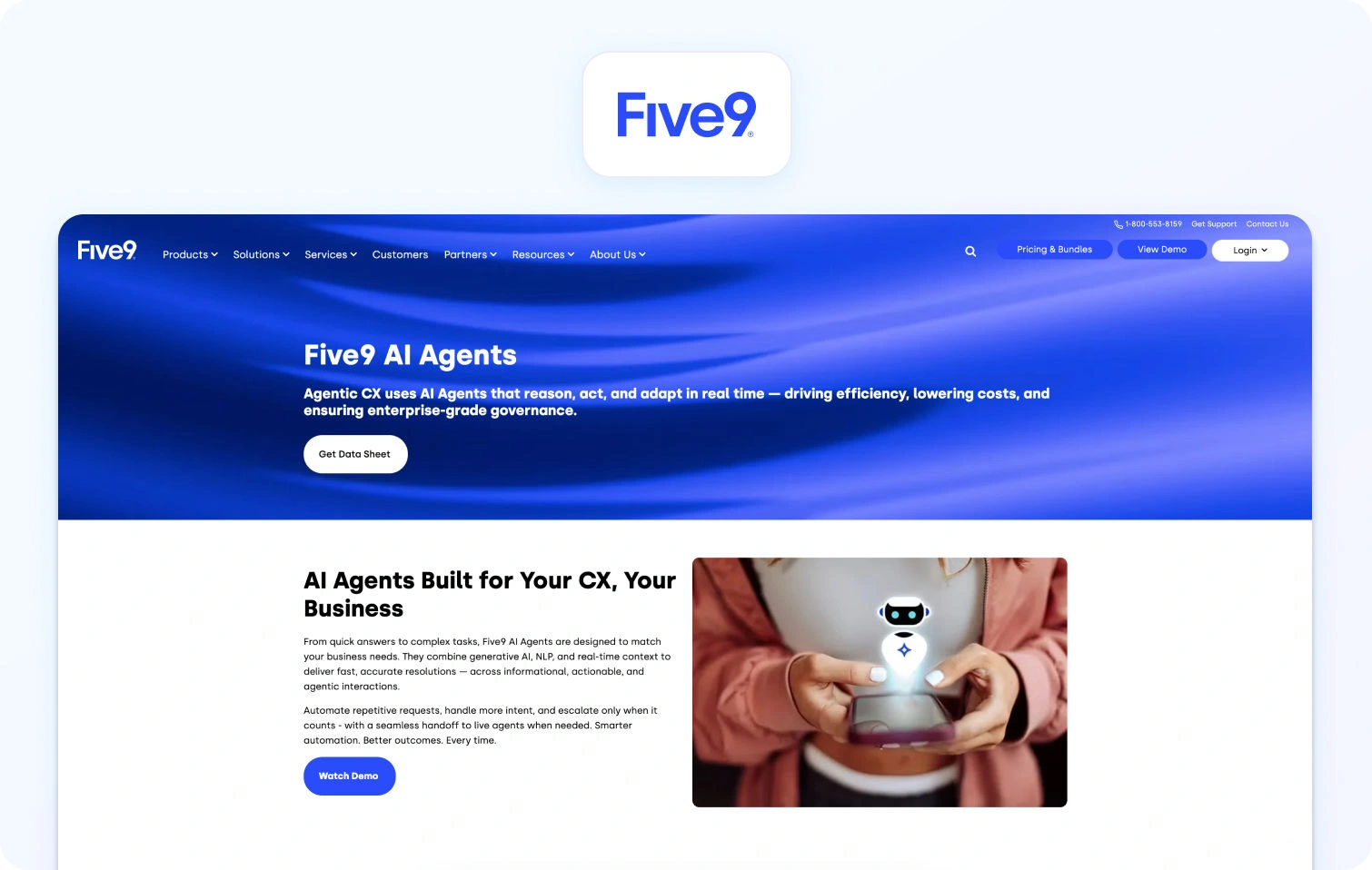
Five9 is a contact centre platform with deep telephony capabilities, including IVR, ACD, and outbound dialler functionality. Its core focus is on voice and performance optimisation.
Core capabilities:
- ACD & IVR for effective voice handling.
- Outbound and predictive dialling for proactive outreach.
- Integration options to connect with CRM and workflow tools.
Pricing: Five9 structures its contact centre pricing around five main solution bundles, with the base plans offering fixed per‑user pricing and higher tiers quoted on request.
- Digital: Starting at $119 per user/month. Digital channels only (chat, email, SMS/MMS, social messaging).
- Core: Starting at $119 per user/month. Voice‑first plan with blended inbound/outbound calling.
- Premium: Quote‑based. Combines voice and digital channels plus essential quality management.
- Optimum: Quote‑based. Adds workforce management and expanded quality tools.
- Ultimate: Quote‑based. Full enterprise bundle with workflow automation and interaction analytics.
Five9 does not list pricing publicly for the Premium, Optimum, and Ultimate bundles, and costs vary based on deployment scale and selected capabilities. Usage charges for certain channels and add‑ons may also apply.
Best for: Call-centre environments that require deep telephony capabilities and robust outbound functionality.
9) ServiceNow
ServiceNow is an enterprise workflow platform that includes customer service management with advanced case and incident handling, workflow automation, and self-service portals.
Core capabilities:
- Workflow and process automation to streamline support.
- Centralised knowledge management and incident tracking.
- Integration with ITSM and enterprise systems.
Pricing: ServiceNow Customer Service Management is custom-priced, offering flexible pricing tailored to each customer.
Best for: Large organisations seeking tightly integrated service and ITSM processes.
10) Kustomer
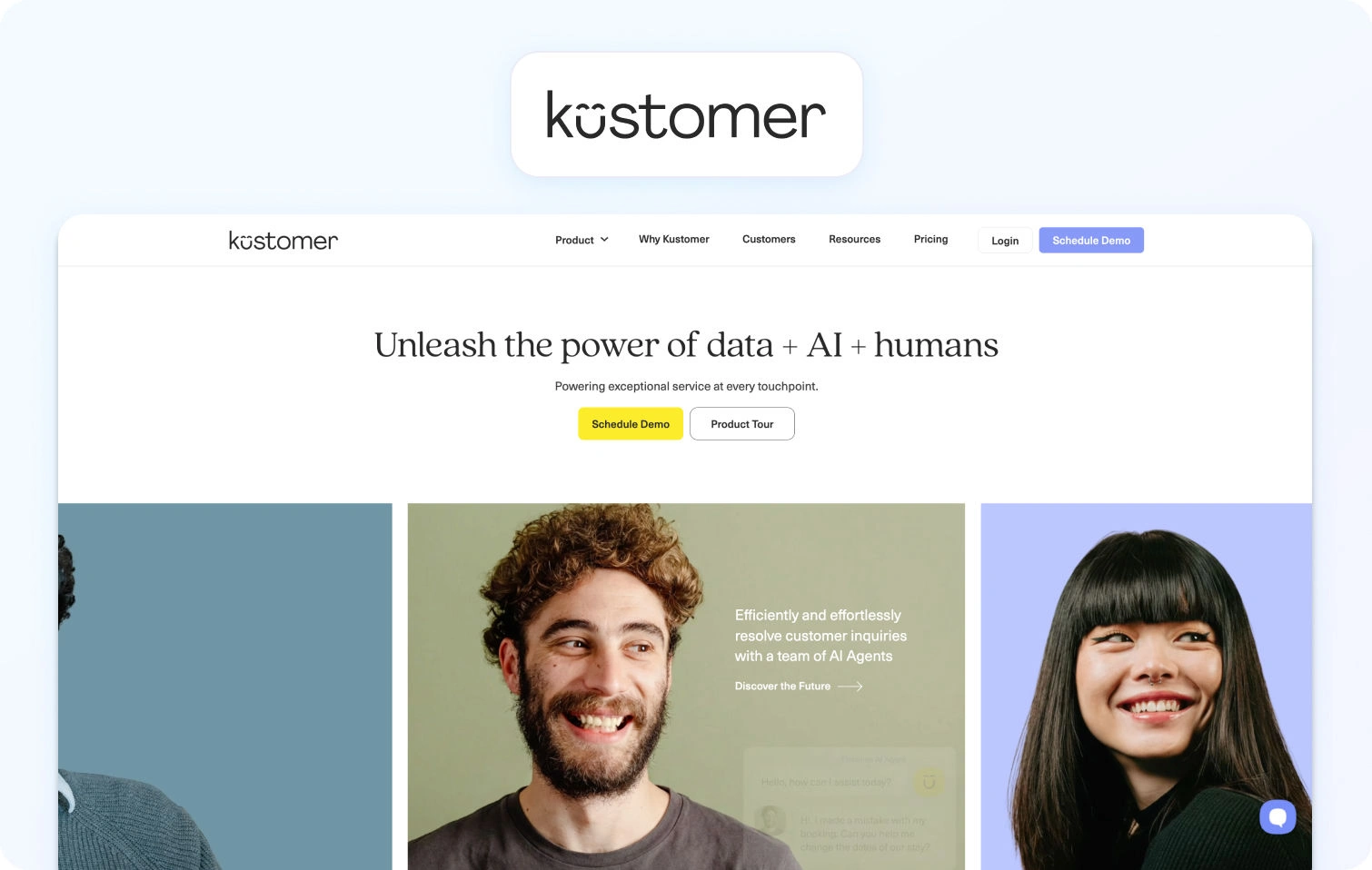
Kustomer’s service platform focuses on a CRM-style customer timeline, unifying support conversations and customer context into a single view.
Core capabilities:
- Unified customer timeline that aggregates interactions across channels.
- Automated workflows and routing for omni-channel engagement.
Pricing: Kustomer uses per-seat pricing with two primary support plans, alongside optional AI add-ons for customer-facing automation and agent assistance. Pricing is billed monthly per user, with final costs dependent on configuration and usage.
- Enterprise: $89 per seat/month. Positioned as Kustomer’s core customer support plan for small to mid-sized teams, including omnichannel support, CRM-style customer timelines, automation, and built-in AI capabilities.
- Ultimate: $139 per seat/month. Designed for larger or more complex support organisations, adding more advanced automation, deeper AI functionality, and greater flexibility for proactive customer engagement.
Both plans are listed as “Talk to Sales”, indicating that contract terms, usage limits, and deployment details are finalised during the sales process.
AI add-ons:
- AI for Customers: $0.60 per engaged conversation. Customer-facing AI agents are designed to automate issue resolution across digital channels. Charged based on AI-handled conversations rather than seats.
- AI for Reps: $40 per user/month. Agent-assist AI that surfaces relevant customer context, suggests responses, and helps speed up resolutions during live interactions.
Best for: Teams that prioritise deep customer context and lifecycle visibility in support.
11) Gladly
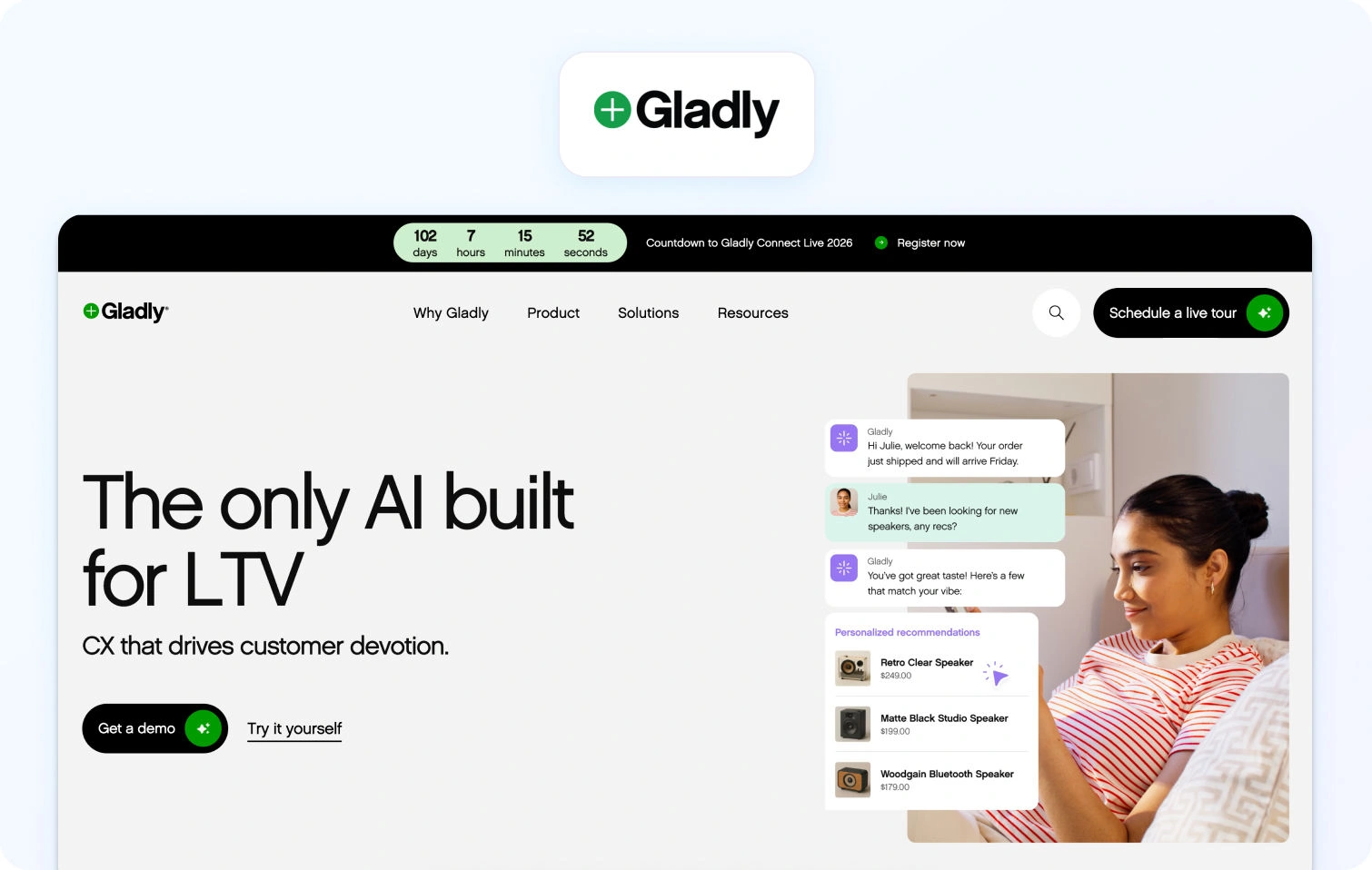
Gladly organises support around the customer rather than traditional tickets, emphasising a conversation-led experience that keeps all channels connected.
Core capabilities:
- Conversation history across channels with contextual continuity.
- Integrated messaging and routing to keep interactions connected.
Pricing: Pricing on request.
Best for: Brands that want personal, relationship-centric service experiences.
12) Dixa
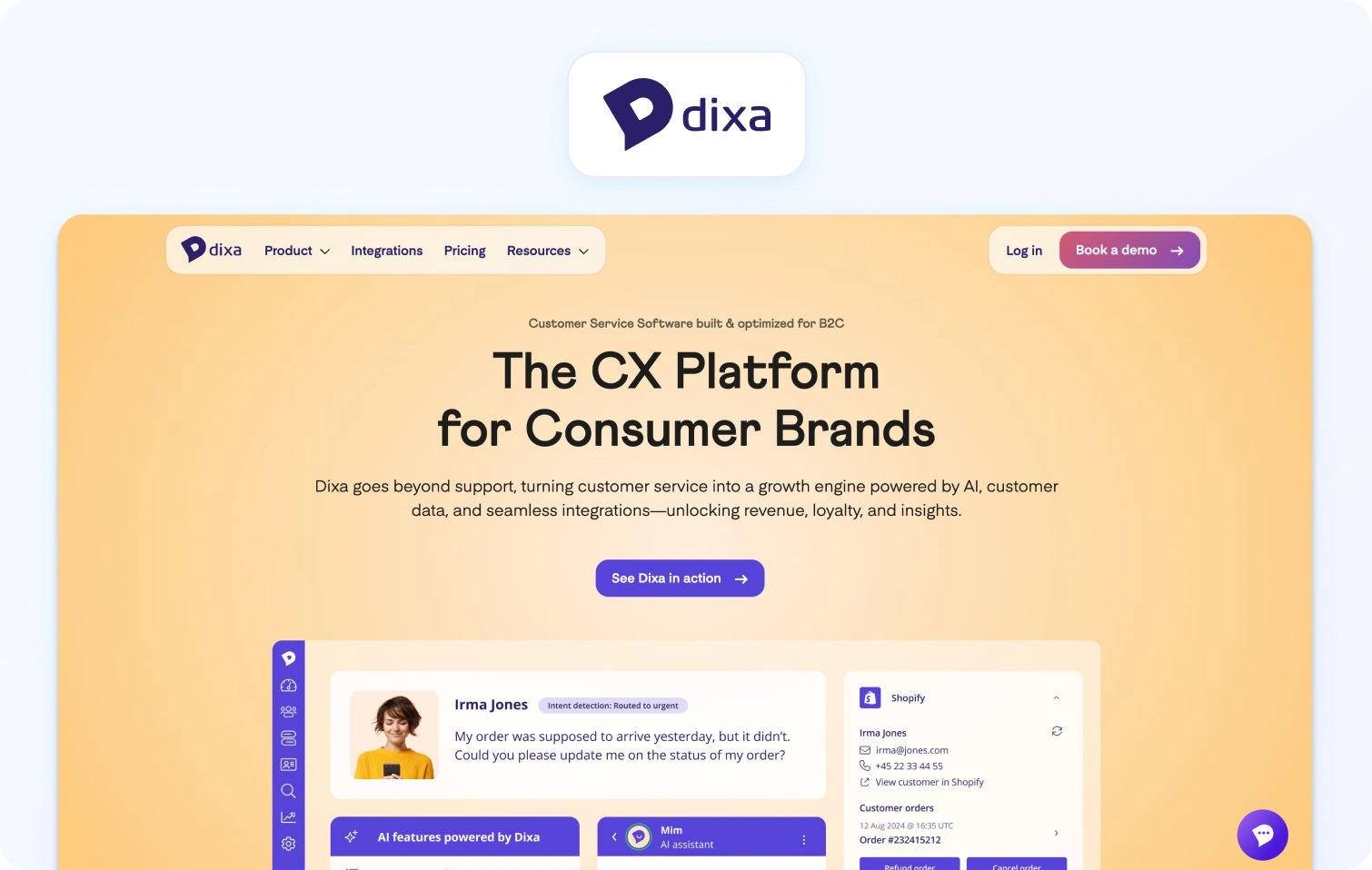
Dixa focuses on routing-led engagement with blended voice, chat, and messaging in a unified agent experience. It emphasises reducing channel-switching and keeping context across conversations.
Core capabilities:
- Real-time queue management with blended interaction handling.
- Unified agent workspace for voice, chat, email, and messaging.
Pricing: Dixa’s pricing is tiered per agent, with all plans including omnichannel support across phone, email, chat, and social messaging.
- Growth: €89 / agent/month (annually). Core omnichannel support, basic workflow routing, SLA handling, language detection, and dashboard reporting.
- Ultimate: €139 / agent/month (annually). Adds standard AI intent detection, advanced conversation automations, knowledge‑centered service, and sandbox access.
- Prime: €179 / agent/month (annually). Includes advanced AI intent, enhanced insights, custom user roles, and enterprise API limits.
All three plans cover basic channels and integrations. Additional AI‑related products (such as AI Co‑Pilot, AI voice transcription, AI quality assurance, and Mim AI Agent) can be added on top of base plans, with pricing depending on agent seats or usage. Annual and monthly billing are both available
Best for: Teams needing strong routing logic without separate telephony products.
13) Front

Front combines shared inbox workflows with automation and integrations, allowing teams to manage conversations like email, but with support features.
Core capabilities:
- Shared inbox with internal notes, tagging, and automation triggers.
- Integration with CRM and collaboration apps.
Pricing: Front does not publicly list per-agent pricing for its plans. Features such as automation, analytics, and integrations seem to vary and are provided upon enquiry.
- Front offers a “Try for free” option, suggesting a free trial is available to evaluate the platform.
Best for: Teams that want help desk features built around messaging workflows rather than traditional ticketing.
14) LiveAgent
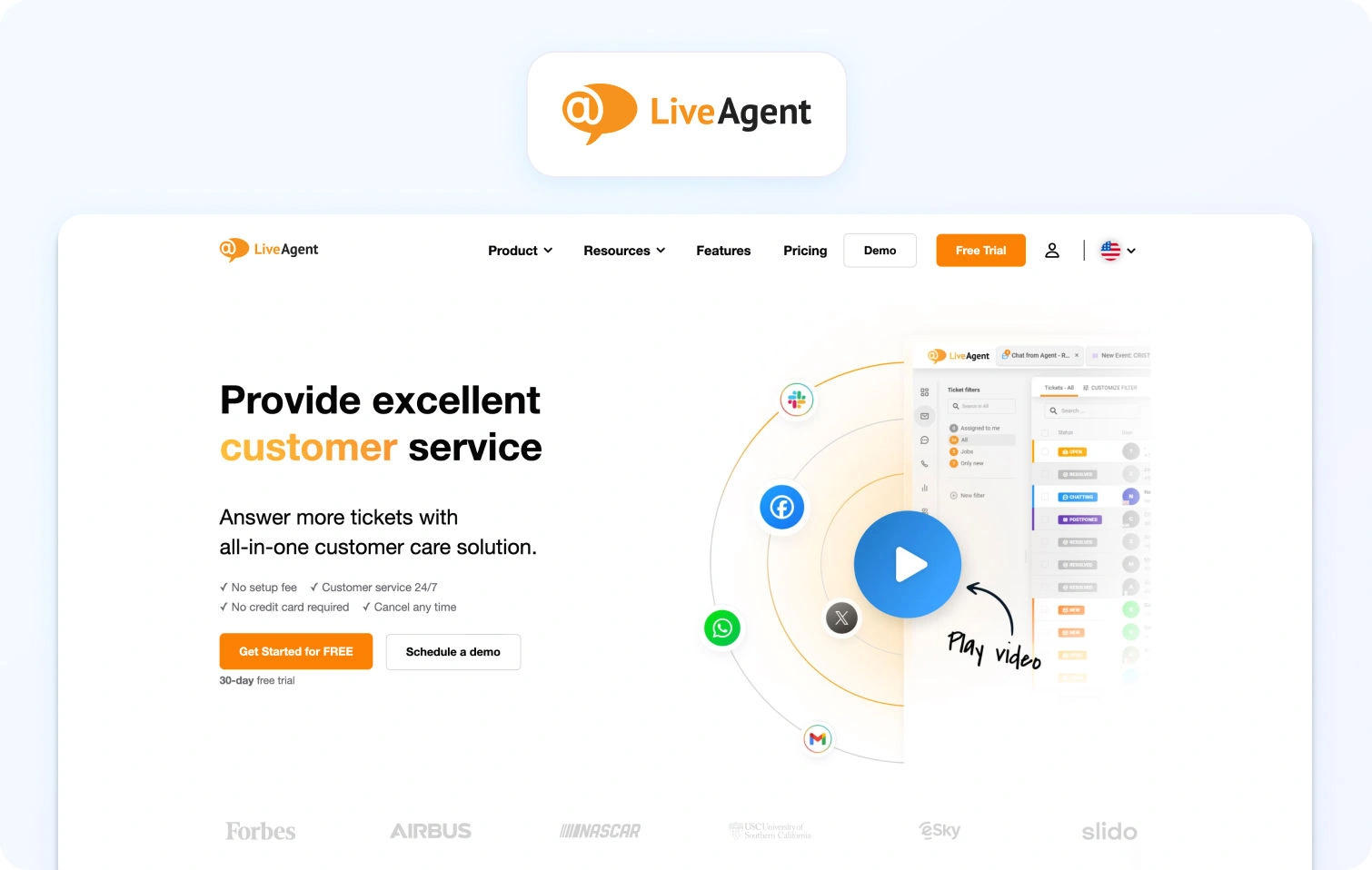
LiveAgent provides affordable omnichannel support with live chat, ticketing, and call features built into one platform.
Core capabilities:
- Email ticketing, live chat, voice, social messaging, and automation.
- Rules-based automation and integrations with third-party tools.
Pricing: LiveAgent offers four pricing plans billed per agent, with annual billing providing the lowest per‑seat rates and a 30‑day free trial available on all paid tiers.
- Small Business: $15 per agent/month. Core help desk features include ticketing, live chat, knowledge base, contact forms, automation, and integrations.
- Medium Business: $29 per agent/month. Adds call centre & IVR support, proactive chat, reporting, agent ratings, and SLA handling.
- Large Business: $49 per agent/month. Includes all Medium plan features plus SSO, custom roles, time tracking, audit logs, and expanded channel integrations (e.g., social messaging).
- Enterprise: $69 per agent/month. Full suite with dedicated account manager, priority support, assisted channel integration, branding‑free experience, and custom billing options.
Best for: SMBs looking for a cost-effective omnichannel help desk with included telephony.
Why Teams Look for an Alternative to Salesforce Service Cloud

Most teams don’t replace Salesforce Service Cloud because it fails outright. In fact, many start there for good reasons: ecosystem breadth, brand credibility, and flexibility. The problem tends to emerge later, once the system is live, scaled, and carrying real operational load.
At that point, Service Cloud often becomes misaligned with how modern support teams actually operate, particularly in mid-market environments where speed, cost control, and multilingual coverage matter as much as configurability.
Below are the most common reasons teams begin evaluating Salesforce Service Cloud alternatives, along with the operational impact each one creates.
Complexity and Total Cost of Ownership
Salesforce Service Cloud is modular by design. That flexibility is powerful, but it also means that core capabilities are frequently spread across multiple licenses, clouds, and third-party apps.
AI features, voice, workforce management, quality assurance, advanced reporting, and even knowledge enhancements are often:
- Sold as separate SKUs
- Dependent on marketplace apps
- Implemented or maintained by external consultants
Over time, this drives unpredictable total cost of ownership, both in licensing and ongoing admin effort. For teams that don’t need deep custom objects or bespoke workflows, the platform can feel disproportionately heavy relative to the value they extract.
This is often the first trigger for looking at a Salesforce Service Cloud alternative with more bundled, transparent pricing.
Long Implementation and Change Cycles
Service Cloud implementations are rarely “set and forget.” Even small changes (think: new queues, updated SLAs, reporting tweaks) can require admin time, regression testing, or consultancy support.
As a result:
- Time-to-value for new channels or markets slows
- Experimentation becomes expensive
- Ops teams spend more time maintaining the system than improving performance
By contrast, many Salesforce Service Cloud competitors prioritise configuration over customisation, allowing support leaders to iterate faster without risking system stability.
AI and Voice Add-On Sprawl
AI is no longer a nice-to-have. Teams expect summaries, suggested replies, transcription, and deflection to be native capabilities, not bolt-ons.
In Salesforce environments, those features often sit across:
- Einstein AI tiers
- Voice-specific products
- Separate WFM and QA tools
The result is fragmented agent experiences and inconsistent data. AI insights don’t always flow cleanly from chat to voice, or from self-service to assisted support, which directly impacts efficiency metrics like AHT and containment.
This is also where many teams encounter limitations with AI chatbots and voicebots. When automation is layered on through separate products, self-service bots, agent assist, and voice automation often operate in silos. That fragmentation makes it harder to deliver consistent experiences, apply intelligent ticket routing, or understand customer behavior across channels.
This fragmentation is a major reason teams evaluate alternatives to Salesforce Service Cloud that treat AI and voice as first-class, integrated capabilities.
Multilingual Support and Knowledge Gaps
For global or regional teams, multilingual support is where many Service Cloud setups begin to strain.
Common challenges include:
- Inconsistent language detection across channels
- Limited control over terminology and brand language
- Knowledge bases that don’t map cleanly by locale
- AI-generated responses without clear source attribution
Without strong KB governance and language-aware analytics, teams struggle to maintain quality at scale. That’s why multilingual-ready platforms (with translation, summaries, and KB grounding built in) are increasingly prioritised in Salesforce Service Cloud replacement projects.
Multi-Brand Administration and Reporting
As organisations add brands, regions, or product lines, Service Cloud environments often become structurally complex. Admin teams are forced to choose between:
- Over-segmented setups that are hard to manage
- Shared configurations that blur reporting and accountability
This makes it difficult to answer basic operational questions like:
- Which brand has the highest abandonment rate?
- Where is AHT improving or worsening by language?
- How does staffing efficiency compare across queues?
Platforms designed with multi-brand routing, analytics, and permissions from the outset tend to outperform here, particularly for mid-market teams without dedicated Salesforce admins.
KPIs That Matter During Migration
When teams move away from Salesforce Service Cloud, the goal isn’t just simplification; it’s measurable performance improvement. The strongest evaluations tie platform capabilities directly to outcomes:
- FCR (First Contact Resolution): A direct signal of KB quality and AI grounding. Poor FCR often points to fragmented knowledge or weak agent assistance.
- AHT (Average Handle Time): Influenced by transcription accuracy, summaries, routing logic, and how quickly agents can find the right answer.
- Containment / Deflection: Measures how effectively self-service, AI chatbots, and voicebots resolve issues before an agent is needed. Strong containment depends on accurate knowledge retrieval, conversational AI quality, and how well automation tools hand off context when escalation is required.
- Abandon Rate: Closely linked to voice queue design, forecasting accuracy, and real-time visibility.
- Concurrency: Determines how efficiently agents handle chat and messaging without sacrificing quality.
- Sentiment and CSAT (Customer Satisfaction Score): Especially important in multilingual environments, where tone, translation quality, and response consistency matter.
- MOS (Voice Quality) (Mean Opinion Score): A key indicator of telephony reliability, handoff quality, and overall call experience.
High-performing teams use these KPIs not just to compare tools, but to validate the business case for switching and track 30/60/90-day gains post-migration.
What to Look For in a Salesforce Service Cloud Alternative
Before comparing individual platforms, it’s worth defining how to evaluate a Salesforce Service Cloud alternative. Many tools look similar on the surface, but diverge quickly once you factor in voice handling, multilingual AI, operational depth, and the real cost of scaling. The criteria below reflect the most common gaps teams encounter when moving away from Service Cloud, and the areas that most directly impact frontline KPIs like First Contact Resolution (FCR), Average Handle Time (AHT), containment, abandonment, concurrency, sentiment, and voice quality (MOS).
Channels & Voice
A credible alternative to Salesforce Service Cloud should treat voice as a first-class channel, not an afterthought bolted on via integrations. This matters because fragmented voice workflows increase handle time, reduce agent context, and make reporting unreliable.
At a minimum, teams should look for:
- Native telephony rather than third-party-only voice add-ons
- Seamless handoff between voice calls and support tickets, so calls, chats, and emails share the same customer timeline
- IVR and queue management that supports skills-based routing and overflow logic
- Post-call notes and transcription, ideally generated automatically to reduce after-call work
This is especially important for teams operating across multiple business tools, where seamless collaboration between agents, supervisors, and systems like Microsoft Teams can significantly reduce handoff friction.
When voice is properly unified with digital channels, agents spend less time reorienting themselves, supervisors gain clearer insight into performance, and customers experience fewer handoffs.
AI Coverage
AI capability is now a major differentiator among Salesforce Service Cloud competitors, but not all AI is equally useful. The focus should be on practical agent assist and safe automation, not generic chatbot claims. Strong platforms typically support:
- Automatic language detection and real-time translation across chat, email, and (where available) voice
- ASR transcription and summarisation to reduce manual note-taking
- Knowledge-base-grounded proposed replies, so AI suggestions are accurate and on-brand
- Clear guardrails, including PII redaction and auditability of AI outputs
Crucially, AI should reduce average handle time (AHT) and increase containment without introducing risk. If agents can’t see why a response was suggested (or if AI outputs can’t be audited), adoption tends to stall.
Knowledge Base
The knowledge base (KB) underpins both self-service and AI effectiveness. During migrations away from Service Cloud, KB limitations are one of the most common sources of friction, particularly for multilingual or multi-brand teams.
Key capabilities to look for include:
- Per-locale content mapping, rather than relying on automatic translation alone
- Terminology and glossary control, ensuring consistent product language across regions
- Citations in AI-generated responses, so agents can verify and trust suggested answers
A well-structured KB directly improves FCR and containment, while poorly governed content often leads to longer conversations and repeat contacts.
Operational Depth (Analytics, WFM, QA)
Operational tooling is where many alternatives to Salesforce Service Cloud fall short. Reporting that looks sufficient at first can quickly become limiting once teams need to forecast volume, manage adherence, or compare performance across brands and languages.
Platforms with predictive analytics can also help teams anticipate volume spikes, staffing needs, and emerging customer behavior trends, rather than relying solely on historical reporting. Teams should assess whether the platform offers:
- Analytics with language, channel, and brand filters, not just aggregate dashboards
- Workforce management and quality assurance, including forecasting, scheduling, and QA forms
- SLA and performance dashboards that align with real support workflows
Without strong ops depth, leaders struggle to link tooling decisions back to outcomes like AHT reduction or improved concurrency.
Security & Administration
As teams consolidate tools, admin and security controls become more important, not less. A Salesforce Service Cloud alternative should support enterprise-grade governance even if it targets mid-market teams.
Baseline expectations include:
- Multi-factor authentication (MFA) and role-based access controls
- Audit logs covering agent actions and configuration changes
- Clear data residency options and permissions
- Transparency around AI usage, including what data is used and how outputs are generated
These controls are essential for regulated industries and any organisation operating across regions.
Integrations & APIs
No support platform exists in isolation. The ability to integrate cleanly with CRM, commerce, and analytics tooling often determines how quickly teams see value after switching.
Look for:
- Prebuilt integrations for CRM, ecommerce, telephony, and BI tools
- Open APIs and webhooks to support custom workflows
- Optional TMS or LSP connectors for teams managing multilingual support at scale
The goal is to avoid recreating the same integration sprawl that often drives teams away from Salesforce in the first place.
Pricing & Total Cost of Ownership (TCO)
Pricing models vary widely across Salesforce Service Cloud alternatives, and headline seat costs rarely tell the full story. Teams should understand not just what they pay, but how costs scale over time. Important considerations include:
- Seat-based vs usage-based pricing, particularly for voice and AI
- Whether essential AI features are locked behind premium tiers or add-ons
- Predictability of costs as volume grows
Transparent pricing makes it easier to forecast ROI and avoid surprises six months post-migration. This is particularly relevant for teams comparing an enterprise plan with lower-tier options, where advanced features such as AI tools, automation, and voice capabilities may be priced separately.
Pricing & 12-Month TCO Modeling
Once shortlisting Salesforce Service Cloud competitors, teams should move beyond list prices and build a like-for-like 12-month TCO model. This is where differences between platforms become most visible. A realistic comparison should include:
- Agent seat licenses
- Telephony minutes and call recording
- AI usage (translation, transcription, summarisation, automation)
- Data storage and retention
- Marketplace apps or integrations
- Professional services or onboarding costs
Many platforms appear cost-effective initially, only to become expensive once voice, AI, and reporting are added. Modelling these costs upfront helps teams avoid repeating the same budget issues that often triggered the move away from Salesforce Service Cloud.
Implementation Playbook (Switching from Service Cloud)

Migrating from Salesforce Service Cloud doesn’t need to be a drawn-out, multi-quarter project, provided scope is controlled, and success metrics are defined early.
Week 0–1: Foundations: Integrations, data export, knowledge base audit, glossary setup, SSO configuration, queues, and SLA definitions.
Week 1–2: AI & Pilot Queues: Enable translation, summarisation, and proposed replies. Pilot one or two queues. Run language quality assurance (LQA) on at least 2% of conversations per language.
Week 3–4: Voice & Operations: Expand to voice handoff, tune dashboards and WFM, and finalise reporting by brand, channel, and language.
Success should be measured against baseline performance across core support KPIs. A successful migration should deliver higher first contact resolution, shorter handling times, stronger containment, fewer abandoned interactions, and improved customer satisfaction and sentiment within the first 30–90 days.
How We Evaluated
To keep this comparison objective and verifiable, all assessments were based solely on vendor-owned sources:
- Product, pricing, help centre, and marketplace pages
- Publicly listed integrations, features, and security controls
- Published customer logos and case studies
We did not rely on third-party review sites or anecdotal feedback. Where information was unclear or plan-dependent, this is explicitly noted as “Varies by plan”.
Must-Have Capability Checklist
Any serious Salesforce Service Cloud alternative should meet the following baseline requirements:
- Voice and messaging with help desk handoff
- KB-grounded AI with citations
- Translation, transcription, and summarisation
- Analytics with language and brand filters
- Native or first-party WFM and QA
- Secure admin and audit controls
- Transparent AI pricing
BlueTweak meets all of the above.
Scoring Rubric
To ensure each Salesforce Service Cloud alternative was assessed consistently, we applied a weighted scoring rubric focused on the realities of mid-market support teams rather than theoretical feature depth. The goal was not to reward the longest feature lists, but to identify platforms that balance capability, speed of deployment, and operational control for teams making a real-world migration.
Each platform was evaluated across the following dimensions:
- Fit for 20–100 agent teams: We assessed how well the platform supports mid-sized support organisations, including licensing flexibility, administrative overhead, and whether core capabilities are accessible without enterprise-only contracts.
- Voice and omnichannel depth: We looked at the quality of native support for voice, chat, email, and messaging channels, as well as how seamlessly these channels share context, routing, and reporting.
- AI coverage: Platforms were scored on the practical usefulness of AI for agents and customers, including knowledge-base-grounded suggested replies, multilingual translation, transcription, summarisation, and the transparency of AI outputs.
- Workforce management and quality assurance: We evaluated the availability and maturity of forecasting, scheduling, adherence tracking, QA workflows, and performance monitoring, particularly across languages and channels.
- Time to value: This measured how quickly teams could expect to go live and see meaningful operational improvements, based on implementation complexity, configuration effort, and reliance on third-party add-ons.
- Total cost of ownership (12-month view): Rather than list pricing alone, we considered the expected total cost over the first year, including agent seats, voice usage, AI consumption, integrations, and professional services.
- Security and administrative control: Finally, we assessed baseline security features such as MFA, audit logs, role-based access, and data controls, along with the platform’s ability to govern AI usage and configuration changes.
This rubric was applied uniformly across all vendors to support fair, evidence-based comparisons and to reflect the priorities of teams actively replacing Salesforce Service Cloud.
Final Thoughts: Choosing the Best Salesforce Service Cloud Alternatives
As customer support continues its rapid evolution, one thing is clear: AI is no longer optional; it’s central to delivering efficient, consistent customer experiences. In fact, A recent study conducted by PartnerHero shows that about 65 % of organisations plan to expand their use of AI in support over the next year, underscoring how teams increasingly rely on AI to meet rising customer expectations and operational goals.
This shift parallels what we saw throughout our evaluation: the best Salesforce Service Cloud alternatives aren’t simply feature-rich; they are strategically designed to balance core operational capabilities with smart, practical AI that drives real outcomes.
What the Best Alternatives Share
A strong alternative to Salesforce Service Cloud consistently delivers on four core pillars:
- Channels and voice: Seamless support across chat, email, voice, and messaging, with context preserved across handoffs and histories.
- AI depth: Meaningful agent assist and automation that’s grounded in knowledge and designed to reduce handle time without sacrificing quality.
- Knowledge base grounding: A single source of truth that both agents and AI can trust, improving first contact resolution and reducing repeat work.
- Ops and workforce management: Built-in analytics, forecasting, scheduling, and quality assurance tools that empower teams to optimise performance rather than stitch together multiple systems.
These capabilities matter because they tie directly to outcomes teams actually care about, like higher FCR, lower AHT, stronger containment, and better sentiment, while controlling cost and complexity.
Among the Salesforce Service Cloud competitors reviewed here, BlueTweak surfaces as a particularly strong choice for teams of 20–100 agents for several reasons:
- It unifies omnichannel chat, email, and voice in a single platform without forcing expensive add-ons.
- Its AI is grounded in a shared knowledge base, giving agents contextual, accurate suggested replies and summaries rather than generic draft text.
- Built-in analytics and workforce management reduce the need for separate tools, simplifying reporting and lowering the total cost of ownership.
- Multi-brand routing and reporting are native, helping teams scale without tool sprawl.
In short, BlueTweak combines the practical strengths teams need today (clarity, predictability, and operational depth) with the AI capabilities required to keep pace with evolving customer expectations. If your priority is a platform that drives measurable improvements in support performance while reducing complexity and cost, BlueTweak merits serious consideration. Request a demo today to see how BlueTweak compares with Salesforce Service Cloud and other alternatives.

As Head of Digital Transformation, Radu looks over multiple departments across the company, providing visibility over what happens in product, and what are the needs of customers. With more than 8 years in the Technology era, and part of BlueTweak since the beginning, Radu shifted from a developer (addressing end-customer needs) to a more business oriented role, to have an influence and touch base with people who use the actual technology.



