



TL;DR
Twilio Flex offers unmatched flexibility, but many businesses outgrow the engineering effort required to maintain it. This guide compares 12 leading Twilio Flex alternatives, including BlueTweak, for teams looking for turnkey AI, omnichannel support, predictable pricing, and faster deployment. We'll also explain how to evaluate total cost of ownership beyond subscription fees.
Twilio Flex gives engineering teams exceptional control over their contact center, but maintaining that flexibility often comes at the cost of longer deployments, ongoing development work, and unpredictable operating expenses. If your team wants enterprise-grade customer support features without constantly writing code, it may be time to consider an alternative.
This guide compares 12 Twilio Flex alternatives, including BlueTweak, helping you evaluate AI capabilities, omnichannel support, pricing, implementation speed, and long-term total cost of ownership so you can choose the right platform for your business.
Beyond Twilio Flex: How to Reduce Build Work and Get Predictable TCO
Twilio Flex gives development teams the freedom to build highly customized contact center experiences, making it a strong choice for organizations with dedicated engineering resources and complex requirements. However, as customer service operations grow, many businesses begin looking for platforms that deliver the same enterprise-grade capabilities with less ongoing development and maintenance.
Whether your goal is to accelerate deployment, simplify day-to-day operations, or gain access to built-in AI and workforce management tools, today's leading Twilio Flex alternatives offer a different approach. Instead of building core functionality from scratch, they provide native omnichannel support, AI-powered automation, analytics, and operational features out of the box.
In the sections below, we'll compare 12 leading Twilio Flex competitors across CCaaS, help desk, and unified customer service platforms. We'll also explain what to look for during your evaluation, how to compare total cost of ownership beyond subscription pricing, and which success metrics to track during your migration.
Why Teams Look for an Alternative to Twilio Flex in 2026
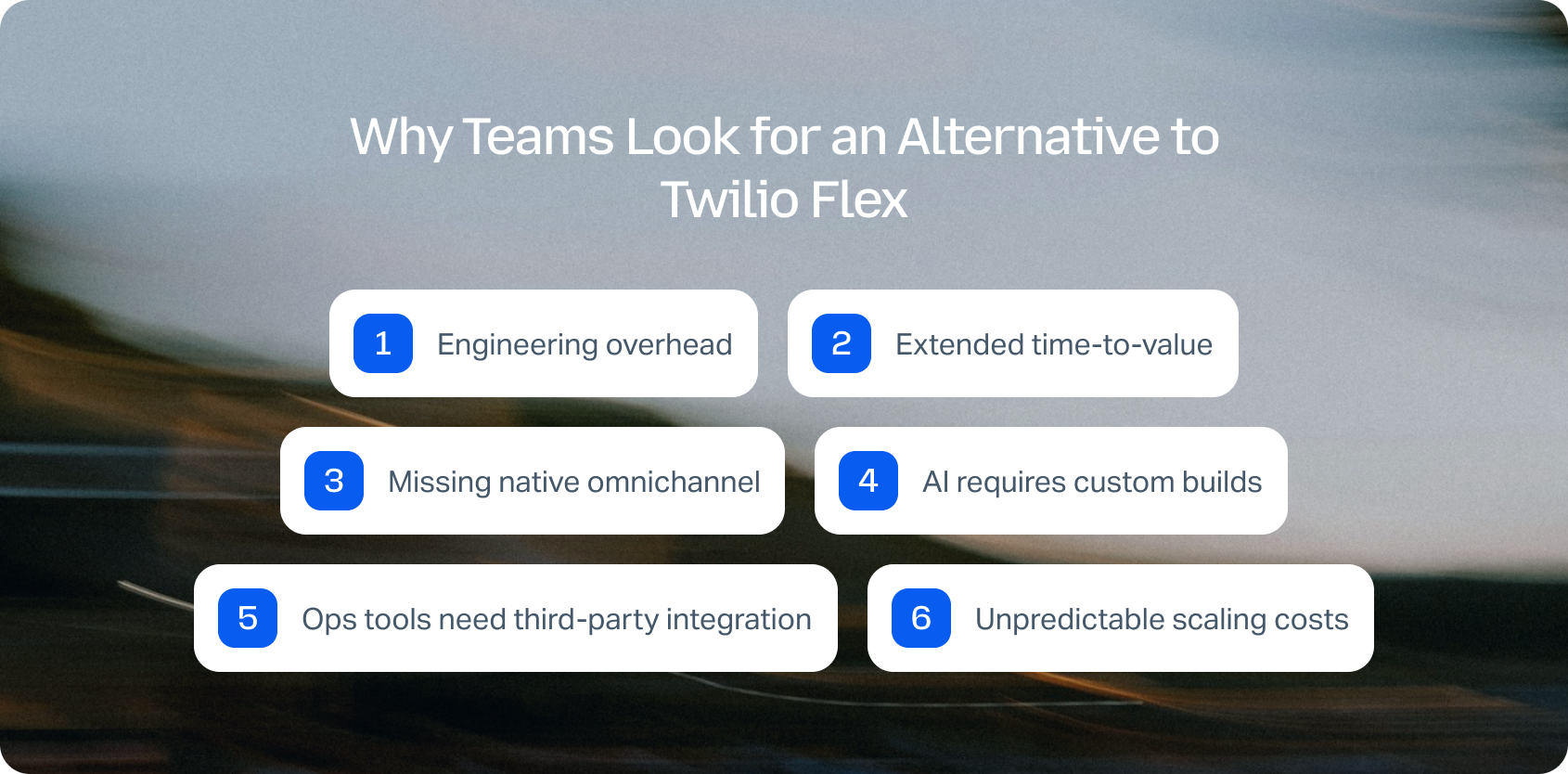
Twilio Flex offers unmatched programmability for teams with dedicated engineering resources. But as contact center operations mature, that flexibility often reveals structural trade-offs that push teams toward alternatives.
Common triggers driving the search for Twilio Flex competitors:
Engineering overhead: Programmability means power, but it also means ongoing maintenance. Every channel integration, workflow update, or AI feature requires developer time. Teams discover that engineering resources dedicated to contact center customization could deliver more value by building core product features.
Extended time-to-value: Custom development cycles stretch implementations from weeks to months. Launching new channels, adding languages, or enabling AI features all require planning, coding, testing, and deployment. Pre-built platforms deliver these capabilities out of the box.
Missing native omnichannel: While Flex handles voice well, adding chat, email, social, and SMS requires significant integration work. Seamless voice↔ticket handoffs with full context preservation need custom development rather than working by default.
AI requires custom builds: Teams exploring multilingual support, real-time translation, call transcription, automated summarization, or KB-grounded suggested replies must architect, build, and maintain these systems. Turnkey platforms include these features with simple configuration.
Ops tools need third-party integration: Analytics with language/brand filters, WFM forecasting, QA modules with language-specific scorecards, and SLA dashboards all require connecting external tools or building custom solutions. Platforms with native ops depth reduce integration complexity.
Unpredictable scaling costs: Usage-based pricing across voice minutes, API calls, messaging, and custom features makes budgeting difficult as volume grows. Teams want predictable per-agent pricing with transparent add-on costs.
Decision framework for evaluating Twilio Flex alternatives:
- Channels & voice integration: Native telephony with IVR, clean voice to help desk handoff, post-call transcription without custom development
- AI ready out-of-the-box: Language detection, translation, transcription, summarization, KB-grounded replies requiring configuration, not code
- Knowledge base grounding: Pre-built KB integration with terminology control and source citations
- Operations infrastructure: Built-in analytics, WFM, QA with language/brand segmentation
- Security & governance: MFA, audit logs, role management, and data residency included
- Integration ecosystem: Pre-built CRM, commerce, BI connectors, plus open APIs for custom needs
- Total cost clarity: Transparent seat pricing versus usage fees; avoid hidden engineering costs
KPIs to validate during migration:
- First Call Resolution (FCR) — fewer escalations and callbacks
- Average Handle Time (AHT) — faster resolution with better tools
- Containment Rate — increased self-service completion
- Abandon Rate — reduced queue drop-offs
- Agent Concurrency — more conversations per agent
- Sentiment Scores — improved customer satisfaction
- Mean Opinion Score (MOS) — voice quality maintenance
Factor engineering time into TCO calculations. A platform costing $50/agent/month more but eliminating 20 hours/month of developer maintenance delivers ROI through redirected engineering capacity.
For multi-brand or BPO operations, verify native tenant isolation and per-brand reporting without custom database architecture.
Ready to see what a turnkey alternative looks like? Book a personalized BlueTweak demo to explore how native omnichannel support, KB-grounded AI, workforce management, and transparent pricing can replace custom development, helping your team deploy faster while reducing long-term total cost of ownership.
The 12 Best Twilio Flex Alternatives
Below are 12 platforms teams consider when seeking a Twilio Flex alternative. All pricing and feature details come from public vendor documentation as of February 2026. We've included CCaaS platforms, help desk solutions, and unified customer service systems to show the full range of options.
1. BlueTweak: Best for Turnkey AI-Powered Customer Support

BlueTweak delivers a turnkey customer service solution combining voice, chat, email, and social messaging with KB-grounded AI, workforce management, and quality assurance. Purpose-built for mid-market teams and BPO operations, it provides enterprise contact center capabilities without custom development or tool sprawl.
Teams wanting full-featured omnichannel customer support with AI assistance and built-in ops tools with no coding required.
- Native voice, including call center, IVR, multilingual voicebots, transcription, translation
- Chat powered by an AI chatbot with real-time translation
- Email automation withAI-suggested repliescanned responses, and ticket summaries
- KB-grounded AI preventing hallucinations via public knowledge base integration
- Ticketing system with sentiment tracking and custom fields
- Workforce management and quality assurance modules included
- Custom dashboards and customer support metrics reporting
- Security architecture with audit logs, custom roles, MFA, and data location controls
- Open APIs plus a sandbox for custom integrations
"The biggest misconception about programmable contact centers is that flexibility automatically means better value… In reality, every customization has a long-term maintenance cost. Businesses increasingly want platforms that deliver enterprise-grade AI, omnichannel support, and operational tools out of the box, allowing their engineering teams to focus on building products rather than maintaining customer service infrastructure." — Radu Dumitrescu, Head of Presales & Digital Transformation at BlueTweak
Pricing:
- All-in stack: €65/agent/month — omnichannel (chat/voice/email) + KB-grounded AI + analytics/WFM + multi-brand routing/reporting
- No tiered feature restrictions
- Unlimited users and integrations
- AI usage billed separately per interaction (predictable, transparent)
Pros:
- Eliminates engineering overhead with turnkey deployment
- KB-grounded AI delivers accurate responses without custom NLP development
- Built-in WFM and QA avoid third-party integration complexity
- Transparent pricing prevents budget surprises
- Implementation measured in weeks, not quarters
- across voice and text channels
- Multi-tenant architecture for BPO use cases
Cons:
- Emerging brand versus established names like Genesys
- Optimized for mid-market (large enterprises may want customization)
- AI usage tracking is required for accurate volume forecasting
Want to see how much you could save by replacing Twilio Flex? Use BlueTweak's ROI Calculator to estimate your potential savings, compare total cost of ownership, and see how much engineering time a turnkey platform could eliminate.
2. Genesys Cloud CX (voice-first CCaaS)
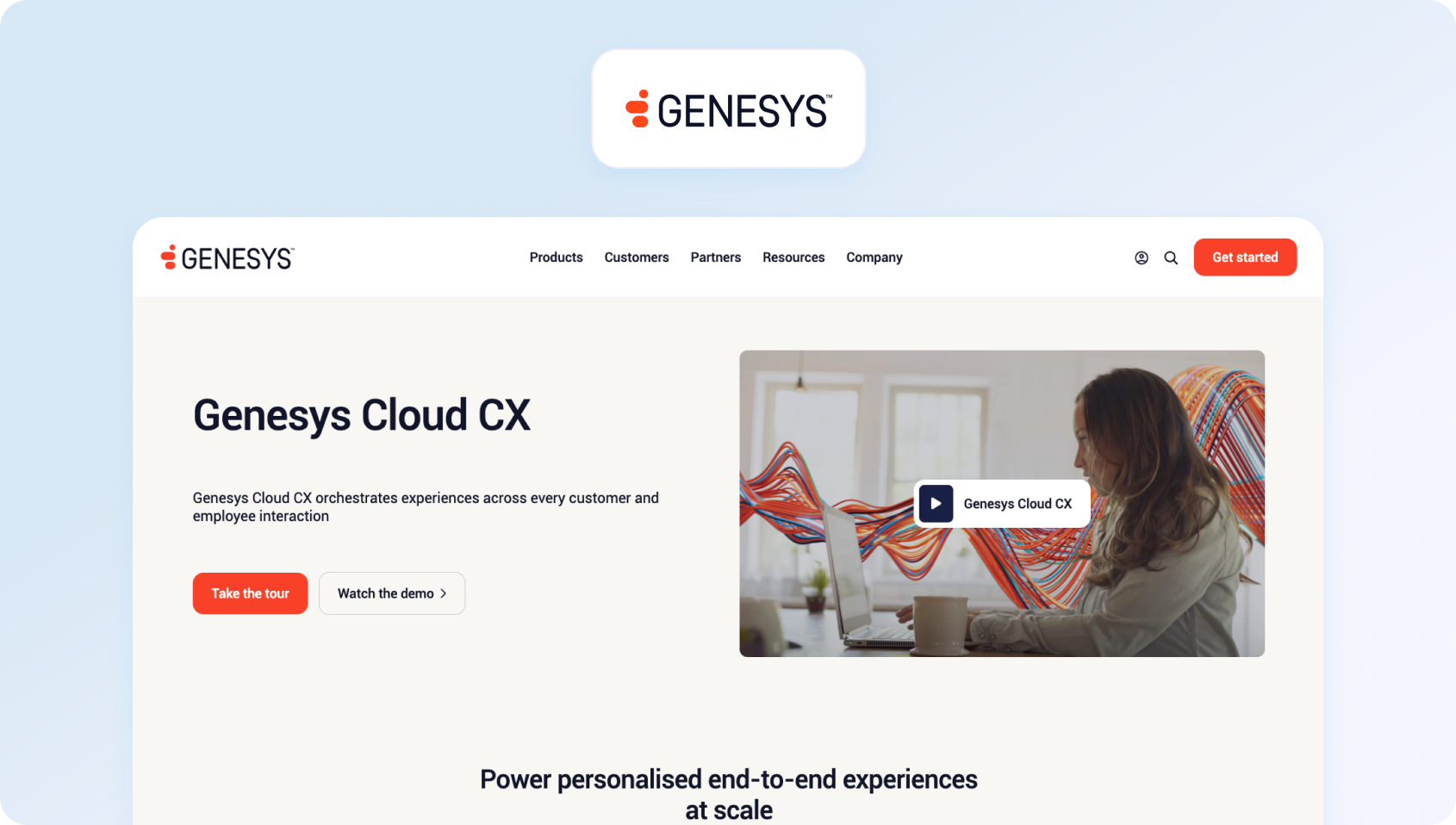
Genesys Cloud CX serves large enterprises requiring sophisticated voice infrastructure, comprehensive workforce optimization, and extensive third-party integrations. It emphasizes predictive routing and customer journey orchestration.
Best for: Enterprise contact centers with complex telephony requirements and dedicated IT teams.
Key features:
- Enterprise telephony with sophisticated IVR
- Predictive engagement across channels
- Journey orchestration and analytics
- Workforce management suite
- Quality management tools
- Bot automation framework
- CRM connectors and marketplace
- Compliance and security certifications
Pricing:
- CX 1: from $75/user/month
- CX 2: from $115/user/month
- CX 3: from $155/user/month
- CX 4: from $195/user/month
Pros:
- Industry-leading voice capabilities
- Mature workforce optimization tools
- Strong compliance framework
- Extensive integration library
- Proven at massive scale
Cons:
- Requires IT resources for administration
- Higher cost across all tiers
- Complex configuration for basic needs
- Long implementation cycles
- Feature-rich but overwhelming for smaller teams
3. Five9 (telephony/IVR depth)

Five9 targets contact centers, emphasizing outbound campaigns, blended operations, and voice quality. Its flexible bundle approach lets teams select AI capabilities and workforce tools matching their requirements.
Best for: Operations prioritizing dialing power and call quality with customizable feature sets.
Key features:
- Dialing modes (predictive, progressive, preview)
- Sophisticated IVR and call routing
- Omnichannel engagement
- AI suite (summaries, transcription, agent assist, knowledge)
- CRM adapters (Salesforce, ServiceNow, Dynamics, Zendesk, Oracle)
- UC integration (Teams, Zoom, RingCentral)
- Workforce engagement options
- Platform automation tools
Pricing:
- Digital: $119/seat/month — digital channels only (no voice)
- Core: $159/seat/month — all channels + AI essentials
- Plus: Contact sales — all channels + advanced AI
- Pro: Contact sales — all channels + AI essentials + WEM
- Enterprise: Contact sales — all channels + advanced AI + WEM
Pros:
- Superior voice infrastructure
- Powerful outbound dialing
- Choice of CRM and UC adapters
- Modular AI and WEM selection
- Strong analytics capabilities
- Battle-tested at scale
Cons:
- Premium pricing throughout
- 50-seat minimum excludes smaller operations
- Usage overages add complexity
- Digital-only plan lacks voice entirely
- Professional services needed for optimization
4. NICE CXone (enterprise CCaaS)
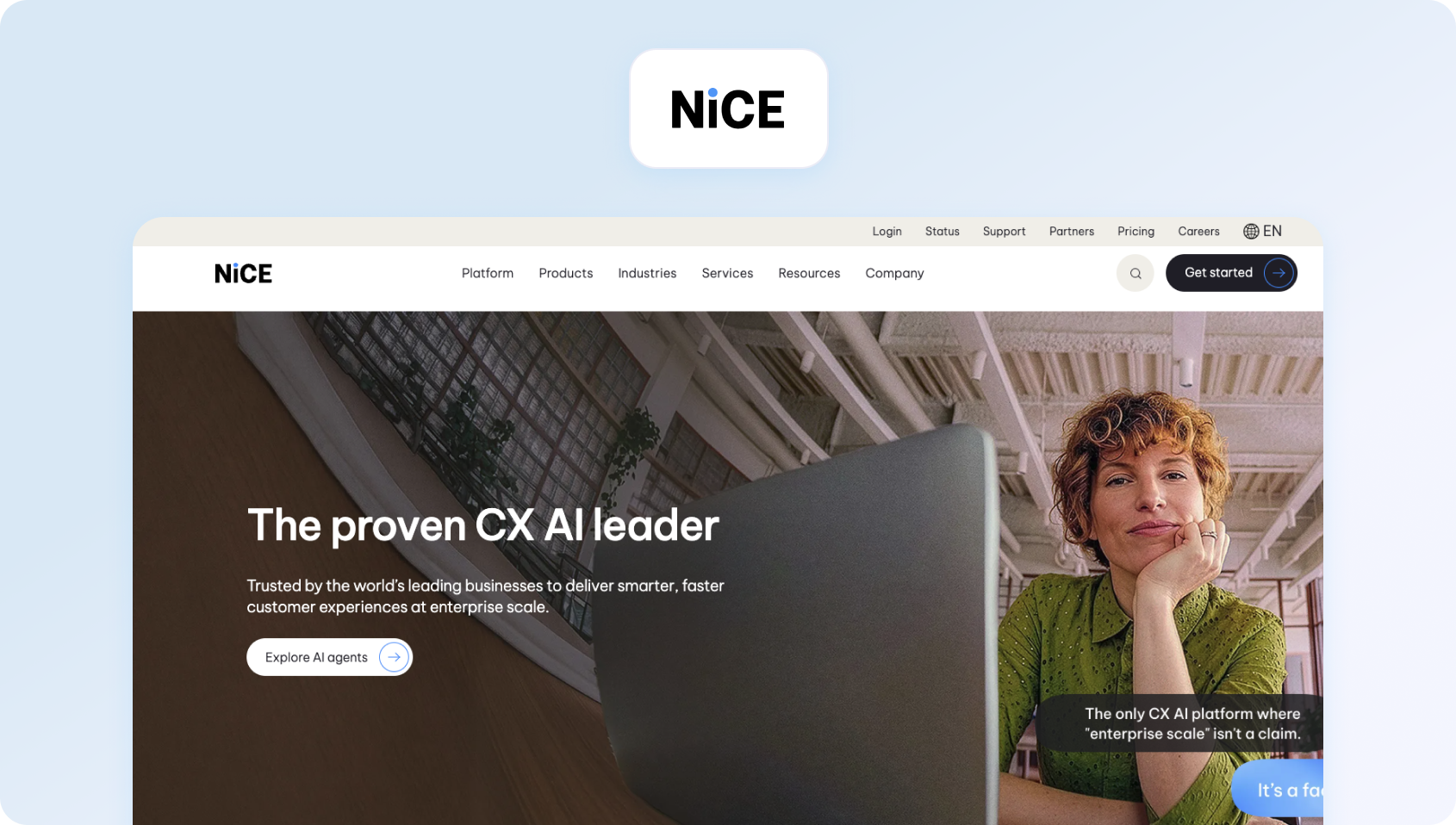
NICE CXone provides comprehensive cloud contact center capabilities with emphasis on analytics, workforce optimization, and automation. It targets large enterprises with sophisticated operational efficiency requirements.
Best for: Enterprise organizations needing advanced analytics and workforce management.
Key features:
- Omnichannel routing and queuing
- Analytics, project management, and agent performance management
- Workforce management suite
- Quality management framework
- Automation and AI studio
- CRM integrations
- Security and compliance tools
- Self-service IVR
Pricing:
- CXone Mpower Omnichannel Suite: $110/agent/month
- CXone Mpower Essential Suite: $135/agent/month
- CXone Mpower Core Suite: $169/agent/month
- CXone Mpower Complete Suite: $209/agent/month
Pros:
- Comprehensive analytics platform
- Sophisticated WFM capabilities
- Strong automation framework
- Enterprise security standards
- Proven in demanding environments
Cons:
- Steep pricing escalation across tiers
- Complex phone system requiring specialized training
- Extended implementation timelines
- Best suited for large deployments
- Feature depth can overwhelm smaller teams
5. Amazon Connect (AWS-centric, programmable)
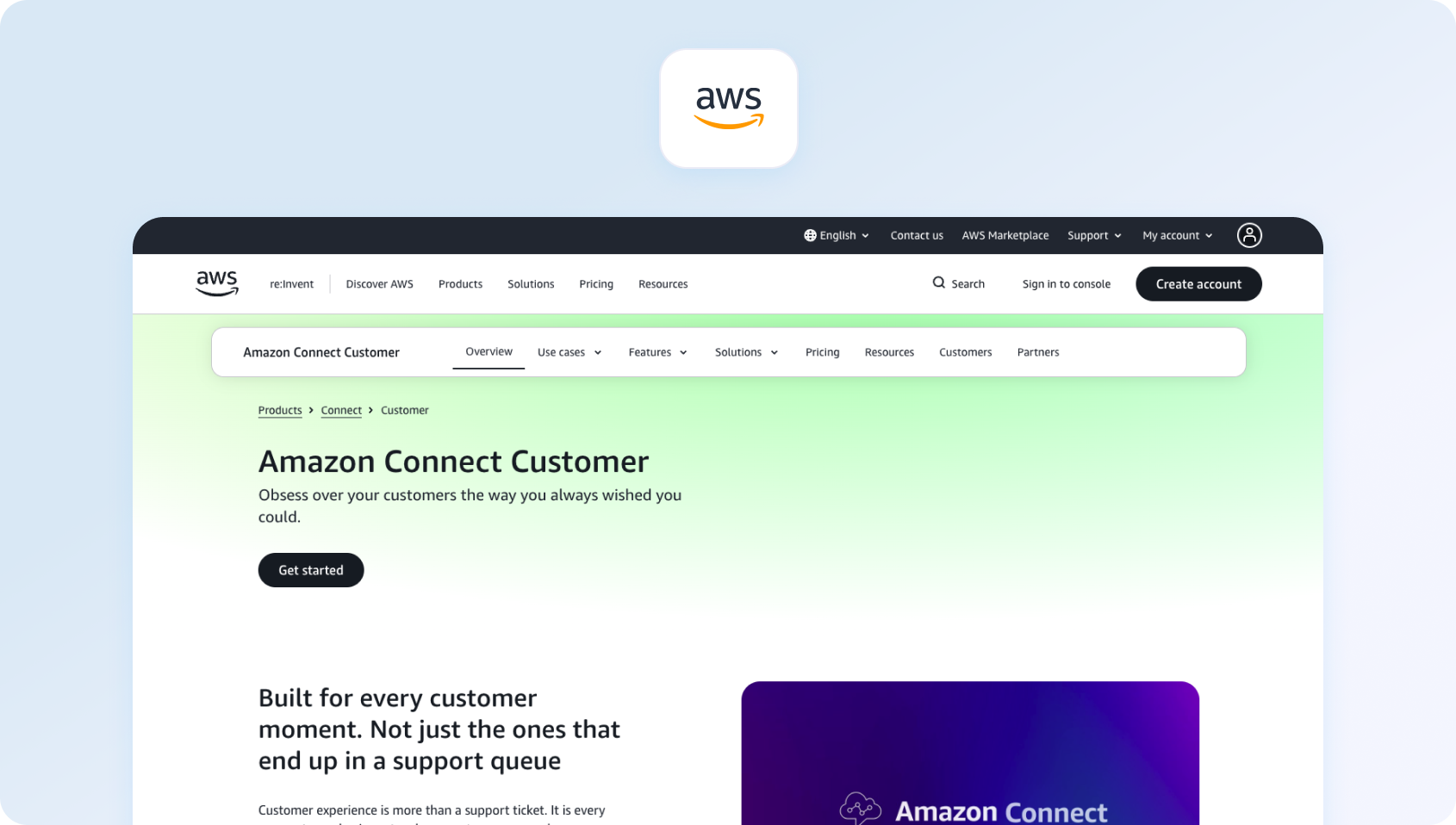
Amazon Connect offers AWS-native contact center infrastructure with pay-as-you-go pricing. Like Twilio Flex, it provides programmability but requires technical resources for customization and integration.
Best for: organizations deeply invested in AWS infrastructure with development capacity.
Key features:
- AWS-native architecture
- Lambda integration for custom logic
- Contact flow designer
- Real-time and historical analytics
- CRM integrations via AppFlow
- Machine learning integration
- Lex bot framework
- CloudWatch monitoring
Pricing:
- Core platform: Usage-based pricing (pay per minute + per message)
- Voice: billed per minute (inbound/outbound rates vary)
- Chat: billed per message
- Tasks: billed per task
- Add-ons: additional usage charges for analytics, WFM, and AI capabilities
Pros:
- True pay-as-you-go eliminates waste
- Deep AWS ecosystem integration
- Scalability without infrastructure management
- Machine learning tools access
- No long-term contracts
Cons:
- Requires AWS expertise for configuration
- Steep learning curve
- Usage costs are unpredictable at scale
- Basic features need custom development
- Limited out-of-box functionality
- Engineering overhead similar to Twilio Flex
6. Talkdesk
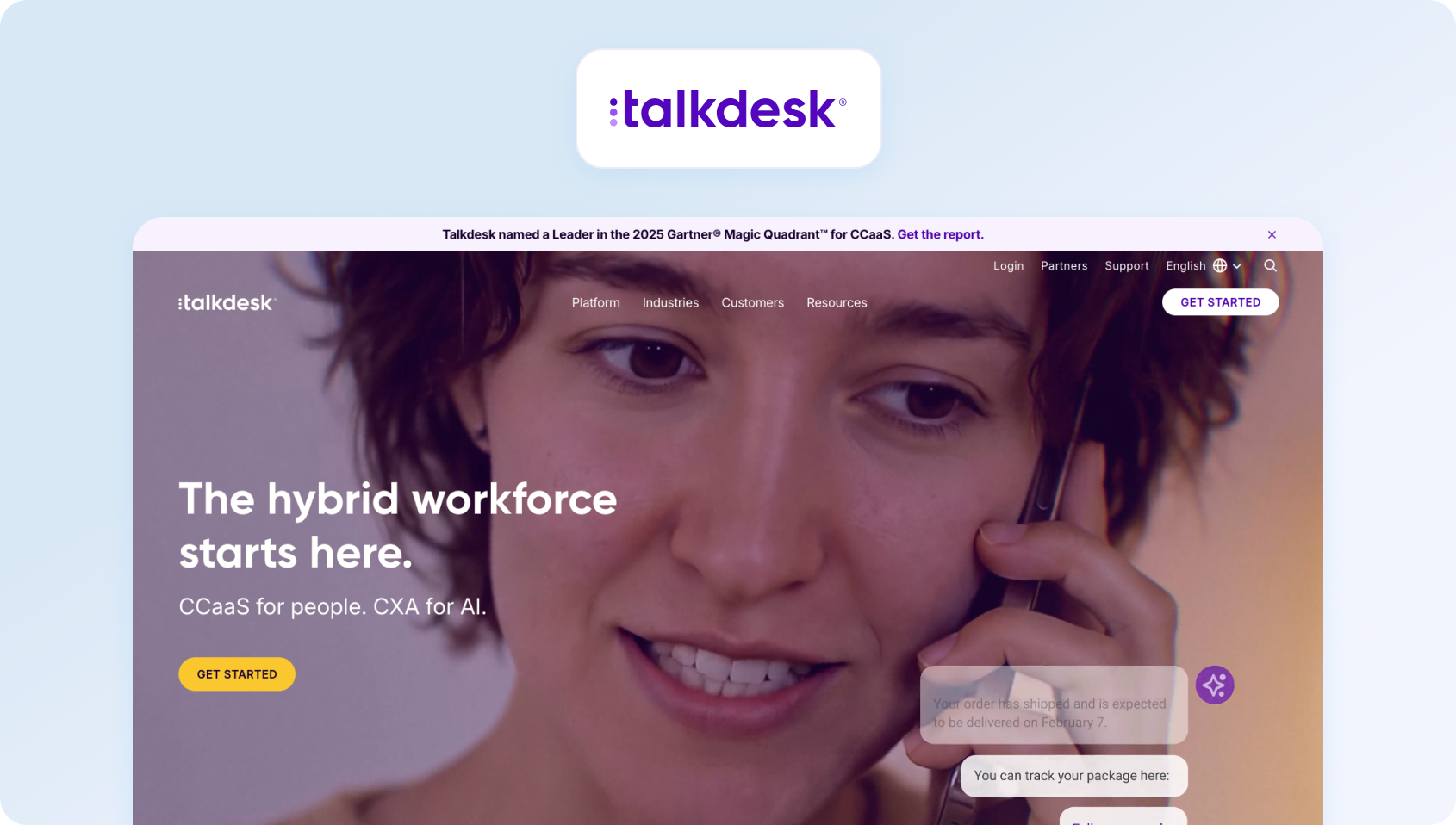
Talkdesk provides cloud contact center capabilities with tiered packaging. Teams get digital-only, voice-only, or combined omnichannel depending on plan selection.
Best for: Mid-market teams wanting pre-built CCaaS without custom development.
Key features:
- Tiered channel access
- User-friendly interface
- AI add-ons (Autopilot, Copilot)
- Studio flow builder
- Omnichannel engagement (higher tiers)
- Analytics and reporting
- Integration marketplace
- Quality data management (add-on)
- Workforce management (add-on)
Pricing:
- CX Cloud Digital Essentials: $85/agent/month
- CX Cloud Essentials: $105/agent/month
- CX Cloud Elevate: $165/agent/month
- CX Cloud Elite: $225/agent/month
Pros:
- No custom development required
- Quick deployment compared to programmable platforms
- Integration ecosystem
- Familiar CCaaS model
- Growing AI capabilities
Cons:
- Siloed channels at entry tiers
- Essential AI features cost extra
- 3-year contract requirement
- PSTN fees are separate from the base price
- Add-on costs accumulate quickly
7. Zendesk (ticketing-first + marketplace)
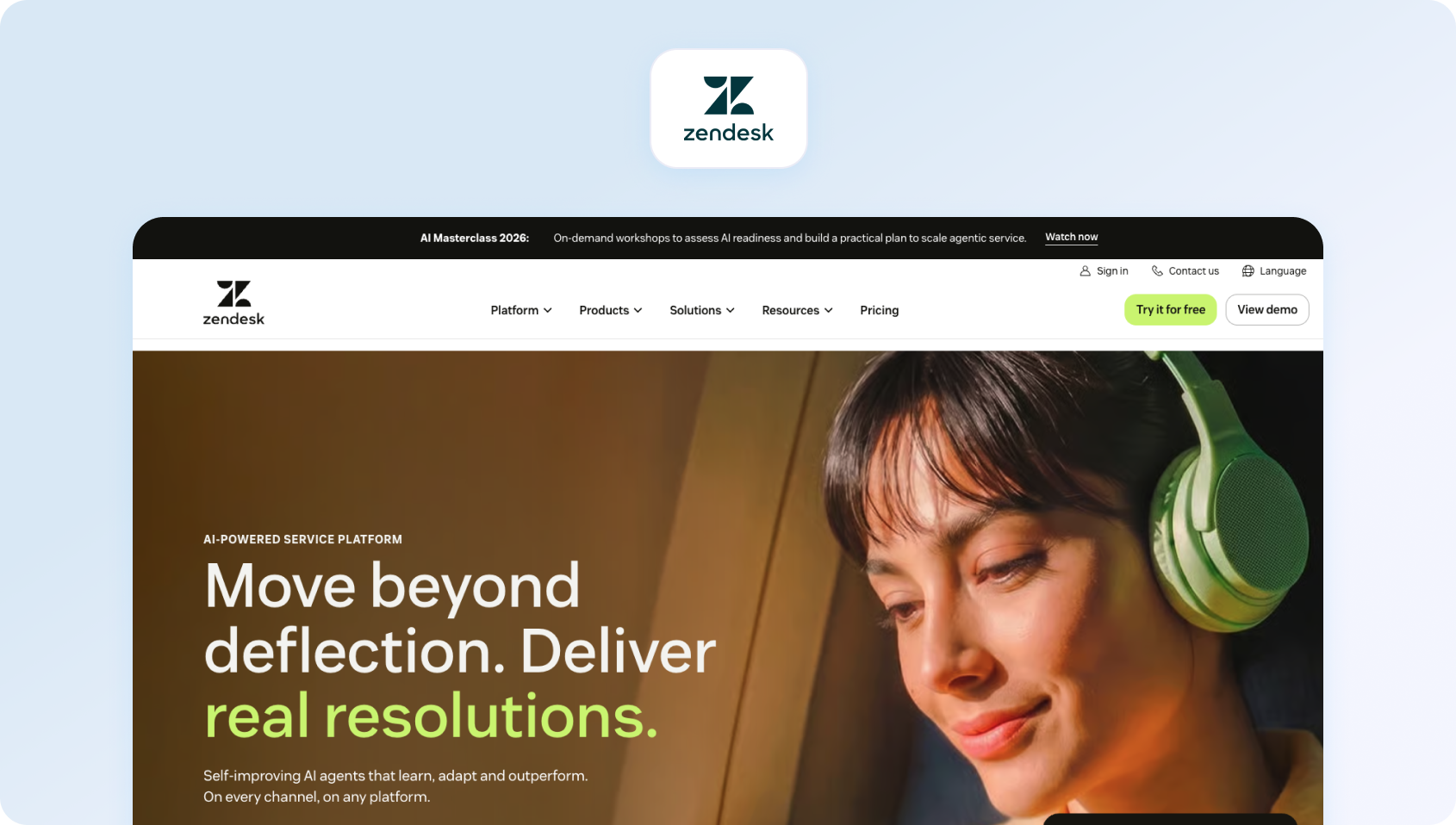
Zendesk began as help desk software and expanded into omnichannel support. Its massive app marketplace enables advanced customization options without coding, though voice remains partner-dependent.
Best for: Ticketing-first teams gradually adding channels through marketplace apps to solve call center needs.
Key features:
- Robust ticketing foundation
- 1,200+ marketplace apps
- Workflow automation engine
- Knowledge base platform
- Answer Bot for self-service
- Third-party voice integration
- Real-time reporting and dashboards
- Add-on modules (WFM, QA, AI Copilot)
Pricing:
- Support Team: $25/agent/month (monthly) | $19/agent/month (annual billing)
- Suite Team: $69/agent/month (monthly) | $55/agent/month (annual billing)
- Suite Professional: $149/agent/month (monthly) | $115/agent/month (annual billing)
- Suite Enterprise: $219/agent/month (monthly) | $169/agent/month (annual billing)
Pros:
- Mature ticketing workflows
- Extensive app ecosystem
- No coding for most customizations
- Strong knowledge base tools
- Familiar interface
Cons:
- Voice requires partner integration
- Add-on costs (WFM $25, QA $35, Copilot $50 per agent)
- Feature gating across tiers
- Can become expensive, fully loaded
- Partner dependencies for key features
8. Freshdesk (approachable omnichannel)
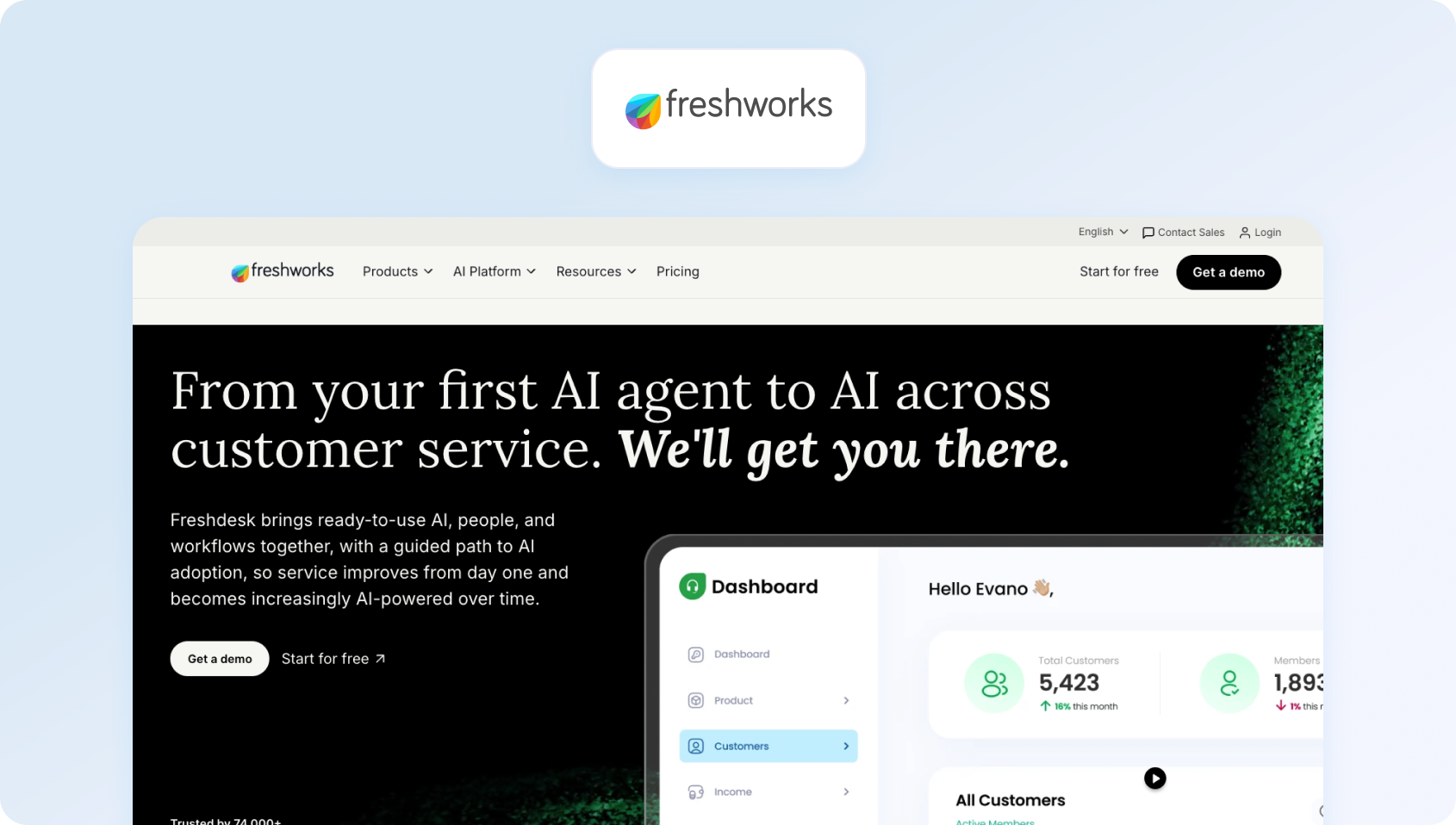
Freshdesk offers affordable help desk functionality with gradual omnichannel expansion. It targets small and mid-sized teams wanting straightforward ticketing with optional AI.
Best For: Budget-conscious teams starting with ticketing and adding channels over time.
Key features:
- Email and social channels
- Knowledge base
- Collaboration tools
- Basic analytics
- Marketplace integrations
- AI Copilot (add-on)
- Freddy AI Agent (usage-based)
Pricing:
- Growth: $23/agent/month (billed monthly)
- Pro: $66/agent/month (billed monthly)
- Enterprise: $107/agent/month (billed monthly)
Pros:
- Accessible entry pricing
- Intuitive setup
- Growing marketplace
- Reasonable feature set
- Modern interface
Cons:
- Voice needs separate integration
- AI features are add-ons
- Limited WFM tools
- Analytics is less sophisticated than enterprise platforms
- Usage-based AI costs can spike
9. Intercom (messenger-led engagement)

Intercom emphasizes proactive messaging and in-app engagement. Its Fin AI chatbot provides KB-grounded automation for text interactions, though voice support requires external tools.
Best for: SaaS companies prioritizing proactive engagement and product-led support.
Key features:
- Fin AI chatbot (GPT-powered, KB-grounded)
- Messenger and live chat
- Product tours
- Proactive campaigns
- Help center
- Basic ticketing
- Customer data platform
- Team collaboration inbox
Pricing:
- Essential: $39/seat/month + $0.99 per Fin resolution
- Advanced: $99/seat/month + $0.99 per Fin resolution
- Expert: $139/seat/month + $0.99 per Fin resolution
- Fin AI Agent (standalone): $0.99 per resolution (minimum commitments apply)
Pros:
- Strong proactive engagement tools to boost agent productivity
- Modern chatbot customer experience
- Good for product onboarding
- Multilingual bot capabilities
- Fast implementation
Cons:
- No native voice capabilities
- Resolution fees are unpredictable at scale
- Limited traditional ticketing
- Not designed for contact center operations
- Messaging-first limits use cases
10. 8×8 Contact Center (suite voice + digital)

8×8 combines UCaaS and CCaaS in integrated packages. It serves teams wanting streamlined communications and a contact center from a single vendor.
Best for: Organizations consolidating UC and contact center infrastructure.
Key features:
- Voice and video communication
- Contact center routing
- Omnichannel queues
- Integrated analytics
- Quality management
- Workforce optimization
- CRM integration capabilities
- Global telephony
Pricing:
Contact sales (8×8 typically does not publish contact center plan pricing publicly)
Pros:
- UC and CC integration
- Global voice coverage
- Unified administration
- Single vendor relationship
- Comprehensive analytics
Cons:
- Opaque pricing details
- Complex bundling decisions
- Implementation complexity
- Best for organizations needing both UC and CC
- Limited public feature documentation
11. RingCentral Contact Center (UCaaS/CCaaS pair)

RingCentral offers contact center capabilities alongside its established unified communications platform. Teams already using RingCentral for modern business phones can add contact center software features.
Best for: Existing RingCentral customers adding contact center capabilities.
Key features:
- Integrated with RingCentral UC
- Omnichannel routing
- Digital customer engagement
- Analytics and reporting features
- Workforce management
- Quality tools
- CRM connectors
- AI capabilities
Pricing:
- Standard: $75/user/month (monthly) | $65/user/month (annual)
- Professional: $110/user/month (monthly) | $95/user/month (annual)
- Elite: $165/user/month (monthly) | $145/user/month (annual)
- Enterprise Plan: Contact sales
Pros:
- Leverages existing RingCentral infrastructure
- Unified administration
- Familiar interface for current users
- Bundled pricing potential
- Strong voice foundation
Cons:
- Custom pricing lacks transparency
- Best value for existing customers
- Implementation requires coordination
- The feature set is less comprehensive than pure-play CCaaS
- Limited public pricing information
12. Salesforce Service Cloud (CRM-centric case mgmt)
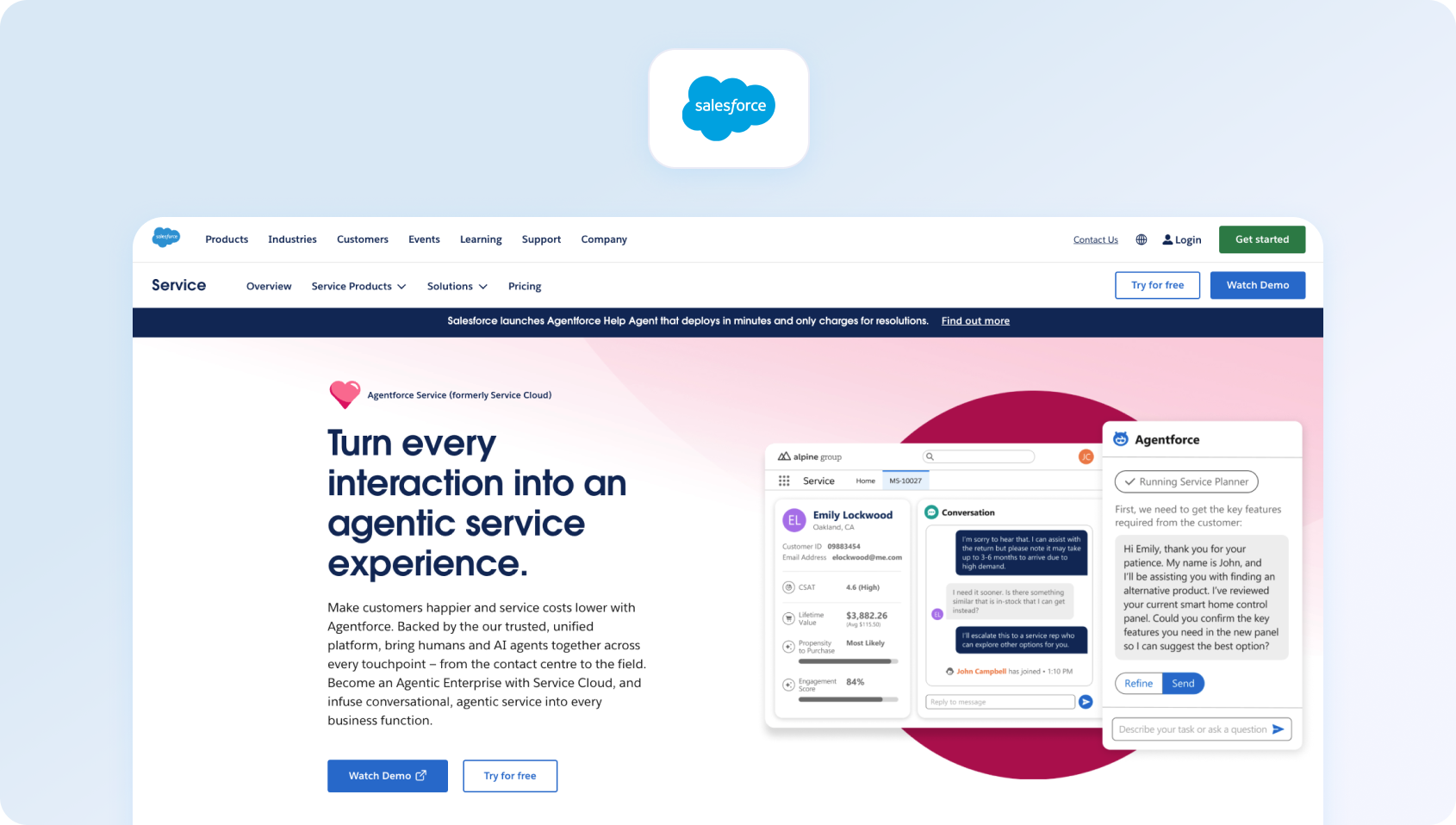
Salesforce Service Cloud extends the Salesforce CRM with service capabilities. It targets enterprises deeply invested in the Salesforce ecosystem, requiring unified customer data.
Best for: Salesforce customers needing service functionality within their CRM.
Key features:
- Case management
- Omnichannel routing
- Einstein AI automation
- Field service integration
- Customer communities
- Extensive customization
- AppExchange marketplace
Pricing:
- Enterprise: $175/user/month (billed annually)
- Unlimited: $350/user/month (billed annually)
- Agentforce 1 Service: $550/user/month (billed annually)
Pros:
- Deep Salesforce ecosystem integration
- Unified customer data model
- Powerful customization engine
- Enterprise security and compliance
- Einstein AI capabilities
Cons:
- Premium pricing throughout
- Requires Salesforce expertise
- Complex implementation
- Overkill outside the Salesforce ecosystem
- WFM and advanced features cost extra
What to Look For in a Twilio Flex Alternative
Every platform claims to offer AI, omnichannel support, and flexible pricing, but the details often make the biggest difference to long-term success. As you compare Twilio Flex alternatives, use the checklist below to separate platforms that simply replace your existing tools from those that genuinely reduce engineering overhead, accelerate deployment, and lower total cost of ownership.
Channels & Voice Integration
Native telephony with IVR and queue management eliminates custom development. Call transcription software and post-call notes should work out of the box. Seamless voice and ticket handoff preserves context without custom coding to better manage customer interactions.
Out-of-Box AI
Language detection, real-time translation, transcription, summarization, andAI voicebot capabilities should require configuration, not development. KB-groundedsuggested reply systems prevent hallucinations while accelerating agent responses. How AI improves customer support matters less if implementing it requires engineering sprints.
Knowledge Base Foundation
Pre-built KB integration with per-locale mapping, terminology control, and source citations reduces custom development. Strong retrieval and search functionality should work without building recommendation engines.
Operations Infrastructure
Analytics with language/brand filters, WFM forecasting and adherence, QA modules with customizable forms, and SLA dashboards should come built-in. Avoid platforms requiring third-party integrations for core ops functions.
Security & Governance
MFA, comprehensive audit logs, granular role management, and data residency controls meet compliance needs without custom security builds. AI suggestion transparency supports regulatory requirements.
Integration Ecosystem
Pre-built CRM, commerce, telephony, and BI connectors reduce integration effort. Open APIs and webhooks enable user needs without rebuilding standard functionality. Optional TMS/LSP connectors streamline localization workflows.
Predictable Pricing
Understand seat costs versus usage fees (minutes, messages, API calls, AI usage, storage). Transparent pricing like BlueTweak's €65/agent/month with defined AI usage costs simplifies budgeting versus unpredictable consumption-based models.
Time-to-Value Calculation
Factor engineering hours into ROI. A platform costing more per seat but deploying in weeks versus months redirects developer capacity to core product work.Best help desk software comparisons should include implementation effort.
The best way to evaluate a Twilio Flex alternative is to experience it firsthand. Try BlueTweak free for 14 days and see how quickly you can deploy AI-powered omnichannel support without the engineering overhead of a programmable platform. No credit card required.
Pricing & 12-Month TCO Modeling
Next, let's look at the realistic costs you could expect with these contact center solutions:
- Agent seats: Named users versus concurrent pricing models
- Voice costs: Per-minute charges, toll-free fees, international rates
- AI consumption: Translation characters, transcription minutes, summarization requests, bot sessions
- Data storage: Ticket retention, call recordings, attachment limits
- Add-on modules: WFM, QA, advanced analytics, marketplace apps
- Engineering time: Custom development, maintenance, integration work
- Professional services: Implementation, training, ongoing support
Example TCO for 75-agent operation handling 15,000 monthly calls:
- Twilio Flex: Base platform + voice minutes + custom AI development + maintenance = $8,000–$11,000/month (excluding engineering)
- BlueTweak: €65/agent/month ($69 USD) + AI usage = $5,200–$6,500/month (zero engineering)
- Genesys CX 3: $155/agent/month + telephony + add-ons = $14,000–$17,000/month
Request detailed quotes showing usage breakdowns. Clarify overage policies, minimum commitments, and auto-renewal terms.
Implementation Playbook
Week 0-1: Preparation
- Export Flex Studio flows and configuration
- Inventory all channels and integrations
- Audit knowledge base content and glossaries
- Document SSO, roles, and permissions requirements
- Map queues, SLAs, and routing logic
- Identify must-have integrations
Week 1-2: Pilot Launch
- Configure chat, email, and voice channels for seamless customer interactions
- Enable translation, summarization, and suggested replies
- Set up voice→ticket handoff with transcripts
- Launch pilot with 1-2 queues and 5-10 agents
- Run linguistic quality assurance (≥2% of interactions per language)
- Test AI customer support features
Week 3-4: Full Deployment
- Expand to all languages and multiple channels
- Complete real-time analytics dashboard configuration
- Configure WFM forecasting and QA scorecards
- Run parallel operations (new platform + Flex) for validation
- Prepare rollback procedures to resolve customer issues
- Execute cutover with go-live checklist
Success metrics:
- FCR↑ through better agent tools
- AHT↓ with AI assistance
- Containment↑ via improved self-service
- Abandonment of optimized routing
- CSAT/Sentiment↑ reflecting better experiences
How We Evaluated
We reviewed vendor product pages, pricing documentation, help centers, and marketplace listings exclusively. We didn't use any third-party review sites or unverified claims. We confirmed all channels/voice capabilities, AI features (translation, transcription, summaries, KB-grounded replies), knowledge base integration, analytics/WFM, security/administration, and integration ecosystems against public documentation.
All pricing comes from vendor websites as of February 2026. Where vendors don't publish pricing, we note “Contact sales.” Pros and cons reflect documented capabilities and publicly available feedback, avoiding speculation and hearsay.
Must-Have Capability Checklist
- Voice + messaging with native help desk integration
- KB-grounded answers with citation and terminology controls
- AI suite: translation, transcription, summarization, suggested replies
- Analytics with segmentation and filtering
- Native or first-party WFM and QA modules
- Security: MFA, audit logs, custom roles, data controls
- Integration library plus open APIs
- Transparent AI pricing (not purely add-on based)
- CSAT and survey capabilities
BlueTweak provides all capabilities with transparent €65/agent/month pricing.
Learn how to choose help desk software matching your requirements.
Evaluate platforms on:
- Mid-market fit: Serves 20-100 agents without enterprise complexity
- Omnichannel completeness: Native voice, chat, email, social with seamless handoffs
- AI depth: Agent assist, KB grounding, multilingual support
- Ops maturity: WFM, QA, analytics included
- Implementation speed: Time-to-value without custom development
- TCO transparency: Predictable costs versus usage surprises
Security & compliance: Built-in controls and auditability
Bottom Line: Prioritize Native Omnichannel + Predictable TCO
The best Twilio Flex alternatives deliver native voice/omnichannel capabilities, turnkey AI features, KB grounding, and ops infrastructure with transparent TCO, eliminating engineering overhead while accelerating time-to-value.
When to shortlist BlueTweak: You want omnichannel chat, voice, and email with KB-grounded AI and built-in analytics/WFM without custom development or ongoing maintenance. For mid-market customer service teams (20-100 agents) seeking faster deployment and predictable costs, BlueTweak provides enterprise contact center capabilities with weeks-to-value instead of months-to-value. to see how BlueTweak eliminates engineering overhead while delivering native omnichannel, AI-powered assistance, and comprehensive workforce management.
Ready to see BlueTweak in action? Book a personalized demo with one of our experts, or start your 14-day free trial to experience AI-powered omnichannel customer support, built-in workforce management, and predictable pricing, no credit card required.

As Head of Digital Transformation, Radu looks over multiple departments across the company, providing visibility over what happens in product, and what are the needs of customers. With more than 8 years in the Technology era, and part of BlueTweak since the beginning, Radu shifted from a developer (addressing end-customer needs) to a more business oriented role, to have an influence and touch base with people who use the actual technology.



