



TL;DR
Freshdesk works well for basic ticketing, but many growing support teams outgrow its modular pricing, separate voice products, and premium AI features. This guide compares 20 Freshdesk alternatives offering stronger omnichannel support, AI automation, workforce management, and transparent pricing. If you're managing 20–100 agents, BlueTweak stands out by combining voice, email, chat, social, AI, QA, and WFM in one platform.
Freshdesk remains a popular help desk platform, but many customer support teams eventually need more than standalone ticket management. As contact centres expand across voice, live chat, social media, and AI-powered customer service, organisations often start looking for platforms that reduce complexity rather than adding more products.
If you're comparing Freshdesk alternatives, this guide breaks down the leading options for 2026, including pricing, strengths, limitations, and where BlueTweak stands out as an all-in-one customer support platform.
Beyond Basic Ticketing: When to Reassess Freshdesk
Your team chose Freshdesk because it offered affordable ticketing with a straightforward user user-friendly interface. The platform might have worked well when you primarily handled customer inquiries through email and needed basic ticket management, but it fell short when your customer service operations expanded.
Customer conversations now happen across live chat, social media, phone calls, and email, but Freshdesk's multichannel support felt fragmented. You needed call transcription software, AI chatbots, and AI voicebot capabilities that required purchasing Freshcaller separately. Your support team wanted suggested replies grounded in your knowledge base, but AI features lived behind premium tiers or add-ons.
Now, you're looking for a support platform that matches your evolved requirements:
- Proper omnichannel support that unifies customer interactions
- AI capabilities that help support agents resolve customer inquiries faster
- Call center workforce management for operational control
- Transparent pricing per user
Below, we look at alternatives to Freshworks, what matters in 2026, and which customer support platforms deserve your attention.
Why Teams Look for Freshdesk Alternatives in 2026
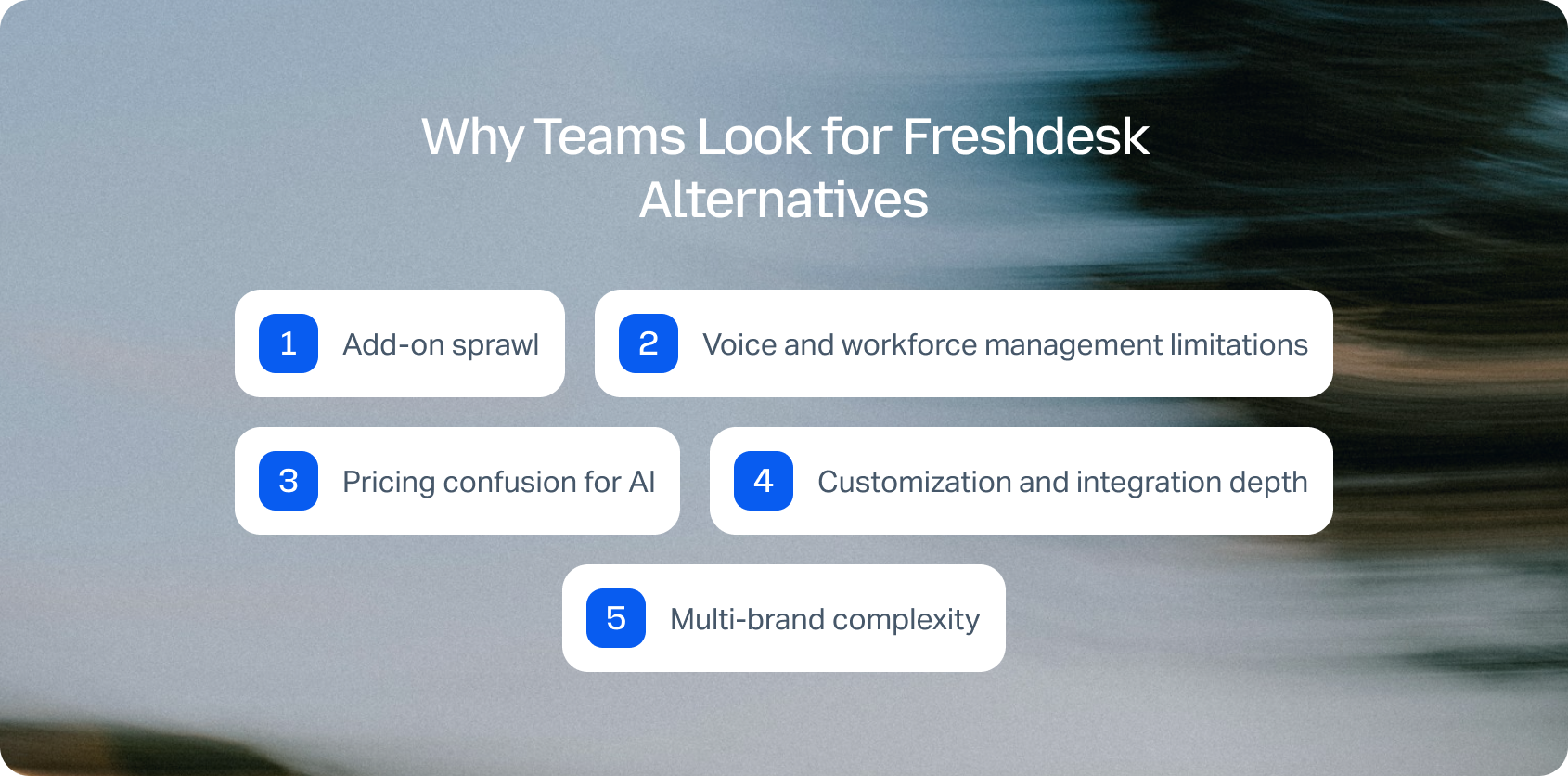
Every business has different needs, but here's why most turn to Freshdesk competitors:
- Add-on sprawl: Freshdesk's modular approach means basic ticketing remains affordable, but adding voice (Freshcaller), analytics (Freshsales), or marketing automation (Freshmarketing) requires separate Freshworks products. Teams end up managing multiple licenses and integrations even within the same vendor ecosystem.
- Voice and workforce management limitations: While Freshdesk handles email and chat adequately, robust voice capabilities require Freshcaller, which requires separate licensing. Call center workforce management features, such as forecasting, scheduling, and real-time adherence, aren't native, forcing teams to integrate third-party solutions that fragment customer data.
- Pricing confusion for AI: AI-powered features, such as intelligent ticket assignment, sentiment analysis, and automated responses, are available in Freshdesk. However, understanding which tier includes which capabilities and how usage-based pricing applies creates uncertainty when calculating the total cost.
- Customization and integration depth: While Freshdesk offers integration capabilities with popular tools, deeper customization for complex workflows or specialized industry needs sometimes hits limits. Teams with unique customer support processes find themselves working around platform constraints.
- Multi-brand complexity: Managing multiple brands, product lines, or client accounts within Freshdesk requires careful configuration. Teams wanting clean workspace separation and brand-specific routing often find the implementation more complex than expected.
Limited analytics depth: Basic reporting provides coverage of ticket volume and response times. Teams that need sophisticated customer service analytics, which tie customer satisfaction to specific agent actions, track sentiment shifts, or forecast staffing needs, often require supplementary tools.
Freshdesk Alternatives at a Glance
If you're shortlisting customer support software, this table provides a quick overview of the best Freshdesk alternatives based on their ideal use case, AI capabilities, omnichannel support, workforce management, and starting price. Use it to narrow down your options before exploring each platform in more detail.
*Workforce management is available in Zendesk's higher-tier plans and add-ons.
Every platform on this list takes a different approach to customer support. Some focus on affordability, others specialise in e-commerce or CRM integration, while platforms like BlueTweak combine omnichannel support, AI, workforce management, and quality assurance in a single solution. Below, we take a closer look at each Freshdesk alternative to help you identify the best fit for your team.
Looking for an all-in-one alternative to Freshdesk? BlueTweak combines omnichannel support, AI, workforce management, quality assurance, and analytics in one platform. Book a personalized demo today to see how it could work for you.
20 Freshdesk Alternatives for 2026
Think of this as a shortcut to your short list. We highlight who each platform is for, what it does best, and what to watch out for in terms of cost and implementation.
1. BlueTweak: Best for Mid-Market Omnichannel Support Teams

BlueTweak is an all-in-one customer service solution that combines voice, email, chat, social media, AI-powered automation, workforce management, and quality assurance in a single solution. Unlike Freshdesk, where advanced capabilities such as voice and workforce management often require additional products or higher-tier plans, BlueTweak includes these features in one transparent per-agent subscription. BlueTweak treats omnichannel support as foundational architecture, making it a suitable fit for teams that have outgrown platforms like Freshdesk.
Best for: Mid-market customer support teams (20–100 agents) that want voice, email, chat, social media, AI, workforce management, and quality assurance in one platform.
Features:
- Ticketing system with intelligent routing based on skills, language, priority, and customer history
- Unified inbox consolidates voice, email, chat, SMS, and social media into one agent workspace
- AI voicebot handles routine customer inquiries with context-preserving escalation to human agents
- Call transcription software converts conversations to searchable text automatically
- Suggested reply and canned responses grounded in a knowledge base for fast, accurate answers
- AI ticket summary condenses long conversations into actionable insights
- Call center workforce management forecasts demand and optimizes agent schedules
- Customer service quality assurance with scorecards, calibration sessions, and coaching workflows
- Customer service analytics track sentiment, SLA compliance, and outcomes in real time
- Multilingual customer support with real-time translation across all channels
- Customer profile view shows the complete interaction history regardless of the channel
- Multi-brand routing manages multiple product lines or client accounts in a single instance
- Customer support automation, including a KB-grounded chatbot and a voicebot
"Customer support teams shouldn't have to compromise between powerful functionality and operational simplicity. Our goal is to give growing support teams everything they need, from AI to workforce management, in one platform, so they can focus on delivering exceptional customer experiences rather than managing multiple tools." — Radu Dumitrescu, Head of Presale & Digital Transformation, BlueTweak
Who Uses It: Customer service teams managing 20 to 100 agents who need true omnichannel capabilities, AI assistance, and predictable pricing without add-on complexity.
BlueTweak in Action:
Conectys, a global customer experience outsourcing provider, implemented BlueTweak's omnichannel customer support platform to consolidate data, improve reporting, and streamline customer service operations.
The results included a 30% reduction in data retrieval time, a 40% increase in reporting efficiency, a 35% improvement in customer satisfaction scores, a 25% reduction in resolution times, and a 20% reduction in operational costs, demonstrating how a unified platform can improve both customer experience and operational performance at scale.
Pros:
- All-in-one platform eliminates vendor fragmentation and reduces IT complexity.
- Multilingual customer support with real-time translation preserves context across languages
- Multi-brand routing manages multiple product lines or client accounts in a single instance
- Fast implementation with guided rollout measured in weeks instead of months
- Customer support automation includes a KB-grounded chatbot and voicebot
- API-open architecture enables seamless integration with existing business systems
- Transparent pricing includes workforce management, quality assurance, and AI features
Cons:
- Newer customer service platform with a smaller third-party marketplace
- Less brand recognition than established Freshworks competitors
- Some advanced security features are planned for future releases
Pricing: €65/agent/month all-in (ticketing, omnichannel, AI features, QA, analytics, APIs). See pricing for complete details.
Want to understand what these improvements could mean for your organization? Use BlueTweak's ROI Calculator to estimate potential cost savings and productivity gains before booking a demo.
2. Zendesk: Best for Enterprise-Ready Customer Support
Zendesk is a well-established customer support software platform that offers ticketing, live chat, voice, and extensive marketplace integrations. Zendesk targets mid-market to enterprise teams needing proven desk software with broad ecosystem support.
Features:
- Multi-channel ticketing across email, chat, voice, and social media
- Knowledge base with self-service portal for customers
- AI-powered ticket classification and routing
- Workflow automation and custom triggers
- Extensive third-party marketplace for integrations
- Advanced reporting and analytics
- Workforce management is available in higher tiers
- Mobile apps for agents
Who Uses It: Mid-market to enterprise customer service teams needing an established customer support platform with extensive integrations.
Pros:
- Established platform with an extensive third-party marketplace
- Strong integration ecosystem with business tools
- Comprehensive customer support software features across tiers
- Good documentation and community forums for support
Cons:
- Expensive when adding voice and workforce management capabilities
- AI features and automation require premium paid plans
- Complex pricing model with numerous add-ons
- Interface feels dated compared to modern Freshdesk alternatives
Pricing:
- Support Team: $19/agent/month (billed annually)
- Suite Team: $55/agent/month (billed annually)
- Suite Growth: $89/agent/month (billed annually)
- Suite Professional: $115/agent/month (billed annually)
- Suite Enterprise: From $169/agent/month (billed annually)
Note: Advanced AI, Workforce Management, and Quality Assurance are available through additional products or higher-tier enterprise configurations, so total costs can increase depending on your deployment
3. Zoho Desk: Best for Zoho Ecosystem Users

Zoho Desk is part of the broader Zoho ecosystem, offering customer support software that integrates naturally with Zoho CRM and other Zoho products. It offers competitive entry-level pricing, along with a generous free plan.
Features:
- Multi-channel support across email, phone, chat, and social media
- AI assistant (Zia) for ticket classification and agent assistance
- Knowledge base with customer portal
- Workflow automation and custom rules
- Integration with the Zoho ecosystem
- Basic analytics and reporting
- Mobile support for agents
- Context-aware ticket management
Who Uses It: Small to mid-sized businesses, especially those using other Zoho products, who want unified customer data.
Pros:
- Affordable with a generous free plan for small teams
- Tight integration with the Zoho ecosystem
- An AI assistant helps automate repetitive tasks
- Good value for teams wanting a unified Zoho experience
Cons:
- Best value requires using other Zoho products
- Limited third-party integrations outside Zoho
- Voice capabilities are less robust than specialized platforms
- Learning curve for advanced customization
Pricing:
- Free: Up to 3 agents with basic help desk features
- Standard: $14/agent/month (annual) – core ticketing and automation
- Enterprise: $40/agent/month (annual) – advanced AI, live chat, and multi-brand support
Note: Zoho Desk remains one of the most affordable Freshdesk alternatives, with paid plans starting at $7/agent/month (Express) and scaling to Enterprise for organisations needing more advanced automation and AI.
4. Intercom: Best for Conversational Customer Engagement

Intercom combines customer support tools with customer engagement and proactive messaging. It's popular among SaaS companies that want to blend reactive support with product communication.
Features:
- One inbox for email, chat, and social messaging
- AI chatbot (Fin) for automated customer interactions
- Proactive messaging and customer engagement campaigns
- Knowledge base with AI-powered search
- Customer segmentation and targeting
- Product tours and onboarding workflows
- Team collaboration features
- Extensive integration capabilities
Who Uses It: SaaS and technology companies wanting to blend customer support with product engagement and sales.
Pros:
- Modern interface with excellent user experience for agents
- Strong proactive engagement features beyond reactive support
- AI chatbot (Fin) delivers good automation for common customer queries
- Product tours help with customer onboarding and reduce support tickets
Cons:
- Expensive, especially when AI usage scales with customer interactions
- A complex pricing model makes the total cost difficult to predict
- Less suitable for traditional customer service operations
- Best value requires using the complete Intercom platform
Pricing:
- Essential: $29/seat/month (billed annually) – shared inbox, ticketing, live chat, and core customer support features
- Advanced & Expert: Custom pricing – add more advanced automation, workflows, analytics, security, and multibrand capabilities
- Fin AI Agent: $0.99 per resolved conversation (outcome), charged separately based on usage
Note: Intercom combines per-seat pricing with usage-based AI and channel charges, so total costs increase as interaction volume grows.
5. Help Scout: Best for Email-First Support Teams
Help Scout emphasizes human connection in customer service, offering an easy-to-use platform that feels like email rather than complex ticketing systems.
Features:
- Shared inbox for email customer support
- Live chat with proactive messaging
- Knowledge base with self-service options
- Customer profile showing interaction history
- Collision detection prevents duplicate agent responses
- Automated workflows and saved replies
- Basic reporting and analytics
- Integration with popular business tools
Who Uses It: Small to mid-sized customer service teams prioritizing personalized customer interactions over enterprise features.
Pros:
- The clean, intuitive interface feels like email rather than traditional desktop software.
- Strong focus on personalized customer service experience
- Good knowledge base functionality for self-service
- Excellent customer support from the Help Scout team
Cons:
- Limited channels, primarily email and chat, voice requires integration
- Simple reporting compared to enterprise platforms
- Fewer automation features than Freshworks competitors
- Not suitable for teams needing workforce management
Pricing:
- Free: Up to 5 users with one inbox and basic help desk features
- Standard: $25/user/month (billed annually) – shared inbox, live chat, workflows, and core automation
- Plus: $45/user/month (billed annually) – advanced workflows, reporting, Salesforce/HubSpot/Jira integrations, and enhanced collaboration
- Pro: $75/user/month (billed annually) – enterprise-grade security, governance, and scalability
Note: Help Scout also offers AI Answers as a usage-based add-on. While the platform delivers excellent value for email-first support teams, advanced AI capabilities and enterprise features increase the overall cost.
6. HubSpot Service Hub: Best for HubSpot CRM Users

HubSpot Service Hub integrates customer support software with HubSpot's CRM platform, providing a unified approach to customer relationship management across sales, marketing, and service departments.
Features:
- Ticketing system integrated with HubSpot CRM
- Live chat and chatbot builder
- Knowledge base with customer portal
- Customer feedback surveys and NPS tracking
- Workflow automation across departments
- Conversation routing and shared inbox
- Reporting dashboards with CRM integration
- Seamless data flow across HubSpot tools
Who Uses It: Small to mid-sized businesses using HubSpot CRM who want unified data across departments.
Pros:
- Seamless integration with HubSpot CRM for a unified customer view
- Unified data across sales, marketing, and customer service
- User-friendly interface consistent with the HubSpot ecosystem
- Suitable for teams prioritizing CRM-driven customer support
Cons:
- Limited customer support software features compared to specialized platforms
- Voice capabilities require third-party integration
- Pricing escalates with seat count and feature additions
- Best suited for existing HubSpot customers
Pricing:
- Free: Up to 2 users with basic ticketing, live chat, and CRM tools
- Starter: $20/seat/month (billed annually) – core help desk features, shared inbox, and basic automation
- Professional: $90/seat/month (billed annually) – advanced automation, reporting, customer portal, knowledge base, and customer feedback tools
- Enterprise: $150/seat/month (billed annually) – skill-based routing, advanced permissions, and enterprise governance
Note: HubSpot Service Hub delivers the best value for organisations already using HubSpot's CRM and wider customer platform. AI features use HubSpot Credits, with allocations included in paid plans and additional credits available if needed.
7. Salesforce Service Cloud: Best for Large Enterprise Service Teams
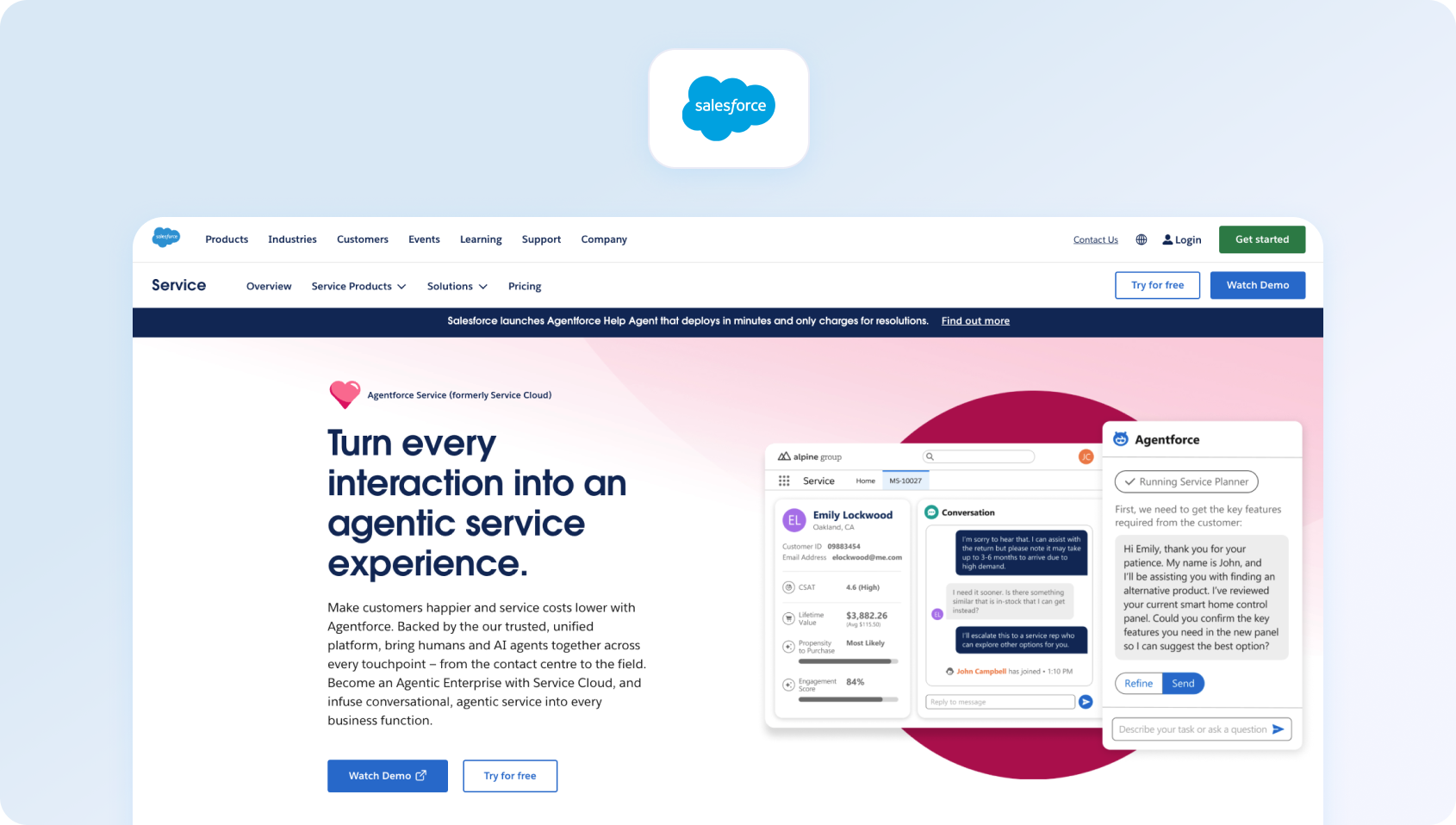
Salesforce Service Cloud is an enterprise-grade customer service software built on the Salesforce platform, offering comprehensive features with deep CRM integration and extensive customization options.
Features:
- Omnichannel routing across email, chat, phone, and social
- Case management with sophisticated workflows
- Knowledge base integrated with Salesforce data
- AI through Einstein for predictive routing and recommendations
- Field service management capabilities
- Extensive customization through the Salesforce platform
- Workforce management and quality assurance
- Comprehensive analytics and reporting
Who Uses It: Large enterprises needing a robust customer service platform with extensive customization and Salesforce ecosystem integration.
Pros:
- Enterprise-grade scalability and reliability for large customer service operations
- Deep integration with Salesforce CRM and ecosystem
- Extensive customization through the Salesforce platform
- Comprehensive AI capabilities through Einstein
Cons:
- Very expensive compared to alternatives to Freshdesk
- Complex implementation and steep learning curve
- Best value requires broader Salesforce investment
- Overkill for smaller customer service teams
Pricing:
- Starter Suite: $25/user/month (billed monthly or annually) – core customer service tools, case management, and built-in AI
- Pro Suite: $100/user/month (billed annually) – enhanced automation, customization, AppExchange access, and advanced service capabilities
- Enterprise: $165/user/month (billed annually) – AI-powered customer service, self-service help center, and advanced workflow automation
Note: Salesforce Service Cloud pricing varies by edition, add-ons, and user count. Features such as Digital Engagement, Service Cloud Voice, Workforce Engagement, and additional AI capabilities may require separate licenses or higher-tier plans.
8. ServiceNow: Best for Enterprise Service Management
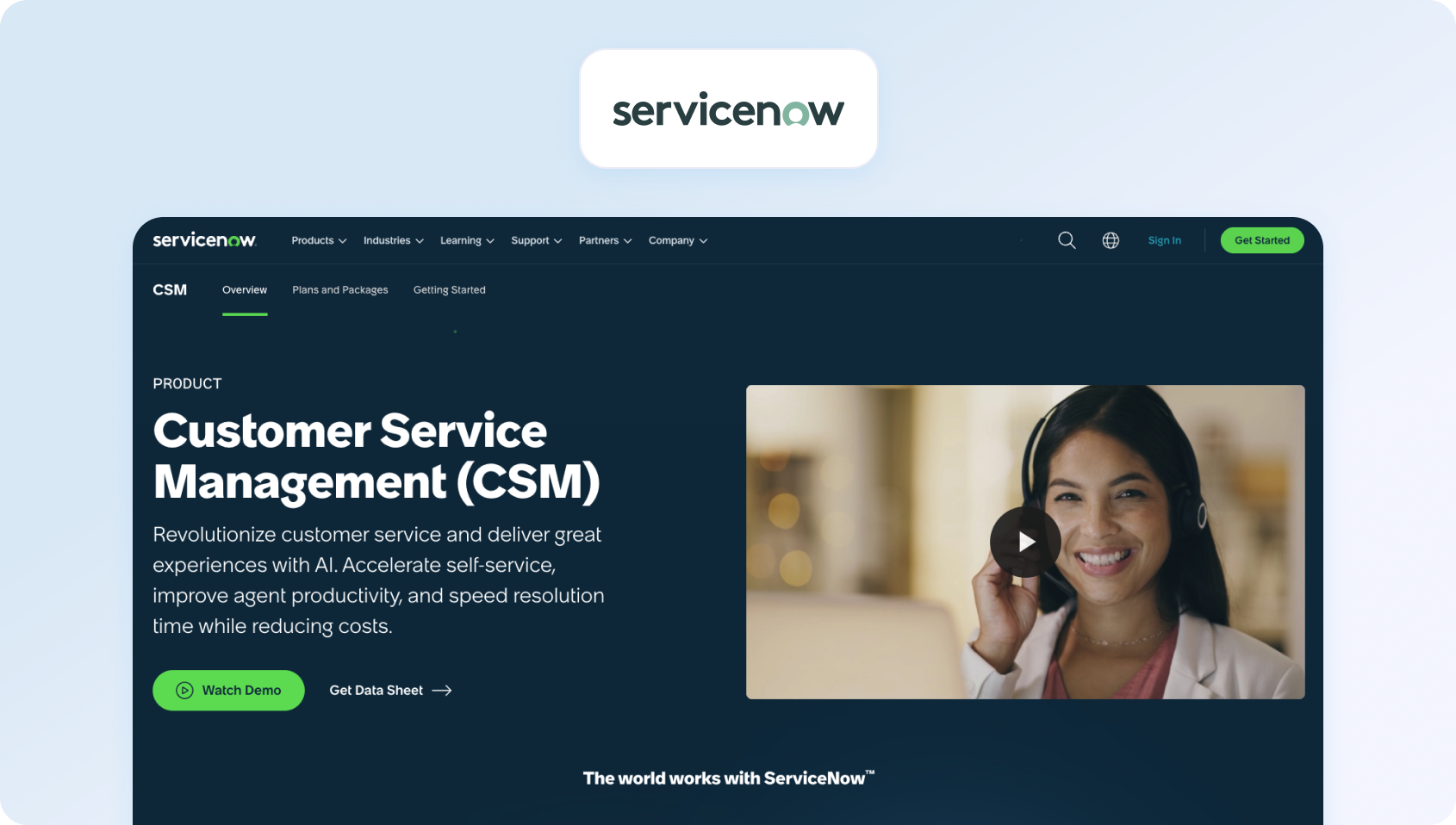
ServiceNow focuses on IT management but also offers customer service management capabilities for enterprises that need unified service operations.
Features:
- Unified platform for IT and customer management
- Advanced workflow automation and orchestration
- Knowledge management with AI-powered search
- Multi-channel customer support
- Field management
- Extensive configuration options
- AI and machine learning capabilities
- Integration with enterprise systems
Who Uses It: Large enterprises needing unified management across IT, HR, and customer-facing teams.
Pros:
- Enterprise-grade customer service platform with comprehensive capabilities
- Unified service operations across departments
- Strong workflow automation for complex processes
- Robust security and compliance features
Cons:
- Very expensive with a lengthy implementation timeline
- Steep learning curve requiring specialized expertise
- Overkill for teams focused primarily on customer support
- Complex pricing and licensing models
Pricing:
- Custom pricing – ServiceNow Customer Service Management is sold through custom enterprise quotes rather than publicly listed per-user plans
- Packages: CSM Advanced and CSM Prime, with Prime adding AI Specialists and Workforce Optimization capabilities
Note: ServiceNow is designed for large enterprise deployments, with pricing varying based on users, products, implementation, and support requirements. Total costs typically include implementation services and ongoing platform configuration, making it a significant investment for smaller support teams.
9. Jira Service Management: Best for IT Service Teams
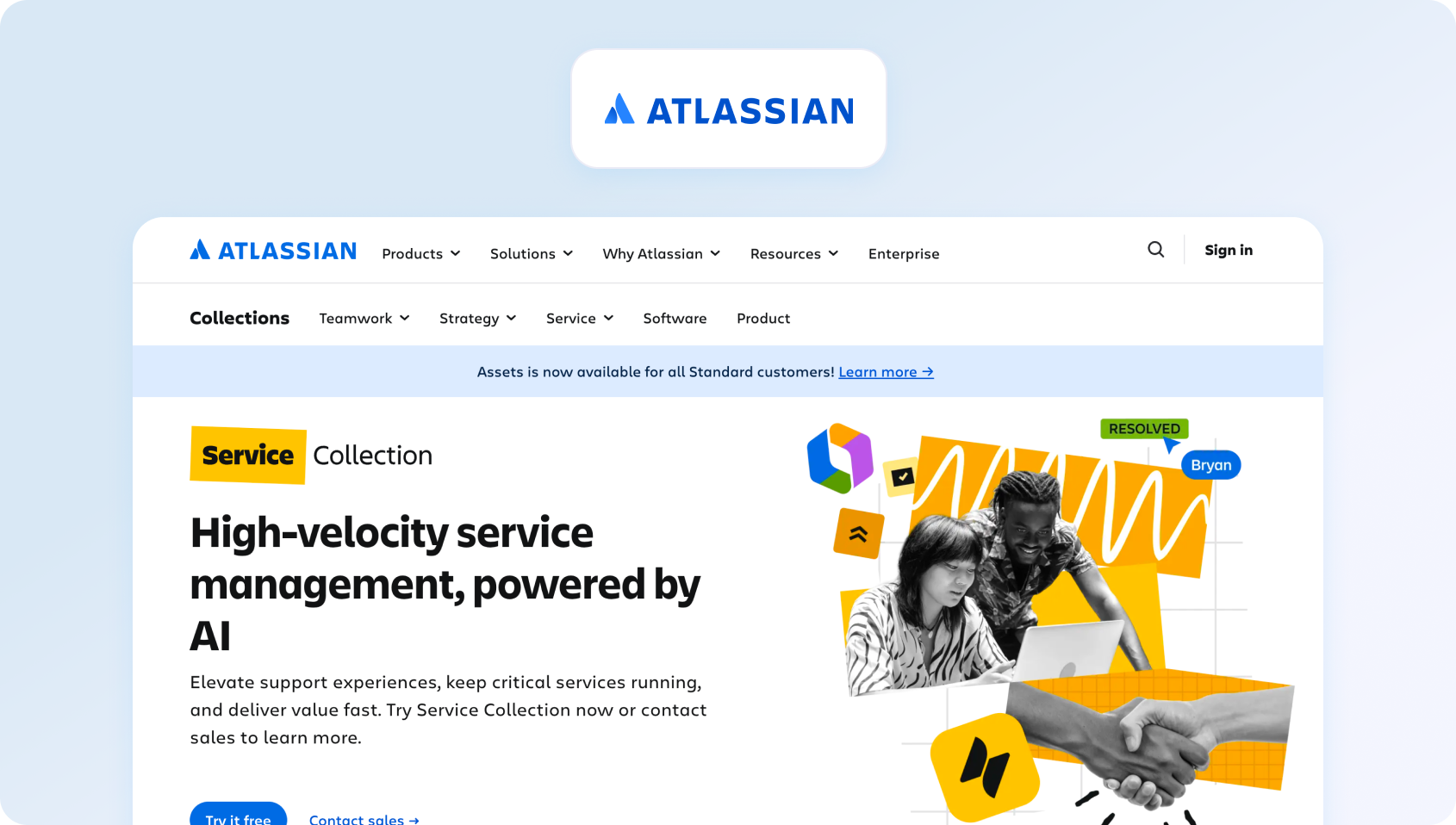
Jira Service Management brings Atlassian's project management approach to customer service software, particularly popular with technical teams and IT departments.
Features:
- ITSM and customer service ticketing
- Integration with Jira Software for development handoffs
- Knowledge base and self-serve portal
- Workflow automation and SLA management
- Custom forms and approval workflows
- Asset and configuration management
- Mobile apps for agents
- Integration with the Atlassian ecosystem
Who Uses It: Technical teams, IT departments, and companies using Atlassian products wanting unified project and service management.
Pros:
- Excellent integration with development workflows via Jira Software
- Familiar interface for teams using Atlassian products
- Strong automation and workflow customization
- Good asset and configuration management
Cons:
- Better suited for internal IT service than external customer support
- Learning curve for non-technical customer service teams
- Limited omnichannel capabilities for customer interactions
- Voice support requires third-party integration
Pricing:
- Free: Up to 3 agents with core IT service management features
- Standard: $20/agent/month (billed annually) – incident, request, problem, and change management with automation
- Premium: $40/agent/month (billed annually) – adds AI-powered service management, virtual agent, asset management, and advanced analytics
- Enterprise: Custom pricing
Note: Jira Service Management delivers good value for IT and DevOps teams already using the Atlassian ecosystem. Costs can increase with Marketplace apps and higher-tier plans, making it better suited to internal service management than customer-facing contact centres.
10. Genesys Cloud CX: Best for Large Contact Centres
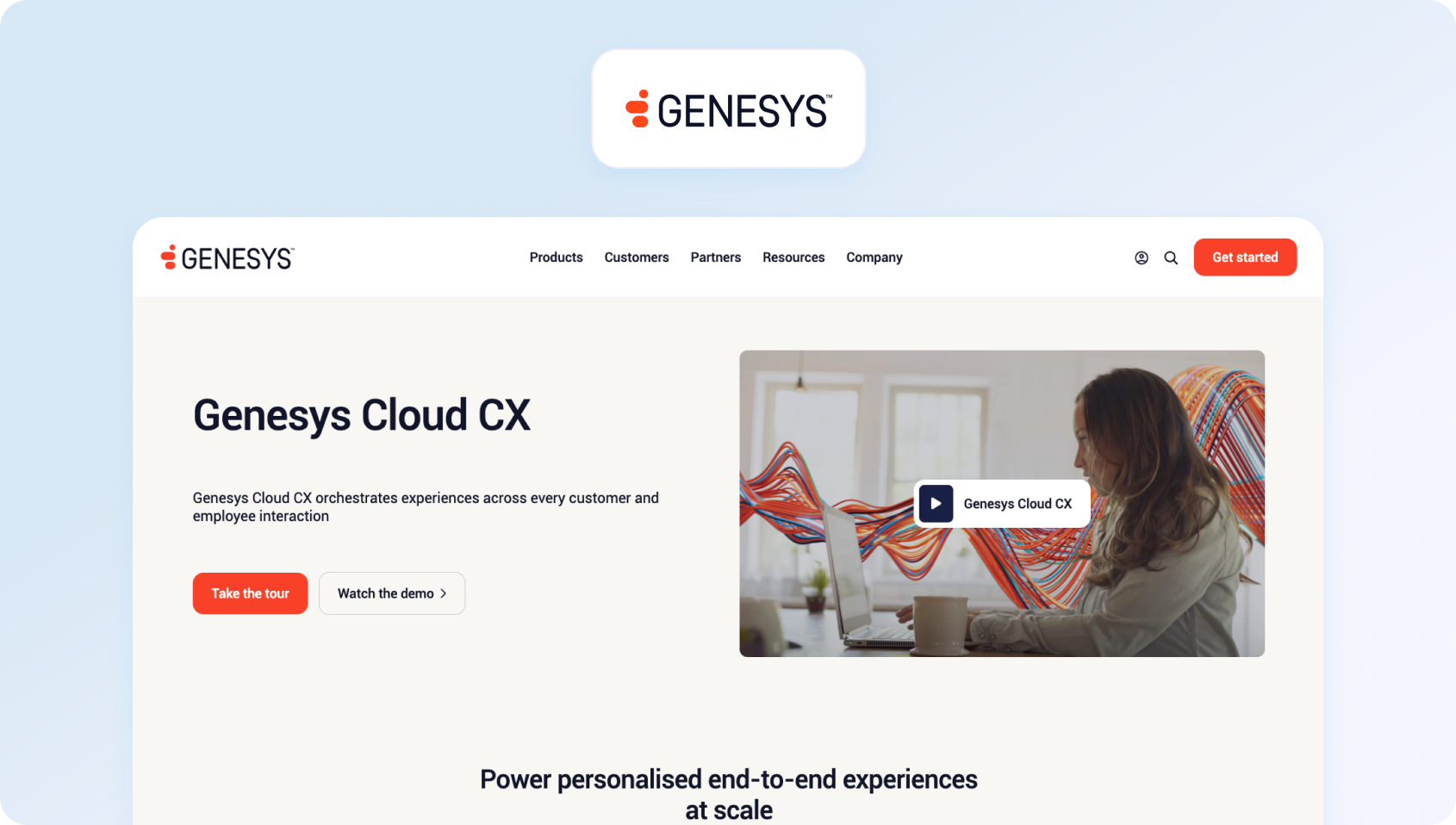
Genesys Cloud CX is enterprise-grade contact center software with comprehensive customer support capabilities, workforce management, and advanced analytics.
Features:
- Omnichannel routing across voice, email, chat, and social
- AI-powered predictive routing and automation
- Workforce management and quality assurance are native to the platform
- Advanced analytics with sentiment analysis
- Knowledge base integration for agent assistance
- IVR with AI capabilities
- Extensive integrations with business systems
- Enterprise-grade security and compliance
Who Uses It: Enterprise contact centers managing hundreds of agents across multiple channels with sophisticated requirements.
Pros:
- Enterprise-grade scalability for large customer service operations
- Comprehensive contact center capabilities in one platform
- Strong workforce management and quality assurance tools
- Extensive AI and automation features
Cons:
- Very expensive, especially for smaller customer service teams
- Complex implementation requires professional services
- Steep learning curve and technical expertise required
- Overkill for businesses under 100 agents
Pricing:
- Genesys Cloud CX 1: $75/user/month (billed annually)
- Genesys Cloud CX 2: $115/user/month (billed annually)
- Genesys Cloud CX 3: $155/user/month (billed annually)
- Genesys Cloud CX 4: $240/user/month (billed annually)
Note: All Genesys plans include native AI capabilities, although some advanced AI features consume AI Experience Tokens. Additional usage-based charges may also apply depending on telephony, AI consumption, and deployment requirements.
11. LiveAgent: Best for Affordable Omnichannel Support

LiveAgent offers multi-channel customer support software that combines ticketing, live chat, and call center features at competitive pricing.
Features:
- Multi-channel ticketing across email, chat, phone, and social
- Built-in call center with IVR capabilities
- Live chat with proactive invitations
- Knowledge base and customer portal
- Workflow automation and SLA management
- Gamification for agent motivation
- Multi-brand support for managing multiple businesses
- Extensive integration options
Who Uses It: Small to mid-sized customer support teams needing an affordable omnichannel desk solution often opt for LiveAgent.
Pros:
- Affordable omnichannel customer support platform
- Built-in call center eliminates separate telephony costs
- Good feature set for the price point
- Suitable for multi-brand operations
Cons:
- Interface feels dated compared to modern Freshdesk alternatives
- Limited AI capabilities for automation
- Basic workforce management features
- Smaller ecosystem of third-party integrations
Pricing:
- Small: $15/agent/month (billed annually)
- Medium: $29/agent/month (billed annually)
- Large: $49/agent/month (billed annually)
- Enterprise: $69/agent/month (billed annually)
Note: LiveAgent offers competitive pricing for growing support teams, a 30-day free trial, and AI features such as AI Answer Assistant and AI Chatbot. Voice capabilities become available from the Medium plan onwards.
12. Deskpro: Best for Flexible Deployment Options
Deskpro offers customer support software with both cloud and on-premise deployment options for teams with specific data control requirements.
Features:
- Multi-channel ticketing across standard channels
- Knowledge base with customer-facing portal
- Live chat and messaging capabilities
- Workflow automation and custom triggers
- Custom ticket fields and forms
- Agent productivity tools
- Reporting and analytics
- Flexible deployment (cloud or on-premise)
Who Uses It: Mid-sized customer service teams needing flexible deployment options or specific data control requirements.
Pros:
- Flexible deployment options accommodate different requirements
- Good customization capabilities for workflows
- Comprehensive customer support software features
- Suitable for teams with strict data requirements
Cons:
- Higher pricing than some alternatives to Freshworks
- Interface is less modern than newer platforms
- Smaller user community and marketplace
- On-premises requires internal IT resources
Pricing:
- Team: $39/agent/month (minimum 5 agents)
- Professional: $59/agent/month (minimum 10 agents)
- Enterprise: $99/agent/month (minimum 25 agents)
Note: Deskpro offers both cloud and on-premises deployment. All plans include a free trial, while higher tiers introduce AI features, enterprise administration, and more advanced support capabilities .
13. Gorgias: Best for E-commerce Customer Support
Gorgias specializes in customer support software for e-commerce, with deep integrations into Shopify, Magento, and other commerce platforms.
Features:
- Deep e-commerce integrations showing order data in tickets
- Multi-channel support across email, chat, social, SMS, and voice
- Automation rules based on customer and order data
- Macros for common customer questions
- Revenue attribution showing support's business impact
- Customer satisfaction tracking
- AI features for automation
- Integration with e-commerce tools
Who Uses It: E-commerce brands using Shopify, Magento, or similar platforms wanting order context in every customer interaction.
Pros:
- Excellent e-commerce integrations with order data visible in tickets
- Revenue attribution demonstrates support's business value
- Unlimited agent seats on paid plans reduce per-user costs
- Strong automation for common e-commerce customer questions
Cons:
- Limited functionality outside e-commerce use cases
- Ticket-based pricing can become expensive at scale
- AI interactions may be metered separately
- Less suitable for non-retail customer service operations
Pricing:
- Starter: From $10/month – includes 50 billable tickets/month
- Basic: From $50/month (billed annually) – includes 300 billable tickets/month
- Pro & Advanced: From $300–750/month (billed annually) for higher ticket volumes and more advanced capabilities.
Note: Gorgias uses a ticket-based pricing model rather than charging per agent. AI Agent is priced separately based on automated resolutions, so total costs increase with support volume and AI usage.
14. Hiver: Best for Gmail-Based Support Teams
Hiver transforms Gmail into customer support software, allowing teams to manage customer inquiries without leaving their inbox.
Features:
- Gmail integration for shared inbox management
- Email-based ticket assignment and tracking
- Collision detection prevents duplicate responses
- SLA management with automated reminders
- Basic workflow automation
- Email templates and internal notes
- Reporting on response times and volumes
- Live chat as an optional add-on
Who Uses It: Small customer service teams using Gmail who want lightweight support tools without adopting new platforms.
Pros:
- No learning curve for Gmail users
- Quick deployment without platform migration
- Affordable for small customer service teams
- Familiar email-based workflow
Cons:
- Limited to email and basic chat functionality
- Lacks advanced customer support software features
- No voice or comprehensive social media support
- Not suitable for teams needing omnichannel or AI capabilities
Pricing:
- Free: Up to basic email, live chat, and help desk features.
- Growth: $25/user/month (billed annually)
- Pro: $55/user/month (billed annually)
- Elite: $85/user/month (billed annually)
Note: Hiver offers both Hiver Omni (omnichannel) and Hiver in Gmail. It's an excellent choice for teams already using Gmail, while the newer Omni platform adds voice, live chat, Slack, and AI capabilities. Voice is available as an add-on on the Growth plan.
15. Front: Best for Collaborative Shared Inboxes
Front creates a shared inbox enabling teams to manage conversations across email, chat, and social media collaboratively.
Features:
- One inbox for email, chat, SMS,and social media
- Collision detection and internal comments for collaboration
- Assignment rules and automated workflows
- Analytics showing team performance
- Integration with business tools
- Mobile apps for remote agents
- Custom views and filters
- Automation features for routine tasks
Who Uses It: Small to mid-sized customer service teams wanting shared inbox collaboration without traditional ticketing complexity.
Pros:
- Clean interface focused on team collaboration
- Suitable for teams transitioning from email to structured support
- Strong analytics showing team performance metrics
- Integrates well with standard business tools
Cons:
- Limited traditional ticketing features compared to full desk software
- Voice support requires third-party integration
- Pricing scales quickly with seat count
- No built-in knowledge base or self-serve capabilities
Pricing:
- Starter: $25/seat/month: shared inbox basics
- Pro: $65/seat/month: advanced automation
- Enterprise: $105/seat/month: enterprise features
Note: Front focuses on collaborative shared inboxes rather than a full contact centre platform. AI features are included primarily in the Enterprise plan, while some AI capabilities and automation remain paid add-ons on lower tiers.
16. HappyFox: Best for Workflow-Driven Support Teams

HappyFox offers customer support software with task management and workflow automation for teams that need structure without the complexity of enterprise solutions.
Features:
- Multi-channel ticketing across email, chat, phone, and social
- Task management and workflow automation
- Knowledge base with customer portal
- SLA management and escalation rules
- Asset management capabilities
- Mobile apps for agents
- Reporting and analytics
- Integration with business systems
Who Uses It: Mid-sized customer service teams needing structured desk software with workflow management.
Pros:
- Good balance of features and usability
- Strong workflow and task management capabilities
- Comprehensive ticketing features
- Mobile support for remote agents
Cons:
- Pricing not always transparent (may require sales contact)
- More miniature marketplace than a major Freshworks competitor
- Some advanced features require higher tiers
- Less brand recognition than established platforms
Pricing:
- Basic: $24/agent/month (billed annually) – up to 5 agents.
- Team: $49/agent/month (billed annually)
- Pro: $99/agent/month (billed annually)
- Enterprise Pro: Custom pricing – enterprise governance, advanced audit logs, dedicated customer success, and premium support
Note: HappyFox also offers an AI Contact Center Suite starting at $99/agent/month, which bundles voice, AI automation, chat, and help desk capabilities. The Help Desk plans remain a good fit for small to mid-sized support teams, while Enterprise Pro is designed for larger deployments.
17. TeamSupport: Best for Complex B2B Support
TeamSupport focuses on B2B customer support, offering desk software designed for complex, relationship-driven support interactions.
Features:
- Account-based ticketing showing customer relationships
- Collaboration tools for internal escalations
- Customer health scoring
- Product database for asset tracking
- Knowledge base capabilities
- Customer self-serve portal
- Reporting focused on customer success metrics
- Integration with business tools
Who Uses It: B2B companies managing complex customer relationships and technical support escalations.
Pros:
- Excellent for B2B customer relationship management
- Account-based view shows customer health across touchpoints
- Strong collaboration features for internal teams
- Suitable for managing complex technical customer support
Cons:
- Less suitable for B2C or high-volume customer support operations
- Limited AI and automation compared to modern platforms
- Smaller integration marketplace
- Higher pricing than consumer-focused alternatives to Freshdesk
Pricing:
- Starter: $45/agent/month
- Professional: $65/agent/month
- Scale: $85/agent/month
Note: TeamSupport is purpose-built for B2B customer support teams. Pricing reflects its focus on customer relationship management, AI-powered support workflows, and advanced reporting rather than high-volume contact centre operations.
18. Kayako: Best for Customer Journey Visibility
Kayako provides customer support software emphasizing customer journey tracking across all interaction touchpoints.
Features:
- Unified customer view across channels
- Journey tracking showing complete customer history
- Multi-channel support across email, chat, phone, and social
- Knowledge base and self-service options
- Workflow automation and routing rules
- Team collaboration tools
- Reporting and analytics
- Integrations with business systems
Who Uses It: Mid-sized customer service teams prioritizing customer context and journey tracking.
Pros:
- Strong customer journey tracking capabilities
- Unified view shows complete interaction history
- Good collaboration features for support teams
- Comprehensive omnichannel support
Cons:
- Pricing not fully transparent (may require sales contact)
- Less market presence than major Freshdesk competitors
- Some users report implementation complexity
- Limited advanced AI capabilities
Pricing:
- Kayako One: Custom pricing for the full customer support platform, including ticketing, unified inbox, knowledge base, automation, analytics, and AI capabilities.
- Kay AI: $1 per AI-resolved ticket – usage-based pricing with no additional seat fees for AI resolutions.
Note: Kayako uses an outcome-based pricing model for AI automation rather than traditional per-agent pricing. While this can make costs predictable for teams with high automation rates, organisations should consider overall platform costs and AI resolution volumes when comparing alternatives.
19. Re:amaze: Best for Growing E-commerce Brands
Re:amaze provides customer support software integrated with e-commerce platforms and live chat for online businesses.
Features:
- Multi-channel support across email, chat, social, SMS, and voice
- E-commerce integrations with order data visibility
- Chat with chatbot automation
- Knowledge base and FAQ builder
- Workflow automation for common scenarios
- Customer satisfaction surveys
- Reporting and analytics
- Integration with commerce platforms
Who Uses It: Small to mid-sized e-commerce businesses needing integrated customer support and commerce data.
Pros:
- Good e-commerce integrations with order context
- Affordable pricing for small customer service teams
- Chat with automation capabilities
- Multi-channel support included at the entry level
Cons:
- Limited features outside e-commerce use cases
- Basic workforce management capabilities
- Smaller ecosystem than enterprise platforms
- Voice capabilities are less robust than specialized solutions
Pricing:
- Starter: $59/month – unlimited users with up to 500 active conversations per month.
- Basic: $29/team member/month (billed annually)
- Pro: $49/team member/month (billed annually)
- Plus: $69/team member/month (billed annually)
Note: Re:amaze offers a flexible pricing model for ecommerce businesses, with both per-user plans and volume-based options available. AI Agent capabilities are included across plans with additional usage charges after the included resolution allowance.
20. Kustomer: Best for Customer-Centric Support Teams

Kustomer offers customer service software with a customer-centric approach, displaying complete customer timelines instead of traditional ticket views.
Features:
- Customer timeline view showing complete interaction history
- Omnichannel support across email, chat, phone, social, and SMS
- AI-powered routing and workflow automation
- Visual workflow builder for custom processes
- Knowledge base integration for agent assistance
- Advanced reporting and analytics
- Extensive integrations
Who Uses It: Mid-market to enterprise customer service teams prioritizing customer relationships over individual ticket management.
Pros:
- Innovative customer-centric view rather than ticket-centric
- Strong omnichannel capabilities across all customer communications
- Good AI and workflow automation features
- Flexible pricing models (seat-based or conversation-based)
Cons:
- Expensive compared to simpler Freshdesk alternatives
- Learning curve due to a non-traditional approach
- Minimum seat commitments required
- Best suited for teams prioritizing relationship management
Pricing: Custom pricing for all Kustomer clients; verify for details.
Note: Kustomer uses a premium pricing model designed for mid-market and enterprise teams. Annual commitments and minimum user requirements may apply, while additional costs can vary depending on channels, AI usage, and implementation needs.
What to Look for in a Customer Support Platform
Here are some key points to consider before comparing. Start by mapping your must-have channels and guardrails, then assess how each platform handles AI, knowledge, operations, and security within a single workflow. Finally, consider integrations, KPIs, and total cost of operation to ensure you're choosing for fit today and scale tomorrow.
Channels
A modern customer service platform requires omnichannel support that extends beyond email ticketing. Customers expect to reach your support team through live chat, phone calls, social media, SMS, and email, and then switch between channels mid-conversation without having to start over. A ticketing system that unifies these customer communications enables support agents to work in a single workspace with complete customer context, regardless of the contact method.
AI-powered features transform how customer support teams operate. Intelligent classification automatically categorizes support tickets by issue type, priority, and required skills. AI ticket summary condenses lengthy customer conversations into actionable insights. Suggested reply helps agents respond faster with answers grounded in your knowledge base, maintaining consistency across customer interactions. Real-time translation breaks language barriers. Automation tools handle repetitive tasks, such as ticket routing, status updates, and follow-ups, freeing agents to focus on more complex customer queries.
A smart knowledge base does more than store articles. It integrates deeply into agent workflows, surfacing relevant content during conversations. For customers, it powers self-service portals where they can resolve customer inquiries independently, reducing ticket volume. The best customer support software grounds its AI-proposed replies in KB content, ensuring agents deliver accurate, consistent information without guessing.
Operations
Call center workforce management handles forecasting based on historical ticket trends and schedules agents to match anticipated demand. Customer service quality assurance involves sampling customer interactions, scoring them against established rubrics, and identifying coaching opportunities to enhance team performance. SLA dashboards show real-time performance metrics by team, channel, and priority level, enabling proactive support rather than reactive firefighting.
Security and Administration
Multi-factor authentication, audit logs, role-based permissions, and data retention policies are foundational for compliance. Administration features give you control over who can modify routing rules, access customer data, or change system configurations, essential for regulated industries and enterprise security requirements.
Your customer support platform must integrate with CRM systems (such as Salesforce and HubSpot), commerce platforms (like Shopify and Magento), telephony providers, and analytics tools. Open APIs and webhooks enable custom workflows and data synchronization, streamlining customer support processes across your entire tech stack.
Key Performance Indicators
Track metrics that drive decisions: first-contact resolution shows efficiency, average handle time measures agent productivity, containment rate reveals self-service success through chatbots and portals, abandon rate flags capacity problems, concurrency shows how many simultaneous interactions agents handle, sentiment analysis identifies at-risk customer relationships, and customer satisfaction scores measure overall service quality.
Pricing Clarity
Understand the total cost to operate. Some of the best Freshworks alternatives charge a monthly fee per user for basic features, then add usage-based pricing for AI interactions, phone minutes, or support tickets. Others bundle core capabilities into transparent per-agent pricing. Avoid platforms that require expensive add-ons for essential features like advanced automation or customer service analytics, as these can dramatically increase costs beyond initial estimates.
How We Evaluated
This comparison of Freshdesk alternatives relies on publicly available documentation, feature specifications, vendor websites, and published case studies as of November 2026. We identify who uses each customer service software through public customer logos and case studies. Where pricing appears clearly on vendor sites, we cite it. Where pricing requires contact sales, we note it. Pros and cons reflect evidence-based analysis, free from marketing hype and unverifiable claims.
Must-Have Capability Checklist
When comparing Freshdesk competitor platforms, verify these foundational capabilities:
- Omnichannel intake: Email, live chat, voice, and social media, so customer context flows seamlessly between channels
- Knowledge base integration: Strong KB-grounded answers or robust integration for consistent customer support
- AI features: Classification, summarization, suggested reply, and translation to accelerate agent workflows
- Analytics: Track core KPIs including resolution rates, customer satisfaction, and agent productivity
- Workforce management and quality assurance: Native modules or strong first-party options to avoid vendor sprawl
- Security and administration: MFA, audit logs, role-based permissions for compliance
- Integration capabilities: APIs and pre-built connectors with CRM, commerce, and business systems
- Transparent pricing: Core AI and analytics features included in base plans per user, not exclusively sold as add-ons
- Customer satisfaction surveys: Built-in CSAT monitoring to collect customer feedback after interactions
Scoring Rubric
These factors guided our evaluation of the best Freshdesk alternatives:
- Fit for 20–100 agents: We prioritize customer support tools that work for small to mid-sized customer service teams without forcing enterprise contracts
- Omnichannel depth: Does it provide a true unified inbox experience across email, chat, voice, and social?
- AI coverage: Agent assistance plus knowledge base grounding, not just basic automation
- Workforce management and quality assurance: Native tools reduce complexity and accelerate deployment
- Time-to-value: How quickly can you implement and start improving customer experience?
- Total cost to operate: Include licensing, usage fees, integrations, training, and ongoing support
- Security and control: Compliance-ready features for regulated industries
Putting the Right Platform in Place
The best alternative to Freshworks depends on your team size, channel requirements, AI needs, and operational complexity. If you primarily handle email customer support with occasional chat, platforms like Help Scout, Zoho Desk, or Hiver offer simplicity and affordable entry points. If you're managing enterprise customer service operations with hundreds of agents, Salesforce Service Cloud, ServiceNow, or Genesys Cloud CX offer depth, but at an enterprise level of pricing and implementation complexity.
If you have 20 to 100 agents, then BlueTweak is the perfect fit. It consolidates voice, email, chat, and social channels with AI-driven ticket summaries, suggested replies, call transcription, workforce management, and quality assurance into one platform, offering transparent pricing.
When to Shortlist BlueTweak:
- You want a comprehensive customer support platform that brings all channels together, eliminating silos and switching tabs.
- You want AI features like call transcription, ticket summaries, and knowledge-base–driven reply suggestions, and you want it baked into the base price (not as pricey extras).
- You manage multiple brands or clients and need clear workspace separation without juggling multiple logins or instances.
- You'd rather have built-in workforce management and quality assurance than patch together third-party tools that scatter your data.
- You prefer a rollout that takes weeks, not months, and doesn't require a heavy professional services lift.
- You serve global customers and require multilingual support with real-time translation that preserves context.
Request a demo to see BlueTweak in action. Check out the pricing page for transparent costs that include workforce management, quality assurance, and AI features without add-on complexity.

As Head of Digital Transformation, Radu looks over multiple departments across the company, providing visibility over what happens in product, and what are the needs of customers. With more than 8 years in the Technology era, and part of BlueTweak since the beginning, Radu shifted from a developer (addressing end-customer needs) to a more business oriented role, to have an influence and touch base with people who use the actual technology.



