



12 Best LiveAgent Alternatives to Consider in 2026

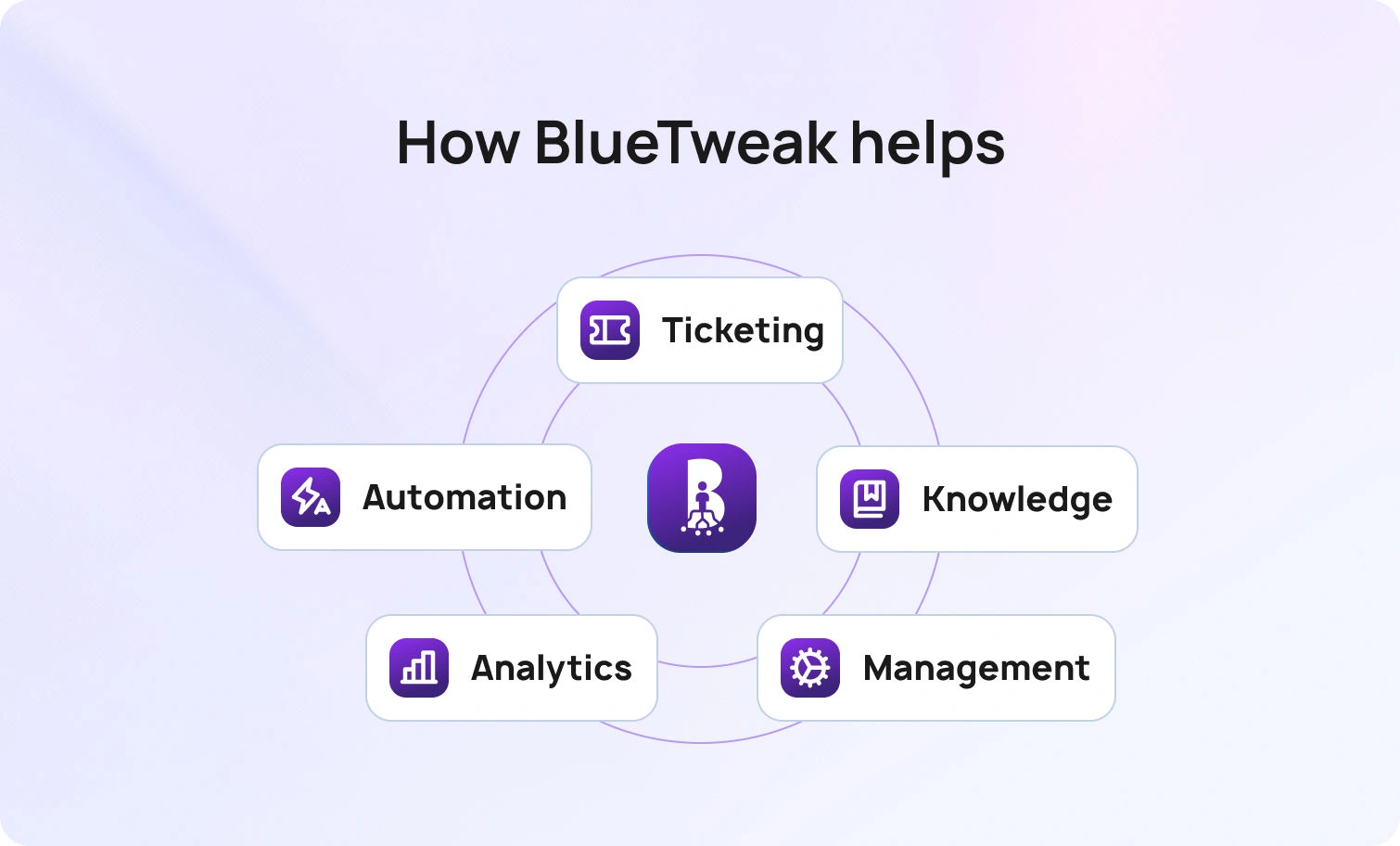


BlueHub unifies every conversation, customer record, and automation into one powerful platform.
Explore more
If you are evaluating a LiveAgent alternative in 2026, the decision usually comes down to whether your platform can support modern omnichannel operations, including voice, multilingual support, and AI that is grounded in your knowledge base. This guide compares 12 options using a consistent lens across channels, AI coverage, knowledge base strength, operations and workforce management, security controls, integrations, and total cost of ownership. For mid-market teams that want to consolidate chat, voice, and email while improving metrics like First Contact Resolution and Average Handle Time, BlueTweak is designed to reduce tool sprawl and speed time-to-value. Use the implementation playbook to plan a phased migration and validate impact before scaling.
Support leaders are recalibrating their technology stack in 2026, not because ticket volume has increased, but because operational expectations have changed.
According to a Gartner survey of 265 customer service and support leaders, 73% of organizations were expected to have implemented agent assist solutions by the end of 2025, reflecting a shift toward AI-supported workflows embedded directly into agent desktops. In the same report, Gartner stated that self-service and live chat are projected to surpass traditional support channels as leading customer service technologies by 2027.
These findings signal a structural shift: AI and digital channels are no longer experimental layers. They are becoming core infrastructure for customer support teams today.
As AI moves from pilot to production, many teams are reassessing whether their current help desk can support deeper voice capabilities, multilingual automation, knowledge base–grounded suggested replies, and integrated workforce management. The question is no longer whether a platform can manage tickets. It is whether it can improve measurable outcomes such as First Contact Resolution (FCR), Average Handle Time (AHT), containment rate, abandon rate, and sentiment across channels.
This is where the search for a more operationally complete LiveAgent alternative begins, and where platforms like BlueTweak, built around unified chat, voice, email, and embedded AI, enter the shortlist.
Against this backdrop, many teams are re-evaluating their current stack and searching for a liveagent alternative that offers deeper voice capabilities, multilingual AI beyond macros, stronger analytics, and clearer cost control.
This guide compares 12 leading options, including BlueTweak, using a consistent decision lens. The goal is not feature volume, but operational impact: improving First Contact Resolution (FCR), lowering Average Handle Time (AHT), increasing containment and deflection, and reducing abandon-rate across chat, voice, and email.
Support teams rarely switch platforms without reason. Today, the common triggers are operational rather than cosmetic.
First, voice depth and telephony maturity matter more. Many teams now expect seamless handoff between voice and tickets, along with post-call notes, transcription, sentiment analysis, and MOS (Mean Opinion Score) tracking in one system. When voice operates outside the help desk, reporting and accountability become fragmented.
Second, AI expectations have shifted. Macros and canned responses are no longer enough. Teams are asking for:
Third, managers want stronger operational tooling. Analytics filtered by language or brand, SLA dashboards, forecasting, adherence tracking, and quality assurance (QA) workflows are becoming baseline expectations.
Finally, Total Cost of Ownership (TCO) is under scrutiny. Per-seat pricing plus add-ons for AI, analytics, or telephony can make forecasting difficult.
We reviewed vendor product pages, pricing pages, help documentation, and marketplace listings only. When pricing or feature depth is unclear, we’ve noted “Varies by plan” or “Contact vendor for pricing” and recommend verification directly with the vendor. No third-party ratings have been used.
For teams seeking a consolidated liveagent alternative, BlueTweak stands out for combining omnichannel support with operational tooling in one stack. BlueTweak’s approach aligns with its positioning as an omnichannel support platform that integrates chat, voice, and email with AI and WFM at the core .
BlueTweak unifies chat, voice, and email inside a single ticketing system. Every interaction, regardless of channel, is converted into a structured ticket, automatically routed, classified, summarized, and tagged. Where BlueTweak differentiates itself is in AI depth and operational control:
The BlueTweak knowledge base is not static; it’s designed for agent assist and self-service, using embedding models to match questions with relevant content and generate context-based answers.
Operationally, BlueTweak includes:
Security and administration are also built in: role-based permissions, multi-factor authentication (MFA), audit logs, and encrypted data in transit and at rest.
For 20–100 agent teams, this consolidation can simplify TCO. Instead of separate systems for telephony, AI assist, analytics, and WFM, BlueTweak centralizes these capabilities.
Best for: Mid-market teams seeking faster time-to-value and fewer integrations to maintain.
Pricing: From €65 per agent/month for the full stack.
Zendesk is a widely adopted customer service platform positioned as an omnichannel support solution. It supports email, chat, social messaging, and voice, though telephony depth and AI capabilities vary depending on the selected suite and add-ons.
Zendesk’s strength often lies in its ecosystem and extensibility; it offers a large integration marketplace and structured workflows that can scale across multiple departments. From a capability perspective, Zendesk typically includes:
Workforce management and quality assurance functionality may require additional modules or higher plans.
Best for: Teams seeking broad marketplace integrations and structured workflow customization.Pricing: Contact vendor for pricing.
Freshdesk positions itself as a flexible help desk platform with omnichannel capabilities and automation tools. It supports ticketing across email and chat, with telephony features available depending on configuration.
Freshdesk can appeal to teams that prefer modular scaling rather than a consolidated stack from day one. Core capabilities typically include:
Voice functionality, AI enhancements, and advanced analytics often sit in premium tiers.
Best for: Teams that want modular adoption and are comfortable scaling into higher tiers over time.Pricing: Tiered plans available starting at £15 per agent / per month (billed annually) for the Growth plan, with Pro typically around £39 per agent / per month and Enterprise around £67 per agent / per month on annual billing.
Intercom is primarily messaging-led. It focuses on conversational support, proactive engagement, and product-driven customer communication.
Intercom may suit teams whose support model is heavily chat-based and integrated into the product experience. Its capabilities often emphasize:
Voice functionality typically requires integrations, and workforce management features may not be native.
Best for: Product-led teams prioritizing chat and proactive messagingPricing: Tiered plans starting at $29 per seat / per month (billed annually) plus $0.99 per Fin AI resolution; optional add-ons and usage fees apply.
Zoho Desk is part of the broader Zoho ecosystem and provides multichannel ticketing with workflow automation and analytics. For organizations already using Zoho CRM or other Zoho applications, it can present a structurally aligned alternative to LiveAgent.
Core capabilities typically include:
AI features and deeper reporting vary by edition.
Best for: Organizations standardized on Zoho productsPricing: Tiered plans starting at €7 per user / per month (Express plan, billed annually), followed by Standard at €14, Professional at €23, and Enterprise at €40 per user / per month (billed annually). AI features and advanced analytics are typically included in higher tiers.
Help Scout focuses on shared inbox workflows and email-centric customer support. It is often selected by smaller or mid-sized teams that prioritize simplicity.
It may appeal to support teams with limited voice requirements and a strong email focus. Capabilities generally include:
Advanced AI features, voice depth, and workforce management may require integrations.
Best for: Email-first teams seeking collaborative inbox workflowsPricing: While there is a limited free plan, paid plans are tiered, starting at $20 per user / per month, billed annually (Standard); higher tiers available with more capabilities.
Salesforce Service Cloud is an enterprise-grade case management platform deeply integrated with CRM data. It is often selected by larger organizations with complex workflows and internal admin resources.
It offers significant customization potential and typical capabilities include:
However, configuration complexity and add-on pricing can impact time-to-value and TCO forecasting.
Best for: CRM-centric enterprises with dedicated administrative resourcesPricing: Tiered plans starting at approximately £20 per user / per month (Starter, billed annually), followed by Professional at around £80 per user / per month, Enterprise at approximately £140 per user / per month, and Unlimited at approximately £280 per user / per month (billed annually). Advanced AI, digital engagement, and workforce optimization features may require higher tiers or additional add-ons.
Gorgias is positioned primarily for ecommerce operations. It integrates with commerce platforms to surface order data and automate common workflows.
For ecommerce brands evaluating LiveAgent alternatives, Gorgias can align closely with order-related support processes.
Capabilities often include:
Voice functionality and workforce management depth vary.
Best for: Ecommerce-focused support teamsPricing: Tiered plans starting at $10 per month (Starter), which includes up to 50 tickets / per month. Higher tiers scale based on ticket volume: for example, Basic at $60 per month (up to 300 tickets), Pro at $360 per month (up to 2,000 tickets), and Advanced at $900 per month (up to 5,000 tickets). Additional charges apply for extra tickets, automation usage, and added seats.
Kustomer organizes support around customer timelines rather than traditional ticket queues. Conversations are structured within a unified customer history.
Kustomer may appeal to teams that prefer a CRM-style interface. Its capabilities typically include:
Voice and advanced WFM features depend on configuration.
Best for: Teams prioritizing unified customer context over ticket-centric workflowsPricing: Tiered plans starting at $89 per user / per month (Enterprise plan, billed annually), which includes core omnichannel messaging and automation features. Higher tiers such as Ultimate, add advanced AI, automation, and customization capabilities. Final pricing depends on feature scope, integrations, and AI configuration.
Dixa emphasizes intelligent routing and distribution of conversations across channels. Its positioning often centers on optimizing how inquiries reach the right team.
For teams where routing efficiency is a priority, it may serve as an option. Dixa capabilities include:
Workforce management and QA tooling may vary by configuration.
Best for: Teams focused on routing logic and queue optimizationPricing: Tiered plans billed annually: Growth at €89 per agent / per month, Ultimate at €139 per agent / per month, and Prime at €179 per agent / per month. All plans include omnichannel support across phone, email, chat, and social, and AI products can be added to any plan.
Front is built around collaborative inbox workflows. It blends email management with team communication.
As an alternative to LiveAgent, it can suit cross-functional teams handling shared communication channels. Front capabilities include:
Voice, AI depth, and WFM functionality may require additional tools.
Best for: Cross-team inbox collaboration environmentsPricing: Plans are tiered, starting at $25 per user / per month, billed annually (Starter); higher tiers with more capabilities are available.
Tidio is typically positioned for small to mid-sized businesses prioritizing chat automation and lightweight deployment. Its capabilities include:
Voice functionality, WFM, and deeper analytics may be limited compared to more operationally comprehensive platforms like BlueTweak.
Best for: Small teams seeking chat-first automationPricing: Tiered plans starting at €24.17 per month (Starter plan, billed annually). Higher tiers (Growth, Plus, and Premium), increase billable conversations volume, additional security, and services.
Beyond operational depth, many businesses focused on growth are reassessing how their customer support team engages across live chat and digital channels. Modern live chat capabilities are expected to do more than collect support tickets; they must support real-time customer engagement and deliver a seamless customer experience from first contact to resolution.
Teams are increasingly looking for a user friendly platform that allows support agents to manage customer queries across chat, voice, and email without switching between multiple tools. Strong desk features such as shared inbox visibility, AI automation, and structured ticket routing help reduce support costs while improving customer satisfaction.
For organizations scaling their customer support operations, exceptional customer service depends not only on technology but also on extensive training and adoption. A desk software solution that balances automation with clarity makes it easier for the customer support team to manage support efficiently while maintaining quality.
Choosing the right alternative to LiveAgent requires more than a feature checklist. It requires evaluating how the platform will influence operational outcomes across voice, chat, and email. The goal is to improve measurable performance indicators such as First Contact Resolution, Average Handle Time, containment rate, abandon rate, and customer sentiment.
Below are the areas that consistently separate a basic ticketing system from a modern support platform.
Many teams underestimate how important voice integration is until reporting gaps appear. If voice lives in a separate telephony tool, service metrics often become fragmented. Supervisors may struggle to align call performance with ticket resolution data.
When assessing a LiveAgent alternative, look for native telephony capabilities that sit inside the same environment as chat and email. Specifically, evaluate whether the system supports:
BlueTweak, for example, converts every voice interaction into a structured ticket and supports transcription, summarization, and sentiment analysis within the same platform. This alignment helps ensure that metrics such as FCR and AHT reflect the full customer journey, not just one channel.
AI expectations have evolved. Basic macros are no longer sufficient in multilingual or high-volume environments.
When reviewing AI depth, move beyond marketing language and focus on how AI improves customer support in measurable, operational ways. Strong platforms should provide
The distinction that matters is whether AI is grounded in your knowledge base. BlueTweak’s suggested reply feature, for example, draws from help articles and historical tickets, and requires agent approval before sending. This ensures speed without removing human oversight.
A knowledge base should not function as a static article repository. It should actively support agents and customers in real time.
When evaluating a platform, consider whether the knowledge base allows:
A well-integrated knowledge base directly influences operational metrics. When answers are accurate and easy to surface, Average Handle Time decreases and First Contact Resolution improves. In BlueTweak, the knowledge base works alongside AI tools to assist agents during live interactions rather than operating as a separate reference system.
As support teams scale, operational tooling becomes as important as channel coverage. Managers need visibility into performance by language, brand, queue, and channel.
Look for analytics that allow filtering and segmentation across these dimensions. In addition, evaluate whether workforce management and quality assurance are first-party capabilities rather than external add-ons.
Operational depth should include:
BlueTweak includes analytics dashboards and Workforce Management tools within the same environment as ticketing and AI, reducing the need for separate reporting systems.
Security is often treated as a checklist item, but it directly affects governance and compliance.
At minimum, ensure the platform includes:
BlueTweak’s architecture includes encrypted data handling and role-based permissions to support structured access control across teams.
Pricing structures vary significantly between platforms. Some are seat-based. Others rely on usage metrics such as ticket volume, AI resolutions, or telephony minutes.
Before selecting a LiveAgent alternative, clarify:
Transparent pricing makes it easier to model 12-month total cost of ownership. Consolidated platforms such as BlueTweak, which combine omnichannel support, AI, analytics, and WFM within a single pricing structure, may simplify forecasting for mid-sized teams.
Switching to any new software should follow a structured and phased rollout. Rushing implementation often leads to inconsistent AI behavior, fragmented reporting, and reduced agent confidence. A practical four-week structure is outlined below.
Week 0 to Week 1
Begin with foundational configuration. This includes importing ticket history and knowledge base content, configuring glossary rules, and setting up user roles and permissions.
Key activities typically include:
Establishing structure early prevents operational drift later.
Week 1 to Week 2
Once the core system is stable, begin rolling out AI customer support capabilities in controlled pilots. This stage often includes:
Piloting ensures that AI outputs align with brand tone and knowledge base accuracy before broader deployment.
Week 3 to Week 4
In the final rollout stage, expand to voice integration and operational dashboards. Activities typically include:
At this stage, leadership should begin tracking measurable impact.
Success metrics may include:
This guide focuses exclusively on vendor-published information. We reviewed product pages, pricing documentation, and help articles for each platform to assess how well each desk solution helps teams manage support across multiple channels.
We verified the following across vendors:
We also assessed how platforms handle support requests, customer queries, and customer data within shared inbox environments or customer portal experiences. Particular attention was given to customer satisfaction tracking, seamless integration capabilities, and whether pricing models relied on transparent tiers or custom pricing structures that may influence long-term support costs.
Where pricing or feature access was unclear, we noted that verification is required.
To maintain consistency across comparisons, we assessed each platform against the following baseline capabilities:
We also considered how effectively each desk solution supports live chat functionality, structured management of customer data, and scalable self service options within a unified desk software environment. For medium sized businesses, clarity across pricing plans and operational depth often matters more than simply offering extensive features.
Based on published materials, BlueTweak meets these criteria, combining omnichannel support with AI, analytics, Workforce Management, and security controls in one platform.
To ensure fairness, we weighted platforms based on practical operational fit rather than brand recognition.
Key criteria included:
We also evaluated how well each desk solution supports live chat functionality, self service options, and structured management of customer data within a unified environment. This ensures that the desk software is suitable for medium sized businesses focused on operational clarity, transparent pricing plans, and reducing reliance on multiple tools.
This structure prioritizes operational impact over feature volume or simply listing extensive features.
Selecting a LiveAgent alternative in 2026 is essentially about aligning your support stack with measurable operational goals, rather than just replacing one ticketing tool with another.
Industry research reflects this shift with Gartner reporting that conversational AI deployments in contact centers are expected to reduce agent labor costs as automation increasingly handles routine interactions.
At the same time, investment continues moving toward digital and unified service environments. These signals indicate that AI, voice integration, and operational visibility are no longer optional enhancements, they are becoming foundational components of modern support operations.
When evaluating an alternative to LiveAgent, focus on structural capability rather than surface features. A strong platform should unify chat, voice, and email within a single system. AI should be grounded in a structured knowledge base rather than operating as a disconnected layer. Analytics and Workforce Management should sit alongside ticketing, not in a separate reporting tool. Pricing should be transparent enough to model twelve-month total cost of ownership with confidence.
For teams managing 20 to 100 agents, consolidation often delivers the greatest clarity. Fragmented systems can distort key performance indicators such as First Contact Resolution, Average Handle Time, containment rate, abandon rate, and sentiment tracking. Unified platforms reduce that fragmentation.
BlueTweak is positioned for teams that want omnichannel chat, voice, and email combined with knowledge base–grounded AI and built-in analytics and Workforce Management. By consolidating routing, classification, suggested replies, transcription, and scheduling into one environment, BlueTweak helps reduce tool sprawl and accelerate time-to-value.
If your evaluation criteria include voice depth, multilingual AI, operational visibility, and predictable total cost, BlueTweak is a practical platform to shortlist as your next liveagent alternative.Request a demo to explore how BlueTweak supports measurable service performance improvements.
Look for customer support software that helps your support team manage customer interactions effectively across multiple channels. Key features should include a ticketing system, live chat support, workflow automation, and access to knowledge base articles for both agents and self service resources. The right support platform should help automate repetitive tasks while improving ticket management and overall team performance.
A ticketing system is essential, but modern customer support requires more. Your support team should be able to manage customer inquiries across live chat, email, voice, and in-app support within one support platform. Workflow automation and advanced automation tools help human agents handle repetitive tasks while maintaining personalized customer service.
Automation improves customer support by reducing repetitive tasks such as routing support requests and drafting responses. Workflow automation allows support agents to focus on complex customer queries while still delivering timely support. When combined with knowledge base articles and human oversight, automation capabilities help create a seamless customer experience with real-time communication, providing instant answers and technical expertise.
Some LiveAgent alternatives provide a limited free plan, often focused on basic live chat or ticket management features. As teams grow, they may move to custom pricing models that unlock advanced automation, a customer portal, and broader workflow automation capabilities. Reviewing pricing structure early helps customer support operations scale without unexpected costs.
BlueTweak is an omnichannel CS platform that enables human agents to manage support and customer interactions across live chat, voice, and email within one ticketing system. Its key features include workflow automation, knowledge base–grounded suggested replies, and analytics that improve team performance. By consolidating multiple channels into a single environment, BlueTweak helps support teams automate repetitive tasks while delivering personalized support.
As Head of Digital Transformation, Radu looks over multiple departments across the company, providing visibility over what happens in product, and what are the needs of customers. With more than 8 years in the Technology era, and part of BlueTweak since the beginning, Radu shifted from a developer (addressing end-customer needs) to a more business oriented role, to have an influence and touch base with people who use the actual technology.
Quality
Administration
Workforce Management
Customer Support Analytics
Copyright BlueTweak 2025
