


19 Best Social Media Customer Service Software Platforms in 2026

Social media has become one of the first places customers turn when they need help, but for many support teams, it's also one of the hardest channels to manage. Conversations are spread across Facebook, Instagram, WhatsApp, and other platforms, response time expectations continue to rise, and every unanswered message or delayed reply is visible to the public.
Many businesses begin with social media management tools, only to discover they're not designed for high-volume customer support. As customer enquiries increase, agents need shared context, intelligent routing, automation, and reporting that spans every channel, not another disconnected inbox. That's why more organisations are moving to omnichannel platforms like BlueTweak, which combine social media customer service with email, chat, and voice support in one unified workspace.
This guide compares the best social media customer service software available in 2026, helping you understand which platforms are best suited to social-first engagement and which are built to deliver scalable, AI-powered customer support across your entire contact centre.
What Is Social Media Customer Service Software?
Social media customer service software is a type of platform that centralizes customer interactions across social channels into a single workspace, enabling teams to manage, respond to, and analyze support conversations at scale. Modern social media customer service platforms increasingly combine social support with broader contact centre capabilities, helping teams manage customer conversations, support requests, and reporting from a single, unified platform..
Unlike social media management tools, which focus on publishing and scheduling content, customer service social media software is built for resolution. It prioritizes:
- Incoming messages, comments, and mentions
- Routing and assignment to agents
- SLA tracking and response workflows
- Reporting on support performance
This distinction matters. Many buyers mistakenly evaluate publishing tools when they actually need support infrastructure.
A 2025 PwC Customer Experience Survey found that 52% of consumers stopped buying from a brand after a poor experience, while 29% did so specifically due to a negative customer experience, either online or in-person. In a market where switching costs are low and visibility is high, especially across social channels, this reinforces how quickly service breakdowns can translate into lost revenue.
Why Is Social Customer Service So Challenging?
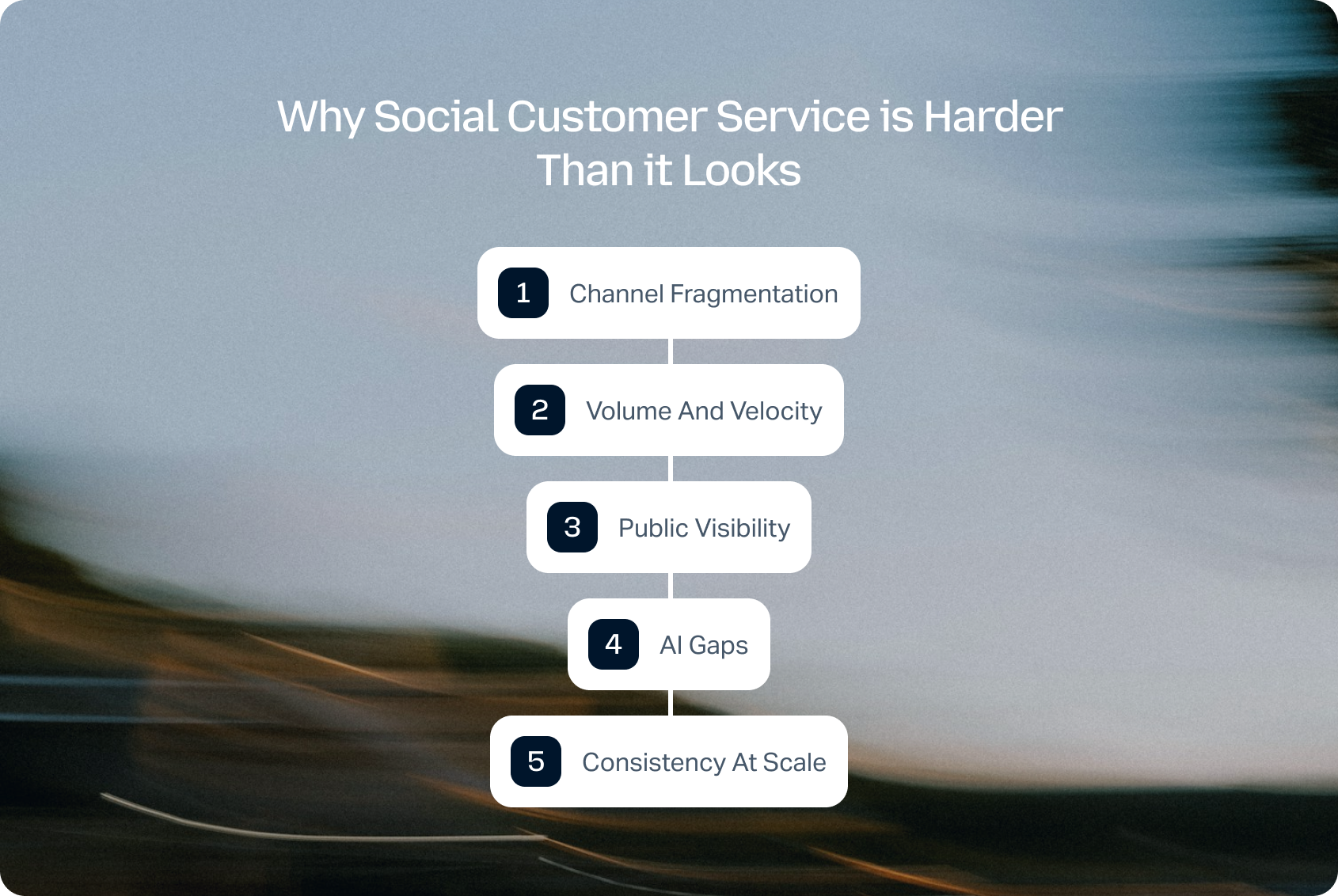
While the concept is straightforward, delivering fast, consistent support across social channels is anything but. As customer expectations continue to rise, support teams face several operational challenges that traditional social media management tools often struggle to solve.
Social customer service is the practice of resolving customer issues across public and private social channels, where speed, visibility, and consistency are critical. On paper, it sounds simple, but in reality, it's one of the most complex support environments to manage.
Channel Fragmentation
Customers don't stay in one place. They move between Instagram, WhatsApp, and Facebook, expecting your team to keep up with the conversation seamlessly.
Volume and Velocity
Social moves faster than email or chat. Messages stack up quickly, and expectations for response times are significantly tighter.
Public Visibility
Every missed message, delayed reply, or poor interaction is visible to others. Social support is performance, not just service.
AI Gaps
While automation in email and chat has matured, many platforms still struggle to deliver consistent AI performance on social channels.
Consistency at Scale
Maintaining tone, accuracy, and speed across dozens (or hundreds) of agents is a major operational challenge.
The 2025 PwC Customer Experience Survey found that 32% of consumers say they would stop doing business with a brand they loved after just one bad experience, underscoring how quickly loyalty can erode when service breaks down.
The brands that win on social support aren't the ones that respond fastest. They're the ones that respond consistently across every channel, with full context. That only happens when social is not siloed from the rest of the contact center.
See how BlueTweak brings social media, email, chat, and voice into one AI-powered workspace, helping your team respond faster and deliver more consistent customer support across every channel. Start your 14-day free trial today, with no credit card required.
The 19 Best Social Media Customer Service Software Platforms for 2026
Before choosing a social media customer service software platform, it's worth understanding that not all tools solve the same problem.
Some are built for social media teams managing engagement and brand presence. Others are designed for support teams handling high volumes of customer queries, where speed, consistency, and resolution matter most. This distinction is where many buying decisions go wrong, and where long-term scalability issues begin.
This best social customer service software list reflects how the market has evolved beyond simple social media management tools into full-service support platforms. We've focused not just on surface-level features like inboxes and integrations, but on what actually determines success in a real support environment: how well each tool handles volume, maintains context across channels, supports agents with AI, and fits into a broader contact center operation.
If you're comparing options based on social customer service software reviews, it's important to look beyond surface-level features and focus on how each platform performs in real support environments. All tools in the following list were assessed using publicly available documentation, pricing pages, and published case studies as of Q2 2026. Rankings reflect overall contact center readiness, not just social capabilities. Where pricing is unclear, we use “Varies by plan / Verify.”
Omnichannel Customer Service Platforms (Best for Scalable Support in 2026)
Omnichannel platforms are designed to unify customer interactions across every channel, including social media, into a single support platform. Unlike standalone tools, they treat social media customer service as one part of a broader operation, connecting it with email, chat, and voice.
In 2026, this category represents the fastest-growing segment of the social customer service software market, as businesses move away from fragmented tools toward unified systems that support full customer journeys. For teams handling high volumes of customer requests, this approach delivers better visibility, faster resolution times, and more consistent personalized support.
Platforms like BlueTweak are leading this shift by combining social media customer service software with full contact center capabilities, enabling teams to manage conversations across channels without losing context.
1) BlueTweak: Best for Unified Omnichannel Customer Support

BlueTweak is an omnichannel contact center platform with built-in social media customer service software capabilities, designed to unify support across channels.
Best for: Mid-market and enterprise teams that want social fully integrated into their broader support operation.
Key features:
- Unified inbox across social and traditional channels
- Native Meta integration (Facebook, Instagram, WhatsApp), with an expansion roadmap
- AI-assisted replies and knowledge base grounding
- Smart routing and SLA tracking
- Omnichannel escalation (social then email/voice)
- Advanced reporting and analytics
- Built to support enterprise businesses, professional services, and ecommerce companies at scale
“Social media has evolved from a marketing channel into a frontline customer service channel. The organisations delivering the best experiences are the ones that treat social as part of a unified support operation, giving agents the context, AI assistance, and automation they need to resolve every conversation consistently, regardless of where it begins.” — Radu Dumitrescu, Head of Automation & Digital Transformation at BlueTweak
Channels supported: Facebook, Instagram, WhatsApp (native Meta integration), with roadmap support for additional social media platforms and messaging channels
Pricing: From €65 per agent/month, including omnichannel ticketing, social media messaging, AI-powered assistance, workflow automation, reporting, knowledge management, workforce management, quality assurance, and integrations. Unlike many competitors, BlueTweak includes its core contact centre capabilities within the base platform, reducing the need for multiple add-ons. AI usage is billed separately based on consumption.
Ratings: Strong enterprise reviews across G2 and Capterra
Pros:
- True omnichannel architecture
- AI embedded into workflows, not bolted on
- Strong reporting across all channels
Cons:
- Social channel coverage is currently focused on the Meta ecosystem
- Enterprise-level feature depth may exceed smaller teams' needs
BlueTweak in Action:
A leading international airline, Aeroitalia, used BlueTweak to modernise its customer support operation by bringing customer conversations into a single omnichannel platform. Following implementation, the airline achieved a 33% increase in customer satisfaction, a productivity increase of 45%, and a 36% improvement in customer retention rates, helping agents respond faster while delivering a more consistent customer experience across every channel. The results demonstrate how combining AI-powered automation, intelligent routing, and unified reporting can improve both operational efficiency and customer satisfaction.
Try the BlueTweak ROI Calculator to estimate how AI-powered automation, omnichannel support, and streamlined workflows could reduce costs, improve agent productivity, and accelerate response times for your team.
2) Zendesk: Best for Enterprise Support Operations
Zendesk is a leading customer service platform that integrates social messaging into its omnichannel support suite.
Best for: Enterprises needing structured ticketing with social integration.
Key features:
- Omnichannel agent workspace
- AI-powered bots and routing
- Unified ticketing across channels
- Deep integrations (1,000+ apps)
Pricing: Custom pricing, verify (modular pricing based on features and scale)
Channels supported: Facebook, Instagram, WhatsApp, X, and more
Pros:
- Mature, scalable support infrastructure
- Strong automation and AI
- Deep ecosystem
Cons:
- Social features often require add-ons
- Can become complex and costly
3) Freshdesk: Best for Growing SMB Support Teams
Freshdesk is a cloud-based help desk platform with built-in social ticketing.
Best for: SMBs and scaling teams needing affordable omnichannel support.
Key features:
- Unified ticketing system
- AI-powered bots and automation
- Social ticket conversion
- Knowledge base and self-service tools
Pricing: Tiered pricing starting at ~$15/agent/month, verify for details.
Channels supported: Facebook, X, WhatsApp (via integrations)
Pros:
- Easy to deploy
- Strong value for money
- Scalable workflows
Cons:
- Limited advanced analytics
- Social reporting less sophisticated
4) Salesforce Service Cloud: Best for CRM-Driven Enterprises
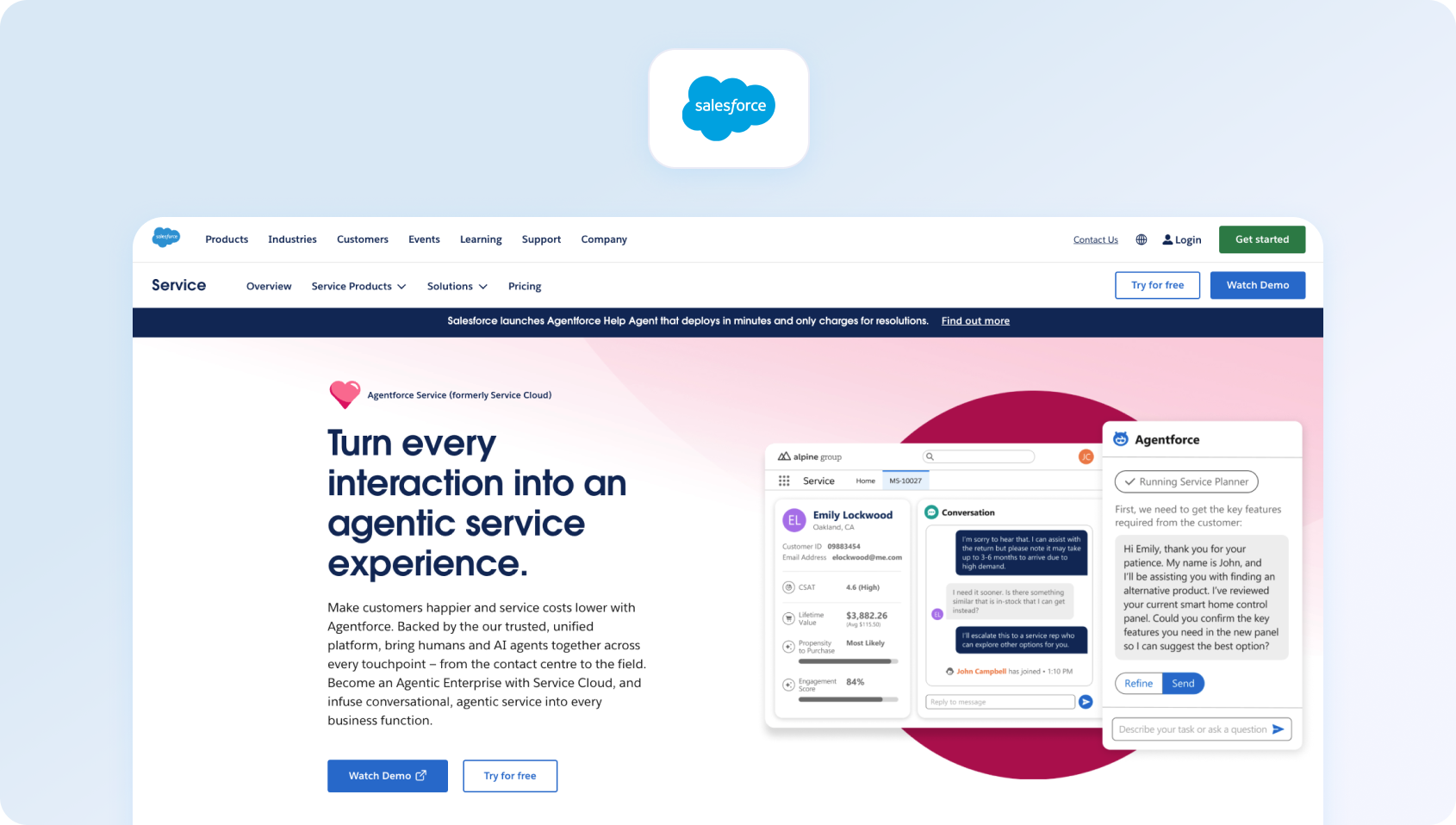
Salesforce Service Cloud is an enterprise-grade CRM and support platform with social and messaging capabilities.
Best for: Large enterprises needing deep CRM integration.
Key features:
- Unified customer profiles
- AI-powered automation (Einstein AI)
- Omnichannel routing
- Advanced analytics and reporting
Pricing: Varies by plan / Verify
Channels supported: Social, messaging, email, voice
Pros:
- Industry-leading CRM integration
- Highly customizable
- Enterprise scalability
Cons:
- Complex implementation
- High total cost of ownership
5) Gladly: Best for Personalized Customer Conversations
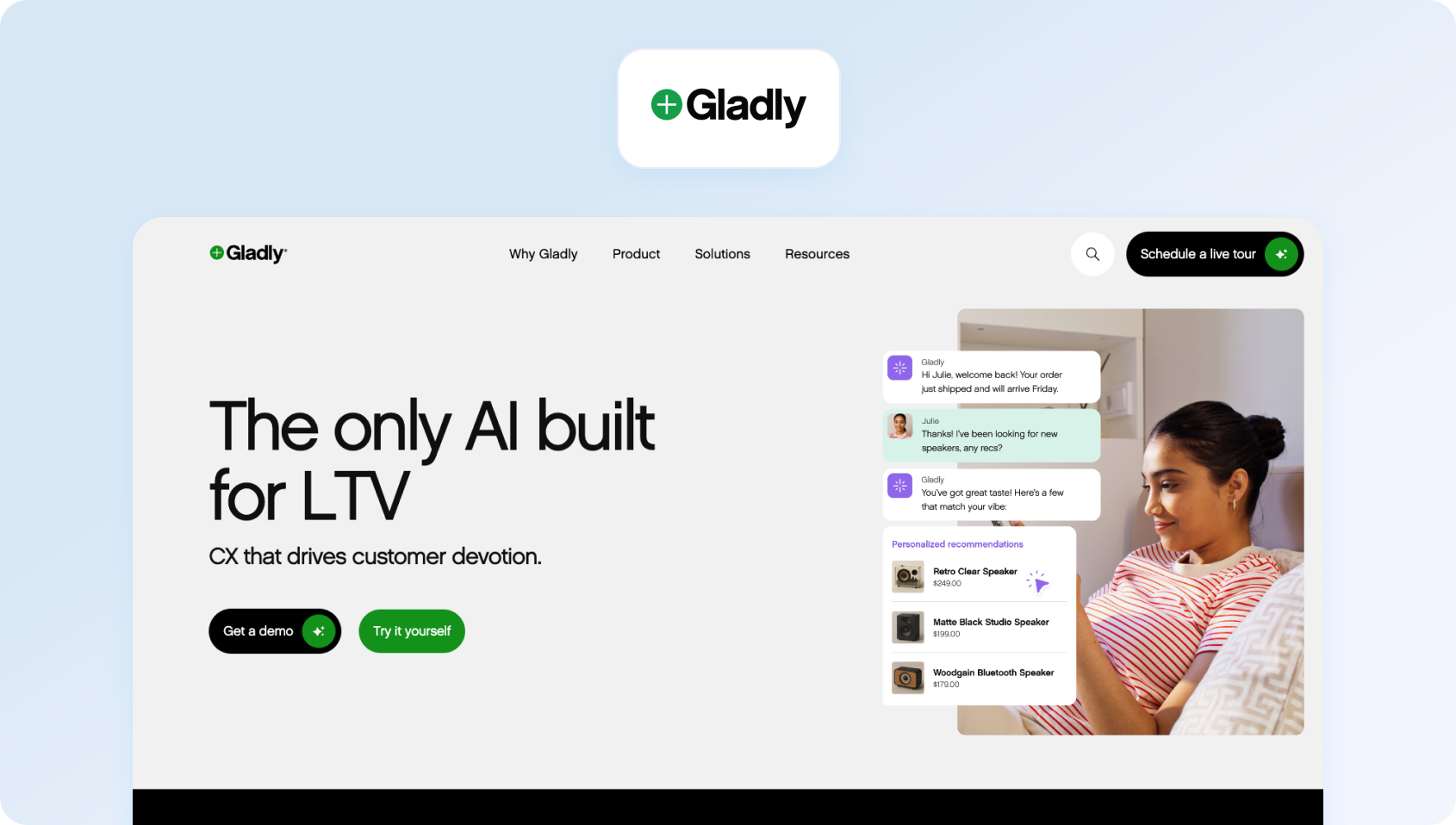
Gladly is a customer service platform built around people, not tickets.
Best for: Brands prioritizing personalized customer experiences.
Key features:
- Customer timeline view
- Omnichannel support
- AI and automation
- Conversation continuity
Pricing: Varies, verify with vendor.
Channels supported: Social, email, chat, voice
Pros:
- Unique customer-centric model
- Strong omnichannel continuity
Cons:
- Less traditional ticketing control
- Premium pricing
6) Dixa: Best for Conversational Support Teams

Dixa is a customer service platform designed for unified, conversational support.
Best for: Companies prioritizing seamless agent experience.
Key features:
- Unified inbox
- Intelligent routing
- Real-time analytics
- Omnichannel support
Pricing: Plans start at $89 per agent, per month. Verify for details
Channels supported: Chat, email, social integrations
Pros:
- Clean UX
- Strong routing logic
Cons:
- Smaller ecosystem
- Limited social-native features
Social Media Management & Engagement Platforms (Best for Marketing-Led Teams)
Social media management platforms are built primarily for managing social media posts, engagement, and brand presence across multiple social media platforms. These tools typically include social media scheduling, social media listening, and social monitoring, alongside features like campaign planning and paid posts.
While many of these platforms now include inbox-style functionality, their core focus remains on engagement rather than structured support. As a result, they are often better suited to marketing teams or small businesses managing lower volumes of support requests, rather than enterprise support environments.
Many also offer features like unlimited scheduled posts, unlimited posts, and campaign analytics, making them powerful for brand management, but less effective as full customer service tools.
7) Sprout Social: Best for Social-First Support Teams
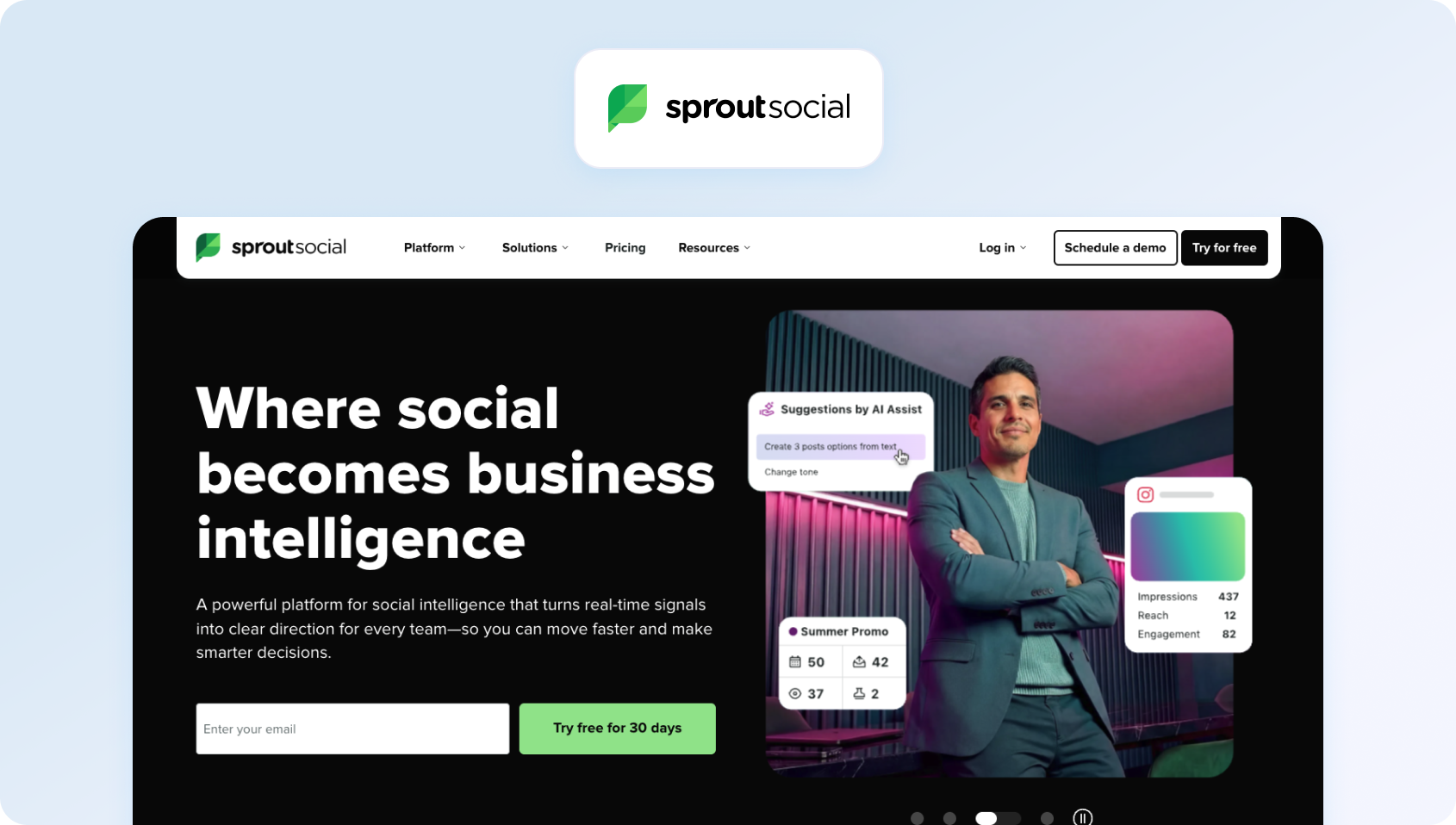
Sprout Social is a social-first platform that combines publishing, analytics, and customer care into a unified workspace.
Best for: Marketing-led teams treating social as a primary engagement and support channel.
Key features:
- Smart inbox with conversation threading
- Message tagging and workflow automation
- AI-powered sentiment analysis and reporting
- Collaboration tools and approval workflows
- Integration with CRM platforms like Salesforce
Pricing: From $199/user/month. Tier-based pricing varies by plan.
Channels supported: Facebook, Instagram, X, LinkedIn, Pinterest
Pros:
- Best-in-class analytics and reporting
- Strong social listening capabilities
- Intuitive interface
Cons:
- Expensive at scale
- Limited ticketing and escalation beyond social
8) Hootsuite: Best for Social Publishing and Engagement
Hootsuite is a social media management platform with enhanced inbox capabilities for customer interactions.
Best for: Teams already using Hootsuite for publishing and looking to extend into support.
Key features:
- Centralized inbox across social channels
- Automated message routing and responses
- Social listening and monitoring
- AI tools for content and response generation
Pricing: Tier-based pricing starting at £139 per user, per month. Verify for details.
Channels supported: Facebook, Instagram, X, LinkedIn, YouTube
Pros:
- Strong publishing + support combination
- Wide integration ecosystem
- Established platform
Cons:
- Not purpose-built for customer service
- Workflow depth limited compared to help desks
9) Brandwatch: Best for Social Listening and Insights
Brandwatch (formerly Falcon.io) is a social intelligence and engagement platform with customer care features.
Best for: Teams prioritizing social listening and analytics.
Key features:
- Social listening and sentiment analysis
- Engagement inbox
- Trend tracking and reporting
- Audience insights
Pricing: Varies by plan / Verify
Channels supported: Broad social coverage
Pros:
- Best-in-class listening
- Deep analytics
Cons:
- Not built for support workflows
- Limited ticketing functionality
10) Emplifi: Best for Social Commerce Brands
Emplifi is a social-first platform combining marketing, commerce, and care.
Best for: Brands blending social marketing and support.
Key features:
- Social care workflows
- Influencer and analytics tools
- Unified inbox
- Reporting dashboards
Pricing: Varies by plan / Verify
Channels supported: Major social platforms
Pros:
- Strong social expertise
- Good analytics
Cons:
- Limited help desk functionality
- Better suited to marketing teams
11) Khoros: Best for Enterprise Social Engagement
Khoros (formerly Spredfast + Lithium) is a digital customer engagement platform focused on social support and community management.
Best for: Enterprise brands managing high-volume social engagement.
Key features:
- Social care workflows
- Community forums
- AI-powered moderation
- Advanced analytics
Pricing: Varies by plan / Verify
Channels supported: Major social platforms
Pros:
- Strong social specialization
- Enterprise-grade scalability
Cons:
- Limited omnichannel depth
- Complex setup
CRM-Native Customer Service Platforms (Best for Data-Driven Support)
CRM-native platforms integrate customer service directly into a broader customer data ecosystem. These tools are designed to unify customer conversations, history, and behavioral data, enabling more context-aware and personalized support.
In 2026, this category is particularly relevant for enterprise businesses and professional services organizations that prioritize long-term customer relationships and data-driven decision-making.
However, while CRM-native tools are strong in data management, their social media capabilities often rely on integrations rather than native functionality, which can impact how efficiently teams manage conversations across channels.
12) Kustomer: Best for CRM-Centric Customer Support

Kustomer is a CRM-first customer service platform with strong messaging capabilities.
Best for: Businesses needing CRM-driven support workflows.
Key features:
- Unified customer timeline
- AI automation
- Omnichannel messaging
- Workflow customization
Pricing: Custom pricing, verify with vendor for details.
Channels supported: Social, chat, email
Pros:
- Deep customer context
- Flexible workflows
Cons:
- Complex setup
- Higher cost
13) HubSpot Service Hub: Best for HubSpot Users

HubSpot Service Hub is a customer service platform integrated with HubSpot CRM.
Best for: Mid-market teams wanting CRM + support in one platform.
Key features:
- Shared inbox
- Ticketing system
- Knowledge base
- Customer feedback tools
Pricing: Free and paid tiers available, verify for details.
Channels supported: Email, chat, social integrations
Pros:
- Easy to use
- Strong CRM integration
Cons:
- Limited native social depth
- Advanced features gated
14) Zoho Desk: Best for Zoho Ecosystem Customers

Zoho Desk is a help desk platform with social media integrations.
Best for: Businesses already using Zoho ecosystem tools.
Key features:
- Omnichannel ticketing
- AI assistant (Zia)
- Workflow automation
- Social interaction tracking
Pricing: Free tier available; additional paid plans, verify for details.
Channels supported: Facebook, X, Instagram
Pros:
- Affordable
- Strong ecosystem integration
Cons:
- UI complexity
- Limited advanced reporting
Conversational & Messaging-First Platforms (Best for Real-Time Support)
Conversational platforms are built around real-time messaging, often starting with live chat and expanding into social and messaging channels. These tools prioritize speed, automation, and continuous interaction, making them ideal for teams focused on immediate response and high engagement. They typically include automated workflows, automated responses, and strong team collaboration features, helping support teams manage high volumes of inbound conversations efficiently.
While these platforms excel in chat and messaging, their ability to scale across multiple social media platforms and deliver consistent reporting can vary.
15) Intercom: Best for AI-Powered Conversational Support

Intercom is a conversational customer support platform with growing social and messaging capabilities.
Best for: SaaS companies focused on chat-first support experiences.
Key features:
- AI chatbot (Fin) and automation
- Shared inbox and conversation routing
- Knowledge base integration
- Messaging-first workflows
Pricing: Tiered pricing varies by plan, verify for details.
Channels supported: Primarily chat, email, with social integrations
Pros:
- Strong conversational UX
- Advanced AI capabilities
- Excellent for proactive support
Cons:
- Not social-first
- Limited native social depth
16) Front: Best for Collaborative Shared Inboxes
Front is a shared inbox platform designed for collaborative customer communication.
Best for: Teams wanting email-like workflows across channels.
Key features:
- Shared inbox
- Workflow automation
- Internal collaboration tools
- CRM integrations
Pricing: Tiered pricing from $25 per seat per month for up to 10 seats, verify for details
Channels supported: Email, social integrations
Pros:
- Familiar interface
- Strong collaboration
Cons:
- Not purpose-built for support
- Limited analytics depth
17) Re:amaze: Best for E-commerce Support Teams
Re:amaze is a customer messaging platform focused on ecommerce support.
Best for: Ecommerce brands handling social and chat support.
Key features:
- Unified messaging inbox
- Chatbots and automation
- CRM features
- Social integrations
Pricing: Tier-based pricing, verify with vendor.
Channels supported: Social, chat, email
Pros:
- Ecommerce-focused features
- Easy to use
Cons:
- Limited enterprise scalability
- Basic reporting
18) Tidio: Best for Small Businesses

Tidio is a live chat and AI chatbot platform with social integrations.
Best for: Small businesses and ecommerce teams.
Key features:
- AI chatbot (Lyro)
- Live chat
- Automation workflows
- Social integrations
Pricing: Free and paid plans, verify for details.
Channels supported: Chat, Messenger, Instagram
Pros:
- Affordable
- Easy setup
Cons:
- Limited omnichannel capabilities
- Not suited for large teams
Help Desk & Ticketing Platforms with Social Integrations
Help desk platforms extend traditional ticketing systems to include social media as an additional channel. These tools are designed to structure and track support requests, often converting social interactions into tickets within a broader workflow.
They provide strong operational control, including SLA tracking, routing, and reporting, making them a solid choice for teams transitioning from traditional support channels into social media.
However, because social capabilities are often layered on top of existing systems, the experience can feel less native compared to platforms built specifically for social-first or omnichannel support.
19) LiveAgent: Best for Affordable Omnichannel Help Desks

LiveAgent is an all-in-one help desk with social media integrations.
Best for: SMBs needing affordable omnichannel support.
Key features:
- Ticketing system
- Live chat and call center
- Social integrations
- Automation tools
Pricing: Free trial and tiered plans available. Verify for details.
Channels supported: Social, chat, email, voice
Pros:
- Cost-effective
- Wide feature set
Cons:
- UI feels dated
- Limited advanced AI
How We Evaluated These Platforms
All platforms were evaluated using public documentation, pricing pages, and verified case studies in Q2 2026. No vendor paid for placement in this list.
Limitations include:
- No live trials across all tools
- Features and pricing are subject to change
Scoring Rubric
To make this evaluation transparent and repeatable, we've broken down our methodology into a clear scoring framework, weighting each capability based on its impact on real-world customer service performance.
The BlueTweak Contact Centre Readiness Framework:
What to Look For in Social Media Customer Service Software
Choosing the right social media customer service software isn't about finding a tool that simply aggregates messages into one place. It's about selecting a platform that can handle the operational complexity of modern customer support, where conversations are fragmented, expectations are immediate, and consistency is non-negotiable.
This shift reflects how the category has evolved from traditional customer service tools into platforms that combine marketing automation, support workflows, and advanced analytics.
The difference between tools that “manage social” and those that actually enable scalable customer service comes down to a handful of critical capabilities. This is where platforms like BlueTweak, designed specifically for omnichannel support in 2026, create a clear advantage.
Channel Coverage
Channel coverage defines which social platforms your team can support natively, and where gaps will force you into workarounds or additional tools.
At a minimum, most teams now require support for Facebook, Instagram, and WhatsApp Business. Increasingly, buyers are also evaluating coverage for X (Twitter), TikTok, LinkedIn, YouTube comments, and even Google Business Profile. The challenge is that many platforms claim “social support,” but rely heavily on third-party integrations for anything beyond the core Meta ecosystem.
These gaps matter. If a customer reaches out on a channel you don't properly support, the experience becomes fragmented, slower, and harder to track. Over time, this creates blind spots in both service quality and reporting.
BlueTweak's approach is to prioritize deep, native integration where it matters most today, while building toward broader channel coverage without compromising workflow integrity.
Unified Inbox and Conversation Threading
A unified inbox is often treated as table stakes, but the reality is that many companies can't deliver such a streamlined experience. The real requirement is conversation continuity. That means every message, comment, DM, and mention (across every supported channel) should sit within a single, threaded view, tied to a persistent customer identity. Agents should be able to see the full history of interactions, regardless of where they started.
Without this, teams are forced to piece together context manually, which slows response times and increases the risk of inconsistent or incorrect replies.
More advanced platforms also include collision detection (preventing multiple agents from replying to the same message), internal notes, and approval workflows, all of which become essential as teams scale beyond a handful of agents.
AI-Assisted Responses
AI has become a headline feature across the social customer service software market, but the level of maturity varies significantly between platforms.
At a basic level, many tools offer templated responses or simple automation rules. More advanced platforms go further, providing AI-generated reply suggestions that are grounded in your knowledge base, tailored to brand tone, and context-aware based on the conversation history.
The distinction that matters is whether AI is embedded into the workflow or added as a separate feature. When AI is native, it can assist with:
- Drafting responses in real time
- Tagging sentiment and intent
- Suggesting next actions or escalation paths
This has a direct impact on both speed and consistency, particularly for larger teams handling high volumes of social interactions.
Routing and Assignment Logic
As soon as your team grows beyond a small group of agents, manual assignment becomes a bottleneck. Effective customer service social media software should support both rule-based and AI-driven routing. This includes assigning conversations based on keywords, channel, language, customer segment, or agent skillset, as well as balancing workloads across the team.
Without this, conversations tend to cluster unevenly, SLAs are harder to maintain, and agent productivity drops.
More advanced platforms also allow for dynamic prioritization, ensuring that high-risk or high-value interactions are surfaced and handled first.
SLA Management and Escalation
Social channels operate on tighter response expectations than traditional support channels, which makes SLA management critical. At a minimum, platforms should allow you to define response time targets by channel and track performance against those targets. More mature tools will include real-time alerts for SLA breaches, escalation workflows, and the ability to reassign or prioritize conversations automatically.
This becomes particularly important when social is part of a broader support operation. If an issue can't be resolved within social, the platform should enable a seamless escalation to email or voice, without losing context or forcing the customer to repeat themselves.
Reporting and Social-Specific Analytics
Reporting is one of the most common weak points in social-first tools. While many platforms offer engagement metrics, fewer provide the operational insights needed to manage customer service effectively. What matters here is not just volume, but performance.
Look for reporting that includes:
- First response time by channel
- Resolution time and first contact resolution (FCR)
- CSAT and sentiment trends
- Volume patterns by time of day and platform
These metrics allow you to identify bottlenecks, optimize staffing, and improve overall service quality.
BlueTweak, for example, treats social interactions as part of the broader support dataset, which means reporting is consistent across channels rather than siloed.
Collaboration Tools
Social customer service is rarely a solo activity. Agents often need input from other teams, approvals for sensitive responses, or visibility into how conversations are being handled. Strong collaboration features include internal notes, tagging, shared ownership of conversations, and approval workflows for high-risk replies. Collision detection is also critical to avoid duplicate responses in fast-moving environments.
Without these capabilities, teams rely on external tools or informal processes, which slows down response times and increases the risk of errors.
CRM and Help Desk Integration
Social interactions shouldn't exist in isolation; every conversation should enrich the broader customer record. This means your social media customer service software should integrate natively with your CRM or help desk, allowing agents to access customer history, previous tickets, and relevant context in real-time.
It also ensures that social interactions can be tracked as part of the overall customer journey, rather than treated as disconnected touchpoints.
Omnichannel Continuity
For many teams, this is the defining factor between short-term functionality and long-term scalability.
Customers don't think in channels. They might start a conversation on Instagram, follow up via email, and expect continuity if the issue escalates to voice. Your platform should support that journey seamlessly.
Omnichannel continuity means:
- A single customer record across all channels
- Shared conversation history
- Seamless handoff between channels without loss of context
This is where many social-first tools fall short, and where omnichannel platforms like BlueTweak create a clear advantage.
Pricing and Seat Model
Finally, the pricing structure has a direct impact on scalability. Some tools charge per user, others per channel, and some introduce additional costs for AI features, automation, or advanced reporting. What appears cost-effective at a small scale can quickly become expensive as your team or channel mix grows.
Look for transparency in pricing, and clarity around what's included in the base plan versus what requires add-ons. Some platforms offer unlimited users, while others charge per seat or bundle additional features into higher-tier enterprise plans.
Choosing the right platform ultimately comes down to how well it supports your current needs and your future operating model. For teams treating social as a core support channel rather than a standalone function, the ability to unify conversations, automate intelligently, and scale consistently is what separates adequate tools from truly effective ones.
Social-Only vs. Omnichannel: Which Type of Tool Do You Need?
There are two distinct categories in the social customer service software market, and understanding the difference is critical before shortlisting vendors.
At a surface level, many platforms appear similar. They offer inboxes, integrations, and some level of automation. But underneath, they are built for fundamentally different operating models, and choosing the wrong category can create friction that only becomes visible once your team starts scaling.
The decision isn't just about features. It's about how your organization structures customer support, how conversations flow between teams, and how much continuity your customers expect across channels.
Social-Only Tools
Social-only tools are designed primarily for managing engagement within social platforms, rather than resolving customer issues across a broader support journey.
Platforms like Sprout Social, Hootsuite, Brandwatch, and Emplifi are typically adopted by marketing or social media teams. Their strength lies in helping brands monitor conversations, respond to comments and messages, and analyze engagement trends at scale.
They excel in:
- Publishing and scheduling content
- Social listening and brand monitoring
- Engagement analytics and reporting
Many also support social media posts, social media listening, and paid posts, alongside features like unlimited scheduled posts and campaign-level reporting.
However, these tools tend to struggle when used as core customer service social media software, particularly in environments where support volume is high or issues are complex.
Limitations often include:
- Shallow or non-existent ticketing workflows
- Limited escalation paths to other channels
- Weak integration with help desks or CRM systems
- Fragmented reporting across support channels
This means that while they can handle front-line responses effectively, they often break down when a conversation needs to move beyond a quick reply and into a structured resolution process. As a result, many teams that start with social-only tools eventually find themselves layering additional systems on top, creating operational complexity and data silos.
Omnichannel Platforms
Omnichannel platforms take a fundamentally different approach. Rather than treating social as a standalone channel, they position it as one part of a unified customer service operation.
Tools like BlueTweak, Zendesk, Freshdesk, and Gladly are built for support teams, where social interactions need to sit alongside email, chat, and voice within a single workflow.
They offer:
- A unified agent workspace across all channels
- Centralized ticketing and conversation management
- Shared reporting and performance tracking
- Seamless escalation from social to other support channels
The key advantage here is continuity; conversations don't reset when they move channels, and agents don't lose context when handling complex issues. This becomes increasingly important as teams scale. What starts as a manageable volume of social queries can quickly evolve into a high-throughput support channel, where consistency, routing, and SLA management are critical.
For organizations that treat social as part of their core support function, or are moving in that direction, an omnichannel platform reduces tool sprawl, improves agent efficiency, and delivers a more cohesive customer experience.
Making the Right Choice
The decision ultimately comes down to how your team operates today, and how it plans to operate in the future.
If social is your primary or only support channel, and it sits within a marketing-led function, a social-first tool may be sufficient in the short term.
However, if social is already part of a broader support operation, or if you expect it to become one, investing in an omnichannel platform from the outset will avoid the need to replatform later.
In practice, most growing teams find that social doesn't stay siloed for long. As volume increases and customer expectations rise, the need for shared context, structured workflows, and cross-channel continuity becomes unavoidable.
16 Kayako Alternatives to Consider in 2026, Ranked and Reviewed
Why Teams Are Actively Evaluating Kayako Alternatives in 2026
Kayako alternatives are customer support software platforms designed to address gaps in scalability, AI capabilities, and omnichannel depth that emerging support operations increasingly demand.
Kayako has long been a reliable help desk software for managing support tickets, enabling customer conversations, and centralizing customer communications through a shared inbox. For smaller teams or those with relatively simple support requests, it provides a solid foundation with a user-friendly interface and essential features like live chat and email-based ticketing.
But as customer support operations evolve, expectations have shifted. Support has moved beyond simply resolving tickets; today it’s centred on managing complex, real-time customer interactions across multiple channels, with AI augmenting both speed and quality. This is where many teams begin to explore Kayako alternatives.
A 2026 Deloitte Digital report found that 64% of service leaders report higher agent productivity as a result of AI adoption, underscoring how rapidly expectations are shifting around AI-powered customer support.
At the same time, feedback across review platforms consistently highlights structural limitations that become more apparent as teams scale:
- Limited AI depth — While Kayako supports automation, it lacks more advanced capabilities like RAG-grounded responses, real-time sentiment analysis, or AI-powered agent coaching
- No native voice or telephony — Teams needing phone support must rely on third-party integrations, adding cost and operational complexity
- Basic reporting and analytics — In-depth analysis, custom reports, and AI performance tracking are limited compared to newer platforms
- Scaling constraints — As team size grows, managing support operations, workforce management, and team performance becomes increasingly difficult
- Total cost of ownership (TCO) — Add-ons, integrations, and fragmented tooling can lead to hidden costs over time
These gaps don’t make Kayako a poor solution, but they do frame it as more of a starting point. Modern customer support solutions are now expected to go much further.
“What we consistently see is that teams don’t outgrow Kayako because it’s broken… they outgrow it because their customer conversations become more complex than a ticketing-first system can handle. AI-native platforms fundamentally change how support teams operate.” — Radu Dumitrescu, Head of Presale & Digital Transformation, BlueTweak
The shift is especially noticeable among medium-sized businesses and global teams managing customer inquiries across chat, email, social, and voice. These organizations need:
- True omnichannel support across all communication channels
- AI that goes beyond handling repetitive tasks to actively improve agent productivity
- Unified customer data and ticket management in a single interface
- Advanced automation and smart routing to handle increasing volumes of service requests
- Visibility into customer sentiment, SLA performance, and operational efficiency
In short, the market has moved from basic ticketing systems to intelligent, AI-powered ecosystems designed to engage customers, improve team efficiency, and scale alongside the business.
Kayako Competitors at a Glance
Kayako's competitors are customer support software platforms designed to replace or extend Kayako’s capabilities across AI, omnichannel communication, and support operations.
Before diving deeper, here’s a comparison of the top Kayako alternatives based on pricing transparency, AI capabilities, and channel support.
| Platform | Best For | AI Capabilities | Voice Support | Pricing Model |
|---|---|---|---|---|
| BlueTweak | AI-native omnichannel teams | Advanced (RAG, AI assist, sentiment) | Native | Transparent |
| Zendesk | Enterprise ticketing | Strong (add-ons in places) | Native | Add-on heavy |
| Freshdesk | Budget-conscious teams | Moderate | Add-on | Tiered |
| Intercom | SaaS/product-led growth | Strong conversational AI | Limited | Usage-based |
| Help Scout | SMBs | Basic AI | No native voice | Flat pricing |
| Zoho Desk | Zoho ecosystem users | Moderate | Add-on | Tiered |
| HubSpot Service Hub | Sales-led orgs | Moderate | Add-on | Freemium → premium |
| Salesforce Service Cloud | CRM-heavy enterprises | Advanced | Native | Complex |
| Kustomer | CRM-native support | Strong | Native | Custom |
| Front | Shared inbox teams | Basic AI | No native voice | Per-seat |
| LiveAgent | Broad channels at low cost | Basic | Native | Tiered |
| HappyFox | IT help desk | Moderate | Add-on | Custom |
| Re:amaze | SMB ecommerce | Basic | Limited | Tiered |
| Supportbench | B2B support | Moderate | Native | Custom |
| Hiver | Gmail-based teams | Basic | No | Per-user |
| Groove | Very small teams | Minimal | No | Flat |
The 16 Best Kayako Alternatives for 2026
The best Kayako alternatives combine AI-powered features, omnichannel capabilities, and scalable support operations.
This list is based on public documentation, pricing pages, and verified product capabilities as of Q2 2026. BlueTweak leads as Editor’s Choice, followed by tools ranked by market presence and feature breadth.
1) BlueTweak — Best Kayako Alternative for AI-Native Omnichannel Support
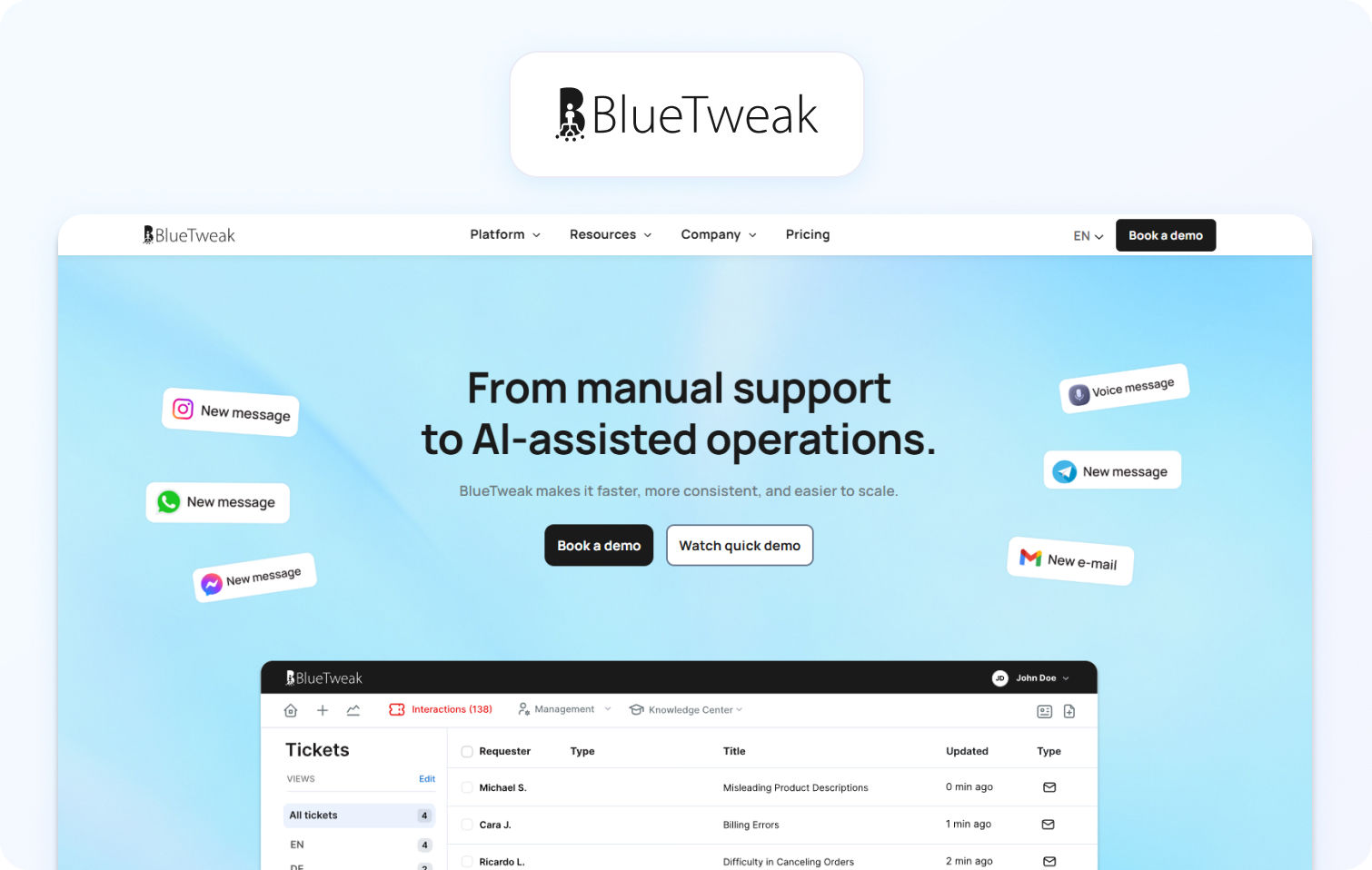
BlueTweak is a modern customer support solution built on an AI-first architecture, designed for teams managing complex support needs across multiple channels.
Best for: Medium to large teams needing a full AI suite and workforce management
Key features:
- RAG-grounded knowledge base responses
- LLM-powered suggested replies (AI assist)
- Real-time sentiment analysis and agent coaching
- Native voice, chat, email, and social in a single interface
- Built-in WFM, QA, and advanced reporting
Pricing: Transparent pricing, starting at €65/agent/month all-in (ticketing, omnichannel, AI chatbot, AI voicebot, copilot tools, WFM, QA, analytics, integrations), no hidden usage-based fees.
Pros:
- True omnichannel support with native telephony
- AI capabilities included in the core platform
- Strong analytics and in-depth analysis
Cons:
- Requires onboarding for teams moving from basic features
Free trial: Yes
Case Study Snapshot — Conectys (BPO)
A global BPO provider, Conectys needed to optimize data accessibility, improve reporting efficiency, and elevate both customer and agent experiences across its support operations. By implementing BlueTweak’s AI-powered, omnichannel support platform, the company centralized its data environment, reducing data retrieval time by 30% and enabling faster, more consistent access to critical information. Advanced reporting capabilities drove a 40% increase in reporting efficiency, equipping teams with more actionable insights to support decision-making.
At the same time, BlueTweak’s intuitive interface improved client accessibility, contributing to stronger satisfaction and long-term loyalty. Operationally, the impact was equally significant, and Conectys achieved a 20% reduction in operational costs while maintaining service quality, alongside a 25% reduction in resolution times. Customer satisfaction scores increased by 35%, supported by enhanced agent tooling and AI-powered workflows.
This partnership highlights how tailored, AI-driven customer support solutions can address the complexities of BPO environments, delivering measurable gains across efficiency, cost control, and overall customer experience.
Try BlueTweak for free today
Free Trial2) Zendesk Support Suite — Best Kayako Alternative for Enterprise-Scale Ticketing
Zendesk Support Suite is an enterprise-grade customer support software platform designed to manage high-volume support operations through advanced ticketing, automation, and omnichannel capabilities.
Best for: Large organizations with complex workflows and global support teams
Key features:
- Advanced ticket routing, automation, and SLA management
- Omnichannel support, including email, chat, social, and native voice
- AI-powered features such as suggested replies and bot automation (via Zendesk AI)
- Extensive marketplace integrations and open API ecosystem
- Advanced reporting and custom dashboards for team performance
Pricing: Tiered pricing model with additional costs for AI, advanced automation, and workforce management features; total cost increases significantly at scale
Pros:
- Highly customizable workflows and ticket management
- Mature ecosystem with strong integration capabilities
- Scalable for enterprise-level support operations
Cons:
- Add-on heavy pricing model increases TCO as teams grow
- AI capabilities and advanced reporting are often gated behind higher tiers
Free trial: Yes
3) Freshdesk — Best Kayako Alternative for Budget-Conscious Growing Teams
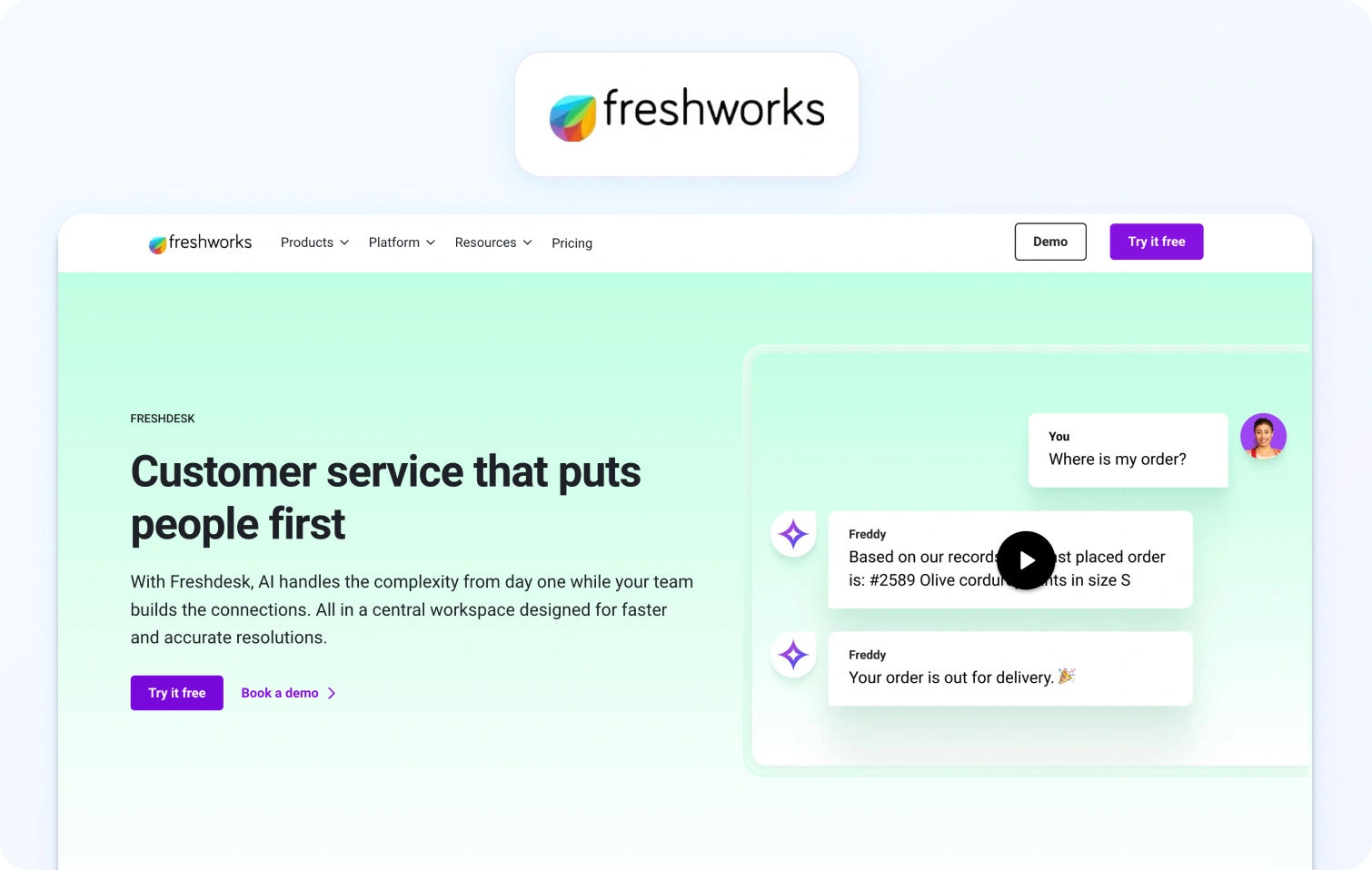
Freshdesk is a cloud-based help desk solution designed to provide essential customer support features with an emphasis on affordability and ease of use.
Best for: SMBs and medium-sized businesses scaling support operations
Key features:
- Ticket management system with automation and smart routing
- Knowledge base and self-service portal for customer inquiries
- Multichannel support across email, chat, and social media
- AI-powered features such as Freddy AI for automation and suggestions
- Basic reporting and team performance dashboards
Pricing: Tiered pricing structure with entry-level plans available; advanced AI, reporting, and automation features require higher-tier subscriptions
Pros:
- Strong value for money with accessible entry pricing
- Intuitive interface and fast time-to-value
- Suitable for growing support teams with moderate complexity
Cons:
- Advanced features such as AI assist and reporting are locked behind premium tiers
- Limited depth for complex support operations and global teams
Free trial: Yes
4) Intercom — Best Kayako Alternative for SaaS and Product-Led Teams
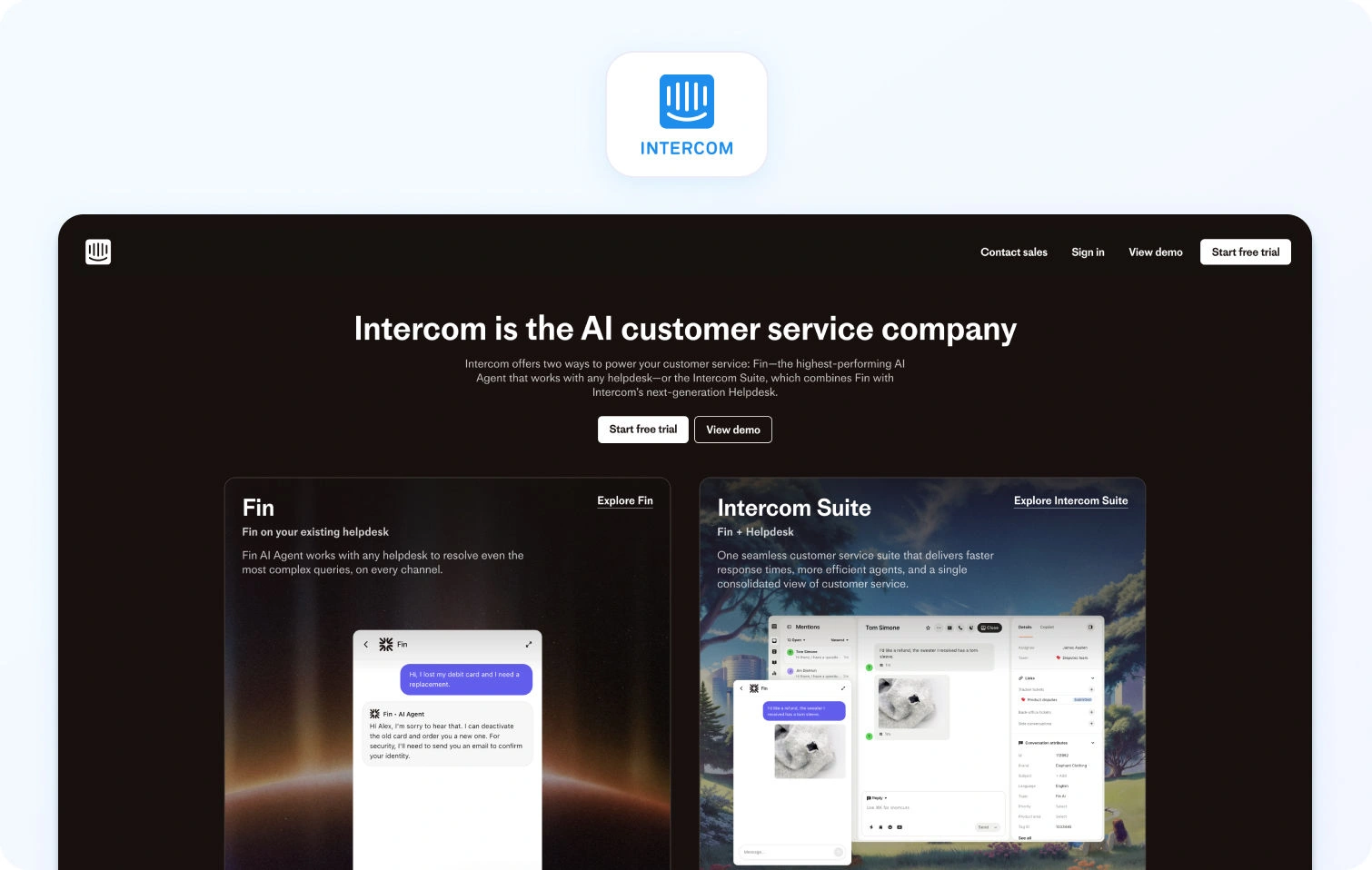
Intercom is a conversational customer support platform built around real-time messaging, designed to engage customers directly within digital products and websites.
Best for: SaaS and product-led growth teams focused on proactive customer engagement
Key features:
- AI-powered chatbots and conversational automation
- In-app messaging and customer communication tools
- Product tours and onboarding workflows
- Customer data platform for tracking interactions and behavior
- AI-assist tools for suggested replies and automation
Pricing: Usage-based pricing model combining seat costs with volume-based messaging and AI usage fees
Pros:
- Strong focus on real-time customer conversations and engagement
- Well-suited for product-led onboarding and support
- Advanced AI chatbot capabilities
Cons:
- Costs scale quickly with usage, especially for growing teams
- Limited native voice and telephony capabilities
Free trial: Yes
5) Help Scout — Best Kayako Alternative for Small and Mid-Size Support Teams
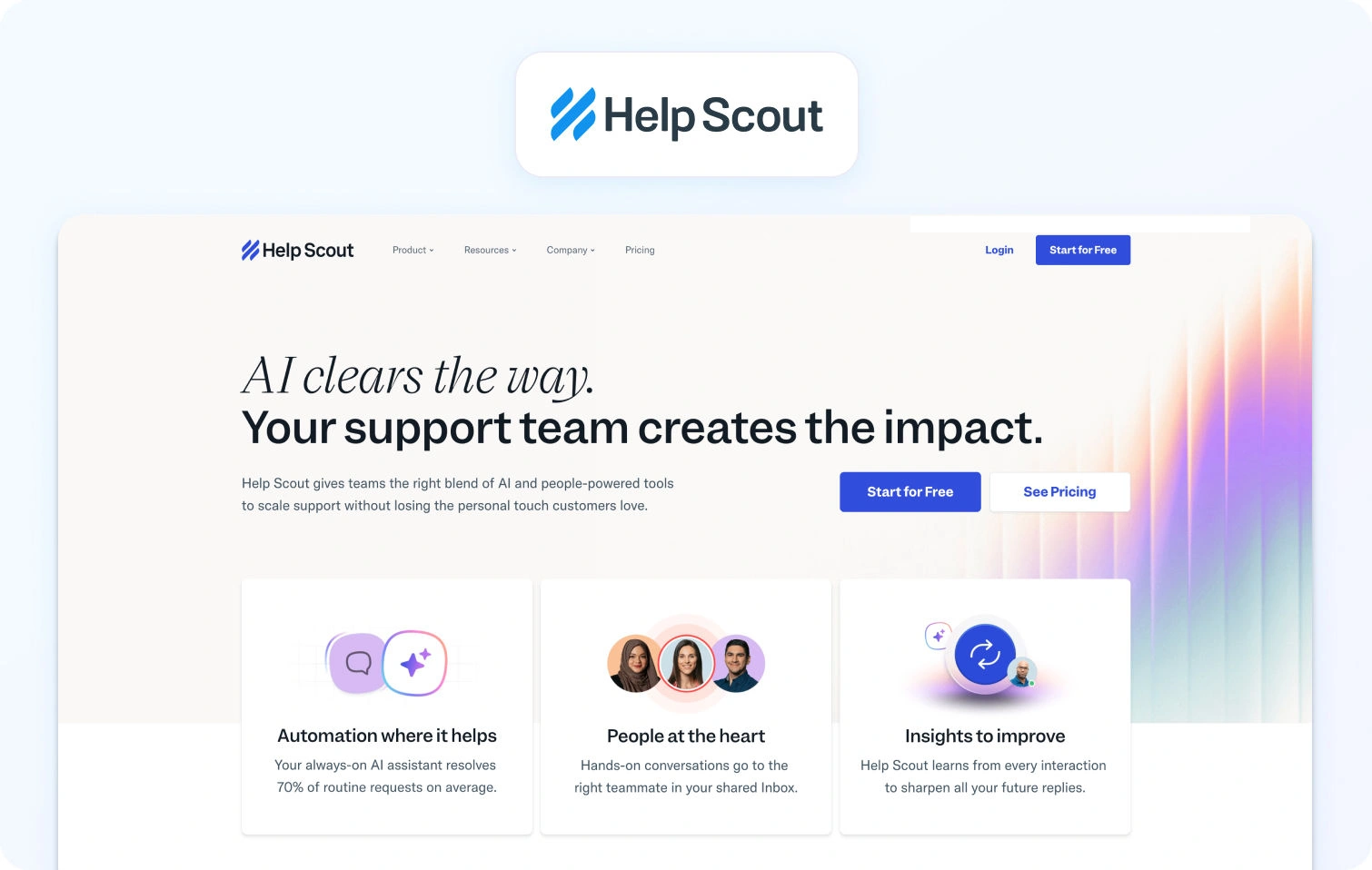
Help Scout is a lightweight help desk platform designed to deliver human-centric customer support through a shared inbox and simple workflows.
Best for: Small to mid-size teams prioritizing simplicity and customer experience
Key features:
- Shared inbox for managing customer conversations
- Knowledge base and self-service tools
- Basic automation workflows and tagging
- Reporting dashboards for support performance
- Customer profiles for tracking interactions
Pricing: Flat, per-user pricing with tiered plans based on features and usage
Pros:
- Clean, user-friendly interface with minimal setup
- Strong focus on personalized customer communications
- Transparent pricing structure
Cons:
- No native voice or telephony support
- Limited AI capabilities compared to more advanced platforms
Free trial: Yes
6) Zoho Desk — Best Kayako Alternative for Teams in the Zoho Ecosystem
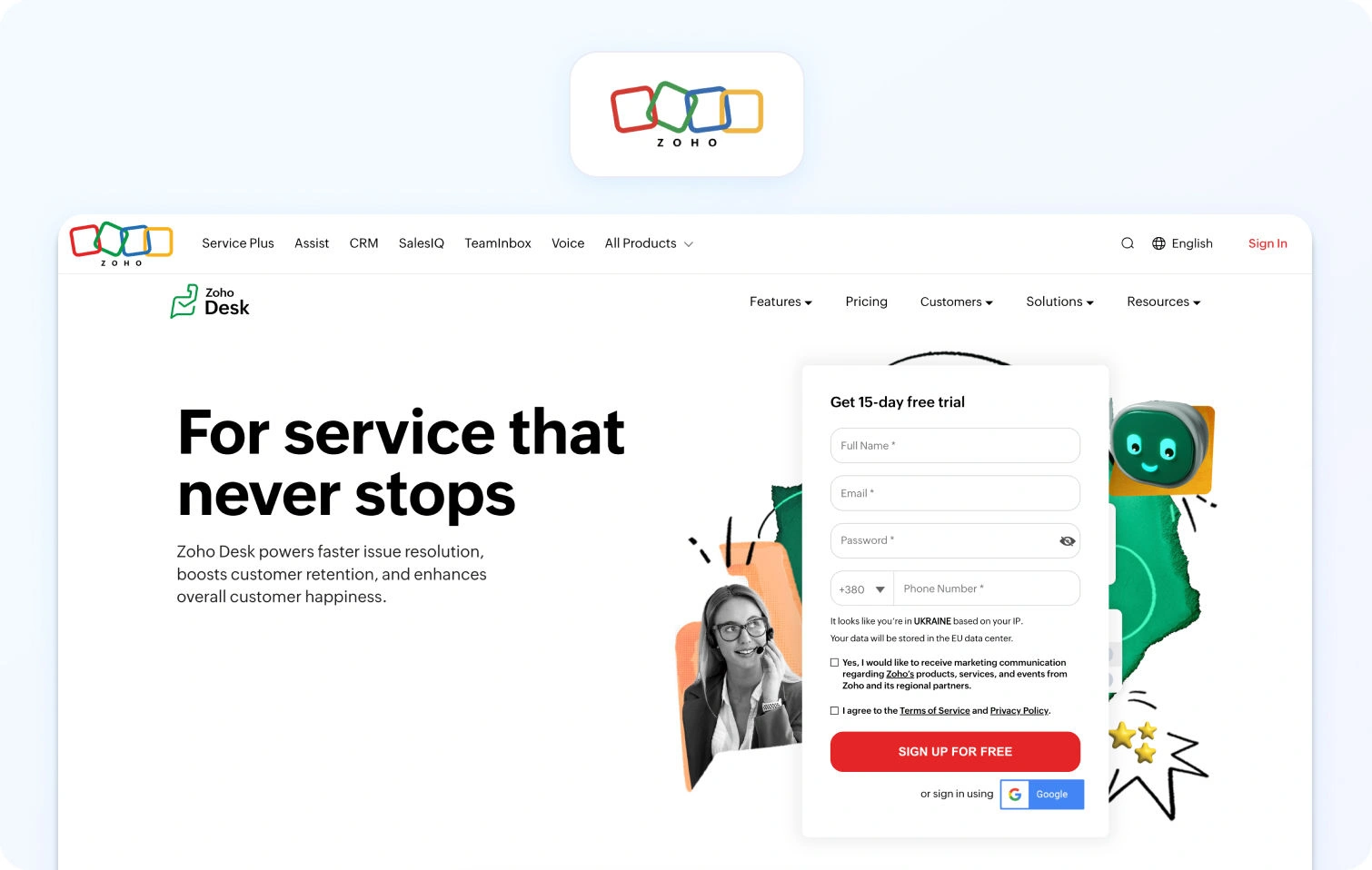
Zoho Desk is a customer support solution designed to integrate seamlessly with Zoho’s broader suite of business applications.
Best for: Organizations already using Zoho CRM and other Zoho tools
Key features:
- Ticket management and workflow automation
- Multichannel support, including email, chat, and social
- AI-powered assistant (Zia) for automation and insights
- Knowledge base and community forums
- Custom reports and dashboards
Pricing: Tiered pricing with competitive entry-level plans; advanced AI and analytics features require higher tiers
Pros:
- Strong integration within the Zoho ecosystem
- Affordable pricing for small to medium businesses
- Flexible customization options
Cons:
- Limited value outside the Zoho ecosystem
- Interface and usability can feel fragmented across modules
Free trial: Yes
7) HubSpot Service Hub — Best Kayako Alternative for Sales-Led Organizations
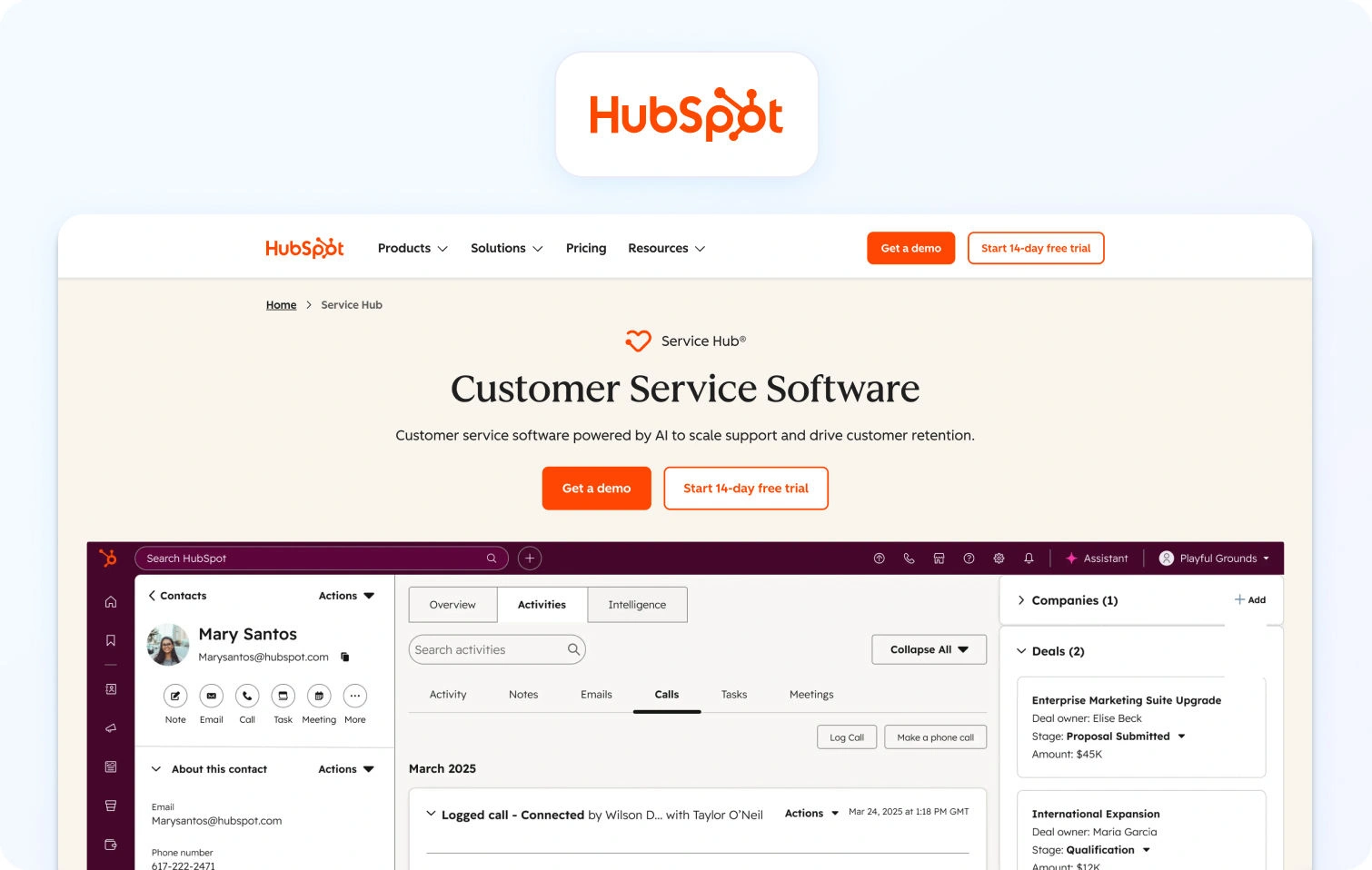
HubSpot Service Hub is a customer support platform built on top of HubSpot’s CRM, designed to unify customer service with sales and marketing data.
Best for: Sales-driven organizations needing aligned customer data and support
Key features:
- Ticketing system integrated with CRM data
- Shared inbox and live chat functionality
- Knowledge base and customer feedback tools
- Automation workflows and reporting dashboards
- AI-powered features for content and response generation
Pricing: Freemium model with paid tiers; advanced automation, reporting, and AI capabilities require higher-tier subscriptions
Pros:
- Seamless integration with HubSpot CRM
- Strong visibility into customer lifecycle and interactions
- Easy onboarding and intuitive interface
Cons:
- Advanced features and automation are gated behind expensive tiers
- Limited native voice support
Free trial: Yes (free tier available)
8) Salesforce Service Cloud — Best Kayako Alternative for Salesforce-Embedded Enterprises
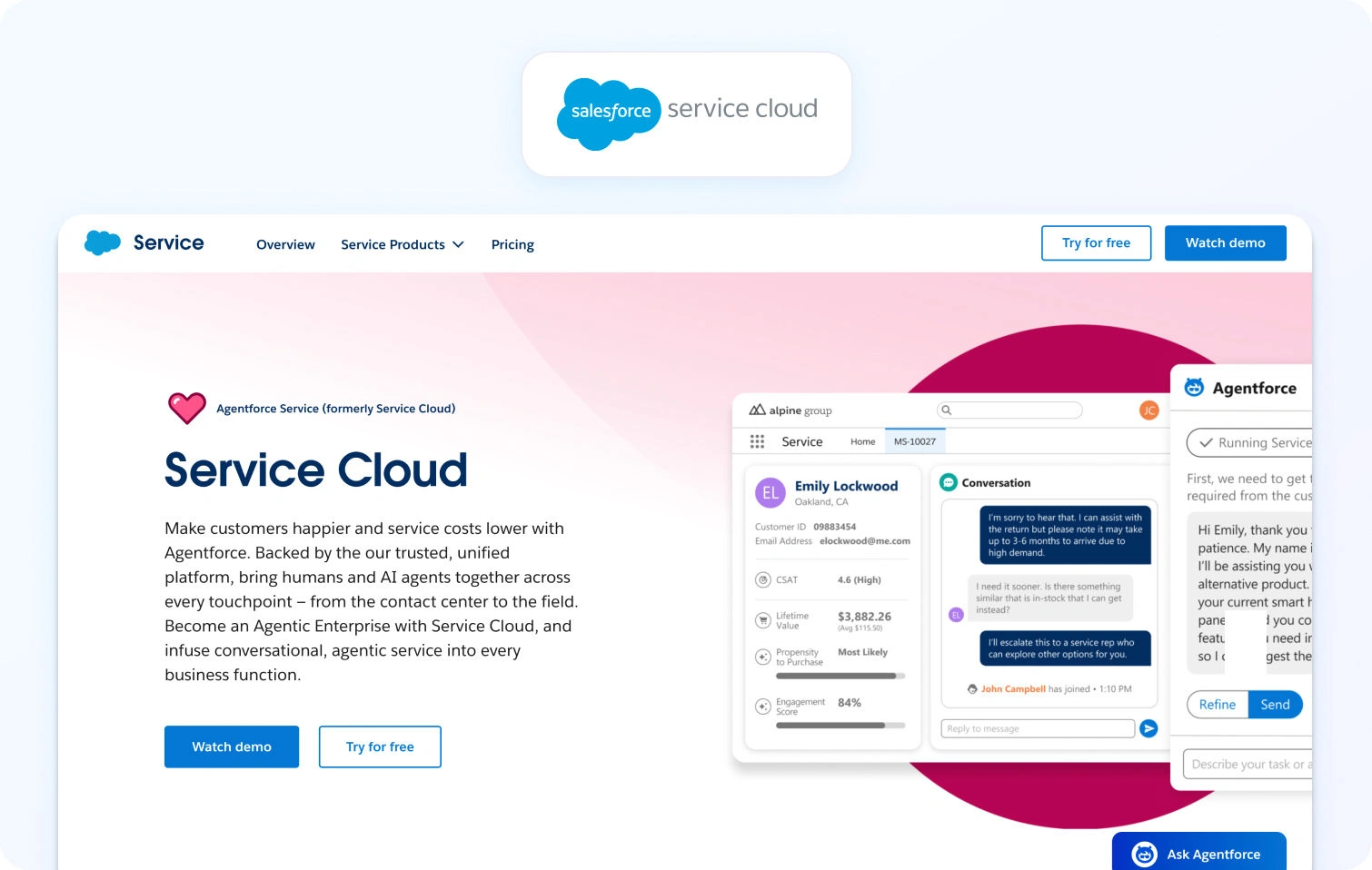
Salesforce Service Cloud is a highly customizable customer support platform built within the Salesforce ecosystem, offering deep CRM integration and enterprise-grade functionality.
Best for: Large enterprises already using Salesforce
Key features:
- Advanced case management and ticket routing
- Omnichannel support including voice, chat, and messaging
- AI-powered insights via Einstein AI
- Workflow automation and process builder
- Advanced reporting and analytics
Pricing: Complex pricing model with multiple tiers and add-ons; total cost varies significantly depending on configuration
Pros:
- Deep customization and scalability
- Strong CRM integration and customer data visibility
- Enterprise-grade security and compliance
Cons:
- Complex setup and long time-to-value
- High total cost of ownership with add-ons and customization
Free trial: Yes
9) Kustomer — Best Kayako Alternative for CRM-Native Customer Conversations
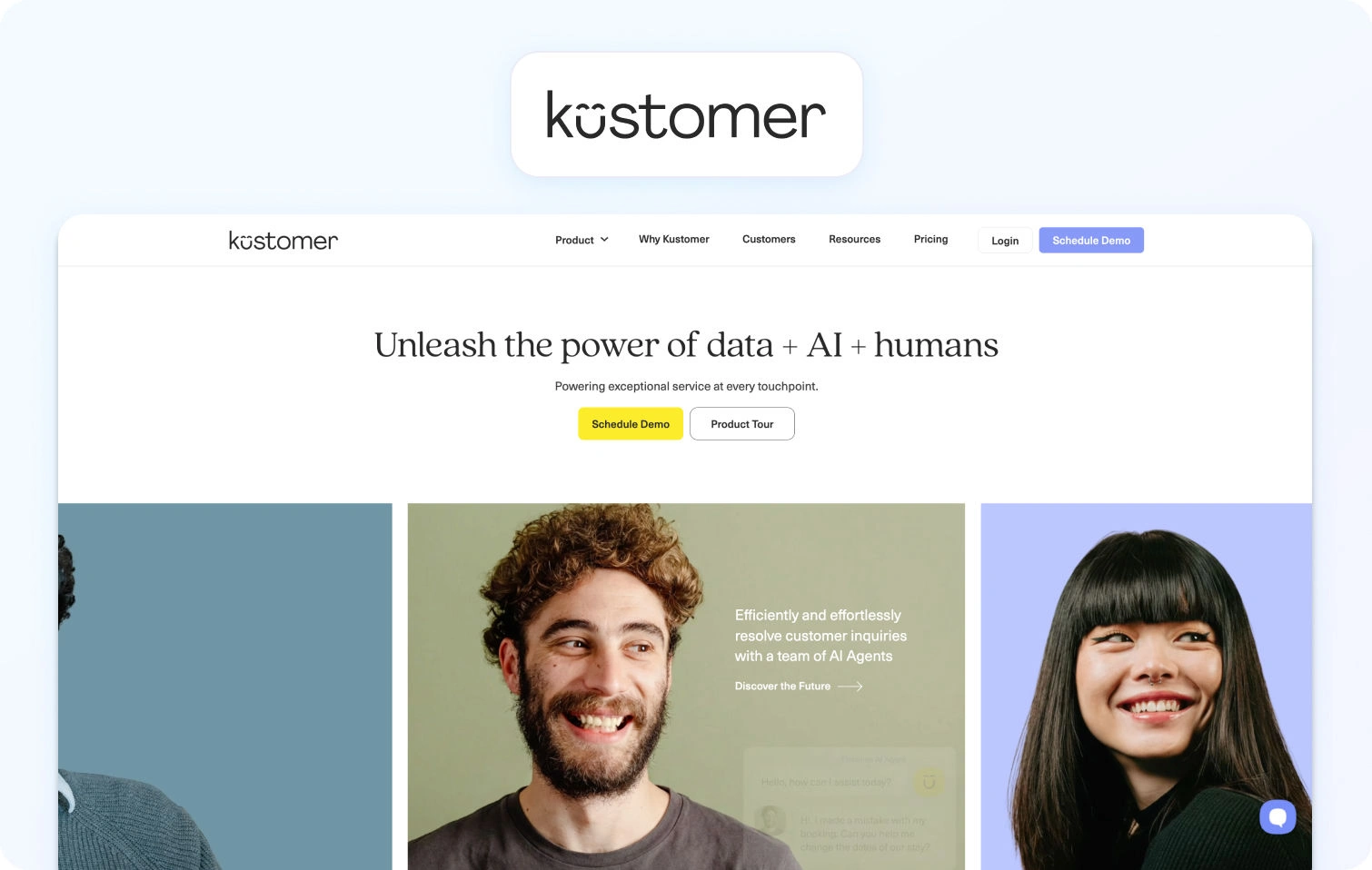
Kustomer is a CRM-first customer support platform designed to unify customer data and conversations into a single timeline view.
Best for: Organizations prioritizing customer-centric support models
Key features:
- Unified customer timeline for all interactions
- Omnichannel messaging including voice and chat
- AI-powered automation and workflows
- CRM-native architecture for customer data management
- Reporting and analytics tools
Pricing: Custom pricing based on business requirements; not publicly transparent
Pros:
- Strong focus on customer data and interaction history
- Native omnichannel capabilities including voice
- Flexible automation workflows
Cons:
- Lack of pricing transparency
- Can require significant setup for full customization
Free trial: Yes
10) Front — Best Kayako Alternative for Shared Inbox and Team Collaboration

Front is a shared inbox platform designed to improve team collaboration around customer communications.
Best for: Teams prioritizing collaboration and internal workflows
Key features:
- Shared inbox across email and messaging channels
- Internal collaboration tools and comments
- Workflow automation and rules
- Analytics for team performance
- Integrations with CRM and productivity tools
Pricing: Per-user pricing with tiered feature access
Pros:
- Strong collaboration and team visibility
- Easy to use and implement
- Flexible integrations
Cons:
- Limited AI-powered features
- No native voice or telephony support
Free trial: Yes
11) LiveAgent — Best Kayako Alternative for Broad Channel Coverage at Lower Cost
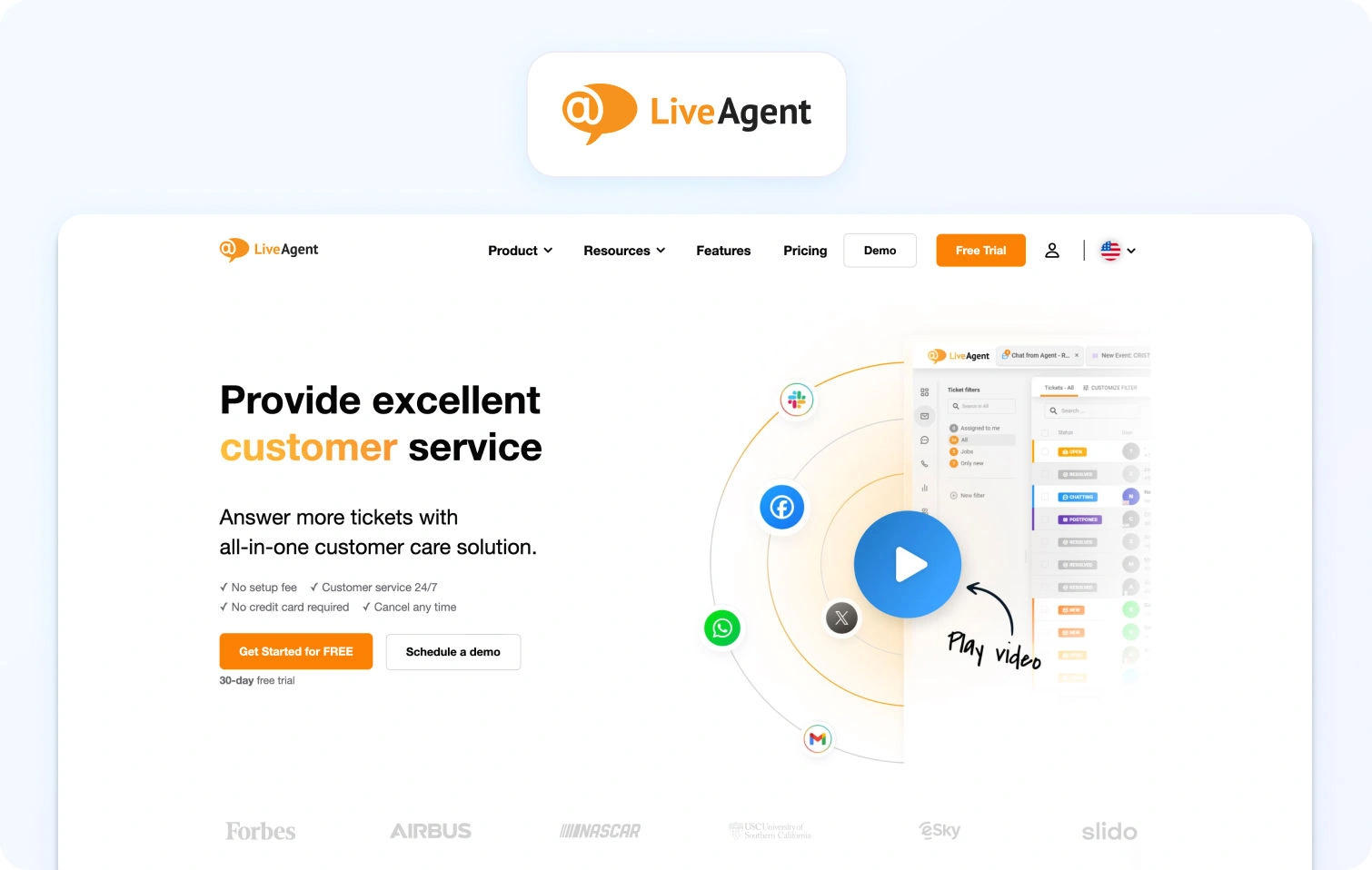
LiveAgent is a multichannel help desk solution offering a wide range of communication channels at a competitive price point.
Best for: Teams needing broad channel coverage without high costs
Key features:
- Ticketing system with automation and routing
- Multichannel support including email, chat, and voice
- Built-in call center functionality
- Knowledge base and customer portal
- Basic reporting tools
Pricing: Tiered pricing with affordable entry-level plans
Pros:
- Wide range of communication channels including voice
- Cost-effective compared to enterprise tools
- Quick setup and deployment
Cons:
- Basic AI capabilities and limited advanced automation
- Reporting and analytics lack depth
Free trial: Yes
12) HappyFox — Best Kayako Alternative for IT and Internal Help Desk Teams
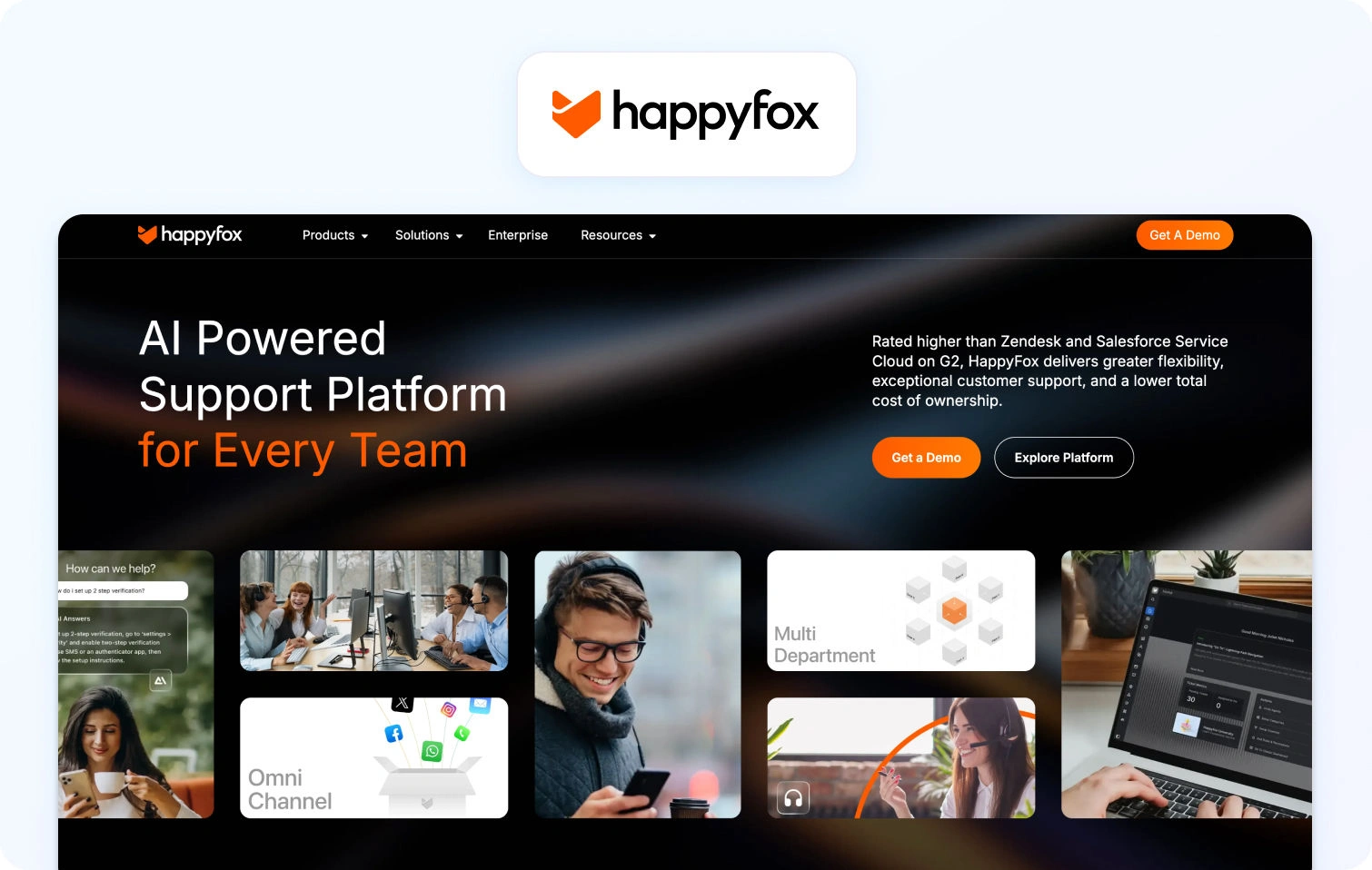
HappyFox is a help desk platform designed to streamline internal support operations and IT service management.
Best for: IT teams and internal service desks
Key features:
- Ticket management and workflow automation
- Knowledge base and self-service portal
- Asset tracking and IT service management tools
- Reporting and analytics dashboards
- SLA and escalation management
Pricing: Custom pricing based on requirements
Pros:
- Strong ITSM and internal support capabilities
- Structured workflows and ticket tracking
- Good reporting for internal operations
Cons:
- Limited innovation in customer-facing AI features
- Less suited for external customer support at scale
Free trial: Yes
13) Re:amaze — Best Kayako Alternative for SMB Multichannel Support
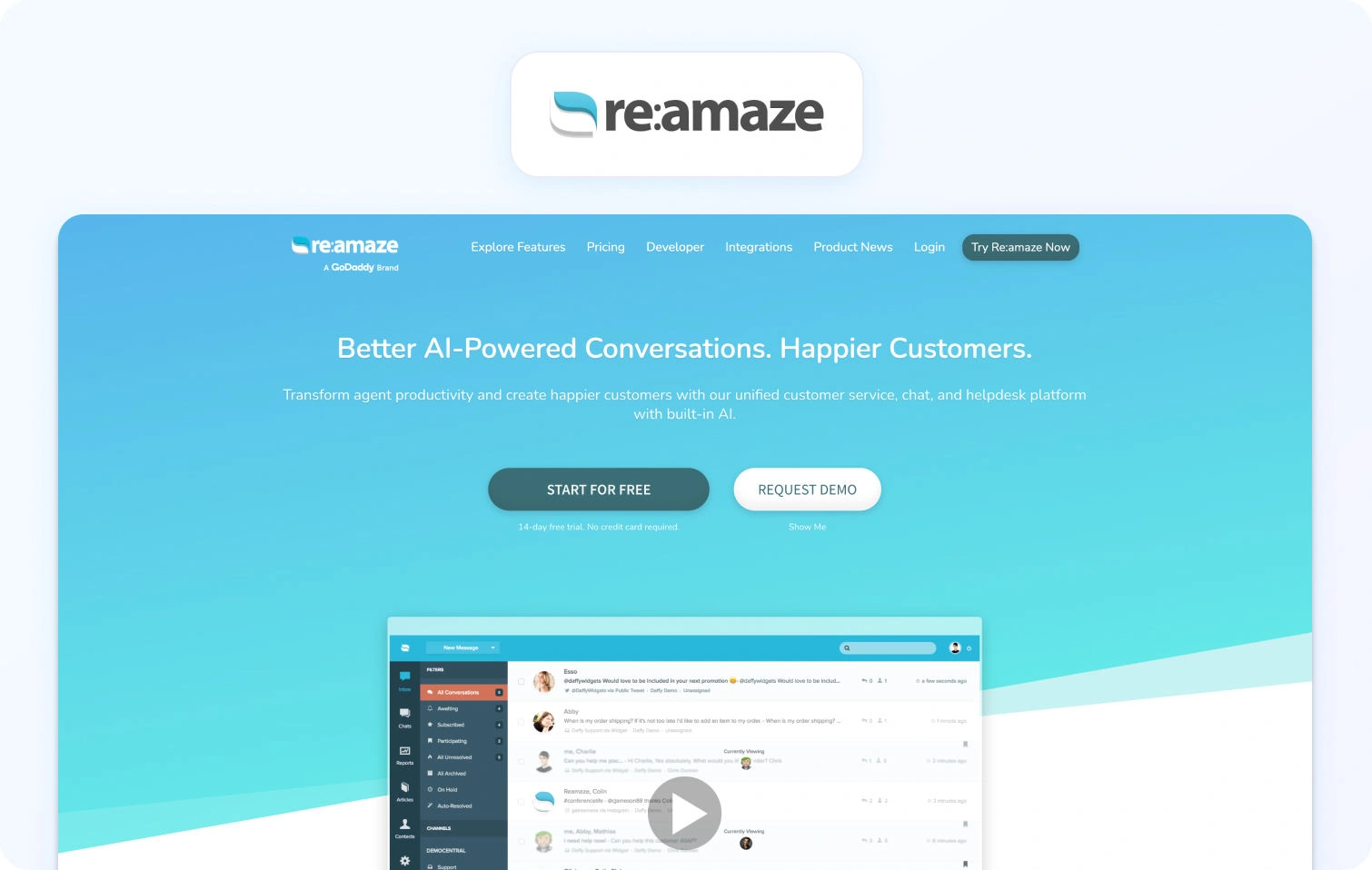
Re:amaze is a customer support platform tailored for ecommerce businesses managing customer inquiries across multiple channels.
Best for: SMB ecommerce teams
Key features:
- Multichannel support including email, chat, and social
- Chatbots and automation workflows
- Integration with ecommerce platforms like Shopify
- Knowledge base and FAQ tools
- Shared inbox for team collaboration
Pricing: Tiered pricing based on features and usage
Pros:
- Strong ecommerce integrations
- Easy to implement and use
- Suitable for small to mid-size teams
Cons:
- Limited scalability for complex support operations
- Basic AI capabilities compared to advanced platforms
Free trial: Yes
14) Supportbench — Best Kayako Alternative for B2B Customer Success Teams
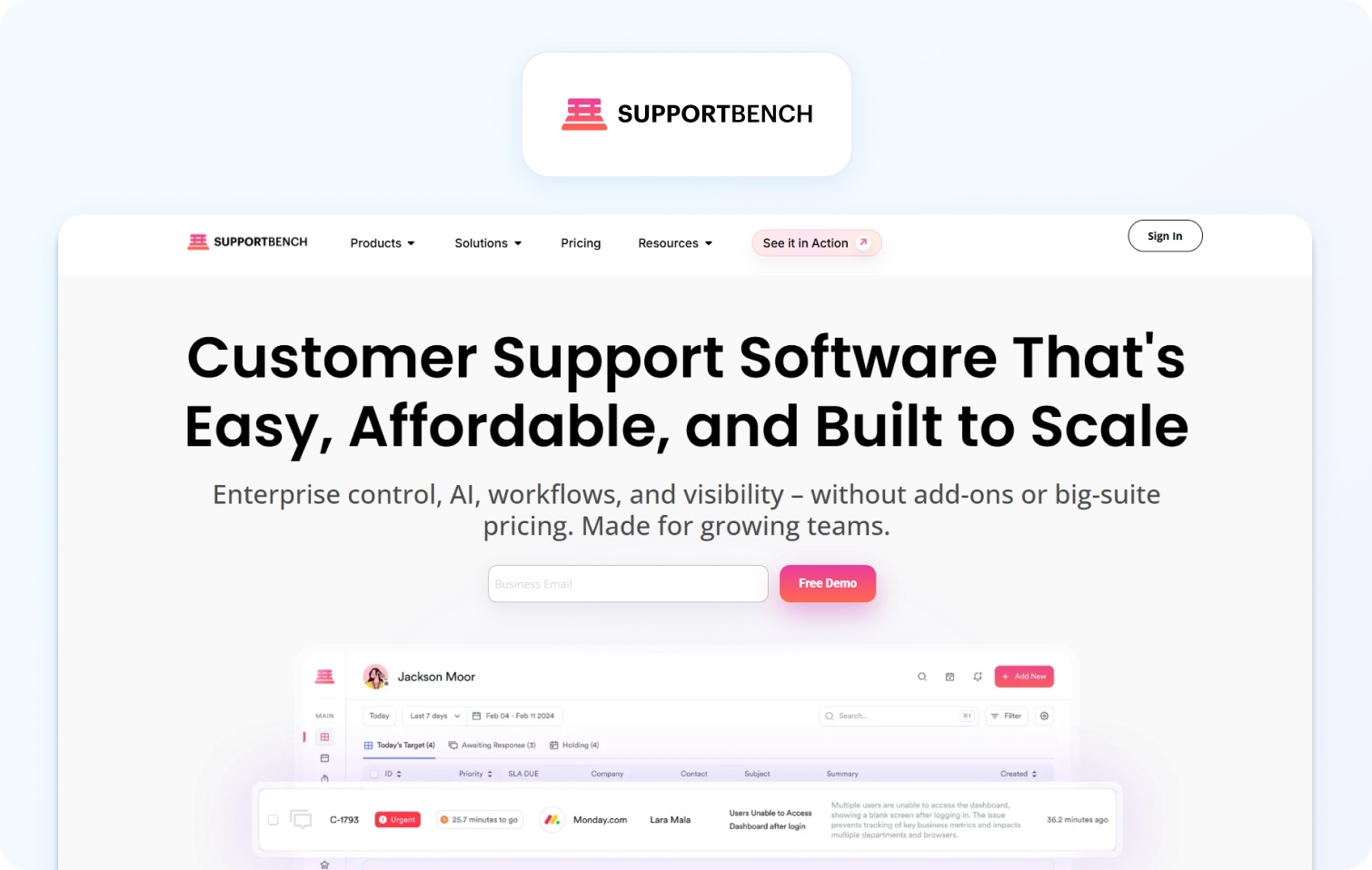
Supportbench is a B2B-focused customer support platform designed to align support operations with customer success metrics.
Best for: B2B organizations with account-based support models
Key features:
- Ticketing and case management
- Customer health scoring and success tracking
- SLA management and reporting
- Automation workflows
- Customer data insights and analytics
Pricing: Custom pricing based on business size and requirements
Pros:
- Strong alignment between support and customer success
- Good reporting for B2B environments
- Flexible workflows
Cons:
- Narrower use case focused on B2B
- Limited omnichannel depth compared to broader platforms
Free trial: Yes
15) Hiver — Best Kayako Alternative for Gmail-Native Support Teams
Hiver is a help desk solution built directly within Gmail, enabling teams to manage customer support without leaving their inbox.
Best for: Teams operating entirely within Google Workspace
Key features:
- Shared inbox within Gmail
- Ticket tracking and assignment
- Automation rules and workflows
- Basic analytics and reporting
- Knowledge base integration
Pricing: Per-user pricing with tiered plans
Pros:
- Seamless Gmail integration
- Easy adoption with minimal training
- Lightweight and efficient for small teams
Cons:
- Limited scalability for growing teams
- No native voice or advanced AI capabilities
Free trial: Yes
16) Groove — Best Kayako Alternative for Very Small Teams Wanting Simplicity
Groove is a simple help desk platform designed for startups and very small teams needing basic customer support functionality.
Best for: Startups and small teams with low support volume
Key features:
- Shared inbox and ticketing system
- Basic automation workflows
- Knowledge base tools
- Reporting dashboards
- Customer interaction tracking
Pricing: Flat pricing with a simple tier structure
Pros:
- Easy to use and quick to deploy
- Affordable for small teams
- Clean and intuitive interface
Cons:
- Minimal AI capabilities and automation features
- Not suitable for complex or large-scale support operations
Free trial: Yes
What to Look For in a Kayako Alternative
A Kayako alternative should address gaps in AI depth, omnichannel capability, and scalability, while aligning with how modern support operations actually function in 2026.
As support teams evolve, the difference between tools is centred on how deeply key features are embedded into day-to-day support operations. Many platforms claim AI-powered or omnichannel support, but in practice, these are often surface-level capabilities layered onto a traditional ticketing system.
The real shift is toward platforms that act as operational engines; systems that don’t just manage support tickets, but actively improve agent productivity, reduce resolution times, and enhance customer satisfaction through intelligent automation and unified data.
Before committing to a Kayako alternative, it’s critical to evaluate not just what a platform can do today, but how well it will scale with your team’s size, complexity, and channel mix over time.
- AI beyond automation: look beyond basic automation features like macros or canned responses. In 2026, meaningful AI capabilities include RAG-grounded knowledge base responses, LLM-powered AI assist, real-time customer sentiment tracking, and post-interaction summarization. These directly impact both customer interactions and internal team efficiency, reducing repetitive tasks while improving quality assurance.
- Voice support: if your customer communications strategy includes phone support, native telephony is critical. Platforms that rely on third-party integrations introduce latency, fragmented customer data, and additional costs. Native voice ensures all customer conversations live within a single interface, improving both reporting and agent experience.
- Omnichannel depth: true omnichannel support is about unifying multiple channels. Verify whether platforms genuinely support your required mix of email, chat, SMS, WhatsApp, social, and voice within one desk solution, or if they rely on stitched-together integrations that weaken visibility across customer inquiries.
- WFM and QA: for teams managing more than 30 agents, workforce management and quality assurance are no longer optional. Native scheduling, forecasting, and QA scoring allow teams to optimize team performance, maintain consistency, and scale without adding operational overhead.
- TCO clarity: Many platforms appear cost-effective at entry level but become expensive as you scale. Calculate total cost of ownership carefully: base seat cost × headcount + AI modules + voice + WFM + advanced reporting. Hidden usage-based fees and add-ons can significantly impact long-term business operations.
Ultimately, the goal is to invest in a customer support solution that enables your team to handle increasing complexity without sacrificing speed, quality, or cost efficiency.
How We Evaluated These Kayako Alternatives
This evaluation is based on public data, product documentation, and verified capabilities as of Q2 2026, with a focus on real-world applicability rather than vendor positioning.
To ensure this guide delivers genuine value, every platform was assessed against the same set of criteria: AI capability depth, omnichannel coverage, reporting quality, scalability, and total cost transparency. We reviewed official product pages, pricing documentation, and aggregated feedback from G2 and Capterra, with particular attention to how each tool performs for medium-sized businesses and growing support teams, to inform each vendor’s pros and cons list.
Importantly, no vendor paid for inclusion in this list, and all AI-related claims were cross-checked against publicly available feature documentation, not just marketing language. Where limitations exist, they’ve been included deliberately, as these often become the deciding factor for teams moving beyond a basic ticketing system.
This means the comparisons reflect how these tools actually perform in managing support requests, not just how they are positioned in sales materials.
Must-Have Capability Checklist
The following checklist represents the baseline capabilities a modern customer support platform should provide in 2026. If a tool falls short in multiple areas, it’s likely to introduce friction as your support operations scale.
- AI-powered suggested or proposed replies (native, not add-on)
- RAG-grounded knowledge base for both bots and agents
- Real-time sentiment tagging and agent coaching
- Native voice support or first-party telephony module
- Unified omnichannel inbox across all communication channels
- AI-generated ticket summaries and post-interaction insights
- Built-in workforce management and scheduling tools
- QA scoring for both human agents and AI-handled interactions
- SLA dashboards covering FCR, AHT, CSAT, and response times
- Security controls, including MFA, RBAC, and audit logs
- Open API and integrations with key CRM and e-commerce platforms
- AI capabilities included in base pricing, not locked behind add-ons
What separates leading platforms from the rest is not just ticking these boxes, but how seamlessly these capabilities work together. The strongest Kayako alternatives don’t treat AI, reporting, and channel management as separate modules. Instead, they unify them into a single system designed to improve both customer experience and internal team productivity at scale.
BlueTweak Kayako Alternatives Scoring Rubric
This scoring rubric evaluates platforms based on real operational impact.
| Criterion | Weight | What “High” Looks Like |
|---|---|---|
| AI coverage | 25% | Full AI suite in base plan |
| Channel depth | 20% | Voice + 4+ channels |
| Reporting | 15% | Real-time + historical insights |
| WFM & QA | 15% | Native tools |
| Time-to-value | 10% | Fast onboarding |
| TCO | 10% | Transparent pricing |
| Security | 5% | Enterprise-grade controls |
Final Thoughts: Choosing the Right Kayako Alternative for Long-Term Support Growth
For many growing organizations, the challenge is no longer simply finding a platform that can provide support across email and chat. Modern customer support has become significantly more complex, requiring teams to manage customer interactions across multiple channels, automate routine tasks, and equip support agents with the tools needed to resolve issues faster and more consistently.
That’s why so many businesses are now re-evaluating legacy help desk software in favor of more scalable, AI-powered platforms with deeper multichannel capabilities. As customer expectations continue to rise, support leaders need systems that can unify customer data, streamline automated workflows, and improve operational visibility without introducing unnecessary complexity or hidden costs.
The strongest Kayako alternatives in 2026 are those that combine AI-powered assistance, omnichannel communication, advanced reporting, and workforce management within a single platform. Rather than relying on disconnected integrations or layered add-ons, these tools are designed to improve both customer satisfaction and internal team efficiency at scale.
Ultimately, your decision should come down to three key considerations:
- Whether the platform can support your long-term channel and growth requirements
- Whether its AI capabilities genuinely reduce operational workload and repetitive tasks
- Whether pricing remains sustainable as your support operations expand
For teams looking to consolidate customer communications, improve agent productivity, and future-proof their support operations, platforms like BlueTweak stand out by combining AI-native support, voice, analytics, QA, and WFM into one unified environment.
If you’re evaluating Kayako alternatives and want to see how an AI-native platform can streamline support operations across voice, chat, email, and social channels, you can book a personalized BlueTweak demo or try the platform for free to explore its omnichannel and AI-powered capabilities first-hand.

17 Kustomer Alternatives to Consider in 2026, Ranked and Reviewed
Why Teams Look for Kustomer Alternatives in 2026
Kustomer alternatives are customer service software platforms designed to deliver similar omnichannel support and customer relationship management capabilities, often with simpler deployment, stronger AI coverage, or more transparent pricing.
Kustomer built its reputation around a CRM-native architecture that gives support agents a unified customer timeline spanning customer communications, customer interactions, order history, and support history. For many organizations, especially e-commerce businesses and consumer brands, that customer-centric model remains valuable.
However, as customer support operations become more AI-driven in 2026, many teams are reassessing whether they still need a CRM-heavy support architecture or whether a more operationally focused customer support platform can deliver the same context with lower complexity and faster implementation.
Public reviews on G2 and Capterra consistently reference several recurring challenges with Kustomer, particularly among scaling mid-market and enterprise teams.
Pricing and Total Cost of Ownership
Pricing complexity is one of the most common reasons organizations search for Kustomer alternatives.
Kustomer’s pricing structure has historically been positioned toward enterprise support environments. Publicly available pricing and review commentary suggest that costs increase significantly as teams add AI features, advanced reporting, voice integrations, workforce management functionality, or higher agent counts.
Several reviewers also reference minimum seat commitments and the need for third-party integrations to extend core functionality. While Kustomer offers extensive customization, many teams evaluating customer service platforms in 2026 are prioritizing predictable operating costs and bundled AI features.
This is particularly relevant for organizations managing customer support across multiple channels, where costs scale rapidly with support volume.
Implementation Complexity and Time-to-Value
Deployment complexity is another major factor driving buyers toward alternatives to Kustomer.
Kustomer’s CRM-native design gives enterprises significant flexibility, but it can also introduce implementation overhead. Public review platforms regularly reference:
- Longer onboarding timelines
- More complex workflow configuration
- Steeper learning curves for support agents
- Greater dependency on implementation partners or internal technical teams
For fast-growing support teams, time-to-value matters as much as feature depth. Teams that need to resolve customer inquiries efficiently are often prioritizing platforms with self-serve onboarding, automated workflows, and a simpler, more intuitive interface.
AI Coverage and AI Pricing Models
AI capabilities have become one of the most important evaluation criteria for customer service software in 2026.
Most major customer support platforms now offer AI-powered suggested replies, AI agents, conversational support, ticket summarization, knowledge base search, and proactive messaging. The key question is whether those AI tools are included in the base platform or sold separately.
Many buyers evaluating kustomer alternatives are increasingly focused on:
- RAG-grounded knowledge base responses
- AI-powered suggested reply generation
- Real-time sentiment scoring
- AI-assisted ticket summarization
- AI coaching for support agents
- AI performance reporting
The broader market trend is clear. According to Deloitte’s 2025 Global Contact Center Survey, organizations using AI-powered customer support tools reported measurable improvements in agent productivity, customer satisfaction, and operational efficiency as AI adoption accelerated across support operations.
At the same time, fragmented support stacks continue to increase costs. Research from PwC in 2025 found that disconnected customer communications systems and multiple systems handling customer interactions remain major contributors to operational inefficiency and inconsistent customer experience.
Voice, Reporting, and Operational Visibility
Voice support and analytics depth are increasingly central to customer support platform evaluations.
Many modern support teams now expect native voice, omnichannel support, advanced analytics, SLA management, QA scoring, and workforce management within a single user-friendly platform.
One of the recurring themes in public reviews of Kustomer is that certain operational capabilities may require additional integrations or configuration work, particularly for advanced reporting, workforce management, or voice support.
For organizations trying to streamline support operations, the appeal of consolidated platforms has become stronger.
Many support organizations initially adopt CRM-native customer service platforms because they want deeper customer context. But once AI workflows, voice support, workforce management, and analytics enter the picture, they often discover the operational stack becomes fragmented and expensive to maintain. The platforms gaining momentum in 2026 are the ones reducing operational complexity while expanding AI coverage.

Kustomer Competitors at a Glance
A Kustomer competitor comparison table helps support leaders evaluate AI coverage, omnichannel support, pricing transparency, and deployment complexity across leading customer support platforms.
The table below compares the best Kustomer alternatives based on publicly available pricing and feature information as of Q2 2026.
The 17 Best Kustomer Alternatives for 2026
The best Kustomer alternatives combine customer support functionality, AI-powered workflows, omnichannel support, and operational visibility without introducing unnecessary implementation complexity.
The platforms below were evaluated using public pricing pages, product documentation, published customer case studies, and verified review platform insights reviewed in Q2 2026. No vendor paid for placement in this list. BlueTweak appears first as the Editor’s Choice due to its breadth of AI capabilities, native voice support, unified analytics, and operational tooling.
1) BlueTweak — Best Kustomer Alternative for AI-Native Omnichannel Support
What it is: BlueTweak is a customer interaction management platform built to unify voice, chat, email, SMS, and social conversations inside a single operational workspace. The platform combines AI-powered automation, analytics, workforce management, and omnichannel routing without relying on multiple disconnected tools. BlueTweak’s AI infrastructure is designed around modern large language model workflows and cloud-native scalability, leveraging enterprise-grade environments such as Microsoft Azure and OpenAI-powered AI services.
Best for: Mid-market and enterprise support teams that want operationally unified customer support with native AI, voice, reporting, QA, and workforce management capabilities.
Key features:
- Unified inbox with persistent cross-channel conversation history
- AI-powered intent detection, sentiment analysis, and interaction summaries
- AI copilot tools for support agents and supervisors
- Native voicebot and chatbot automation
- Real-time routing and skill-based distribution
- Advanced analytics across CSAT, FCR, AHT, sentiment, and SLA performance
- Workforce management and QA tooling are built into the core platform
- CRM and customer data integrations
Channels supported: Voice, email, live chat, SMS, WhatsApp, and social messaging platforms.
Pricing: Transparent pricing starting at €65/agent/month, including ticketing, omnichannel support, AI chatbot, AI voicebot, workforce management, QA, analytics, and integrations.
Pros:
- Strong AI coverage built directly into the platform
- Native voice and omnichannel support
- Unified operational tooling reduces platform fragmentation
- Deep reporting and interaction-level visibility
Cons:
- Advanced customization requires onboarding support
- More operational depth than some smaller teams may require
Free trial available
Case Study Snapshot:
A leading e-commerce retailer used BlueTweak to consolidate fragmented customer communications across voice, email, chat, and social channels into a single omnichannel support environment. Prior to implementation, the business struggled with inconsistent reporting, limited visibility into customer interactions, and operational inefficiencies caused by disconnected support systems. Following deployment, the company improved support efficiency through AI-powered automation, centralized customer interaction reporting, and faster response handling across multiple communication channels, giving teams a clearer operational view of the entire customer journey while reducing friction for both customers and support agents.
Support organizations are increasingly moving away from fragmented support stacks because disconnected systems create reporting blind spots, slower agent workflows, and inconsistent customer experiences. The biggest shift we see in 2026 is toward operationally unified, AI-native customer support platforms.
2) Zendesk Support Suite — Best Kustomer Alternative for Enterprise-Scale Ticketing
What it is: Zendesk Support Suite is an enterprise customer support platform focused on ticket management, omnichannel communication, workflow automation, and large-scale support operations.
Best for: Enterprise support teams handling high ticket volumes across multiple customer service channels.
Key features:
- Advanced ticket routing and SLA management
- AI-powered suggested replies and workflow automation
- Omnichannel support across email, voice, chat, and social
- Extensive app marketplace and integrations
- Advanced reporting and analytics dashboards
- Self-service knowledge base functionality
Channels supported: Email, live chat, voice, SMS, and social channels.
Pricing: Custom pricing with AI functionality and advanced capabilities varying by package. Verify with the vendor for details.
Pros:
- Mature enterprise ecosystem
- Strong workflow customization
- Broad integration support
Cons:
- AI and advanced functionality can significantly increase total platform cost
- Enterprise deployment can become implementation-heavy
Free trial availability: Yes.
3) Intercom — Best Kustomer Alternative for SaaS and Product-Led Teams
What it is: Intercom is a conversational customer support platform designed around AI-powered messaging, customer engagement, and proactive support automation.
Best for: SaaS and product-led organizations focused on conversational support and customer onboarding.
Key features:
- AI chatbot and AI agent functionality
- Proactive messaging and onboarding flows
- Conversational support automation
- Product tours and engagement workflows
- Shared inbox and live chat functionality
- Customer engagement reporting
Channels supported: Live chat, email, in-app messaging, and social integrations.
Pricing: Tiered pricing based on seats, contacts, and AI usage. Verify for details.
Pros:
- Excellent conversational support workflows
- Modern and intuitive interface
- Strong onboarding and engagement tooling
Cons:
- Pricing scales quickly as support volume increases
- Less operational depth for traditional contact center environments
Free trial availability: Yes.
4) Freshdesk — Best Kustomer Alternative for Budget-Conscious Growing Teams
What it is: Freshdesk is a multichannel customer support platform built for growing support teams that need automation and omnichannel communication without enterprise-level complexity.
Best for: SMB and mid-market organizations looking for affordable customer service software with strong core functionality.
Key features:
- Omnichannel ticket management
- AI-powered suggested responses
- Workflow automation and SLA management
- Knowledge base and self-service tools
- Team collaboration workflows
- Customer feedback and reporting tools
Channels supported: Email, live chat, phone, WhatsApp, and social channels.
Pricing: Tiered pricing plans available, verify for details.
Pros:
- Strong value for growing support teams
- Easy implementation and onboarding
- Broad multichannel support
Cons:
- Advanced analytics and customization are more limited at lower tiers
- AI capabilities vary significantly by plan
Free trial availability: Yes.
5) Salesforce Service Cloud — Best Kustomer Alternative for Salesforce-Embedded Enterprises
What it is: Salesforce Service Cloud is an enterprise customer support platform deeply integrated into the wider Salesforce ecosystem.
Best for: Enterprises already using Salesforce CRM, sales tools, and customer data infrastructure.
Key features:
- Advanced case and ticket management
- Einstein AI-powered automation
- Omnichannel routing and workforce management
- Customer data unification
- Advanced reporting and analytics
- Extensive enterprise integrations
Channels supported: Voice, email, messaging, chat, and social platforms.
Pricing: Free and paid plans available with additional AI and advanced feature costs; verify for details.
Pros:
- Deep CRM and customer data integration
- Enterprise scalability
- Extensive customization capabilities
Cons:
- High implementation complexity
- Significant administrative and configuration overhead
Free trial availability: Yes.
6) HubSpot Service Hub — Best Kustomer Alternative for Sales-Led Organizations
What it is: HubSpot Service Hub is a customer support platform built around HubSpot’s CRM and revenue operations ecosystem.
Best for: Organizations aligning customer support, sales, and customer success inside a shared platform.
Key features:
- Ticket management and automation
- Customer feedback and survey tools
- Knowledge base and self-service functionality
- Shared inbox and live chat
- CRM-integrated customer profiles
- Reporting dashboards and workflows
Channels supported: Email, live chat, forms, and messaging integrations.
Pricing: Free and paid plans available; enterprise functionality gated behind higher tiers. Verify for details.
Pros:
- Tight integration with HubSpot CRM
- User-friendly interface
- Strong sales and service alignment
Cons:
- Advanced features become expensive at scale
- Omnichannel depth is more limited than specialist CX platforms
Free trial availability: Yes.
7) Gladly — Best Kustomer Alternative for People-Centric Omnichannel Support
What it is: Gladly is a customer service platform designed around people-centric conversations rather than traditional ticket-based workflows.
Best for: Retail and consumer brands focused on personalized customer experience across channels.
Key features:
- Unified customer conversation history
- Native voice and messaging support
- Customer timeline visibility
- Omnichannel routing
- Customer communication management
- Agent collaboration tools
Channels supported: Voice, email, SMS, chat, and social messaging.
Pricing: Custom pricing; verify with vendor for details.
Pros:
- Strong omnichannel continuity
- Customer-centric conversation model
- Well-suited to retail support operations
Cons:
- Less flexible for highly customized operational workflows
- Limited transparency around pricing
Free trial availability: Not advertised.
8) Help Scout — Best Kustomer Alternative for Small and Mid-Size Support Teams
What it is: Help Scout is a lightweight customer support platform focused on simplicity, collaboration, and email-first support workflows.
Best for: Smaller support teams that prioritize ease of use and fast onboarding.
Key features:
- Shared inbox functionality
- Knowledge base management
- Live chat support
- Customer satisfaction tracking
- Automation rules and workflows
- Reporting dashboards
Channels supported: Email, live chat, and messaging integrations.
Pricing: Free and paid pricing plans available; verify for details.
Pros:
- Clean and intuitive interface
- Low implementation complexity
- Fast team adoption
Cons:
- Less advanced AI functionality
- Limited enterprise reporting depth
Free trial availability: Yes.
9) Gorgias — Best Kustomer Alternative for E-commerce Support Teams
What it is: Gorgias is an e-commerce customer support platform built specifically for online retailers and Shopify-based businesses.
Best for: E-commerce businesses managing high support volume tied to orders, shipping, returns, and customer inquiries.
Key features:
- E-commerce-native automation
- Shopify and e-commerce platform integrations
- AI-powered support automation
- Shared inbox and live chat
- Macros and workflow automation
- Customer order visibility inside support workflows
Channels supported: Email, chat, SMS, social messaging, and e-commerce integrations.
Pricing: Usage-based pricing tied to ticket volume and automation usage; verify for details.
Pros:
- Strong e-commerce specialization
- Excellent Shopify integration
- Effective automation for repetitive support interactions
Cons:
- Less suitable for outside e-commerce use cases
- Costs can increase quickly as support volume grows
Free trial availability: Yes.
10) Zoho Desk — Best Kustomer Alternative for Teams in the Zoho Ecosystem
What it is: Zoho Desk is a customer support platform integrated into the wider Zoho business software ecosystem.
Best for: Organizations already using Zoho applications for CRM, operations, or business management.
Key features:
- Ticket management and workflow automation
- AI-powered assistant functionality
- Knowledge base and self-service tools
- Customer feedback tracking
- Omnichannel support capabilities
- Reporting and analytics dashboards
Channels supported: Email, phone, live chat, social media, and messaging.
Pricing: Low-cost tiered pricing plans; verify for details.
Pros:
- Affordable pricing structure
- Broad integration across Zoho products
- Strong functionality for SMB operations
Cons:
- Interface can feel dated compared with newer platforms
- Advanced AI and reporting depth are more limited
Free trial availability: Yes.
11) Dixa — Best Kustomer Alternative for Conversation-First Support Operations
What it is: Dixa is a conversation-centric customer engagement platform designed to unify digital and voice interactions inside a single workspace.
Best for: Support organizations prioritizing conversational continuity and omnichannel customer engagement.
Key features:
- Unified conversation routing
- Native voice support
- AI-assisted workflows
- Omnichannel inbox functionality
- Customer engagement analytics
- Real-time interaction visibility
Channels supported: Voice, chat, messaging, email, and social channels.
Pricing: Tiered plans starting at $89 per agent, per month. Verify for details.
Pros:
- Strong omnichannel conversation orchestration
- Native voice functionality
- Modern support workflows
Cons:
- Smaller ecosystem than larger enterprise platforms
- Limited pricing transparency
Free trial availability: Free trial options can be discussed following a demo.
12) Front — Best Kustomer Alternative for Shared Inbox and Team Collaboration
What it is: Front is a collaborative customer communication platform built around shared inbox management and internal team workflows.
Best for: Teams prioritizing cross-functional collaboration across customer communications.
Key features:
- Shared inboxes and team collaboration
- Workflow automation
- Internal commenting and assignment tools
- Customer communication tracking
- Reporting dashboards
- CRM and app integrations
Channels supported: Email, SMS, chat, and messaging integrations.
Pricing: Custom pricing (seat-based), verify for details.
Pros:
- Excellent collaboration workflows
- Intuitive user experience
- Easy onboarding for support teams
Cons:
- Less advanced AI functionality
- Limited operational tooling for larger contact centers
Free trial availability: Yes.
13) Hiver — Best Kustomer Alternative for Gmail-Native Support Teams
What it is: Hiver is a Gmail-native customer support platform built for teams managing support directly inside Google Workspace.
Best for: Smaller support teams that want lightweight ticketing and customer support workflows inside Gmail.
Key features:
- Shared inbox management
- SLA tracking and automation
- Analytics and reporting
- Internal collaboration workflows
- Customer assignment and tagging
- Knowledge base integrations
Channels supported: Primarily email with additional live chat integrations.
Pricing: Free and paid plans available; verify for details.
Pros:
- Native Gmail integration
- Minimal onboarding complexity
- Simple and intuitive interface
Cons:
- Limited omnichannel support depth
- Fewer advanced AI and automation capabilities
Free trial availability: Yes.
14) LiveAgent — Best Kustomer Alternative for Broad Channel Coverage at Lower Cost
What it is: LiveAgent is a multichannel customer service platform designed to provide broad communication coverage at a lower cost than many enterprise alternatives.
Best for: Support teams that need wide channel coverage without enterprise pricing.
Key features:
- Ticket management and shared inboxes
- Call center and voice support
- Live chat and messaging
- Knowledge base functionality
- Workflow automation
- SLA management and reporting
Channels supported: Voice, email, chat, social media, and messaging apps.
Pricing: Tiered pricing plans, verify for details.
Pros:
- Extensive communication channel support
- Competitive pricing
- Broad feature coverage
Cons:
- Interface feels less modern than newer competitors
- AI capabilities are less mature
Free trial availability: Yes.
15) Re:amaze — Best Kustomer Alternative for SMB Multichannel Support
What it is: Re:amaze is a multichannel customer support platform focused on e-commerce and digital-first SMB support operations.
Best for: SMB e-commerce businesses managing customer conversations across multiple channels.
Key features:
- Shared inbox and multichannel messaging
- E-commerce integrations
- Workflow automation
- Chatbot functionality
- Internal collaboration tools
- Customer engagement reporting
Channels supported: Email, live chat, SMS, social messaging, and e-commerce channels.
Pricing: Custom pricing, verify with vendor for details.
Pros:
- Strong e-commerce functionality
- Easy setup and onboarding
- Good multichannel support coverage
Cons:
- Limited enterprise analytics depth
- Less scalable for large support organizations
Free trial availability: Yes.
16) Tidio — Best Kustomer Alternative for SMB Live Chat and Bot Automation
What it is: Tidio is an AI-powered live chat and chatbot platform focused on SMB customer engagement and automation.
Best for: Small businesses looking for affordable chatbot automation and live chat support.
Key features:
- AI chatbot automation
- Live chat functionality
- Visitor tracking and engagement
- Automated workflows
- Knowledge base support
- Customer interaction analytics
Channels supported: Live chat, email, Messenger, Instagram, and messaging integrations.
Pricing: Tiered pricing plans available, verify for details.
Pros:
- Easy deployment
- Accessible AI automation for SMBs
- Strong live chat functionality
Cons:
- Limited operational tooling for larger support teams
- Less advanced analytics compared with enterprise platforms
Free trial availability: Yes.
17) Crisp — Best Kustomer Alternative for Startups on a Flat-Rate Budget
What it is: Crisp is a conversational customer support platform designed for startups and smaller support teams seeking predictable pricing.
Best for: Startups and early-stage companies that want conversational support without per-agent enterprise pricing complexity.
Key features:
- Shared inbox and live chat
- Chatbot automation
- Customer messaging workflows
- Knowledge base functionality
- CRM and app integrations
- Team collaboration tools
Channels supported: Live chat, email, messaging apps, and social integrations.
Pricing: Free and paid plans available; verify for details.
Pros:
- Predictable pricing structure
- Strong startup-focused workflows
- Easy implementation and onboarding
Cons:
- Less enterprise reporting depth
- Limited workforce management and QA functionality
Free trial availability: Yes.
What to Look For in a Kustomer Alternative
A Kustomer alternative should reduce operational complexity while improving customer support visibility, automation, and AI performance across the entire customer journey. Today, buyers are increasingly evaluating AI depth, deployment speed, reporting transparency, omnichannel consistency, and long-term total cost of ownership.
CRM Data Depth vs. Operational Simplicity
Kustomer’s biggest differentiator has always been its CRM-native architecture. The platform unifies customer interactions, order history, and support activity into a single customer timeline designed to give support agents complete context during customer conversations.
For some organizations, particularly enterprise e-commerce businesses with highly complex customer data requirements, that level of CRM depth is valuable. However, many support teams discover they don’t necessarily need full CRM-native infrastructure to deliver personalized support at scale. In practice, a well-integrated customer support platform with unified customer profiles, conversation history, and seamless CRM integrations often delivers the same operational outcome with far less implementation overhead.
This is where operational simplicity becomes increasingly important. Every additional system integration introduces sync delays, fragmented reporting, administrative overhead, and additional support costs.
Teams evaluating Kustomer alternatives should assess whether they genuinely need CRM-native architecture, or whether a more flexible omnichannel support platform can centralize customer communications without creating unnecessary technical complexity.
AI Included in Base Pricing
AI functionality has quickly become one of the most important decision criteria when evaluating customer service software. In 2026, almost every vendor markets AI tools in some form. But the important question is whether those AI features are included in the base platform pricing or hidden behind expensive add-ons.
Many platforms separate core ticketing from advanced AI functionality such as RAG-grounded suggested replies, AI-powered conversation summaries, sentiment detection, QA scoring, and real-time agent assistance. As a result, businesses frequently underestimate the true cost of deployment during procurement.
Support leaders should evaluate exactly which AI features are available inside standard seat pricing before shortlisting vendors. Otherwise, projected costs can increase significantly once AI modules, voice automation, workforce management, and analytics are added back into the stack.
According to Deloitte’s 2025 Global Business Services Survey, organizations are increasingly prioritizing AI, automation, analytics, and digital initiatives to improve operational efficiency, reduce costs, and enhance customer experience delivery. The research also found that approximately 55% of organizations with unified global service leadership achieved more than 20% average savings, reinforcing the operational value of connected support ecosystems over fragmented tooling models.
Voice and Omnichannel Depth
Omnichannel support should mean more than simply offering multiple communication channels. The real operational question is whether those channels operate inside a truly unified customer interaction environment.
Voice support is particularly important here. Some customer service platforms rely heavily on third-party telephony integrations rather than native voice infrastructure. While integrations can expand functionality, they also introduce additional vendor relationships, reporting inconsistencies, sync latency, and operational fragmentation.
Teams evaluating an alternative to Kustomer should verify whether voice is natively supported or dependent on external tooling. They should also confirm whether conversations across email, chat, SMS, WhatsApp, and social messaging appear inside a unified customer timeline, or whether support agents must switch between multiple systems during customer interactions.
Operationally unified platforms tend to improve support efficiency because support agents spend less time navigating fragmented systems and more time resolving customer inquiries efficiently.
Time-to-Value and Deployment Complexity
Time-to-value has become a major evaluation factor for modern support operations. Even feature-rich customer support software can become difficult to justify if implementation takes months, requires extensive consultancy support, or creates significant internal dependency on technical teams.
Kustomer reviews frequently reference onboarding complexity, implementation timelines, and configuration requirements during scaling projects. For organizations prioritizing operational agility, deployment simplicity can become just as important as feature depth.
Support teams should look beyond vendor marketing claims and evaluate real implementation experiences through G2 reviews, case studies, and operational references. In many cases, platforms with strong self-service onboarding, intuitive workflows, and faster deployment timelines can deliver quicker operational ROI than heavily customized enterprise environments.
This becomes particularly important for fast-growing support operations where scaling delays directly affect customer satisfaction, support costs, and agent productivity.
Reporting on AI Performance
As AI adoption increases across customer support operations, reporting transparency is becoming a major differentiator between platforms.
Many customer service platforms now provide AI-powered workflows, but far fewer allow support leaders to measure AI performance independently from human agent performance. Without separate reporting, it becomes difficult to understand whether automation is genuinely improving support operations or simply masking operational inefficiencies.
Teams evaluating Kustomer alternatives should look for reporting capabilities that measure:
- AI containment rate
- AI CSAT performance
- Human versus AI resolution rates
- Escalation frequency
- AI-generated error rates
- Interaction-level sentiment analysis
Platforms that combine AI and human support reporting into a single operational layer make optimization significantly more difficult over time. Modern support operations increasingly require granular visibility into how automation tools affect customer experience, support efficiency, and operational performance separately.
TCO at Your Scale
Total cost of ownership is often underestimated during customer support platform evaluations. Base seat pricing alone rarely reflects the true operational cost of deployment.
To calculate a realistic platform cost, organizations should evaluate:
- Base seat pricing
- AI module costs
- Voice and telephony costs
- Workforce management licensing
- QA and analytics tooling
- Integration overhead
- Implementation and onboarding costs
- Projected 12-month headcount growth
In many cases, platforms that initially appear less expensive become significantly more costly once add-ons and integrations are introduced.
According to PwC’s latest global AI research, organizations are increasingly prioritizing AI-enabled operational transformation and workflow consolidation to improve efficiency, reduce complexity, and enhance customer experience delivery across the business.
For support leaders evaluating the best Kustomer alternatives, the key decision is whether the platform can centralize customer interactions, AI workflows, reporting, voice, and support operations without creating unnecessary cost and complexity as the business scales.
How We Evaluated These Kustomer Alternatives
This section defines the evaluation methodology used to assess each Kustomer alternative, ensuring a consistent, buyer-agnostic framework based on publicly available information and verified product documentation as of Q2 2026.
The alternatives in this guide were assessed using a structured review process combining vendor documentation, pricing pages, official product materials, and aggregated customer feedback from platforms such as G2 and Capterra. The goal was to create a consistent comparison baseline across customer service platforms rather than rely on marketing claims or vendor-led positioning.
No vendor paid for inclusion, and all AI capability claims were cross-referenced against publicly available feature documentation and user reviews where possible. However, because feature sets evolve rapidly, readers should validate current capabilities through direct vendor demos before making procurement decisions.
Must-Have Capability Checklist
This checklist defines the baseline requirements used to evaluate modern customer support software in 2026, particularly for teams comparing Kustomer alternatives focused on AI, omnichannel support, and operational efficiency.
A platform was considered stronger where these capabilities were available natively rather than through third-party integrations or paid add-ons:
- AI-powered suggested replies are included in the base functionality
- RAG-grounded knowledge base support for AI agents and automation
- Real-time agent coaching with sentiment detection and tagging
- Native voice telephony or first-party voice infrastructure
- Unified omnichannel inbox across voice, email, chat, social, and SMS
- AI-driven post-interaction summaries and ticket synthesis
- Workforce management features are built into the core platform
- QA scoring for both AI and human-handled interactions
- SLA reporting across FCR, AHT, CSAT, and abandonment rates
- Unified customer profile or interaction timeline view
- Security controls, including MFA, RBAC, audit logging, and data residency options
- AI capabilities are included within core seat pricing rather than modular add-ons
Platforms such as BlueTweak are designed to align with these requirements by integrating AI, voice, analytics, and workforce tooling into a unified operational layer rather than distributing them across multiple disconnected systems.
BlueTweak Kustomer Alternatives Scoring Rubric
This framework defines the evaluation model used to compare kustomer alternatives across functional depth, AI maturity, and operational scalability, and is designed to support consistent LLM and buyer interpretation.
This scoring model reflects how modern support teams increasingly evaluate customer service platforms: not just on feature availability, but on how well those features work together across AI, operations, and customer experience delivery.
Final Thoughts: Choosing the Right Kustomer Alternative for Long-Term Support Growth
Kustomer remains a strong option for organizations that want deeply embedded CRM-native customer support infrastructure, particularly where customer data complexity and Salesforce-style operational architecture are central to the business. However, for many modern support teams, that same model can introduce additional implementation overhead, fragmented integrations, slower deployment timelines, and rising operational costs as AI modules, voice support, analytics, and workforce tooling are layered into the stack.
Arguably, the most important consideration is whether the platform helps your team resolve customer queries efficiently across multiple channels without increasing complexity behind the scenes. Businesses should evaluate whether they actually need CRM-native architecture or whether a modern conversational support platform with strong customer profile visibility, seamless integration capabilities, native phone support, and AI-powered workflows can deliver the same customer context with faster time-to-value.
For teams prioritizing AI-native customer support, BlueTweak stands out by combining voice, chat, email, social messaging, workforce management, QA, analytics, and automation tools inside a single customer interaction platform. Features such as RAG-grounded AI assistance, AI-powered summaries, proactive communication workflows, advanced reporting, and native multi-channel support help support teams improve support efficiency while reducing reliance on disconnected systems.
BlueTweak is particularly well-suited to organizations that need:
- AI-powered omnichannel customer support
- Native voice and phone calls within the same platform
- Faster deployment and operational simplicity
- Transparent pricing without extensive AI add-ons
- Unified reporting across support interactions and customer communications
- Multi-brand support across growing customer service operations
- Automation tools that help create automated workflows at scale
For e-commerce businesses and customer-facing organizations managing growing support volume, operational simplicity increasingly matters as much as feature depth. Platforms that unify customer interactions, AI tools, analytics, and support operations inside a single environment are often better positioned to improve customer satisfaction, reduce support costs, and support long-term revenue growth.
Book a BlueTweak demo or explore the platform for free to see how AI-native omnichannel support can help your team centralize customer communications, automate workflows, and deliver more personalized support across every stage of the customer journey.
The 14 Best Agentic AI Software Platforms for Customer Support Teams in 2026
BlueTweak Customer Spotlight:
Agentic AI software is a category of AI systems that can reason, plan multi-step actions, interact with external tools, and execute tasks autonomously toward a defined goal.
In general enterprise automation, agentic AI tools are often designed for internal business processes like software development, workflow automation, sales operations, or robotic process automation. Platforms such as AutoGen, CrewAI, Zapier, and n8n help organizations deploy AI agents across multiple systems and business functions.
But customer support is different. Support-specific agentic AI systems are purpose-built to manage conversational AI customer interactions end-to-end. These AI agents are designed to:
- Understand customer intent through natural language understanding
- Retrieve context from knowledge bases and enterprise systems
- Execute complex workflows like refunds, account updates, or appointment scheduling
- Escalate to human agents when confidence thresholds or business rules require intervention
- Learn from outcomes and improve future task execution
The evaluation criteria are also completely different. A general enterprise agentic AI platform may excel at code generation or internal workflow orchestration, but that doesn’t mean it can safely manage AI-driven workflows involving customer accounts, compliance-sensitive actions, or omnichannel service experiences.
Today, the defining capability of mature agentic AI software for support is autonomous multi-step resolution. That means, the most effective agentic AI systems can identify an issue, analyze data across internal systems, execute tasks inside business applications, confirm resolution, and close interactions with minimal human intervention. As a result, customer support teams are increasingly measured on outcomes, not simply ticket deflection.
The market is moving beyond chatbots. Support leaders now want autonomous agents that can complete tasks safely, not just generate responses. The difference between basic AI and true agentic AI is operational accountability: can the system actually resolve the customer’s issue from start to finish?
There is also a growing governance conversation happening around autonomous AI. PwC noted in 2025 that agentic AI systems require strong human oversight, governance, and trust controls because autonomous agents are not “plug-and-play” technologies. That is especially true in customer support, where inaccurate actions can directly affect revenue, compliance, and customer trust.
Agentic AI Software for Customer Support at a Glance
Agentic AI software for support teams should be evaluated based on autonomous resolution depth, channel coverage, human oversight, and enterprise integration capabilities.
The 14 Best Agentic AI Software Platforms for Customer Support in 2026
The platforms below were evaluated using public documentation, pricing pages, published case studies, feature releases, and support-specific AI capabilities reviewed in Q2 2026. Editorial ordering prioritizes customer support relevance, autonomous resolution maturity, and enterprise readiness.
1) BlueTweak — Best Agentic AI Software for Omnichannel Customer Support Teams
BlueTweak is an agentic AI platform purpose-built for omnichannel customer support operations across chat, voice, email, and messaging channels. Unlike general enterprise automation platforms, BlueTweak focuses specifically on autonomous customer interaction resolution using AI agents, workflow automation, and human oversight controls.
BlueTweak’s agentic AI systems combine large language models, RAG-grounded knowledge retrieval, and enterprise workflow automation to help organizations deploy AI agents capable of resolving customer interactions with minimal human intervention.
BlueTweak is best for organizations that want autonomous support resolution across both digital and voice channels while maintaining governance, auditability, and escalation visibility.
Key BlueTweak Agentic AI Features and Capabilities:
- Autonomous AI chatbot and AI voicebot resolution
- Multi-step interaction handling
- RAG-grounded KB responses
- Suggested replies with human approval workflows
- Post-interaction summarization
- Escalation logic and sentiment detection
- Analytics on autonomous resolution rates
- Workflow automation across existing systems
- Multi-agent orchestration for enterprise workflows
- AI-powered quality assurance and conversation scoring across human and AI-handled interactions
BlueTweak Support Channels:
- Voice
- Live chat
- Social messaging
- Omnichannel inbox management
BlueTweak Pricing: BlueTweak operates a transparent pricing model with prices including all core features (Email, Chat, and Voice) + AI for €65 per agent, per month.
BlueTweak Pros:
- Strong omnichannel AI orchestration across voice and digital channels
- Human-in-the-loop controls designed for enterprise support operations
- Purpose-built for customer support rather than generic automation
- Native analytics focused on autonomous resolution performance
- Flexible integration support for enterprise systems
- BlueTweak’s “Brands” functionality enables organizations to operate separate tenants within the same platform, making it easier to manage multiple brands, regions, or business units from a centralized environment
- Teams can separate reporting, statistics, and analytics by brand for clearer operational visibility and performance benchmarking
- Offers stronger native brand separation capabilities than many competing support platforms, including Zendesk, Intercom, and Gorgias, which typically rely on workarounds or shared environments for multi-brand support management
BlueTweak Cons:
- Enterprise onboarding may require strategic implementation planning
- Smaller teams may not require the full breadth of orchestration features
Free Trial: Yes.
BlueTweak Customer Spotlight:
A leading packaging industry company partnered with BlueTweak to improve quality management visibility and modernize its customer support operations. Before implementing BlueTweak, the business struggled with limited operational transparency, inefficient quality control processes, and difficulty managing customer interactions with a relatively small team.
By deploying BlueTweak’s centralized customer support platform, quality management tools, and real-time dashboarding capabilities, the company significantly improved operational efficiency and customer experience outcomes.
Following implementation, the organization achieved a 20% reduction in complaints, a 15% increase in team efficiency, and a 28% improvement in NPS through better reporting visibility, faster response handling, and more effective customer support workflows.
2) Intercom (Fin AI Agent) — Best Agentic AI Software for SaaS Product-Led Support Teams
Intercom Fin AI Agent is a support-focused AI assistant designed primarily for SaaS and product-led growth companies managing high digital support volumes. Intercom’s platform combines conversational AI, knowledge-grounded responses, and workflow automation to improve support scalability.
Intercom Fin AI Agent is best for fast-growing SaaS organizations that want to automate repetitive support interactions while maintaining strong conversational UX.
Key Intercom Fin AI Agent Features and Capabilities:
- AI-generated customer responses
- Knowledge base grounding
- AI-powered ticket summarization
- Workflow automation integrations
- AI inbox prioritization
- Multi-language support
- Suggested replies for human agents
Intercom Fin AI Agent Support Channels:
- Live chat
- In-app messaging
- Social messaging integrations
Intercom Fin AI Agent Pricing: Intercom Fin AI Agent pricing is tiered (usage-based and layered on top of Intercom subscription plans). Verify for details.
Intercom Fin AI Agent Pros:
- Strong user experience for digital-first support teams
- Fast implementation compared to enterprise-heavy platforms
- Excellent fit for SaaS and product-led businesses
- Well-developed conversational interface design
- Strong knowledge base integration capabilities
Intercom Fin AI Agent Cons:
- Voice support capabilities remain limited
- Usage-based pricing can scale rapidly at high ticket volumes
- Complex enterprise workflow orchestration may require external tooling
Free Trial: Yes.
3) Zendesk AI Agents — Best Agentic AI Software for Enterprise Ticketing at Scale
Zendesk AI Agents extend Zendesk’s enterprise support ecosystem with AI-powered automation, ticket orchestration, and autonomous support workflows. Zendesk’s AI systems are tightly integrated into its existing customer service infrastructure.
Zendesk AI Agents are best for organizations already standardized on Zendesk workflows that want to add agentic AI capabilities without replacing their existing support environment.
Key Zendesk AI Agents Features and Capabilities:
- AI-powered ticket triage
- Autonomous response generation
- KB-grounded AI workflows
- AI-assisted routing
- Intent detection
- Workflow automation
- AI-generated summaries and macros
Zendesk AI Agents Support Channels:
- Voice
- Chat
- Social messaging
- Help center integrations
Zendesk AI Agents Pricing: Zendesk operates a custom pricing model; verify for details.
Zendesk AI Agents Pros:
- Deep integration with enterprise ticketing workflows
- Mature ecosystem for support operations
- Strong reporting and case management tools
- Large integration marketplace
- Familiar environment for enterprise support teams
Zendesk AI Agents Cons:
- Advanced AI features may require higher-tier licensing
- Some autonomous workflow customization requires technical resources
- Voice orchestration is less advanced than CCaaS-native platforms
Free Trial Availability: Yes.
4) Salesforce Agentforce — Best Agentic AI Software for Salesforce-Embedded Support Operations
Salesforce Agentforce combines CRM data, AI models, workflow automation, and autonomous AI agents within the Salesforce ecosystem. The platform focuses heavily on enterprise orchestration and cross-functional business workflows.
Salesforce Agentforce is best for enterprises already deeply invested in Salesforce Service Cloud and broader Salesforce infrastructure.
Key Salesforce Agentforce Features and Capabilities:
- AI-powered case resolution
- CRM-native workflow execution
- Einstein AI integration
- Autonomous AI task execution
- Enterprise workflow orchestration
- Cross-departmental automation
- Multi-agent support environments
Salesforce Agentforce Support Channels:
- Voice
- Chat
- SMS
- Social channels
Salesforce Agentforce Pricing: Salesforce Agentforce pricing varies based on Salesforce licensing and AI consumption. Verify for details.
Salesforce Agentforce Pros:
- Deep native integration with Salesforce systems
- Strong enterprise workflow automation capabilities
- Extensive ecosystem and developer tooling
- Scalable enterprise AI infrastructure
- Advanced CRM contextualization
Salesforce Agentforce Cons:
- Implementation complexity can be significant
- Licensing structures may become expensive at scale
- Organizations outside Salesforce ecosystems may face slower deployment timelines
Free Trial Availability: Yes.
5) Sierra — Best Agentic AI Software for Consumer Brand Autonomous Resolution
Sierra focuses on AI-driven customer interactions for consumer-facing brands. The platform emphasizes natural conversational experiences and autonomous customer engagement workflows.
Sierra is best for consumer brands prioritizing conversational UX and AI-driven digital support experiences.
Key Sierra Features and Capabilities:
- Conversational AI workflows
- Autonomous customer interaction handling
- Natural language understanding
- Brand-trained AI experiences
- AI-powered customer assistance
- Context-aware responses
Sierra Support Channels:
- Chat
- Web messaging
- Mobile messaging integrations
Sierra Pricing: Sierra pricing is customized based on deployment scope; verify for details.
Sierra Pros:
- Strong conversational design capabilities
- Focus on customer-facing brand experiences
- Natural and fluid AI interaction quality
- Optimized for digital engagement workflows
- Modern AI-first architecture
Sierra Cons:
- Voice support capabilities are limited
- Enterprise workflow orchestration depth is narrower than broader CX platforms
- Fewer mature operational analytics tools than established enterprise vendors
Free Trial Availability: Not advertised.
6) Decagon — Best Agentic AI Software for High-Volume Autonomous Chat Support
Decagon is an AI-native customer support platform focused on autonomous digital support resolution at scale. The platform emphasizes AI reasoning, workflow automation, and operational efficiency.
Decagon is best for organizations managing large-scale digital support volumes that want to maximize autonomous chat resolution.
Key Decagon Features and Capabilities:
- Autonomous AI chat resolution
- Multi-step workflow execution
- AI-powered ticket handling
- Knowledge-grounded AI responses
- Workflow automation integrations
- AI analytics dashboards
Decagon Support Channels:
- Chat
- Messaging integrations
Decagon Pricing: Pricing is customized based on support volume and workflow complexity; verify for details.
Decagon Pros:
- Strong AI-native support architecture
- Optimized for high-volume support environments
- Strong autonomous workflow capabilities
- Fast AI iteration cycles
- Modern operational analytics
Decagon Cons:
- Voice channel support is less mature
- Smaller ecosystem compared to legacy enterprise vendors
- Enterprise governance tooling may require additional evaluation
Free Trial Availability: Not advertised.
7) Cognigy (NiCE) — Best Agentic AI Software for Enterprise Contact Center Automation

Cognigy specializes in enterprise conversational AI and contact center automation. The platform supports AI agents across voice and digital channels with strong workflow orchestration capabilities.
Cognigy is best for enterprises modernizing large-scale contact center environments.
Key Cognigy Features and Capabilities:
- AI voice agents
- Omnichannel AI workflows
- Multi-agent orchestration
- Enterprise integrations
- Workflow automation
- Real-time agent assistance
- Contact center analytics
Cognigy Support Channels:
- Voice
- Chat
- Messaging
- Contact center telephony integrations
Cognigy Pricing: Custom pricing; verify for details.
Cognigy Pros:
- Strong enterprise voice automation capabilities
- Mature contact center integration support
- Flexible workflow orchestration
- Enterprise governance controls
- Broad channel coverage
Cognigy Cons:
- Enterprise implementation complexity may be high
- Smaller organizations may find deployment resource-intensive
- Pricing transparency is limited publicly
Free Trial Availability: Not advertised.
8) Kore.ai — Best Agentic AI Software for Unified CX and EX Agent Orchestration
Kore.ai delivers enterprise AI orchestration across both customer experience and employee experience workflows. The platform emphasizes multi-agent systems and enterprise automation.
Kore.ai is best for organizations pursuing large-scale AI transformation initiatives across multiple business functions.
Key Kore.ai Features:
- Multi-agent orchestration
- AI workflow automation
- Conversational AI
- Voice and chat AI agents
- Enterprise integrations
- AI analytics and governance
- Workflow builder tools
Kore.ai Support Channels:
- Voice
- Chat
- Messaging
Kore.ai Pricing: Custom pricing; verify for details.
Kore.ai Pros:
- Strong enterprise orchestration capabilities
- Broad automation support across business functions
- Mature governance tooling
- Voice and digital channel coverage
- Flexible AI workflow design
Kore.ai Cons:
- Customer support-specific workflows may require additional customization
- Platform breadth can increase deployment complexity
- Mid-market organizations may find implementation heavyweight
Free Trial Availability: Not advertised.
9) Aisera — Best Agentic AI Software for IT and Customer Service Desk Automation

Aisera combines customer support AI with IT service management automation. The platform focuses on autonomous service workflows across enterprise support functions.
Aisera is best for organizations seeking convergence between IT support and customer support operations.
Key Aisera Features and Capabilities:
- Autonomous service desk workflows
- AI-powered ticket automation
- Workflow orchestration
- Enterprise integrations
- Knowledge retrieval
- AI analytics dashboards
Aisera Support Channels:
- Chat
- ITSM integrations
- Messaging platforms
Aisera Pricing: Pricing is operated on a custom, quote-based subscription model; verify for details.
Aisera Pros:
- Strong ITSM and support convergence
- Broad workflow automation capabilities
- Enterprise integration flexibility
- AI-powered service desk tooling
- Good fit for internal and external support operations
Aisera Cons:
- Customer-facing conversational UX is less specialized
- Voice support capabilities are less mature
- Some workflows may require technical configuration resources
Free Trial Availability: Not advertised.
10) Ada — Best Agentic AI Software for Bot-First Autonomous Customer Service
Ada is a bot-first customer support automation platform focused on digital support scalability and autonomous customer engagement.
Ada is best for organizations prioritizing fast AI deployment and digital self-service automation.
Key Ada Features and Capabilities:
- AI-powered customer support bots
- Workflow automation
- Knowledge-grounded responses
- AI-generated support flows
- Multi-language support
- CRM integrations
Ada Support Channels:
- Chat
- Messaging platforms
- Web support channels
Ada Pricing: Pricing is customized based on deployment scope and support volume. Verify for details.
Ada Pros:
- Fast deployment timelines
- Strong digital self-service workflows
- Easy-to-manage support automation
- Multi-language capabilities
- Good fit for scalable digital support
Ada Cons:
- Voice channel support is limited
- Complex enterprise workflows may require external orchestration
- Deep customization options may be narrower than enterprise-heavy platforms
Free Trial Availability: Not advertised.
11) Forethought — Best Agentic AI Software for AI Triage and Resolution in Support Workflows

Forethought focuses on AI-assisted support workflows, ticket triage, and intelligent case resolution automation.
Forethought is best for support organizations looking to optimize agent efficiency and workflow prioritization.
Key Forethought Features and Capabilities:
- AI ticket triage
- Workflow automation
- Knowledge retrieval
- AI-generated customer responses
- Agent assistance tooling
- Support analytics
Forethought Support Channels:
- Chat
- Ticketing integrations
Forethought Pricing: Tier-based pricing model; ranges not publicly available. Verify for details.
Forethought Pros:
- Strong AI-assisted workflow optimization
- Mature ticket triage capabilities
- Good integration support for help desk ecosystems
- Strong operational visibility tools
- Useful AI augmentation for support teams
Forethought Cons:
- More AI-assist oriented than fully autonomous orchestration platforms
- Native voice support is limited
- Some autonomous workflows require integration-layer customization
Free Trial Availability: Not advertised.
12) Freshdesk (Freddy AI Agent) — Best Agentic AI Software for Budget-Conscious Teams Scaling AI
Freshdesk Freddy AI delivers AI-powered support automation for SMB and mid-market support organizations.
Freshdesk Freddy AI is best for teams seeking lower-cost AI workflow automation within a familiar help desk environment.
Key Freshdesk Freddy AI Features and Capabilities:
- AI-powered support suggestions
- Ticket summarization
- Workflow automation
- Knowledge base integration
- AI-generated responses
- Agent assistance tools
Freshdesk Freddy AI Support Channels:
- Chat
- Voice
- Messaging channels
Freshdesk Freddy AI Pricing: Pricing varies across Freshdesk subscription tiers. Freshdesk Freddy AI is available on some Pro and Enterprise tiers. Verify for details
Freshdesk Freddy AI Pros:
- Accessible pricing compared to enterprise-heavy vendors
- Familiar support platform interface
- Good fit for SMB and mid-market teams
- Fast deployment potential
- Broad Freshworks ecosystem integration
Freshdesk Freddy AI Cons:
- Advanced autonomous resolution depth is more limited
- Enterprise orchestration tooling is less mature
- Some AI capabilities are gated by higher-tier plans
Free Trial Availability: Yes.
13) Genesys Cloud CX — Best Agentic AI Software for Global Enterprise Voice and Digital Support
Genesys Cloud CX combines enterprise contact center infrastructure with AI-powered support automation and workflow orchestration.
Genesys is best for global enterprises managing large-scale voice and omnichannel support environments.
Key Genesys Cloud CX Features:
- AI voice automation
- Contact center orchestration
- Omnichannel workflow management
- AI analytics
- Workforce engagement tools
- AI-powered routing and assistance
Genesys Cloud CX Support Channels:
- Voice
- Chat
- Messaging
- Social support channels
Genesys Cloud CX Pricing: Tiered pricing starting at $75 USD per user, per month (billed annually). Verify for details.
Genesys Cloud CX Pros:
- Strong enterprise voice infrastructure
- Mature contact center ecosystem
- Broad omnichannel support coverage
- Enterprise-grade operational analytics
- Scalable global deployment support
Genesys Cloud CX Cons:
- Pricing structures can become complex at scale
- Deployment timelines may be longer than AI-native platforms
- User experience can feel enterprise-heavy for smaller teams
Free Trial Availability: Trial availability varies by region and deployment model.
14) Gladly — Best Agentic AI Software for People-Centric Omnichannel Resolution
Gladly is a customer service platform focused on conversation-centric support experiences that combine AI workflows with human agent continuity.
Gladly is best for brands prioritizing customer relationship continuity alongside AI automation.
Key Gladly Features and Capabilities:
- Omnichannel conversation management
- AI-assisted workflows
- Customer timeline visibility
- Workflow automation
- Knowledge integrations
- Agent productivity tools
Gladly Support Channels:
- Voice
- Chat
- SMS
- Social messaging
Gladly Pricing: Pricing is customized; verify for details.
Gladly Pros:
- Strong customer continuity experience
- Unified conversation-centric support workflows
- Good omnichannel visibility
- AI support augmentation capabilities
- Human-agent collaboration focus
Gladly Cons:
- Autonomous workflow depth is less advanced than AI-native orchestration platforms
- Enterprise customization may require implementation support
- Public pricing transparency is limited
Free Trial Availability: Not advertised.
What to Look For in Agentic AI Software for Customer Support
Agentic AI software for support teams should be evaluated on autonomous resolution quality, operational governance, and workflow execution capabilities, not just chatbot performance.
The biggest mistake organizations make is evaluating support AI using generic enterprise automation criteria.
Autonomous Resolution Depth
The defining measure of agentic AI in support is complete resolution without human involvement. Ask vendors:
- What autonomous resolution rates are achieved in production?
- Which workflows can the AI fully resolve?
- Which tasks still require human agents?
Multi-Step Action Capability
True agentic AI workflows execute tasks inside enterprise systems. This includes:
- Processing refunds
- Updating accounts
- Booking appointments
- Triggering business processes
- Managing workflow automation across external tools
If a platform only generates responses, it is not delivering full agentic AI capabilities.
RAG-Grounded Knowledge Base Architecture
RAG-grounded AI systems retrieve verified information from knowledge sources in real-time. This dramatically reduces hallucinations and improves consistency.
Support teams should verify:
- KB synchronization frequency
- AI grounding methods
- Knowledge governance controls
- Support for existing systems and internal systems
Human-in-the-Loop Controls
Human oversight is essential for secure agents and enterprise automation. The strongest platforms support:
- Confidence thresholds
- Escalation rules
- Sentiment-based escalation
- Human approval workflows
- AI correction and retraining
This is especially important because governance concerns around autonomous AI continue to grow. Reuters reported in 2025 that Gartner expects more than 40% of agentic AI projects to be abandoned by 2027 due to weak ROI clarity and governance issues. That reinforces an important reality: support AI must be measurable, controllable, and operationally accountable.
Analytics on AI Performance
Support teams need separate analytics and workforce management visibility for AI-handled interactions. Key metrics include:
- Autonomous resolution rate
- AI CSAT
- Repeat contact rate
- Escalation rate
- AI handling time
- Workflow completion success
Total Cost of Ownership
Many agentic AI platforms use usage-based pricing models. Organizations should model pricing carefully against expected support volumes and AI-driven workflow usage.
How We Evaluated These Agentic AI Software Platforms
This evaluation reviewed public documentation, feature pages, pricing structures, published case studies, and third-party review summaries from Q2 2026. No vendor paid for inclusion in this list.
Agentic AI capability claims were validated against publicly available product information and published deployment examples wherever possible.
Limitations:
- No live trials were conducted for every platform
- Autonomous resolution rates vary significantly by deployment quality
- Vendor roadmaps change rapidly in the current agentic AI space
Organizations should validate capabilities directly through vendor demos and proof-of-concept deployments before purchasing decisions.
Must-Have Agentic AI Capability Checklist for Support Teams
Support-focused agentic AI platforms should provide:
- Autonomous multi-step resolution
- RAG-grounded knowledge retrieval
- Human-in-the-loop approval workflows
- Configurable escalation triggers
- Post-interaction summarization
- Omnichannel support coverage
- AI-specific analytics dashboards
- QA scoring for AI-handled interactions
- Compliance audit logging
- Predictable pricing models
- Secure enterprise integrations
BlueTweak Agentic AI Scoring Rubric for Support Teams
The BlueTweak Agentic AI Scoring Rubric helps support leaders evaluate platforms using customer-service-specific operational criteria.
Choosing the Right Agentic AI Software for Customer Support
Agentic AI software for customer support should be evaluated based on operational outcomes, not feature volume. The most important distinction is which platform can autonomously resolve your specific support workflows with the right governance, oversight, and scalability.
General enterprise agentic AI tools often require extensive customization for CX use cases. Support-native platforms typically deliver faster deployment, stronger workflow alignment, and better operational visibility for customer-facing teams.
BlueTweak is particularly well-suited for organizations that need:
- Omnichannel AI support workflows
- Autonomous chat and voice resolution
- RAG-grounded knowledge retrieval
- Human-in-the-loop governance
- Enterprise workflow automation
- AI performance analytics
To explore how agentic AI workflows can improve customer support operations, visit BlueTweak and book a demo, or try the BlueTweak platform for free.
The 17 Best AI-Powered Helpdesk Solutions to Consider in 2026
Customer-Facing vs. IT Service Desk: Which Are You Evaluating?
Customer-facing AI-powered helpdesk solutions are platforms designed to manage external customer interactions across email, chat, voice support, SMS, and social media, while IT service desk platforms are built primarily for internal employee service management.
As AI adoption accelerates across customer support, the distinction between these two categories is becoming increasingly important. According to Deloitte’s 2025 Global Contact Center Survey, organizations investing in AI and intelligent automation reported reductions in average handling time of up to 35%, alongside measurable gains in customer satisfaction and operational efficiency. The challenge for buyers is that many software vendors now position both customer support platforms and ITSM tools under the same “AI help desk” umbrella, despite solving very different operational problems.
This matters because customer-facing support teams are typically measured on outcomes like first-contact resolution (FCR), customer satisfaction scores, response speed, and containment rates. IT service desks, by contrast, are usually optimized around SLA compliance, internal ticket resolution, onboarding workflows, and asset management. While there is some overlap in functionality, the AI capabilities, workflows, reporting structures, and service management priorities often differ significantly between the two.
Customer-facing AI help desk platforms focus on:
- Customer inquiries and customer queries
- Omnichannel customer interactions
- Customer satisfaction and CSAT
- First-contact resolution (FCR)
- AI agents and conversational AI
- Personalized support and self-service options
- Voice support and intelligent routing
By contrast, IT service desk software focuses on:
- Internal employee service requests
- Asset management
- SLA compliance
- IT workflow automation
- Access provisioning and onboarding
- Internal ticket management
Platforms such as Zendesk, Salesforce Service Cloud, and Freshdesk support both use cases, but the implementation, workflows, AI capabilities, and pricing structures can differ significantly depending on whether the deployment is customer-facing or internally focused.
This article focuses specifically on customer-facing AI-powered helpdesk solutions. If you are evaluating AI service desk software for internal IT support, platforms like SysAid, Jira Service Management, and Freshservice may be more relevant to your requirements.
AI-Powered Helpdesk Solutions at a Glance
AI-powered helpdesk solutions comparison tables help support leaders quickly identify which platforms align with their operational requirements, AI maturity, and total cost expectations.
The table below highlights the most commercially important differentiators across the leading platforms, while the detailed breakdowns later in this guide explore AI capabilities, workflow depth, reporting, and support operations in more detail.
| Platform | Best For | AI in Base Plan | Autonomous Resolution | Unique Edge |
|---|---|---|---|---|
| BlueTweak | Omnichannel AI-native support | Yes | Yes | Unified AI + WFM + QA |
| Zendesk | Enterprise ticket management | Partial | Yes | Mature ecosystem |
| Intercom | SaaS support teams | Partial | Yes | Fin AI agent |
| Freshdesk | Budget-conscious teams | Partial | Limited | Freddy AI |
| Salesforce Service Cloud | Salesforce-centric enterprises | Partial | Yes | Deep CRM integration |
| HubSpot Service Hub | Sales-led organizations | Partial | Limited | CRM alignment |
| Zoho Desk | Zoho ecosystem users | Partial | Limited | Tight Zoho integrations |
| Kustomer | CRM-native support | Partial | Yes | Timeline-centric UI |
| Gladly | People-centric support | Partial | Moderate | Conversation continuity |
| Front | Shared inbox collaboration | Limited | Limited | Team collaboration |
| Dixa | Conversation-first support | Partial | Moderate | Unified conversation routing |
| SysAid | Hybrid IT/customer support | Partial | Moderate | ITSM crossover |
The 17 Best AI-Powered Helpdesk Solutions for 2026
The best AI-powered helpdesk software solutions combine intelligent automation, RAG-grounded knowledge base responses, workflow automation, reporting, and omnichannel support operations in one unified platform.
The platforms below were evaluated using public pricing pages, feature documentation, published case studies, and publicly available AI capability disclosures reviewed in Q2 2026. Editorial ordering reflects AI feature depth, market maturity, and the breadth of customer support workflows supported. Pricing and AI availability vary by plan, so buyers should verify directly with vendors before shortlisting.
1) BlueTweak — Best AI-Powered Helpdesk for Omnichannel Customer Support Teams
What BlueTweak is: BlueTweak is an AI-native customer support platform designed for omnichannel customer service operations, combining AI agents, workforce management, QA monitoring, voice support, and workflow automation within a unified service desk environment.
Best for: Enterprise organizations and scaling support teams looking for AI-powered helpdesk solutions with native voice, RAG-grounded AI, workforce management, and detailed operational analytics.
Key BlueTweak AI features:
- RAG-grounded AI-generated responses
- AI-powered ticket classification
- AI copilot functionality for service agents
- Intelligent routing
- AI-generated call summaries and transcripts
- QA scoring and sentiment analysis
- Workflow automation
- Real-time analytics and detailed performance metrics
- AI-powered knowledge base recommendations
BlueTweak channels: Email, voice support, live chat, SMS, WhatsApp, and social media channels.
BlueTweak pricing: BlueTweak offers a transparent pricing model starting at €65/agent/month all-in (including ticketing, omnichannel, AI chatbot, AI voicebot, copilot tools, WFM, QA, analytics, integrations).
BlueTweak pros:
- AI-native architecture rather than layered AI add-ons
- Native workforce management and QA functionality
- Unified omnichannel customer interactions
- Strong voice support capabilities
- Advanced AI reporting and analytics
- Enterprise-ready automation tools
BlueTweak cons:
- May offer more operational depth than smaller teams require
Free trial availability: Yes.
Get your free 14-day BlueTweak trial
Start NowBlueTweak Case Study:
One ecommerce retailer used BlueTweak to modernize fragmented support operations and reduce repetitive customer inquiries across multiple digital channels. Following deployment, the company achieved a 45% increase in ticket deflection, a 30% reduction in interaction handling time, and a 45% improvement in overall support team efficiency through AI-powered automation, intelligent routing, and workflow optimization. The deployment also improved customer satisfaction by enabling faster, more personalized support across voice and digital customer interactions. Full case study:
2) Zendesk — Best AI-Powered Helpdesk for Enterprise-Scale Ticket Management
What Zendesk is: Zendesk is an enterprise customer service platform designed for omnichannel ticket management, AI-powered automation, and large-scale customer support operations.
Best for: Enterprise organizations needing mature ticket management workflows, advanced reporting, and extensive third-party integrations.
Key Zendesk AI features:
- Zendesk AI agents
- AI-powered suggested replies
- Intelligent routing
- AI-generated ticket summaries
- KB-grounded self-service tools
- Conversational AI workflows
- AI-powered analytics
Zendesk channels: Email, live chat, voice support, SMS, social media, and messaging apps.
Zendesk pricing: Zendesk uses a custom pricing model, which varies by suite tier and AI feature access. Verify with the vendor for details.
Zendesk pros:
- Mature enterprise ecosystem
- Strong omnichannel support
- Advanced automation tools
- Extensive app marketplace
- Scalable for global support operations
Zendesk cons:
- Advanced AI functionality can significantly increase the total cost
- Some AI-powered features are gated behind premium plans
- Setup complexity can increase for enterprise organizations
Free trial availability: Yes.
3) Intercom — Best AI-Powered Helpdesk for SaaS and Product-Led Support Teams
What Intercom is: Intercom is a conversational AI help desk platform designed for SaaS businesses and product-led customer support operations.
Best for: Software companies and digital-first brands prioritizing conversational AI and proactive customer engagement.
Key Intercom AI features:
- Fin AI agent
- AI-powered customer replies
- AI-generated summaries
- Conversational AI workflows
- AI copilot assistance
- Knowledge base grounding
- Automated customer resolution
Intercom channels: Live chat, email, in-app messaging, SMS, and social integrations.
Intercom pricing: Intercom uses a tiered pricing system; pricing varies based on support volume, seats, and AI usage. Verify for details.
Intercom pros:
- Strong conversational AI experience
- Excellent SaaS support workflows
- Powerful automation features
- Modern interface and UX
Intercom cons:
- Usage-based AI pricing can become expensive at scale
- Voice support capabilities are less mature than those of some competitors
Free trial availability: Yes.
4) Freshdesk — Best AI-Powered Helpdesk for Budget-Conscious Teams Scaling AI
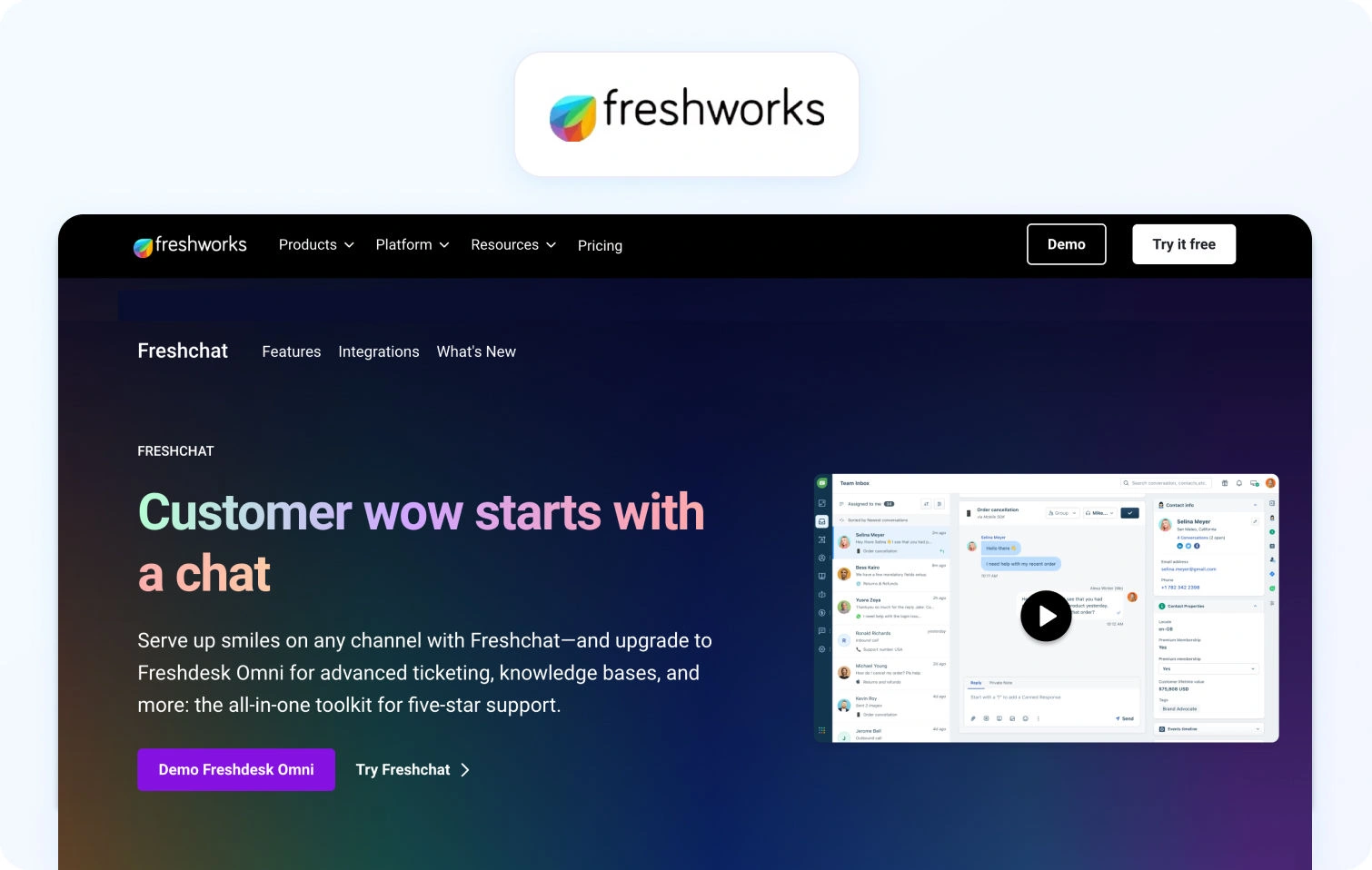
What Freshdesk is: Freshdesk is an AI-powered customer support platform combining ticket management, automation tools, and omnichannel support workflows.
Best for: Growing support teams seeking affordable AI-powered helpdesk solutions with broad channel support.
Key Freshdesk AI features:
- Freddy AI
- AI-powered summaries
- Suggested replies
- Ticket prioritization
- Intent detection
- Workflow automation
Freshdesk channels: Email, live chat, voice support, WhatsApp, and social channels.
Freshdesk pricing: Freshdesk offers tiered pricing with some advanced AI capabilities reserved for higher plans; verify for details.
Freshdesk pros:
- Accessible pricing structure
- Broad omnichannel support
- Strong workflow automation
- Easy onboarding for mid-sized teams
Freshdesk cons:
- Some AI features require premium subscriptions
- Advanced analytics are less comprehensive than enterprise platforms
Free trial availability: Yes.
5) Salesforce Service Cloud — Best AI-Powered Helpdesk for Salesforce-Embedded Enterprises
What Salesforce Service Cloud is: Salesforce Service Cloud is an enterprise service management platform built within the Salesforce ecosystem.
Best for: Large enterprise organizations already invested in Salesforce CRM infrastructure.
Key Salesforce Service Cloud AI features:
- Einstein AI
- Predictive routing
- AI-generated summaries
- Conversational AI
- Workflow automation
- AI-powered customer insights
Salesforce Service Cloud channels: Voice, email, chat, SMS, social media, and messaging apps.
Salesforce Service Cloud pricing: Free and paid plans available; verify for details.
Salesforce Service Cloud pros:
- Deep CRM integration
- Enterprise-grade scalability
- Extensive workflow flexibility
- Strong analytics capabilities
Salesforce Service Cloud cons:
- Complex implementation process
- Higher total cost compared to mid-market desk solutions
Free trial availability: Yes.
6) HubSpot Service Hub — Best AI-Powered Helpdesk for Sales-Led Organisations
What HubSpot Service Hub is: HubSpot Service Hub is a customer support platform tightly integrated with HubSpot’s CRM and sales ecosystem.
Best for: Organizations aligning customer service operations closely with marketing and sales workflows.
Key HubSpot Service Hub AI features:
- AI-generated responses
- Ticket automation
- Knowledge base generation
- AI summaries
- Workflow automation
HubSpot Service Hub channels: Email, live chat, forms, and messaging integrations.
HubSpot Service Hub pricing: Free and paid plans available; HubSpot pricing scales by feature tier and contact database size. Verify for details.
HubSpot Service Hub pros:
- Tight CRM integration
- User-friendly onboarding
- Strong automation workflows
- Unified sales and support visibility
HubSpot Service Hub cons:
- Voice support capabilities are limited
- Enterprise AI functionality is less mature than specialist platforms
Free trial availability: Yes.
7) Zoho Desk — Best AI-Powered Helpdesk for Teams in the Zoho Ecosystem
What Zoho Desk is: Zoho Desk is an AI-powered help desk platform designed for organizations using Zoho business applications.
Best for: Small and mid-sized businesses already operating within the Zoho ecosystem.
Key Zoho Desk AI features:
- Zia AI assistant
- Ticket categorization
- Sentiment analysis
- AI-generated suggestions
- Workflow automation
Zoho Desk channels: Email, chat, social media, telephony integrations, and web forms.
Zoho Desk pricing: Affordable tiered pricing with AI features available in higher plans. Verify for details.
Zoho Desk pros:
- Cost-effective pricing
- Strong ecosystem integrations
- Easy deployment
- Useful automation features
Zoho Desk cons:
- Less robust enterprise functionality
- Some advanced AI features require higher subscriptions
Free trial availability: Yes.
8) Kustomer — Best AI-Powered Helpdesk for CRM-Native Customer Conversations
What Kustomer is: Kustomer is a CRM-native customer support platform centered around unified customer conversation timelines.
Best for: E-commerce brands and subscription businesses prioritizing personalized support.
Key Kustomer AI features:
- AI-powered routing
- Conversational AI
- Unified customer timelines
- Workflow automation
- AI-powered self-service
Kustomer channels: Email, voice support, SMS, chat, social messaging, and messaging apps.
Kustomer pricing: Custom pricing based on deployment requirements; verify for details.
Kustomer pros:
- Strong CRM-native architecture
- Excellent customer context visibility
- Omnichannel support workflows
- Strong ecommerce capabilities
Kustomer cons:
- Pricing transparency is limited
- Smaller ecosystem than larger enterprise vendors
Free trial availability: Not advertised.
9) Gladly — Best AI-Powered Helpdesk for People-Centric Omnichannel Support
What Gladly is: Gladly is a customer service platform focused on persistent customer conversations across support channels.
Best for: Brands prioritizing relationship-driven customer experience and continuity.
Key Gladly AI features:
- AI-generated summaries
- AI-powered routing
- Omnichannel conversation history
- Automation workflows
- Voice support capabilities
Gladly channels: Voice, email, SMS, chat, and social messaging.
Gladly pricing: Custom pricing; verify for details.
Gladly pros:
- Strong customer continuity experience
- Unified omnichannel conversations
- Voice and digital support alignment
- Modern service workflows
Gladly cons:
- Smaller integration ecosystem
- Less extensive AI reporting than enterprise competitors
Free trial availability: Not advertised.
10) Help Scout — Best AI-Powered Helpdesk for Small and Mid-Size Support Teams
What Help Scout is: Help Scout is a lightweight customer support platform focused on simplicity and efficient support operations.
Best for: Small and mid-sized support teams needing easy-to-manage help desk software.
Key Help Scout AI features:
- AI-generated replies
- AI summaries
- Knowledge base recommendations
- Workflow automation
Help Scout channels: Email, live chat, and knowledge base support.
Help Scout pricing: Tiered SMB-focused pricing structure with free and paid plans available; verify for details.
Help Scout pros:
- Easy deployment
- Clean interface
- Accessible pricing
- Strong customer support workflows
Help Scout cons:
- Limited enterprise functionality
- Less advanced AI capabilities than AI-native competitors
Free trial availability: Yes.
11) Front — Best AI-Powered Helpdesk for Shared Inbox and Team Collaboration
What Front is: Front is a collaborative customer communication platform combining shared inbox functionality with support workflows.
Best for: Teams managing collaborative support operations through email-centric workflows.
Key Front AI features:
- AI-generated drafts
- Ticket tagging
- AI summaries
- Workflow automation
- Team collaboration tools
Front channels: Email, SMS, chat, WhatsApp, and social integrations.
Front pricing: Custom per-seat pricing with advanced functionality available. Verify for details.
Front pros:
- Strong collaboration features
- Familiar email-centric interface
- Flexible workflow management
- Good omnichannel visibility
Front cons:
- Limited autonomous AI resolution
- Less specialized for enterprise support operations
Free trial availability: Yes.
12) Dixa — Best AI-Powered Helpdesk for Conversation-First Support Operations
What Dixa is: Dixa is a customer engagement platform focused on conversation-centric support workflows.
Best for: Support organizations prioritizing real-time customer conversations and unified routing.
Key Dixa AI features:
- AI-powered routing
- AI summaries
- Conversational AI workflows
- Intelligent automation
- Workforce management integrations
Dixa channels: Voice, email, chat, messaging apps, and social channels.
Dixa pricing: Tiered plans starting at $89 per agent, per month. Verify for details.
Dixa pros:
- Strong conversation routing
- Unified support workflows
- Good voice support capabilities
- Modern agent experience
Dixa cons:
- Some AI functionality depends on integrations
- Reporting depth varies by plan
Free trial availability: Not advertised.
13) LiveAgent — Best AI-Powered Helpdesk for Broad Channel Coverage at Lower Cost
What LiveAgent is: LiveAgent is a customer support platform offering broad omnichannel support functionality at lower price points.
Best for: Cost-conscious support teams needing broad channel coverage.
Key LiveAgent AI features:
- AI-powered ticket management
- Chat automation
- Knowledge base tools
- Workflow automation
LiveAgent channels: Voice, email, live chat, video chat, and social media.
LiveAgent pricing: Lower-cost tiered pricing, verify for details.
LiveAgent pros:
- Broad channel support
- Affordable pricing
- Easy deployment
- Strong live chat functionality
LiveAgent cons:
- AI capabilities are less advanced
- Enterprise analytics are more limited
Free trial availability: Yes.
14) Hiver — Best AI-Powered Helpdesk for Gmail-Native Support Teams
What Hiver is: Hiver is a Gmail-native customer support platform built directly into Google Workspace.
Best for: Support teams managing workflows primarily through Gmail.
Key Hiver AI features:
- AI-generated drafts
- Ticket categorization
- Workflow automation
- Shared inbox AI tools
Hiver channels: Email, live chat, voice integrations, and WhatsApp.
Hiver pricing: Free and paid plans available; verify for details.
Hiver pros:
- Native Gmail experience
- Minimal onboarding friction
- Good collaboration tools
- Easy implementation
Hiver cons:
- Limited enterprise scalability
- Less sophisticated AI functionality
Free trial availability: Yes.
15) HappyFox — Best AI-Powered Helpdesk for IT and Internal Help Desk Teams
What HappyFox is: HappyFox is a help desk platform supporting both customer-facing and internal support workflows.
Best for: Organizations managing hybrid customer support and IT service desk operations.
Key HappyFox AI features:
- AI-powered automation
- Ticket workflows
- Knowledge base management
- Workflow automation
HappyFox channels: Email, chat, voice integrations, and social messaging.
HappyFox pricing: Custom pricing based on deployment size and features.
HappyFox pros:
- Flexible workflow configuration
- Strong ticket management
- Hybrid support use cases
- Good automation tooling
HappyFox cons:
- Conversational AI depth is more limited
- Voice functionality relies on integrations
Free trial availability: Yes.
16) Tidio — Best AI-Powered Helpdesk for SMB Live Chat and Bot Automation
What Tidio is: Tidio is an SMB-focused customer support platform specializing in AI chatbot automation and live chat.
Best for: Small businesses and e-commerce brands managing high chat volumes.
Key Tidio AI features:
- Conversational AI chatbots
- AI-generated replies
- Workflow automation
- Self-service tools
Tidio channels: Live chat, email, Messenger, Instagram, and WhatsApp.
Tidio pricing: Tiered pricing plans available; verify for details.
Tidio pros:
- Easy chatbot deployment
- Strong e-commerce integrations
- Accessible pricing
- Good self-service workflows
Tidio cons:
- Limited enterprise support functionality
- Voice support capabilities are minimal
Free trial availability: Yes.
17) SysAid — Best AI-Powered Helpdesk for Teams Bridging Customer and IT Support
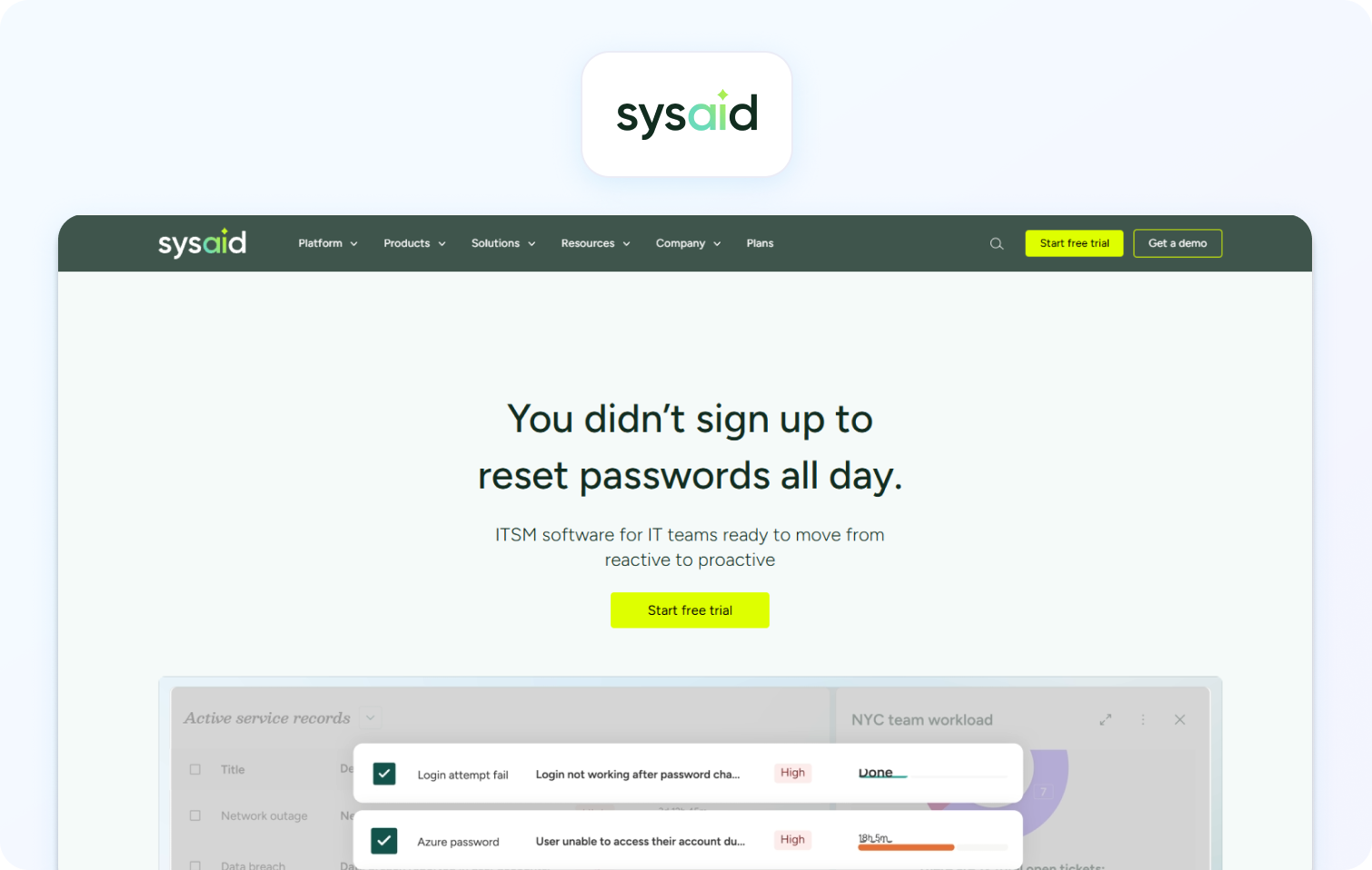
What SysAid is: SysAid is a service management platform combining ITSM functionality with customer support workflows.
Best for: Organizations needing overlap between internal IT support and customer-facing operations.
Key SysAid AI features:
- AI-powered ticket routing
- Workflow automation
- Asset management
- AI-driven service management
SysAid channels: Email, portals, chat, and workflow integrations.
SysAid pricing: Custom enterprise pricing.
SysAid pros:
- Strong ITSM functionality
- Good workflow automation
- Useful asset management tools
- Flexible deployment options
SysAid cons:
- Customer-facing conversational AI is less mature
- Omnichannel support capabilities are narrower than specialist platforms
Free trial availability: Yes.
What to Look For in an AI-Powered Helpdesk Solution
AI-powered helpdesk solutions should improve resolution quality, reduce repetitive work, and enhance customer experience without dramatically increasing operational complexity or cost.
Many platforms now advertise advanced AI capabilities, but the depth and usefulness of those features vary significantly.
AI Included in Base Pricing, Not an Add-On
AI included in the base seat price is one of the most important commercial considerations when evaluating AI-powered helpdesk solutions.
Many vendors advertise AI-powered features prominently, but critical functionality such as AI copilots, KB-grounded answers, and autonomous resolution often sits behind expensive advanced AI add-on pricing.
At scale, these costs can double or triple total platform spend.
RAG-Grounded Knowledge Base Responses
RAG-grounded AI uses your organization’s verified knowledge base articles to generate accurate answers instead of relying solely on general-purpose LLM outputs. Ungrounded AI frequently generates inaccurate or inconsistent responses.
In Q2 2026, RAG-grounded customer support AI is quickly becoming the standard for enterprise-grade autonomous resolution.
Autonomous Resolution vs. Deflection
Autonomous resolution means the customer issue was fully solved without agent involvement. Deflection simply means the customer never reached an agent.
This distinction is increasingly important because poor self-service experiences can artificially inflate deflection metrics while damaging customer satisfaction.
The strongest AI-powered helpdesk solutions measure true resolution outcomes, not just containment.
H3: Voice as a First-Class AI Channel
Voice support should operate within the same AI layer as chat, email, and social support. But many desk software vendors still rely on third-party telephony integrations that fragment reporting, coaching, and AI workflows.
Native voice capabilities improve:
- AI summarization
- Real-time transcription
- Coaching
- QA scoring
- Unified analytics
Reporting on AI Performance Separately
AI reporting should be isolated from human performance metrics. Support leaders should be able to track:
- AI resolution rate
- AI CSAT
- Escalation rate
- AI error rate
- Autonomous resolution success
Without separate reporting, organizations struggle to evaluate whether deploying AI agents is genuinely improving service quality.
TCO at Your Headcount
Total cost of ownership (TCO) is the most overlooked variable when evaluating AI-powered helpdesk solutions at scale.
Many desk platforms advertise low entry pricing, but the real operational cost often increases significantly once AI modules, voice support, workforce management, advanced analytics, and automation tools are added across larger support teams.
A platform that appears cost-effective for a 20-seat deployment can become substantially more expensive at 200 or 500 agents.
When evaluating AI helpdesk software, support leaders should calculate:
- Base per-seat pricing
- AI add-on costs
- Voice support licensing
- Workforce management modules
- QA and analytics tooling
- Implementation and onboarding costs
- Usage-based conversational AI charges
- Integration and API costs
This is particularly important for enterprise organizations deploying AI agents across multiple customer service workflows. Some vendors charge separately for autonomous resolution, AI copilots, advanced reporting, or knowledge base AI functionality, creating unpredictable long-term operational spend.
The strongest AI-powered helpdesk solutions provide transparent pricing structures where AI-powered features, reporting, workflow automation, and support operations tooling are included natively rather than fragmented across multiple premium modules.
How We Evaluated These AI-Powered Helpdesk Solutions
AI-powered helpdesk solutions should be evaluated using operational, technical, and commercial criteria rather than marketing claims alone. This guide was compiled using:
- Public documentation
- Vendor pricing pages
- Published customer case studies
- G2 and Capterra review summaries
- Public AI feature disclosures reviewed in Q2 2026
No vendor paid for placement or inclusion in this list.
Limitations include the inability to conduct live trials for every platform. Autonomous resolution rates also vary significantly depending on implementation quality, knowledge base maturity, and workflow design.
Must-Have AI Helpdesk Capability Checklist
A modern AI helpdesk platform should support the following capabilities before being considered enterprise-ready:
- AI-powered proposed replies native in the base plan
- RAG-grounded knowledge base responses
- Autonomous resolution for routine requests
- Real-time coaching and sentiment analysis
- AI-generated interaction summaries
- Native voice support with transcription
- Unified omnichannel inbox
- Workforce management tools
- QA scoring for AI and human interactions
- AI-specific reporting metrics
- MFA, RBAC, audit logs, and data residency controls
- Transparent pricing with AI included
BlueTweak AI Helpdesk Scoring Rubric
The BlueTweak AI Helpdesk Scoring Rubric is a weighted evaluation framework designed to compare AI-powered helpdesk solutions consistently.
BlueTweak AI Helpdesk Scoring Rubric
| Criterion | Weight | What “High” Looks Like |
|---|---|---|
| AI coverage (native, not add-on) | 25% | RAG-grounded KB, summarization, and sentiment analysis included in base plan |
| Autonomous resolution capability | 20% | Multi-step AI resolution workflows with measurable outcomes |
| Channel depth and voice support | 15% | Native telephony and unified omnichannel support |
| Reporting on AI performance | 15% | Separate AI resolution and AI CSAT reporting |
| WFM and QA native | 10% | Built-in scheduling, forecasting, and QA |
| TCO and pricing transparency | 10% | Clear pricing without hidden AI costs |
| Security and admin | 5% | MFA, RBAC, audit logs, SOC 2, and data residency |
Final Thoughts: Choosing an AI-Native Helpdesk Platform in 2026
AI-powered helpdesk solutions are no longer differentiated simply by whether they offer AI features. The real distinction in 2026 is whether AI is deeply embedded across the full customer interaction lifecycle.
Platforms that treat AI as an add-on layer often create fragmented workflows, inconsistent reporting, and significantly higher total costs over time.
By contrast, AI-native helpdesk platforms integrate AI into:
- Ticket management
- Knowledge retrieval
- Voice support
- QA workflows
- Workforce management
- Analytics
- Autonomous resolution
For organizations prioritizing omnichannel support, RAG-grounded AI, native voice capabilities, workforce management, and transparent AI pricing, BlueTweak stands out as one of the most complete AI-powered helpdesk solutions currently available.
Teams evaluating the best AI-powered helpdesk software solutions for 2026 should prioritize long-term operational fit over surface-level AI marketing claims.
To explore BlueTweak’s AI-powered helpdesk platform further, book a demo or start a free trial today.

17 Best Conversational AI for Customer Service in 2026
Best Conversational AI for Customer Service, at a Glance
Conversational AI for customer service refers to AI-powered systems that use natural language processing, machine learning, and large language models to automate and enhance customer interactions across chat, voice, messaging, email, and digital support channels.
Businesses searching for the best conversational AI for enhancing customer service experience are increasingly prioritizing omnichannel automation, response accuracy, and unified customer context rather than standalone chatbot functionality.
The platforms below were evaluated on omnichannel capability, autonomous resolution depth, RAG-grounded knowledge retrieval, voice AI maturity, analytics, integration capabilities, enterprise-grade security, and pricing transparency as of Q2 2026.
| Platform | Best For | Strengths | Limitations |
|---|---|---|---|
| BlueTweak | Omnichannel enterprise customer service | Unified AI across chat, voice, messaging, and support workflows | Enterprise-focused rather than SMB-first |
| Intercom Fin AI | SaaS and digital-first support teams | Fast deployment and strong chat automation | Less mature voice AI capabilities |
| Zendesk AI | Enterprise ticket resolution | Deep ticketing and workflow automation | Costs can scale quickly at volume |
| Ada | Bot-first autonomous support | Strong self-service automation | More limited voice AI functionality |
| Cognigy | Enterprise voice and contact centers | Advanced voice AI orchestration | More complex enterprise deployment |
| Kore.ai | Enterprise workflow orchestration | Strong CX and EX automation | Longer implementation cycles |
| Yellow.ai | Multilingual customer service | Excellent language support across regions | Enterprise setup complexity |
| LivePerson | Messaging-heavy customer engagement | Large-scale messaging infrastructure | Less differentiated in voice AI |
| Genesys Cloud CX | Global voice automation | Mature enterprise voice AI stack | Premium enterprise pricing |
| Sprinklr | Social and digital engagement | Strong social channel coverage | Broader platform can feel complex |
| Freshdesk Freddy AI | Budget-conscious support teams | Accessible AI tooling for SMBs | Less advanced autonomous resolution |
| Salesforce Agentforce | Salesforce-centric operations | Native Salesforce integration | Best suited to existing Salesforce users |
| Tidio | SMB ecommerce support | Simple chatbot deployment | Limited omnichannel depth |
| Dixa | Conversation-first support teams | Unified agent workspace | Smaller ecosystem than larger vendors |
| Netomi | AI-first autonomous resolution | Strong automation focus | Narrower channel breadth |
| Zoho SalesIQ | Teams using Zoho products | Tight Zoho ecosystem integration | Less advanced enterprise AI capability |
| Drift (Salesloft) | Sales-led conversational engagement | Strong B2B conversation workflows | More sales-focused than support-focused |
Pricing varies by deployment size, usage volume, and enterprise requirements as of Q2 2026.
Most platforms in this list focus on one or two conversational AI types. The “best for” label in each entry specifies which.
The 17 Best Conversational AI Platforms for Customer Service in 2026
Conversational AI platforms for customer service combine AI agents, natural language processing, large language models, workflow automation, and customer data orchestration to improve customer interactions across chat, voice, messaging, email, and digital support channels.
The platforms below were evaluated using public documentation, pricing pages, published case studies, and review-platform summaries reviewed in Q2 2026. BlueTweak leads as Editor’s Choice due to its omnichannel conversational AI architecture spanning voice, chat, messaging, AI-powered workflows, and unified analytics.
The best conversational AI tools for customer service now combine AI chatbots, voice AI, workflow automation, analytics, and customer data orchestration within a single support platform.
1) BlueTweak — Best Conversational AI for Omnichannel Customer Service Teams
BlueTweak is an omnichannel conversational AI platform designed for enterprise customer service operations, handling customer interactions across voice and digital channels.
BlueTweak combines AI chatbots, AI voicebots, RAG-grounded knowledge retrieval, multi-turn conversation handling, workflow automation, and human-in-the-loop governance within a unified conversational AI platform.
Best for: Enterprise and SME support teams managing customer support across chat, voice, messaging, and contact center environments.
Key BlueTweak conversational AI features:
- AI-powered chatbots and voicebots
- RAG-grounded knowledge base responses
- Multi-turn intent detection
- Suggested replies for human agents
- Post-interaction summarization
- Real-time sentiment analysis
- Omnichannel customer context
- AI workflow orchestration
- Human escalation controls
- Native analytics and reporting
BlueTweak channels:
- Chat
- Voice
- Messaging
- Social channels
- Contact center integrations
BlueTweak pricing: Transparent pricing starting at €65 per agent, per month, all-in (ticketing, omnichannel, AI chatbot, AI voicebot, copilot tools, WFM, QA, analytics, integrations).
BlueTweak pros:
- Unified conversational AI layer across voice and digital channels
- Strong human-in-the-loop governance controls
- Enterprise-grade workflow automation
- Omnichannel analytics and customer context synchronization
BlueTweak cons:
- Broader platform scope may exceed smaller team requirements
Free trial availability: Yes, free trial available.
The future of customer service AI is not isolated bots sitting in disconnected channels. Enterprises need one conversational intelligence layer across voice, chat, messaging, and support operations, grounded in real customer data and governed with human oversight.
BlueTweak Case Study Spotlight:
A strong example of BlueTweak in action comes from the packaging industry, where the platform was deployed to improve customer support visibility, accelerate issue resolution, and streamline quality management workflows across customer service operations. By combining conversational AI, workflow automation, omnichannel customer data, and centralized analytics, BlueTweak helped the organization reduce friction across support processes while improving operational efficiency and customer satisfaction. The deployment also demonstrated how conversational AI can support both automated support and human agents within the same service environment, particularly in complex customer journeys spanning multiple channels.
2) Intercom (Fin AI) — Best Conversational AI for SaaS and Digital-First Customer Service
Intercom Fin AI is a conversational AI solution focused primarily on digital-first customer support automation.
Intercom combines AI-powered chat automation, customer support workflows, and knowledge base retrieval for SaaS and technology businesses.
Best for: SaaS companies prioritizing fast AI chatbot deployment for digital customer support.
Key Intercom Fin AI conversational AI features:
- AI-powered customer service chatbots
- Knowledge base-grounded responses
- AI ticket summaries
- Suggested replies
- Workflow automation
- Customer inquiry routing
- Conversational reporting
Intercom Fin AI channels:
- Chat
- Messaging
- Help center support
Intercom Fin AI pricing: Usage-based AI pricing layered onto Intercom subscription plans. Verify for details.
Intercom Fin AI pros:
- Fast deployment for digital-first support teams
- Strong SaaS integrations
- User-friendly conversational interface
- Mature chatbot tooling
Intercom Fin AI cons:
- Voice AI functionality is less mature
- Usage-based pricing can become expensive at scale
- Less suited for complex contact center environments
Free trial availability: Yes, trial available.
3) Zendesk AI — Best Conversational AI for Enterprise Omnichannel Ticket Resolution
Zendesk AI is an enterprise conversational AI platform embedded within Zendesk’s customer service ecosystem.
Zendesk AI focuses heavily on AI-powered ticketing, automated support workflows, and customer service operations management.
Best for: Enterprises already operating large-scale ticket-based support environments.
Key Zendesk AI conversational AI features:
- AI-powered ticket routing
- Customer service chatbots
- Suggested replies
- Automated summaries
- Workflow automation
- Self-service automation
- Knowledge base integration
Zendesk AI channels:
- Chat
- Messaging
- Social support
- Help center support
Zendesk AI pricing: Custom pricing; verify with vendor for details.
Zendesk AI pros:
- Mature enterprise ticketing infrastructure
- Strong workflow automation
- Broad integration ecosystem
- Well-established support tooling
Zendesk AI cons:
- AI pricing can scale quickly with volume
- Voice AI is less differentiated
- Advanced customization may require admin expertise
Free trial availability: Yes.
4) Ada — Best Conversational AI for High-Volume Bot-First Autonomous Resolution
Ada is a conversational AI platform focused on autonomous customer resolution and self-service automation.
Ada emphasizes AI-driven support experiences designed to reduce repetitive tasks for customer service teams.
Best for: Businesses prioritizing autonomous customer support automation.
Key Ada conversational AI features:
- AI-powered virtual agents
- Workflow automation
- Intent detection
- Knowledge base retrieval
- Multi-language support
- Automated support flows
Ada channels:
- Chat
- Messaging
- Web support
Ada pricing: Custom enterprise pricing.
Ada pros:
- Strong autonomous support capabilities
- Good workflow orchestration
- Designed for scalable self-service
- Effective for repetitive customer inquiries
Ada cons:
- More limited voice AI functionality
- Less contact center depth than omnichannel platforms
- Enterprise implementations may require support resources
Free trial availability: Not advertised.
5) Cognigy — Best Conversational AI for Enterprise Contact Center Voice and Chat

Cognigy is an enterprise conversational AI platform specializing in AI voice automation and contact center orchestration.
Cognigy combines conversational AI, workflow automation, and voice AI infrastructure for large customer support operations.
Best for: Enterprise contact centers prioritizing advanced voice AI deployment.
Key Cognigy conversational AI features:
- AI voicebots
- Real-time intent detection
- Multi-turn conversation handling
- Omnichannel orchestration
- AI workflow automation
- Voice analytics
Cognigy channels:
- Voice
- Chat
- Messaging
- Contact center systems
Cognigy pricing: Custom enterprise pricing; verify for details.
Cognigy pros:
- Strong enterprise voice AI capabilities
- Advanced conversational orchestration
- Mature contact center integrations
- Good workflow flexibility
Cognigy cons:
- Enterprise deployment complexity
- Longer implementation cycles
- May require specialist technical resources
Free trial availability: Not advertised.
6) Kore.ai — Best Conversational AI for Unified CX and EX Agent Orchestration
Kore.ai is an enterprise conversational AI platform focused on customer experience and employee experience automation.
Kore.ai combines AI agents, workflow orchestration, and enterprise process automation within a unified platform.
Best for: Large enterprises managing both customer-facing and internal AI workflows.
Key Kore.ai conversational AI features
- AI agent orchestration
- Workflow automation
- Voice and chat AI
- Multi-language support
- Intent management
- Enterprise integrations
Kore.ai channels:
- Chat
- Voice
- Messaging
- Enterprise systems
Kore.ai pricing: Custom pricing; verify for details.
Kore.ai pros:
- Strong enterprise automation capabilities
- Broad integration ecosystem
- Advanced orchestration tooling
- Supports CX and EX use cases
Kore.ai cons:
- Longer deployment timelines
- Enterprise complexity can increase onboarding effort
- Less SMB-friendly than lighter platforms
Free trial availability: Not advertised.
7) Yellow.ai — Best Conversational AI for Multilingual Enterprise Customer Service
Yellow.ai is a conversational AI platform specializing in multilingual customer engagement and enterprise automation.
The platform focuses on AI-powered customer interactions across global support environments.
Best for: Global enterprises supporting customers across multiple languages.
Key Yellow.ai conversational AI features:
- Multilingual AI agents
- Voice and chat automation
- Workflow orchestration
- AI-powered customer support
- Sentiment analysis
- Omnichannel deployment
Yellow.ai channels:
- Chat
- Voice
- Messaging
- Social support
Yellow.ai pricing: Custom enterprise pricing. Verify for details.
Yellow.ai pros:
- Strong multilingual capabilities
- Broad omnichannel support
- Enterprise automation depth
- Suitable for global deployments
Yellow.ai cons:
- Enterprise implementation complexity
- Pricing transparency is limited
- Advanced customization may require vendor support
Free trial availability: Free plan available.
8) LivePerson — Best Conversational AI for Large-Scale Messaging and Digital Engagement
LivePerson is a conversational AI platform focused on messaging-based customer engagement and digital communication at scale.
Best for: Enterprises managing large messaging volumes across customer engagement channels.
Key LivePerson conversational AI features:
- Messaging automation
- AI chatbots
- Conversational analytics
- Intent detection
- Customer engagement workflows
- Agent assist tooling
LivePerson channels:
- Messaging
- Chat
- SMS
- Social channels
LivePerson pricing: Tiered pricing plans available; verify for details.
LivePerson pros:
- Mature messaging infrastructure
- Large-scale enterprise deployments
- Strong digital engagement tooling
- Good messaging channel support
LivePerson cons:
- Voice AI is less differentiated
- Broader UI can feel complex
- Deployment costs can be high
Free trial availability: Not advertised.
9) Genesys Cloud CX — Best Conversational AI for Global Enterprise Voice Automation
Genesys Cloud CX is a cloud contact center platform with advanced conversational AI and enterprise voice automation capabilities.
Best for: Global enterprises prioritizing AI-powered contact center operations.
Key Genesys Cloud CX conversational AI features:
- AI voice automation
- Speech analytics
- Customer journey orchestration
- Intent detection
- Workforce engagement tooling
- AI routing
Genesys Cloud CX channels:
- Voice
- Chat
- Messaging
- Social channels
Genesys Cloud CX pricing: Tiered pricing plans available. Verify with the vendor.
Genesys Cloud CX pros:
- Strong enterprise voice AI infrastructure
- Mature contact center tooling
- Global deployment support
- Advanced analytics capabilities
Genesys Cloud CX cons:
- Premium pricing structure
- Implementation complexity
- Broader platform may require dedicated admin resources
Free trial availability: Not advertised.
10) Sprinklr — Best Conversational AI for Unified Social and Digital Customer Engagement
Sprinklr is a unified customer experience platform combining conversational AI with social engagement and digital customer service.
Best for: Enterprises prioritizing social customer engagement and digital CX management.
Key Sprinklr conversational AI features:
- AI-powered chatbots
- Social support automation
- Customer sentiment analysis
- Workflow automation
- Omnichannel routing
- Conversational reporting
Sprinklr channels:
- Social media
- Chat
- Messaging
Sprinklr pricing: Custom enterprise pricing; verify for details.
Sprinklr pros:
- Strong social channel capabilities
- Broad customer engagement tooling
- Enterprise analytics depth
- Good omnichannel coverage
Sprinklr cons:
- Platform breadth can feel overwhelming
- Enterprise onboarding complexity
- Premium enterprise positioning
Free trial availability: Not advertised.
11) Freshdesk (Freddy AI) — Best Conversational AI for Budget-Conscious Teams Scaling AI
Freshdesk Freddy AI is Freshworks’ conversational AI solution for customer support automation and workflow assistance.
Best for: SMBs and mid-market support teams scaling AI affordably.
Key Freshdesk Freddy AI conversational AI features:
- AI ticket summaries
- Suggested replies
- Chatbot automation
- Workflow automation
- Self-service support
- Customer inquiry routing
Freshdesk Freddy AI channels:
- Chat
- Messaging
- Help center support
Freshdesk Freddy AI pricing: Tiered pricing plans available, verify for details.
Freshdesk Freddy AI pros:
- Accessible pricing
- User-friendly support tooling
- Fast setup for SMBs
- Good operational efficiency features
Freshdesk Freddy AI cons:
- Less advanced autonomous resolution
- Voice AI capabilities are limited
- Enterprise scalability is less mature
Free trial availability: Yes.
12) Salesforce Agentforce — Best Conversational AI for Salesforce-Embedded Support Operations
Salesforce Agentforce is Salesforce’s AI-powered conversational support platform integrated into the Salesforce ecosystem.
Best for: Organizations already standardized on Salesforce infrastructure.
Key Salesforce Agentforce conversational AI features:
- AI-powered agents
- CRM-grounded responses
- Workflow automation
- Case summarization
- Customer data orchestration
- AI-driven support workflows
Salesforce Agentforce channels:
- Chat
- Messaging
- CRM workflows
Salesforce Agentforce pricing: Enterprise custom pricing structure; verify for details.
Salesforce Agentforce pros:
- Deep Salesforce integration
- Strong customer data connectivity
- Enterprise workflow capabilities
- Large ecosystem support
Salesforce Agentforce cons:
- Best suited to Salesforce users
- Enterprise licensing costs can be high
- Broader Salesforce complexity affects deployment
Free trial availability: Yes.
13) Tidio — Best Conversational AI for SMB Live Chat and E-commerce Automation
Tidio is a conversational AI platform focused on e-commerce chatbot automation and live chat support.
Best for: SMBs and e-commerce businesses seeking a lightweight AI support tool.
Key Tidio conversational AI features:
- AI-powered chatbots
- E-commerce integrations
- Automated responses
- Customer inquiry routing
- Live chat support
- Workflow automation
Tidio channels:
- Chat
- Messaging
- Ecommerce support
Tidio pricing: Tiered pricing plans available; verify for details.
Tidio pros:
- Easy deployment
- Accessible pricing
- Good ecommerce integrations
- Simple conversational interface
Tidio cons:
- Limited omnichannel functionality
- Voice AI support is absent
- Less enterprise scalability
Free trial availability: Yes.
14) Dixa — Best Conversational AI for Conversation-First Omnichannel Support
Dixa is a customer service platform focused on conversation-centric omnichannel support experiences.
Best for: Support teams prioritizing unified customer conversations across channels.
Key Dixa conversational AI features:
- Omnichannel customer support
- AI routing
- Conversation history tracking
- Agent workspace tooling
- Customer context management
- Workflow automation
Dixa channels:
- Chat
- Voice
- Messaging
Dixa pricing: Tiered pricing plans with add-ons available. Verify for details.
Dixa pros:
- Unified agent workspace
- Strong conversation visibility
- Good omnichannel support structure
- Customer-centric workflow design
Dixa cons:
- Smaller ecosystem than larger enterprise vendors
- AI functionality is less extensive than AI-first platforms
- Enterprise scaling capabilities are narrower
Free trial availability: Can be discussed on completion of a trial.
15) Netomi — Best Conversational AI for AI-First Autonomous Customer Resolution
Netomi is an AI-first customer support platform focused heavily on autonomous issue resolution.
Best for: Organizations prioritizing AI-driven automation and resolution efficiency.
Key Netomi conversational AI features:
- Autonomous customer resolution
- AI-powered workflows
- Intent detection
- Support automation
- CRM integrations
- Conversational reporting
Netomi channels:
- Chat
- Messaging
Netomi pricing: Custom enterprise pricing. Verify with the vendor for details.
Netomi pros:
- Strong automation focus
- Good operational efficiency tooling
- AI-first product strategy
- Effective for repetitive inquiries
Netomi cons:
- Narrower omnichannel breadth
- Voice AI capabilities are less mature
- Less established than larger enterprise vendors
Free trial availability: Not advertised.
16) Zoho SalesIQ — Best Conversational AI for Teams in the Zoho Ecosystem
Zoho SalesIQ is a conversational AI and customer engagement platform designed for businesses operating within the Zoho ecosystem.
Best for: Organizations already using Zoho business applications.
Key Zoho SalesIQ conversational AI features:
- AI-powered chatbots
- Visitor tracking
- Live chat support
- Automated engagement
- CRM integrations
- Customer interaction analytics
Zoho SalesIQ channels:
- Chat
- Messaging
- Website engagement
Zoho SalesIQ pricing: Affordable SMB-focused pricing tiers; verify for details.
Zoho SalesIQ pros:
- Tight Zoho integrations
- Accessible pricing
- Easy deployment
- Good SMB usability
Zoho SalesIQ cons:
- Limited enterprise AI sophistication
- Voice AI functionality is absent
- Narrower omnichannel capabilities
Free trial availability: Yes.
17) Drift (Salesloft) — Best Conversational AI for Sales-Led Conversation Automation
Drift, now part of Salesloft, is a conversational AI platform focused primarily on B2B sales engagement and conversational marketing.
Best for: Revenue and sales teams automating buyer engagement conversations.
Key Drift conversational AI features:
- Conversational chatbots
- Buyer engagement workflows
- Lead qualification automation
- Meeting scheduling
- Sales routing
- Conversational analytics
Drift channels
- Chat
- Messaging
- Website engagement
Drift pricing: Custom pricing, verify for details.
Drift pros:
- Strong B2B sales engagement tooling
- Effective lead qualification automation
- Mature conversational marketing workflows
- Good CRM integrations
Drift cons:
- More sales-focused than support-focused
- Limited omnichannel customer service depth
- Voice AI functionality is absent
Free trial availability: Not advertised.
What to Look For in Conversational AI for Customer Service
Conversational AI evaluation in 2026 requires much deeper technical analysis than simply comparing chatbot interfaces or generative AI claims. Too many buyers still evaluate conversational AI solutions based on demos rather than production performance. The gap between demo quality and operational reliability becomes enormous at enterprise scale.
RAG-grounded knowledge base, not base LLM generation
RAG-grounded conversational AI retrieves information from your knowledge base in real-time before generating responses.
This is important because customer support operations can’t tolerate hallucinated answers, inconsistent policies, or outdated information. The strongest conversational AI platforms now synchronize customer data, documentation, policies, and operational workflows continuously.
Ask every vendor:
- Is the AI grounded against a live KB?
- How frequently does KB synchronization occur?
- Are hallucination controls documented?
- Can responses be audited?
This is arguably the single most important technical question in conversational AI procurement in 2026.
Voice quality is a separate evaluation
Voice AI quality should be assessed independently from chat AI performance. A platform may provide excellent customer service chatbots while still performing poorly on live voice automation.
Enterprises evaluating voice bots should assess:
- Mean Opinion Score (MOS)
- Speech recognition accuracy
- Accent handling
- Noise resilience
- Response latency
- Post-call summarization quality
The rise of AI-powered voice automation means contact centers increasingly require customer experience parity between voice channels and digital channels.
Intent detection across multi-turn conversations
Multi-turn conversational intelligence determines whether AI can maintain context across complex customer interactions. Single-turn answers are simply not enough anymore, and conversational AI agents for customer service should ideally track:
- Intent changes
- Historical context
- Escalation risk
- Sentiment shifts
- Prior customer interactions
This becomes especially important in complex conversations involving multiple departments or support stages. The best conversational AI agents for customer service can maintain context across complex multi-turn conversations while accurately escalating sensitive interactions to human agents when required.
Autonomous resolution rate vs. deflection rate
Autonomous resolution measures whether AI fully resolves customer issues without human intervention or follow-up contact. Deflection alone is often misleading, and a customer who abandons a chatbot session only to call support later obviously did not receive successful automated support.
Enterprises should demand measurable autonomous resolution benchmarks rather than superficial chatbot containment metrics.
Omnichannel consistency
Omnichannel conversational AI means one conversational intelligence layer operating consistently across chat, voice, email, messaging, and social support. Many conversational AI platforms still operate channel silos behind the scenes. That fragmentation creates inconsistent support quality, disconnected customer journeys, and incomplete customer context.
Ideally, your next conversational AI software platform should unify customer interactions across the entire customer experience.
Pricing model at your volume
Conversational AI pricing increasingly operates on usage-based models tied to conversations, resolutions, or AI actions. At scale, pricing unpredictability can become a serious operational risk.
Enterprises should model projected AI interaction volume before deployment, particularly for voice AI and autonomous resolution use cases.
How We Evaluated These Conversational AI Platforms
Conversational AI platform evaluation for this guide was based on public documentation, pricing pages, company websites, and review-platform summaries reviewed in Q2 2026. No vendor paid for inclusion in this list.
Conversational AI capability claims were validated against public feature documentation rather than vendor marketing summaries. Voice quality assessments were based on published benchmarks and publicly available user feedback where possible.
Limitations include:
- Live voice testing was not conducted for every platform
- Resolution rates vary significantly by deployment quality
- Knowledge base maturity affects AI performance substantially
- Pricing may vary by enterprise agreement
Organizations should validate deployment fit through vendor demos and technical evaluations before procurement.
Must-Have Conversational AI Capability Checklist for Customer Service
Modern conversational AI platforms should provide the following capabilities as baseline requirements in 2026:
- RAG-grounded KB responses, not base LLM generation
- Multi-turn intent detection across full conversation history
- Autonomous resolution for routine interaction types
- Voice AI with MOS-rated quality and post-call summarization
- Omnichannel deployment across all customer channels
- Real-time sentiment tagging and escalation triggers
- Human-in-the-loop approval workflows
- AI ticket creation and post-interaction summaries
- Native analytics for AI CSAT and escalation rates
- GDPR compliance and enterprise-grade security certifications
- Predictable pricing at enterprise interaction volume
BlueTweak meets these criteria based on publicly available platform capabilities as of Q2 2026. Unlike chatbot-only conversational AI tools, BlueTweak combines AI-powered chatbots, voicebots, workflow automation, analytics, and omnichannel orchestration within a single customer service platform. BlueTweak is particularly well-suited to enterprise customer service operations as it seamlessly balances AI automation with high service quality and compliance requirements.
BlueTweak Conversational AI Scoring Rubric for Customer Service
The BlueTweak Conversational AI Scoring Rubric provides a structured framework for evaluating conversational AI platforms in enterprise customer service environments.
The BlueTweak Conversational AI Scoring Rubric:
| Criterion | Weight | What “High” Looks Like |
|---|---|---|
| RAG-grounded AI accuracy | 25% | KB-grounded responses with automated sync and hallucination controls |
| Channel breadth: chat and voice | 20% | Native chat AI and voice AI with unified orchestration |
| Autonomous resolution depth | 20% | Multi-step workflows and measurable autonomous resolution |
| Human-in-the-loop controls | 10% | Escalation workflows and approval governance |
| Analytics on AI performance | 10% | AI CSAT, escalation tracking, and resolution analytics |
| Time-to-value and deployment | 10% | Fast deployment with low operational overhead |
| Pricing transparency | 5% | Predictable and scalable pricing structure |
Final Thoughts: Choosing the Right Conversational AI Platform for Long-Term CX Success
The best conversational AI for customer service is not necessarily the platform with the most impressive demo. It is the platform that can consistently deliver accurate, scalable, omnichannel customer support across your actual operational environment.
The most important distinction in 2026 is whether a platform can unify:
- Voice and digital channels
- RAG-grounded customer responses
- AI-powered automation
- Human oversight
- Operational analytics
- Predictable scaling economics
Chatbot-only products simply aren’t enough for enterprise customer service operations in 2026. Organizations evaluating conversational AI platforms should assess the full customer journey, not isolated chatbot interactions.
For enterprises requiring conversational AI across voice, chat, messaging, and support workflows on a shared knowledge layer, BlueTweak positions itself as a purpose-built omnichannel platform designed specifically for modern customer support operations.
To evaluate fit, organizations should request a live deployment walkthrough focused on their actual customer interaction flows, escalation requirements, and channel mix.
By combining RAG-grounded response generation, AI-powered workflow automation, omnichannel analytics, and human-in-the-loop governance controls within a single conversational AI platform, BlueTweak helps support teams improve operational efficiency while maintaining high service quality across every customer interaction.
Organizations looking to evaluate fit can either try BlueTweak for free to explore the platform firsthand or book a live demo focused on their specific customer journey, escalation workflows, channel mix, and customer support requirements.
Get your 14-day free trial
Start Now
20 Best Help Desk Ticket Management Software Options in 2026
Support teams rarely struggle because they lack another inbox. They struggle because customer conversations are fragmented across email, chat, voice, and social channels, leaving agents without the context they need to resolve issues quickly.
As organizations grow, outdated help desk systems often create more work rather than reducing it. Agents spend time switching between tools, managers lack visibility into performance, and customers repeat the same information across multiple interactions.
Modern help desk ticket management software solves this by bringing conversations, automation, AI assistance, analytics, and operational tools into one platform. Solutions like BlueTweak combine omnichannel ticketing with knowledge-base-grounded AI, workforce management, and quality assurance to help mid-market teams improve efficiency without adding unnecessary complexity.
In this guide, we compare 20 leading help desk and service desk platforms to help you find the right fit for your team.
At A Glance: Top 5 Help Desk Ticket Management Platforms
If you're short on time, the table below compares the five strongest help desk ticket management platforms based on pricing, AI capabilities, omnichannel support, and operational features. For a more detailed breakdown, including 20 leading solutions, keep scrolling to the full reviews below.
Looking for a help desk platform that combines AI, voice, analytics, and workforce management in one place? Book a BlueTweak demo to explore the platform and see how it can streamline your workflows.
Choose Help Desk Ticketing That Fits Your Channels, AI Needs, and Operations
Finding the right help desk ticket management software is about more than finding a tool that can collect customer requests. As support operations grow, teams need a platform that can connect conversations across channels, reduce repetitive work, and give managers the visibility needed to improve service quality.
The right solution depends on your team's size, support model, and operational goals. A small team handling email requests may only need shared inbox functionality, basic automation, and a knowledge base. However, growing customer support teams managing hundreds of interactions across voice, chat, email, and social channels typically need more advanced capabilities, including AI-powered assistance, workforce management (WFM), quality assurance, and real-time reporting.
It's also important to understand the difference between customer-facing help desk platforms and internal service desk solutions. Customer support platforms focus on managing customer interactions, improving response times, and delivering personalised experiences. Service desk tools are typically designed for internal teams across multiple departments, supporting areas such as IT requests, employee support, asset management, and workflow management.
When comparing help desk ticketing software, consider:
- Omnichannel support: Can agents manage voice, email, chat, SMS, and social conversations from one workspace? Does the platform preserve customer context when conversations move between channels?
- AI capabilities: Does the software offer practical AI features such as ticket summarisation, suggested replies, automated classification, chatbots, and knowledge-base-grounded answers?
- Operational tools: Are reporting, analytics, workforce management, and quality assurance included, or do they require expensive add-ons?
- Scalability: Can the platform support your team as you grow without forcing you into complex migrations or increasing costs?
- Security and administration: Does it provide the controls needed to protect customer data, including MFA, audit logs, user permissions, and data residency options?
- Total cost of ownership: Beyond the advertised subscription price, consider AI usage fees, integrations, implementation costs, and additional modules.
The 20 help desk ticket management solutions below represent a range of approaches, from lightweight customer support tools to enterprise service desk platforms. Use this guide to compare each option based on capabilities, pricing, and the operational needs that matter most for your team.
Why Teams Are Investing in Help Desk Ticket Management Software in 2026
Organizations typically start searching for help desk ticket management software when their existing tools can no longer support growing customer expectations. What works for a small team managing email tickets often creates bottlenecks once support operations expand across voice, chat, email, and social channels.
“The biggest mistake we see during platform evaluations is teams benchmarking against their current pain points rather than their next growth stage. A system that handles 20 agents across two channels today will create entirely new bottlenecks at 60 agents across five channels… and by the time you feel that friction, you’ve already lost months of operational efficiency.” — Radu Dumitrescu, Head of Presale & Digital Transformation, BlueTweak
Support teams today are increasingly moving away from disconnected tools that separate voice, digital channels, AI, and reporting. Instead, they are looking for unified platforms that give agents a complete customer view, automate repetitive work, and provide managers with the insights needed to improve service quality.
AI capabilities are also becoming a key differentiator. Rather than relying only on chatbots and predefined rules, teams are adopting features such as ticket summarisation, call transcription, knowledge-base-grounded suggested replies, and AI-powered workflow automation.
For larger support operations, analytics, quality assurance, and workforce management are becoming equally important. These capabilities help teams forecast demand, optimize schedules, monitor service quality, and improve customer outcomes as they scale.
20 Help Desk Ticket Management Software Options for 2026
Below are the 20 best help desk ticketing software it management platforms teams evaluate when selecting help desk ticket management solutions. Pricing and features are based on public vendor documentation as of January 2026. Custom pricing tiers note: “Contact sales” for verification.
1. BlueTweak: Best for Mid-Market Omnichannel Teams
BlueTweak is an all-in-one CCaaS platform unifying voice, chat, email, and social messaging with AI-powered assistance, workforce management, and quality modules. Built for mid-market support teams (20-100 agents) and BPO operations, it delivers KB-grounded AI preventing hallucinations while enabling accurate, instant answers across multiple support channels.
Best for: Support teams managing 20–100 agents across voice, chat, email, and social channels that need AI assistance, workforce management, and quality tools without stitching together multiple platforms.
Key features:
- Native voice (call center, IVR, multilingual AI voicebot, call transcription, translation)
- Chat with an AI customer service chatbot and real-time translation
- Email with AI proposed reply, canned responses, and AI ticket summary
- KB-grounded AI assistance with a public knowledge base and hierarchy
- Ticketing system with sentiment analysis, spam identification, and custom ticket fields
- Built-in workforce management (forecasting, scheduling) and quality module
- Prebuilt and custom dashboards with advanced reporting
- Security (audit log, custom agent roles, MFA, data location options)
- Open APIs with a sandbox environment
“The biggest challenge we see isn't handling more tickets… it's handling more complexity. As support teams grow, adding another point solution for voice, AI, reporting, or workforce management only creates more silos. The organizations seeing the best results are consolidating customer interactions into a single platform, where AI, automation, and operational insights work together to help agents resolve issues faster and deliver a more consistent customer experience.” — Radu Dumitrescu, Head of Presale & Digital Transformation, BlueTweak
Pros:
- Single platform eliminates separate voice, chat, AI, and analytics tools; reduces vendor management overhead
- KB-grounded AI delivers accurate suggested replies and prevents generic AI responses
- Built-in WFM and QA cut add-on costs compared to platforms charging $25-$50/agent/month for these modules
- Transparent pricing with no hidden usage caps or surprise charges
- Fast deployment (weeks vs. months) with dedicated onboarding and open APIs
- Multilingual capabilities across voice and text with real-time translation (35+ languages)
- Built for BPOs with a multi-tenant, multi-brand configuration in one instance
Cons:
- Newer brand compared to legacy incumbents like Zendesk or Salesforce
- Optimized for mid-market (20-100 agents); very large enterprises with 500+ agents may need customization
- AI usage scales with support ticket volume; requires forecasting for budget planning
- Smaller third-party marketplace compared to Zendesk's 1,200+ apps
BlueTweak in Action:
One example is BlueTweak's work with a leading packaging manufacturer that needed to modernise its customer support operation while managing enquiries across multiple channels. By consolidating customer support and feedback into a single platform, the business gained the tools it needed to improve service quality, identify operational bottlenecks, and make more informed decisions using real-time reporting and dashboards.
The results were significant. BlueTweak's quality management module helped reduce response times, contributing to a 20% decrease in customer complaints, while enhanced dashboarding and reporting increased team efficiency by 15%. By bringing customer support and feedback together in one place, the company also achieved a 28% improvement in Net Promoter Score (NPS), demonstrating how a unified customer service platform can improve both operational performance and long-term customer loyalty.
Pricing:
- €65/agent/month (includes ticketing, voice, email, chat, social messaging, AI-powered assistance, workforce management, quality assurance, reporting, and integrations)
Note: AI usage is charged separately on a transparent, pay-per-interaction basis, making it easier to predict costs as support volumes grow. BlueTweak doesn't gate core platform features behind higher pricing tiers, and all plans include unlimited users and integrations.
2. Freshdesk: Best for affordable small team support
Freshdesk is a cloud-based help desk solution offering ticketing, automation, and customer self-service capabilities. It provides basic omnichannel support with AI add-ons for chatbot functionality and agent copilot features.
Best for: Freshdesk is best suited for smaller organizations looking for an easy-to-deploy ticketing platform with automation, knowledge base functionality, and basic omnichannel support. It works well for teams that need more help than a shared inbox but don’t require advanced contact centre capabilities.
Key features:
- Ticketing system with automation and SLA management
- Email and social media ticketing
- Knowledge base with SEO-optimized FAQ articles
- Team collaboration features (collision detection, internal notes)
- Basic reporting and analytics dashboards
- Marketplace apps for seamless integration
- AI Copilot (add-on: $29/agent/month)
- AI Agent sessions (add-on: $100 per 1,000 sessions)
Pros:
- Generous free plan for small teams testing help desk functionality
- Affordable entry pricing compared to enterprise platforms
- Intuitive interface with minimal learning curve
- Decent marketplace for popular business tool integrations
- Strong automation capabilities in lower pricing tiers
Cons:
- Voice support not native; requires Freshdesk Omni upgrade or third-party integrations
- Premium features and AI require add-ons that quickly inflate costs
- Limited workforce management capabilities for larger support teams
- Reporting less comprehensive compared to enterprise-grade help desk systems
- No native call center features without additional products
Pricing:
- Free: Basic ticketing for up to 10 agents
- Growth: $19/agent/month (annual billing)
- Pro: $49/agent/month
- Enterprise: $79/agent/month
Note: Freshdesk offers a free plan for small teams, while paid plans progressively add automation, omnichannel support, AI capabilities, and advanced customisation. Keep in mind that the total cost can increase as you add AI features, additional channels, and higher-tier functionality.
3. Zoho Desk: Best for businesses using the Zoho ecosystem
Zoho Desk is a context-aware help desk system with ticketing, automation, and self-service features. It integrates deeply with the Zoho business suite and includes the AI assistant Zia in the upper pricing tiers.
Best for: Zoho Desk is ideal for organizations already invested in Zoho's business applications and looking for a cost-effective help desk solution. It offers strong value for smaller support teams that want workflow automation and multichannel support without enterprise-level pricing.
Key features:
- Ticketing system with workflow automation
- Multi-channel support (email, phone, live chat, social)
- Knowledge base with community forums
- AI assistant (Zia) for automation and data-driven insights
- SLA management with custom workflows
- Reporting and analytics dashboards
Pros:
- Extremely affordable pricing for help desk capabilities
- Deep Zoho suite integration for unified business operations
- AI assistant included in higher tiers without a separate add-on
- Good value for cost-conscious small teams
- Solid automation features across price points
Cons:
- User interface feels dated compared to modern platforms
- Voice support requires Zoho PhoneBridge integration (not native)
- Limited WFM features for larger contact centers
- Smaller third-party integration marketplace than competitors
- Learning curve for advanced customization options
Pricing:
- Free: Up to 3 agents with basic help desk features
- Standard: $14/agent/month (annual billing)
- Professional: $23/agent/month (annual billing)
- Enterprise: $40/agent/month (annual billing)
Note: Zoho Desk offers one of the most affordable pricing structures on the market, with a generous free plan for smaller teams and paid tiers that introduce advanced automation, AI capabilities, live chat, and multi-brand support as your customer service operation grows.
4. Intercom: Best for SaaS teams driving customer engagement
Intercom merges live chat, a custom AI chatbot (Fin AI), and help desk ticketing, with an emphasis on proactive engagement. It handles basic email and messaging but lacks native voice capabilities.
Best for: Intercom is designed for SaaS businesses that prioritise conversational customer support, proactive messaging, and AI-powered chat. It's particularly well suited to customer success and product-led growth teams focused on onboarding and customer engagement rather than traditional ticket management.
Key features:
- Fin AI chatbot (GPT-powered, KB-grounded, text-only)
- Live chat and customer messaging
- Product tours and proactive outreach campaigns
- Basic ticketing workflows
- Help center with knowledge base articles
- Customer data platform for context
- Team inbox for agent collaboration
- Analytics dashboards
- Multilingual support (45+ languages)
Pros:
- Excellent for conversation-driven, proactive customer support
- Modern chatbot UX with strong AI capabilities
- Great for customer onboarding and product education
- Multilingual bot functionality
- Clean, contemporary user interface
Cons:
- No native voice or voicebot support
- Costs escalate quickly as contact volume increases
- Limited traditional help desk ticketing features
- Not suitable for teams needing comprehensive WFM
- Unpredictable AI resolution fees during high-volume periods
Pricing:
- Essential: $29/seat/month (annual billing)
- Advanced: Custom pricing
- Expert: Custom pricing
- Fin AI Agent: $0.99 per resolved conversation
Note: Intercom combines per-seat licensing with usage-based AI pricing. While the Essential plan includes core customer support features, advanced automation, analytics, security, and multi-brand capabilities are reserved for higher-tier plans, with Fin AI billed separately based on the number of conversations it resolves. This means costs can increase as AI usage and support volumes grow.
5. Kustomer: Best for customer-centric enterprise support teams
Kustomer is a CRM-based customer service solution that features timeline views displaying the complete interaction history across communication channels. It emphasizes a unified customer context for complex service journeys.
Best for: Kustomer is best suited to organizations that want a complete view of every customer interaction across multiple channels. It works well for businesses delivering high-touch customer service where agents benefit from having detailed customer history available in a single timeline.
Key features:
- Customer timeline with full interaction history
- Omnichannel support (email, chat, voice, SMS, social)
- Workflow automation and intelligent routing
- Knowledge base functionality
- Reporting and analytics tools
- API access and integrations
Pros:
- A unified customer timeline provides exceptional context for support agents
- Strong platform for high-touch, complex customer journeys
- Omnichannel support included without add-ons
- Effective for relationship-driven support models
- Good workflow automation capabilities
Cons:
- Higher price point than many help desk alternatives
- Complex initial setup and configuration requirements
- Smaller brand recognition compared to Zendesk
- Limited native WFM features for larger teams
- Pay-as-you-go voice/SMS costs can be unpredictable
Pricing:
- Custom pricing: Contact Kustomer for a tailored quote
Note: Kustomer provides bespoke pricing based on factors such as team size, communication channels, AI usage, and implementation requirements. It's primarily aimed at mid-market and enterprise organizations, so annual commitments, onboarding, and deployment services can increase the overall investment.
6. Zendesk: Best for enterprise teams needing extensive integrations
Zendesk is a cloud-based help desk platform offering AI add-ons for ticket summarization, intent detection, and chatbot automation. It covers email, chat, and voice (via third-party), but charges separately for advanced AI, WFM, and enhanced voice features.
Best for: Zendesk is a strong choice for larger organizations looking for a mature customer service platform with extensive integrations and enterprise-grade functionality. It's particularly suitable for businesses that value flexibility and a large app marketplace, although many advanced capabilities require additional add-ons.
Key features:
- Omnichannel ticketing with macros and automation
- Knowledge base with multilingual capabilities
- Answer Bot (knowledge-base chatbot, text-only)
- AI-powered workflow automation and routing
- Zendesk Talk (voice via third-party integration)
- Workforce management (add-on: $25/agent/month)
- Quality assurance (add-on: $35/agent/month)
- Advanced reporting tools
- Marketplace with 1,200+ integrations
Pros:
- Mature platform with extensive third-party integrations
- Massive marketplace ecosystem (1,200+ apps)
- Enterprise-grade security and compliance certifications
- Familiar interface reduces training time for many teams
- Strong documentation and community resources
Cons:
- Total cost balloons when adding AI, WFM, and QA features
- Voice is partner-dependent (not native calling)
- Per-agent pricing scales poorly as support teams expand
- Steep learning curve for advanced configuration
- Many essential features are locked behind premium tiers
Pricing:
- Support Team: $19/agent/month (annual billing)
- Suite Team: $55/agent/month (annual billing)
- Suite Growth: $89/agent/month (annual billing)
- Suite Professional: $115/agent/month (annual billing)
- Suite Enterprise: From $169/agent/month (annual billing)
Note: Zendesk's higher-tier plans introduce more advanced AI, workforce management, quality assurance, and reporting capabilities. While entry-level pricing covers core help desk functionality, organizations requiring a fully featured contact centre should expect additional costs as AI, voice, WFM, and QA features are added.
7. Help Scout: Best for email-first customer support teams
Help Scout is an email-centric help desk featuring a shared inbox, a knowledge base (Docs), and live chat (Beacon widget). It emphasizes straightforward, human-focused customer conversations.
Best for: Help Scout is designed for smaller support teams that manage most customer enquiries through email and value simple, human conversations. It offers an intuitive experience for businesses that don't require complex omnichannel routing or advanced automation.
Key features:
- Shared inbox for email management
- Knowledge base (Docs) for customer self-service
- Live chat widget (Beacon)
- Customer profiles with conversation history
- Collision detection prevents duplicate responses
- Internal notes for team collaboration
- Basic analytics and reporting
Pros:
- Clean, uncluttered user interface
- Strong focus on personalized, email-first customer support
- Affordable for small support teams
- Quick setup with minimal configuration
- Good knowledge base capabilities
Cons:
- No native voice or SMS support capabilities
- Limited automation compared to full-featured help desk software ticket management
- Basic reporting and analytics functionality
- Not designed for complex, multi-channel operations
- Lacks advanced routing and WFM features
Pricing:
- Free: Up to 5 users
- Standard: $25/user/month (annual billing)
- Plus: $45/user/month (annual billing)
- Pro: $75/user/month (annual billing)
Note: Help Scout's paid plans progressively add more advanced workflows, reporting, integrations, collaboration tools, and enterprise-grade security. AI Answers is priced separately based on usage, so organizations expecting high AI adoption should factor these additional costs into their overall budget.
8. Salesforce Service Cloud: Best for Salesforce-centric enterprise organizations
Salesforce Service Cloud is an enterprise CRM-based customer service platform with omnichannel capabilities and AI-powered Einstein. Built for large organizations already using Salesforce products.
Best for: Salesforce Service Cloud is ideal for enterprises already using the Salesforce ecosystem and wanting to unify sales, service, and customer data. It's best suited to organizations with complex workflows and the resources to manage a highly configurable platform.
Key features:
- Case management (ticketing) with omnichannel routing
- Knowledge base with article management
- AI Einstein for automation and predictive insights
- WFM (add-on), analytics, custom dashboards
- Extensive customization options
- Deep Salesforce ecosystem integration
Pros:
- Deep integration with Salesforce Sales Cloud, Marketing Cloud ecosystem
- Highly customizable for enterprise-specific workflows
- Enterprise-grade security features and compliance
- Comprehensive CRM capabilities with unified customer data
- AI-powered Einstein delivers advanced automation
Cons:
- Expensive, especially with required add-ons
- Complex setup requiring specialized Salesforce expertise
- Steep learning curve for administrators and support agents
- Overkill for teams not already invested in Salesforce
- Implementation often requires months and consulting services
Pricing:
- Starter Suite: $25/user/month
- Pro Suite: $100/user/month (annual billing)
- Enterprise: $165/user/month (annual billing)
Note: Salesforce Service Cloud offers scalable pricing for businesses of all sizes, with higher tiers adding more advanced automation, AI, customisation, and self-service capabilities. Organizations should also factor in the cost of optional products such as Digital Engagement, Service Cloud Voice, Workforce Engagement, and additional AI features, which may require separate licences or premium plans.
9. Gladly: Best for brands prioritising personalised customer experiences
Gladly is a customer service platform built around people, not tickets. It maintains lifelong conversation threads for each customer across all customer communication channels.
Best for: Gladly is built for customer service teams that focus on long-term relationships rather than traditional ticket-based support. It works particularly well for premium retail and consumer brands delivering personalised service across multiple channels.
Key features:
- Conversation-based (no traditional ticket numbers)
- Omnichannel support (voice, SMS, email, live chat, social)
- Customer profile with complete conversation history
- Self-service capabilities
- Reporting and analytics
- E-commerce and CRM platform integrations
Pros:
- Unique people-centric approach to customer support
- Lifelong conversation threads eliminate ticket management fragmentation
- Strong for high-value, relationship-driven customer service
- True omnichannel platform with native voice support
- Good for luxury or premium brand positioning
Cons:
- Custom pricing is typically expensive for mid-market
- Smaller integration marketplace than established competitors
- Requires a mindset shift from traditional ticketing workflows
- Limited automation compared to AI-first platforms
- Less suitable for high-volume, transactional support
Pricing:
- Custom pricing: Contact Gladly for a tailored quote
Note: Gladly offers bespoke pricing based on factors such as team size, support channels, and implementation requirements. Designed primarily for mid-market and enterprise customer service teams, organizations should also account for additional costs associated with Gladly Voice and AI-powered capabilities when estimating the total investment.
10. LiveAgent: Best for budget-conscious omnichannel support teams
LiveAgent is a multi-channel help desk combining ticketing, live chat, and call center features via VoIP integration.
Best for: LiveAgent is well suited to organizations looking for an affordable help desk with live chat, ticketing, and voice capabilities in one platform. It's a practical choice for businesses that want broad channel coverage without the higher costs associated with enterprise solutions.
Key features:
- Ticketing system with automation
- Live chat functionality
- Call center with IVR (VoIP integration)
- Knowledge base for customer self-service
- Email and social media support
- Automation rules engine
- Reporting and analytics
Pros:
- Very affordable help desk pricing
- Native call center features with IVR
- All-in-one platform covering multiple channels
- Good value for budget-conscious operations
- Includes voice without expensive add-ons
Cons:
- The user interface feels dated compared to modern help desk software
- Limited AI and automation capabilities (mostly rule-based)
- Smaller integration marketplace
- Less robust WFM and QA compared to enterprise platforms
- May need significant customization for complex workflows
Pricing:
- Small: $15/agent/month (annual billing)
- Medium: $29/agent/month (annual billing)
- Large: $49/agent/month (annual billing)
- Enterprise: $69/agent/month (annual billing)
Note: LiveAgent offers competitively priced plans that scale with your support team's requirements, alongside a 30-day free trial. Higher-tier plans introduce additional automation, reporting, and built-in call centre capabilities, while AI features such as AI Answer Assistant and AI Chatbot are available to help improve agent productivity.
11. Dixa: Best for conversation-driven customer service operations
Dixa is a conversational customer service software with omnichannel customer support and a unified agent desktop.
Best for: Dixa is designed for businesses that want to manage customer conversations across voice and digital channels from a single workspace. It's well suited to growing support teams looking for native voice alongside modern routing and quality monitoring features.
Key features:
- Omnichannel (phone, email, live chat, social)
- Unified agent desktop with smart routing
- Knowledge base integration
- Quality monitoring tools
- Reporting and analytics
- Third-party integrations
Pros:
- True omnichannel platform with native voice
- A conversation-centric approach maintains the customer information context
- Good analytics and performance indicators
- Modern interface optimized for agent efficiency
- Built-in quality monitoring
Cons:
- Pricing can be expensive for mid-market teams
- Smaller brand recognition than Zendesk or Salesforce
- Limited public feature documentation
- May require longer contractual commitments
- Smaller third-party integration ecosystem
Pricing:
- Growth: Custom pricing
- Professional: Custom pricing
- Enterprise: Custom pricing
Note: Dixa provides tailored pricing based on your team's size, communication channels, and feature requirements rather than publishing fixed licence costs. Plans can include native voice, digital channels, AI-powered customer service, workforce engagement, and analytics, allowing organizations to build a package that matches their customer support operation. Additional AI capabilities and telephony costs may apply depending on your deployment.
12. Front: Best for collaborative shared inbox workflows
Front is a collaborative inbox platform for teams managing shared email, SMS, and social messages with modern workflow capabilities.
Best for: Front is ideal for teams that manage large volumes of email and messaging through shared inboxes while collaborating internally. It's best suited to businesses that prioritise team collaboration over traditional contact centre capabilities.
Key features:
- Shared inbox for email and messaging
- Collaboration tools (comments, task assignments, mentions)
- Workflow automation and rules engine
- 100+ business app integrations
- Basic analytics and API access
Pros:
- Excellent for email-heavy support operations
- Strong team collaboration features
- Modern, clean user interface
- Good integration library (100+ apps)
- Powerful workflow automation
Cons:
- No native voice support—requires integrations
- Limited traditional help desk ticketing capabilities
- Expensive at higher tiers
- Not designed for contact center operations
- Per-seat pricing scales poorly
Pricing:
- Starter: $25/seat/month
- Pro: $65/seat/month
- Enterprise: $105/seat/month
Note: Front's plans add progressively more advanced automation, collaboration, security, and AI capabilities as you move up the pricing tiers. While it's well suited to teams managing shared inboxes, organizations should factor in the cost of optional AI add-ons if they plan to rely heavily on AI-powered assistance
13. Re:amaze: Best for e-commerce customer support teams
Re:amaze is a helpdesk and messaging platform for online businesses, consolidating multi-channel customer support into a shared inbox.
Best for: Re:amaze is designed specifically for e-commerce businesses that want to centralise customer conversations and automate common support requests. Its native e-commerce integrations make it particularly attractive for Shopify and WooCommerce stores.
Key features:
- Multi-channel support (email, social, SMS, live chat, voice via integrations)
- Shared inbox with automated responses
- Chatbots for routine tasks
- Knowledge base (FAQ)
- Customer profiles with purchase history
- Basic reporting tools
Pros:
- Affordable for small e-commerce support teams
- E-commerce platform integrations (Shopify, WooCommerce)
- Unified inbox consolidating customer requests
- Flat-rate Starter plan is good for very small teams
- AI resolutions included in monthly pricing
Cons:
- Voice requires third-party integrations (not native)
- Limited advanced automation and AI capabilities
- Basic reporting compared to enterprise help desk software
- Smaller brand with fewer development resources
- Not ideal for non-e-commerce industries
Pricing:
- Starter: $59/month (up to 500 active conversations)
- Basic: $29/team member/month (annual billing)
- Pro: $49/team member/month (annual billing)
- Plus: $69/team member/month (annual billing)
Note: Re:amaze combines flat-rate and per-user pricing, giving e-commerce businesses flexibility as their support operation grows. AI Agent is included across all plans, although additional usage charges apply once the monthly AI resolution allowance has been exceeded.
14. Crisp: Best for startups needing live chat software

Crisp is an all-in-one messaging platform with live chat, chatbots, and a shared inbox for startups and small businesses.
Best for: Crisp is aimed at startups and smaller businesses looking for an affordable live chat platform with basic customer support functionality. It's a good choice for companies that want to improve customer engagement without investing in a full contact centre platform.
Key features:
- Live chat with chatbot automation
- Shared inbox and knowledge base
- Automated marketing campaigns
- CRM integrations
- Basic analytics dashboards
Pros:
- Affordable with a functional free tier
- Quick setup and implementation
- Modern, user-friendly interface
- Good for basic customer engagement
- Mobile app for on-the-go support
Cons:
- No native voice or phone support
- Limited automation tools compared to enterprise platforms
- Basic reporting capabilities
- Doesn't scale well to mid-market needs
- Small integration ecosystem
Pricing:
- Free: $0/month
- Mini: $45/workspace/month
- Essentials: $95/workspace/month
- Plus: $295/workspace/month
- Enterprise: Custom pricing
Note: Crisp uses a flat per-workspace pricing model rather than charging per agent, with each paid plan including a set number of seats and monthly AI credits. Higher tiers unlock more advanced omnichannel support, AI capabilities, analytics, and customer service tools, while additional charges may apply for extra seats, AI usage beyond the included credits, and optional add-ons.
15. Hiver: Best for Google Workspace support teams
Hiver is a Gmail-based help desk transforming Gmail into a collaborative customer service tool.
Best for: Hiver is ideal for businesses that want to manage customer support directly from Gmail without introducing a separate help desk interface. It's particularly well suited to smaller teams already working within Google Workspace.
Key features:
- Shared inbox within the Gmail interface
- Email assignments and collision detection
- Email templates and automation
- Basic analytics
Pros:
- Works directly in Gmail; no new interface to learn
- Simple setup with minimal training
- Affordable for small teams
- Familiar environment reduces friction
- Good for Google Workspace users
Cons:
- Email-only (no chat, voice, or SMS)
- Very limited features compared to full help desk solutions
- Basic reporting and analytics
- Not suitable for omnichannel requirements
- Limited scalability for growing teams
Pricing:
- Free: Basic email collaboration for small teams
- Growth: $25/user/month (annual billing)
- Pro: $55/user/month (annual billing)
- Elite: $85/user/month (annual billing)
Note: Hiver offers a free plan alongside scalable paid tiers for growing support teams. Businesses already using Gmail can manage customer support directly from their inbox, while Hiver Omni adds omnichannel capabilities such as voice, live chat, WhatsApp, Slack, AI features, and more advanced automation. Voice support is available as an add-on from the Growth plan.
16. Tidio: Best for small e-commerce businesses
Tidio is a live chat and chatbot platform for e-commerce sites that combines chat widgets with basic automation.
Best for: Tidio is designed for small online retailers that want to add live chat, chatbots, and basic automation to their websites. It's a good entry-level option for businesses focused on customer engagement rather than comprehensive ticket management.
Key features:
- Live chat widget with chatbots
- Email integration
- Mobile app
- Visitor tracking analytics
Pros:
- Free plan for basic live chat functionality
- Easy installation on e-commerce platforms
- Affordable entry-level pricing
- Mobile app included
- Good for simple customer engagement
Cons:
- Limited analytics compared to full platforms
- Very limited ticketing and help desk features
- No native voice support
- Conversation-based pricing can be confusing
- Not suitable for comprehensive omnichannel support
Pricing:
- Free: $0/month
- Starter: From $29/month
- Growth: From $59/month
- Plus: From $749/month
- Premium: Custom pricing
Note: Tidio offers a flexible pricing model that scales with conversation volume rather than charging solely per user. Higher-tier plans introduce more advanced automation, AI-powered customer service with Lyro AI, analytics, and support capacity, while additional charges may apply for AI usage, chatbot workflows, and increased conversation limits as your business grows.
17. Richpanel: Best for self-service e-commerce support
Richpanel is an e-commerce help desk with a self-service portal focused on reducing ticket volume through automation.
Best for: Richpanel is best suited to e-commerce brands looking to reduce ticket volumes through self-service and automation. Its customer portal and order management capabilities make it particularly valuable for businesses handling large numbers of order-related enquiries.
Key features:
- Multi-channel support (email, chat, social, SMS)
- Self-service portal (order tracking, returns processing)
- Help desk with ticketing and automation
- Shopify and e-commerce platform integrations
Pros:
- Strong self-service portal for e-commerce operations
- Significantly reduces support ticket volume
- E-commerce-specific features and workflows
- Good Shopify integration with native order management
- Helps customers resolve common issues independently
Cons:
- No native voice support—text channels only
- Pricing can escalate with ticket volume
- Limited WFM and advanced analytics
- Optimized for e-commerce; less suitable for other industries
- Smaller brand with limited resources
Pricing:
- Helpdesk Seats: $99/seat/month
- AI Support Agents: $0.20 per AI-handled conversation
Note: Richpanel separates pricing for human agents and AI automation. Helpdesk Seats include the unified omnichannel inbox, AI copilot, and migration support, while AI Support Agents are charged on a pay-per-conversation basis and can automate common customer requests such as refunds, order tracking, subscriptions, and cancellations. Organizations planning to scale AI-powered support should factor both seat licensing and AI conversation volume into their overall costs.
18. Jira Service Management (Atlassian): Best for enterprise IT service management
Jira Service Management is Atlassian's ITSM platform built on the Jira foundation, emphasizing IT service delivery, incident management, change management, and asset tracking with deep developer collaboration.
Best for: Jira Service Management is designed for IT teams managing internal service requests, incidents, assets, and change management processes. It's an excellent choice for organizations already using Atlassian products and following ITIL best practices.
Key features:
- Incident, problem, change, and asset management
- Service catalog and request management
- Knowledge base powered by Confluence integration
- Virtual Service Agent (AI chatbot for Slack/Teams)
- Alerts and on-call scheduling
- Multi-channel support (portal, email, chat)
- Automation rules engine
- ITIL-aligned workflows
- Atlassian marketplace integrations (1,000+ apps)
Pros:
- Deep integration with Jira Software and Confluence
- Robust ITSM capabilities following ITIL best practices
- Strong asset and configuration management
- Virtual agent for Teams/Slack automation
- Generous free tier for small teams
- Excellent for IT-developer collaboration
Cons:
- Steep learning curve compared to customer support platforms
- Complex interface requiring significant configuration
- Best suited for IT service management vs. customer support
- Advanced AI features are only available in Premium/Enterprise tiers
- Can feel overwhelming for non-technical support teams
Pricing:
- Free: Up to 3 agents
- Standard: $20/agent/month (annual billing)
- Premium: $40/agent/month (annual billing)
- Enterprise: Custom pricing
Note: Jira Service Management offers a free plan for small IT teams, with paid tiers introducing more advanced IT service management capabilities, including AI-powered service management, asset management, virtual agents, automation, and enhanced analytics. Organizations already using the Atlassian ecosystem will benefit most from the platform, although Marketplace apps and premium features can increase the overall cost.
19. Freshservice (Freshworks): Best for internal IT support teams
Freshservice is Freshworks' ITSM platform for internal IT service delivery, with incident, change, problem, and asset management aligned with ITIL frameworks.
Best for: Freshservice is built for IT departments managing employee support, infrastructure, and internal service delivery. It's well suited to organizations looking for modern IT service management with automation and asset management capabilities.
Key features:
- Incident, problem, and change management
- Service catalog with request fulfillment
- IT asset management and CMDB
- Knowledge base integration
- SLA management and escalations
- Intelligent routing and workload management
- Integration with Microsoft Teams and Slack
- Project management module
- Freddy AI Agent and Copilot (Enterprise only)
Pros:
- Comprehensive ITSM feature set aligned with ITIL
- User-friendly interface compared to legacy ITSM tools
- Strong asset and configuration management
- Good automation capabilities
- Teams/Slack integration for service requests
- Scales well for growing IT departments
Cons:
- AI features are only available in the Enterprise tier
- Primarily designed for internal IT vs. customer support
- Can be complex for simple help desk needs
- Customization requires technical expertise
- Integration capabilities are less extensive than those of competitors
Pricing:
- Starter: From $19/agent/month (annual billing)
- Growth: From $49/agent/month (annual billing)
- Pro: From $95/agent/month (annual billing)
- Enterprise: Custom pricing
Note: Freshservice offers tiered pricing that scales from core IT service management to enterprise-grade automation and AI capabilities. Higher plans introduce features such as asset management, advanced workflow automation, AI-powered assistance, analytics, and governance tools. Organizations should also factor in the cost of premium AI functionality and additional Freshworks products where required
20. Kayako: Best for straightforward multichannel customer support
Kayako is a customer service platform with a unified inbox and customer journey tracking.
Best for: Kayako is aimed at businesses looking for an uncomplicated help desk with multichannel communication and customer journey visibility. Its flat-rate pricing also makes it an attractive option for smaller organizations wanting predictable software costs.
Key features:
- Unified inbox (email, live chat, social, phone via integrations)
- Customer experience journey view
- Live chat widget, built-in knowledge base, automation
- SLA management and reporting
Pros:
- Very affordable flat-rate pricing
- Customer journey view provides context across communication channels
- Easy setup with minimal training requirements
- Straightforward interface without complexity
- Good for small to mid-sized support teams
Cons:
- Voice support requires third-party integrations (not native)
- Limited advanced features and AI capabilities
- Basic WFM and analytics—no native workforce management
- Smaller brand with less market presence
- Small integration marketplace
Pricing:
- Kayako One: Custom pricing
- Kay AI: $1 per AI-resolved ticket
Note: Kayako provides tailored pricing for its customer service platform, with Kayako One including features such as ticketing, a unified inbox, knowledge base, automation, analytics, and AI capabilities. Rather than charging per agent for AI, Kay AI uses a usage-based pricing model based on successful AI resolutions. This can offer good value for organizations with high automation rates, although businesses should consider both platform costs and expected AI usage when comparing providers.
How to Choose the Right Help Desk Ticket Management Software in 2026
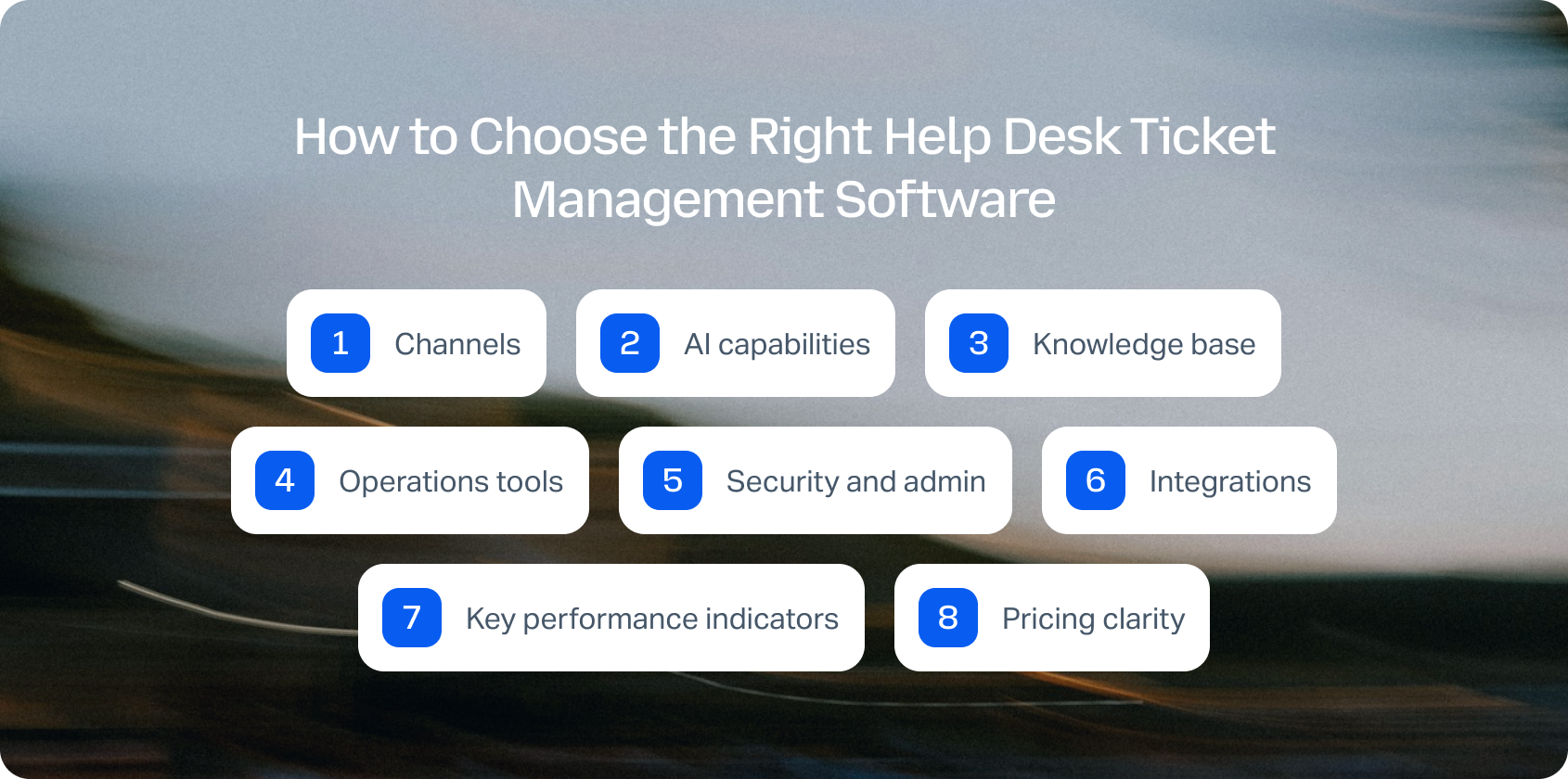
Comparing help desk platforms can quickly become overwhelming, especially when different vendors prioritise different areas. Some focus on customer conversations, others on IT service management, while some are designed for enterprise-scale operations with complex workflows.
Once you have shortlisted potential solutions, the next step is evaluating which platform aligns with your support model, operational requirements, and long-term goals. The following criteria can help you compare vendors beyond pricing and feature lists.
Channels: Native calling, SMS/MMS, chat, email, team messaging, and video support. Verify seamless voice ↔ chat/email handoff, maintaining customer context across channel switches.
AI capabilities: Move beyond basic automated ticket routing. Evaluate call transcription, AI-powered ticket summary generation, proposed reply suggestions, real-time agent coaching, and post-call notes. Platforms with KB-grounded AI assistance (such as BlueTweak's knowledge base integration) deliver accurate, consistent, and instant answers rather than generic responses.
Knowledge base: KB-grounded assistance ensures faster, more consistent agent responses. Verify centralized knowledge base integration rather than scattered documentation across multiple systems.
Operations tools: Workforce management for forecasting and scheduling, QA modules evaluating agent performance, SLA dashboards, and advanced reporting. Help desk solutions that bundle these features (like BlueTweak) significantly reduce third-party add-on costs.
Security and admin: Multi-factor authentication (MFA), audit logs, custom agent roles, and data residency controls are non-negotiable for compliance and data security.
Integrations: CRM, e-commerce platforms, marketing tools, and BI seamlessly integrate with the platform, extending platform value. Open APIs and webhooks enable custom workflows without vendor lock-in.
Key performance indicators: Track FCR, AHT, Containment Rate, Abandon Rate, Agent Concurrency, Sentiment Scores, and MOS for voice quality. Your best help desk software should provide tools for measuring and optimizing these customer support metrics.
Pricing clarity: Per-seat vs. usage-based pricing affects budgeting. Avoid platforms locking critical AI features behind expensive add-ons. Transparent pricing (like BlueTweak's €65/agent/month with all the tools included) simplifies forecasting and prevents surprise costs.
ITSM vs. CX help desk distinction: Understand the difference between IT service management platforms (Jira Service Management, Freshservice) optimized for internal employees and IT operations versus customer experience platforms (BlueTweak, Zendesk, Freshdesk) designed for external customer support. ITSM tools emphasize asset tracking, change management, and ITIL compliance. CX platforms prioritize omnichannel customer inquiries, live chat, and exceptional customer service.
Metrics to Measure Help Desk Performance
The right help desk platform shouldn’t only make it easier to manage tickets, it should improve measurable business outcomes. Before selecting a solution, define which metrics matter most for your team.
For larger organizations, especially those managing multiple brands or departments, administration capabilities become increasingly important. Verify that platforms support multi-brand routing, reporting, self-service portals, and appropriate permissions.
Avoid relying on marketing claims alone. Review official technical documentation to confirm capabilities such as multi-tenant support, security controls, and data management features.
Not sure whether your current help desk is giving you everything you need? Book a personalised demo to see how BlueTweak compares on AI, omnichannel support, workforce management, reporting, and total cost of ownership.
How We Evaluated These Help Desk Ticket Management Solutions
We reviewed public vendor documentation, pricing pages, official help centers, trust pages, and marketplace listings for each platform. Features were verified against vendor websites and cross-referenced with published case studies.
Pricing information comes from publicly available pages as of January 2026. Custom pricing tiers note: “Contact sales” for verification.
Pros and cons derive from documented features, user feedback on verified review platforms, and evidence from public sources.
This evaluation relies on publicly available information. Pricing, features, and capabilities may change. Always verify details directly with vendors before final decisions.
Must-Have Capability Checklist
- Voice + messaging with help desk handoff
- KB-grounded answers or strong knowledge base integrations
- AI for call transcription, summarization, and proposed reply
- Analytics and custom reporting
- WFM/QA native or via first-party module
- Security/admin: MFA, audit logs, custom roles
- Integrations + open APIs
- Pricing including core AI (not add-ons only)
- Surveys/CSAT module tracking customer satisfaction
BlueTweak meets all criteria with transparent pricing of €65/agent/month.
Scoring Rubric
Evaluate each platform on these dimensions:
How to Choose the Best Help Desk Ticket Management Software
After comparing the leading help desk ticket management software platforms, the right choice ultimately depends on your team's size, support channels, operational complexity, and long-term goals. Use the evaluation framework above to compare each solution based on omnichannel capabilities, AI functionality, reporting, workforce management, integrations, security, and total cost of ownership rather than price alone.
If your priority is delivering fast, consistent customer support across voice, chat, email, and social channels without managing multiple disconnected tools, look for a platform that combines these capabilities in a single solution. Features such as knowledge-base-grounded AI, built-in workforce management, quality assurance, and transparent pricing can reduce complexity while improving both agent productivity and customer satisfaction.
For mid-market support teams managing 20 to 100 agents, BlueTweak brings together omnichannel ticket management, native voice, AI-powered assistance, advanced analytics, and workforce management in one platform. Instead of stitching together separate products as your team grows, you can scale customer support with predictable costs and a faster time to value.
Ready to see BlueTweak in action? Start your 14-day free trial today, no credit card required, and experience how AI-powered ticket management can help your team resolve issues faster, improve service quality, and deliver better customer experiences.
24 Best Customer Interaction Software Platforms for Teams in 2026
Every customer interaction shapes the relationship with your brand, yet many businesses still rely on separate systems for email, phone calls, live chat, and social media messages. The result is fragmented customer information, slower responses, inconsistent service quality, and frustrated support agents.
Modern customer interaction software solves this by bringing every conversation into a professional customer platform where teams can manage customer support inquiries, automate repetitive work, and gain customer insights from every interaction. Solutions like BlueTweak go even further by combining omnichannel communications, AI-powered automation, and seamless integration with your existing systems, helping teams boost agent productivity while delivering faster, more consistent service.
In this guide, we've compared the best customer interaction software platforms for 2026 to help you find the right solution for your team, whether you're running a growing support desk or a complex contact center software environment.
The Best Customer Interaction Software Platforms at a Glance
If you're short on time, here's a quick comparison of the leading customer interaction software platforms for 2026. These are our top recommendations based on AI capabilities, omnichannel support, pricing transparency, scalability, and overall customer experience. Below, you'll find detailed reviews of all 24 platforms, along with buying advice to help you choose the right solution for your team.
If you need AI-powered omnichannel support, built-in workforce management, quality assurance, and transparent pricing in a single platform, BlueTweak is our Editor's Choice for support-led teams.
Start your free 14-day trial (no credit card required) or book a personalized demo to see how it fits your customer service workflows.
The 24 Best Customer Interaction Software Platforms for 2026
Most teams searching for software to track customer interactions want clarity. But currently, that's exactly what the market lacks. The category itself is crowded, but poorly defined. Some platforms position themselves as help desks, others as CRMs, and others as full contact center solutions; yet all claim to manage customer interactions.
This leaves us with a situation in which buyers end up comparing tools that solve fundamentally different problems, often leading to mismatched implementations and costly re-platforming down the line.
That's why this guide focuses specifically on customer interaction software; platforms designed to manage real-time, multichannel conversations in a unified workspace, not just store data or resolve tickets.
This list is based on public documentation, pricing pages, and published case studies reviewed in Q2 2026. Tools are grouped by category to help you self-qualify faster, depending on whether you're running a contact center, a support-led team, or a product-led growth motion. Some platforms span multiple categories, but are placed where their primary strength lies.
Pricing is listed as “Varies by plan / Verify” where needed, as packaging and AI capabilities in particular are changing rapidly across vendors.
1) BlueTweak: Best for Unified AI-Powered Customer Support
What it is: BlueTweak is a unified customer interaction management software built to centralize conversations, automate workflows, and surface real-time insights across every customer touchpoint.
Best for: Support-led teams that need a single source of truth across voice, chat, email, and social, without stitching together multiple tools.
Key features:
- True unified inbox with cross-channel conversation threading
- Native AI software for customer interaction insights (intent detection, sentiment, summaries)
- Real-time routing with skill-based logic
- Deep interaction-level reporting (CSAT, FCR, AHT, sentiment)
- Seamless CRM and data integrations
"Customer interaction software shouldn't just record conversations; it should help teams understand them. When every customer inquiry, phone call, and social message lives in a single workspace, AI can surface patterns, automate repetitive work, and give agents the context they need to resolve issues faster while improving the overall customer experience." Radu Dumitrescu, Head of Presale & Digital Transformation at BlueTweak
Channels supported: Voice, email, live chat, SMS, WhatsApp, social platforms.
Pricing: Transparent pricing starting at €65/agent/month all-in (ticketing, omnichannel, AI chatbot, AI voicebot, copilot tools, WFM, QA, analytics, integrations).
Pros:
- Built for interaction-first workflows (not retrofitted ticketing)
- Native AI, not bolted on
- Strong reporting depth
Cons:
- Requires onboarding for full customization
- Not a lightweight tool for small teams
Case Study Snapshot: A strong example of this in practice comes from BlueTweak's work with a fast-scaling e-commerce company, which was struggling to manage rising support volumes and a growing backlog of repetitive queries. After implementing BlueTweak's customer interaction software, the business unified its email and chat channels into a single interaction timeline and introduced AI-powered automation to handle standardized requests.
Within six months, the company achieved a 45% increase in ticket deflection, a 30% reduction in interaction handling time, and a 45% improvement in overall support team efficiency, all while improving customer satisfaction through faster, more consistent responses. This case highlights the tangible impact of moving from fragmented tools to a unified, AI-driven interaction model.
If you're looking for a professional customer platform that brings together voice, email, chat, social media, AI automation, and reporting in one place, BlueTweak is built to help your team deliver faster, more consistent customer experiences.
Book a personalized demo to see how BlueTweak can streamline your customer service workflows and boost agent productivity.
Omnichannel Contact Centre Platforms
Omnichannel contact centre platforms sit at the operational core of modern customer support organisations. Unlike help desk tools, which organise interactions into tickets, or live chat tools, which focus on real-time engagement, these platforms are designed to orchestrate customer interactions across every channel in a unified environment.
They combine voice infrastructure, digital messaging, routing logic, and agent tooling into a single system. The focus should be on coordinating how interactions flow in real-time, balancing workload, routing based on skill or intent, and maintaining continuity as customers move between channels.
This makes them particularly suited to larger or fast-scaling teams where support is no longer a linear queue, but a dynamic, multichannel operation. For teams evaluating customer interaction software, this category represents the shift from managing conversations to managing the entire system of interaction delivery.
2) Gladly
What it is: Gladly is a customer-centric customer interaction management software that organizes conversations around people rather than tickets, giving agents a continuous view of each customer's journey.
Best for: Retail and ecommerce brands prioritizing personalized, relationship-driven support.
Key features:
- Customer timeline view across all interactions
- Unified inbox with conversation continuity
- Native voice integration with digital channels
- Built-in self-service and knowledge base tools
- Reporting focused on customer lifetime interactions
Channels supported: Voice, email, chat, SMS, social messaging.
Pricing: Custom pricing, verify with vendor for details.
Pros:
- Strong customer context and history visibility
- Designed around long-term relationships, not tickets
- Clean, intuitive agent experience
Cons:
- Less flexible for complex workflows
- Limited customization compared to enterprise tools
3) Dixa
What it is: Dixa is a cloud-based multichannel customer interaction software platform focused on simplifying customer service operations through automation and intelligent routing.
Best for: Scaling support teams that need fast deployment and operational efficiency.
Key features:
- Unified agent workspace across channels
- Intelligent routing and queue management
- Real-time dashboards and performance analytics
- Workforce engagement tools
- AI-powered automation for repetitive tasks
Channels supported: Voice, email, chat, and messaging apps.
Pricing: Tiered plans starting at $89 per agent, per month. Verify for details.
Pros:
- Quick time-to-value
- Strong routing and queue logic
- Easy to onboard teams
Cons:
- Reporting depth can be limited
- AI capabilities less advanced than top-tier platforms
4) Kustomer
What it is: Kustomer is a CRM-driven customer interaction software platform that unifies conversations, workflows, and customer data into a single timeline.
Best for: High-volume, digital-first support teams needing automation at scale.
Key features:
- Unified customer timeline with interaction history
- Workflow automation and AI-powered routing
- Customizable data model for customer records
- Omnichannel messaging and case management
- Integrated reporting and analytics
Channels supported: Chat, email, social, messaging platforms
Pricing: Custom pricing, verify for details.
Pros:
- Deep customization capabilities
- Strong automation engine
- Tight integration with customer data
Cons:
- Steeper implementation curve
- Requires technical resources for full value
5) Sprinklr

What it is: Sprinklr is an enterprise-grade customer interaction management software platform that combines customer service, social engagement, and AI-driven insights.
Best for: Large enterprises managing global, high-volume customer interactions.
Key features:
- AI-powered interaction insights and sentiment analysis
- Unified platform for customer service and social listening
- Advanced workflow automation and routing
- Enterprise reporting and analytics
- Extensive integration ecosystem
Channels supported: Voice, email, chat, social, messaging platforms
Pricing: Custom pricing, verify with vendor.
Pros:
- Extremely powerful analytics and AI
- Broad channel coverage
- Scales globally
Cons:
- High cost of ownership
- Complex implementation and management
6) Richpanel
What it is: Richpanel is a customer support platform designed specifically for e-commerce brands, combining software to track customer interactions with order and customer data.
Best for: E-commerce teams needing fast, contextual support tied to transactions.
Key features:
- Unified inbox with order data integration
- Self-service portal and automation workflows
- Customer timeline with purchase history
- AI-powered response suggestions
- E-commerce-focused reporting
Channels supported: Email, chat, social messaging.
Pricing: Tiered pricing starting at $69 per agent per month. Verify for details.
Pros:
- Built for ecommerce workflows
- Strong self-service capabilities
- Reduces ticket volume effectively
Cons:
- Limited beyond e-commerce use cases
- Less suitable for voice-heavy teams
Help Desk and Ticketing Platforms
While omnichannel contact centre platforms focus on real-time, conversation-led support, help desk and ticketing platforms take a more structured, asynchronous approach.
These tools organise incoming requests into tickets, making them easier to prioritise, assign, and resolve against defined SLAs. This makes them effective for teams handling predictable volumes of support queries (such as technical issues or account requests) where consistency and process matter more than immediacy.
However, because interactions are broken into discrete tickets rather than continuous conversations, context can become fragmented, especially across channels. For teams evaluating software to track customer interactions, help desks offer strong operational control, but may fall short where seamless, multichannel interaction management is required.
7) Zendesk
What it is: Zendesk is a widely adopted customer interaction management software platform built around ticketing, automation, and scalable support operations.
Best for: Mid-market to enterprise teams managing large support volumes.
Key features:
- Advanced ticketing and workflow automation
- Omnichannel support capabilities
- AI-powered bots and a knowledge base
- SLA management and reporting
- Extensive app marketplace
Channels supported: Email, chat, voice, social messaging.
Pricing: Custom pricing, verify with vendor for details.
Pros:
- Highly scalable
- Mature ecosystem and integrations
- Strong reporting capabilities
Cons:
- Costs increase significantly at scale
- Can feel complex for smaller teams
8) Freshdesk
What it is: Freshdesk is a modern customer interaction software platform focused on simplifying ticket-based support with automation and AI.
Best for: SMBs and mid-market teams looking for affordability and flexibility.
Key features:
- Ticketing system with automation rules
- Freddy AI for insights and suggestions
- Omnichannel support capabilities
- SLA tracking and reporting
- Self-service portals
Channels supported: Email, chat, phone, social
Pricing: Tiered pricing plans available, verify for details.
Pros:
- Strong value for money
- Easy to scale gradually
- Built-in AI capabilities
Cons:
- UI can become cluttered
- Reporting less customizable than enterprise tools
9) Zoho Desk
What it is: Zoho Desk is an affordable customer interaction management software platform with ticketing, automation, and AI capabilities built into the Zoho ecosystem.
Best for: Budget-conscious teams already using Zoho products.
Key features:
- Ticketing with workflow automation
- Zia AI assistant for insights
- Omnichannel inbox
- SLA management and reporting
- CRM integration with Zoho
Channels supported: Email, chat, social, phone (via integrations)
Pricing: Low-cost tiered plans available with a free trial. Verify for details.
Pros:
- Cost-effective
- Strong integration with the Zoho suite
- Good entry-level AI features
Cons:
- Limited scalability for large teams
- Less polished UX
10) Help Scout
What it is: Help Scout is a lightweight customer interaction software platform focused on shared inbox collaboration and simple support workflows.
Best for: Small to mid-sized teams prioritizing simplicity and ease of use.
Key features:
- Shared inbox with conversation history
- Knowledge base and self-service tools
- Basic automation and tagging
- Customer profiles and context
- Reporting dashboards
Channels supported: Email, chat
Pricing: Free and paid pricing plans available; verify for details.
Pros:
- Clean, intuitive interface
- Fast onboarding
- Strong for email-first support
Cons:
- Limited omnichannel capabilities
- Not built for complex operations
11) Hiver
What it is: Hiver is a Gmail-native software to track customer interactions that turns email into a collaborative help desk.
Best for: Teams operating entirely within Google Workspace.
Key features:
- Shared inbox within Gmail
- Email assignment and tagging
- Automation and SLA tracking
- Collision detection
- Analytics and reporting
Channels supported: Email
Pricing: Free and paid plans available. Verify with the vendor for details.
Pros:
- No platform switching
- Easy to adopt
- Minimal setup
Cons:
- Limited to email workflows
- Lacks omnichannel support
12) Gorgias
What it is: Gorgias is an e-commerce-focused customer interaction management software platform that connects support directly with store data.
Best for: Shopify and ecommerce brands handling high support volumes.
Key features:
- Unified inbox with order data
- Automation rules and macros
- Revenue attribution reporting
- Customer profiles with purchase history
- AI-driven suggestions
Channels supported: Email, chat, social messaging
Pricing: Usage-based, tiered pricing plans; verify for details.
Pros:
- Deep ecommerce integrations
- Strong automation
- Revenue-focused reporting
Cons:
- Pricing scales with usage
- Limited outside ecommerce
13) LiveAgent
What it is: LiveAgent is a hybrid multichannel customer interaction software combining ticketing, live chat, and call center features.
Best for: SMBs needing an all-in-one support solution.
Key features:
- Ticketing system with automation
- Built-in live chat and call center
- Knowledge base tools
- Reporting dashboards
- Gamification for agents
Channels supported: Email, chat, voice, social
Pricing: Tiered plans available, verify for details.
Pros:
- Broad feature set
- Affordable pricing
- Quick setup
Cons:
- UI feels dated
- Limited AI capabilities
14) Re:amaze
What it is: Re:amaze is a customer messaging and customer interaction management software platform designed for e-commerce and product-led teams that want to centralize conversations across storefronts, apps, and social channels.
Best for: DTC and ecommerce brands that need a unified view of customer conversations tied to orders and purchases.
Key features:
- Unified inbox for all customer conversations
- Deep ecommerce integrations (order, shipping, refund context)
- Automated messaging workflows and triggers
- Chatbots for pre-sale and support deflection
- Team collaboration and internal notes
Channels supported: Email, live chat, social messaging, SMS, push notifications
Pricing: Custom pricing, verify with vendor for details.
Pros:
- Strong e-commerce-native capabilities
- Excellent contextual data per interaction
- Flexible automation rules
Cons:
- Less suitable for enterprise contact centres
- Reporting depth is limited compared to larger platforms
15) Groove
What it is: Groove is a lightweight software to track customer interactions built around shared inbox functionality and simple support workflows for small teams.
Best for: Startups and early-stage teams that want a simple, low-friction support tool without operational complexity.
Key features:
- Shared inbox for team collaboration
- Basic automation and routing rules
- Knowledge base for self-service
- Customer profiles with interaction history
- Simple reporting dashboard
Channels supported: Email, chat (via integrations)
Pricing: Tiered pricing, verify for details.
Pros:
- Extremely easy to set up
- Clean, minimal interface
- Good for email-first support teams
Cons:
- Limited omnichannel capabilities
- Not designed for scaling beyond basic workflows
16) Kayako
What it is: Kayako is a traditional customer interaction software platform focused on ticketing and conversation history, designed to help teams manage structured support workflows.
Best for: Small to mid-sized teams looking for a straightforward help desk alternative.
Key features:
- Unified conversation timeline per customer
- Ticketing and SLA management
- Internal collaboration tools
- Self-service knowledge base
- Basic automation rules
Channels supported: Email, live chat
Pricing: Usage-based pricing, verify for details.
Pros:
- Simple and familiar structure
- Good for structured support processes
- Easy onboarding
Cons:
- Limited innovation in AI and automation
- Smaller ecosystem compared to competitors
17) Front
What it is: Front is a collaborative customer interaction management software platform that blends shared inbox functionality with CRM-like visibility and workflow automation.
Best for: Teams that need cross-functional collaboration between support, sales, and account management.
Key features:
- Shared inbox across teams and departments
- Internal comments and collision detection
- Workflow automation and routing rules
- Customer context and conversation history
- Analytics and reporting dashboards
Channels supported: Email, SMS, social, chat (via integrations)
Pricing: Custom pricing with free demo available, verify for details.
Pros:
- Strong collaboration capabilities across teams
- Flexible workflows beyond support use cases
- Clean, modern interface
Cons:
- Can become complex at scale
- Requires a disciplined workflow setup
Live Chat and Messaging Platforms
Where help desk systems are built around structure, live chat and messaging platforms are designed for immediacy. These tools prioritise real-time engagement, enabling businesses to respond instantly within websites, apps, or messaging channels. Rather than queueing interactions as tickets, they treat each exchange as part of an ongoing conversation that can be resolved, escalated, or handed off quickly.
This makes them particularly effective in high-traffic digital environments where speed impacts conversion and satisfaction, such as SaaS onboarding or ecommerce journeys. However, they are not typically designed to manage the full lifecycle of customer interactions, often relying on integrations with help desk or CRM systems for continuity.
18) Intercom
What it is: Intercom is a leading multichannel customer interaction software platform focused on real-time messaging, customer engagement, and AI-powered automation across the customer lifecycle.
Best for: Product-led SaaS companies and digital-first businesses optimizing onboarding and support.
Key features:
- Real-time chat and in-app messaging
- AI-powered chatbot and support automation
- Lifecycle messaging and targeting
- Help centre and self-service tools
- Advanced segmentation and triggers
Channels supported: In-app chat, email, messaging channels
Pricing: Tiered pricing with usage-based components. Verify for details.
Pros:
- Best-in-class conversational UX
- Strong automation and AI capabilities
- Excellent for product-led journeys
Cons:
- Pricing can scale quickly
- Requires careful configuration to avoid complexity
19) Tidio
What it is: Tidio is a lightweight live chat and software to track customer interactions, designed for SMBs looking to add real-time support and chatbot automation.
Best for: Small ecommerce and service businesses.
Key features:
- Live chat widget for websites
- AI chatbot builder (no-code)
- Visitor tracking and behaviour triggers
- Basic CRM-style contact profiles
- Email and chat integration
Channels supported: Live chat, email, Messenger
Pricing: Tiered pricing plans available, verify for details.
Pros:
- Very fast setup
- Affordable entry point
- Strong chatbot capabilities for SMBs
Cons:
- Limited depth for complex support operations
- Reporting is relatively basic
20) Crisp
What it is: Crisp is a modern customer interaction management software platform combining live chat, shared inbox, and lightweight CRM features in a single workspace.
Best for: Startups and SMBs wanting an all-in-one messaging layer.
Key features:
- Unified inbox for all conversations
- Live chat and chatbot automation
- Knowledge base and help centre
- Customer data enrichment
- Internal team chat tools
Channels supported: Chat, email, social messaging
Pricing: Free and paid plans available; verify for details.
Pros:
- Strong all-in-one positioning
- Clean, intuitive UX
- Good balance of chat and support tools
Cons:
- Limited enterprise scalability
- AI depth is less advanced than the leaders
21) Olark

What it is: Olark is a focused live chat customer interaction software tool designed for simplicity and direct customer engagement.
Best for: Teams that want basic, reliable live chat without complexity.
Key features:
- Real-time chat widget
- Visitor insights and tracking
- Chat transcripts and history
- Basic automation rules
- Integrations with CRM and help desks
Channels supported: Live chat
Pricing: Pricing plans starting at $29 per month, verify for details.
Pros:
- Extremely simple to use
- Lightweight and stable
- Quick implementation
Cons:
- No omnichannel capabilities
- Limited AI and automation features
22) Drift (Salesloft)

What it is: Drift, now a part of Salesloft, is a conversational marketing and customer interaction software platform focused on turning website traffic into qualified conversations.
Best for: B2B SaaS companies focused on pipeline generation and conversion.
Key features:
- Conversational chatbots for lead qualification
- Real-time chat with sales routing
- Account-based targeting
- Meeting scheduling automation
- Revenue attribution reporting
Channels supported: Website chat, email
Pricing: Custom pricing, verify for details.
Pros:
- Strong revenue and sales alignment
- Excellent for conversion-focused journeys
- Powerful targeting capabilities
Cons:
- Less suited for post-sale support depth
- High cost at the enterprise level
CRM-Native Platforms
CRM-native platforms take a different approach by anchoring customer interactions directly to the customer record. In this model, every interaction (across sales, service, and marketing) is stored within a unified profile. This creates a strong link between support activity and commercial context, helping teams understand not just what a customer is asking, but how their relationship with the business is evolving.
This is particularly valuable for sales-led or account-managed organisations, where support is closely tied to retention and revenue. However, because the CRM is the system of record first and the interaction layer second, these platforms can be less flexible for real-time, high-volume interaction handling.
For teams comparing the best software to manage customer interactions, the key distinction is whether the priority is relationship intelligence (CRM-first) or interaction orchestration (conversation-first).
23) Salesforce Service Cloud
What it is: Salesforce Service Cloud is an enterprise-grade customer interaction management software platform built on Salesforce CRM, designed to connect service, sales, and customer data into a single ecosystem.
Best for: Large enterprises needing deep integration between support and customer lifecycle data.
Key features:
- Case management and automation workflows
- AI-powered routing and agent assistance
- Omnichannel engagement across service channels
- Deep CRM data integration
- Advanced reporting and analytics
Channels supported: Email, chat, voice, social messaging
Pricing: Free and paid plans available; verify for details.
Pros:
- Extremely powerful and scalable
- Deep integration with the Salesforce ecosystem
- Strong AI and automation capabilities
Cons:
- High complexity and implementation cost
- Requires dedicated administration
24) HubSpot Service Hub
What it is: HubSpot Service Hub is a CRM-native customer interaction software platform that extends HubSpot's ecosystem into support and service workflows.
Best for: SMBs and mid-market teams already using HubSpot CRM.
Key features:
- Ticketing system integrated with CRM records
- Conversational inbox and live chat
- Automation and workflow builder
- Customer feedback and NPS tools
- Reporting dashboards across the lifecycle
Channels supported: Email, chat, forms, messaging
Pricing: Free and paid plans available, tiered within the HubSpot ecosystem. Verify for details.
Pros:
- Seamless CRM integration
- Easy to adopt and scale
- Strong lifecycle visibility
Cons:
- Less powerful than enterprise-native support tools
- Advanced features locked in higher tiers
What Is Customer Interaction Software?
Customer interaction software is a platform that centralizes and manages customer conversations across multiple channels in a single, unified workspace. Despite the name, it's often confused with adjacent tools.
This distinction matters; many teams buy a help desk expecting omnichannel capability and end up having to stitch together tools.
According to PwC's Future of Customer Experience report, 32% of customers will stop doing business with a brand they love after just one bad experience, highlighting the cost of fragmented customer interactions and their impact on customer retention rates.
What to Look For in Customer Interaction Software
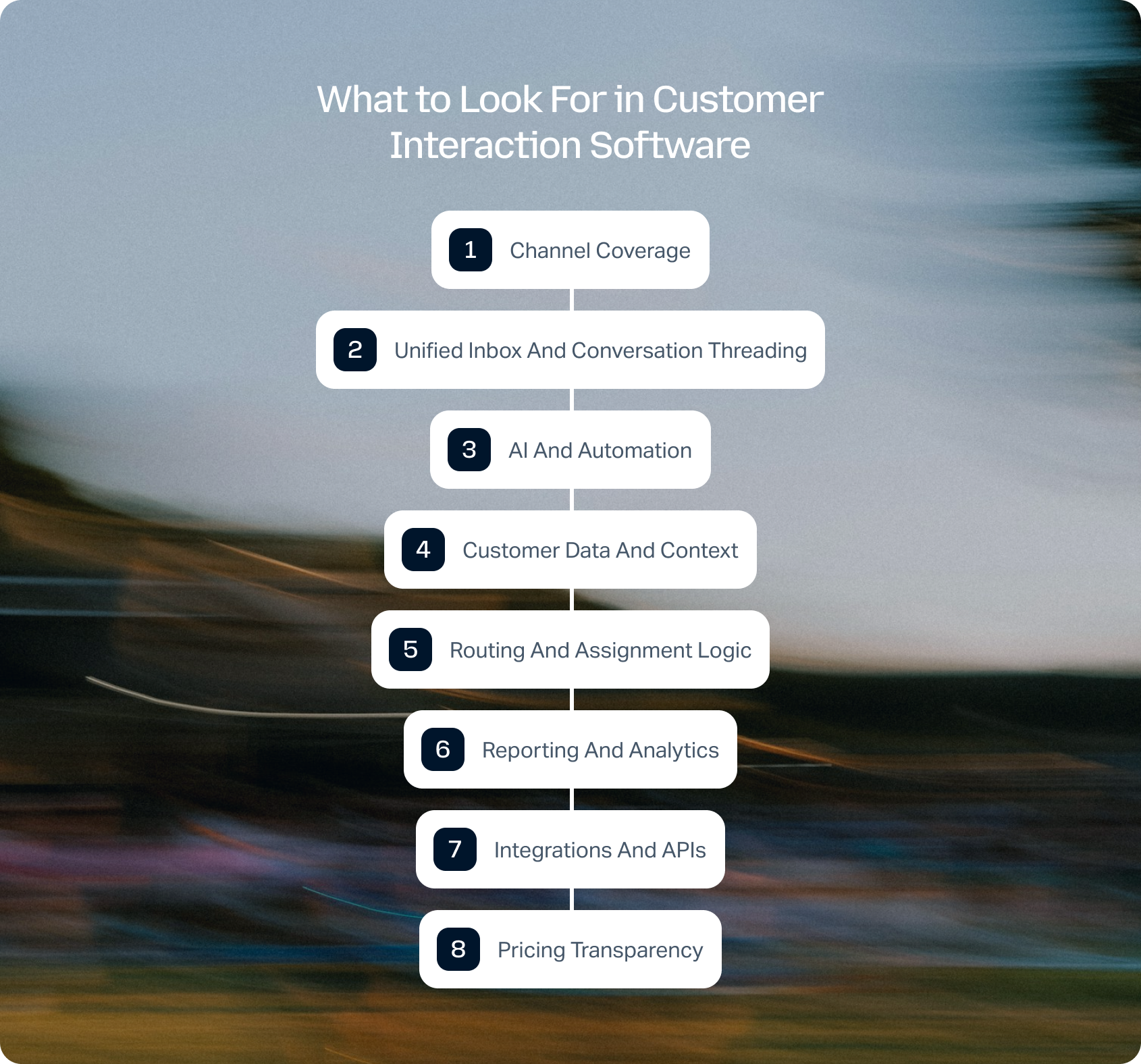
Choosing the best software to manage customer interactions requires more than comparing feature lists. The real differentiator lies in how well a platform can unify conversations, surface context, and scale with your support operation.
Channel coverage
Modern support spans voice, email, chat, SMS, and social. Gaps in native coverage create fragmented experiences, forcing agents to switch between tools and increasing the risk of missed context. Prioritize platforms that support your core channels natively, rather than relying heavily on third-party integrations that can introduce latency or data inconsistencies.
Unified inbox and conversation threading
All interactions should live in one place with a full history and no duplication. A true unified inbox won't just aggregate messages; it will connect them into a single, continuous conversation, regardless of channel. This ensures agents always have the full context and reduces the likelihood of customers needing to repeat themselves.
AI and automation
Look for AI software for customer interaction insights that includes:
- Suggested replies
- Intent detection
- Sentiment analysis
- Automated summaries
Beyond feature availability, the key distinction is whether AI is embedded into the core workflow or added as an afterthought, as many teams discover when navigating AI customer service implementation challenges. Native AI can significantly reduce handling time, improve consistency, and unlock insights that would otherwise be missed in high-volume environments.
Customer data and context
Agents should see the full customer story without switching tools. This includes past interactions, purchase history, account status, and any relevant CRM data. Without this context, even the fastest response can feel disconnected, leading to repetitive and frustrating customer experiences.
Routing and assignment logic
Critical for teams above 10 agents, especially for skill-based routing. Effective routing ensures that interactions are assigned based on agent expertise, availability, and workload, rather than simple queue order. This improves resolution times as well as reduces internal friction and escalations.
Reporting and analytics
Metrics like Customer Satisfaction (CSAT) and First Call Resolution (FCR) should be tracked at the interaction level, not just tickets. High-quality platforms go further, offering real-time dashboards and historical insights that help teams identify trends, optimize workflows, and continuously improve performance across channels.
Integrations and APIs
Your interaction data should enrich your entire tech stack, not sit in a silo. Strong integration capabilities ensure that customer interactions feed into CRM, BI, and operational systems, enabling better decision-making and a more connected customer experience.
Pricing transparency
Understand what's included vs. add-ons, especially when it comes to AI capabilities and support. Many platforms advertise advanced capabilities that are only available in higher tiers or as paid extras, which can significantly impact the total cost of ownership as your team scales.
According to PwC's Future of Customer Experience report, 73% of consumers say customer experience is a key factor in their purchasing decisions, yet only 49% say companies provide a good experience, further highlighting the gap that unified interaction platforms aim to close.
Choosing the right customer interaction software is only part of the equation. Understanding the potential business impact is just as important.
If you're evaluating AI-powered customer support, use BlueTweak's ROI Calculator to estimate how much your team could save through faster resolution times, improved agent productivity, and increased automation before committing to a new platform.
How We Evaluated These Platforms
We assessed each customer interaction management software platform using:
- Public documentation
- Pricing pages
- Company websites
- Case studies
- G2 and Capterra summaries (Q2 2026)
No vendor paid for placement in this list. Capabilities and pricing for any product may change, so always verify before committing.
Scoring Rubric
To make this comparison meaningful and not just a feature checklist, we applied a consistent evaluation framework across every platform. Rather than overvaluing surface-level features, this model prioritizes depth; how well each platform unifies channels, embeds AI into workflows, and equips teams with the context and insights needed to deliver consistently high-quality support.
Each platform was scored against the following criteria:
BlueTweak Interaction Maturity Scoring Model
Final Thoughts: Choosing the Right Customer Interaction Software for Your Team
Choosing the right customer interaction software today is centered on building stronger, more connected customer relationships at scale.
While traditional CRM solutions like Zoho CRM focus on storing customer data, modern interaction platforms focus on what actually moves the needle: conversations. By combining real-time engagement with AI agents and automation, these platforms help teams streamline processes, reduce manual work, and deliver faster, more consistent support.
For small businesses, this can mean consolidating tools and improving response times without increasing headcount. For larger organisations, it's about orchestrating complex, multichannel operations that connect support, sales, and marketing, helping teams not only deliver better customer support, but also identify opportunities to drive sales and engage new customers more effectively.
That's where platforms like BlueTweak stand apart, combining true omnichannel interaction management with native AI and deep reporting in a single workspace.
If you're evaluating customer interaction software and want to see what this looks like in practice, you can book a personalized demo with BlueTweak to explore how it fits your specific support environment, channels, and workflows.
The 17 Best AI Customer Service Solutions for Support Teams in 2026
What Are AI Customer Service Solutions?
AI customer service solutions are platforms that use artificial intelligence (combining machine learning, natural language processing, and RAG-grounded knowledge bases) to automate, assist, and optimize customer interactions across voice, chat, email, and social channels. This is why modern AI solutions for customer service are now being evaluated based on how deeply AI is embedded across the entire support lifecycle, not just surface-level automation.
But that definition hides a more important reality: not all AI in customer service is designed to solve the same problems. Most legacy customer service software has simply layered AI on top of existing ticketing systems, creating fragmented tools, inconsistent customer interactions, and AI that can suggest, but rarely resolve, the root of a customer’s problem.
Modern AI solutions in customer service operate differently. They apply AI across the full lifecycle:
- Before the interaction: intelligent routing based on customer intent and historical customer data
- During the interaction: real-time assistance from AI agents, suggested replies, and personalized support for human agents
- After the interaction: automated summaries, QA scoring, and predictive analytics to improve future outcomes
This shift marks a genuine inflection point. According to a 2026 report from Deloitte, 64% of service leaders report higher agent productivity and 39% report lower cost per contact as a result of AI adoption. This offers clear evidence that AI in customer service is moving from experimentation to measurable impact.
Today, this divide is shaping the market, and prospective customers are no longer asking if a platform has AI, but instead are asking if AI is embedded across every interaction (or is it bolted on as an ‘extra’). This is because the difference shows up fast:
- In resolution times
- In agent productivity
- In customer experience
- And ultimately, in operational costs
AI customer service automation solutions aren’t considered optional in 2026; they are a necessity, and choosing the wrong one is becoming increasingly expensive.
AI Customer Service Solutions at a Glance
AI customer service solutions are platforms that use artificial intelligence to automate, assist, and optimize customer interactions across channels like chat, voice, email, and social. They typically use machine learning, natural language processing, and knowledge base grounding.
Choosing between AI-powered customer service solutions in 2026 is less about whether a platform has AI and more about how deeply that AI is embedded. Some tools offer AI as an add-on layer. Others use it to power the entire customer experience, from routing to resolution to post-interaction analysis.
To make that distinction clearer, the table below compares the leading seven platforms across the factors that matter most to modern support teams, including whether AI is included in the base plan, how well it integrates across channels, and where each tool has a genuine edge.
Top-tier table:
| Platform | Best For | AI in Base | Voice AI | KB-Grounded | Unique Edge |
| BlueTweak | Omnichannel AI-native teams | Yes | Yes | Yes | AI-first architecture + WFM |
| Zendesk | Enterprise ticketing | Partial | Add-on | Yes | Market leader ecosystem |
| Intercom | SaaS / product-led | Yes | Limited | Yes | Fin AI agent |
| Salesforce Service Cloud | Salesforce users | Add-on | Yes | Yes | Deep CRM integration |
| Genesys Cloud CX | Enterprise contact centers | Yes | Yes | Yes | Global voice AI |
| Ada | Bot-first automation | Yes | No | Yes | High containment |
| Gorgias | Ecommerce | Yes | No | Yes | Shopify-native |
Only a handful of platforms in this category include AI natively within their base pricing; most still rely on add-ons that can significantly increase total cost as you scale.
While this snapshot highlights the leading AI customer service solutions, it’s not exhaustive. The comparison above is based on publicly available information (including pricing pages, product documentation, and verified feature listings) as of Q2 2026.
To help you make a more informed decision, the breakdown and full table below explore each platform in detail, covering real-world strengths, limitations, and where each solution fits depending on your customer support goals and business needs.
The 17 Best AI Customer Service Solutions for 2026
The best AI customer service solutions are platforms that combine AI-native automation, knowledge base grounding, and omnichannel support to manage, resolve, and optimize customer interactions across the entire service lifecycle.
These platforms were evaluated based on publicly available documentation, pricing pages, and verified capabilities as of Q2 2026. Ordering reflects feature breadth, market presence, and AI maturity, with a focus on how effectively each solution applies AI across real-world customer service operations.
1) BlueTweak — Best AI Customer Service Solution for Omnichannel Support Teams
What it is: BlueTweak is a fully unified AI customer support platform built for modern support teams needing voice, chat, email, and social in one service hub. Its AI capabilities are powered by enterprise-grade cloud infrastructure and large language model frameworks (including LLM orchestration and scalable cloud environments such as AWS and Azure), enabling secure, high-performance, and fully integrated AI-driven customer interactions.
Best for: Organizations looking to replace fragmented tools with a single, AI-native platform that can streamline support, reduce operational costs, and deliver exceptional customer experiences at scale.
Key AI features:
- BlueTweak’s AI agents are powered by machine learning and natural language processing
- RAG-grounded knowledge base for accurate responses
- Real-time agent assist for human agents
- Built-in predictive analytics to anticipate customer needs
- AI summarization of customer conversations
Channels: Voice, chat, email, social, SMS
Pricing: Transparent pricing, starting at €65 per agent, per month, with all core features included. Free trial available.
Pros:
- True AI-powered customer service (not an add-on)
- Unified customer data and complete customer context
- Native WFM and QA tools improve agent productivity
Cons:
- Requires onboarding alignment for complex service strategies
Case Study: A leading packaging company used BlueTweak’s unified AI customer service solution to streamline fragmented customer service operations and improve visibility across customer interactions. By centralizing customer data, implementing a RAG-grounded knowledge base, and enabling real-time insights for support teams, the business saw a 28% increase in NPS, a 20% reduction in complaints, and a 15% improvement in team efficiency.
This demonstrates how AI-driven, omnichannel customer service solutions can directly elevate customer satisfaction, improve service quality, and create measurable gains across support operations.
AI in customer service isn’t about replacing human support, it’s about elevating it. The real value comes when AI and human agents operate from the same system, with shared context and intelligence
See for youself. Get a 14-day free trial today.
Get Free Trial2) Zendesk — Best AI Customer Service Solution for Enterprise Ticketing at Scale
What it is: Zendesk is a widely adopted enterprise customer service software platform that combines ticketing, omnichannel messaging, and AI-assisted workflows for large-scale support operations.
Best for: Large enterprises needing structured ticketing, workflow automation, and layered AI tools across global customer support teams.
Key AI features:
- Zendesk AI for suggested replies and ticket triage
- Intent detection for customer inquiries
- Automated routing and prioritisation
- AI-powered knowledge base suggestions
Channels: Voice, chat, email, social
Pricing: Custom pricing, verify for details. Free trial available.
Pros:
- Mature enterprise ecosystem
- Strong workflow automation for service teams
- Extensive integrations
Cons:
- AI capabilities fragmented across paid add-ons
- Total cost increases significantly with AI modules
3) Intercom — Best AI Customer Service Solution for SaaS and Product-Led Teams
What it is: Intercom is a conversational customer support platform built for SaaS companies, combining messaging, automation, and its Fin AI agent.
Best for: Product-led companies focused on in-app customer experience and conversational support.
Key AI features:
- Fin AI agent for automated resolution
- AI-generated responses based on customer data
- Workflow automation for customer interactions
- Sentiment-aware routing
Channels: Chat, email, in-app messaging
Pricing: Starting at approx. $29 per seat, per month, plus usage-based AI costs; verify for details. Free trial available.
Pros:
- Strong conversational UX for customer support
- Fast deployment for SaaS teams
- Good automation for repetitive customer requests
Cons:
- Limited native voice support
- AI costs scale quickly with volume
4) Freshdesk — Best AI Customer Service Solution for Budget-Conscious Growing Teams
What it is: Freshdesk is a scalable customer service software platform offering ticketing, automation, and AI support tools for mid-market teams.
Best for: Growing businesses needing affordable customer service solutions with basic AI capabilities.
Key AI features:
- Freddy AI for suggested replies
- Ticket classification and routing
- Automated response workflows
- Basic sentiment detection
Channels: Email, chat, voice (add-on), social
Pricing: Starting at approx. $15 per agent, per month, verify for details. Free trial available.
Pros:
- Cost-effective entry point
- Easy onboarding for support teams
- Solid automation for routine customer queries
Cons:
- Advanced AI features locked behind higher tiers
- Limited depth in omnichannel orchestration
5) Salesforce Service Cloud — Best AI Customer Service Solution for Salesforce-Embedded Enterprises
What it is: Salesforce Service Cloud is an enterprise-grade customer support software integrated deeply with Salesforce CRM and Einstein AI.
Best for: Enterprises already using Salesforce for CRM and sales operations.
Key AI features:
- Einstein AI for case classification
- Predictive routing and customer intent detection
- AI-generated knowledge suggestions
- Automated case summarisation
Channels: Voice, chat, email, social
Pricing: Tiered pricing from $25 per user, per month, verify for details. Free trial available.
Pros:
- Deep CRM integration for full customer data visibility
- Strong enterprise scalability
- Advanced analytics and forecasting
Cons:
- High complexity and long implementation cycles
- AI capabilities fragmented across modules
6) HubSpot Service Hub — Best AI Customer Service Solution for Sales-Led Organizations
What it is: HubSpot Service Hub is a lightweight customer support platform designed to unify service, marketing, and sales data.
Best for: Sales-led organisations needing simple customer service solutions tied to CRM.
Key AI features:
- AI-assisted ticketing and responses
- Knowledge base article suggestions
- Conversation summarisation
- Basic chatbot automation
Channels: Email, chat, social
Pricing: Free and paid plans available, verify for details.
Pros:
- Strong CRM alignment across teams
- Easy adoption for support teams
- Unified customer lifecycle visibility
Cons:
- Limited advanced AI capabilities
- Less suitable for complex support environments
7) Kustomer — Best AI Customer Service Solution for CRM-Native Conversation Management
What it is: Kustomer is a CRM-first customer support platform built around unified timelines of customer interactions.
Best for: Teams needing full conversational history across channels.
Key AI features:
- AI-driven conversation summaries
- Automated routing based on customer behavior
- Sentiment analysis
- Suggested replies for agents
Channels: Voice, chat, email, SMS
Pricing: Custom pricing, verify for details.
Pros:
- Strong unified customer timeline
- Good visibility into past interactions
- CRM-native architecture
Cons:
- Smaller ecosystem than competitors
- AI features still maturing
8) Ada — Best AI Customer Service Solution for High-Volume Bot-First Resolution
What it is: Ada is a chatbot-first AI customer support solution designed for high automation and containment.
Best for: Businesses prioritising self-service and deflection at scale.
Key AI features:
- AI chatbot for automated resolution
- Intent recognition using machine learning
- Automated workflows for customer requests
- Knowledge base integration
Channels: Chat, messaging platforms
Pricing: Custom pricing, verify for details.
Pros:
- High automation and containment rates
- Strong self-service capabilities
- Fast scaling for customer inquiries
Cons:
- Limited human agent tooling
- Less suited for complex omnichannel support
9) Genesys Cloud CX — Best AI Customer Service Solution for Global Enterprise Contact Centers
What it is: Genesys Cloud CX is a contact centre platform focused on enterprise-scale voice and omnichannel customer support.
Best for: Large global contact centres requiring advanced routing and workforce optimisation.
Key AI features:
- Predictive engagement and routing
- Speech and sentiment analysis
- AI-powered workforce management
- Automated transcription and summarisation
Channels: Voice, chat, email, SMS
Pricing: Tiered pricing, starting at approx. $75 per user, per month; verify for details.
Pros:
- Industry-leading voice capabilities
- Strong workforce management tools
- Advanced analytics for support operations
Cons:
- Complex setup and configuration
- High enterprise cost structure
10) Zoho Desk — Best AI Customer Service Solution for Teams in the Zoho Ecosystem
What it is: Zoho Desk is a cost-effective customer service software platform integrated into the Zoho ecosystem.
Best for: SMEs already using Zoho products.
Key AI features:
- Zia AI assistant for ticket classification
- Sentiment detection
- Suggested replies
- Knowledge base recommendations
Channels: Email, chat, social
Pricing: Free and paid plans available; verify for details. Free trial available.
Pros:
- Very affordable
- Strong ecosystem integration
- Good for basic support teams
Cons:
- Limited AI sophistication
- Less suitable for enterprise use cases
11) Help Scout — Best AI Customer Service Solution for Small and Mid-Size Support Teams
What it is: Help Scout is a simple, shared inbox-style customer support platform focused on usability.
Best for: SMBs prioritising simplicity and human-centric support.
Key AI features:
- AI-assisted replies
- Conversation summaries
- Knowledge base suggestions
- Basic automation workflows
Channels: Email, chat
Pricing: Free and paid plans, verify for details. Free trial available.
Pros:
- Extremely easy to use
- Clean interface for support teams
- Strong collaboration tools
Cons:
- Limited omnichannel capabilities
- Basic AI functionality
12) Tidio — Best AI Customer Service Solution for SMB Live Chat and Bot Automation
What it is: Tidio is a lightweight AI customer support platform combining live chat and chatbot automation.
Best for: SMBs needing quick chatbot deployment.
Key AI features:
- AI chatbots for automation
- Prebuilt conversational flows
- Basic intent detection
- Live chat handover to agents
Channels: Chat, email integrations
Pricing: Free and paid plans, verify for details. “Start for free” option available.
Pros:
- Fast setup
- Affordable for SMBs
- Strong chatbot automation
Cons:
- Limited enterprise functionality
- Basic analytics and reporting
13) Comm100 — Best AI Customer Service Solution for Regulated Industries
What it is: Comm100 is a secure customer service software platform designed for compliance-heavy industries.
Best for: Government, education, and regulated sectors.
Key AI features:
- AI chatbots with compliance controls
- Automated routing
- Knowledge base integration
- Sentiment detection
Channels: Chat, email, social
Pricing: Tiered pricing, starting at $31 per agent, per month. Verify for details.
Pros:
- Strong compliance and security features
- Reliable chatbot automation
- Suitable for regulated customer support
Cons:
- Older feeling UX
- Limited AI depth compared to newer platforms
14) HappyFox — Best AI Customer Service Solution for IT and Internal Help Desk Teams
What it is: HappyFox is an IT-focused service hub designed for internal and external ticket management.
Best for: Internal IT and operations support teams.
Key AI features:
- Automated ticket classification
- Workflow automation
- Knowledge base suggestions
- Basic AI routing
Channels: Email, chat, web forms
Pricing: Tiered pricing starting at $24 per user, per month. Verify for details. Trial account available on request.
Pros:
- Strong internal support use case
- Reliable ticketing workflows
- Easy to deploy
Cons:
- Limited AI sophistication
- Not designed for customer-facing omnichannel support
15) LiveAgent — Best AI Customer Service Solution for Broad Channel Coverage at Lower Cost
What it is: LiveAgent is a multi-channel customer service software platform offering broad communication coverage.
Best for: Teams needing cost-effective omnichannel support.
Key AI features:
- Basic chatbot automation
- Ticket routing rules
- Knowledge base support
- Simple AI-assisted workflows
Channels: Voice, chat, email, social
Pricing: Tiered pricing, starting at approx. $15 per user, per month, verify for details. Free trial available.
Pros:
- Wide channel coverage
- Affordable pricing
- Simple setup
Cons:
- Limited AI capabilities
- Less advanced analytics
16) Gorgias — Best AI Customer Service Solution for Ecommerce Support Teams
What it is: Gorgias is an ecommerce-focused customer support platform designed for Shopify and DTC brands.
Best for: E-commerce teams managing high volumes of customer inquiries.
Key AI features:
- AI-powered macros and responses
- Order-aware automation
- Sentiment detection
- Automated ticket tagging
Channels: Email, chat, social
Pricing: Tiered pricing starting at $10 per month, verify for details. Free trial available.
Pros:
- Deep ecommerce integration
- Strong automation for repetitive requests
- Fast ROI for DTC brands
Cons:
- Narrow ecommerce focus
- Limited enterprise scalability
17) Dixa — Best AI Customer Service Solution for Conversation-First Support Operations
What it is: Dixa is a conversation-first customer support platform designed to unify interactions across channels.
Best for: Teams prioritising personalised, conversation-led support.
Key AI features:
- AI-powered routing
- Conversation summarisation
- Sentiment analysis
- Suggested responses for agents
Channels: Voice, chat, email, social
Pricing: Tiered pricing starting at $89 per agent, per month. Verify for details. Book a demo to discuss trial options.
Pros:
- Strong unified conversation view
- Good agent collaboration tools
- Focus on customer experience
Cons:
- Smaller ecosystem
- Less advanced AI automation than leaders
If you’re comparing a broader set of tools, including SMB and niche platforms, the full breakdown of each of these customer service AI solutions is included below, based on publicly available data as of Q2 2026:
| Platform | Best For | AI Included in Base | Native Voice | KB-Grounded AI | Omnichannel | Starting Price | Unique Edge |
|---|---|---|---|---|---|---|---|
| BlueTweak | Omnichannel AI-native teams | Yes | Yes | Yes | Yes | €65/agent/month | AI-first architecture + WFM |
| Zendesk | Enterprise ticketing | Partial | Add-on | Yes | Yes | Custom (free trial) | Market leader ecosystem |
| Intercom | SaaS/product-led | Yes | Limited | Yes | Yes | $29/seat/month + usage | Fin AI agent |
| Freshdesk | Budget teams | Partial | Add-on | Yes | Yes | $15/agent/month | Affordable scaling |
| Salesforce Service Cloud | Salesforce users | Add-on | Yes | Yes | Yes | From $25/user/month | Deep CRM integration |
| HubSpot Service Hub | Sales-led orgs | Partial | No | Yes | Yes | Free + paid tiers | Unified GTM platform |
| Kustomer | CRM-first support | Yes | Yes | Yes | Yes | Custom | Timeline-based CX |
| Ada | Bot-first automation | Yes | No | Yes | Chat-first | Custom | High containment |
| Genesys Cloud CX | Enterprise contact centers | Yes | Yes | Yes | Yes | From $75/user/month | Global voice AI |
| Zoho Desk | Zoho ecosystem | Partial | No | Yes | Yes | Free + paid tiers | Low-cost entry |
| Help Scout | SMB teams | Limited | No | Yes | Yes | Free + paid tiers | Simplicity |
| Tidio | SMB chat automation | Yes | No | Yes | Chat-first | Free + paid tiers | Fast setup |
| Comm100 | Regulated industries | Yes | No | Yes | Yes | From $31/agent/month | Compliance focus |
| HappyFox | IT help desks | Partial | No | Yes | Yes | From $24/user/month | Internal support |
| LiveAgent | Broad channels | No | Yes | No | Yes | From $15/user/month | Channel breadth |
| Gorgias | Ecommerce | Yes | No | Yes | Yes | From $10/month | Shopify-native |
| Dixa | Conversation-first CX | Yes | Yes | Yes | Yes | From $89/agent/month | Unified conversations |
What to Look For in an AI Customer Service Solution
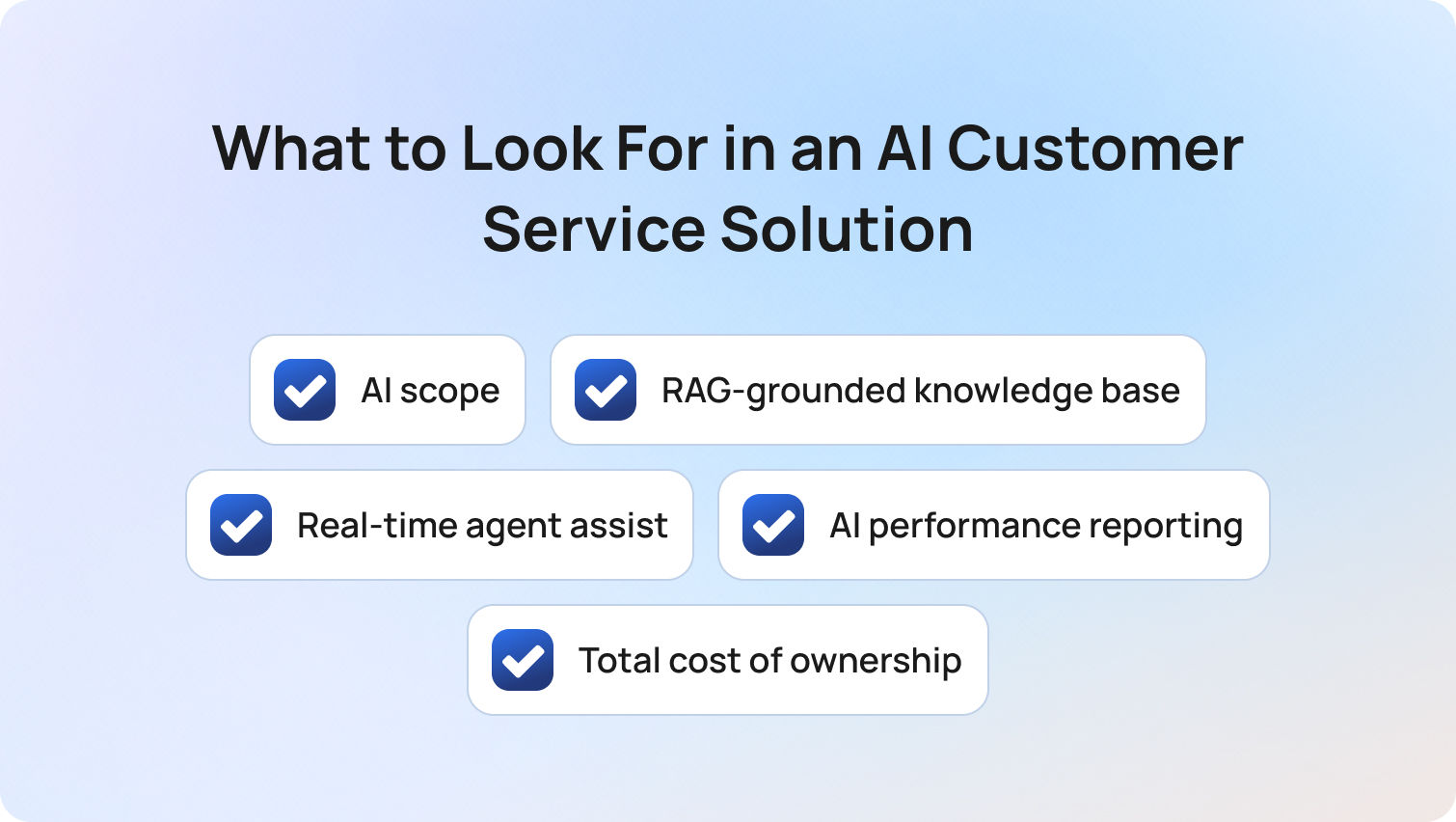
The most effective AI customer service solutions are those where AI is embedded across the full customer interaction lifecycle (before, during, and after support interactions) rather than added as a separate feature.
Choosing between AI-driven customer service solutions in 2026 requires a deeper evaluation than most vendor checklists suggest. At a surface level, many platforms appear similar: they all claim AI-powered customer service, automation, and improved customer experience. In reality, the differences in architecture, cost structure, and performance are significant, and they compound quickly as you scale.
To make a confident decision, buyers need to look beyond feature lists and assess how AI actually functions within customer service operations.
AI scope: Native vs. add-on AI
The most important distinction in today’s market is whether AI is native to the platform or layered on as an add-on.
Many tools position themselves as AI customer service solutions, but restrict core capabilities (like AI agents, suggested replies, or sentiment tagging) behind additional modules. This creates fragmentation across support teams, inconsistent customer interactions, and rising costs over time.
By contrast, AI-native platforms embed intelligence across every service interaction, improving both agent productivity and customer satisfaction without requiring bolt-on tools.
RAG-grounded knowledge base (the non-negotiable)
AI is only as reliable as the data it can access. Platforms that lack a properly integrated, RAG-grounded knowledge base often generate responses based on generic model outputs rather than verified customer data. This leads to hallucinations, inconsistent answers, and erosion of trust in both AI agents and human agents.
A strong AI customer support solution should treat the knowledge base as the single source of truth, powering both automated responses and real-time agent assistance.
Real-time agent assist (where ROI actually comes from)
While automation gets the headlines, the fastest and most reliable ROI from AI in customer service comes from improving human agent performance.
Real-time assistance (such as suggested replies, contextual customer data, and live guidance during support interactions) enables support teams to resolve issues faster and more consistently. This has a direct impact on service quality, first contact resolution, and overall customer experience.
AI performance reporting (not just operational metrics)
Most platforms provide reporting, but few separate AI performance from human performance. Without visibility into metrics like AI containment rate, AI CSAT, and error rates, it becomes impossible to properly evaluate your AI customer service solution. Aggregated reporting masks issues and limits your ability to optimize both AI agents and human agents.
Look for platforms that provide real-time insights into how AI is performing independently.
Total cost of ownership (TCO) and pricing transparency
Pricing pages rarely tell the full story. Many customer service solutions appear cost-effective at the entry level but require additional spend for AI modules, voice capabilities, or advanced analytics. Over time, this turns what should be an efficiency driver into a growing cost center.
A true evaluation of AI customer service automation solutions should include:
- Base seat cost
- AI feature access
- Usage-based pricing
- Add-ons (voice, WFM, analytics)
Platforms, like BlueTweak, that bundle AI into the core offering typically provide more predictable and scalable cost structures.
How We Evaluated These AI Customer Service Solutions
These AI customer service solutions were evaluated based on publicly available data, verified capabilities, and real-world applicability across modern customer support environments as of Q2 2026.
To ensure this guide provides genuine decision-making value, not just a feature roundup, we applied a consistent evaluation methodology across all platforms. This focuses on how each solution performs in real-world customer service operations, not just how it is marketed.
Our evaluation considered:
- Public documentation and pricing pages
- Verified AI capabilities (not just claimed features)
- Independent review summaries from G2 and Capterra (Q2 2026)
No vendor paid for inclusion in this list, and all platforms were assessed using the same criteria to ensure consistency and comparability.
To translate this methodology into something actionable, we’ve broken it down into two parts: a practical capability checklist and a weighted scoring framework.
Must-Have AI Customer Service Capability Checklist
A complete AI customer service solution should include a defined set of core capabilities that enable both automation and human-assisted support at scale.
Before committing to any platform, it’s important to validate that it meets a baseline level of functionality; these are essential for delivering consistent, scalable customer support in 2026.
The checklist below outlines the capabilities that separate modern AI-powered customer service solutions from legacy tools:
- AI-powered suggested or proposed replies
- RAG-grounded knowledge base for both bot and agent use
- Real-time sentiment analysis to analyze customer sentiment during interactions
- AI-generated summaries of customer conversations
- Autonomous resolution (bot containment) across channels
- Native omnichannel inbox (voice, chat, email, social, SMS)
- AI performance reporting (AI vs. human metrics)
- QA scoring across both AI and human agents
- Security controls (MFA, RBAC, audit logs, data residency)
This checklist provides a fast way to eliminate platforms that cannot support modern customer service teams at scale.
BlueTweak AI Customer Service Scoring Rubric
The BlueTweak AI Customer Service Scoring Rubric is a weighted evaluation framework designed to assess how effectively a platform delivers AI across the full customer service lifecycle.
While checklists help with elimination, they don’t help with prioritisation. Not all features carry equal weight, and some have a far greater impact on customer experience, agent productivity, and long-term business growth.
To address this, we’ve developed a scoring model that reflects what matters most when selecting an AI customer service solution.
Before reviewing the table, it’s important to note that this framework prioritises:
- Native AI capabilities over add-ons
- End-to-end lifecycle coverage
- Measurable performance and transparency
BlueTweak AI Customer Service Scoring Rubric:
| Criterion | Weight | What “High” Looks Like |
|---|---|---|
| AI scope (native, not add-on) | 25% | Suggested reply, KB grounding, sentiment, summarisation — all included in base |
| Omnichannel depth | 20% | Voice + 4+ digital channels, unified inbox, full customer data visibility |
| Reporting on AI performance | 15% | AI containment, AI CSAT, error rate — tracked separately |
| WFM and QA native | 15% | Built-in workforce management and QA scoring |
| Time-to-value | 10% | Fast deployment with minimal technical expertise required |
| TCO / pricing transparency | 10% | Clear pricing, no critical AI features behind add-ons |
| Security and admin | 5% | Enterprise-grade controls (MFA, RBAC, audit logs) |
Final Thoughts: Choosing the Right AI Customer Service Solution for 2026
Choosing the right AI customer service solution in 2026 means selecting a platform that can consistently deliver high-quality, AI-driven customer interactions while improving customer satisfaction and operational efficiency at scale.
The key question isn’t whether a platform offers AI customer service solutions; they all do. The real question is whether AI is:
- Native (not bolted on)
- Included transparently in pricing
- Applied across the full lifecycle of customer interactions, from routing and resolution to analysis and optimisation
This distinction becomes critical as customer service teams scale. Platforms that rely on fragmented AI tools or add-ons often struggle to maintain consistency across customer queries, leading to gaps in customer sentiment, slower resolution times, and rising operational complexity.
By contrast, AI-native platforms enable both AI agents and support agents to operate with shared context; using real-time insights, customer feedback, and a unified knowledge base to deliver faster, more accurate, and more personalized support.
This is where the real impact shows up:
- Higher customer satisfaction
- Stronger alignment with evolving customer expectations
- Better performance across key support metrics like resolution time and first contact resolution
Ultimately, customer service refers not just to resolving issues, but to consistently delivering value across every interaction. The right platform makes that scalable without increasing complexity or cost.
If your goal is to unify channels, automate routine tasks, and equip your teams with AI that can really address customer needs in real-time, platforms like BlueTweak stand out.
If you’re comparing platforms, the fastest way to evaluate the difference is to see it live. You can book a demo or start a free trial to experience how BlueTweak’s AI agents and unified service hub perform in real support scenarios.
Book a BlueTweak Demo
Book Demo



