This guide highlights 20 help desk ticket management options for 2026, focusing on omnichannel support, grounded AI that cuts handle time, built in workforce management and QA, clear pricing, GDPR and data residency, and fast rollout. It is designed for teams of 20 to 100 agents across chat, voice, email, and social, and includes a quick comparison checklist to help you shortlist the best fit.
Choose Help Desk Ticketing That Fits Your Channels, AI Needs, and Operations
Finding the right help desk ticket management software means balancing channel coverage, AI capabilities, and operational tools without overpaying for features you won’t use. Some platforms excel at IT service management with deep asset tracking and change management. Others focus on customer-facing support with omnichannel ticket resolution and live chat widgets.
The 20 options below represent both approaches, helping you match software to your team’s actual needs rather than marketing promises.
Why Teams Look for Help Desk Ticket Management Software in 2026
Organizations shopping for help desk ticket management solutions typically discover gaps in their current setup as support volumes scale. What worked for 5 agents handling email tickets breaks down when you’re managing 50 agents across voice, chat, email, and social media platforms.
Modern help desks often treat voice as an afterthought, forcing teams into fragmented third-party integrations that strip away customer context. To solve this, teams are moving toward platforms that offer native voice with unified ticketing, allowing phone conversations to flow into the same system as chat and email without losing critical thread history. This structural cohesion ensures that whether a customer calls or messages, the agent has a single, uninterrupted view of the relationship.
The shift toward sophisticated operations also requires AI that moves beyond basic rule-based routing and static canned responses. Instead of relying on rigid macros, forward-thinking teams are adopting AI-driven ticket summarization, native call transcription, and knowledge-base-grounded suggested replies. These tools provide real-time agent coaching that evolves by learning from resolved tickets, transforming the AI from a simple redirection tool into a dynamic assistant that actively improves response quality.
Finally, as support operations mature, the standard tracking of ticket volumes and response times is no longer sufficient for high-level management. Organizations now require richer analytics and integrated Workforce Management (WFM) to handle complex forecasting and scheduling. By incorporating quality modules and custom dashboards, teams can move beyond basic operational KPIs to evaluate agent performance and customer satisfaction through a much more granular, data-driven lens.
Decision factors for evaluating help desk case ticket management software:
Channels and voice handoff: Does the platform handle voice, SMS, chat, email, and team messaging natively? Can support agents seamlessly transfer customer inquiries from chat to phone without recreating the ticket?
AI depth and KB grounding: Look for call transcription, AI-powered ticket classification, proposed reply suggestions, and knowledge base integration that grounds responses in documented answers rather than generic AI hallucinations
Reporting and ops tools: WFM capabilities, QA scoring, SLA dashboards, performance indicators tracking, and forecasting become critical as team size grows
Integrations and admin controls: CRM connections, ecommerce platform ties, open APIs, MFA, audit logs, custom roles, and data residency options
Total cost to operate: Per-agent vs. per-ticket pricing, AI session limits, voice minute charges, and add-on costs for essential features like advanced analytics or WFM
KPIs to benchmark:
First Call Resolution (FCR)
Containment Rate
Call Deflection
Abandon Rate
Agent Concurrency
Sentiment Scores
Transfer Rate
Average Handle Time (AHT)
Use these metrics to evaluate whether your help desk solution improves intake quality, automated ticket-routing efficiency, and ticket-resolution speed.
CFO/COO lens: Time-to-value matters as much as TCO. Platforms promising “complete customization” often require months of implementation and consulting fees. Prioritize help desk ticket management software that delivers measurable ROI within weeks, not quarters. Tie outcomes to data-driven insights from actual usage, not vendor projections.
Verify native multi-brand administration with per-brand routing, reporting, and self-service portal configurations. Avoid vendors claiming”multi-tenant support without documented proof in their official technical specs.
20 Help Desk Ticket Management Software Options for 2026
Below are the 20 best help desk ticketing software it management platforms teams evaluate when selecting help desk ticket management solutions. Pricing and features are based on public vendor documentation as of January 2026. Custom pricing tiers note: “Contact sales” for verification.
1. BlueTweak — Editor’s Choice
BlueTweak is an all-in-one CCaaS platform unifying voice, chat, email, and social messaging with AI-powered assistance, workforce management, and quality modules. Built for mid-market support teams (20-100 agents) and BPO operations, it delivers KB-grounded AI preventing hallucinations while enabling accurate, instant answers across multiple support channels.
Best for: Support teams looking for omnichannel ticket management with KB-grounded AI and built-in WFM, without stitching together separate tools.
Freshdesk is a cloud-based help desk solution offering ticketing, automation, and customer self-service capabilities. It provides basic omnichannel support with AI add-ons for chatbot functionality and agent copilot features.
Best for: Small to mid-sized teams needing an affordable ticketing system software with a straightforward setup.
Key features:
Ticketing system with automation and SLA management
Email and social media ticketing
Knowledge base with SEO-optimized FAQ articles
Team collaboration features (collision detection, internal notes)
Basic reporting and analytics dashboards
Marketplace apps for seamless integration
AI Copilot (add-on: $29/agent/month)
AI Agent sessions (add-on: $100 per 1,000 sessions)
Pricing:
Free: $0 (up to 2 agents for 6 months)
Growth: $23/agent/month
Pro: $66/agent/month
Enterprise: $107/agent/month
Freddy AI Agent: First 500 sessions free, then $49 per 100 sessions
Pros:
Generous free plan for small teams testing help desk functionality
Affordable entry pricing compared to enterprise platforms
Intuitive interface with minimal learning curve
Decent marketplace for popular business tool integrations
Strong automation capabilities in lower pricing tiers
Cons:
Voice support not native; requires Freshdesk Omni upgrade or third-party integrations
Premium features and AI require add-ons that quickly inflate costs
Limited workforce management capabilities for larger support teams
Reporting less comprehensive compared to enterprise-grade help desk systems
No native call center features without additional products
3. Zoho Desk
Zoho Desk is a context-aware help desk system with ticketing, automation, and self-service features. It integrates deeply with the Zoho business suite and includes the AI assistant Zia in the upper pricing tiers.
Best for: Organizations already using Zoho products or seeking budget-friendly multi-channel support.
Key features:
Ticketing system with workflow automation
Multi-channel support (email, phone, live chat, social)
Knowledge base with community forums
AI assistant (Zia) for automation and data-driven insights
SLA management with custom workflows
Reporting and analytics dashboards
Pricing:
Free: $0 (up to 3 users)
Express: $9/user/month
Standard: $20/user/month
Professional: $35/user/month
Enterprise: $50/user/month
Pros:
Extremely affordable pricing for help desk capabilities
Deep Zoho suite integration for unified business operations
AI assistant included in higher tiers without a separate add-on
Good value for cost-conscious small teams
Solid automation features across price points
Cons:
User interface feels dated compared to modern platforms
Voice support requires Zoho PhoneBridge integration (not native)
Limited WFM features for larger contact centers
Smaller third-party integration marketplace than competitors
Learning curve for advanced customization options
4. Intercom
Intercom merges live chat, a custom AI chatbot (Fin AI), and help desk ticketing, with an emphasis on proactive engagement. It handles basic email and messaging but lacks native voice capabilities.
Best for: SaaS companies prioritizing proactive customer engagement over traditional ticket management.
Key features:
Fin AI chatbot (GPT-powered, KB-grounded, text-only)
Live chat and customer messaging
Product tours and proactive outreach campaigns
Basic ticketing workflows
Help center with knowledge base articles
Customer data platform for context
Team inbox for agent collaboration
Analytics dashboards
Multilingual support (45+ languages)
Pricing:
Essential: $39/seat/month (annual)
Advanced: $99/seat/month (annual)
Expert: $139/seat/month (annual)
Fin AI Agent: $0.99 per resolved conversation (pay-as-you-go)
Copilot add-on: $35/agent/month
Pros:
Excellent for conversation-driven, proactive customer support
Modern chatbot UX with strong AI capabilities
Great for customer onboarding and product education
Multilingual bot functionality
Clean, contemporary user interface
Cons:
No native voice or voicebot support
Costs escalate quickly as contact volume increases
Limited traditional help desk ticketing features
Not suitable for teams needing comprehensive WFM
Unpredictable AI resolution fees during high-volume periods
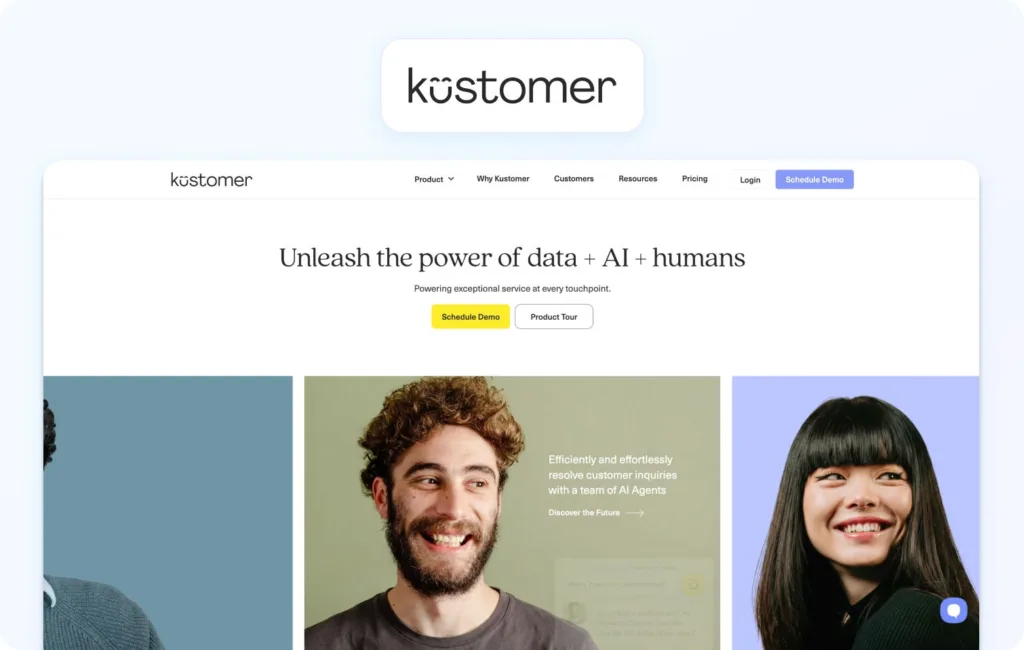
5. Kustomer
Kustomer is a CRM-based customer service solution that features timeline views displaying the complete interaction history across communication channels. It emphasizes a unified customer context for complex service journeys.
Best for: Support operations requiring a comprehensive customer view across all touchpoints.
Key features:
Customer timeline with full interaction history
Omnichannel support (email, chat, voice, SMS, social)
AI Agents for Customers: $0.60 per engaged conversation
AI Agents for Reps: $40/user/month
Pros:
A unified customer timeline provides exceptional context for support agents
Strong platform for high-touch, complex customer journeys
Omnichannel support included without add-ons
Effective for relationship-driven support models
Good workflow automation capabilities
Cons:
Higher price point than many help desk alternatives
Complex initial setup and configuration requirements
Smaller brand recognition compared to Zendesk
Limited native WFM features for larger teams
Pay-as-you-go voice/SMS costs can be unpredictable
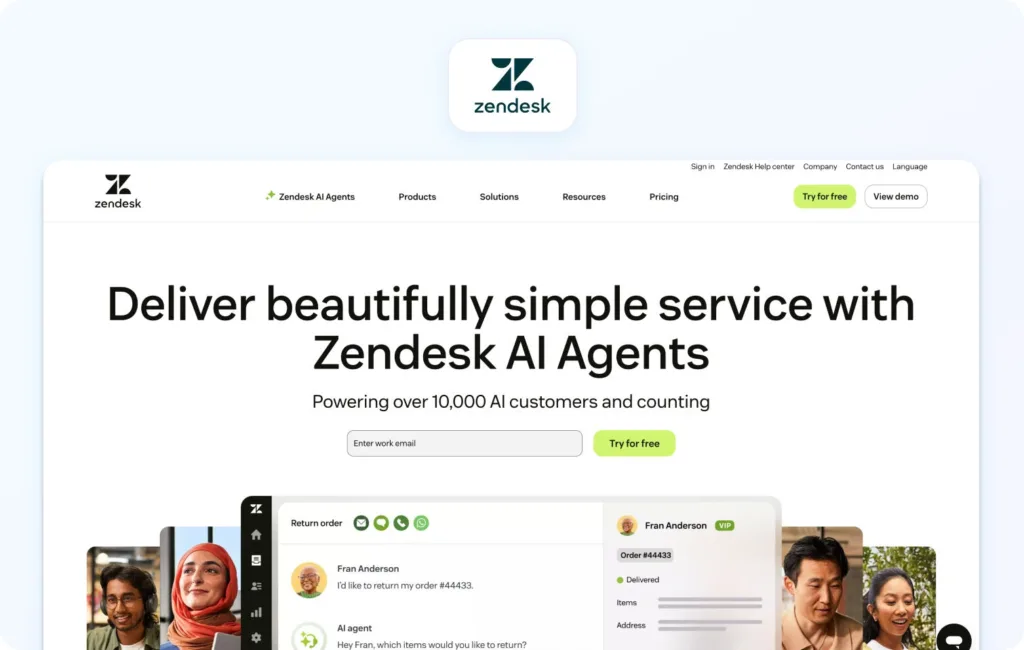
6. Zendesk
Zendesk is a cloud-based help desk platform offering AI add-ons for ticket summarization, intent detection, and chatbot automation. It covers email, chat, and voice (via third-party), but charges separately for advanced AI, WFM, and enhanced voice features.
Best for: Large organizations needing extensive reporting, marketplace integrations, and enterprise security.
Key features:
Omnichannel ticketing with macros and automation
Knowledge base with multilingual capabilities
Answer Bot (knowledge-base chatbot, text-only)
AI-powered workflow automation and routing
Zendesk Talk (voice via third-party integration)
Workforce management (add-on: $25/agent/month)
Quality assurance (add-on: $35/agent/month)
Advanced reporting tools
Marketplace with 1,200+ integrations
Pricing:
Support Team: $19/agent/month (annual) or $25/agent/month (monthly)
Suite Team: $55/agent/month (annual) or $69/agent/month (monthly)
Suite Professional: $115/agent/month (annual) or $149/agent/month (monthly)
Suite Enterprise: $169/agent/month (annual) or $219/agent/month (monthly)
Mature platform with extensive third-party integrations
Massive marketplace ecosystem (1,200+ apps)
Enterprise-grade security and compliance certifications
Familiar interface reduces training time for many teams
Strong documentation and community resources
Cons:
Total cost balloons when adding AI, WFM, and QA features
Voice is partner-dependent (not native calling)
Per-agent pricing scales poorly as support teams expand
Steep learning curve for advanced configuration
Many essential features are locked behind premium tiers
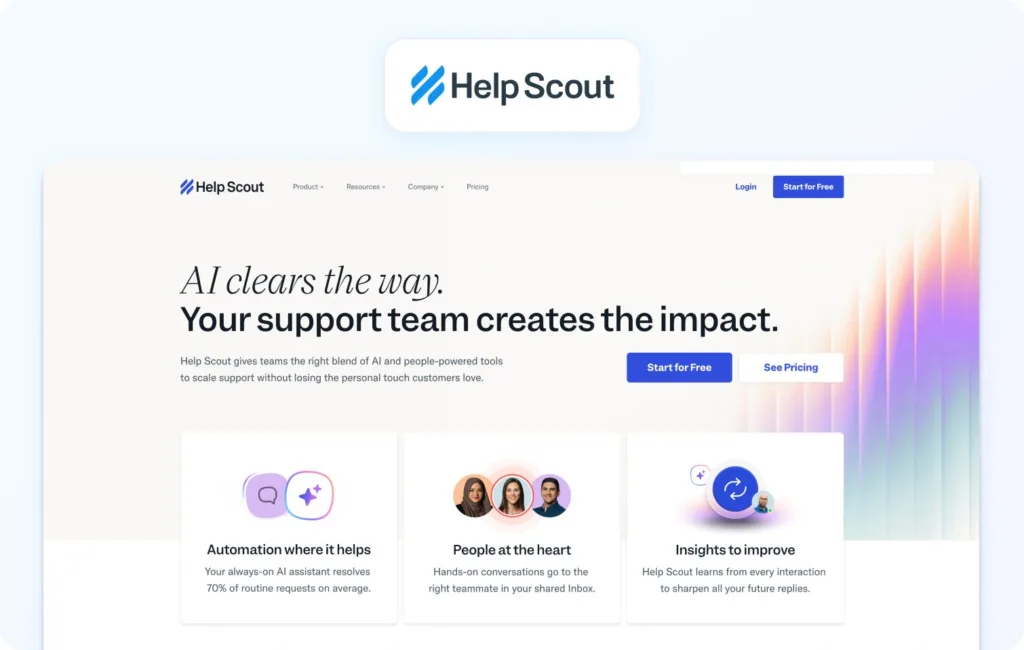
7. Help Scout
Help Scout is an email-centric help desk featuring a shared inbox, a knowledge base (Docs), and live chat (Beacon widget). It emphasizes straightforward, human-focused customer conversations.
Best for: Small teams prioritizing email support with uncomplicated workflows.
Key features:
Shared inbox for email management
Knowledge base (Docs) for customer self-service
Live chat widget (Beacon)
Customer profiles with conversation history
Collision detection prevents duplicate responses
Internal notes for team collaboration
Basic analytics and reporting
Pricing:
Free: $0 (up to 5 users, 1 inbox, 1 docs site)
Standard: $30/user/month
Plus: $54/user/month
Pro: $90/user/month
AI Answers: $0.75 per resolution
Pros:
Clean, uncluttered user interface
Strong focus on personalized, email-first customer support
Affordable for small support teams
Quick setup with minimal configuration
Good knowledge base capabilities
Cons:
No native voice or SMS support capabilities
Limited automation compared to full-featured help desk software ticket management
Basic reporting and analytics functionality
Not designed for complex, multi-channel operations
Lacks advanced routing and WFM features
8. Salesforce Service Cloud
Salesforce Service Cloud is an enterprise CRM-based customer service platform with omnichannel capabilities and AI-powered Einstein. Built for large organizations already using Salesforce products.
Best for: Enterprises leveraging Salesforce CRM needing unified customer service.
Key features:
Case management (ticketing) with omnichannel routing
Knowledge base with article management
AI Einstein for automation and predictive insights
WFM (add-on), analytics, custom dashboards
Extensive customization options
Deep Salesforce ecosystem integration
Pricing:
Starter Suite: $25/user/month
Pro Suite: $100/user/month
Enterprise: $175/user/month
Unlimited: $350/user/month
Agentforce 1 Service: $550/user/month
Pros:
Deep integration with Salesforce Sales Cloud, Marketing Cloud ecosystem
Highly customizable for enterprise-specific workflows
Enterprise-grade security features and compliance
Comprehensive CRM capabilities with unified customer data
Steep learning curve for administrators and support agents
Overkill for teams not already invested in Salesforce
Implementation often requires months and consulting services
9. Gladly
Gladly is a customer service platform built around people, not tickets. It maintains lifelong conversation threads for each customer across all customer communication channels.
Best for: Brands focused on long-term customer relationships with highly personalized service.
Key features:
Conversation-based (no traditional ticket numbers)
Omnichannel support (voice, SMS, email, live chat, social)
Customer profile with complete conversation history
Self-service capabilities
Reporting and analytics
E-commerce and CRM platform integrations
Pricing:
Custom pricing based on business requirements
Contact sales for detailed quotes
Pros:
Unique people-centric approach to customer support
Strong self-service portal for e-commerce operations
Significantly reduces support ticket volume
E-commerce-specific features and workflows
Good Shopify integration with native order management
Helps customers resolve common issues independently
Cons:
No native voice support—text channels only
Pricing can escalate with ticket volume
Limited WFM and advanced analytics
Optimized for e-commerce; less suitable for other industries
Smaller brand with limited resources
18. Jira Service Management (Atlassian)
Jira Service Management is Atlassian’s ITSM platform built on the Jira foundation, emphasizing IT service delivery, incident management, change management, and asset tracking with deep developer collaboration.
Best for: IT teams and organizations already using Atlassian products for development workflows.
Key features:
Incident, problem, change, and asset management
Service catalog and request management
Knowledge base powered by Confluence integration
Virtual Service Agent (AI chatbot for Slack/Teams)
Alerts and on-call scheduling
Multi-channel support (portal, email, chat)
Automation rules engine
ITIL-aligned workflows
Atlassian marketplace integrations (1,000+ apps)
Pricing:
Free: $0 (up to 3 agents)
Standard: $20/agent/month
Premium: $51.42/agent/month
Enterprise: Custom pricing (annual)
AI notes: Virtual Service Agent in Premium/Enterprise (1,000 assisted conversations/month), Rovo Customer Service AI $1 per resolution
Pros:
Deep integration with Jira Software and Confluence
Robust ITSM capabilities following ITIL best practices
Strong asset and configuration management
Virtual agent for Teams/Slack automation
Generous free tier for small teams
Excellent for IT-developer collaboration
Cons:
Steep learning curve compared to customer support platforms
Best suited for IT service management vs. customer support
Advanced AI features are only available in Premium/Enterprise tiers
Can feel overwhelming for non-technical support teams
19. Freshservice (Freshworks)
Freshservice is Freshworks’ ITSM platform for internal IT service delivery, with incident, change, problem, and asset management aligned with ITIL frameworks.
Best for: IT teams managing internal employee services and infrastructure operations.
Key features:
Incident, problem, and change management
Service catalog with request fulfillment
IT asset management and CMDB
Knowledge base integration
SLA management and escalations
Intelligent routing and workload management
Integration with Microsoft Teams and Slack
Project management module
Freddy AI Agent and Copilot (Enterprise only)
Pricing:
Starter: $29/agent/month (billed monthly)
Growth: $59/agent/month (billed monthly)
Pro: $119/agent/month (billed monthly)
Enterprise: Custom pricing
AI notes: Freddy AI Agent and Copilot are included only in the Enterprise tier
Pros:
Comprehensive ITSM feature set aligned with ITIL
User-friendly interface compared to legacy ITSM tools
Strong asset and configuration management
Good automation capabilities
Teams/Slack integration for service requests
Scales well for growing IT departments
Cons:
AI features are only available in the Enterprise tier
Primarily designed for internal IT vs. customer support
Can be complex for simple help desk needs
Customization requires technical expertise
Integration capabilities are less extensive than those of competitors
20. Kayako
Kayako is a customer service platform with a unified inbox and customer journey tracking.
Best for: Support teams needing straightforward multi-channel capabilities.
Key features:
Unified inbox (email, live chat, social, phone via integrations)
Customer experience journey view
Live chat widget, built-in knowledge base, automation
SLA management and reporting
Pricing:
Kayako One: $79/month (flat rate, not per-agent)
AI-resolved tickets: +$1 per resolution
Note: Single flat-price model instead of per-agent tiers
Pros:
Very affordable flat-rate pricing
Customer journey view provides context across communication channels
Easy setup with minimal training requirements
Straightforward interface without complexity
Good for small to mid-sized support teams
Cons:
Voice support requires third-party integrations (not native)
Limited advanced features and AI capabilities
Basic WFM and analytics—no native workforce management
Smaller brand with less market presence
Small integration marketplace
What to Look For in the Best Help Desk Ticket Software IT Management in 2026
Channels: Native calling, SMS/MMS, chat, email, team messaging, and video support. Verify seamless voice ↔ chat/email handoff, maintaining customer context across channel switches.
AI capabilities: Move beyond basic automated ticket routing. Evaluate call transcription, AI-powered ticket summary generation, proposed reply suggestions, real-time agent coaching, and post-call notes. Platforms with KB-grounded AI assistance (such as BlueHub’s knowledge base integration) deliver accurate, consistent, and instant answers rather than generic responses.
Knowledge base: KB-grounded assistance ensures faster, more consistent agent responses. Verify centralized knowledge base integration rather than scattered documentation across multiple systems.
Operations tools: Workforce management for forecasting and scheduling, QA modules evaluating agent performance, SLA dashboards, and advanced reporting. Help desk solutions that bundle these features (like BlueHub) significantly reduce third-party add-on costs.
Security and admin: Multi-factor authentication (MFA), audit logs, custom agent roles, and data residency controls are non-negotiable for compliance and data security.
Integrations: CRM, e-commerce platforms, marketing tools, and BI seamlessly integrate with the platform, extending platform value. Open APIs and webhooks enable custom workflows without vendor lock-in.
Key performance indicators: Track FCR, AHT, Containment Rate, Abandon Rate, Agent Concurrency, Sentiment Scores, and MOS for voice quality. Your best help desk software should provide tools for measuring and optimizing these customer support metrics.
Pricing clarity: Per-seat vs. usage-based pricing affects budgeting. Avoid platforms locking critical AI features behind expensive add-ons. Transparent pricing (like BlueTweak’s €65/agent/month with all the tools included) simplifies forecasting and prevents surprise costs.
ITSM vs. CX help desk distinction: Understand the difference between IT service management platforms (Jira Service Management, Freshservice) optimized for internal employees and IT operations versus customer experience platforms (BlueHub, Zendesk, Freshdesk) designed for external customer support. ITSM tools emphasize asset tracking, change management, and ITIL compliance. CX platforms prioritize omnichannel customer inquiries, live chat, and exceptional customer service.
How We Evaluated These Help Desk Ticket Management Solutions
We reviewed public vendor documentation, pricing pages, official help centers, trust pages, and marketplace listings for each platform. Features were verified against vendor websites and cross-referenced with published case studies.
Pricing information comes from publicly available pages as of January 2026. Custom pricing tiers note: “Contact sales” for verification.
Pros and cons derive from documented features, user feedback on verified review platforms, and evidence from public sources.
This evaluation relies on publicly available information. Pricing, features, and capabilities may change. Always verify details directly with vendors before final decisions.
Must-Have Capability Checklist
Voice + messaging with help desk handoff
KB-grounded answers or strong knowledge base integrations
AI for call transcription, summarization, and proposed reply
BlueHub meets all criteria with transparent pricing of €65/agent/month.
Scoring Rubric
Evaluate each platform on these dimensions:
Fit for 20-100 agents: Scales without high cost or complexity
Voice/omnichannel depth: Native calling, SMS, chat, email, social with seamless handoffs
AI coverage: Agent assist (suggested replies, summarization) + KB grounding
WFM/QA: Built-in workforce management and quality assurance
Time-to-value: Implementation speed and ROI timeline
Total cost to operate (TCO): Per-agent pricing, usage fees, add-on costs
Security & control: Roles, audit logs, MFA, data residency
Conclusion
Apply the rubric above to finalize your shortlist: map each tool by channels, AI depth, and ops capabilities, then validate security/admin and integrations. Keep KPI impact front of mind. Platforms that improve FCR, AHT, Containment, and Sentiment directly affect your bottom line and your team’s performance.
When to shortlist BlueTweak: You want omnichannel support (chat, voice, email) with KB-grounded AI and built-in analytics/WFM in one unified platform. For mid-market teams (20-100 agents) managing customer inquiries across multiple channels, BlueTweak delivers measurable ROI without tool sprawl or surprise costs. The platform empowers customers with self-service options while giving support agents all the tools needed to efficiently manage tickets and resolve issues faster.
Request a demo to see how BlueTweak handles voice, chat, and email with AI-powered assistance and built-in workforce management.
Frequently Asked Questions
What is the difference between ITSM and help desk software?
ITSM platforms focus on internal IT operations, including asset tracking, change management, and ITIL compliance, to support internal employees. Help desk software emphasizes external customer support with omnichannel ticketing, live chat, and customer-facing service delivery.
What is help desk ticket management software?
Help desk ticket management software centralizes customer requests and support tickets from voice, email, chat, and social into a single system. It automates routing, tracks progress to resolution, and provides analytics that measure efficiency and customer satisfaction. BlueTweak delivers this as a unified platform with omnichannel ticketing, AI assistance, and built-in workforce management so teams work from one place.
Do I need a native voice in my help desk solution?
If your customers expect phone support or your agents handle complex, real-time conversations, native voice is essential. Relying on third-party voice integrations fragments context and complicates workflows, potentially lowering service quality and increasing follow-up volume. BlueTweak includes native and multilingual voicebot capabilities that retain the full history and context in a single platform.
What pricing model is better: per-agent or per-ticket?
Per-agent pricing charges fixed monthly fees per user, providing predictable budgeting. Per-ticket or conversation-based pricing charges by volume, leading to unpredictable costs with usage spikes. Per-agent models typically offer better cost control for growing support operations.
As Head of Digital Transformation, Radu looks over multiple departments across the company, providing visibility over what happens in product, and what are the needs of customers. With more than 8 years in the Technology era, and part of BlueTweak since the beginning, Radu shifted from a developer (addressing end-customer needs) to a more business oriented role, to have an influence and touch base with people who use the actual technology.