



TL;DR
Customer interaction software helps businesses centralize conversations, strengthen customer relationships, and deliver better customer support across every channel. In 2026, the top platforms go beyond basic ticketing or customer relationship management (CRM); they combine AI agents, automation, and unified inboxes to streamline processes, surface insights, and help teams scale without adding complexity. BlueTweak leads our list thanks to its unified omnichannel platform, native AI, and transparent pricing. Whether you're a small business looking to manage email and social media conversations, or an enterprise aiming to automate processes and improve efficiency, the right tool can help you engage new customers, retain existing ones, and ultimately drive sales.
Every customer interaction shapes the relationship with your brand, yet many businesses still rely on separate systems for email, phone calls, live chat, and social media messages. The result is fragmented customer information, slower responses, inconsistent service quality, and frustrated support agents.
Modern customer interaction software solves this by bringing every conversation into a professional customer platform where teams can manage customer support inquiries, automate repetitive work, and gain customer insights from every interaction. Solutions like BlueTweak go even further by combining omnichannel communications, AI-powered automation, and seamless integration with your existing systems, helping teams boost agent productivity while delivering faster, more consistent service.
In this guide, we've compared the best customer interaction software platforms for 2026 to help you find the right solution for your team, whether you're running a growing support desk or a complex contact center software environment.
The Best Customer Interaction Software Platforms at a Glance
If you're short on time, here's a quick comparison of the leading customer interaction software platforms for 2026. These are our top recommendations based on AI capabilities, omnichannel support, pricing transparency, scalability, and overall customer experience. Below, you'll find detailed reviews of all 24 platforms, along with buying advice to help you choose the right solution for your team.
If you need AI-powered omnichannel support, built-in workforce management, quality assurance, and transparent pricing in a single platform, BlueTweak is our Editor's Choice for support-led teams.
Start your free 14-day trial (no credit card required) or book a personalized demo to see how it fits your customer service workflows.
The 24 Best Customer Interaction Software Platforms for 2026
Most teams searching for software to track customer interactions want clarity. But currently, that's exactly what the market lacks. The category itself is crowded, but poorly defined. Some platforms position themselves as help desks, others as CRMs, and others as full contact center solutions; yet all claim to manage customer interactions.
This leaves us with a situation in which buyers end up comparing tools that solve fundamentally different problems, often leading to mismatched implementations and costly re-platforming down the line.
That's why this guide focuses specifically on customer interaction software; platforms designed to manage real-time, multichannel conversations in a unified workspace, not just store data or resolve tickets.
This list is based on public documentation, pricing pages, and published case studies reviewed in Q2 2026. Tools are grouped by category to help you self-qualify faster, depending on whether you're running a contact center, a support-led team, or a product-led growth motion. Some platforms span multiple categories, but are placed where their primary strength lies.
Pricing is listed as “Varies by plan / Verify” where needed, as packaging and AI capabilities in particular are changing rapidly across vendors.
1) BlueTweak: Best for Unified AI-Powered Customer Support

What it is: BlueTweak is a unified customer interaction management software built to centralize conversations, automate workflows, and surface real-time insights across every customer touchpoint.
Best for: Support-led teams that need a single source of truth across voice, chat, email, and social, without stitching together multiple tools.
Key features:
- True unified inbox with cross-channel conversation threading
- Native AI software for customer interaction insights (intent detection, sentiment, summaries)
- Real-time routing with skill-based logic
- Deep interaction-level reporting (CSAT, FCR, AHT, sentiment)
- Seamless CRM and data integrations
"Customer interaction software shouldn't just record conversations; it should help teams understand them. When every customer inquiry, phone call, and social message lives in a single workspace, AI can surface patterns, automate repetitive work, and give agents the context they need to resolve issues faster while improving the overall customer experience." Radu Dumitrescu, Head of Presale & Digital Transformation at BlueTweak
Channels supported: Voice, email, live chat, SMS, WhatsApp, social platforms.
Pricing: Transparent pricing starting at €65/agent/month all-in (ticketing, omnichannel, AI chatbot, AI voicebot, copilot tools, WFM, QA, analytics, integrations).
Pros:
- Built for interaction-first workflows (not retrofitted ticketing)
- Native AI, not bolted on
- Strong reporting depth
Cons:
- Requires onboarding for full customization
- Not a lightweight tool for small teams
Case Study Snapshot: A strong example of this in practice comes from BlueTweak's work with a fast-scaling e-commerce company, which was struggling to manage rising support volumes and a growing backlog of repetitive queries. After implementing BlueTweak's customer interaction software, the business unified its email and chat channels into a single interaction timeline and introduced AI-powered automation to handle standardized requests.
Within six months, the company achieved a 45% increase in ticket deflection, a 30% reduction in interaction handling time, and a 45% improvement in overall support team efficiency, all while improving customer satisfaction through faster, more consistent responses. This case highlights the tangible impact of moving from fragmented tools to a unified, AI-driven interaction model.
If you're looking for a professional customer platform that brings together voice, email, chat, social media, AI automation, and reporting in one place, BlueTweak is built to help your team deliver faster, more consistent customer experiences.
Book a personalized demo to see how BlueTweak can streamline your customer service workflows and boost agent productivity.
Omnichannel Contact Centre Platforms
Omnichannel contact centre platforms sit at the operational core of modern customer support organisations. Unlike help desk tools, which organise interactions into tickets, or live chat tools, which focus on real-time engagement, these platforms are designed to orchestrate customer interactions across every channel in a unified environment.
They combine voice infrastructure, digital messaging, routing logic, and agent tooling into a single system. The focus should be on coordinating how interactions flow in real-time, balancing workload, routing based on skill or intent, and maintaining continuity as customers move between channels.
This makes them particularly suited to larger or fast-scaling teams where support is no longer a linear queue, but a dynamic, multichannel operation. For teams evaluating customer interaction software, this category represents the shift from managing conversations to managing the entire system of interaction delivery.
2) Gladly
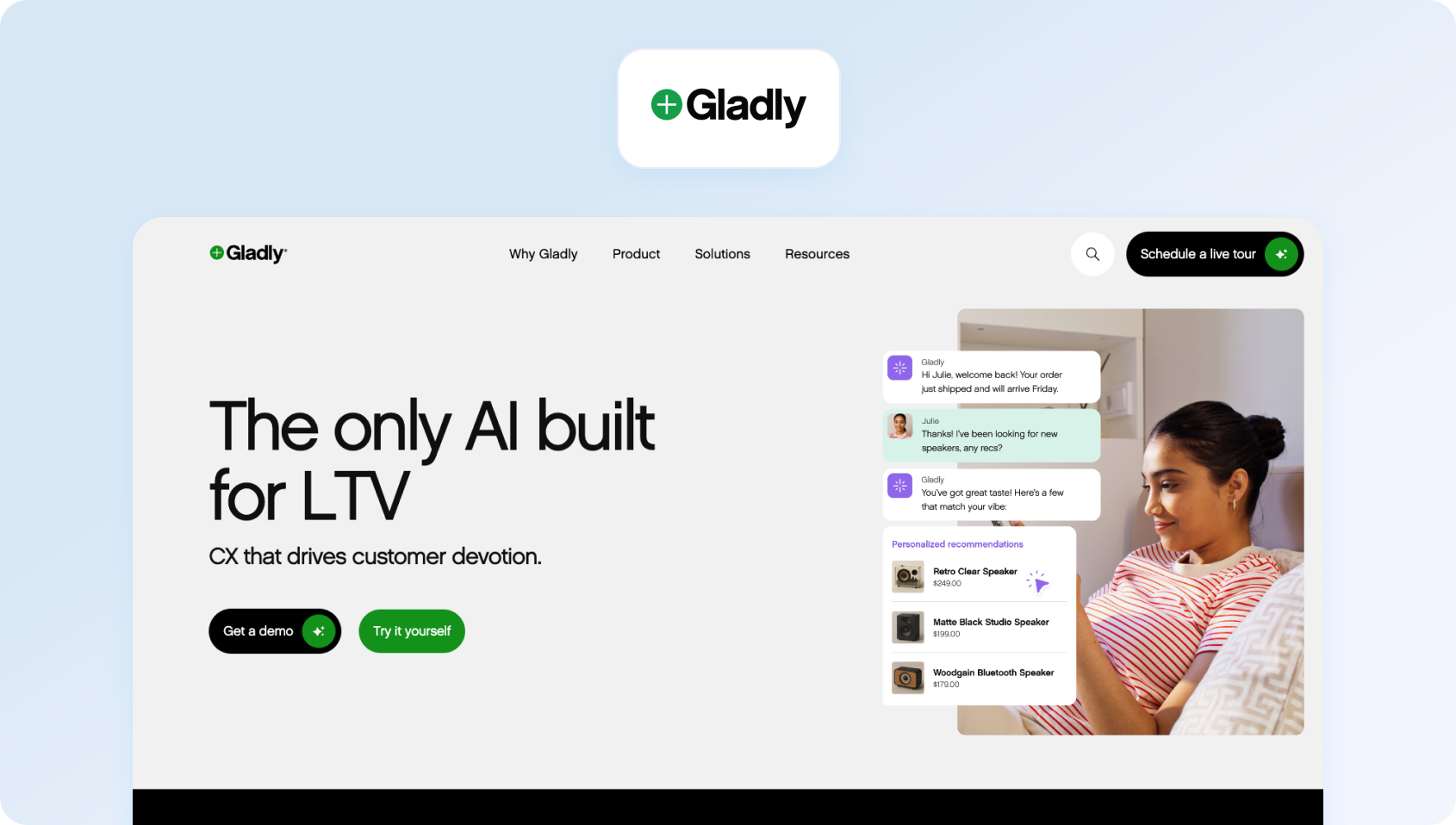
What it is: Gladly is a customer-centric customer interaction management software that organizes conversations around people rather than tickets, giving agents a continuous view of each customer's journey.
Best for: Retail and ecommerce brands prioritizing personalized, relationship-driven support.
Key features:
- Customer timeline view across all interactions
- Unified inbox with conversation continuity
- Native voice integration with digital channels
- Built-in self-service and knowledge base tools
- Reporting focused on customer lifetime interactions
Channels supported: Voice, email, chat, SMS, social messaging.
Pricing: Custom pricing, verify with vendor for details.
Pros:
- Strong customer context and history visibility
- Designed around long-term relationships, not tickets
- Clean, intuitive agent experience
Cons:
- Less flexible for complex workflows
- Limited customization compared to enterprise tools
3) Dixa

What it is: Dixa is a cloud-based multichannel customer interaction software platform focused on simplifying customer service operations through automation and intelligent routing.
Best for: Scaling support teams that need fast deployment and operational efficiency.
Key features:
- Unified agent workspace across channels
- Intelligent routing and queue management
- Real-time dashboards and performance analytics
- Workforce engagement tools
- AI-powered automation for repetitive tasks
Channels supported: Voice, email, chat, and messaging apps.
Pricing: Tiered plans starting at $89 per agent, per month. Verify for details.
Pros:
- Quick time-to-value
- Strong routing and queue logic
- Easy to onboard teams
Cons:
- Reporting depth can be limited
- AI capabilities less advanced than top-tier platforms
4) Kustomer

What it is: Kustomer is a CRM-driven customer interaction software platform that unifies conversations, workflows, and customer data into a single timeline.
Best for: High-volume, digital-first support teams needing automation at scale.
Key features:
- Unified customer timeline with interaction history
- Workflow automation and AI-powered routing
- Customizable data model for customer records
- Omnichannel messaging and case management
- Integrated reporting and analytics
Channels supported: Chat, email, social, messaging platforms
Pricing: Custom pricing, verify for details.
Pros:
- Deep customization capabilities
- Strong automation engine
- Tight integration with customer data
Cons:
- Steeper implementation curve
- Requires technical resources for full value
5) Sprinklr

What it is: Sprinklr is an enterprise-grade customer interaction management software platform that combines customer service, social engagement, and AI-driven insights.
Best for: Large enterprises managing global, high-volume customer interactions.
Key features:
- AI-powered interaction insights and sentiment analysis
- Unified platform for customer service and social listening
- Advanced workflow automation and routing
- Enterprise reporting and analytics
- Extensive integration ecosystem
Channels supported: Voice, email, chat, social, messaging platforms
Pricing: Custom pricing, verify with vendor.
Pros:
- Extremely powerful analytics and AI
- Broad channel coverage
- Scales globally
Cons:
- High cost of ownership
- Complex implementation and management
6) Richpanel
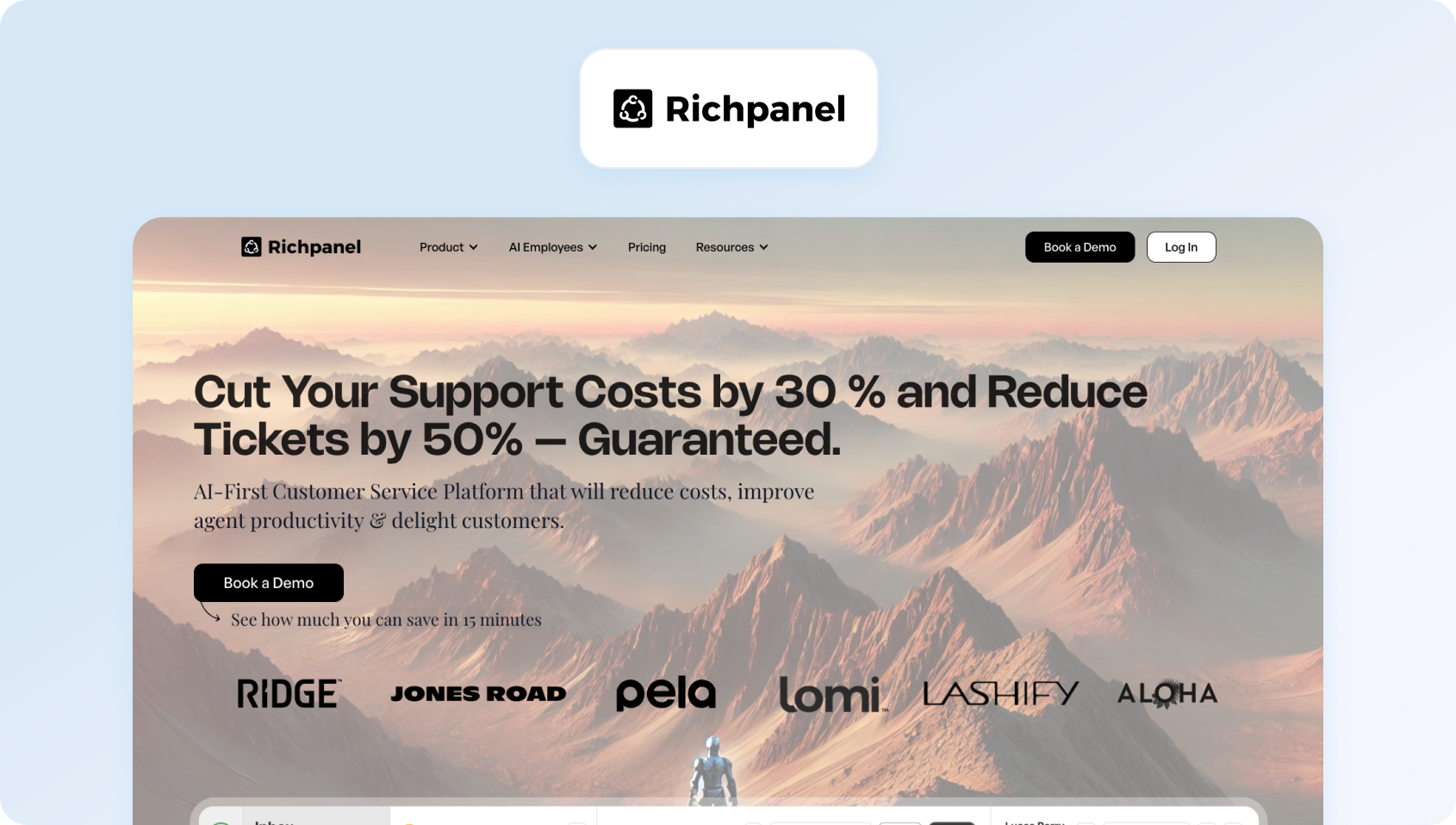
What it is: Richpanel is a customer support platform designed specifically for e-commerce brands, combining software to track customer interactions with order and customer data.
Best for: E-commerce teams needing fast, contextual support tied to transactions.
Key features:
- Unified inbox with order data integration
- Self-service portal and automation workflows
- Customer timeline with purchase history
- AI-powered response suggestions
- E-commerce-focused reporting
Channels supported: Email, chat, social messaging.
Pricing: Tiered pricing starting at $69 per agent per month. Verify for details.
Pros:
- Built for ecommerce workflows
- Strong self-service capabilities
- Reduces ticket volume effectively
Cons:
- Limited beyond e-commerce use cases
- Less suitable for voice-heavy teams
Help Desk and Ticketing Platforms
While omnichannel contact centre platforms focus on real-time, conversation-led support, help desk and ticketing platforms take a more structured, asynchronous approach.
These tools organise incoming requests into tickets, making them easier to prioritise, assign, and resolve against defined SLAs. This makes them effective for teams handling predictable volumes of support queries (such as technical issues or account requests) where consistency and process matter more than immediacy.
However, because interactions are broken into discrete tickets rather than continuous conversations, context can become fragmented, especially across channels. For teams evaluating software to track customer interactions, help desks offer strong operational control, but may fall short where seamless, multichannel interaction management is required.
7) Zendesk
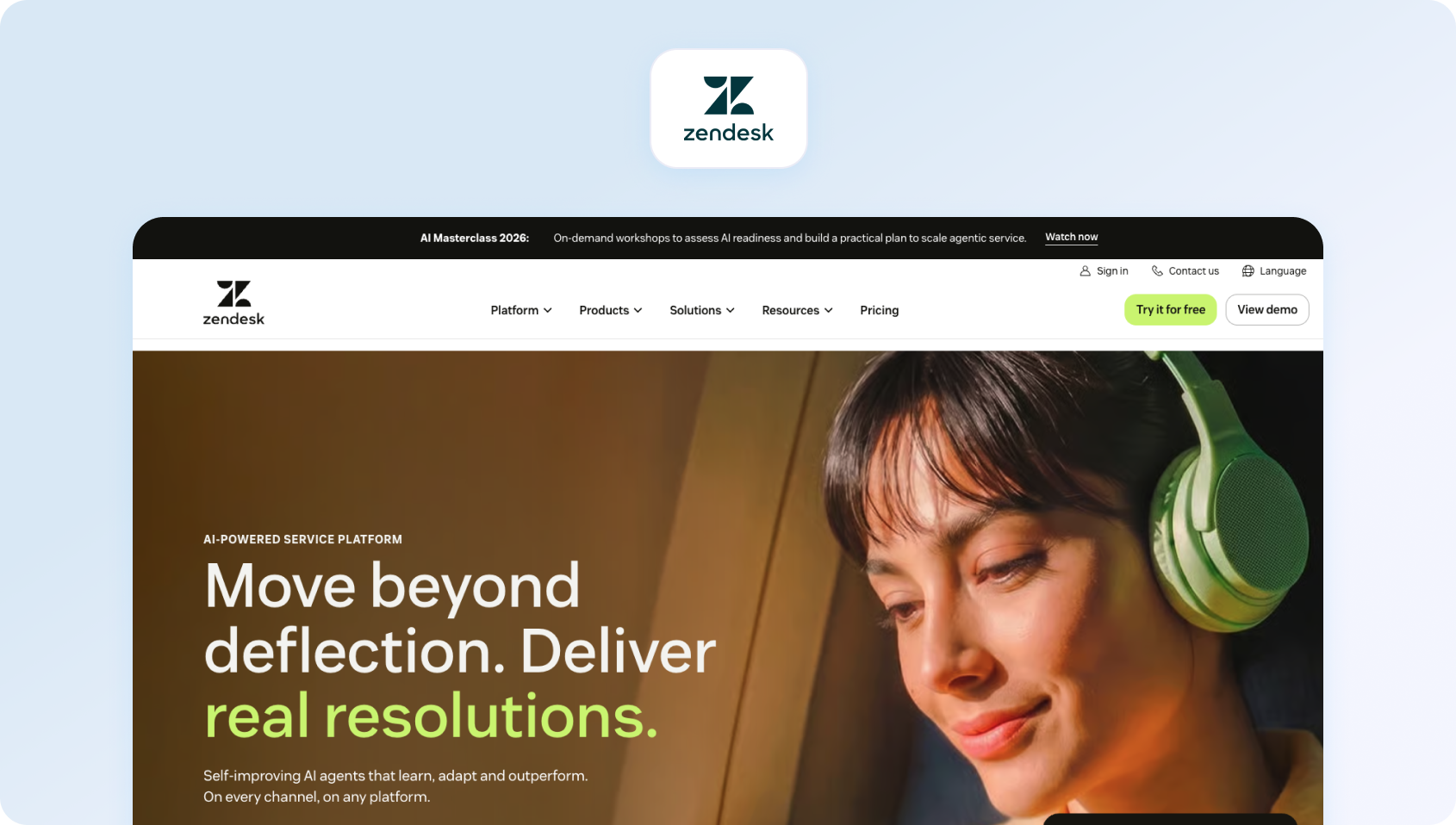
What it is: Zendesk is a widely adopted customer interaction management software platform built around ticketing, automation, and scalable support operations.
Best for: Mid-market to enterprise teams managing large support volumes.
Key features:
- Advanced ticketing and workflow automation
- Omnichannel support capabilities
- AI-powered bots and a knowledge base
- SLA management and reporting
- Extensive app marketplace
Channels supported: Email, chat, voice, social messaging.
Pricing: Custom pricing, verify with vendor for details.
Pros:
- Highly scalable
- Mature ecosystem and integrations
- Strong reporting capabilities
Cons:
- Costs increase significantly at scale
- Can feel complex for smaller teams
8) Freshdesk
What it is: Freshdesk is a modern customer interaction software platform focused on simplifying ticket-based support with automation and AI.
Best for: SMBs and mid-market teams looking for affordability and flexibility.
Key features:
- Ticketing system with automation rules
- Freddy AI for insights and suggestions
- Omnichannel support capabilities
- SLA tracking and reporting
- Self-service portals
Channels supported: Email, chat, phone, social
Pricing: Tiered pricing plans available, verify for details.
Pros:
- Strong value for money
- Easy to scale gradually
- Built-in AI capabilities
Cons:
- UI can become cluttered
- Reporting less customizable than enterprise tools
9) Zoho Desk

What it is: Zoho Desk is an affordable customer interaction management software platform with ticketing, automation, and AI capabilities built into the Zoho ecosystem.
Best for: Budget-conscious teams already using Zoho products.
Key features:
- Ticketing with workflow automation
- Zia AI assistant for insights
- Omnichannel inbox
- SLA management and reporting
- CRM integration with Zoho
Channels supported: Email, chat, social, phone (via integrations)
Pricing: Low-cost tiered plans available with a free trial. Verify for details.
Pros:
- Cost-effective
- Strong integration with the Zoho suite
- Good entry-level AI features
Cons:
- Limited scalability for large teams
- Less polished UX
10) Help Scout
What it is: Help Scout is a lightweight customer interaction software platform focused on shared inbox collaboration and simple support workflows.
Best for: Small to mid-sized teams prioritizing simplicity and ease of use.
Key features:
- Shared inbox with conversation history
- Knowledge base and self-service tools
- Basic automation and tagging
- Customer profiles and context
- Reporting dashboards
Channels supported: Email, chat
Pricing: Free and paid pricing plans available; verify for details.
Pros:
- Clean, intuitive interface
- Fast onboarding
- Strong for email-first support
Cons:
- Limited omnichannel capabilities
- Not built for complex operations
11) Hiver
What it is: Hiver is a Gmail-native software to track customer interactions that turns email into a collaborative help desk.
Best for: Teams operating entirely within Google Workspace.
Key features:
- Shared inbox within Gmail
- Email assignment and tagging
- Automation and SLA tracking
- Collision detection
- Analytics and reporting
Channels supported: Email
Pricing: Free and paid plans available. Verify with the vendor for details.
Pros:
- No platform switching
- Easy to adopt
- Minimal setup
Cons:
- Limited to email workflows
- Lacks omnichannel support
12) Gorgias
What it is: Gorgias is an e-commerce-focused customer interaction management software platform that connects support directly with store data.
Best for: Shopify and ecommerce brands handling high support volumes.
Key features:
- Unified inbox with order data
- Automation rules and macros
- Revenue attribution reporting
- Customer profiles with purchase history
- AI-driven suggestions
Channels supported: Email, chat, social messaging
Pricing: Usage-based, tiered pricing plans; verify for details.
Pros:
- Deep ecommerce integrations
- Strong automation
- Revenue-focused reporting
Cons:
- Pricing scales with usage
- Limited outside ecommerce
13) LiveAgent

What it is: LiveAgent is a hybrid multichannel customer interaction software combining ticketing, live chat, and call center features.
Best for: SMBs needing an all-in-one support solution.
Key features:
- Ticketing system with automation
- Built-in live chat and call center
- Knowledge base tools
- Reporting dashboards
- Gamification for agents
Channels supported: Email, chat, voice, social
Pricing: Tiered plans available, verify for details.
Pros:
- Broad feature set
- Affordable pricing
- Quick setup
Cons:
- UI feels dated
- Limited AI capabilities
14) Re:amaze
What it is: Re:amaze is a customer messaging and customer interaction management software platform designed for e-commerce and product-led teams that want to centralize conversations across storefronts, apps, and social channels.
Best for: DTC and ecommerce brands that need a unified view of customer conversations tied to orders and purchases.
Key features:
- Unified inbox for all customer conversations
- Deep ecommerce integrations (order, shipping, refund context)
- Automated messaging workflows and triggers
- Chatbots for pre-sale and support deflection
- Team collaboration and internal notes
Channels supported: Email, live chat, social messaging, SMS, push notifications
Pricing: Custom pricing, verify with vendor for details.
Pros:
- Strong e-commerce-native capabilities
- Excellent contextual data per interaction
- Flexible automation rules
Cons:
- Less suitable for enterprise contact centres
- Reporting depth is limited compared to larger platforms
15) Groove
What it is: Groove is a lightweight software to track customer interactions built around shared inbox functionality and simple support workflows for small teams.
Best for: Startups and early-stage teams that want a simple, low-friction support tool without operational complexity.
Key features:
- Shared inbox for team collaboration
- Basic automation and routing rules
- Knowledge base for self-service
- Customer profiles with interaction history
- Simple reporting dashboard
Channels supported: Email, chat (via integrations)
Pricing: Tiered pricing, verify for details.
Pros:
- Extremely easy to set up
- Clean, minimal interface
- Good for email-first support teams
Cons:
- Limited omnichannel capabilities
- Not designed for scaling beyond basic workflows
16) Kayako
What it is: Kayako is a traditional customer interaction software platform focused on ticketing and conversation history, designed to help teams manage structured support workflows.
Best for: Small to mid-sized teams looking for a straightforward help desk alternative.
Key features:
- Unified conversation timeline per customer
- Ticketing and SLA management
- Internal collaboration tools
- Self-service knowledge base
- Basic automation rules
Channels supported: Email, live chat
Pricing: Usage-based pricing, verify for details.
Pros:
- Simple and familiar structure
- Good for structured support processes
- Easy onboarding
Cons:
- Limited innovation in AI and automation
- Smaller ecosystem compared to competitors
17) Front
What it is: Front is a collaborative customer interaction management software platform that blends shared inbox functionality with CRM-like visibility and workflow automation.
Best for: Teams that need cross-functional collaboration between support, sales, and account management.
Key features:
- Shared inbox across teams and departments
- Internal comments and collision detection
- Workflow automation and routing rules
- Customer context and conversation history
- Analytics and reporting dashboards
Channels supported: Email, SMS, social, chat (via integrations)
Pricing: Custom pricing with free demo available, verify for details.
Pros:
- Strong collaboration capabilities across teams
- Flexible workflows beyond support use cases
- Clean, modern interface
Cons:
- Can become complex at scale
- Requires a disciplined workflow setup
Live Chat and Messaging Platforms
Where help desk systems are built around structure, live chat and messaging platforms are designed for immediacy. These tools prioritise real-time engagement, enabling businesses to respond instantly within websites, apps, or messaging channels. Rather than queueing interactions as tickets, they treat each exchange as part of an ongoing conversation that can be resolved, escalated, or handed off quickly.
This makes them particularly effective in high-traffic digital environments where speed impacts conversion and satisfaction, such as SaaS onboarding or ecommerce journeys. However, they are not typically designed to manage the full lifecycle of customer interactions, often relying on integrations with help desk or CRM systems for continuity.
18) Intercom

What it is: Intercom is a leading multichannel customer interaction software platform focused on real-time messaging, customer engagement, and AI-powered automation across the customer lifecycle.
Best for: Product-led SaaS companies and digital-first businesses optimizing onboarding and support.
Key features:
- Real-time chat and in-app messaging
- AI-powered chatbot and support automation
- Lifecycle messaging and targeting
- Help centre and self-service tools
- Advanced segmentation and triggers
Channels supported: In-app chat, email, messaging channels
Pricing: Tiered pricing with usage-based components. Verify for details.
Pros:
- Best-in-class conversational UX
- Strong automation and AI capabilities
- Excellent for product-led journeys
Cons:
- Pricing can scale quickly
- Requires careful configuration to avoid complexity
19) Tidio

What it is: Tidio is a lightweight live chat and software to track customer interactions, designed for SMBs looking to add real-time support and chatbot automation.
Best for: Small ecommerce and service businesses.
Key features:
- Live chat widget for websites
- AI chatbot builder (no-code)
- Visitor tracking and behaviour triggers
- Basic CRM-style contact profiles
- Email and chat integration
Channels supported: Live chat, email, Messenger
Pricing: Tiered pricing plans available, verify for details.
Pros:
- Very fast setup
- Affordable entry point
- Strong chatbot capabilities for SMBs
Cons:
- Limited depth for complex support operations
- Reporting is relatively basic
20) Crisp

What it is: Crisp is a modern customer interaction management software platform combining live chat, shared inbox, and lightweight CRM features in a single workspace.
Best for: Startups and SMBs wanting an all-in-one messaging layer.
Key features:
- Unified inbox for all conversations
- Live chat and chatbot automation
- Knowledge base and help centre
- Customer data enrichment
- Internal team chat tools
Channels supported: Chat, email, social messaging
Pricing: Free and paid plans available; verify for details.
Pros:
- Strong all-in-one positioning
- Clean, intuitive UX
- Good balance of chat and support tools
Cons:
- Limited enterprise scalability
- AI depth is less advanced than the leaders
21) Olark

What it is: Olark is a focused live chat customer interaction software tool designed for simplicity and direct customer engagement.
Best for: Teams that want basic, reliable live chat without complexity.
Key features:
- Real-time chat widget
- Visitor insights and tracking
- Chat transcripts and history
- Basic automation rules
- Integrations with CRM and help desks
Channels supported: Live chat
Pricing: Pricing plans starting at $29 per month, verify for details.
Pros:
- Extremely simple to use
- Lightweight and stable
- Quick implementation
Cons:
- No omnichannel capabilities
- Limited AI and automation features
22) Drift (Salesloft)

What it is: Drift, now a part of Salesloft, is a conversational marketing and customer interaction software platform focused on turning website traffic into qualified conversations.
Best for: B2B SaaS companies focused on pipeline generation and conversion.
Key features:
- Conversational chatbots for lead qualification
- Real-time chat with sales routing
- Account-based targeting
- Meeting scheduling automation
- Revenue attribution reporting
Channels supported: Website chat, email
Pricing: Custom pricing, verify for details.
Pros:
- Strong revenue and sales alignment
- Excellent for conversion-focused journeys
- Powerful targeting capabilities
Cons:
- Less suited for post-sale support depth
- High cost at the enterprise level
CRM-Native Platforms
CRM-native platforms take a different approach by anchoring customer interactions directly to the customer record. In this model, every interaction (across sales, service, and marketing) is stored within a unified profile. This creates a strong link between support activity and commercial context, helping teams understand not just what a customer is asking, but how their relationship with the business is evolving.
This is particularly valuable for sales-led or account-managed organisations, where support is closely tied to retention and revenue. However, because the CRM is the system of record first and the interaction layer second, these platforms can be less flexible for real-time, high-volume interaction handling.
For teams comparing the best software to manage customer interactions, the key distinction is whether the priority is relationship intelligence (CRM-first) or interaction orchestration (conversation-first).
23) Salesforce Service Cloud
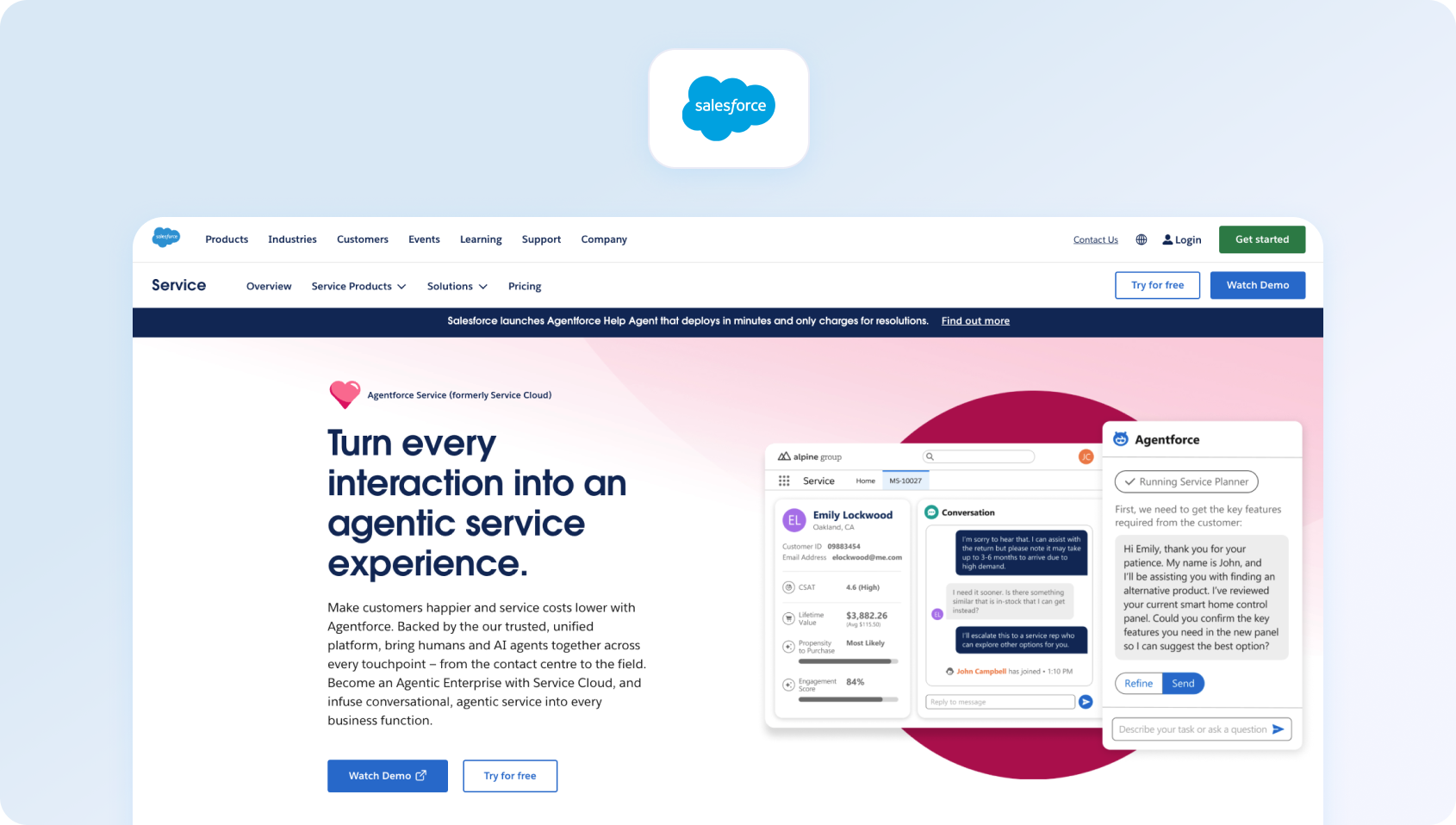
What it is: Salesforce Service Cloud is an enterprise-grade customer interaction management software platform built on Salesforce CRM, designed to connect service, sales, and customer data into a single ecosystem.
Best for: Large enterprises needing deep integration between support and customer lifecycle data.
Key features:
- Case management and automation workflows
- AI-powered routing and agent assistance
- Omnichannel engagement across service channels
- Deep CRM data integration
- Advanced reporting and analytics
Channels supported: Email, chat, voice, social messaging
Pricing: Free and paid plans available; verify for details.
Pros:
- Extremely powerful and scalable
- Deep integration with the Salesforce ecosystem
- Strong AI and automation capabilities
Cons:
- High complexity and implementation cost
- Requires dedicated administration
24) HubSpot Service Hub

What it is: HubSpot Service Hub is a CRM-native customer interaction software platform that extends HubSpot's ecosystem into support and service workflows.
Best for: SMBs and mid-market teams already using HubSpot CRM.
Key features:
- Ticketing system integrated with CRM records
- Conversational inbox and live chat
- Automation and workflow builder
- Customer feedback and NPS tools
- Reporting dashboards across the lifecycle
Channels supported: Email, chat, forms, messaging
Pricing: Free and paid plans available, tiered within the HubSpot ecosystem. Verify for details.
Pros:
- Seamless CRM integration
- Easy to adopt and scale
- Strong lifecycle visibility
Cons:
- Less powerful than enterprise-native support tools
- Advanced features locked in higher tiers
What Is Customer Interaction Software?
Customer interaction software is a platform that centralizes and manages customer conversations across multiple channels in a single, unified workspace. Despite the name, it's often confused with adjacent tools.
This distinction matters; many teams buy a help desk expecting omnichannel capability and end up having to stitch together tools.
According to PwC's Future of Customer Experience report, 32% of customers will stop doing business with a brand they love after just one bad experience, highlighting the cost of fragmented customer interactions and their impact on customer retention rates.
What to Look For in Customer Interaction Software
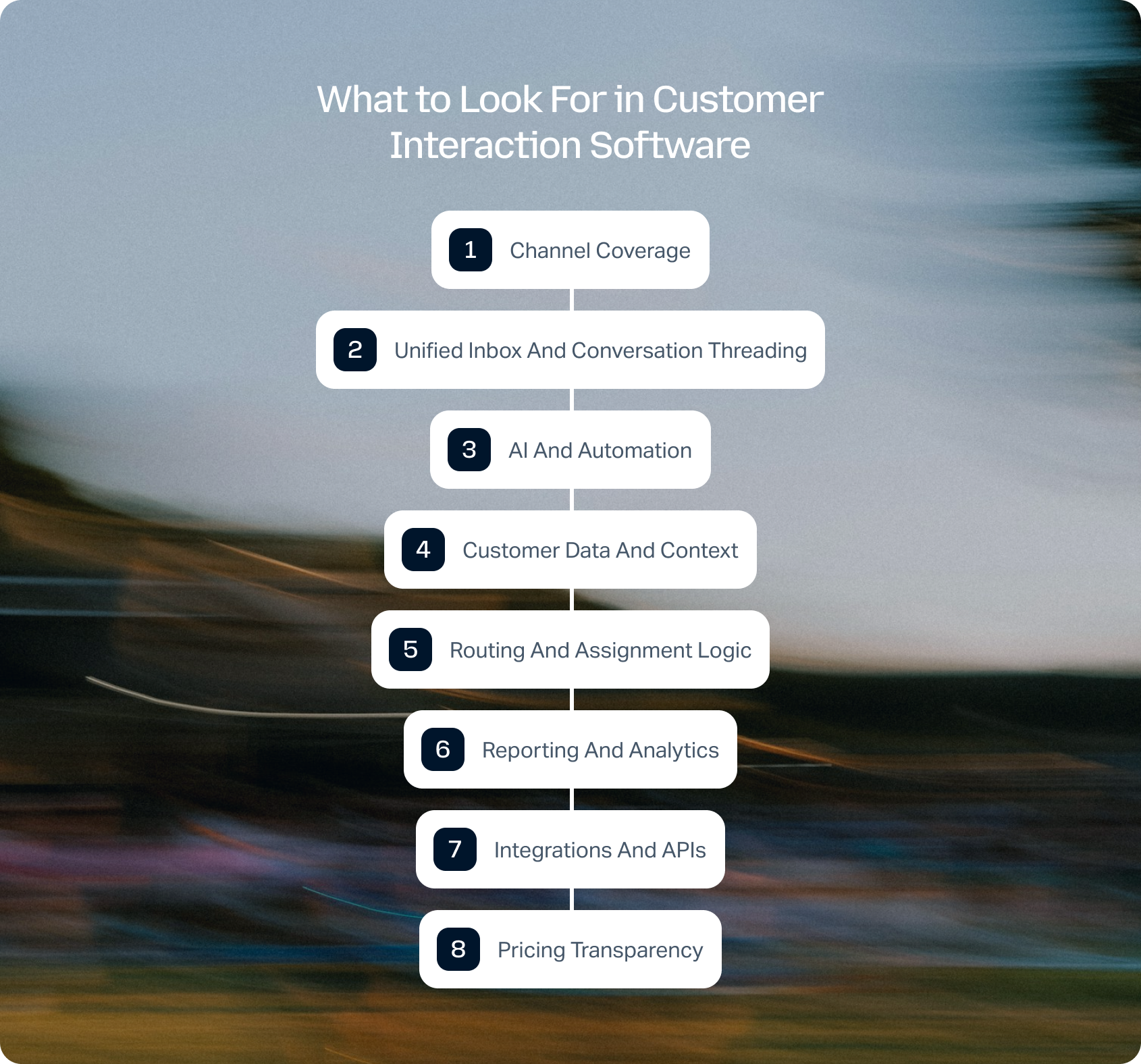
Choosing the best software to manage customer interactions requires more than comparing feature lists. The real differentiator lies in how well a platform can unify conversations, surface context, and scale with your support operation.
Channel coverage
Modern support spans voice, email, chat, SMS, and social. Gaps in native coverage create fragmented experiences, forcing agents to switch between tools and increasing the risk of missed context. Prioritize platforms that support your core channels natively, rather than relying heavily on third-party integrations that can introduce latency or data inconsistencies.
Unified inbox and conversation threading
All interactions should live in one place with a full history and no duplication. A true unified inbox won't just aggregate messages; it will connect them into a single, continuous conversation, regardless of channel. This ensures agents always have the full context and reduces the likelihood of customers needing to repeat themselves.
AI and automation
Look for AI software for customer interaction insights that includes:
- Suggested replies
- Intent detection
- Sentiment analysis
- Automated summaries
Beyond feature availability, the key distinction is whether AI is embedded into the core workflow or added as an afterthought, as many teams discover when navigating AI customer service implementation challenges. Native AI can significantly reduce handling time, improve consistency, and unlock insights that would otherwise be missed in high-volume environments.
Customer data and context
Agents should see the full customer story without switching tools. This includes past interactions, purchase history, account status, and any relevant CRM data. Without this context, even the fastest response can feel disconnected, leading to repetitive and frustrating customer experiences.
Routing and assignment logic
Critical for teams above 10 agents, especially for skill-based routing. Effective routing ensures that interactions are assigned based on agent expertise, availability, and workload, rather than simple queue order. This improves resolution times as well as reduces internal friction and escalations.
Reporting and analytics
Metrics like Customer Satisfaction (CSAT) and First Call Resolution (FCR) should be tracked at the interaction level, not just tickets. High-quality platforms go further, offering real-time dashboards and historical insights that help teams identify trends, optimize workflows, and continuously improve performance across channels.
Integrations and APIs
Your interaction data should enrich your entire tech stack, not sit in a silo. Strong integration capabilities ensure that customer interactions feed into CRM, BI, and operational systems, enabling better decision-making and a more connected customer experience.
Pricing transparency
Understand what's included vs. add-ons, especially when it comes to AI capabilities and support. Many platforms advertise advanced capabilities that are only available in higher tiers or as paid extras, which can significantly impact the total cost of ownership as your team scales.
According to PwC's Future of Customer Experience report, 73% of consumers say customer experience is a key factor in their purchasing decisions, yet only 49% say companies provide a good experience, further highlighting the gap that unified interaction platforms aim to close.
Choosing the right customer interaction software is only part of the equation. Understanding the potential business impact is just as important.
If you're evaluating AI-powered customer support, use BlueTweak's ROI Calculator to estimate how much your team could save through faster resolution times, improved agent productivity, and increased automation before committing to a new platform.
How We Evaluated These Platforms
We assessed each customer interaction management software platform using:
- Public documentation
- Pricing pages
- Company websites
- Case studies
- G2 and Capterra summaries (Q2 2026)
No vendor paid for placement in this list. Capabilities and pricing for any product may change, so always verify before committing.
Scoring Rubric
To make this comparison meaningful and not just a feature checklist, we applied a consistent evaluation framework across every platform. Rather than overvaluing surface-level features, this model prioritizes depth; how well each platform unifies channels, embeds AI into workflows, and equips teams with the context and insights needed to deliver consistently high-quality support.
Each platform was scored against the following criteria:
BlueTweak Interaction Maturity Scoring Model
Final Thoughts: Choosing the Right Customer Interaction Software for Your Team
Choosing the right customer interaction software today is centered on building stronger, more connected customer relationships at scale.
While traditional CRM solutions like Zoho CRM focus on storing customer data, modern interaction platforms focus on what actually moves the needle: conversations. By combining real-time engagement with AI agents and automation, these platforms help teams streamline processes, reduce manual work, and deliver faster, more consistent support.
For small businesses, this can mean consolidating tools and improving response times without increasing headcount. For larger organisations, it's about orchestrating complex, multichannel operations that connect support, sales, and marketing, helping teams not only deliver better customer support, but also identify opportunities to drive sales and engage new customers more effectively.
That's where platforms like BlueTweak stand apart, combining true omnichannel interaction management with native AI and deep reporting in a single workspace.
If you're evaluating customer interaction software and want to see what this looks like in practice, you can book a personalized demo with BlueTweak to explore how it fits your specific support environment, channels, and workflows.

As Head of Digital Transformation, Radu looks over multiple departments across the company, providing visibility over what happens in product, and what are the needs of customers. With more than 8 years in the Technology era, and part of BlueTweak since the beginning, Radu shifted from a developer (addressing end-customer needs) to a more business oriented role, to have an influence and touch base with people who use the actual technology.



