



TL;DR
Support teams need more than a social media management tool. The best social media customer service software centralizes conversations, automates repetitive work, and helps agents deliver faster, more consistent support across every channel. In this guide, we compare the leading platforms for businesses of every size, from social-first tools to full omnichannel contact center solutions. BlueTweak is our Editor's Choice for teams that want to manage social media, email, chat, and voice from a single AI-powered platform without adding unnecessary complexity.
Social media has become one of the first places customers turn when they need help, but for many support teams, it's also one of the hardest channels to manage. Conversations are spread across Facebook, Instagram, WhatsApp, and other platforms, response time expectations continue to rise, and every unanswered message or delayed reply is visible to the public.
Many businesses begin with social media management tools, only to discover they're not designed for high-volume customer support. As customer enquiries increase, agents need shared context, intelligent routing, automation, and reporting that spans every channel, not another disconnected inbox. That's why more organisations are moving to omnichannel platforms like BlueTweak, which combine social media customer service with email, chat, and voice support in one unified workspace.
This guide compares the best social media customer service software available in 2026, helping you understand which platforms are best suited to social-first engagement and which are built to deliver scalable, AI-powered customer support across your entire contact centre.
What Is Social Media Customer Service Software?
Social media customer service software is a type of platform that centralizes customer interactions across social channels into a single workspace, enabling teams to manage, respond to, and analyze support conversations at scale. Modern social media customer service platforms increasingly combine social support with broader contact centre capabilities, helping teams manage customer conversations, support requests, and reporting from a single, unified platform..
Unlike social media management tools, which focus on publishing and scheduling content, customer service social media software is built for resolution. It prioritizes:
- Incoming messages, comments, and mentions
- Routing and assignment to agents
- SLA tracking and response workflows
- Reporting on support performance
This distinction matters. Many buyers mistakenly evaluate publishing tools when they actually need support infrastructure.
A 2025 PwC Customer Experience Survey found that 52% of consumers stopped buying from a brand after a poor experience, while 29% did so specifically due to a negative customer experience, either online or in-person. In a market where switching costs are low and visibility is high, especially across social channels, this reinforces how quickly service breakdowns can translate into lost revenue.
Why Is Social Customer Service So Challenging?
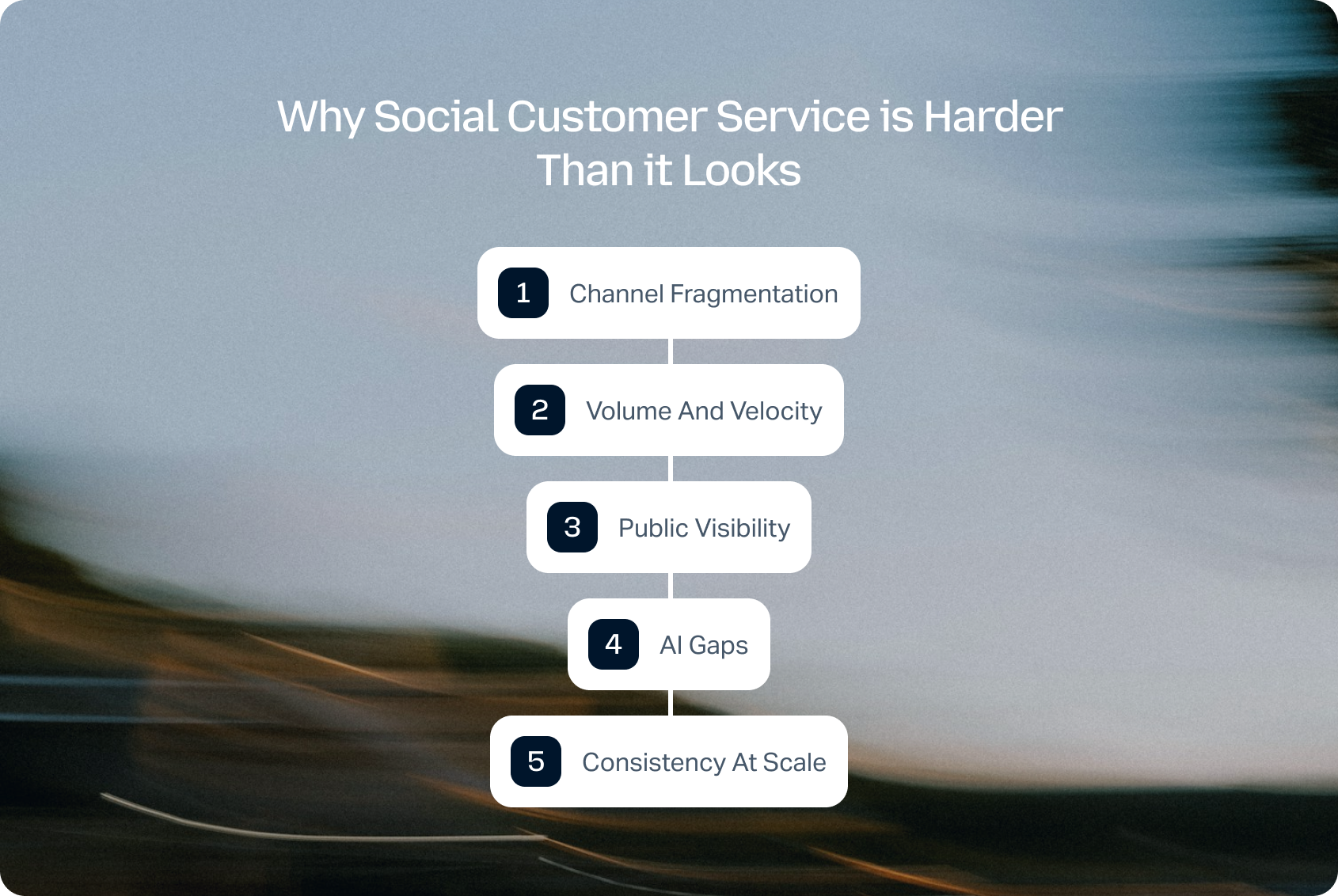
While the concept is straightforward, delivering fast, consistent support across social channels is anything but. As customer expectations continue to rise, support teams face several operational challenges that traditional social media management tools often struggle to solve.
Social customer service is the practice of resolving customer issues across public and private social channels, where speed, visibility, and consistency are critical. On paper, it sounds simple, but in reality, it's one of the most complex support environments to manage.
Channel Fragmentation
Customers don't stay in one place. They move between Instagram, WhatsApp, and Facebook, expecting your team to keep up with the conversation seamlessly.
Volume and Velocity
Social moves faster than email or chat. Messages stack up quickly, and expectations for response times are significantly tighter.
Public Visibility
Every missed message, delayed reply, or poor interaction is visible to others. Social support is performance, not just service.
AI Gaps
While automation in email and chat has matured, many platforms still struggle to deliver consistent AI performance on social channels.
Consistency at Scale
Maintaining tone, accuracy, and speed across dozens (or hundreds) of agents is a major operational challenge.
The 2025 PwC Customer Experience Survey found that 32% of consumers say they would stop doing business with a brand they loved after just one bad experience, underscoring how quickly loyalty can erode when service breaks down.
The brands that win on social support aren't the ones that respond fastest. They're the ones that respond consistently across every channel, with full context. That only happens when social is not siloed from the rest of the contact center.
See how BlueTweak brings social media, email, chat, and voice into one AI-powered workspace, helping your team respond faster and deliver more consistent customer support across every channel. Start your 14-day free trial today, with no credit card required.
The 19 Best Social Media Customer Service Software Platforms for 2026
Before choosing a social media customer service software platform, it's worth understanding that not all tools solve the same problem.
Some are built for social media teams managing engagement and brand presence. Others are designed for support teams handling high volumes of customer queries, where speed, consistency, and resolution matter most. This distinction is where many buying decisions go wrong, and where long-term scalability issues begin.
This best social customer service software list reflects how the market has evolved beyond simple social media management tools into full-service support platforms. We've focused not just on surface-level features like inboxes and integrations, but on what actually determines success in a real support environment: how well each tool handles volume, maintains context across channels, supports agents with AI, and fits into a broader contact center operation.
If you're comparing options based on social customer service software reviews, it's important to look beyond surface-level features and focus on how each platform performs in real support environments. All tools in the following list were assessed using publicly available documentation, pricing pages, and published case studies as of Q2 2026. Rankings reflect overall contact center readiness, not just social capabilities. Where pricing is unclear, we use “Varies by plan / Verify.”
Omnichannel Customer Service Platforms (Best for Scalable Support in 2026)
Omnichannel platforms are designed to unify customer interactions across every channel, including social media, into a single support platform. Unlike standalone tools, they treat social media customer service as one part of a broader operation, connecting it with email, chat, and voice.
In 2026, this category represents the fastest-growing segment of the social customer service software market, as businesses move away from fragmented tools toward unified systems that support full customer journeys. For teams handling high volumes of customer requests, this approach delivers better visibility, faster resolution times, and more consistent personalized support.
Platforms like BlueTweak are leading this shift by combining social media customer service software with full contact center capabilities, enabling teams to manage conversations across channels without losing context.
1) BlueTweak: Best for Unified Omnichannel Customer Support

BlueTweak is an omnichannel contact center platform with built-in social media customer service software capabilities, designed to unify support across channels.
Best for: Mid-market and enterprise teams that want social fully integrated into their broader support operation.
Key features:
- Unified inbox across social and traditional channels
- Native Meta integration (Facebook, Instagram, WhatsApp), with an expansion roadmap
- AI-assisted replies and knowledge base grounding
- Smart routing and SLA tracking
- Omnichannel escalation (social then email/voice)
- Advanced reporting and analytics
- Built to support enterprise businesses, professional services, and ecommerce companies at scale
“Social media has evolved from a marketing channel into a frontline customer service channel. The organisations delivering the best experiences are the ones that treat social as part of a unified support operation, giving agents the context, AI assistance, and automation they need to resolve every conversation consistently, regardless of where it begins.” — Radu Dumitrescu, Head of Automation & Digital Transformation at BlueTweak
Channels supported: Facebook, Instagram, WhatsApp (native Meta integration), with roadmap support for additional social media platforms and messaging channels
Pricing: From €65 per agent/month, including omnichannel ticketing, social media messaging, AI-powered assistance, workflow automation, reporting, knowledge management, workforce management, quality assurance, and integrations. Unlike many competitors, BlueTweak includes its core contact centre capabilities within the base platform, reducing the need for multiple add-ons. AI usage is billed separately based on consumption.
Ratings: Strong enterprise reviews across G2 and Capterra
Pros:
- True omnichannel architecture
- AI embedded into workflows, not bolted on
- Strong reporting across all channels
Cons:
- Social channel coverage is currently focused on the Meta ecosystem
- Enterprise-level feature depth may exceed smaller teams' needs
BlueTweak in Action:
A leading international airline, Aeroitalia, used BlueTweak to modernise its customer support operation by bringing customer conversations into a single omnichannel platform. Following implementation, the airline achieved a 33% increase in customer satisfaction, a productivity increase of 45%, and a 36% improvement in customer retention rates, helping agents respond faster while delivering a more consistent customer experience across every channel. The results demonstrate how combining AI-powered automation, intelligent routing, and unified reporting can improve both operational efficiency and customer satisfaction.
Try the BlueTweak ROI Calculator to estimate how AI-powered automation, omnichannel support, and streamlined workflows could reduce costs, improve agent productivity, and accelerate response times for your team.
2) Zendesk: Best for Enterprise Support Operations
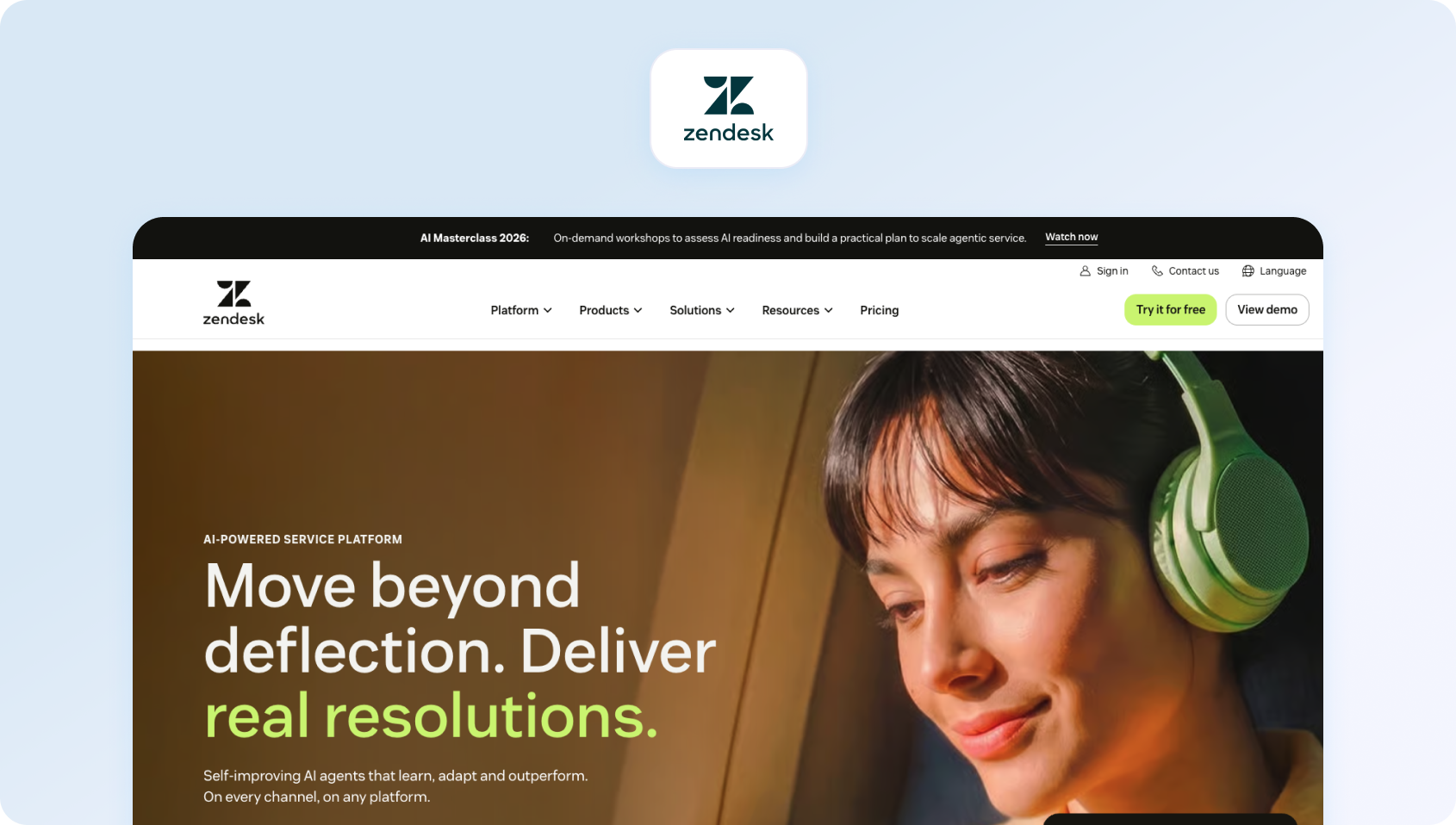
Zendesk is a leading customer service platform that integrates social messaging into its omnichannel support suite.
Best for: Enterprises needing structured ticketing with social integration.
Key features:
- Omnichannel agent workspace
- AI-powered bots and routing
- Unified ticketing across channels
- Deep integrations (1,000+ apps)
Pricing: Custom pricing, verify (modular pricing based on features and scale)
Channels supported: Facebook, Instagram, WhatsApp, X, and more
Pros:
- Mature, scalable support infrastructure
- Strong automation and AI
- Deep ecosystem
Cons:
- Social features often require add-ons
- Can become complex and costly
3) Freshdesk: Best for Growing SMB Support Teams
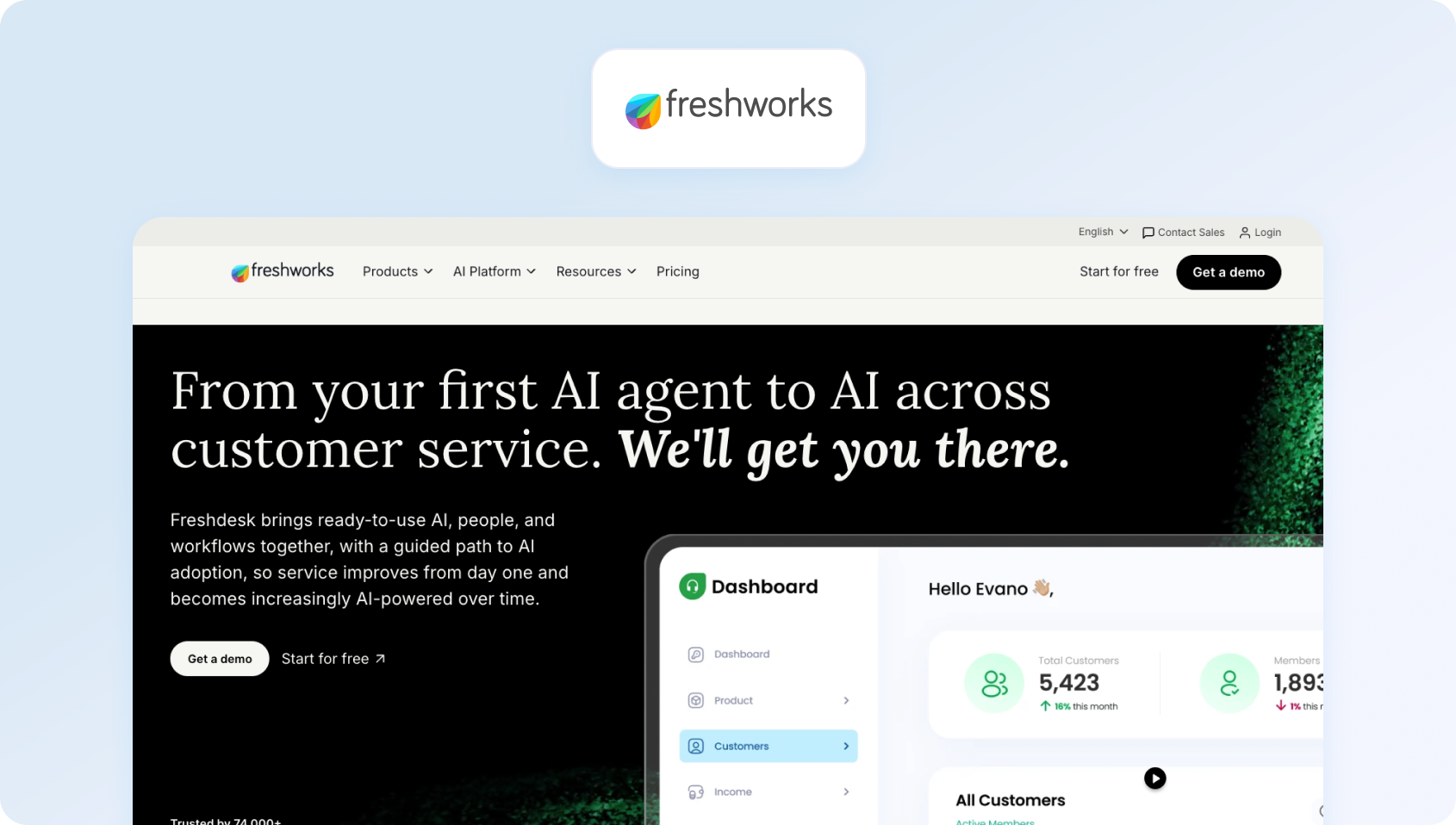
Freshdesk is a cloud-based help desk platform with built-in social ticketing.
Best for: SMBs and scaling teams needing affordable omnichannel support.
Key features:
- Unified ticketing system
- AI-powered bots and automation
- Social ticket conversion
- Knowledge base and self-service tools
Pricing: Tiered pricing starting at ~$15/agent/month, verify for details.
Channels supported: Facebook, X, WhatsApp (via integrations)
Pros:
- Easy to deploy
- Strong value for money
- Scalable workflows
Cons:
- Limited advanced analytics
- Social reporting less sophisticated
4) Salesforce Service Cloud: Best for CRM-Driven Enterprises
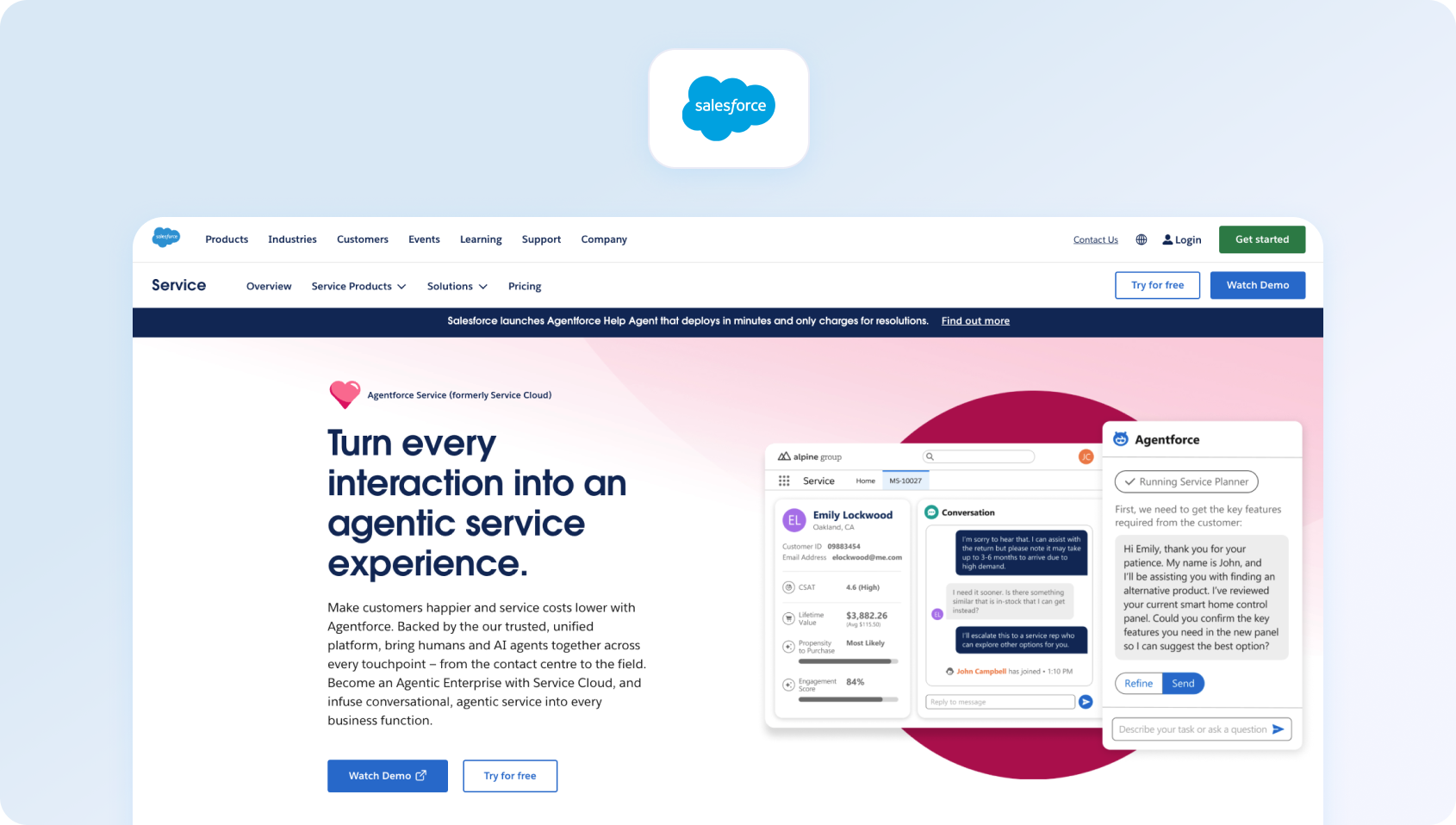
Salesforce Service Cloud is an enterprise-grade CRM and support platform with social and messaging capabilities.
Best for: Large enterprises needing deep CRM integration.
Key features:
- Unified customer profiles
- AI-powered automation (Einstein AI)
- Omnichannel routing
- Advanced analytics and reporting
Pricing: Varies by plan / Verify
Channels supported: Social, messaging, email, voice
Pros:
- Industry-leading CRM integration
- Highly customizable
- Enterprise scalability
Cons:
- Complex implementation
- High total cost of ownership
5) Gladly: Best for Personalized Customer Conversations
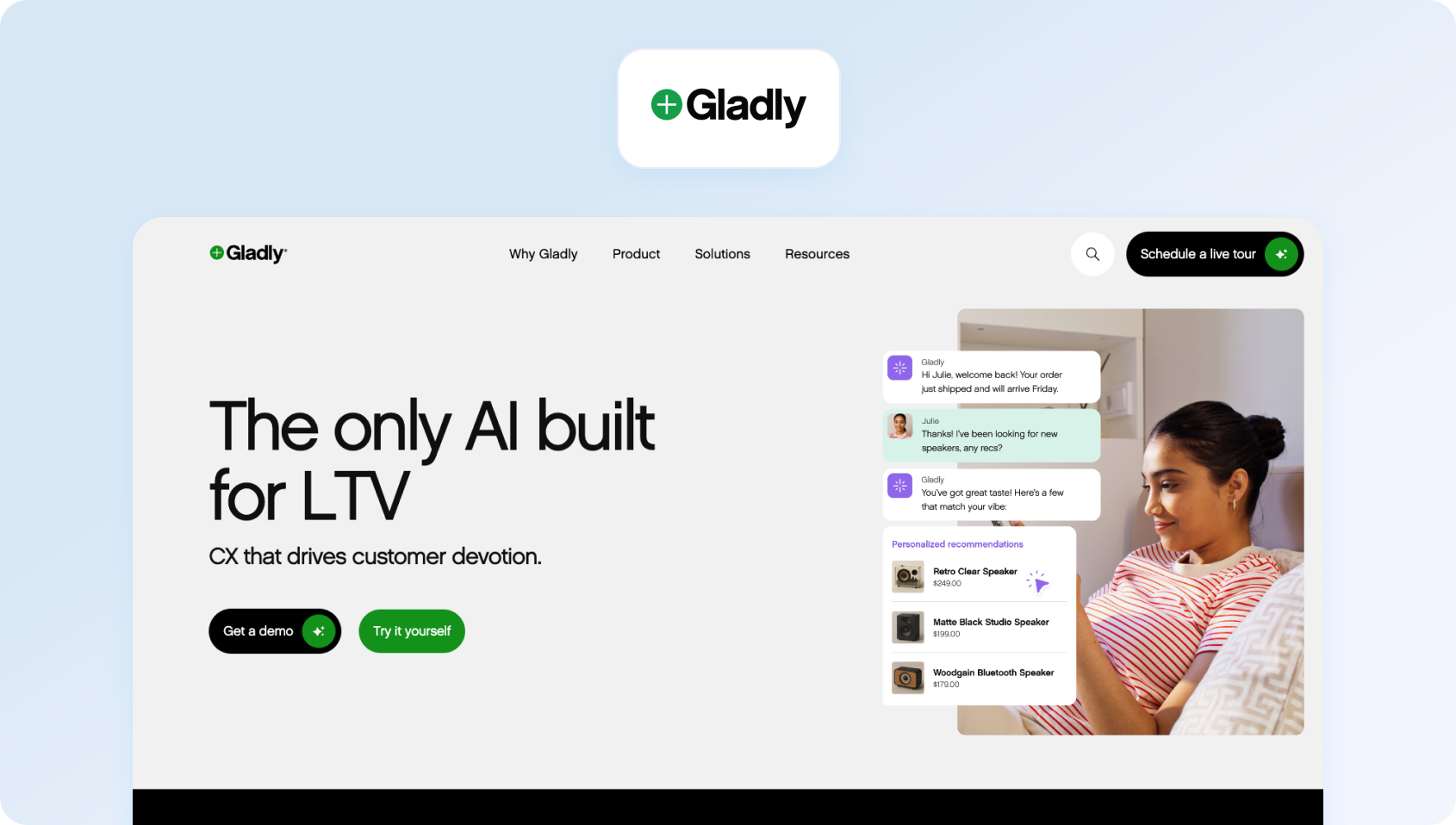
Gladly is a customer service platform built around people, not tickets.
Best for: Brands prioritizing personalized customer experiences.
Key features:
- Customer timeline view
- Omnichannel support
- AI and automation
- Conversation continuity
Pricing: Varies, verify with vendor.
Channels supported: Social, email, chat, voice
Pros:
- Unique customer-centric model
- Strong omnichannel continuity
Cons:
- Less traditional ticketing control
- Premium pricing
6) Dixa: Best for Conversational Support Teams

Dixa is a customer service platform designed for unified, conversational support.
Best for: Companies prioritizing seamless agent experience.
Key features:
- Unified inbox
- Intelligent routing
- Real-time analytics
- Omnichannel support
Pricing: Plans start at $89 per agent, per month. Verify for details
Channels supported: Chat, email, social integrations
Pros:
- Clean UX
- Strong routing logic
Cons:
- Smaller ecosystem
- Limited social-native features
Social Media Management & Engagement Platforms (Best for Marketing-Led Teams)
Social media management platforms are built primarily for managing social media posts, engagement, and brand presence across multiple social media platforms. These tools typically include social media scheduling, social media listening, and social monitoring, alongside features like campaign planning and paid posts.
While many of these platforms now include inbox-style functionality, their core focus remains on engagement rather than structured support. As a result, they are often better suited to marketing teams or small businesses managing lower volumes of support requests, rather than enterprise support environments.
Many also offer features like unlimited scheduled posts, unlimited posts, and campaign analytics, making them powerful for brand management, but less effective as full customer service tools.
7) Sprout Social: Best for Social-First Support Teams
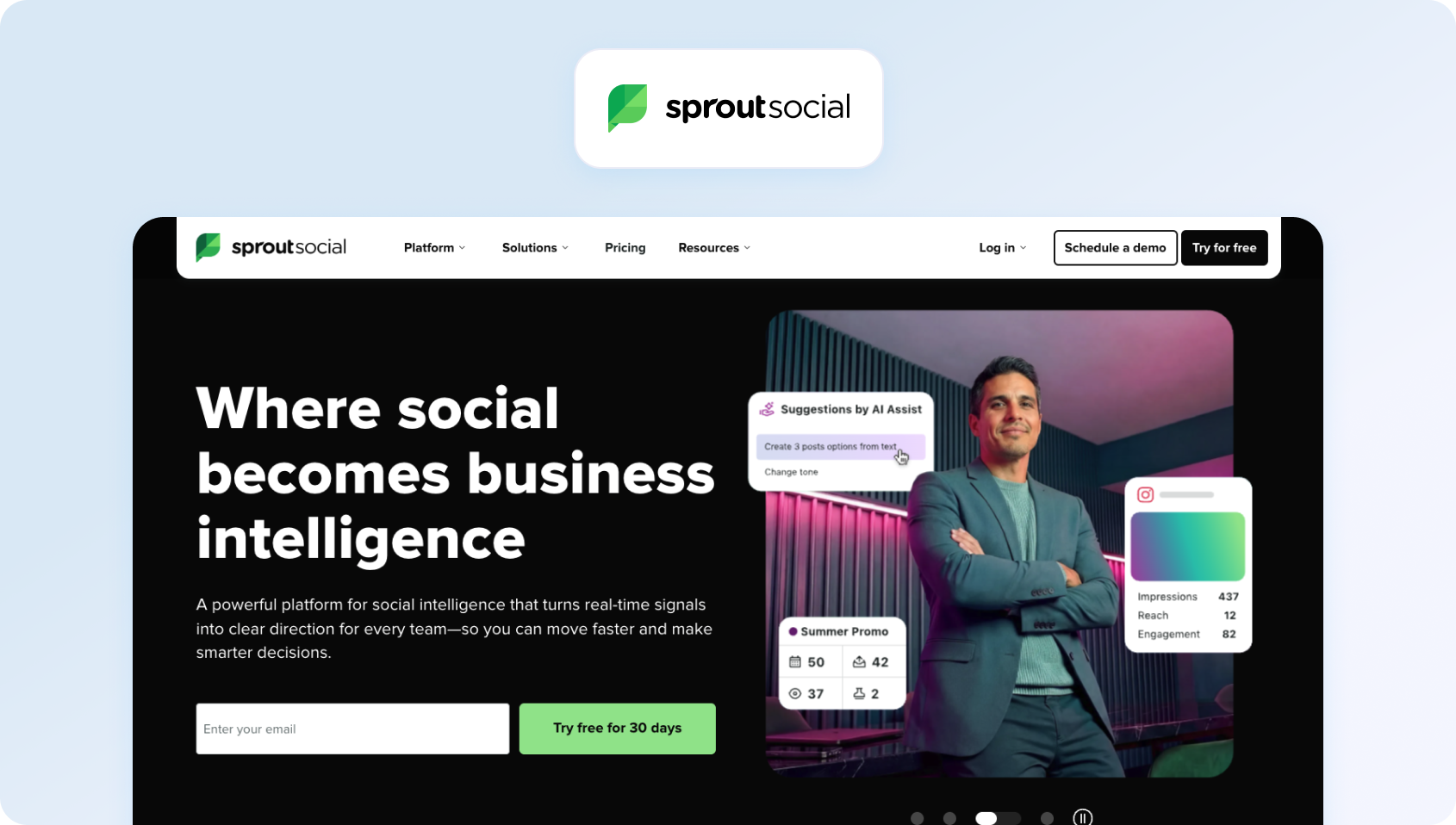
Sprout Social is a social-first platform that combines publishing, analytics, and customer care into a unified workspace.
Best for: Marketing-led teams treating social as a primary engagement and support channel.
Key features:
- Smart inbox with conversation threading
- Message tagging and workflow automation
- AI-powered sentiment analysis and reporting
- Collaboration tools and approval workflows
- Integration with CRM platforms like Salesforce
Pricing: From $199/user/month. Tier-based pricing varies by plan.
Channels supported: Facebook, Instagram, X, LinkedIn, Pinterest
Pros:
- Best-in-class analytics and reporting
- Strong social listening capabilities
- Intuitive interface
Cons:
- Expensive at scale
- Limited ticketing and escalation beyond social
8) Hootsuite: Best for Social Publishing and Engagement
Hootsuite is a social media management platform with enhanced inbox capabilities for customer interactions.
Best for: Teams already using Hootsuite for publishing and looking to extend into support.
Key features:
- Centralized inbox across social channels
- Automated message routing and responses
- Social listening and monitoring
- AI tools for content and response generation
Pricing: Tier-based pricing starting at £139 per user, per month. Verify for details.
Channels supported: Facebook, Instagram, X, LinkedIn, YouTube
Pros:
- Strong publishing + support combination
- Wide integration ecosystem
- Established platform
Cons:
- Not purpose-built for customer service
- Workflow depth limited compared to help desks
9) Brandwatch: Best for Social Listening and Insights
Brandwatch (formerly Falcon.io) is a social intelligence and engagement platform with customer care features.
Best for: Teams prioritizing social listening and analytics.
Key features:
- Social listening and sentiment analysis
- Engagement inbox
- Trend tracking and reporting
- Audience insights
Pricing: Varies by plan / Verify
Channels supported: Broad social coverage
Pros:
- Best-in-class listening
- Deep analytics
Cons:
- Not built for support workflows
- Limited ticketing functionality
10) Emplifi: Best for Social Commerce Brands
Emplifi is a social-first platform combining marketing, commerce, and care.
Best for: Brands blending social marketing and support.
Key features:
- Social care workflows
- Influencer and analytics tools
- Unified inbox
- Reporting dashboards
Pricing: Varies by plan / Verify
Channels supported: Major social platforms
Pros:
- Strong social expertise
- Good analytics
Cons:
- Limited help desk functionality
- Better suited to marketing teams
11) Khoros: Best for Enterprise Social Engagement
Khoros (formerly Spredfast + Lithium) is a digital customer engagement platform focused on social support and community management.
Best for: Enterprise brands managing high-volume social engagement.
Key features:
- Social care workflows
- Community forums
- AI-powered moderation
- Advanced analytics
Pricing: Varies by plan / Verify
Channels supported: Major social platforms
Pros:
- Strong social specialization
- Enterprise-grade scalability
Cons:
- Limited omnichannel depth
- Complex setup
CRM-Native Customer Service Platforms (Best for Data-Driven Support)
CRM-native platforms integrate customer service directly into a broader customer data ecosystem. These tools are designed to unify customer conversations, history, and behavioral data, enabling more context-aware and personalized support.
In 2026, this category is particularly relevant for enterprise businesses and professional services organizations that prioritize long-term customer relationships and data-driven decision-making.
However, while CRM-native tools are strong in data management, their social media capabilities often rely on integrations rather than native functionality, which can impact how efficiently teams manage conversations across channels.
12) Kustomer: Best for CRM-Centric Customer Support

Kustomer is a CRM-first customer service platform with strong messaging capabilities.
Best for: Businesses needing CRM-driven support workflows.
Key features:
- Unified customer timeline
- AI automation
- Omnichannel messaging
- Workflow customization
Pricing: Custom pricing, verify with vendor for details.
Channels supported: Social, chat, email
Pros:
- Deep customer context
- Flexible workflows
Cons:
- Complex setup
- Higher cost
13) HubSpot Service Hub: Best for HubSpot Users

HubSpot Service Hub is a customer service platform integrated with HubSpot CRM.
Best for: Mid-market teams wanting CRM + support in one platform.
Key features:
- Shared inbox
- Ticketing system
- Knowledge base
- Customer feedback tools
Pricing: Free and paid tiers available, verify for details.
Channels supported: Email, chat, social integrations
Pros:
- Easy to use
- Strong CRM integration
Cons:
- Limited native social depth
- Advanced features gated
14) Zoho Desk: Best for Zoho Ecosystem Customers

Zoho Desk is a help desk platform with social media integrations.
Best for: Businesses already using Zoho ecosystem tools.
Key features:
- Omnichannel ticketing
- AI assistant (Zia)
- Workflow automation
- Social interaction tracking
Pricing: Free tier available; additional paid plans, verify for details.
Channels supported: Facebook, X, Instagram
Pros:
- Affordable
- Strong ecosystem integration
Cons:
- UI complexity
- Limited advanced reporting
Conversational & Messaging-First Platforms (Best for Real-Time Support)
Conversational platforms are built around real-time messaging, often starting with live chat and expanding into social and messaging channels. These tools prioritize speed, automation, and continuous interaction, making them ideal for teams focused on immediate response and high engagement. They typically include automated workflows, automated responses, and strong team collaboration features, helping support teams manage high volumes of inbound conversations efficiently.
While these platforms excel in chat and messaging, their ability to scale across multiple social media platforms and deliver consistent reporting can vary.
15) Intercom: Best for AI-Powered Conversational Support

Intercom is a conversational customer support platform with growing social and messaging capabilities.
Best for: SaaS companies focused on chat-first support experiences.
Key features:
- AI chatbot (Fin) and automation
- Shared inbox and conversation routing
- Knowledge base integration
- Messaging-first workflows
Pricing: Tiered pricing varies by plan, verify for details.
Channels supported: Primarily chat, email, with social integrations
Pros:
- Strong conversational UX
- Advanced AI capabilities
- Excellent for proactive support
Cons:
- Not social-first
- Limited native social depth
16) Front: Best for Collaborative Shared Inboxes
Front is a shared inbox platform designed for collaborative customer communication.
Best for: Teams wanting email-like workflows across channels.
Key features:
- Shared inbox
- Workflow automation
- Internal collaboration tools
- CRM integrations
Pricing: Tiered pricing from $25 per seat per month for up to 10 seats, verify for details
Channels supported: Email, social integrations
Pros:
- Familiar interface
- Strong collaboration
Cons:
- Not purpose-built for support
- Limited analytics depth
17) Re:amaze: Best for E-commerce Support Teams
Re:amaze is a customer messaging platform focused on ecommerce support.
Best for: Ecommerce brands handling social and chat support.
Key features:
- Unified messaging inbox
- Chatbots and automation
- CRM features
- Social integrations
Pricing: Tier-based pricing, verify with vendor.
Channels supported: Social, chat, email
Pros:
- Ecommerce-focused features
- Easy to use
Cons:
- Limited enterprise scalability
- Basic reporting
18) Tidio: Best for Small Businesses

Tidio is a live chat and AI chatbot platform with social integrations.
Best for: Small businesses and ecommerce teams.
Key features:
- AI chatbot (Lyro)
- Live chat
- Automation workflows
- Social integrations
Pricing: Free and paid plans, verify for details.
Channels supported: Chat, Messenger, Instagram
Pros:
- Affordable
- Easy setup
Cons:
- Limited omnichannel capabilities
- Not suited for large teams
Help Desk & Ticketing Platforms with Social Integrations
Help desk platforms extend traditional ticketing systems to include social media as an additional channel. These tools are designed to structure and track support requests, often converting social interactions into tickets within a broader workflow.
They provide strong operational control, including SLA tracking, routing, and reporting, making them a solid choice for teams transitioning from traditional support channels into social media.
However, because social capabilities are often layered on top of existing systems, the experience can feel less native compared to platforms built specifically for social-first or omnichannel support.
19) LiveAgent: Best for Affordable Omnichannel Help Desks

LiveAgent is an all-in-one help desk with social media integrations.
Best for: SMBs needing affordable omnichannel support.
Key features:
- Ticketing system
- Live chat and call center
- Social integrations
- Automation tools
Pricing: Free trial and tiered plans available. Verify for details.
Channels supported: Social, chat, email, voice
Pros:
- Cost-effective
- Wide feature set
Cons:
- UI feels dated
- Limited advanced AI
How We Evaluated These Platforms
All platforms were evaluated using public documentation, pricing pages, and verified case studies in Q2 2026. No vendor paid for placement in this list.
Limitations include:
- No live trials across all tools
- Features and pricing are subject to change
Scoring Rubric
To make this evaluation transparent and repeatable, we've broken down our methodology into a clear scoring framework, weighting each capability based on its impact on real-world customer service performance.
The BlueTweak Contact Centre Readiness Framework:
What to Look For in Social Media Customer Service Software
Choosing the right social media customer service software isn't about finding a tool that simply aggregates messages into one place. It's about selecting a platform that can handle the operational complexity of modern customer support, where conversations are fragmented, expectations are immediate, and consistency is non-negotiable.
This shift reflects how the category has evolved from traditional customer service tools into platforms that combine marketing automation, support workflows, and advanced analytics.
The difference between tools that “manage social” and those that actually enable scalable customer service comes down to a handful of critical capabilities. This is where platforms like BlueTweak, designed specifically for omnichannel support in 2026, create a clear advantage.
Channel Coverage
Channel coverage defines which social platforms your team can support natively, and where gaps will force you into workarounds or additional tools.
At a minimum, most teams now require support for Facebook, Instagram, and WhatsApp Business. Increasingly, buyers are also evaluating coverage for X (Twitter), TikTok, LinkedIn, YouTube comments, and even Google Business Profile. The challenge is that many platforms claim “social support,” but rely heavily on third-party integrations for anything beyond the core Meta ecosystem.
These gaps matter. If a customer reaches out on a channel you don't properly support, the experience becomes fragmented, slower, and harder to track. Over time, this creates blind spots in both service quality and reporting.
BlueTweak's approach is to prioritize deep, native integration where it matters most today, while building toward broader channel coverage without compromising workflow integrity.
Unified Inbox and Conversation Threading
A unified inbox is often treated as table stakes, but the reality is that many companies can't deliver such a streamlined experience. The real requirement is conversation continuity. That means every message, comment, DM, and mention (across every supported channel) should sit within a single, threaded view, tied to a persistent customer identity. Agents should be able to see the full history of interactions, regardless of where they started.
Without this, teams are forced to piece together context manually, which slows response times and increases the risk of inconsistent or incorrect replies.
More advanced platforms also include collision detection (preventing multiple agents from replying to the same message), internal notes, and approval workflows, all of which become essential as teams scale beyond a handful of agents.
AI-Assisted Responses
AI has become a headline feature across the social customer service software market, but the level of maturity varies significantly between platforms.
At a basic level, many tools offer templated responses or simple automation rules. More advanced platforms go further, providing AI-generated reply suggestions that are grounded in your knowledge base, tailored to brand tone, and context-aware based on the conversation history.
The distinction that matters is whether AI is embedded into the workflow or added as a separate feature. When AI is native, it can assist with:
- Drafting responses in real time
- Tagging sentiment and intent
- Suggesting next actions or escalation paths
This has a direct impact on both speed and consistency, particularly for larger teams handling high volumes of social interactions.
Routing and Assignment Logic
As soon as your team grows beyond a small group of agents, manual assignment becomes a bottleneck. Effective customer service social media software should support both rule-based and AI-driven routing. This includes assigning conversations based on keywords, channel, language, customer segment, or agent skillset, as well as balancing workloads across the team.
Without this, conversations tend to cluster unevenly, SLAs are harder to maintain, and agent productivity drops.
More advanced platforms also allow for dynamic prioritization, ensuring that high-risk or high-value interactions are surfaced and handled first.
SLA Management and Escalation
Social channels operate on tighter response expectations than traditional support channels, which makes SLA management critical. At a minimum, platforms should allow you to define response time targets by channel and track performance against those targets. More mature tools will include real-time alerts for SLA breaches, escalation workflows, and the ability to reassign or prioritize conversations automatically.
This becomes particularly important when social is part of a broader support operation. If an issue can't be resolved within social, the platform should enable a seamless escalation to email or voice, without losing context or forcing the customer to repeat themselves.
Reporting and Social-Specific Analytics
Reporting is one of the most common weak points in social-first tools. While many platforms offer engagement metrics, fewer provide the operational insights needed to manage customer service effectively. What matters here is not just volume, but performance.
Look for reporting that includes:
- First response time by channel
- Resolution time and first contact resolution (FCR)
- CSAT and sentiment trends
- Volume patterns by time of day and platform
These metrics allow you to identify bottlenecks, optimize staffing, and improve overall service quality.
BlueTweak, for example, treats social interactions as part of the broader support dataset, which means reporting is consistent across channels rather than siloed.
Collaboration Tools
Social customer service is rarely a solo activity. Agents often need input from other teams, approvals for sensitive responses, or visibility into how conversations are being handled. Strong collaboration features include internal notes, tagging, shared ownership of conversations, and approval workflows for high-risk replies. Collision detection is also critical to avoid duplicate responses in fast-moving environments.
Without these capabilities, teams rely on external tools or informal processes, which slows down response times and increases the risk of errors.
CRM and Help Desk Integration
Social interactions shouldn't exist in isolation; every conversation should enrich the broader customer record. This means your social media customer service software should integrate natively with your CRM or help desk, allowing agents to access customer history, previous tickets, and relevant context in real-time.
It also ensures that social interactions can be tracked as part of the overall customer journey, rather than treated as disconnected touchpoints.
Omnichannel Continuity
For many teams, this is the defining factor between short-term functionality and long-term scalability.
Customers don't think in channels. They might start a conversation on Instagram, follow up via email, and expect continuity if the issue escalates to voice. Your platform should support that journey seamlessly.
Omnichannel continuity means:
- A single customer record across all channels
- Shared conversation history
- Seamless handoff between channels without loss of context
This is where many social-first tools fall short, and where omnichannel platforms like BlueTweak create a clear advantage.
Pricing and Seat Model
Finally, the pricing structure has a direct impact on scalability. Some tools charge per user, others per channel, and some introduce additional costs for AI features, automation, or advanced reporting. What appears cost-effective at a small scale can quickly become expensive as your team or channel mix grows.
Look for transparency in pricing, and clarity around what's included in the base plan versus what requires add-ons. Some platforms offer unlimited users, while others charge per seat or bundle additional features into higher-tier enterprise plans.
Choosing the right platform ultimately comes down to how well it supports your current needs and your future operating model. For teams treating social as a core support channel rather than a standalone function, the ability to unify conversations, automate intelligently, and scale consistently is what separates adequate tools from truly effective ones.
Social-Only vs. Omnichannel: Which Type of Tool Do You Need?
There are two distinct categories in the social customer service software market, and understanding the difference is critical before shortlisting vendors.
At a surface level, many platforms appear similar. They offer inboxes, integrations, and some level of automation. But underneath, they are built for fundamentally different operating models, and choosing the wrong category can create friction that only becomes visible once your team starts scaling.
The decision isn't just about features. It's about how your organization structures customer support, how conversations flow between teams, and how much continuity your customers expect across channels.
Social-Only Tools
Social-only tools are designed primarily for managing engagement within social platforms, rather than resolving customer issues across a broader support journey.
Platforms like Sprout Social, Hootsuite, Brandwatch, and Emplifi are typically adopted by marketing or social media teams. Their strength lies in helping brands monitor conversations, respond to comments and messages, and analyze engagement trends at scale.
They excel in:
- Publishing and scheduling content
- Social listening and brand monitoring
- Engagement analytics and reporting
Many also support social media posts, social media listening, and paid posts, alongside features like unlimited scheduled posts and campaign-level reporting.
However, these tools tend to struggle when used as core customer service social media software, particularly in environments where support volume is high or issues are complex.
Limitations often include:
- Shallow or non-existent ticketing workflows
- Limited escalation paths to other channels
- Weak integration with help desks or CRM systems
- Fragmented reporting across support channels
This means that while they can handle front-line responses effectively, they often break down when a conversation needs to move beyond a quick reply and into a structured resolution process. As a result, many teams that start with social-only tools eventually find themselves layering additional systems on top, creating operational complexity and data silos.
Omnichannel Platforms
Omnichannel platforms take a fundamentally different approach. Rather than treating social as a standalone channel, they position it as one part of a unified customer service operation.
Tools like BlueTweak, Zendesk, Freshdesk, and Gladly are built for support teams, where social interactions need to sit alongside email, chat, and voice within a single workflow.
They offer:
- A unified agent workspace across all channels
- Centralized ticketing and conversation management
- Shared reporting and performance tracking
- Seamless escalation from social to other support channels
The key advantage here is continuity; conversations don't reset when they move channels, and agents don't lose context when handling complex issues. This becomes increasingly important as teams scale. What starts as a manageable volume of social queries can quickly evolve into a high-throughput support channel, where consistency, routing, and SLA management are critical.
For organizations that treat social as part of their core support function, or are moving in that direction, an omnichannel platform reduces tool sprawl, improves agent efficiency, and delivers a more cohesive customer experience.
Making the Right Choice
The decision ultimately comes down to how your team operates today, and how it plans to operate in the future.
If social is your primary or only support channel, and it sits within a marketing-led function, a social-first tool may be sufficient in the short term.
However, if social is already part of a broader support operation, or if you expect it to become one, investing in an omnichannel platform from the outset will avoid the need to replatform later.
In practice, most growing teams find that social doesn't stay siloed for long. As volume increases and customer expectations rise, the need for shared context, structured workflows, and cross-channel continuity becomes unavoidable.

As Head of Digital Transformation, Radu looks over multiple departments across the company, providing visibility over what happens in product, and what are the needs of customers. With more than 8 years in the Technology era, and part of BlueTweak since the beginning, Radu shifted from a developer (addressing end-customer needs) to a more business oriented role, to have an influence and touch base with people who use the actual technology.



