



TL;DR
Intercom remains a strong customer communication platform for product-led SaaS companies, but many growing support teams outgrow its chat-first approach, usage-based AI pricing, and limited native voice capabilities. This guide compares 25 of the best Intercom alternatives across customer support features, multichannel support, AI automation, workforce management, pricing, and scalability. For teams with 20-100 agents, BlueTweak stands out by combining voice, ticketing, AI, quality management, and workforce planning in one predictable platform to help teams manage customer interactions, improve service quality, and deliver a seamless customer experience.
Customer expectations have changed dramatically over the last few years. Today's support teams are handling voice, email, SMS, WhatsApp, social messaging, and AI-assisted conversations simultaneously.
While Intercom remains one of the best-known customer messaging platforms, many businesses eventually hit its limits. Usage-based AI pricing, limited native voice functionality, and growing integration costs often make it difficult to scale efficiently.
If you're comparing Intercom alternatives, this guide reviews 25 leading platforms across pricing, AI capabilities, omnichannel support, workforce management, and long-term value. For mid-market teams looking to consolidate multiple tools into one platform, BlueTweak emerges as one of the strongest all-in-one options.
Why Businesses Are Looking for Intercom Alternatives
Intercom pioneered conversational support and remains the go-to choice for many B2B SaaS companies prioritizing in-app messaging and proactive customer engagement. Its Messenger widget feels native in web applications, Fin AI Agent delivers autonomous resolution, and product tours help onboard users without creating support tickets.
However, several pain points consistently drive teams to evaluate better Intercom alternatives:
- Usage-based unpredictability
- No native voice support
- Resolution-based AI pricing
- Limited for contact centers
- Expensive at scale
This guide compares alternatives across omnichannel depth, native WFM/QA, multilingual AI, pricing transparency, and total cost to operate. We've included options for every segment, from affordable email-first helpdesks to enterprise CCaaS platforms, with BlueTweak leading for mid-market teams that need everything in one subscription.
Intercom Alternatives at a Glance
With dozens of customer support platforms available, narrowing your shortlist can be overwhelming. The table below highlights our top five Intercom alternatives based on features, pricing, AI capabilities, and overall value for growing support teams.
If you're looking for a quick comparison, this is a great place to start. For a more detailed evaluation (including strengths, limitations, pricing, and best-fit use cases for all 25 vendors) continue to the full breakdown below.
| Platform | Best For | Voice | AI | Starting Price |
|---|---|---|---|---|
| BlueTweak | Mid-market omnichannel teams | ✔ | ✔ | From €65/agent/month |
| Zendesk | Large support teams | Partial | ✔ | From $55/agent/month (Suite Team; higher tiers $89 and $115/agent/month) |
| Freshdesk | SMBs | Partial | ✔ | Free plan available; paid plans from $19/agent/month (Growth, annual billing) |
| Help Scout | Email-first teams | Limited | ✔ | From $25/month (100 contacts; unlimited users) |
| Zoho Desk | Zoho users | ✔ | ✔ | Free plan available; paid plans from €9/agent/month |
Every platform excels in different areas. While this comparison provides a high-level overview, the right choice ultimately depends on your support channels, team size, AI requirements, and budget. Below, we take a closer look at all 25 Intercom alternatives, including detailed feature comparisons, pricing, pros and cons, and the types of businesses each platform is best suited for.
Looking for an easier way to replace Intercom?
If you're comparing platforms because costs are rising or you're juggling multiple customer support tools, BlueTweak brings voice, chat, email, AI, workforce management, and quality assurance together in one platform with transparent pricing. Book a personalised demo to see how it works for your team.
25 Best Intercom Alternatives to Consider in 2026
Find the right fit fast. We've ranked 25 Intercom alternatives by channels, AI, voice, and price so you can shortlist in minutes.
1. BlueTweak: Best for unified omnichannel customer support

BlueTweak is the top Intercom alternative for 20–100 agent teams that need unified omnichannel support, native voice, and multilingual AI, without add-on sprawl or usage-based surprises. Built on 20+ years of BPO operations, it offers predictable, per-seat pricing and a comprehensive CX OS (tickets, voice, chat, bots, WFM, analytics, and KB) in one stack.
Best fit
BlueTweak is ideal for businesses with 20-100 support agents that want to replace multiple customer service tools with one AI-powered platform. It combines voice, chat, email, social messaging, workforce management, quality assurance, analytics, and multilingual AI in a single subscription.
Features
- Unified omnichannel ticketing:Email,chat, voice,social, SMS with a single history and queueing model
- AI-powered service: Voicebot, chatbot, suggested replies ticket summaries, sentiment/routing
- Multilingual & translation: On-the-fly translation across voice and text; documented multi-language coverage
- Workforce & quality management: Forecasting, scheduling, adherence, scoring/coaching
- Knowledge & self-service: Knowledge base for agents and customer help center
- Analytics & SLA tracking: Real-time dashboards and custom reports
- Enterprise-grade security: Role-based permissions, MFA, audit logs; ISO certification in progress
Who Uses It
BlueTweak serves BPO providers running multi-client operations, as well as e-commerce, aero, travel, and tech companies with 20-100 agent teams.
"Most organizations don't replace Intercom because chat isn't working - they replace it because everything around chat has become too complex. As support expands across voice, messaging apps, AI, workforce management, and quality assurance, managing multiple disconnected tools quickly becomes expensive and difficult to scale. A unified platform gives teams better visibility, more consistent customer experiences, and far greater control over operational costs." — Radu Dumitrescu, Head of Automation & Digital Transformation, BlueTweak
Pros
- All-in-one simplicity: No separate subscriptions for WFM, QA, or voice
- Predictable pricing: Seat-based model avoids usage swings
- Multilingual AI at core: Real-time translation across 50+ languages for voice and text
- BPO-native architecture: Manages multiple brands/clients from one instance
- Native voice included: Voicebot with NLU, KB-grounded answers, seamless agent handoff
- Fast implementation: Most teams go live in 2-4 weeks with hands-on support
Cons
- More miniature marketplace than Intercom's extensive integration ecosystem
- Brand awareness is lower than established players
- No free tier; requires demo and sales conversation
BlueTweak in Action
BlueTweak's approach has already delivered measurable results for large-scale customer service operations. In a global BPO environment, Conectys used BlueTweak to consolidate customer support across multiple brands and channels within a single platform.
As a result, the organization reduced average resolution times by 25%, improved reporting efficiency by 40%, and increased customer satisfaction by 35%. By bringing omnichannel communications, AI-powered automation, workforce management, and analytics together in one solution, Conectys simplified day-to-day operations while giving agents faster access to the information they needed to deliver consistent customer experiences.
Pricing
BlueTweak starts from €65 per agent/month, bringing together omnichannel ticketing, native voice, AI-powered automation, workforce management, quality assurance, analytics, knowledge management, and API access in a single subscription.
Unlike many competing platforms, essential capabilities aren't split across multiple add-ons or charged on a per-resolution basis, giving growing support teams greater pricing transparency and more predictable monthly costs as they scale.
Want to understand the potential savings of consolidating multiple support tools into one platform? Try the BlueTweak ROI Calculator to estimate your return before making the switch.
2. Zendesk: Best for enterprise support ecosystems
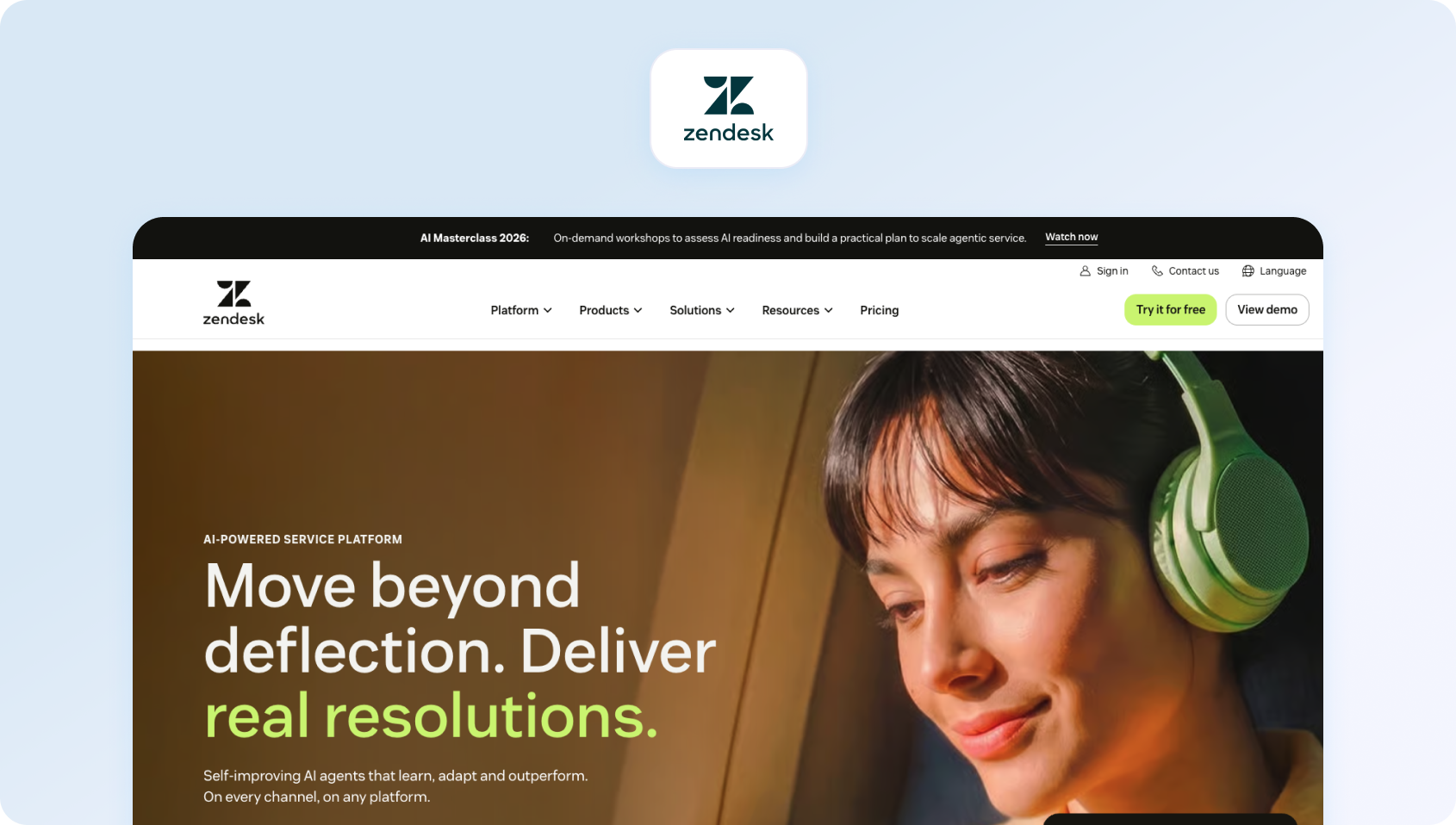
Zendesk offers mature ticketing, an extensive marketplace (with over 1,500 integrations), and comprehensive feature coverage. It's an Intercom alternative for teams prioritizing ecosystem depth over conversational UX.
Best fit
Zendesk is best suited to organizations that need a mature help desk with extensive third-party integrations. It's a strong option for businesses already invested in a large software ecosystem and willing to pay for additional functionality.
Features
- Omnichannel: Email, chat, voice (Talk via Twilio), social, messaging
- AI: Answer Bot, workflow automation, intent detection
- Voice: Zendesk Talk with call routing and recording
- Marketplace: 1,500+ pre-built integrations
- Analytics: Explore with customizable dashboards
Who Uses It
SMBs to enterprises across e-commerce, SaaS, retail, and financial services.
Pros
- Mature ecosystem with an extensive app marketplace
- Familiar UI for many teams
- Strong integration library
- Enterprise-grade compliance options
Cons
- Voice is partner-dependent (Twilio), not native
- WFM and advanced AI are gated behind enterprise tiers
- TCO climbs quickly with add-ons
- No native voicebot—text-based Answer Bot only
Pricing
Zendesk's Suite plans start at $55/agent/month for Suite Team, rising to $89 for Suite Growth and $115 for Suite Professional (annual billing). Voice, workforce management, quality assurance, and advanced AI capabilities are priced separately, so organizations should expect the total cost to increase as additional functionality is added.
3. Freshdesk: Best for growing SMB support teams
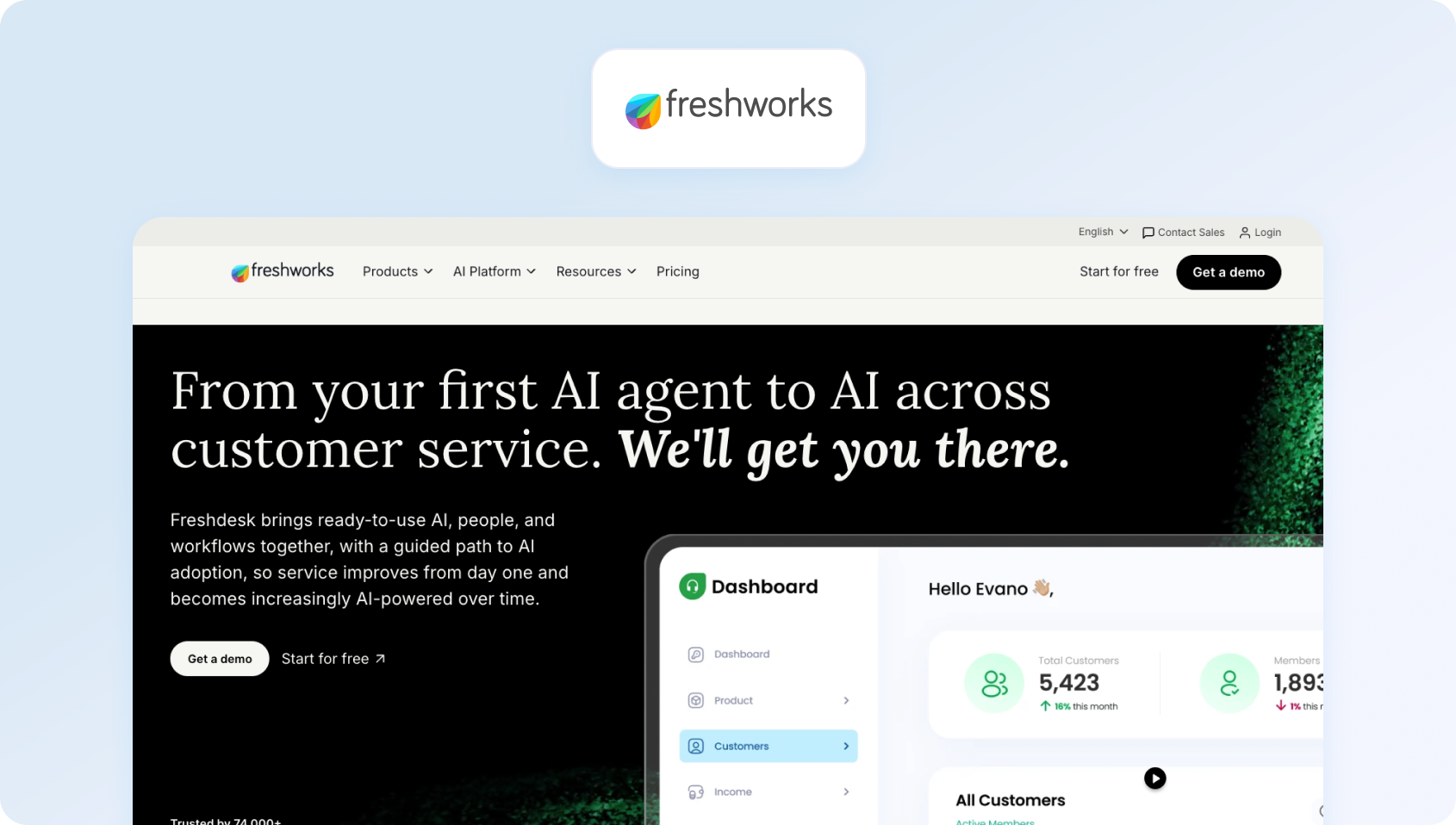
Freshdesk offers affordable ticketing with a clean user experience. It's a strong, cheaper alternative to Intercom for SMBs prioritizing simplicity over conversational features.
Best fit
Freshdesk is a good choice for small and growing businesses looking for affordable ticket management with an intuitive interface. It offers a gentle learning curve, although advanced AI and voice capabilities increase costs as teams scale.
Features
- Omnichannel: Email, chat, phone, social media
- AI: Freddy AI Copilot (drafts, summaries), Freddy AI Agent (autonomous)
- Automation: Routing, SLA management, workflows
- Knowledge Base: Customer-facing help center
Who Uses It
Startups to enterprises; strong in e-commerce, education, healthcare, and SaaS.
Pros
- Affordable entry point ($15/agent)
- Intuitive interface, clean modern UI
- Quick setup (1-2 weeks operational)
- Gamification boosts agent morale
Cons
- AI gets expensive at scale
- Voice requires a separate Freshcaller product
- No native WFM
- Per-session AI billing creates cost unpredictability
Pricing
Freshdesk offers a free plan for up to 10 agents. Paid plans start at $19/agent/month for Growth, increasing to $49 for Pro and $79 for Enterprise (billed annually). Freddy AI Copilot is available as a paid add-on from $29/agent/month, while Freddy AI Agent uses usage-based pricing from $100 per 1,000 sessions, meaning AI costs can increase alongside support volume.
4. Help Scout: Best for email-first support teams
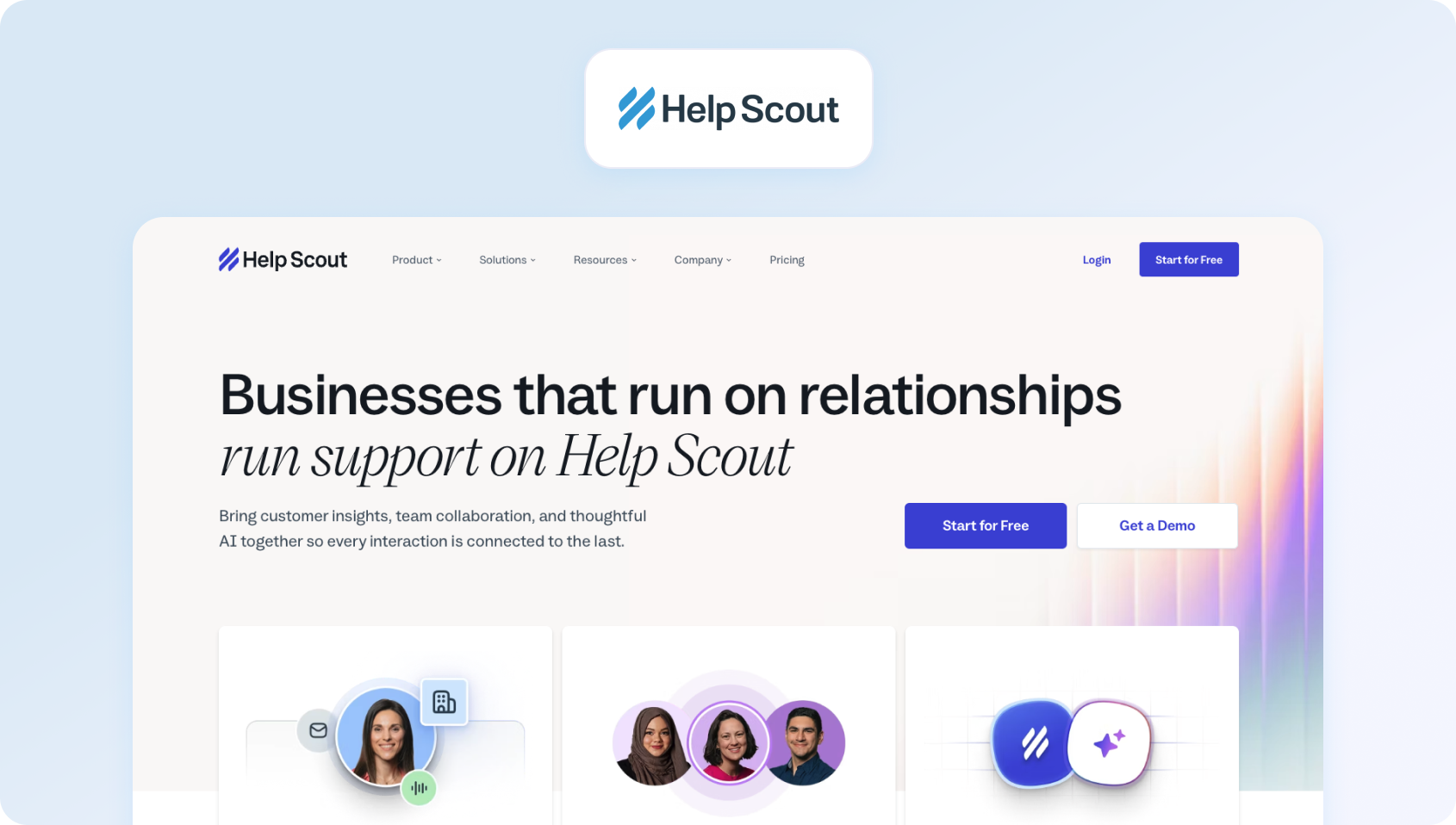
Help Scout offers email-centric support with a Gmail-like user experience. Recently shifted to a contact-based pricing model (unlimited users), making it a more affordable alternative to Intercom for collaborative teams.
Best fit
Help Scout works best for businesses where email remains the primary support channel. Its collaborative inbox and unlimited user pricing make it particularly attractive for customer success and smaller support teams.
Features
- Shared Inbox: Email-first interface
- Live Chat (Beacon): Embeddable widget
- Knowledge Base (Docs): Customer-facing articles
- AI Features: Built-in drafts, summaries, tone adjustment
- Phone & SMS: Make/receive calls and texts
Who Uses It
Small businesses, startups, B-corps; strong in e-commerce, education, and services.
Pros
- Unlimited users on all paid plans
- Contact-based pricing smooths seasonal fluctuations
- Built-in AI with no extra fees
- Great for cross-functional collaboration
Cons
- Unpredictable for growing teams (one campaign doubles bill)
- Limited voice capabilities
- AI is limited to Help Scout content only
- Expensive integrations are locked in the Plus plan
Pricing
Help Scout uses contact-based pricing rather than charging per agent. Paid plans start at $25/month for 100 contacts, increasing to $45 for 200 contacts and $75 for 300 contacts. Unlimited users are included on paid plans, but costs scale with the number of customers you support over a rolling three-month average.
5. Zoho Desk: Best for Zoho ecosystem users

Zoho Desk appeals to teams using the Zoho ecosystem (CRM, Books, Projects). Offers robust features at competitive prices as an alternative to Intercom.
Best fit
Zoho Desk is ideal for organizations already using Zoho CRM and other Zoho applications. Native integrations and competitive pricing deliver excellent value for businesses committed to the wider Zoho ecosystem.
Features
- Omnichannel: Email, phone, live chat, social, instant messaging
- Zia AI: Sentiment analysis, reply suggestions, predictive assignment
- Automation: Workflows, macros, SLA management
- Knowledge Base: Internal and customer-facing
- Community Forums: Build customer communities
Who Uses It
SMBs to enterprises; strong in tech, retail, healthcare, and financial services.
Pros
- Aggressive pricing (most affordable full-featured)
- Zoho ecosystem integration
- Robust automation rivals 3x-priced platforms
- Generous free tier (3 agents)
Cons
- Dated UI feels cluttered
- Steep learning curve, weeks of setup
- Limited third-party integrations
- AI is limited to Professional and above
Pricing
Zoho Desk offers one of the most affordable pricing structures in the customer support market. A Free plan supports up to three agents, while paid plans start at €9/agent/month for Express, increasing to €20 for Standard, €35 for Professional, and €50/agent/month for Enterprise (annual billing). Higher tiers unlock advanced automation, AI capabilities through Zia, and greater customisation, making Zoho a strong value option for growing support teams already invested in the Zoho ecosystem.
6. HubSpot Service Hub: Best for HubSpot CRM customers

HubSpot Service Hub extends the HubSpot CRM ecosystem into customer support, ideal for teams already using HubSpot for marketing or sales who want unified customer data across all touchpoints.
Best fit
HubSpot Service Hub is designed for companies already using HubSpot's marketing or sales tools. Bringing customer support into the same platform creates a single view of every customer interaction.
Features
- Shared Inbox & Ticketing: Email-based support with ticket management and team collaboration
- Knowledge Base: Customer-facing help center with search and article management
- Live Chat: Website chat widget with chatbot builder
- Customer Portal: Self-service area where customers track tickets and access resources
- Automation: Workflows, ticket routing, SLA management
- Breeze AI (Enterprise): AI-powered agent assist, summaries, and content generation
- Reporting: Standard dashboards with custom report builder
- HubSpot CRM Integration: Native connection to contacts, deals, and companies across all HubSpot hubs
Who Uses It
SMBs to mid-market companies already in the HubSpot ecosystem; strong adoption in SaaS, professional services, and B2B companies prioritizing unified customer platforms.
Pros
- Support, sales, and marketing data in one CRM
- No extra cost for robust contact management
- If you're on HubSpot, setup is straightforward
- Workflow builder rivals platforms at 2x the price
- Enterprise tier gets AI features without per-resolution fees
Cons
- Professional and Enterprise tiers cost more than standalone helpdesks
- Features lag competitors if not using the broader HubSpot ecosystem
- Lacks workforce management or quality assurance tools
- Requires a 10-seat minimum and an annual commitment for the top tier
- $1,500-$3,500 implementation charges on top of subscription
Pricing
HubSpot Service Hub includes a Free plan for up to two users. Paid plans start at $7/seat/month (annual billing) for Starter, increasing to $90/seat/month for Professional and $150/seat/month for Enterprise. Professional and Enterprise plans also require one-time onboarding fees of $1,500 and $3,500 respectively. While Service Hub includes AI credits with paid plans, additional usage may require purchasing extra HubSpot Credits, so costs can increase as AI adoption and support volumes grow.
7. Salesforce Service Cloud: Best for highly customised enterprise support
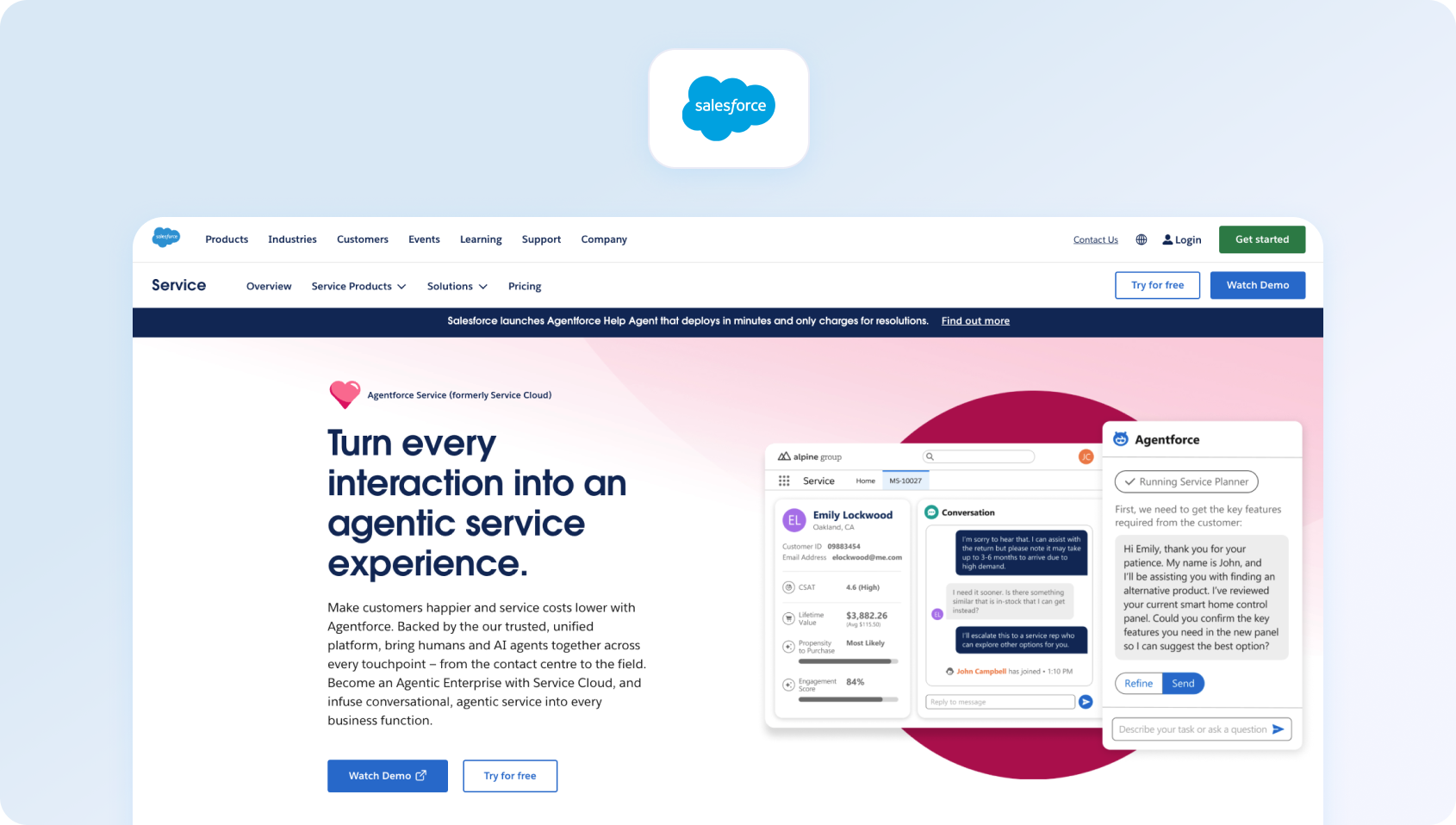
Salesforce Service Cloud is the enterprise CRM giant's service platform, offering unmatched customization for Fortune 500 companies with complex requirements and existing Salesforce investments.
Best fit
Salesforce Service Cloud is built for large enterprises with complex customer service requirements. Its extensive customisation options make it a powerful solution for organizations with dedicated Salesforce administrators.
Features
- Omnichannel: Email, chat, phone (via integration), SMS, social messaging, video
- Case Management: Advanced workflows, escalation rules, entitlements, SLAs
- Einstein AI: Predictive case routing, reply recommendations, knowledge suggestions, sentiment analysis
- Knowledge Base: Robust article management with AI-powered search
- Field Service: Schedule and dispatch field technicians (Lightning add-on)
- AppExchange: 7,000+ pre-built integrations and apps
- Industry Clouds: Pre-configured customer service solutions for healthcare, financial services, retail, and manufacturing
- Customization: Unlimited custom objects, fields, workflows via Apex code
Who Uses It
Fortune 500 enterprises in financial services, healthcare, retail, and manufacturing; companies with dedicated Salesforce admin teams and existing Salesforce ecosystem investments.
Pricing excludes implementation costs ($50K-$200K+), Einstein AI features (additional license), and specialized clouds.
Pros
- Build exactly what you need with Apex, Lightning components, and custom objects
- Native integration with Sales Cloud, Marketing Cloud, Commerce Cloud
- Security, compliance, and governance built for regulated industries
- Pre-built processes for healthcare, banking, insurance, and retail
- 7,000+ AppExchange apps extend functionality
Cons
- Among the most costly options ($80-$330/user + implementation)
- Requires 3-6 months and $50K-$200K in consulting fees
- Feature depth and complexity wasted on teams under 50 support agents
- Need dedicated admins who know the platform
- Customizations require ongoing developer resources
Pricing
Salesforce Service Cloud offers a range of plans for businesses of different sizes. Starter Suite begins at $25/user/month (up to 10 users), followed by Professional at $80/user/month, Enterprise at $165/user/month, and Unlimited at $330/user/month (annual billing). While the platform is highly scalable, organizations should also budget for implementation, customisation, and optional Einstein AI capabilities, which are licensed separately and can significantly increase the total cost of ownership.
8. LiveAgent: Best for affordable voice support

LiveAgent combines helpdesk ticketing with native phone support, offering unlimited calling at flat monthly rates—a rarity among Intercom alternatives in this price range.
Best fit
LiveAgent suits businesses that want native phone support without enterprise pricing. It's particularly attractive for SMBs where voice remains a key customer service channel.
Features
- Omnichannel Ticketing: Email, chat, phone, social media, contact forms
- Native Phone System: Built-in calling with IVR, call routing, recording, unlimited inbound calls
- Live Chat: Website chat widget with proactive invitations and canned responses
- Knowledge Base: Internal and customer-facing help articles
- Automation: Ticket rules, SLA management, time-based triggers
- Reporting: Standard dashboards tracking response times, ticket volumes, and agent performance
- Mobile Apps: iOS and Android for agents on the go
- Integrations: 200+ pre-built connectors, including Shopify, WordPress, Mailchimp
Who Uses It
E-commerce, SaaS, and SMBs needing voice support without per-minute charges; customers include Huawei, BMW, USC, and mid-sized retail brands.
Pros
- Built-in calling without a separate telephony provider
- No per-minute charges like Zendesk Talk or RingCentral
- $15-$85/agent is competitive, especially with phone included
- Most teams are operational within 1 week
- Strong option if phone support is the primary channel
Cons
- No chatbot, voicebot, or advanced automation features
- UI feels older compared to Freshdesk or Intercom
- 200 integrations versus Zendesk's 1,500+
- Translation requires manual setup, no real-time AI translation
Pricing
LiveAgent offers four straightforward pricing tiers. Plans start at $10/agent/month for Small, increasing to $19 for Medium, $33 for Large, and $46/agent/month for Enterprise (annual billing). All paid plans include native calling without per-minute charges, making LiveAgent one of the more affordable options for businesses that rely heavily on voice support.
All plans include unlimited calling; billed annually with a 10% discount
9. Front: Best for collaborative shared inboxes
Front transforms shared email into collaborative customer communication, blending helpdesk features with team collaboration tools. It's built for teams that live in email but need more than Gmail.
Best fit
Front is ideal for teams that collaborate primarily through email. It combines shared inbox functionality with internal collaboration tools, making it popular with customer success, sales, and support teams.
Features
- Shared Inbox: Email-centric interface with assignments, internal comments, @mentions
- Multi-Channel: Email, SMS, WhatsApp, Facebook, Twitter in one inbox
- Collaboration: Real-time editing, internal discussions, @mentions, shared drafts
- Rules & Workflows: Automate support, tagging, routing, and assignments based on conditions
- Analytics: Response time tracking, team performance, workload distribution
- Integrations: Deep connectors for Salesforce, HubSpot, Asana, Slack, 100+ apps
- Templates & Snippets: Canned responses for common queries
- Mobile Apps: Full-featured iOS and Android apps
Who Uses It
Small teams (5-30 people) across sales, customer success, and support who prefer email-centric workflows; popular with agencies, consultancies, and B2B startups.
Pros
- Feels like enhanced Gmail, not a traditional ticketing system
- Multiple people can work on the same conversation simultaneously
- Beautiful interface that teams actually enjoy using
- Sales, success, and support all collaborate in one platform
- Operational within days, not weeks
Cons
- Email, SMS, and messaging only—no voice calling
- Missing ticketing fundamentals like SLA management, queues
- Basic automation, no chatbot or voicebot capabilities
- Starter's 50-conversation cap creates unpredictable costs
Pricing
Front offers four paid plans designed for collaborative customer communication. Pricing starts at $25/seat/month for Starter, increasing to $65 for Growth, and $105 for Scale. While Front's pricing is easy to understand, businesses should note that some plans include conversation limits or are designed for larger teams, meaning costs can increase as support volumes or feature requirements grow.
10. Gorgias: Best for Shopify customer support
Gorgias built its platform exclusively for e-commerce, automating Shopify support queries and tying customer service metrics directly to revenue.
Best fit
Gorgias is purpose-built for e-commerce businesses using Shopify and similar platforms. It excels at automating order-related enquiries while connecting support directly to revenue.
Features
- E-commerce Integration: Deep connections to Shopify, Magento, WooCommerce, BigCommerce
- Omnichannel: Email, live chat, SMS, Facebook, Instagram, phone (limited)
- Order Management: View orders, process refunds, edit shipping, all from the ticket interface
- Automation: Rules engine handles “where's my order,” returns, and tracking updates automatically
- Macros: Pre-built response templates for common e-commerce scenarios
- Revenue Attribution: Track which support conversations lead to purchases
- Self-Service: Customers check order status via chat without agent involvement
- Analytics: Standard helpdesk metrics plus e-commerce KPIs (revenue per ticket, conversion rates)
Who Uses It
Direct-to-consumer e-commerce brands on Shopify, Magento, and BigCommerce; typically online retailers with moderate to high order volumes seeking automation.
Pros
- Features explicitly designed for online retail
- Best-in-class Shopify integration (edit orders, refunds in-ticket)
- See which conversations lead to sales
- Automation handles 30-40% of repetitive tickets
- Affordable entry point ($10-$60/month)
Cons
- Unpredictable costs during sales, product launches, and holidays
- Voice calling is extremely limited (Basic plan: 0 calls; Pro: 50 calls)
- Works best on Shopify; other platforms get fewer key features
- No value outside online retail
- $900/month for 5,000 tickets; overages add up quickly during peak seasons
Pricing
Gorgias offers three primary plans based on monthly ticket volumes. Basic starts at $77/month (billed annually) and includes 300 tickets and 30 AI automated interactions per month. Pro costs $471/month with 2,000 tickets and 190 AI interactions, while Advanced starts at $1,227/month, including 5,000 tickets and 530 AI interactions. Businesses exceeding their included limits pay additional per-ticket and per-interaction fees, meaning costs can increase significantly during busy sales periods or as automation usage grows.
11. Kustomer: Best for customer-centric service operations

Kustomer takes a customer-centric approach, organizing all interactions on a unified timeline rather than separate tickets. It's built for consumer brands prioritizing conversational, contextual support.
Best fit
Kustomer is well suited to brands that prioritise personalised customer experiences over traditional ticket management. Its unified customer timeline provides agents with rich context throughout every conversation.
Features
- Customer Timeline: All interactions (calls, chats, orders, emails) on one view
- Omnichannel: Email, chat, SMS, WhatsApp, voice, social
- No Ticket Numbers: Conversations, not tickets (customers never see ticket numbers)
- AI & Automation: Chatbots, routing, suggested replies
- CRM Capabilities: Built-in customer data platform
Who Uses It
Consumer brands in retail, travel, and fintech; customers include luxury and lifestyle companies.
Pros
- Agents see people, not ticket numbers
- Complete interaction history without switching screens
- Luxury and lifestyle brands love a conversational approach
- Intelligent routing based on customer context and history
- Seat-based or conversation-based models
Cons
- Pricing competitive with or higher than Zendesk Enterprise
- Forces sales conversations for basic information
- Requires full migration to Kustomer CRM
- No native scheduling or forecasting tools
- All the features with AI require additional fees on top of the base plans
Pricing
Kustomer now uses custom enterprise pricing, with organizations required to contact the sales team for a tailored quotation. Costs are typically based on factors such as the number of users, required AI capabilities, communication channels, and implementation requirements. While this provides flexibility for larger organizations, it also makes it more difficult for buyers to estimate the total cost of ownership or compare pricing with vendors that publish transparent per-seat rates.
12. Gladly: Best for premium customer experiences
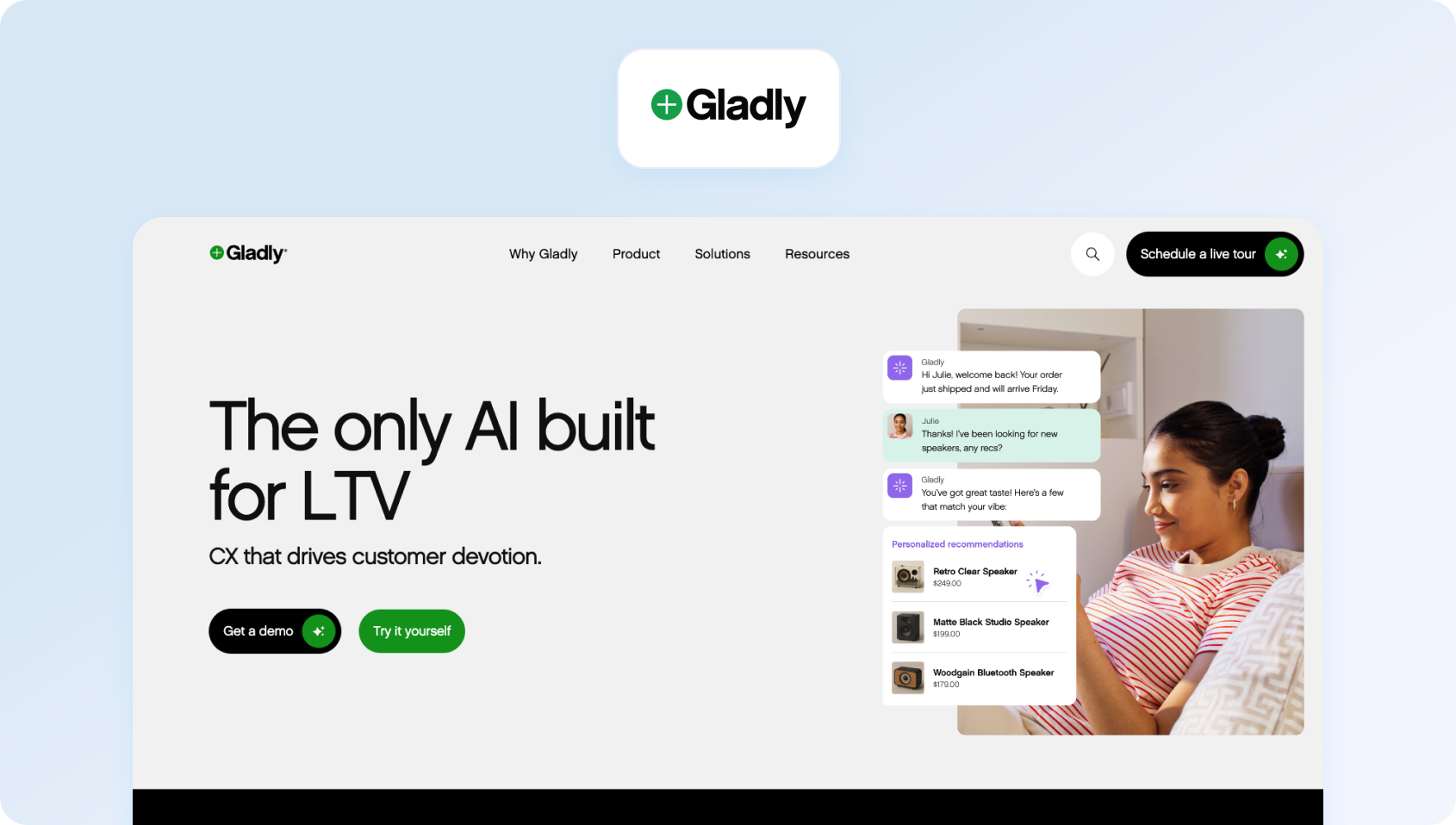
Gladly puts customers (not tickets) at the center with lifelong conversation threads. It's designed for consumer brands focused on loyalty and personalized experiences.
Best fit
Gladly is designed for high-touch consumer brands focused on customer loyalty. It keeps every interaction connected in one lifelong conversation, making it ideal for premium support environments.
Features
- Lifelong Conversation Threads: All interactions with one customer in one thread
- Omnichannel: Voice, SMS, email, chat, social messaging
- Customer Profiles: Rich profiles with purchase history, preferences, and notes
- Task Management: Follow-ups tied to customers, not tickets
- Customer AI: Sidekick AI for automated conversations
- Reporting: Customer-centric metrics (not just ticket counts)
Who Uses It
Consumer brands in retail, hospitality, and travel.
Pros
- Seamless hand-offs between voice, chat, and email in one conversation
- Agents build relationships, not close tickets
- Strong telephony built in, not bolted on
- Luxury and high-touch brands use it to stand out
Cons
- Premium pricing ($150-$180/seat), even compared to Salesforce
- Requires a sales process and often minimum commitments
- Designed for 100+ agent operations
- Not ideal for deflecting volume with chatbots
- Excludes smaller teams
Pricing
Gladly also now uses a custom enterprise pricing model, with organizations required to contact the sales team for a tailored quotation. Pricing typically depends on factors such as team size, communication channels, AI capabilities, and implementation requirements. While this allows Gladly to tailor packages to larger customer service operations, it also makes it more difficult for buyers to compare costs directly with vendors that publish transparent per-seat pricing.
13. Dixa: Best for European omnichannel support

Dixa is a Scandinavian customer service platform emphasizing conversation over tickets. It offers solid omnichannel capabilities with native voice for international teams.
Best fit
Dixa is a strong choice for European businesses looking for a modern customer service platform with native voice capabilities. Its conversation-first approach helps agents deliver more personalised support.
Features
- Omnichannel: Email, chat, voice, Facebook Messenger, WhatsApp, Instagram, Twitter
- Smart Routing: Skill-based routing and automatic prioritization
- Conversation Continuity: Context preserved across channels
- VoIP Included: Native calling with local numbers in 100+ countries
- Mim AI Agent: Handles 55% of repetitive tasks
- Analytics: Real-time dashboards and historical reporting
Who Uses It
European SMBs and mid-market companies.
Pros
- Native calling without a separate telephony provider
- Intuitive interface with minimal clutter
- Local numbers in 100+ countries
- Less ticket-centric than traditional helpdesks
- Mim handles majority of repetitive tasks
Cons
- Smaller than US-based competitors
- Requires sales engagement for most plans
- Lacks advanced automation compared to Intercom or Freshdesk
- Fewer pre-built connectors than major platforms
Pricing
Dixa offers three transparent pricing plans, with all tiers billed annually. Growth starts at €89/agent/month, including omnichannel support across voice, email, live chat, social messaging, AI Agent (Mim), intelligent routing, knowledge management, and native integrations. Ultimate costs €139/agent/month, adding advanced automations, skills-based routing, AI intent detection, and third-party AI integrations. Prime starts at €179/agent/month, introducing enterprise capabilities such as SSO, advanced analytics, custom user roles, higher API limits, and multi-organization management. While Dixa includes a broad range of functionality in each tier, businesses should expect costs to increase as they move into its more advanced AI and enterprise features.
14. Talkdesk CX Cloud: Best for enterprise contact centres
Talkdesk is an enterprise cloud contact center platform with comprehensive voice, omnichannel routing, AI, native WFM, and QA capabilities.
Best fit
Talkdesk is best suited to organizations managing high volumes of voice interactions. Native workforce management, AI, and quality assurance tools make it a strong contact centre solution.
Features
- Enterprise Contact Center: Advanced IVR, skills-based routing, call recording
- Omnichannel: Voice, SMS, email, chat, social messaging
- AI (Talkdesk AI): Virtual agent, sentiment analysis, call transcription
- WFM: Native workforce management with scheduling and forecasting
- Quality Management: Call recording, evaluation forms, coaching workflows
Who Uses It
Mid-market to enterprise voice-heavy operations (100+ agents) in healthcare, retail, financial services, and hospitality.
Pros
- Purpose-built for high-volume call centers
- Integrated scheduling, forecasting, and adherence monitoring
- Built-in quality management and coaching tools
- Voicebot and virtual agent capabilities rival specialized CCaaS
- Pre-built templates for healthcare, retail, and finance
Cons
- Better for call centers than email-heavy support teams
- Multiple modules and add-ons make the true cost hard to predict
- Feature depth requires significant training
Pricing
Talkdesk offers several CX Cloud pricing tiers depending on whether organizations prioritise digital engagement, voice, or broader contact centre capabilities. CX Cloud Digital Essentials starts at $85/user/month and includes digital engagement channels, quality management, dashboards, automation tools, and API access. CX Cloud Essentials is also priced at $85/user/month and focuses on voice engagement, routing, workspace tools, and integrations. CX Cloud Elevate costs $115/user/month, adding features such as screen recording, feedback management, and automated notifications, while CX Cloud Elite starts at $145/user/month and adds workforce management, performance management, custom reporting, and customer experience analytics. Industry-specific deployments through Industry Experience Clouds use custom pricing.
15. NICE CXone: Best for large regulated enterprises
NICE CXone is the enterprise-grade contact center platform with comprehensive WFM, QA, analytics, and proven scalability for large operations.
Best fit
NICE CXone is built for large organizations that require enterprise-scale customer service with advanced compliance capabilities. It performs particularly well in highly regulated industries.
Features
- True Omnichannel: Voice, email, chat, SMS, social media in a unified agent desktop
- Enlighten AI: Real-time agent assist, sentiment analysis, coaching recommendations
- WFM: Comprehensive workforce optimization suite
- Quality Management: Recording, evaluation, calibration, coaching
- Analytics: Real-time and historical reporting with AI-powered insights
- Compliance: HIPAA, PCI-DSS, SOC 2 built for regulated industries
Who Uses It
Large enterprises and BPOs (500+ agents) in healthcare, financial services, retail, and telecom require compliance and scale.
Pros
- Handles 10,000+ agent deployments reliably
- Comprehensive: Everything needed for contact center operations in one platform
- HIPAA, PCI-DSS, and SOC 2 are built for regulated industries
- Industry-leading forecasting and scheduling
Cons
- Requires dedicated admins and a long implementation
- Enterprise pricing is out of reach for SMBs
- Feature depth wasted on teams under 100 agents
- Expect 3-6 months from evaluation to go-live
- Users report pricing complexity and unexpected costs
Pricing
NICE CXone starts at $110/agent/month for the Omnichannel Suite, increasing to $135 for Essential, $169 for Core, $209 for Complete, and $249/agent/month for Ultimate. Some advanced AI capabilities use a consumption-based pricing model alongside the seat licence, so organizations should evaluate expected AI usage when estimating total cost.
16. Genesys Cloud CX: Best for global contact centres
Genesys Cloud CX competes directly with NICE CXone in the enterprise CCaaS market, known for its flexibility, AI capabilities, and multi-tenant architecture, which is critical for BPOs.
Best fit
Genesys Cloud CX is ideal for multinational organizations and BPOs managing complex customer service operations across multiple regions. Its flexibility and scalability make it a leading enterprise platform.
Features
- Omnichannel: Voice, digital channels, video, co-browse
- Genesys AI: Voicebot, chatbot, agent assist, predictive routing
- Native WFM: Forecasting, scheduling, intraday management
- Quality & Analytics: Recording, evaluation, speech analytics
- AppFoundry: 300+ pre-built integrations
- Multi-tenant architecture
Who Uses It
Enterprises and BPOs (100+ agents); strong in telecom, finance, healthcare, and retail.
Pros
- Excellent for BPOs managing multiple clients
- Highly customizable for complex requirements
- Voicebot and predictive engagement capabilities
- Extensive API and integration ecosystem
- Handles large enterprise deployments
Cons
- Not suitable for teams under 50 human agents
- Premium pricing even for mid-tier features
- DIY setup impractical
- Expect 2-4 months for full deployment
- Complex admin interface
Pricing
Genesys Cloud CX offers four named-user plans. Cloud CX 1 starts at $75/user/month for voice contact centres, Cloud CX 2 at $115 adds omnichannel capabilities and quality management, Cloud CX 3 at $155 includes workforce engagement management, while Cloud CX 4 starts at $240/user/month and adds advanced AI capabilities. Some AI features use separate AI Experience tokens, and telecom usage charges may apply.
17. ServiceNow Customer Service Management: Best for IT service organizations
ServiceNow CSM brings ITSM discipline to customer service. Ideal for organizations already using ServiceNow for IT operations.
Best fit
ServiceNow Customer Service Management works best for enterprises already using the ServiceNow platform. It extends existing IT workflows into customer service with powerful automation and governance.
Features
- Omnichannel: Email, chat, phone (via integrations), social, mobile
- Case Management: ITSM-style workflows with SLAs and escalations
- Knowledge: Robust knowledge base with AI-powered search
- Self-Service: Customer self-service portal with case tracking
- Now Assist: AI for agent productivity and case resolution
- ITSM Integration: Seamless connection with ServiceNow ITSM
Who Uses It
Enterprises on the ServiceNow platform, especially in B2B, tech, and professional services.
Pros
- Extends existing ITSM investment
- Best for technical support and B2B service management
- AI-powered KB search and recommendations
- Security, compliance, and governance built in
- Service, IT, HR, all in one ecosystem
Cons
- Among the priciest options
- Better for technical support than consumer service
- Requires ServiceNow expertise
- Only makes sense if already on ServiceNow
- Months to implement properly
Pricing
ServiceNow doesn't publish pricing for Customer Service Management. Organizations must contact the sales team for a tailored quotation based on users, modules, and deployment requirements. Total investment typically depends on the wider ServiceNow platform, implementation services, and any additional AI or workflow automation products.
18. Sprinklr Service: Best for social customer engagement

Sprinklr is an enterprise unified CXM platform designed for large organizations managing customer service across 30+ social and digital channels.
Best fit
Sprinklr is designed for enterprises managing customer service across a large number of digital and social channels. It combines social listening, engagement, and customer support in one platform.
Features
- Social-First: Native support for 30+ social channels
- Omnichannel: Voice, email, chat, messaging apps, review sites
- AI: Routing, sentiment, chatbots
- Listening: Social listening and brand monitoring
- Unified Agent Desktop: All channels in one workspace
Who Uses It
Enterprise brands (Fortune 500) in retail, telecom, hospitality, and financial services are managing high-volume social/digital support.
Pros
- Best for brands active on social media
- Monitor brand mentions across the internet
- Built for 100K+ social interactions monthly
- Marketing, advertising, and service in one ecosystem
- Comprehensive reporting across all channels
Cons
- Enterprise pricing ($249/seat minimum) is out of reach for SMBs
- Unless massive social volume, it's too much platform
- Steep learning curve and long implementation
- Social-first means voice is secondary
Pricing
Sprinklr no longer publishes detailed package pricing for its enterprise CX platform. Businesses must request a custom quotation based on the number of users, channels, AI capabilities, and additional products required. Pricing is generally tailored to large enterprise deployments.
19. Khoros Care: Best for digital-first customer communities

Khoros focuses on digital and social customer care, built for brands managing support across social media, messaging apps, and review sites.
Best fit
Khoros Care is ideal for brands that rely heavily on online communities and social media support. It helps businesses engage customers across digital channels while building peer-to-peer support communities.
Features
- Digital-First: Social media, messaging apps, review sites, online communities
- AI & Automation: Bot framework, intelligent routing, sentiment analysis
- Community Forums: Build and manage customer communities
- Listening: Social monitoring and brand tracking
- CRM Integration: Salesforce, Microsoft Dynamics connectors
Who Uses It
Consumer brands with strong digital presence in retail, telecom, and hospitality.
Pros
- Excels at building customer forums and peer-to-peer support
- Deep social media management capabilities
- Purpose-built for B2C digital support
- Connect support relevant customer data to social advertising
Cons
- Enterprise pricing model
- Not ideal for phone-heavy support operations
- Requires significant configuration and training
- Losing ground to Sprinklr and Salesforce Social Studio
Pricing
Khoros uses bespoke enterprise pricing and doesn't publish licence costs. Organizations should contact the sales team for a customized quotation based on the size of their digital customer service operation and required modules.
20. LivePerson: Best for conversational AI engagement
LivePerson's Conversational Cloud is a messaging-first platform with Voice AI capabilities, leveraging generative AI and LLM orchestration.
Best fit
LivePerson is best suited to enterprises focused on messaging-based customer engagement. Its conversational AI capabilities help automate customer interactions across digital channels.
Features
- Conversational Cloud: Messaging across web, mobile, SMS, WhatsApp, Apple Business Chat
- Intent Manager: AI detects customer intent and routes accordingly
- Conversation Builder: Low-code bot building
- Agent Workspace: Unified workspace for customer communication channels
- Analytics Studio: Voice + text conversation analysis
- Compliance: GDPR, HIPAA, PCI DSS, CCPA
Who Uses It
Enterprise brands in retail, financial services, telecom, and hospitality are prioritizing digital-first, messaging-based engagement.
Pros
- Intent detection and bot building are mature
- Customers message when convenient
- Handles 1 billion+ conversations monthly
- Bring Your Own AI model
Cons
- Conversation-based pricing is hard to predict
- Better for messaging than traditional phone support
- Minimum contracts and pricing exclude SMBs
- Limited native voice capabilities
- Requires sales contact
Pricing
LivePerson doesn't publish standard pricing for Conversational Cloud. Pricing is provided through a customized sales process and typically depends on conversation volume, AI usage, messaging channels, and implementation requirements.
21. Five9 Intelligent CX: Best for voice-first contact centres

Five9 is a cloud contact center platform with 20+ years of voice expertise. It recently added digital channels and positioned itself for mid-market to enterprise operations, prioritizing telephony.
Best fit
Five9 is a strong choice for organizations where voice remains the primary customer service channel. Its advanced telephony capabilities are backed by workforce management and AI-powered agent assistance.
Features
- Cloud Contact Center: Advanced IVR, ACD, skills-based routing, predictive dialing
- Omnichannel: Voice, email, chat, SMS, social (digital channels are less mature than voice)
- Five9 Genius AI: Agent assist, virtual agent (IVA), speech analytics, real-time transcription
- WFM: Integrated workforce management with forecasting and scheduling
- CRM Integration: Deep connectors for Salesforce, ServiceNow, Zendesk, Microsoft Dynamics
Who Uses It
Mid-market to enterprise voice-heavy contact centers (50-500 agents).
Pros
- 99.999% uptime SLA, trusted by 3,000+ organizations
- Native forecasting, scheduling, intraday management
- Handles high-volume operations reliably
- Best-in-class Salesforce and ServiceNow connectors
Cons
- Digital channels feel like afterthoughts; a weaker omnichannel customer experience
- Multiple editions and add-ons make the total cost unclear
- If email/chat are primary channels, better options exist
- IVA, Agent Assist, and advanced features cost extra
Pricing
Five9 offers several CX Cloud bundles with pricing based on the channels, AI capabilities, and workforce engagement features required. Digital starts at $119/user/month for digital channels, while Core starts at $159/user/month and adds voice alongside AI essentials. Higher tiers, including Plus, Pro, and Enterprise, use custom pricing and add more advanced AI capabilities, workforce engagement management, analytics, and optimization tools. Five9 also notes that pricing can vary depending on whether organizations use concurrent users, named agents, or usage-based models, with additional charges potentially applying for AI and telephony usage.
22. Dialpad AI Contact Center: Best for AI-powered business communications

Dialpad built a modern business communications platform (voice, video, messaging) and extended it to contact centers. Real-time AI transcription and sentiment analysis run during calls.
Best fit
Dialpad is well suited to growing businesses looking to combine business communications and customer support. Real-time transcription and AI coaching make it particularly valuable for voice teams.
Features
- Cloud Contact Center: IVR, ACD, call recording, real-time analytics
- Real-Time AI: Live transcription, sentiment scoring, action item detection during calls
- Omnichannel: Voice, SMS, web chat, social messaging
- Integrations: Pre-built connectors for Salesforce, HubSpot, Zendesk, 70+ apps
- Unified Communications: Combines contact center with business phone system
- AI Recaps: Automatic call summaries and coaching recommendations
Who Uses It
SMBs to mid-market teams (20-200 agents) needing modern voice plus light digital channels; customers span tech, professional services, and healthcare.
Pros
- Built for the cloud-first era, not legacy telephony
- Transcription and sentiment analysis during calls (not after)
- Faster implementation than Five9, Genesys, or Talkdesk
- Combine the contact center with the business phone system in one platform
- Strong mobile experience for remote teams
- Most teams are operational in 2-4 weeks
Cons
- Younger than Five9/Genesys, fewer enterprise capabilities
- Basic scheduling, not comprehensive workforce management
- Voice and SMS are strong; email/ticketing is less mature
Pricing
Dialpad offers separate pricing tiers across its communications and contact centre products. Dialpad Support starts at around $80/user/month for contact centre capabilities, with higher tiers adding more advanced routing, analytics, integrations, and administrative controls. Dialpad AI Agent uses a conversation-based pricing model, where organizations purchase AI Agent Credits based on usage rather than paying a fixed per-seat licence.
23. Zowie: Best for AI-powered e-commerce automation
Zowie is an AI-first customer service platform built specifically for e-commerce, automating common queries while integrating deeply with Shopify, Magento, and other platforms.
Best fit
Zowie is designed specifically for online retailers wanting to automate repetitive customer enquiries. Deep e-commerce integrations help reduce support volumes without sacrificing customer experience.
Features
- AI Automation: Handles up to 60% of common e-commerce queries automatically
- E-commerce Integration: Deep connections to Shopify, Magento, WooCommerce, BigCommerce
- Order Management: Check order status, process returns, update shipping—all automated messages
- Omnichannel: Chat, email, Facebook Messenger, Instagram
- Product Recommendations: AI-powered upselling and cross-selling
- Analytics: Track automation rates, customer satisfaction, and resolution times
- Multilingual: Support for multiple languages
Who Uses It
Direct-to-consumer e-commerce brands on Shopify, Magento, WooCommerce; typically stores with moderate to high order volumes seeking automation.
Pros
- Explicitly built for online retail, not adapted from a generic helpdesk
- Most brands are operational within 2 weeks
- Reduces the need to hire additional agents
- AI understands your inventory and can make recommendations
- Instant answers for “where's my order” type questions
Cons
- No value outside the online retail vertical
- Can't handle phone support
- Works for order status, not product troubleshooting or technical issues
- Not built for 50+ agent operations
- Strongest for Shopify stores, weaker for other platforms
Pricing
Zowie uses custom enterprise pricing based on automation volumes, order volumes, and business requirements. Organizations need to contact the sales team for a tailored quotation, making it best suited to larger e-commerce businesses evaluating AI-first customer service.
24. Groove: Best for small business help desks
Groove positions itself as the simple, affordable help desk for small businesses. If you're a micro-team that finds Zendesk overwhelming and wants a shared email with basic features, Groove is a good fit.
Best fit
Groove is ideal for startups and small businesses that need straightforward ticket management without enterprise complexity. Its simple interface makes it easy to deploy and adopt quickly.
Features
- Shared Inbox: Email-centric support with assignments, notes, and collision detection
- Knowledge Base: Customer-facing help articles with search
- Reporting: Basic analytics on response times, volumes, and team performance
- Integrations: Slack, Shopify, Mailchimp, Zapier, and 40+ apps
- Collaboration: Private notes, @mentions, internal discussions
- Rules & Automation: Basic workflow automation and ticket routing
Who Uses It
Micro-businesses and startups (3-15 people); customers include small SaaS companies, consultants, agencies, and bootstrapped startups.
Pros
- Among the cheapest full-featured helpdesks (not just shared Gmail)
- Clean interface, minimal learning curve, quick onboarding
- Flat monthly rate regardless of volume
- Perfect for bootstrapped startups with 3-10 people
- Familiar workflow for teams used to Gmail/Outlook
- Can start with just 1-2 users
Cons
- Lacks AI, advanced automation, and chatbot capabilities
- No real omnichannel (no native voice, chat is basic)
- Small ecosystem (40 apps) compared to Zendesk (1,500+)
- Most teams outgrow Groove by 15-20 people
- Missing workforce management, quality assurance, and sentiment analysis
Pricing
Groove offers a free forever pricing model across its core platform, with no monthly subscription fee. Users can access the platform at $0/month, with revenue generated through transaction fees on selected products rather than software licences. For example, GrooveSell and GrooveKart charge a 5% platform fee on sales, while GrooveMail supports unlimited contacts at no cost when users connect their own SMTP provider.
25. HappyFox :Best for internal service desks

HappyFox offers a traditional help desk with essential features at competitive prices. It's particularly popular with IT service desks and internal customer support teams.
Best fit
HappyFox is well suited to IT teams and organizations that need traditional help desk functionality alongside asset management. It provides a solid mix of ticketing, automation, and knowledge management at competitive prices.
Features
- Ticketing: Multi-channel ticket management (email, chat, phone, social, web forms)
- Knowledge Base: Internal and external help articles with search and organization
- Task Management: Convert tickets to tasks, set dependencies, and track projects
- Asset Management: Track hardware and customer service software assets (IT service desk focus)
- Community Forums: Build a customer community platform for peer-to-peer support
- Automation: Workflows, SLA management, smart rules, escalations
- Reporting: Standard reports on customer service team performance, ticket volumes, and resolution times
Who Uses It
IT departments, educational institutions, and SMBs; strong adoption in schools, universities, and companies needing IT asset management alongside exceptional customer support.
Pros
- Competitive pricing for the feature set ($29-$89/agent range)
- Asset management and service desk features appeal to IT teams
- Popular with schools and universities (often with education discounts)
- No hidden fees or complex add-ons
- Built-in customer community platform included
Cons
- UI feels older compared to alternatives
- Basic automation, no chatbot or AI agent assist capabilities
- Fewer integrations (50-75) than major competitors
- Requires third-party telephony integration (not included)
- Interface complexity without corresponding power features
Pricing
HappyFox offers four help desk pricing tiers billed annually. Basic starts at $24/agent/month and includes unlimited tickets, omnichannel ticket creation, SLA management, knowledge base functionality, and SSO support for smaller teams (up to five agents). Team costs $49/agent/month, adding multi-brand support, custom roles, ticket queues, and additional support options. Pro is priced at $99/agent/month and adds advanced operational features such as asset management, task management, load-balanced ticket assignment, scheduled tickets, and uptime SLAs.
What Is Intercom & Why Teams Consider Customer Support Alternatives
Intercom revolutionized customer communication by making support conversational rather than transactional. Its strengths remain compelling: The Messenger widget integrates seamlessly into products. Proactive messaging prevents support tickets through in-app guidance. Product tours onboard users without human intervention. Fin AI Agent handles resolution autonomously at scale.
However, five factors consistently drive teams to explore Intercom chat alternatives:

- Unpredictable costs: Usage-based pricing for Fin AI ($0.99/resolution), messaging channels (SMS, WhatsApp, and email campaigns), and phone support result in monthly bills that swing 30-50%. Teams report difficulty budgeting when a single marketing campaign or product launch can triple support volume overnight.
- No voice capability: Intercom doesn't handle phone calls natively. Teams requiring voice must integrate with Twilio, Five9, or another telephony provider, resulting in fragmented workflows and duplicate customer data entry.
- Not built for contact centers: Intercom alternatives offer essential features missing from Intercom: workforce management for scheduling and forecasting, quality assurance for monitoring and coaching, skills-based routing for complex queries, and call transcription for compliance and training.
- Limited for high-volume operations: Intercom excels for product-led SaaS with moderate support volume. It's less suitable for 100-agent contact centers handling thousands of daily interactions across multiple channels and languages.
- Add-on accumulation: Base plans start at $29/seat, but effective costs range from $120 to $175/agent after adding Copilot Unlimited ($35/agent), Proactive Support Plus ($99/month), and usage-based channel fees.
If these considerations apply to you, the top Intercom alternatives listed below address these gaps in different ways.
Every support team has different challenges. Whether you're managing multilingual customer service, scaling AI automation, or introducing voice support, a personalized BlueTweak demo shows exactly how the platform fits your workflows.
How We Evaluated These Intercom Alternatives
We assessed each intercom competitor using publicly available documentation, demo videos, pricing pages, and verified user reviews.
- Features Assessment: We checked each alternative to Intercom against our must-have checklist. Platforms were categorized as Meets (native, documented, and available for 20-100 agents), Partial (requiring add-ons or higher tiers), or Not Evident (no public documentation).
- Who Uses It: We identified user segments from case studies, public logos, and review filters. Where unclear, we noted TBD based on positioning.
- Pricing: All pricing data comes from vendor websites as of October 2025. Where pricing isn't public, we noted “Contact sales” and the stated model.
- Pros and Cons: Strengths and weaknesses tie directly to our checklist and rubric, avoiding superlatives in favor of evidence-based observations.
Must-Have Capability Checklist and Advanced Features
- Omnichannel: Email, chat, voice, SMS, social, bots
- WFM & QA:
Native scheduling, forecasting, quality review - Analytics & Dashboards: Real-time, SLA tracking, custom reports
- Knowledge Base & Self-Service: Internal/external KBs, AI search, multilingual
- Multilingual AI (Voice + Text): Translation, transcription, sentiment analysis, guardrails
- APIs, Integrations & Compliance: REST API, customer relationship management (CRM)/e-commerce, data residency, ISO/GDPR
- Pricing Clarity: Transparent, seat-based, or usage tiers, bundled features
- AI Tools: Voicebot, proposed replies, auto routing/summarization
Scoring Rubric
| Criterion | Weight | What We Looked For |
|---|---|---|
| Fit for 20–100 agents | High | No 200-seat minimums; features accessible in mid-tier plans. |
| Omnichannel depth (incl. voice) | High | Native voice, not bolted-on; unified queue for all channels. |
| WFM/QA native | High | Scheduling and quality tools included, not third-party required. |
| Multilingual AI (voice + text) | High | Real-time translation; knowledge base-grounded chatbot and voicebot. |
| Time-to-value | Medium | Setup complexity, onboarding support, and pre-built templates. |
| Total cost to run | High | Transparent pricing, bundled features, and a predictable monthly bill. |
| Security & control | Medium | MFA, audit logs, and data location available in base or mid-tier plans. |
Technology Overview: From Chat-First Helpdesks to Unified CX (2015→2026)
Between 2015 and 2026, customer support platforms evolved from chat-first helpdesks to comprehensive omnichannel solutions. Intercom defined the modern conversational support category in 2011, but the market has since consolidated around unified platforms that bundle voice, WFM, QA, and multilingual AI natively.
The old model looked like this: Purchase Intercom for in-app messaging and chat. Integrate Twilio or a separate contact center for voice. Add a third-party WFM tool for scheduling. Use spreadsheets or a separate QA platform for quality monitoring. Manage translation through plugins. Stitch together reports from 3-5 different dashboards.
This worked when support was primarily chat and email in a single language. It breaks down when managing thousands of customer interactions across multiple channels, including voice, email, SMS, WhatsApp, and social media, in various languages.
Modern Intercom competitors like BlueTweak, Genesys Cloud CX, and NICE CXone bundle these capabilities natively. This resulted in fewer vendor relationships, improved data flow between systems, cleaner customer profiles, and more predictable monthly costs.
Three forces drove this consolidation:
- Channel expansion (chat, SMS, WhatsApp, social media, voice all need unified queues)
- AI maturity (modern AI can transcribe calls, translate conversations, suggest replies, and resolve tickets, but only with unified context)
- CFO scrutiny (finance teams demand predictable TCO, not surprise usage spikes).
This shift reflects a broader change in how support is structured, As Radu Dumitrescu, Head of Automation & Digital Transformation at BlueTweak, explains: “Support teams are moving away from stitched-together tools towards unified platforms where every interaction (voice, chat, and AI) is connected. That's the only way to scale quality and control costs at the same time.”
When evaluating alternatives to Intercom, prioritize native omnichannel, integrated WFM and QA, multilingual AI with guardrails, pricing transparency, and security basics in base plans.
Choosing the Right Intercom Alternative for 2026
Teams leave Intercom when usage-based pricing volatility, lack of native voice, or missing contact center features outweigh its conversational strengths. The best Intercom alternatives for 2026 offer comprehensive omnichannel capabilities, clearer pricing structures, and modern AI.
If you need an all-in-one customer service platform with native voice, workforce management, multilingual AI, and predictable pricing, BlueTweak delivers the best balance for 20-100 agent teams. You won't need separate subscriptions for WFM, QA, or advanced AI; everything's included at €65/agent/month
BlueTweak won't fit if you're a 5-person startup that needs just chat and email, or a 500-agent enterprise that's standardized on Salesforce. But for mid-market teams (20-100 agents) looking to consolidate vendors, eliminate usage-based surprises, and add voice capabilities, it's the Editor's Choice.
If you're ready to move beyond fragmented customer service software, start a 14-day free trial or speak with our team to discover how BlueTweak combines AI, voice, omnichannel support, workforce management, and quality assurance into one platform.

As Head of Digital Transformation, Radu looks over multiple departments across the company, providing visibility over what happens in product, and what are the needs of customers. With more than 8 years in the Technology era, and part of BlueTweak since the beginning, Radu shifted from a developer (addressing end-customer needs) to a more business oriented role, to have an influence and touch base with people who use the actual technology.



