



TL;DR
AI help desk software helps support teams automate ticket routing, customer conversations, and repetitive service requests while improving agent productivity. The best platforms combine AI-driven automation with omnichannel support, knowledge management, analytics, and workforce management. For growing teams that want voice, chat, email, AI, QA, and WFM in one platform without expensive add-ons, BlueTweak is our Editor's Choice.
Support teams aren't struggling because they lack AI. They're struggling because they're juggling disconnected tools, rising ticket volumes, and customer expectations that keep increasing.
Modern AI help desk software should do far more than generate response suggestions. The best platforms automate service requests, streamline support processes, surface customer history instantly, and give support agents the context they need to resolve issues faster.
If you're evaluating AI help desk software in 2026, BlueTweak stands out by combining omnichannel support, KB-grounded AI, workforce management, quality assurance, and analytics into a single platform, while the other vendors below each excel in different areas.
Quick Comparison: 12 AI Help Desk Platforms
If you're comparing AI help desk software, it helps to start with a high-level overview before exploring the details. The table below summarises all 12 platforms covered in this guide, highlighting their ideal use case, starting price, and key capabilities. The detailed reviews that follow explore each platform's features, strengths, limitations, and pricing in more depth to help you choose the right solution for your help desk operations.
| Platform | Best For | Starting Price | AI | Voice | WFM | QA |
|---|---|---|---|---|---|---|
| BlueTweak | Mid-market teams needing unified AI help desk operations | €65/agent/month | ✓ Native | ✓ Native | ✓ Included | ✓ Included |
| Intercom | AI-powered conversational customer support | $29/seat/month | ✓ Native | ✗ | ✗ | ✗ |
| Zendesk | Large enterprises with complex support ecosystems | $19/agent/month | Add-on | ✓ Native | Add-on | Add-on |
| Freshworks | Affordable AI help desk software | Free (paid from $15/agent/month) | Add-on | Limited | Limited | Limited |
| Zoho Desk | Businesses already using Zoho | Free (paid from €7/agent/month) | ✓ Included* | Integration | ✗ | ✗ |
| Salesforce Service Cloud | Enterprise CRM-driven support | $25/user/month | ✓ Native | Integration | Add-on | Add-on |
| Kustomer | Customer history and contextual support | Custom pricing | ✓ Native | Add-on | ✗ | ✗ |
| Gladly | Relationship-focused customer service | Custom pricing | Limited | ✓ Native | ✗ | ✗ |
| Help Scout | Simple email-based customer support | Free (paid from $25/month) | ✓ Native | ✗ | ✗ | ✗ |
| Front | Collaborative inbox management | $25/seat/month | Add-on | ✗ | ✗ | Add-on |
| Dixa | Conversation-driven omnichannel support | €89/agent/month | Add-on | ✓ Native | ✗ | ✓ Included |
| LiveAgent | Budget-friendly omnichannel support | $10/agent/month | Limited | ✓ Native | ✗ | ✗ |
*AI features available on higher-tier plans
Every business has different customer support requirements, so there isn't a one-size-fits-all solution. Whether you're looking for an affordable AI help desk, enterprise-grade service management, or a unified platform with built-in workforce management and quality assurance, the detailed reviews below break down each platform's pricing, capabilities, strengths, and limitations to help you build a confident shortlist.
Want to see how AI can reduce ticket volume and improve service delivery? Book a personalized BlueTweak demo to see KB-grounded AI, omnichannel support, workforce management, and intelligent automation in action.
12 AI Help Desk Software Options for 2026
The platforms below represent current AI help desk software options evaluated by support operations teams. Pricing and capabilities come from vendor websites and public documentation as of January 2026.
Where pricing lacks transparency, we note “Contact sales” or “Varies by plan.”
1. BlueTweak: Best for Unified AI-Powered Customer Support Operations

BlueTweak delivers an all-in-one CCaaS platform merging voice, chat, email, and social channels with AI-powered automation, workforce planning, and quality management. Purpose-built for mid-market operations (20-100 agents) and BPO environments, it offers KB-grounded AI eliminating hallucinations while providing accurate, context-aware responses across every channel.
Best for: BlueTweak is best for growing help desk operations that need a unified AI platform for voice, chat, email, and ticketing. Built-in workforce management, quality assurance, and KB-grounded AI help streamline support workflows, improve service delivery, and reduce reliance on multiple standalone tools.
Key features:
- Native voice infrastructure (call center, IVR, multilingual AI voicebot, transcription, translation)
- Chat powered by an AI customer service chatbot with real-time translation
- Email with AI proposed reply, template responses, and AI ticket summary
- KB-grounded AI assistance using a public knowledge base with a hierarchical structure
- Ticketing system featuring sentiment analysis, AI ticket classification, and customizable fields
- Built-in workforce management (forecasting, scheduling) plus quality assurance module
- Custom and prebuilt analytics dashboards
- Enterprise security (audit trails, role management, MFA, data residency controls)
- Open APIs with a sandbox testing environment
"The most successful AI deployments don't replace support agents, they amplify them. When AI understands customer history, knowledge base content, and business context, teams resolve issues faster while improving both customer and agent experiences." — Radu Dumitrescu, Head of Presale & Digital Transformation at BlueTweak
Pricing:
- €65/agent/month (all features included)
- No feature gating; unlimited users and integrations
Note: AI usage priced separately per customer interaction (transparent, predictable)
Pros:
- Unified platform eliminates juggling separate voice, chat, AI, and analytics vendors
- KB-grounded AI prevents hallucinations by citing actual knowledge base sources
- Included WFM and QA eliminates the typical $25-$50/agent/month add-on charges
- Transparent pricing without hidden usage caps
- Rapid deployment measured in weeks rather than quarters
- Comprehensive multilingual support (35+ languages) across voice and text
- Multi-tenant architecture purpose-built for BPO operations
Cons:
- Emerging brand versus established names like Zendesk or Salesforce
- Sweet spot is mid-market (20-100 agents); massive enterprises need customization
- AI costs scale with usage, requiring volume forecasting
- Smaller app marketplace compared to Zendesk's 1,200+ integrations
BlueTweak in Action:
BlueTweak has also delivered measurable improvements for enterprise customer support operations. For example, global BPO provider Conectys reduced data retrieval times by 30%, improved reporting efficiency by 40%, increased customer satisfaction (CSAT) by 35%, and cut resolution times by 25% after implementing the platform. These results demonstrate how combining KB-grounded AI, intelligent automation, and unified omnichannel support can streamline help desk operations while improving both agent productivity and the customer experience.
Experience AI-powered customer support, voice, email, chat, and workforce management in one platform. Start your free 14-day trial, no credit card required.
2. Intercom: Best for AI-Powered Conversational Customer Support

Intercom merges live chat, AI chatbot capabilities (Fin AI), and basic ticketing into a platform emphasizing proactive customer engagement over traditional ticket management. Strong for in-app messaging and product adoption, but voice support requires workarounds.
Best for: Intercom is best for SaaS businesses that prioritise conversational customer engagement through live chat and AI automation. Its strengths lie in proactive messaging, in-app support, and AI-driven customer conversations rather than managing complex omnichannel help desk operations.
Key features:
- Fin AI chatbot (GPT-based, knowledge-grounded, text channels only)
- Live chat and messaging infrastructure
- Product tours and targeted campaign tools
- Lightweight ticketing workflows
- Help center and article library
- Customer data aggregation
- Shared team inbox
- Analytics and reporting
- Multilingual bot support (45+ languages)
Pricing:
- Essential: From $29/seat/month
- Advanced: From $85/seat/month
- Expert: From $132/seat/month
- AI and premium features: Additional costs apply for Intercom Pro (from $99/month), Copilot ($29/agent/month), and Proactive Support Plus (from $99/month).
Pros:
- Excels at conversation-first, proactive customer engagement
- Modern chatbot experience with sophisticated AI
- Strong product onboarding and education capabilities
- Multilingual automation across messaging channels
- Clean, contemporary interface design
Cons:
- Voice support absent; text channels only
- Unpredictable costs as conversation volume fluctuates
- Limited traditional ticketing functionality
- Lacks workforce management tools
- AI resolution fees can spike unexpectedly
3. Zendesk: Best for Large Enterprises with Complex Support Ecosystems
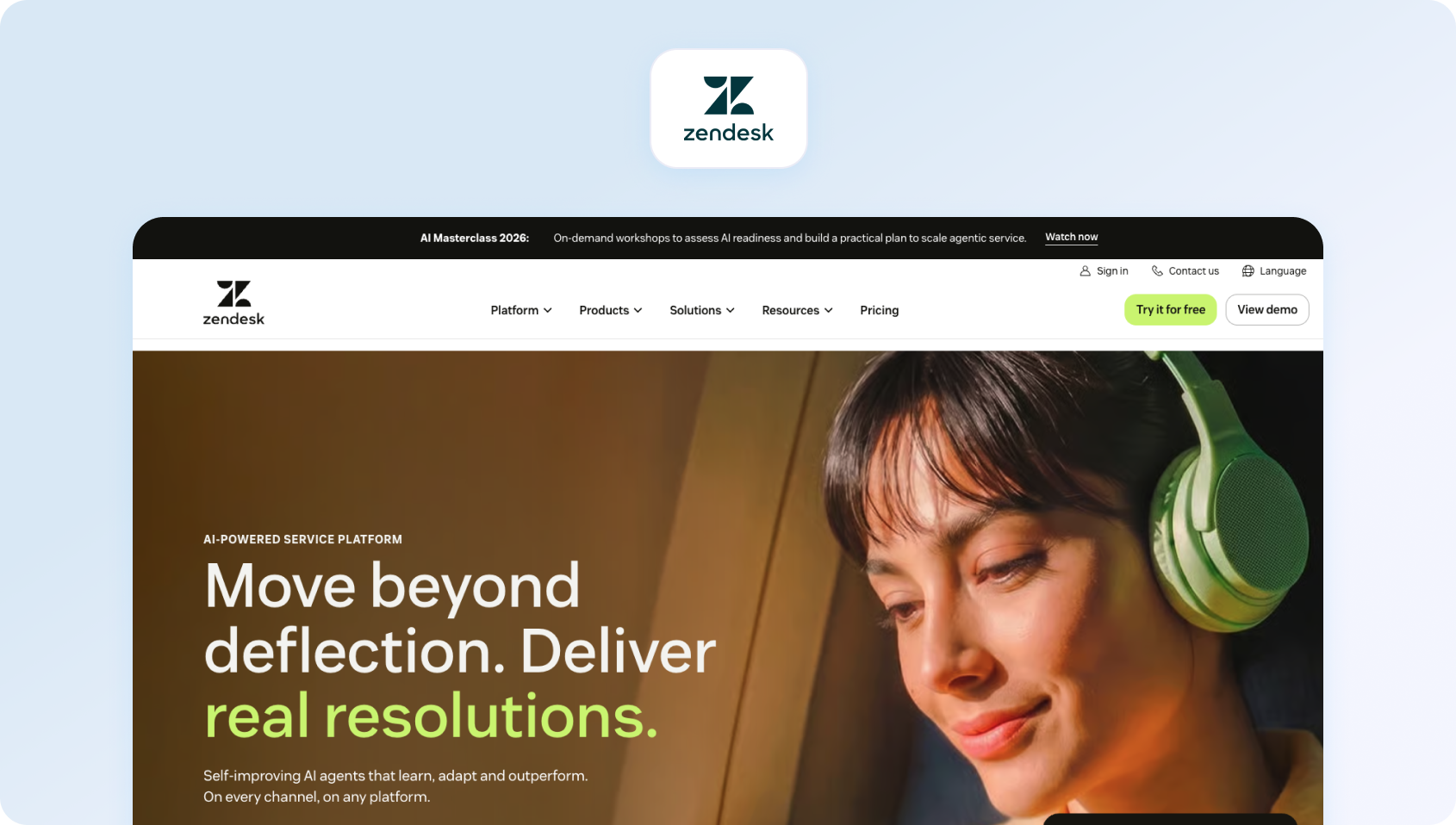
Zendesk provides cloud-based help desk software with AI add-ons for ticket summarization, intent recognition, and chatbot automation. Covers email, chat, voice (through partners), and messaging, though advanced AI, WFM, and voice capabilities require separate purchases.
Best for: Zendesk is best for enterprises that need a mature help desk platform with extensive integrations, advanced reporting, and highly configurable support workflows. It's a strong choice for organisations willing to invest in additional AI, workforce management, and quality assurance add-ons.
Key features:
- Omnichannel ticketing with workflow automation
- Multilingual knowledge base
- Answer Bot (KB-powered chatbot, text only)
- AI-driven workflow and routing automation
- Zendesk Talk (partner-based voice integration)
- Workforce management (add-on: $25/agent/month)
- Quality assurance (add-on: $35/agent/month)
- Advanced analytics and reporting
- Marketplace offering 1,200+ integrations
Pricing:
- Support Team: $19/agent/month (billed annually)
- Suite Team: $55/agent/month (billed annually)
- Suite Professional: $115/agent/month (billed annually)
- Suite Enterprise: Contact sales
- Add-ons: AI Copilot $50/agent/month, Workforce Management $25/agent/month, Quality Assurance $35/agent/month
Pros:
- Established platform with a deep integration ecosystem
- Extensive marketplace (1,200+ apps)
- Enterprise security and compliance credentials
- Widely recognized interface
- Comprehensive documentation
Cons:
- Costs multiply rapidly with essential add-ons
- Voice relies on third-party partnerships
- Per-agent pricing becomes expensive at scale
- Complex configuration learning curve
- Core features locked in expensive tiers
4. Freshworks: Best for Affordable AI Help Desk Software
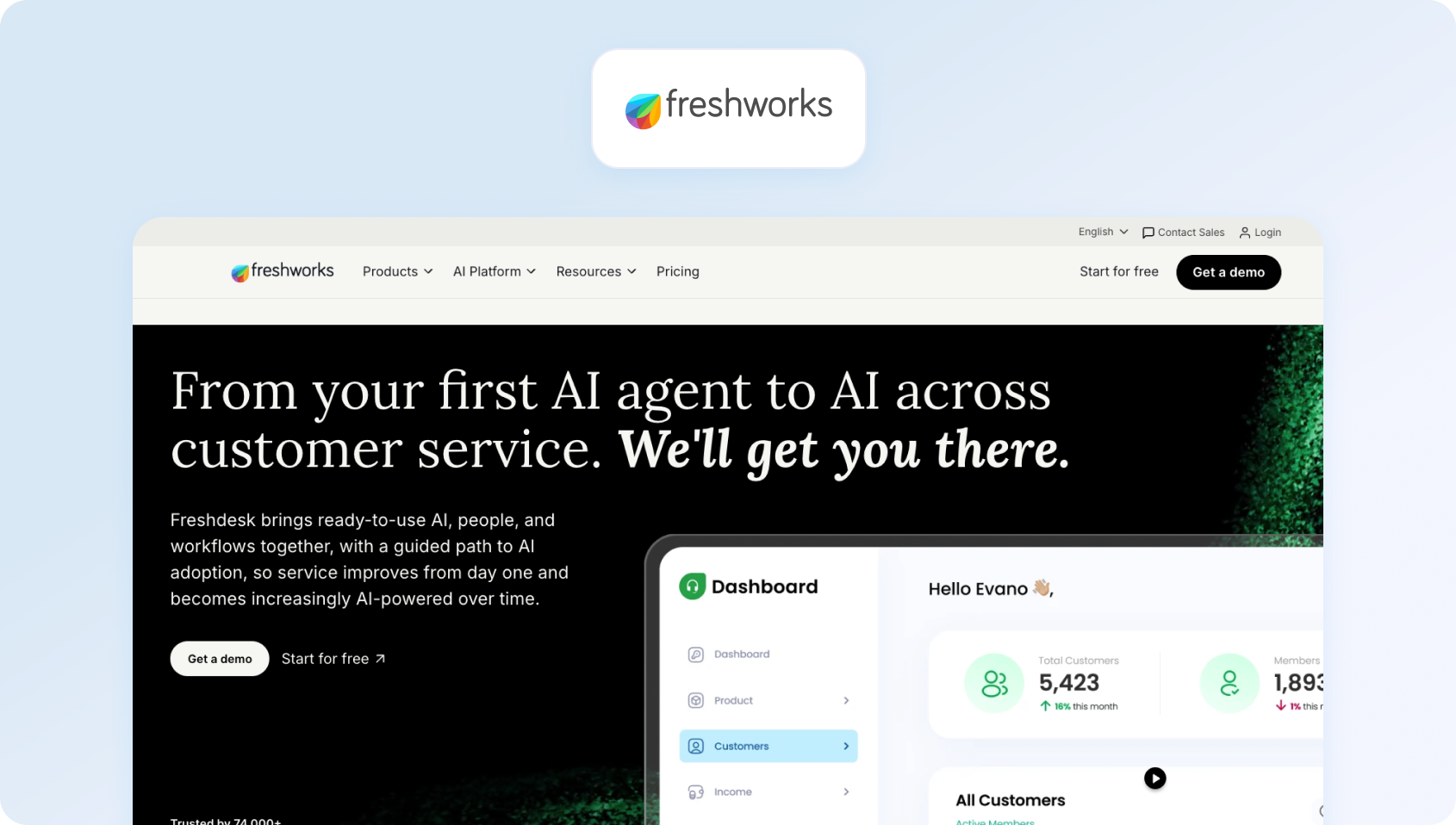
Freshworks offers cloud-based desk software with ticketing, automation, and self-service capabilities. Provides foundational omnichannel support with AI add-ons for chatbot and agent assistance functionality.
Best for: Freshworks is best for small to mid-sized businesses looking for an accessible, user-friendly interface with essential ticketing and AI capabilities. It provides a straightforward way to deploy AI and automate support processes without the complexity of enterprise platforms.
Key features:
- Ticketing infrastructure with automation and SLA tracking
- Email and social channel support
- SEO-optimized knowledge base
- Team collaboration (collision detection, private notes)
- Standard reporting and analytics
- Integration marketplace
- AI Copilot (add-on: $29/agent/month)
- AI Agent sessions (add-on: $100 per 1,000 sessions)
Pricing:
- Free: $0 (up to 10 agents)
- Growth: From $15/agent/month
- Pro: From $49/agent/month
- Enterprise: From $79/agent/month
- AI add-ons: Freddy AI Copilot ($23/agent/month) and Freddy AI Agent (usage-based pricing after the first 500 sessions).
Pros:
- Generous free tier for initial testing
- Competitive entry-level pricing
- Minimal learning curve
- Solid marketplace integrations
- Decent automation in lower tiers
Cons:
- Voice support needs third-party integration or upgrade
- AI features are paid add-ons
- Basic workforce management
- Reporting lacks the depth of enterprise platforms
- Missing native call center capabilities
5. Zoho Desk: Best for Businesses Already Using Zoho

Zoho Desk delivers context-aware service desk software with ticketing, automation, and self-service tools. Deep Zoho ecosystem integration plus AI assistant (Zia) in premium tiers.
Best for: Zoho Desk is best for organizations already invested in the Zoho ecosystem that want affordable AI-powered service management and customer support. Native integrations with other Zoho products make it particularly attractive for growing businesses looking to centralise operations.
Key features:
- Ticketing with workflow automation
- Multi-channel support (email, phone, chat, social)
- Knowledge base with community features
- AI assistant Zia (automation and insights)
- SLA tracking and custom workflows
- Analytics dashboards
Pricing:
- Free: 3 users, basic ticketing, email support, limited capabilities
- Express: €7/agent/month (social media, workflows, 5 users)
- Standard: €14/agent/month (instant messaging, SLAs, unlimited users)
- Professional: €23/agent/month (advanced AI, multi-department, 10 departments, unlimited users)
- Enterprise: €40/agent/month (custom modules, sandbox, 50 departments, unlimited users)
Pros:
- Highly affordable pricing structure
- Seamless Zoho suite integration
- AI included in upper tiers
- Strong value proposition for small teams
- Automation across all price points
Cons:
- Interface feels dated
- Voice needs Zoho PhoneBridge
- Limited WFM capabilities
- Smaller integration marketplace
- Customization complexity
6. Salesforce Service Cloud: Best for Enterprise CRM-Driven Support
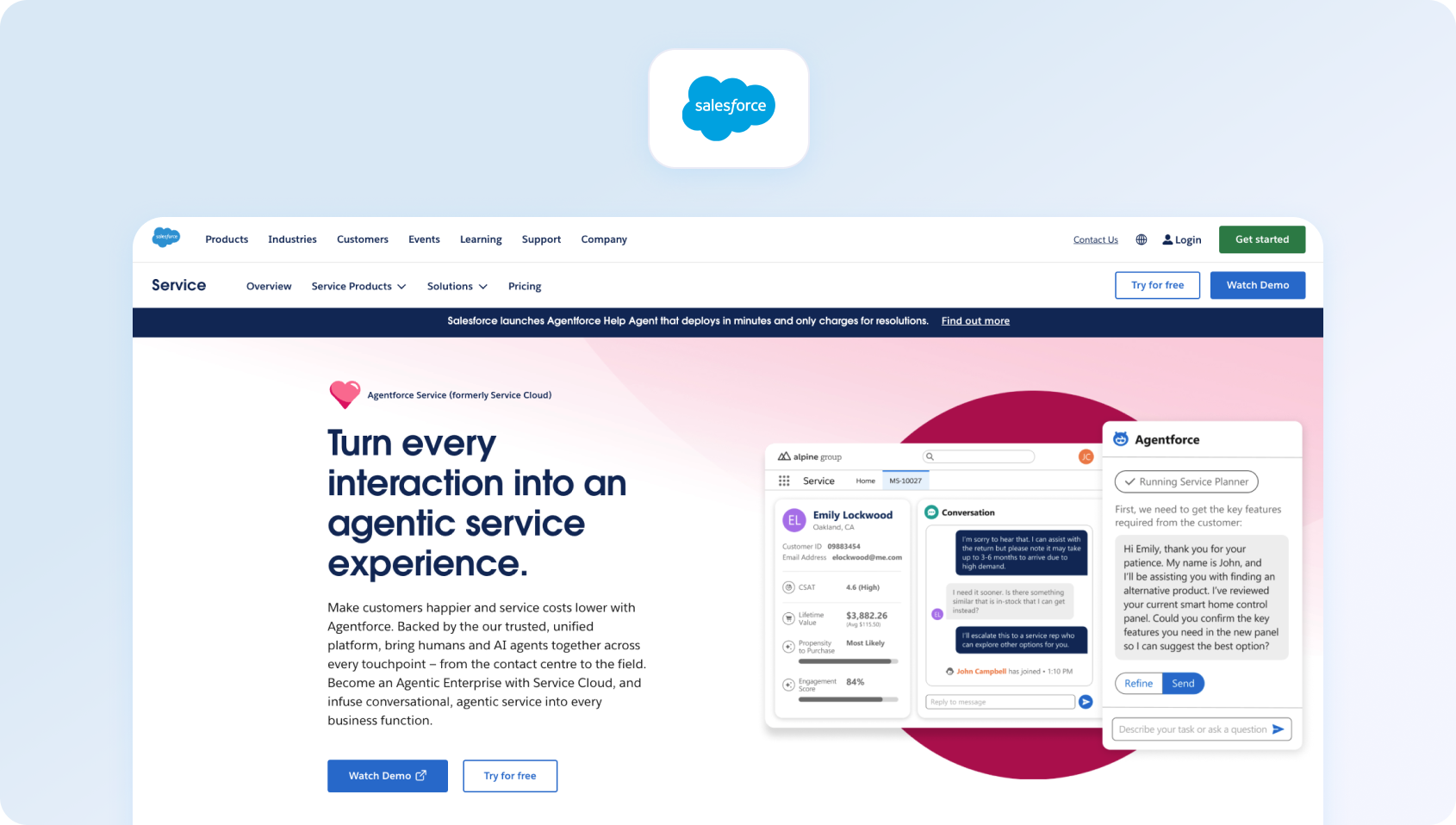
Salesforce Service Cloud provides an enterprise CRM-based customer support platform with omnichannel capabilities and Einstein AI. Designed for large organizations already invested in the Salesforce ecosystem.
Best for: Salesforce Service Cloud is best for large enterprises that rely on Salesforce CRM and need highly customised customer support operations. Its AI capabilities, automation, and reporting are particularly valuable for organizations managing complex service delivery across multiple departments.
Key features:
- Case management with omnichannel routing
- Knowledge management system
- Einstein AI (automation and predictions)
- WFM (add-on), analytics, custom dashboards
- Extensive customization framework
- Salesforce ecosystem integration
Pricing:
- Starter Suite: $25/user/month (10-user maximum, basic features)
- Professional: $100/user/month (workflows, knowledge, reports)
- Enterprise: $175/user/month (advanced automation, 24/7 support)
- Unlimited: $350/user/month (premier support, configuration services)
- Agentforce 1 Service: $550/user/month (as with the Unlimited package, plus the full AI suite)
Note: Add-ons and implementation typically double the cost. Einstein AI features vary by tier.
Pros:
- Deep Salesforce ecosystem integration
- Highly customizable workflows
- Enterprise security and compliance
- Unified customer data across platforms
- Advanced Einstein AI capabilities
Cons:
- Expensive with required add-ons
- Complex requiring Salesforce expertise
- Steep learning curve
- Overkill without Salesforce investment
- Lengthy implementation timelines
7. Kustomer: Best for Customer History and Contextual Support

Kustomer provides a CRM-based AI help desk platform with timeline views that show the complete customer interaction history across channels. Emphasizes a unified context for complex customer journeys.
Best for: Kustomer is best for organizations that need a complete view of customer history across every interaction. Its timeline-based approach gives support agents rich context, making it well suited to businesses managing long, multi-touch customer journeys.
Key features:
- Customer timeline with full history
- Omnichannel support (email, chat, voice, SMS, social)
- Workflow automation and routing
- Knowledge base tools
- Analytics and reporting
- Deep integration capabilities
Pricing:
- Custom pricing: Quote-based pricing tailored to your team size, conversation volume, and AI requirements.
- Includes: Access to Kustomer's AI-powered CX platform with omnichannel support, automation, reporting, and AI capabilities.
- Additional costs: Pay-as-you-go pricing applies for channels such as Kustomer Voice and WhatsApp, while implementation and some enterprise services may incur additional fees.
Pros:
- Unified timeline delivers excellent context
- Strong for complex customer journeys
- Omnichannel included
- Relationship-focused support model
- Flexible workflow automation
Cons:
- Premium pricing
- Complex setup requirements
- Smaller brand than competitors
- Limited native WFM
- Variable voice/SMS costs
8. Gladly: Best for Relationship-Focused Customer Service
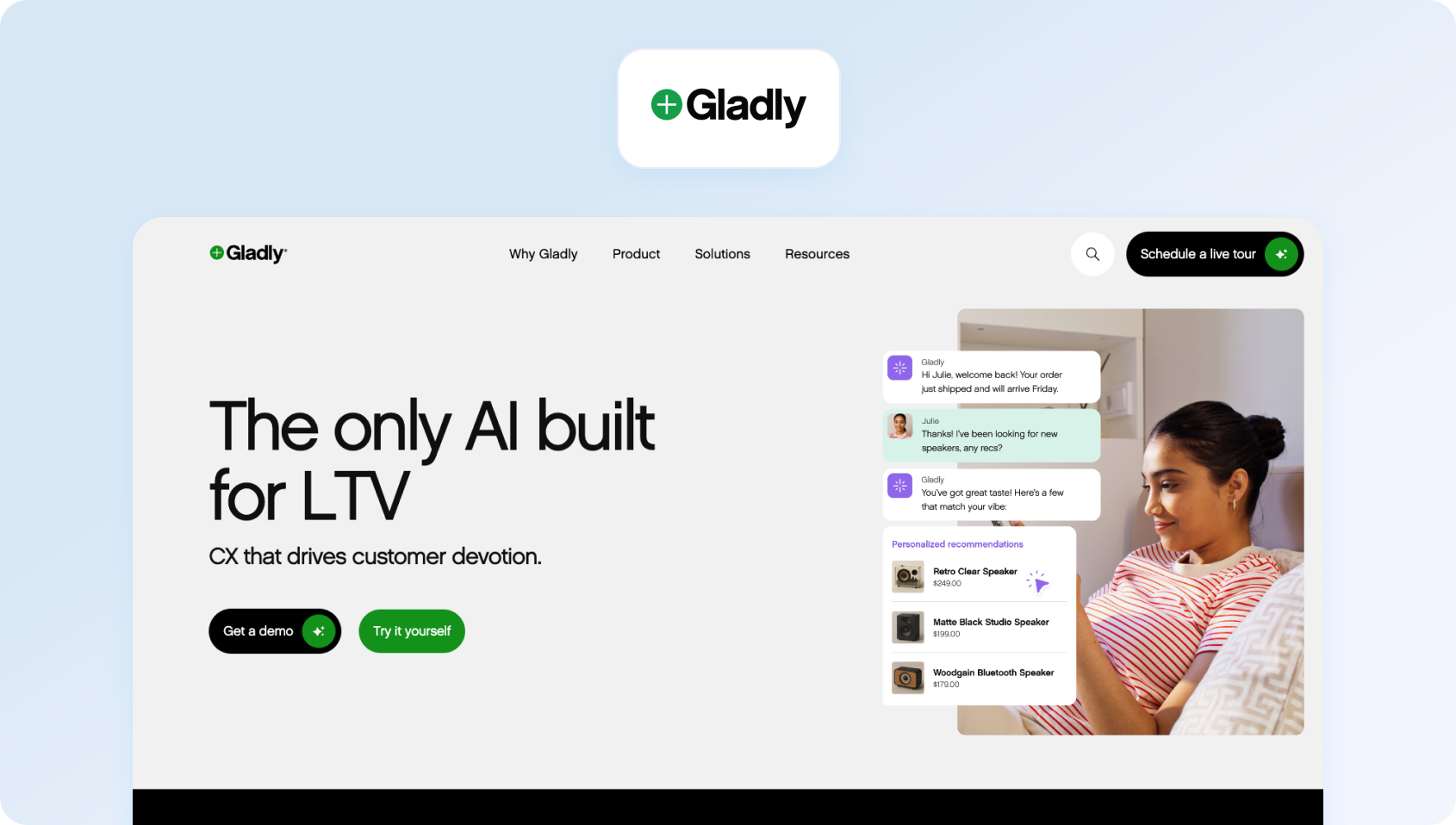
Gladly builds customer service around people rather than tickets, maintaining continuous conversation threads across all channels throughout customer relationships.
Best for: Gladly is best for brands that prioritise long-term customer relationships over traditional ticket management. Its people-first approach enables support agents to deliver more personalized service by maintaining continuous conversations across every channel.
Key features:
- Conversation-based (no ticket numbers)
- Omnichannel support (voice, SMS, email, chat, social)
- Comprehensive customer profiles
- Self-service capabilities
- Analytics and reporting
- E-commerce and CRM integrations
Pricing:
- Custom pricing based on requirements
- Contact sales for quotes
Pros:
- Unique people-first approach
- Continuous conversation threads
- Strong for relationship-driven support
- Native omnichannel, including voice
- Premium brand positioning
Cons:
- Custom pricing is typically expensive
- Smaller integration ecosystem
- Requires a workflow mindset shift
- Less automation than AI-first platforms
- Not ideal for high-volume transactional support
9. Help Scout: Best for Simple Email-Based Customer Support
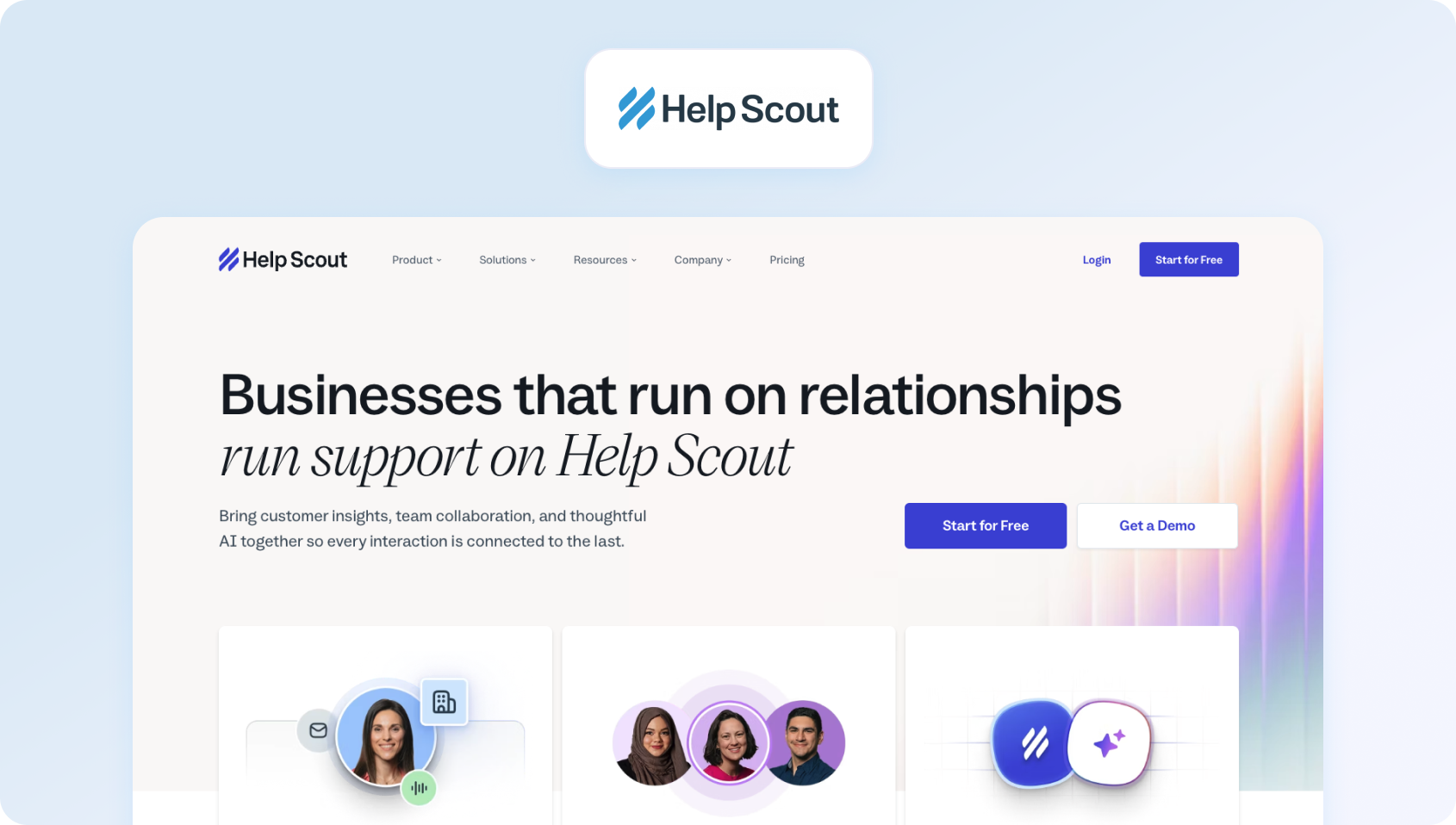
Help Scout focuses on email-centric AI help desk software with a shared inbox, a knowledge base (Docs), and a chat widget (Beacon). Emphasizes straightforward, human-focused customer conversations.
Best for: Help Scout is best for smaller teams that primarily manage customer support through email and want an intuitive interface with minimal complexity. It focuses on delivering exceptional support through straightforward collaboration rather than extensive automation.
Key features:
- Shared inbox management
- Knowledge base (Docs)
- Chat widget (Beacon)
- Customer conversation history
- Collision detection
- Team collaboration notes
- Basic analytics
Pricing:
- Free: 100 contacts/month, (up to 5 users)
- Standard: $25/month (up to 25 users)
- Plus: $45/month (up to 50 users)
- Pro: $75/month (unlimited users)
Note: Pricing scales with a 3-month trailing average of “contacts helped” (unique people who received replies).
Pros:
- Clean, uncluttered interface
- Email-first support focus
- Affordable for small teams
- Quick setup
- Solid knowledge base
Cons:
- No voice or SMS
- Limited automation
- Basic reporting
- Not for complex multi-channel needs
- Missing advanced routing and WFM
10. Front: Best for Collaborative Inbox Management
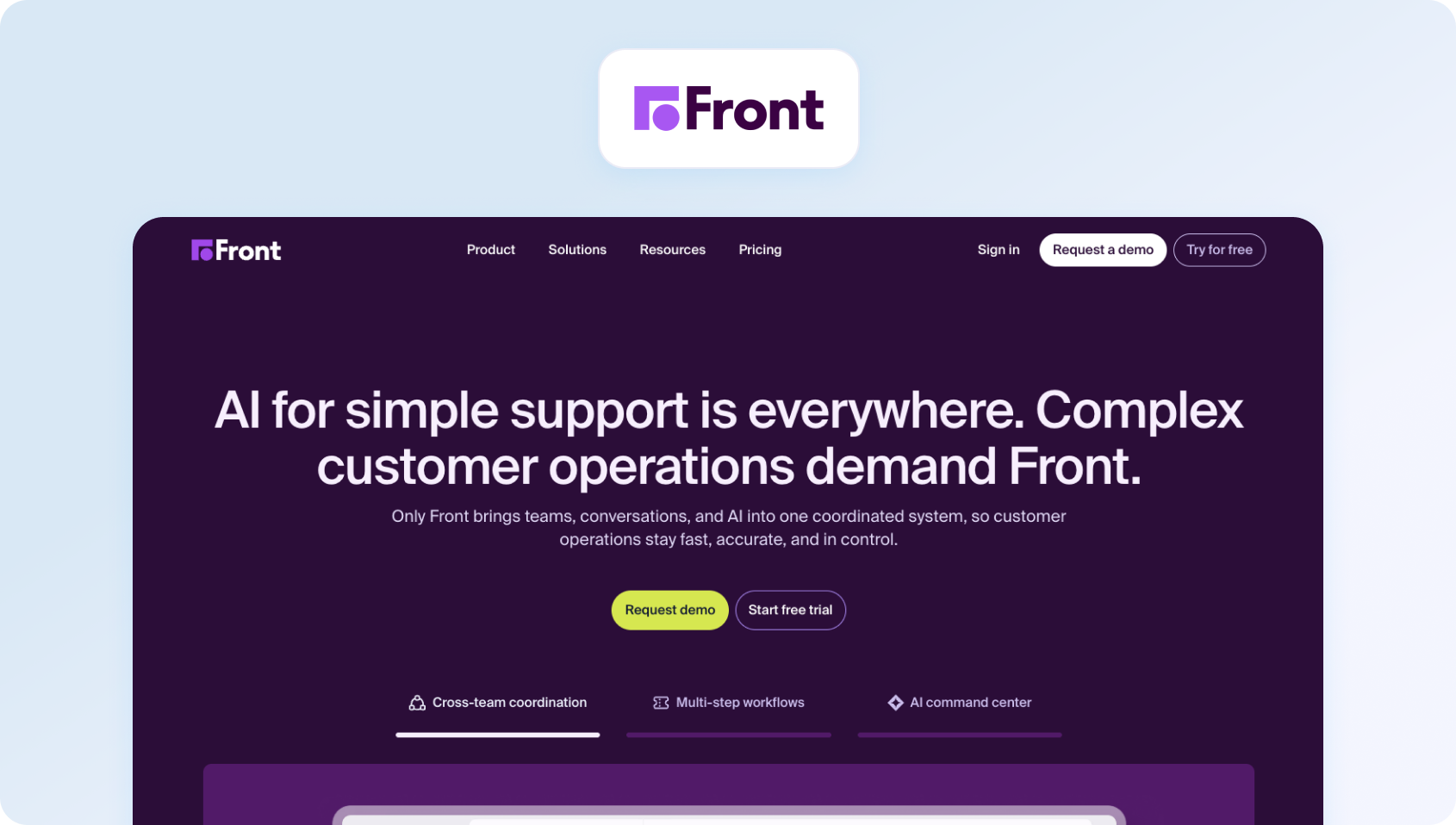
Front delivers a collaborative inbox AI help desk platform for teams managing shared email, SMS, and social messages with modern workflow capabilities.
Best for: Front is best for teams that manage high volumes of shared email, SMS, and customer communications collaboratively. Its modern interface and workflow automation help streamline support processes for organisations where teamwork is central to service delivery.
Key features:
- Shared inbox infrastructure
- Collaboration tools (comments, assignments, mentions)
- Workflow automation engine
- 100+ app integrations
- Analytics and API access
Pricing:
- Starter: $25/seat/month (Single channel)
- Professional: $65/seat/month (Omnichannel: email, SMS, social, WhatsApp, etc.)
- Enterprise: $105/seat/month (Omnichannel: email, SMS, social, WhatsApp, etc.unlimited conversations, automation rules)
- AI add-ons available: Autopilot from $0.05/conversation, Copilot from $20 per seat/month, Smart QA from $20 per seat/month, and Smart CSAT from $10 per seat/month
Pros:
- Excellent for email-heavy operations
- Strong collaboration features
- Modern interface design
- Good integration library
- Powerful automation
Cons:
- No native voice
- Limited traditional ticketing
- Expensive upper tiers
- Not for contact center use
- Per-seat costs scale poor
11. Dixa: Best for Conversation-Driven Omnichannel Support

Dixa offers a conversational AI service desk with omnichannel support and a unified agent workspace focused on conversation quality.
Best for: Dixa is best for organisations that want to unify voice, chat, email, and social channels within a single conversational workspace. Its omnichannel capabilities and AI-driven features help support agents deliver more consistent customer experiences across every interaction.
Key features:
- Omnichannel (phone, email, chat, social)
- Unified agent desktop with smart routing
- Knowledge base integration
- Quality monitoring
- Analytics and reporting
- Integration capabilities
Pricing:
- Growth: €89 per agent/month
- Ultimate: €139 per agent/month
- Prime: €179 per agent/month
- AI add-ons: Mim AI Agent ($0.40 per conversation), AI Copilot ($39/agent/month), QA ($29/agent/month)
Pros:
- True omnichannel with native voice
- Conversation-centric design
- Good analytics
- Modern agent interface
- Built-in quality tools
Cons:
- Premium pricing
- Limited brand recognition
- Sparse public documentation
- Longer contracts
- Smaller integration ecosystem
12. LiveAgent: Best for Budget-Friendly Omnichannel Support

LiveAgent combines multi-channel AI help desk tools with ticketing, live chat, and call center features through VoIP integration.
Best for: LiveAgent is best for budget-conscious businesses that need an affordable help desk platform with voice, chat, and ticketing in one solution. It offers a practical entry point for organisations wanting to improve customer support operations without the cost of enterprise software.
Key features:
- Ticketing system with automation
- Live chat
- Call center with IVR (VoIP)
- Knowledge base
- Email and social support
- Automation rules
- Analytics and reporting
Pricing:
- Small: $10/agent/month (billed annually)
- Medium: $19/agent/month (billed annually)
- Large: $33/agent/month (billed annually)
- Enterprise: $46/agent/month (billed annually)
Pros:
- Very affordable pricing
- Native call center with IVR
- All-in-one multi-channel platform
- Good value proposition
- Voice included without add-ons
Cons:
- Dated interface
- Basic AI and automation
- Smaller integration marketplace
- Limited WFM and QA
- May need customization for complex needs
Why Teams Look for AI Help Desk Software in 2026
Support leaders shopping for AI service desk platforms hit a wall when ticket volumes outpace their team's capacity to respond. The breaking point arrives differently for every organization. Sometimes it's hold times creeping past acceptable thresholds, and other times it's agents drowning in repetitive tasks that could be automated.
Common triggers pushing teams toward AI help desk solutions:
- You've maxed out basic automation: Canned responses and simple macros handled the first wave of efficiency gains. Now you're facing complex issues that require context from past customer interactions, personalized support that draws on customer data across systems, and multilingual customer support spanning time zones. Rule-based desk tools can't scale to meet these customer expectations.
- Manual processes consume agent bandwidth: Your support teams spend hours on ticket summaries, copying context between systems, hunting through knowledge management repositories, and routing support requests to appropriate agents. Meanwhile, actual customer inquiries wait in the queue. The best help desk software with AI automation promises to automate busywork, freeing human agents to handle problems that require empathy and judgment.
- Analytics reveal deflection opportunities: Your data shows the bulk of incoming requests ask variations of the same questions already answered in your knowledge base. Customers want self-service options that work, rather than FAQs that require technical expertise to navigate. Conversational AI can bridge that gap, delivering accurate responses grounded in documentation without human intervention.
Decision factors when evaluating AI help desk platforms
.png)
- Channels and handoff quality: Does the AI service desk handle voice, email, live chat, SMS, and social natively? When bots hit their limit and escalate to human agents, do customer queries transfer with full context, or do agents start from scratch, asking “how can I help you today”?
- AI depth and knowledge grounding: Superficial AI features just pattern-match keywords and serve canned replies. Sophisticated platforms use natural language processing to understand intent, ground responses in your knowledge base articles, cite sources, and learn from ticket management patterns. The difference shows in customer satisfaction scores.
- Automation coverage and ease: Visual workflow builders enabling changes in just a few clicks matter more than complex scripting requirements. Look for platforms that automate ticket prioritization based on sentiment and urgency, intelligently route tickets based on agent skills and workload, and end-to-end resolve routine tasks without manual processes.
- Governance and safety: AI tools need guardrails. Audit logs track what automation changes, rollback capabilities when things go wrong, PII redaction to protect customer data, and policy prompts to keep AI agents on-brand and compliant.
- Operations visibility: Detailed performance metrics tracking whether AI actually reduces workload. Monitor service quality through FCR improvements, measure containment rates proving deflection works, and watch AHT trends as AI handles ticket summaries and context gathering.
KPIs proving AI help desk software delivers value:
- First Call Resolution (FCR)
- Containment/Deflection rates
- Abandon Rate
- Agent Concurrency
- Sentiment analysis
- Transfer Rate
- Mean Opinion Score (MOS)
- First Response Time (FRT)
- Resolution time
- Backlog by channel
Track these metrics before and after implementing AI help desk solutions.
Evaluating AI platforms on paper is one thing. Seeing how they automate ticket routing, surface customer history, and support agents across voice, chat, and email is another. Book a personalized BlueTweak demo to explore how a unified AI platform can streamline your customer support operations.
What to Look For in AI Help Desk Software in 2026
The best AI help desk software goes beyond basic ticket management. While every platform promises automation, the real differentiators lie in how well it supports your customer support operations, streamlines support workflows, and scales with your business. As you evaluate your shortlist, focus on the following capabilities to ensure you're investing in a platform that delivers long-term value.
Core Ticketing Plus Intelligent Automation
Beyond unified queues and SLA policies, look for AI-powered ticket prioritization analyzing sentiment and urgency, intelligent routing considering agent skills and current workload, auto-tagging using natural language processing to classify incoming requests, and no/low-code workflow builders enabling changes without developer dependency.
Channels and Seamless Handoff
Native voice, email, chat, SMS, and social support where AI voicebot and chatbot handle initial triage, then transfer to human agents with complete context (transcripts, summaries, and customer data) flowing directly into tickets. Clunky handoffs forcing agents to ask “how can I help” destroy the efficiency gains automation promises.
AI Depth and Knowledge Grounding
Keyword matching and canned responses aren't “AI”. Real AI help desk software uses conversational AI to understand intent through natural language processing, grounds responses in your knowledge base articles (with source citations), learns from ticket management patterns, and improves through ongoing training. Ask vendors: how does your AI prevent hallucinations? Can it cite sources? What guardrails ensure accurate responses?
Automation Coverage
Visual workflow builders, letting you automate in just a few clicks, matter more than coding requirements. Platforms should automate ticket summaries, condense customer interactions, streamline escalation workflows, route complex issues to appropriate agents based on expertise, implement approval chains for sensitive actions, sync CRM updates to synchronize customer data across systems, and schedule tasks like SLA warnings.
Safety and Governance
Artificial intelligence needs oversight. Audit logs track every automated action, rollback capabilities when automation makes mistakes, PII redaction protects customer data, policy prompts keep AI agents on-brand, and admin controls limit what automation can do without human intervention.
Operations and Metrics
Detailed performance metrics proving automation works. Track FCR improvements showing AI agents actually resolve issues, containment rates demonstrating effective deflection to self-service options, AHT reductions as AI handles ticket summaries and context gathering, sentiment analysis revealing customer satisfaction scores impact, and backlog trends proving automation efficiently manages incoming volume.
Integrations and Security
Deep connections to CRM systems (Salesforce, HubSpot), e-commerce platforms (Shopify, Magento), telephony infrastructure, and BI tools. Open APIs and webhooks enabling custom workflows. Security basics: SSO/MFA, role-based access control, audit trails, data residency options, and tenant isolation for multi-brand operations.
Pricing Transparency
Clear seat vs. usage pricing models (minutes, conversations, automation runs, AI tokens). Avoid platforms' paywalling of core AI features; if automation is only available in the enterprise tier, factor that into TCO. Compare total cost including AI usage, not just base seat prices.
Curious what your ROI could look like? Use BlueTweak's ROI Calculator to estimate potential savings from AI automation before booking a demo.
How We Evaluated These AI Help Desk Platforms
.png)
We examined public vendor websites, pricing pages, official documentation, help centers, trust pages, and marketplace listings. Features were verified against vendor sites and cross-referenced with published case studies where available.
Pricing reflects publicly listed rates as of January 2026. “Contact sales” indicates custom pricing.
Pros and cons derive from documented capabilities, verified user feedback, and public evidence. This evaluation relies on public information that may change; always verify directly with vendors.
Must-Have Capability Checklist
- AI intake and routing: Intent, language, and priority detection at ticket creation using natural language processing; automated tagging; skills-based, schedule-aware, and load-balanced routing with no/low-code rule management.
- Omnichannel plus AI handoff: Native voice, email, chat, SMS, and social channels; smooth bot and voice-to-agent transfers with screen-pop delivering transcripts, AI ticket summary, and customer data written directly into tickets.
- Agent assist (KB-grounded): Live transcription during calls; automated ticket summaries; KB-grounded AI proposed replies citing knowledge base articles; quick-insert macros; source attribution preventing hallucinations.
- Automation coverage: Visual workflow builder automating ticket creation, updates, closures, escalations, approvals, notifications, and CRM actions; scheduled and event-triggered automation; template library for common workflows.
- Operations and guardrails: SLA dashboards; backlog, FCR, and AHT tracking; QA scorecards; governance, including PII redaction, comprehensive audit logs, rollback capabilities, version control, and policy prompts ensuring brand compliance.
- Integrations and security: Deep CRM, commerce, and telephony integrations; BI and data warehouse connections; open APIs and webhooks; SSO/MFA; RBAC; data residency controls; tenant isolation for BPO operations.
- Transparent pricing and KPI tracking: Clear seat vs. usage pricing (minutes, conversations, automation, AI tokens); ability to benchmark FCR, AHT, Containment/Deflection, Abandon Rate, Concurrency, Sentiment, MOS, FRT, Resolution time, and Backlog by channel and brand.
BlueTweak meets all criteria with transparent pricing of €65/agent/month, including all features.
Scoring Rubric
Evaluate each AI help desk platform on:
| Criteria | What to Look For |
|---|---|
| Fit for 20–100 agents | Scales without high cost or complexity |
| Voice and omnichannel depth | Native calling, SMS, chat, email, and social with seamless AI-to-agent handoffs |
| AI coverage | Agent assist, including suggested replies and summaries, plus knowledge base grounding to prevent hallucinations |
| Automation breadth | Workflow builders, intelligent routing, ticket prioritisation, and escalations |
| WFM and QA | Built-in workforce management and quality assurance |
| Time to value | Implementation speed and ROI timeline |
| Total cost to operate | Per-agent pricing, AI usage fees, and add-on costs |
| Security and control | Roles, audit logs, MFA, data residency, and PII redaction |
Choosing the Right AI Help Desk Software for Your Team
The best AI help desk software doesn't just automate repetitive tasks, it helps your entire customer support operation work smarter. As you compare platforms, look beyond individual AI features and evaluate how well each solution fits your team size, support channels, automation requirements, and long-term growth plans. Prioritise platforms that combine intelligent ticket routing, AI-powered response suggestions, workflow automation, and knowledge-base grounding with the analytics, workforce management, and quality assurance tools needed to continuously improve team performance.
It's also worth evaluating each platform's security, governance, and integration capabilities. Features such as SSO, MFA, role-based access controls, audit logs, CRM integrations, and open APIs can have a significant impact on service delivery as your support operation scales. Finally, measure success using the KPIs that matter most, including first response time, resolution time, customer satisfaction, containment rates, and total cost of ownership, to ensure your AI investment delivers measurable business value.
If you're looking for a platform that combines omnichannel customer support, KB-grounded AI, intelligent automation, workforce management, and transparent pricing in a single solution, BlueTweak is an excellent choice for growing help desk operations.
Book a personalized demo to see how BlueTweak streamlines support workflows across voice, chat, and email while giving your support agents the tools they need to deliver faster, more consistent customer service.

As Head of Digital Transformation, Radu looks over multiple departments across the company, providing visibility over what happens in product, and what are the needs of customers. With more than 8 years in the Technology era, and part of BlueTweak since the beginning, Radu shifted from a developer (addressing end-customer needs) to a more business oriented role, to have an influence and touch base with people who use the actual technology.



