


Radu Dumitrescu

As Head of Digital Transformation, Radu looks over multiple departments across the company, providing visibility over what happens in product, and what are the needs of customers. With more than 8 years in the Technology era, and part of BlueTweak since the beginning, Radu shifted from a developer (addressing end-customer needs) to a more business oriented role, to have an influence and touch base with people who use the actual technology.
Recent articles
18 Best Gorgias Alternatives for Ecommerce Support in 2026
Gorgias is often the first "real" helpdesk for e-commerce brands, but as operations grow to 20–100+ agents, the cracks begin to show. The primary driver for switching is usually stack complexity. Because Gorgias lacks native telephony and advanced workforce management (WFM), teams are forced to patch together third-party tools. This not only increases the Total Cost of Ownership (TCO) but also fragments data, making deep forecasting and custom reporting nearly impossible without exporting data to external BI tools.
The Evolution of AI and Automation
In the current landscape, rule-based macros are no longer enough. Teams are seeking KB-grounded AI agents that can autonomously handle multi-step resolutions, such as processing a complex return or troubleshooting a specific product issue—rather than just deflecting tickets. Alternatives are winning by offering real-time agent coaching, automated post-call summarization, and transcription natively within the workspace, rather than as a "bolt-on" service.
Strategic Evaluation & The "CFO Lens"
When evaluating a move, decision-makers are shifting focus from "price per ticket" to "value per resolution." Gorgias's ticket-based pricing can feel like a "success tax" during high-volume seasons like Black Friday. Modern alternatives typically offer more predictable per-seat or usage-based models that align better with the bottom line.
Key factors for your shortlist include:
Impact Metrics: Beyond just speed, focus on Containment Rate, Sentiment Scores, and Mean Opinion Score (MOS) for voice quality.
Channel Fluidity: Seamlessly switching between native voice, SMS, and chat without losing context.
Operational Depth: Integrated QA modules, SLA dashboards, and per-store routing for multi-brand portfolios.
18 Gorgias Competitors for Customer Support in 2026
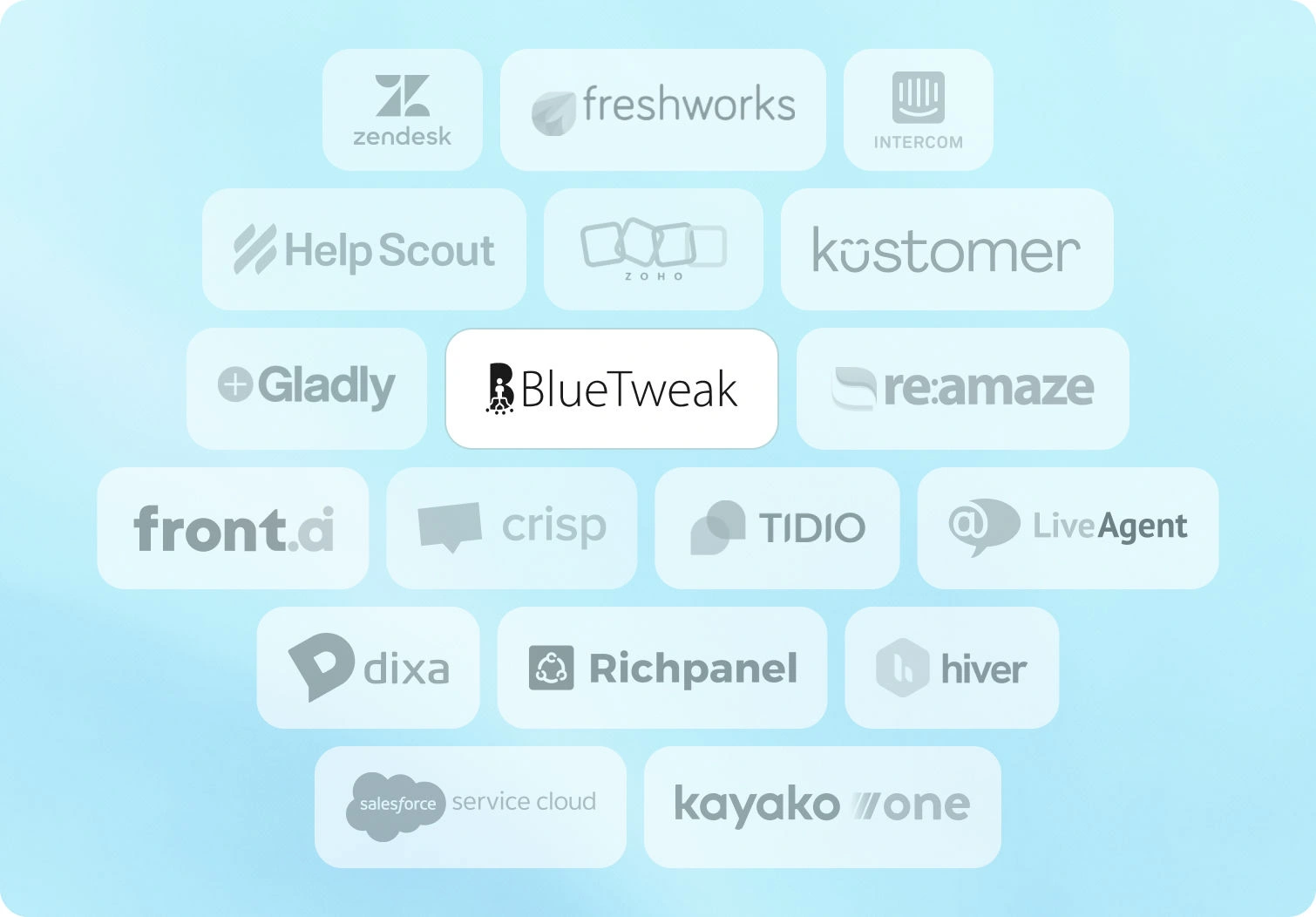
Below are the 18 customer service platforms teams evaluate when searching for a Gorgias alternative. Pricing and features are from public documentation as of January 2026.
1. BlueTweak — Editor's Choice

BlueTweak is an all-in-one CCaaS platform that unifies voice, chat, email, and social messaging with AI-powered assistance, workforce management, and quality modules. Built for mid-market teams (20-100 agents) and BPO companies, it delivers KB-grounded AI that prevents hallucinations while enabling instant, accurate responses across all channels.
Best for: Teams wanting omnichannel support with KB-grounded AI and built-in analytics/WFM without tool sprawl.
Key features:
- Native voice (call center, IVR, multilingual AI VoiceBot, transcription, translation)
- Chat with AI ChatBot and real-time translation
- Email with AI suggested reply, canned responses, and ticket summary
- KB-grounded AI assistance with public KB and hierarchy
- Ticketing system with sentiment analysis and custom fields
- Built-in workforce management and quality module
- Prebuilt and custom dashboards with advanced reporting
- Security (audit log, custom roles, MFA, data location options)
- Open APIs with a sandbox
- €65/agent/month (all features included)
- No feature gating; unlimited users and integrations
- AI usage priced separately per customer interaction (transparent, predictable)
Pros:
- Single platform eliminates separate voice, chat, AI, and analytics tools
- KB-grounded AI provides accurate proposed replies and prevents hallucinations
- Built-in WFM and QA reduce add-on costs
- Transparent pricing, no hidden fees or surprise add-ons
- Fast implementation with open APIs (weeks, not months)
- Multilingual across voice and text with real-time translation
- Built for BPOs: multi-tenant, multi-brand configuration
Cons:
- Newer brand vs. enterprise incumbents like Zendesk/Genesys
- Best for mid-market (very large enterprises may need customization)
- AI usage scales with volume; requires volume forecasting
2. Zendesk
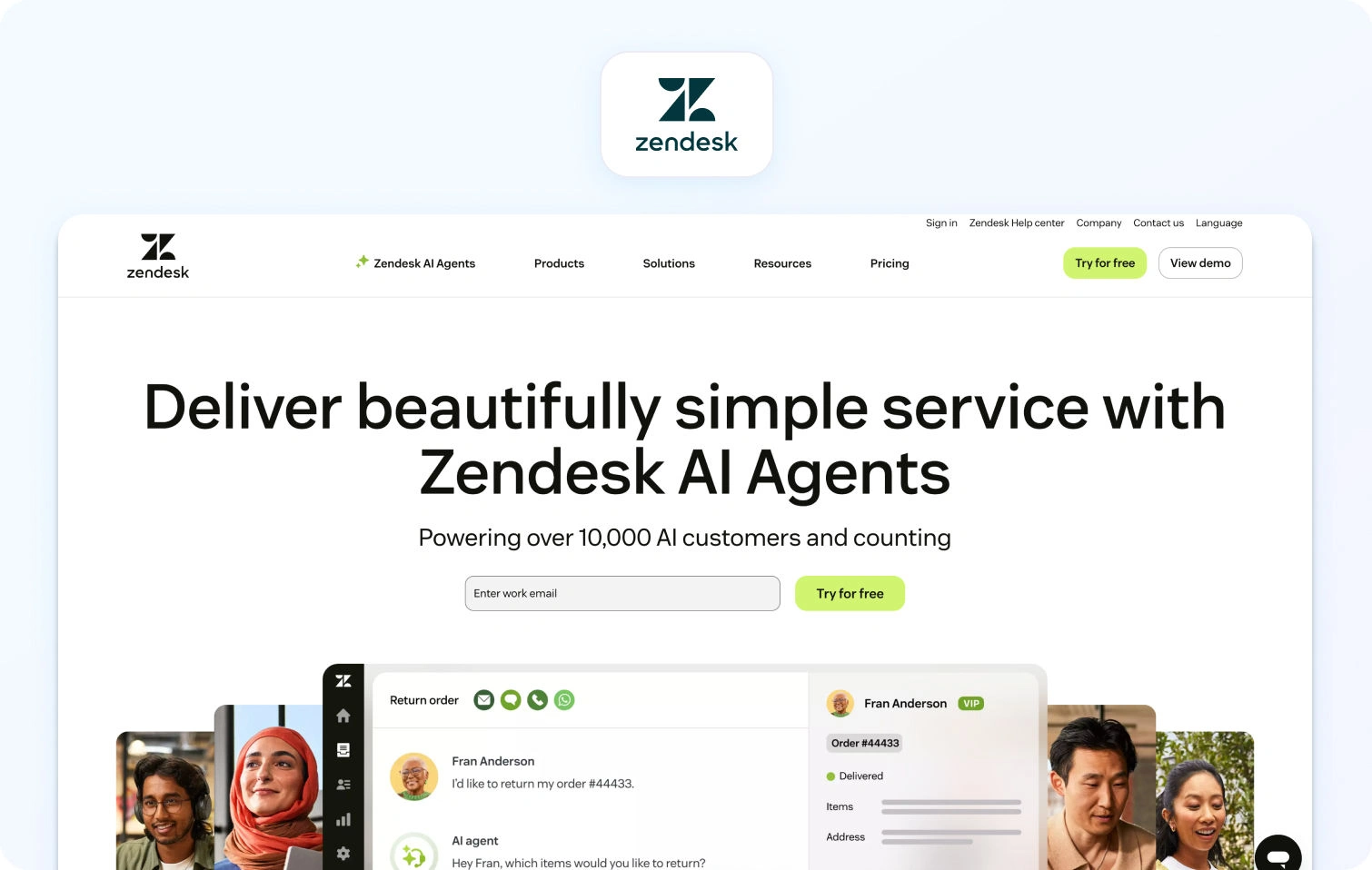
Zendesk is a cloud-based helpdesk platform with AI add-ons for ticket summarization, customer intent detection, and chatbot automation. It covers email, chat, voice (via third-party integrations), and messaging, but charges separately for advanced AI, WFM, and voice features.
Best for: Large teams that need robust reporting, extensive integrations, and enterprise-grade security.
Key features:
- Omnichannel ticketing with macros and automation
- Knowledge base with multilingual support
- Answer Bot (knowledge-base chatbot, text-only)
- AI-powered workflow automation and intelligent routing
- Zendesk Talk (voice via third-party integration)
- Workforce management (add-on: $25/agent/month)
- Quality assurance (add-on: $25/agent/month)
- Advanced reporting and analytics
- Marketplace with 1,200+ app integrations
Pricing:
- Support Team: $19/agent/month (annual) or $25/agent/month (monthly)
- Suite Team: $55/agent/month (annual) or $69/agent/month (monthly)
- Suite Professional: $115/agent/month (annual) or $149/agent/month (monthly)
- Suite Enterprise: $169/agent/month (annual) or $219/agent/month (monthly)
- Add-ons: Copilot $50/agent/month, QA $35/agent/month, WFM $25/agent/month, Contact Center $50/agent/month
Pros:
- Mature platform with deep integrations
- Strong marketplace ecosystem (1,200+ apps)
- Enterprise-grade security and compliance features
- Familiar UI for many support teams
Cons:
- High total cost once you add essential features like AI, WFM, and QA
- Voice is partner-dependent (not native)
- Per-agent pricing scales poorly as teams grow
- Steep learning curve and complex setup
- Many features are locked behind expensive tiers or add-ons
3. Freshdesk
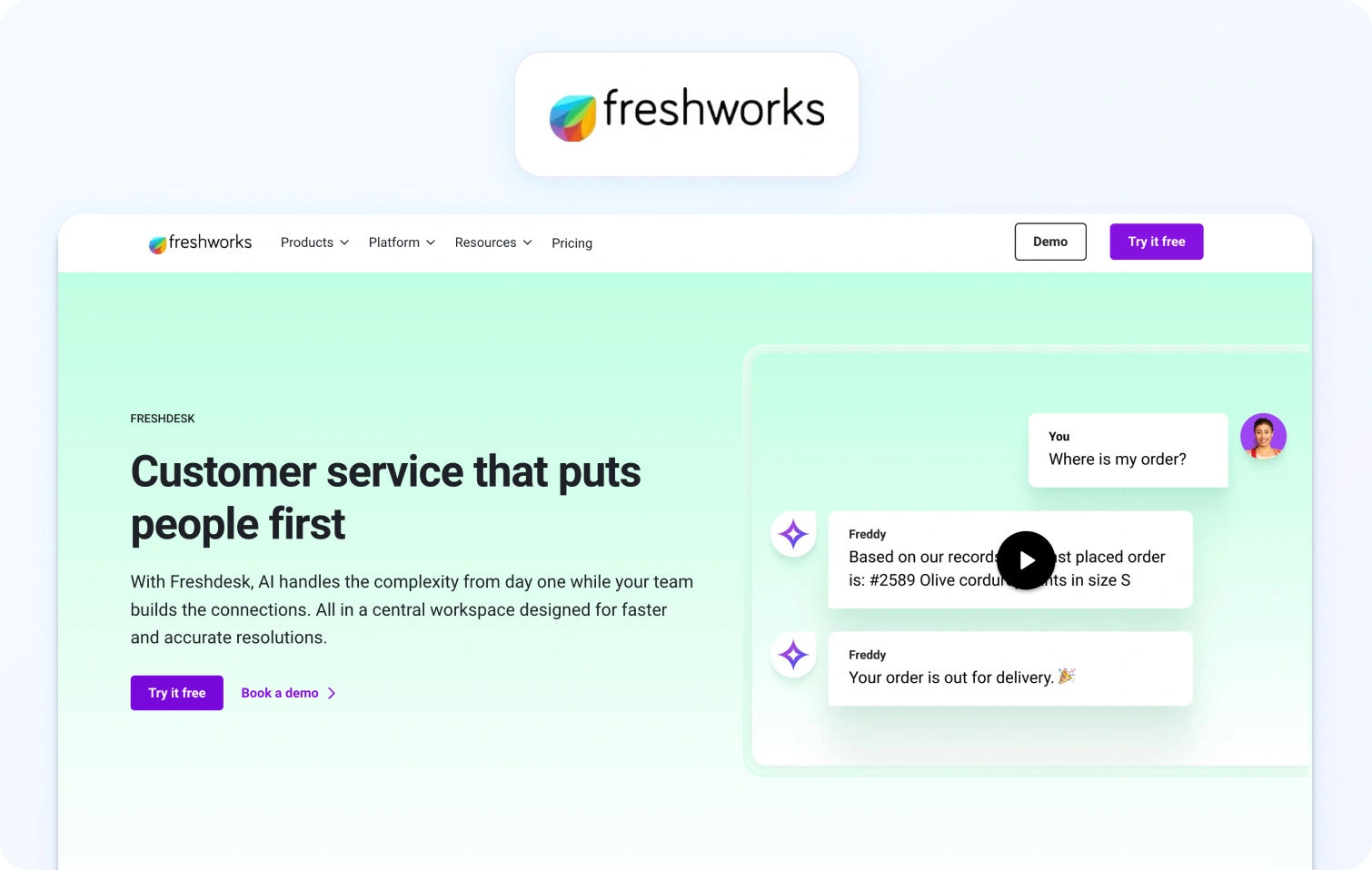
Freshdesk is a cloud-based helpdesk platform with ticketing, automation, and self-service capabilities. It offers basic omnichannel support with AI add-ons for chatbot automation and agent copilot features.
Best for: Small to mid-sized teams wanting affordable ticketing with basic omnichannel support.
Key features:
- Ticketing system with automation and SLA management
- Email and social ticketing
- Knowledge base with SEO-ready FAQ
- Team collaboration tools (collision detection, internal notes)
- Basic reporting and analytics
- Marketplace apps for integrations
- AI Copilot (add-on: $29/agent/month)
- AI Agent sessions (add-on: $100 per 1,000 sessions)
Pricing:
- Free: $0 (up to 2 agents for 6 months)
- Growth: $23/agent/month
- Pro: $66/agent/month
- Enterprise: $107/agent/month
- Freddy AI Agent: First 500 sessions free, then $49 per 100 sessions
Pros:
- Generous free plan for small teams
- Affordable entry-level pricing
- Easy to set up and use
- Good integration marketplace
Cons:
- Voice support not native (requires integrations or Freshdesk Omni upgrade)
- Advanced features and AI require add-ons that increase costs
- Limited WFM capabilities
- Reporting is less robust compared to enterprise platforms
4. Intercom
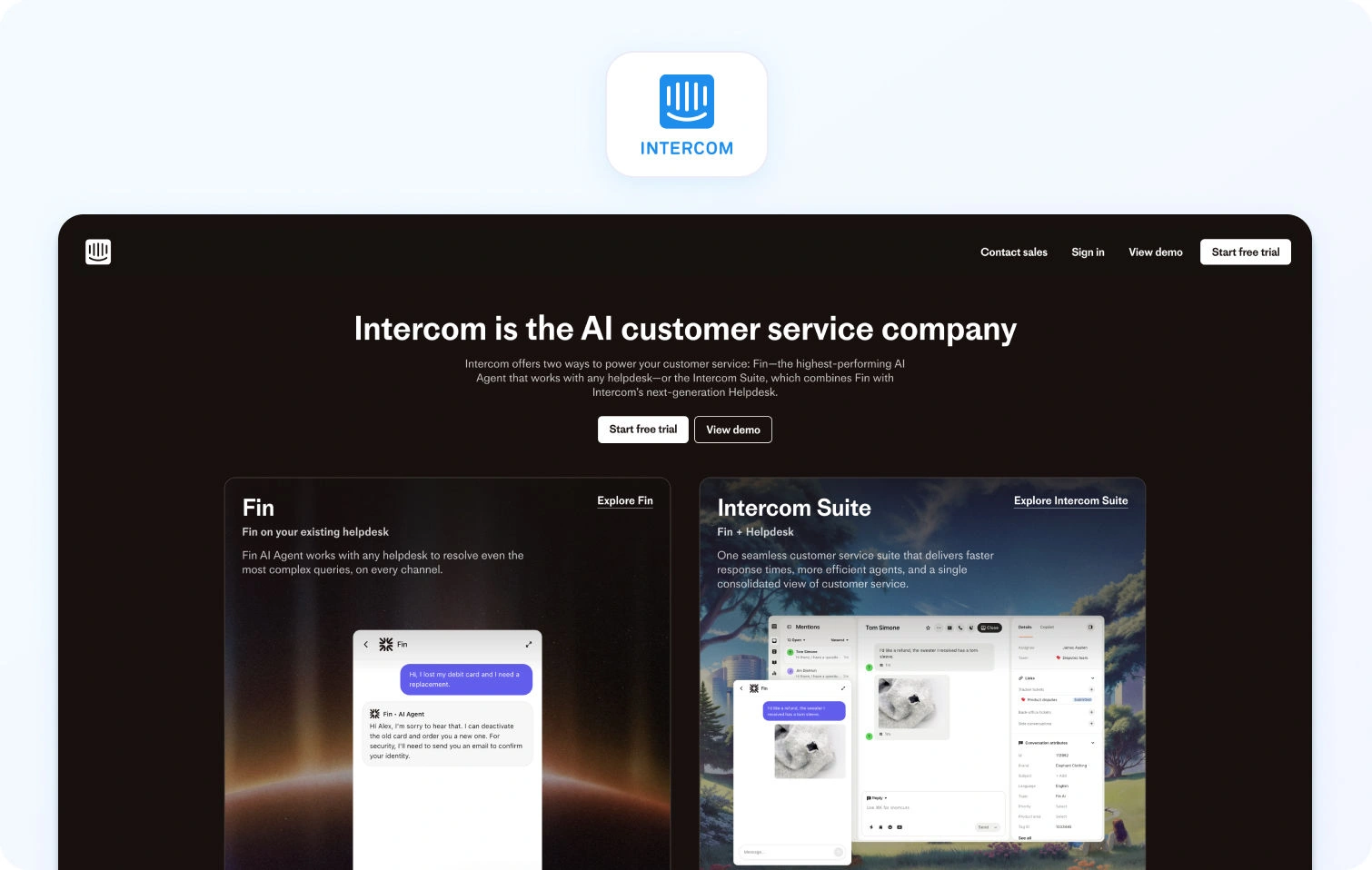
Intercom combines live chat, a custom AI chatbot (Fin AI), and helpdesk ticketing, with a focus on proactive engagement and sales conversations. It includes basic email/messaging but limited native voice support.
Best for: SaaS companies focused on proactive engagement and product tours.
Key features:
- Fin AI chatbot (GPT-powered, KB-grounded, text-only)
- Live chat and messaging
- Product tours and proactive campaigns
- Basic ticketing system
- Help center with articles
- Customer data platform
- Team inbox for collaboration
- Reporting dashboards
- Multilingual support (45+ languages)
Pricing:
- Essential: $39/seat/month (annual)
- Advanced: $99/seat/month (annual)
- Expert: $139/seat/month (annual)
- Fin AI Agent: $0.99 per resolved conversation (pay-as-you-go)
- Copilot add-on: $35/agent/month
Pros:
- Excellent for proactive, conversation-driven support
- Strong chatbot UX with modern interface
- Good for onboarding and product engagement
- Multilingual chatbot capabilities
Cons:
- No native voice support or voicebot
- Pricing becomes expensive as contact volume grows
- Limited traditional ticketing features
- Not ideal for teams needing WFM or deep call center functionality
- Unpredictable costs; AI resolution fees balloon during peak volumes
5. Help Scout
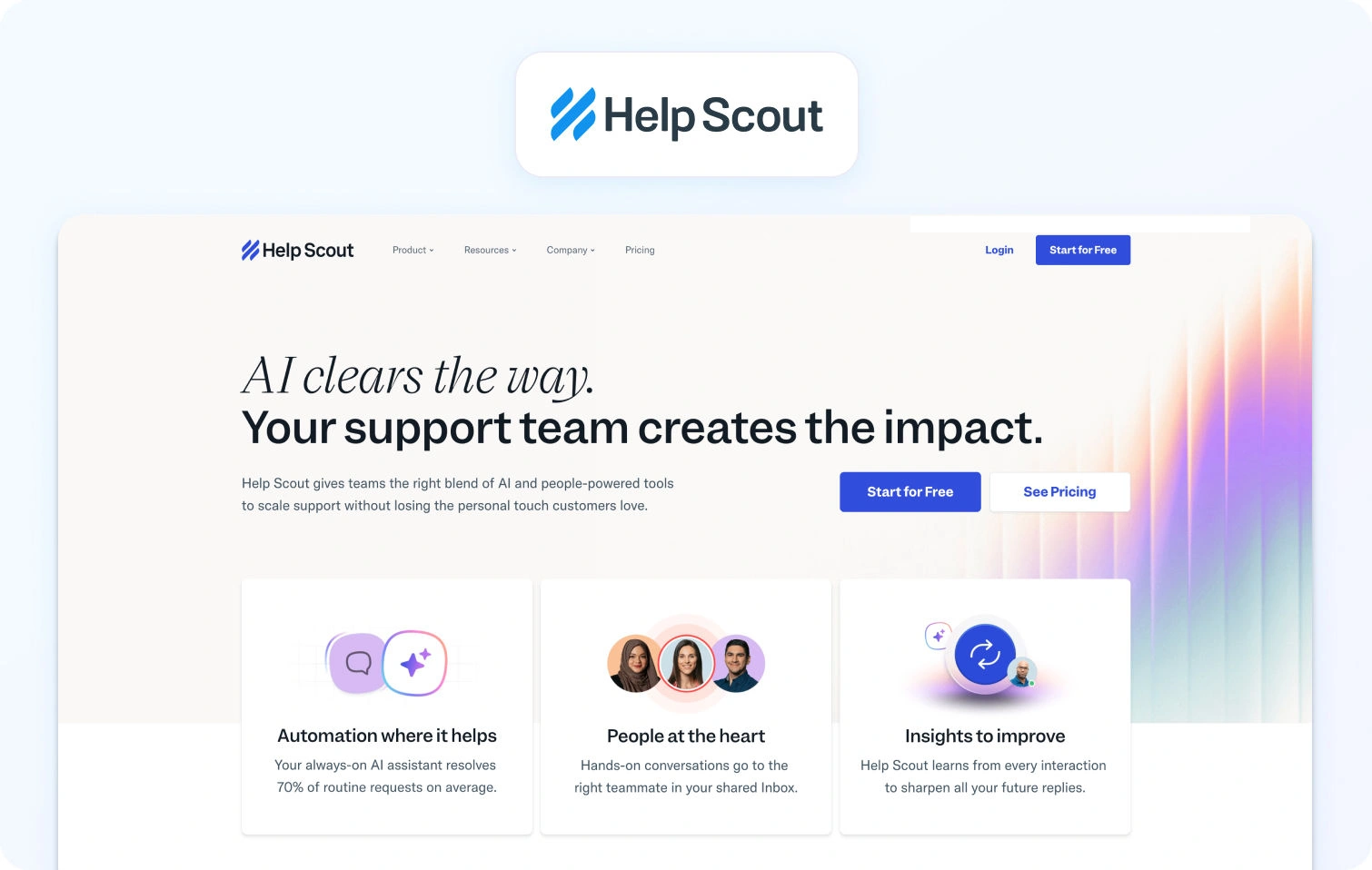
Help Scout is an email-based help desk with a shared inbox, knowledge base (Docs), and live chat (Beacon widget). It prioritizes simple, human-centric customer conversations.
Best for: Small teams prioritizing email support with a simple, human-centric interface.
Key features:
- Shared inbox for email management
- Knowledge base (Docs)
- Live chat (Beacon widget)
- Customer profiles with conversation history and customer history
- Collision detection and internal notes
- Basic reporting and analytics
Pricing:
- Free: $0 (up to 5 users, 1 inbox, 1 docs site)
- Standard: $30/user/month
- Plus: $54/user/month
- Pro: $90/user/month
- AI Answers: $0.75 per resolution
Pros:
- Clean, straightforward interface
- Strong focus on personalized, email-first support
- Affordable for small teams
- Easy to set up
Cons:
- No native voice or SMS support
- Limited automation compared to platforms like Zendesk
- Basic reporting and analytics
- Not suitable for complex, multi-channel operations
6. Zoho Desk
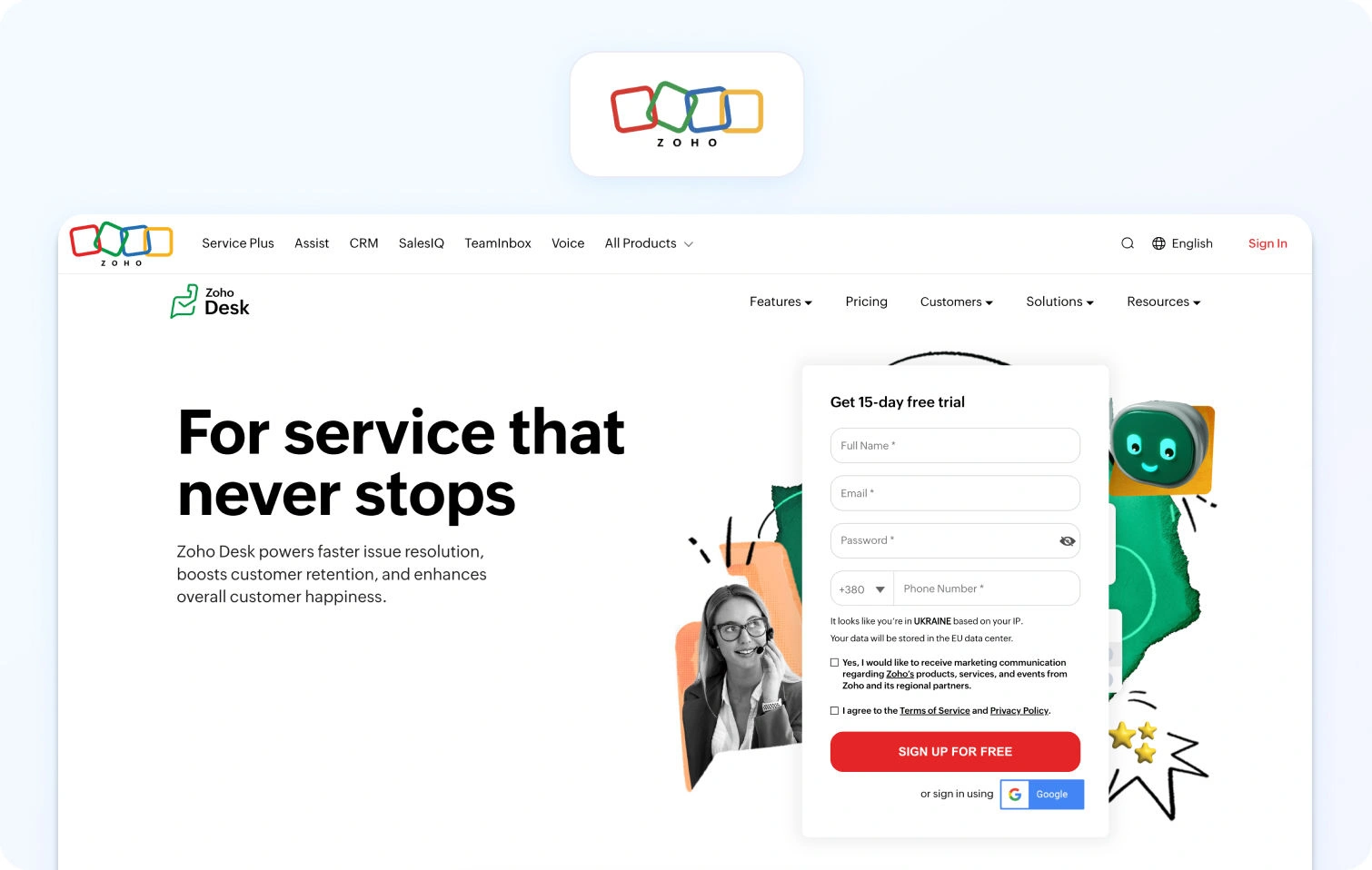
Zoho Desk is a context-aware help desk platform with ticketing, automation, and self-service capabilities. It integrates deeply with the Zoho ecosystem and includes an AI assistant (Zia) in higher tiers.
Best for: Teams in the Zoho ecosystem or needing affordable omnichannel support.
Key features:
- Ticketing system with automation
- Multi-channel support (email, phone, chat, social)
- Knowledge base with community forums
- AI assistant (Zia) for automation and insights
- SLA management and custom workflows
- Reporting and analytics
Pricing:
- Free: $0 (up to 3 users)
- Express: $9/user/month
- Standard: $20/user/month
- Professional: $35/user/month
- Enterprise: $50/user/month
Pros:
- Very affordable pricing
- Deep integration with the Zoho suite
- AI assistant included in higher tiers
- Good value for small teams
Cons:
- Interface feels dated compared to newer customer support platforms
- Voice support requires Zoho PhoneBridge integration
- Limited WFM features
- Smaller third-party integration marketplace
7. Kustomer
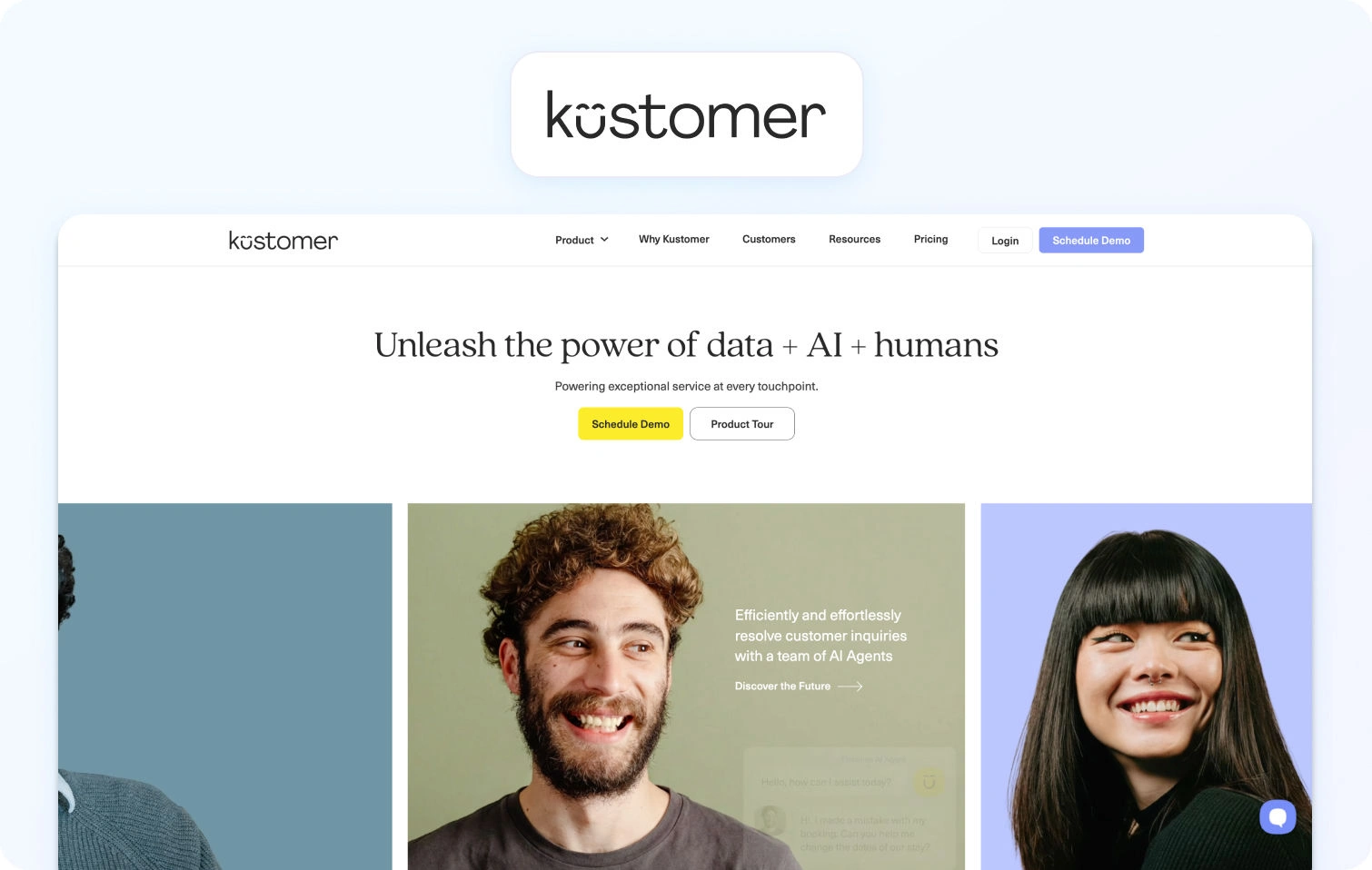
Kustomer is a CRM-based customer service platform with a timeline view that displays full interaction history across all channels. It emphasizes a unified customer context for complex support journeys.
Best for: Customer service teams needing a unified customer view across all interactions.
Key features:
- Customer timeline with full interaction history
- Omnichannel support (email, chat, voice, SMS, social)
- Workflow automation and routing
- Knowledge base
- Reporting and analytics
- API and integrations
Pricing:
- Enterprise: $89/seat/month (annual, minimum 8 seats)
- Ultimate: $139/seat/month (annual)
- AI Agents for Supporting Customers: $0.60 per engaged conversation
- AI Agents for Reps: $40/user/month
Pros:
- The unified customer timeline provides excellent context
- Strong for high-touch, complex customer journeys
- Omnichannel support included
- Good for relationship-driven support
Cons:
- Higher price point than many alternatives
- Can be complex to set up and configure
- Smaller brand recognition compared to Zendesk
- Limited native WFM features
8. Gladly
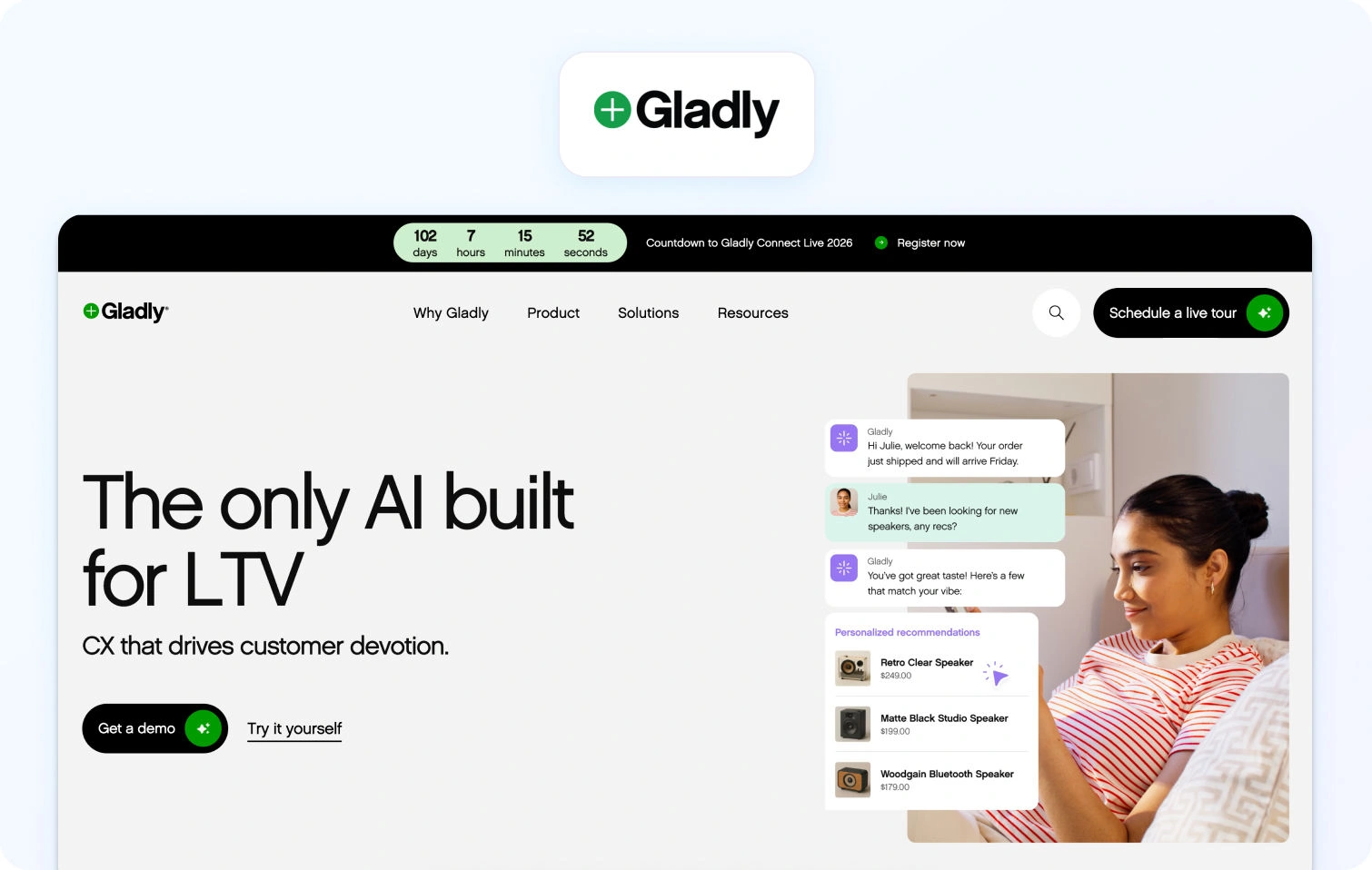
Gladly is a radically personal customer service platform built around people, not tickets. It maintains lifelong conversation threads for each customer across all customer communication channels.
Best for: Brands focused on long-term relationships with personalized service.
Key features:
- Conversation-based (no ticket numbers)
- Omnichannel support (voice, SMS, email, chat, social)
- Customer profile with full conversation history
- Self-service options
- Reporting and analytics
- Integrations with e-commerce and CRM platforms
Pricing:
- Custom pricing based on business needs
- Contact sales for quotes
Pros:
- Unique customer-centric approach
- Lifelong conversation threads instead of ticket management fragmentation
- Strong for high-value, relationship-driven support
- True omnichannel with native voice
Cons:
- Custom pricing can be expensive
- Smaller integration marketplace
- May require a mindset shift from traditional ticketing
- Limited automation compared to AI-first platforms
9. Re:amaze
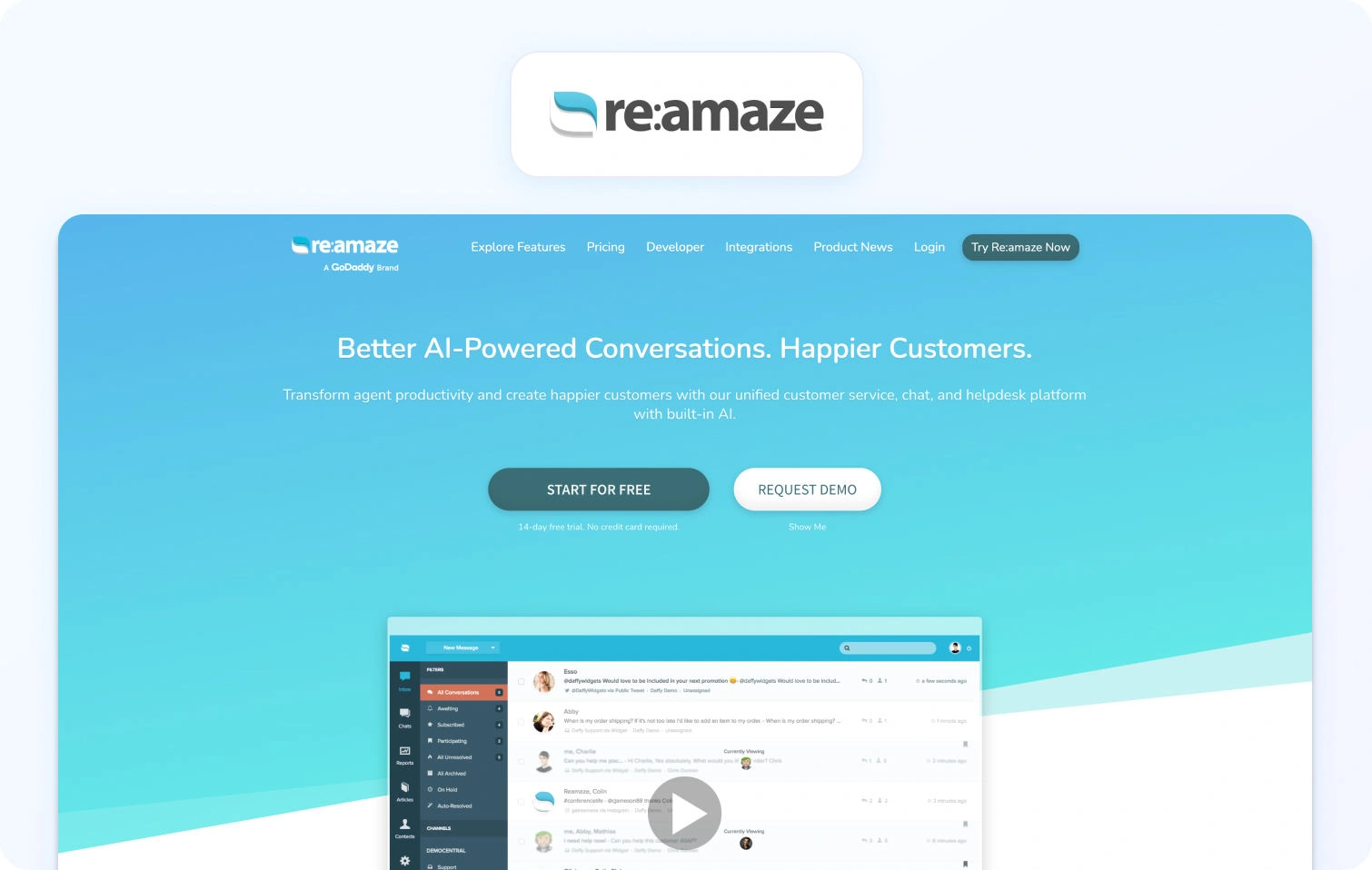
Re:amaze is a helpdesk and messaging platform for online businesses and e-commerce stores, consolidating multi-channel support into a shared inbox.
Best for: E-commerce stores needing affordable multi-channel support.
Key features:
- Multi-channel support (email, social, SMS, live chat, voice via integrations)
- Shared inbox with automated responses and chatbots
- Knowledge base (FAQ)
- Customer profiles with order history
- Basic reporting
Pricing:
- Basic: $29/user/month (20 AI resolutions included)
- Pro: $49/user/month (50 AI resolutions included)
- Plus: $69/user/month (100 AI resolutions included)
- Starter (flat rate): $59/month (unlimited users, limited to 500 responded conversations)
- Enterprise: Custom pricing
Pros:
- Affordable for small ecommerce teams
- E-commerce integrations (Shopify, WooCommerce)
- All-in-one inbox
Cons:
- Voice requires third-party integrations
- Limited advanced automation and AI
- Basic reporting
- Smaller brand
10. Front

Front is a collaborative inbox platform for teams managing shared email, SMS, and social messages with modern workflow tools.
Best for: Teams wanting email-centric collaboration.
Key features:
- Shared inbox for email and messaging
- Collaboration tools (comments, assignments, mentions)
- Workflow automation and rules
- 100+ app integrations
- Basic analytics and API access
Pricing:
- Starter: $35/seat/month (annual)
- Professional: $85/seat/month (annual)
- Enterprise: Custom (annual only)
Pros:
- Excellent for email-heavy teams with a modern collaboration workflow
- Strong collaboration features (comments, assignments, mentions)
- Modern, intuitive interface with a clean design
- Good integration library with 100+ business apps
- Powerful workflow automation and rules engine
Cons:
- No native voice support—requires third-party integrations
- Limited traditional ticketing features compared to full helpdesks
- Expensive at higher tiers ($99-$229/seat/month)
- Not built for complex contact center operations or call routing
- Can become costly as the team grows due to per-seat pricing
11. Crisp
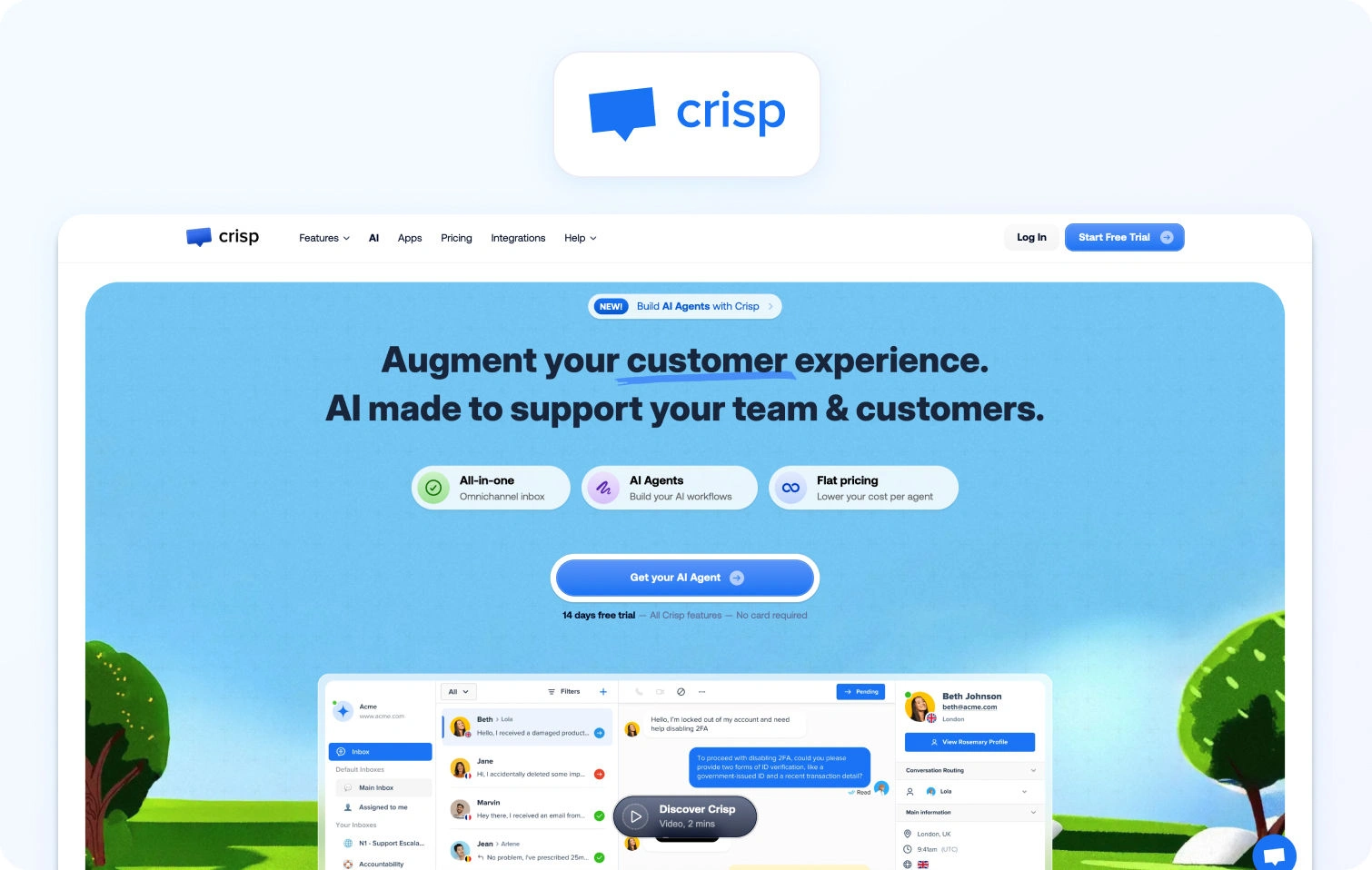
Crisp is an all-in-one messaging platform with live chat, chatbots, and a shared inbox for startups and small businesses.
Best for: Startups needing simple, affordable live chat.
Key features:
- Live chat with chatbots
- Shared inbox and knowledge base
- Automated campaigns
- CRM integrations
- Basic analytics
Pricing:
- Free: $0/month (2 seats, live chat, shared inbox)
- Mini: $45/workspace/month (4 seats included)
- Essentials: $95/workspace/month (10 seats included)
- Plus: $295/workspace/month (20+ seats included)
- Enterprise: Custom pricing
Pros:
- Affordable with a free tier for startups and small teams
- Easy setup and quick implementation
- Modern interface with a clean, user-friendly design
- Good for basic live chat needs without complexity
- Mobile app included for on-the-go support
Cons:
- No native voice or phone support—chat and messaging only
- Limited advanced features and automation compared to enterprise platforms
- Basic reporting and analytics capabilities
- Doesn't scale well to mid-market or enterprise needs
- Small integration ecosystem compared to larger competitors
12. Tidio
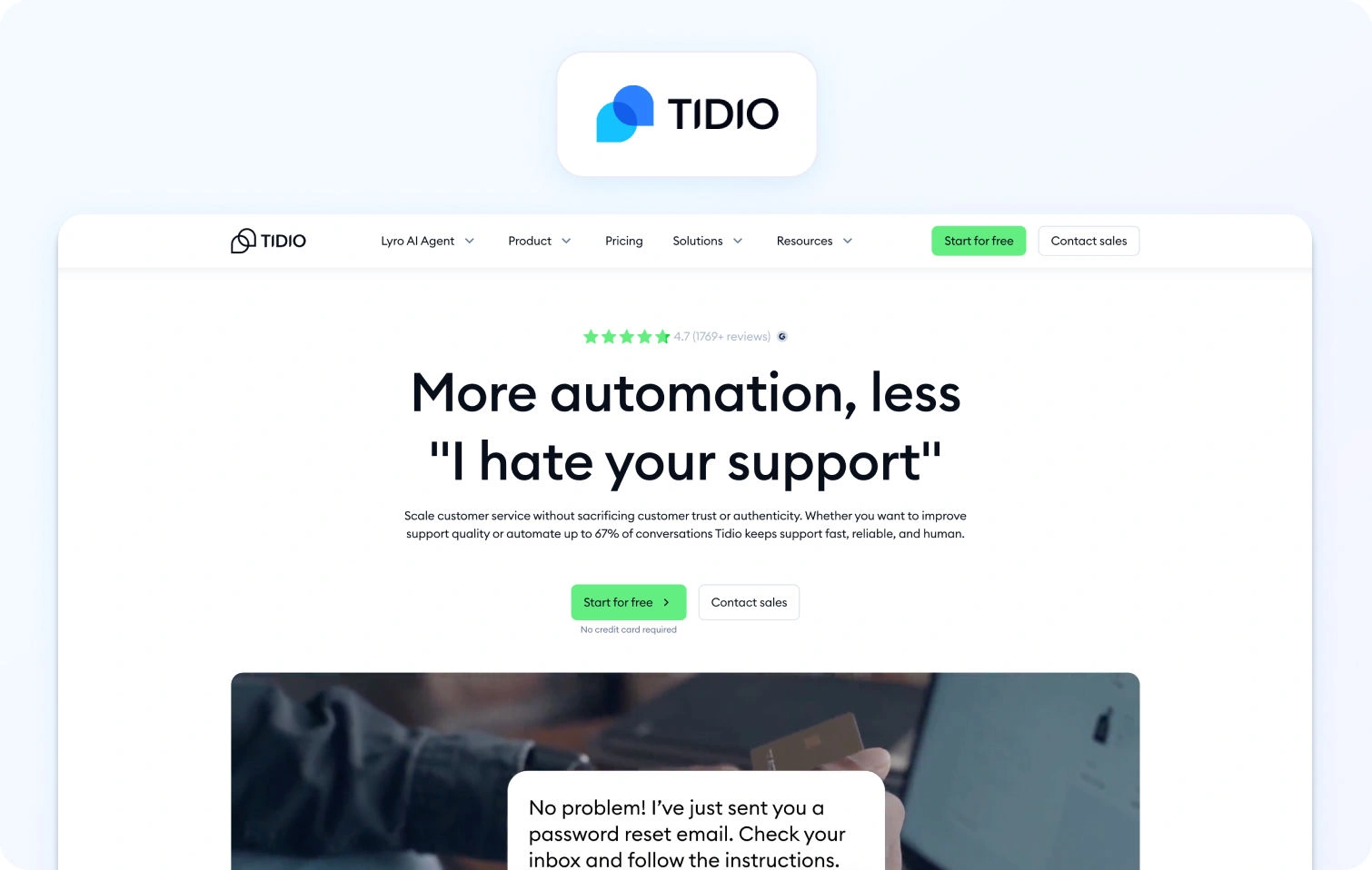
Tidio is a live chat and chatbot platform for e-commerce sites, combining chat widgets with basic automation.
Best for: Small ecommerce sites needing basic live chat.
Key features:
- Live chat widget with chatbots
- Email integration
- Mobile app
- Visitor tracking
Pricing:
- Free: $0/month (50 billable conversations)
- Starter: $29/month (100 billable conversations)
- Growth: Starts at $59/month (250+ conversations)
- Plus: Starts at $749/month (enterprise limits)
- Premium: Custom pricing
Pros:
- Free plan available for basic live chat functionality
- Easy to install on e-commerce platforms like Shopify and WooCommerce
- Affordable entry-level pricing for small businesses
- Mobile app included for managing chats on the go
- Good for simple customer engagement and lead generation
Cons:
- Very limited ticketing and helpdesk features—primarily a chat tool
- No native voice support or phone capabilities
- Confusing pricing model based on features and contacts rather than agents
- Not suitable for comprehensive omnichannel support needs
- Limited reporting and analytics compared to full helpdesk platforms
13. LiveAgent
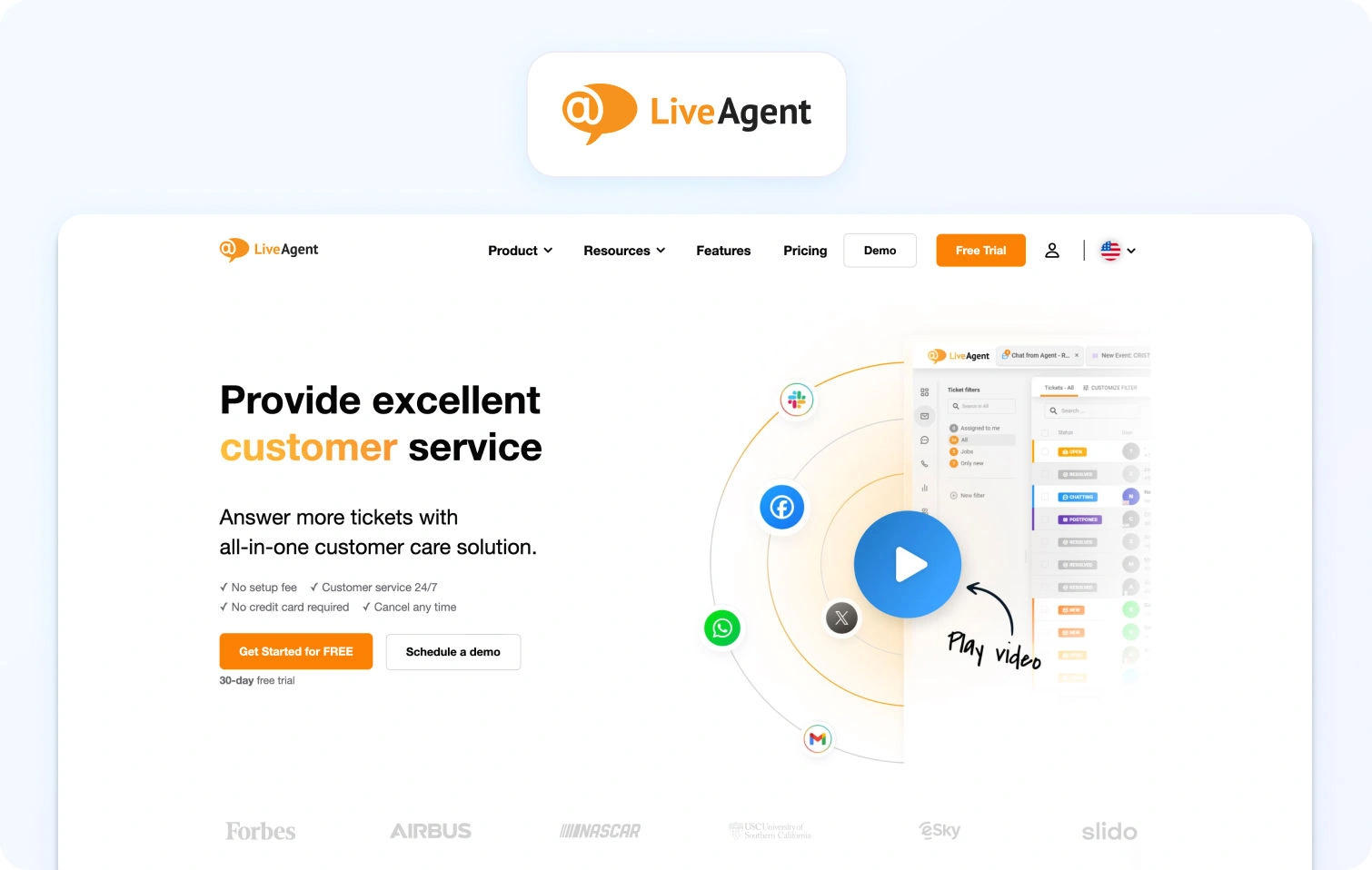
LiveAgent is a multi-channel helpdesk with ticketing, live chat, and call center features via VoIP integration.
Best for: Budget-conscious teams needing basic omnichannel, including voice.
Key features:
- Ticketing system and live chat
- Call center with IVR (VoIP integration)
- Knowledge base
- Email and social support
- Automation rules and reporting
Pricing:
- Small Business: $15/agent/month (annual)
- Medium Business: $29/agent/month (annual)
- Large Business: $49/agent/month (annual)
- Enterprise: $69/agent/month (annual)
- Monthly billing is available with higher rates
Pros:
- Very affordable pricing starting at $9/agent/month
- Native call center features with IVR and VoIP integration
- All-in-one platform covering ticketing, chat, email, and voice
- Good value for budget-conscious teams
- Free plan available for testing (limited features)
Cons:
- Interface feels dated compared to modern platforms like Intercom or Front
- Limited AI and automation capabilities, mostly rule-based
- Smaller integration marketplace compared to Zendesk or Freshdesk
- Less robust WFM and QA features compared to enterprise platforms
- May require significant customization for complex workflows
14. Dixa
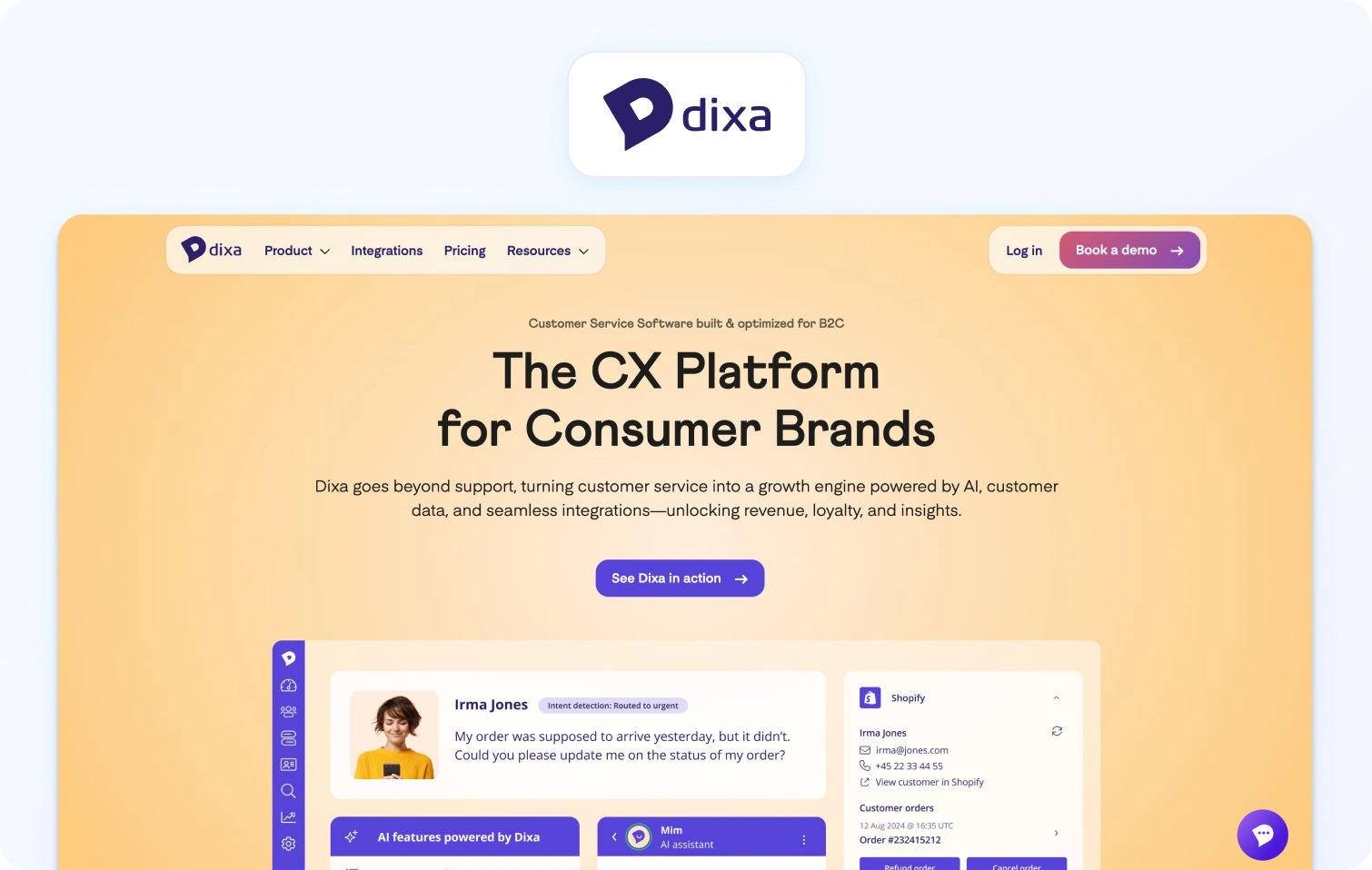
Dixa is a conversational customer service software with omnichannel customer support and a unified agent desktop.
Best for: Teams focused on conversation-driven support.
Key features:
- Omnichannel (phone, email, chat, social)
- Unified agent desktop with smart routing
- Knowledge base and quality monitoring
- Reporting and integrations
Pricing:
- Growth: $89/agent/month (annual, 7-seat minimum)
- Ultimate: $139/agent/month (annual)
- Prime: $179/agent/month (annual)
Pros:
- True omnichannel platform with native voice support
- A conversation-centric approach focuses on customer information in context
- Good analytics and reporting capabilities
- Modern interface designed for agent efficiency and support efficiency
- Quality monitoring tools built in
Cons:
- Custom pricing can be expensive for mid-market teams
- Smaller brand recognition compared to Zendesk or Salesforce
- Limited public information on features and pricing transparency
- May require higher commitment and longer contracts
- Smaller ecosystem of third-party integrations
15. Richpanel
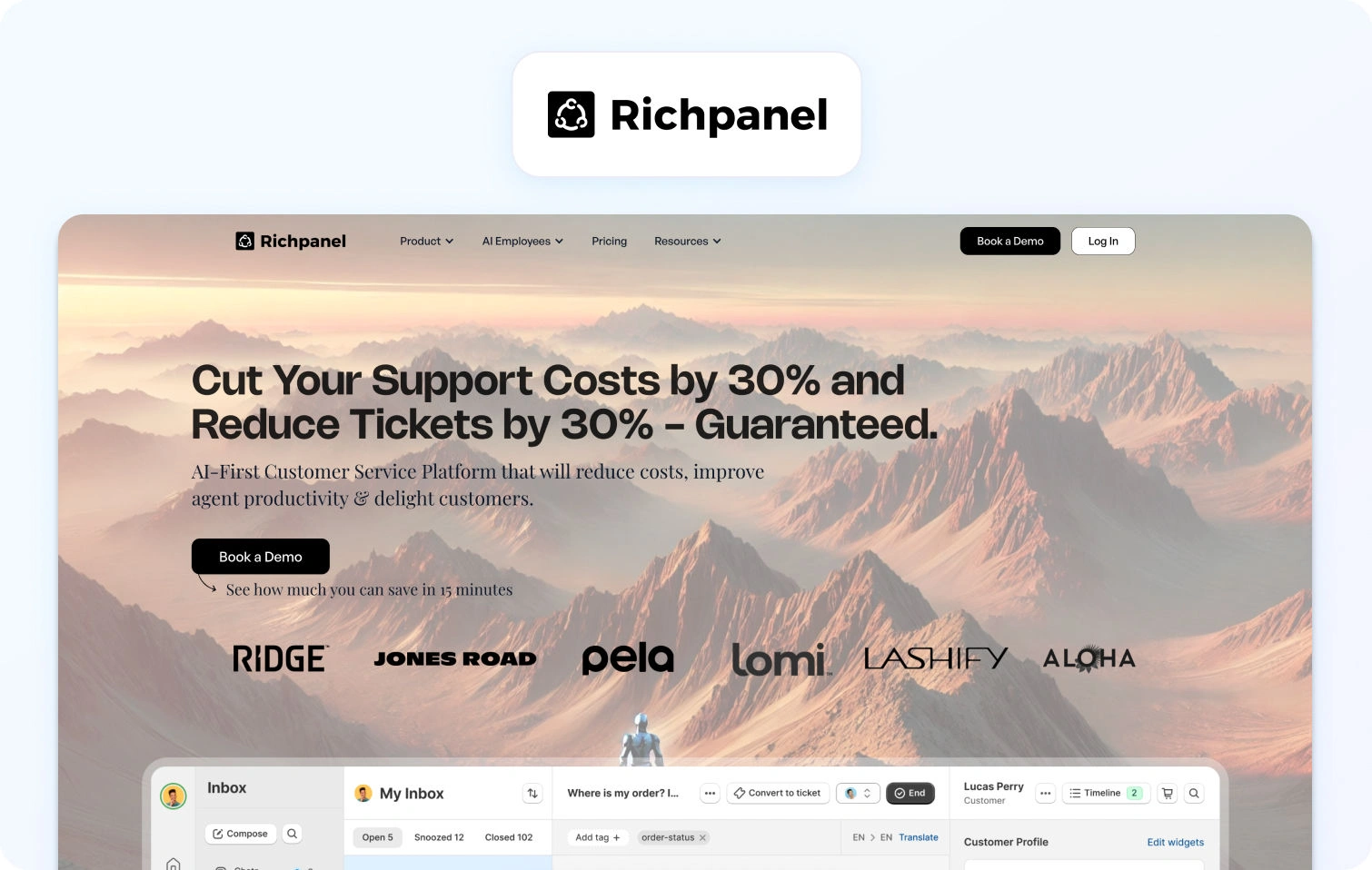
Richpanel is an e-commerce helpdesk with a self-service portal focused on reducing ticket volume through automation.
Best for: E-commerce brands wanting self-service.
Key features:
- Multi-channel (email, chat, social, SMS)
- Self-service portal (order tracking, returns)
- Helpdesk with ticketing and automation
- Shopify/ecommerce integrations
Pricing:
- Pro: $89/agent/month
- Pro Max: $119/agent/month
- Enterprise: Custom pricing
Pros:
- Strong self-service portal specifically designed for e-commerce (order tracking, returns)
- Reduces ticket volume significantly through automation and self-service
- E-commerce-specific features tailored for online retail
- Good Shopify integration with native order management
- Helps customers resolve common issues without agent involvement
Cons:
- No native voice support and limited to text-based channels
- Ticket volume-based pricing can get expensive as you scale
- Limited WFM and advanced analytics compared to enterprise platforms
- Best suited for e-commerce only, not ideal for other industries
- Smaller brand with fewer resources than established competitors
16. Hiver
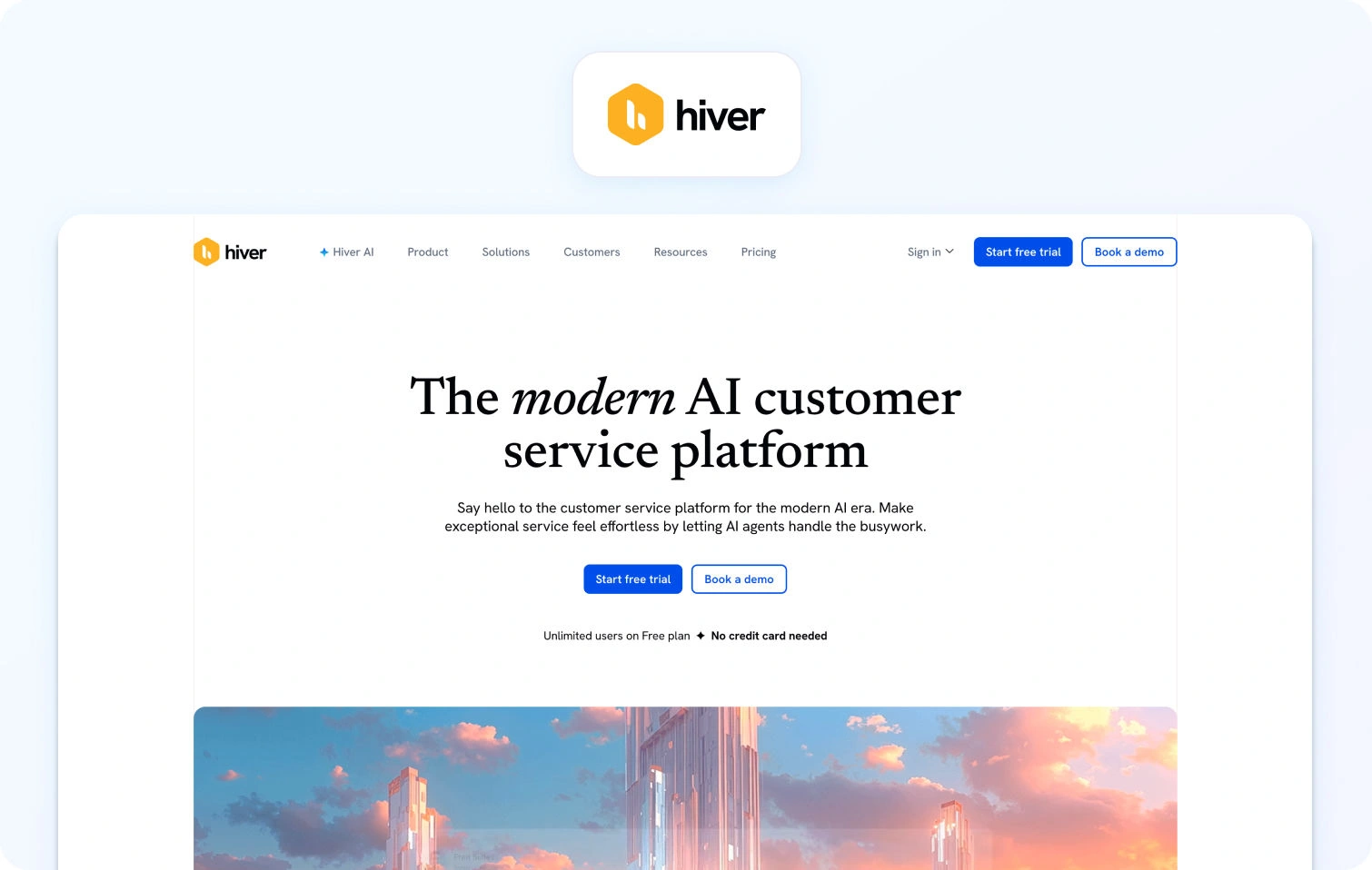
Hiver is a Gmail-based helpdesk that turns Gmail into a collaborative customer service tool.
Best for: Small teams living in Gmail.
Key features:
- Shared inbox within Gmail
- Email assignments and collision detection
- Email templates and automations
- Basic analytics
Pricing:
- Free: $0/user/month
- Growth: $35/user/month
- Pro: $85/user/month
- Elite: $125/user/month
Pros:
- Works directly in Gmail and has no new interface to learn for Gmail users
- Simple setup with minimal training required
- Affordable pricing for small teams starting at $19/user/month
- Familiar interface reduces onboarding time
- Good for teams that live in Gmail and Google Workspace
Cons:
- Email-only support (no chat, voice, or SMS capabilities)
- Very limited features compared to full helpdesk platforms
- Basic reporting and analytics, and lacks advanced insights
- Not suitable for teams needing omnichannel or complex workflows
- Limited scalability for growing teams with diverse channel needs
17. Salesforce Service Cloud
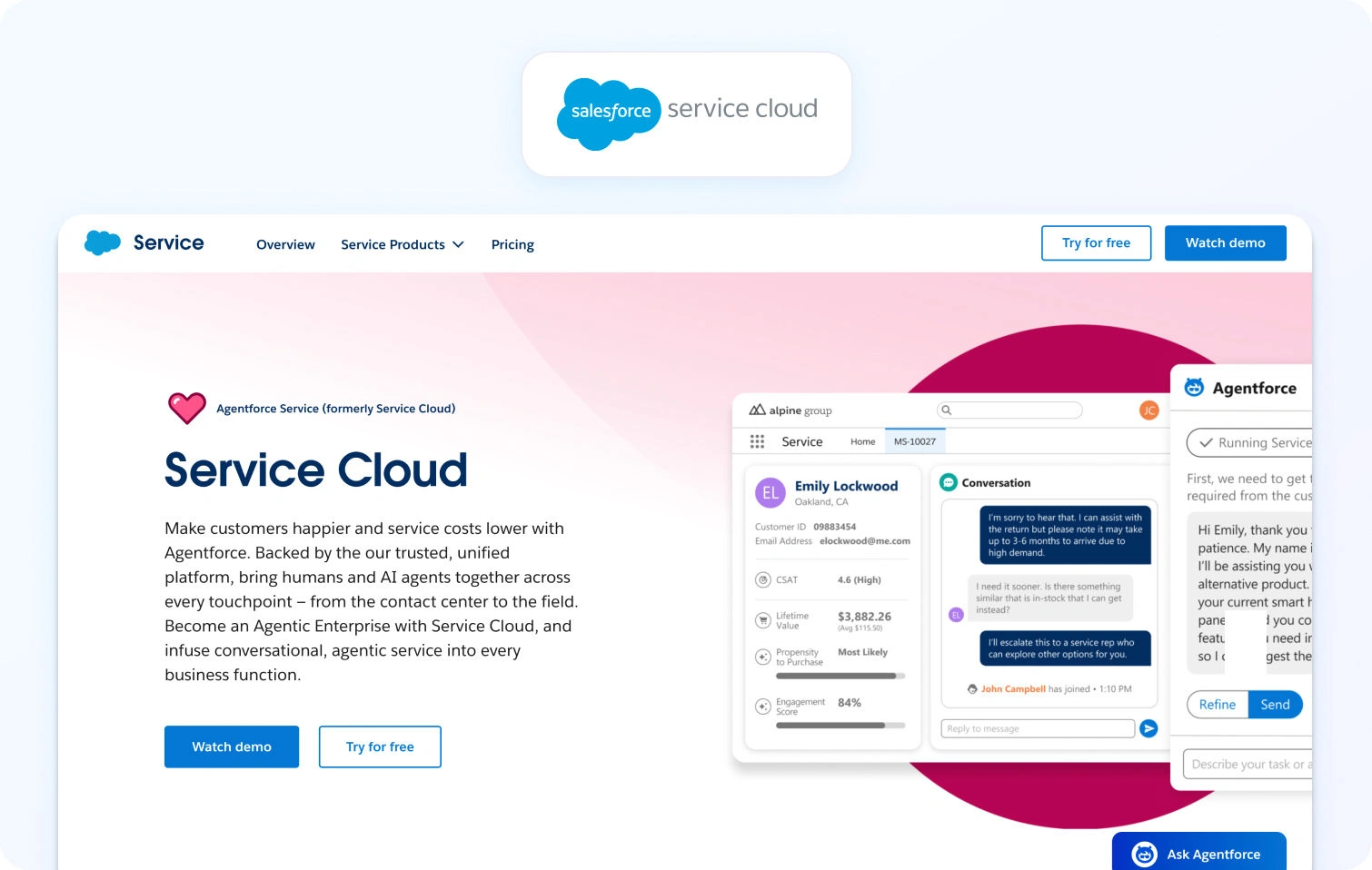
Salesforce Service Cloud is an enterprise CRM-based platform with omnichannel support and AI-powered Einstein.
Best for: Large enterprises using Salesforce CRM.
Key features:
- Case management and omnichannel routing
- Knowledge base and AI Einstein
- WFM (add-on), analytics, dashboards
- Extensive customization
Pricing:
- Starter Suite: $25/user/month
- Pro Suite: $100/user/month
- Enterprise: $175/user/month
- Unlimited: $350/user/month
- Agentforce 1 Service: $550/user/month
Pros:
- Deep integration with the Salesforce ecosystem (Sales Cloud, Marketing Cloud, etc.)
- Highly customizable and scalable for enterprise needs
- Enterprise-grade security and compliance features
- Comprehensive CRM capabilities with unified customer data
- AI-powered Einstein provides advanced automation and insights
Cons:
- Expensive, especially with required add-ons
- Complex setup and configuration requiring specialized expertise
- Steep learning curve for administrators and agents
- Overkill for teams not already using Salesforce CRM
- Implementation can take months and require consulting services
18. Kayako
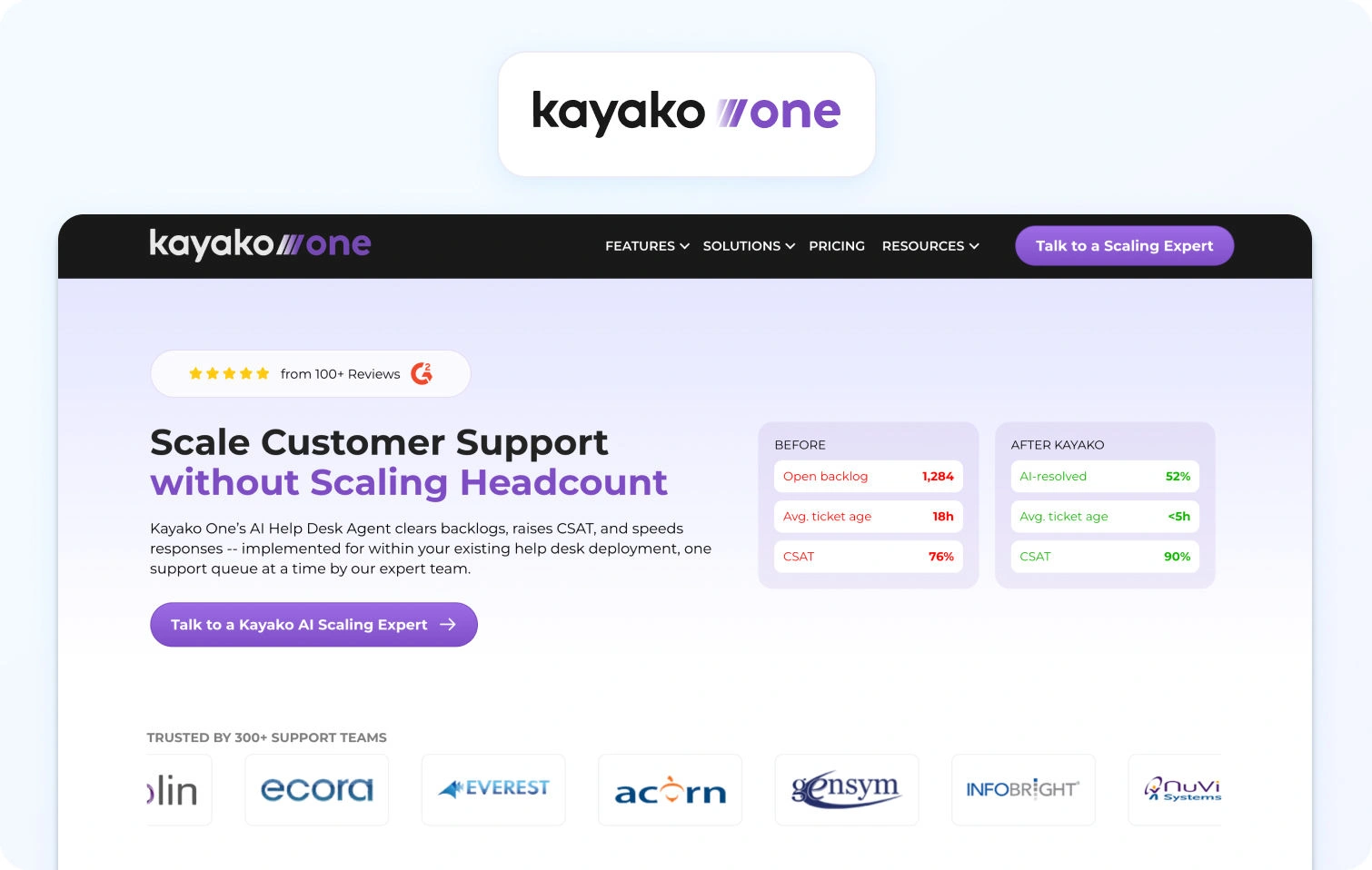
Kayako is a customer service platform with a unified inbox and customer journey tracking.
Best for: Teams needing straightforward multi-channel support.
Key features:
- Unified inbox (email, chat, social, phone via integrations)
- Customer experience journey view
- Live chat, built-in knowledge base, automation
- SLA management and reporting
Pricing:
- Kayako One: $79/month (flat rate, not per-agent)
- AI-resolved tickets: +$1 per resolution
- Note: Single flat-price model instead of per-agent tiers
Pros:
- Very affordable pricing starting at $15/agent/month
- Customer journey view provides a full context of interactions across all channels
- Easy to set up and use with minimal training required
- Straightforward interface without unnecessary complexity
- Good for small to mid-sized teams that don't need enterprise-grade features
Cons:
- Voice support requires third-party integrations, not native to the platform
- Limited advanced features and AI capabilities compared to competitors
- Basic WFM and analytics, and no native workforce management or quality assurance tools
- Smaller brand with less market presence and fewer resources than established players
- Small integration marketplace and limited app ecosystem
What to Look For in a Gorgias Alternative in 2026
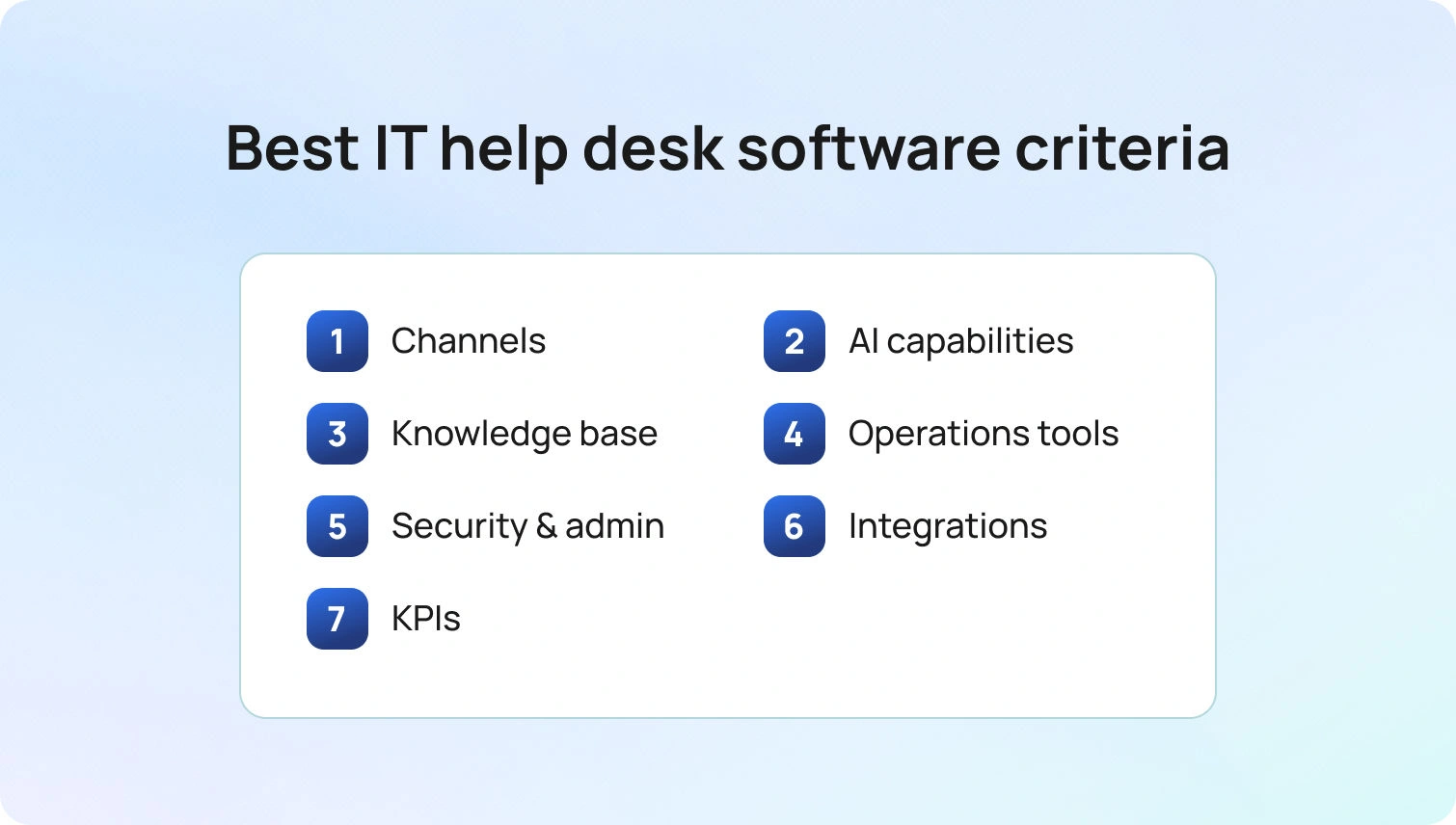
Channels: Native calling, SMS/MMS, chat, email, team messaging, and video. Verify seamless voice ↔ chat/email handoff without losing customer context.
AI capabilities: Look beyond rule-based macros. Evaluate transcription, summarization, proposed/suggested replies, real-time coaching, and post-call notes. Platforms with KB-grounded AI (such as BlueHub's knowledge base integration) provide more accurate, consistent, and instant answers.
Knowledge base: KB-grounded assistance ensures faster, more consistent agent responses. Verify centralized knowledge base integration rather than scattered documentation.
Operations tools: WFM (workforce management) for forecasting and scheduling, QA modules, SLA dashboards, and advanced reporting. Customer communication platforms bundling these features (like BlueHub) reduce third-party add-on costs.
Security and admin: Multi-factor authentication (MFA), audit logs, custom roles, and data residency controls are non-negotiable for compliance.
Integrations: CRM, e-commerce platforms, help desk tools, marketing tools, and BI seamlessly extend platform capabilities. Open APIs and webhooks allow custom workflows for a unified platform without vendor lock-in.
Key performance indicators (KPIs): Track FCR, AHT, Containment Rate, Abandon Rate, Agent Concurrency, Sentiment Scores, and MOS for voice quality. Your platform should provide tools to measure and optimize these metrics.
Pricing clarity: Per-seat vs. usage-based pricing affects budgeting. Avoid platforms that lock critical AI features behind expensive add-ons. Transparent pricing (like BlueTweak's €65/agent/month with all features included) simplifies forecasting and prevents surprise costs.
How We Evaluated These Customer Support Tool Alternatives
We reviewed public documentation, pricing pages, and marketplace listings for each platform. Features were verified against vendor websites and cross-referenced with user reviews. Pricing information comes from publicly available pages as of January 2026. Custom pricing or "contact sales" models are noted. Pros and cons are based on documented features, user feedback, and evidence from public sources instead of marketing claims.
This evaluation relies on publicly available information. Pricing, features, and capabilities may change. Always verify details directly with vendors before making a final decision.
Must-Have Capability Checklist
- Voice + messaging with seamless help desk handoff
- KB-grounded answers or strong knowledge base integrations
- AI for transcription, summarization, and proposed replies
- Analytics and custom reporting
- WFM/QA native or via first-party module
- Security/admin: MFA, audit logs, custom roles
- Integrations + open APIs
- Pricing that includes core AI (not only add-ons)
- Surveys/CSAT module to track customer satisfaction
BlueHub meets all criteria with transparent pricing of €65/agent/month.
Scoring Rubric
Score each platform on these dimensions:
- Fit for 20-100 agents: Scales without high cost or complexity
- Voice/omnichannel depth: Native calling, SMS, chat, email, social with seamless handoffs
- AI coverage: Agent assist (suggested replies, summarization) + KB grounding
- WFM/QA: Built-in workforce management and quality assurance
- Time-to-value: Implementation speed and ROI
- Total cost to operate (TCO): Per-agent pricing, usage fees, add-on costs
Security & control: Roles, audit logs, MFA, data residency
Conclusion
Use the rubric above to finish your shortlist: map each tool by channels, AI depth, and ops needs, then validate security/admin and integrations. Keep KPI impact in view. Platforms that improve FCR, AHT, Containment, and Sentiment directly affect your bottom line.
When to shortlist BlueTweak: You want omnichannel support (chat, voice, email) with KB-grounded AI and built-in analytics/WFM in one platform. For mid-market teams (20-100 agents) managing customer inquiries across multiple channels, BlueTweak delivers measurable ROI without tool sprawl and helps in reducing operational costs in customer support.
Request a demo to see how BlueTweak handles voice, chat, and email with AI-powered assistance and built-in workforce management.
Intercom vs Zendesk vs BlueTweak: Which Is the Best Support Platform?
Choose the Right Platform for Modern Customer Support
Your support team has outgrown basic ticketing. Two platforms keep appearing: Intercom and Zendesk.
Intercom built its reputation on conversational support: in-app messaging, proactive engagement, and a chat-first approach. Zendesk came from traditional help desk roots: structured ticketing, workflow automation, and SLA management at scale.
The Zendesk vs. Intercom vs. BlueTweak choice usually comes down to trade-offs. Want modern messaging? Accept limited voice and usage-based AI costs. Need enterprise ticketing? Prepare for implementation complexity.
However, there's a third path.
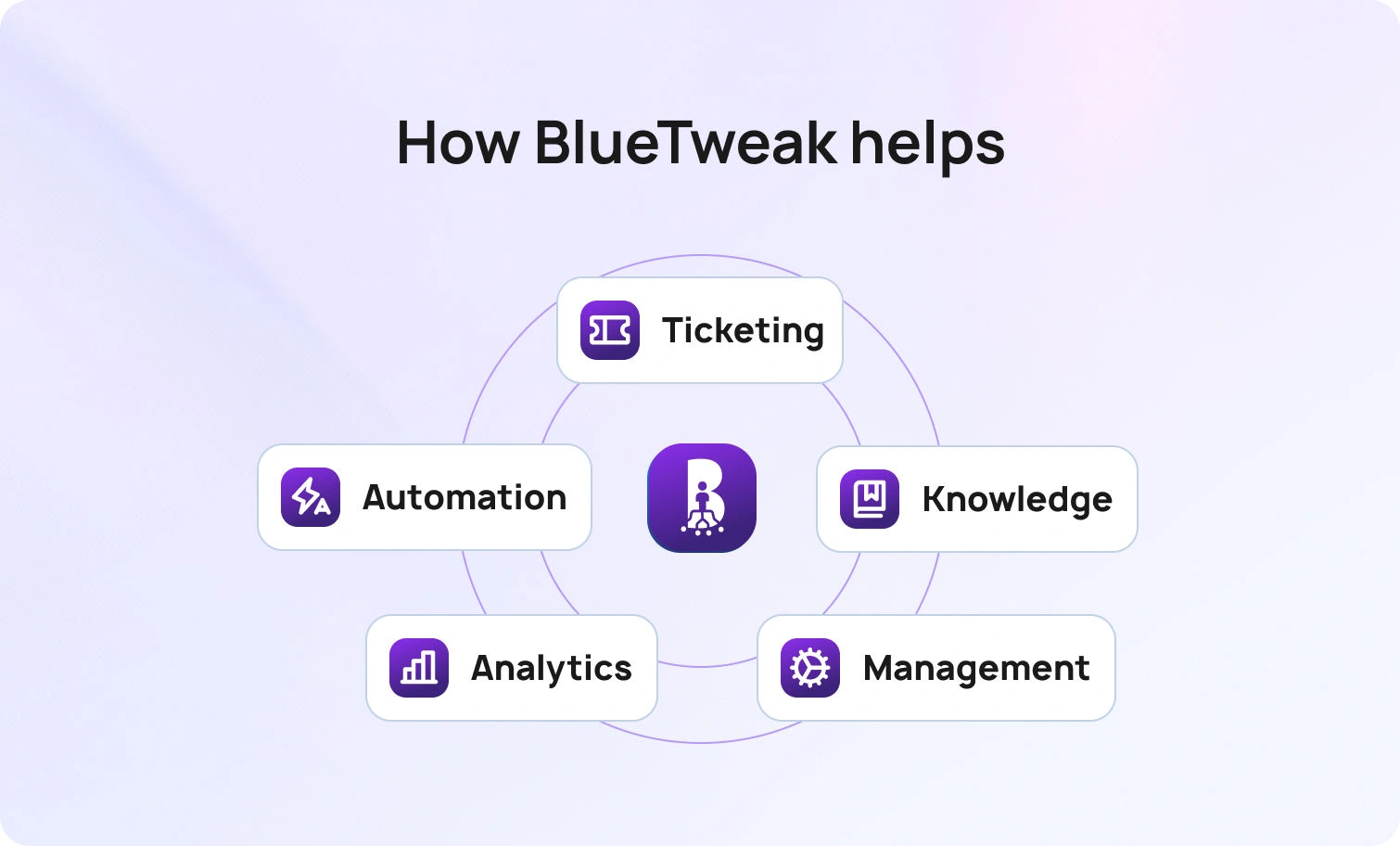
BlueTweak delivers omnichannel ticketing, AI-powered automation, native workforce management, and transparent pricing. It’s built for teams needing both Intercom and Zendesk capabilities without managing multiple vendors.
Below, we’ll break down everything you need to know about Intercom, Zendesk, and BlueTweak to find the right support platform for your team.
Help Desk Platforms for Customer Support Teams 2018 → 2026
Back in 2018, channel silos ruled. Email lived in one system, chat was a bolt-on widget, and voice required a separate call center platform. AI meant basic keyword matching. Reporting was an afterthought. If you wanted omnichannel support, you stitched together three disconnected tools and hoped agents could context-switch fast enough.
Now, in 2026, omnichannel is table stakes, not a premium feature. Both Zendesk and Intercom have evolved to cover email, chat, and messaging channels—though they approach integration differently. Knowledge bases now power both agent assistance and customer self-service. AI has moved from keyword matching to actual classification, summarization, and knowledge base-grounded suggested replies. Strong WFM and analytics are expected, not nice-to-haves. Open APIs connect everything.
Ultimately, you need to unify your channels, knowledge base, and analytics under one roof. Avoid stacking point tools that fragment customer data, inflate TCO, and force agents to context-switch between systems.
The platforms that survived the last seven years consolidated capabilities. The ones that didn't became integration projects.
What Matters in 2026: Everything Under the Same Umbrella
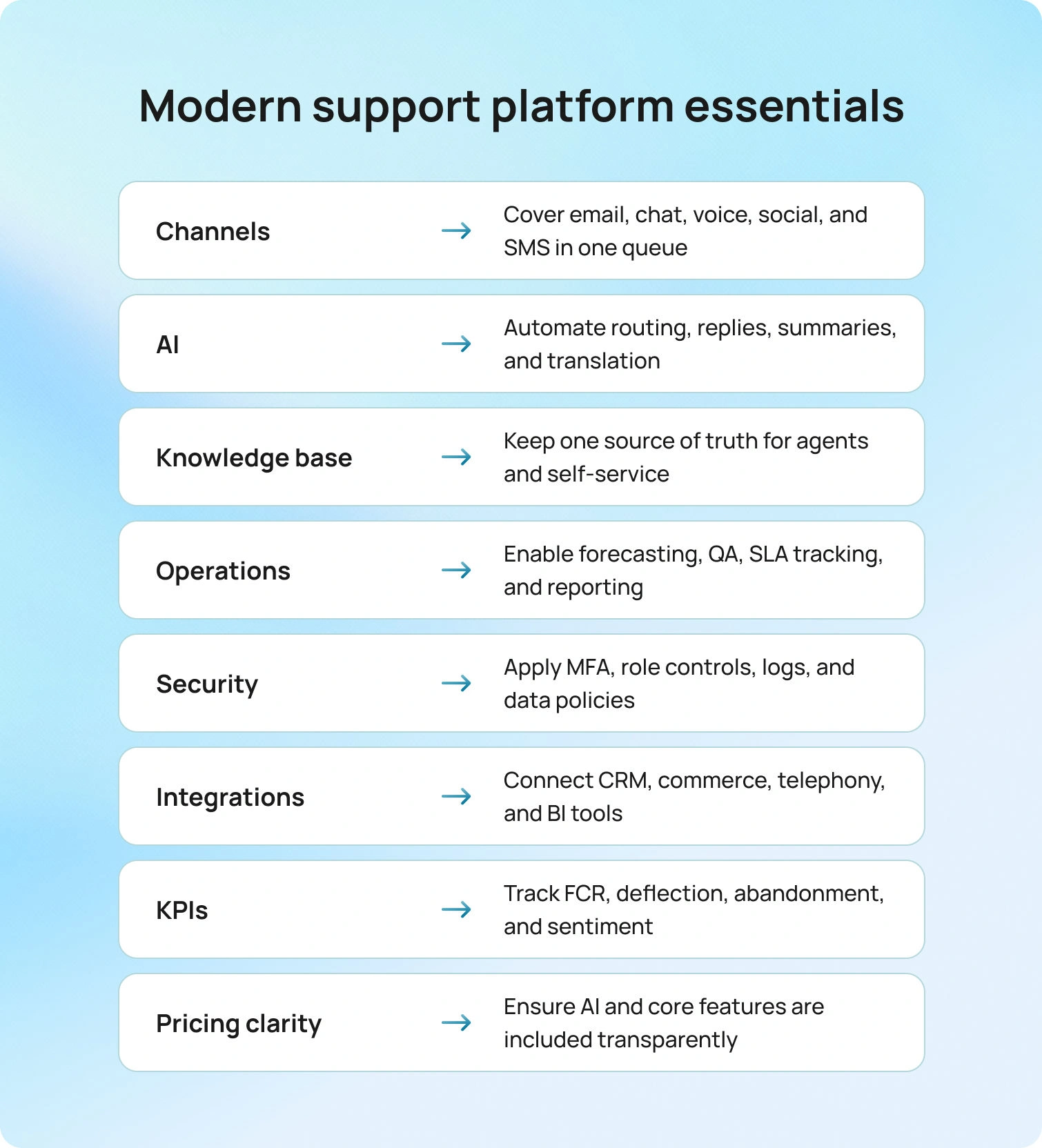
It’s easy to get overwhelmed by features, reviews, and marketing claims. And while some of those things are important, here are the elements you need to focus on the most:
- Channels
- AI
- Knowledge base
- Operations
- Security
- Integrations
- KPIs
- Pricing clarity
Channels
Email, chat, and voice are non-negotiable. Social and SMS are increasingly expected. Your ticketing system needs unified queuing so agents can see the full customer journey.
AI
Classification routes tickets. Summarization condenses threads. Suggested reply drafts knowledge base-grounded responses. Real-time translation supports multilingual teams. Spam detection keeps queues clean.
Knowledge Base
Must surface answers for agents, power self-service portals, feed your AI chatbot, and update everywhere simultaneously.
Operations
Teams need workforce management for forecasting and scheduling, QA for sampling interactions, SLA dashboards, and reporting tracking metrics that matter: FCR, containment, abandonment, and sentiment.
Security
MFA, audit logs, role-based permissions, and data retention are compliance requirements. Workspace segmentation by brand or client matters for multi-account teams.
Integrations
CRM sync, commerce integrations, telephony, and BI tools. Open APIs and webhooks tie everything together.
KPIs
FCR, containment rate, deflection, abandonment, concurrency, and sentiment shifts tell you whether help desk operations are improving.
Pricing Clarity
Core AI shouldn't require add-ons. Prefer plans where AI isn't locked behind separate SKUs.
Feature-by-Feature Comparison: Intercom vs Zendesk vs BlueTweak
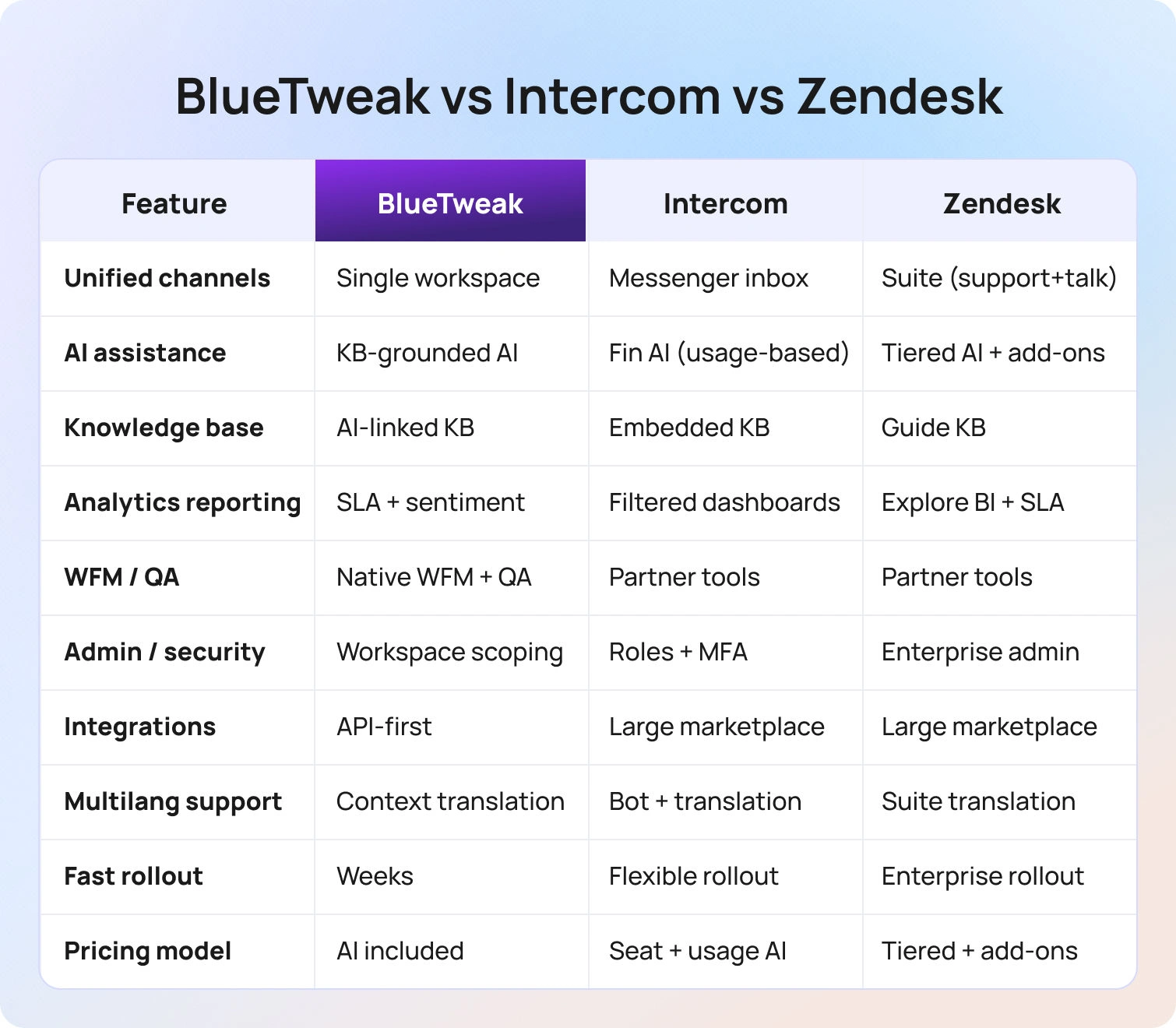
1. Omnichannel Coverage
Unified intake for email, chat, voice, social/SMS with single-queue routing.
- BlueTweak: Unified Inbox with multi-brand routing. AI voicebot handles routine calls with instant escalation. Single workspace; no separate instances for multiple brands. True omnichannel customer support.
- Intercom: Intercom Messenger with inbox functionality. Emphasizes continuity—chat continues via email or in-app without separate cases. Verify voice scope and partner integrations.
- Zendesk: Zendesk Suite bundles Support, Messaging, and Talk. Skills-based routing by expertise and language. Talk integrates voice seamlessly with ticketing functionality.
All three cover chat/email. Voice depth and single-queue execution are swing factors. BlueTweak: multi-brand routing. Zendesk: integrated Talk. Intercom: conversational continuity.
2. AI Assistance
Summaries, classification, proposed reply, spam filtering, live translation, and post-call notes.
- BlueTweak: AI Ticket Summary condenses threads. Suggested Reply drafts KB-grounded responses. Spam filtering. Real-time translation. Post-call notes.
- Intercom: Fin AI (GPT-4) handles 50% of common queries autonomously. Fin AI Copilot suggests replies. Fin resolutions billed at $0.99 each; adds up fast at volume.
- Zendesk: Zendesk AI agents deliver summaries, suggested responses, and intent classification. Talk transcription. Sentiment analysis. Advanced AI often requires monthly add-ons of $50 per agent.
Prioritize KB-grounded replies. BlueTweak emphasizes grounding. Intercom's Fin is sophisticated but usage-based. Zendesk is powerful but often requires add-ons.
3. Knowledge Base and Self-Service
Agent KB + public KB, search quality, widgets, bot source citation.
- BlueTweak: Knowledge base grounds AI replies and chatbot answers, reducing hallucinations. Canned responses for consistency.
- Intercom: Articles, power agent assist, and portals. Messenger-embedded help. Multi-language support.
- Zendesk: Guide with versioning and publishing workflows. Help Center widgets. Multilingual with translation management.
Choose a stack that grounds both agent assist and bots in the same KB. BlueTweak tightly couples KB with AI outputs.
4. Analytics and Reporting
Real-time dashboards, SLA tracking, KPI depth (FCR, Containment, Sentiment), outcome tagging.
- BlueTweak: Real-time SLA dashboards with built-in analytics. Sentiment analysis. Outcome tagging. Post customer interaction summaries.
- Intercom: Dashboards with channel/team/time filtering. Automation reports. Verify containment and sentiment depth by plan.
- Zendesk: Explore analytics with custom dashboards and BI features. SLA/CSAT standard. Data export and API access.
Look for sentiment and outcome tagging feeding back into routing. BlueTweak analytics inform actions. Intercom/Zendesk lean post-hoc.
5. WFM and QA
Forecasting, scheduling, adherence, and QA scorecards.
- BlueTweak: WFM (forecast/schedule) and QA (scorecards/calibration) native. Data flows automatically; no middleware.
- Intercom: WFM/QA via partners. Confirm native versus marketplace.
- Zendesk: WFM/QA through partners (Tymeshift, Playvox). Native analytics support planning.
Native improves time-to-value. BlueTweak includes both. Intercom/Zendesk use partners (effective, but add steps/costs).
6. Administration and Security
Roles, MFA, audit logs, data retention, AI/routing guardrails.
- BlueTweak: Central admin with workspace/brand scoping. AI/routing controls. MFA/audit.
- Intercom: Roles, MFA, audit logs. Verify AI guardrail configurability.
- Zendesk: Admin Center with centralized control. Audit logging scales on enterprise tiers.
All three handle competently. BlueTweak's workspace scoping is useful for multiple brands/clients.
7. Integrations and Extensibility
CRM, commerce, telephony, BI; APIs/webhooks.
- BlueTweak: CRM/commerce/telephony/BI connectors. Open APIs. Integration assistance in onboarding.
- Intercom: Large marketplace. App store. Proactive orchestration. Verify telephony path.
- Zendesk: Extensive marketplace. Sunshine platform for custom data models. Active developer community.
Breadth vs depth decides implementation speed. Intercom/Zendesk has larger ecosystems. BlueTweak prioritizes core integrations.
8. Multilingual Support
Real-time translation with KB grounding, bot languages, voice handoff with context.
- BlueTweak: Real-time translation maintains context. Multilingual voicebot. Context-preserving handoff.
- Intercom: Translation and bot language capabilities. Verify the scope by plan.
- Zendesk: Translation across Messaging/Guide/Talk. Voice handoff maintains context.
Double-check text, voice coverage, and context carryover. BlueTweak excels at maintaining context during language switches.
9. Implementation and Onboarding
Set up KB ingest, enabling suggested reply and change management.
- BlueTweak: Guided rollout. KB ingestion immediately enables AI Suggested Reply. Documented best practices. Fast implementation (weeks).
- Intercom: Migration center tools. Fin AI setup trains on historical data. Self-service and assisted options.
- Zendesk: Migration kits. Professional services for enterprise. Zendesk AI trains on historical data. Can span months for complex implementations.
Fast path: import KB, map intents, enable suggested replies. BlueTweak prioritizes speed. Intercom offers flexibility. Zendesk scales with complexity.
Pricing and TCO Framework
Use this to compare more than just list pricing. It factors in the real total cost: licenses, required add-ons like AI, telephony, and WFM, plus implementation, integrations, training, and ongoing admin work. This framework helps tie each cost line to ROI and time-to-value, so your budget reflects how the platform will actually operate in your world, not a sales-deck fantasy.
Seat vs Usage (at a Glance)
Customer service software pricing usually combines per-agent licenses with usage-based add-ons. Understanding that splitting early prevents budget blowups down the line.
- Included in seat (typical): Core ticketing, standard channels (email/chat UI), basic analytics, standard SLAs, standard storage.
- Usage/add-ons (typical): AI (summaries/suggested reply), WFM, telephony minutes, advanced analytics, bots/automation flows, extra storage/retention, SSO/premium security, sandboxes, HIPAA/industry packs.
BlueTweak: Simple plan with core AI features included. €65 per agent per month covers omnichannel ticketing, AI features (ticket summary, suggested reply, spam filtering, real-time translation), multilingual AI voicebot and chatbot, workforce management, QA scorecards, knowledge base, pre-built analytics dashboards, and call transcription. See pricing and ROI calculator.
Intercom: Intercom pricing for base plans runs roughly $29 to $132 per seat per month (billed annually) and covers core inbox and messaging. AI is priced separately: Fin AI Agent costs $0.99 per resolution, and Fin AI Copilot costs $29 per seat per month. Proactive Support Plus is another $99 flat per month. In practice, costs can climb quickly as AI usage and Intercom user base grow.
Zendesk: Zendesk starts at $55 per agent per month for Suite Team, with Suite Professional at $115 and Suite Enterprise at $169, adding more analytics, routing, and security. AI, voice, analytics, and workforce management often sit outside base tiers. Advanced AI (Copilot) is reported to cost around $50 per agent monthly, WFM runs about $25 per agent monthly, and Talk minutes and Explore analytics may trigger overages or tier upgrades.
What to Collect (Apples-to-Apples Checklist)
When modeling total cost, collect:
- Seats & contracts: Agent count by tier; monthly versus annual; overage terms.
- AI metering: Included versus add-on? Per-message, per-token, or per-seat pricing?
- Channels & volume: Monthly tickets; percentage email/chat/voice/social; peak versus average.
- Telephony: Minutes in/out, AHT, recording/transcription charges, numbers/DIDs.
- WFM: Included versus add-on? Forecast/schedule licensing?
- Automation/bots: Per-flow, per-session, or included? Containment assumptions?
- Storage/retention: Limits, archival fees, legal hold.
- Security/SSO: SSO/SCIM, audit logs, data residency, enterprise packs.
- Services/onboarding: Migration, implementation, premium support SLAs.
- Hidden costs: Marketplace apps, data export fees, API rate limits/overages.
Worked Model (The 50-Agent Scenario)
Let’s see how the pricing works with a real-world scenario.
Scenario: 50 agents, 3 brands, 4 languages, 40,000 tickets per month, 30% voice.
Inputs:
- Seat price per tier
- Included AI (Y/N)
- AI metering
- Minutes per month
- Recording
- Bot sessions and containment percentage
- WFM/QA add-ons
- Storage
- Services
Outputs:
- Monthly platform cost (seats + add-ons + usage)
- Telephony subtotal
- AI subtotal
- All-in monthly and 12-month TCO
- Optional: cost per resolved ticket and per agent
The biggest movers are usually AI metering, voice minutes, and bot containment. A 10% shift in bot containment can swing monthly costs by hundreds or thousands, depending on the pricing model.
BlueTweak makes this simple: One plan including core AI chat features. See pricing and try the ROI calculator for your inputs. €65 per agent per month, all-in, eliminates surprise add-on bills.
How We Evaluated
We only used public vendor sites for our research and evaluation: features, pricing pages, docs/help centers, trust pages, and marketplaces as of January 2026.
And as for use cases and ideal clients, we looked at public logos and case studies (if available on vendor sites).
Must-Have Capability Checklist
- Omnichannel intake (email, chat, voice; social optional)
- KB-grounded answers (agent assist + bots)
- AI: classification, summarization, suggested reply, translation
- Analytics with 2-3 KPIs (FCR, Containment, Abandon, Concurrency, Sentiment)
- WFM/QA native or first-party
- Security/admin: MFA, audit logs, roles
- Integrations + APIs
- Pricing that includes core AI (not only add-ons)
Scoring Rubric
- Fit for 20–100 agents
- Voice/omnichannel depth
- AI coverage (agent assist + KB grounding)
- WFM/QA
- Time-to-value
- Total cost to operate (TCO)
- Security & control (roles, audit, MFA, data residency)
Conclusion
Intercom excels at chat-first engagement, proactive customer relationship journeys, and conversational support that feels modern. It’s best for SaaS teams where in-app messaging is primary, and voice isn't mission-critical. The trade-off is that usage-based AI costs can spike, voice capabilities should be verified, and WFM/QA requires partners.
Zendesk delivers ticketing breadth, marketplace ecosystem depth, and integrated voice through Talk. It’s best for high-volume operations requiring strict SLA management, deep customization, and enterprise security. The trade-off is increased implementation complexity, longer timelines, and unpredictable costs with add-ons.
BlueTweak is positioned as a single-platform omnichannel with KB-grounded AI, built-in WFM/analytics, and simple pricing, making it strong for 20-100-agent teams and multi-brand operations that need comprehensive features without fragmented ticketing tools. It’s the best for a holistic ticketing system that handles customer inquiries and customer conversations at scale across channels.
When to shortlist BlueTweak: If you want omnichannel (voice, email, chat, social), KB-grounded AI, WFM/QA, and simple pricing in one platform. It’s built for teams managing 20-100 support agents who need both Intercom and Zendesk capabilities without juggling multiple vendors or decoding complex add-on structures.
Request a demo to see BlueTweak's omnichannel capabilities, AI assist features, and analytics in action. Or check pricing for transparent costs and an ROI calculator.
Looking for more alternatives? Check out Intercom alternatives and best Zendesk alternatives for broader comparisons.
How To Improve Customer Satisfaction Scores With Multilingual AI
Why satisfaction drops when language gets in the way
Customer satisfaction is a judgment made right after an interaction. Did you meet the need with low effort and a human tone? In multilingual customer support, that judgment swings faster. Each handoff, mistranslation, or repeat increases effort. Dissatisfied customers leave negative feedback, and your customer satisfaction score falls.
Scale is the constraint. Volume hits all communication channels at once. Research from Salesforce’s 2025 State of Service reports that AI now handles about 30% of service cases and is expected to handle half by 2027. Leaders are using artificial intelligence to reduce effort where it most harms the customer experience.
This guide focuses on improving customer satisfaction scores in multilingual operations. You will see where scores slip and how to fix the causes with language-aware routing, real-time translation, AI summaries, AI suggested replies, and an AI customer support knowledge base. You will also learn how to measure customer satisfaction with CSAT and customer sentiment, how to run a quick rollout, and how to keep gains compounding.
What customer satisfaction measures are, and how AI helps
Define customer satisfaction clearly. CSAT captures how a customer felt about one customer service interaction. It answers a simple question right after a ticket, chat, or call. Did we solve the problem with low effort and a human tone? Net Promoter Score tracks customer loyalty over time. Use both, but rely on CSAT to tune day-to-day service across the customer journey.
AI helps reduce effort and maintain consistent answers across languages and communication channels. The core pieces are:
- Classification that detects intent and urgency
- Routing that reaches the right skill group the first time
- AI ticket summaries that condense long threads into key facts and the next step
- Suggested reply that drafts an on-brand answer from your knowledge base
- Real-time translation so any queue can reply in the customer’s language
Each piece cuts waiting, reduces repeats, and protects tone. That is how to improve customer satisfaction without extra headcount. BlueTweak brings these capabilities together across a multilingual chatbot, AI voicebot, and email and surfaces CSAT scores, FCR, customer sentiment, transfer, containment, deflection, abandonment, and concurrency in one dashboard.
Multilingual AI building blocks that move your score
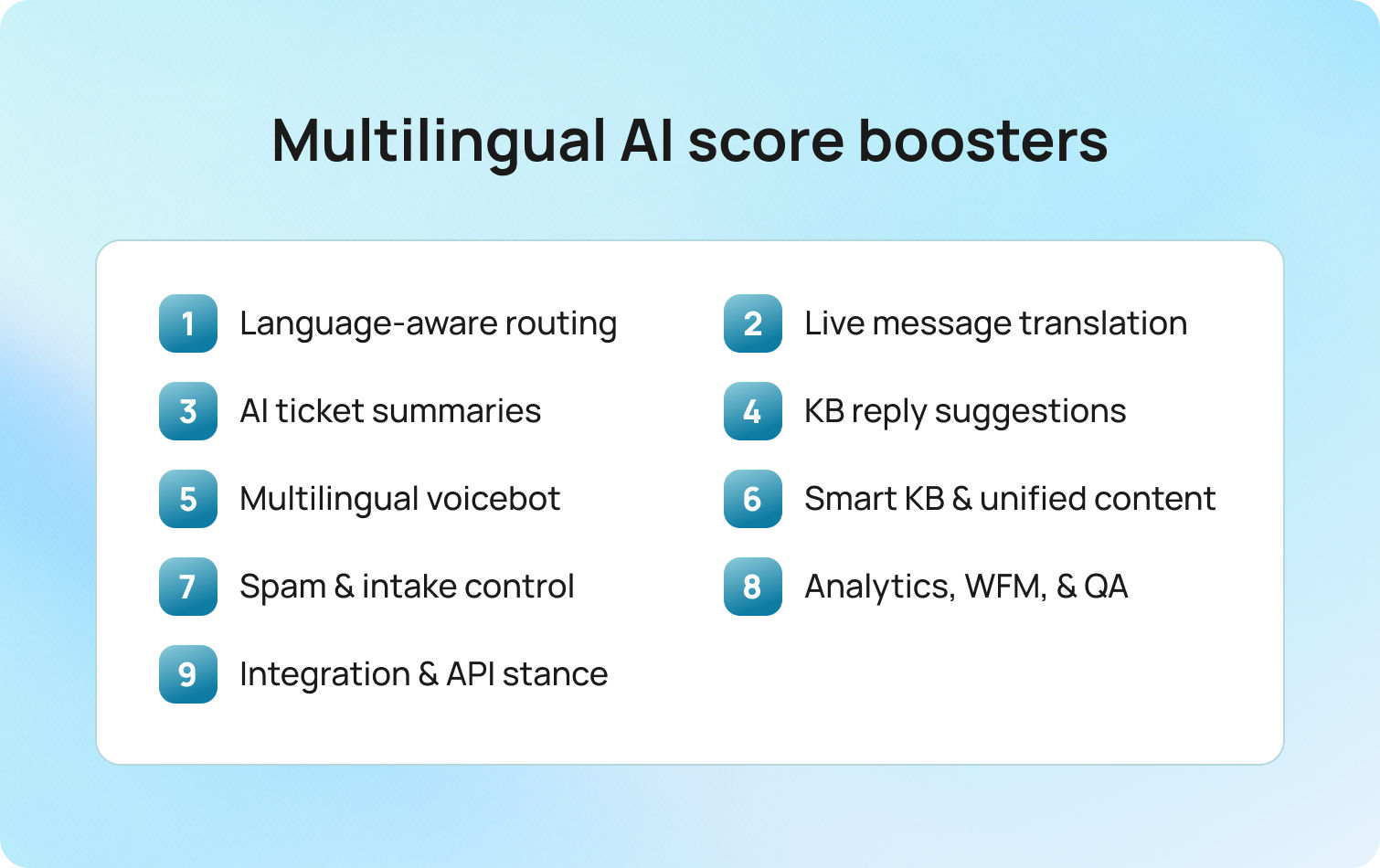
These are the practical levers that raise customer satisfaction levels. Each item explains what it is, how it works, and how BlueTweak helps customer service teams and customer service agents execute.
Language-aware routing
What
Detect language and intent on first contact and route to the right skill group and SLA.
How
Define skills by language and topic. Map top intents to queues. Set clear escalation rules for sensitive cases. Review misroutes weekly and adjust skills, SLAs, and hours.
How BlueTweak helps
Automatic language and intent classification across chat, voice, and email. Skills, queues, and SLAs in one admin view. Transfer rate and FCR by queue and language on the standard dashboard, with an audit trail for routing changes.
Real-time translation in chat and email
What
Translate messages inline so agents reply in the customer’s language without leaving the thread.
How
Create a glossary for brand and product terms. Allow fluent agents to opt out. Log edits for QA. Use translation on first touch, then bring in a fluent specialist for complex cases.
How BlueTweak helps
Translation in the compose pane. Per queue enablement and role-based opt-out. Edit logs for QA. SLA and CSAT comparisons for translated versus native replies.
AI ticket summaries
What
Condense long threads into key facts, the requested outcome, prior commitments, and the next step.
How
Enable summaries on high-volume queues. Require agents to confirm the next action before sending. Attach the summary to the case record. Use summaries in handoffs to preserve context.
How BlueTweak helps
Summaries appear beside composition and classification. Handle time, re-open rate, and sentiment are visible before and after rollout.
Suggested reply from the knowledge base
What
Draft an on-brand answer pulled from approved articles, ready for agent approval or edit.
How
Link templates and macros to specific knowledge base articles. Require article IDs in each suggestion. Localize articles before suggestions go live in that language.
How BlueTweak helps
The suggested reply draws on the smart knowledge base. Compare CSAT, FCR, and time to first response for suggested versus manual replies. Version history and approval flow for article changes.
Multilingual voicebot with clean handoff
What
Resolve common intents in the caller’s language and pass the full context to an agent when escalation is needed.
How
Start with the top-volume intents. Keep prompts short. Confirm key details. Always offer a human option. Send the transcript and captured fields to the agent on handoff.
How BlueTweak helps
Voicebot supports multiple languages and live language selection. Handoff includes a transcript. Containment, call deflection, abandonment, concurrency, sentiment, and FCR are tracked in one place.
Smart knowledge base and unified content
What
One source of truth that powers agent replies and conversational AI answers in every language.
How
Assign owners. Set a review cadence. Require version notes. Collect customer input and agent feedback on each article. Use templates for policies, troubleshooting, and refunds to maintain a consistent structure.
How BlueTweak helps
The articles feed includes both suggested replies and conversational AI flows. Link intents, templates, and articles. Usage analytics by queue and language. Search success rate and article feedback are visible to content owners.
Spam detection and intake quality
What
Filter spam and malformed requests so agents focus on real customer interactions.
How
Enable spam detection for email and web forms. Route uncertain items to a low-priority review queue. Validate order IDs and contact data at intake to reduce negative experience loops.
How BlueTweak helps
Spam filtering at channel intake with safe-list and block-list controls. Impact on time to first response and agent occupancy tracked without external BI.
Analytics, WFM, and QA in one place
What
A single view of experience quality and staffing needs in real time.
How
Standardize a weekly KPI pack. Track CSAT, FCR, transfer, containment, deflection, abandonment, concurrency, and sentiment. Align schedules and coaching to language- and channel-specific patterns. Use transcripts for targeted QA.
How BlueTweak helps
All metrics are standard. No separate BI build. Forecasting and scheduling live next to queues. QA review pulls transcripts and sentiment without exports.
Integration and API stance
What
Bring order data, billing status, and identity into the conversation so the first reply is accurate.
How
Expose key customer fields in the compose pane. Pass metadata to bots and suggestions. Log access for audit. Use webhooks to update tickets when upstream systems change.
How BlueTweak helps
API open with integration points for in-use system/legacy systems/tool stack. Customer context is visible during compose. Reduction in back-and-forth and higher FCR, both measurable on the same dashboard.
Where multilingual support usually loses CSAT, and how to fix it
A typical pattern looks like this. A customer writes in Spanish, lands in an English queue, gets transferred twice, and has to repeat the issue. On voice, a caller selects French, waits, and hears a generic apology that does not answer the question or says that no agent is available. Effort rises. Trust falls. Customer satisfaction levels drop.
The root cause is fragmentation. Ticketing, telephony, translation, and knowledge live in separate tools. Context is lost between systems, macros diverge by channel, and agents copy text rather than solve the problem. Handoffs multiply because language and intent are detected late. Even when the final answer is correct, the path feels slow and impersonal.
Move effort out of the conversation:
- Route by language and intent on first contact
- Preserve context so the next agent sees what was asked and what was promised
- Draft replies from approved articles to keep content accurate across languages
- Use inline translation for thinly staffed languages without leaving the thread
- In voice, keep prompts short, offer a human path, and pass the full transcript on escalation
BlueTweak supports this model in one workspace. Automatic classification and routing apply across chat, voice, and email. AI ticket summaries keep context intact. Suggested reply grounds answers in the knowledge base. Real-time translation sits in the compose pane with opt-outs and logs for QA. The impact shows up in standard KPIs you can read together, including CSAT, first contact resolution, transfer rate, sentiment, containment, deflection, abandonment, and concurrency.
Rollout you can complete in weeks
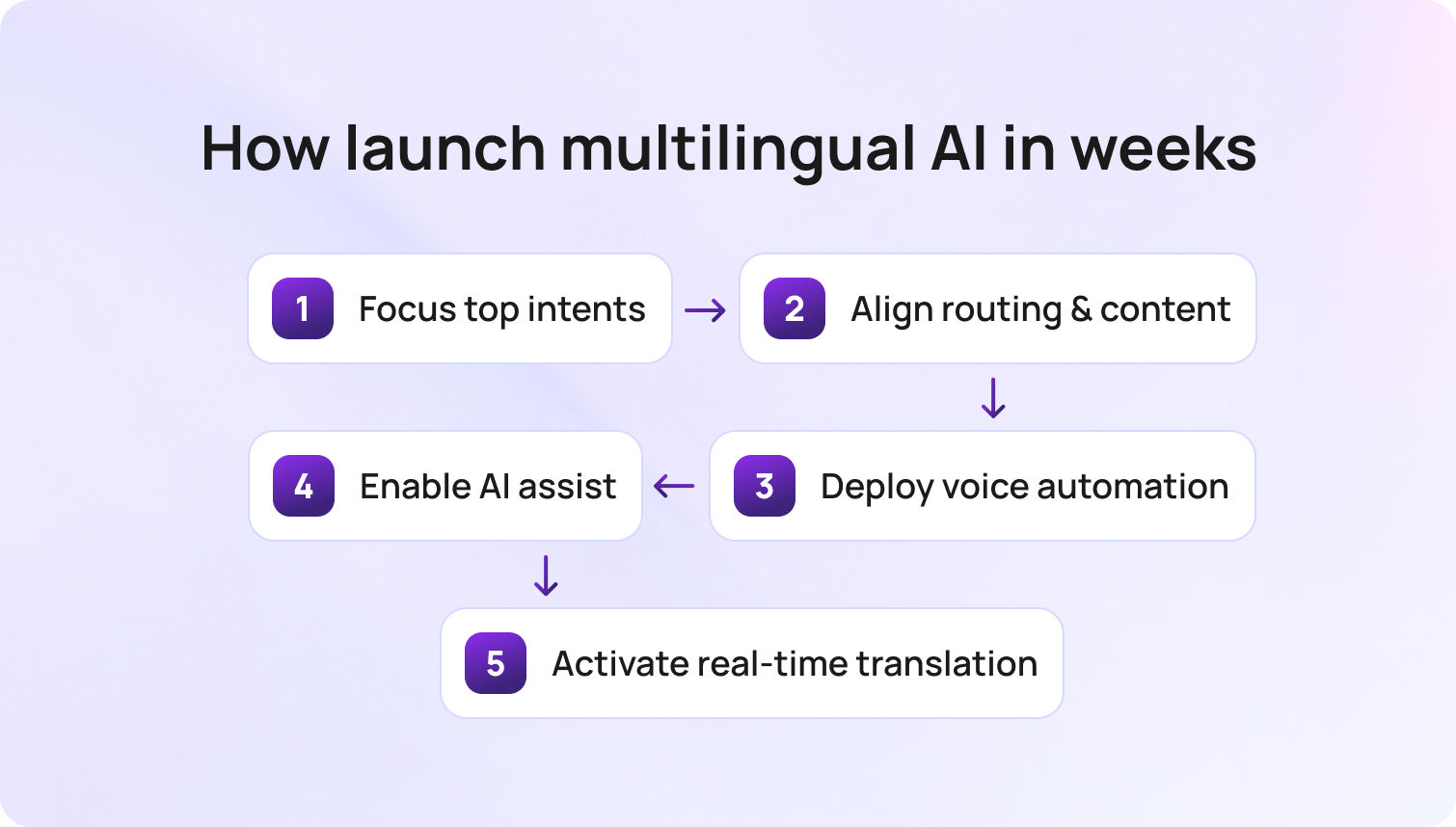
Volume concentrates in a few intents and a few languages, so start there. Map your top twenty requests and the languages where SLAs slipped. Link each intent to a queue and the exact article that should power the first reply. In BlueTweak, connect intents, queues, and articles so classification, routing, and suggestions point to the same source from day one.
Turn on language-aware routing and read early signals. Transfers should fall, and FCR should rise, especially in thinly staffed languages. If results stall, revisit skills, SLAs, and escalations. BlueTweak places transfer, abandon, and sentiment side by side so you can see speed and tone together and adjust quickly.
Introduce a multilingual voicebot for predictable requests. Order status, returns, appointment changes, and password resets are reliable starters. Keep a human path visible. After the first week, check containment, deflection, and abandonment. If callers exit early, shorten prompts, confirm details more clearly, or escalate sooner. BlueTweak surfaces these metrics without a separate BI project.
Enable AI summaries and suggested replies in your busiest queue. Pilot one language, confirm tone, then expand. If first response time improves but CSAT does not, the issue is usually content. Fix the article behind the suggestion and let the next proposed reply inherit the change. BlueTweak links articles to suggestions, so updates flow into both agent replies and bot answers.
Switch on real-time translation where coverage is thin. Use it to meet the SLA on first touch, then loop in a fluent specialist for nuance. Because translation lives in the compose pane with opt-outs and QA logs, customers experience a continuous thread rather than a handoff.
Weekly checklist:
- Adjust skills and escalations based on misroutes and reopens
- Review transfer, FCR, and sentiment by language
- Inspect bot containment and abandonment on top flows
- Update the articles that drive the most suggestions
Quick wins that raise CSAT fast
Older setups spread work across ticketing, telephony, translation, and a standalone bot. Effort leaks at every handoff. The fastest gains come from removing effort from high-volume points and measuring the change in a single view.
Start with the basics:
- Send customer satisfaction surveys in the same language as the conversation, right after resolution
- Ask one open question, then fix the two articles that show up most in survey responses
- Use the suggested reply for the first draft and coach on edits that repeat
- Track transfer rate and FCR together and reward queues that lift FCR without a CSAT dip
- In voice, review calls where containment failed and tighten the exact step where callers exit
BlueTweak links suggestions to articles, keeps translations in the compose pane, and shows CSAT, FCR, transfer, containment, and abandonment on a single dashboard. Small changes quickly yield actionable insights for the customer support team.
Measurement that proves lift
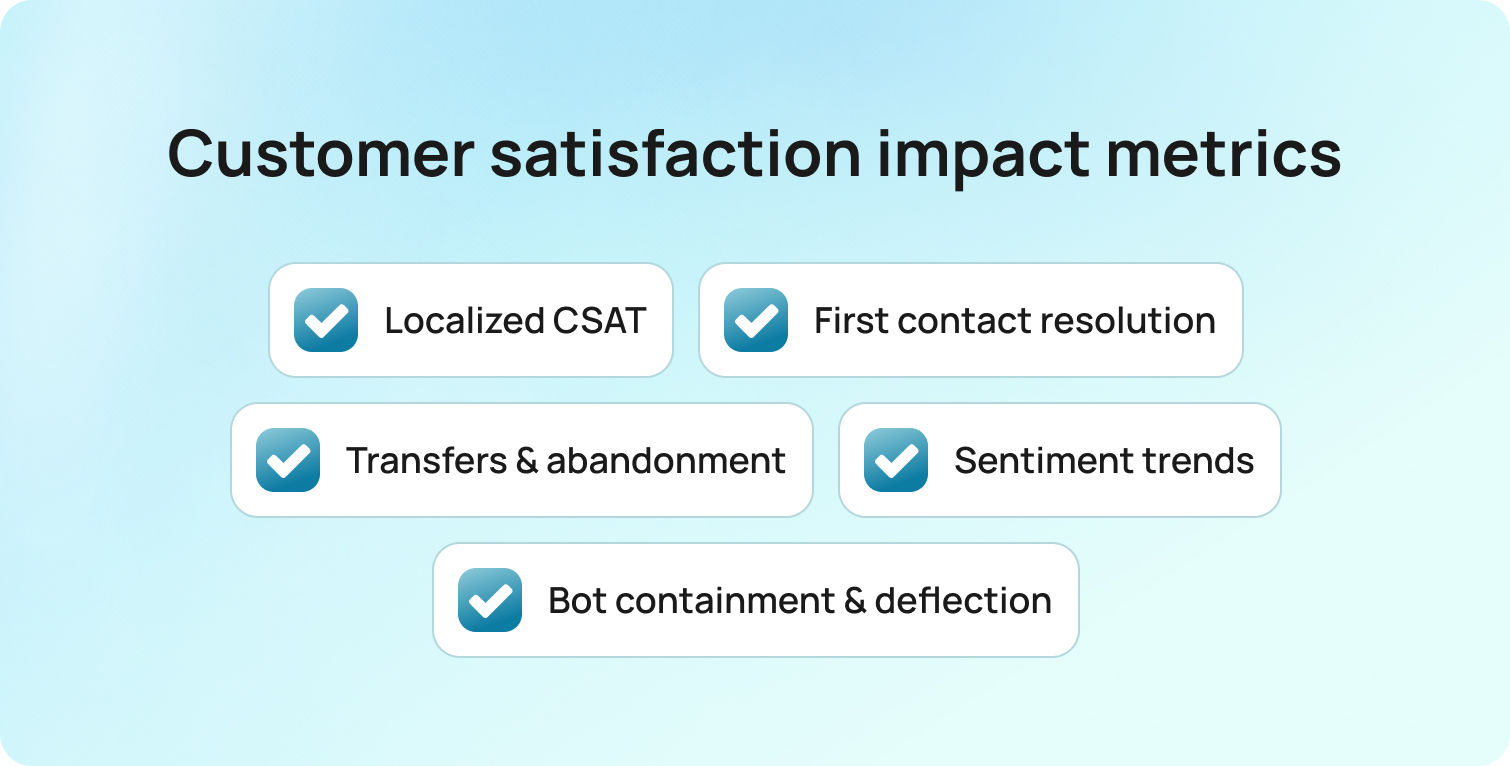
Teams used to export data and stitch reports. A cleaner approach is to make CSAT the anchor and pair it with a short set of signals that tell a consistent story about customer satisfaction goals and overall satisfaction.
Track every week:
- CSAT in the customer’s language, sent immediately after the interaction
- First contact resolution
- Transfer rate and abandonment by language and channel
- Sentiment over time
- For bots, containment, call deflection, and concurrency
Read these together. If FCR rises and CSAT is flat, the answer is correct but cold. If CSAT rises and FCR stays low, scope control is weak. Update the article behind the reply and check next week’s numbers. BlueTweak centralizes these metrics so customer service teams can review them weekly without a heavy BI project.
CFO view of consolidation and multilingual ROI
In fragmented stacks, cost hides in rework. Reopens, callbacks, escalations, and customer churn grow when language forces repeats and transfers. Consolidation lowers that cost by bringing tickets, voice, chat, knowledge, and analytics into one place and by letting one customer service representative handle more conversations in more languages with fewer handoffs.
Keep the math simple. Fewer transfers and higher FCR cut handle time. Better self-service and respectful containment reduce volume. CSAT steadies, and churn risk drops. Report those shifts using the same KPIs leadership already follows. BlueTweak supports this model with an omnichannel workspace, proposed replies grounded in the knowledge base, and a single view of the financial signals behind quality.
Monthly optimization loop
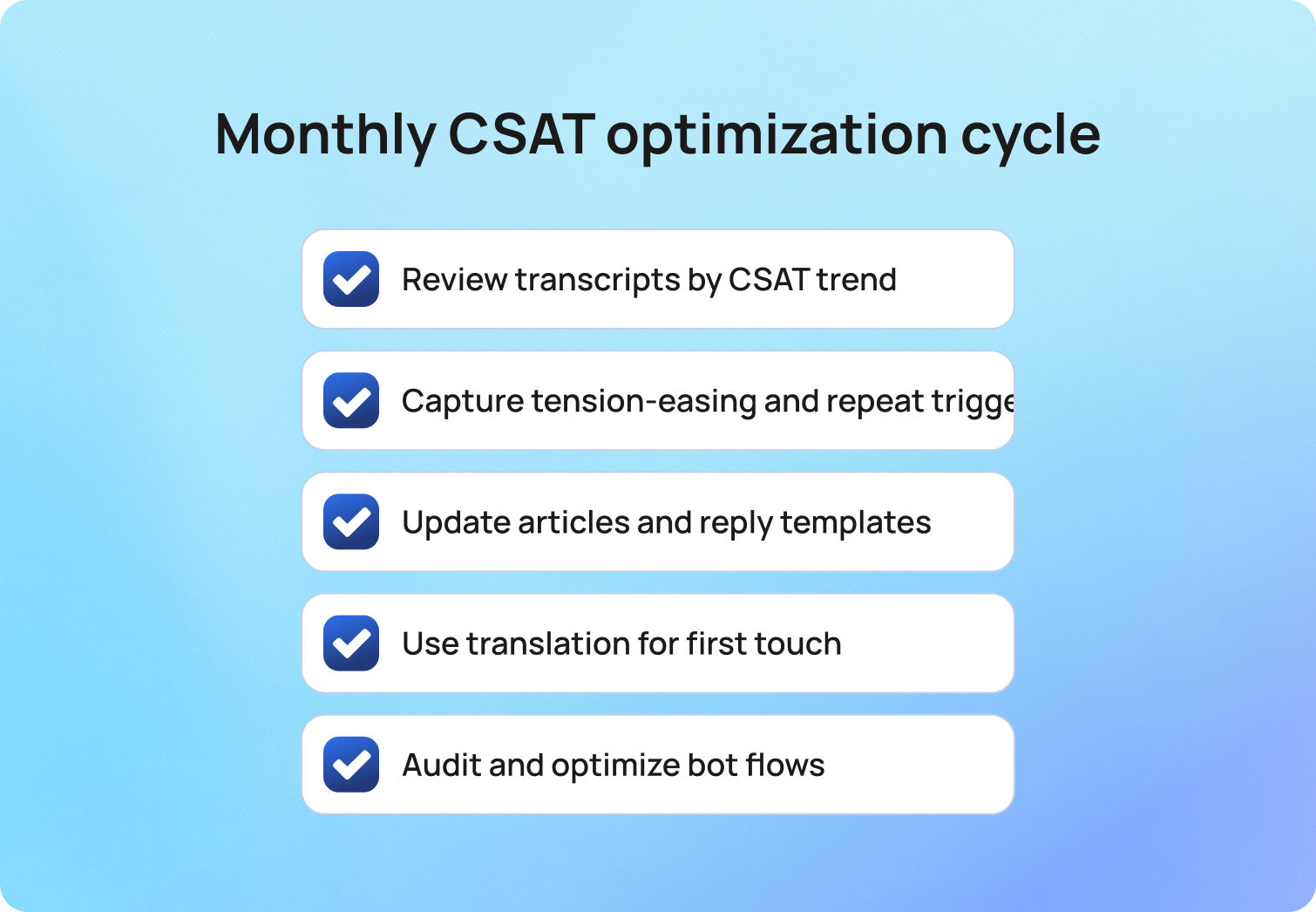
Quarterly reviews are too slow for multilingual work. Replace them with a short loop that turns customer feedback into better answers.
Run this every month:
- Pull transcripts per top language where CSAT dipped and where it surged
- Capture phrases that eased tension and phrases that triggered repeats
- Update the articles and proposed reply templates so the next draft reflects what worked
- Treat translation as an accelerator for first touch, then bring in a fluent specialist when nuance matters
- Audit bot flows with the same rigor used for agents. If abandonment climbs, offer a human path sooner. If containment is high and CSAT slips, adjust tone and confirmations
BlueTweak makes this loop practical by linking articles to suggestions, logging translation edits for QA, and surfacing bot and channel metrics in the same place agents work.
2026 outlook for multilingual CSAT
Messaging and voice keep growing as primary communication channels while multi-brand operations and privacy expectations get stricter. Adoption trends point the same way. Salesforce’s 2025 report shows AI handling about 30% of cases today and moving toward 50% by 2027, which concentrates attention on quality, governance, and proactive multi-channel support.
Privacy capabilities are improving to support that shift. European data residency and clearer controls over processing and retention are becoming the norm, making multilingual automation realistic for regulated teams.
Priorities for 2026
- Native multilingual capability across voice and text
- Answers grounded in the knowledge base to prevent drift
- Transparent privacy posture with auditability and data residency options
- Unified analytics across the full customer journey from bot to agent to post-purchase follow-up
- End-to-end handling without custom middleware, including bot deflection, seamless agent escalation, suggested replies, and post interaction analysis
BlueTweak aligns with this direction by unifying chat, voice, and email in one workspace, grounding automation in a smart knowledge base, and exposing standard KPIs in a single view.
What to do next
Improving customer satisfaction scores with multilingual AI is a practical way to reduce effort. Fix the points where language, handoffs, and slow replies create friction. Keep the loop tight. Measure, adjust, and repeat so existing and new customers both have positive experiences.
Start here, then expand
- Map the top intents and the languages where SLAs slipped
- Route by language and intent on first contact
- Enable AI summaries and suggested replies so agents start from context and approved content
- Add real-time translation for thinly staffed languages, then bring in fluent specialists for nuance
- In voice, introduce a multilingual bot for predictable requests and keep a clear human path
- Track CSAT, FCR, sentiment, transfer, containment, and deflection in one view
- Update the two most used articles each week based on survey respondents and agent edits
BlueTweak brings these steps into a single workspace across chat, voice, and email, with a smart knowledge base, proposed replies, translation, routing, and summarization tied to the same KPIs. That makes it easier to increase customer satisfaction, build loyal customers, and maintain good customer satisfaction across teams. Request a demo to see the workflow end to end.
The 20 Best Customer Service Ticketing Systems for 2026
Picking the Right Ticketing System
Choosing the right customer service ticketing system comes down to how well contact center software manages requests across channels, automates workflows without losing context, and equips agents to resolve issues faster.
Some tools lean into IT operations with asset tracking and change management. Others focus on customer experience with omnichannel support and AI-driven automation.
The 20 ticketing systems below span both camps to help you find the platform that fits how your team works.
Why Teams Look for Customer Service Ticketing Software in 2026
When teams come to us after outgrowing their first ticketing system, the breaking point is almost never ticket volume alone — it's the moment an agent has to switch between three tools mid-conversation to answer one customer. That context fragmentation is where resolution time spikes and satisfaction drops. The platform decision isn't really about features on a checklist; it's about whether the system holds the full conversation together under pressure.
— Radu Dumitrescu, Head of Presale & Digital Transformation, BlueTweak
As support volumes grow, gaps in basic ticketing systems become apparent. An email-only setup might work for five agents, but it quickly falls apart when you’re coordinating fifty across voice, live chat, email, and social channels.
Common triggers:
- Native voice with unified ticketing: Many helpdesk ticketing systems treat calling as secondary, requiring third-party integrations that fragment customer context. Teams managing customer support across voice and messaging need omnichannel support platforms where phone conversations flow into the same ticketing system as chat and email, maintaining full context without switching between tools.
- Richer analytics and WFM: Basic ticket tracking isn't sufficient for mature support operations. Teams need workforce management for accurate forecasting and scheduling, quality modules to measure agent performance, and customizable dashboards to track customer satisfaction alongside operational metrics such as ticket volume and resolution times.
- AI beyond macros: Rule-based automation and canned responses deliver limited value. Modern service teams explore AI ticket summary generation, call transcription software, KB-grounded suggested replies, and AI ticket classification that learns from resolved tickets rather than applying static rules.
Decision lens:
- Channels and voice handoff: Does the ticketing software handle voice, SMS, live chat, email, and team messaging natively? Can support agents seamlessly transfer customer requests from chat to phone without recreating tickets or losing conversation history?
- AI depth and KB grounding: Look for call transcription, automated ticket summarization, proposed reply generation, and knowledge base integration, grounding responses in documented answers rather than generic AI outputs
- Reporting and ops tools: Workforce management capabilities, QA scoring modules, SLA dashboards, performance tracking, and forecasting become essential as support teams grow
- Security and admin controls: SSO/MFA, role-based access control, audit logs, data residency options, and PII redaction for compliance
- Integrations and APIs: CRM connections, ecommerce platform ties, open APIs, webhooks enabling custom workflows without vendor lock-in
- Total cost to operate: Per-agent vs. per-ticket pricing models, AI session limits, voice minute charges, add-on costs for features like advanced analytics or customer service workforce management
Customer support metrics to benchmark:
- First Call Resolution (FCR)
- Containment/Deflection rates
- Abandon Rate
- Agent Concurrency
- Sentiment Scores
- Transfer Rate
- Mean Opinion Score (MOS) for voice quality
- First Response Time (FRT)
- Resolution time
- Backlog metrics (per channel/brand)
Use these metrics to evaluate whether your customer service ticketing system improves intake quality, routing efficiency, and resolution speed.
CFO/COO lens: Time-to-value matters equally to TCO. Platforms promising "complete customization" often require months implementing and consulting fees. Prioritize ticketing systems delivering measurable ROI within weeks, not quarters.
Confirm native multi-brand administration with per-brand routing, reporting, and portal configurations in the vendor’s documentation. Be wary of platforms that claim multi-tenant support but do not publish clear technical specifications.
Top 5 Customer Service Ticketing Systems: Price & Feature Breakdown
| Software | Best For... | Key Advantage | Starting Price (Annual) |
| BlueTweak | Mid-Market Teams | Native Voice + KB-Grounded AI | €65/agent (All-in) |
| Intercom | SaaS & Proactive Chat | Fin AI Agent & Modern UX | $29/seat (+ AI fees) |
| Zendesk | Large Enterprises | 1,200+ Marketplace Apps | $19/agent (Base plan) |
| Help Scout | Small Email Teams | Simple, Human-Centric UI | $25/user (Starts Free) |
| Freshdesk | Simple Setup | Low entry cost for basic email | $15/agent (Growth) |
20 Customer Support Ticketing System Options for 2026
Below are 20 customer service ticket systems that teams evaluate when selecting ticketing tools for support operations. Pricing and features derive from public vendor documentation as of January 2026. Custom pricing tiers note "Contact sales" where verification is required.
1. BlueTweak — Editor's Choice
BlueTweak is an all-in-one CCaaS platform that brings voice, chat, email, and social messaging into one workspace, powered by AI, workforce management, and quality tools. Built for mid-market teams and BPOs with 20 to 100 agents, it uses knowledge-base-grounded AI to deliver fast, accurate answers across every channel without hallucinations.
Best for: Support teams looking for omnichannel ticket management with KB-grounded AI and built-in WFM, without integrating separate tools.
Key features:
- Native voice (call center, IVR, multilingual AI voicebot, call transcription, translation)
- Chat with an AI chatbot and real-time translation
- AI suggested reply, canned responses, ticket classification, and AI ticket summary
- KB-grounded AI assistance with a public knowledge base and hierarchy
- Ticketing system with sentiment analysis, AI ticket classification, and custom fields
- Built-in workforce management (forecasting, scheduling) and quality module
- Prebuilt and custom dashboards with advanced reporting
- Security (audit log, custom roles, MFA, data location options)
- Open APIs with a sandbox environment
- €65/agent/month (all features included)
- No feature gating; unlimited users and integrations
- AI usage priced separately per customer interaction (transparent, predictable)
Pros:
- Single platform eliminates separate voice, chat, AI, and analytics tools; streamlines help desk software operations
- KB-grounded AI delivers accurate suggested replies and prevents generic responses
- Built-in WFM and QA reduce add-on costs compared to platforms charging $25-$50/agent/month extra
- Transparent pricing with no hidden usage caps or surprise charges
- Fast deployment (weeks vs. months) with dedicated onboarding
- Multilingual capabilities across voice and text (35+ languages)
- Built for BPOs with a multi-tenant, multi-brand configuration
Cons:
- Newer brand compared to legacy incumbents like Zendesk or Salesforce
- Optimized for mid-market (20-100 agents); very large enterprises may need customization
- AI usage scales with ticket volume; requires forecasting for budget planning
- Smaller third-party marketplace compared to Zendesk's 1,200+ apps
To see how these capabilities translate in practice, read how Aeroitalia transformed its passenger support operations using BlueTweak's omnichannel platform.
Have a chat with one of our experts
Book Call2. Intercom
Have a chat with one of our experts
Book CallIntercom combines live chat, custom AI chatbot (Fin AI), and helpdesk ticketing with a focus on proactive customer engagement. It handles basic email and messaging but lacks native voice capabilities.
Best for: SaaS companies prioritizing proactive engagement over traditional ticket management.
Key features:
- Fin AI chatbot (GPT-powered, KB-grounded, text-only)
- Live chat and customer messaging
- Product tours and proactive outreach campaigns
- Basic ticketing workflows for customer requests
- Help center with article management
- Customer data platform for context
- Team inbox for collaboration
- Analytics dashboards
- Multilingual support (45+ languages)
Pricing:
- Essential: $39/seat/month (annual)
- Advanced: $99/seat/month (annual)
- Expert: $139/seat/month (annual)
- Fin AI Agent: $0.99 per resolved conversation (pay-as-you-go)
- Copilot add-on: $35/agent/month
Pros:
- Excellent for conversation-driven, proactive customer support
- Modern chatbot UX with strong AI capabilities
- Great for customer onboarding and product education
- Multilingual bot functionality across messaging apps
- Clean, contemporary user interface
Cons:
- No native voice or voicebot support
- Costs escalate quickly as contact volume increases
- Limited traditional helpdesk ticketing features
- Not suitable for teams needing comprehensive WFM
- Unpredictable AI resolution fees during high-volume periods
3. Help Scout
Help Scout is an email-first customer service ticketing platform with a shared inbox, built-in knowledge base (Docs), and live chat via Beacon. It focuses on simple workflows and human-centered conversations rather than heavy automation.
Best for: Small teams prioritizing email support with uncomplicated workflows.
Key features:
- Shared inbox for email management
- Knowledge base (Docs) for self-service
- Live chat widget (Beacon)
- Customer profiles with conversation history
- Collision detection prevents duplicate responses
- Internal notes for team collaboration
- Basic analytics and reporting
Pricing:
- Free: $0 (up to 5 users, 1 inbox, 1 docs site)
- Standard: $30/user/month
- Plus: $54/user/month
- Pro: $90/user/month
- AI Answers: $0.75 per resolution
Pros:
- Clean, uncluttered, user-friendly interface
- Strong focus on personalized, email-first customer support
- Affordable for small support teams
- Quick setup requiring minimal technical expertise
- Good knowledge base capabilities for customer self-service
Cons:
- No native voice or SMS support capabilities
- Limited automation compared to full-featured ticketing systems
- Basic reporting and analytics functionality
- Not designed for complex, multi-channel support
- Lacks advanced routing and WFM features
4. Zendesk
Zendesk is a cloud-based customer service ticketing platform with AI add-ons for ticket summarization, intent detection, and chatbot automation. It supports email, chat, and voice (through third-party integrations), with advanced AI, workforce management, and premium voice features sold separately.
Best for: Large organizations needing extensive reporting, marketplace integrations, and enterprise security.
Key features:
- Omnichannel ticketing with macros and automation
- Knowledge base with multilingual capabilities
- Answer Bot (knowledge-base chatbot, text-only)
- AI-powered workflow automation and intelligent routing
- Zendesk Talk (voice via third-party integration)
- Workforce management (add-on: $25/agent/month)
- Quality assurance (add-on: $35/agent/month)
- Advanced reporting tools
- Marketplace with 1,200+ integrations
Pricing:
- Support Team: $19/agent/month (annual) or $25/agent/month (monthly)
- Suite Team: $55/agent/month (annual) or $69/agent/month (monthly)
- Suite Professional: $115/agent/month (annual) or $149/agent/month (monthly)
- Suite Enterprise: $169/agent/month (annual) or $219/agent/month (monthly)
- Add-ons: Copilot $50/agent/month, QA $35/agent/month, WFM $25/agent/month
Pros:
- Mature platform with extensive third-party integrations
- Massive marketplace ecosystem (1,200+ apps)
- Enterprise-grade security and compliance certifications
- Familiar interface reduces training time
- Strong documentation and community resources
Cons:
- Total cost balloons when adding AI, WFM, and QA features
- Voice is partner-dependent (not native calling)
- Per-agent pricing scales poorly as support teams expand
- Steep learning curve for advanced configuration
- Many essential features are locked behind premium tiers
5. Kustomer
Kustomer is a CRM-based customer service platform built around a unified timeline that shows a customer’s full interaction history across channels. It focuses on preserving context across complex service journeys rather than treating each request as a standalone ticket.
Best for: Support operations requiring a comprehensive customer view across all touchpoints.
Key features:
- Customer timeline with full interaction history
- Omnichannel support (email, chat, voice, SMS, social)
- Workflow automation and intelligent routing
- Knowledge base functionality
- Reporting and analytics tools
- API access and deep integration options
Pricing:
- Enterprise: $89/seat/month (annual, minimum 8 seats)
- Ultimate: $139/seat/month (annual)
- AI Agents for Customers: $0.60 per engaged conversation
- AI Agents for Reps: $40/user/month
- Note: Voice, SMS, WhatsApp billed pay-as-you-go
Pros:
- A unified customer timeline provides exceptional context for service agents
- Strong platform for high-touch, complex customer journeys
- Omnichannel support included without add-ons
- Effective for relationship-driven support models
- Good workflow customization capabilities
Cons:
- Higher price point than many ticketing system alternatives
- Complex initial setup and configuration requirements
- Smaller brand recognition compared to Zendesk
- Limited native WFM features for larger teams
- Pay-as-you-go voice/SMS costs can be unpredictable
6. Freshdesk
Freshdesk is a cloud-based ticketing platform with built-in automation and self-service tools. It offers basic omnichannel support, with AI add-ons available for chatbots and agent copilot features.
Best for: Small to mid-sized teams looking for affordable ticketing software with a straightforward setup.
Key features:
- Ticketing system with automation and SLA management
- Email and social media ticketing
- Knowledge base with SEO-optimized FAQ articles
- Team collaboration features (collision detection, internal notes)
- Basic reporting and analytics dashboards
- Marketplace apps for integration
- AI Copilot (add-on: $29/agent/month)
- AI Agent sessions (add-on: $100 per 1,000 sessions)
Pricing:
- Free: $0 (up to 2 agents for 6 months)
- Growth: $23/agent/month
- Pro: $66/agent/month
- Enterprise: $107/agent/month
- Freddy AI Agent: First 500 sessions free, then $49 per 100 sessions
Pros:
- Generous free plan for small teams testing ticketing functionality
- Affordable entry pricing compared to enterprise platforms
- Intuitive interface with minimal learning curve
- Decent marketplace for popular business tool integrations
- Strong automation capabilities in lower pricing tiers
Cons:
- Voice support not native; requires Freshdesk Omni upgrade or third-party integrations
- Premium features and AI require add-ons that inflate costs
- Limited workforce management capabilities
- Reporting less comprehensive compared to enterprise-grade systems
- No native call center features without additional products
7. Salesforce Service Cloud
Salesforce Service Cloud is an enterprise-grade, CRM-based service platform with omnichannel support and built-in Einstein AI. It’s designed for large organizations already operating within the Salesforce ecosystem.
Best for: Enterprises leveraging Salesforce CRM needing unified customer service.
Key features:
- Case management (ticketing) with omnichannel routing
- Knowledge base with article management
- AI Einstein for automation and predictive insights
- WFM (add-on), analytics, custom dashboards
- Extensive customization options
- Deep Salesforce ecosystem integration
Pricing:
- Starter Suite: $25/user/month
- Pro Suite: $100/user/month
- Enterprise: $175/user/month
- Unlimited: $350/user/month
- Agentforce 1 Service: $550/user/month
Pros:
- Deep integration with Salesforce Sales Cloud, Marketing Cloud ecosystem
- Highly customizable for enterprise-specific workflows
- Enterprise-grade security features and compliance
- Comprehensive CRM capabilities with unified customer data
- AI-powered Einstein delivers advanced automation
Cons:
- Expensive, especially with required add-ons
- Complex setup requiring specialized Salesforce expertise
- Steep learning curve for administrators and service agents
- Overkill for teams not already invested in Salesforce
- Implementation often requires months and consulting services
8. Zoho Desk
Zoho Desk is a context-aware ticketing platform with automation and self-service tools that integrate tightly with the broader Zoho suite. Its AI assistant, Zia, is available on higher-tier plans.
Best for: Organizations already using Zoho products or seeking budget-friendly multi-channel support.
Key features:
- Ticketing system with workflow automation
- Multi-channel support (email, phone, chat, social)
- Knowledge base with community forums
- AI assistant (Zia) for automation and insights
- SLA management with customizable workflows
- Reporting and analytics dashboards
Pricing:
- Free: $0 (up to 3 users)
- Express: $9/user/month
- Standard: $20/user/month
- Professional: $35/user/month
- Enterprise: $50/user/month
Pros:
- Extremely affordable pricing for ticketing capabilities
- Deep Zoho suite integration for unified business operations
- AI assistant included in higher tiers without a separate add-on
- Good value for cost-conscious small teams
- Solid automation features across price points
Cons:
- User interface feels dated compared to modern platforms
- Voice support requires Zoho PhoneBridge integration (not native)
- Limited WFM features for larger contact centers
- Smaller third-party integration marketplace than competitors
- Learning curve for advanced workflow customization
9. Dixa
Dixa is a conversational customer service platform with omnichannel support and a unified agent desktop designed to manage real-time conversations across channels.
Best for: Teams emphasizing conversation-driven support efficiency across channels.
Key features:
- Omnichannel (phone, email, chat, social)
- Unified agent desktop with smart routing
- Knowledge base integration
- Quality monitoring tools
- Reporting and analytics
- Third-party integrations
Pricing:
- Growth: $89/agent/month (annual, 7-seat minimum)
- Ultimate: $139/agent/month (annual)
- Prime: $179/agent/month (annual)
- AI add-ons: Mim AI Agent ($0.40 per conversation), AI Copilot ($39/agent/month), QA ($29/agent/month)
Pros:
- True omnichannel platform with native voice
- A conversation-centric approach maintains customer context
- Good analytics and performance indicators
- Modern interface optimized for agent efficiency
- Built-in quality monitoring tools
Cons:
- Pricing can be expensive for mid-market teams
- Smaller brand recognition than Zendesk or Salesforce
- Limited public feature documentation
- May require longer contractual commitments
- Smaller third-party integration ecosystem
10. Gladly
Gladly is a customer service platform built around people, not tickets, maintaining continuous conversation threads for each customer across every channel.
Best for: Brands focused on long-term customer relationships with highly personalized service.
Key features:
- Conversation-based (no traditional ticket numbers)
- Omnichannel support (voice, SMS, email, chat, social)
- Customer profile with complete conversation history
- Self-service capabilities
- Reporting and analytics
- E-commerce and CRM platform integrations
Pricing:
- Custom pricing based on business requirements
- Contact sales for detailed quotes
Pros:
- Unique people-centric approach to customer support
- Lifelong conversation threads eliminate ticket fragmentation
- Strong for high-value, relationship-driven customer service
- True omnichannel platform with native voice support
- Good for luxury or premium brand positioning
Cons:
- Custom pricing is typically expensive for mid-market
- Smaller integration marketplace than established competitors
- Requires a mindset shift from traditional ticketing workflows
- Limited automation compared to AI-powered platforms
- Less suitable for high-volume, transactional support
11. Front
Front is a collaborative inbox platform for teams handling shared email, SMS, and social messages, with modern workflow and collaboration tools.
Best for: Teams prioritizing email-centric collaboration workflows.
Key features:
- Shared inbox for email and messaging
- Collaboration tools (comments, task assignments, mentions)
- Workflow automation and rules engine
- 100+ business app integrations
- Basic analytics and API access
Pricing:
- Starter: $35/seat/month (annual)
- Professional: $85/seat/month (annual)
- Enterprise: Custom (annual only)
- AI add-ons: Autopilot ($0.89 per resolution), Copilot ($20/seat/month), Smart QA ($20/seat/month)
Pros:
- Excellent for email-heavy support operations
- Strong team collaboration features
- Modern, clean user interface
- Good integration library (100+ apps)
- Powerful workflow automation
Cons:
- No native voice support—requires integrations
- Limited traditional helpdesk ticketing capabilities
- Expensive at higher tiers
- Not designed for contact center operations
- Per-seat pricing scales poorly
12. LiveAgent
LiveAgent is a multichannel ticketing platform that combines ticketing, live chat, and call center capabilities through built-in VoIP integration.
Best for: Budget-conscious support operations that need basic omnichannel support, including voice.
Key features:
- Ticketing system with automation
- Live chat functionality
- Call center with IVR (VoIP integration)
- Knowledge base for self-service
- Email and social media support
- Automation rules engine
- Reporting and analytics
Pricing:
- Small Business: $15/agent/month (annual)
- Medium Business: $29/agent/month (annual)
- Large Business: $49/agent/month (annual)
- Enterprise: $69/agent/month (annual)
Pros:
- Very affordable pricing for ticketing capabilities
- Native call center features with IVR
- All-in-one platform covering multiple channels
- Good value for budget-conscious operations
- Includes voice without expensive add-ons
Cons:
- User interface feels dated compared to modern ticketing systems
- Limited AI capabilities and automation (mostly rule-based)
- Smaller integration marketplace
- Less robust WFM and QA compared to enterprise platforms
- May need significant customization for complex workflows
13. Crisp
Crisp is an all-in-one messaging platform with live chat, chatbots, and a shared inbox designed for startups and small businesses.
Best for: Startups needing simple, affordable live chat capabilities.
Key features:
- Live chat with chatbot automation
- Shared inbox and knowledge base
- Automated marketing campaigns
- CRM integrations
- Basic analytics dashboards
Pricing:
- Free: $0/month (2 seats, live chat, shared inbox)
- Mini: $45/workspace/month (4 seats included)
- Essentials: $95/workspace/month (10 seats included)
- Plus: $295/workspace/month (20+ seats included)
- Enterprise: Custom pricing
Pros:
- Affordable with a functional free tier
- Quick setup and implementation
- Modern, user-friendly interface
- Good for basic customer engagement
- Mobile app for on-the-go support
Cons:
- No native voice or phone support
- Limited automation tools compared to enterprise platforms
- Basic reporting capabilities
- Doesn't scale well to mid-market needs
- Small integration ecosystem
14. Re:amaze
Re:amaze is a helpdesk and messaging platform that brings email, live chat, social, and SMS support into a single shared inbox for streamlined, multi-channel customer communication.
Best for: E-commerce stores needing affordable multi-channel ticket management.
Key features:
- Multi-channel support (email, social, SMS, chat, voice via integrations)
- Shared inbox with automated responses
- Chatbots for routine queries
- Knowledge base (FAQ)
- Customer profiles with purchase history
- Basic reporting tools
Pricing:
- Basic: $29/user/month (20 AI resolutions included)
- Pro: $49/user/month (50 AI resolutions included)
- Plus: $69/user/month (100 AI resolutions included)
- Starter (flat rate): $59/month (unlimited users, 500 conversations)
- Enterprise: Custom pricing
- Re:amaze AI Agent: Included allotment, then $0.85 per resolution
Pros:
- Affordable for small ecommerce support teams
- E-commerce platform integrations (Shopify, WooCommerce)
- Unified inbox consolidating customer tickets
- Flat-rate Starter plan is good for very small teams
- AI resolutions included in monthly pricing
Cons:
- Voice requires third-party integrations (not native)
- Limited advanced automation and AI-powered features
- Basic reporting compared to enterprise ticketing software
- Smaller brand with fewer development resources
- Not ideal for non-ecommerce industries
15. Hiver
Hiver is a Gmail-native ticketing platform that transforms shared inboxes into collaborative customer support workspaces.
Best for: Small teams operating primarily within Gmail.
Key features:
- Shared inbox within the Gmail interface
- Email assignments and collision detection
- Email templates and automation
- Basic analytics
Pricing:
- Free: $0/user/month
- Growth: $35/user/month
- Pro: $85/user/month
- Elite: $125/user/month
- AI included across paid plans
Pros:
- Works directly in Gmail; no new interface to learn
- Simple setup with minimal training
- Affordable for small teams
- Familiar environment reduces friction
- Good for Google Workspace users
Cons:
- Email-only (no chat, voice, or SMS)
- Very limited features compared to full ticketing solutions
- Basic reporting and analytics
- Not suitable for omnichannel requirements
- Limited scalability for growing teams
16. Tidio
Tidio is a live chat and chatbot platform for e-commerce teams that combines on-site chat widgets with basic automation tools.
Best for: Small ecommerce operations needing basic chat capabilities.
Key features:
- Live chat widget with chatbots
- Email integration
- Mobile app
- Visitor tracking analytics
Pricing:
- Free: $0/month (50 billable conversations)
- Starter: $29/month (100 conversations)
- Growth: Starts at $59/month (250+ conversations)
- Plus: Starts at $749/month (enterprise limits)
- Premium: Custom pricing
- AI add-ons: Lyro AI Agent (starts $39/month), Flows (starts $29/month)
Pros:
- Free plan for basic chat functionality
- Easy installation on e-commerce platforms
- Affordable entry-level pricing
- Mobile app included
- Good for simple customer engagement
Cons:
- Very limited ticketing and helpdesk features
- No native voice support
- Conversation-based pricing can be confusing
- Not suitable for comprehensive omnichannel support
- Limited analytics compared to full platforms
17. Richpanel
Richpanel is an e-commerce-focused ticketing platform with a self-service portal that automates support processes to reduce support volume.
Best for: E-commerce brands wanting customer self-service capabilities.
Key features:
- Multi-channel support (email, chat, social, SMS)
- Self-service portal (order tracking, returns processing)
- Helpdesk with ticketing and automation
- Shopify and e-commerce platform integrations
Pricing:
- Pro: $89/agent/month
- Pro Max: $119/agent/month
- Enterprise: Custom pricing
- Add-ons: Self-Service Portal ($99/month for 5,000 orders), Automation Success Kit ($2,000 one-time)
Pros:
- Strong self-service portal for e-commerce operations
- Significantly reduces customer support ticket volume
- E-commerce-specific features and workflows
- Good Shopify integration with native order management
- Helps customers resolve routine tasks independently
Cons:
- No native voice support; text channels only
- Pricing can escalate with ticket volume
- Limited WFM and advanced analytics
- Optimized for e-commerce; less suitable for other industries
- Smaller brand with limited resources
18. Kayako
Kayako is a customer support platform that combines a unified inbox with customer journey tracking for more contextual, continuous service.
Best for: Support teams needing straightforward multi-channel capabilities.
Key features:
- Unified inbox (email, chat, social, phone via integrations)
- Customer experience journey view
- Live chat widget, built-in knowledge base, automation
- SLA management and reporting
Pricing:
- Kayako One: $79/month (flat rate, not per-agent)
- AI-resolved tickets: +$1 per resolution
- Single flat-price model instead of per-agent tiers
Pros:
- Very affordable flat-rate pricing
- Customer journey view provides context across channels
- Easy setup with minimal training requirements
- Straightforward interface without complexity
- Good for small to mid-sized support teams
Cons:
- Voice support requires third-party integrations (not native)
- Limited advanced features and AI capabilities
- Basic WFM and analytics; no native workforce management
- Smaller brand with less market presence
- Small integration marketplace
19. Jira Service Management (Atlassian)
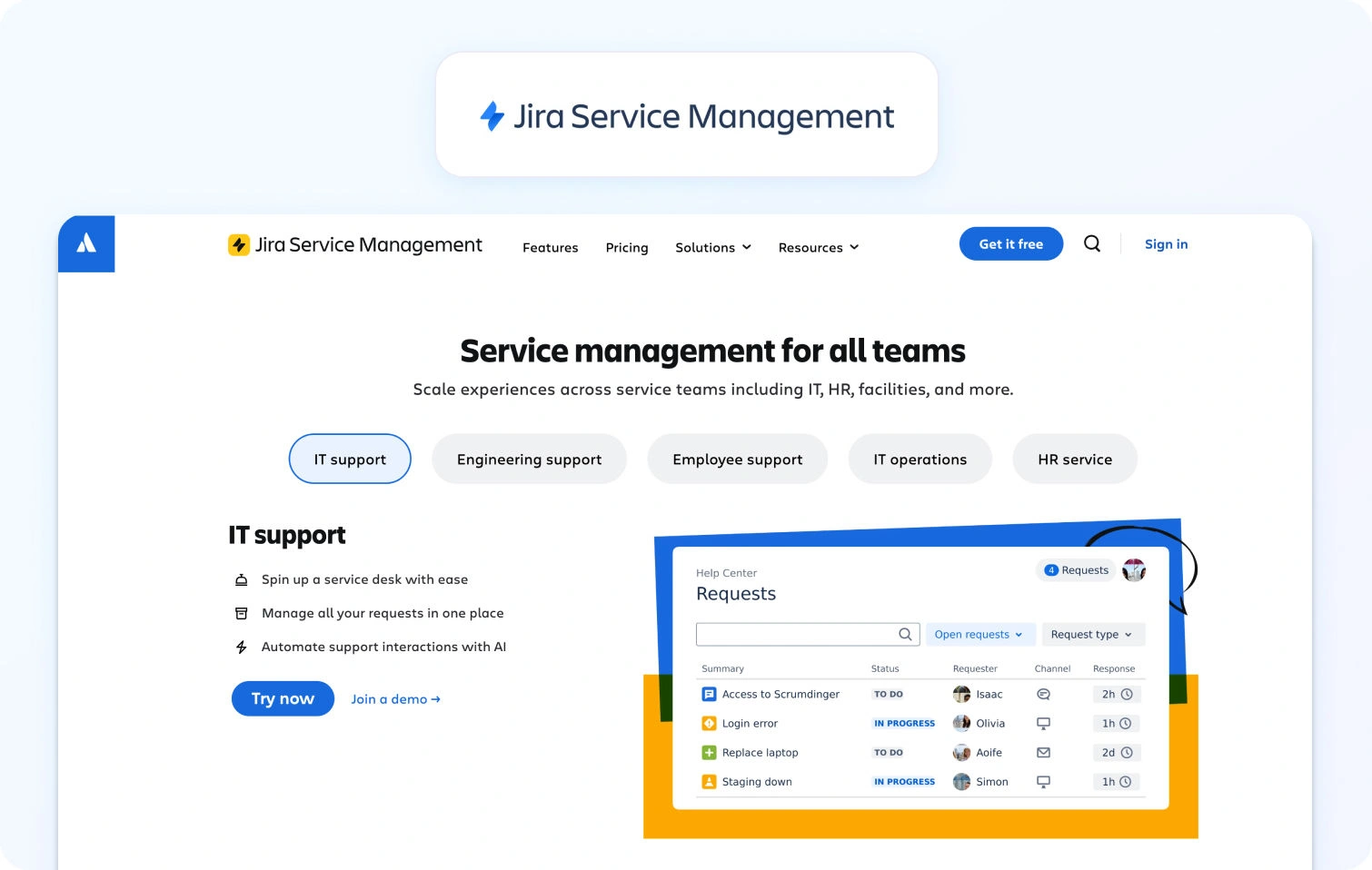
Jira Service Management is an IT service management platform built on the Jira platform, providing incident, problem, and change management with integrated asset tracking and native DevOps collaboration.
Best for: IT teams and organizations already using Atlassian products for development workflows.
Key features:
- Incident, problem, change, and asset management
- Service catalog and request management
- Knowledge base powered by Confluence integration
- Virtual Service Agent (AI chatbot for Slack/Teams)
- Alerts and on-call scheduling
- Multi-channel support (portal, email, chat)
- Automation rules engine
- ITIL-aligned workflows
- Atlassian marketplace integrations (1,000+ apps)
Pricing:
- Free: $0 (up to 3 agents)
- Standard: $20/agent/month
- Premium: $51.42/agent/month
- Enterprise: Custom pricing (annual)
Pros:
- Deep integration with Jira Software and Confluence
- Robust ITSM capabilities following ITIL best practices
- Strong asset and configuration management
- Virtual agent for Teams/Slack automation
- Generous free tier for small teams
- Excellent for IT-developer collaboration
Cons:
- Steep learning curve compared to customer support platforms
- Complex interface requiring significant configuration
- Best suited for IT operations vs. customer service
- Advanced AI features are only available in Premium/Enterprise tiers
- Can feel overwhelming for non-technical support teams
20. Freshservice (Freshworks)
Freshservice is an IT service management platform designed for internal IT teams, providing incident, problem, change, and asset management with ITIL-aligned workflows.
Best for: IT teams managing internal employee services and infrastructure operations.
Key features:
- Incident, problem, and change management
- Service catalog with request fulfillment
- IT asset management and CMDB
- Knowledge base integration
- SLA management and escalations
- Intelligent routing and workload management
- Integration with Microsoft Teams and Slack
- Project management module
- Freddy AI Agent and Copilot (Enterprise only)
Pricing:
- Starter: $29/agent/month (billed monthly)
- Growth: $59/agent/month (billed monthly)
- Pro: $119/agent/month (billed monthly)
- Enterprise: Custom pricing
- AI notes: Freddy AI Agent and Copilot are included only in the Enterprise tier
Pros:
- Comprehensive ITSM feature set aligned with ITIL
- User-friendly interface compared to legacy ITSM tools
- Strong asset and configuration management
- Good automation capabilities
- Teams/Slack integration for service requests
- Scales well for growing IT departments
Cons:
- AI features are only available in the expensive Enterprise tier
- Primarily designed for IT operations vs. customer support
- Can be complex for simple ticketing needs
- Workflow customization requires technical expertise
- Integration capabilities are less extensive than those of competitors
What to Look For in Customer Service Ticketing Systems in 2026
Core Infrastructure & Routing
The foundation must include a unified queue with collision detection and custom SLA policies. Look for platforms that offer advanced automation for escalations and approvals, ensuring complex issues reach the right specialist without manual triaging.
Omnichannel Continuity
True CX requires native voice, email, chat, and social channels. The critical differentiator is the handoff; transcripts and customer context must flow seamlessly from bots to live agents to prevent customers from repeating themselves.
AI & Knowledge Management
Modern systems should provide KB-grounded agent assistance, offering suggested replies and real-time call transcription. A single knowledge base should power both self-service portals and internal tools, using deflection analytics to measure content effectiveness.
Operations & Quality Assurance
Efficiency is driven by integrated Workforce Management (WFM) and QA scorecards. High-performing teams need real-time dashboards for tracking FCR and AHT, paired with forecasting tools to optimize agent schedules and productivity.
Security & Administration
Enterprise-grade systems require SSO/MFA, role-based access, and PII redaction. Ensure the platform supports regional data residency and audit logs to maintain compliance while managing multi-brand or BPO environments.
Integrations & Total Cost of Ownership
Prioritize mature marketplaces with pre-built CRM and BI connectors. When evaluating pricing, look for transparent models that include AI capabilities as part of the core package rather than locking essential automation behind premium paywalls.
Strategic Distinction: CX vs. ITSM Choose CX platforms (like BlueTweak or Zendesk) for high-velocity customer support and commerce-heavy workflows. Opt for ITSM platforms (like Jira or ServiceNow) if your primary focus is ITIL compliance, asset management, and internal technical change control.
How We Evaluated These Customer Success Ticket Systems
We reviewed public vendor documentation, pricing pages, official help centers, trust pages, and marketplace listings for each platform. Features were verified against vendor websites and cross-referenced with published case studies where available.
Pricing information comes from publicly available pages as of January 2026. Custom pricing tiers note: "Contact sales" for verification.
Pros and cons derive from documented features, user feedback on verified review platforms, and evidence from public sources.
This evaluation relies on publicly available information. Pricing, features, and capabilities may change. Always verify details directly with vendors before making final purchasing decisions.
Must-Have Capability Checklist
- Voice + messaging with helpdesk handoff
- KB-grounded answers or strong knowledge base integrations
- AI for transcription, summarization, and proposed reply
- Analytics and custom reporting
- WFM/QA native or first-party module
- Security/admin: MFA, audit logs, roles
- Integrations + APIs
- Pricing including core AI (not add-ons only)
- Surveys/CSAT module tracking quality
BlueTweak meets all criteria with transparent pricing of €65/agent/month.
Scoring Rubric
Evaluate each platform on these dimensions:
| Dimension | Evaluation Criteria |
| Team Size Fit | Scales effectively for 20–100 agents without excessive cost or complexity. |
| Omnichannel Depth | Native voice, SMS, chat, email, and social with seamless cross-channel handoffs. |
| AI Capabilities | Agent assistance via suggested replies and summarization with KB-grounded logic. |
| Ops & Management | Native, built-in tools for workforce management (WFM) and quality assurance (QA). |
| Time-to-Value | Rapid implementation speed and a clear, short timeline to realize ROI. |
| Total Cost (TCO) | Transparent per-agent pricing, inclusive of usage fees and typical add-on costs. |
| Security & Admin | Scales effectively for 20–100 agents without high cost or complexity. |
The Final Verdict: Selecting for Scale and Impact
Using the evaluation rubric, your shortlist should prioritize platforms that bridge the gap between operational efficiency and customer experience. While many tools check the boxes for security and integration, the true differentiator is how seamlessly the technology disappears into the workflow of a 20–100 agent team.
For mid-market service organizations, BlueTweak is a consolidated growth engine. By unifying omnichannel routing, KB-grounded AI, and native workforce management, it eliminates the "integration tax" that slows down scaling teams.
- Operational Consolidation: Replaces fragmented tool stacks with a single, AI-driven interface.
- Measurable Efficiency: Drives immediate TCO (Total Cost of Ownership) reduction through automated transcription, suggested replies, and reduced manual QA.
- Strategic Alignment: Ensures that every interaction, whether via voice, chat, or email, is backed by the data security and analytics needed to move the needle on your core KPIs.
Experience how BlueTweak’s AI-powered ecosystem can transform your service delivery and accelerate your time-to-value today.
Book a BlueTweak demo today
Book Demo
Common Questions About Choosing a Ticketing System
Omnichannel vs Multichannel Customer Service: 2026 Guide
Why Omnichannel Versus Multichannel Matters in 2026
Customers expect continuity, not channel silos. In Salesforce’s State of the Connected Customer, large majorities say they expect companies to understand their unique needs, deliver consistent interactions across departments, and use the data they share to improve experiences, signals that context must travel from one channel to the next for a seamless customer experience. Those same respondents tie trust to how well brands use their information and avoid making them repeat details, a hallmark of omnichannel contact centers that unify customer data and past interactions across support channels.
Two implications follow. First, omnichannel vs. multichannel customer service is not an abstract debate about technology; it is a decision about how you will manage customer interactions and information throughout the entire customer journey. Second, the operational model you choose shapes business outcomes. Unified context reduces handle time spent on discovery, improves first contact resolution, and supports customer retention by preventing the “tell us again” loop that frustrates customers and customer service representatives alike. Next, you’ll get clear definitions and key differences between omnichannel customer support vs multichannel customer support, followed by a decision framework that maps your goals, channel mix, and customer preferences to the right model. We’ll also cover architecture must-haves, the metrics that prove impact, a practical migration roadmap, and where BlueTweak fits to unify customer data and past interactions across support channels.
Clear Omnichannel and Multichannel Definitions You Can Use
Multichannel customer service means you offer multiple communication channels (email, chat, phone, social, in-app messaging) and manage them on a channel-by-channel basis. The customer may choose any channel, but data, workflow, and reporting often remain siloed. A multichannel approach improves reach and convenience but makes it harder to connect the dots across customer service interactions.
Omnichannel customer service integrates multiple channels into a single timeline and identity. Conversations, notes, knowledge usage, and customer data persist across touchpoints, so a customer can start in one channel and continue in another without having to start over. An omnichannel strategy emphasizes the entire customer journey and a unified customer experience, not just coverage for various channels.
If you need a working test, ask two questions. Can an agent see the past interactions and preferences from other channels without switching systems? Can you measure outcomes at the intent level across channels, not just per channel? If the answer is yes, you are operating closer to an omnichannel contact center.
Omnichannel vs Multichannel Customer Service: Key Differences in 2026
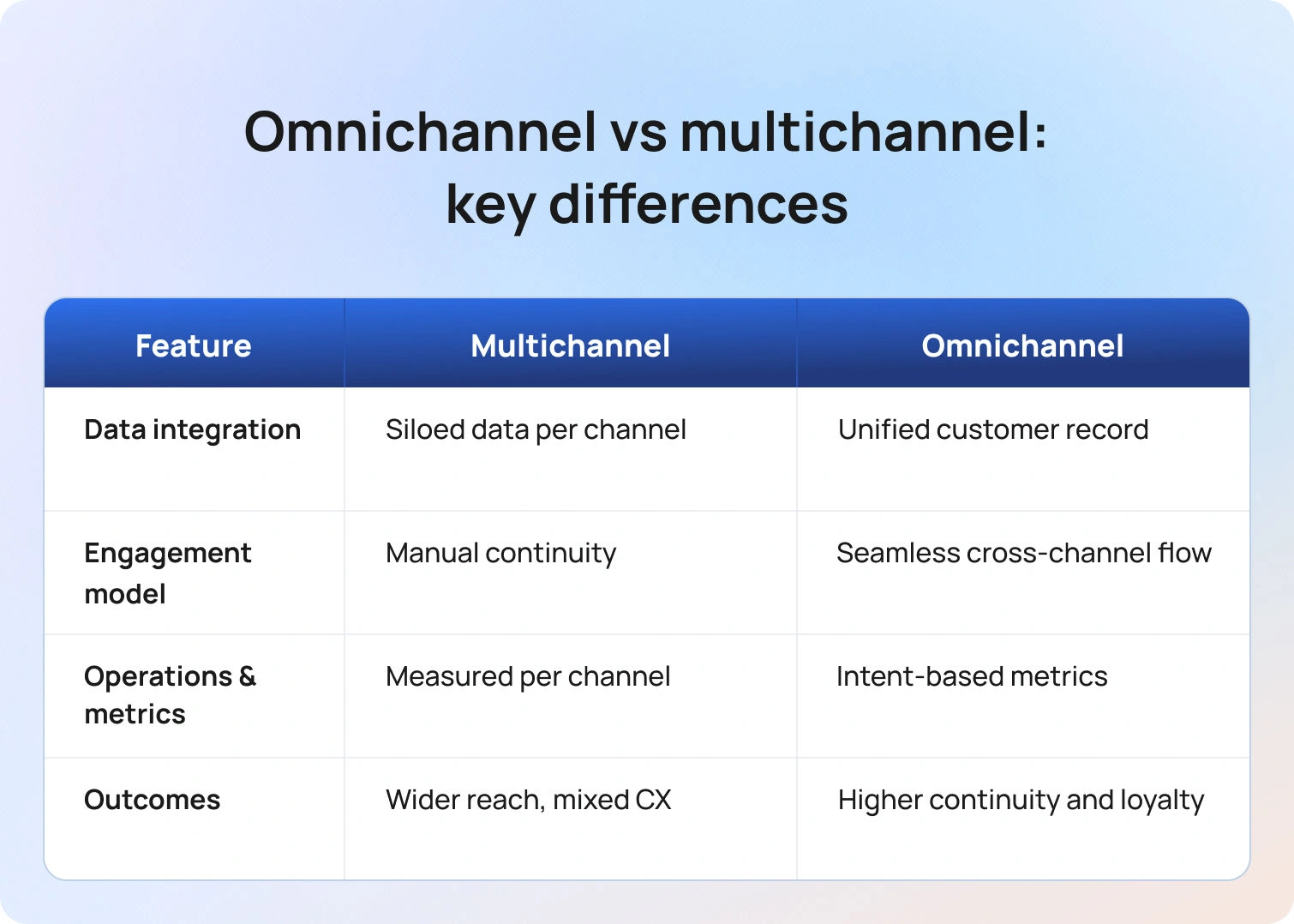
Use this quick lens to compare omnichannel vs multichannel customer service across data integration, context continuity, and operational control. The focus is on how each model handles customer journey handoffs across multiple channels to deliver, or miss, a seamless customer experience.
1) Data integration
- Multichannel: Each channel operates independently. Customer information and context live in separate tools or tabs.
- Omnichannel: One conversation record unifies customer data, past interactions, and support resources. Agents and automations share the same context.
2) Customer engagement model
- Multichannel: You engage customers across many channels, but continuity depends on the manual handoffs your team executes.
- Omnichannel: The system integrates multiple communication channels, enabling the customer engagement platform to orchestrate a seamless service experience.
3) Operations and metrics
- Multichannel: You measure service levels, response times, and satisfaction for each channel. Coaching and planning are done on a channel-by-channel basis.
- Omnichannel: You measure the same key metrics by intent across channels, for example, “Billing address change” performance in chat versus email, so you can route by customer preferences, staff by skill, and improve consistently.
4) Business outcomes
- Multichannel: Faster launch across more channels and potentially more reach. Risk of inconsistent experiences.
Omnichannel: Higher odds of increased customer satisfaction and loyalty due to continuity and personalization, plus cleaner analytics for decision-making.
Where Each Model Fits
Use this section to match your support model to business realities: team size, tech stack, customer expectations, and channel mix. It outlines when multichannel customer service is sufficient and when an omnichannel approach is required to unify customer data, past interactions, and support channels across the entire customer journey.
Choose a disciplined multichannel approach when:
- You handle modest contact volume and a limited set of customer inquiries.
- Integration budget and IT capacity are constrained in the near term.
- You are piloting new digital channels and need speed more than depth.
Choose an omnichannel approach when:
- Customers engage across multiple touchpoints and expect to switch without friction.
- You manage a complex product set, regional variations, or multiple brands.
- Leaders want a single view of the entire customer journey and intent-level reporting that links marketing, sales, and service channels and outcomes.
Capability Checklist For 2026: Omnichannel vs Multichannel
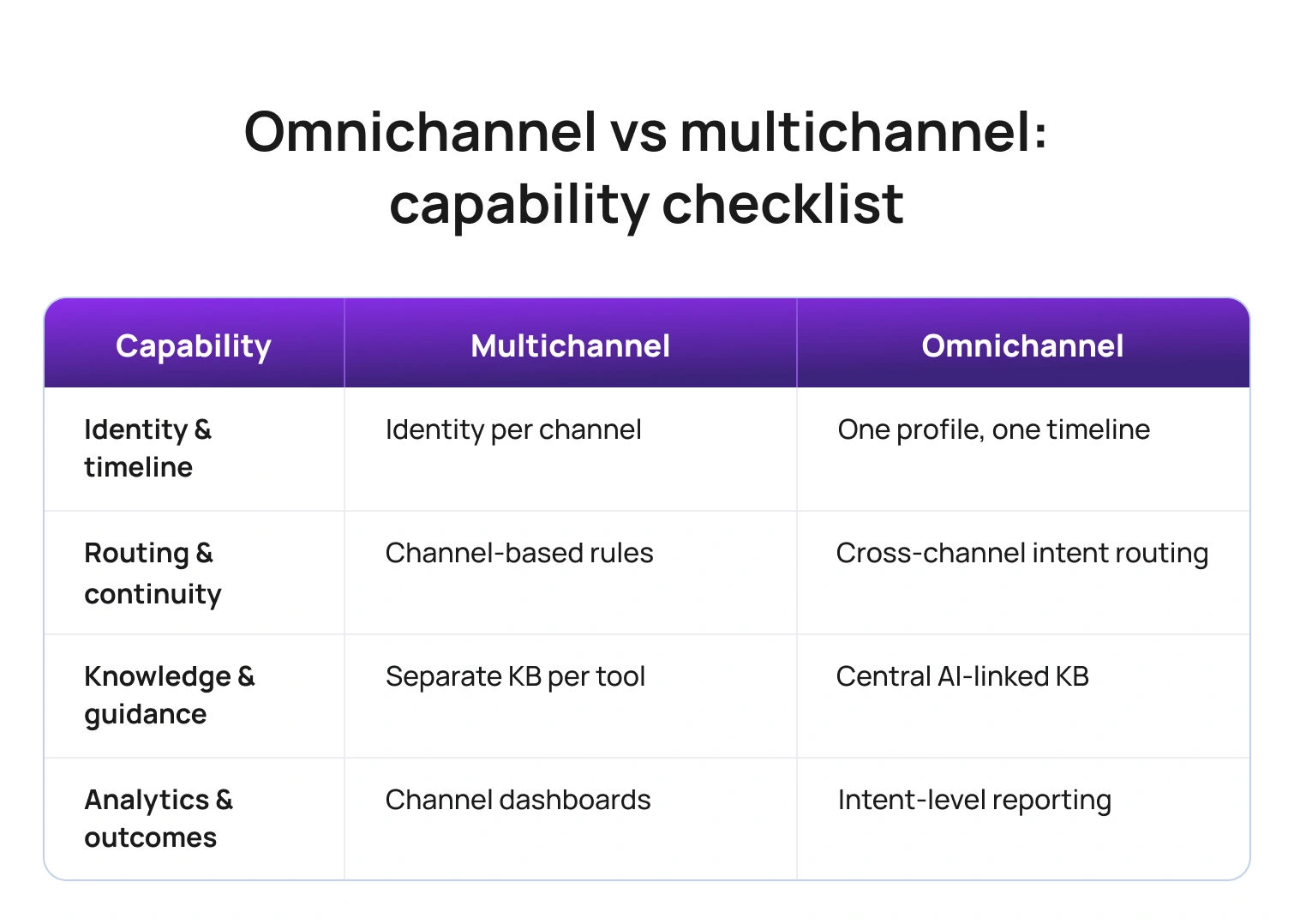
Use this checklist to verify the foundations you need in 2026 and to spot gaps by model. It clarifies which capabilities are table stakes for multichannel customer service and which are required for a true omnichannel approach that integrates multiple communication channels, unifies customer data, and preserves context across the entire customer journey.
Customer identity and timeline
- Multichannel: Identity per channel, limited stitching across systems.
- Omnichannel: One profile, one timeline, all customer contacts and past interactions attached.
Routing and continuity
- Multichannel: Rules per channel, manual transfers between teams.
- Omnichannel: Intent, language, and priority routing across channels with context preserved.
Knowledge and guidance
- Multichannel: Separate macros and articles per tool.
Omnichannel: Central AI customer support knowledge base with consistent snippets across channels; assistants cite the same source of truth.
Analytics and business outcomes
- Multichannel: Channel dashboards, harder attribution, and a fragmented view of customer behavior.
- Omnichannel: Cross-channel reporting by intent, clean measurement of customer experience, and customer retention drivers.
How the Models Change Day-to-Day Work For Customer Service Teams
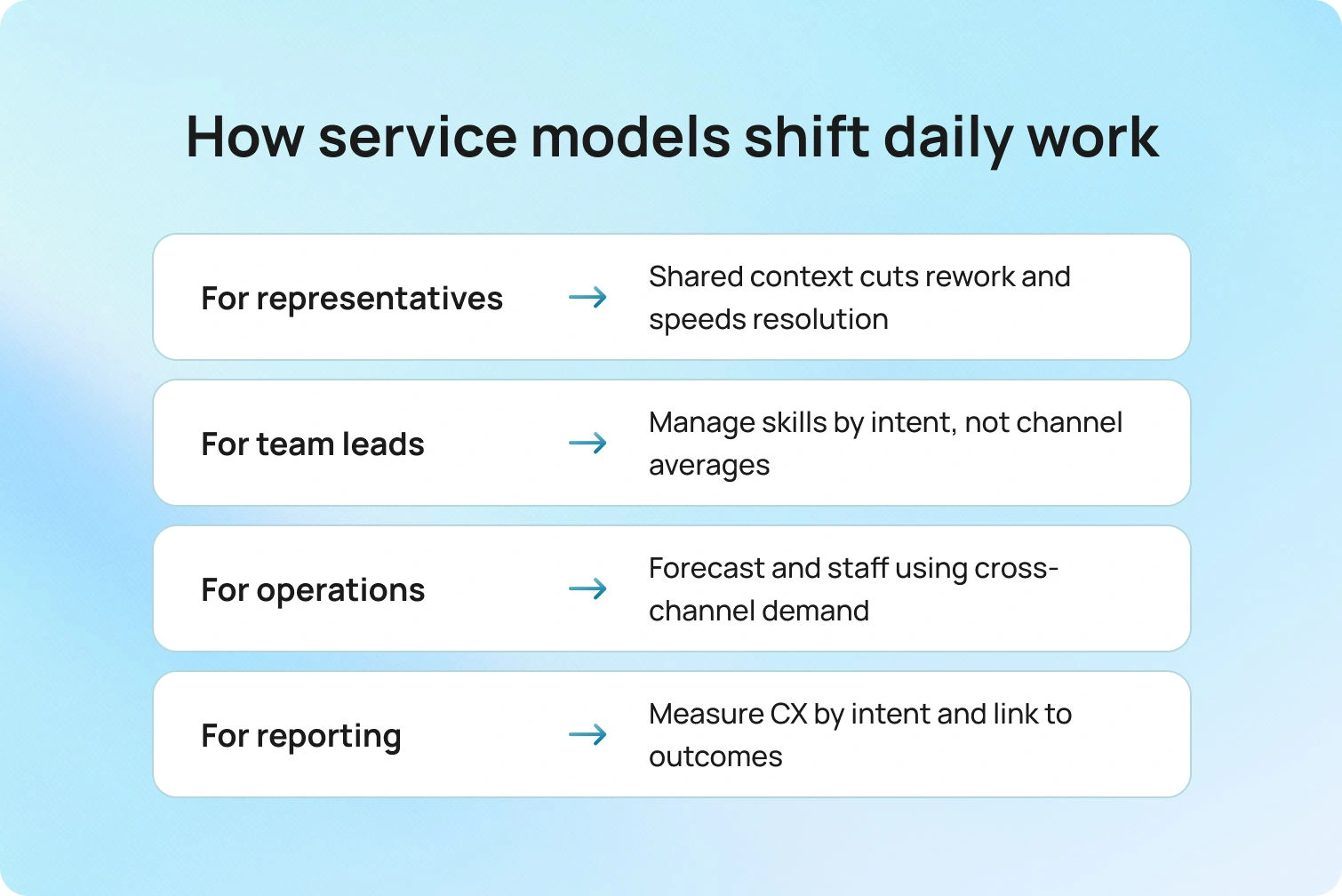
Omnichannel shifts daily work from juggling tickets by channel to managing a single conversation with shared context, so agents spend less time rediscovering and more time resolving. Multichannel keeps teams fast on a channel-by-channel basis, but increases handoffs, duplicate investigation, and coaching silos, changes that affect staffing, routing, and how you measure performance.
For customer service representatives: Omnichannel reduces tab-switching, re-asks, and duplicate ticket creation. Agents see past interactions and can continue a thread regardless of where the customer reappears. That speeds initial diagnosis and improves first contact resolution.
For team leads: Scheduling and coaching shift from channel averages to intent-based outcomes. You can compare how the same customer inquiries perform in chat vs. email, then set the right skills and playbooks for each channel.
For support operations: Forecasting and intraday management become more precise because contact volumes, handle time, and outcomes are measurable across channels, not just in silos.
For customer service reporting: Scorecards show customer satisfaction by intent and channel, linking customer engagement to business outcomes in a way multichannel reports struggle to achieve.
Customer Experience Scenarios: Multichannel vs Omnichannel
This section contrasts real moments in the customer journey to show how each model handles context, handoffs, and outcomes. Use these scenarios to see where multichannel works well and where omnichannel produces a more seamless customer experience with higher first-contact resolution.
Scenario 1: A return that starts online and ends in store
- Multichannel outcome: The web request is closed. In the physical store, the associate cannot see the online notes, asks for the same details, and re-enters the return, extending the visit and risking a poor customer experience.
- Omnichannel outcome: The associate opens the same case, sees photos and approvals, and completes the return. The customer leaves with a consistent experience across the online and brick-and-mortar stores.
Scenario 2: A billing dispute across chat and email
- Multichannel outcome: The customer explains the issue in chat, receives a reference number, and later emails support. The email team cannot view the chat and start over.
- Omnichannel outcome: The email agent opens the unified timeline, reads the chat transcript, and continues the work with the same steps and knowledge article cited in chat.
Scenario 3: A technical issue across the app, forum, and phone
- Multichannel outcome: The customer tries in-app help, posts to the community, and then calls. None of those touchpoints is linked.
Omnichannel outcome: The IVR recognizes the logged issue from the app, routes to a skilled queue, and the agent opens the thread containing the community post and device logs.
Multichannel vs Omnichannel Customer Service: Key Questions to Decide
Choosing between omnichannel vs multichannel customer service isn’t about buzzwords; it’s about how your support team will manage customer data, context, and outcomes across multiple channels. Use the questions below as a quick decision framework to match your current reality and roadmap to the model that will deliver a seamless customer experience and measurable business results.
What does your volume and mix look like today and next year?
If multiple touchpoints already account for most customer interactions, omnichannel support will prevent fragmentation as you scale.
Where does context break most often?
List the top five reasons customers repeat themselves. If three or more involve channel changes, the omnichannel approach offers immediate gains.
Do you need one source of truth for reporting?
If leaders want to analyze outcomes by intent across channels and marketing campaigns, omnichannel analytics are essential.
What is your integration tolerance?
If your IT team can implement identity, case, and knowledge integration, an omnichannel contact center pays back in continuity and measurement. If not, implement a strict multichannel strategy with documented handoffs and a plan for integration.
Metrics That Reveal the Model’s Impact
Customer support metrics tell you whether your model is creating continuity or just adding channels. Read each KPI two ways: in a multichannel approach, you evaluate performance channel by channel, while in an omnichannel strategy, you evaluate the same metric by intent across the entire customer journey to see if context actually travels. Use the signals below to confirm where omnichannel should outperform multichannel and where a disciplined multichannel setup can still hold its own.
- Customer satisfaction and customer effort score. Measure by intent across channels to see if continuity improves outcomes.
- First contact resolution. If FCR rises as customers move between channels without repeating details, your omnichannel approach is working.
- Average handle time and time-to-resolution. Context carry-over should reduce discovery time even if some conversations lengthen due to richer problem-solving.
- Channel switching rate with repeat explanation. Track how often customers switch channels and whether agents reuse context from past interactions.
Customer retention and loyalty signals. Tie intent-level outcomes to renewal or repeat purchase where possible.
Migration Path: Multichannel to Omnichannel in Four Phases
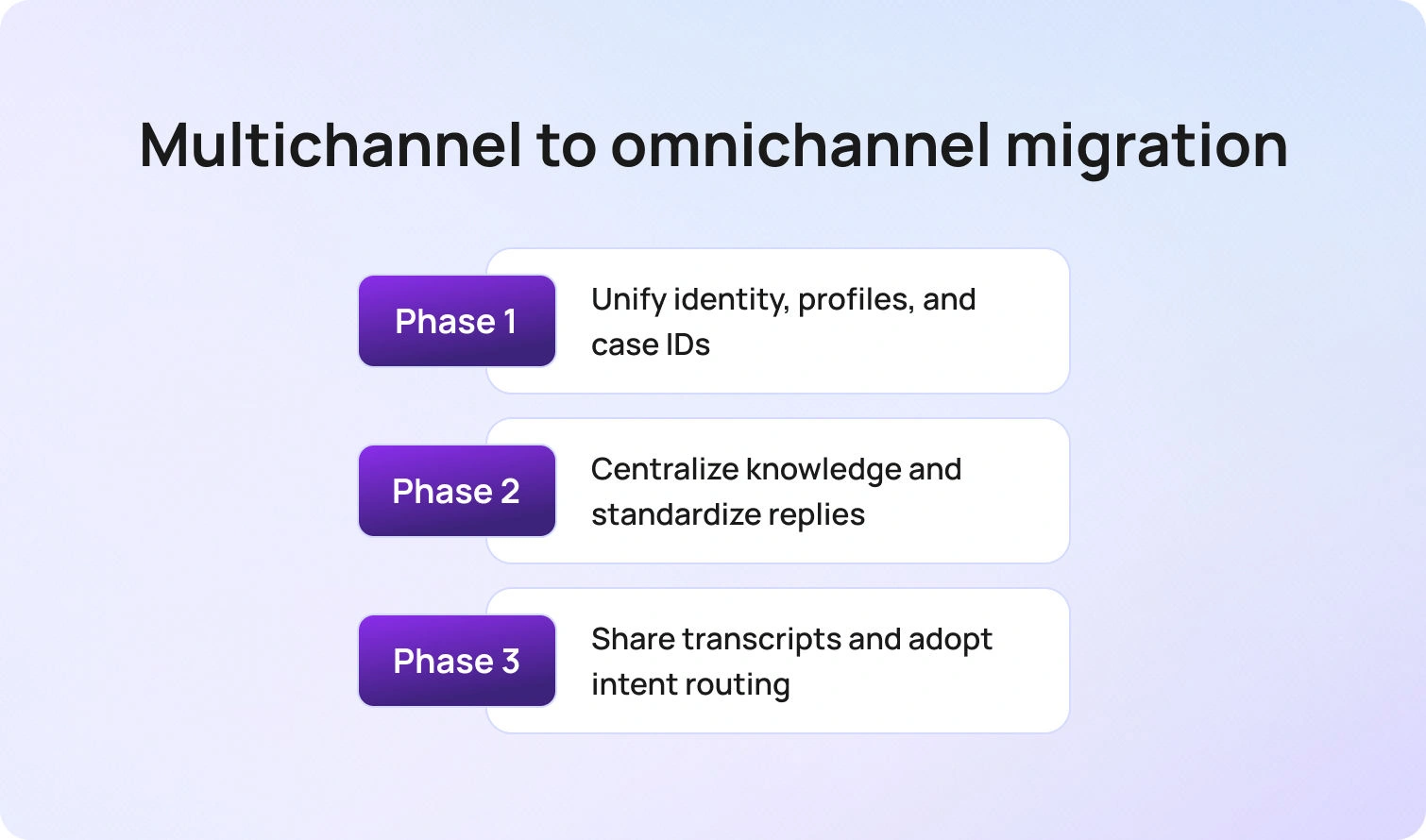
A smart migration keeps service running while you add continuity. Use the phases below to move from a strong multichannel baseline to true omnichannel customer service without rebuilding your stack or confusing your support team.
Phase 1: Unify identity and case IDs
Connect authentication, case numbers, and contact profiles so that all channels resolve to a single customer.
Phase 2: Centralize knowledge
Move macros and articles into one library, then embed the same snippets across channels to ensure consistent answers.
Phase 3: Share transcripts and notes
Expose prior interactions within each agent's workspace. Train teams to continue threads rather than re-interview customers.
Phase 4: Orchestrate routing and reporting
Adopt intent- and language-aware routing across channels and shift to cross-channel reporting by intent.
Future Outlook: Where Omnichannel vs Multichannel is Heading Beyond 2026
Omnichannel is becoming the default expectation. Recent research shows customers now judge brands on continuity across channels and on how responsibly their data is used to personalize service, which puts unified context at the core of modern CX.
As organizations move from channel silos to journey orchestration, first-party data and AI are being used to predict next-best actions in the customer’s preferred channel while measuring outcomes at the journey level, not just by queue. Teams that embrace this shift see fewer handoffs, faster discovery from shared history, and staffing models that treat messaging and proactive outreach as first-class work, advantages that compound over time in retention and revenue.
How BlueTweak Supports Both Models
BlueTweak lets you run the strongest possible multichannel operation right now without asking your team to change tools. A multilingual chatbot, AI voicebot, email, and social live in a single workspace, so customer service representatives can see shared knowledge and full transcripts across different channels. Even if you still report performance on a channel-by-channel basis, agents have the past interactions and context they need to keep conversations moving.
When you decide to move toward an omnichannel approach, you do not have to rebuild your stack. Enable language- and intent-based routing across channels, unify reporting by intent rather than by inbox, and connect customer data from your CRM and order systems. The same AI suggested replies, and AI summaries, and its engagement capabilities extend across every touchpoint, turning separate threads into a single continuous conversation without retraining the support team. Leaders then get clarity on business outcomes, not just traffic. BlueTweak’s analytics compare omnichannel versus multichannel at the intent level, customer satisfaction, customer effort, first-call resolution, and retention signals, so you can see where continuity is boosting results, where to tune playbooks, and which model best fits your support team as volumes and complexity grow.
Omnichannel vs Multichannel Bottom Line
Omnichannel vs multichannel customer service is a choice about outcomes and operating rhythm. Multichannel expands reach across multiple communication channels; omnichannel integrates those channels so context and customer data travel with the conversation across the entire customer journey.
If customers expect continuity, if you need intent-level reporting across various channels, and if your team is ready to manage unified context, move toward omnichannel support. If you are earlier in maturity, run a disciplined multichannel strategy with clear handoffs, shared knowledge, and a roadmap to unify data. In both cases, design around customer preferences, ensure past interactions are visible to every agent, and measure what matters: customer satisfaction, effort, first-contact resolution, and retention.
Ready to see this in action? Book a BlueTweak demo.
How to Improve First Response Time With Multilingual AI
Why the First Response Time Sets the Tone
First response time is the moment your brand proves it is listening. Customers expect acknowledgment and relevant information quickly, and slow response times signal the opposite. The first response does not need to solve everything, but it must confirm the customer’s request, set the expected response time or resolution path, and share the next step. Done well, that first touch reduces stress, lowers follow-up volume, and improves overall customer satisfaction and loyalty.
Multilingual customer support adds pressure. A simple question in Spanish should not sit in an English queue while support agents wait for a specialist. The clock keeps running, and the customer experience degrades. Multilingual AI removes that friction by identifying language and intent, translating in real time, and drafting accurate answers from a shared knowledge base so the right agent can reply fast.
This article shows how to improve first response time with practical, repeatable steps your team can ship in one quarter.
What is First Response Hime and How to Measure It
First response time (FRT) is the elapsed time between a customer’s request entering your system and the first meaningful reply. That reply can be an automated response or a human message, as long as it addresses the customer’s question or next step.
How to Calculate First Response Time
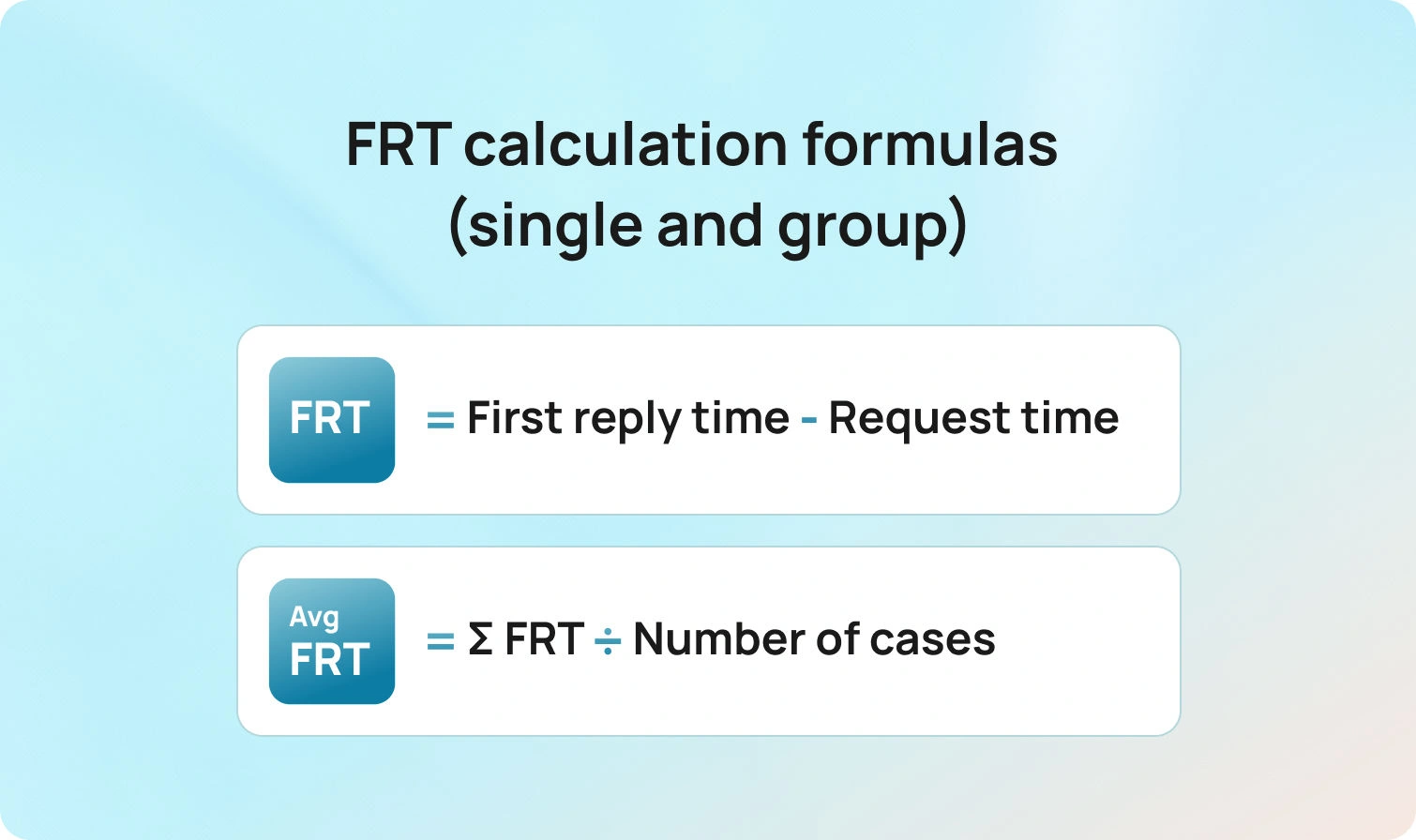
For a single case:
first response time frt = timestamp_of_first_meaningful_reply − timestamp_of_customer_request
For a group of cases in a period:
average first response time (average FRT) = Σ FRT for eligible cases / number of eligible cases
Business hours and eligibility
Decide whether FRT includes nights, weekends, or holidays. Many teams measure two flavors:
- Clock time FRT uses wall-clock minutes.
- Business hours FRT pauses the clock outside business hours.
Also, define which cases are eligible. Not every support ticket counts. For example, spam, auto-closed duplicates, and abandoned incoming calls may be excluded.
Link to SLAs
Your first response SLA, sometimes called response SLA, sets a target for the percentage of customer queries that receive an initial response within a defined time by channel and language. Example: 90 percent of email tickets get a first response within four business hours; 95 percent of live chat conversations receive a response within 60 seconds. Targets should align with customer expectations, staffing, and budget.
Where Teams Lose Minutes in Multilingual Operations
Delays usually come from a few predictable sources.
Intake and routing gaps
Customer inquiries arrive via email, chat, web forms, social media, and phone. Without language and intent detection, tickets land in the wrong queue and bounce. Context switching adds minutes and erodes trust.
Translation handoffs
Routing everything to a single bilingual agent creates bottlenecks. The queue grows, the average time to first response climbs, and customers feel ignored.
Knowledge silos
Support agents cannot find answers quickly, self-service resources are limited, and the internal knowledge base is outdated. Even fast agents slow down when they have to search multiple systems to find answers.
Channel mismatches
Omnichannel customer support only works when the first response fits the channel. Long, formal emails sent as chat replies waste time and miss the moment.
Overuse of generic autoresponders
Automated responses that do not acknowledge the customer’s request or provide relevant information create false speed. The clock stops, but dissatisfaction grows.
Fixing these issues is the key to improving first response time without sacrificing quality.
7 Multilingual AI Tools That Actually Cut FRT in 2026
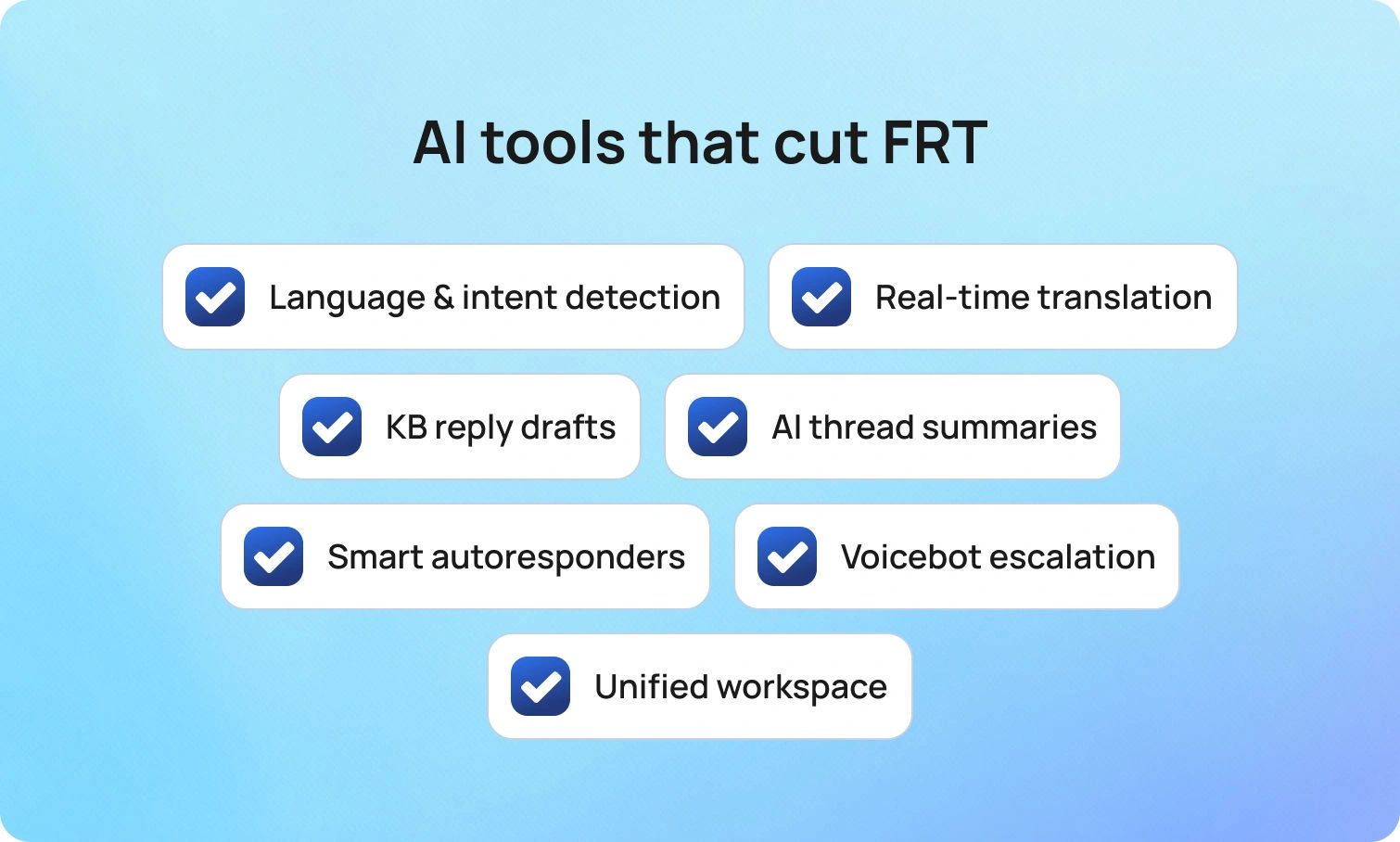
These capabilities remove the minutes that matter and keep first replies accurate across languages.
Language and intent detection at intake
What it does
Detects the customer’s language and broad intent as the ticket arrives, then routes it to the right agent or queue.
Why it improves response time
The team responds without a wrong-queue bounce, and the right agent sees the case first. That alone can drop average FRT and reduce transfers.
How BlueTweak helps
BlueTweak automatically tags language and intent on ingest across email, chat, voice transcripts, SMS, and supported social channels. Admins map skills and SLAs to queues in one view, set fallbacks, and review an audit log of routing rule changes. Transfer rate and FCR are visible by queue and by language, so you can spot and fix misroutes fast.
Real-time translation for chat and email
What it does
Translates incoming and outgoing messages within the agent’s workspace, so the team can respond in the customer’s language without waiting for a specialist.
Why it improves response time
The team responds within the first response SLA, even when coverage is thin. Customers find answers in the language they prefer, and the conversation does not stall.
How BlueTweak helps
Agents toggle inline translation in the compose pane, enable it per queue, allow fluent agents to opt out, and use edit logs for QA. The analytics view compares FRT and CSAT for translated versus native-language replies so you can coach where it matters.
AI suggested replies grounded in a knowledge base
What it does
Draft initial responses from your approved articles and past interactions, ready for a human agent to review and send.
Why it improves response time
Agents spend less time crafting first replies and more time resolving the issue. Initial responses are consistent and accurate, which reduces back-and-forth.
How BlueTweak helps
Reply suggestions for support are pulled from BlueHub’s AI customer support knowledge base and cite the source article ID in the draft. Agents approve or adjust in one click. Content owners see which suggestions need edits and update the article once; the next suggested reply inherits the change, in every enabled language.
AI ticket summaries for long threads
What it does
Condenses prior context into key facts, the customer’s request, and the next step.
Why it improves response time
New assignees or escalations can send a first response immediately because they do not need to read the entire thread. This also helps during handoffs across time zones.
How BlueTweak helps
Summaries can be pinned to the ticket for handoffs. One click attaches the summary to the record and passes it forward on escalation, including from voice transcripts. Leaders track changes in handle time, reopens, and FRT before and after summaries are enabled.
Smart autoresponders that set real expectations
What it does
Sends instant responses that acknowledge the customer’s issue, set an expected response time, and provide next steps or a link to self-service resources.
Why it improves response time
Customers stay informed. Many will resolve simple issues independently, reducing repeat contacts and keeping agents available for complex work.
How BlueTweak helps
BlueTweak supports per-queue auto-acks that match the customer’s language and pull live business hours and response targets. Templates include variables for name, case ID, and links to the most relevant knowledge article. Anti-loop controls prevent duplicate messages, and analytics show the impact of FRT and deflection by template.
Voicebot for predictable intents with clean escalation
What it does
Handles routine phone requests like status, password resets, or appointment changes, then hands off to the right agent with full context when needed.
Why it improves response time
Incoming calls get instant responses for common tasks, and human intervention focuses on complex issues. This lowers queue wait times and accelerates first contact on live calls.
How BlueTweak helps
BlueTweak’s multilingual voicebot supports instant language selection, confirms key details, and writes the transcript plus captured fields to the ticket. Escalations land in the correct queue with history attached. Leaders track containment, deflection, abandonment, concurrency, sentiment, and FCR in the same dashboard used for FRT.
Unified agent workspace across channels
What it does
Brings email, chat, social, and voice into one place with shared routing, history, and analytics.
Why it improves response time
Agents do not juggle tools, and the team responds faster with less context switching. The support leader can allocate resources by channel in real time.
How BlueTweak helps
BlueTweak unifies queues for chat, voice, email, SMS, and supported socials. Agents see past interactions and key customer data on the same screen they use to reply. Skills-based routing and WFM scheduling sit alongside live KPIs (average FRT, percent within response SLA, queue depth by language), so leaders can rebalance workloads without leaving the workspace.
Measurement that proves the lift
Speed is a means, not the goal. Pair FRT with quality and efficiency metrics so improvements stick.
- Average first response time by channel, language, and intent
- Percent of cases within first response SLA
- Customer satisfaction after the first response and after resolution
- Average resolution time is so fast that first responses do not hide slow outcomes
- Reopen and transfer rate for initial responses that missed the mark
- Self-service deflection, where customers find answers without opening tickets
Review these weekly in a single scoreboard. If average FRT declines but customer satisfaction scores remain flat, initial responses may be fast but not helpful. If FRT is steady and satisfaction rises, content and tone improve. This is the data you need for responsible decision-making.
Guardrails that keep service safe
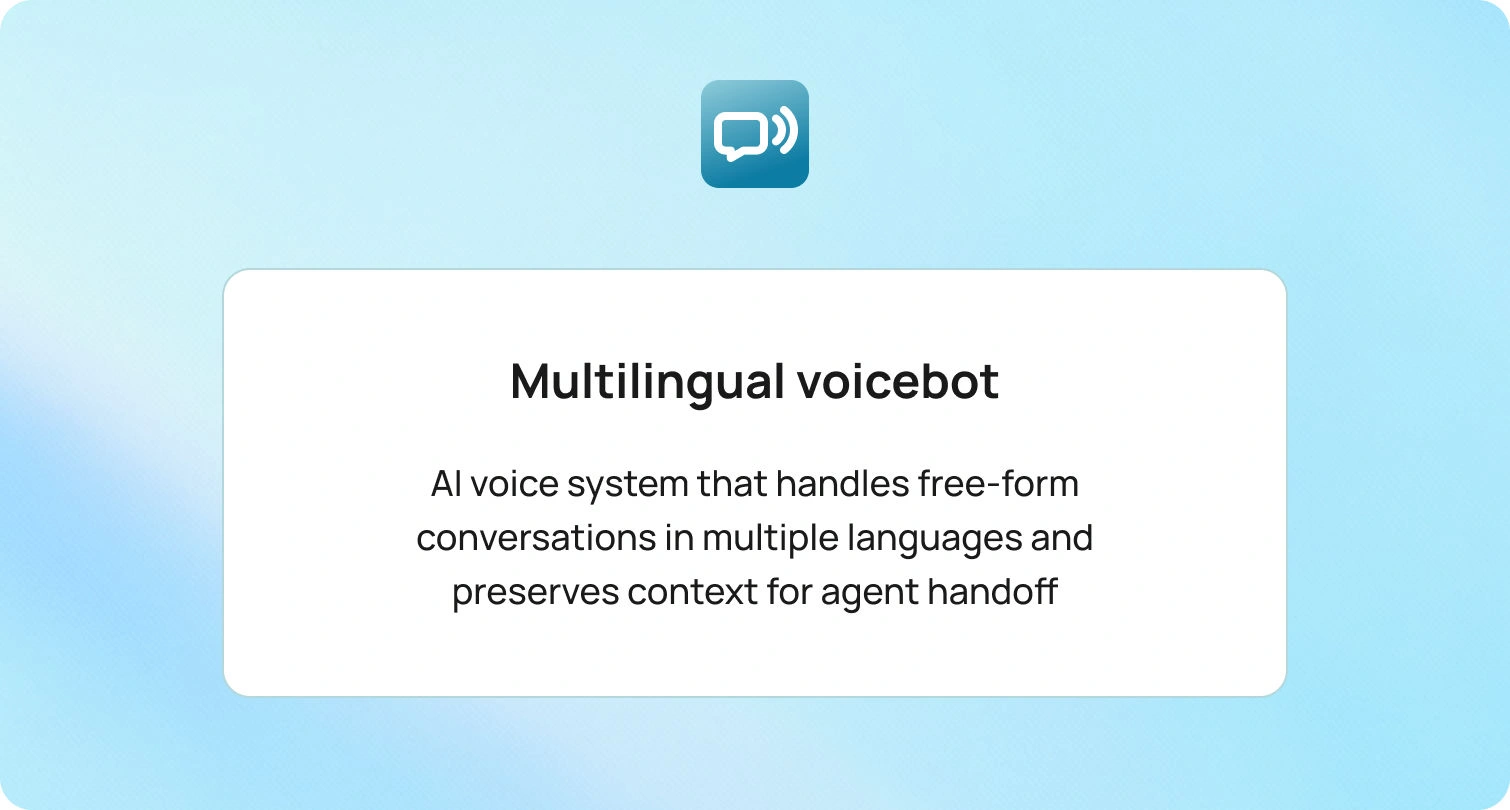
Multilingual AI is powerful. It still needs clear rules.
- Keep automated responses short and precise. Confirm receipt, share a time frame, and suggest the next step.
- Ground AI systems in your approved knowledge base and policy library.
- Store translations and suggested replies with the case for audit.
- Require human intervention for eligibility decisions, financial adjustments, and any outcome with legal risk.
- Provide ongoing privacy and security training for every customer service agent.
Guardrails let automation tools handle repetitive tasks while humans make judgment calls.
Common pitfalls to avoid
Even well-run teams lose minutes to small, repeatable mistakes. The patterns below either inflate your FRT on paper or slow real conversations in ways customers notice. Keep them in view as you tune tools, targets, and workflows.
- Measuring only average time and ignoring business hours or holidays
- Counting auto-replies as meaningful first responses when they do not address the customer’s request
- Setting the same first response SLA across email, chat, and phone
- Letting the internal knowledge base drift while templates multiply
- Treating all tickets equally when some require the right agent and deeper context
Avoid these traps, and your support process will handle inquiries efficiently without compromising quality.
Future outlook: 2026 and beyond
First response time is becoming a visible promise, not a backstage metric. Customers expect instant acknowledgment on chat and messaging, a quick, relevant email during business hours, and a live answer or clean callback on phone calls. As expectations rise, multilingual coverage and accuracy matter as much as speed. The direction is clear. AI systems will sit closer to intake, detect language and intent, and draft initial responses that reflect policy, the internal knowledge base, and past interactions. Human agents will handle judgment, edge cases, and moments that need empathy.
Governance will move with the technology. Leaders will ask for transparent response SLAs by channel and language, audit trails for suggested and translated replies, and clear rules about which sources automation tools can use. Privacy posture and data residency will influence platform choices, especially for customer data that crosses borders. Measurement will also mature. Teams will measure first-response time with percent within SLA, customer satisfaction after the first response, self-service deflection, and average resolution time, so speed does not crowd out quality.
Interoperability will be the multiplier. Omnichannel support, shared identities, and event-driven integrations will enable the customer service team to respond quickly without context switching. Knowledge bases will serve as the source of truth for both agents and bots, helping customers find answers on their own and ensuring initial responses remain accurate. Tools that combine routing, translation, suggested replies, and analytics in a single workspace will make it easier to meet fast-response targets across languages without increasing headcount.
Final takeaways
If you focus on improving first response time, think in systems, not hacks. Route the ticket to the right agent on the first try. Translate and summarize so the team responds confidently in any language. Draft initial responses from a living knowledge base and let agents tailor the message. Set clear SLAs, staff to demand, and measure quality as carefully as speed. Do this, and customers feel valued from the first response, support teams move faster with fewer errors, and higher satisfaction follows.
BlueTweak brings routing, translation, summaries, suggested replies, and reporting together so your team can respond quickly across channels and languages. Request a demo to see how it can help you.
20 Tips on a Customer Service Survey Template to Boost SLAs and FCR
Why Surveys Drive SLAs and FCR in 2026
Surveys are not a vanity exercise; they are the fastest way to measure customer satisfaction, find friction by customer journey stage, and tune the playbooks that determine response time and resolution. When you standardize a customer service survey template and wire it into your customer service reporting process, you get consistent customer satisfaction data that shows where SLAs slip, where guides or macros fail, and which queues need coaching, without waiting for quarterly reviews.
The urgency is real. In 2026, only about three in ten customers provide direct feedback at all, which means the surveys you do send must be short, well-timed, and embedded at the moment of resolution to capture a signal you can act on. Design for low effort, close the loop, and your survey program will surface the insights that actually move SLAs and first-contact resolution.
This article walks you through ready-to-copy customer support survey template options, CSAT/CES wording, channel-specific deployment tips, and a 30-day plan to tie results to SLAs, FCR, and your reporting cadence.
20 Tips on a Customer Service Survey Template to Boost SLAs and FCR
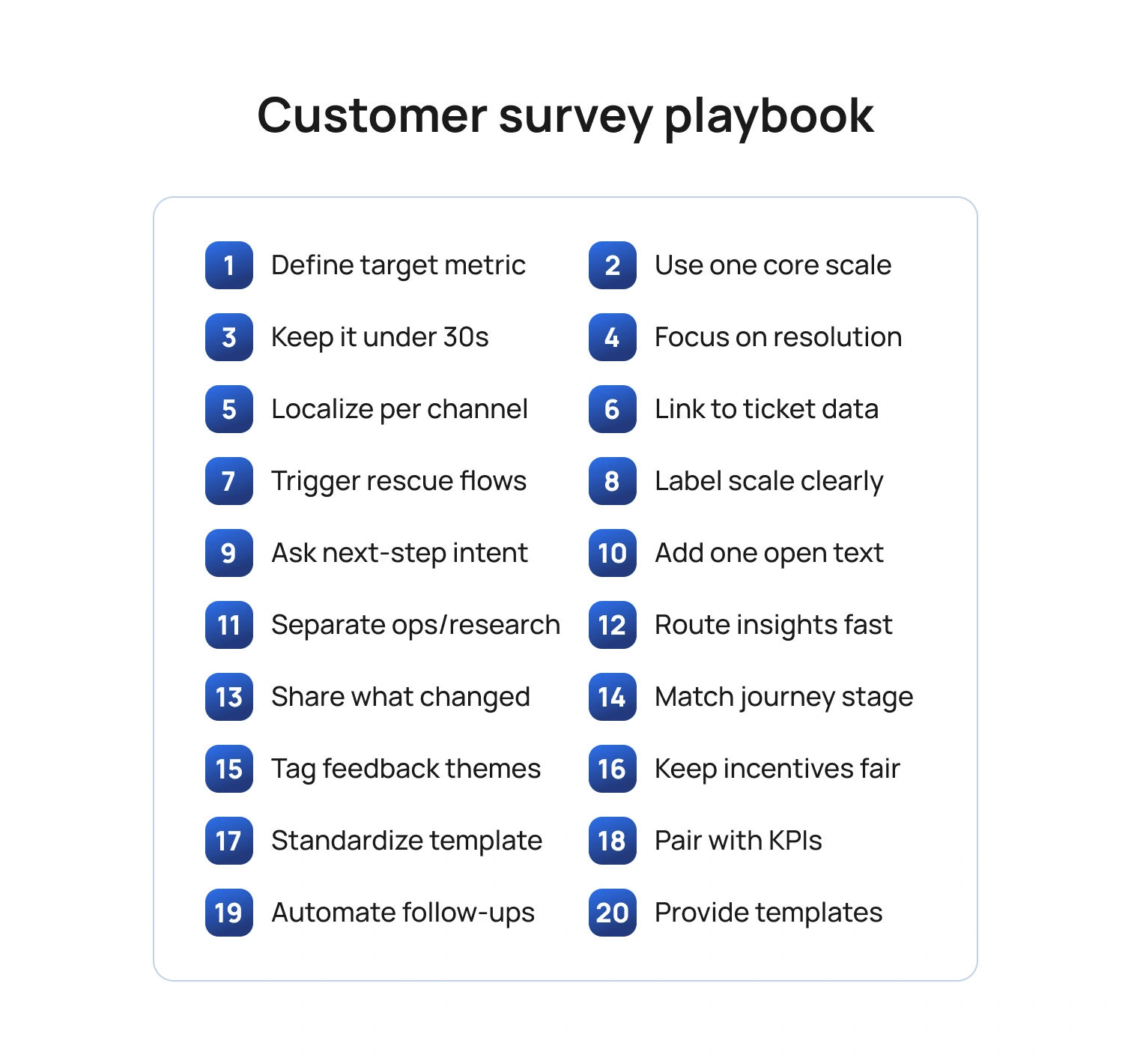
Below are 20 tips you can apply immediately. Each tip references template structure, wording, or analytics so you can adapt any sample customer service survey templates you already use or adopt the template at the end of this article.
Tip 1: Start with the outcome you want to improve
Before you pick questions, choose the SLA or FCR outcome you intend to move. If your average response time is the issue, ask about the clarity and speed of initial responses. If reopen rates are high, ask whether the answer solved the problem in a timely manner and whether follow-up was needed. Keeping the outcome explicit prevents bloated forms and keeps effective customer service reports focused on change, not raw numbers.
Template cue: Add a one-line purpose note at the top of your template customer service survey: “This two-question survey helps us resolve issues faster next time.”
Tip 2: Use one core metric per survey
Pick one metric based on the moment in the customer journey.
- CSAT (customer satisfaction score) right after a resolved interaction measures overall satisfaction with that specific service experience.
- CES (Customer Effort Score / Customer Effort Score CES) after a multi-step fix tells you how much effort the customer spent.
- NPS (net promoter score) belongs in lifecycle research, not as a post-ticket reflex.
Template cue: Your customer service satisfaction survey template should contain exactly one scale question (CSAT or CES) plus one open ended questions prompt for context.
Tip 3: Keep it under 30 seconds
Short surveys get more responses and cleaner data. Use a single Likert scale question item (e.g., 1–5 satisfaction levels) and one text box for additional comments. Save multi-topic batteries for research panels.
Template cue: “On a scale of 1–5, please rate your overall customer satisfaction with how our support team handled this request.”
Tip 4: Ask about the job, not the agent’s personality
Customers judge service delivery on clarity, speed, and completeness. Ask whether the customer pain points were resolved, whether the instructions were easy to follow, and whether another contact was needed. You can still celebrate outstanding performance by inviting an optional shout-out, but keep the core evaluation tied to contact resolution and resolution times.
Template cue: “Did this interaction fully resolve your request?” (Yes/No). If “No,” branch to “What was missing?” with multiple choice for “needed faster response,” “instructions unclear,” “handoff loop,” plus additional questions free text.
Tip 5: Localize by channel and language
Email, chat, voice, and social have different norms. A one-question customer service template survey can be embedded in chat; SMS needs a URL that's brief; email can include a second question. Localize wording so customers feel it is in their voice, and translate scales carefully so “satisfied” maps consistently across locales.
Template cue: Maintain channel-specific survey templates in your library and store translations centrally; keep the scale anchors identical to protect comparability across the reporting period.
Tip 6: Tie every response to a ticket, intent, and owner
A perfect customer service survey with no context won’t help you identify areas for continuous improvement. Join the survey data to the ticket ID, the detected intent, the product area, and the agent or queue. This lets you cut survey results by support agent, feature, or locale, and connect low scores to coaching or documentation gaps.
Template cue: Add hidden fields for ticket, queue, language, and product so customer service reports and key metrics roll up cleanly.
Tip 7: Make “negative feedback” easy to give and easy to fix
Treat a low score as a rescue opportunity. Offer a one-click callback or reopen button on online surveys when CSAT ≤ 2 or CES ≥ 4. That move saves churn and shows you take customer expectations seriously.
Template cue: “Want help right now? Tap to reopen this case.” Route to a senior agent pool with the full transcript attached.
Tip 8: Use plain scales and label the endpoints
Avoid cryptic anchors. Use “Very satisfied” to “Very dissatisfied” for CSAT and “Very easy” to “Very hard” for CES. Labeling endpoints reduces scale confusion and increases the quality of customer satisfaction survey data.
Template cue: Include examples below the scale that reference your service context, such as “Very easy: I followed one article and was done.”
Tip 9: Ask one behavior question about next steps
A small behavior question predicts customer loyalty better than adjectives alone. After CSAT, ask if the customer would use self-service next time, or if they needed to contact the centers again. This links satisfaction to the future cost of service.
Template cue: “If you face this issue again, would you use our help center first?” (Yes/No). Track shifts after you improve survey templates or content.
Tip 10: Close with one powerful open text prompt
Use a single, well-aimed open ended questions prompt to capture valuable feedback: “What is one thing we could have done to resolve this faster?” This gives you usable phrasing for macros, troubleshooting guides, and customer service operations playbooks.
Template cue: Cap at 300 characters to keep responses tight and analyzable.
Tip 11: Offer “free templates” thoughtfully
If you publish free templates or give customers a free account to leave feedback, keep the post-ticket survey tiny and push longer research to a voluntary panel. Mixing research and service slows completion and hurts response rates.
Template cue: Auto-invite existing customers who opt in to a quarterly research panel for deeper survey questions on the customer experience and brand perceptions.
Tip 12: Automate the handoff from insight to action
A survey that no one reads will not enhance SLAs or FCR. Route low CSAT or high CES to owners, log fixes in your release notes or knowledge base, and show impact in your monthly report. When customers see their suggestions reflected publicly, loyalty grows.
Template cue: Add a light action plan to your dashboard: “Top 3 friction points, owner, due date, expected impact on FCR or average time to resolve.”
Tip 13: Share what you changed
Publicly closing the loop increases future survey participation and trust. Post “You said, we did” notes in your help center and include key findings in customer emails. This aligns survey work with business growth goals and makes surveys feel worthwhile to respondents.
Template cue: “We reduced waits in billing chat by 22% after your feedback about queue spikes.”
Tip 14: Use templates that match the journey stage
Keep a library of customer satisfaction survey templates that map to moments: post-ticket CSAT/CES, post-onboarding CSAT, and quarterly NPS. Reuse proven language to reduce noise and improve trend integrity across the reporting period.
Template cue: Maintain a short “When to use which customer survey” guide so agents and automation can trigger the right version.
Tip 15: Analyze words, not just numbers
Scale scores tell you satisfaction, but words reveal pain points. Use lightweight text tagging to group feedback into specific areas like billing, setup, reliability, and tone. Report the top three drivers of low CSAT and high CES, along with the numbers.
Template cue: Add tags like “unclear steps,” “handoff,” “policy block,” and “slow reply” to your insights board.
Tip 16: Keep incentives ethical and neutral
If you reward participation, avoid wording that biases results. Offer entry into a generic drawing rather than discounts tied to positive feedback. Your aim is accurate measurement to identify areas for improvement, not inflated scores.
Template cue: “Complete in 20 seconds for a chance to win a gift card; your honest feedback helps us improve.”
Tip 17: Separate FCR diagnostics from brand research
Do not bury FCR fixes inside a 15-minute brand study. Post-ticket surveys should be surgical; save research about value, purchase drivers, and perception for occasional projects. This keeps service metrics actionable for the support team and protects response rates.
Template cue: Tag service surveys with “operational” and brand studies with “research” to keep teams clear on use.
Tip 18: Standardize your template and naming
Consistency produces trustworthy trends. Give each market a shared customer service survey template: same scales, same anchors, same routing rules. This lets you compare the same period across regions, queues, or individual team members without the headache of cleaning.
Template cue: Store the master customer service survey template in your design system with tokens for brand, locale, and channel.
Tip 19: Combine survey data with operational KPIs
On your dashboard, pair CSAT or CES with resolution rates, FCR, ticket volume, and SLA attainment. When you plot customer satisfaction against workload and staffing, you expose trade-offs and justify investments that help the team respond faster.
Template cue: “For Password Reset intent, CSAT 4.6, FCR 89%, SLA 98%” next to “For Billing Dispute, CSAT 3.8, FCR 52%, SLA 72%.”
Tip 20: Provide a ready-to-use template set
Below is a simple bundle you can copy into your tool. It covers your required phrases and remains short enough to keep completion high.
Post-resolution CSAT (customer service survey template)
- On a scale of 1–5, how satisfied are you with how we resolved your issue today? (customer satisfaction score)
- Did this interaction fully resolve your request? (contact resolution)
- What is one thing we could have done to resolve this faster? (open text)
Post-resolution CES (customer service satisfaction survey template)
- It was easy to resolve my issue. 1–5 (customer effort score)
- If you face this again, would you use our help center first? Yes/No
- What made this easy or hard? (additional comments)
Library callouts
- A concise customer support survey template for chat.
- A two-question customer service template survey for voice follow-up.
- A one-page PDF of sample customer service survey templates for teams to review in training.
- A minimalist template customer service survey for SMS with a single scale and an optional link to comment.
- A web form titled "customer support satisfaction survey template for email automations."
Implementation Plan in 30 Days
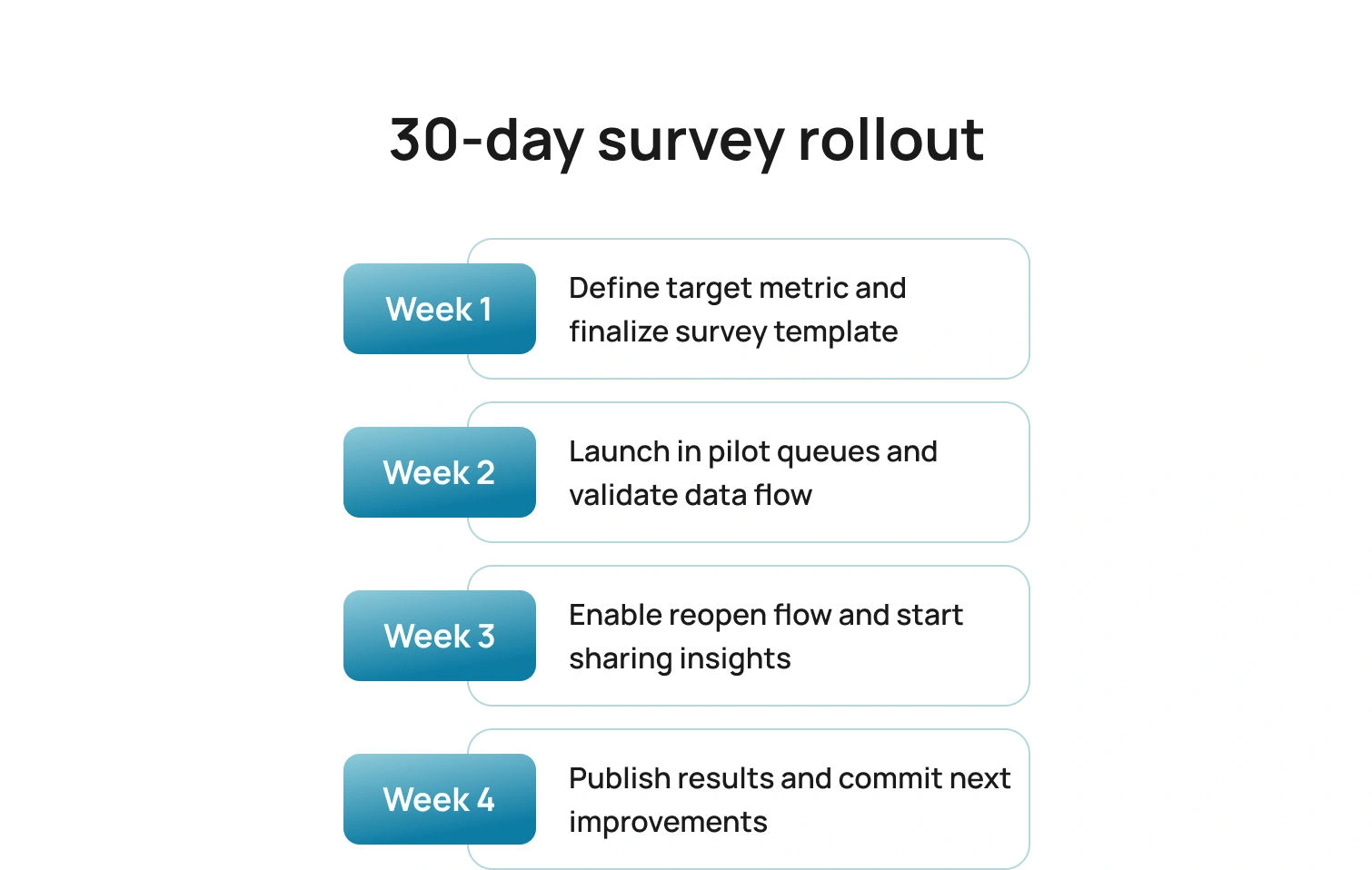
Here is a simple rollout that delivers signals quickly, proves impact, and builds the habit of acting on survey results without adding overhead.
Week 1: Choose CSAT or CES per journey stage; finalize the core survey templates; define hidden fields.
Week 2: Launch in one or two queues; validate routing and data joins; confirm scale wording in all locales.
Week 3: Add the reopen button for low scores; start the “You said, we did” cadence.
Week 4: Publish your first mini customer support report with CSAT/CES, top themes, and the two changes you will ship before the next reporting period.
Pitfalls To Avoid
Even well-designed survey programs can miss the mark if signals are mixed, scales are inconsistent, or results never translate into action. Keep these common traps in view as you roll out and refine your templates.
- Mixing NPS with post-ticket CSAT or CES dilutes the signal.
- Asking five questions to fix a one-question problem slows completion and adds noise.
- Failing to translate and localize scales breaks comparability across regions.
- Publishing free templates that your frontline cannot deploy creates confusion and slows adoption.
- Reporting scores without actions wastes trust, so always include owners and dates.
How BlueTweak Helps (Without Changing Your Survey Tool)
BlueTweak brings a multilingual chatbot, a multilingual voicebot, email, and SMS into a single workspace, so post-ticket surveys can be triggered from one reliable place. Your existing survey platform stays in place. BlueHub coordinates timing and channel, so invitations arrive at the moment of resolution, not hours later.
Context travels with every response. Through APIs and webhooks, each survey is tagged with ticket ID, intent, language, queue, and brand. The result is a customer service report with clean joins, per intent views of CSAT and CES, and no manual stitching.
Analysis becomes faster and clearer. AI-generated summaries and AI customer sentiment analysis flags condense long comments into themes the team can act on, while unusual responses surface for review. When SLAs or FCR dip, you have text evidence to explain why and where to intervene.
Operational visibility sits next to feedback. WFM and analytics place CSAT and CES alongside SLA attainment, first reply time, and FCR for the same purposes, making it clear whether a content update, staffing change, or coaching plan will move the metric.
Governance supports trust. Role-based access, audit logs, and edit history keep the reporting trail defensible and show how a comment led to a macro change or a knowledge article revision.
Conclusion
A thoughtful customer support survey template does more than collect opinions; it accelerates fixes that customers can feel. Keep surveys short, specific, and journey-aware. Join scores to tickets and intents. Share what changed. When you treat feedback as fuel for operations, SLAs recover faster, FCR rises, and satisfied customers become loyal customers.
Ready to operationalize this end-to-end? BlueHub ties survey outcomes to staffing, routing, and knowledge updates in one place. Book a BlueTweak demo to see how it fits your stack and boosts SLAs and FCR.
12 Ways to Improve Public Sector Customer Service in 2026
Why Customer Service in the Public Sector is Different
Public sector organizations face unique challenges. You serve everyone. You deliver essential services. You operate under budget constraints and strict policy. You also carry a higher bar for privacy and accessibility. Citizens compare you to private-sector businesses that set expectations for speed, clarity, and convenience. The result is a rising gap between public expectations and the reality of complex government services.
There is progress. In the United States, citizen satisfaction with federal government services reached a 19-year high in 2025, demonstrating what is possible when agencies invest in journey design, digital tools, and improved back-office processes.
Policy reinforces that direction. The Biden Administration’s Executive Order 14058 and OMB Circular A-11 Section 280 set out clear requirements for customer experience and service delivery across High Impact Service Providers.
What follows is a practical, research-informed playbook for public sector customer service. Use it to improve service delivery, reduce effort, and increase citizen satisfaction while keeping compliance, cost, and workforce realities in view.
How We Define Public Sector Customer Service
Customer service in the public sector includes every customer interaction across government agencies and government institutions that helps a person understand, apply for, receive, or maintain a benefit or meet an obligation. It spans digital tools, phone calls, in-person visits, and mail. Good customer service means meeting customer expectations with clear information, predictable next steps, and a respectful tone. The goal is better outcomes for citizens and a strong public service experience that builds public trust.
12 Strategies to Improve Customer Service in the Public Sector
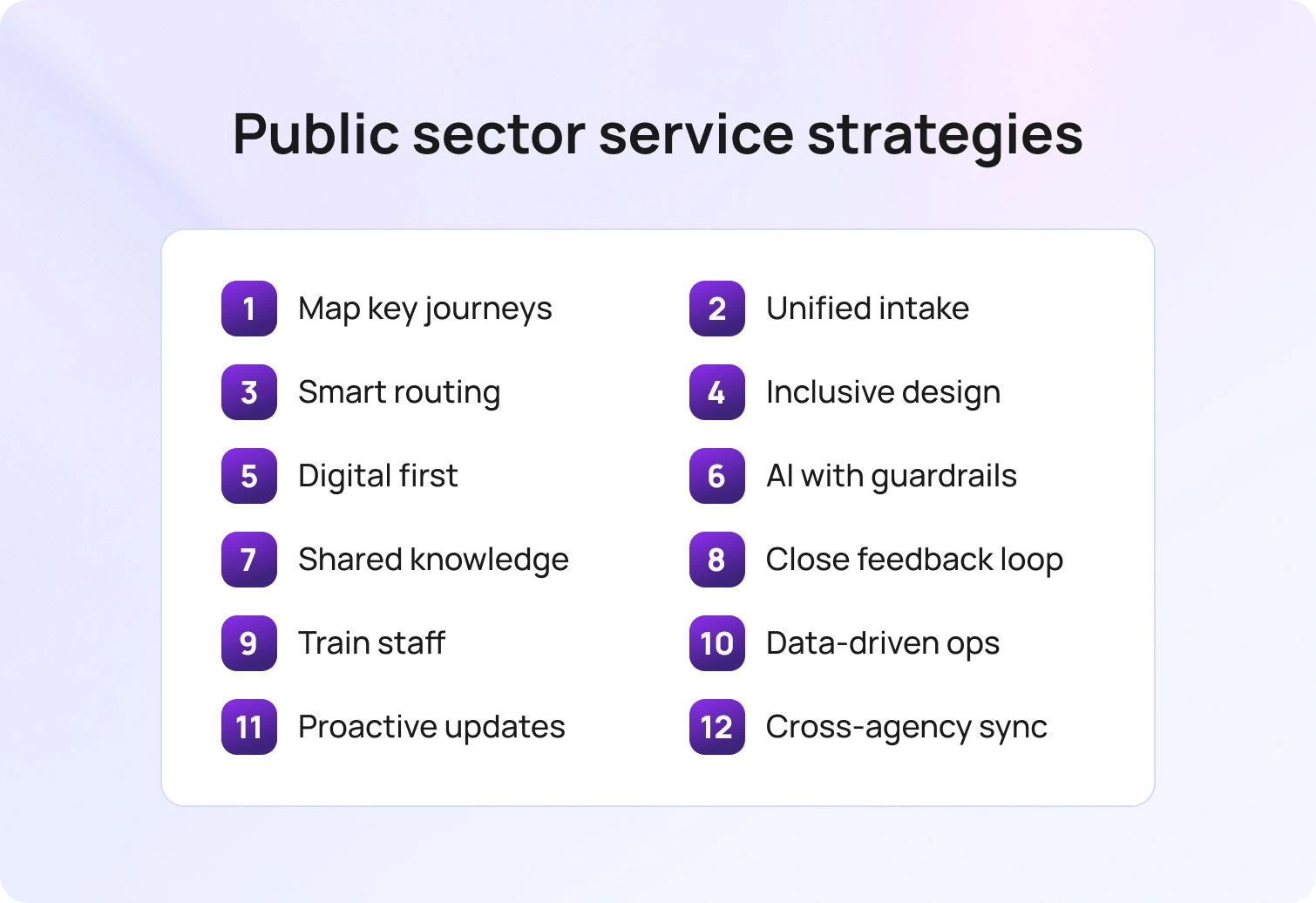
These strategies focus on the few journeys that drive volume and risk. They show how customer service in the public sector improves when intake is unified, standards are clear, and digital tools and conversational AI handle routine tasks. Use them to strengthen public-sector customer service, increase citizen satisfaction, and make every interaction easier.
1. Map priority journeys and remove friction
Start with the top five journeys by volume or risk. Examples include identity verification, benefits applications, appeals, and renewals. Document the steps from the citizen’s point of view. Note handoffs, jargon, and points where people abandon. Align service standards to each step. This creates a clear message across teams and a shared definition of great customer service.
Why it works
Teams stop optimizing tasks in isolation and focus on the customer journey. You reduce repeats and unclear next steps, thereby improving customer satisfaction and reducing costs. Public sector agencies can then communicate status with confidence and set expectations early.
2. Stand up unified intake across channels
Citizens use phone, web, mobile, and walk-in locations. A unified front door captures customer requests consistently and sends them to the right person the first time. Standardize forms, intake scripts, and identity checks. Keep the same service standards across channels so customers feel the same quality whether they call, click, or visit.
Why it works
A single intake reduces rework and prevents the “lost in the system” experience. It also gives your customer support team cleaner data for decision-making and performance management.
3. Route by language, intent, and complexity
Use language and topic detection to route a case to the right skill group. Add a complexity flag for issues that require specialist review. In blended environments, send routine tasks to digital channels and keep complex issues with trained customer service representatives who can make judgment calls.
Why it works
Routing reduces transfers and shortens time to resolution. It directs citizens to the right person without repeating information, thereby increasing citizen satisfaction and protecting public trust.
4. Design for accessibility and inclusion
Follow WCAG guidance. Write forms and letters in plain language. Offer simple language translations where needed. Provide visual and audio alternatives. Train help desk staff to support assistive technologies at counters and via phone. Inclusive design is not optional for public agencies that deliver essential services.
Why it works
Accessible services reduce errors, increase trust, and help solve customer pain points. This is service excellence in practice.
5. Use digital tools where they help, keep human paths open
Digital status trackers, appointment schedulers, and knowledge bases cut avoidable calls and visits. Chat and email help when people cannot travel. Keep a clear path to a human for edge cases, crisis situations, and legal questions. Design escalation rules so the right person responds with authority.
Why it works
Citizens prefer a predictable status and easy next steps. Digital tools provide proactive communication and better services without blocking those who need personal connections.
6. Apply artificial intelligence to routine tasks with guardrails
Start with document classification, translation, suggested replies, and summarization. These uses speed up service provision, let customer service agents focus on complex issues, and keep content consistent. Use a human-in-the-loop model for high-impact decisions.
Why it works
AI increases throughput and improves service quality by handling repetitive steps. Government organizations keep control by grounding answers in approved content and recording decisions for audit. Industry research shows growing adoption of AI in government services as leaders seek to expand digital options and improve service delivery.
7. Build a shared knowledge base and keep it current
Create a single source of truth for eligibility rules, proofs, timelines, and exceptions. Assign owners, set review cadences, and log changes. Link knowledge to website content and agent guidance so customer interactions use the same words and definitions.
Why it works
A shared knowledge base produces consistent answers across public sector services, reduces negative feedback, and supports employee training for new staff.
8. Close the loop on customer feedback
Use short customer satisfaction surveys in the citizen’s language at the end of a transaction. Pair scores with open text to capture qualitative insights. Publish what you changed based on feedback. This shows responsibility and builds a customer-centric culture.
Why it works
Survey respondents provide valuable insights into pain points. Closing the loop signals that customers influence service standards and policy, which improves customer relationships over time.
9. Invest in employee training and engagement
Employees handle complex laws, sensitive moments, and high volumes. Train on policy, empathy, and problem-solving. Give frontline staff clear playbooks and a path to escalate when policy blocks a fair outcome. Recognize great service in real time.
Why it works
Employee engagement has a critical role in citizen satisfaction. When employees feel trusted and prepared, they deliver excellent customer service more often and reduce the number of unhappy customers who feel ignored.
10. Use data analytics for performance management
Track the signals that matter with customer service analytics. Measure wait time, first contact resolution, transfers, abandonment, and sentiment. Break results down by channel, language, and location. Use a simple public dashboard so leaders, staff, and citizens see the same numbers. In the U.S., A-11 Section 280 provides structure for how federal agencies report and govern customer experience.
Why it works
A data-driven approach turns raw customer data into actionable insights. It also reduces debates about definitions and lets teams adjust quickly during peaks.
11. Communicate proactively and clearly
Send status updates at milestones. Confirm what you received, what happens next, and who is responsible. If timelines slip, explain why and give a new date. Keep tone neutral and respectful. Good marketing communications can support service delivery when they inform rather than persuade.
Why it works
Proactive communication reduces inbound volume, sets expectations, and prevents negative experience loops. Citizens feel respected and informed.
12. Strengthen cross-agency coordination
Many services touch multiple public sector organizations. Establish memoranda of understanding for data sharing with privacy safeguards. Standardize reference numbers across agencies. Set joint service standards for handoffs so people do not repeat their story.
Why it works
Coordination prevents gaps between agencies. It shortens the time to benefit and shows the government works as one organization, not a maze of offices.
Measurement That Leaders Can Trust
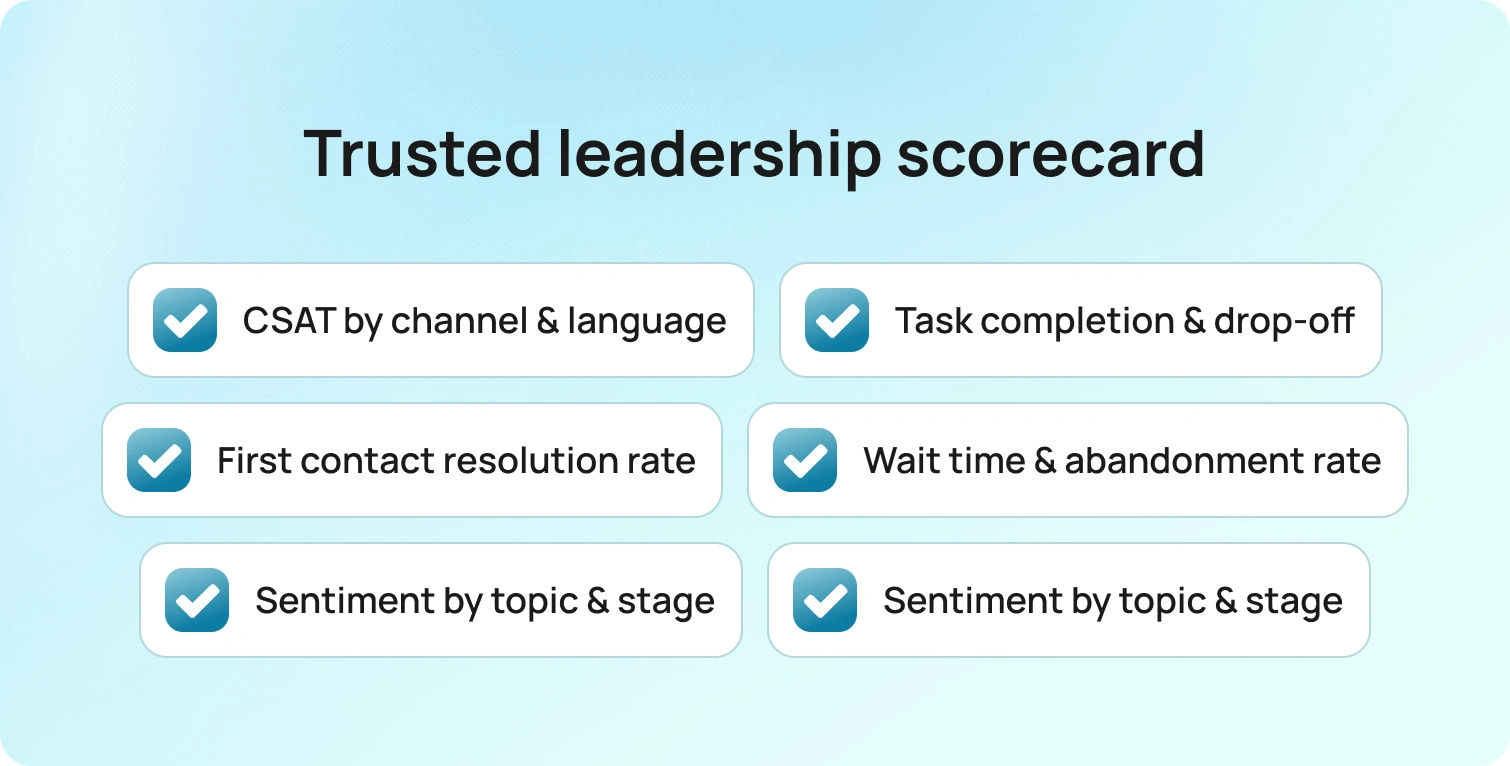
A small, durable scorecard works better than a sprawling dashboard. Targets should reflect mission, risk, and equity goals. Break every measure out by channel and language so gaps stay visible rather than averaged away.
- CSAT by channel and language
- Task completion and drop-off rate for priority journeys
- First contact resolution and transfer rate
- Wait time and abandonment
- Sentiment by topic and journey stage
- Complaint volume and time to resolution
A one-page quarterly scorecard keeps leaders and frontline teams aligned. Public versions for programs like health, tax, licensing, and benefits show progress and clarify where investment is needed. Transparent reporting helps preserve trust when delays or channel gaps appear.
Policy and Governance Essentials
Strong governance turns good intentions into durable service. The aim is clear guardrails that protect citizens while giving teams room to improve.
- Compliance framework: Executive Order 14058 and OMB A-11 Section 280 for U.S. federal agencies and partners
- Privacy-by-design: privacy impact assessments ahead of any new digital tool
- AI oversight: documented model governance for systems that interact with citizens
- Service standards: plain-language commitments, published and versioned
- Usability assurance: forms and letters tested with representative citizens
Together, these practices keep programs compliant and sustainable while improving the customer experience strategy.
How BlueTweak Can Help
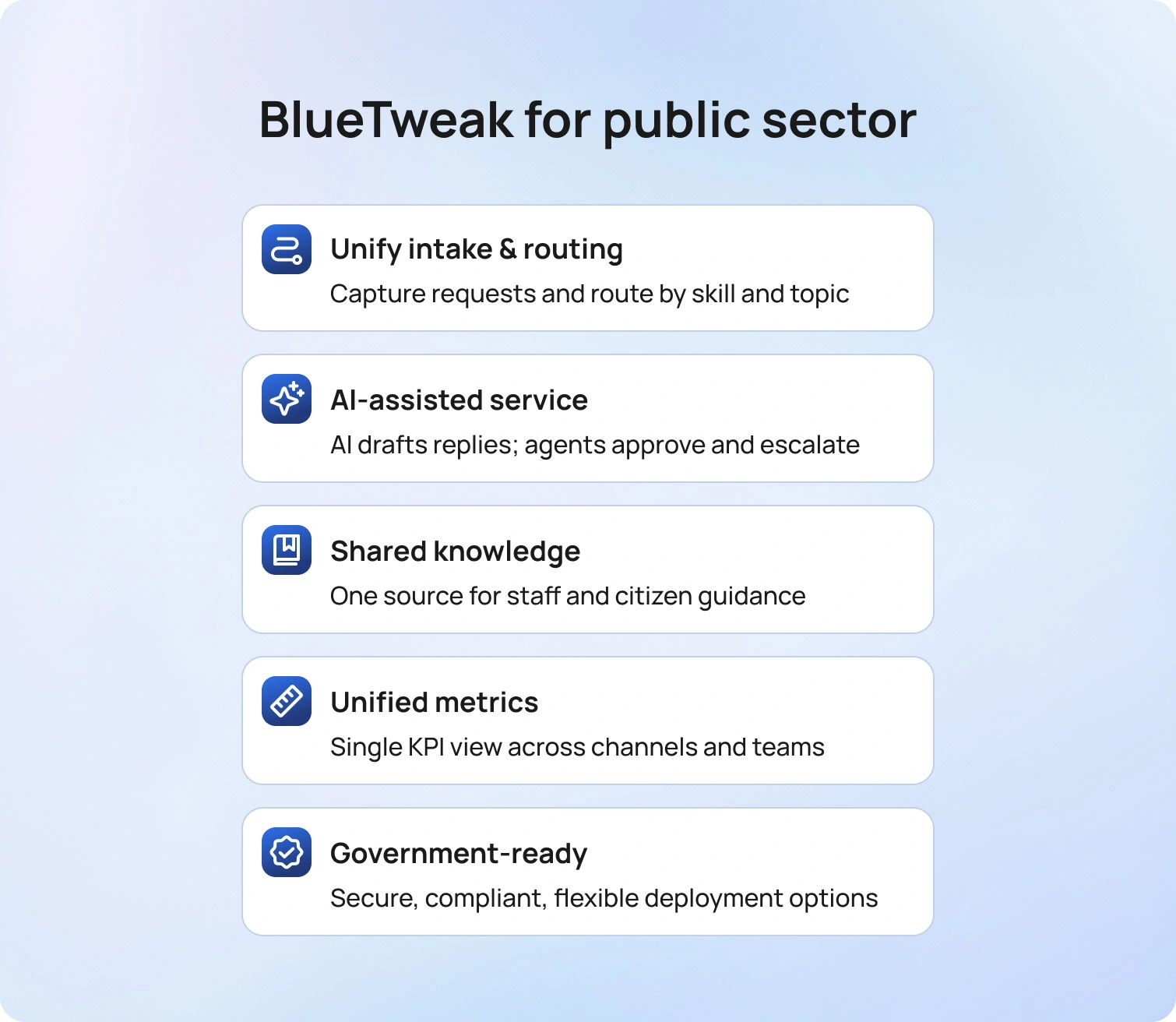
Public sector agencies need tools that respect policy, budget, and the pace of change. BlueTweak brings a multilingual chatbot, multilingual voicebot, and email into a single workspace, so teams can improve service delivery without rebuilding their stack.
Unify intake and routing
Capture customer requests in a single front door, then route by language, topic, and complexity to the right person the first time. Skills, queues, and SLAs are available in a single admin view, with an audit trail of changes.
Accelerate routine work with AI, keep humans in control
Use AI summaries to preserve context, suggested reply to draft on brand answers from a smart knowledge base, and real-time translation to cover thinly staffed languages. Agents approve every reply. Complex cases escalate with a full history intact.
One knowledge base for staff and citizens
Publish clear articles for websites, contact centers, and field offices from the same source. Versioning, ownership, and review cadences keep rules, proofs, and timelines aligned.
Measure once, coach everywhere
Standard KPIs include wait time, first contact resolution, transfers, abandonment, sentiment, and complaint trends. Voicebot metrics include containment, deflection, and concurrency. Leaders see one picture, and frontline teams coach against the same numbers.
Built for government reality
Cloud, hybrid, or on-premises deployment. Role-based access, audit logs, and data residency options. API open for CRM, case management, and records systems. Spam detection at intake to protect agents from noise. ISO certification in progress.
Where agencies start
Most teams begin with two priority journeys, enable routing and summaries, turn on proposed reply in a single queue, and add language coverage with translation. Results show up in fewer transfers, clearer communications, and steadier citizen satisfaction.
Future Outlook: 2026 and Beyond
Public sector customer service is shifting from isolated transactions to connected journeys. Citizens will expect clear status and consistent answers across agencies, not just faster responses on a single channel. Messaging and voice will keep growing, yet the bigger change sits behind the scenes as identity, consent, and data sharing follow the case from start to finish. Cloud choices will increasingly hinge on data residency, zero trust, and auditability, turning compliance from a blocker into baseline hygiene.
Artificial intelligence will move closer to the front line. Triage, translation, summarization, and suggested replies will become routine, while high-impact eligibility decisions remain human-in-the-loop. Procurement language will evolve in step, asking for model governance, bias testing, and incident reporting as standard terms. Accessibility will shape every new form and status page, and plain language will be built into delivery rather than added at the end. As these practices mature, trust becomes a managed metric alongside speed and cost.
Interoperability will decide who makes the biggest gains. API-first platforms and event-driven integrations will connect contact centers with case management, records, and payments so the experience feels continuous. Shared knowledge bases will cut across channels and regions. Analytics will move from monthly PDFs to near real-time views of CSAT, task completion, and sentiment by language and location.
By replacing status calls with proactive updates, agencies can improve outcomes even under tight budgets, proving that steady sequencing and clear governance deliver better service at scale.
Conclusion
Customer service in the public sector improves when journeys are simple, intake is unified, and the right person answers on the first touch. Pair plain language with clear service standards. Use digital status and appointments to reduce avoidable contacts. Apply AI to routine tasks with guardrails, keep one knowledge base for staff and citizens, and close the loop on customer feedback. Track task completion, first contact resolution, transfers, wait time, and sentiment so improvements are visible to leaders and the public.
If you are ready to modernize service delivery, see how BlueTweak brings chat, voice, and email into one workspace with routing, translation, summaries, and proposed replies tied to the same KPIs. Book a BlueTweak demo today.
12 Proven AI Support Use Cases for Telecom Teams (2026)
Why Telecom Needs Automation Now
In 2026, customers expect quick, accurate help on every channel. They also expect updates when service disruptions occur and clear answers to billing inquiries. At the same time, telecom companies must protect sensitive customer information, control operational costs, and maintain stable network performance. Manual processes cannot keep up with customer demands that span multiple communication channels.
In the telecom industry, the goal is reliable service delivery across every channel without increasing costs. Practical customer service automation enables telecom companies to handle demand spikes while protecting privacy and accuracy. GSMA Intelligence reports that 47% of telco AI deployments focus on customer care and 60% are already live, signaling a shift from pilots to production in support automation.
AI customer support automation in telecom addresses this gap. Artificial intelligence and machine learning can analyze customer data, detect customer intent, and trigger actions that guide each customer interaction to the right agent or a reliable digital answer. Done well, automation raises customer satisfaction, reduces repeat contacts, and helps support teams handle inquiries efficiently during spikes.
What AI Customer Support Automation in Telecom Includes
Key AI technologies span several layers that work together:
- Natural language processing to understand unstructured customer inquiries across chat, email, and social
- Generative AI to draft accurate first replies grounded in a knowledge base and policy
- Predictive analytics to anticipate service outages, network failures, and demand surges
- Automated ticketing systems that triage and route by language, intent, and complexity
- Virtual assistants and ai powered chatbots that resolve routine tasks and escalate with context
- Sentiment analysis to spot frustration and prioritize intervention
- Integrations with OSS/BSS and NOC tools to monitor network performance, pull network data, and automate outreach
The stack draws on key AI technologies, from NLP and predictive analytics to orchestration layers, that keep AI automation precise and auditable. Generative AI pairs with NLP and sentiment analysis to keep initial replies helpful and concise. Virtual assistants and AI-powered chatbots handle first-line questions across multiple communication channels while escalating with context.
BlueTweak unifies chat, voice, email, and SMS in one workspace, with language-aware routing, real-time chat translation, AI summaries, proposed reply from a smart knowledge base, workflow automation, WFM, and standard analytics. It integrates through APIs and webhooks, so support can react to network data without switching tools.
12 Proven Use Cases For AI Customer Support Automation
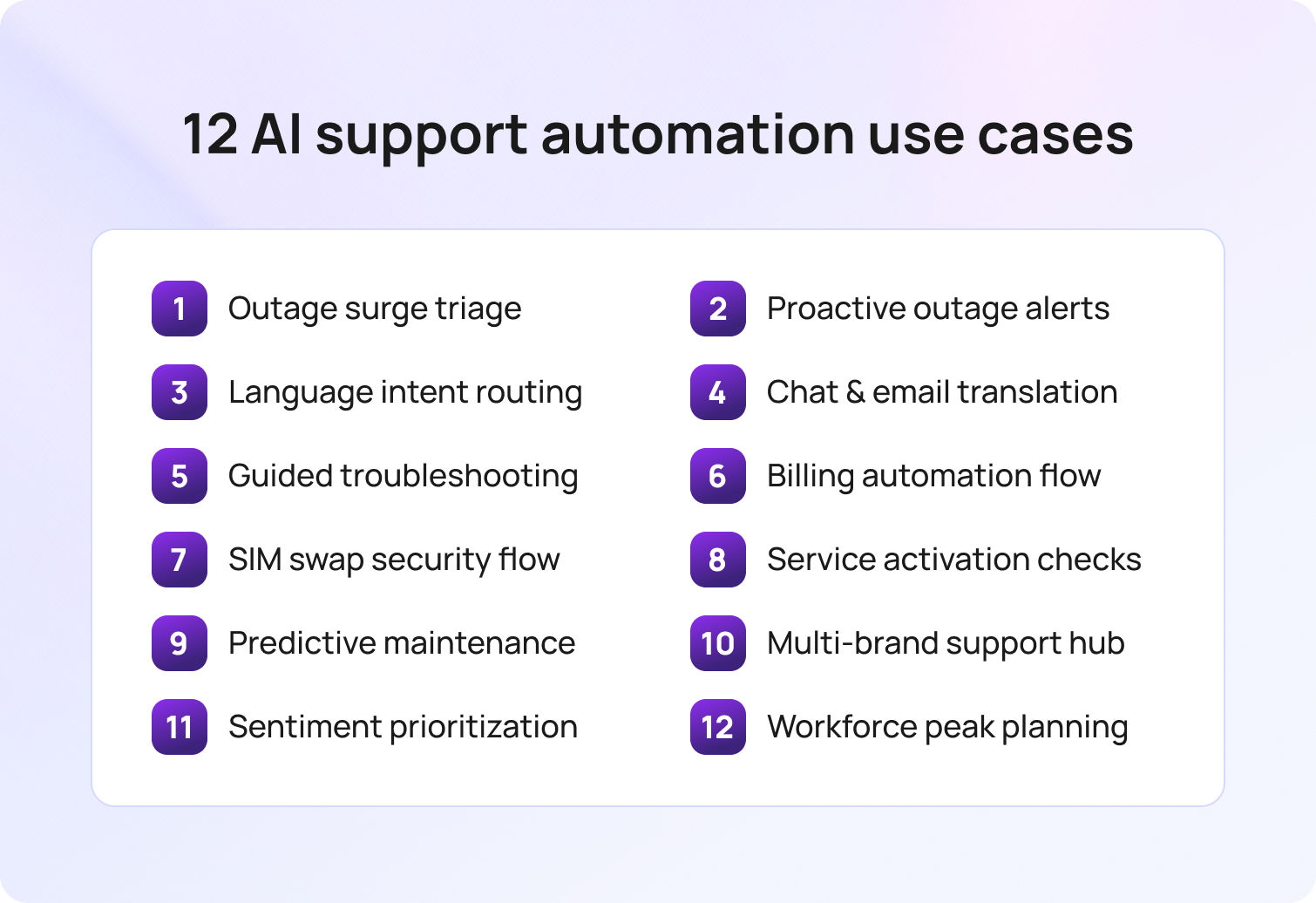
Each use case explains what it is, how it works, why it improves customer experience, and how BlueTweak supports the flow. Track the listed KPIs to measure lift in customer satisfaction and operational efficiency.
1) Outage triage and surge containment
What it is
When a cell site fails or a backbone link flaps, support tickets and incoming calls pile up. AI clusters similar complaints by location, device type, and error language, then links them to live NOC alerts.
How it works
NLP groups customer queries into incident clusters. A unified status card appears for agents and virtual assistants. Customers entering affected ZIP codes receive immediate acknowledgement and an expected response time window. Coordination with network operations ensures frontline messaging stays aligned with live restoration steps and available network resources.
Why it helps
You reduce duplicate troubleshooting, set expectations early, and keep customers informed. Agents focus on edge cases, not the same script 500 times.
Where BlueTweak fits
Connects to external systems via API, classifies and routes new cases, can automate replies and translate in real time, and surfaces incident-level performance. Core KPIs include containment, deflection, sentiment, and FCR; additional customer support metrics, such as wait time and CSAT, can be tracked in analytics.
2) Proactive outage communication across channels
What it is
Customers want to know you see the problem. AI automation can send tailored updates on SMS, email, and in-app when a monitored threshold is crossed.
How it works
When OSS raises an event, automation creates a segment from customer data in the polygon or site footprint and pushes an update with a plain-language status, next check-in time, and safe self-help steps.
Why it helps
Transparent updates cut inbound volume, support customer loyalty, and reduce churn risk during extended maintenance. Clear updates preserve service quality and set realistic expectations for affected telecom services.
Where BlueTweak fits
Sends multilingual updates and AI-assisted replies, with analytics focused on containment/deflection, sentiment, and FCR; additional metrics like CSAT or engagement can be tracked if available in your analytics stack.
3) Real-time language and intent routing
What it is
Customers expect immediate acknowledgment in their language. Language and intent detection at intake routes to the right skill queue.
How it works
NLP detects Spanish billing, French mobile data, or English fiber install questions as they arrive, then applies the response SLA for each queue. Matching intent to skills is the fastest way to respect customer needs without creating new handoffs.
Why it helps
Wrong-queue bounces disappear. Average first response time drops. Escalations become cleaner.
Where BlueTweak fits
Classifies and routes conversations, assists agents to reduce time to first response, and supports multilingual chatbots and other operations. Core KPIs include transfer rate, containment/deflection, sentiment, and FCR; FRT and CSAT may be tracked depending on your analytics setup.
4) Multilingual chat and email translation
What it is
Thin coverage for minority languages slows the first reply. Inline translation keeps the conversation moving. Inline guidance helps agents assist customers in their preferred language without leaving the thread.
How it works
Agents write in their language; customers read in theirs. Brand glossaries protect plan names, device models, and billing codes.
Why it helps
The team replies within SLA while reserving human intervention for complex cases.
Where BlueTweak fits
Provides real-time chat translation and AI-assisted replies, reducing time to first response. Teams can track core outcomes such as containment/deflection, sentiment, and FCR; FRT can be included, depending on the reporting setup.
5) Guided device and network troubleshooting
What it is
Many contacts involve SIM activation, APN settings, eSIM transfer, or ONT resets. AI-powered guides solve these without wait time.
How it works
AI tools walk customers through steps with branched logic and device-specific instructions, then auto-document outcomes.
Why it helps
Automating routine tasks with device-aware flows delivers tailored solutions that resolve common issues on the first touch. Perceived service reliability rises, and truck rolls fall. Customers find answers fast.
Where BlueTweak fits
Uses the knowledge base to assist customers and agents with AI-assisted answers and automation. Core KPIs we track include containment/deflection, transfer rate, sentiment, and FCR; additional metrics, such as AHT or CSAT, can be tracked depending on your analytics setup.
6) Billing inquiry automation with secure handoff
What it is
Billing is high-volume and high-sensitivity. Automation pulls plan details, recent invoices, and add-ons to compose a precise answer.
How it works
AI-powered systems recognize billing intent, retrieve the last bill, highlight deltas, propose an explanation or credit path, and, where policy requires, escalate to an agent for approval. Models analyze customer data to prefill plan details and charges, reducing back-and-forth and speeding approvals.
Why it helps
Clear, fast initial responses cut repeat contacts. Customers feel valued because the reply references their account and plan.
Where BlueTweak fits
Uses a smart knowledge base and proposed replies to speed up the first response. Core outcomes we track include containment/deflection, transfer rate, sentiment, and FCR; additional metrics like FRT or CSAT can be included depending on your reporting setup.
7) SIM swap and identity assurance flow
What it is
Security posture matters. A risky SIM swap or port-out request needs careful validation.
How it works
Automation detects a SIM swap request, triggers stepped-up verification, checks recent customer behavior, and flags risk signals from fraud services. Only then does it create a change order or escalate.
Why it helps
You protect sensitive customer information, stop fraud, and ensure legitimate requests flow smoothly.
Where BlueTweak fits
Applies automatic routing and classification to get the right work to the right queue, with AI summaries to speed review. Core outcomes we track include containment/deflection, transfer rate, sentiment, and FCR; additional metrics can be tracked depending on your analytics setup.
8) Service activation and provisioning checks
What it is
New lines, fiber connects, number porting, IoT SIMs; service activations need clear guidance and visibility.
How it works
Automation collects required fields up front, checks order/prereqs in OSS/BSS, and confirms milestones to the customer.
Why it helps
Fewer back-and-forth loops, faster activations, fewer missed appointments.
Where BlueTweak fits
Connects with external systems through an API-open approach and uses the knowledge base and automation to assist customers and agents. Core outcomes we track include containment/deflection, transfer rate, sentiment, and FCR; additional metrics can be added based on your analytics setup.
9) Predictive maintenance prompts to pre-empt spikes
What it is
Network monitoring and historical performance data can predict trouble before customers call.
How it works
When models flag a sector overheating or rising error rates, support preloads a status note and prepares a targeted FAQ and IVR prompt for that region.
Why it helps
You reduce call spikes and meet customer expectations with steady, proactive communication. Using historical performance data and live telemetry to optimize network performance helps anticipate customer needs before tickets arrive.
Where BlueTweak fits
Connects to external systems through an API-open approach and can assist teams with rapid responses; proposed replies help reduce first-response time. Core KPIs tracked include containment/deflection, sentiment, and FCR; FRT can be included depending on the reporting setup.
10) Multi-brand and wholesale client support in one workspace
What it is
Many telecom providers serve MVNOs or multiple brands. Fragmented tools slow the support process.
How it works
Automation tags cases by brand, applies the right service standards, and keeps reports separate while sharing capacity.
Why it helps
Shared staffing, unified training, isolated analytics. Operational costs fall.
Where BlueTweak fits
Applies automatic routing with WFM/analytics to support operations and proposed replies that reduce time to first response. Core outcomes we track include containment/deflection, transfer rate, sentiment, and FCR; FRT can be included depending on the reporting setup.
11) Sentiment-driven prioritization and coaching
What it is
A polite first reply matters. Sentiment analysis spots tense threads early.
How it works
Models score tone at each step. Negative shifts trigger faster follow-ups, supervisor views, or a tone-checked template.
Why it helps
Lower escalations, better recovery after delays, and rising overall customer satisfaction.
Where BlueTweak fits
Surfaces sentiment and provides call transcription plus AI classification/summarization to support reviews. Core KPIs we highlight include containment/deflection, transfer rate, sentiment, and FCR; additional metrics (e.g., escalation rate or CSAT) can be tracked if available in your analytics stack.
12) Workforce and channel planning for peaks
What it is
Promotions, sporting events, and regional storms. Volume swings are part of the telecommunications industry.
How it works
Forecasts combine historical patterns with event data. Schedules balance voice, chat, and email loads. Rapid-response pools cover unexpected spikes.
Why it helps
Stable average response time, protected SLAs, and fewer queue abandonments.
Where BlueTweak fits
Omnichannel support with WFM/analytics alongside operations; AI-assisted replies help reduce time to first response. Core outcomes we track include containment/deflection, transfer rate, concurrency, sentiment, and FCR; FRT can be included depending on the reporting setup.
Implementation Roadmap For Telecom Providers
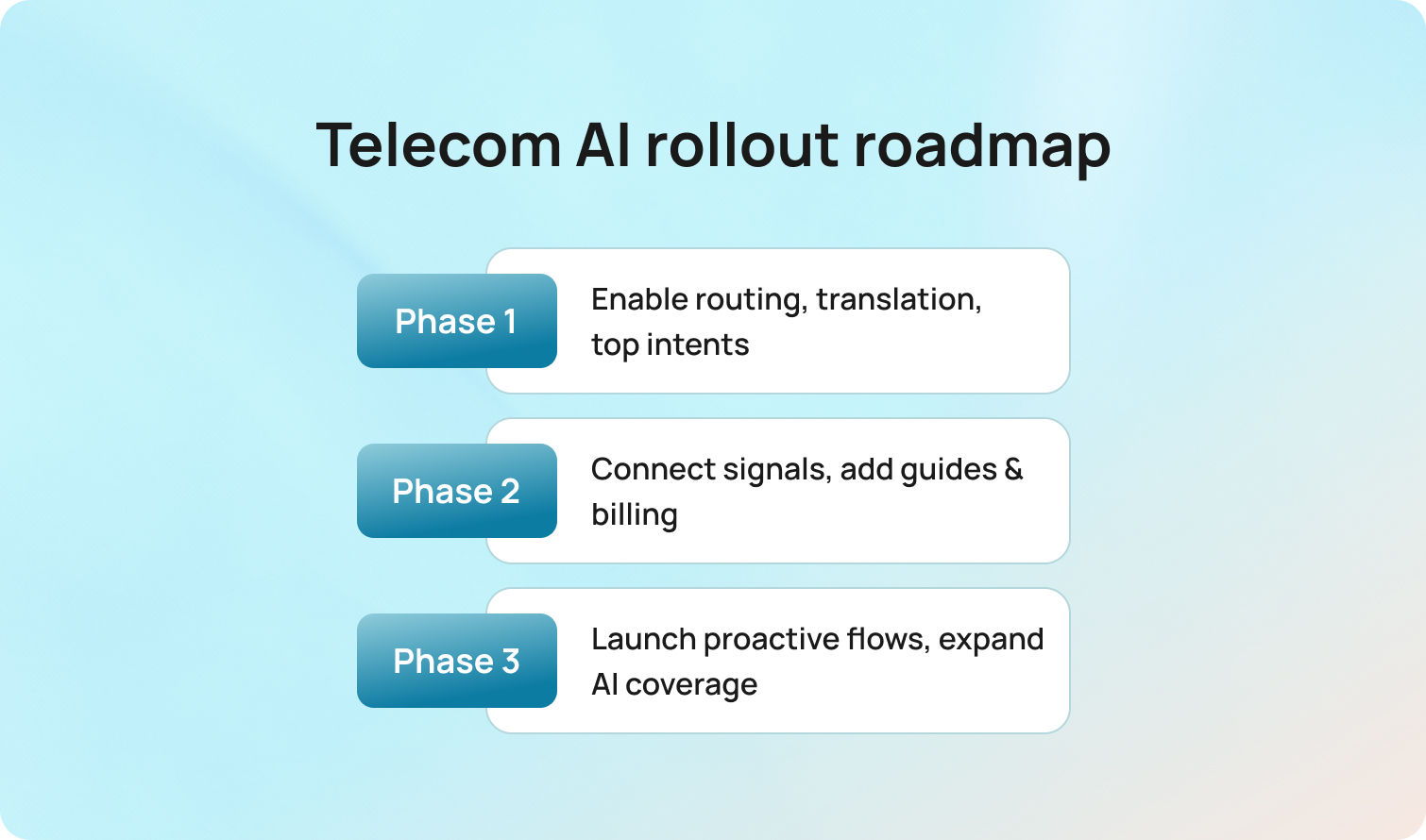
Start small, move fast, and add depth each month.
Phase 1
Enable language and intent routing, inline translation, and proposed reply for the top five intents. Update the ten most-read knowledge articles and localize them. Publish channel-specific FRT targets.
Phase 2
Connect outage and activation signals by API. Launch guided device troubleshooting and secure billing replies. Add sentiment flags for high-value accounts. Train agents on templates and tone.
Phase 3
Introduce proactive outage communications, predictive prompts for at-risk cells, and SIM swap flows with stepped-up verification. Expand virtual assistants to cover more routine support tasks, then tune based on edit logs and CSAT. By this point, teams are running AI solutions at scale while keeping human review for edge cases.
Measurement That Ties to Business Outcomes
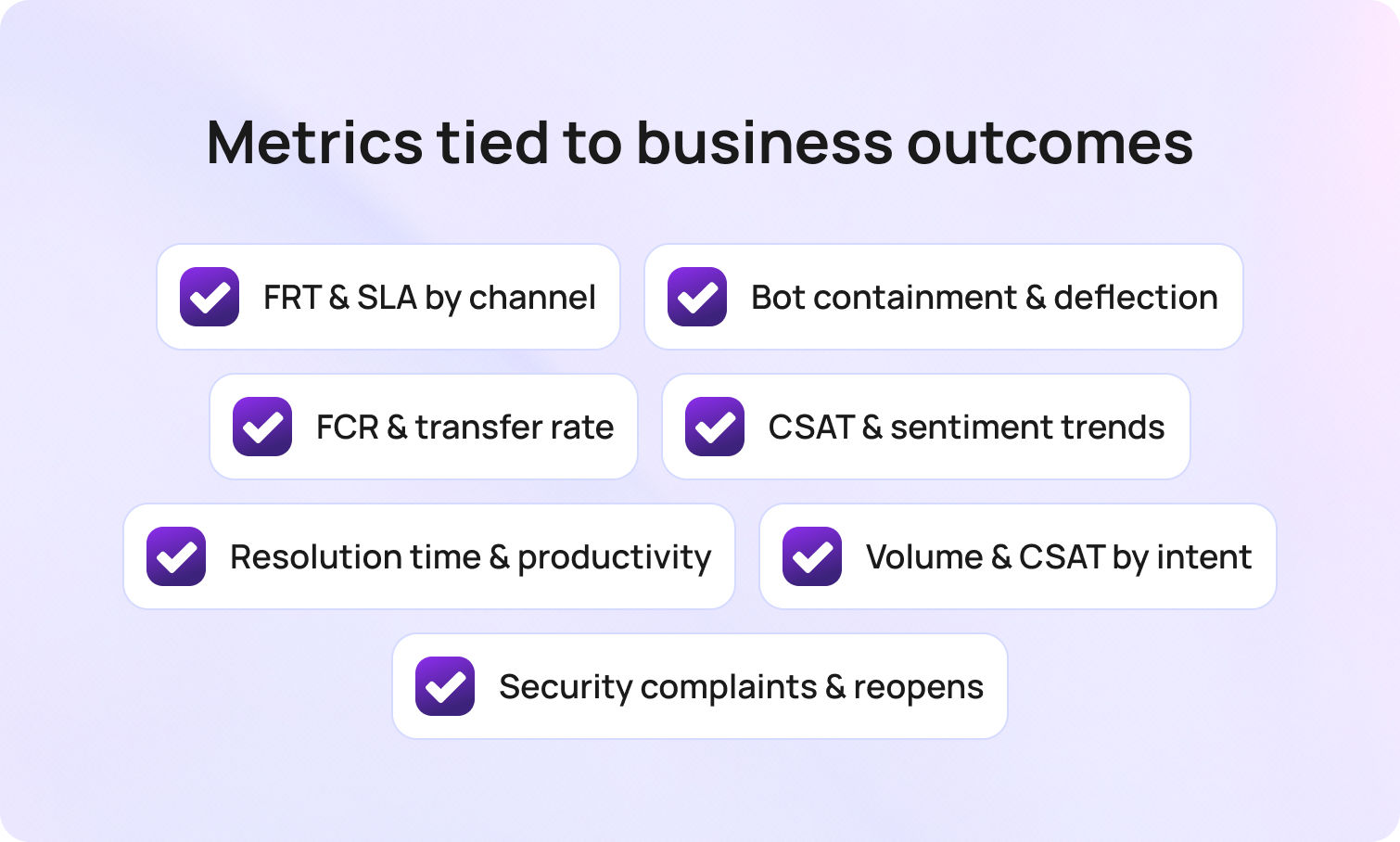
Automation succeeds when customer engagement improves, and costs fall. Review these weekly:
- First response time and percent within response SLA by channel and language
- Containment and deflection from bots and IVR
- FCR and transfer rate to confirm the first response was useful
- CSAT and sentiment after the first reply and after the resolution
- Average resolution time and resolved per agent hour for resource allocation
- Volume and CSAT on billing inquiries, service activations, and outage clusters
- Complaints and reopens on security flows (SIM swaps, number ports)
Tie changes back to revenue drivers: fewer credits during outages, better retention after fast fixes, and significant cost savings from lower manual work.
Privacy, Security, and Governance
Telecom traffic is personal. Keep privacy and security first.
- Limit models to approved sources like your internal knowledge base, policy library, and consented customer data
- Mask sensitive fields in transcripts and restrict who can unmask them
- Log when AI-powered systems propose or translate text, including the sources used
- Provide human agents for eligibility changes, refunds, or sensitive identity checks
- Align with data residency and processor rules for your regions, and audit third-party connections
These controls let you protect sensitive customer information while scaling automation responsibly.
Common Pitfalls to Avoid
Even well-run teams lose minutes to small, repeatable mistakes. The patterns below either inflate your FRT on paper or slow real conversations in ways customers notice. Keep them in view as you tune tools, targets, and workflows.
- Measuring only average time and ignoring business hours or holidays
- Counting auto-replies as meaningful first responses when they do not address the customer’s request
- Setting the same first response SLA across email, chat, and phone
- Letting the internal knowledge base drift while templates multiply
- Treating all tickets equally when some require the right agent and deeper context
Avoid these traps, and your support automation will handle inquiries efficiently without compromising quality.
Future Outlook: 2026 and Beyond
Automation keeps moving to the edge. Operators are wiring live network telemetry into predictive maintenance so fixes can be scheduled before customers feel the dip. Generative AI will be deployed with retrieval-augmented grounding and formal evaluation, so answers cite approved content and reflect the customer’s history and tone.
Enterprises are also getting more hard-nosed about evidence: in the 2026 PwC Global CEO Survey, only 12% of leaders say AI has delivered both higher revenue and lower costs so far, raising the bar for measurable value and auditability. Regulations and infrastructure are catching up: the EU AI Act’s core obligations, including transparency (Article 50) and most high-risk rules, start applying on August 2, 2026, pushing providers to keep model logs and demonstrate controls.
On the stack side, sovereign-cloud options are expanding fast: AWS European Sovereign Cloud went live in Germany in January 2026, with more EU countries on the roadmap, while Microsoft broadened its Sovereign Cloud options and in-country processing commitments through 2025, with additional markets slated by the end of 2026.
What this means: expect tighter coupling between support and infrastructure: predicted fixes flow straight into proactive status updates, agent guidance, and field workflows — with clear audit trails to satisfy EU-grade governance.
Conclusion
The best AI customer support automation in telecom is practical, measurable, and respectful of how telecom networks and business operations work. Automate the repetitive parts, triage, translation, AI-suggested replies, and guided fixes, while keeping human intervention for judgment calls. Track FRT, FCR, CSAT, containment, deflection, and sentiment to verify real gains. With the right foundation, telecom providers improve service reliability, lower operational costs, and boost customer satisfaction. The outcome is better service delivery and service quality across brands and regions, without losing the human touch. BlueTweak brings routing, translation, AI summaries, suggested replies, and reporting into a single workspace for customer support. Request a demo to learn more.



