



TL;DR
The 20 customer service ticketing system options below range from unified platforms likeBlueTweak to specialized solutions like Intercom and ITSM-focused tools like Freshservice. We look at the channel coverage your service teams need, AI depth (basic automation vs. KB-grounded assistance), operations capabilities, and total cost, including add-ons.
Picking the Right Ticketing System
Choosing the right customer service ticketing system comes down to how well contact center software manages requests across channels, automates workflows without losing context, and equips agents to resolve issues faster.
Some tools lean into IT operations with asset tracking and change management. Others focus on customer experience with omnichannel support and AI-driven automation.
The 20 ticketing systems below span both camps to help you find the platform that fits how your team works.
Why Teams Look for Customer Service Ticketing Software in 2026
When teams come to us after outgrowing their first ticketing system, the breaking point is almost never ticket volume alone — it's the moment an agent has to switch between three tools mid-conversation to answer one customer. That context fragmentation is where resolution time spikes and satisfaction drops. The platform decision isn't really about features on a checklist; it's about whether the system holds the full conversation together under pressure.
— Radu Dumitrescu, Head of Presale & Digital Transformation, BlueTweak
As support volumes grow, gaps in basic ticketing systems become apparent. An email-only setup might work for five agents, but it quickly falls apart when you’re coordinating fifty across voice, live chat, email, and social channels.
Common triggers:
- Native voice with unified ticketing: Many helpdesk ticketing systems treat calling as secondary, requiring third-party integrations that fragment customer context. Teams managing customer support across voice and messaging need omnichannel support platforms where phone conversations flow into the same ticketing system as chat and email, maintaining full context without switching between tools.
- Richer analytics and WFM: Basic ticket tracking isn't sufficient for mature support operations. Teams need workforce management for accurate forecasting and scheduling, quality modules to measure agent performance, and customizable dashboards to track customer satisfaction alongside operational metrics such as ticket volume and resolution times.
- AI beyond macros: Rule-based automation and canned responses deliver limited value. Modern service teams explore AI ticket summary generation, call transcription software, KB-grounded suggested replies, and AI ticket classification that learns from resolved tickets rather than applying static rules.
Decision lens:
- Channels and voice handoff: Does the ticketing software handle voice, SMS, live chat, email, and team messaging natively? Can support agents seamlessly transfer customer requests from chat to phone without recreating tickets or losing conversation history?
- AI depth and KB grounding: Look for call transcription, automated ticket summarization, proposed reply generation, and knowledge base integration, grounding responses in documented answers rather than generic AI outputs
- Reporting and ops tools: Workforce management capabilities, QA scoring modules, SLA dashboards, performance tracking, and forecasting become essential as support teams grow
- Security and admin controls: SSO/MFA, role-based access control, audit logs, data residency options, and PII redaction for compliance
- Integrations and APIs: CRM connections, ecommerce platform ties, open APIs, webhooks enabling custom workflows without vendor lock-in
- Total cost to operate: Per-agent vs. per-ticket pricing models, AI session limits, voice minute charges, add-on costs for features like advanced analytics or customer service workforce management
Customer support metrics to benchmark:
- First Call Resolution (FCR)
- Containment/Deflection rates
- Abandon Rate
- Agent Concurrency
- Sentiment Scores
- Transfer Rate
- Mean Opinion Score (MOS) for voice quality
- First Response Time (FRT)
- Resolution time
- Backlog metrics (per channel/brand)
Use these metrics to evaluate whether your customer service ticketing system improves intake quality, routing efficiency, and resolution speed.
CFO/COO lens: Time-to-value matters equally to TCO. Platforms promising "complete customization" often require months implementing and consulting fees. Prioritize ticketing systems delivering measurable ROI within weeks, not quarters.
Confirm native multi-brand administration with per-brand routing, reporting, and portal configurations in the vendor’s documentation. Be wary of platforms that claim multi-tenant support but do not publish clear technical specifications.
Top 5 Customer Service Ticketing Systems: Price & Feature Breakdown
| Software | Best For... | Key Advantage | Starting Price (Annual) |
| BlueTweak | Mid-Market Teams | Native Voice + KB-Grounded AI | €65/agent (All-in) |
| Intercom | SaaS & Proactive Chat | Fin AI Agent & Modern UX | $29/seat (+ AI fees) |
| Zendesk | Large Enterprises | 1,200+ Marketplace Apps | $19/agent (Base plan) |
| Help Scout | Small Email Teams | Simple, Human-Centric UI | $25/user (Starts Free) |
| Freshdesk | Simple Setup | Low entry cost for basic email | $15/agent (Growth) |
20 Customer Support Ticketing System Options for 2026
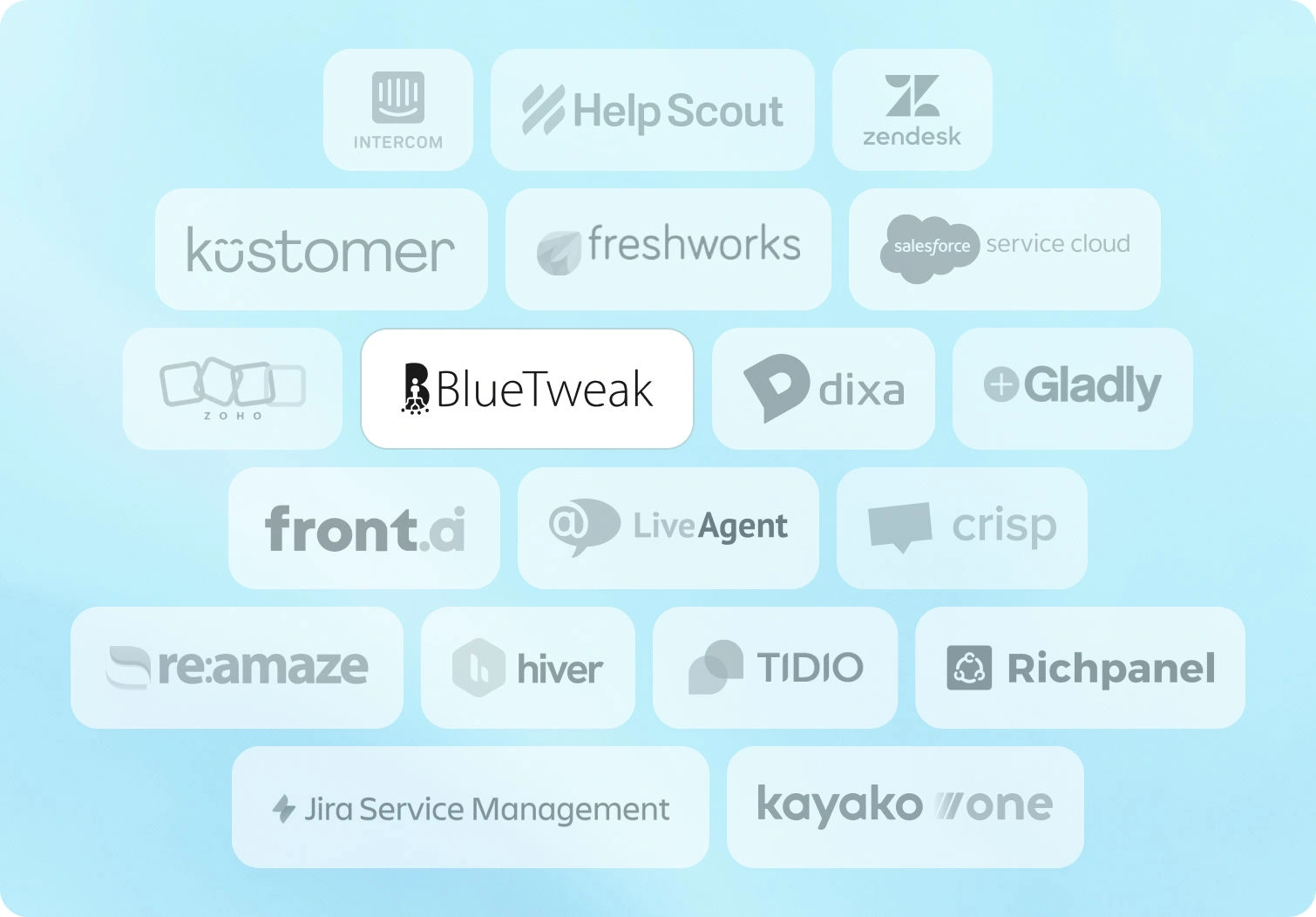
Below are 20 customer service ticket systems that teams evaluate when selecting ticketing tools for support operations. Pricing and features derive from public vendor documentation as of January 2026. Custom pricing tiers note "Contact sales" where verification is required.
1. BlueTweak — Editor's Choice

BlueTweak is an all-in-one CCaaS platform that brings voice, chat, email, and social messaging into one workspace, powered by AI, workforce management, and quality tools. Built for mid-market teams and BPOs with 20 to 100 agents, it uses knowledge-base-grounded AI to deliver fast, accurate answers across every channel without hallucinations.
Best for: Support teams looking for omnichannel ticket management with KB-grounded AI and built-in WFM, without integrating separate tools.
Key features:
- Native voice (call center, IVR, multilingual AI voicebot, call transcription, translation)
- Chat with an AI chatbot and real-time translation
- AI suggested reply, canned responses, ticket classification, and AI ticket summary
- KB-grounded AI assistance with a public knowledge base and hierarchy
- Ticketing system with sentiment analysis, AI ticket classification, and custom fields
- Built-in workforce management (forecasting, scheduling) and quality module
- Prebuilt and custom dashboards with advanced reporting
- Security (audit log, custom roles, MFA, data location options)
- Open APIs with a sandbox environment
- €65/agent/month (all features included)
- No feature gating; unlimited users and integrations
- AI usage priced separately per customer interaction (transparent, predictable)
Pros:
- Single platform eliminates separate voice, chat, AI, and analytics tools; streamlines help desk software operations
- KB-grounded AI delivers accurate suggested replies and prevents generic responses
- Built-in WFM and QA reduce add-on costs compared to platforms charging $25-$50/agent/month extra
- Transparent pricing with no hidden usage caps or surprise charges
- Fast deployment (weeks vs. months) with dedicated onboarding
- Multilingual capabilities across voice and text (35+ languages)
- Built for BPOs with a multi-tenant, multi-brand configuration
Cons:
- Newer brand compared to legacy incumbents like Zendesk or Salesforce
- Optimized for mid-market (20-100 agents); very large enterprises may need customization
- AI usage scales with ticket volume; requires forecasting for budget planning
- Smaller third-party marketplace compared to Zendesk's 1,200+ apps
To see how these capabilities translate in practice, read how Aeroitalia transformed its passenger support operations using BlueTweak's omnichannel platform.
Have a chat with one of our experts
Book Call2. Intercom
Have a chat with one of our experts
Book Call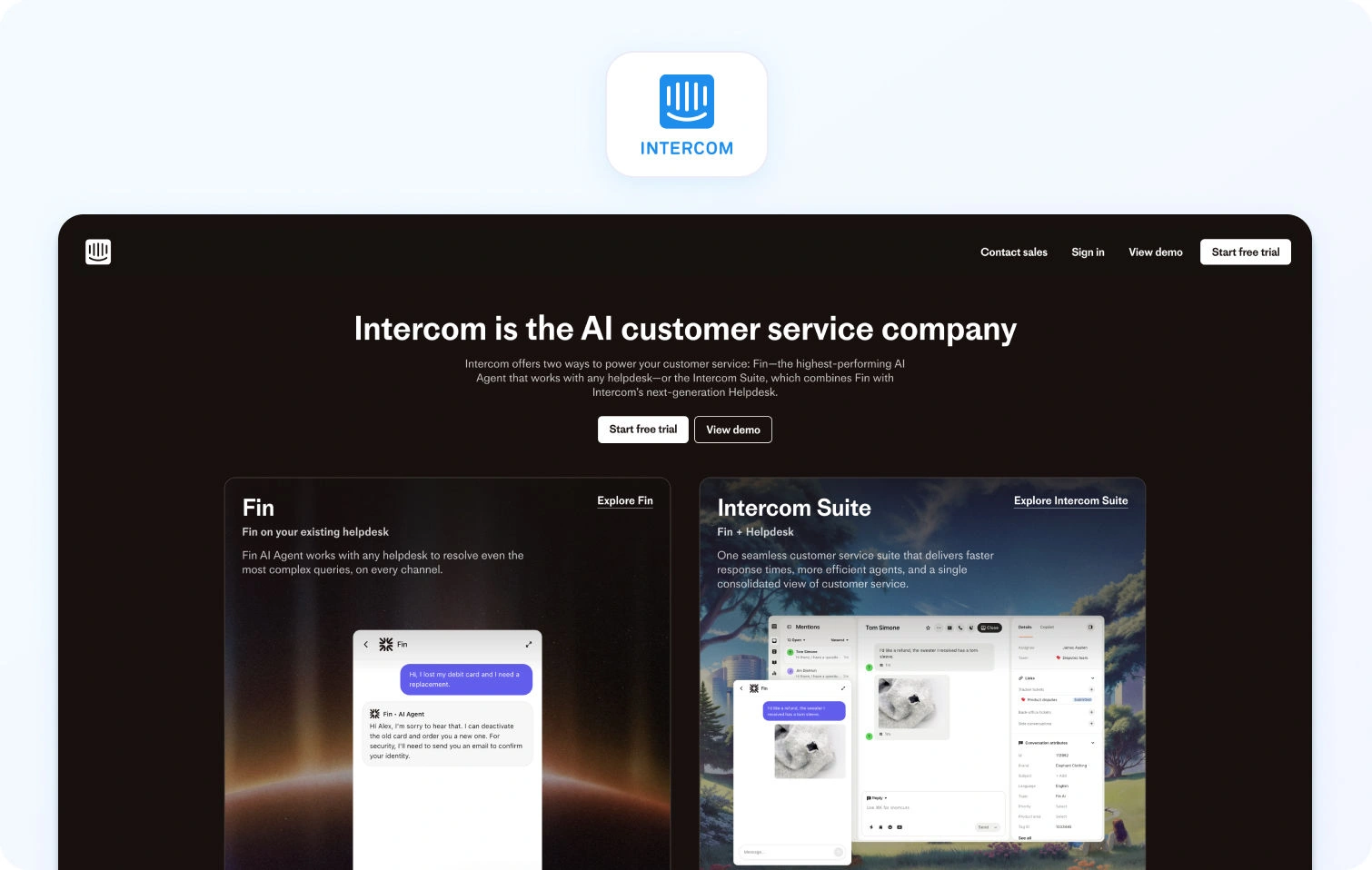
Intercom combines live chat, custom AI chatbot (Fin AI), and helpdesk ticketing with a focus on proactive customer engagement. It handles basic email and messaging but lacks native voice capabilities.
Best for: SaaS companies prioritizing proactive engagement over traditional ticket management.
Key features:
- Fin AI chatbot (GPT-powered, KB-grounded, text-only)
- Live chat and customer messaging
- Product tours and proactive outreach campaigns
- Basic ticketing workflows for customer requests
- Help center with article management
- Customer data platform for context
- Team inbox for collaboration
- Analytics dashboards
- Multilingual support (45+ languages)
Pricing:
- Essential: $39/seat/month (annual)
- Advanced: $99/seat/month (annual)
- Expert: $139/seat/month (annual)
- Fin AI Agent: $0.99 per resolved conversation (pay-as-you-go)
- Copilot add-on: $35/agent/month
Pros:
- Excellent for conversation-driven, proactive customer support
- Modern chatbot UX with strong AI capabilities
- Great for customer onboarding and product education
- Multilingual bot functionality across messaging apps
- Clean, contemporary user interface
Cons:
- No native voice or voicebot support
- Costs escalate quickly as contact volume increases
- Limited traditional helpdesk ticketing features
- Not suitable for teams needing comprehensive WFM
- Unpredictable AI resolution fees during high-volume periods
3. Help Scout
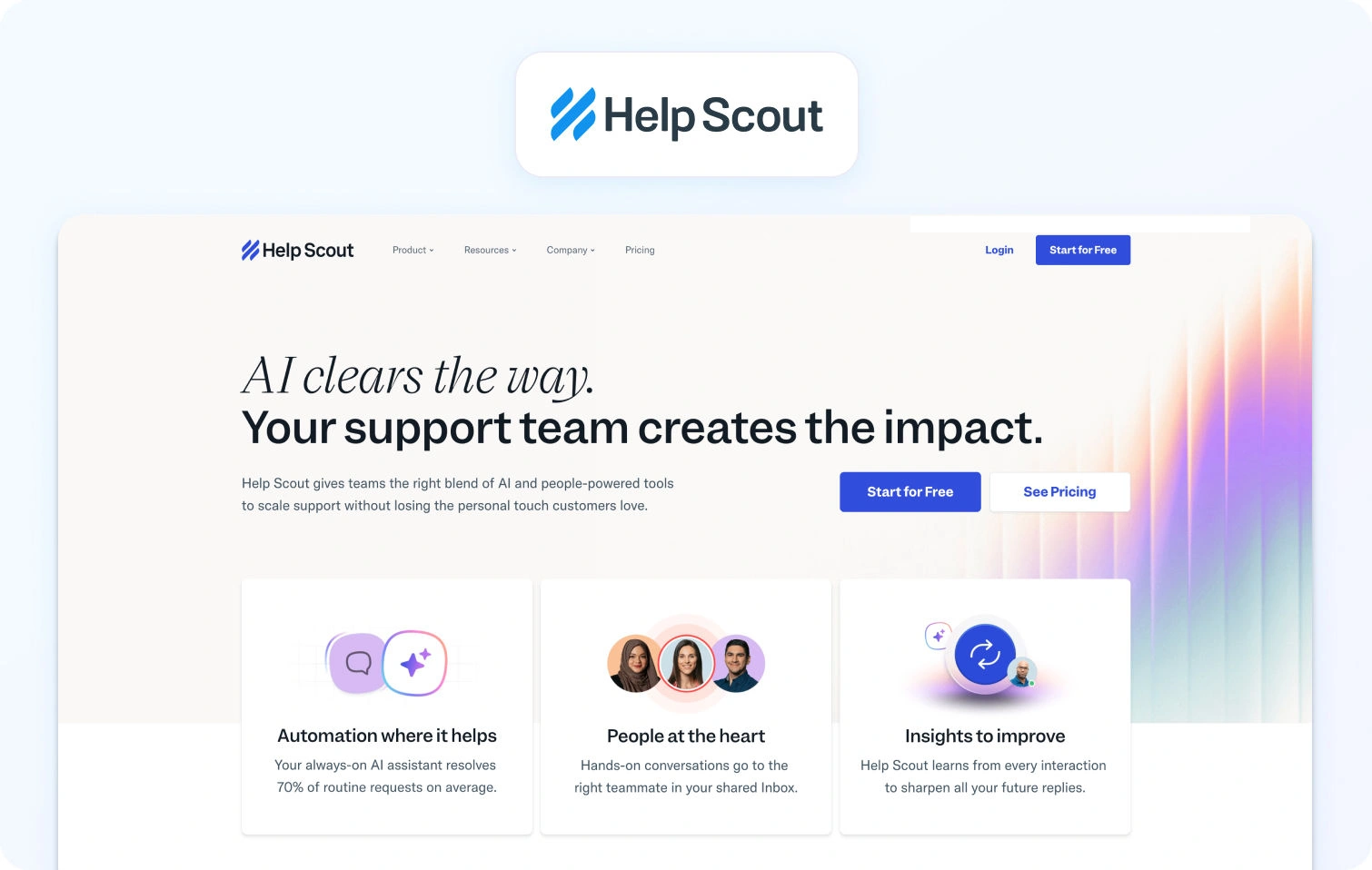
Help Scout is an email-first customer service ticketing platform with a shared inbox, built-in knowledge base (Docs), and live chat via Beacon. It focuses on simple workflows and human-centered conversations rather than heavy automation.
Best for: Small teams prioritizing email support with uncomplicated workflows.
Key features:
- Shared inbox for email management
- Knowledge base (Docs) for self-service
- Live chat widget (Beacon)
- Customer profiles with conversation history
- Collision detection prevents duplicate responses
- Internal notes for team collaboration
- Basic analytics and reporting
Pricing:
- Free: $0 (up to 5 users, 1 inbox, 1 docs site)
- Standard: $30/user/month
- Plus: $54/user/month
- Pro: $90/user/month
- AI Answers: $0.75 per resolution
Pros:
- Clean, uncluttered, user-friendly interface
- Strong focus on personalized, email-first customer support
- Affordable for small support teams
- Quick setup requiring minimal technical expertise
- Good knowledge base capabilities for customer self-service
Cons:
- No native voice or SMS support capabilities
- Limited automation compared to full-featured ticketing systems
- Basic reporting and analytics functionality
- Not designed for complex, multi-channel support
- Lacks advanced routing and WFM features
4. Zendesk
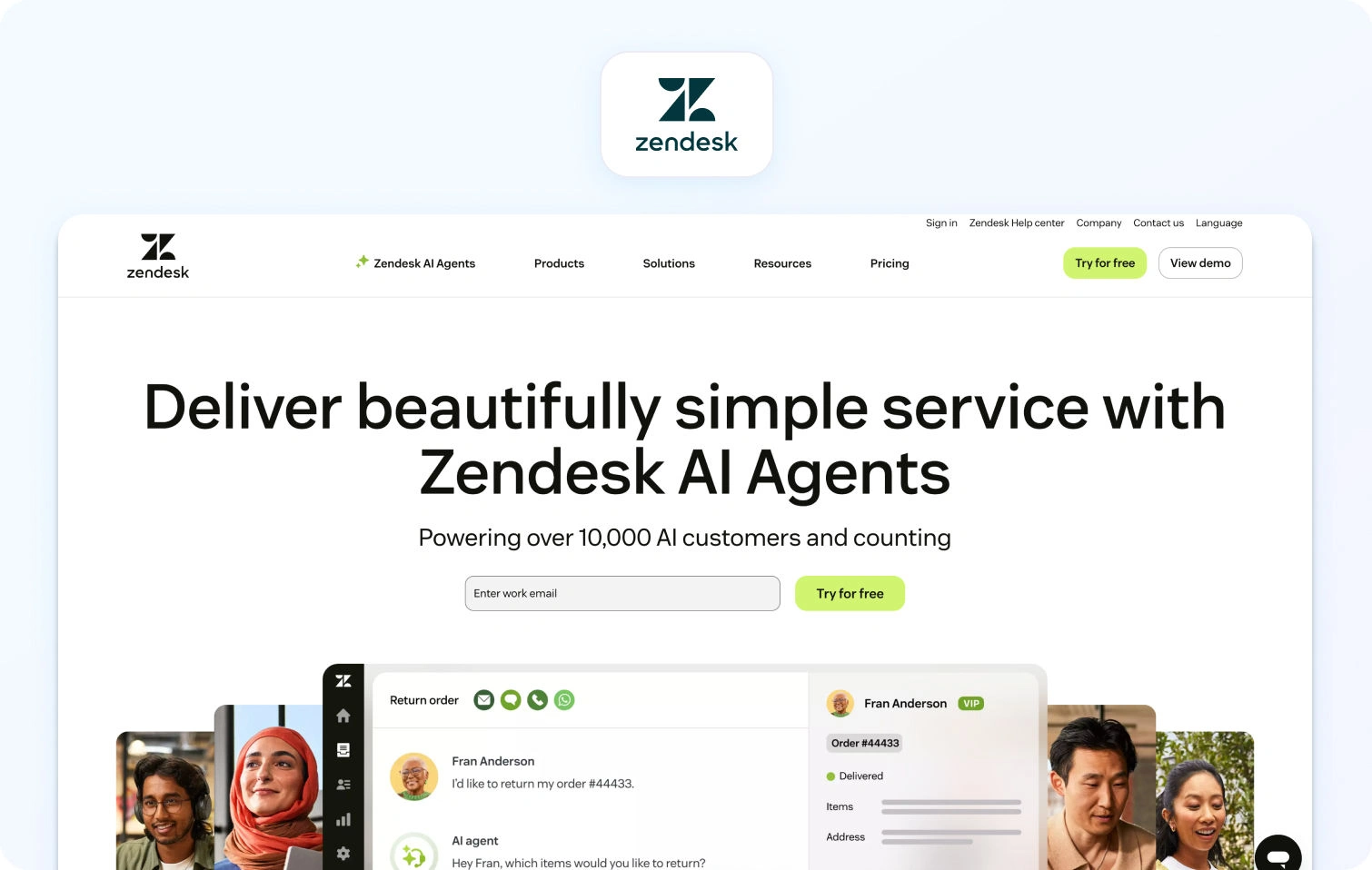
Zendesk is a cloud-based customer service ticketing platform with AI add-ons for ticket summarization, intent detection, and chatbot automation. It supports email, chat, and voice (through third-party integrations), with advanced AI, workforce management, and premium voice features sold separately.
Best for: Large organizations needing extensive reporting, marketplace integrations, and enterprise security.
Key features:
- Omnichannel ticketing with macros and automation
- Knowledge base with multilingual capabilities
- Answer Bot (knowledge-base chatbot, text-only)
- AI-powered workflow automation and intelligent routing
- Zendesk Talk (voice via third-party integration)
- Workforce management (add-on: $25/agent/month)
- Quality assurance (add-on: $35/agent/month)
- Advanced reporting tools
- Marketplace with 1,200+ integrations
Pricing:
- Support Team: $19/agent/month (annual) or $25/agent/month (monthly)
- Suite Team: $55/agent/month (annual) or $69/agent/month (monthly)
- Suite Professional: $115/agent/month (annual) or $149/agent/month (monthly)
- Suite Enterprise: $169/agent/month (annual) or $219/agent/month (monthly)
- Add-ons: Copilot $50/agent/month, QA $35/agent/month, WFM $25/agent/month
Pros:
- Mature platform with extensive third-party integrations
- Massive marketplace ecosystem (1,200+ apps)
- Enterprise-grade security and compliance certifications
- Familiar interface reduces training time
- Strong documentation and community resources
Cons:
- Total cost balloons when adding AI, WFM, and QA features
- Voice is partner-dependent (not native calling)
- Per-agent pricing scales poorly as support teams expand
- Steep learning curve for advanced configuration
- Many essential features are locked behind premium tiers
5. Kustomer
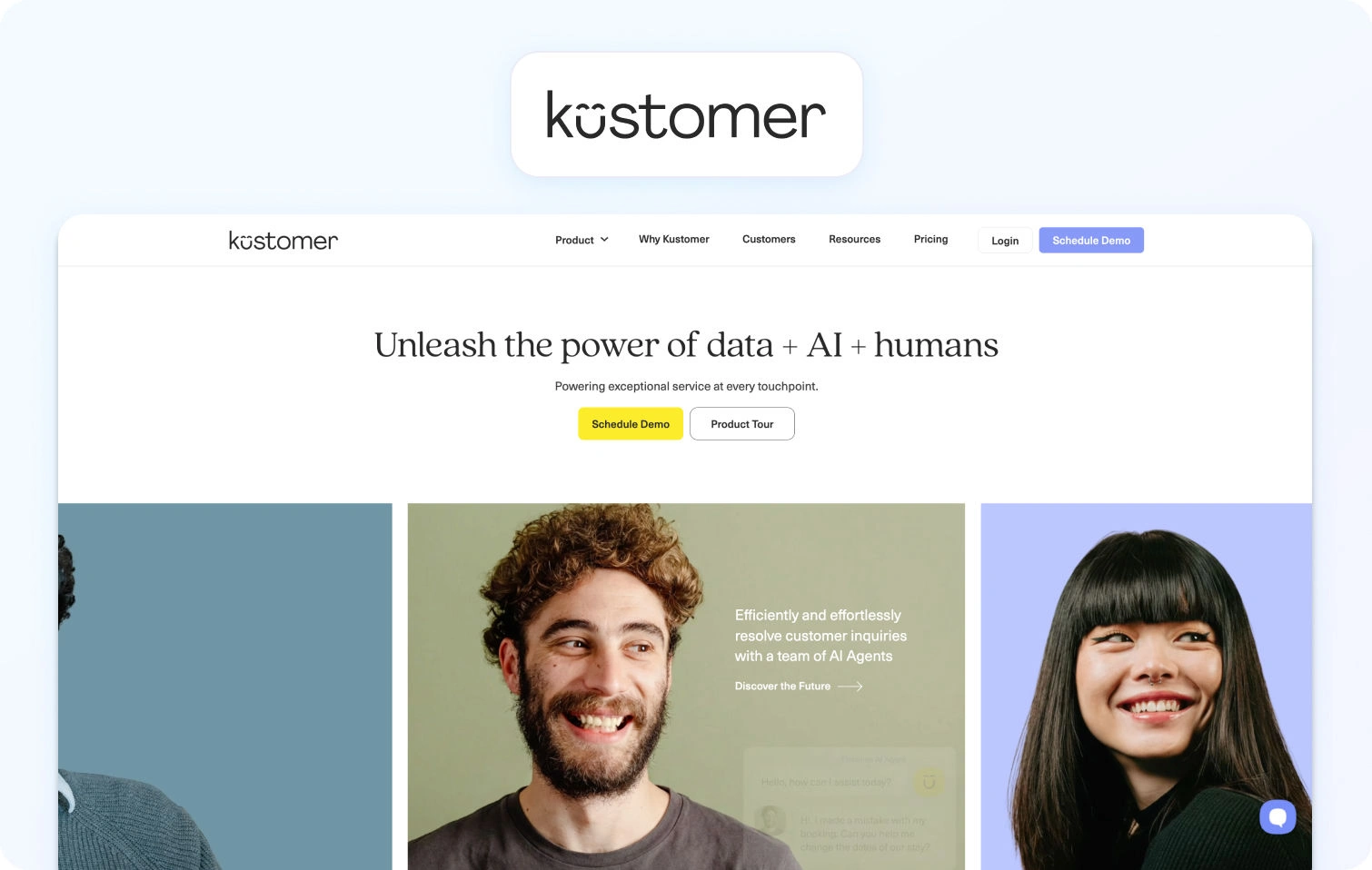
Kustomer is a CRM-based customer service platform built around a unified timeline that shows a customer’s full interaction history across channels. It focuses on preserving context across complex service journeys rather than treating each request as a standalone ticket.
Best for: Support operations requiring a comprehensive customer view across all touchpoints.
Key features:
- Customer timeline with full interaction history
- Omnichannel support (email, chat, voice, SMS, social)
- Workflow automation and intelligent routing
- Knowledge base functionality
- Reporting and analytics tools
- API access and deep integration options
Pricing:
- Enterprise: $89/seat/month (annual, minimum 8 seats)
- Ultimate: $139/seat/month (annual)
- AI Agents for Customers: $0.60 per engaged conversation
- AI Agents for Reps: $40/user/month
- Note: Voice, SMS, WhatsApp billed pay-as-you-go
Pros:
- A unified customer timeline provides exceptional context for service agents
- Strong platform for high-touch, complex customer journeys
- Omnichannel support included without add-ons
- Effective for relationship-driven support models
- Good workflow customization capabilities
Cons:
- Higher price point than many ticketing system alternatives
- Complex initial setup and configuration requirements
- Smaller brand recognition compared to Zendesk
- Limited native WFM features for larger teams
- Pay-as-you-go voice/SMS costs can be unpredictable
6. Freshdesk
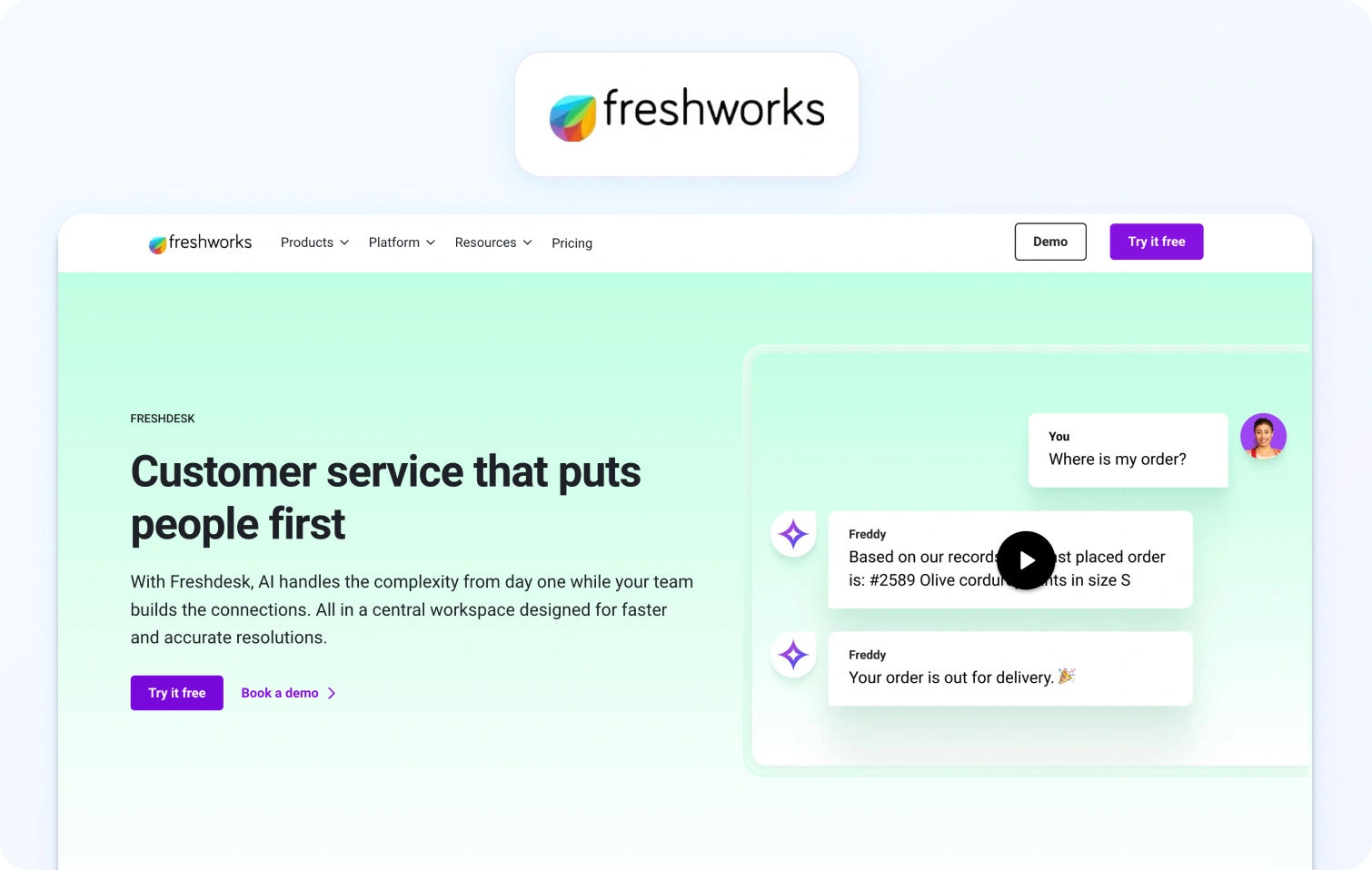
Freshdesk is a cloud-based ticketing platform with built-in automation and self-service tools. It offers basic omnichannel support, with AI add-ons available for chatbots and agent copilot features.
Best for: Small to mid-sized teams looking for affordable ticketing software with a straightforward setup.
Key features:
- Ticketing system with automation and SLA management
- Email and social media ticketing
- Knowledge base with SEO-optimized FAQ articles
- Team collaboration features (collision detection, internal notes)
- Basic reporting and analytics dashboards
- Marketplace apps for integration
- AI Copilot (add-on: $29/agent/month)
- AI Agent sessions (add-on: $100 per 1,000 sessions)
Pricing:
- Free: $0 (up to 2 agents for 6 months)
- Growth: $23/agent/month
- Pro: $66/agent/month
- Enterprise: $107/agent/month
- Freddy AI Agent: First 500 sessions free, then $49 per 100 sessions
Pros:
- Generous free plan for small teams testing ticketing functionality
- Affordable entry pricing compared to enterprise platforms
- Intuitive interface with minimal learning curve
- Decent marketplace for popular business tool integrations
- Strong automation capabilities in lower pricing tiers
Cons:
- Voice support not native; requires Freshdesk Omni upgrade or third-party integrations
- Premium features and AI require add-ons that inflate costs
- Limited workforce management capabilities
- Reporting less comprehensive compared to enterprise-grade systems
- No native call center features without additional products
7. Salesforce Service Cloud
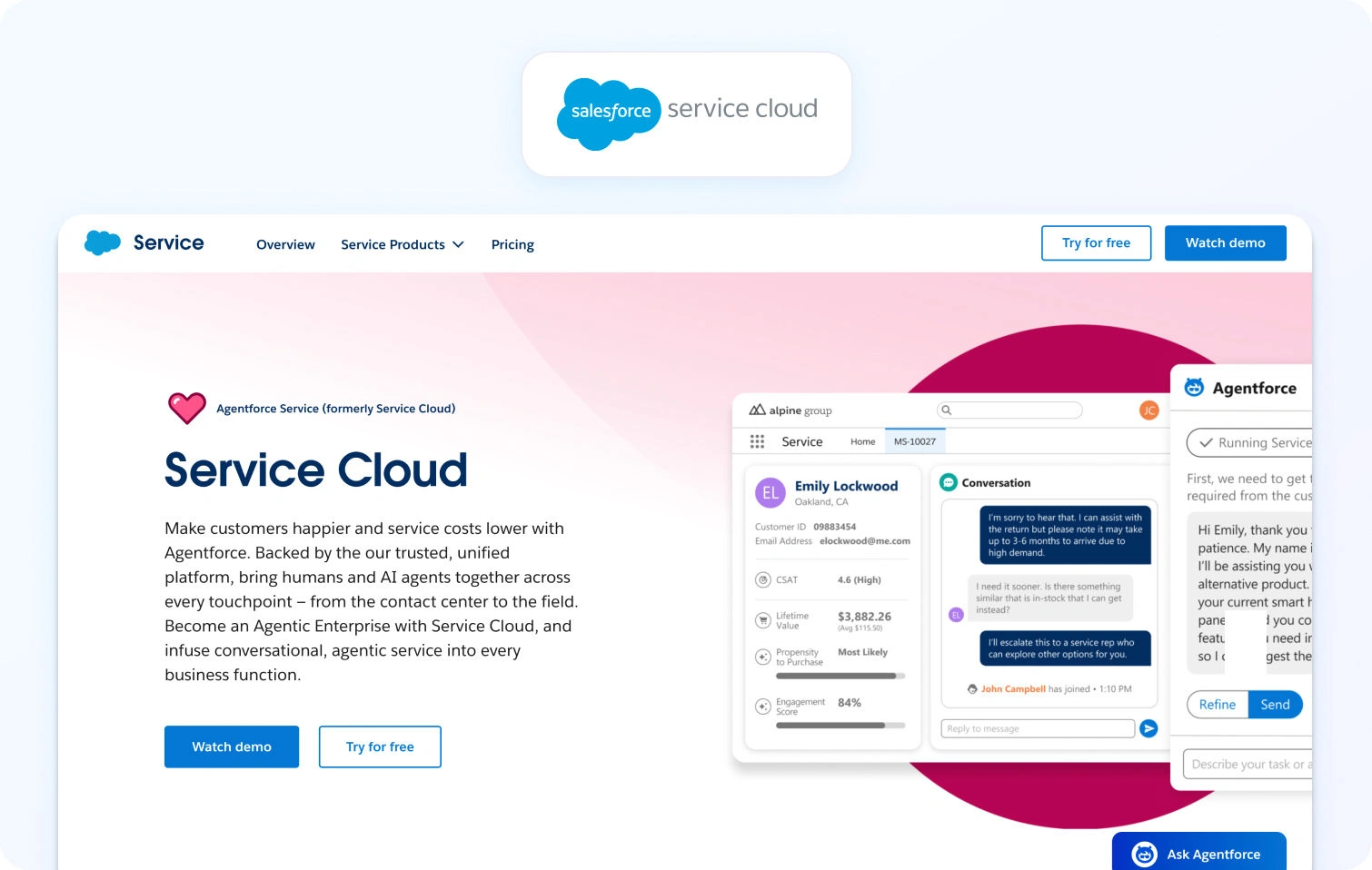
Salesforce Service Cloud is an enterprise-grade, CRM-based service platform with omnichannel support and built-in Einstein AI. It’s designed for large organizations already operating within the Salesforce ecosystem.
Best for: Enterprises leveraging Salesforce CRM needing unified customer service.
Key features:
- Case management (ticketing) with omnichannel routing
- Knowledge base with article management
- AI Einstein for automation and predictive insights
- WFM (add-on), analytics, custom dashboards
- Extensive customization options
- Deep Salesforce ecosystem integration
Pricing:
- Starter Suite: $25/user/month
- Pro Suite: $100/user/month
- Enterprise: $175/user/month
- Unlimited: $350/user/month
- Agentforce 1 Service: $550/user/month
Pros:
- Deep integration with Salesforce Sales Cloud, Marketing Cloud ecosystem
- Highly customizable for enterprise-specific workflows
- Enterprise-grade security features and compliance
- Comprehensive CRM capabilities with unified customer data
- AI-powered Einstein delivers advanced automation
Cons:
- Expensive, especially with required add-ons
- Complex setup requiring specialized Salesforce expertise
- Steep learning curve for administrators and service agents
- Overkill for teams not already invested in Salesforce
- Implementation often requires months and consulting services
8. Zoho Desk
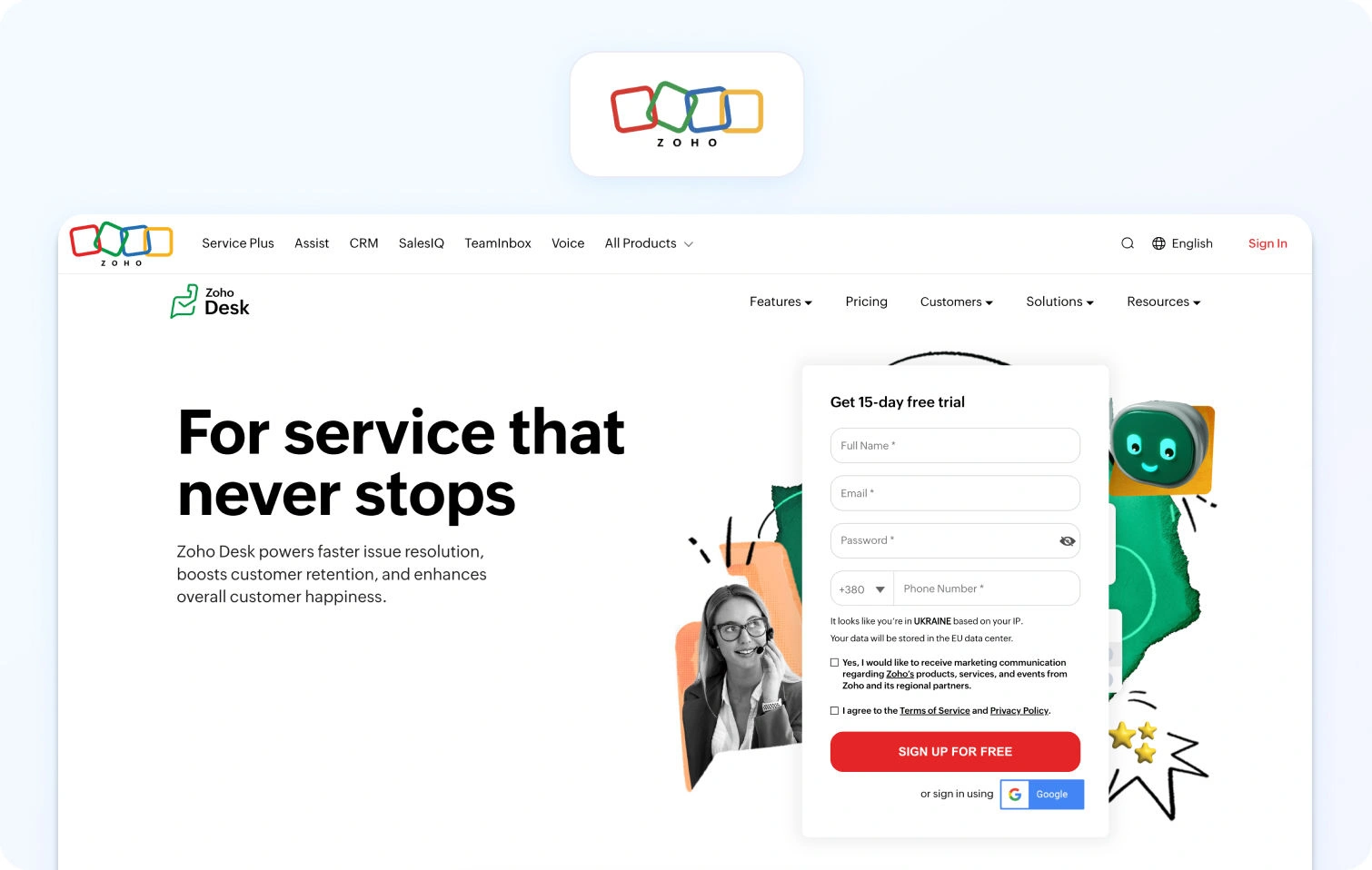
Zoho Desk is a context-aware ticketing platform with automation and self-service tools that integrate tightly with the broader Zoho suite. Its AI assistant, Zia, is available on higher-tier plans.
Best for: Organizations already using Zoho products or seeking budget-friendly multi-channel support.
Key features:
- Ticketing system with workflow automation
- Multi-channel support (email, phone, chat, social)
- Knowledge base with community forums
- AI assistant (Zia) for automation and insights
- SLA management with customizable workflows
- Reporting and analytics dashboards
Pricing:
- Free: $0 (up to 3 users)
- Express: $9/user/month
- Standard: $20/user/month
- Professional: $35/user/month
- Enterprise: $50/user/month
Pros:
- Extremely affordable pricing for ticketing capabilities
- Deep Zoho suite integration for unified business operations
- AI assistant included in higher tiers without a separate add-on
- Good value for cost-conscious small teams
- Solid automation features across price points
Cons:
- User interface feels dated compared to modern platforms
- Voice support requires Zoho PhoneBridge integration (not native)
- Limited WFM features for larger contact centers
- Smaller third-party integration marketplace than competitors
- Learning curve for advanced workflow customization
9. Dixa
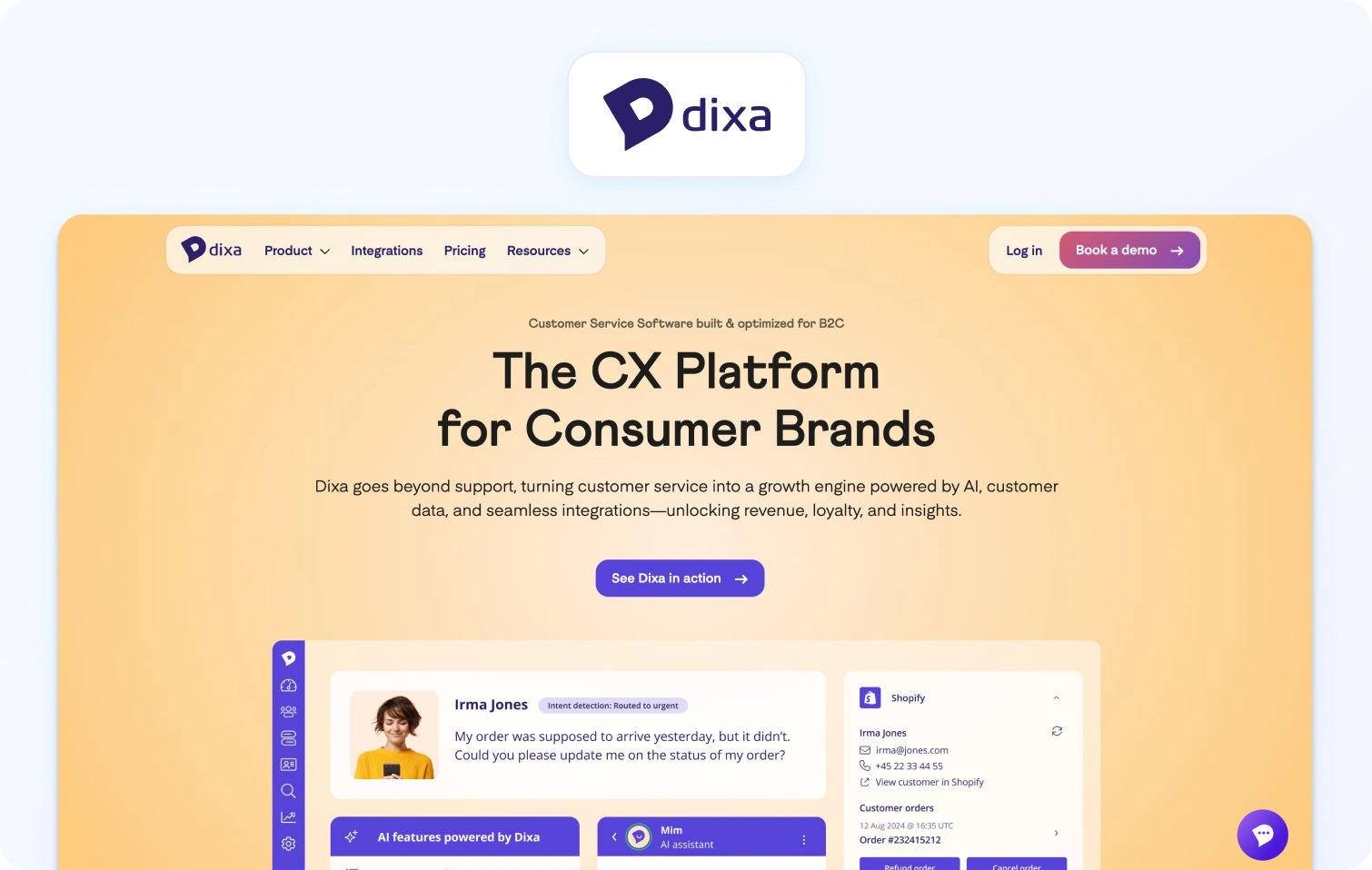
Dixa is a conversational customer service platform with omnichannel support and a unified agent desktop designed to manage real-time conversations across channels.
Best for: Teams emphasizing conversation-driven support efficiency across channels.
Key features:
- Omnichannel (phone, email, chat, social)
- Unified agent desktop with smart routing
- Knowledge base integration
- Quality monitoring tools
- Reporting and analytics
- Third-party integrations
Pricing:
- Growth: $89/agent/month (annual, 7-seat minimum)
- Ultimate: $139/agent/month (annual)
- Prime: $179/agent/month (annual)
- AI add-ons: Mim AI Agent ($0.40 per conversation), AI Copilot ($39/agent/month), QA ($29/agent/month)
Pros:
- True omnichannel platform with native voice
- A conversation-centric approach maintains customer context
- Good analytics and performance indicators
- Modern interface optimized for agent efficiency
- Built-in quality monitoring tools
Cons:
- Pricing can be expensive for mid-market teams
- Smaller brand recognition than Zendesk or Salesforce
- Limited public feature documentation
- May require longer contractual commitments
- Smaller third-party integration ecosystem
10. Gladly
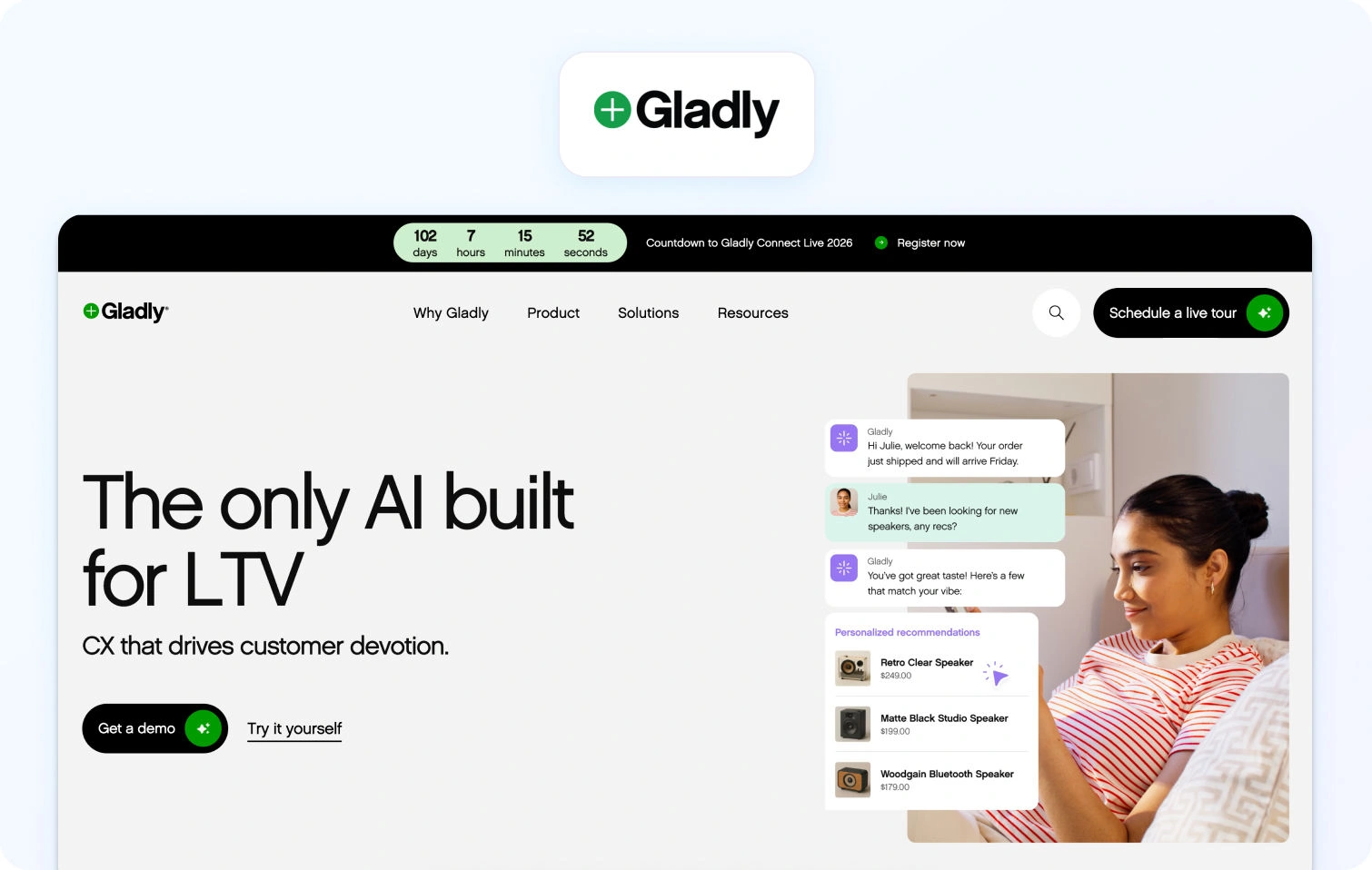
Gladly is a customer service platform built around people, not tickets, maintaining continuous conversation threads for each customer across every channel.
Best for: Brands focused on long-term customer relationships with highly personalized service.
Key features:
- Conversation-based (no traditional ticket numbers)
- Omnichannel support (voice, SMS, email, chat, social)
- Customer profile with complete conversation history
- Self-service capabilities
- Reporting and analytics
- E-commerce and CRM platform integrations
Pricing:
- Custom pricing based on business requirements
- Contact sales for detailed quotes
Pros:
- Unique people-centric approach to customer support
- Lifelong conversation threads eliminate ticket fragmentation
- Strong for high-value, relationship-driven customer service
- True omnichannel platform with native voice support
- Good for luxury or premium brand positioning
Cons:
- Custom pricing is typically expensive for mid-market
- Smaller integration marketplace than established competitors
- Requires a mindset shift from traditional ticketing workflows
- Limited automation compared to AI-powered platforms
- Less suitable for high-volume, transactional support
11. Front

Front is a collaborative inbox platform for teams handling shared email, SMS, and social messages, with modern workflow and collaboration tools.
Best for: Teams prioritizing email-centric collaboration workflows.
Key features:
- Shared inbox for email and messaging
- Collaboration tools (comments, task assignments, mentions)
- Workflow automation and rules engine
- 100+ business app integrations
- Basic analytics and API access
Pricing:
- Starter: $35/seat/month (annual)
- Professional: $85/seat/month (annual)
- Enterprise: Custom (annual only)
- AI add-ons: Autopilot ($0.89 per resolution), Copilot ($20/seat/month), Smart QA ($20/seat/month)
Pros:
- Excellent for email-heavy support operations
- Strong team collaboration features
- Modern, clean user interface
- Good integration library (100+ apps)
- Powerful workflow automation
Cons:
- No native voice support—requires integrations
- Limited traditional helpdesk ticketing capabilities
- Expensive at higher tiers
- Not designed for contact center operations
- Per-seat pricing scales poorly
12. LiveAgent
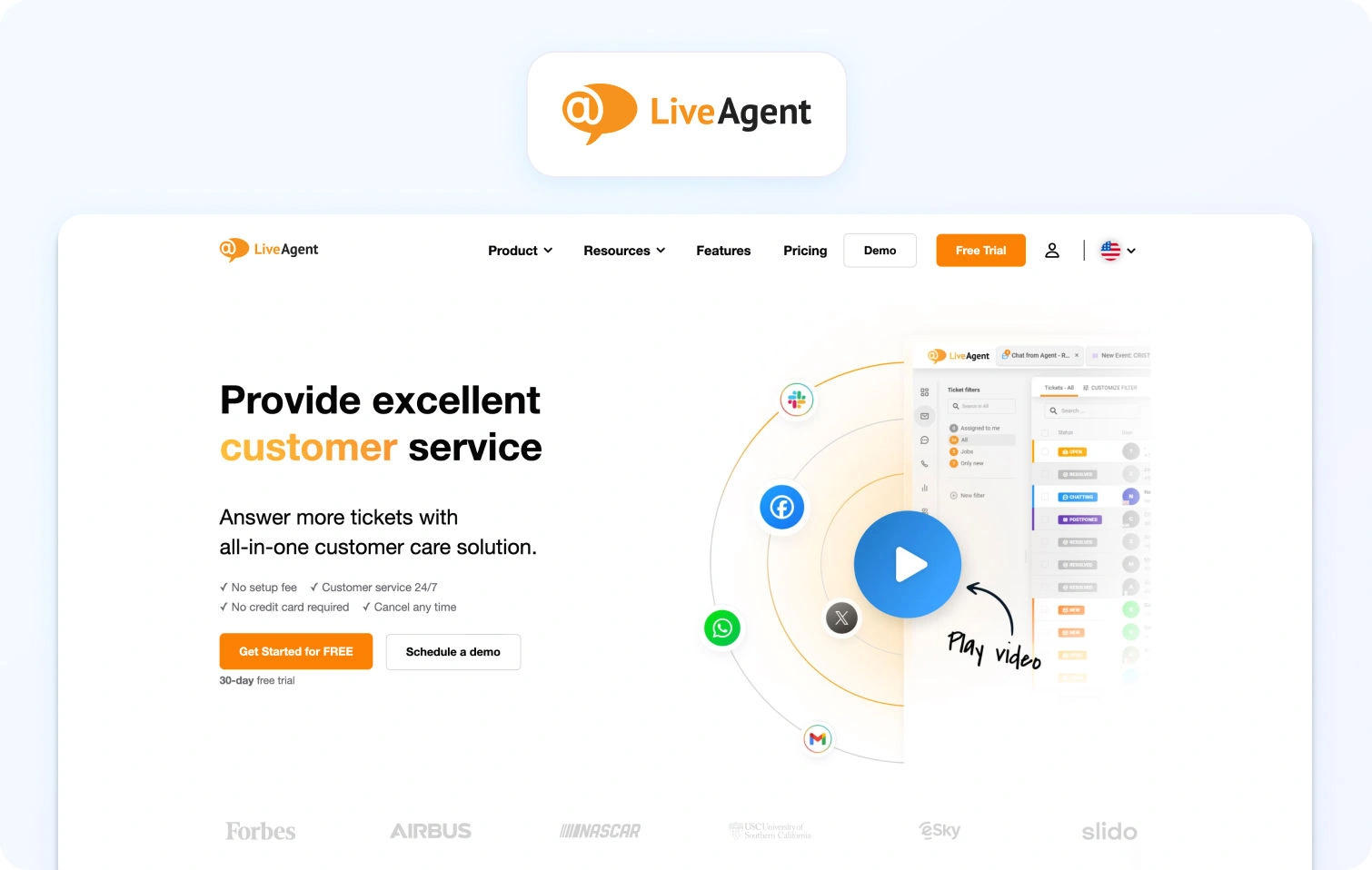
LiveAgent is a multichannel ticketing platform that combines ticketing, live chat, and call center capabilities through built-in VoIP integration.
Best for: Budget-conscious support operations that need basic omnichannel support, including voice.
Key features:
- Ticketing system with automation
- Live chat functionality
- Call center with IVR (VoIP integration)
- Knowledge base for self-service
- Email and social media support
- Automation rules engine
- Reporting and analytics
Pricing:
- Small Business: $15/agent/month (annual)
- Medium Business: $29/agent/month (annual)
- Large Business: $49/agent/month (annual)
- Enterprise: $69/agent/month (annual)
Pros:
- Very affordable pricing for ticketing capabilities
- Native call center features with IVR
- All-in-one platform covering multiple channels
- Good value for budget-conscious operations
- Includes voice without expensive add-ons
Cons:
- User interface feels dated compared to modern ticketing systems
- Limited AI capabilities and automation (mostly rule-based)
- Smaller integration marketplace
- Less robust WFM and QA compared to enterprise platforms
- May need significant customization for complex workflows
13. Crisp
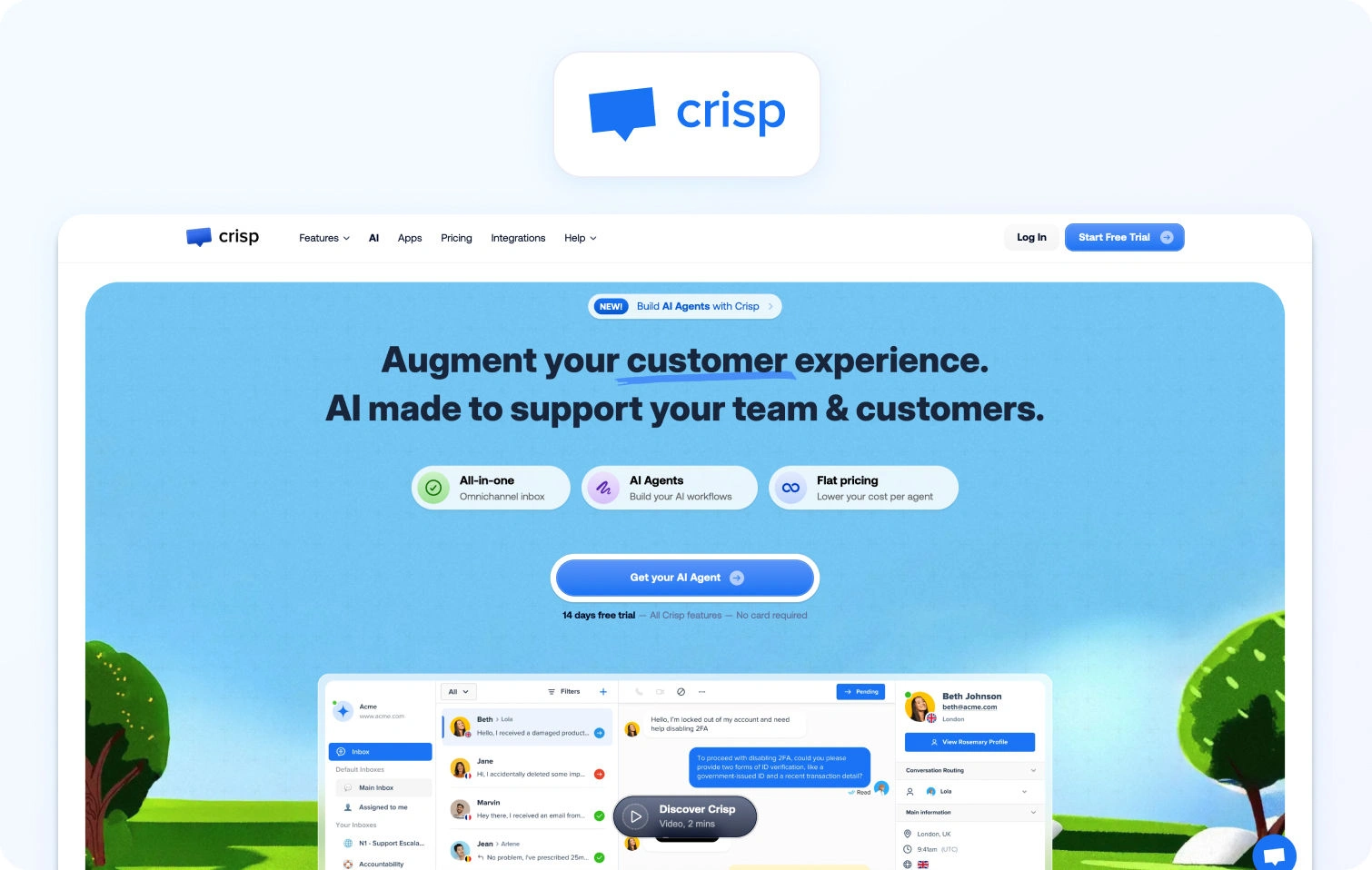
Crisp is an all-in-one messaging platform with live chat, chatbots, and a shared inbox designed for startups and small businesses.
Best for: Startups needing simple, affordable live chat capabilities.
Key features:
- Live chat with chatbot automation
- Shared inbox and knowledge base
- Automated marketing campaigns
- CRM integrations
- Basic analytics dashboards
Pricing:
- Free: $0/month (2 seats, live chat, shared inbox)
- Mini: $45/workspace/month (4 seats included)
- Essentials: $95/workspace/month (10 seats included)
- Plus: $295/workspace/month (20+ seats included)
- Enterprise: Custom pricing
Pros:
- Affordable with a functional free tier
- Quick setup and implementation
- Modern, user-friendly interface
- Good for basic customer engagement
- Mobile app for on-the-go support
Cons:
- No native voice or phone support
- Limited automation tools compared to enterprise platforms
- Basic reporting capabilities
- Doesn't scale well to mid-market needs
- Small integration ecosystem
14. Re:amaze
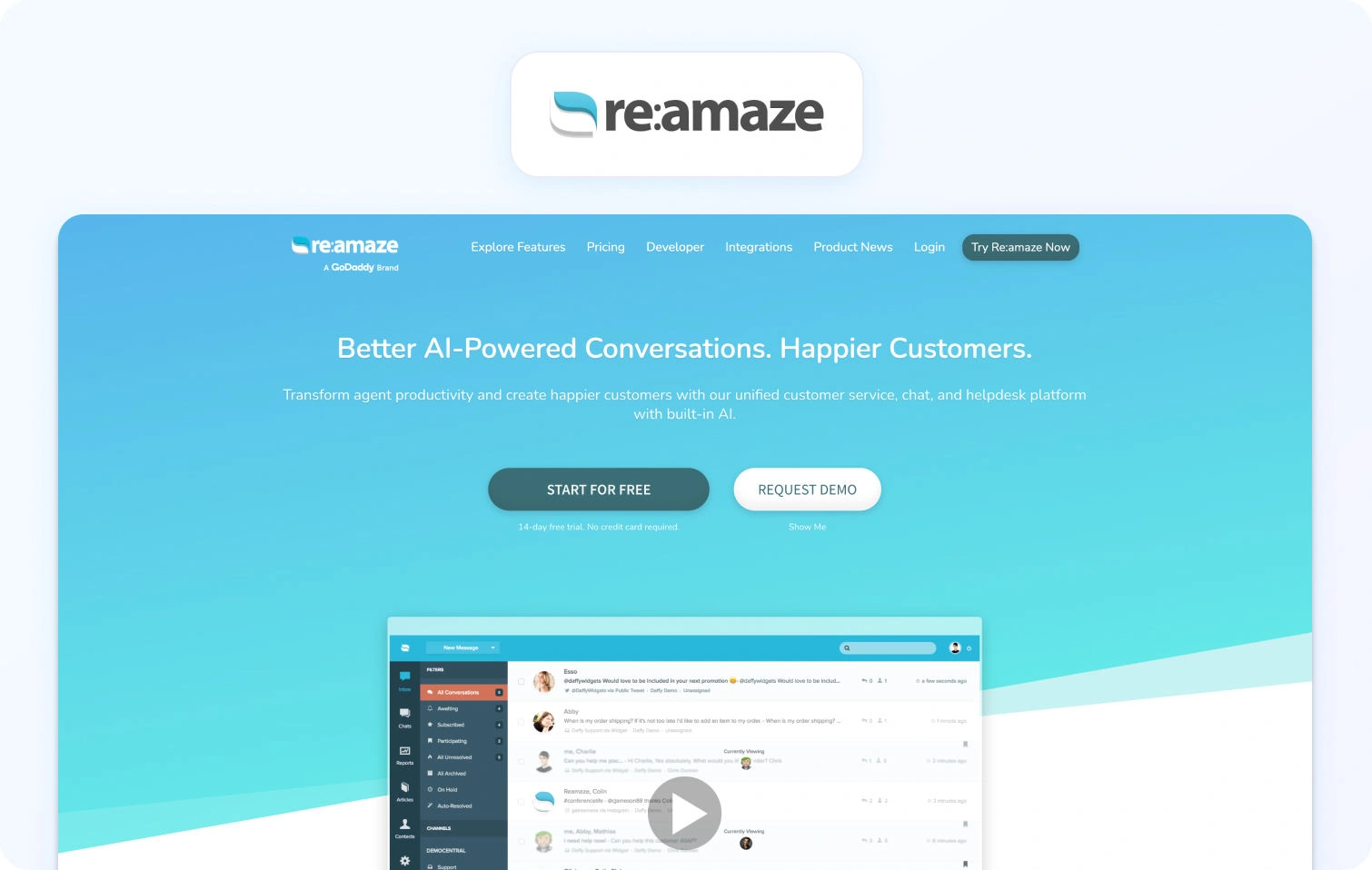
Re:amaze is a helpdesk and messaging platform that brings email, live chat, social, and SMS support into a single shared inbox for streamlined, multi-channel customer communication.
Best for: E-commerce stores needing affordable multi-channel ticket management.
Key features:
- Multi-channel support (email, social, SMS, chat, voice via integrations)
- Shared inbox with automated responses
- Chatbots for routine queries
- Knowledge base (FAQ)
- Customer profiles with purchase history
- Basic reporting tools
Pricing:
- Basic: $29/user/month (20 AI resolutions included)
- Pro: $49/user/month (50 AI resolutions included)
- Plus: $69/user/month (100 AI resolutions included)
- Starter (flat rate): $59/month (unlimited users, 500 conversations)
- Enterprise: Custom pricing
- Re:amaze AI Agent: Included allotment, then $0.85 per resolution
Pros:
- Affordable for small ecommerce support teams
- E-commerce platform integrations (Shopify, WooCommerce)
- Unified inbox consolidating customer tickets
- Flat-rate Starter plan is good for very small teams
- AI resolutions included in monthly pricing
Cons:
- Voice requires third-party integrations (not native)
- Limited advanced automation and AI-powered features
- Basic reporting compared to enterprise ticketing software
- Smaller brand with fewer development resources
- Not ideal for non-ecommerce industries
15. Hiver
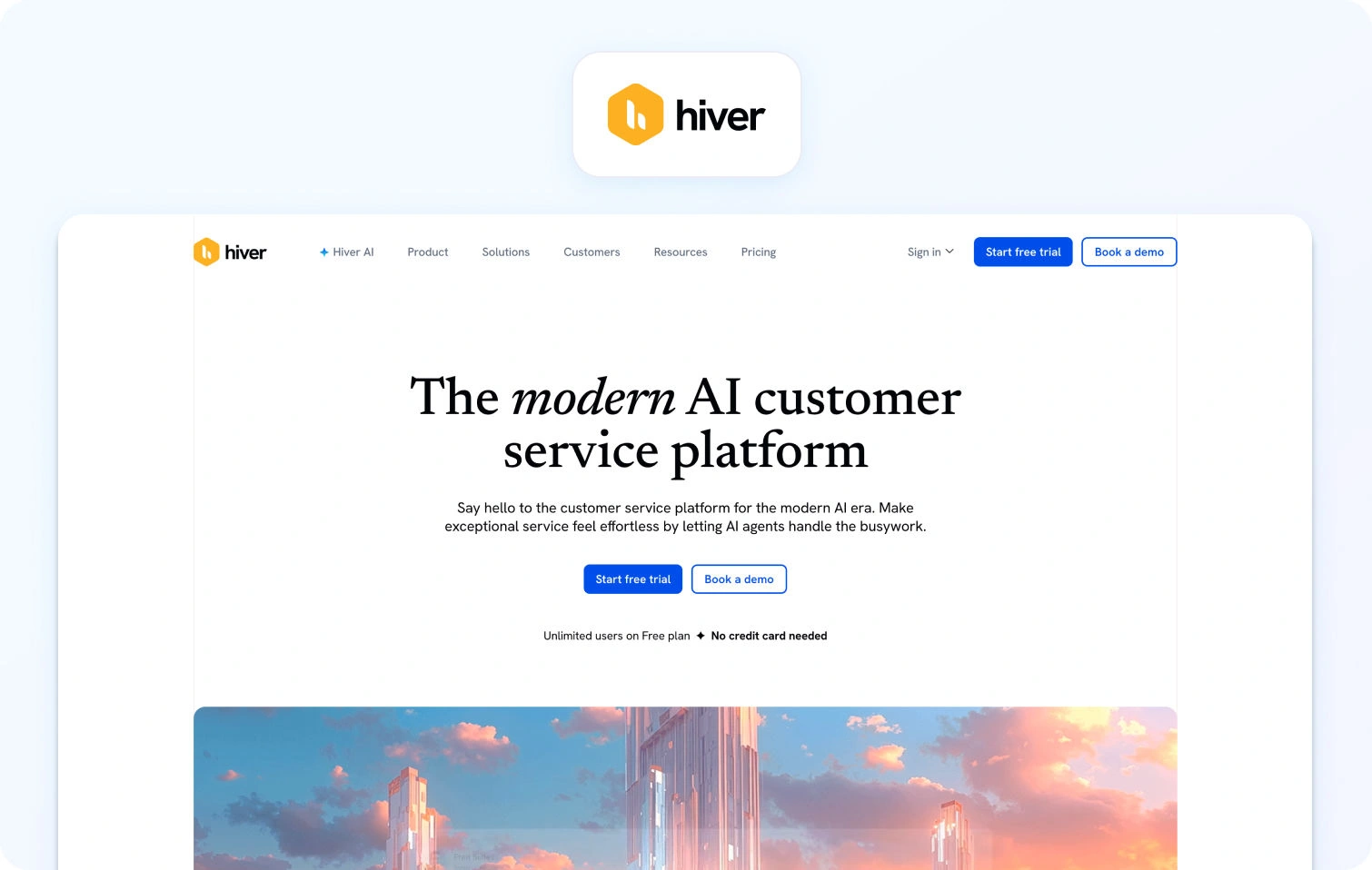
Hiver is a Gmail-native ticketing platform that transforms shared inboxes into collaborative customer support workspaces.
Best for: Small teams operating primarily within Gmail.
Key features:
- Shared inbox within the Gmail interface
- Email assignments and collision detection
- Email templates and automation
- Basic analytics
Pricing:
- Free: $0/user/month
- Growth: $35/user/month
- Pro: $85/user/month
- Elite: $125/user/month
- AI included across paid plans
Pros:
- Works directly in Gmail; no new interface to learn
- Simple setup with minimal training
- Affordable for small teams
- Familiar environment reduces friction
- Good for Google Workspace users
Cons:
- Email-only (no chat, voice, or SMS)
- Very limited features compared to full ticketing solutions
- Basic reporting and analytics
- Not suitable for omnichannel requirements
- Limited scalability for growing teams
16. Tidio
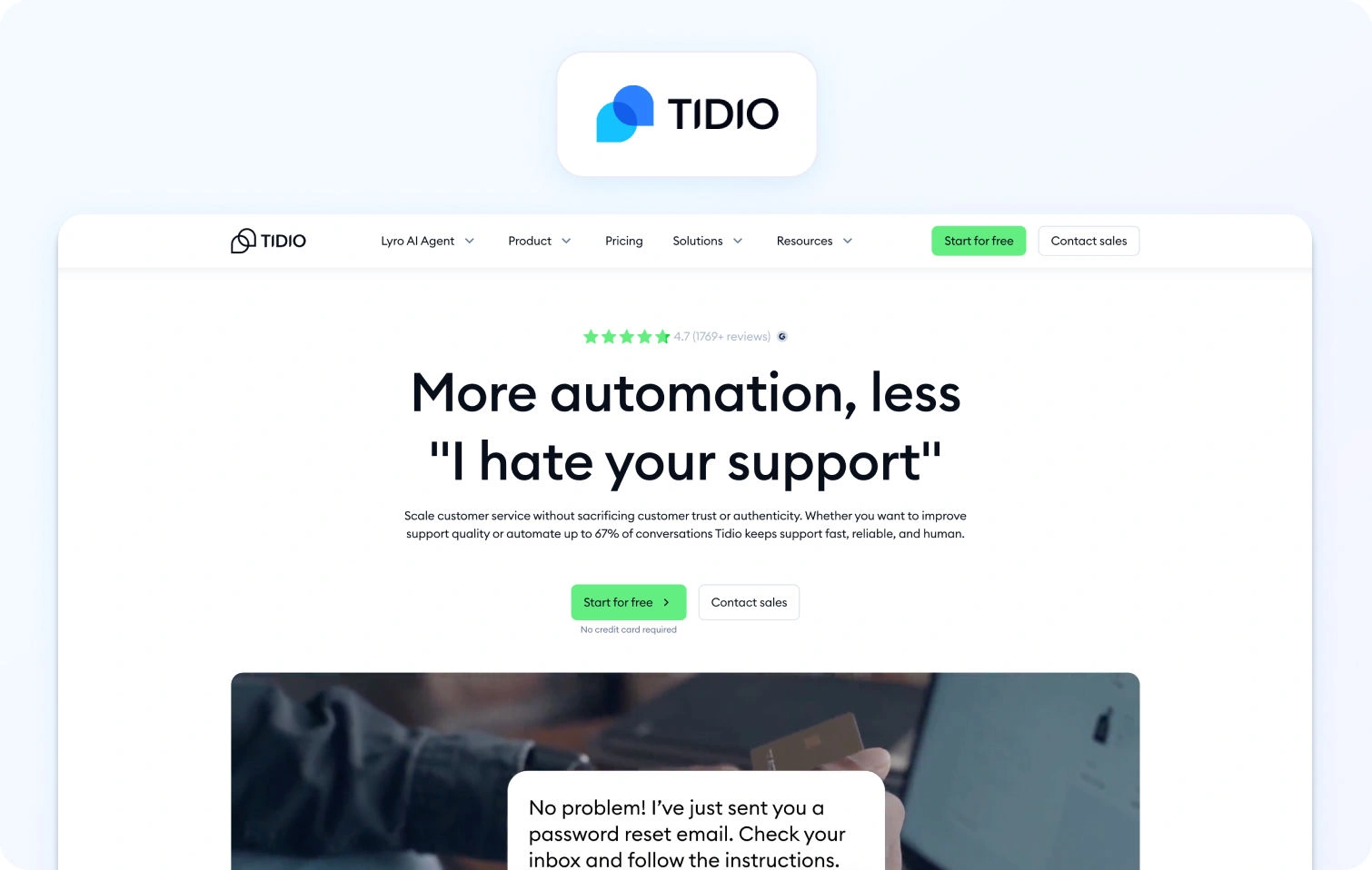
Tidio is a live chat and chatbot platform for e-commerce teams that combines on-site chat widgets with basic automation tools.
Best for: Small ecommerce operations needing basic chat capabilities.
Key features:
- Live chat widget with chatbots
- Email integration
- Mobile app
- Visitor tracking analytics
Pricing:
- Free: $0/month (50 billable conversations)
- Starter: $29/month (100 conversations)
- Growth: Starts at $59/month (250+ conversations)
- Plus: Starts at $749/month (enterprise limits)
- Premium: Custom pricing
- AI add-ons: Lyro AI Agent (starts $39/month), Flows (starts $29/month)
Pros:
- Free plan for basic chat functionality
- Easy installation on e-commerce platforms
- Affordable entry-level pricing
- Mobile app included
- Good for simple customer engagement
Cons:
- Very limited ticketing and helpdesk features
- No native voice support
- Conversation-based pricing can be confusing
- Not suitable for comprehensive omnichannel support
- Limited analytics compared to full platforms
17. Richpanel
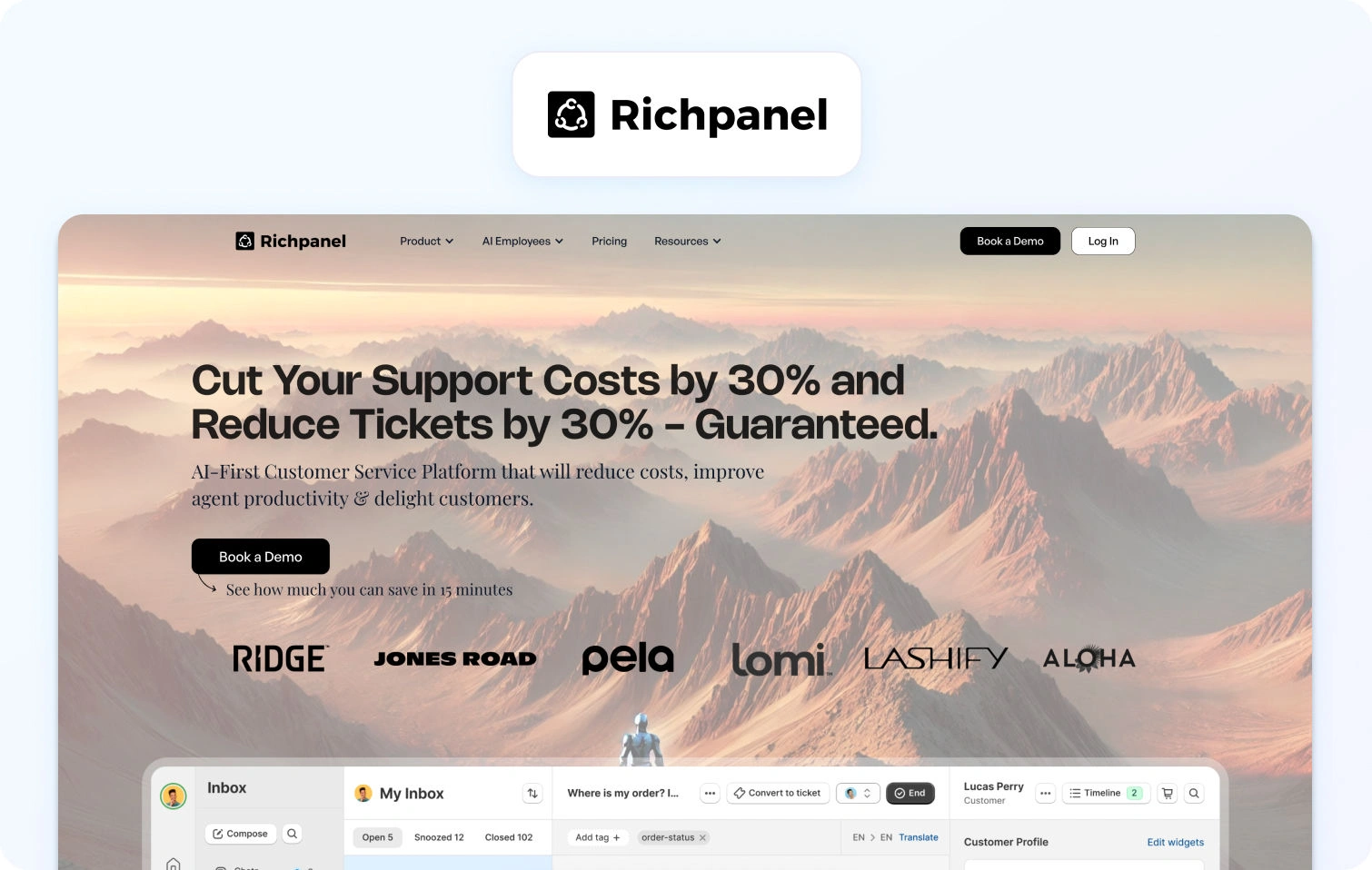
Richpanel is an e-commerce-focused ticketing platform with a self-service portal that automates support processes to reduce support volume.
Best for: E-commerce brands wanting customer self-service capabilities.
Key features:
- Multi-channel support (email, chat, social, SMS)
- Self-service portal (order tracking, returns processing)
- Helpdesk with ticketing and automation
- Shopify and e-commerce platform integrations
Pricing:
- Pro: $89/agent/month
- Pro Max: $119/agent/month
- Enterprise: Custom pricing
- Add-ons: Self-Service Portal ($99/month for 5,000 orders), Automation Success Kit ($2,000 one-time)
Pros:
- Strong self-service portal for e-commerce operations
- Significantly reduces customer support ticket volume
- E-commerce-specific features and workflows
- Good Shopify integration with native order management
- Helps customers resolve routine tasks independently
Cons:
- No native voice support; text channels only
- Pricing can escalate with ticket volume
- Limited WFM and advanced analytics
- Optimized for e-commerce; less suitable for other industries
- Smaller brand with limited resources
18. Kayako
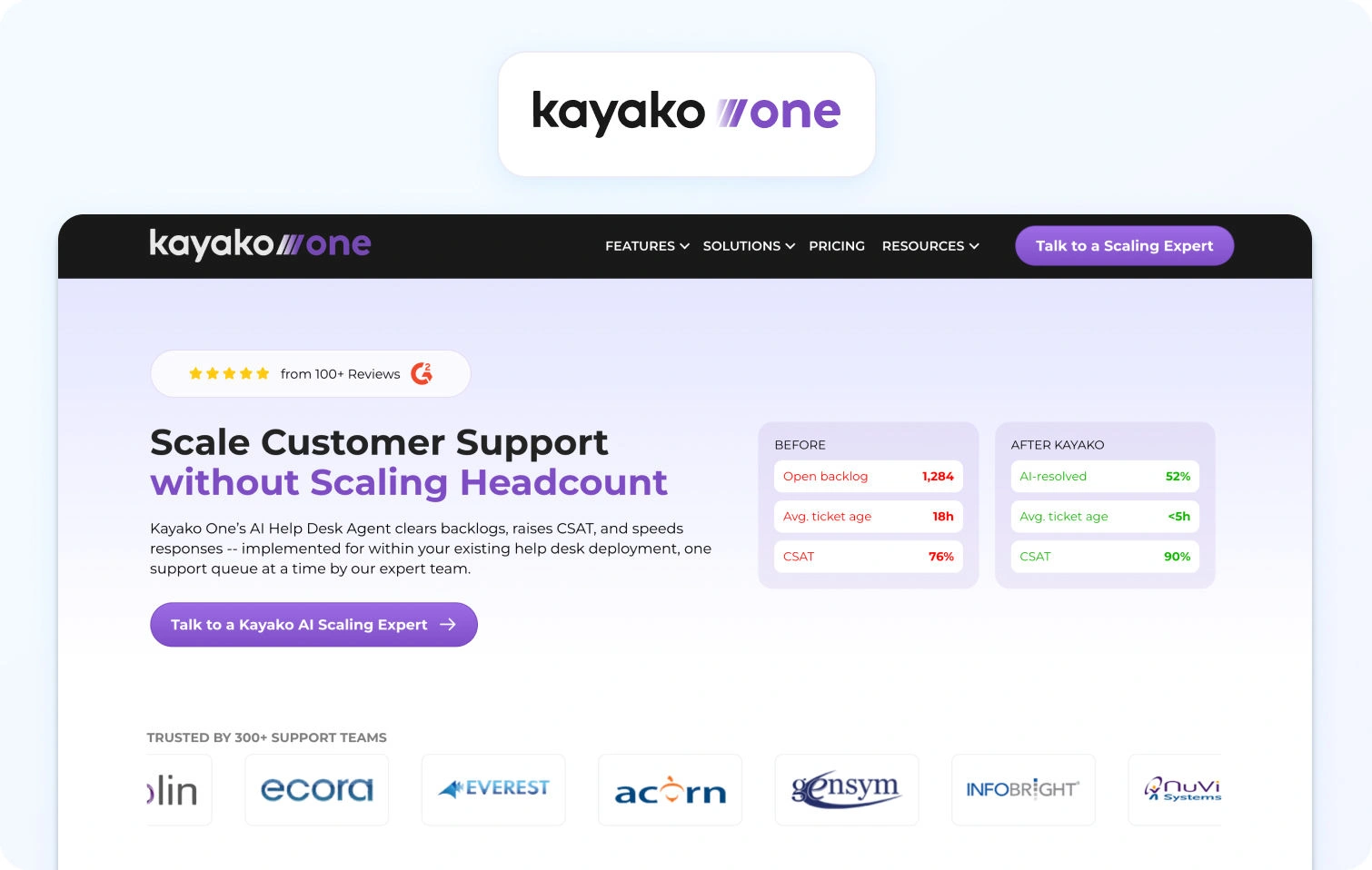
Kayako is a customer support platform that combines a unified inbox with customer journey tracking for more contextual, continuous service.
Best for: Support teams needing straightforward multi-channel capabilities.
Key features:
- Unified inbox (email, chat, social, phone via integrations)
- Customer experience journey view
- Live chat widget, built-in knowledge base, automation
- SLA management and reporting
Pricing:
- Kayako One: $79/month (flat rate, not per-agent)
- AI-resolved tickets: +$1 per resolution
- Single flat-price model instead of per-agent tiers
Pros:
- Very affordable flat-rate pricing
- Customer journey view provides context across channels
- Easy setup with minimal training requirements
- Straightforward interface without complexity
- Good for small to mid-sized support teams
Cons:
- Voice support requires third-party integrations (not native)
- Limited advanced features and AI capabilities
- Basic WFM and analytics; no native workforce management
- Smaller brand with less market presence
- Small integration marketplace
19. Jira Service Management (Atlassian)
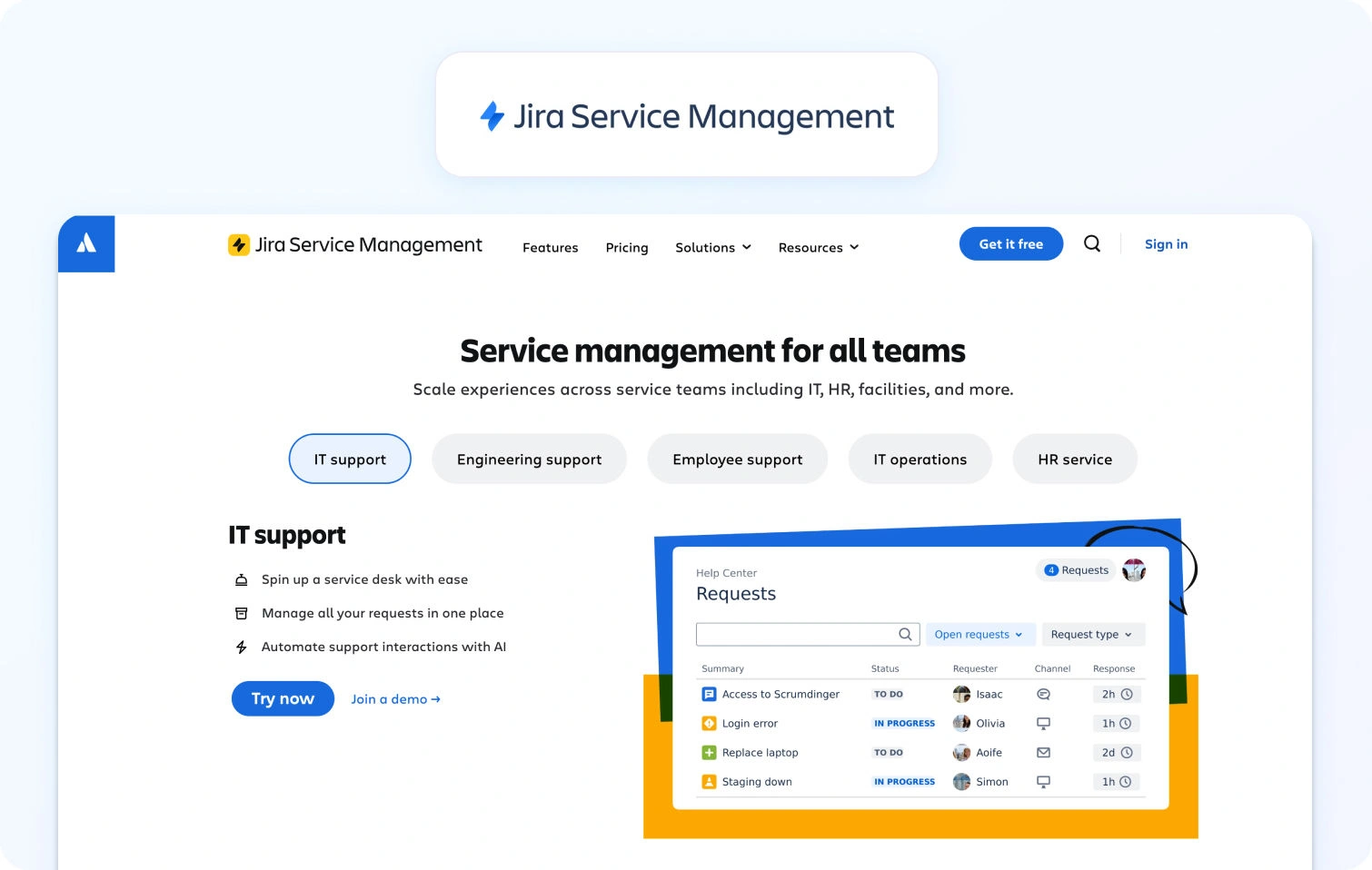
Jira Service Management is an IT service management platform built on the Jira platform, providing incident, problem, and change management with integrated asset tracking and native DevOps collaboration.
Best for: IT teams and organizations already using Atlassian products for development workflows.
Key features:
- Incident, problem, change, and asset management
- Service catalog and request management
- Knowledge base powered by Confluence integration
- Virtual Service Agent (AI chatbot for Slack/Teams)
- Alerts and on-call scheduling
- Multi-channel support (portal, email, chat)
- Automation rules engine
- ITIL-aligned workflows
- Atlassian marketplace integrations (1,000+ apps)
Pricing:
- Free: $0 (up to 3 agents)
- Standard: $20/agent/month
- Premium: $51.42/agent/month
- Enterprise: Custom pricing (annual)
Pros:
- Deep integration with Jira Software and Confluence
- Robust ITSM capabilities following ITIL best practices
- Strong asset and configuration management
- Virtual agent for Teams/Slack automation
- Generous free tier for small teams
- Excellent for IT-developer collaboration
Cons:
- Steep learning curve compared to customer support platforms
- Complex interface requiring significant configuration
- Best suited for IT operations vs. customer service
- Advanced AI features are only available in Premium/Enterprise tiers
- Can feel overwhelming for non-technical support teams
20. Freshservice (Freshworks)
Freshservice is an IT service management platform designed for internal IT teams, providing incident, problem, change, and asset management with ITIL-aligned workflows.
Best for: IT teams managing internal employee services and infrastructure operations.
Key features:
- Incident, problem, and change management
- Service catalog with request fulfillment
- IT asset management and CMDB
- Knowledge base integration
- SLA management and escalations
- Intelligent routing and workload management
- Integration with Microsoft Teams and Slack
- Project management module
- Freddy AI Agent and Copilot (Enterprise only)
Pricing:
- Starter: $29/agent/month (billed monthly)
- Growth: $59/agent/month (billed monthly)
- Pro: $119/agent/month (billed monthly)
- Enterprise: Custom pricing
- AI notes: Freddy AI Agent and Copilot are included only in the Enterprise tier
Pros:
- Comprehensive ITSM feature set aligned with ITIL
- User-friendly interface compared to legacy ITSM tools
- Strong asset and configuration management
- Good automation capabilities
- Teams/Slack integration for service requests
- Scales well for growing IT departments
Cons:
- AI features are only available in the expensive Enterprise tier
- Primarily designed for IT operations vs. customer support
- Can be complex for simple ticketing needs
- Workflow customization requires technical expertise
- Integration capabilities are less extensive than those of competitors
What to Look For in Customer Service Ticketing Systems in 2026
Core Infrastructure & Routing
The foundation must include a unified queue with collision detection and custom SLA policies. Look for platforms that offer advanced automation for escalations and approvals, ensuring complex issues reach the right specialist without manual triaging.
Omnichannel Continuity
True CX requires native voice, email, chat, and social channels. The critical differentiator is the handoff; transcripts and customer context must flow seamlessly from bots to live agents to prevent customers from repeating themselves.
AI & Knowledge Management
Modern systems should provide KB-grounded agent assistance, offering suggested replies and real-time call transcription. A single knowledge base should power both self-service portals and internal tools, using deflection analytics to measure content effectiveness.
Operations & Quality Assurance
Efficiency is driven by integrated Workforce Management (WFM) and QA scorecards. High-performing teams need real-time dashboards for tracking FCR and AHT, paired with forecasting tools to optimize agent schedules and productivity.
Security & Administration
Enterprise-grade systems require SSO/MFA, role-based access, and PII redaction. Ensure the platform supports regional data residency and audit logs to maintain compliance while managing multi-brand or BPO environments.
Integrations & Total Cost of Ownership
Prioritize mature marketplaces with pre-built CRM and BI connectors. When evaluating pricing, look for transparent models that include AI capabilities as part of the core package rather than locking essential automation behind premium paywalls.
Strategic Distinction: CX vs. ITSM Choose CX platforms (like BlueTweak or Zendesk) for high-velocity customer support and commerce-heavy workflows. Opt for ITSM platforms (like Jira or ServiceNow) if your primary focus is ITIL compliance, asset management, and internal technical change control.
How We Evaluated These Customer Success Ticket Systems
We reviewed public vendor documentation, pricing pages, official help centers, trust pages, and marketplace listings for each platform. Features were verified against vendor websites and cross-referenced with published case studies where available.
Pricing information comes from publicly available pages as of January 2026. Custom pricing tiers note: "Contact sales" for verification.
Pros and cons derive from documented features, user feedback on verified review platforms, and evidence from public sources.
This evaluation relies on publicly available information. Pricing, features, and capabilities may change. Always verify details directly with vendors before making final purchasing decisions.
Must-Have Capability Checklist
- Voice + messaging with helpdesk handoff
- KB-grounded answers or strong knowledge base integrations
- AI for transcription, summarization, and proposed reply
- Analytics and custom reporting
- WFM/QA native or first-party module
- Security/admin: MFA, audit logs, roles
- Integrations + APIs
- Pricing including core AI (not add-ons only)
- Surveys/CSAT module tracking quality
BlueTweak meets all criteria with transparent pricing of €65/agent/month.
Scoring Rubric
Evaluate each platform on these dimensions:
| Dimension | Evaluation Criteria |
| Team Size Fit | Scales effectively for 20–100 agents without excessive cost or complexity. |
| Omnichannel Depth | Native voice, SMS, chat, email, and social with seamless cross-channel handoffs. |
| AI Capabilities | Agent assistance via suggested replies and summarization with KB-grounded logic. |
| Ops & Management | Native, built-in tools for workforce management (WFM) and quality assurance (QA). |
| Time-to-Value | Rapid implementation speed and a clear, short timeline to realize ROI. |
| Total Cost (TCO) | Transparent per-agent pricing, inclusive of usage fees and typical add-on costs. |
| Security & Admin | Scales effectively for 20–100 agents without high cost or complexity. |
The Final Verdict: Selecting for Scale and Impact
Using the evaluation rubric, your shortlist should prioritize platforms that bridge the gap between operational efficiency and customer experience. While many tools check the boxes for security and integration, the true differentiator is how seamlessly the technology disappears into the workflow of a 20–100 agent team.
For mid-market service organizations, BlueTweak is a consolidated growth engine. By unifying omnichannel routing, KB-grounded AI, and native workforce management, it eliminates the "integration tax" that slows down scaling teams.
- Operational Consolidation: Replaces fragmented tool stacks with a single, AI-driven interface.
- Measurable Efficiency: Drives immediate TCO (Total Cost of Ownership) reduction through automated transcription, suggested replies, and reduced manual QA.
- Strategic Alignment: Ensures that every interaction, whether via voice, chat, or email, is backed by the data security and analytics needed to move the needle on your core KPIs.
Experience how BlueTweak’s AI-powered ecosystem can transform your service delivery and accelerate your time-to-value today.
Book a BlueTweak demo today
Book Demo
Common Questions About Choosing a Ticketing System

As Head of Digital Transformation, Radu looks over multiple departments across the company, providing visibility over what happens in product, and what are the needs of customers. With more than 8 years in the Technology era, and part of BlueTweak since the beginning, Radu shifted from a developer (addressing end-customer needs) to a more business oriented role, to have an influence and touch base with people who use the actual technology.



