10 Best Customer Support Knowledge Base Software in 2026



BlueTweak is an AI Customer Support Platform that unifies every conversation, customer record, and automation into one workspace.
Explore more
Insights, trends, and practical ideas from customer experience and AI
Real-world scenarios showing how teams use BlueTweak to deliver better service
The daily blueprint that guides customer support leadership.
ROI and savings calculators for support teams
See how BlueTweak stacks up against leading customer support platforms
The 10 customer support knowledge base software options below span unified platforms with KB-grounded AI and built-in workforce management, specialized knowledge systems, and enterprise suites. Focus your evaluation on authoring workflows with approvals, semantic search with AI grounding, localization capabilities, deflection analytics, and realistic total cost.
Here’s how the leading platforms stack up before we go into detail.
| Platform | Starting Price | AI Grounding | Standalone KB |
|---|---|---|---|
| BlueTweak | €65/agent/month | Yes — native | No — full platform |
| Zendesk Guide | Included in Suite | Upper tiers only | No — Zendesk only |
| Document360 | $199/project/month | Yes | Yes |
| Confluence | Free / $5.75/user/month | Via add-on | Yes |
| Guru | Free / $10/user/month | Yes | Yes |
Choosing recommended knowledge management software for customer support isn’t about who can host the most articles. It’s about whether customers can actually solve their own problems or whether you’ve just built a prettier maze for agents to navigate.
A knowledge base ranges from glorified document storage to real knowledge platforms with AI-powered answer suggestions, multilingual support, and analytics that show whether self-service is doing its job.
Some tools help deflect tickets. Others just add another system to maintain without moving the needle.
The knowledge base question we hear most often isn’t ‘where do we store our articles?’, it’s ‘why are customers still opening tickets after we published the answer?’ That gap between content existing and content working is exactly where most implementations fail. A knowledge base that can’t prove deflection isn’t a support asset; it’s a maintenance burden.

Radu Dumitrescu, Head of Presale & Digital Transformation, BlueTweak
The 10 knowledge base tools genuinely reduce support volume, and we’ll show you which ones are worth your consideration.
Customer support teams hit walls when knowledge management breaks down under growth. Sometimes it’s support agents giving contradictory answers because nobody knows which policy doc is current, and other times it’s customers abandoning self-service portals when search functionality fails to surface relevant content.
Common triggers pushing teams toward dedicated customer support knowledge base software:
Here’s how one team put a knowledge-driven support transformation into practice and measurably reduced ticket volume: BlueTweak’s AI-Powered Customer Support Transformation for E-Commerce Client
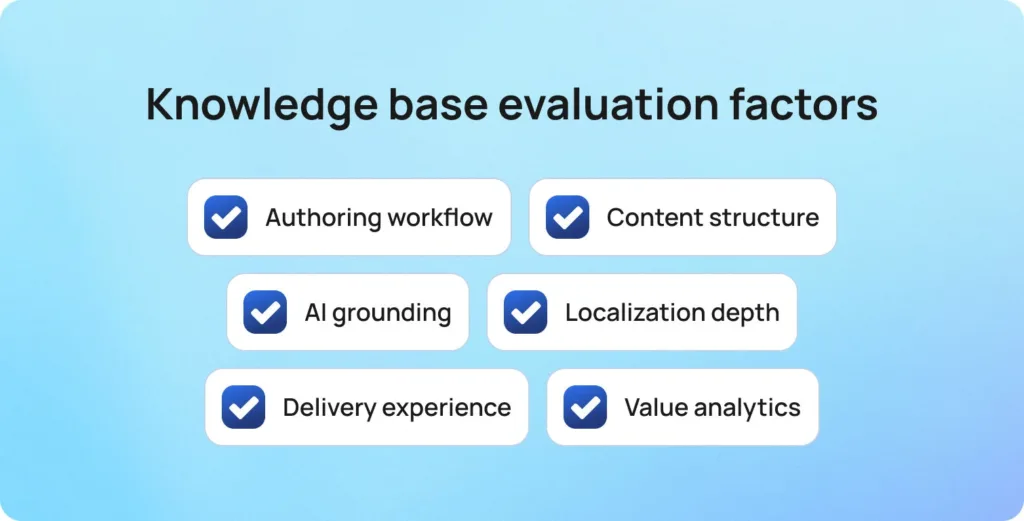
Decision factors evaluating customer support knowledge base software:
KPIs demonstrating knowledge base software for customer support works:
| KPI | What It Measures |
|---|---|
| Self-service rate and deflection percentage | How many customers resolve their issue independently without opening a support ticket |
| Search success rate and no-result rate | How often searches return useful content — and where gaps in your knowledge base exist |
| Article helpfulness ratings | Whether customers find individual articles useful, flagging content that needs improvement |
| First Contact Resolution (FCR) uplift | Improvement in agents resolving issues on the first interaction, driven by faster access to accurate information |
| Time-to-publish for new articles | How long does it take to move new content from draft to live — a signal of authoring and approval workflow efficiency |
| Percentage of stale content | Share of articles that haven’t been reviewed or updated within a defined period, indicating knowledge base health |
| CSAT for self-service experiences | Customer satisfaction scores specifically for self-service journeys, showing whether the KB experience meets expectations |
Track these customer support metrics before and after implementing the right knowledge base software.
Multi-brand operations: If you’re managing knowledge for multiple brands, verify separate KB sites, per-brand theming and permissions, isolated analytics, and audit trails to prevent content cross-contamination.
Below are the current knowledge management platforms evaluated by customer service teams. Pricing and features are based on vendor websites as of January 2026. Where pricing is not transparent, we note “Contact sales” or “Custom pricing.”
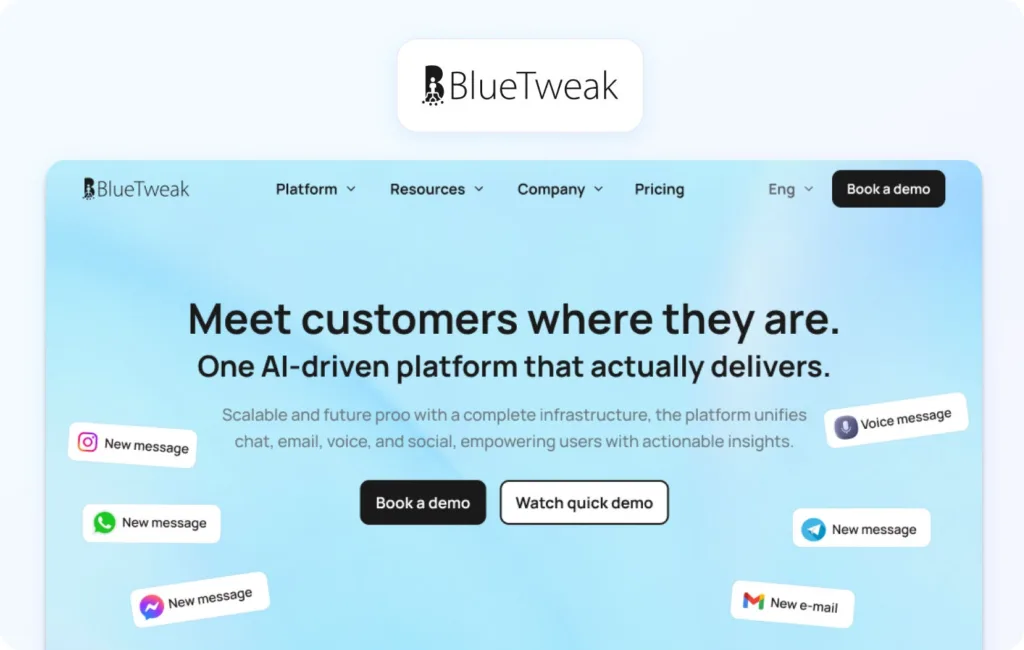
BlueTweak delivers an all-in-one CCaaS platform merging voice, chat, email, and social with AI automation, workforce management, and an integrated knowledge base. Built for mid-market operations (20-100 agents), it provides KB-grounded AI ensuring support agents and customers receive accurate, sourced answers.
Best for: Teams wanting a knowledge base integrated with omnichannel support and AI automation in a unified customer service solution.
Key features:
Pros:
Cons:
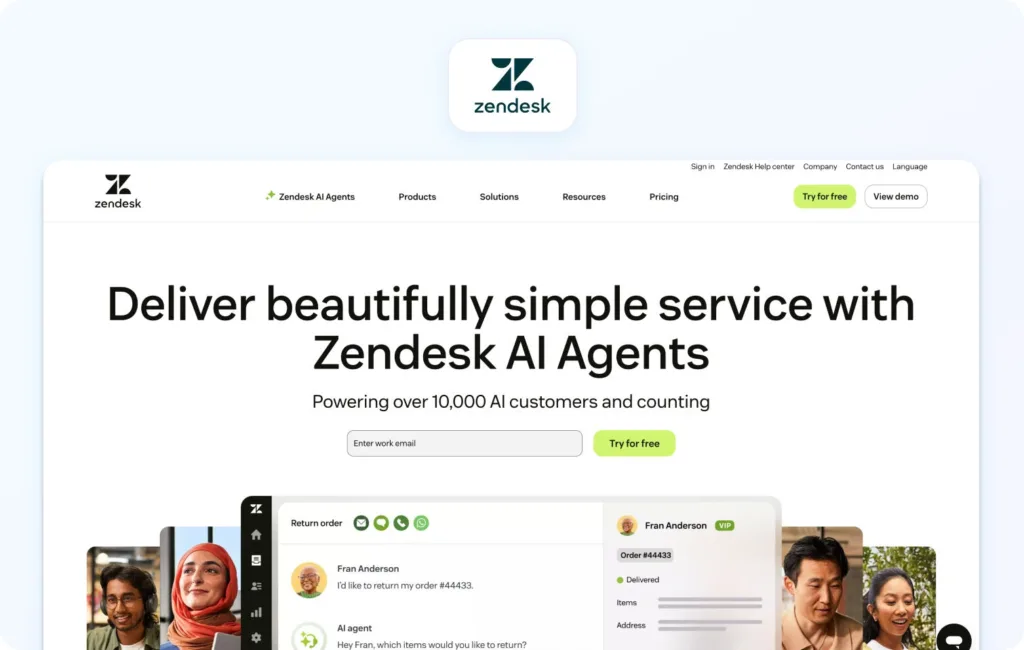
Zendesk provides a cloud-based help desk with a guide knowledge base included in Suite plans. Strong for teams wanting integrated ticketing and KB without separate subscriptions.
Best for: Teams already using Zendesk, wanting integrated knowledge management.
Key features:
Pricing:
Pros:
Cons:
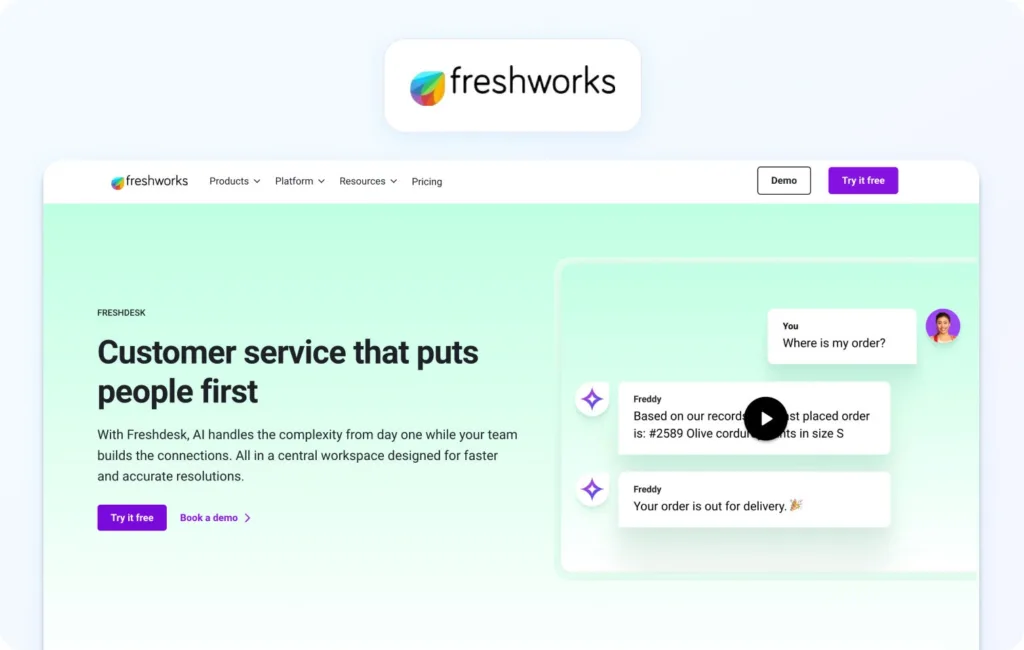
Freshdesk offers a cloud-based help desk with a built-in knowledge base. An affordable option for small teams seeking basic knowledge management alongside ticketing.
Best for: Small customer support teams looking for affordable, integrated KB and ticketing.
Key features:
Pricing:
Pros:
Cons:
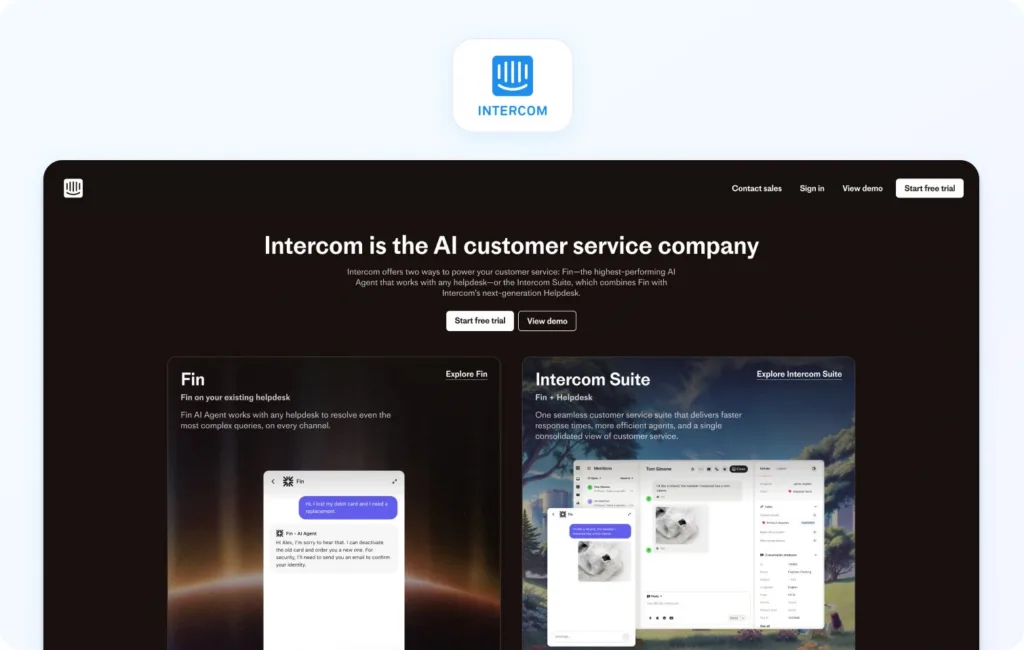
Intercom combines messaging, chatbot, and articles in its knowledge base. Strong for SaaS companies wanting proactive customer engagement with embedded help.
Best for: SaaS teams emphasizing in-product help and proactive messaging.
Key features:
Pricing:
Pros:
Cons:
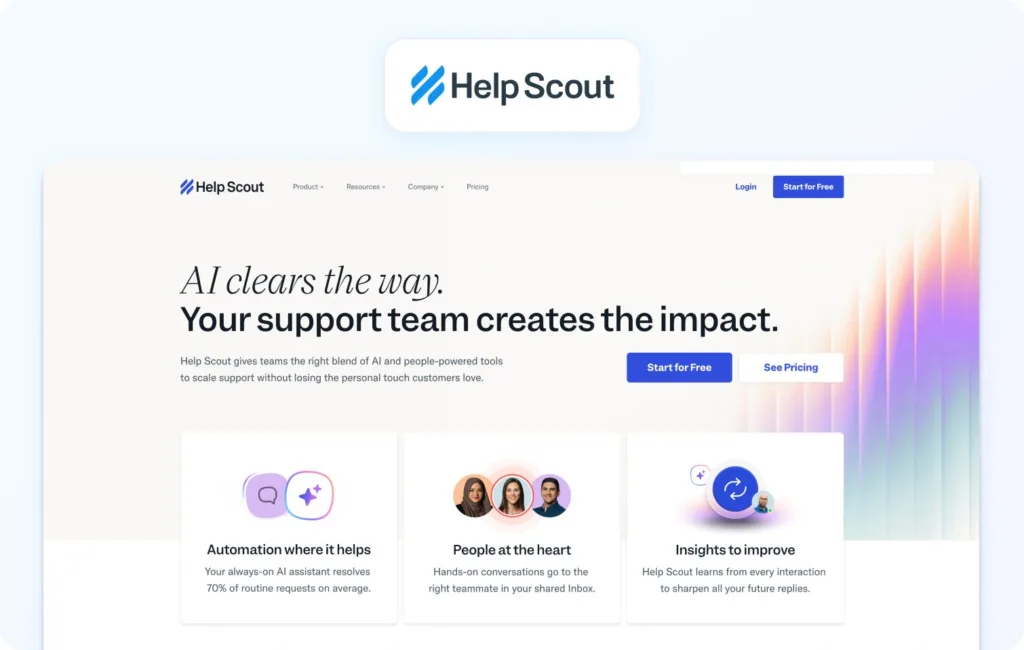
Help Scout provides an email-centric help desk with a Docs knowledge base. Clean authoring experience emphasizing simplicity for small teams.
Best for: Small teams wanting a straightforward knowledge base with email support.
Key features:
Pricing:
Pros:
Cons:
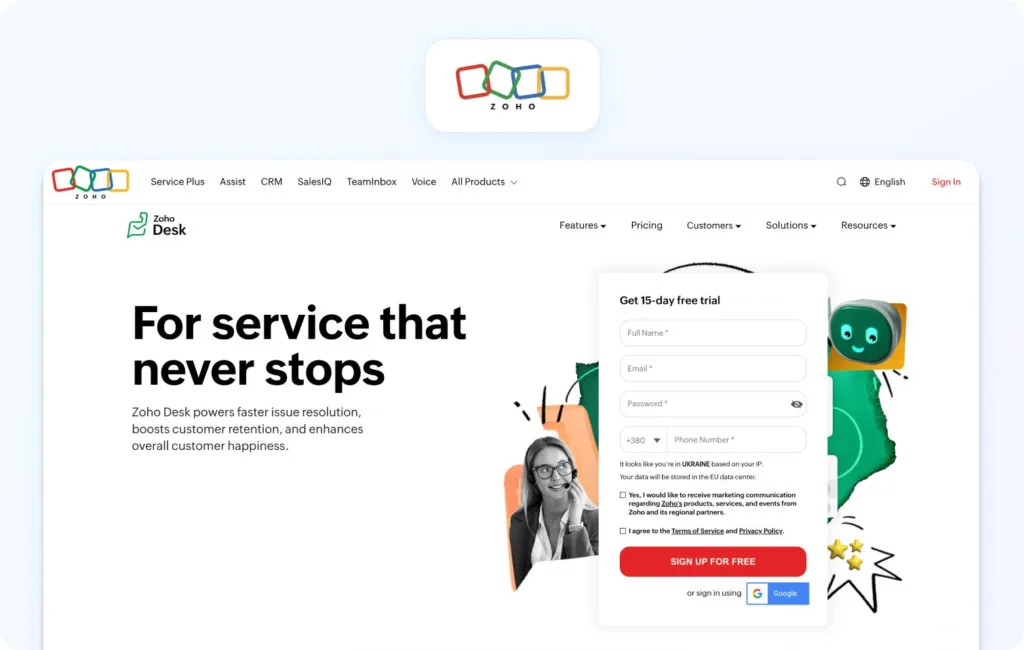
Zoho Desk offers context-aware ticketing with a built-in knowledge base. Affordable option for teams in the Zoho ecosystem.
Best for: Teams already using Zoho products wanting integrated knowledge management.
Key features:
Pricing:
Pros:
Cons:

Salesforce Knowledge provides enterprise knowledge management within Service Cloud. Sophisticated capabilities for large organizations that are already invested in the Salesforce ecosystem.
Best for: Large enterprises using Salesforce CRM wanting integrated knowledge management.
Key features:
Pricing:
Note: Available Enterprise tier and above
Pros:
Cons:
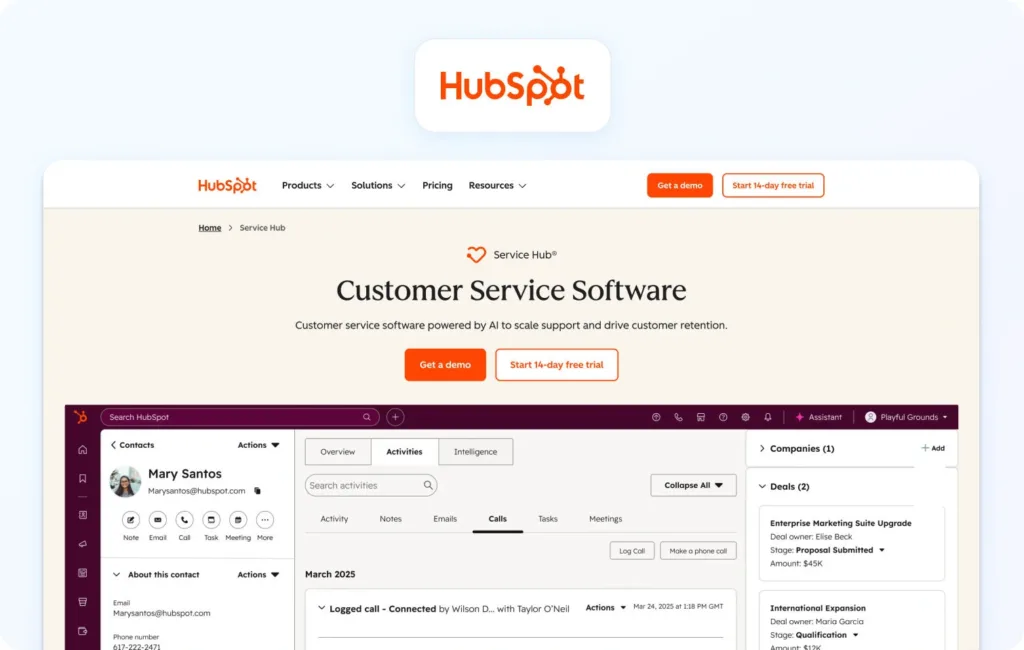
HubSpot Service Hub includes a knowledge base as part of the customer service platform. Good for teams wanting unified marketing, sales, and service tools.
Best for: Teams using HubSpot CRM wanting integrated customer service and knowledge management.
Key features:
Pricing:
Pros:
Cons:
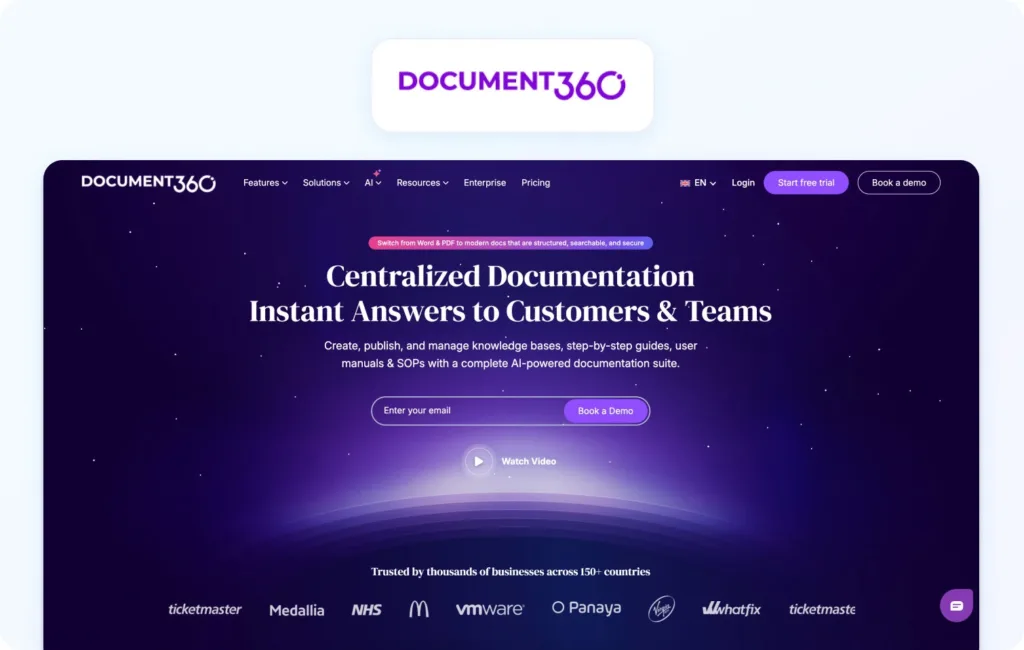
Document360 delivers dedicated knowledge base software for both internal and external documentation. Strong for teams wanting sophisticated knowledge management without bundled support tools.
Best for: Teams needing a dedicated, sophisticated knowledge management platform.
Key features:
Pricing:
Pros:
Cons:
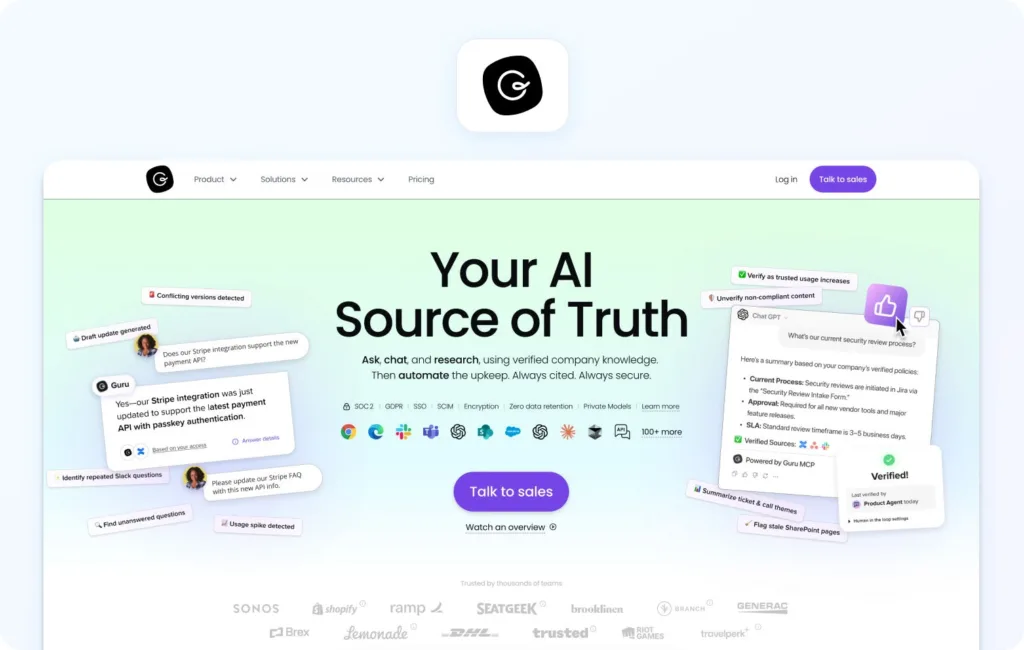
Guru provides an AI-powered knowledge management platform emphasizing verification and search across existing tools. Unique approach surfacing knowledge wherever teams work.
Best for: Teams looking for AI-powered knowledge management with a browser extension and Slack integration.
Key features:
Pricing:
Pros:
Cons:
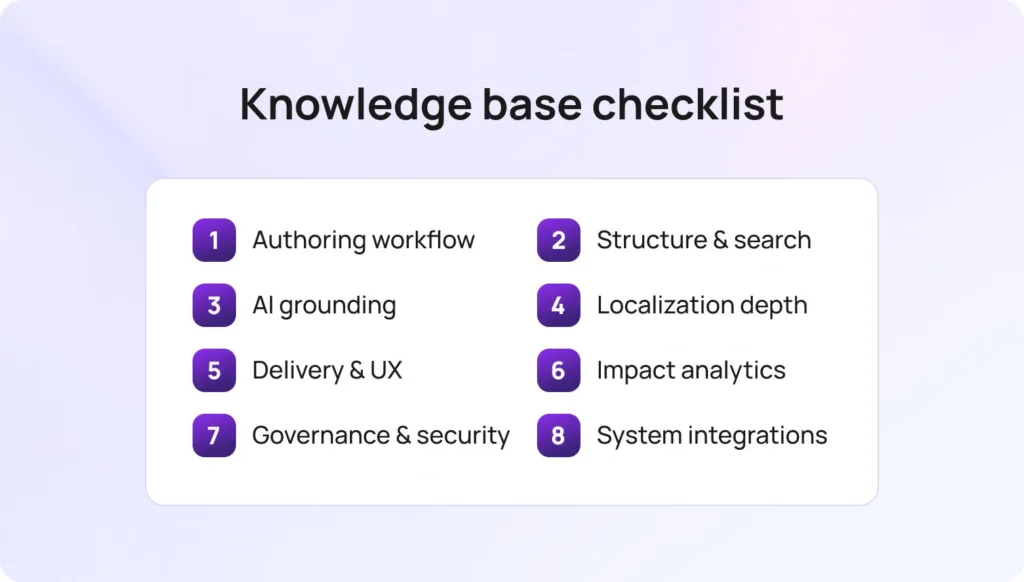
Honest pricing: Seat-based versus usage models (monthly active users, visits, AI calls). Add-on costs for AI, translation, or widgets. Implementation and support tier fees. Avoid platforms that paywall core knowledge base functionality or AI grounding behind enterprise tiers.
We reviewed vendor websites, pricing pages, official documentation, help centers, and marketplace listings. Features were verified against public sources and cross-referenced with published customer examples.
Pricing reflects publicly available information as of January 2026. Custom pricing notes “Contact sales.”
Pros and cons derive from documented capabilities and verified patterns. This evaluation uses public information subject to change; verify directly with vendors and request trials before purchasing.
BlueTweak meets all criteria with €65/agent/month transparent pricing, including KB and AI grounding.
| Criteria | What We Looked For |
|---|---|
| Authoring experience | Editor quality, workflow maturity, template availability |
| Search effectiveness | Semantic understanding, typo tolerance, relevance of results |
| AI grounding quality | Source attribution, answer accuracy, guardrails preventing hallucinations |
| Localization depth | Number of languages supported, workflow maturity for managing translations |
| Analytics value | Deflection metrics, knowledge gap identification, actionability of insights |
| Governance rigor | Version control, audit trails, role-based access, and security standards |
| Integration breadth | Help desk, CRM, commerce, and voice connections via native integrations and APIs |
| Total cost | Seat and usage fees, AI add-on costs, and realistic TCO beyond headline pricing |
Finalize your shortlist scoring platforms on:
Validate governance meeting security requirements and integrations connecting your existing tools. Reality-check pricing and TCO, including AI, translation, and support tier costs.
Keep KPIs visible. Ask vendors to demonstrate measurable impact on reducing customer support calls and improving resolution times through documented customer results, rather than just feature checklists that promise comprehensive documentation.
When to shortlist BlueTweak: You want KB-grounded AI powering both agent-suggested replies and customer self-service, integrated with omnichannel support (voice, chat, email, social), analytics proving deflection, and workforce management all in one platform.
Request a demo to see how BlueTweak’s knowledge base grounds AI responses, reduces support volume through improved customer self-service, and integrates with omnichannel support for seamless integration across customer service teams.
Customer support knowledge base software centralizes company knowledge, policies, and procedures so customers and agents can find answers on their own. Modern platforms add AI grounding, multilingual support, approval workflows, and analytics for reliable knowledge sharing. BlueTweak offers this in a unified platform that pairs KB management with ticketing and WFM.
AI turns a static repository into an active support tool. KB-grounded AI helps agents respond faster with accurate, sourced answers, while chatbots enable self-service and cite specific articles. Analytics reveal which AI responses work and which drive escalations. BlueTweak includes KB-grounded AI and multilingual automation to improve both deflection and agent speed.
Most knowledge management platforms integrate with help desk software, live chat, CRM platforms, and analytics tools via APIs or marketplace apps. Verify integration depth; some offer native connections with seamless integration, while others require middleware, creating project management overhead.
Use your knowledge management system for customer support to track self-service rate (percentage of customers finding answers without tickets), deflection metrics (support volume reduction), search success rate (queries yielding helpful results), article helpfulness scores, FCR improvements, and customer satisfaction for self-service experiences.
As Head of Digital Transformation, Radu looks over multiple departments across the company, providing visibility over what happens in product, and what are the needs of customers. With more than 8 years in the Technology era, and part of BlueTweak since the beginning, Radu shifted from a developer (addressing end-customer needs) to a more business oriented role, to have an influence and touch base with people who use the actual technology.