14 Customer Support Automation Tools Options To Choose In 2026


BlueTweak is an AI Customer Support Platform that unifies every conversation, customer record, and automation into one workspace.
Explore more
Insights, trends, and practical ideas from customer experience and AI
Real-world scenarios showing how teams use BlueTweak to deliver better service
The daily blueprint that guides customer support leadership.
ROI and savings calculators for support teams
See how BlueTweak stacks up against leading customer support platforms
Customer support automation tools in 2026 combine AI-powered workflows, automated ticketing systems, and self-service portals to help support teams automate customer service at scale, reduce repetitive tasks, and improve customer satisfaction. The best customer service automation software blends automated customer support with human agents, using natural language processing, sentiment analysis, and AI agent capabilities to manage customer interactions, support tickets, and customer inquiries across multiple communication channels. By unifying customer data, predictive analytics, and proactive support tools, businesses can lower operational costs, increase agent productivity, and deliver consistent, personalized support throughout the customer journey.

Customer support automation in 2026 has moved beyond chatbots and auto-responders. Today, it’s a layered system that blends AI efficiency with human judgment, evolving from simple workflows into intelligent, adaptive operations. At a practical level, automation now sits across three distinct layers:
This is where most teams start. It includes auto-triage, ticket routing, SLA management, tagging, and escalations. Instead of agents manually sorting requests, the system ensures every ticket lands in the right queue instantly, with priority and context attached.
This is where productivity gains compound. AI generates summaries, suggests replies, prompts QA checks, and recommends next-best actions. Rather than replacing agents, this layer acts as a co-pilot, reducing cognitive load and speeding up resolution times.
This is the most visible layer. Bots, self-service portals, proactive messaging, and deflection strategies help customers solve issues before an agent is even needed. The key shift in 2026 is that these systems are far more context-aware and knowledge-base-driven.
Across all three layers, the defining principle is human-in-the-loop automation. Most teams evolve from assisted support to approval-led automation, and finally to fully autonomous workflows, maintaining quality and trust at every stage of scale.

Automation adoption is no longer considered experimental, but reactive. Most teams invest in customer support automation tools after hitting clear operational limits.
Common triggers include rapid ticket growth, multilingual demand, missed SLAs, fragmented tools, agent burnout, and inconsistent customer experiences. These issues don’t just slow teams down; they directly impact revenue and retention.
A recent 2025 PwC report found that 73% of customers say experience is a key factor in purchasing decisions, yet many companies still struggle to deliver consistent support at scale. This gap is what automation is now solving.
The impact is measured across core KPIs:
From a CFO or COO perspective, the conversation has shifted. It’s no longer about whether to automate, but how quickly teams can achieve time-to-value without inflating total cost of ownership (TCO). Many platforms hide automation behind add-ons (AI, voice, or workforce management), which can quietly double costs over time. This is why teams in 2026 are consolidating systems, not adding more. That’s where modern customer support automation platforms differentiate.

Choosing the best customer support automation tools in 2026 isn’t about picking a single category to address your main problem. Most teams now need a mix of help desk capabilities, omnichannel communication, CCaaS features, and AI-driven automation layers.
This list reflects that reality. It includes full platforms, specialized tools, and enterprise-grade systems designed to automate support end-to-end. All capabilities and pricing notes are based on vendor sites; where unclear, details are marked as ‘varies by plan’ or ‘verify’.
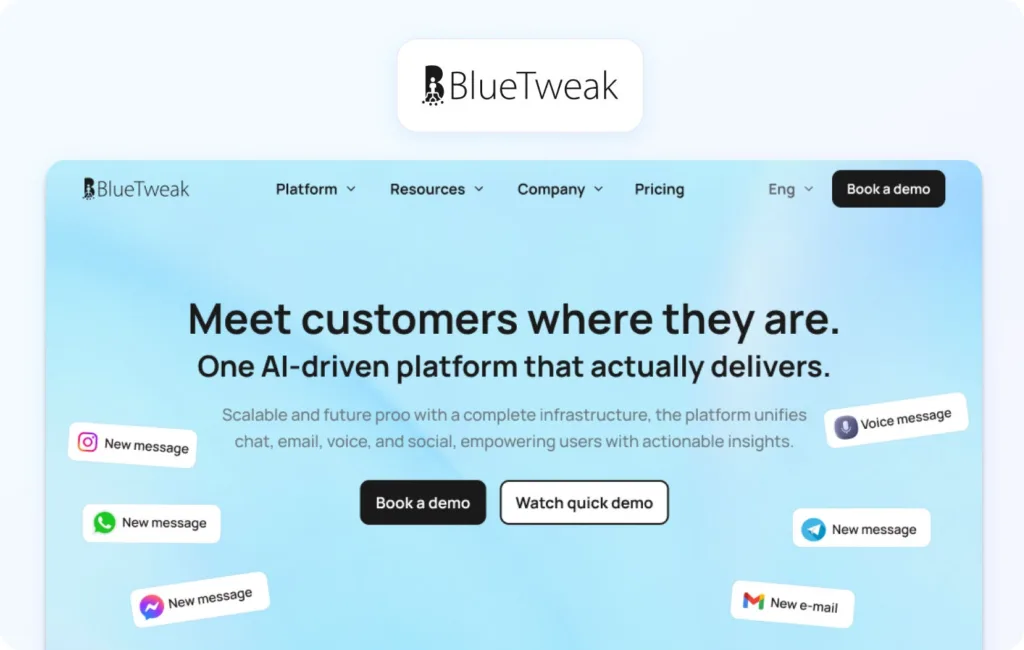
BlueTweak positions itself as a full CX operating system, combining tickets, chat, voice, bots, knowledge base, analytics, and workforce management into a single customer support automation platform. Its capabilities have been applied in real-world deployments, helping teams streamline support workflows, unify customer interactions, and enhance operational efficiency; an approach illustrated in one of BlueTweak’s AI-powered e-commerce implementations.
Best fit: Mid-market to large enterprises managing multiple brands or high ticket volumes.
Automation strengths: Strong across all layers—automated routing, AI summaries, suggested replies, multilingual support, and knowledge-base-grounded responses.
Channels/voice: Omnichannel, including chat, email, and voice, with unified conversation tracking.
Analytics / WFM / QA: Built-in dashboards and workforce management tools allow teams to forecast demand, monitor performance, and maintain QA standards without external tools.
Integrations / APIs: Robust integrations with CRM, commerce platforms, and internal systems via APIs.
Pricing: BlueTweak offers a transparent, all-in-one pricing model at €65 per agent per month, which includes the full platform rather than tiered feature gating. Unlike many customer support automation tools that charge extra for AI, voice, or analytics, BlueTweak bundles ticketing, messaging, voice, bots, knowledge base, automation workflows, and analytics into a single package.
Why it stands out: BlueTweak’s multi-brand routing and reporting capabilities make it especially strong for organizations managing multiple customer experiences under one roof.
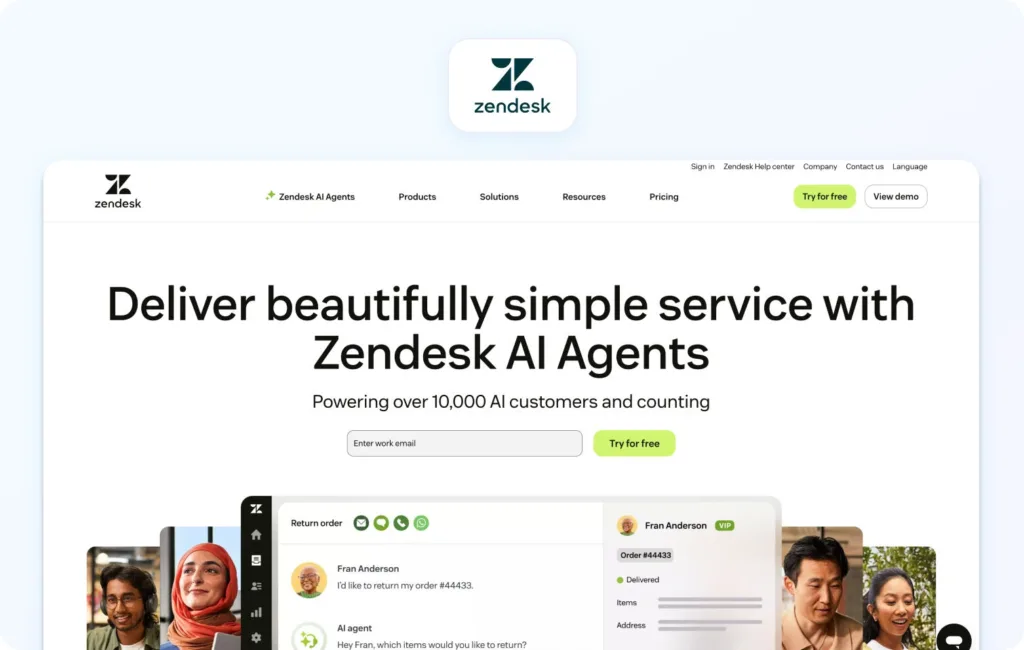
A long-standing leader in customer support automation software, Zendesk offers a mature ecosystem with strong automation workflows and AI-powered features.
Best fit: SMB to enterprise teams scaling support operations
Automation strengths: Ticket routing, macros, AI suggestions, and bots
Channels / voice: Omnichannel with optional voice add-on
Analytics / WFM / QA: Advanced reporting; WFM varies by plan
Integrations / APIs: Extensive marketplace and APIs
Pricing: Zendesk uses a tiered, per-agent pricing model, with Suite plans starting from lower-cost entry tiers and scaling up to £135 to £169 per agent per month. However, key automation features such as advanced AI agents, workforce management, and quality assurance are often positioned as add-ons, which can increase total cost as teams scale. Verify for details.
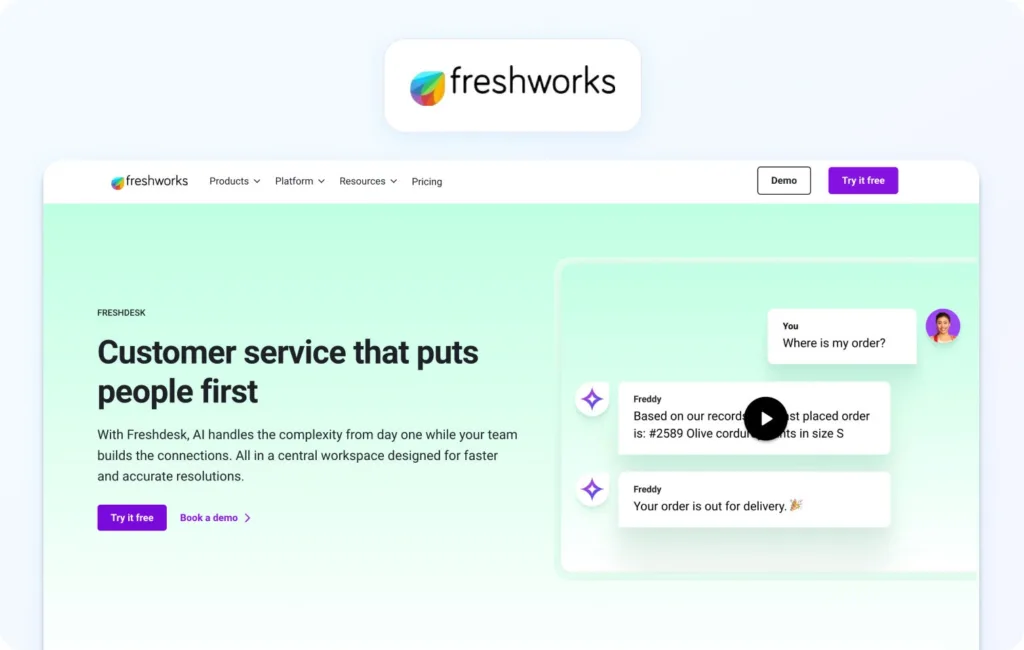
Freshdesk provides accessible automation with a focus on ease of use and fast deployment.
Best fit: Small to mid-sized teams
Automation strengths: Workflow automation, AI assist, ticket prioritization
Channels / voice: Omnichannel; voice via add-ons
Analytics / WFM / QA: Built-in analytics; limited WFM
Integrations / APIs: Wide integration library
Pricing: Freshdesk offers a flexible, tiered pricing model, including a free plan for up to two agents, with paid plans starting at $15 to $19 per agent per month and scaling up to around $79 per agent per month for Enterprise features. Advanced features like AI Copilot, predictive automation, and deeper analytics are either bundled into higher tiers or available as add-ons. Verify for details.
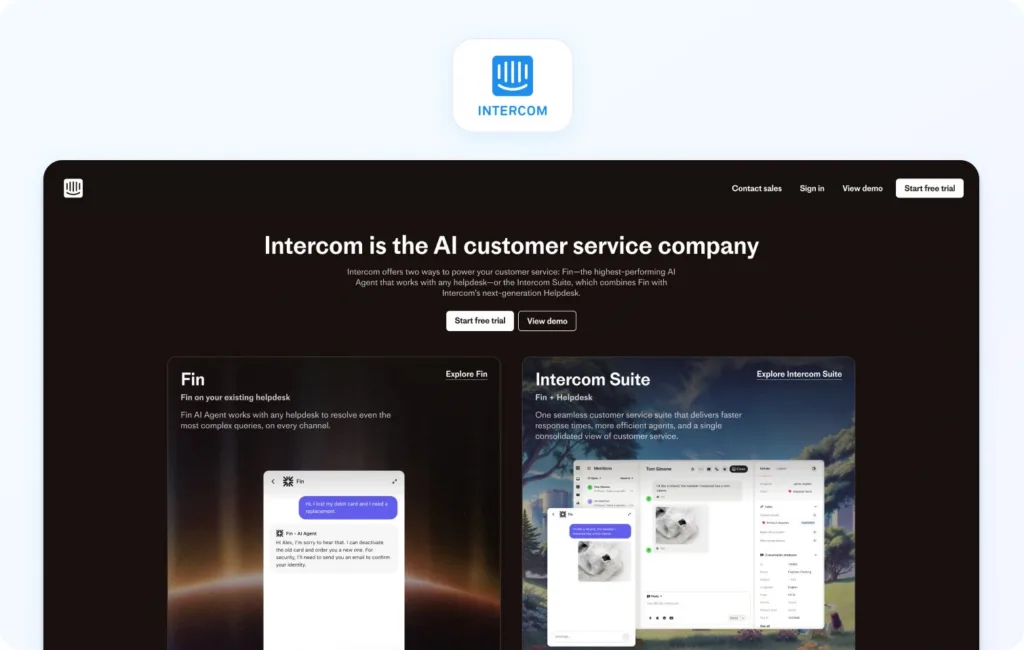
Intercom focuses heavily on conversational automation and proactive customer engagement.
Best fit: SaaS and digital-first businesses
Automation strengths: Bots, proactive messaging, AI copilots
Channels / voice: Chat-first; voice limited
Analytics / WFM / QA: Product-focused analytics
Integrations / APIs: Strong SaaS integrations
Pricing: Intercom uses a hybrid pricing model that combines per-seat pricing with usage-based costs. Plans start at around $29 per seat per month (billed annually) for the Essential tier, increasing to approximately $85 to $139 per seat per month for more advanced plans with automation and enterprise features. In addition to seat costs, Intercom charges for AI automation through its Fin AI agent at $0.99 per resolution, meaning teams pay based on successful automated interactions rather than access alone. Verify for details.

Salesforce Service Cloud is an enterprise-grade customer support automation platform tightly integrated with CRM data.
Best fit: Large enterprises with complex workflows
Automation strengths: Workflow automation, AI insights, case management
Channels / voice: Omnichannel with strong voice capabilities
Analytics / WFM / QA: Deep analytics and reporting
Integrations / APIs: Extensive ecosystem
Pricing: Salesforce Service Cloud uses a tiered, per-user pricing model, starting from around £20 per user per month for entry-level plans and scaling up to approximately £140, £280, and £440 per user per month for Enterprise, Unlimited, and Agentforce Service plans, respectively. Advanced features like AI-powered automation, digital engagement, voice, and analytics are often available as add-ons or require higher-tier plans.

ServiceNow extends its enterprise workflow engine into customer service management.
Best fit: Enterprises with ITSM alignment
Automation strengths: Workflow orchestration, case automation
Channels / voice: Omnichannel
Analytics / WFM / QA: Strong enterprise analytics
Integrations / APIs: Enterprise integrations
Pricing: Custom pricing; verify for details.
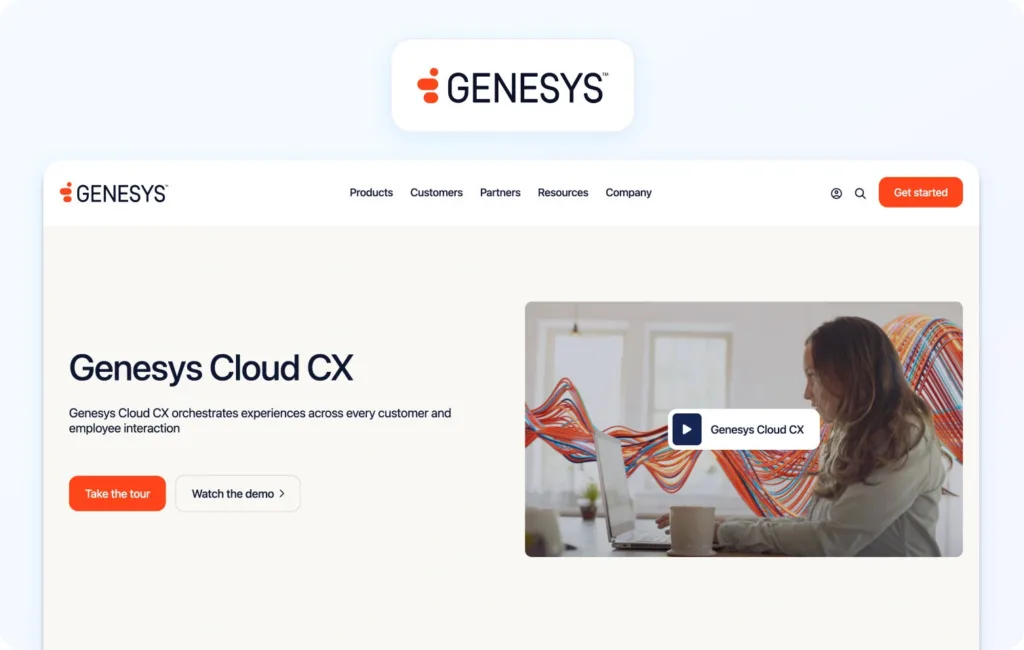
Genesys Cloud CX is considered a CCaaS leader with strong voice and routing automation capabilities.
Best fit: Contact centers prioritizing voice
Automation strengths: Intelligent routing, voice automation
Channels / voice: Voice-first, with digital channels
Analytics / WFM / QA: Strong WFM and QA tools
Integrations / APIs: Extensive
Pricing: Tiered, per-user pricing model, with plans starting at £52.50 per user per month for voice-only capabilities, increasing to £168 per user per month for advanced AI-driven experience orchestration. Each tier includes core automation such as routing, IVR, analytics, and native bots, while more advanced capabilities like workforce management, speech and text analytics, and AI-powered forecasting are introduced in higher tiers. Verify for details.
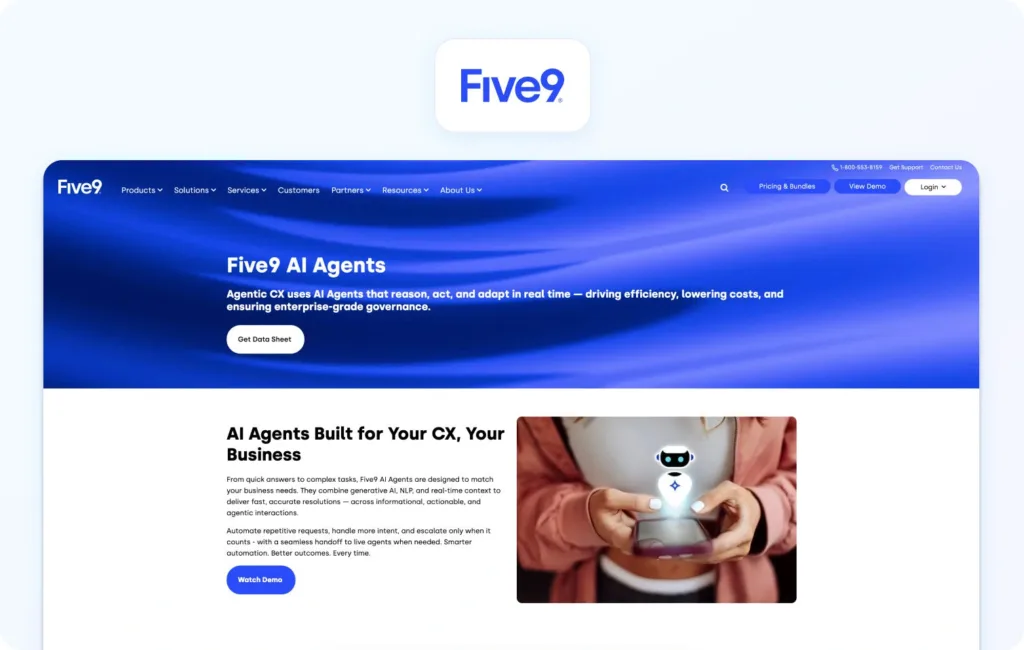
Five9 delivers cloud contact center automation with AI-driven workflows.
Best fit: Mid-to-large contact centers
Automation strengths: IVR, routing, AI assist
Channels / voice: Voice-centric
Analytics / WFM / QA: Built-in analytics and WFM
Integrations / APIs: CRM integrations
Pricing: Five9 uses a per-user subscription model, with entry-level plans starting at approximately $119 per user per month for digital-only channels, and higher tiers adding voice, automation, and workforce engagement capabilities. More advanced plans, including those with full AI, analytics, and workforce optimization features, typically require custom quotes via sales. Verify for details.
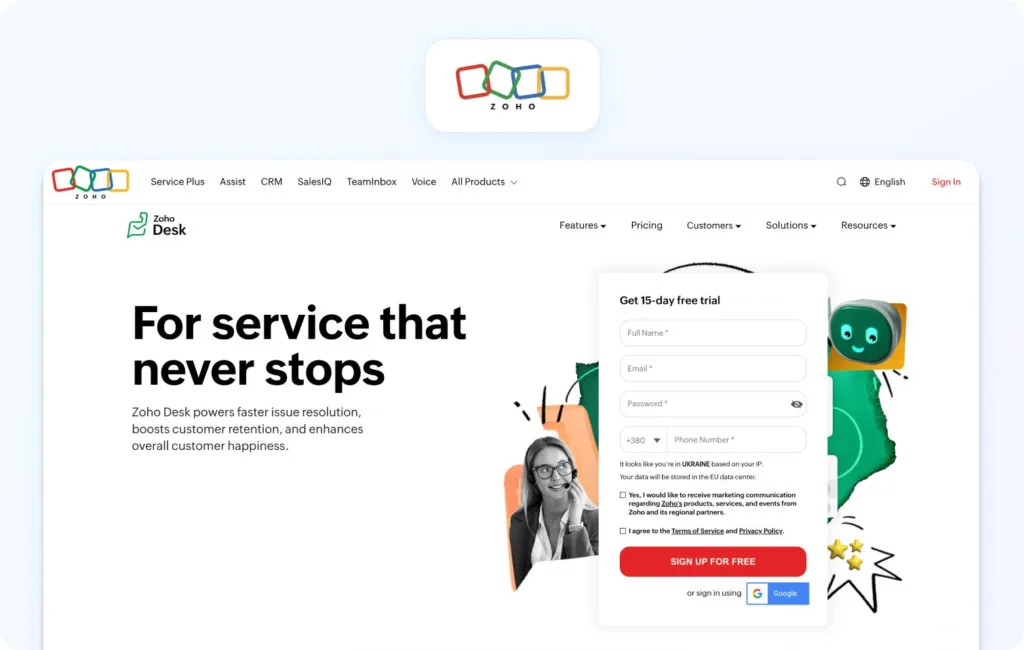
Zoho Desk stands as a cost-effective customer support automation software option with solid automation features.
Best fit: SMBs and growing teams
Automation strengths: Workflow rules, AI assistant
Channels / voice: Omnichannel
Analytics / WFM / QA: Built-in dashboards
Integrations / APIs: Zoho ecosystem
Pricing: Zoho Desk offers a highly accessible, tiered pricing model, including a free plan for up to three agents, with paid tiers scaling from entry-level plans to more advanced enterprise functionality. Paid plans increase in capability across Express, Standard, Professional, and Enterprise editions, with each tier unlocking more automation, AI, and operational features. More advanced AI and automation capabilities are concentrated in higher plans; verify for details.
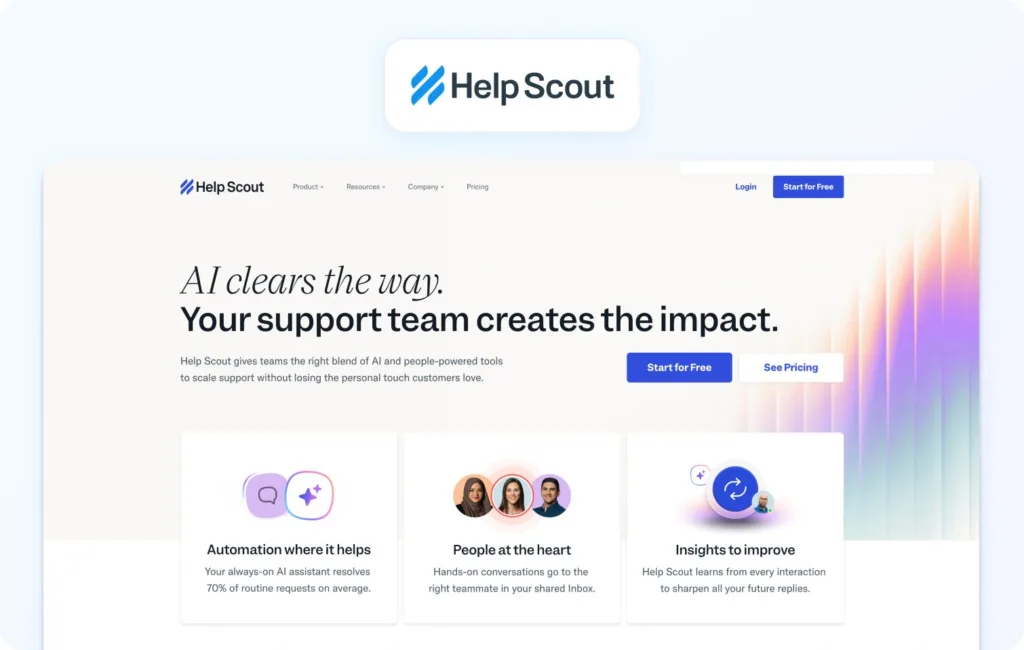
Help Scout emphasizes simplicity and human-centric support.
Best fit: Small teams prioritizing customer experience
Automation strengths: Basic workflows, tagging
Channels / voice: Email and chat
Analytics / WFM / QA: Lightweight reporting
Integrations / APIs: Moderate
Pricing: Help Scout offers transparent, tiered pricing with a free plan (up to five users) and paid plans starting at $25 per user per month, increasing to $45 and $75 per user per month for Plus and Pro tiers. Automation is partially bundled, with AI drafting and summaries included in higher plans, but chatbot-style automation (AI Answers) is priced separately; verify for details.

Front blends shared inbox functionality with automation.
Best fit: Collaborative support teams
Automation strengths: Rules, assignments, collaboration tools
Channels / voice: Email and chat
Analytics / WFM / QA: Team performance insights
Integrations / APIs: Strong integrations
Pricing: Front uses a per-seat pricing model, with plans starting at $25 per seat per month for the Starter tier, increasing to $65 per seat per month for Professional and $105 per seat per month for Enterprise plans (billed annually). AI-powered features such as Copilot, QA, and CSAT are available as add-ons on lower tiers, while Enterprise includes these capabilities by default. Additional costs can also come from usage-based elements; verify for details.

Gorgias is purpose-built for e-commerce support automation.
Best fit: E-commerce brands
Automation strengths: Order-related automation, macros
Channels / voice: Omnichannel
Analytics / WFM / QA: E-commerce-focused metrics
Integrations / APIs: Shopify-centric
Pricing: Gorgias uses a usage-based pricing model, where costs are tied to the number of support tickets rather than the number of agents. Plans start from $10 per month for 50 tickets, scaling up to $750 per month for 5,000 tickets, with enterprise pricing available for higher volumes. Gorgias allows unlimited users on most plans, with pricing increasing based on ticket volume and overages, which are billed per additional ticket once limits are exceeded. Automation is priced separately through its AI Agent, which is billed on an outcome basis; verify for details.
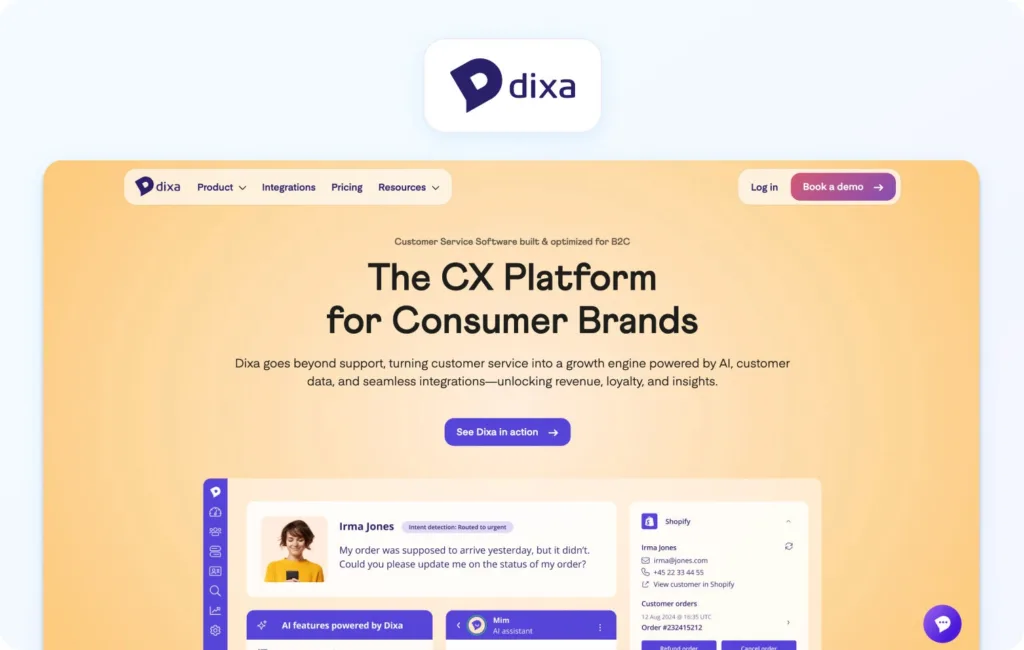
Dixa focuses on intelligent routing and customer experience orchestration.
Best fit: CX-focused teams
Automation strengths: Routing, conversation distribution
Channels / voice: Omnichannel
Analytics / WFM / QA: Performance analytics
Integrations / APIs: Strong
Pricing: Dixa uses a tiered, per-agent pricing model, with plans starting at €89 per agent per month for the Growth tier, increasing to €139 for Ultimate and €179 per agent per month for Prime (billed annually). All plans include omnichannel support across phone, email, chat, and social channels as standard. AI capabilities such as chatbots, agent assist, quality assurance, and voice transcription are available as add-ons across all plans; verify for details.

A specialist automation layer focused on multilingual support.
Best fit: Global teams
Automation strengths: Real-time translation automation
Channels / voice: Chat and email
Analytics / WFM / QA: Limited
Integrations / APIs: Help desk integrations
Pricing: Custom, volume-based pricing model; verify for details.

Selecting the right customer support automation tools requires more than feature comparison. The goal is to find a platform that reduces manual work while maintaining quality and consistency across every interaction.
Automation Coverage
A strong platform should handle routing, SLA workflows, escalation logic, and assignment rules without requiring constant manual intervention.
Agent Assist
Look for AI summaries, suggested replies, and macros with guardrails. The best systems ground these suggestions in your knowledge base, not generic AI outputs.
Self-Service
Bots and help centers should actively deflect tickets, not just respond to them. Effective self-service reduces volume while improving customer satisfaction.
Knowledge Base Grounding
Automation is only as good as its source of truth. Platforms should offer version control, governance, and structured content for accurate responses.
Omnichannel and Voice Handoff
Seamless transitions between chat, email, and voice are critical. Voice interactions should link back to tickets with transcripts and notes.
Ops and QA
Built-in analytics, QA frameworks, and workforce management tools help maintain performance as automation scales.
Security and Admin
Features like MFA, audit logs, role-based access, and data controls are essential, especially for enterprise teams.
Integrations and APIs
Your customer support automation platform should integrate with CRM, commerce systems, and BI tools, with webhooks for flexibility.
Pricing Clarity
Understand how automation is priced. Many vendors charge extra for AI features, voice, or advanced workflows, which can significantly increase TCO.
Choosing the right customer support automation tools in 2026 requires more than scanning feature lists or relying on third-party rankings. Many platforms position themselves similarly on the surface, but the real differences appear when you look at how automation performs across the full support lifecycle, from routing and agent workflows to self-service and operational oversight.
To make this comparison meaningful, we focused on what teams actually experience post-implementation: how quickly automation delivers value, how well it scales across channels, and how clearly costs can be understood over time. Rather than relying on opinions or aggregated reviews, we grounded our evaluation entirely in vendor-documented capabilities and publicly available information.
Our methodology was designed to reflect how modern support teams buy, implement, and scale automation in real-world environments:
While every platform takes a slightly different approach, the strongest customer support automation platforms consistently deliver across a shared set of core capabilities. These are the foundations required to automate support effectively without sacrificing quality or control.
Before shortlisting any tool, teams should ensure these essentials are covered:
To create a fair comparison across very different types of tools (from help desks to CCaaS platforms), we applied a consistent scoring framework. This allowed us to evaluate not just feature availability, but how well each platform performs in a typical mid-sized or scaling support environment.
Each tool was rated on a scale of one to five across the following criteria:

Adopting customer support automation software doesn’t require a full transformation overnight. The most effective teams roll out automation in controlled stages.
Week 1: Establish baseline KPIs, identify top customer intents, define routing rules, and clean up the knowledge base.
Week 2: Enable agent assist features like summaries and suggested replies, and introduce QA sampling.
Week 3: Launch bots for the top five intents and begin measuring deflection rates.
Week 4: Expand into additional languages and channels, implement workforce management dashboards, and introduce governance processes.

Understanding ROI is critical when investing in customer support automation tools, especially at scale.
A realistic cost model should include seats, voice minutes, AI usage, integration costs, and QA or localization efforts. Many teams underestimate the impact of add-ons, which can significantly increase long-term spend.
ROI typically comes from:
The key is to model conservatively. Automation delivers measurable gains, but results depend on implementation quality and ongoing optimization.
The best customer support automation tools aren’t necessarily the ones with the most features, but rather the ones that align with how your team operates, scales, and delivers consistent customer experiences under pressure.
In 2026, the real decision isn’t just whether to automate, but where that automation lives. Many teams still rely on fragmented systems with separate tools for tickets, chat, voice, AI, and reporting. While flexible on the surface, this often leads to operational drag, inconsistent data, and rising costs as complexity increases.
That’s why leading teams are moving toward platforms that combine automation breadth, knowledge-base grounding, operational depth, and pricing clarity within a single system. When automation, data, and workflows sit in one place, teams can maintain consistency across channels, reduce tool-switching, and scale more effectively without introducing friction.
Rather than layering automation on top of disconnected tools, BlueTweak is built as a unified customer support automation platform, bringing together omnichannel communication, AI-driven workflows, and operational tooling into one environment. The result is automation that works cohesively across the entire support lifecycle, not in isolated parts.
That means:
The advantage is simplicity. As automation matures, the biggest challenge becomes coordination. Platforms that unify workflows and data make it easier to scale without increasing operational complexity.
For teams managing multiple channels, brands, or high ticket volumes, this becomes a key differentiator. In these environments, consolidation is necessary for maintaining a consistent customer experience.
If you’re weighing help desk features, comparing pricing models, or looking for a cost-effective platform that scales with your customers, the most useful next step is seeing the system in action. Book a demo to see how BlueTweak helps teams manage customer interactions, streamline support tickets, and deliver consistent customer service at scale.
Customer service automation uses automation technology, ai powered tools, and automated systems to handle customer inquiries, customer queries, and support tickets without constant human intervention. It combines automated workflows, ticketing systems, and ai agents to streamline customer interactions while allowing human agents to step in for more complex customer issues.
Customer service automation tools help support teams automate repetitive tasks, reduce operational costs, and improve customer satisfaction by resolving customer issues faster across multiple communication channels. They also increase agent productivity, enhance customer feedback loops, and enable improved customer satisfaction through more consistent and data-driven support.
Customer service automation solutions improve customer satisfaction by using ai powered features like sentiment analysis, predictive analytics, and personalized support to respond to customer needs more accurately. By combining automated customer support with human agents, businesses can maintain quality while scaling support across self-service portals and proactive support tools.
Automated customer service software is designed to support, not replace, human agents by handling basic support and repetitive tasks while escalating complex customer issues when human intervention is needed. This balance ensures customer expectations are met while support agents focus on delivering exceptional service where it matters most.
Businesses should look for customer service automation software that includes ai powered automation rules, automated ticketing systems, and seamless integration with existing systems to manage customer data and customer history effectively. The best platforms also support multiple customer support channels, offer interactive voice response, and provide insights into key metrics like customer satisfaction score and increased agent productivity.
As Head of Digital Transformation, Radu looks over multiple departments across the company, providing visibility over what happens in product, and what are the needs of customers. With more than 8 years in the Technology era, and part of BlueTweak since the beginning, Radu shifted from a developer (addressing end-customer needs) to a more business oriented role, to have an influence and touch base with people who use the actual technology.