


AI-to-Human Handoff: Best Practices for Customer Support Escalation in 2026

What is an AI-to-Human Handoff?
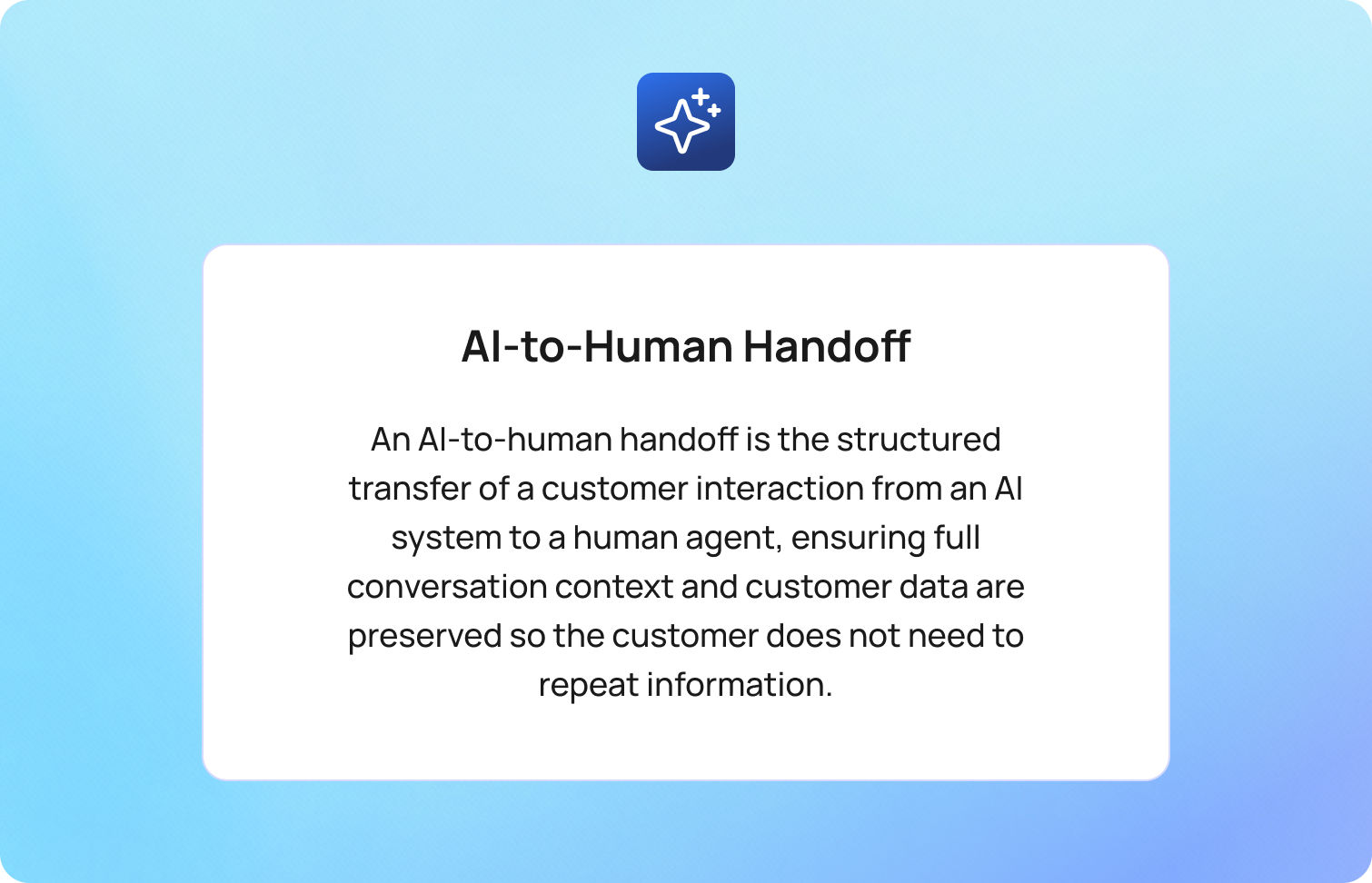
An AI-to-human handoff is the structured transfer of a customer interaction from an AI system to a human agent, ensuring full conversation context and customer data are preserved so the customer does not need to repeat information.
This is the point where automation ends, and human judgment takes over, and the quality of that transition determines whether resolution accelerates or breaks down. By the time escalation happens, the customer is already beyond self-service, often frustrated, time-conscious, and expecting resolution, not repetition.
A good handoff feels invisible: the agent picks up exactly where the AI left off, fully informed, and ready to act. A bad handoff forces the customer to start over, breaking trust instantly.
This applies across both chat and voice channels, though each brings different operational challenges.
The stakes are high. According to a PwC customer experience study, 73% of consumers say having to repeat information is one of the most frustrating parts of a support interaction, especially after being transferred. That frustration compounds quickly in AI-led journeys.
The Real Cost of a Broken Handoff
At its core, a broken AI-to-human handoff disrupts the customer experience by forcing repetition, losing conversation history, and reducing the effectiveness of both AI agents and human agents. Before solving the handoff, it’s worth understanding what failure actually costs.
Poor escalation creates a chain reaction across your support operation:
- Customers repeat themselves, and trust drops immediately
- Agents start cold, increasing average handle time (AHT) and lowering first contact resolution (FCR)
- Escalation rates become misleading, masking AI failure rather than reflecting real need
- Repeat contacts increase, driving up cost-to-serve and long-term churn
Gartner research shows that low-effort interactions cost 37% less than high-effort ones, while also reducing repeat contacts and escalations, which highlighs how inefficient handoffs directly increase cost-to-serve.
Most teams treat AI-to-human handoff as a routing problem. It’s not. It’s a context problem. If the agent doesn’t inherit the full story, the system has already failed, regardless of how accurate the routing logic is.

This is where most teams go wrong; they optimize when to escalate, but not how the escalation actually works.
The Five Elements of a Good Handoff
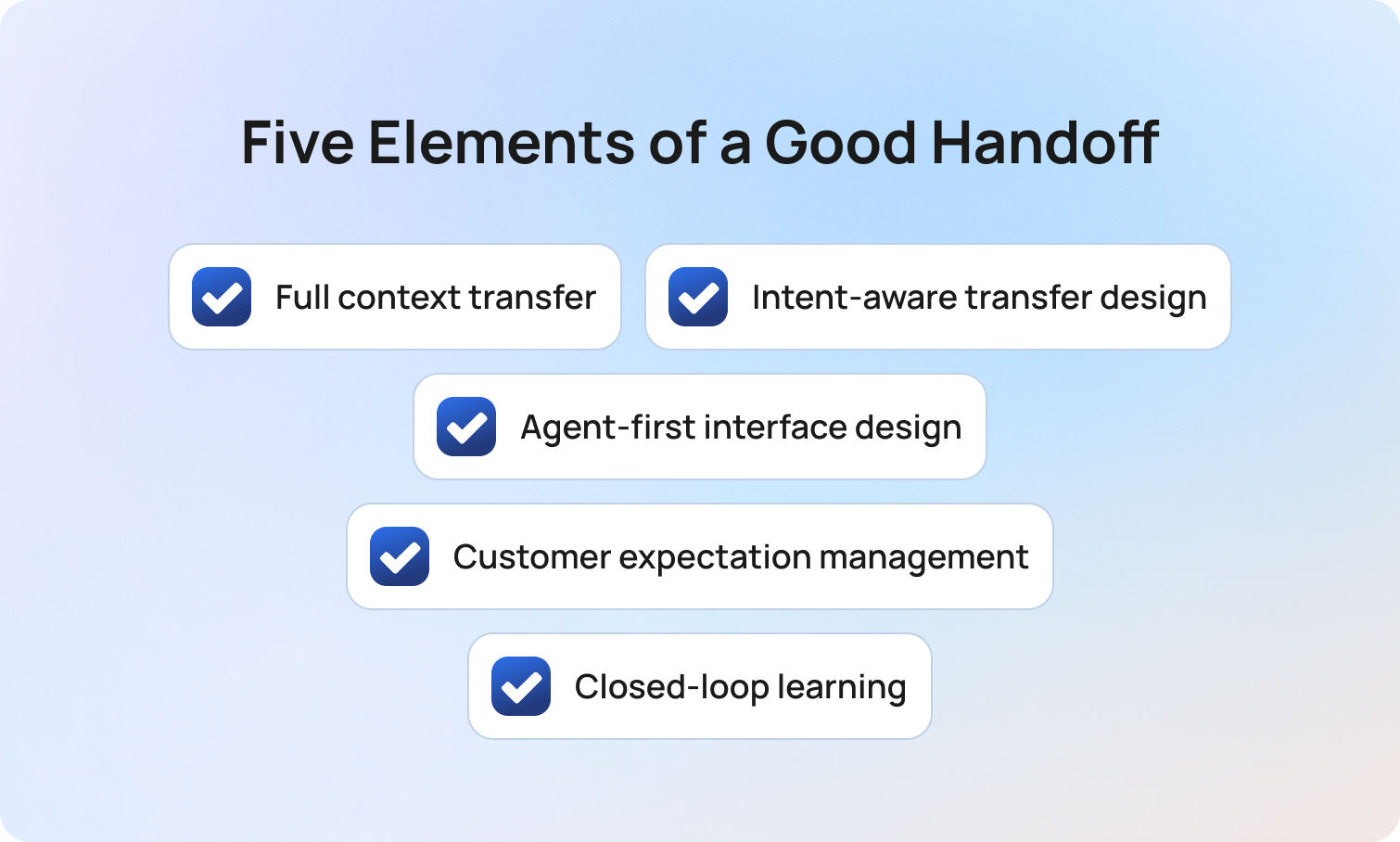
A seamless AI-to-human handoff depends on five core elements that ensure a smooth transition, maintain complete context, and enable human agents to resolve complex issues efficiently.
Once you’ve defined when escalation should happen, the real challenge is designing how that transition performs in practice. Most teams focus heavily on trigger logic, but that’s only one part of the system. A seamless handoff is the result of deliberate design across five interdependent elements. When even one is weak, the entire experience breaks down. BlueTweak applies this principle by structuring full conversation context into agent-ready summaries, rather than relying on raw conversation history.
1. Full context transfer (not just a transcript)
Many platforms claim to “pass context,” but in reality, they pass raw conversation logs. That’s not context, it’s unstructured data.
A high-performing handoff delivers a structured context package that enables immediate understanding. This should include a clear summary of the issue, relevant customer and account data, identified intent, sentiment indicators, and any prior attempts at resolution.
The objective is not to provide more information, but to provide the right information in a usable format. If an agent needs to read through an entire transcript to understand the problem, the handoff has already introduced friction.
This is the foundation of truly effective AI support agents' seamless handoff to human agents. Full conversation context ensures the human agent can act immediately with a complete understanding of the customer issue.
2. Intent-aware transfer design (warm vs. cold isn’t binary)
The common distinction between warm and cold transfers is useful, but incomplete. In practice, escalation design should reflect the nature of the interaction. Lower-complexity, low-emotion queries can typically be handled through efficient cold transfers, provided the context is well structured. As complexity increases, so does the need for richer summarisation and clearer framing of the issue.
Where emotion, urgency, or risk is involved, a more considered approach is required. In these cases, a warm transfer, where the agent is briefed before engaging the customer, helps preserve continuity and reduces the likelihood of escalation fatigue. Sensitive or regulated scenarios may require even more control, including priority routing and specialist handling.
The key point is that AI handoff to humans during complex questions should be intentionally designed, not treated as a uniform fallback. In short, intent-aware design ensures the escalation flow adapts to complexity, emotion, and risk rather than treating all escalations equally.
3. Agent-first interface design (where handoffs succeed or fail)
Even with strong AI performance, a poorly designed agent experience will undermine the handoff. At the point of connection, the agent interface must immediately communicate three things: the customer’s goal, what has already been attempted, and what is likely required next.
If this information is fragmented, hidden, or difficult to interpret, agents will revert to asking clarifying questions that the customer believes they have already answered. This is one of the most common (and avoidable) sources of frustration in escalated interactions.
Handoff quality is therefore not just a function of AI capability, but of how effectively that capability is surfaced to the human agent. The best systems are designed around agent comprehension, not data availability, and effective interface design ensures human agents can quickly interpret conversation history and deliver accurate answers without delay.
4. Customer expectation management (the continuity layer)
From the customer’s perspective, escalation introduces uncertainty. Without clear communication, the experience can feel like being passed between systems rather than progressing toward resolution.
The AI should actively manage this transition by acknowledging that further support is required, confirming that the next agent has full visibility of the issue, and setting expectations around what will happen next. This includes providing realistic wait times and clarifying whether additional input will be needed.
This becomes particularly important in AI bot handoff to human customer disputes, where trust and reassurance play a significant role in overall satisfaction.
A well-managed handoff does more than transfer the interaction; it maintains a sense of momentum and confidence. Managing expectations ensures a smooth transition that maintains trust and reduces uncertainty during human escalation.
5. Closed-loop learning (from process to system)
In many organisations, the handoff marks the end of the AI interaction. In high-performing teams, it marks the beginning of improvement. Every escalation provides a valuable signal; was the issue suitable for automation? Did the agent receive sufficient context? Was the outcome resolved efficiently?
Capturing and analysing this data allows teams to continuously refine both AI performance and escalation logic. Over time, this reduces unnecessary handoffs, improves resolution rates, and strengthens the overall support model.
Without this feedback loop, handoffs remain static. With it, they become a mechanism for ongoing optimisation. Feedback loops allow AI systems to learn from handoffs, improving future AI responses and reducing unnecessary escalation.
Effective AI-to-human handoffs combine structured conversation context, intelligent handoff triggers, and strong human agent enablement to deliver a seamless transition across all customer interactions.
Three Types of Handoff Triggers
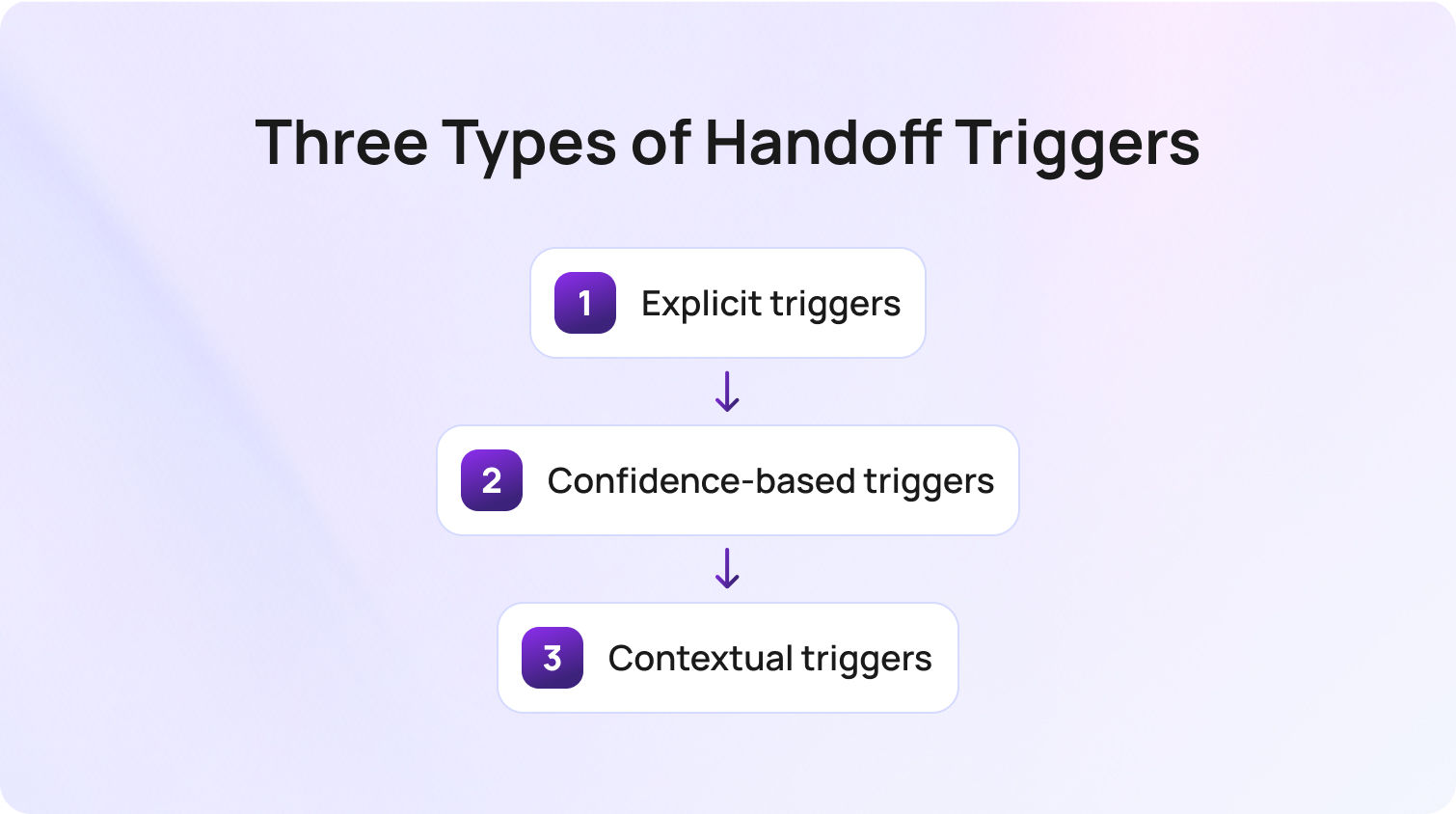
Effective AI agent handoffs rely on clearly defined handoff triggers that determine when AI should escalate to a human agent based on complexity, confidence, or customer intent. To build a reliable system, you need a clear framework for when escalation should happen. Most teams only implement one type, but the best systems use all three.
Explicit triggers
When a customer directly asks for a human, the system should escalate immediately with no loops, no friction, no retries. Ignoring this is one of the fastest ways to damage trust. In short, explicit triggers ensure customers can access human assistance immediately when they request it.
Confidence-based triggers
These activate when the AI drops below a defined confidence threshold or fails to resolve an issue after a set number of attempts. The challenge is calibration: too aggressive, and you overload agents; too loose, and customers get stuck. Essentially, confidence-based triggers prevent AI systems from overextending beyond their capability and reduce customer frustration.
Contextual triggers
These are the most advanced and the most valuable. They include:
- Sentiment signals (frustration, urgency)
- Topic categories (billing issues, disputes, compliance concerns)
- Behavioral patterns (repeat contacts, circular conversations)
This is where AI handoff to humans during complex questions becomes effective, catching edge cases that rules alone would miss. Contextual triggers allow AI to detect complex issues and escalate based on real customer interactions, not just predefined rules.
Voice vs. Chat Handoffs: What's Different?
While the goal of a seamless handoff remains the same, AI-to-human handoff design differs significantly between voice and web chat due to differences in timing, conversation history, and real-time expectations. While the principles remain consistent, the execution differs significantly between chat and voice environments.
In chat-based support, handoffs are inherently more forgiving. Full transcripts are available by default, context can be structured and reviewed before engagement, and customers can wait in a queue without losing the thread of the conversation. When designed well, the transition can feel almost invisible.
Voice, by contrast, operates under real-time constraints where silence, repetition, or hesitation are immediately felt by the customer. This changes how handoffs need to be designed.
In voice environments, warm transfers become far more important. Providing the receiving agent with a live “whisper” briefing before they join the call allows them to enter the conversation with confidence, rather than asking the customer to restate the issue. Without this, even well-routed escalations can feel disjointed.
Real-time transcription also becomes a critical enabler. Unlike chat, there is no native transcript to rely on mid-interaction. Live transcription ensures the agent has immediate visibility into what has already been discussed, reducing cognitive load and improving response quality.
There is also a greater need to actively manage dead air during the transfer. In chat, a short delay is expected. In voice, even a few seconds of silence can create uncertainty. Clear messaging, hold protocols, and seamless routing all play a role in maintaining confidence during the transition.
Finally, voice handoffs place more emphasis on infrastructure reliability. Call quality, latency, and protocol stability (such as SIP performance) directly impact the experience in ways that chat simply does not.
The important distinction is that AI handoffs during complex questions cannot be implemented as a single, channel-agnostic rule set. It must be intentionally designed for the constraints and expectations of each medium.
This is precisely where modern platforms need to go further than routing logic alone, ensuring that context, timing, and agent readiness are orchestrated across both chat and voice in a consistent system. BlueTweak’s approach to handoff design reflects this shift, focusing not just on escalation decisions, but on how those escalations are experienced end-to-end by both customers and agents.
How to Measure Handoff Quality
Measuring AI-to-human handoff performance requires more than tracking volume; it involves evaluating how effectively AI systems transfer conversation context, enable human support, and improve customer outcomes. If you can’t measure your AI-to-human handoff, you can’t improve it.
The challenge is that most teams track only escalation volume and treat handoff rate as a success metric in isolation. In reality, volume tells you very little about quality.
A high-performing handoff should be evaluated as a system, not a single data point. That means looking at how effectively context is transferred, how well agents resolve escalated cases, and whether the customer experience improves or deteriorates after escalation.
Handoff rate
Handoff rate measures the percentage of AI interactions that escalate to a human agent. On its own, this number is easy to misinterpret. A low rate might indicate strong automation, or it might signal that customers are being trapped in AI loops. A high rate could reflect poor AI performance, or simply a use case that genuinely requires human intervention.
The metric only becomes meaningful when paired with outcomes. The goal is not to minimise handoffs, but to ensure they occur at the right moments, for the right reasons. Handoff rate should reflect meaningful escalation, not AI failure or poor experience design
Context completeness score
This metric answers a more fundamental question: Does the agent have everything they need at the moment of connection? In practice, this is best measured through agent feedback or QA review, rather than system logs. Agents should be able to quickly assess whether the context provided was sufficient, partially useful, or missing critical information.
A consistently low score here is a clear signal that the handoff is failing before the agent even engages. It is also one of the strongest predictors of poor downstream performance, particularly in complex or sensitive cases. Complete context is essential for enabling human agents to resolve customer issues efficiently.
Post-handoff first contact resolution (FCR)
Post-handoff FCR measures whether the agent resolves the issue within the same interaction after escalation. This is where handoff quality becomes tangible. If escalated cases regularly require follow-up, it suggests one of two issues: either the wrong cases are being escalated, or the agent is not receiving the context needed to act effectively.
Tracking this metric specifically for escalated interactions, rather than blending it into overall FCR, provides a much clearer view of how well your handoff process is performing. Post-handoff resolution shows whether the transition layer actually improves outcomes.
Repeat contact rate
Repeat contact rate captures whether customers return within a defined window, typically 24 to 48 hours, after an escalated interaction. This is one of the most reliable indicators of hidden failure. Even if an issue appears resolved in the moment, a follow-up contact suggests that something was missed, either in the handoff, the resolution, or the clarity of communication.
When viewed alongside the handoff rate, this metric helps distinguish between necessary escalation and ineffective escalation. In short, repeat contact reveals hidden gaps in the handoff process and overall customer support experience.
CSAT delta
CSAT delta compares customer satisfaction between fully automated interactions and those that required escalation. This is where many teams uncover uncomfortable truths. If escalated interactions consistently score lower than automated ones, the issue is rarely the agent; it is almost always the handoff experience.
A well-designed AI-to-human handoff should increase customer confidence, not diminish it. When the opposite happens, it signals a breakdown in continuity, expectation setting, or context transfer.
Taken together, these metrics shift handoff from a binary event into a measurable system. The focus should be on more than just moving conversations from AI-to-human, to ensuring that every escalation improves the likelihood of fast, accurate, and satisfying resolution. CSAT differences highlight whether human involvement enhances or weakens the customer experience.
How BlueTweak Handles AI-to-Human Handoff
BlueTweak approaches AI-to-human handoff as a complete system, ensuring AI agents and human agents work together with full conversation context, structured customer data, and continuous optimisation.
By this point, the standard for a high-performing AI-to-human handoff is clear. The real question is not whether escalation exists within your support stack, but whether it consistently delivers under real-world conditions across channels, edge cases, and moments of heightened customer emotion.
This is where many platforms fall short. They treat handoff as a routing event, rather than a coordinated system spanning AI decisioning, context management, agent experience, and continuous optimisation.
Most support teams don’t have a handoff problem. What they’re actually struggling with is continuity, and BlueTweak addresses this directly. Rather than treating AI-to-human handoff as a feature, it is designed as an end-to-end system that ensures the interaction does not restart, degrade, or lose momentum at the point of escalation.
In practice, that means:
- Context is not just transferred, but structured into a usable format that enables immediate agent action.
- Trigger logic combines explicit requests, confidence thresholds, and contextual signals such as sentiment and intent.
- The agent interface is built around clarity, surfacing what matters most at the exact moment of connection.
- Feedback loops are embedded into the workflow, allowing teams to continuously refine both AI behaviour and escalation quality.
This system-level approach is what allows handoffs to perform reliably, not just in controlled scenarios, but in the unpredictable reality of live customer interactions.
This is where BlueTweak’s approach stands apart, treating handoff as the connective tissue between automation and human expertise.
A clear example of this can be seen in BlueTweak’s work with global BPO provider Conectys, where consolidating context and streamlining agent workflows led to faster resolution times and measurable improvements in customer satisfaction.
The focus should be on ensuring that escalation improves the outcome.
Want to see for yourself? Get a 14-day, no strings attached, free trial.
Free Trial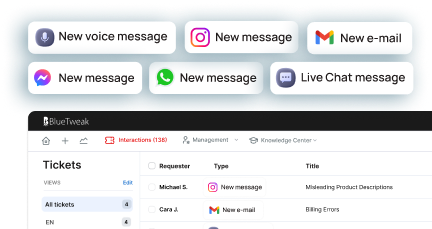
Final Thoughts: Designing AI-to-Human Handoff for Real-World Customer Support
A high-performing AI-to-human handoff combines artificial intelligence and human judgment to deliver a seamless transition that improves both customer experience and business outcomes.
The AI-to-human handoff is where artificial intelligence and human judgment intersect to resolve complex issues. The most effective support teams understand that success is not defined by how often handoffs occur, but by how well they perform when they do.
A seamless transition from AI-to-human support depends on maintaining full conversation context, preserving customer data, and enabling the human agent to act with a deep understanding of the situation from the very first response.
This requires a deliberate balance. AI systems must handle scale, speed, and accurate answers through natural language processing and machine learning, while human involvement provides the nuance, emotional intelligence, and decision-making needed for complex cases.
When this balance is achieved, the impact is significant:
- Reduced customer frustration and fewer repeat explanations
- Faster resolution of customer issues and improved operational efficiency
- Stronger customer experience and increased customer loyalty
For teams asking ‘how do I build seamless AI-to-human handoff’, the answer is not a single feature or tool. It is a system; one that combines intelligent handoff triggers, complete context transfer, and continuous optimisation through feedback and AI training. This system should ensure that every handoff improves the outcome.
In customer support in 2026, the true competitive advantage is not in automation alone, but in how effectively you combine AI and human assistance into a single, seamless experience. To see how BlueTweak brings this AI-to-human handoff framework to life in real-world customer support environments, you can explore the platform or book a live demo.
Book a demo
Book demo
10 Telecom Customer Service Software Options To Choose In 2026
What Telecom Support Needs in 2026

Telecom customer service has fundamentally shifted. What was once a cost center focused on call handling is now a frontline driver of retention, revenue protection, and brand perception. In an industry where switching providers is easier than ever, support quality is often the deciding factor between churn and loyalty.
This shift is being accelerated by rising customer expectations and increasing operational complexity. Customers don’t just want fast answers; they expect context-aware, personalized support across every channel, with zero friction.
At the same time, telecom providers are managing growing service portfolios, more frequent outages tied to infrastructure strain, and higher volumes of interactions driven by digital-first behaviors.
Against this backdrop, telecom customer service software must evolve beyond traditional help desk functionality and deliver capabilities that are purpose-built for the realities of the industry:
- Outage readiness: Support teams must handle sudden, large-scale spikes in demand without collapsing under volume. This means priority routing, real-time dashboards, and status-page-driven messaging that proactively informs customers before they even reach out.
- Omnichannel reality: Customers move fluidly between voice, chat, email, and social, and expect your support team to keep up. The ability to transition seamlessly from a phone call to a ticket, or from chat to follow-up email, is no longer a “nice-to-have,” it’s essential.
- First-contact resolution pressure: Every repeat call or transfer increases cost and frustration. Modern platforms need to equip agents with the right context, knowledge, and AI assistance to resolve issues the first time, not escalate them.
- Multilingual scale: Telecom providers operate across regions, often supporting diverse customer bases. Instant language switching, both for chat and voice, is critical for delivering consistent experiences globally.
Operational rigor: High-performing telecom support teams run like well-oiled machines. That requires real-time SLA dashboards, visibility into abandonment and concurrency rates, and accurate forecasting to ensure the right staffing at the right time.
Security and compliance: Telecom support involves sensitive customer data, from billing details to identity verification. Robust PII controls, audit trails, role-based access, and data governance are non-negotiable.
Platforms in 2026 need to do more than simply handle tickets; they must orchestrate complex support operations at scale. Telecom providers are not choosing software based on features alone, but on how effectively those tools reduce operational strain, improve resolution speed, and ultimately protect revenue in a high-churn environment.
The 10 Best Telecom Customer Service Software Platforms for 2026

Below are the top platforms to consider when evaluating telecom customer service software in 2026. Each option is assessed based on how well it supports telecom-specific needs, from outage management to omnichannel engagement and operational scale. Rather than listing features in isolation, we’ve broken each platform down into the areas that matter most when making a buying decision.
BlueTweak — Editor’s Choice

BlueTweak positions itself as an AI-first, omnichannel customer service platform designed to unify fragmented support environments and give teams greater control over complex operations. Rather than layering automation onto legacy systems, it takes a more integrated approach, bringing together channels, workflows, and data into a single operational view.
This is reflected in real-world deployments. For example, in its work with Conectys, BlueTweak helped streamline high-volume, multilingual support operations, delivering measurable improvements in both efficiency and customer outcomes, including a 25% reduction in resolution times and a 35% uplift in customer satisfaction.
Best for: Telecom teams looking to consolidate chat, voice, and email into one platform with fast time-to-value.
Telecom fit: Strong alignment with telecom needs, including multi-brand routing, high-volume support, and structured workflows.
Channels/voice: Native support for chat, voice, and email with seamless handoffs across channels.
AI/automation: Knowledge-base-grounded AI for summaries and suggested replies; automation capabilities vary by setup.
Ops/WFM: Built-in analytics and workforce management tools for forecasting, performance tracking, and SLA visibility.
Pricing note: Starts at €65 per agent/month for an all-in-one platform including ticketing, voice, AI, analytics, and integrations; notably offered as a single bundled package rather than modular add-ons.
Genesys Cloud CX
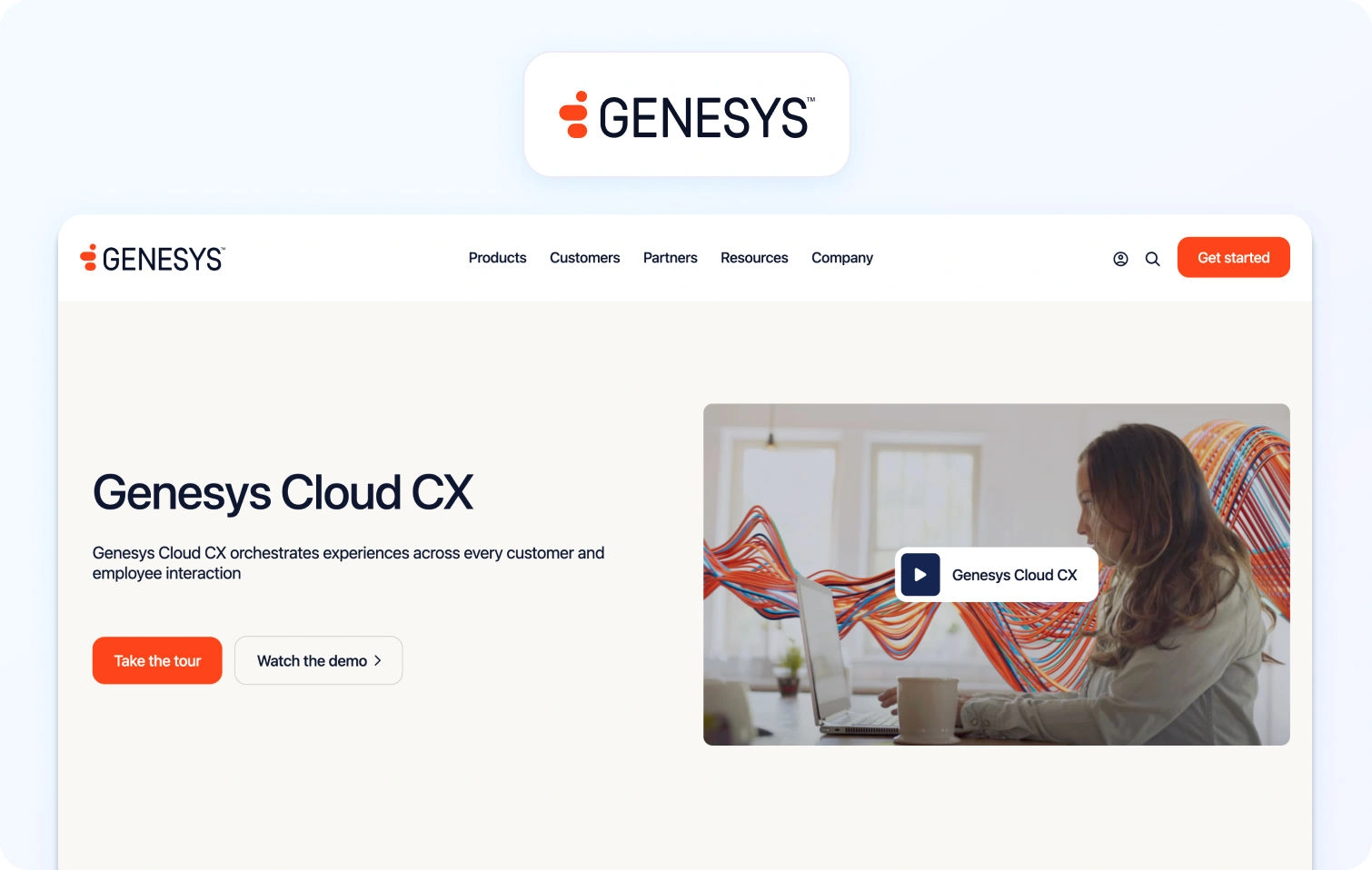
Genesys Cloud CX is a long-standing leader in the CCaaS space, known for its enterprise-grade routing, scalability, and deep contact center functionality. It’s particularly strong in complex, high-volume environments.
Best for: Large telecom enterprises needing advanced routing and global-scale contact center operations.
Telecom fit: Well-suited to telecoms with complex queue structures, high call volumes, and distributed teams.
Channels/voice: Strong voice capabilities with omnichannel support across digital channels.
AI/automation: Offers AI-driven routing, virtual agents, and predictive engagement (Verify by plan).
Ops/WFM: Advanced workforce engagement management, including forecasting and quality assurance.
Pricing note: Starts from £52.50/user/month for voice-only, but digital channels, WFM, analytics, and many AI capabilities are only available in higher tiers or as add-ons, depending on plan; verify for details.
NICE CXone
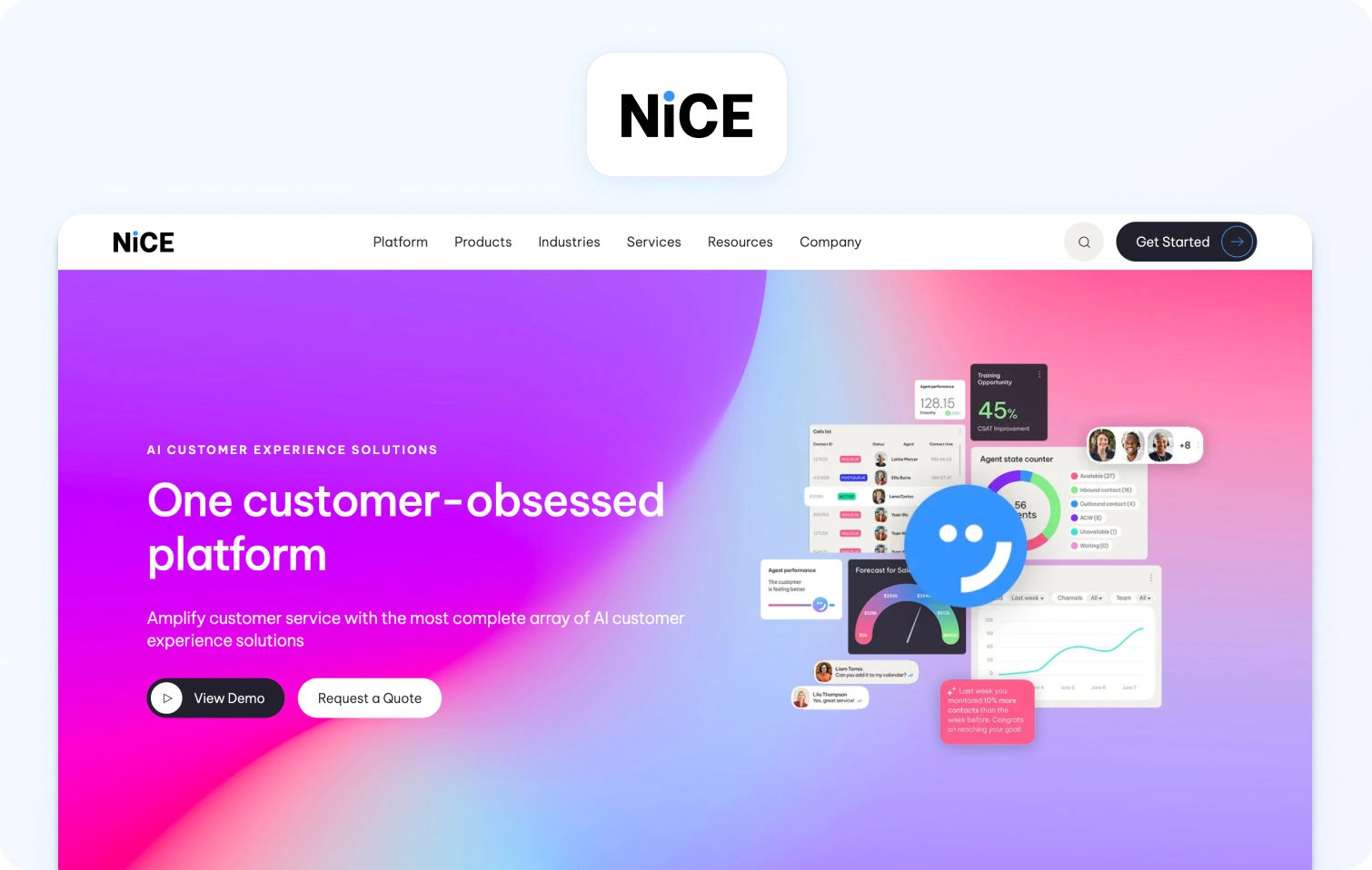
NICE CXone is an enterprise CCaaS platform with a strong reputation for workforce management and operational depth. It’s designed for organizations where performance optimization is as important as customer experience.
Best for: Telecom providers prioritizing workforce optimization and quality management at scale.
Telecom fit: Strong fit for large, structured support environments with strict SLA and compliance requirements.
Channels/voice: Omnichannel support, including robust voice capabilities.
AI/automation: AI-powered automation, analytics, and agent assist tools (Verify by module).
Ops/WFM: Industry-leading WFM and QA capabilities with deep analytics.
Pricing note: Modular pricing structure where WFM, analytics, and AI capabilities are typically packaged as separate modules or add-ons, depending on deployment; verify for details.
Five9
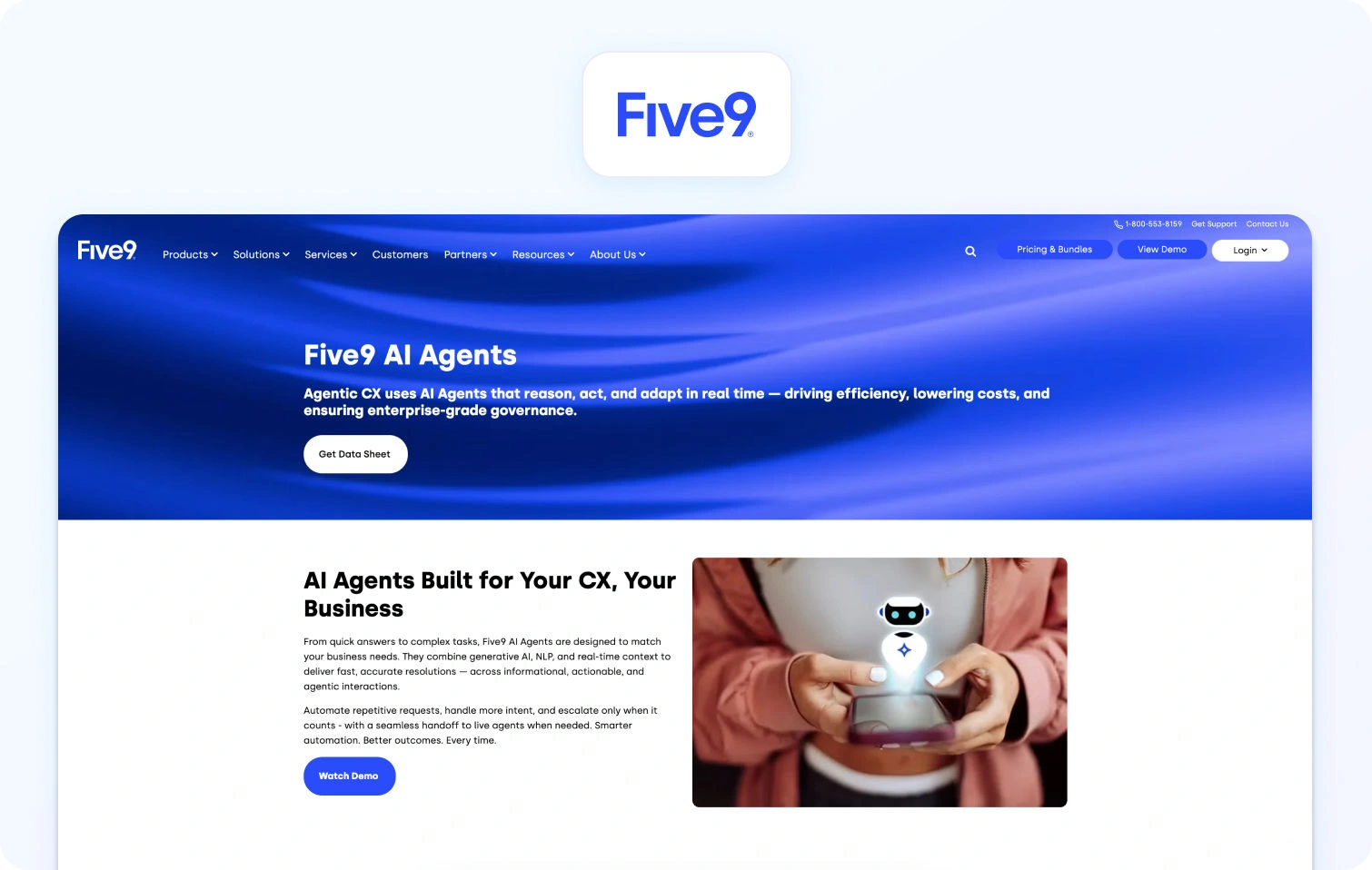
Five9 is a cloud contact center platform known for its IVR, routing, and outbound capabilities. It’s widely used in high-volume service environments.
Best for: Telecom teams focused on optimizing call routing and IVR experiences.
Telecom fit: Strong for inbound/outbound call-heavy telecom operations.
Channels/voice: Voice-first platform with additional digital channels supported.
AI/automation: Intelligent virtual agents and workflow automation available (Verify by plan).
Ops/WFM: Includes analytics and WFM features, though depth may vary.
Pricing note: Typically seat- and usage-based, with advanced automation, AI, and workforce optimization capabilities often priced separately or bundled into higher tiers; verify for details.
Zendesk
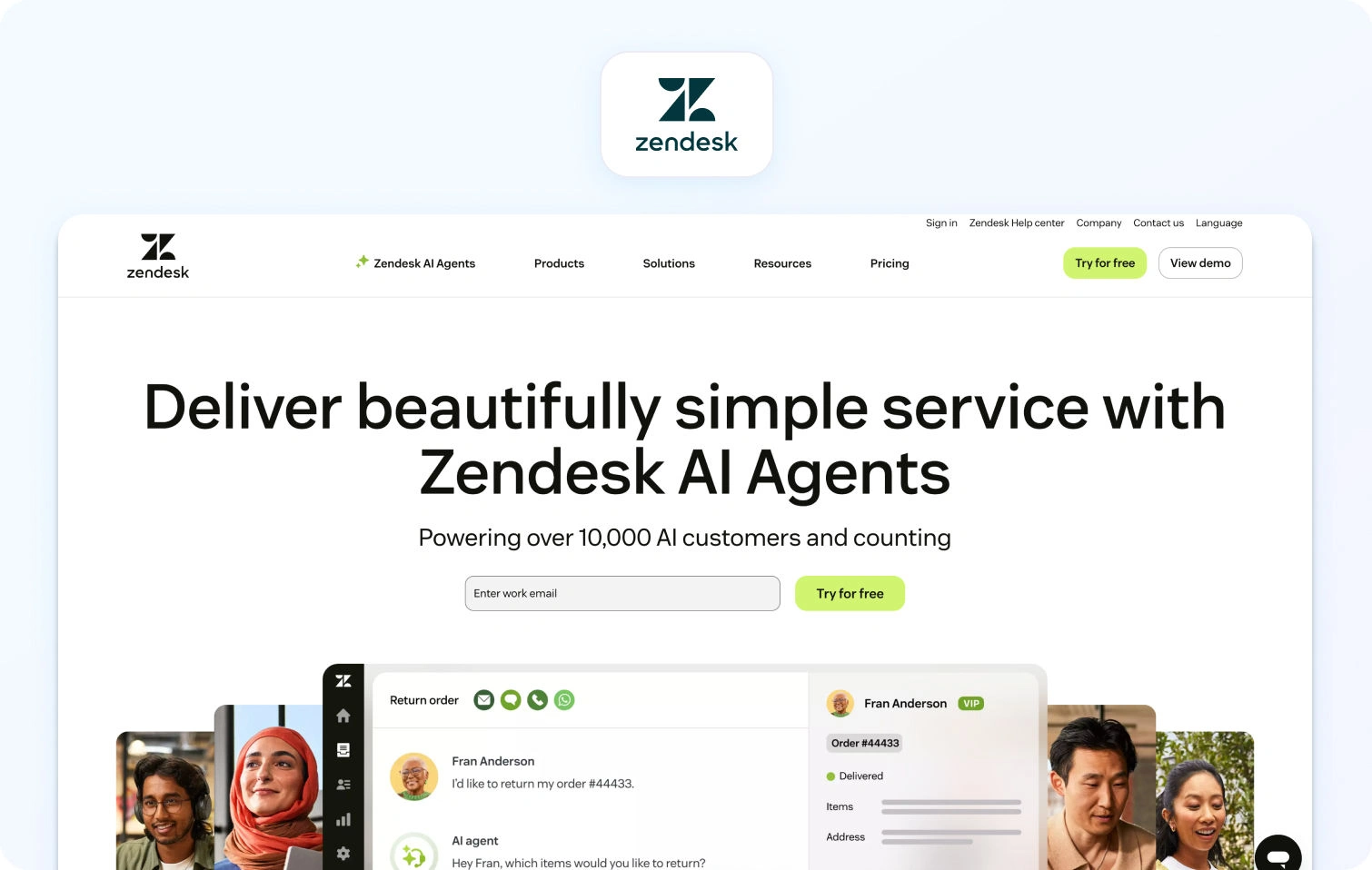
Zendesk is a widely adopted, ticketing-first platform with a large ecosystem of integrations. It’s often used as a flexible foundation for customer support operations.
Best for: Telecom teams wanting a flexible, extensible support platform with strong ticketing capabilities.
Telecom fit: Suitable for telecoms with moderate complexity; deeper telecom workflows may require customization.
Channels/voice: Omnichannel support; voice and advanced channels often require add-ons or higher-tier plans.
AI/automation: AI features like bots and suggested replies are typically available in premium tiers.
Ops/WFM: Reporting included; WFM usually requires integrations or additional tools.
Pricing note: Starts at lower per-agent tiers, but core capabilities like AI, voice, and advanced automation are frequently gated behind higher plans or add-ons, increasing as you scale; verify for details.
ServiceNow CSM
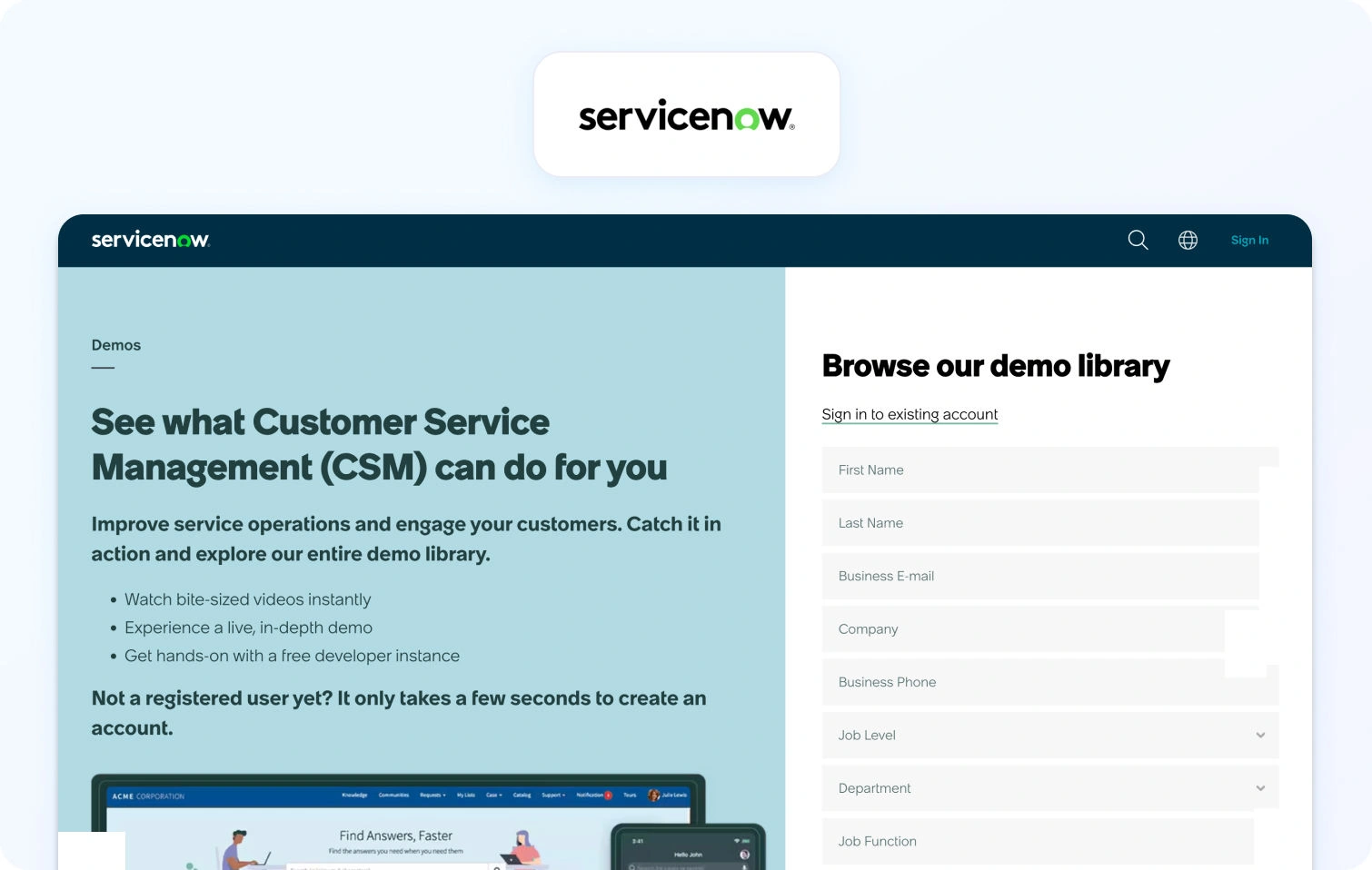
ServiceNow Customer Service Management is designed for enterprise service operations, connecting customer support with backend workflows and systems.
Best for: Telecom enterprises with complex service operations and cross-department workflows.
Telecom fit: Strong fit for managing structured processes like provisioning, billing disputes, and escalations.
Channels/voice: Digital channels supported; voice typically handled via integrations.
AI/automation: Workflow automation and AI capabilities embedded across the platform (Verify).
Ops/WFM: Strong operational visibility and process management.
Pricing note: Enterprise pricing model where capabilities such as advanced automation, AI, and integrations are often licensed separately or customized per deployment; verify for details.
Salesforce Service Cloud
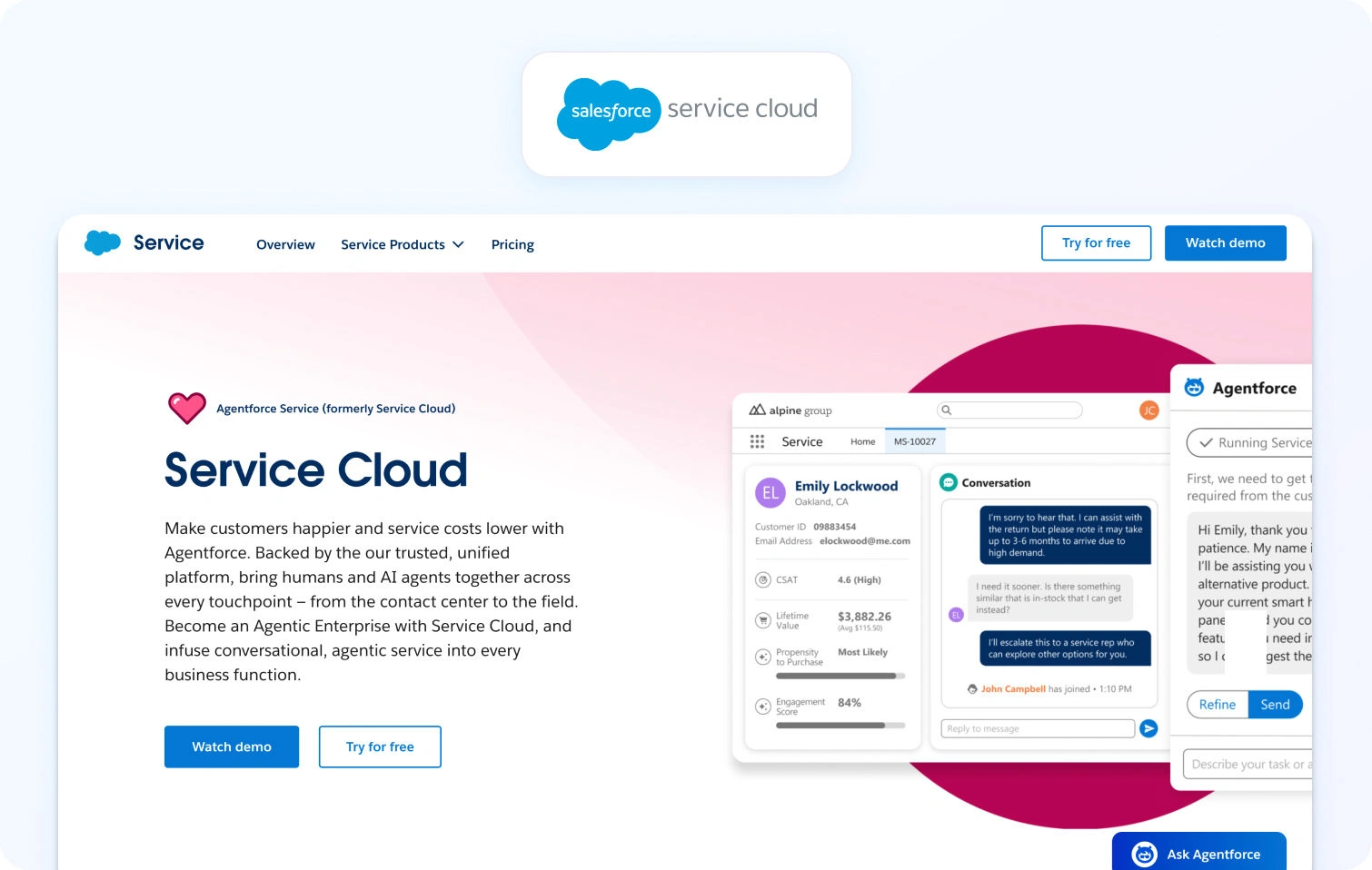
Salesforce Service Cloud combines customer support with CRM data, making it a powerful option for organizations already embedded in the Salesforce ecosystem.
Best for: Telecom companies leveraging Salesforce for customer data and lifecycle management.
Telecom fit: Good fit where support is tightly linked to sales, billing, and account management.
Channels/voice: Omnichannel capabilities, but voice typically requires Service Cloud Voice as an additional product.
AI/automation: Einstein AI provides automation and agent assistance (Verify by edition).
Ops/WFM: Reporting included; advanced WFM often requires add-ons or integrations.
Pricing note: Per-user pricing by edition, but key capabilities like voice, AI, and advanced analytics are often separate add-ons; verify for details.
Talkdesk
Talkdesk is a modern CCaaS platform focused on usability, integrations, and rapid deployment.
Best for: Telecom teams looking for a balance between enterprise capability and ease of implementation.
Telecom fit: Suitable for mid-to-large telecom teams needing flexibility without heavy customization.
Channels/voice: Strong voice capabilities with omnichannel support.
AI/automation: AI-powered automation and virtual agents available (Verify by package).
Ops/WFM: Includes analytics and workforce engagement tools.
Pricing note: Packaged pricing tiers, but advanced AI, automation, and workforce tools may be bundled into higher tiers or offered as add-ons; verify for details.
Freshdesk
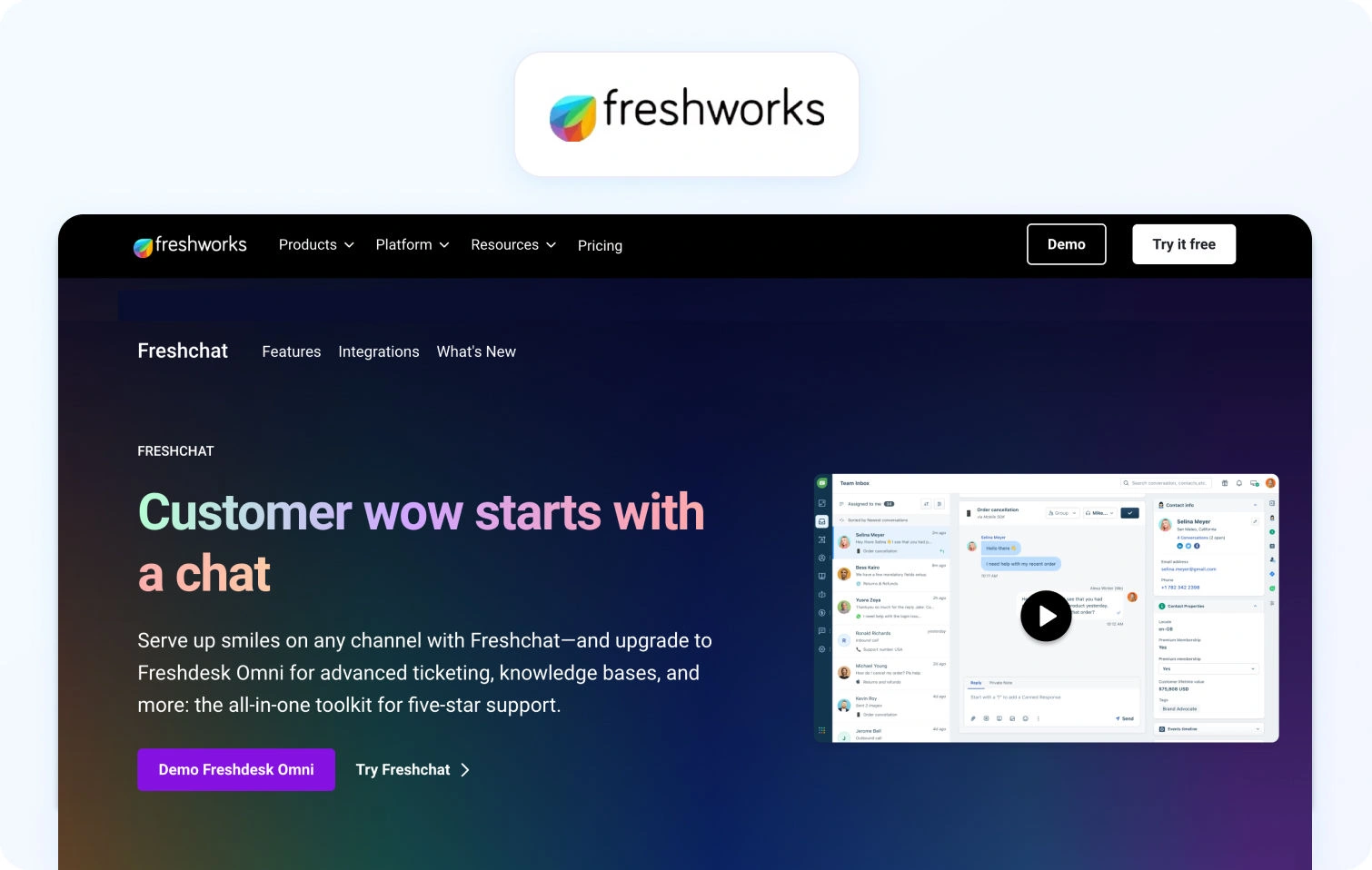
Freshdesk is an approachable help desk platform known for ease of use and quick setup, often favored by smaller or growing teams.
Best for: Smaller telecom providers or teams prioritizing simplicity and fast onboarding.
Telecom fit: Suitable for lower-complexity environments; may require upgrades for advanced telecom use cases.
Channels/voice: Omnichannel support available, but voice and advanced channel support depend on plan tier.
AI/automation: Freddy AI is available in higher tiers.
Ops/WFM: Basic reporting included; advanced capabilities limited.
Pricing note: Freemium entry point, but AI, automation, and advanced support capabilities are typically only available in higher-tier plans; verify for details.
Intercom
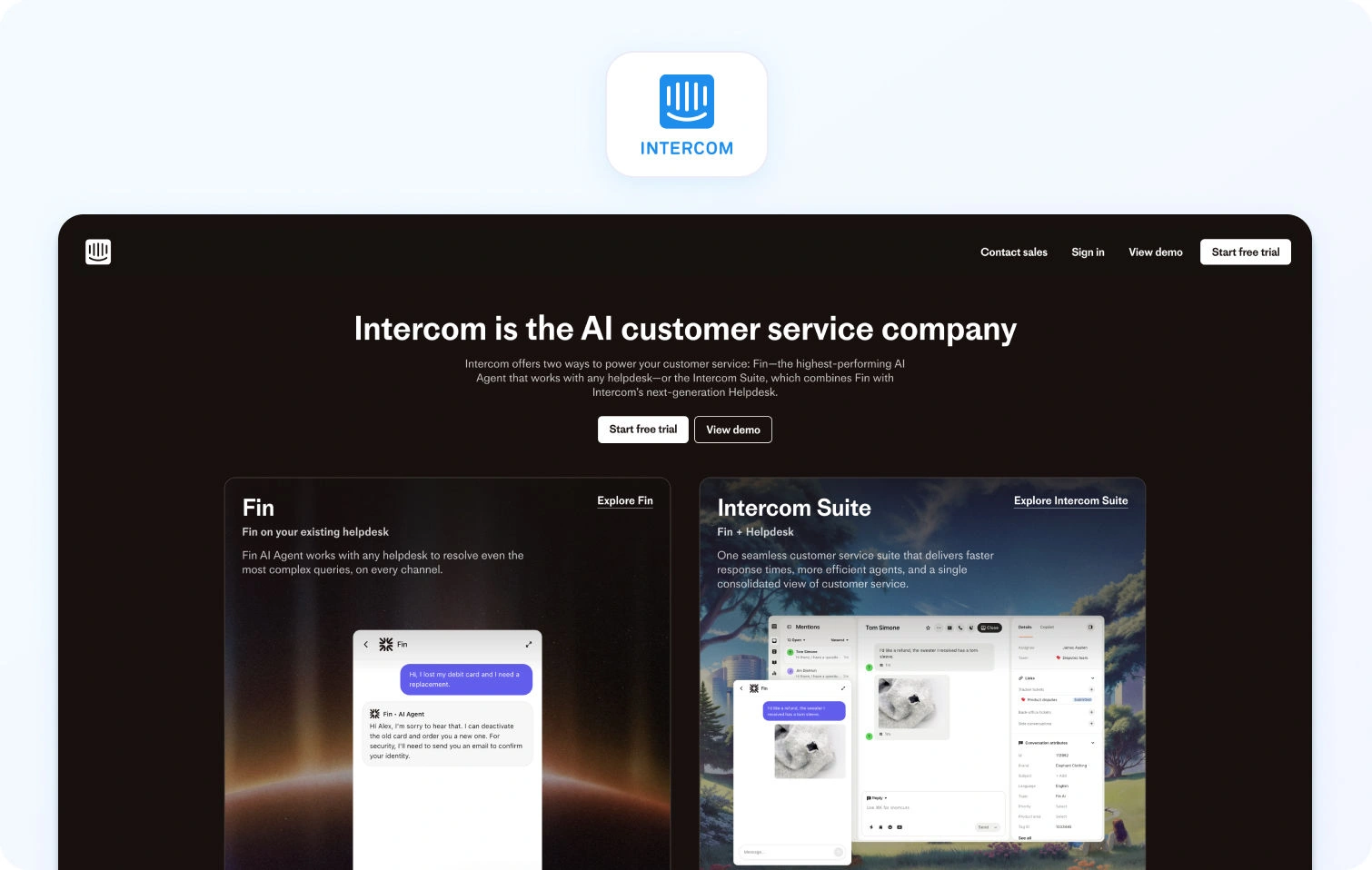
Intercom is a messenger-first platform focused on conversational support and proactive engagement.
Best for: Telecom teams prioritizing chat-led, proactive customer engagement.
Telecom fit: Better suited for digital-first telecom brands rather than call-heavy environments.
Channels/voice: Strong chat capabilities; voice is typically handled via integrations.
AI/automation: AI chatbot and automation tools available (Verify).
Ops/WFM: Reporting available; limited native WFM.
Pricing note: Modular pricing where core messaging is supplemented by add-ons for AI, automation, and advanced functionality, leading to variable total cost; verify for details.
Why This Matters: The Reality Behind Pricing Models
What becomes clear across these platforms is a consistent pattern: the headline price is rarely the true cost. While many vendors position their entry-level pricing as accessible, the capabilities telecom teams actually rely on (such as omnichannel support, AI-driven automation, and workforce management) are often not included as standard.
Instead, these features are typically introduced through higher-tier plans or layered on as additional modules. As a result, what begins as a seemingly straightforward investment can quickly expand as requirements evolve. For telecom providers operating at scale, where multiple channels, high interaction volumes, and operational complexity are the norm, this can significantly increase the total cost of ownership over time.
This is where differentiation in pricing philosophy becomes important. Some platforms are designed around modular expansion, while others, like BlueTweak, aim to deliver a more unified, all-in-one approach from the outset. For buyers, the key consideration is not just what a platform can do, but how predictably and efficiently it delivers those capabilities as your support operation grows.
Core Telecom Use Cases

Telecom support is not a generic function. It sits at the intersection of infrastructure, billing, compliance, and customer experience, which means the underlying software must support a wide range of high-stakes, high-volume scenarios.
Rather than thinking in terms of features, it’s more useful to look at the real-world use cases your platform needs to handle day in, day out, and how effectively it enables your team to manage them.
- Outage triage and mass routing: When outages hit, support demand spikes instantly. The right platform allows teams to triage by severity, automatically route customers into the appropriate queues, and deploy proactive messaging that reduces inbound volume before it overwhelms agents.
- Billing queries and plan changes: Billing remains one of the most common and sensitive support interactions. Telecom teams need structured workflows, approval layers, and secure data handling to ensure changes are processed accurately and compliantly, without adding friction.
- Device troubleshooting: From connectivity issues to configuration problems, device support requires consistency. Knowledge-base-guided workflows and AI-assisted responses help agents diagnose and resolve issues faster, while maintaining a standardized approach.
- Number porting and activation: These processes involve multiple systems and status dependencies. Effective case management, combined with clear status tracking and proactive updates, is essential to prevent delays and reduce repeat contacts.
- Fraud and SIM swap reporting: These are high-priority, high-risk interactions. Platforms must support rapid escalation, clear audit trails, and strict access controls to ensure both speed and compliance in handling sensitive cases.
- Multilingual customer support: Telecom providers often operate across multiple regions and languages. Real-time translation and localized knowledge bases enable teams to deliver consistent support without requiring fully native-speaking agent coverage in every market.
- Improving agent efficiency: With interaction volumes continuing to rise, efficiency gains are critical. Features such as AI-generated summaries and next-best reply suggestions reduce after-call work and help agents focus on resolving issues, not documenting them.
Taken together, these use cases highlight a broader truth: telecom support software must handle more than conversations; it must actively orchestrate complex service operations at scale.
What to Look For in Telecom Customer Service Software

Once you understand the core use cases, the next step is translating them into a clear set of evaluation criteria. Choosing the right telecom customer service software is about assessing how well a platform supports the operational realities of your team, especially under pressure.
- Voice and omnichannel continuity: Telecom support still relies heavily on voice, but it cannot exist in isolation. Look for platforms that connect voice interactions with tickets and digital conversations, ensuring agents have full context before, during, and after every interaction.
- Outage and surge management: Not all platforms are built for volatility. Priority routing, templated responses, and real-time operational dashboards are essential for maintaining control during spikes in demand.
- AI with meaningful guardrails: AI is only valuable if it is accurate and trustworthy. The strongest platforms ground automation in your knowledge base, enabling reliable summaries, suggested replies, and translations that reflect your actual processes.
- Knowledge base governance: A knowledge base is only as useful as it is consistent. Version control, approval workflows, and structured content management ensure that agents and AI alike are working from a single source of truth.
- Operational depth: Telecom support requires more than surface-level reporting. Look for robust analytics, workforce management, quality assurance tooling, and SLA tracking to maintain performance at scale.
- Security and administrative control: Given the sensitivity of telecom data, platforms must offer enterprise-grade security. This includes multi-factor authentication, audit logs, granular permissions, and clear data governance controls.
- Integration flexibility: Support teams don’t operate in isolation. Your platform should integrate seamlessly with CRM systems, billing platforms, network status tools, identity providers, and BI solutions to create a unified operational view.
- Pricing transparency: Finally, it’s important to understand not just the entry price, but how costs scale. Platforms that rely heavily on add-ons can quickly become expensive as you expand into voice, AI, or advanced analytics.
Ultimately, the goal is to find a platform that aligns with how your team already works and improves it, rather than forcing operational compromises.
How We Evaluated Customer Service Software
With a crowded market and overlapping feature sets, evaluating telecom support platforms requires a consistent and transparent methodology.
For this guide, we focused exclusively on vendor-published product, pricing, and documentation pages, avoiding third-party review sites to ensure all claims are verifiable and up to date. Each platform was assessed across the areas that matter most to telecom teams, including channel support and voice capabilities, AI and automation, knowledge base functionality, analytics and workforce management, security controls, and integration flexibility.
Where pricing information was publicly available, it has been referenced. In cases where details were unclear or dependent on configuration, we have indicated this with “verify”.
This approach ensures that comparisons are grounded in what vendors actually offer, not assumptions or aggregated ratings.
Must-Have Capability Checklist
While every telecom provider has slightly different requirements, there are certain capabilities that consistently separate high-performing support teams from the rest.
- Commerce and subscription integrations: Support for billing systems, subscriptions, and multi-account structures is critical for handling real-world telecom queries effectively.
- Routing and SLA automation: Automated routing, prioritization, and SLA management ensure that the most urgent issues are handled first, without manual intervention.
- AI-assisted workflows: Summaries and suggested replies, ideally grounded in your knowledge base, help reduce handling time while maintaining accuracy.
- Self-service and deflection: Bots and help center experiences that can resolve common queries, such as billing questions or service status, reduce pressure on agents.
- Operational visibility and planning: Analytics dashboards, workforce management, and quality assurance tooling enable teams to plan for peak demand and continuously improve performance.
- Security and compliance controls: Role-based access, audit logs, and data protection measures are essential for maintaining trust and meeting regulatory requirements.
- Integration and extensibility: APIs and native integrations allow your support platform to connect with the broader telecom ecosystem, from network systems to customer data platforms.
- Transparent pricing models: Clear, predictable pricing ensures that growth in usage or capability does not lead to unexpected cost increases.
- Customer feedback and sentiment tracking: Understanding how customers feel about their support experience provides a critical feedback loop for continuous improvement.
Scoring Rubric
To ensure consistency across vendors, each platform was evaluated against a set of core criteria that reflect both capability and commercial viability.
We assessed how well each tool supports omnichannel engagement, including voice where required, alongside the breadth of its automation capabilities, from routing to workflow management. AI functionality was evaluated based on coverage, multilingual support, and whether it is grounded in a knowledge base.
We also considered how effectively each platform enables self-service and deflection, as well as the depth of its operational tooling, including analytics, workforce management, and quality assurance. Beyond functionality, we looked at time-to-value, total cost of ownership over a 12-month period, and the strength of security and administrative controls.
This balanced approach ensures that recommendations reflect not just what a platform can do, but how well it performs in a real telecom environment.
Final Thoughts: Choosing Telecom Customer Service Software That Scales With You
Selecting the right telecom customer service software today is a strategic investment in how your business delivers service, builds trust, and retains customers in an increasingly competitive market.
Today’s telecom call center environment is defined by complexity. Customers expect instant, personalized service across every channel, from voice to SMS to web chat, while support teams must manage high volumes, sensitive information, and increasingly complex issues. This is where modern, cloud-based call center software becomes essential, not just to handle interactions, but to connect systems, departments, and data into one complete, unified experience.
The most effective platforms go beyond basic ticketing or routing. They create a foundation where AI agents and human call center agents work together, using shared context to resolve customer issues quickly and accurately. Features like smart routing, AI-powered summaries, and omnichannel routing are essential to improving productivity, increasing first call resolution, and delivering consistent customer experiences at scale.
At the same time, pricing structure and operational design matter just as much as functionality. A solution that appears cost-effective upfront can quickly become fragmented if key capabilities are locked behind add-ons. For telecom teams, this often leads to disconnected workflows, reduced visibility, and slower time-to-value. The platforms that stand out in 2026 are those that deliver a complete, cloud-based AI platform from day one, helping businesses create better customer experiences without unnecessary complexity.
If you’re looking for a solution that brings together omnichannel support, AI-driven efficiency, and operational control in one place, it may be time to take the next step.
Request a demo to see how BlueTweak can help you create better customer experiences, improve productivity, and power your telecom support operation with confidence.
20 Tips on a Customer Service Survey Template to Boost SLAs and FCR
Why Surveys Drive SLAs and FCR in 2026
Surveys are not a vanity exercise; they are the fastest way to measure customer satisfaction, find friction by customer journey stage, and tune the playbooks that determine response time and resolution. When you standardize a customer service survey template and wire it into your customer service reporting process, you get consistent customer satisfaction data that shows where SLAs slip, where guides or macros fail, and which queues need coaching, without waiting for quarterly reviews.
The urgency is real. In 2026, only about three in ten customers provide direct feedback at all, which means the surveys you do send must be short, well-timed, and embedded at the moment of resolution to capture a signal you can act on. Design for low effort, close the loop, and your survey program will surface the insights that actually move SLAs and first-contact resolution.
This article walks you through ready-to-copy customer support survey template options, CSAT/CES wording, channel-specific deployment tips, and a 30-day plan to tie results to SLAs, FCR, and your reporting cadence.
20 Tips on a Customer Service Survey Template to Boost SLAs and FCR
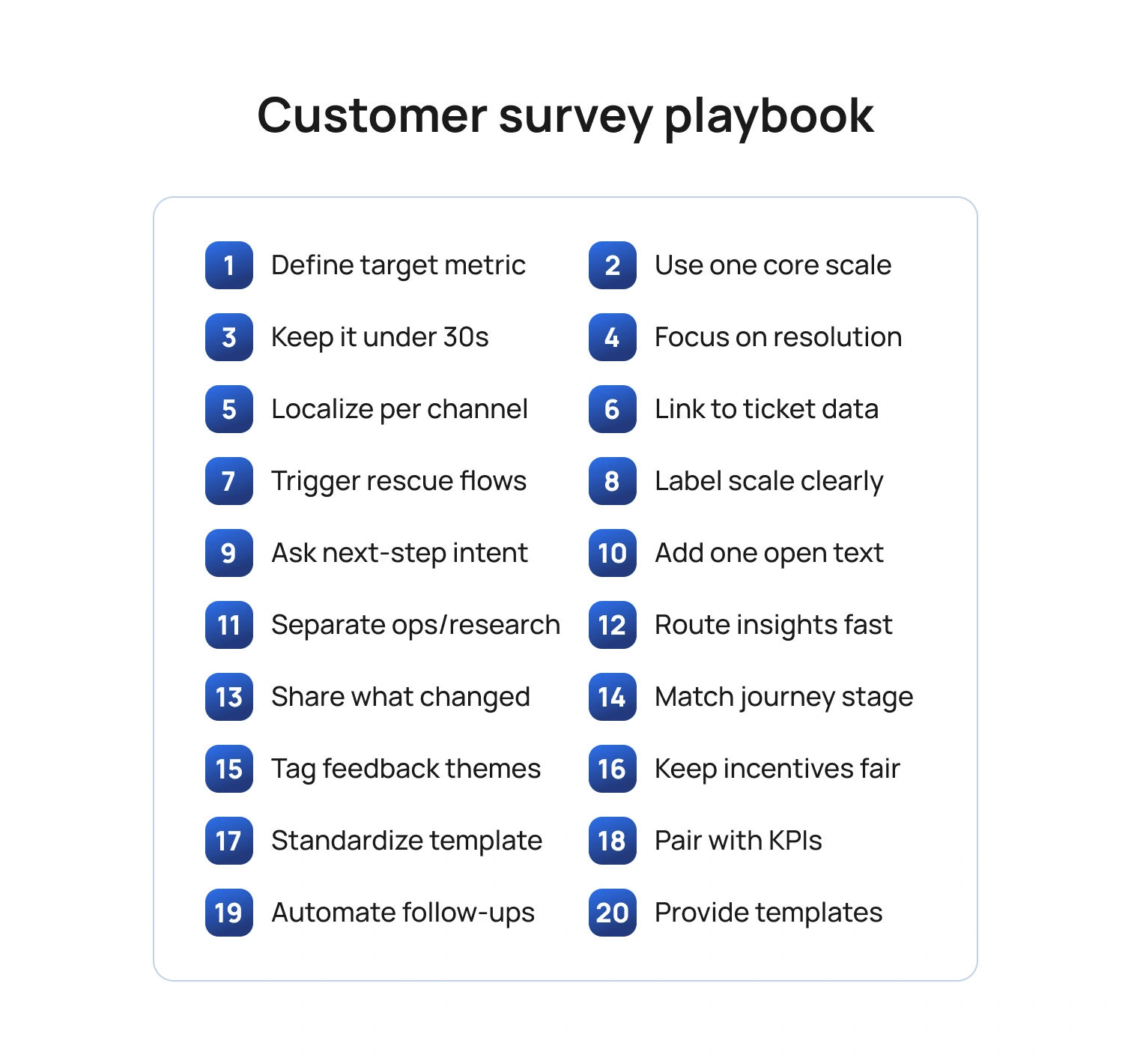
Below are 20 tips you can apply immediately. Each tip references template structure, wording, or analytics so you can adapt any sample customer service survey templates you already use or adopt the template at the end of this article.
Tip 1: Start with the outcome you want to improve
Before you pick questions, choose the SLA or FCR outcome you intend to move. If your average response time is the issue, ask about the clarity and speed of initial responses. If reopen rates are high, ask whether the answer solved the problem in a timely manner and whether follow-up was needed. Keeping the outcome explicit prevents bloated forms and keeps effective customer service reports focused on change, not raw numbers.
Template cue: Add a one-line purpose note at the top of your template customer service survey: “This two-question survey helps us resolve issues faster next time.”
Tip 2: Use one core metric per survey
Pick one metric based on the moment in the customer journey.
- CSAT (customer satisfaction score) right after a resolved interaction measures overall satisfaction with that specific service experience.
- CES (Customer Effort Score / Customer Effort Score CES) after a multi-step fix tells you how much effort the customer spent.
- NPS (net promoter score) belongs in lifecycle research, not as a post-ticket reflex.
Template cue: Your customer service satisfaction survey template should contain exactly one scale question (CSAT or CES) plus one open ended questions prompt for context.
Tip 3: Keep it under 30 seconds
Short surveys get more responses and cleaner data. Use a single Likert scale question item (e.g., 1–5 satisfaction levels) and one text box for additional comments. Save multi-topic batteries for research panels.
Template cue: “On a scale of 1–5, please rate your overall customer satisfaction with how our support team handled this request.”
Tip 4: Ask about the job, not the agent’s personality
Customers judge service delivery on clarity, speed, and completeness. Ask whether the customer pain points were resolved, whether the instructions were easy to follow, and whether another contact was needed. You can still celebrate outstanding performance by inviting an optional shout-out, but keep the core evaluation tied to contact resolution and resolution times.
Template cue: “Did this interaction fully resolve your request?” (Yes/No). If “No,” branch to “What was missing?” with multiple choice for “needed faster response,” “instructions unclear,” “handoff loop,” plus additional questions free text.
Tip 5: Localize by channel and language
Email, chat, voice, and social have different norms. A one-question customer service template survey can be embedded in chat; SMS needs a URL that's brief; email can include a second question. Localize wording so customers feel it is in their voice, and translate scales carefully so “satisfied” maps consistently across locales.
Template cue: Maintain channel-specific survey templates in your library and store translations centrally; keep the scale anchors identical to protect comparability across the reporting period.
Tip 6: Tie every response to a ticket, intent, and owner
A perfect customer service survey with no context won’t help you identify areas for continuous improvement. Join the survey data to the ticket ID, the detected intent, the product area, and the agent or queue. This lets you cut survey results by support agent, feature, or locale, and connect low scores to coaching or documentation gaps.
Template cue: Add hidden fields for ticket, queue, language, and product so customer service reports and key metrics roll up cleanly.
Tip 7: Make “negative feedback” easy to give and easy to fix
Treat a low score as a rescue opportunity. Offer a one-click callback or reopen button on online surveys when CSAT ≤ 2 or CES ≥ 4. That move saves churn and shows you take customer expectations seriously.
Template cue: “Want help right now? Tap to reopen this case.” Route to a senior agent pool with the full transcript attached.
Tip 8: Use plain scales and label the endpoints
Avoid cryptic anchors. Use “Very satisfied” to “Very dissatisfied” for CSAT and “Very easy” to “Very hard” for CES. Labeling endpoints reduces scale confusion and increases the quality of customer satisfaction survey data.
Template cue: Include examples below the scale that reference your service context, such as “Very easy: I followed one article and was done.”
Tip 9: Ask one behavior question about next steps
A small behavior question predicts customer loyalty better than adjectives alone. After CSAT, ask if the customer would use self-service next time, or if they needed to contact the centers again. This links satisfaction to the future cost of service.
Template cue: “If you face this issue again, would you use our help center first?” (Yes/No). Track shifts after you improve survey templates or content.
Tip 10: Close with one powerful open text prompt
Use a single, well-aimed open ended questions prompt to capture valuable feedback: “What is one thing we could have done to resolve this faster?” This gives you usable phrasing for macros, troubleshooting guides, and customer service operations playbooks.
Template cue: Cap at 300 characters to keep responses tight and analyzable.
Tip 11: Offer “free templates” thoughtfully
If you publish free templates or give customers a free account to leave feedback, keep the post-ticket survey tiny and push longer research to a voluntary panel. Mixing research and service slows completion and hurts response rates.
Template cue: Auto-invite existing customers who opt in to a quarterly research panel for deeper survey questions on the customer experience and brand perceptions.
Tip 12: Automate the handoff from insight to action
A survey that no one reads will not enhance SLAs or FCR. Route low CSAT or high CES to owners, log fixes in your release notes or knowledge base, and show impact in your monthly report. When customers see their suggestions reflected publicly, loyalty grows.
Template cue: Add a light action plan to your dashboard: “Top 3 friction points, owner, due date, expected impact on FCR or average time to resolve.”
Tip 13: Share what you changed
Publicly closing the loop increases future survey participation and trust. Post “You said, we did” notes in your help center and include key findings in customer emails. This aligns survey work with business growth goals and makes surveys feel worthwhile to respondents.
Template cue: “We reduced waits in billing chat by 22% after your feedback about queue spikes.”
Tip 14: Use templates that match the journey stage
Keep a library of customer satisfaction survey templates that map to moments: post-ticket CSAT/CES, post-onboarding CSAT, and quarterly NPS. Reuse proven language to reduce noise and improve trend integrity across the reporting period.
Template cue: Maintain a short “When to use which customer survey” guide so agents and automation can trigger the right version.
Tip 15: Analyze words, not just numbers
Scale scores tell you satisfaction, but words reveal pain points. Use lightweight text tagging to group feedback into specific areas like billing, setup, reliability, and tone. Report the top three drivers of low CSAT and high CES, along with the numbers.
Template cue: Add tags like “unclear steps,” “handoff,” “policy block,” and “slow reply” to your insights board.
Tip 16: Keep incentives ethical and neutral
If you reward participation, avoid wording that biases results. Offer entry into a generic drawing rather than discounts tied to positive feedback. Your aim is accurate measurement to identify areas for improvement, not inflated scores.
Template cue: “Complete in 20 seconds for a chance to win a gift card; your honest feedback helps us improve.”
Tip 17: Separate FCR diagnostics from brand research
Do not bury FCR fixes inside a 15-minute brand study. Post-ticket surveys should be surgical; save research about value, purchase drivers, and perception for occasional projects. This keeps service metrics actionable for the support team and protects response rates.
Template cue: Tag service surveys with “operational” and brand studies with “research” to keep teams clear on use.
Tip 18: Standardize your template and naming
Consistency produces trustworthy trends. Give each market a shared customer service survey template: same scales, same anchors, same routing rules. This lets you compare the same period across regions, queues, or individual team members without the headache of cleaning.
Template cue: Store the master customer service survey template in your design system with tokens for brand, locale, and channel.
Tip 19: Combine survey data with operational KPIs
On your dashboard, pair CSAT or CES with resolution rates, FCR, ticket volume, and SLA attainment. When you plot customer satisfaction against workload and staffing, you expose trade-offs and justify investments that help the team respond faster.
Template cue: “For Password Reset intent, CSAT 4.6, FCR 89%, SLA 98%” next to “For Billing Dispute, CSAT 3.8, FCR 52%, SLA 72%.”
Tip 20: Provide a ready-to-use template set
Below is a simple bundle you can copy into your tool. It covers your required phrases and remains short enough to keep completion high.
Post-resolution CSAT (customer service survey template)
- On a scale of 1–5, how satisfied are you with how we resolved your issue today? (customer satisfaction score)
- Did this interaction fully resolve your request? (contact resolution)
- What is one thing we could have done to resolve this faster? (open text)
Post-resolution CES (customer service satisfaction survey template)
- It was easy to resolve my issue. 1–5 (customer effort score)
- If you face this again, would you use our help center first? Yes/No
- What made this easy or hard? (additional comments)
Library callouts
- A concise customer support survey template for chat.
- A two-question customer service template survey for voice follow-up.
- A one-page PDF of sample customer service survey templates for teams to review in training.
- A minimalist template customer service survey for SMS with a single scale and an optional link to comment.
- A web form titled "customer support satisfaction survey template for email automations."
Implementation Plan in 30 Days
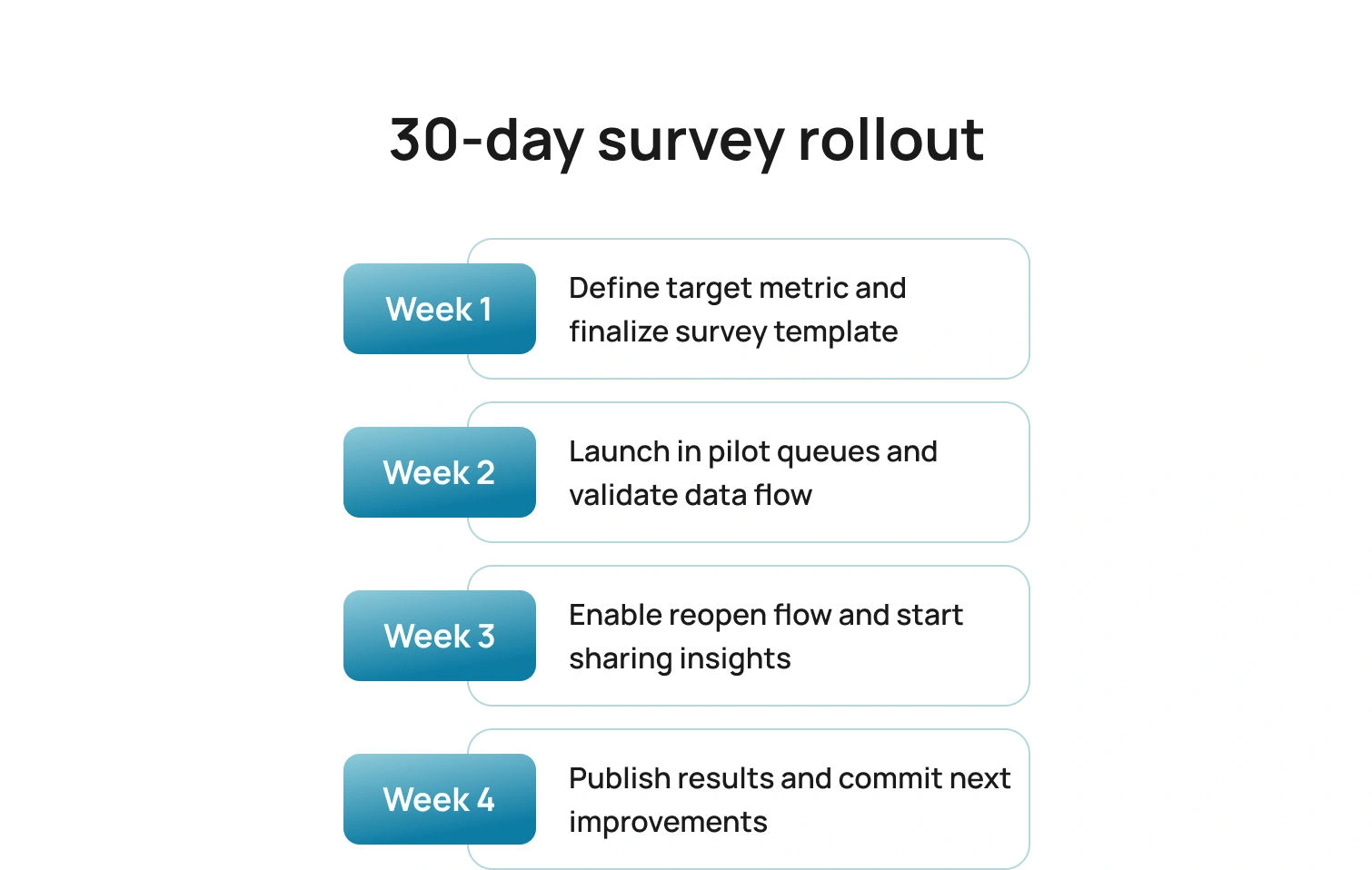
Here is a simple rollout that delivers signals quickly, proves impact, and builds the habit of acting on survey results without adding overhead.
Week 1: Choose CSAT or CES per journey stage; finalize the core survey templates; define hidden fields.
Week 2: Launch in one or two queues; validate routing and data joins; confirm scale wording in all locales.
Week 3: Add the reopen button for low scores; start the “You said, we did” cadence.
Week 4: Publish your first mini customer support report with CSAT/CES, top themes, and the two changes you will ship before the next reporting period.
Pitfalls To Avoid
Even well-designed survey programs can miss the mark if signals are mixed, scales are inconsistent, or results never translate into action. Keep these common traps in view as you roll out and refine your templates.
- Mixing NPS with post-ticket CSAT or CES dilutes the signal.
- Asking five questions to fix a one-question problem slows completion and adds noise.
- Failing to translate and localize scales breaks comparability across regions.
- Publishing free templates that your frontline cannot deploy creates confusion and slows adoption.
- Reporting scores without actions wastes trust, so always include owners and dates.
How BlueTweak Helps (Without Changing Your Survey Tool)
BlueTweak brings a multilingual chatbot, a multilingual voicebot, email, and SMS into a single workspace, so post-ticket surveys can be triggered from one reliable place. Your existing survey platform stays in place. BlueHub coordinates timing and channel, so invitations arrive at the moment of resolution, not hours later.
Context travels with every response. Through APIs and webhooks, each survey is tagged with ticket ID, intent, language, queue, and brand. The result is a customer service report with clean joins, per intent views of CSAT and CES, and no manual stitching.
Analysis becomes faster and clearer. AI-generated summaries and AI customer sentiment analysis flags condense long comments into themes the team can act on, while unusual responses surface for review. When SLAs or FCR dip, you have text evidence to explain why and where to intervene.
Operational visibility sits next to feedback. WFM and analytics place CSAT and CES alongside SLA attainment, first reply time, and FCR for the same purposes, making it clear whether a content update, staffing change, or coaching plan will move the metric.
Governance supports trust. Role-based access, audit logs, and edit history keep the reporting trail defensible and show how a comment led to a macro change or a knowledge article revision.
Conclusion
A thoughtful customer support survey template does more than collect opinions; it accelerates fixes that customers can feel. Keep surveys short, specific, and journey-aware. Join scores to tickets and intents. Share what changed. When you treat feedback as fuel for operations, SLAs recover faster, FCR rises, and satisfied customers become loyal customers.
Ready to operationalize this end-to-end? BlueHub ties survey outcomes to staffing, routing, and knowledge updates in one place. Book a BlueTweak demo to see how it fits your stack and boosts SLAs and FCR.

Transforming Customer Support: Best Practices for 2026
Updated in January 2026
The customer support landscape is evolving at a rapid pace, driven by new technologies, shifting customer expectations, and a growing focus on efficiency. In 2026, businesses must adapt to these changes to stay competitive.
Key Best Practices for Customer Support in 2026
- Embrace AI and Automation for Efficiency
Artificial intelligence and automation are no longer optional — they are essential tools for streamlining customer support operations. In 2026, businesses will rely heavily on AI-driven chatbots and virtual assistants to handle a wide range of customer inquiries. These tools can provide instant responses to common questions, process transactions, and guide customers through troubleshooting steps, all without the need for human intervention. When AI handles routine tasks, human agents are freed up to tackle more complex issues, leading to faster resolution time and a better overall experience for customers.
Beyond chatbots, AI can also analyze large amounts of data to predict customer behavior, identify emerging issues, and suggest proactive solutions. This predictive capability allows businesses to anticipate customer needs and reach out before problems escalate, further enhancing the customer support experience.
- Implement Omnichannel Support for Seamless Interactions
Today’s customers expect to interact with businesses across multiple channels, including email, social media, live chat, and phone. In 2026, this expectation is more pronounced, with customers switching between channels during a single interaction. To meet these needs, businesses must implement omnichannel support platforms that allow agents to seamlessly manage interactions across all channels from a unified interface.
Omnichannel support ensures that no matter where or how a customer reaches out, they’ll receive consistent, personalized assistance. Whether a customer starts a conversation via social media and continues it through email or phone, their issue will be handled without the need to repeat information. This level of continuity builds trust and improves the efficiency of the support process.
Read more about: Enhancing Customer Satisfaction: The Power of Omnichannel Customer Support Platforms
- Empower Support Agents with the Right Tools
While automation will handle many tasks, human support agents will continue to play a crucial role, particularly for more nuanced customer issues. In 2026, businesses must ensure that agents are equipped with the tools and resources they need to resolve problems effectively. This includes comprehensive knowledge bases, advanced customer relationship management (CRM) systems, and AI-driven analytics that provide real-time insights into customer behavior.
Moreover, training will be vital. Businesses must invest in regular training to ensure agents are up to date on new tools, technologies, and best practices in customer support. Providing agents with these resources not only helps them resolve issues more quickly but also improves their job satisfaction by enabling them to handle challenging cases more effectively.
Read more about: Communication Mastery: Best Practices for Agents in Customer Support Interactions
- Proactive Customer Support for a Future-Ready Experience
One of the most important trends and best practices in customer support for 2026 is the shift towards proactive service. In the past, businesses often waited for customers to reach out with issues. In the future, companies will use predictive analytics and AI to anticipate potential problems and address them before customers even notice.
For example, a company might proactively contact a customer about an order delay, offering alternatives or solutions before the customer has a chance to complain. This proactive approach builds trust, reduces customer frustration, and demonstrates a commitment to providing exceptional service. Companies that excel at proactive support will be able to differentiate themselves in a crowded marketplace.
Read more about: How to Transform Your Customer Service: Best Practices
The future of customer support is centered around efficiency, personalization, and innovation. By embracing best practices in customer support like AI, omnichannel platforms, and proactive service models, businesses can transform their customer support operations and deliver exceptional experiences.

The Future of Customer Support: 6 Trends to Watch in 2026
Updated on January 2026
Customer support is entering a new era of technological advancements and evolving customer expectations. The year 2026 is expected to bring several transformative customer support trends that will redefine how businesses approach customer service. Companies looking to stay competitive must prepare to adopt these trends to enhance customer experience, increase efficiency, and drive loyalty.
1. AI-Driven Personalization
Artificial Intelligence (AI) will play a pivotal role in offering hyper-personalized customer support by analyzing real-time data and customer behavior. AI systems can learn from customer interactions to deliver more tailored responses, anticipate needs, and provide support that feels individualized.
How to implement:
- Leverage Customer Data: Collect and organize customer interaction data from various channels (email, social media, chat) to feed into AI algorithms.
- Adopt AI-Powered CRM Tools: Choose a customer relationship management (CRM) system with AI capabilities that can automatically personalize responses based on past interactions, preferences, and real-time behavior.
- Test and Refine: Continuously monitor AI-driven personalization to ensure accuracy and relevance. Regularly update algorithms with new customer data to keep responses fresh and timely.
By implementing AI-driven personalization, businesses can deliver more engaging, relevant support experiences that reduce response times and improve satisfaction.
Read more about: The Evolution of Customer Support Technology: From call centers to AI
2. Increased Use of Chatbots
Chatbots have evolved from handling basic tasks to managing more complex customer service inquiries. Customer support trends in 2026: they will be equipped with advanced AI, allowing them to resolve nuanced issues and free up human agents for more critical interactions.
How to implement:
- Choose an Advanced Chatbot Solution: Look for chatbots that offer machine learning capabilities and can handle both common and sophisticated customer queries.
- Integrate with Your CRM System: Ensure that the chatbot has access to customer data and past interactions to provide personalized and informed responses.
- Design a Seamless Handover Process: Ensure that when a chatbot reaches the limits of its capabilities, it can seamlessly transfer the conversation to a human agent without frustrating the customer.
By empowering chatbots to take on more complex tasks, companies can offer faster, more efficient customer support at all hours, improving both customer satisfaction and operational efficiency.
Read more about: The Evolution of Chatbots: Enhancing Customer Support with AI
3. Voice-Powered Support
Implementing voice-powered support not only offers convenience but also positions your company as a forward-thinking player in customer service innovation.
How to implement:
- Develop Voice Assistant Skills: Create custom skills or actions for voice assistants that align with your support services. These should include FAQs, order status updates, and troubleshooting steps.
- Integrate with Support Systems: Ensure that your voice assistant is connected to your customer support databases and can pull relevant information like order details, troubleshooting guides, or customer records.
- Optimize for Natural Language Processing (NLP): Ensure your voice-powered support is designed for conversational interactions, allowing customers to communicate naturally and still receive accurate responses.
Read more about: Voice vs. Text in Customer Support Service: Choosing the right medium for your audience
4. Proactive Support Systems
Proactive support systems anticipate customer issues before they occur and provide solutions without the need for customers to reach out. These systems use predictive analytics to identify potential problems and suggest resolutions preemptively.
How to implement:
- Invest in Predictive Analytics Tools: Use AI tools capable of analyzing customer data trends and predicting future issues. For example, if a user’s device is prone to failure, trigger an alert with troubleshooting instructions.
- Automate Proactive Outreach: Set up automated systems that send notifications or prompts to customers with potential solutions before a problem escalates.
- Monitor and Adjust: Track the effectiveness of your proactive support system and continuously refine your predictive models to increase accuracy.
By implementing proactive support systems, businesses can prevent customer frustration and reduce support ticket volumes, leading to higher satisfaction and loyalty.
Read more about: The Art of Proactive Customer Service: Enhancing the Customer Journey
5. Security
Blockchain technology is an important trend in customer support because it offers enhanced security and transparency, ensuring your customer’s data is well-protected and fostering trust in your company’s handling of sensitive information.
How to implement:
- Adopt Blockchain Solutions for Customer Data: Partner with vendors that offer blockchain-based data protection solutions to safeguard customer information.
- Educate Your Team and Customers: Provide training on blockchain’s benefits in data security to both your support teams and your customers to build trust in the technology.
- Integrate with Existing Support Systems: Ensure blockchain technology works in tandem with your current support platforms, enhancing data security without disrupting workflows.
6. Self-Service Evolution
Self-service options are evolving, with AI playing a key role in empowering customers to resolve more complex issues on their own. AI-driven knowledge bases, smart FAQs, and virtual assistants will make self-service more intuitive and effective.
How to implement:
- Enhance Knowledge Bases with AI: Develop AI-driven knowledge bases that can learn from user queries and update themselves to address new issues and customer needs.
- Deploy Virtual Assistants for Self-Service: Implement virtual assistants that can guide customers through complex tasks, offering suggestions and solutions in real-time.
- Analyze Customer Interactions: Continuously review how customers use self-service options and refine them to ensure they remain relevant, user-friendly, and effective.
Evolving self-service options give customers the autonomy to solve their own issues, reducing the need for human support and improving overall efficiency.
The future of customer support is fast approaching, driven by technological innovations and heightened customer expectations. By adopting customer service trends such as AI-driven personalization, enhancing chatbot capabilities, incorporating voice-powered support, and embracing proactive and immersive technologies, companies can provide exceptional customer experiences. Additionally, investing in blockchain for security and evolving self-service options will further elevate customer support strategies. Implementing these trends thoughtfully will allow businesses to stay ahead of the competition, offering cutting-edge customer service in 2026 and beyond.

Navigating the Future: Customer Support Trends for 2026
Updated in January 2026
In the ever-evolving landscape of business, customer support stands at the forefront as a crucial element for success. As we step into 2026, the winds of change continue to reshape the customer support industry. Technological advancements, shifting consumer expectations, and a renewed focus on personalized experiences are steering the course for customer support trends in the coming year. In this comprehensive article, we'll explore the key trends that are set to define customer support in 2026 and how businesses can adapt to stay ahead in this dynamic environment.
- Artificial Intelligence (AI) and Machine Learning (ML) Dominance
As we move forward, the integration of AI and ML into customer support processes will become more pronounced. These technologies enable businesses to automate routine tasks, allowing human agents to focus on more complex and emotionally charged interactions. Chatbots, powered by AI, will play a pivotal role in handling initial customer queries, providing instant responses, and guiding users through simple problem-solving processes. Machine learning algorithms will continuously improve as they analyze vast amounts of customer data, leading to more accurate predictions and enhanced personalization.Read more:Transforming Customer Service: The Rise of Automation and AI
- Augmented Reality (AR) and Virtual Reality (VR) Revolutionizing Support
The lines between physical and digital experiences are blurring, and AR and VR technologies are becoming integral to the customer support journey. In 2026, we can expect businesses to leverage AR for remote assistance, allowing support agents to virtually guide customers through troubleshooting processes. VR, on the other hand, will find applications in immersive training programs for support staff, enhancing their skills and empathy in handling complex customer issues.
- Rise of Omnichannel Support Experiences
The era of siloed customer support is giving way to a more integrated and seamless omnichannel experience. Customers now expect to transition effortlessly between various communication channels, be it social media, chat, email, or phone, without losing the context of their interactions. In 2026, businesses that successfully implement and synchronize omnichannel support will gain a competitive edge, ensuring consistent and personalized experiences across all touchpoints.Read more:Revolutionizing Customer Support: A Guide to Implementing Omnichannel Solutions
- Emphasis on Proactive Customer Support
Anticipating customer needs before they even arise will be a key focus in 2026. Proactive customer support involves leveraging data analytics and AI to identify potential issues and address them before customers reach out for assistance. Whether it's predicting product malfunctions, providing timely updates, or offering personalized recommendations, businesses will strive to stay one step ahead of customer expectations.
- Human-Centric AI Integration
While AI technologies continue to advance, the importance of human touch in customer support remains irreplaceable. In 2026, businesses will focus on creating a harmonious blend of AI-driven automation and human interaction. Rather than replacing human agents, AI will enhance their capabilities, enabling them to deliver more personalized and empathetic support. Striking the right balance between technology and human touch will be crucial for building trust and loyalty. - Enhanced Data Security Measures
As customer support becomes more reliant on technology, the need for robust data security measures is paramount. With an increasing number of cyber threats, customers are more conscious than ever about the safety of their personal information. In 2026, businesses will invest heavily in advanced cybersecurity measures, ensuring that customer data is protected throughout the support journey. Transparent communication about security protocols will also become a key aspect of building trust with customers.
- Environmental Sustainability in Customer Support Practices
Sustainability is no longer confined to product development and corporate policies; it's extending its reach to customer support practices. In 2026, businesses will prioritize eco-friendly initiatives, such as paperless communication, energy-efficient technologies, and reduced carbon footprints in their support operations. Customers are becoming increasingly environmentally conscious, and aligning customer support practices with sustainable values can enhance brand reputation and customer loyalty.
8. Personalized Customer Experiences
As data analytics and AI capabilities continue to mature, the quest for personalized customer experiences will reach new heights in 2026. Businesses will leverage customer data to create hyper-personalized interactions, tailoring support experiences based on individual preferences, behaviors, and histories. Whether it's recommending products, anticipating needs, or addressing concerns, the era of one-size-fits-all customer support is giving way to a more customized and responsive approach.Read more:Crafting a Personalized Customer Experience: A Path to Brand Loyalty and Success
- Continuous Training and Upskilling for Support Teams
The dynamic nature of customer support requires support teams to adapt to new technologies and evolving customer expectations. In 2026, businesses will prioritize continuous training and upskilling programs for their support staff. This includes training on the latest technologies, communication skills, and emotional intelligence. Empowered and well-trained support teams will be better equipped to handle diverse customer queries and contribute to positive customer experiences.
- Voice Recognition Technology for Enhanced Customer Interactions
The year 2026 holds a plethora of opportunities and challenges for the customer support landscape. Businesses that embrace technological advancements, prioritize customer-centric approaches, and adapt to changing consumer expectations will thrive in this dynamic environment. As AI, AR, VR, and other innovations reshape the support landscape, the human touch remains at the core of exceptional customer experiences. By staying attuned to emerging trends and proactively evolving their strategies, businesses can navigate the future of customer support with confidence and success.Read more:Customer Experience Management: The Key to Building Lasting Relationships
The year 2026 holds a plethora of opportunities and challenges for the customer support landscape. Businesses that embrace technological advancements, prioritize customer-centric approaches, and adapt to changing consumer expectations will thrive in this dynamic environment. As AI, AR, VR, and other innovations reshape the support landscape, the human touch remains at the core of exceptional customer experiences. By staying attuned to emerging trends and proactively evolving their strategies, businesses can navigate the future of customer support with confidence and success.

How To Create Results Driven Customer Support Report (2026)
Why a Customer Support Report Matters in 2026
Customers still judge brands by how quickly and clearly they resolve issues. Leaders, meanwhile, expect support to inform growth, not just handle tickets. A well-designed customer support report connects those goals by showing what changed, why it changed, and what to do next.
Your report turns customer interactions into decisions. It highlights where experience slipped, which queues or intents drove ticket volume, and which fixes will raise satisfaction and reduce effort. Think of it as a monthly operating review for service, written for executives and managers who need outcomes, not screenshots.
Context matters in 2026. More than half of customer service journeys now begin on third-party platforms such as Google, YouTube, and ChatGPT, which means reporting must track what customers try before they ever reach you and whether your answers are discoverable.
Executives are also asking for proof that AI investments improve the customer experience and the cost to serve. Only about one in eight CEOs reports seeing both revenue gains and cost reductions from AI to date, which raises the bar for reports that link support actions to business results.
Use the rest of this article to define the metrics that matter, adopt a practical customer service report template, and build a repeatable reporting process that drives action across the company.
What a Customer Support Report Is and What It Is Not

A customer support report summarizes customer pain points, inquiries, requests, and team outcomes over a specific period, enabling leaders to make informed decisions. It is not a data dump or a screenshot collage. It is a curated narrative that combines a few essential metrics with context, trends, and next steps. It should be fast to assemble from your customer service software, easy for non-support stakeholders to read, and actionable for individual team members and managers.
You will likely produce several customer support reports across timeframes. A weekly quick view to steer the queue. A customer service monthly report sample for leadership. A quarterly view that connects service reporting to product quality and retention.
7 Principles for Effective Customer Service Reports

Great reports do more than recap numbers. They clarify what changed, explain why it matters to customers and the business, and point to specific actions that will raise performance next month. Use the principles below to keep your reporting credible, readable, and relentlessly outcome-focused.
1. Start with purpose
Every customer service report should answer three questions: what happened, why it mattered, and what we will do about it. Stating the goal up front keeps the narrative tight and prevents a slide deck of disconnected charts.
2. Keep the signal high
Select key customer support metrics that reflect outcomes rather than activity. Replace vanity raw numbers with rates, targets, and comparisons so leaders can judge impact at a glance.
3. Write for skimmers
Executives need a quick overview, managers need details by queue, and analysts need links to raw data. Organize the report so each reader can find the layer they need in seconds.
4. Tie results to action
Attach an owner, deadline, and measurable final step to every finding. Close the loop in next month’s report so teams can track progress and learn what actually moved the needle.
5. Compare like with like
Show changes against the same period last month or last year to remove seasonality and campaign noise. Consistent baselines make trends trustworthy.
6. Humanize the data
Pair charts with two or three verbatim quotes from customer feedback. Real voices anchor the story, reveal context you will not see in aggregates, and remind the team why the work matters.
7. Show the cost and the benefit
Balance efficiency and quality. Present handle time and throughput alongside customer satisfaction, first contact resolution, and reopen rates, so support is not reduced to speed alone.
The Customer Service Reporting Process in 2026

A simple, repeatable customer service reporting process will save hours and raise quality.
Plan: Define the audience and the reporting period. Confirm whether the goal is to reduce support ticket volume, speed average response time, increase customer satisfaction, or all three.
Collect: Pull raw data from your customer service software for tickets created, contact resolution, initial response, average time to close, resolution rates, customer effort score, net promoter score, and customer satisfaction score. Export by channel and language.
Clean and segment: Categorize customer issues by product area, topic, and severity. Attach revenue or active user segments if available, so insights map to business impact.
Analyze: Identify the top drivers for spikes in ticket volume, slow response time, or drops in satisfaction scores. Compare to the same period to validate whether a change is meaningful.
Explain: Write findings in plain language. Include the “why” behind each pattern and the operational or product change that will address it.
Act: Propose an action plan with owners and deadlines. Flag items that belong to product or engineering.
Review and publish: Share the draft with the customer service team for accuracy, then circulate to stakeholders and archive the customer service reports so you can trend results over time.
10 Essential Metrics to Include in the Report

These are the backbone of an effective customer service report. Pick the ones that align with your customer service strategy and goals.
- Customer satisfaction
Include the customer satisfaction score, trend lines, and a few quotes. Segment by channel, intent, and language to find pressure points. Show customer satisfaction levels in relation to the changes you made.
- Net Promoter Score
Include the Net Promoter Score if your company collects it. Keep the commentary short and focus on the top two drivers of detractors.
- Customer Effort Score
“How much effort did it take to resolve your issue?” Low effort correlates with loyalty and fewer follow-up contacts. Pair customer effort score with contact resolution for a balanced view.
- Ticket volume and mix
Report ticket volume by intent, channel, and severity. Highlight the top new intents or surges that generated high-ticket volume. Show what moved to self-service if you track deflection.
- Response and resolution
Show initial response and average response time, plus resolution times and resolution rates. Segment by queue and product to make gaps clear. Link to the staffing plan if queues slip.
- First contact resolution
FCR is the heartbeat of customer service performance. Improvements here usually correlate with higher customer satisfaction and lower costs.
- Quality and reopens
Include reopen rates and defect tags that indicate a product quality issue. High reopens suggest content, policy, or training gaps for support agents.
- Escalations and handoffs
Show the percent escalated, which teams received them, and the impact on team performance and the support experience. Handoffs are useful when justified and harmful when overused.
- Cost and productivity
Add cost per support ticket if Finance provides it. At a minimum, track resolved per support agent hour. This is critical for performance reviews and capacity planning.
- Employee satisfaction
Include one line on employee satisfaction or burnout signals. Happy, supported people deliver better service and protect team morale.
The Anatomy of a Customer Support Report Template

Use this outline to create a repeatable customer service report template that your customer support team can ship every month without drama. You can adapt it into a customer support report template for weekly and quarterly views.
Title
Customer Support Report for [Month, Year]
Reporting period
Dates covered and the comparison period.
Executive summary
Three to five bullet points with key findings and the action plan in miniature.
Scorecard
A one-page visual summary of key metrics: ticket volume, average response time, initial response, resolution times, FCR, customer satisfaction score, customer effort score, and net promoter score. Show current values, change vs the same period, and target.
Volume and intent
Top intents and their trend, with notes on product releases or campaigns. Call out any surge in customer requests that produced spillover into other queues.
Quality and experience
CSAT, CES, and NPS trends with short commentary and two quotes from customer feedback. Include a short note on unhappy customers and what is being done to address them.
Operations and staffing
Throughput per support agent, coverage by hour and region, and queue health. Call out outstanding performance from individual agents or individual team members. Include any updates for new hires and training.
Defects and product signals
Top issues linked to product quality or documentation gaps. Present the fastest fixes and expected impact on customer experience.
Action plan
Owner, due date, and expected outcome for each item. This is where continuous improvement becomes real.
Appendix
Breakouts by channel, language, and segment, plus raw data links. Include a customer service report sample chart or customer service monthly report sample page so stakeholders know what “good” looks like.
If you want a formatted starter, create two variants: a narrative customer service report for executives and a visual customer service report template for recurring ops reviews.
How To Write a Customer Service Report That People Read
Start with the narrative before you drop charts. Explain what changed, what it means, and what will happen next. Replace jargon with plain language. Keep charts simple and consistent across customer service reports so trends are easy to compare.
Choose a single time grain per section. If your reporting period is monthly, show monthly trends and reserve daily charts for incident analysis. Always label charts with the target, not just the actual.
Annotate the obvious questions. For example, why did average response time improve while customer satisfaction dipped? Tie the answer to observable events or customer interactions, not guesswork.
Close with gratitude and a medal moment. Recognize outstanding performance from the support team. This keeps the report from becoming purely mechanical and reinforces behaviors you want to scale.
Turning Data Points Into Decisions
You do not need fifty charts to run a great review. You need three things. A clear goal, such as raising customer satisfaction by 2 points or lowering support ticket volume by 10%. Three or four key metrics that prove progress. And a documented action plan that is easy to track next month.
When choosing metrics, pair quality and efficiency. For example, customer satisfaction score and average response time. Or contact resolution and customer effort score. This balance prevents gaming and keeps the customer experience central.
Add a brief risk log. If CSAT rises but reopens with a spike, you may be celebrating incomplete fixes. If ticket volume drops but deflection quality is poor, you may be pushing work to other users or out to social. The report should help you spot tradeoffs early.
Pitfalls to Avoid
Overweighting activity over outcomes will bury your signal. Resist the temptation to list everything your support team did. Focus on what changed for customers and what will change next.
Copying and pasting from your customer service software without commentary will not help anyone make decisions. The tool provides graphs. Your report provides meaning.
Leaving out a real customer service report template guarantees chaos. Standardize once so the team can ship consistently and spend their energy helping customers, not formatting slides.
Ignoring the audience will slow adoption. Executives need decisions and risk. Managers need coaching insights. Analysts need the raw numbers. Make one anchor report, then generate views for each reader.
How BlueTweak Helps
BlueTweak gives you the plumbing and the panels to turn reporting into action. It unifies a multilingual chatbot, AI voicebot, email, and SMS so tickets, intents, and outcomes land in one place. That means your customer support report pulls from a single source of truth rather than four disconnected tools.
Classification and summaries convert raw conversations into clean data. Automatic language and intent tagging, AI ticket summaries, and sentiment signals make it easier to group issues, see drivers, and explain movements in CSAT, FCR, and resolution time without manual rework.
Suggested reply and knowledge usage show what content actually helped. Because replies are grounded in your knowledge base and logged, you can track which articles were suggested and sent, then connect that usage to deflection, reopen rates, and effort.
WFM and standard analytics keep operations visible. Leaders can review staffing, SLA attainment, first-response speed by channel and language, and occupancy, then include the highlights in the monthly report with links back to live dashboards.
APIs and webhooks connect the report to your systems. BlueTweak’s open approach lets you enrich tickets with product or billing context and push summarized insights to your warehouse, so Finance and Product can drill without chasing screenshots.
Governance comes built in. Role-based access, audit logs, and edit history support a defensible reporting process in which numbers can be traced to their sources and updates are documented.
Conclusion
A customer support report that drives results is a disciplined monthly habit. Set a clear purpose, use a consistent customer service report template, and focus on outcomes that matter to customers and the business. Pair efficiency and quality metrics, add a concise action plan, and publish on a reliable cadence. Over time, you will reduce support friction, raise customer loyalty, and turn support into a strategic lever for business growth.
BlueTweak can accelerate every step. It centralizes data, adds an AI-ready structure, and gives leaders the dashboards and guardrails to move from numbers to decisions. See how it fits your stack and workflows. Book a 15-minute BlueTweak demo.

How Leading Brands are Addressing Digital in 2026
In 2026, leading brands are addressing digital by leveraging new technologies, trends, and strategies to enhance customer experiences and improve their overall business operations. Key areas of focus include:
Personalization
Brands are utilizing AI and machine learning to create personalized experiences for their customers. This includes tailored recommendations, targeted marketing campaigns, and dynamic content that adapts to individual preferences and behaviors.
Omnichannel approach
Brands are prioritizing an omnichannel approach to ensure a seamless and consistent customer experience across all digital touchpoints, such as websites, mobile apps, social media platforms, and virtual reality.
Read more: The Rise of Customer Experience: A Strategic Imperative for Modern Businesses
Social commerce
Many leading brands are leveraging social media platforms to sell products and services directly to consumers. They are using features like shoppable posts, influencer collaborations, and integrated e-commerce solutions to create a more engaging shopping experience.
Augmented reality (AR) and virtual reality (VR)
Brands are incorporating AR and VR technologies to create immersive experiences, from virtual try-on features in fashion and beauty to interactive product demonstrations and virtual showrooms.
Sustainability and social responsibility
Brands are increasingly focusing on sustainability and social responsibility, as consumers become more conscious of their purchasing decisions. They are using digital platforms to promote eco-friendly products, share information about their supply chains, and engage with environmentally-conscious communities.
Voice and visual search
Leading brands are optimizing their digital presence for voice and visual search, as more consumers use voice assistants like Amazon Alexa and Google Assistant, and image-based searches on platforms like Google Lens and Pinterest.
Data privacy and security
Brands are prioritizing data privacy and security, implementing measures to protect customer information and comply with regulations like the General Data Protection Regulation (GDPR) and the California Consumer Privacy Act (CCPA).
5G and edge computing
Brands are adopting 5G and edge computing technologies to improve the performance of their digital platforms and enable new customer experiences, such as real-time data processing, faster load times, and enhanced AR/VR capabilities.
Automation and chatbots
Brands are using automation and chatbots to streamline customer service, providing instant support and assistance through AI-powered conversations.
Read more: Choosing the Right Customer Support Platform: A Comprehensive Guide
Workforce upskilling
As digital becomes an essential part of business operations, brands are investing in upskilling their workforce to ensure that employees have the necessary skills to navigate the digital landscape.
By focusing on these strategies, leading brands are staying ahead in the digital era, enhancing customer experiences, and driving growth.
How To Improve Customer Retention Rates With AI-Powered Support (2026)
From Churn Risk to Repeat Customers
Most teams know retention beats acquisition on cost, but turning that belief into a repeatable system is the challenge. Customers expect companies to respond quickly, remember context, and resolve issues without asking them to repeat information. When handoffs break, channels disagree, or policies are unclear, even loyal customers reconsider.
AI closes the gap between intention and execution. It reads signals across the customer journey, predicts needs, and proposes the best action so agents can respond with the correct information at the right time. The result is fewer escalations, more satisfied customers, and a loyal customer base that stays engaged long after the initial purchase.
This article explains how to improve customer retention rates with AI. You will see the levers behind retention, the simplest way to calculate customer retention rate, the plays that stabilize relationships and encourage repeat business, the key metrics that prove lift, and where BlueHub fits as the workspace that unifies data, service, and orchestration so teams can act on insights in one place.
What Customer Retention Means in 2026 and Why It Matters
Customer retention refers to how well you keep current customers over time. It is the backbone of predictable revenue because retaining existing customers preserves the number of customers you already worked to acquire while increasing customer lifetime value as they continue to buy. A potent customer retention strategy compounds. It improves word-of-mouth, increases the percentage of customers who remain loyal, and reduces reliance on paid customer acquisition.
Retention matters now because acquisition costs rise, channels fragment, and consumers expect companies to meet them with accurate, consistent help. By meeting customer expectations quickly and clearly, support becomes a driver of loyalty instead of a cost line to compress.
24 AI-Powered Support Plays To Improve Customer Retention Rates
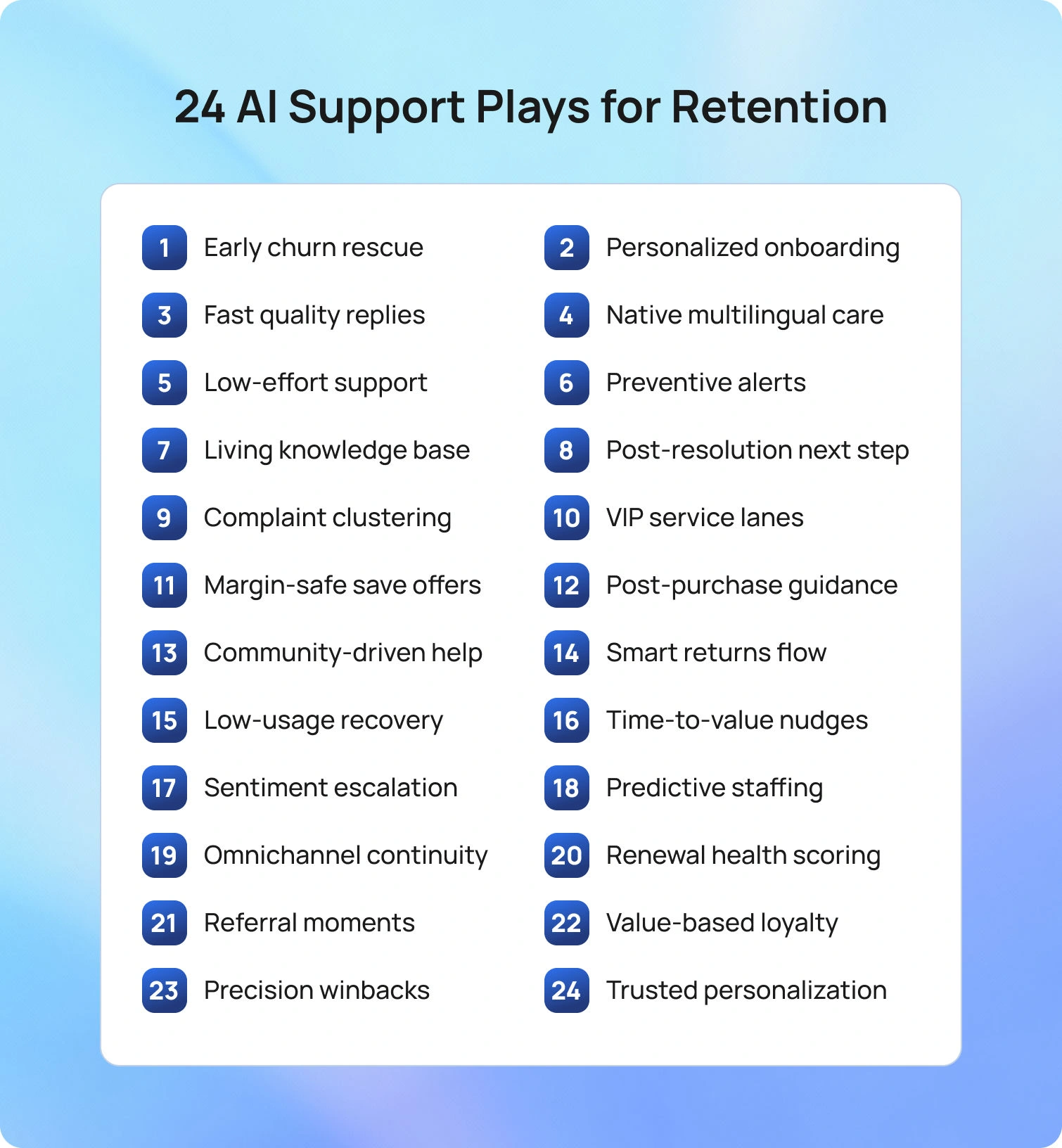
These are the moments that keep customers from leaving: clear, practical steps your team can take without rebuilding the stack. Each play ties to a specific retention driver and shows how AI turns signals into timely actions that protect revenue and loyalty.
1) Predict churn early and route fast
Risk rarely appears out of nowhere. Usage dips, complaint patterns, and negative sentiment usually appear first, so let models surface those accounts and move them to a save queue with tighter SLAs and clear authority to fix root issues.
Rescuers work from a single view of history, entitlements, and prior promises, which makes the first response specific instead of generic. Teams then watch time-to-outreach, save rate, and 60-day spend to prove the lift. BlueHub can surface the risk signal and open the proper workflow without context switching.
2) Personalize onboarding by first purchase
The first month sets the tone. Cohort-specific paths keyed to the first product, customer goal, and early behavior help people reach an “aha” moment quickly. A short check-in, where most users typically stall, helps maintain momentum. Day-30 activation and second-purchase rates indicate whether the flow is working.
3) Suggested replies that keep speed and quality high
Waiting erodes loyalty. Grounded drafts from the knowledge base and conversation history let agents move from writing to refinement, so tone stays on-brand, and links stay correct. Response times drop, accuracy improves, and reopen rates fall. With BlueHub, tickets, knowledge, and suggested replies live in one place, so agents stay in flow.
4) Multilingual support that feels native
Customers want to be understood, not just translated. Real-time translation with an approved glossary keeps terms consistent, while sensitive steps route to native speakers by default. CSAT and first-contact resolution tracked by language confirm you’ve reached parity, not merely coverage.
5) Low-effort service across channels
Great support feels easy. Intent routing, pre-filled context, and verified steps make first-contact resolution the norm, and the conversation continues smoothly from chat to email to voice without repeating details. Effort score and reopen rate are the telltales that you’re removing friction.
6) Proactive alerts that prevent tickets
The best ticket is the one that never happens. Telemetry and historical patterns reveal predictable pitfalls—expiring trials, likely misconfigurations, shipping hiccups—so a brief guide or in-product nudge lands before frustration builds. You’ll see fewer incidents per cohort and steadier satisfaction during spikes.
7) Knowledge that stays current
Out-of-date answers quietly drain trust. AI can spot missing or stale articles through deflection gaps and ticket trends, and owners publish concise updates with clear steps and limits. Handle time and escalations drop together when the truth is easy to find.
8) Personalized next step after resolution
A good close isn’t the end; it’s a bridge. Offer a single next step that aligns with the just-closed case: a checklist, a two-minute tip, or a short how-to, so customers keep moving forward. Engagement and repeat purchase over the next month validate the approach.
9) Complaint clustering to fix root causes
Complaints are a map to what hurts. Automatically group feedback into themes, billing clarity, packaging, and setup, and rank them by churn risk and revenue at stake. Fixing a few big problems beats chasing one-offs, and a short “you said, we did” note shows customers the loop is closing.
10) VIP treatment for high-value cohorts
Some customers bring outsized value and deserve outsized clarity. Priority queues, faster SLAs, and named contacts make benefits tangible rather than theoretical. Renewal and complaint rates relative to a matched non-VIP cohort indicate whether the effort pays off.
11) Save offers that respect margins
Discounts shouldn’t be muscle memory. Eligibility rules ensure incentives appear only when margin, inventory, and policy align, and non-discount fixes, setup help, fee reversals, and faster shipping come first. Post-save CSAT and 90-day contribution keep the program honest.
12) Post-purchase help windows
Buyer's remorse often sets in during week one. A timed message that addresses the top hurdles, with one action per tip, steadies confidence. Expect fewer “how do I” tickets and a healthier repeat-customer rate in the next 30 days.
13) Community and peer answers
Belonging keeps people around. Seed helpful threads, pin the best guides, and recognize members who consistently assist others. Peer solutions reduce load and create credibility you can’t manufacture. Time-to-answer and accepted-solution share become leading indicators of retention.
14) Smart returns that preserve the relationship
A rigid returns policy turns minor annoyances into lost accounts. Let AI decide when a frictionless return or instant exchange will save the relationship and when a human should step in. Clear status and next steps at every stage keep tempers cool; post-return retention tells you if the balance is right.
15) Targeted education for low-usage cohorts
Low usage is a quiet alarm. Identify accounts below healthy thresholds and send a single, focused lesson tailored to their use case, with optional office hours for deeper topics. The goal is visible recovery within two weeks and fewer related tickets.
16) Time-to-value tracking with nudges
Value seen equals value kept. Define the three milestones that matter, monitor progress, and nudge only when a step is missed, ideally with a one-click assist. Better milestone completion should correlate with improved 60-day retention.
17) Sentiment-aware escalations
Tone often shifts before behavior does. When frustration rises mid-conversation, escalate the case to a senior agent or schedule a callback, with a succinct summary and a recommended fix ready. CSAT recovery and lower churn among these threads show the rescue is working.
18) Predictive staffing for peak moments
Queues create churn. Forecast demand by intent, region, and time of day, then staff hot queues before they breach. Reasonable concurrency limits and intraday rules finish the job. Shorter waits and fewer abandons are the visible wins; fewer complaints follow.
19) Omnichannel continuity
Starting over is the fastest way to lose trust. Carry context, history, preferences, and entitlements from email to chat to voice so every reply picks up where the last left off. First-contact resolution rises, and effort falls when the system remembers. BlueHub’s omnichannel customer support makes this continuity the default.
20) Renewal health scores
Subscription risk is measurable. Blend usage, sentiment, billing hygiene, and ticket quality into a single score, then prioritize the lowest-performing cohort with clear save plays. Share patterns with product and marketing so everyone pulls the same lever. Renewal and expansion of previously low scores demonstrate the model's effectiveness.
21) Referral moments after delight
Advocacy peaks right after a great experience. When CSAT hits five stars, invite a review or referral with a two-click path. The ask stays small, the timing precise, and the conversion rate tells you if you nailed it.
22) Loyalty programs tied to value, not vanity
Points alone don’t build loyalty; relevance does. Reward behaviors that predict staying power, healthy usage streaks, peer help, on-time renewals, and make perks immediate and obvious. Compare retention lift for enrolled members against matched non-members to validate design.
23) Winback campaigns with the right first message
Not all churn is final. Lead with the fix to the last issue rather than a blanket discount, then offer a short re-onboarding to smooth the return. Reactivation and second-order rates, versus prior winback attempts, reveal whether the message truly lands.
24) Clear governance that builds trust
Personalization only works when it feels respectful. Be transparent about how data is used, offer simple choices, and keep approvals for sensitive actions behind the scenes so agents can still move quickly. Opt-out and complaint rates are the early pulse checks. With roles, approvals, and audit logs, BlueHub keeps control visible to owners and invisible to customers.
H2: How To Calculate Customer Retention Rate (CRR)

An explicit formula keeps progress visible and honest across the team.
- Choose a time period.
- Record the number of customers at the start (S), the number of new customers acquired during the period (N), and the number of customers at the end (E).
- Calculate customer retention rate: CRR = [(E − N) ÷ S] × 100.
Track CRR alongside related measures such as customer churn, repeat customer rate, purchase frequency, and customer lifetime value CLV. When tracking customer retention rates, break down the results by customer segment, acquisition channel, and initial purchase so you can see where retention rates rise or fall. A reasonable customer retention rate depends on your model; your best benchmark is last quarter’s cohort-level performance.
Key Customer Retention Metrics to Watch

Keep the scorecard short and tied to action.
• Customer Retention Rate and Customer Churn Rate
• Repeat Customer Rate and Purchase Frequency
• Customer Lifetime Value and the ratio of Lifetime Value to customer acquisition cost
• Customer Satisfaction and Effort on resolved tickets, plus complaint and reopen rates
• Time to First Response and First Call Resolution for support queues
• Engagement indicators that matter for your product or service, such as usage milestones or orders per quarter
These are the key customer retention metrics that indicate whether your retention plan is working and where to further improve retention.
Where BlueHub Helps

BlueHub (by BlueTweak) turns retention plans into daily practice by keeping work and data in one place.
- Unified workspace for tickets, AI voicebot, multilingual chatbot, email, and social
- One customer profile with a complete history and context
- AI suggested replies and AI ticket summaries for faster, consistent answers
- Multilingual support that keeps quality steady across languages
Leaders see the metrics that matter by segment, channel, and first purchase:
- Retention rate
- Churn
- Repeat customer rate
- Purchase frequency
- CLV
From the same screen, teams can update routing, publish a knowledge fix, launch a save play, or trigger a targeted retention program for at-risk cohorts.
Future Outlook: Retention Programs In The Next Two Years
Retention will feel more integrated and less scripted.
- Real-time eligibility becomes standard, so save offers and perks appear only when policy, margin, and inventory align
- Sequence intelligence improves recommendations and service moves to reflect where a customer is in a task, not just what was clicked last.
- Invisible governance keeps guardrails and approvals behind the scenes while agents follow a clear, on-brand path to resolution.
Teams that prepare for these shifts will increase customer retention without tool sprawl and will grow a loyal customer base with confidence.
Conclusion: Make Retention A Daily Operating System
Improving customer retention rates is not a one-off campaign. It is a way of running support and success. When customers get quick, accurate help, see relevant guidance at the right time, and feel known across channels, they stay. AI-powered support makes this practical by turning signals into actions that reduce churn, raise repeat business, and increase customer lifetime value.
BlueHub gives teams a single place to do their work. It unifies customer data, accelerates service with grounded responses, personalizes journeys, and links customer retention metrics to the specific conversations and actions that drove them. If the goal is to improve customer retention rate with clarity and speed, bring decisions and execution into the same workspace, and measure progress with cohorts you can trust. Book a BlueHub demo to learn how you can map your retention targets to live journeys, replies, and dashboards that make retention measurable, repeatable, and durable.



