


15 Examples of AI in Customer Service That Optimize Costs & Customer Experience

The Building Blocks of AI-Powered Support
Most conversations about AI in customer service are heavy on hype and light on specifics. Leaders hear about transformative AI but rarely see concrete examples of AI in customer service that optimize operational costs and customer satisfaction.
The reality is simpler: AI customer service works when you deploy specific patterns that solve specific problems.
You don't need a moonshot. You need:
- Auto-classification that routes tickets correctly
- Suggested replies grounded in your knowledge base that cut response times
- Voice transcription that eliminates after-call work
- Priority routing that prevents abandonments
This guide breaks down AI in customer service examples you can implement now. Each example of AI in customer service includes what it is, where it fits in your workflow, which KPIs it moves, and how to implement it.
15 Examples of AI in Customer Service You Can Implement Now
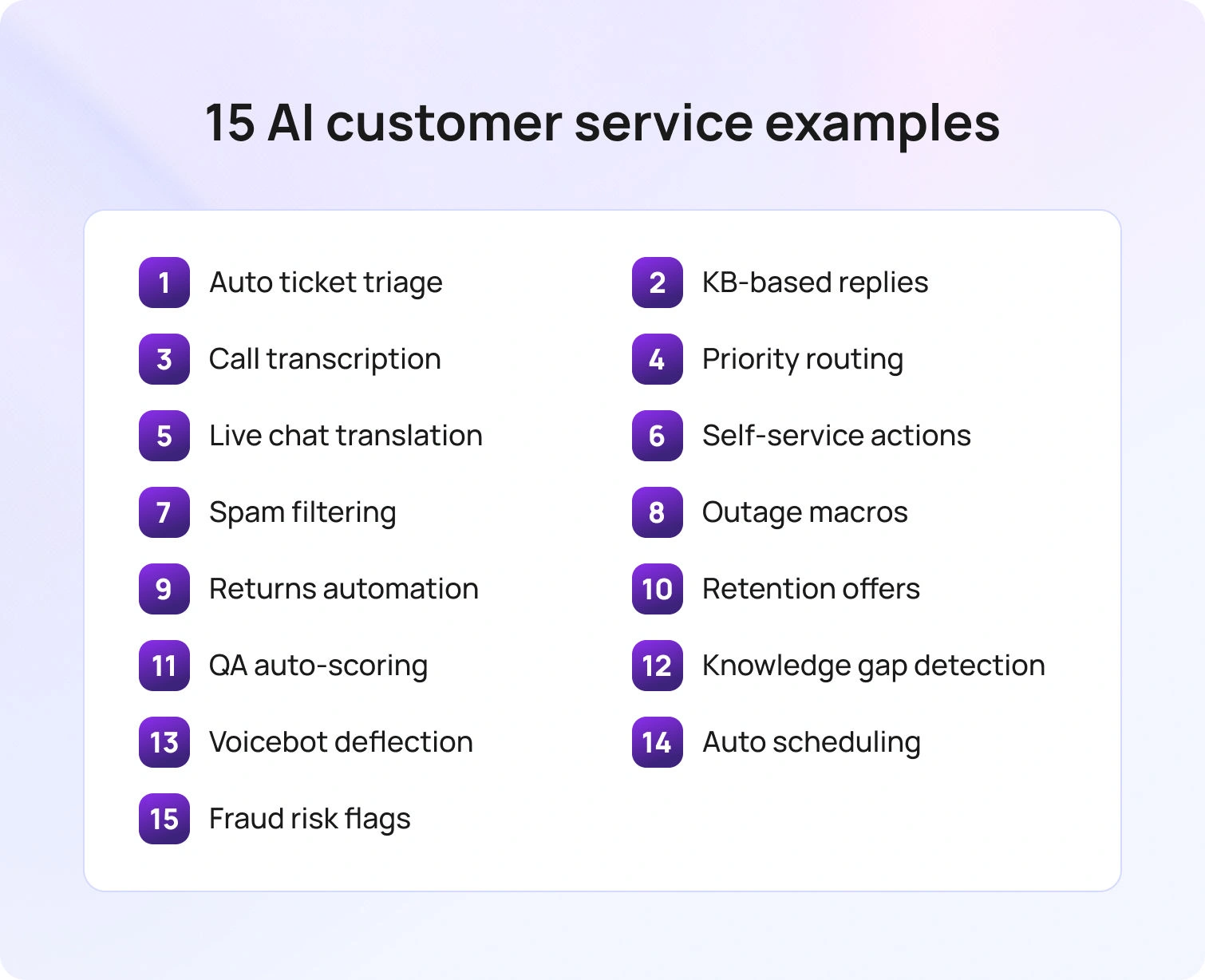
The following examples translate AI concepts into execution. They show what to implement, how it integrates with your current stack, and the measurable outcomes you can expect.
1. Auto-Triage and Ticket Classification
Auto-triage automatically classifies customer inquiries by intent (billing, returns, technical support), language, urgency, and brand on ingest, and that’s before a human agent ever touches the ticket. This eliminates manual sorting and misrouting for support teams, recovering 2–3 minutes of wasted capacity per ticket. When support agents spend time just figuring out what a ticket is about, that's operational costs you can cut immediately.
This fits at the entry point of your ticketing system. Every customer request (whether via chat, email, or voice) is tagged and routed instantly using natural language processing to understand customer inquiries and categorize them accurately.
KPIs to track:
- Average Handle Time (AHT) ↓ (agents don't waste time understanding context)
- First Contact Resolution (FCR) ↑ (right agent gets the correct ticket)
- Abandon Rate ↓ (faster routing reduces wait times)
How to implement:
Train classification models on 90 days of historical data from past interactions when implementing AI. Set confidence thresholds (e.g., 85% confidence = auto-route; below that = flag for human review). Use machine learning algorithms to continuously improve accuracy based on customer feedback and agent corrections. BlueTweak) has a classification feature that feeds directly into automatic routing to send tickets to the correct queue or agent based on intent, sentiment, and customer data.
2. Knowledge Base-Grounded Suggested Replies for Email and Chat
AI drafts complete answers grounded in your knowledge base, complete with citations, so agents can review, edit if needed, and send with one click. This reduces time spent drafting responses and eliminates repetitive typing. An agent who takes 5 minutes to write an email can do it in 30 seconds with AI-generated suggested replies.
This fits in email and chat workflows where customer service agents handle routine tasks and customer questions that have documented answers. Instead of starting from scratch, agents get policy-aware, personalized support drafts that maintain service quality while speeding response times.
KPIs to track:
- AHT ↓ (agents don't type from scratch)
- Time to First Response (TTFR) ↓ (faster initial replies)
- FCR ↑ (accurate, complete answers reduce follow-ups)
- Customer Satisfaction ↑ (consistent, quality responses improve customer experience)
How to implement:
Ground AI in your company's knowledge base. Double-check KB articles include policy limits, edge cases, and citations. Use retrieval-augmented generation (RAG), so AI pulls facts from authoritative sources rather than hallucinating. Train models on your tone and canned responses to maintain brand voice.BlueTweak's knowledge base feeds suggested replies with policy-aware drafts, and updates to the KB propagate instantly to all suggested replies across channels.
3. Voice Call Transcription with Instant Case Summary
Voice call transcription uses advanced natural language processing to capture conversations in real time, then generates instant summaries that flow directly into the ticketing system. This eliminates manual note-taking and speeds handoffs between agents. At scale, this means your customer service team can handle more customer requests without adding headcount.
This fits in voice support operations where agents spend significant time documenting what happened during calls. Instead of typing notes while trying to remember details, AI technology automatically captures everything, highlighting key points such as issue description, resolution steps, subsequent actions, and customer sentiment detected during the conversation.
KPIs to track:
- AHT ↓ (less time documenting calls)
- Handle Time Variance ↓ (standardizes wrap-up across agents)
- Customer Experience ↑ (agents focus on customer relationships, not note-taking)
How to implement:
Deploy call transcription software that captures conversations in real time. Use AI to generate summaries highlighting key points: issue, resolution, next steps, and customer sentiment. Store summaries in the ticket for future reference and to assist agents in subsequent interactions.BlueTweak's call transcription software (and AI ticket summary) flows directly into tickets, so human agents see the full context instantly, enabling faster resolution.
4. Priority Index Routing (Sentiment + Urgency + Customer Value)
Priority Index routing converts risk signals (sentiment analysis, urgency keywords, customer tier) into a dynamic score that routes high-risk cases to senior agents or hot queues with tighter SLAs. This prevents costly escalations and recontacts by addressing customer emotions and frustration early, before they turn into churn. When you catch dissatisfied customers before they hang up or post negative reviews, you save more than the cost of premium routing.
This fits at the routing layer of your customer service solution, especially for multi-channel support operations where customer data flows from multiple touchpoints. The system continuously monitors service interactions and adjusts routing decisions mid-conversation based on changing sentiment or new information about customer history and value.
KPIs to track:
- Abandon Rate ↓ (dissatisfied customers don't wait in standard queues)
- Recovery ≤24h ↑ (at-risk customers get immediate attention)
- Customer Churn ↓ (proactive support intervention prevents defection)
- Customer Retention ↑ (high-value customers receive prioritized service)
How to implement:
Use sentiment analysis and AI-driven sentiment analysis to detect frustration, urgency, and risk in customer interactions. Build a scoring model that combines sentiment from support conversations, customer history from past interactions, lifetime value from customer data, and issue severity. Route high-priority cases to specialists immediately. Integrate predictive analytics to anticipate customer needs and identify patterns in customer behavior that signal churn risk.BlueTweak's classification and sentiment signals feed automatic routing in real time, while workforce management (WFM) adjusts staffing dynamically to handle hot cases without blowing SLAs.
5. Real-Time Chat Translation
Real-time chat translation uses artificial intelligence to translate customer inquiries and agent responses instantly for multilingual customer support. This avoids the cost of hiring niche-language pods; instead of staffing separate Spanish, French, German, and Mandarin teams, one team serves all languages with AI translation support.
This fits in chat and email support for global operations where language diversity traditionally drives up costs. Customers get instant support in their preferred language without waiting for bilingual human agents.
KPIs to track:
- Containment ↑ (customers get help in their language without waiting)
- Abandon Rate ↓ (no language barriers = less frustration)
- Conversion ↑ (especially in sales-adjacent support interactions)
- Customer Satisfaction ↑ (meeting customer needs in their preferred language)
How to implement:
Deploy real-time translation for chat and email using advanced natural language processing. Double-check that translations maintain tone and context, not just literal word-for-word conversion. Use customer profile data to remember language preferences for repeat customers. Train models on your company's terminology and service strategies to accurately translate technical terms and brand-specific language.
BlueTweak provides real-time translation with brand- and language-based routing, so customers receive instant support in their preferred language.
6. Self-Service Status Lookups and Policy-Bound Refunds
Self-service automation handles routine tasks without human intervention. Each self-service resolution saves 5–10 minutes of agent time, deflecting repetitive, low-value tickets and freeing support agents to focus on complex tasks that require technical expertise and human support.
This fits in self-service channels and as automated responses within agent workflows. Customers can get instant support for routine tasks 24/7, while policy-safe guardrails guarantee refunds and actions stay within approved limits.
KPIs to track:
- Containment ↑ (routine tasks never reach agents)
- FCR ↑ (issues resolved immediately)
- AHT ↓ (for tickets that do reach agents, repetitive questions are already answered)
- Customer Satisfaction ↑ (faster resolution improves customer experience)
How to implement:
Connect your AI customer service chatbot or AI voicebot to order management and payment APIs. Script policy-safe actions using company knowledge (refunds under $X auto-approve; above that, route for human approval). Ground all self-service options in your knowledge base to prevent hallucinations. Use machine learning to continuously improve understanding of requests and enhance customer interactions over time. BlueTweak's API-open architecture enables safe, policy-bound automation, while administration controls set approval thresholds for risky actions.
7. Spam and Noise Filtering
Spam and noise filtering automatically removes autoresponders, duplicate tickets, promotional replies, and other non-actionable items from your queue before agents see them. Fewer agent touches on junk tickets means cleaner queues, shorter wait times for real customer inquiries, and lower costs.
This fits at ingest, before tickets enter your ticketing system. Filtering noise early helps support teams only see legitimate customer issues that require attention.
KPIs to track:
- Abandon Rate ↓ (cleaner queues = shorter wait times)
- AHT ↓ (agents don't waste time on junk tickets)
- Agent Productivity ↑ (focus on genuine customer inquiries)
How to implement:
Train spam-detection models on historical data using machine-learning algorithms. Flag autoresponders, duplicate submissions, out-of-office replies, and promotional responses. Merge related tickets automatically so agents see the full customer history in one place. Monitor false positives to ensure legitimate customer inquiries aren't accidentally filtered out.BlueTweak's spam detection filters noise on ingest, keeping queues clean, while customer service analytics flag patterns in duplicate submissions so you can address root causes.
8. Proactive Outage and Recall Macros (Multi-Channel)
Proactive outage and recall macros detect volume spikes from known events (shipping delays, product recalls, service outages) and push pre-approved responses across all channels to support business growth. This scales one-to-many messaging during events: instead of 500 agents answering the same question 500 times, AI broadcasts the answer once to reduce costs.
This fits in crisis response and high-volume event management within customer service operations. Proactive support reaches customers before they even contact you, reducing inbound volume and preventing frustration that leads to customer churn.
KPIs to track:
- Abandon Rate ↓ (customers get instant answers during spikes)
- AHT ↓ (pre-scripted responses eliminate agent guesswork)
- CSAT dip minimized (proactive communication prevents frustration)
- Inbound Volume ↓ (customers get answers before calling)
How to implement:
Use predictive analytics to detect spikes in specific intents (e.g., "delayed shipment"). Pre-approve event-specific canned responses and route affected customers to dedicated info queues. Send proactive support messages via email or SMS before customers even call, using customer data to identify who's affected. Create playbooks for common events so your customer service team can respond instantly when issues arise.
BlueTweak detects spikes in real time and activates suggested reply templates to customers in event queues with adjusted SLAs.
9. Returns and RMA Automation
Returns and RMA automation validate return eligibility, generate shipping labels, and schedule pickups (all automated via API calls within the support workflow). This replaces multi-step human workflows (agent checks policy, emails label, logs case) with instant, policy-safe automation that cuts resolution time from 10+ minutes to under 1 minute.
This fits within e-commerce and product-based customer service teams handling high volumes of return requests, where automating routine tasks creates immediate cost efficiencies and better customer experiences.
KPIs to track:
- FCR ↑ (returns processed in one interaction)
- TTFR ↓ (instant label generation)
- Customer Satisfaction ↑ (frictionless returns improve customer experience)
- AHT ↓ (automated workflow eliminates manual steps)
How to implement:
Connect your ticketing system to warehouse and logistics APIs. Script validation rules using company knowledge (purchase date, product condition, return window). Auto-generate labels for eligible returns; escalate exceptions to human agents. Use history to identify patterns in return behavior and flag potential fraud or abuse for review.BlueTweak's API-open actions, along with approval workflows, handle standard returns instantly while escalating edge cases, and the suggested reply includes return instructions and tracking links automatically.
10. Suggested Upsell and Retention Offers in Service (Policy-Safe)
AI suggests policy-safe retention offers when resolving service issues to recover unhappy customers and prevent customer churn. This offsets support costs with retained revenue. When agents have support from AI-assist tools that suggest the right offer at the right moment, customer retention improves.
This fits into service recovery workflows where customer sentiment is negative, but retention is still possible. By analyzing customer sentiment and behavior, AI technology uses this data to anticipate customer needs and suggest offers that address customer concerns while staying within policy limits.
KPIs to track:
- Recovery ≤24h ↑ (faster resolution of service failures)
- Customer Satisfaction ↑ (appropriate compensation improves experience)
- Churn ↓ (retention offers prevent defection)
- Customer Lifetime Value ↑ (retained customers generate more revenue)
How to implement:
Build offer matrices tied to issue severity, customer value, and history. Use sentiment analysis to identify when customers are at risk. Script policy-safe offers. Require approval for high-value offers. Train your customer service team on when to present offers and how to frame them as solutions.
BlueTweak's suggested reply includes KB-linked retention offers with built-in approval workflows for amounts above thresholds.
11. QA Auto-Sampling and Coaching Prompts
QA auto-sampling automatically scores a percentage of cases using customer service quality assurance rubrics, then surfaces coaching snippets for managers. This replaces blanket QA (reviewing everything) with targeted coaching (focusing on what actually needs improvement).
This fits in continuous improvement workflows where support operations need to identify areas for improvement without manually reviewing thousands of customer conversations. AI systems analyze service interactions for quality issues, policy violations, and coaching opportunities.
KPIs to track:
- Recontact Rate ↓ (better first-time resolution)
- FCR ↑ (quality improvements stick)
- Customer Satisfaction ↑ (consistent service quality)
- Agent Performance ↑ (targeted coaching drives improvement)
How to implement:
Define your QA rubric (accuracy, tone, policy adherence, resolution completeness). Auto-sample 5–10% of resolved cases. Use AI to score interactions against the rubric and flag outliers for human review. Generate coaching prompts based on common defects.
BlueTweak's AI ticket summary feeds into QA rubrics, tracking deltas to show how coaching impacts performance over time.
12. Knowledge Gap Detection
Knowledge gap detection identifies intents with low confidence scores or high handle times, then proposes new knowledge base articles to fill those gaps. This creates a continuous improvement loop:
- AI spots what agents struggle with
- Suggests content to fix it
- Performance improves over time
The cost lever is reducing escalations and shortening handle time by giving agents (and AI) better information.
This fits in knowledge management workflows where customer service operations need to keep company knowledge current without manually tracking every gap. Generative AI can even draft article content based on how successful agents handled similar complex customer queries.
KPIs to track:
- FCR ↑ over time (better knowledge = better resolution)
- AHT ↓ (agents find answers faster)
- Escalation Rate ↓ (fewer "I don't know" moments)
How to implement:
Use customer service analytics to flag intents with consistently long handle times or low FCR. Review transcripts to understand what information is missing. Draft KB articles (or use AI to draft them) and route for approval. Publish to the knowledge base and measure impact on handle time and resolution rates for those intents.
BlueTweak flags gaps automatically, and new content publishes directly to the knowledge base, where it immediately improves AI and human agent responses.
13. Voicebot Deflection for FAQs with Warm Handoff
AI voicebot deflection handles simple intents like account balance, order status, and appointment confirmations, then hands off to human agents with full context when complex issues arise. This combines the cost efficiency of automation (handling mundane tasks) with the service quality of human support (handling complex tasks).
This fits at the front end of voice support, especially for high-volume contact centers where most calls are simple customer questions that don't require human agents.
KPIs to track:
- Containment ↑ (simple intents resolved by AI)
- Abandon Rate ↓ (fast answers reduce frustration)
- AHT ↓ (human agents handle fewer, shorter calls)
- Customer Satisfaction maintained (warm handoffs preserve experience)
How to implement:
Deploy an AIvoicebot for high-volume FAQs. Ground responses in your knowledge base for accuracy. Set confidence thresholds for when to escalate. When escalating, transfer with a full transcript and summary so human agents don't make customers repeat themselves.BlueTweak's AI voicebot handles routine inquiries, and when escalation is needed, it flows into the agent workspace for seamless handoffs.
14. Appointment and Field Service Scheduling
Appointment and field service scheduling automation lets agents (or customers) book and reschedule appointments via API, eliminating back-office handoffs. This removes 3–5 minutes per scheduling request and reduces customer effort by letting customers pick times that work for them without phone tag or email chains.
This fits in service operations with field technicians, installation teams, or appointment-based support, where scheduling coordination traditionally requires multiple touchpoints and manual calendar management.
KPIs to track:
- FCR ↑ (appointments booked in one interaction)
- TTFR ↓ (instant scheduling)
- Customer Satisfaction ↑ (customers get convenient time slots)
- No-show Rate ↓ (automated reminders reduce missed appointments)
How to implement:
Connect your ticketing system to scheduling and calendar APIs. Enable customers or agents to view available slots and book directly. Add validation prompts (service area, eligibility checks). Send automated confirmations and reminders. Use customer data to suggest convenient times based on past interactions.BlueTweak's API-open actions with validation prompts enable instant scheduling, and the suggested reply includes confirmation details and next steps automatically.
15. Fraud and Return-Abuse Pattern Flags (Support-Safe)
Fraud and return-abuse detection flags risky intents and requires approval before processing. This prevents costly mistakes such as fraudulent refunds, policy abuse, and chargebacks without slowing legitimate requests. The cost savings come from avoiding fraud losses that far exceed the cost of manual review.
This fits within customer service operations that handle financial transactions, returns, account changes, or other high-risk actions, where businesses interact with both legitimate customers and bad actors.
KPIs to track:
- Chargebacks ↓ (prevent fraudulent transactions)
- Rework ↓ (fewer mistakes requiring correction)
- Policy Compliance ↑ (risky actions properly reviewed)
- Fraud Loss ↓ (caught patterns before completion)
How to implement:
Train machine learning algorithms on patterns in customer behavior that correlate with fraud or abuse. Flag accounts or requests that match risk profiles. Route flagged cases to specialized teams for review. Maintain audit logs for compliance and learning.
BlueTweak's classification plus approval workflows flag risky cases with full audit logs without degrading service for legitimate customer interactions.
The Future of AI in Customer Service
The next wave of AI in customer service will move beyond answering questions to executing complicated tasks with full auditability and human oversight.
Expect AI agents that execute policy-bound actions via APIs with support for edge cases. This shift transforms how businesses interact with customers at scale.
A single Smart Knowledge Base will give consistent answers across chat, voice, and email, eliminating drift between channels and ensuring every customer interaction reflects current knowledge.
AI systems will detect risk signals (late shipments, product recalls, service outages) and stage Suggested Replies before tickets spike, enabling proactive communication that prevents customer inquiries entirely.
BlueTweak's trajectory: BlueTweak maintains an API-open, KB-first architecture so teams can grow from assist to safe automation without re-platforming, evolving from AI-assist tools to fully autonomous agents as their confidence and operational maturity increase.
AI in Customer Service That Optimizes Costs & Customer Experience
Applied to specific jobs in the flow (classification on ingest, suggested replies, intelligent routing by risk and value, transcription with summaries, and policy-safe self-service), AI in customer service lowers cost while improving speed and satisfaction. The 15 examples show a disciplined path: place each capability where it does the most work, track AHT, FCR, TTFR, abandonment, and CSAT, then move from assist to safe automation.
If you are ready to operationalize these patterns across chat, voice, email, and self-service, BlueTweak unifies them on a single platform. Book a demo today to learn more.
7 Most Important Customer Service Metrics to Track in 2026
Cut the Noise and Measure What Counts
If you're tracking dozens of customer service metrics but still don't know what's actually broken in your support operations, you're not alone. Most customer service teams drown in dashboards that show everything but reveal nothing.
Quality is more important than quantity.
Ultimately, only a handful of customer support metrics matter in 2026. These are the key performance indicators (KPIs) that directly impact customer satisfaction, operational costs, and customer retention.
Everything else is just noise.
Most teams we talk to are tracking 20 or 30 metrics, but when you ask them what they actually changed last quarter based on that data, the room goes quiet. FCR and CSAT, measured at the intent and channel level, tell you more about where your support operation is breaking down than any dashboard full of averages ever will.
— Radu Dumitrescu, Head of Presale & Digital Transformation, BlueTweak
The Evolution of CX Metrics: 2018 vs. 2026
| Traditional KPI | 2026 Modern Priority | Why the Shift? |
| First Response Time | Instant AI Resolution | Customers don't want a "hello," they want an answer. |
| Average Handle Time | Orchestration Speed | High AHT is fine for complex cases; bots handle the rest. |
| Ticket Volume | Deflection Quality | We measure "solved without a human," not just "volume." |
This guide covers the most critical customer service metrics for measuring performance, identifying areas for improvement, and helping you consistently meet customer expectations. We break down what you should measure, why it matters, and how to use customer service data and contact centre software to drive continuous improvement.
Why Customer Service Metrics Matter More Than Ever

Customer expectations continue to rise. Customers want fast responses, personalized support, and effortless resolutions across every channel. When you fail to meet those expectations, customers go to your competitors.
The top customer service metrics do three things:
- Measure customer service performance objectively to determine whether your efforts are effective.
- Provide valuable insights into what drives customer satisfaction and customer loyalty.
- Enable improvements in service delivery, resource allocation, and customer service strategies.
When you measure customer service metrics correctly, you can resolve customer issues faster, enhance customer satisfaction, and reduce customer churn before it impacts your bottom line.
7 Fundamental Customer Service Metrics

When you strip away vanity metrics, seven fundamentals indicate whether support is healthy, scalable, and improving. They connect what customers feel to what your team does and what it costs. Use them to identify bottlenecks, optimize workflows, and determine where AI and humans each add the most value.
1. First Contact Resolution (FCR)
First Contact Resolution (FCR) tracks the percentage of customer inquiries resolved on the first interaction. That means no follow-up calls, emails, or chats needed. The contact resolution rate measures how often customers have their issues resolved without needing to return.
FCR directly impacts both customer satisfaction and operational costs. When you resolve customer issues on the first contact, customers are happier, your customer service team handles fewer repeat tickets, and your cost per resolution drops.
Everyone wins.
A high FCR indicates that your customer service agents have the right information, tools, and authority to resolve issues promptly. Low FCR indicates gaps in your knowledge base, training, or routing logic.
How to Measure FCR
Calculate FCR by dividing the number of issues resolved on first contact by total customer interactions, then multiplying by 100. Break it down by channel (voice, chat, email), intent (returns, billing, technical), and agent to identify patterns.
First contact resolution rate affects nearly every other metric: when FCR rises, Average Handle Time drops, customer satisfaction increases, and customer churn decreases.
How to Improve FCR
- Ground every answer in a unified knowledge base so agents give consistent, accurate responses
- Use suggested replies and canned responses to speed up resolution on routine tasks
- Enable AI ticket summary so agents understand context instantly
- Empower agents to resolve issues without escalating to supervisors for common requests
BlueTweak tracks FCR by intent, channel, and segment in customer service analytics to help you identify precisely where contact resolution breaks down.
2. Customer Satisfaction Score (CSAT)
Customer Satisfaction Score (CSAT) measures how satisfied customers are with a specific interaction or overall experience. It’s typically measured through post-interaction surveys that ask, "How satisfied were you with your experience?" on a 1–5 scale.
CSAT is the most direct measure of whether your efforts are meeting customer expectations. It shows how customers feel immediately after an interaction (when sentiment is freshest).
Measuring performance through CSAT lets you gauge customer satisfaction at the interaction level instead of overall brand sentiment. This helps you identify which customer service agents, intents, or channels drive satisfied customers versus those that create friction.
How to Measure CSAT
Calculate the customer satisfaction score by dividing the number of positive responses (4 or 5 on a 5-point scale) by total responses, then multiplying by 100. Track CSAT across channels, intents, and customer segments to spot patterns.
Outstanding customer service consistently delivers CSAT scores above 85%. Anything below 75% signals problems that need attention.
How to Improve CSAT
- Reduce customer effort by streamlining processes and eliminating unnecessary steps
- Use customer support automation to handle routine inquiries instantly
- Train agents on empathy and tone, especially for sensitive customer concerns
- Follow up proactively when issues require more than one interaction
BlueTweak's customer service solution integrates customer satisfaction surveys directly into support workflows, enabling real-time collection and action on customer feedback.
Here's how one company used BlueTweak to turn CSAT and quality metrics into measurable improvements: Transforming Quality and Customer Satisfaction with BlueTweak in the Packaging Industry
3. Customer Effort Score (CES)
Customer Effort Score (CES) measures how easy it is for customers to resolve their issues. It’s typically measured with the question: "How easy was it to resolve your issue?" on a 1–7 scale (1 = very difficult, 7 = very easy).
Reducing customer effort is one of the most effective ways to improve customer satisfaction and build loyalty. Customers just want problems solved quickly and painlessly.
The customer effort score CES is one of the best customer support metrics for predicting customer retention. Low effort correlates with repeat purchases and positive word-of-mouth. High effort drives churn and negative reviews.
How to Measure CES
Calculate CES by averaging customer responses to the effort question. Track it by channel and intent to identify friction points in the customer journey.
Meeting customer expectations on effort means making every interaction feel effortless, whether customers are chatting with an AI customer service chatbot, speaking to an AI voicebot, or working with a human agent.
How to Improve CES
- Eliminate unnecessary verification steps, form fields, and transfers
- Use customer profile data to pre-populate information so customers don't repeat themselves
- Enable self-service options for common customer queries
- Route intelligently so customers reach the right agent or resource on first contact
BlueTweak's call center workforce management helps customers reach the proper queue immediately, reducing effort and improving overall customer satisfaction.
4. Average Handle Time (AHT)
Average Handle Time (AHT) tracks the average duration of customer interactions, including talk time, hold time, and after-call work. It's often broken down by channel into average resolution time.
AHT directly impacts operational costs and capacity. Lower AHT means your customer support team can handle more customer inquiries with the exact headcount. But AHT must be balanced with service quality, as rushing customers off the phone undermines customer satisfaction.
The goal isn't to minimize AHT at all costs. It's to reduce unnecessary time—time spent hunting for information, waiting for systems to load, or repeating steps that should be automated.
How to Measure AHT
Calculate AHT by dividing total handle time (talk + hold + wrap-up) by the number of interactions. Track it by intent, channel, and agent. Compare it against the resolution rate to ensure efficiency doesn't compromise quality.
How to Improve AHT
- Equip agents with suggested replies and canned responses
- Use the AI ticket summary to surface context instantly
- Automate routine tasks with customer support automation
- Double-check your knowledge base is searchable and up-to-date
BlueTweak tracks AHT alongside FCR and CSAT in customer service analytics to provide a comprehensive view of performance.
5. Containment Rate (Self-Service Resolution)
Containment Rate measures the percentage of customer inquiries resolved without human intervention. This is usually handled through self-service channels such as chatbots, knowledge bases, IVR systems, or help centers.
Containment is one of the most impactful customer support KPIs for cost control. Every issue resolved by automation is one less ticket for your customer service team to handle. For SaaS customer support metrics, containment directly correlates with scalability.
But containment only works if customers are satisfied with the outcome. A high containment rate paired with low customer satisfaction indicates that your self-service is deflecting rather than resolving issues.
How to Measure Containment Rate
Calculate containment by dividing the number of issues fully resolved by self-service by total customer interactions, then multiplying by 100. Break it down by intent to identify which customer queries are best suited for automation.
Metrics to evaluate AI success in customer support always include containment. If your AI voicebot or AI customer service chatbot isn't driving measurable containment, it's not working.
How to Improve Containment Rate
- Build a comprehensive knowledge base that answers common customer issues clearly
- Deploy AI customer service chatbot and AI voicebot solutions to handle routine inquiries
- Use call transcription software to identify which customer questions appear repeatedly
- Check that your ticketing system surfaces self-service options before routing to agents
BlueTweak's customer support automation increases containment while maintaining high satisfaction by grounding AI in your actual policies and knowledge.
6. Net Promoter Score (NPS)
Net Promoter Score (NPS) measures customer loyalty by asking: "How likely are you to recommend us to a friend or colleague?" on a 0–10 scale. Respondents are categorized as Promoters (9–10), Passives (7–8), or Detractors (0–6).
NPS predicts long-term customer retention and customer lifetime value better than almost any other metric. Loyal customers drive repeat revenue, refer new customers, and tolerate occasional service hiccups.
While NPS doesn't measure individual interactions like CSAT, it reflects overall customer sentiment toward your brand. Low NPS indicates systemic issues in customer experience, product quality, or service delivery.
How to Measure NPS
Calculate NPS by subtracting the percentage of Detractors from the percentage of Promoters. An NPS above 50 is excellent; above 70 is world-class.
Survey customers periodically (quarterly or after major milestones) to track trends. Compare NPS across customer segments, product lines, and support channels to identify areas for improvement.
How to Improve NPS
- Resolve customer issues proactively before they escalate
- Reduce churn by addressing pain points early
- Deliver exceptional customer experiences consistently across the customer journey
- Use predictive analytics to identify at-risk customers and intervene early
BlueTweak's customer service analytics track NPS trends alongside operational metrics, helping you connect service improvements to customer loyalty.
7. Customer Churn Rate
Customer Churn Rate tracks the percentage of customers who stop doing business with you over a given period. It's the inverse of the customer retention rate.
Churn directly impacts revenue. Acquiring new customers costs 5–25x more than retaining existing ones, so reducing customer attrition is one of the highest-ROI activities for any business.
The churn rate reveals whether your customer service success is real or just surface-level. You can have high CSAT scores but still lose customers if underlying issues aren't addressed.
How to Measure Customer Churn Rate
Calculate churn by dividing the number of customers lost during a period by the total number of customers at the start of that period, then multiplying by 100.
Break down churn by cohort (acquisition month, product tier, support interaction history) to identify patterns. Customers who've had negative support experiences churn at higher rates than those with positive ones.
How to Improve Customer Churn Rate
- Monitor customer sentiment across customer conversations and customer communications to detect dissatisfaction early
- Use customer service quality assurance to ensure consistent service quality
- Proactively reach out to customers who've experienced service failures
- Track customer engagement and intervene when activity drops
BlueTweak integrates churn risk signals into customer profiles to help teams prioritize at-risk customers and take preventive action.
Improve Your Customer Support Metrics with BlueTweak
Measuring these key customer support metrics is only helpful if you can act on the data. That's where BlueTweak comes in.
| Feature | How it Works | Impacted Metrics |
| Unified Analytics | Tracks performance across all channels by intent, segment, and agent. | FCR, CSAT, CES, AHT, NPS, Churn |
| Real-Time Dashboards | Provides live visibility for managers to adjust staffing and SLAs dynamically. | AHT, SLA Risk, Queue Depth |
| Integrated QA Tools | Samples interactions and tags defects to improve training and processes. | FCR, Quality Scores, CSAT |
| AI Automation | Uses voicebots, chatbots, and suggested replies to handle routine tasks. | Containment, AHT, FCR |
| Multilingual Support | Delivers consistent service across global markets in multiple languages. | CSAT, Global Churn |
| Transparent Pricing | Clear, upfront costs to scale your support operations without surprises. | ROI, Operational Budget |
Make Metrics Drive Outcomes, Not Dashboards
If a metric doesn’t change a decision, it’s noise. Focus on FCR, CSAT, CES, AHT, Containment, NPS, and Churn, by intent, channel, and segment, and assign a clear owner and playbook to each. That’s how you translate customer service data into faster resolutions, lower costs, and stronger loyalty.
Next steps for the next 30 days:
- Instrument the seven metrics with consistent definitions and a single source of truth.
- Set target ranges and alert thresholds per intent and channel.
- Review weekly by exception: fix the most significant variance first, then remeasure.
BlueTweak gives you one place to track these seven metrics in real time, see where performance breaks, and trigger actions, routing changes, knowledge updates, or automation, so every number turns into an operational win. Request a demo and see how BlueTweak helps you measure customer service metrics that improve satisfaction and operational costs.
Not ready for a demo? Try a 14-day free trial.
Get Trial
12 Best Nextiva Alternatives to Choose From in 2026
Why Companies Are Looking For Nextiva Alternatives
Nextiva built its reputation as a reliable unified communications platform offering business phone systems, video conferencing, and team messaging. For many teams, Nextiva worked well when communication needs centered on internal collaboration and basic phone support.
But as your customer service operations expanded, the limitations became clear. You needed omnichannel support across voice, chat, email, and social media (not just a phone system with team chat). Your support team wanted AI-powered features like call transcription, ticket summaries, and suggested replies grounded in your knowledge base.
Nextiva's contact center offerings exist, but teams often find themselves navigating between UCaaS and CCaaS tiers, managing separate licensing for advanced features, and hitting pricing complexity as needs evolve. The platform supports unified communications, but wasn't designed as a comprehensive communication solution for modern contact center operations.
This guide compares 12 Nextiva competitors for mid-market teams managing 20–100 agents. We focus on alternatives that deliver proper omnichannel support, AI capabilities tied to knowledge bases, native workforce management, and pricing clarity that includes core features without expensive plans or hidden add-ons.
12 Nextiva Alternatives for 2026

Here’s a curated look at 12 platforms that offer stronger omnichannel support, clearer pricing, and AI built for modern customer operations.
1. BlueTweak — Editor's Choice

BlueTweak is an all-in-one customerservice solution that combines voice, email, chat, and social channels with AI-powered automation, workforce management, and quality assurance on a unified platform. Unlike Nextiva's approach of layering contact center capabilities onto a UCaaS foundation, BlueTweak treats omnichannel support as core architecture.
Features:
- Ticketing system with intelligent routing based on skills, language, priority, and customer history
- Unified inbox consolidates voice, email, chat, SMS, and social media into one agent workspace
- AI voicebot handles routine customer inquiries with context-preserving escalation
- Call transcription software with real-time transcription and post-call summaries
- Suggested reply and canned responses grounded in the knowledge base
- AI ticket summary condenses long conversations into actionable insights
- Call center workforce management with forecasting, scheduling, and real-time adherence
- Customer service quality assurance with scorecards and coaching workflows
- Customer service analytics track sentiment, SLA compliance, and outcomes across channels
- Multilingual customer support with real-time translation
- The customer profile view shows the complete interaction history
- Multi-brand routing manages multiple product lines in a single instance
- Customer support automation with KB-grounded chatbot and voicebot
Who uses it: Customer service teams managing 20–100 agents who need true omnichannel contact center capabilities with AI features and predictable pricing.
Pricing:
- €65/agent/month includes omnichannel (voice, email, chat, social), AI features, workforce management, quality assurance, analytics, and APIs
Note: Single transparent plan instead of tiered seat bundles. See pricing for details.
Pros:
- All-in-one platform eliminates fragmentation between UCaaS and contact center features
- Built-in AI tools include call summaries, transcription, and KB-grounded suggested replies without add-ons
- Native workforce management and quality assurance reduce vendor sprawl
- Fast implementation measured in weeks with guided rollout
- Transparent pricing includes all contact center features without usage-based surprises
- API-open architecture enables seamless integration with CRM and business systems
- Multilingual support with real-time translation preserves context across languages
Cons:
- Newer contact center platform with a smaller third-party marketplace
- Less brand recognition compared to Nextiva competitors like RingCentral or 8×8
- Some advanced security features are planned for future releases
2. Dialpad

Dialpad started as a cloud phone system and evolved into a unified communications platform with contact center add-ons. The platform's standout feature is Vi, its AI assistant that provides real-time coaching, transcribes calls on the fly, and surfaces relevant customer information while agents are still talking.
Features:
- Voice and digital channels with advanced call routing
- AI capabilities (Vi) for real-time transcription and coaching
- Call monitoring and call analytics for agent performance tracking
- Video conferencing and video meetings for remote teams
- Integration with business tools (Salesforce, Zendesk, Google Workspace)
Who uses it: Small to medium-sized businesses seeking a unified communications platform with contact center capabilities, especially remote teams needing video conferencing.
- Standard - $15/user/month for UCaaS with calling, messaging, and meetings
- Pro - $25/user/month adds CRM integrations, multi-office support, and advanced admin controls
- Dialpad Support (Contact Center) - ~$80–$150/user/month adds inbound/outbound routing, IVR, analytics, and WEM depending on tier
Note: Telephony usage and some AI features are billed separately in addition to seat licenses.
Pros:
- Real-time transcription and AI-powered coaching during calls
- User-friendly interface with easy setup for small teams
- Strong integration with Google Workspace and collaboration tools
- Video conferencing capabilities support visual customer engagement
Cons:
- Usage-based pricing for minutes and AI features adds complexity to the total cost
- Contact center features are less mature than specialized contact center solutions
- Workforce management capabilities require add-ons
- Voice quality can vary depending on network conditions
3. RingCentral

RingCentral has been pushing hard into contact center territory with RingCX. The value proposition is simple: use one platform for internal team collaboration (calling, video, messaging) and customer-facing support. It works well for companies that want their agents to seamlessly switch between helping customers and consulting with internal teams without changing tools.
Features:
- Voice and digital channels, including chat, email, SMS, and social media
- Advanced call routing and intelligent routing systems
- Video conferencing and team collaboration tools
- Integration with RingCentral's core UCaaS platform for smooth transitions
- Workforce management add-ons for scheduling and forecasting
- Quality management with call monitoring and evaluation
Who uses it: Businesses wanting unified communications for internal teams plus contact center capabilities for customer-facing operations in one unified platform.
- Core - ~$30/user/month (annual) for business phone with calling, SMS, and team messaging
- Advanced - ~$35/user/month adds auto call recording, CRM integrations
- Ultra - ~$45/user/month with full UC plus analytics and device status reporting
- RingCX Contact Center - Enterprise tier with full CC routing, AI features, WFM, and QA capabilities layered on top of RingEX
Pros:
- Comprehensive unified communications platform with strong team collaboration features
- Video conferencing capabilities support remote teams effectively
- Growing AI features and analytics tools
- Good integration with business applications and Microsoft Teams
Cons:
- Contact center features require the enterprise tier with separate licensing
- Pricing structure is complex between UCaaS and contact center tiers
- Workforce management requires additional add-on purchases
- Some advanced contact center features are locked behind higher-tier plans
4. Zoom (Phone/Workplace + Contact Center)
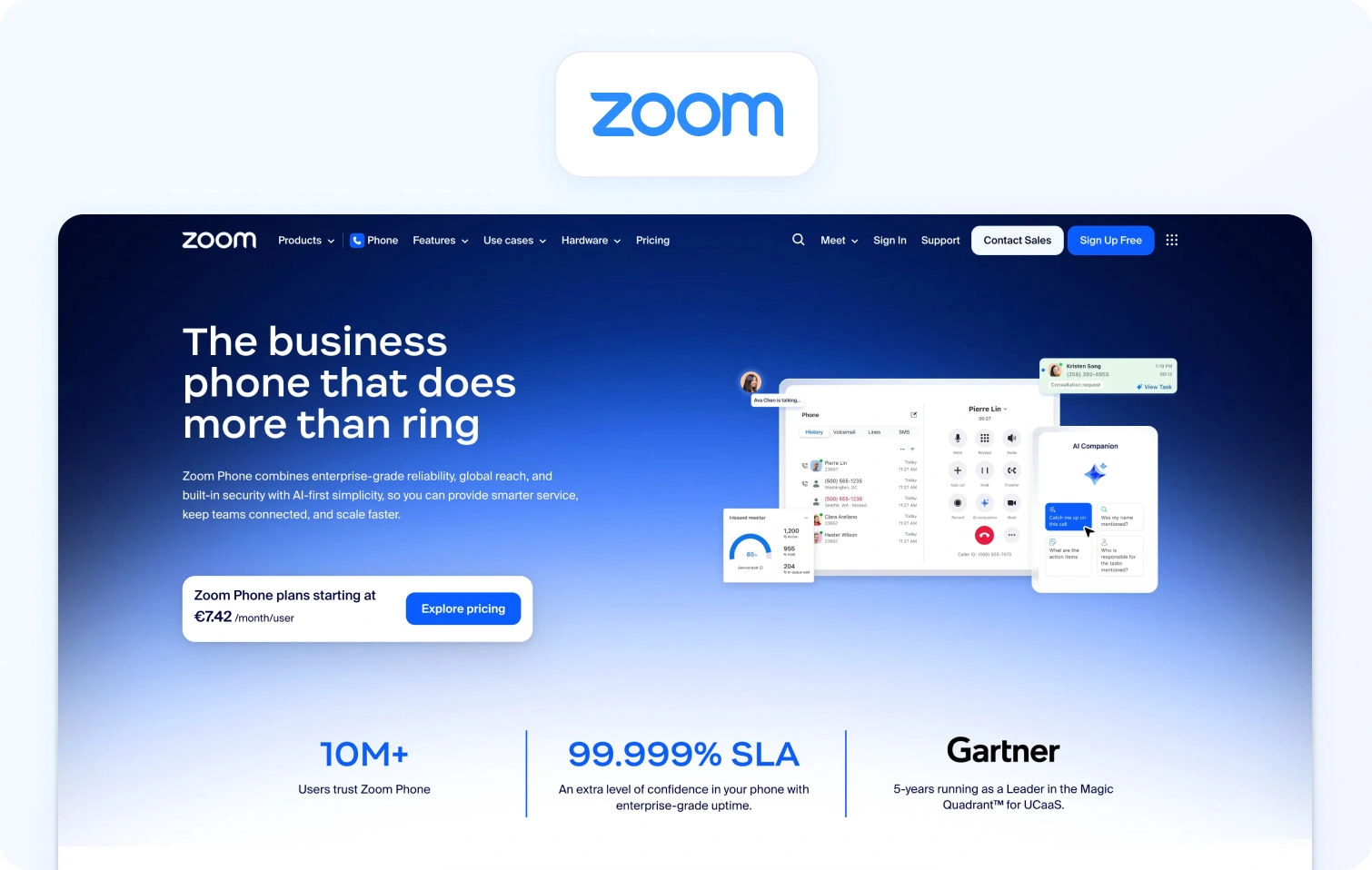
Zoom Contact Center’s entry into contact center software leverages its massive video conferencing footprint. If your organization already uses Zoom for meetings, adding Zoom Contact Center creates a seamless experience in which support agents can escalate customer issues to video consultations with subject-matter experts.
Features:
- Voice, video, chat, email, and SMS in one platform
- Intelligent routing for voice and digital channels
- Video engagement for complex customer inquiries requiring visual support
- Integration with Zoom's core meeting platform
- Analytics tracking contact center performance
- Team chat and collaboration features
Who uses it: Businesses that use Zoom for internal meetings and want integrated contact center capabilities, especially those benefiting from video customer engagement.
- Zoom Phone Pro - $10–$15/user/month for a cloud phone system with call routing
- Zoom Workplace Business - $20–$25/user/month for meetings, chat, phone, and collaboration suite
- Contact Center Essentials - $69/user/month (annual) for inbound omnichannel with VoC, IVR, and real-time transcription
- Contact Center Premium - $99/user/month (annual) for inbound/outbound omnichannel, including social channels and cobrowse
- Contact Center Elite - $149/user/month (annual) adds AI Expert Assist and Workforce Engagement Management
Note: Contact center is layered on the existing Zoom subscription; PSTN/voice minutes are metered separately.
Pros:
- Strong video conferencing capabilities for visual customer engagement
- Familiar user interface for organizations already using Zoom
- Quick deployment for existing Zoom customers
- Seamless integration between meetings and the contact center
Cons:
- Contact center features are less comprehensive than specialized platforms
- Usage-based voice pricing adds complexity to the total cost
- Workforce optimization capabilities are limited compared to alternatives to Nextiva
- Best value requires existing Zoom investment for full feature access
5. 8×8
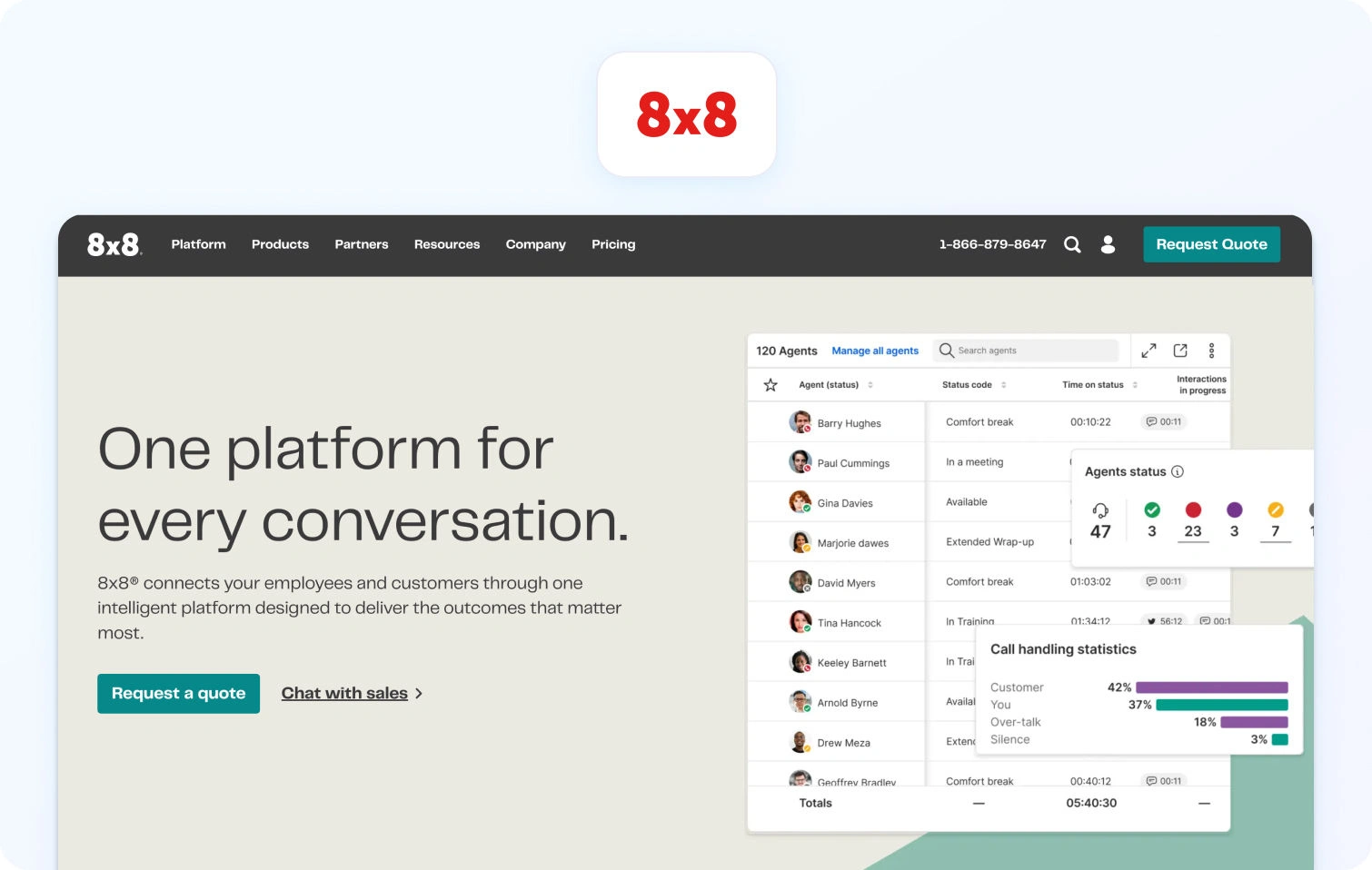
8×8 has been in the telecom business for decades, and it shows in its reliability and global voice coverage. The X Series bundles UCaaS and contact center capabilities into tiered packages, making it straightforward to scale from basic business phone (X2) to full omnichannel contact center (X8).
Features:
- Omnichannel support, including voice, chat, email, SMS, and social media
- Call recording and call monitoring for compliance and coaching
- Quality management tools with evaluation scorecards
- Video meetings and team collaboration tools
- Advanced analytics tracking agent performance
- International calling capabilities for global teams
Who uses it: Small to medium-sized businesses needing unified communications and customer support in one comprehensive suite.
- Must contact sales for pricing.
Pros:
- Unified platform for internal communications and customer support
- Comprehensive contact center features at mid-tier pricing
- Global voice capabilities with international calling
- Established telecommunications company with reliable infrastructure
Cons:
- Pricing structure is complex across UC and contact center tiers
- User interface feels dated compared to modern Nextiva alternatives
- Some AI-powered features require higher-priced bundles
- Customer support quality varies according to user reviews
6. Five9
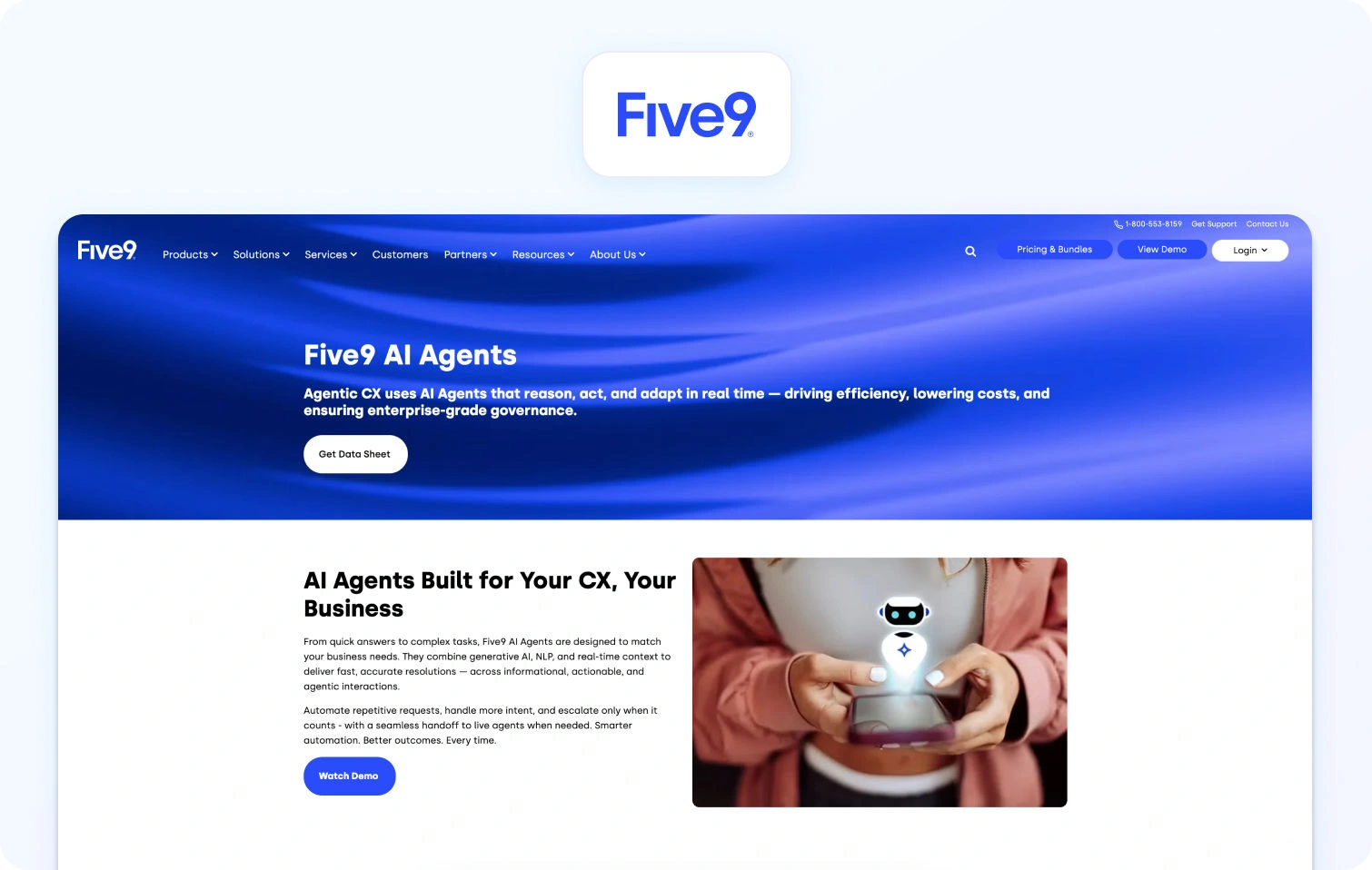
Five9 built its reputation in the enterprise contact center market, particularly for outbound sales and marketing campaigns. The platform works for predictive dialing, campaign management, and sophisticated call routing. Five9's workforce optimization and AI features are mature, but the platform enforces minimum seat counts (typically 50+) and pricing that reflects its enterprise focus.
Features:
- Voice and digital channels, including email, chat, SMS, and social media
- Intelligent virtual agents for self-service automation
- Conversation analytics and sentiment analysis
- AI-powered agent assist tools surfacing relevant information
- Workforce management with forecasting, scheduling, and adherence tracking
- Quality management with call monitoring and evaluation
Who uses it: Mid-market to enterprise contact centers managing 50+ agents with significant outbound call volumes or complex routing requirements.
- Digital - $119/user/month for digital-only (chat, email, messaging)
- Core - $159/user/month for voice plus digital channels with AI routing
- Plus, Pro, and Enterprise: Must talk to sales.
Pros:
- Strong outbound calling capabilities with predictive dialers and sales tools
- Comprehensive workforce optimization and quality management built in
- Mature AI features, including conversation analytics and virtual agents
- Extensive integrations with CRM and business systems
Cons:
- Expensive compared to cheaper alternatives to Nextiva for smaller operations
- Minimum seat commitments exclude teams below 50 agents
- Complex pricing with numerous tiers and expensive plans
- Implementation can be lengthy and requires professional services
7. NICE CXone
NICE CXone is the heavyweight enterprise option, designed for contact centers managing hundreds or thousands of agents across complex customer journeys. NICE targets large enterprises with dedicated CX teams and budgets to match; mid-market teams often find the implementation timeline, learning curve, and total cost overwhelming.
Features:
- Voice and digital channels with unified customer data
- Sentiment analysis and automated quality management
- Customer journey orchestration connecting interactions across touchpoints
- Quality management with automated evaluations and coaching
- Advanced analytics tracking agent performance and customer behavior
- Custom reporting and analytics tools
Who uses it: Enterprise contact centers managing hundreds of agents with complex requirements across multiple channels and customer journey touchpoints.
- CXone Mpower Omnichannel Suite - $110/agent/month for omnichannel routing and workflow orchestration
- CXone Mpower Essential Suite - $135/agent/month adds more WEM and QA capabilities
- CXone Mpower Core Suite - $169/agent/month with broader analytics and performance features
- CXone Mpower Complete Suite - $209/agent/month for full enterprise bundle with advanced analytics and VoC
Pros:
- Enterprise-grade scalability for large contact center operations
- Comprehensive customer experience tools and journey analytics
- Strong workforce optimization and quality management capabilities
- Extensive AI features, including predictive analytics
Cons:
- Very expensive for mid-market teams under 100 agents
- Complex implementation requiring significant professional services
- Steep learning curve with extensive training requirements
- Overkill for straightforward contact center operations
8. Talkdesk
Talkdesk focuses on automation and self-service without sacrificing agent experience. The platform's visual workflow builder lets non-technical teams configure routing, automation, and integrations without developer help. Talkdesk strikes a balance between enterprise capabilities and mid-market accessibility.
Features:
- Omnichannel support across voice, email, chat, SMS, and social media
- Virtual agents for self-service automation
- An AI-powered agent assists in surfacing relevant knowledge during conversations
- Sentiment analysis and customer emotion detection
- Automated quality management and call monitoring
- Integration with CRM systems, connecting customer data
Who uses it: Mid-market to enterprise contact centers needing AI capabilities and omnichannel support with faster implementation than legacy platforms.
- CX Cloud Digital Essentials - $85/user/month for digital-only channels (email, chat, SMS, social)
- CX Cloud Voice Essentials - $105/user/month for a voice-centric plan with telephony features
- CX Cloud Elite - ~$165/user/month for full WFM, QM, AI features, and enterprise reporting
Pros:
- Modern user-friendly interface with relatively quick implementation
- Strong AI capabilities, including virtual agents and agent assist
- Good balance of enterprise features without excessive complexity
- Active development with regular feature updates
Cons:
- Pricing increases significantly as you add AI and analytics modules
- Workforce management capabilities are less comprehensive than specialized platforms
- Some more advanced features require moving to higher-priced tiers
- Integration depth varies by third-party system
9. Zendesk (with Contact Center Add-Ons)
Zendesk built its brand on ticketing and help desk software, and many support teams already use it for email, chat, and knowledge base management. Adding Zendesk Talk and the Contact Center add-on brings voice capabilities into the same workspace. This makes sense if you're already invested in Zendesk Suite and want to consolidate vendors, but teams starting fresh often find they're paying for multiple overlapping modules (Suite + Talk + Contact Center + WFM) to achieve what unified platforms include by default.
Features:
- Multi-channel ticketing across email, chat, voice, and social media
- Knowledge base with a self-service portal for customers
- AI-powered ticket classification and routing
- Workflow automation and custom triggers
- Contact Center add-on for omnichannel voice capabilities
- Zendesk Talk for phone support with usage-based or per-agent pricing
Who uses it: Mid-market to enterprise customer service teams with existing Zendesk investment wanting to add voice and contact center features.
- Zendesk Suite Team - $55/agent/month (annual) for omnichannel ticketing, help center, essential AI agents, voice, and basic analytics
- Zendesk Suite Professional - $115/agent/month with advanced routing, analytics, and multiple brands
- Zendesk Suite Enterprise - $169/agent/month for AI tools
Pros
- Established platform with extensive third-party marketplace
- Strong integration ecosystem with business tools
- Comprehensive customer support software features across tiers
- Good documentation and community forums
Cons:
- Expensive when adding voice and workforce management capabilities
- AI features and automation require premium paid plans
- Complex pricing model with numerous add-ons and expensive plans
- Interface feels dated compared to modern alternatives
10. CloudTalk

CloudTalk targets small to mid-sized businesses that need a straightforward cloud phone system with basic contact center features: call routing, IVR, call recording, and integrations with popular CRMs. It's not trying to compete with enterprise platforms on AI depth or workforce optimization. Instead, CloudTalk focuses on affordability, ease of setup, and reliability for voice-first support teams.
Features:
- Cloud phone system with call center capabilities
- Advanced call routing and IVR customization
- Call monitoring, call recording, and quality management
- Call analytics tracking call volumes and agent performance
- AI add-ons are available separately for voice agents and sentiment analysis
- Mobile app for remote agents
Who uses it: Small to medium-sized businesses needing a straightforward call center solution without enterprise complexity, particularly those prioritizing phone support.
- Lite - €19/user/month (annual) for basic cloud phone system
- Starter - €25/user/month (annual) adds IVR and call queues
- Essential - €29/user/month (annual) unlocks advanced analytics and CRM integrations
- Expert - €49/user/month (annual) with outbound dialers, wallboards, and sales automation tools
Pros:
- More affordable pricing compared to Nextiva for small teams
- User-friendly interface with easy setup
- Good integration with popular CRM and help desk tools
- International phone numbers are available in many countries
Cons:
- Limited digital channel capabilities compared to omnichannel platforms
- AI-powered features require separate add-on purchases
- Basic workforce management and quality management features
- Less suitable for complex contact center operations
11. GoTo Connect / GoTo Contact Center

GoTo Connect combines the legacy of GoToMeeting (video) and Jive/GoToConnect (VoIP) into a unified communications platform with an optional contact center tier. You get business phone, video meetings, team messaging, and basic contact center features at price points that undercut most Nextiva competitors.
Features:
- VoIP calling with advanced call routing
- Video meetings and video conferencing
- Team messaging and team chat
- SMS and WhatsApp integration
- Unified inbox consolidating communication channels
- Call analytics and reporting
- Mobile app for remote teams
Who uses it: Small to medium-sized businesses seeking cost-effective unified communications with contact center capabilities in one all-in-one platform.
- Must contact sales for pricing.
Pros:
- Cost-effective pricing makes it one of the cheaper alternatives to Nextiva
- Easy setup and user-friendly interface for small business owners
- Unified platform for business phone and contact center needs
- Includes video conferencing and team collaboration tools in the basic plan
Cons:
- Contact center features are less comprehensive than specialized platforms
- AI capabilities are limited compared to enterprise solutions
- Workforce management capabilities require workarounds
- Smaller ecosystem of integrations compared to major providers
12. Vonage

Vonage operates as a full-stack communications-as-a-service provider, offering everything from basic VoIP to enterprise contact center solutions under the Vonage Contact Center (VCC) brand. For standard contact center deployments, Vonage provides solid voice infrastructure and reliability, though its AI capabilities and user interface feel less modern than those of newer cloud-native competitors.
Features:
- Voice and digital channels, including chat, email, SMS, and social media
- Advanced call routing and call management
- Auto attendants and IVR capabilities
- CRM integrations with popular platforms
- Team messaging and collaboration tools
- Video conferencing capabilities
Who uses it: Small to medium-sized businesses wanting unified communications for business phone and customer support operations.
- Mobile - ~$19.99/user/month for an entry business phone system
- Premium - ~$29.99/user/month with auto attendants, CRM integrations, and call recording
- Advanced - ~$39.99/user/month adds analytics, ring groups, and on-demand call recording
Pros:
- Established telecommunications company with reliable voice infrastructure
- Scalable from a basic phone system to an enterprise contact center
- Good integration with CRM and business tools
- Unlimited calling on most plans reduces usage concerns
Cons:
- Contact center features require the enterprise tier with custom pricing
- Limited AI-powered features in standard plans
- Interface is less modern than newer Nextiva contact center alternatives
- Best contact center features locked behind expensive plans
How We Evaluated
This comparison relies on public documentation, vendor websites, and published pricing as of December 2026. Who uses each platform is based on public customer logos and case studies. Pricing cited directly from vendor sites; quote-based where unavailable publicly.
Must-Have Capability Checklist
When comparing alternatives to Nextiva, verify these foundational capabilities:
- Voice and messaging with seamless channel handoffs
- KB-grounded AI or strong knowledge base integrations
- AI features: transcription, summaries, suggested replies, real-time assist
- Analytics tracking FCR, AHT, containment, sentiment across channels
- Native WFM/QA modules or tight first-party integrations
- Security/admin: MFA, audit logs, role-based access
- Integrations via APIs and pre-built connectors
- Built-in customer feedback collection
- Core AI and analytics in base pricing, not add-on-only
Scoring Rubric
These factors guided the evaluation of Nextiva competitors:
- Fit for 20–100 agents - Mid-market solutions without enterprise contract requirements
- Voice/omnichannel depth - Unified inbox across all channels
- AI coverage - Agent assist plus KB grounding, beyond basic transcription
- WFM/QA - Native tools reducing vendor fragmentation
- Time-to-value - Weeks to deploy, not months
- Total cost to operate - Licensing, usage fees, integrations, training, support
Security and control: Compliance features for regulated industries
Why Teams Look for Nextiva Alternatives in 2026
Every business has different needs, but here's why most explore alternatives to Nextiva:
- Outgrowing unified communications - Nextiva excels at business phone, video, and team messaging. But when support becomes strategic, you need full omnichannel ticketing where voice is one channel among many. Nextiva's contact center options require tier jumps and module add-ons, creating friction as you scale.
- Limited AI depth - Voicemail transcription doesn't cut it. Teams need AI that surfaces knowledge during calls, drafts contextual responses, analyzes sentiment in real time, and generates detailed summaries, all grounded in actual company policies rather than hallucinated guesses.
- Weak knowledge base integration - Without tight KB grounding, AI becomes risky. Suggested replies contradict policies. Chatbots state incorrect information confidently. Teams need platforms where every AI output can be traced back to verified documentation.
- Shallow operational tools - Basic call reporting isn't workforce management. Growing teams need forecasting engines, intelligent scheduling, adherence monitoring, and SLA tracking by channel and segment. Nextiva includes lightweight versions in premium tiers; purpose-built contact centers go deeper.
- Surface-level analytics - Tracking call volume and wait times misses the point. Modern operations measure first-contact resolution, containment by intent, sentiment trends, and agent performance across voice, chat, email, and social, with drill-downs that reveal coaching opportunities.
- Basic security and admin - Handling sensitive customer data requires MFA, granular audit logs, role-based access controls, and data residency options. Nextiva covers basics; regulated industries often need more sophisticated governance.
- Limited integration flexibility - Nextiva connects to major CRMs, but teams building complex workflows need deeper integrations with commerce platforms, help desks, and BI tools. Open APIs and webhook support matter when you're automating cross-system processes.
Pricing opacity: Nextiva's structure spans basic VoIP to enterprise contact center across multiple tiers. Teams struggle to determine which features live in which plan, how named versus concurrent licensing works, and what usage charges apply. Transparent all-in pricing eliminates guesswork.
What to Look for in a Contact Center Solution in 2026
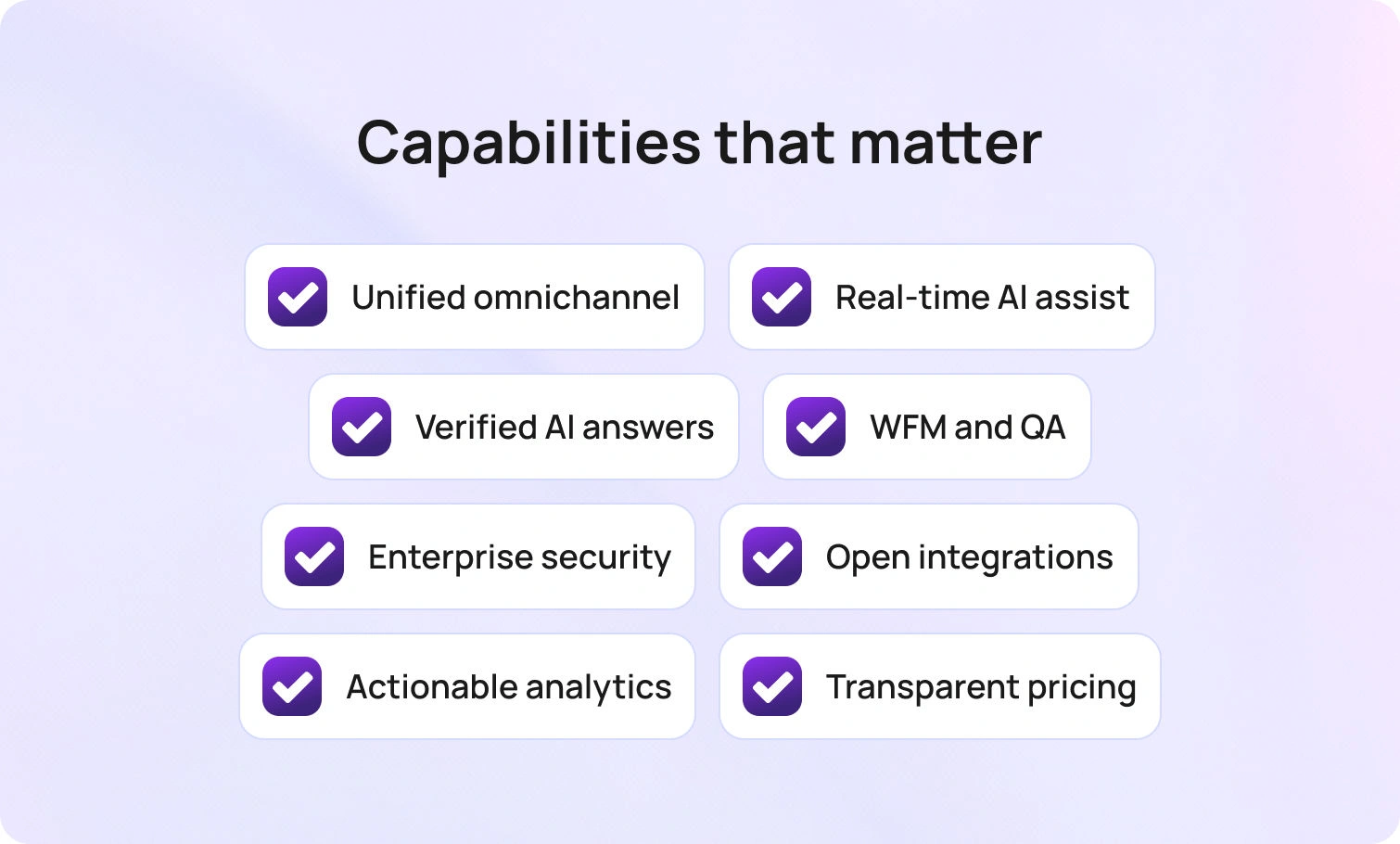
Before comparing Nextiva competitors, here are the capabilities that matter for mid-market contact centers:
- Voice, chat, email, SMS, social, and web, all unified in one workspace with context preservation across channel switches.
- Real-time transcription, interaction summaries, KB-grounded suggested replies, live-agent assistance, and automated post-call documentation.
- AI that pulls from verified documentation rather than inventing answers, ensuring consistency across every customer touchpoint.
- Workforce management covering forecasting, scheduling, and adherence; quality management with scorecards and coaching; SLA dashboards by team and channel.
- MFA, audit trails, role-based permissions, and data retention controls.
- Native connections to CRM (Salesforce, HubSpot), commerce (Shopify, Magento), help desks, and BI platforms; open APIs for custom workflows.
- FCR, AHT, containment, abandon rate, concurrency, sentiment, and voice quality—broken down by channel, agent, and segment.
- Transparent per-agent costs, bundling core features versus tiered structures hiding AI and analytics behind premium add-ons.
BlueTweak delivers a unified stack that combines omnichannel support, workforce management, analytics, and a knowledge base on a single platform. AI Copilot features include an AI voicebot, suggested replies, and AI ticket summaries. Transparent pricing at €65/agent/month includes all features, with no add-on complexity.
Putting the Right Contact Center Platform in Place
The best alternative to Nextiva depends on your team size, channel requirements, AI needs, and operational complexity.
If you have 20–100 agents and need to grow from a business phone system to an actual omnichannel contact center, BlueTweak is the perfect fit. It consolidates voice, email, chat, and social channels, with AI-driven features and quality assurance, bundled into a single platform with transparent pricing.
When to Shortlist BlueTweak:
- You're outgrowing unified communications and need comprehensive contact center solutions with omnichannel support
- You want AI-powered features like call summaries, transcription, and KB-grounded suggested replies included in base pricing, not as expensive add-ons.
- You need native workforce management and quality assurance, not patching together third-party tools.
- You manage multiple brands or product lines and need clean workspace separation.
- You want implementation measured in weeks with guided rollout, not months of professional service.s
- You serve global customers and require multilingual support with real-time translation.
- You need transparent pricing without hidden fees, usage-based surprises, or complex tier structures.
Request a demo to see BlueTweak in action. Check out the pricing page for transparent costs without add-on complexity.
Customer Service Workforce Management: 17 Best Practices for 2026
Why Call Center Workforce Management Decides Both Cost and Customer Experience
Every leader has felt the gap between the plan and the day. The spreadsheet said demand would be normal; the queue says otherwise. One team is overstaffed and idle; another is drowning; and your most experienced agents are stuck in routine work because the routing is outdated or the knowledge is buried.
Customer service workforce management fixes that gap by treating capacity as a product: forecast demand precisely, schedule the right mix of skills and languages, adjust intraday without disruption, and coach toward behaviors that shorten time to resolution. Effective workforce management is essential for maintaining service quality and operational efficiency in contact centers, ensuring the right resources are in place to meet customer needs.
This guide turns workforce management and customer service from abstract concepts into an operating system you can run each week, essential for call center workforce management. You will learn how to:
- Set a realistic shrinkage
- Model multi-skill interactions
- Use AI responsibly
- Create intraday playbooks that protect SLAs
You will also see how to connect staffing to outcomes, so you can explain headcount needs in the language of SLA risk, revenue protection, and customer retention.
17 Workforce Management Best Practices for 2026

Picture the end state: the plan for next week is believable; agents know why their schedules look the way they do; leaders can see precisely where risk lives, and intraday moves are small and frequent rather than large and chaotic. Efficient schedules and a transparent scheduling process not only optimize staffing and call-volume forecasts but also drive higher agent and employee engagement and overall job satisfaction by balancing business needs with agent preferences and supporting employee well-being. The practices that follow work together to make that day normal.
1) Forecast With Layers, Not a Single Number
Strong forecasts blend historical data with real-time context. Start with a baseline using at least 18 months of historical data by channel, intent, and language, and incorporate customer trends to better predict customer demand. Layer on seasonality, marketing calendars, product launches, and known policy changes.
Then add a real-time correction based on the last 7 to 14 days to keep the model sensitive to current reality. Treat email, chat, voice, and social separately because their arrival patterns and handle times differ. Publish the forecast components so finance, marketing, and operations can challenge the assumptions before the week starts.
Leveraging predictive analytics can further enhance workforce forecast accuracy by identifying patterns in historical data and anticipating shifts in customer demand.
2) Plan Shrinkage Honestly and Review It Every Quarter
Schedules fail when shrinkage is wishful. Separate planned shrinkage (PTO, training, meetings) from unplanned (sick time, emergencies) and calculate both from your own history. Most teams under-budget unplanned shrinkage and then scramble. Treat shrinkage like a budget you manage: publish the current rate, compare plan vs. actual each month, and adjust rules for meeting sizes and training slots so you protect coverage without starving development.
3) Build Schedules Around Skills and Languages, Not Just Bodies
Headcount alone is meaningless if the skills do not match demand. Create a skills matrix that includes channel proficiency, product depth, language ability, and compliance certifications. Agent scheduling should not only align with these skills but also account for agent preferences, empowering agents to manage and customize their schedules where possible.
Schedule based on the expected mix of intents, not the average, and keep small “reserve” blocks for spillover skills, such as payment disputes or identity verification. The result is fewer transfers, cleaner notes, and faster resolution.
4) Use Multi-Skill Simulation to Set Realistic Service Levels
Multi-skilled agents change queue math. A simple Erlang-C approach often underestimates wait time when skills are blended and priority rules are in place. Run simulations that mirror your routing: which calls or chats each pool can handle, which skills are scarce, and how often VIP or incident traffic preempts routine work.
Use those results to set targets that your team can actually hit, and to justify targeted hiring when the model shows a structural gap. Balancing agent availability with optimal staffing levels is essential to maintaining service levels and ensuring you have the right coverage to meet customer demand efficiently.
5) Create Fair, Flexible Schedules with Clear Rules
Agents value predictability and choice. Publish schedule generation rules that balance business needs and fairness: how far in advance schedules are posted, how much rotation exists between early and late shifts, how weekend work is assigned, and how split shifts are used.
Offer self-service shift swaps and partial-day PTO requests with automatic approval windows to reduce manager workload. Implementing flexible scheduling practices not only streamlines agent scheduling but also supports work-life balance, leading to higher agent satisfaction and reduced turnover. More flexibility means higher adherence because people can shape their week without having to beg for exceptions.
6) Protect Adherence by Fixing Root Causes, Not By Policing
Lower adherence usually points to planning issues, not laziness. Review the top reasons for missed adherence, meeting overflows, long after-call work, and back-office tasks that conflict with live channels, and fix them systematically. Track adherence as “ready when expected” rather than a gotcha, and coach with context: a ten-minute slip during an outage is not the same as a repeat pattern on quiet days.
7) Run Intraday Like Air-Traffic Control
Even the best plan drifts. Intraday management is the art of making small, timely moves: pull one person from email to chat for an hour, trigger a micro-break during a lull, or temporarily raise deflection by surfacing a targeted article at intake. Modern WFM systems support real-time team management and dynamic scheduling, enabling agile intraday adjustments through real-time insights and AI-powered schedule modifications.
Define thresholds for action (e.g., service-level performance over the last 15 minutes and backlog growth) and provide team leads with a short menu of allowed actions. Minor adjustments early beat heroic rescues later.
8) Use AI to Predict Spikes and Guide Which Lever to Pull
Customer service workforce management increasingly uses pattern detection to identify emerging spikes before they breach SLAs. AI can monitor for rapidly rising intents, seasonal drift, or channel shifts after a marketing campaign. The value is not just an alert; it is a recommendation: extend shifts by 30 minutes in region A, move 2 Spanish speakers to refunds, and surface a shipping article for the next 2 hours.
With machine learning, these systems can automate scheduling and optimize resource allocation in real time, ensuring the correct number of agents are available to handle predicted spikes efficiently. Customer service workforce management increasingly uses pattern detection to identify emerging spikes before they breach SLAs.
9) Forecast Handle Time with Segmentation, Not Averages
Average handle time hides the truth. Segment AHT by intent, channel, and customer segment (for example, plan tier or region) and forecast each separately. Track the two behaviors that move AHT the most: time to unblock in the first reply and number of transfers. That information becomes coaching fodder and lets planners spot where knowledge gaps or tool friction are driving long calls.
10) Route For the Shortest Path to Done
Round-robin, or “first free,” routing appears fair but creates unnecessary transfers. Build routing around intent, language, and certification so the first qualified person gets the work. This is workforce management customer service in practice: staffing and routing operate as a single system. You reduce rework, lower handle times, and keep high-value experts focused where they matter.
11) Make Self-Service Part of the Staffing Plan
Deflection is a capacity you do not have to buy. Treat knowledge and forms as headcount multipliers by measuring the percent of issues resolved before they hit the queue and by capturing the evidence self-service generates for agents. Self-service options contribute to more efficient service delivery by ensuring customers can quickly resolve common issues, reducing the need for direct agent intervention, and improving overall service quality.
The planner should expect higher-than-adequate capacity during periods when self-service is particularly strong, such as predictable password resets after holidays or shipping surges after promotions.
12) Align Quality, Coaching, and Schedules
Training and QA time are not luxuries. Block them as part of the plan and target them at the intents driving wait time and reopens. Adopt a simple QA rubric that maps directly to your operational levers: first-reply clarity, use of the correct template, handoff completeness, and policy compliance.
Monitoring performance and implementing effective performance management are essential for driving improvements in employee performance, as they help identify areas for coaching and ensure that staff development aligns with operational goals. Coaching then becomes a staffing strategy because better behaviors shorten calls and reduce rework.
13) Publish a Change Log That Explains What Moved the Numbers
People follow what they understand. Every week, publish a short change log: what changed in schedules, routing, knowledge, or templates; why you made the change; and what you expect to happen to SLA, AHT, or reopens. When agents see the cause-and-effect relationship, adherence increases and resistance to schedule changes declines. Executives get the narrative they need to defend the plan.
14) Use Fair Rules For Time-Off and Extra Hours
Time-off and overtime policies shape culture. Use transparent, seniority-aware bidding for high-demand days off and offer voluntary extra hours when the plan is short. Then, publish the remaining time-off pool by month so agents can plan realistically. You will see fewer last-minute surprises and a more stable adherence pattern.
15) Treat Back-Office and After-Contact Work as First-Class Demand
Back-office processing, case research, and follow-up emails consume real hours. Forecast and schedule them like any other work, with tickets or tasks that appear in the same queueing system and the same WFM plan.
Effective management of labor resources ensures all types of work, including back-office and after-contact tasks, are appropriately accounted for and staffed, preventing inefficiencies and maintaining service quality. If you ignore this demand, it will steal from live channels and degrade service levels without any explanation.
16) Explain Headcount with Scenarios, Not Absolutes
Finance and operations align faster when you present staffing as options: what we get for the cost. Model three scenarios, protecting 80, 90, and 95 percent service levels, showing the incremental headcount, cost, and risk to revenue or retention for each. Scenario planning in this way clarifies the staffing required to meet different service-level targets, making it easier to forecast and optimize workforce allocation. This keeps debates on outcomes rather than on whether the “ask” is too big.
17) Report Outcomes in the Language of Customers and CFOs
Excellent WFM reporting does not stop at the service level. Tie your plan to first-contact resolution, reopen rate, abandonment, and VIP aging. Reporting on first-call resolution, agent performance, and customer satisfaction demonstrates the value of workforce management by showing how improvements directly impact the customer experience and operational efficiency.
Show how schedule adherence and routing improvements cut transfers and shorten time to refund or activation. Include a simple ROI view: hours saved from self-service, value of prevented breaches or chargebacks, and the cost of missed SLAs. When reports connect staffing to business outcomes, headcount becomes a strategic discussion rather than a monthly fight.
Connecting WFM to Agent Experience and Retention
Schedules are more believable when agents have agency. Offer self-service shift trades, visible PTO balances, preference capture for days and channels, and transparent rules for exceptions. These practices not only empower contact center agents but also improve employee satisfaction by accounting for agent availability during scheduling, leading to better morale and engagement.
Align coaching to the metrics that matter and keep sessions short and weekly. Use “situational mentors” for incidents, billing, or identity flows so new hires can accelerate without pulling senior staff off the floor for hours at a time. Finally, publish wins: when a micro-lesson cuts second touches on refunds by ten percent, show the chart and thank the people who tried something new.
ROI and the Business Case
A credible plan shows cash impact in four levers—adherence, AHT, deflection, and overtime. Effective customer service workforce management helps reduce costs by optimizing scheduling, forecasting, and resource allocation, thereby lowering labor and overall operational costs.
- Adherence: +5 pts (82%→87%) on 120,000 monthly contacts at 6% abandonment prevents ~1,200 lost interactions per point; multiply by your retention or conversion value.
- AHT: −1 min on 35,000 contacts returns ~583 hours/month; at €30/hour ≈ €17,500 redeployable capacity.
- Deflection: +1 pt on a 50,000-contact intent removes ~500 agent contacts; at 5 min AHT ≈ , 417 hours/month avoided.
- Overtime: Cutting 4%→2% on 12,000 staffed hours avoids 240 premium hours; at 1.5× the rate, it equals the cost of ~360 standard hours.
For more insights on reducing customer support costs, including strategies such as self-service, automation, and outsourcing, see our detailed guide.
Show these side by side to shift the conversation from “why headcount” to “which service-level risk delivers the best return.
Future Outlook: Workforce Management in 2026 to 2028
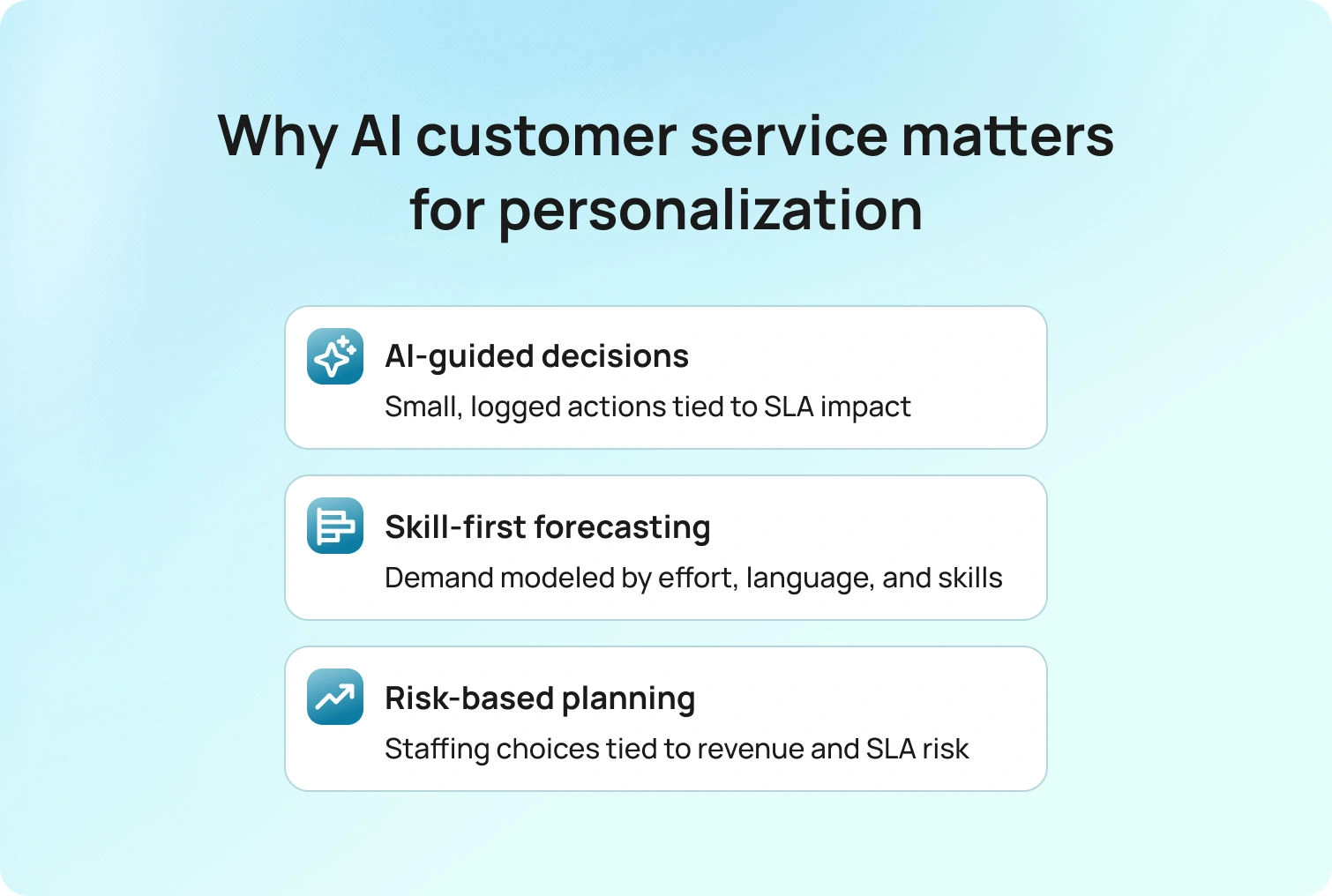
AI will shift from raising alerts to proposing minor, reversible adjustments with a stated impact and an SLA percentage. Each recommendation will carry an approval, a reason, and an outcome log, so reviews rely on evidence rather than opinion. Teams that work this way experience fewer large intraday swings and more stable service levels.
Forecasting will move beyond volume-only views to blend three inputs:
- Arrivals by channel
- Expected effort per intent
- The mix of required languages and certifications
Schedules will better reflect actual work rather than averages, reducing transfers by routing the correct case to the right person the first time. At the same time, agent tools will make flexibility part of the offer. Self-service shift trades, partial-day PTO, and preference capture for channels and shifts become standard, increasing adherence and reducing attrition by building flexibility into the system rather than granting it as an exception.
Intraday management becomes a shared discipline with clear thresholds and a short list of permitted moves. Typical actions include a temporary shift from email to chat, a targeted knowledge nudge for a spike in intent, or a brief burst of callback capacity. Many centers adopt 15-minute cadence check-ins that keep adjustments small and continuous.
Quality, coaching, and workforce management operate as a single loop: QA findings trigger micro-lessons scheduled within the planner, and the next forecast reflects the expected impact on handle time. Leaders can then attribute improvements in first-contact resolution and AHT to specific changes in templates, routes, or training.
Compliance expectations rise as role-based access, auditable change logs, and configurable retention windows become table stakes. Privacy and labor rules are reflected directly in staffing and scheduling, thereby removing manual workarounds and reducing audit risk. The right workforce management software and comprehensive solutions are becoming essential for center and contact center workforce management, ensuring compliance and operational efficiency.
Adopting a center workforce management solution supports future-ready operations by leveraging AI and automation to optimize scheduling, forecasting, and real-time management. Voice remains strategic, as real-time speech understanding and translation are narrowing the gap between native and non-native calls. Voice will play a role in trust-heavy scenarios such as payments, healthcare, and outage management, with AI summarization enabling accurate follow-ups across channels.
Finally, business cases focus on risk and return, shifting budget discussions from absolute headcount to scenario choices that trade coverage and cost against revenue risk and lifetime value. The most credible plans show precisely how a one-point gain in adherence or deflection translates into hours, euros, and SLA protection.
How BlueHub Helps
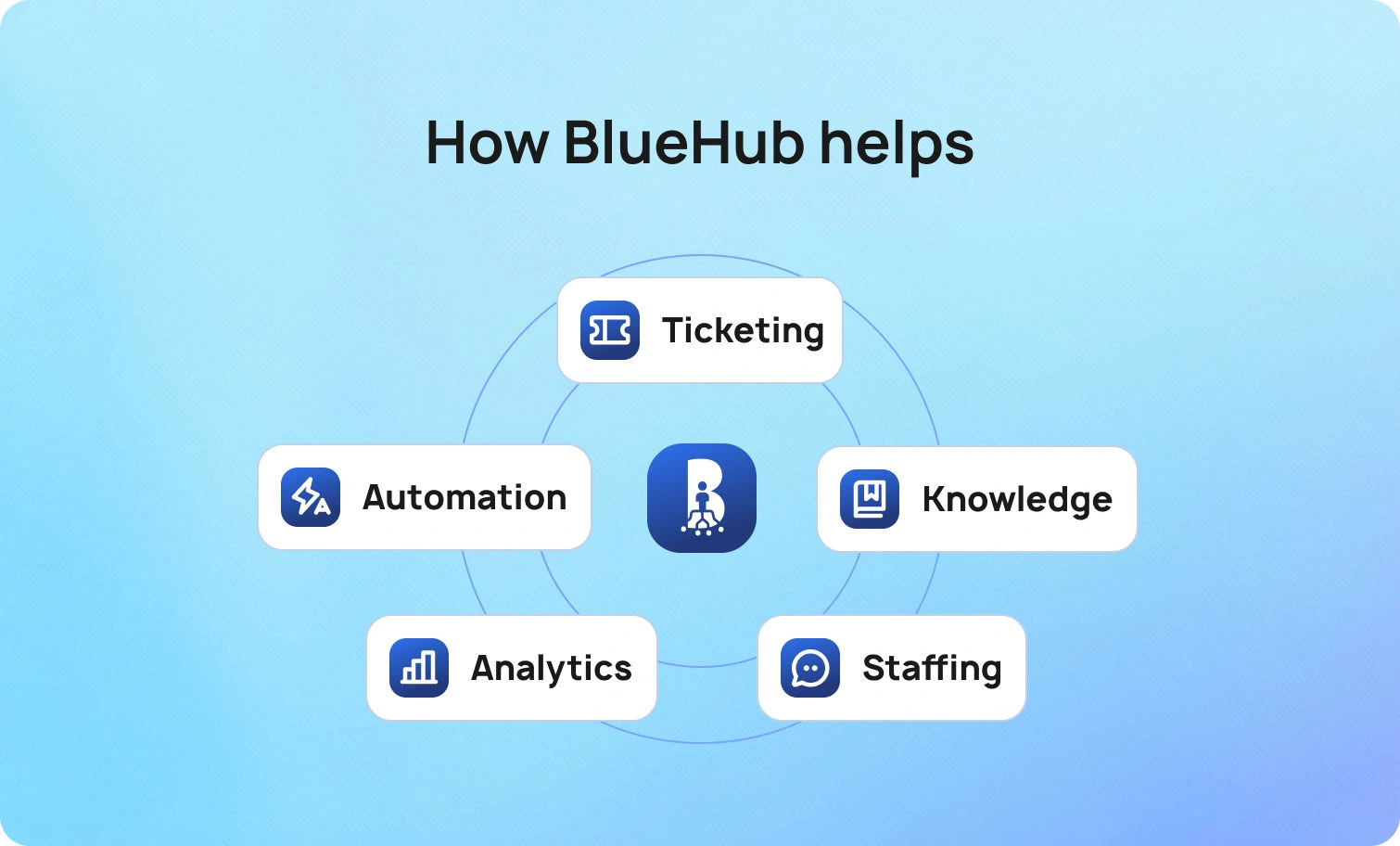
BlueHub is an AI-ready CX operating system that integrates:
- omnichannel ticketing
- voice bot software
- a knowledge base
- workforce management
- robust communication tools that support agent engagement and training
That matters because plans are only as good as their execution. Forecasts use the same data as the queue. Schedules and shift trades live where agents already work. Intraday moves change routing in real time.
BlueHub’s WFM tools streamline workforce management, giving contact center managers instant access to key metrics, including agent performance and availability, to optimize scheduling, forecasting, and staffing. Quality and coaching feed the next forecast. Analytics attributes improvements to the specific template, form, or route you changed, so debates about staffing and service levels are grounded in shared facts.
If you want to run customer service workforce management with fewer surprises and clearer trade-offs, this is the shortest path to improving customer service.
From Strategic Plan to Reliable Daily Execution
The promise of customer service workforce management is simple. Customers get help when they need it from someone who can actually solve the problem, and you hit your SLAs without overspending. The practices in this guide, i.e., layered forecasting, honest shrinkage, skill-based scheduling, intraday discipline, and outcome-driven coaching, turn that promise into a weekly rhythm. When you add AI that identifies the smallest useful move and reports on how staffing ties to business outcomes, the plan becomes credible and the day becomes calmer.
BlueHub brings planning and execution onto a single screen. The platform supports resource management and schedule creation through advanced employee scheduling features, enabling you to optimize staffing, reduce manual effort, and improve agent satisfaction. You can forecast demand by channel, language, and intent, publish skill-aligned schedules with clear rules, make intraday adjustments with a single click as conditions change, and coach to the metrics that matter with analytics that show exactly what improved. If you are ready to make workforce management and customer service a competitive advantage, request a BlueHub demo.
7 Proven Use Cases of NLP Customer Support
Start with the Customer’s Words
Picture Monday morning. Your queue is full of long messages, screenshots, and urgent requests written in different languages. Agents are talented, but they spend time translating, searching, and retyping instead of solving. Leaders see the symptoms, reopens, transfers, long handle times, yet the root cause is simple: your system does not understand how customers talk. Traditional systems struggle to understand context and interpret the nuances of customer feedback, making it difficult to accurately address customer needs.
NLP (natural language processing) customer support fixes that gap. It uses AI to process human language, recognize language, detect intent, extract the details agents need, and draft grounded replies that match policy and tone. By processing human language, NLP can interpret intent and meaning more effectively. The result is practical: faster first replies, fewer second contacts, clean data, and a calmer day.
This article walks through 17 specific, field-tested use cases. Each one explains what it does, why it works, how to measure impact, and how BlueHub (by BlueTweak) helps you run it without disrupting the queue.
17 Natural Language Processing Use Cases That Deliver Measurable Wins
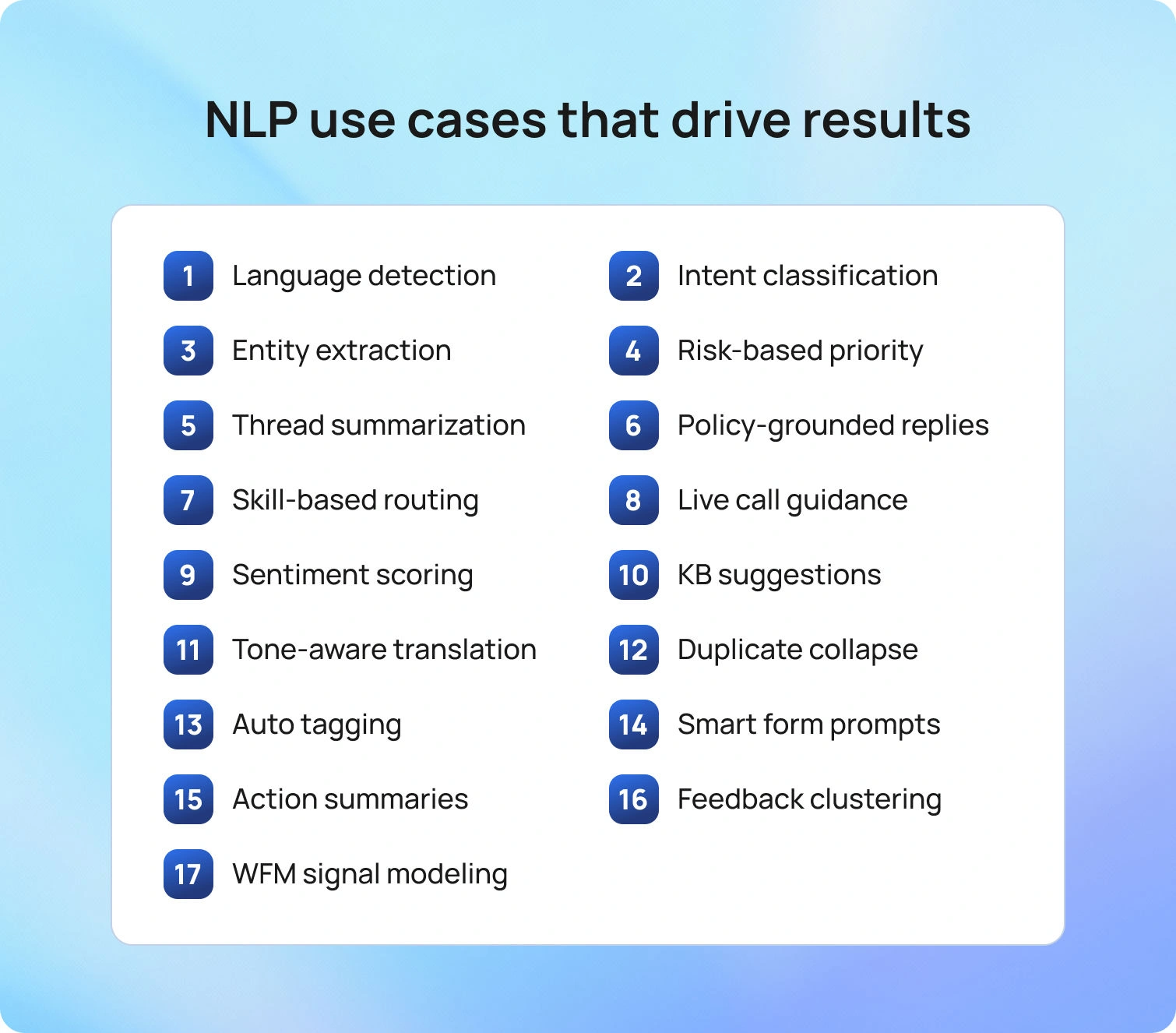
Treat this section as an execution playbook. Begin with two or three high-volume intents, validate impact against clear baselines, then expand methodically. For practical NLP in customer service, it is crucial to integrate NLP with existing systems, such as CRM platforms and ticketing systems. This ensures seamless functionality and maximizes the benefits of NLP in customer service by enhancing efficiency, personalization, and automation.
1) Language Detection at Intake
When a conversation arrives, the first decision is language. NLP identifies the customer’s language across email, chat, social, and voice transcripts and automatically sets the ticket field. That single step improves routing, template selection, and tone from the very first reply. If confidence is low, include a brief confirmation line. In BlueHub, detected language flows into routing and a localized AI customer support knowledge base, so agents start in the correct lane.
Why it works: Correct language enables the correct first move. Multilingual support ensures seamless communication for a diverse customer base, allowing global businesses to provide consistent service across multiple channels and regions.
Measure: Fewer misroutes; faster first response for non-default languages.
2) Intent Classification For Fast Triage
Free text often masks a simple need, such as refund eligibility, identity verification, shipping delays, or outage reporting. NLP algorithms and techniques are used to analyze customer messages, identify patterns, and map them to a compact, well-defined set of intents your team can act on. The proper taxonomy triggers the right lane and snaps the right template into place.
Why it works: Focused categories reduce guesswork and rework.
Measure: Lower manual triage time; fewer transfers; higher SLA attainment on top intents.
3) Entity Extraction to Complete Forms
Customers rarely place data where agents need it. NLP extracts order IDs, invoice numbers, device models, error codes, and emails from messages and attachments, then proposes values for structured fields. Agents confirm with a click.
Why it works: Less hunting, more solving.
Measure: Minutes saved per case; fewer follow-ups for missing details.
4) Priority Hints From Risk Language
Not every P2 carries equal risk. NLP flags phrasing that signals safety, security, legal, or revenue exposure and recommends a tighter update cadence or a one-level priority nudge. Keep human approval in the loop.
Why it works: Urgency aligns with risk, not noise.
Measure: Faster acknowledgments on risk cases; fewer unmanaged VIP escalations.
5) Summarization That Powers a Strong First Reply
Long threads become short, accurate recaps grounded in your knowledge base, generated using natural language generation techniques to ensure concise, empathetic summaries, paired with one concrete next step and a promised update time. Customers relax, and work moves forward.
Why it works: Clear context reduces the need for second touches.
Measure: Higher first-contact resolution; lower second-contact rate.
6) Suggested Replies with Policy Grounding
NLP drafts suggested replies in the customer’s language, using approved templates and localized snippets, leveraging its ability to generate human-like responses. Agents adjust tone and specifics, then send. Keep “approve before send” on sensitive intents until results stabilize.
Why it works: Reuse maintains consistency and speed.
Measure: Agent edit rate; handle time; QA pass rate.
7) Skill- and Language-Aware Routing
Once intent and language are known, routing assigns the case to the first qualified owner based on language, product area, and certification. This process ensures that support agents with the right skills and language abilities handle each case, improving the quality and efficiency of customer support. Overflow rules protect scarce skills, such as payments or identity.
Why it works: Fewer transfers shorten time to resolution.
Measure: Transfer rate; time to first qualified touch; time to resolution.
8) Voice Transcription with Real-Time Guidance
During calls, streaming transcription detects emerging intent and surfaces the next step or checklist in real time (verification, exception handling, required disclosures), keeping agents engaged with the customer. This process relies on advanced speech recognition, a core component of NLP customer support, to accurately interpret spoken language. Additionally, voice assistants powered by NLP can provide real-time guidance and automate responses, further enhancing the efficiency of customer interactions.
Why it works: In-flow guidance beats recall under pressure.
Measure: Voice AHT; after-call work; policy-adherence scores.
9) Sentiment Analysis and Effort Scoring
NLP highlights frustration, urgency, or relief through AI customer sentiment analysis, detects customer emotions to tailor responses, and recommends tone and cadence that fit the moment. Treat outputs as nudges, not hard rules.
Why it works: Emotional context prevents unnecessary escalation.
Measure: Escalation rate; VIP aging; CSAT variance by sentiment band.
10) Automatic Knowledge Suggestions
Semantic search identifies the most relevant paragraph from your knowledge base using the customer’s wording and inserts it into the draft, surfacing the most relevant information for each inquiry. Agents click once, not fifteen times.
Why it works: The right step appears at the right time.
Measure: Article reuse rate; faster replies; fewer reopens tied to missing steps.
11) Multilingual Translation with Tone Controls
Neural translation supports inbound and outbound messages while respecting formality and regional norms, guided by a concise glossary for product and policy terms. Pair with weekly “meaning preserved” checks. Multilingual translation is a key component of comprehensive customer service strategies, enabling businesses to efficiently address diverse customer needs and enhance satisfaction across languages.
Why it works: Accuracy plus appropriateness builds trust.
Measure: FCR and AHT for translated interactions; “meaning preserved” QA scores.
12) Duplicate Detection and Incident Collapse
Outages echo across the inbox. NLP links related tickets to a parent incident and cascades updates in a single note, efficiently managing support tickets during incidents. Agents confirm linkages by clicking to protect quality.
Why it works: One authoritative update beats many inconsistent ones.
Measure: Time saved during incidents; message consistency; faster closure.
13) Auto-Categorization and Tagging for Analytics
Multi-label classification applies product, feature, and root-cause tags from content rather than relying on manual selection. This process helps organize and analyze customer data, enabling better insights into customer needs and support trends. Keep the tag set compact and stable so trends remain meaningful.
Why it works: Clean data drives better planning and product decisions.
Measure: Fewer uncategorized cases; analyst time saved; audit accuracy.
14) Form Pre-Fill and Attachment Prompts
NLP reads the request, interprets specific customer queries, and prompts for the exact screenshot, log, or photo needed to unblock the next step, including the file type and size. Customers attach what matters on the first pass.
Why it works: Correct evidence eliminates avoidable back-and-forth.
Measure: Lower second-contact rate; faster time to unblock.
15) Post-Interaction Summaries and Follow-Up Tasks
Grounded summarization records what happened and creates dated tasks or approvals inside the ticket. Promises stay visible and owned. This step streamlines support processes by ensuring follow-up actions are tracked and accountability is maintained throughout the workflow.
Why it works: Clear handoffs prevent silent drift.
Measure: Reduced after-call work; fewer reopens from missed follow-ups.
16) Feedback Mining and Theme Detection
NPS comments, post-chat surveys, and social posts are rich but noisy. NLP facilitates analyzing customer interactions and feedback, clustering themes, surfacing rising issues with example quotes, and extracting valuable insights that point to likely owners. Share what changed each month.
Why it works: Real customer language guides practical fixes.
Measure: Time from theme to fix; volume drop on targeted issues.
17) Workforce Signals for Better Planning
Language patterns predict effort. NLP converts intent mix, sentiment, translation usage, and transfer patterns into expected handle time and deflection opportunities by region and language, so planners schedule skills, not guesses. By leveraging predictive analytics, organizations can enable proactive support, anticipating customer needs and potential issues, leading to better workforce planning and improved customer experience.
Why it works: Forecasts reflect real work rather than averages.
Measure: Forecast error reduction; overtime avoided; adherence improvement.
ROI in plain terms
Use conservative assumptions tied to familiar levers:
- First-reply acceleration: If grounded suggested replies cut the first response by 1 minute on 30,000 monthly messages at €30/hour, fully loaded, the capacity returned is ~€15,000 per month.
- Transfer reduction: Dropping transfers from 18% to 12% on 20,000 chats at 3 minutes per transfer avoids ~600 hours per month, or ~€18,000.
- Deflection via knowledge matching: A 2-point lift on a 50,000-visit help center removes ~1,000 agent contacts; at 5 minutes each, ~417 hours, ~€12,500.
- Reopen reduction: Moving from 9% to 6% reopens on 15,000 tickets avoids 450 second contacts; at 7 minutes each, ~52.5 hours, ~€1,575.
NLP customer support solutions help reduce operational costs by automating routine tasks, thereby decreasing the need for large support teams and increasing efficiency. These technologies also enhance customer service by improving response times and extracting actionable insights from customer feedback, leading to higher satisfaction. Additionally, NLP improves service quality by enabling more accurate analysis of inquiries and feedback, resulting in more effective support.
These improvements have been implemented to enhance communication and operational efficiency through technological solutions.
Put these side by side, and the question shifts from “why NLP” to “how fast do we want the return.”
Future Outlook For Natural Language Processing: 2026 to 2028
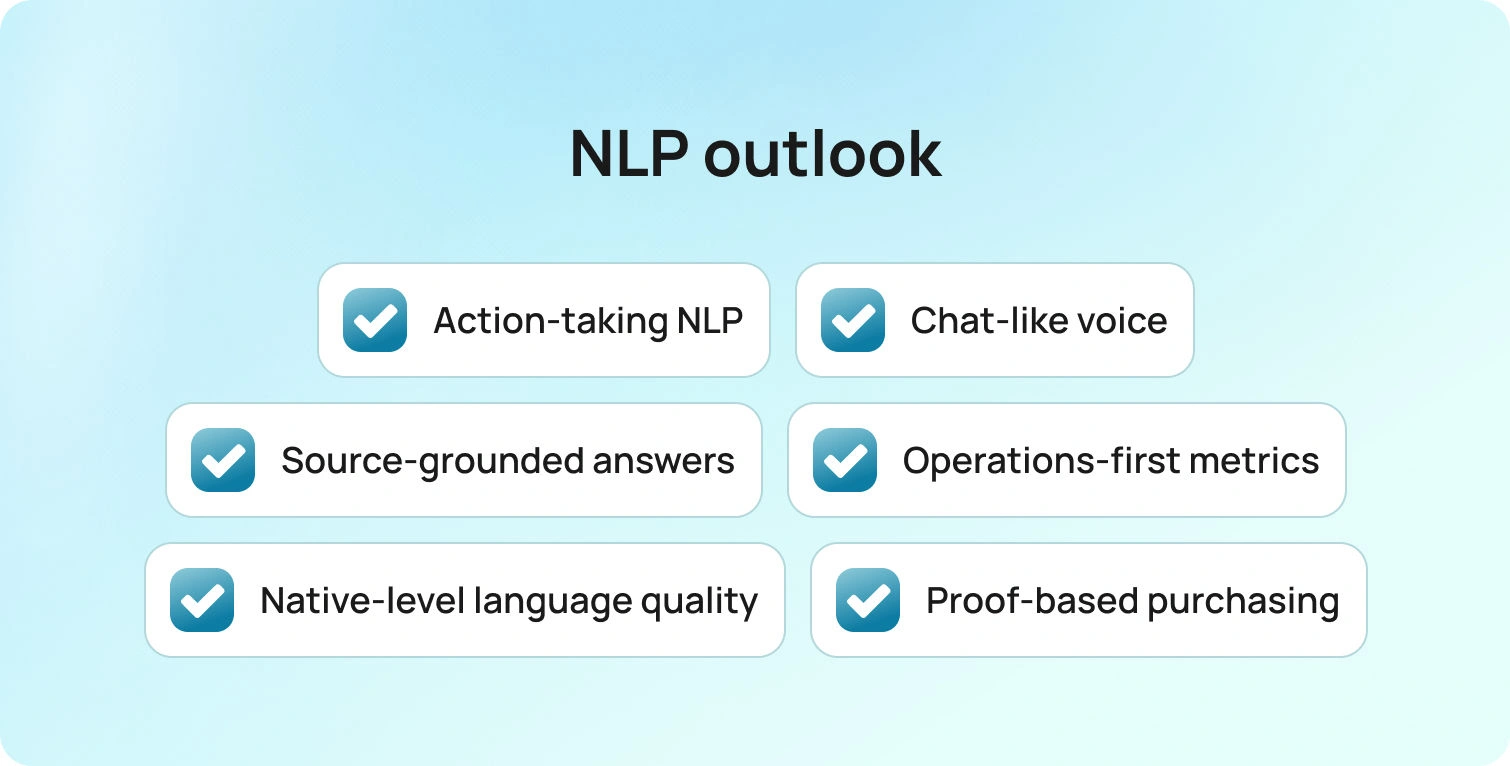
Here’s what’s coming and how it will feel in the day-to-day:
- NLP won’t just draft; it’ll do the work. You’ll approve a recommendation, and the system will open tasks, trigger approvals, update records, and schedule the follow-up. Every step will be logged, so post-mortems are about facts, not folklore.
- Voice will finally feel as smooth as chat. Live transcription, instant language detection, and policy prompts will guide agents mid-call. Multilingual conversations will sound natural, not translated.
- Grounding will be the rule, not the exception. Answers will cite versioned sources. If coverage is missing, the model will indicate this and flag the gap to content owners. There will be no guessing, no “close enough.”
- Success will be measured in operations, not model scores. Expect dashboards that track FCR, AHT, transfers, reopens, and sentiment by intent and language, plus who approved what and the impact minutes later.
- Global quality will feel native. Tone controls, glossaries, and localized templates will make every supported language read as if it were written at home, and this will be verified by routine “meaning preserved” checks.
- Buyers will demand proof. If a platform cannot show where an answer came from, which action it triggered, and how it moved the numbers, it will not make the shortlist.
Looking ahead, large language models and NLP enable computers to understand and generate human language, powering advanced customer support solutions. This technology delivers an enhanced customer experience by personalizing interactions, understanding user intent, and tailoring communication across channels.
Where BlueHub Fits

BlueHub is a unified CX workspace that brings:
together, so NLP operates exactly where agents work. The moment a case opens, language and region are identified, intent is classified, key entities are extracted, and the most relevant knowledge is surfaced. BlueHub provides agent support by helping support agents better understand customer inquiries, automating responses, and streamlining workflows.
The platform also optimizes customer service operations by automating routine tasks and integrating seamlessly with existing systems, enhancing overall service quality. Suggested replies are grounded in your approved articles and templates; translation respects tone and uses glossary terms; and risk cues prompt a tighter cadence when safety, security, legal, or revenue exposure is present.
Operational control is built in. Approvals are configurable by intent, and every suggested action records who approved it, why it was taken, and what happened next. Versioned templates, articles, and prompts are available alongside a visible change log, so audits rely on facts rather than memory. Role-based access, field masking, and data residency options support privacy and compliance. ISO certification is in progress, and all activity is captured in an auditable trail.
Leaders get attribution they can trust. BlueHub links movement in first-contact resolution, average handle time, transfer rate, reopens, SLA attainment, and sentiment to the exact asset or rule that changed, whether it was a template, a route, a checklist step, or a knowledge edit. Workforce management uses the same signals to forecast demand by channel, language, and intent, then publishes skill-aligned schedules that adjust intraday with a single click when reality shifts.
Integration is straightforward. Open APIs and selected connectors bring commerce and CRM data into the same view, so routing, identity, and entitlement checks do not require tab switching. Multitenant controls support multi-brand or multi-client operations with clean separation for routing, reporting, and permissions. You can start with one or two high-volume intents, keep approvals on for sensitive flows, and expand as the data proves lift.
Use NLP in Customer Service to Raise FCR, Cut AHT, and Lift CSAT
Your customers are already telling you what they need. NLP customer support turns those words into a faster first reply, a cleaner handoff, and a confident resolution. By leveraging NLP to enhance customer interactions, you can automate, analyze, and optimize them to deliver a better customer experience and stronger customer relationships.
The 17 use cases here are practical and measurable: detect language, classify intent, extract the details, draft a grounded answer, route by skill, collapse duplicates, mine feedback, and feed the plan with what the queue learned. Keep humans in the loop for sensitive steps. Log changes. Report outcomes in business terms. That is how you turn language into a reliable operating advantage.
BlueHub helps you execute this without pausing the operation. It places advanced NLP AI for customer support where agents already work, grounds every suggestion in your knowledge, and links improvements in FCR, AHT, SLA attainment, and CSAT to the specific change that drove them. If you want to see this in your own data, request a BlueHub demo and leave with a starter plan mapped to your top intents and languages.

14 Best Practices to Maximize FCR with AI Customer Support Voice
Why First Contact Resolution Matters in Voice Support
First Contact Resolution (FCR) is the metric that matters most in voice support. When customers get their issues resolved on the first call, everyone wins: customer satisfaction goes up, operational costs go down, and your customer service team spends less time handling repeat inquiries.
Maximizing FCR is all about using AI technology and advanced natural language processing to:
- Capture intent faster
- Route smarter
- Execute policy-safe actions
- Assist agents with the correct information at the right moment
Examples of AI in customer service show that the most effective implementations combine AI voice assistants in customer support with unified knowledge bases, real-time routing adjustments, and seamless handoffs to human support when needed.
This isn't generative AI running wild. This is grounded, policy-aware automation that continuously improves based on customer feedback and historical data.
Below, we’ll walk through 14 best practices that lift FCR in voice support operations.
14 Ways to Maximize FCR with AI in Customer Service
The 14 practices below focus on the moments that matter most for FCR in voice support: how you store and surface knowledge, how you design your call flows, and how you keep learning from every interaction.
1. Ground Voice Answers in a Single Smart Knowledge Base
Callers receive a single, correct answer, regardless of who answers, whether it's an AI customer support voice agent, a human agent, or an interactive voice response system. Consistency eliminates the "I was told something different last time" problem that drives repeat calls.
How to implement:
Use retrieval-augmented generation (RAG) over a curated knowledge base. Expire stale articles automatically. Attach policy limits by tier, region, and product, so answers reflect actual entitlements. Train models on your company's knowledge and past interactions to ensure AI understands your specific policies.
When artificial intelligence voice customer support systems pull from the same knowledge base that human agents use, you eliminate drift. Customer service solutions that fragment knowledge across systems create inconsistencies, and inconsistencies kill FCR.BlueTweak's Smart Knowledge Base feeds both the AI voicebot and agent-suggested reply AI tools. First responses match across IVR and live agent interactions. Update one article, and the change propagates instantly to all channels (voice, chat, and email).
2. Intent and Entity Capture in the First 10 Seconds
An early, accurate understanding of customer inquiries reduces transfers and misrouting. When AI voice agents for customer support capture intent (what the customer needs) and entities (order ID, email, account number) within the first 10 seconds, the entire service interaction becomes more efficient.
How to implement:
Use automatic speech recognition (ASR) plus natural language understanding (NLU) to confirm intent and key entities via brief reflect-back. For example: "I heard you're calling about order 12345, is that correct?" This gives customers a chance to correct mistakes before the interaction goes off track.
Advanced natural language processing helps AI systems understand customer sentiment and detect customer emotions early, which informs routing decisions and tone adjustments. BlueTweak’s call transcription software, plus classification prompts, confirms during the first moments of the call. Automatic routing uses captured entities to immediately route the call to the correct queue or specialist.
3. Priority Index Routing Mid-Call (Intent × Sentiment × Customer Value)
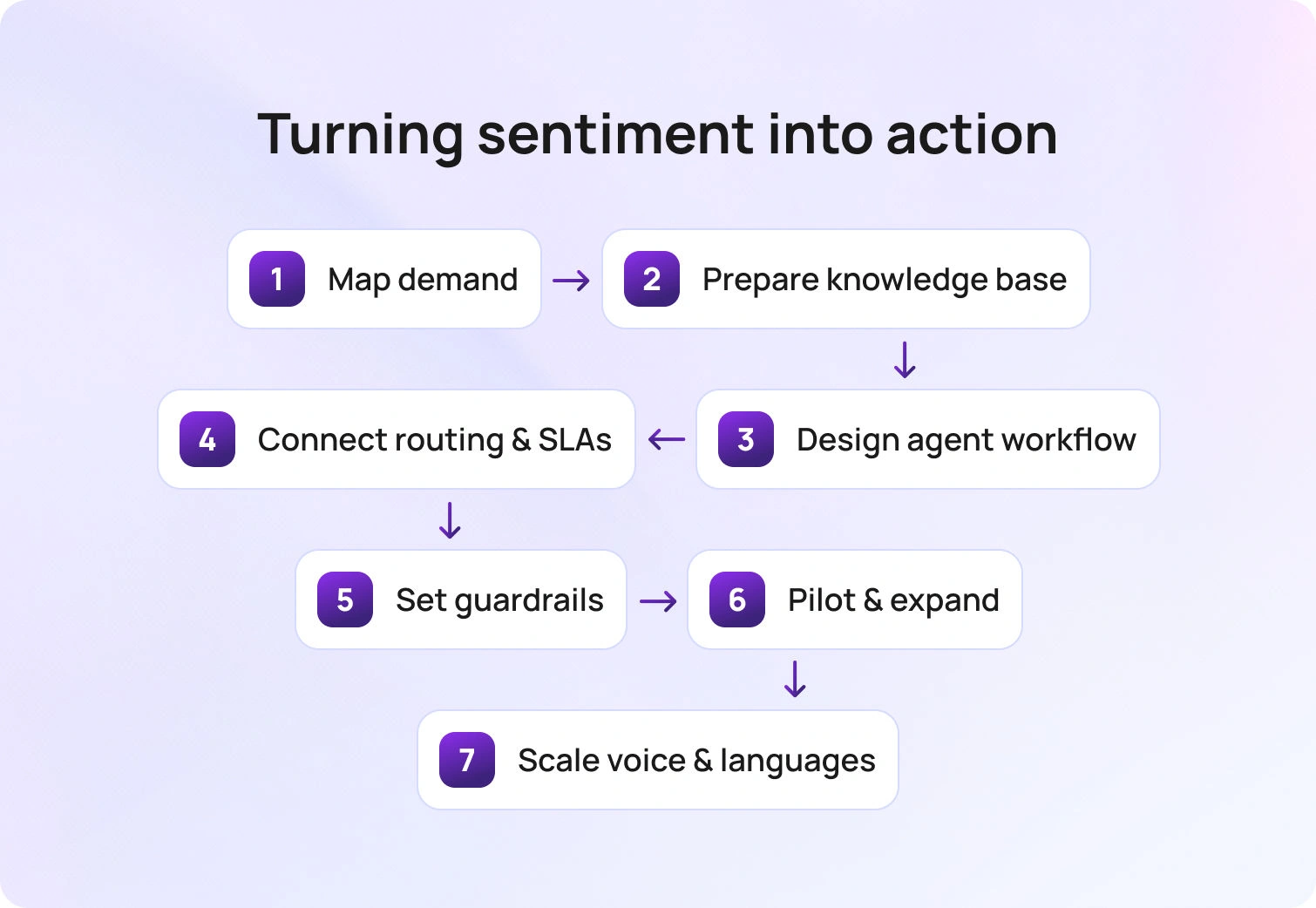
Hot cases get routed to senior skills on the first interaction. But customer sentiment can shift mid-call, and a routine inquiry might escalate to frustration if the customer reveals additional context. Dynamic routing that updates in real time based on sentiment analysis and customer data ensures high-value or at-risk customers reach the right support agents before frustration turns into customer churn.
How to implement:
Build a Priority Index that combines intent severity, sentiment (detected via AI-driven sentiment analysis), and customer value (VIP tier, lifetime value, churn risk). Update routing decisions as sentiment or risk changes during the same call. Use machine learning algorithms to predict which interactions need immediate human intervention.
This approach improves customer engagement and customer retention by ensuring dissatisfied customers don't wait in standard queues.BlueTweak’s classification and sentiment streams feed into automatic routing in real time. Workforce management (WFM) opens capacity dynamically to accommodate hot cases. Customer service analytics track routing effectiveness by intent, sentiment, and outcome.
4. Policy-Safe Actions Done by the AI Voicebot
Completing the task now (order status lookups, cancellations within limits, password resets) is the fastest path to FCR. When AI voice assistants in customer support can execute routine tasks without human intervention, response times drop and customer satisfaction climbs.
How to implement:
Map approved actions to APIs with guardrails and thresholds. For example, an AI customer service agent can process refunds up to $50 automatically but escalates anything above that threshold for approval. This balances cost efficiency with risk management.
Guarantee that data encryption and security protocols are in place. Customers need to trust that AI systems handle their customer data responsibly, especially when executing financial transactions.BlueTweak's AI voicebot connects to API-open actions with built-in approvals for amounts over defined thresholds. Administration controls ensure policy-safe execution across all automated responses.
5. Warm Handoff with Full Context
Repetition kills FCR. When customers have to repeat their issue to a human agent after interacting with an AI voice customer support system, frustration spikes and resolution slows. Warm handoffs preserve momentum by transferring full context so human agents can pick up exactly where the AI left off.
How to implement:
When the AI customer support voice agent's confidence falls below a threshold (or the caller requests a human), transfer the call with a live summary plus all captured entities. The human agent should see past interactions, customer profile details, and a suggested reply starter to finish the resolution on the same call.
This is how AI in customer service enhances customer interactions without replacing the human touch where it matters.BlueTweak’s summarization flows directly into the ticketing system. Human agents receive an AI ticket summary plus a Proposed Reply starter, enabling them to resolve the issue without asking the customer to repeat themselves.
6. Skill and Language Routing with Real-Time Language Switching
Routing to the correct language or skill on the first try avoids repeat calls. Customers who are forced to navigate English-only systems when they prefer Spanish, for example, often hang up and call back, and that tanks FCR and increases costs.
How to implement:
Auto-detect language during the first few seconds of the call. Route to native speakers or enable real-time translation for chat and voice handoffs. Use multilingual customer support capabilities to serve diverse customer bases without proportionally scaling bilingual headcount.
For skill-based routing, match the complexity of customer requests to agent expertise. Complex customer queries go to senior agents; routine tasks stay with AI voice agents for personalized support or junior team members.BlueTweak’s language detection feeds into automatic routing. Real-time chat translation extends to voice handoffs. Brand-specific and language-specific queues ensure customers reach the right support team immediately.
7. IVR Minimalism with "Say What You Need" Fallback
Deep interactive voice response (IVR) menus cause misroutes and call abandonment. When customers have to navigate six layers of "Press 1 for..." options, they either give up or select the wrong path, both of which hurt FCR.
How to implement:
Keep IVR self-service options to a maximum of 3–5. Always offer a natural-language fallback: "Or, just tell me what you need." The AI voice customer support system interprets the free-form response using natural language processing and routes accordingly.
This self-service approach respects customer needs while reducing friction in the customer journey.BlueTweak's AI voicebot listens to free-form input from the start. Automatic routing resolves natural language requests to the appropriate skills and queues without forcing customers through rigid menus.
8. Probing and Disambiguation Scripts for Similar Intents
Accurate resolution beats fast-but-wrong routing. When intents look similar (exchange vs. refund, billing question vs. payment dispute), asking one or two targeted clarifying questions helps ensure the customer lands on the right solution the first time.
How to implement:
Add 1–2 micro-probes to split look-alike intents. For example: "Are you looking to exchange this item for a different size, or would you prefer a refund?" Build decision trees into your knowledge base so AI voice assistants in customer support can navigate ambiguity systematically.
This prevents the "I'm in the wrong department" problem that drives repeat contacts and lowers customer satisfaction.BlueTweak’s suggested reply templates include micro-probes for ambiguous intents. The smart knowledge base hosts decision trees that guide both AI and human agents through complex scenarios.
9. Agent Assist for Complex Calls (Coach + Next-Best Action)
Human agents still secure FCR on complex issues and sensitive customer emotions. But they need real-time support. AI-assist tools that surface relevant information, canned responses, next-best actions, and policy guardrails during live calls empower agents to resolve issues faster without sacrificing service quality.
How to implement:
Provide real-time suggestions grounded in your knowledge base and policy rules. Surface forms, actions, and suggested replies are inline during the support conversation. Use AI-driven sentiment evaluation to coach agents on tone adjustments.
This is how AI in customer service amplifies human technical expertise rather than replacing it. Support agents gain instant support from AI without losing control of the interaction.BlueTweak’s Agent Copilot delivers suggested reply options and action links during live calls. Customer service quality assurance tools review interactions and feed coaching insights back to the team.
10. Noise, Spam, and Duplicate Call Suppression

Cleaner queues shorten wait times and keep first-call resolution paths clear. When autodialer spam, duplicate tickets, and noise clutter your ticketing system, legitimate customer inquiries wait longer, and longer waits correlate with lower FCR.
How to implement:
Filter autodialers and duplicate calls on ingest. Merge related tickets so agents see the full customer history in one place. Use machine learning algorithms to identify patterns in repeat callers and route them appropriately (e.g., to specialist queues for chronic issues).BlueTweak’s spam detection and deduplication happen at ingest. Customer service analytics flag repeat callers and surface patterns that indicate systemic issues requiring proactive support.
11. Outcome Macros for Recurring Events (Outages, Recalls)
Predictable spikes (shipping delays, product recalls, service outages) sink FCR unless you pre-wire responses. When hundreds of customers call about the same issue, having pre-approved scripts and actions ready ensures consistent, fast resolution.
How to implement:
Pre-approve customer service strategies, scripts, and actions for known events. Prioritize affected callers using customer data (e.g., "purchased affected product in the last 30 days"). Route to dedicated event queues with special SLAs.
Proactive support can prevent volume spikes entirely. Use predictive analytics to anticipate customer needs and address issues before they escalate.BlueTweak’s customer service analytics detect spikes in real time. Pre-built suggested reply templates and routing rules activate automatically. Automatic routing directs affected customers to event-specific queues with adjusted SLAs.
12. Customer Sentiment Monitoring with Auto-Recover Steps
Poor audio quality (low Mean Opinion Score/MOS) and customer agitation derail resolution. If the customer can't hear the agent, or if rising frustration isn't detected early, the call is unlikely to resolve on first contact.
How to implement:
Monitor MOS and prosody signals (tone, pace, volume, emotion) in real time. When MOS drops or agitation spikes, the AI customer support voice agent adjusts strategy: slow pacing, confirm key data verbally, or escalate to a human immediately.
AI-driven sentiment evaluation and emotion detection give support teams early warning signs. This allows for intervention before the customer experience deteriorates beyond recovery.
Call Transcription Software captures cues. The AI Voicebot adjusts its approach dynamically based on audio quality and sentiment. Instant escalation paths ensure complex issues reach human agents when needed.
13. Post-Call Close Loop: Mandatory One-Call QA Sampling
Systematically removing patterns that block FCR requires continuous improvement. Sampling resolved calls, tagging root causes, and updating your knowledge base and templates weekly ensures your AI customer service systems learn from every interaction.
How to implement:
Auto-sample a percentage of resolved calls for quality assurance. Tag root causes (KB gap, policy confusion, system error). Feed findings back into KB updates, canned responses, and routing rules. This closed-loop process is how businesses interact with historical data to drive business growth and cost efficiency.
BlueTweak’s QA workflows use an AI ticket summary to surface key moments. Closed-loop updates flow directly into the knowledge base and suggested reply templates.
14. Return-to-Call Promise with Scheduled Callback
If resolution requires short offline work (checking with another department, waiting for a system update), a scheduled callback preserves "first-interaction closure." The customer doesn't have to call back and start over. Instead, you call them with the solution ready.
How to implement:
Before disconnecting, book a callback slot. The agent rejoins the customer with a prepared solution, full context, and a suggested reply plan for swift closure. This approach enhances customer relationships and demonstrates a commitment to thoroughly resolving customer questions.BlueTweak’s AI Voicebot schedules callbacks automatically. Workforce management reserves agent time, and the ticketing system shows a Proposed Reply plan so the returning agent has everything needed to close immediately.
Improve Your FCR with BlueTweak's AI Customer Service
Maximizing FCR with AI customer support voice is about first-call actionability: capture intent and entities early, use a KB-grounded brain, execute policy-safe actions, and keep routing and workforce management responsive throughout the call.
If you want these practices to run within a single stack, shortlist BlueTweak. Check out transparent pricing and see how BlueTweak's customer service solution can lift your FCR while reducing costs.
Request a demo, and we'll show you how AI customer support voice turns first-call resolution from aspiration to operation.
How to Scale Operations with AI Agent Customer Support
When Volume Outruns Headcount
Most support operations hit the same wall: ticket volume grows faster than headcount, and your existing tools don't actually talk to each other.
You've got dashboards showing AI-powered insights and data-driven insights, but those insights rarely change routing, SLAs, or staffing in real time. Your voice bot doesn't share context with your chat system. Your email queue is a separate universe. And support agents spend half their time hunting for customer information and relevant information across fragmented systems instead of helping customers solve problems.
Add multilingual support and multi-brand operations into the mix, and the chaos multiplies:
- More handoffs
- Higher error rates
- Longer handle times
- Repeat customer inquiries
- SLA breaches
- Rising costs for your business
Customer service departments need better customer experiences across various channels, but fragmented technology stacks make that nearly impossible. Service teams can't deliver consistent service quality when every channel operates in isolation.
This is the problem BlueTweak was built to solve: unifying chat, voice, and email with intelligent routing, workforce management, analytics, and a shared knowledge base in one platform.
But before we get to solutions, let's narrow down what we're actually talking about when we say AI agent customer support.
What Is AI Agent Customer Support?

AI agent customer support refers to policy-guardrailed, task-capable AI entities that can understand customer inquiries, decide on the best action based on customer data and previous interactions, and execute complex tasks across chat, voice, and email.
These aren't the frustrating chatbots from five years ago that forced customers into loops. AI customer support agents integrate with your CRM, order systems, and help desk to access customer information, pull past tickets, and continuously improve their ability to resolve issues. They use natural language processing to understand customer queries and customer needs, then take action within defined limits.
The benefits:
- 24/7 coverage to answer questions and handle service requests without adding night-shift headcount
- Lower Average Handle Time by surfacing relevant information and suggested actions instantly
- Higher containment and deflection on routine tasks
- Better human agent productivity when AI handles repetitive work and feeds insights into routing and workforce management
- Improved customer satisfaction through faster resolution and better customer experiences across the customer journey
The most effective AI customer support agents use multi-agent orchestration:
- One retrieves information
- Another triages intent
- A third executes the action
- A fourth handles quality assurance
This approach increases resolution rates for repetitive, policy-safe work while keeping humans in the loop for complex issues and queries. This matches BlueTweak's approach: AI plus APIs with built-in guardrails, grounded in your knowledge base, and wired into your actual operations, not bolted on as a disconnected layer.
How to Launch AI Agents That Scale Operations
Launching customer support AI agents isn't about flipping a switch. It's about mapping demand, cleaning your knowledge base, designing workflows, connecting systems, and measuring impact. Here's how to do it.
1. Map Demand and Define Automation-Ready Intents
Start by understanding what's actually hitting your support queues and how customers engage with your service teams.
What to do:
Pull 90 days of tickets and calls. Cluster them by intent, language, channel, and brand. Mark, which intents are policy-safe, meaning they have clear rules, defined outcomes, and low risk if executed incorrectly.
Examples of policy-safe intents:
- Order status lookups
- Returns and exchanges (within policy limits)
- Subscription cancellations
- Password resets
- Tracking updates
Analyze customer interactions to understand where human agents spend time on routine tasks versus complex tasks that require judgment.
Deliverables:
- Intent taxonomy (version 1)
- Safe actions matrix (what AI can do, what requires human approval)
- Volume and AHT breakdown per intent
Acceptance criteria:
60–80% of the volume is labeled. You've prioritized 10–20 high-impact intents that represent the bulk of routine work and service requests. This is where your ticketing system and customer service analytics matter. If you can't see intent-level patterns across various channels, you're guessing. For e-commerce companies, this data is fundamental for understanding the customer journey from browse to purchase to post-sale support.
2. Make Your Knowledge Base Production-Ready
Your knowledge base is the foundation of every AI agent interaction. If it's not production-ready, your AI agents will fail to deliver the service quality customers expect.
What to do:
Normalize KB articles with a consistent structure: title, summary, steps, limits, failure states, and citations. Add API references so agents know which systems to call (order lookup, refund processing, account edits). Use natural language instructions that both human agents and AI customer service agents can follow.
Train models on your actual customer interactions and past tickets to ensure AI understands your company's unique terminology and customer preferences.
Deliverables:
- KB quality checklist passed (articles are recent, accurate, and cover edge cases)
- API catalog documenting available actions
- Version-controlled content that can continuously improve based on performance data
Acceptance criteria:
At least 90% of your prioritized intents have full KB coverage and a callable action (via API or workflow). Without this foundation, AI agents will hallucinate answers or give generic responses that frustrate customers . Customer support automation only works when it's grounded in truth and your actual policies.
3. Design the Agent Workflow (Assist → Approve → Auto)
Not every intent should jump straight to full automation. Start with AI-assisted workflows where human agents approve actions before they execute.
What to do:
For each intent, author playbooks that define:
- Required inputs (customer profile, order ID, issue type)
- Validations (eligibility checks, policy limits)
- Steps to resolution
- Fallback paths if something goes wrong
- Escalation criteria for human handoff on complex issues
Design workflows that let your customer service team focus on what matters: building relationships and solving problems that require empathy and judgment.
Deliverables:
- YAML or JSON playbooks for each intent
- Suggested reply templates with KB citations
- Clear escalation criteria
- Data encryption and security protocols for sensitive customer information
Acceptance criteria:
Human agents resolve issues with AI assistance at 80% or higher precision during the pilot phase. Customer satisfaction scores remain stable or improve. Tools like AI ticket summaries and canned responses speed up resolution while maintaining quality. Support agents get real-time access to relevant information without switching between multiple systems.
4. Connect Routing, WFM, and SLAs
AI agents shouldn’t just answer questions. They route work intelligently based on intent, sentiment, urgency, and customer data.
What to do:
Convert intent, sentiment, and urgency signals into a Priority Index. Map that index to specific queues and SLAs. Ensure skill-based and language-based routing so the right agent (human or AI) handles each case. Set thresholds for "hot queues" that need immediate attention.
Consider customer expectations and the customer experience when designing routing rules. Leading companies use AI-powered insights to predict which customers need immediate human attention and which can be served effectively by AI customer service.
Deliverables:
- Routing ruleset
- Hot-queue SLAs
- Intraday workforce management rules (shrinkage, concurrency limits)
- Performance dashboards for managers to track efficiency
Acceptance criteria:
Hot cases land in the correct queue with less than 60 seconds' variance from the target SLA. Customer satisfaction metrics remain above target thresholds. This is where call center workforce management and customer service analytics converge. AI agents optimize the entire flow and help your business deliver better customer experiences.
5. Guardrails, Security, and Approvals
Even the best AI agents for customer support need guardrails. You don't want AI issuing $500 refunds without oversight or editing customer PII without approval.
What to do:
Set role-based approvals for risky actions (refunds above a threshold, account edits, data exports). Implement MFA, audit logs, data encryption, and data retention policies. Use prompts and version control to track what AI said and why.
Double-check that your AI customer service agents engage with customers in ways that meet both customer expectations and regulatory requirements. Users should always know when they're interacting with AI versus human support agents.
Deliverables:
- Policy pack defining approval rules
- Approval matrix by action type and risk level
- Red-team test results (simulated attack scenarios)
- Security documentation for enterprise and regulated industries
Acceptance criteria:
Zero critical policy violations across 200+ test runs. All sensitive customer interactions maintain encryption standards. Administration and security features ensure compliance without slowing down operations. Your customers trust you with sensitive information, and AI agents need to honor that trust. This software-level security is non-negotiable for any company scaling support operations.
6. Pilot, Measure, and Expand
Launch a two-week pilot on 3–5 intents. Measure everything. Fix what breaks. Expand what works.
What to do:
Track these KPIs across all channels:
- First Contact Resolution (FCR): Are issues resolved in one interaction?
- Average Handle Time (AHT): Are resolutions faster?
- Containment: What percentage of inquiries never reach a human?
- Abandon Rate: Are customers hanging up less?
- Recovery ≤24h: For service failures, how fast do you recover?
- Customer Satisfaction (CSAT): Are better customer experiences translating to higher scores?
Run defect reviews twice a week. Look for edge cases, policy gaps, and tone mismatches. Gather data-driven insights to continuously improve AI performance and responses.
Deliverables:
- Pilot scorecard with insights from real-time data
- Fix backlog
- Updated playbooks (v2)
- Go/no-go decision
Acceptance criteria:
Hit your targets. For most service teams, that's a 15–25% reduction in AHT and a 10–20% lift in containment. Customer satisfaction should remain stable or improve. This is where customer service quality assurance tools prove their value. You need visibility into what's working and what's not at the interaction level across conversations and channels.
7. Scale to Voice and Multilingual
Once AI agents are performing well in chat and email, expand to voice and additional languages to deliver services across the whole customer journey.
What to do:
Add call transcription software and prosody signals (tone, pace, emotion) so AI can understand not just what customers say, but how they say it. Enable real-time chat translation or native-language routing so customers receive service in their preferred language and channel.
Deliverables:
- AI voicebot configurations
- Language routing rules
- Multilingual QA sampling plan
- Integration specifications for voice technology
Acceptance criteria:
No CSAT regression on your top two languages. Stable voice quality (MOS scores). Seamless integration between voice and text channels.
Voice is more complex than chat. Customers expect natural conversations. But when done right, AI voicebot systems can handle high-volume inquiries (account balance, order status, appointment changes) and escalate seamlessly to human agents when needed. Multilingual customer support becomes a competitive advantage when AI intelligently handles translation and routing. This is especially valuable for enterprise companies and leading brands serving diverse customer bases.
Scale AI Agent Customer Support with BlueTweak

Everything we've described requires one platform to unify context, ground AI in policy, route intelligently, execute actions safely, and measure impact.
That's what BlueTweak delivers.
- Omnichannel core (chat, calls, email): AI agents see unified context across channels and previous interactions. They consistently propose responses and take action, whether the customer is chatting, calling, or emailing. Customer profile data flows through every customer interaction. This includes social media messengers, so conversations in those channels carry the same unified context and actions.
- Smart Knowledge Base: AI agents are grounded in your knowledge base for accurate, policy-aware suggested replies. Update one article, and the change propagates instantly to all AI agent behavior. This is how you train models effectively and continuously improve performance.
- Automatic Routing and WFM/Analytics: Intent and sentiment signals convert into a Priority Index. Hot cases route automatically. Call center workforce management adjusts staffing in real time based on data and AI-powered insights. Managers see KPI impact by intent, channel, and segment.
- Spam detection, classification, and summarization: Keep queues clean. AI ticket summary provides context for human or AI action, giving support agents instant access to relevant information.
- Real-time chat translation: Multilingual customer support without extra bilingual headcount. Deliver better customer experiences across languages and user preferences.
- Multi-brand operations: Brand-scoped routing, permissions, and customer service analytics enable a single AI framework to serve multiple brands cleanly. Perfect for enterprise companies managing multiple customer service departments.
- Security and Administration: MFA, audit logs, encryption, and administration controls ensure sensitive actions are governed. ISO compliance in progress. This software meets the security expectations enterprise users demand.
BlueTweak doesn't replace your existing tools. It integrates with them and adds the control layer that makes AI agents for customer support automation operational. The platform enables your company to scale support operations efficiently while maintaining the quality and customer satisfaction your brand is known for.
Turn AI Agents Into Real Operational Capacity
If you want to scale without adding headcount, the path is clear. Map demand, harden the knowledge base, design assist to approve to auto workflows, wire routing, and WFM to real signals, set guardrails, pilot, then expand to voice and languages. The outcome is a single operating model in which routine work is handled by AI and complex work reaches the right humans quickly.
BlueTweak gives you one place to do it. Unified context across channels, a knowledge base that actually drives behavior, policy-aware actions, multilingual coverage, and the analytics leaders need to steer by intent, channel, and brand. It does not replace your tools. It connects them and adds the control layer that makes AI agents operational at scale. Request a demo, and we'll show you how AI agent customer support turns operational chaos into scalable efficiency.

How to Train Help Desk Staff in 2026: 17 Best Practices
Why Training Determines Speed and Satisfaction
Let’s be honest. Many teams still place new hires straight into live tickets and trust that experience will close the gaps. The result is predictable: slow resolutions, inconsistent tone, and customers who drop out before the issue is fixed. Failing to meet user expectations can lead to dissatisfaction and a loss of trust.
There is a better path. Effective programs mirror real-world situations, use short, focused practice, and demonstrate their value with visible progress in the queue. When you adopt this approach, you protect first-contact resolution, reduce handle time, and cut repeat contacts, including the silent churn from essential customers you did not prioritize.
This guide shows how to train help desk staff without pausing operations. You will learn a practical sequence you can implement this month, from simulations that build confidence to knowledge habits that travel with every ticket, plus the exact performance signals to watch so you can see what changed and why. Well-trained support staff are essential for meeting both organizational goals and user expectations.
17 Ways to Train Help Desk Staff in 2026

Set the foundation with clarity, a key step in building an effective help desk team, then layer skills that translate directly to live tickets. The steps below move from role definition to simulations, knowledge habits, coaching, and measurable lift in the queue. Implementing the right strategies at each stage is essential for long-term success.
1) Start with a one-page role card
Give each role a single page defining its mission, scope, core tools, and two real-world examples that distinguish it from look-alike edge cases. A clear role card helps employees understand their job functions and expectations. Agents act on what they can see at a glance, so place the card inside the workspace where tickets live and link to deeper references only when needed. The result is faster orientation, fewer handoffs, and decisions that remain consistent across shifts.
Use this foundation to build everything that follows in production. Layer in short simulations that mirror your top intents, KCS-style knowledge habits, three concise message templates per intent, a light coaching loop tied to FCR and reopen rate, and analytics that make improvement visible. Starting with a clear role card turns training from information into action. Establishing a clear course for each role ensures alignment and focus throughout the training process.
2) Train with simulations before you go live
Realistic voice and chat scenarios, anchored to your highest-volume intents, build confidence before agents handle live tickets by creating an immersive environment that mirrors real-world help desk challenges. Each run has a clear objective and a simple rubric that scores probing depth, tone control, and clarity of the next step. Recordings enable quick debriefs where one improvement is captured and applied to the very next ticket.
Short, frequent practice outperforms long, infrequent classes. Sessions stay under ten minutes and recur weekly, so skills become reflexive under pressure. These simulations help agents develop essential desk skills needed for live support, including problem-solving and effective communication. Complexity increases over time, moving from straightforward cases, such as outage updates and account verification, to thornier issues, such as refund eligibility with policy edge cases.
Teams that follow this cadence see fewer early escalations, faster time to independence, and first replies that actually unblock the customer.
3) Build a KCS first knowledge loop
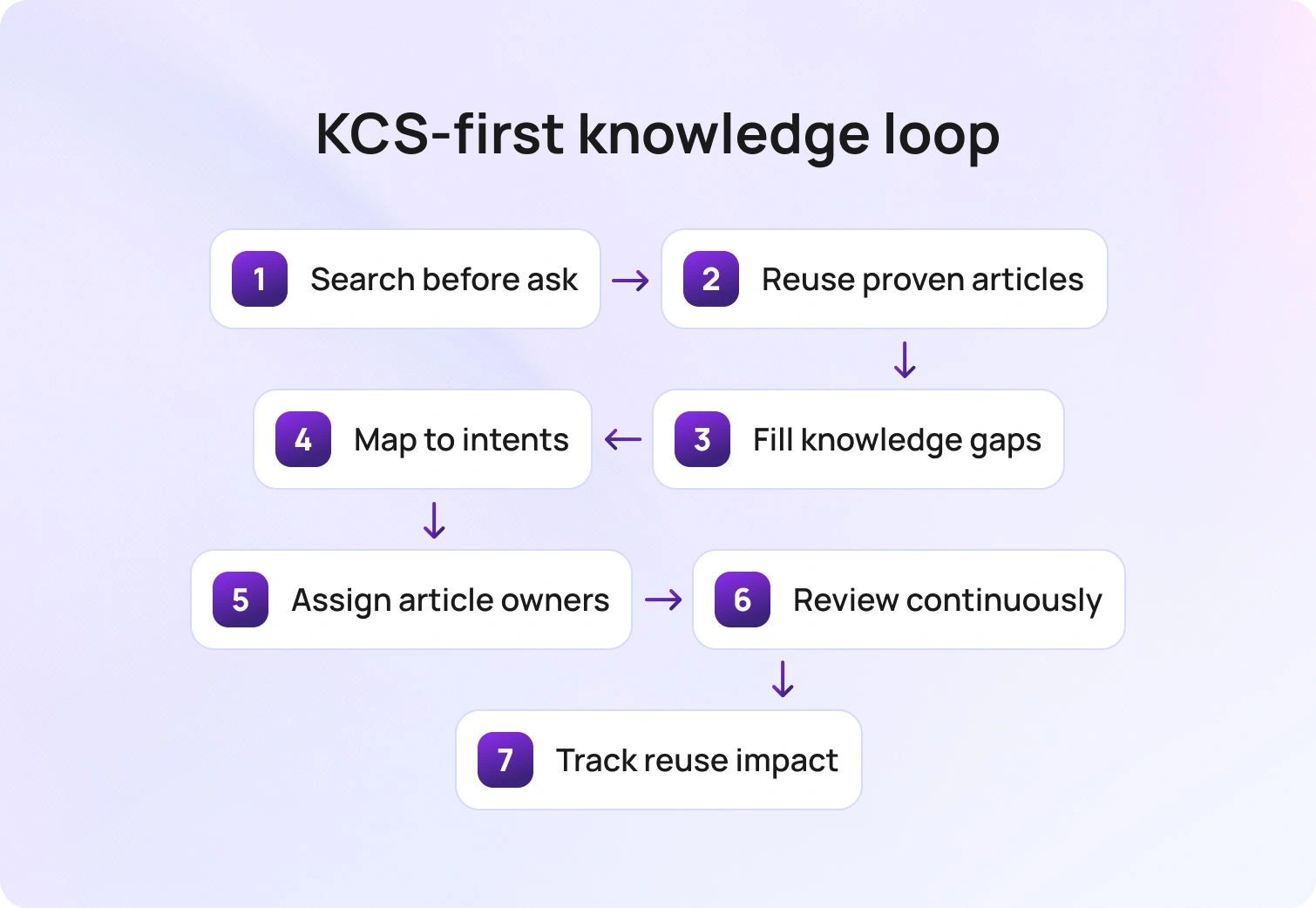
A reliable knowledge base turns every solved ticket into a reusable asset. Thorough documentation is crucial for maintaining consistency and reducing ticket volume, as it ensures that solutions are clearly recorded and easily accessible. In a KCS (Knowledge-Centered Service)-first approach, agents search before they ask, reuse proven articles, refine content when a gap appears, and create new content only when no match exists. The effect is consistency at scale: fewer contradictions, faster answers, and a shared source of truth that travels across shifts and channels.
Implementation works best when guidance appears where the work happens. Map articles to specific forms and intents so the proper steps surface inside the ticket. Give each article an owner and a review date, standardize snippets and screenshots, and publish minor edits continuously rather than saving up for a rewrite. For higher-risk issues, add a brief knowledge check at closure to confirm that the final steps align with policy.
Track simple signals, i.e., article reuse rate, time to update, deflection at intake, and reopens tied to missing guidance, and you will see first contact resolution tighten while repeat contacts fade. Adequate documentation and knowledge sharing also help control ticket volume by empowering users to find solutions independently.
4) Use microlearning for daily improvement
Attention sticks when learning is short, focused, and immediately practical. Microlearning breaks enablement into five- to seven-minute lessons that target a single behavior, allowing agents to practice and return to the queue without losing momentum. Continuous learning opportunities help develop both technical and soft skills in help desk staff. Think of skills like setting a precise next update time, verifying identity in two steps, or attaching the exact evidence a reviewer needs. Each lesson ends with a quick check for understanding, which keeps the signal high and the time cost low.
Over days and weeks, these small wins compound into reliable habits. Coverage remains intact because training fits between tickets, not instead of them. Managers see fewer avoidable follow-ups, faster first replies, and a steady rise in confidence as agents apply each skill in the very following conversation.
5) Space refreshers to protect retention
Skills stick when the brain revisits them over time. Plan brief refreshers days and weeks after the initial lesson so knowledge moves from short-term memory into everyday practice. A simple sequence works well: a two-question quiz to surface knowledge gaps and address them before they impact live performance, a short simulation to apply the concept under light pressure, and a quick review of a recent live ticket to connect learning to results.
This cadence improves recall when it matters most. Agents carry the skill into Monday spikes and incident moments, not just into quiet practice sessions. Leaders see fewer avoidable follow-ups, steadier first contact resolution, and confident execution that holds up across shifts.
6) Coach to a small metric set
Coaching works best when the target is clear, and the feedback is tied to outcomes. Focusing on crucial metrics helps improve performance across the help desk team. Center every session on a short list of operational metrics that matter in the queue: first contact resolution, average handle time, reopen rate, service level attainment, and VIP aging. Share the current baseline, show one recent interaction that illustrates the gap, and agree on a single behavior to practice, such as using an unblocking checklist in the first reply.
Keep the rhythm repeatable and straightforward. Begin with a brief pre-read, review one real ticket together, confirm the specific change the agent will make this week, and schedule a quick follow-up to review the same metric again. This narrow focus turns coaching into visible progress, reduces second touches, and builds confidence by showing agents the cause-and-effect relationship in their own numbers.
7) Standardize three messages per intent

Consistency wins when queues are busy. Effective communication skills are essential for delivering clear, consistent messages to users. For every common request, define three short messages that any agent can use with confidence: a first response that sets the next update time, a progress note that states what changed since the last touch, and a delay note that explains why you are waiting and exactly when you will check again. Clear, repeatable language prevents tone drift, reduces follow-ups, and makes handoffs feel seamless to customers and colleagues. Templates should reside where agents work and auto-merge the essentials, including customer name, ticket ID, promised update time, and any linked knowledge step. Treat reuse as craftsmanship rather than corner-cutting, and refine the phrasing monthly based on QA findings and customer feedback. Over time, these three messages become muscle memory, and your queue shows it through fewer “just checking in” replies and a steadier path to resolution.
8) Teach time to unblock as the first reply goal
The first message should enable progress. A simple test tells you whether it works: after reading the reply, can the customer take a concrete next step without replying? Aim for a single, specific action or request that removes the blocker and keeps the case moving. Developing strong problem-solving skills enables agents to deliver effective solutions in their first reply, ensuring customers can move forward without delay.
Precision matters. Name the exact field to complete, the screenshot to attach, or the command to run, and explain the expected outcome in one line. This approach lowers second-contact rates, improves first-contact resolution, and turns a frustrated exchange into collaborative problem-solving and solution delivery.
9) Train routing and ownership
Speed often rises or falls at the moment of assignment. Teach a simple ownership rule set that removes hesitation: who should claim, when a transfer is justified, and how to complete a clean handoff. A good handoff reads like a brief case file. It includes a one-line summary, the steps already attempted, evidence supporting the next move, and an explicit request to the receiving owner. With this clarity, work no longer bounces between queues, and customers no longer repeat themselves.
Practice the mechanics until they become routine. Use a routing matrix that reflects fundamental skills, languages, products, and risk levels, and let agents rehearse decisions using short scenarios before facing them in a live environment. Add light-load awareness so that claim decisions reflect current capacity and service timers. Effective routing ensures optimal use of available resources and prevents overload on any single agent. As these habits take hold, transfers decline, average handle time falls, and accountability becomes evident from the first touch.
10) Create a lane for security and revenue moments
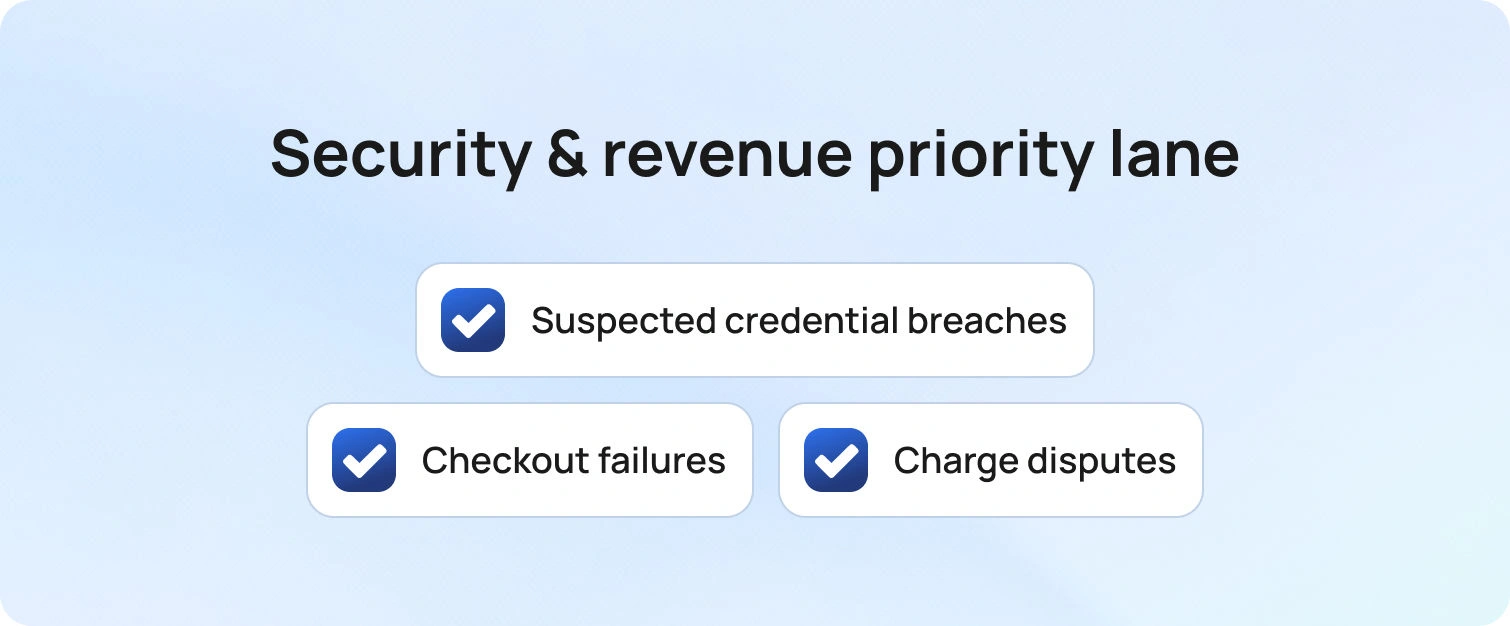
Some requests carry asymmetric risk to trust and revenue, and they deserve a dedicated path. Certain high-risk services require specialized handling and dedicated processes to ensure security and revenue protection. Suspected credential breaches, checkout failures, and charge disputes belong in a clearly labeled lane with higher visibility and faster decision cycles.
Agents working in this lane follow a focused containment checklist covering identity verification, immediate risk reduction, and notification. Customers see a precise next update time, leaders see exposure at a glance, and progress never stalls due to a lack of clarity.
Consistency matters as volume rises. Mark these tickets with priority-raising tags during training so judgment is predictable across shifts and teams. Routing should prioritize the shortest path to a qualified owner with the right tools and approvals, and every handoff should include a concise case summary, the gathered evidence, and the specific action requested. With this structure in place, time-to-containment drops, refunds, and reversals are handled cleanly, and confidence improves for both customers and auditors.
11) Practice sentiment handling
Emotions shape outcomes as much as facts, especially when customers feel stuck. Training should include realistic scenarios that model frustration, urgency, and relief, so agents recognize cues early and respond with steady, confident language. A simple three-part pattern keeps interactions on track: acknowledge the effort already made, state the action underway, and commit to a specific next checkpoint with a time-bound target.
This approach reduces escalation pressure and the risk that VIP cases linger without attention. Teams become predictable under stress, customers feel guided rather than managed, and leaders see fewer unnecessary transfers. Over time, consistent sentiment handling turns tense moments into opportunities to demonstrate care, competence, and follow-through. Recognizing and responding to customer emotions can also boost agent motivation and job satisfaction, helping maintain high-quality support and positive team morale.
12) Certify on the tools you actually use
Certification should reflect the work agents face every day. Industry-recognized certifications, such as CompTIA A+, and up-to-date software training are essential for maintaining high standards in help desk operations. Combine a concise overview of external frameworks with hands-on mastery of your own forms, macros, approvals, reports, and dashboards. Define clear pass criteria, such as completing an end-to-end identity verification flow, resolving a priority-two ticket while meeting timers, and submitting a change with the correct audit trail. Assessment becomes a demonstration of proficiency rather than a memory test.
A production-like sandbox with realistic data lets new hires practice safely and build confidence before they touch live tickets. Close the program with a short capstone scenario and a checklist that an evaluator can score in minutes. Issue an internal credential tied to specific capabilities and refresh it quarterly by reviewing changes to templates, routes, software updates, and policies. Managers gain visibility into readiness, time-to-independence declines, and agents begin live work with the muscle memory they need.
13) Pair rookies with situational mentors
Mentorship works when it is specific to the work. Mentorship programs engage new professionals by exposing them to real-world scenarios and accelerating their development within the help desk team. Instead of a vague buddy system, match each new agent with mentors for defined situations such as incidents, billing, identity, and VIP care.
The mentor’s brief is clear. Review two recent tickets each week, highlight one behavior to strengthen, and demonstrate the gold standard using a live example from your queue. Keep sessions to ten minutes so momentum is never lost, and capture the single improvement you expect to see in the agent’s next set of tickets.
Structure builds consistency. Provide a simple checklist for each situation that covers mission, scope, required evidence, and the expected customer update cadence. Schedule mentor office hours on the team calendar, rotate pairings monthly to broaden exposure, and record outcomes in a lightweight log that captures the coached behavior and the follow-up result. Over a few cycles, new agents gain confidence, handoffs get cleaner, and leaders can see readiness improve without pulling people away from the queue.
14) Turn QA into a learning engine
Quality review should be the shortest route from insight to improvement. Regular QA reviews help teams identify common challenges, such as training difficulties, role changes, and problem-solving complexities, and turn them into actionable lessons. Start with a small, representative sample each week and score it against a simple rubric covering verification, clarity of the first reply, completeness of the handoff, and accuracy of the final resolution.
Patterns matter more than one-off misses, so translate recurring gaps into bite-sized lessons and, when needed, minor edits to templates or knowledge. Each lesson includes an owner, an expected behavior change, and a date by which the update will be visible in the queue.
Closing the loop turns review into results. After two weeks, run a quick spot check on the same metric to confirm the shift, publish the before-and-after to the team, and capture any follow-up tweaks in a brief change log. Rotate the sample across intents and shifts to maintain fairness, calibrate reviewers regularly, and keep feedback specific enough that an agent can apply it to the next ticket. Over time, QA becomes a steady engine for sharper first replies, fewer reopens, and coaching that earns back more time than it consumes.
15) Cross-train with shadow days
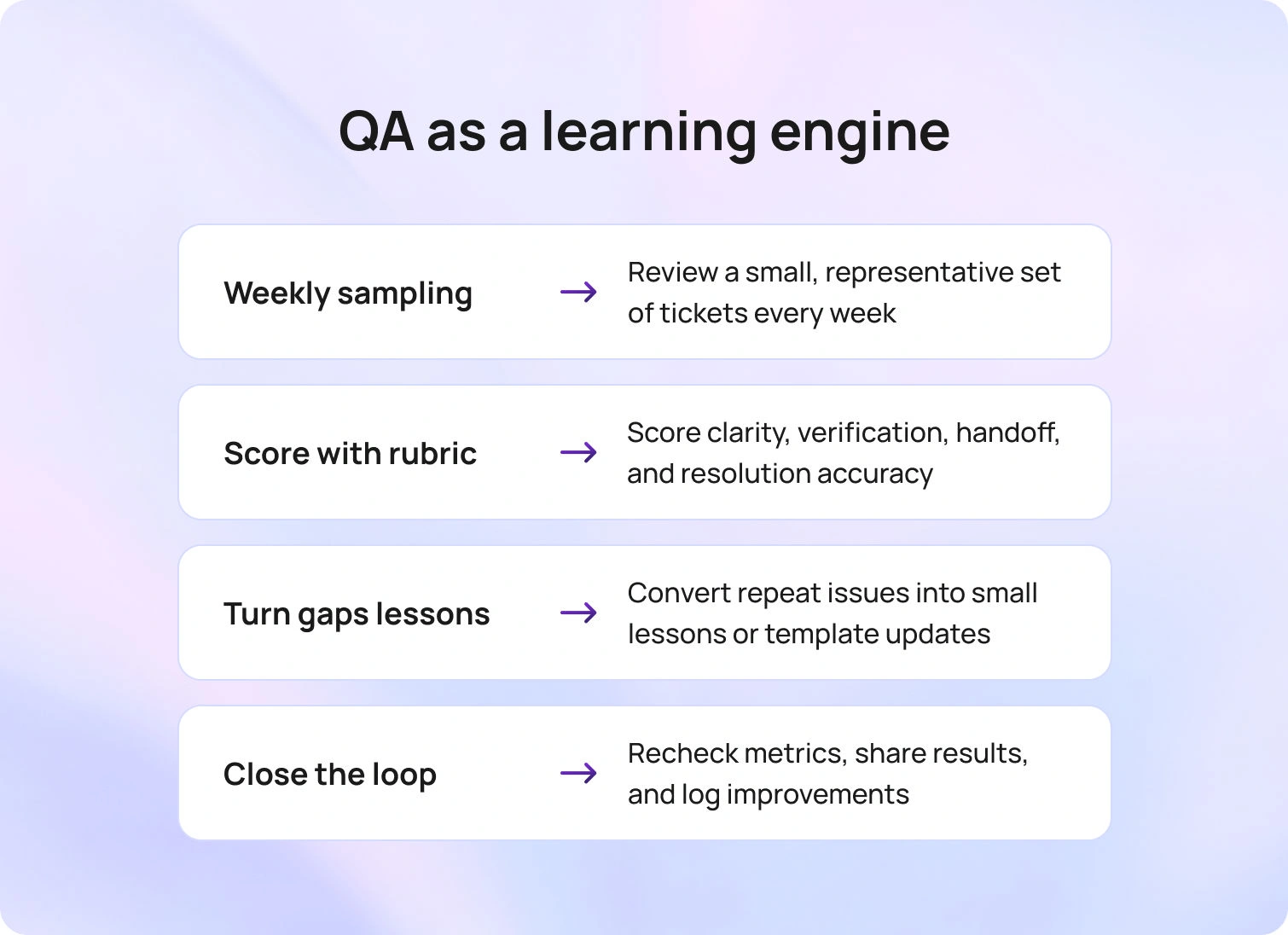
Understanding the work on either side of a ticket sharpens judgment. Rotate agents through adjacent queues for one day each month to see where requests originate and how downstream teams resolve them. The experience exposes hidden dependencies, clarifies what truly blocks progress, and reveals which details matter most to peers who are ready to take the next step.
Maintaining a transparent change log helps the entire organization stay aligned and informed about process updates.
Capture the learning while it is fresh. Ask for a five-question recap that names one upstream action that created extra work, identifies the single field that most often determines priority, lists the evidence that speeds approval, proposes one template improvement, and notes one behavior to try in the next shift. Over time, these short rotations produce cleaner handoffs, fewer avoidable transfers, and stronger prioritization under pressure.
16) Keep a public change log
Transparency speeds adoption and keeps everyone aligned. Publish a simple record of what changed in templates, forms, routes, and knowledge, along with the reason for the change and the specific metric you expect to move. Measuring the impact of training on the help desk team and desk team is essential for continuous improvement. When the log is easy to find and written in plain language, agents know which behaviors to adjust, leaders can trace decisions, and coaching conversations stay anchored in facts rather than preference.
Consistency matters as much as content. Update the log as part of the release process, link entries from the places agents work, and reference it during standups and one-to-ones. Over time, the log becomes institutional memory, reducing tribal knowledge, shortening onboarding, and clarifying why service levels and satisfaction improved.
17) Measure training ROI in the live queue
Results belong in the queue, not only in a slide deck. Choose one behavior to improve, such as adding a precise next update time in the first reply, publishing the lesson on Monday, and tracking movement for two weeks in first contact resolution, average handle time, and reopen rate. Keep scope tight by focusing on two or three high-volume intents so the signal is clear.
Share what you find in the same rhythm every time. Post a short note with the before and after numbers, a screenshot of the trend, and one sentence that explains what changed. If results are flat, refine the lesson or template and rerun the test. Measured this way, training earns calendar time and budget because the link between practice and performance is visible to everyone. Consistently improving support quality in this way helps build loyal customers over time.
How BlueHub Helps You Execute Help Desk Training
BlueHub (by BlueTweak) turns training into everyday execution by placing guidance exactly where work happens. As a comprehensive service desk solution, BlueHub integrates training, knowledge, and performance management to support best practices in support team management. Simulations run in the same workspace agents use for tickets, keeping practice realistic and making results easy to compare over time. Knowledge is mapped to forms and intents, so the moment an agent opens a ticket, the correct article appears, and suggested replies include the precise steps the customer needs. Templates live beside every case and automatically merge
The next update time, turning your three-message standard into a consistent habit that reduces follow-ups and clarifies ownership. Routing aligns skills, language, and risk tags to move work along the shortest path to completion, while VIP exposure and service timers keep promises visible to agents and leaders. Quality findings translate into brief lessons that agents complete between tickets, and analytics connect each lesson, template, or routing adjustment to movement in first-contact resolution, handle time, reopen rate, service-level attainment, and VIP aging. In one platform, BlueHub unifies training, knowledge, routing, and measurement so you can see the lift without pausing operations.
From Intent to Impact, Fast
You set out to learn how to train help desk staff to protect first-contact resolution, lower handle time, reduce reopens, and keep VIPs visible while the queue keeps moving. The practices in this guide give you a compact, durable program that integrates into your current workflows. You now have simulations that reflect real intents, knowledge capture that improves every day, short lessons that use spacing for retention, and coaching tied to five clear operational metrics.
The outcomes are practical and measurable. Teams that train where the work happens move faster and work more calmly. Investing in well-trained employees leads to more efficient operations and higher customer satisfaction. The core lesson is straightforward. Clear role cards, short, focused lessons, and visible timers change behavior more reliably than long courses.
Begin with a role card for each seat, publish 3 standard messages for each top intent, and select one metric to improve over the next two weeks. Log every change, share the result, and repeat. Keep language clear, keep scope tight, and align every lesson to live tickets. BlueHub brings training, knowledge, routing, and analytics into one place so you can see the lift and keep it. Ready to translate intent into performance? Request a BlueHub demo and get a starter plan mapped to your top intents.

How To Use AI In Customer Service For Personalized Experiences
A Practical Approach to AI in Customer Service
Many teams want the benefits of AI without turning support into a lab experiment. The reality on the ground is tool sprawl, fragmented workflows, and unreliable answers that don’t meet customer needs, pushing agents back to the phone.
AI technology, such as chatbots and natural language processing, is transforming customer service by providing scalable, efficient, and 24/7 support across digital and omnichannel retail strategies.
AI creates value when it assists people. The objective is not blanket automation; the objective is consistent personalization across channels to ensure that AI improves customer service. It is crucial to design and implement reliable AI systems that can adapt to various customer service scenarios, ensuring they understand and process customer interactions effectively.
That means adapting content, tone, routing, and actions to customer context, then proving impact with meaningful KPIs:
- First Contact Resolution (FCR)
- Average Handle Time (AHT)
- Abandon Rate
- Recovery within 24 hours
- CSAT and CES
By automating routine tasks and enabling more strategic, personalized support, AI is transforming customer service and allowing representatives to focus on higher-value interactions.
This guide explains the core concepts behind effective AI in customer service, the key tradeoffs to manage, and a step-by-step path to implementation that preserves your current workflows while raising performance.
What Is AI-Powered Personalized Customer Service?

AI-powered personalized customer service is the use of artificial intelligence to adapt content, tone, routing, and actions based on customer context.
It’s about delivering the correct response in the right tone through the right channel with the proper follow-up action. And then measuring whether that approach actually improved customer satisfaction and support operations.
To make personalization work at scale with your customer service operations, you need a few foundational pieces:
Unified customer profile: Every interaction should pull from a single source of truth: order history, open cases, language preference, lifecycle stage, entitlements, and channel behavior. No more asking customers to repeat themselves.
Knowledge-base-grounded generation: AI answers must be anchored in your actual policies and procedures, not hallucinated out of thin air. If the AI doesn’t know, it should say so or route to a human agent.
Policy-safe actions via APIs: Personalization is hollow without execution. AI should trigger actions (refunds, reships, reschedules) within policy limits, with approval workflows for any risky actions.
Consent and governance: Capture only the customer data you need, document consent, respect retention rules, and ensure compliance across every channel.
Training and continuously refining AI modelswith relevant customer data is essential to improve personalization and adapt to changing customer needs.
Machine learning enables AI to learn from customer interactions, analyze data, and improve responses over time, making support more accurate and efficient.
When these pieces work together, you get:
Faster first-right answers: Agents (or AI agents) pull the correct policy, apply the proper tier limits, and respond in the customer’s preferred language.
Fewer transfers: Smart routing sends VIP customers, non-English speakers, and high-risk orders to the correct queue or specialist from the start.
Consistent tone across channels: Whether the customer reaches you via AI customer service chatbot ,AI voicebot, or email, the experience feels cohesive, not like dealing with three different companies.
This is the foundation. Everything else builds on it. Effective customer service requires ongoing monitoring, integration of AI with existing workflows, and collaboration between human agents and AI systems.
Why AI Customer Service Matters for Personalization
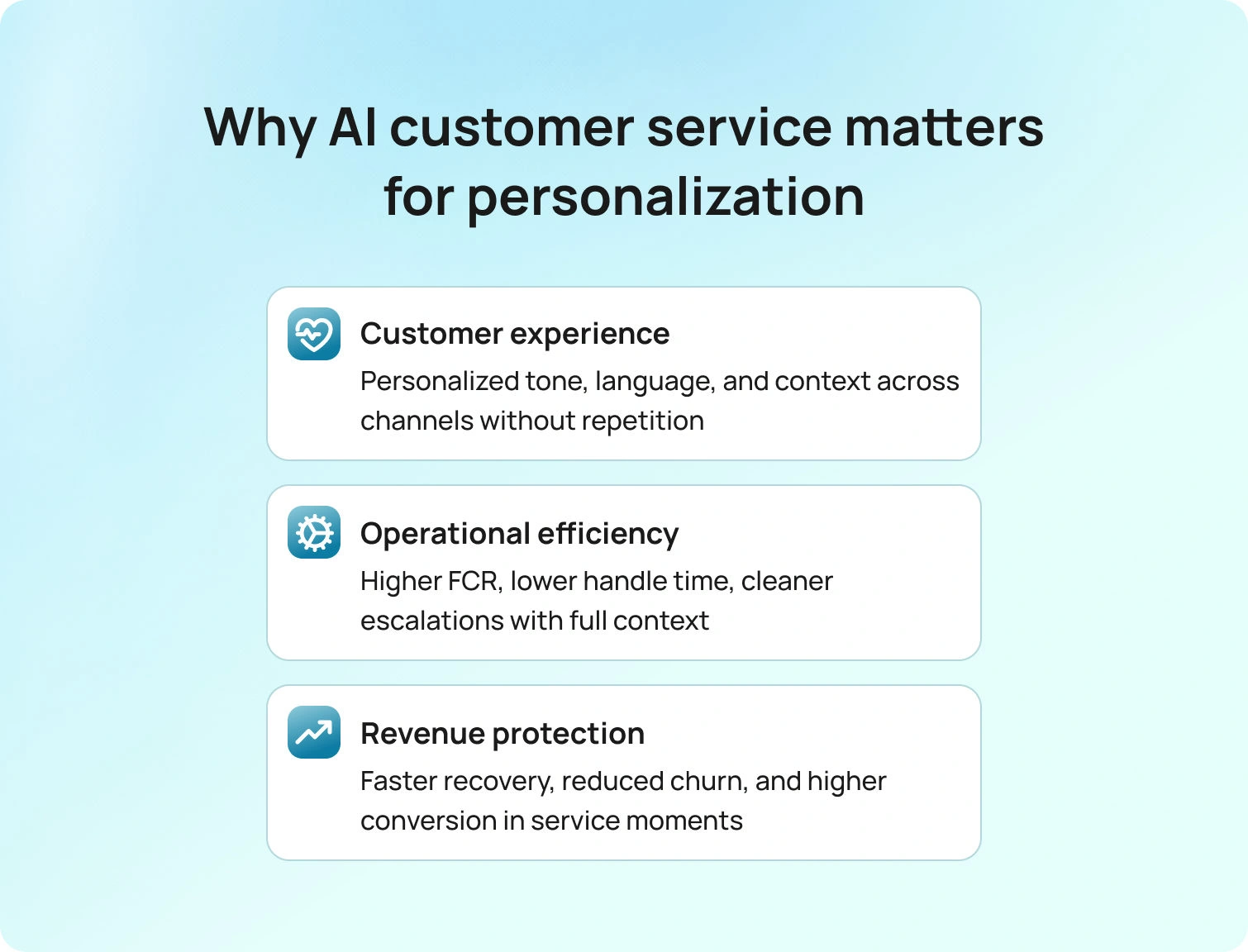
Personalization isn’t a nice-to-have anymore. It’s a measurable lever for three outcomes that matter to every support leader: customer service experience, operational efficiency, and revenue protection. Adopting innovative customer service strategies that leverage AI technology enables organizations to meet evolving customer expectations and deliver more personalized support.
- Customer Experience
AI enables businesses to deliver exceptional service by providing personalized, seamless experiences across both online and offline channels, meeting or exceeding customer expectations.
- Operational Efficiency
AI-powered customer service solutions can integrate with existing CRM platforms using APIs or connectors to automate routine tasks, enhance support efficiency, and personalize responses.
- Revenue Protection and Growth
1. Customer Experience (CX)
Customer expectations have gone up. They expect you to know who they are and what they need. When AI delivers the correct language, tone, and context continuity across channels, customers feel heard. They don’t have to repeat themselves. They don’t get stuck in loops. They get answers that actually solve their problems.
AI tools also enhance customer engagement by providing real-time, proactive support across multiple channels, helping to build long-term loyalty and deeper connections with the brand.
This is where natural language processing and analyzing customer data come into play. AI tools that understand customer sentiment and detect emotions can adjust tone on the fly: empathetic for service failures, concise for transactional requests, and encouraging for complex troubleshooting. AI can analyze customer sentiment to better understand and interpret customer emotions and opinions, allowing businesses to personalize interactions more effectively.
All these AI-driven capabilities contribute to improving customer satisfaction by streamlining support, reducing wait times, and delivering more personalized service.
2. Operational Efficiency
Personalization drives the metrics that keep your cost center in check:
Higher FCR and Containment: When AI surfaces the correct answer (grounded in your knowledge base) and executes the right action, customers don’t come back with the same issue. In contact centers, these AI-driven efficiencies allow human agents to focus on more complex customer issues, improving customer relationships through better understanding and support.
Lower AHT and Abandon: Customer support automation handles routine inquiries at scale, freeing human agents for complex issues. AI excels at handling routine inquiries, streamlining operations, and reducing wait times. Support agents benefit from AI automation, as it enables them to dedicate more time to high-value interactions, improving overall support efficiency. Faster resolutions mean shorter handle times and fewer customers hanging up in frustration.
Cleaner escalations: When AI escalates to a human, it passes along complete context, including the customer profile, past interactions, AI ticket summary, and sentiment analysis.
3. Revenue Protection and Growth
AI in customer service isn’t just a cost play. It’s a revenue play.
Better recovery on negative experiences: When a delivery fails or a product breaks, personalized AI can detect the issue, trigger proactive outreach, and offer the correct resolution (exchange, refund, discount) before the customer churns. Predictive AI can anticipate customer needs and enable businesses to reach out proactively, addressing issues before they escalate. Recovery within 24 hours correlates directly with customer retention.
Higher conversion on service-adjacent flows: Customers who reach out about exchanges, renewals, or upgrades are already engaged. Personalized support, powered by predictive analytics and customer behavior insights, can guide them toward the best outcome for both parties. Adequate AI-driven support leads to customer success by ensuring better outcomes and higher satisfaction.
Personalized AI support also helps businesses build stronger customer relationships by fostering trust, loyalty, and deeper engagement.
5 Ways to Use Customer Service AI to Move Metrics
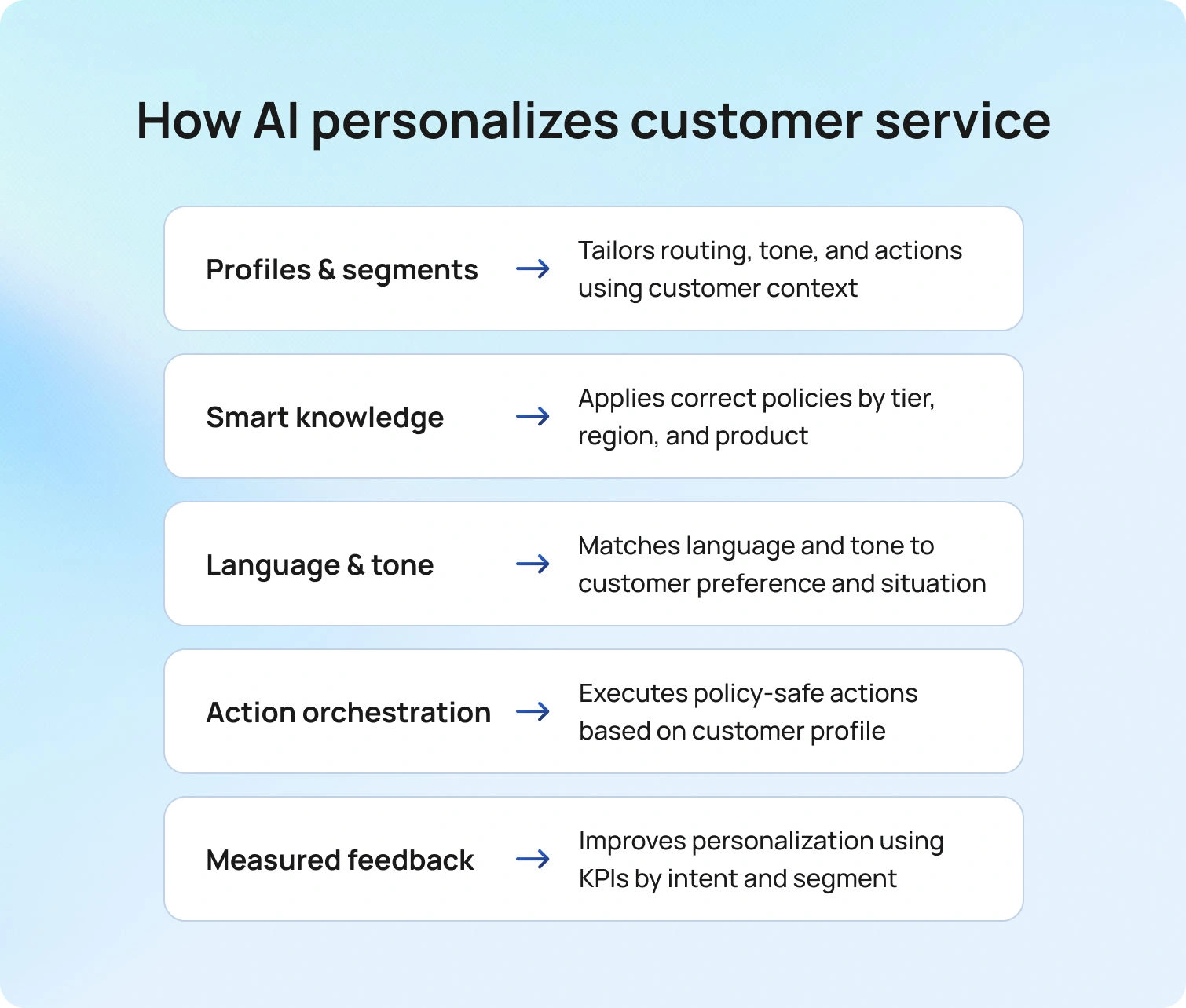
Alright, let’s get tactical. AI tools are designed to enhance and streamline various customer service functions, making support more efficient and responsive. With AI, customer service offers such as faster response times and improved support are now possible, addressing common challenges like long wait times.
In this context, customer service refers to the integration of AI technologies to automate responses, support agents, and improve the overall customer experience. Here are the five building blocks you need to deliver AI-powered personalization that shows up in your dashboards.
1. Profiles & Segments
Personalization starts with knowing your customer. But knowing doesn’t mean hoarding every data point you can grab. It means capturing only the data necessary to adapt the service effectively.
What to capture:
- Lifecycle stage - First-time buyer? Repeat customer? At-risk for churn?
- Tier and entitlements - VIP? Standard? What are their refund limits, warranty terms, and RMA windows?
- Language and location - Preferred language, time zone, and regional policies.
- Order and case history - Recent purchases, open tickets, past interactions.
- Channel preferences - Do they prefer chat, email, or phone?
- Customer preferences - Capture preferences from customer interactions to tailor support and product recommendations.
Document consent for everything. Respect retention rules. Use only what you need.
How it personalizes:
Routing: VIP customers, non-English speakers, and high-risk orders jump to the correct queue or specialist. Call center workforce management becomes smarter when routing is driven by actual customer context.
Tone and template: A customer with a recent delivery failure gets a “Recovery” tone (concise, apologetic, time-bound). A new user gets a “Guidance” tone—step-by-step, encouraging. Canned responses and suggested replies adapt automatically.
Actions: Tier-based limits drive what’s offered. A VIP might get a no-questions-asked refund; a standard customer gets an exchange. Policy rules are baked into the system, not left to agent discretion.
Analyzing profiles and segments helps businesses understand customer behavior, enabling more relevant and practical support.
This is the foundation of every personalized interaction. Without a unified customer profile, you’re just guessing.
2. Smart Knowledge Base
Your knowledge base is the single source of truth for every answer your team (human or AI) gives. If it’s not in the KB, it shouldn’t be said.
AI-powered chatbots use a knowledge base to respond to customer queries instantly, providing automated, accurate answers in real time. These AI systems can also handle initial customer inquiries by leveraging the knowledge base to deliver fast, consistent responses as the first point of contact.
Still, your KB can’t just be a static library of articles. It needs to be policy-aware, parameterized, and version-controlled to support customer service chatbots effectively.
What that means:
Policy-aware articles: Every KB entry should know the rules: return windows by tier, warranty coverage by product, and refund limits by region. When AI pulls an answer, it applies the right policy before composing the response.
Parameterized with variables: Instead of writing 50 variations of “Your return window is X days,” write one article with a variable: “Your return window is {tier.return_window} days.” The system fills in the blank based on the customer’s profile.
Failure states included: What happens if the customer is outside the return window? If the product isn’t eligible for warranty, what should I do? The KB should cover edge cases, not just happy paths.
Citations and sources: Every answer should be traceable back to an authoritative source. This prevents hallucinations and makes customer service quality assurance way easier.
How it personalizes:
Policy-aware answers: AI applies the right policy by tier, region, and product before generating a response. No more generic “Please contact us for details.”
Proposed reply (KB-based): Instead of agents typing from scratch, AI suggests a reply grounded in the KB (pre-filled with the customer’s specific details) and the agent approves or tweaks it. This is where the AI ticket summary and suggested reply help.
Drift control: Update one KB article, and the change cascades across chat, voice, email, and templates. No more version drift between channels.
Article proposal: When AI detects recurring customer questions or content gaps, it suggests new KB articles for your team to approve. This keeps your KB fresh without manual guesswork.
A smart KB enforces answers. And that’s how you scale quality.
3. Language & Tone
Getting the correct answer is half the battle. Delivering it in the correct language and tone is the other half.
Language matters.
If your customer base is global, you need multilingual customer support that translates and adapts the entire experience.
AI detects the language of each incoming message and replies in that language. No language-selection menus. No awkward handoffs.
Call transcription software identifies the caller's language early (even mid-call) and adjusts ASR (speech recognition) and TTS (text-to-speech) for the rest of the conversation. High-service-qualityAI voicebot systems can route to the appropriate queue or agent without forcing the customer to press buttons.
Tone matters even more.
The same answer delivered in the wrong tone can tank customer satisfaction. AI needs to switch tone by scenario:
Recovery tone (for service failures): Concise, apologetic, time-bound. "We're sorry your order was delayed. We've already issued a refund and upgraded your shipping for next time."
Guidance tone (for onboarding or troubleshooting): Step-by-step, encouraging, patient. "Let's walk through this together. First, check that the device is plugged in..."
Transactional tone (for quick confirmations): Brief, confirmatory, no fluff. "Done. Your subscription renews on March 15th."
Standardize salutations, sign-offs, and empathy phrases by segment and channel. This guarantees every customer interaction feels consistent, whether they're chatting with a human agent, an AI customer service chatbot, or reading an email.
How it personalizes:
By matching language and register to the customer's preference and customer history, you eliminate friction. Customers feel understood. And when they feel understood, they're more forgiving when things go wrong.
4. Orchestration & Actions
Personalization without action is just theater. If AI tells a customer "You're eligible for a refund," but the agent still has to log in to three systems to process it, you've gained nothing in enhancing customer satisfaction.
What orchestration looks like:
Map every primary intent (customer requests, return inquiry, subscription change, appointment reschedule) to a policy-safe API call. AI suggests the action, checks it against policy limits, and either executes it automatically or routes it for approval.
Examples:
- If the refund is under the tier-based threshold, AI processes it instantly. If it's over, it routes to a supervisor with full context.
- AI checks inventory, confirms eligibility, and triggers the action. No agent hunting through systems.
- Upgrade, downgrade, pause, all driven by APIs that respect entitlements and billing rules.
- High-value customers and churn-risk cases get routed to specialists. First-order issues with save opportunities get flagged for customer support teams.
How it personalizes:
- Instead of offering the same options to every customer, AI tailors the offer to each customer's segment value and policy. A first-time buyer with a damaged product might get an exchange and a discount code. A repeat VIP might get a refund, no questions asked.
- If sentiment analysis detects frustration or churn risk, the system routes to a specialist who can intervene. Customer service analytics feed these routing decisions in real time.
This is where AI can enhance customer service. And it's all enabled by a robust ticketing system and administration layer that enforces policy, tracks approvals, and logs every action for compliance.
5. Measurement
If you can't measure it, you can't improve it. And if you can't prove ROI, you won't get budget to scale.
What to measure:
Report on these KPIs by intent × channel × segment × language:
First Contact Resolution (FCR): What percentage of issues are resolved in the first interaction?
Average Handle Time (AHT): How long does each interaction take?
Abandon Rate: How many customers hang up or leave the chat before resolution?
Containment: What percentage of customer inquiries are resolved by AI without escalation?
Recovery ≤24h: For service failures, how quickly do you resolve and recover the customer?
CSAT / CES: What do customers say about the experience?
Review defects twice a week. Look for patterns: specific intents, languages, or segments where performance drops. Feed winners back into canned responses, routing rules, and call center workforce management. Retire what doesn't move KPIs.
How it personalizes:
When you measure by segment and intent, you can personalize at scale. You learn that Spanish-speaking customers prefer phone over chat. VIP customers abandon when wait times exceed 30 seconds. First-time buyers need more guidance on returns.
Customer service analytics and customer service quality assurance tools make this possible. Without them, you're flying blind.
The customer feedback loop is simple: measure → learn → adjust → repeat.
That's how operational personalization becomes a competitive advantage.
How BlueTweak Helps You Implement This Playbook

Everything we’ve covered requires one place to store context, ground answers in policy, route by language, skill, and value, execute safe actions, and measure deltas by segment and intent.
That’s what BlueTweak is built for.
BlueTweak is an omnichannel customer service solution for chat, voice, and email, with an AI-ready knowledge base, intelligent routing, approval workflows, customer service analytics and quality assurance, and open APIs for orchestration.
Why it matters to this playbook:
Profiles & Segments: Unified intake and routing across every channel. Customer profile data flows through every interaction.
Smart KB: Grounded answers with variable limits and policy awareness.Suggested reply and canned responses pull directly from your KB.
Language & Tone: Multilingual customer support with tone adaptation by scenario. Call transcription software and AI voicebot capabilities ensure consistency across voice and text.
Orchestration & Actions: API-based task execution with guardrails. Customer support automation handles routine tasks; humans handle exceptions.
Measurement: Customer service analytics by intent × segment × language. Administration and call center workforce management dashboards close the loop.
BlueTweak's customer service solution doesn’t force you to rip and replace your entire stack. It integrates with your existing tools and gives you a control layer that makes AI-powered personalization operational, not aspirational. Seamless integration with your current platforms enhances operational efficiency and customer experience by unifying workflows across channels. BlueTweak also empowers service professionals by enabling collaboration between AI and human agents, ensuring high-quality support for complex customer needs. You can check out transparentpricing to see the exact operational costs to get started.
Conclusion
This isn't about replacing your human customer service teams. It's about equipping them with AI tools that handle routine tasks, surface the proper context, and suggest the best action. This helps them focus on what humans do best: empathy, judgment, and complex problem-solving.
Ground every customer interaction in your knowledge base. Track results by intent, channel, segment, and language to improve service delivery. Wire the deltas back into templates, routing, and workforce management. Then iterate.
That's how you use AI in customer service to boost results. Not by chasing the latest conversational AI trend, but by building an AI system that learns, adapts, and proves its value every single day. Request a demo, and we'll show you how BlueTweak turns AI complexity into operational clarity.



