


Top Providers of AI-Powered Quality Monitoring in Support Services in 2026

The Future of AI Support Quality Monitoring Is Integrated Quality Intelligence
Most quality assurance programs are still built on sampling. QA teams review a small percentage of customer interactions, then use those findings to assess agent performance, customer experience, and service quality across the entire operation. The problem is that critical issues often hide in the conversations that never get reviewed.
AI support quality monitoring changes that by automatically evaluating 100% of customer interactions across channels. Platforms like BlueTweak go a step further by combining AI-powered quality monitoring with AI agents, coaching workflows, and customer service analytics in a single platform, helping teams improve both human and AI performance over time.
In this guide, we'll compare the top providers of AI-powered quality monitoring in support services, explore what features matter most, and explain how to choose the right solution for your support operation.
Why AI Support Quality Monitoring Changes What QA Can Actually Do
AI support quality monitoring is the practice of automatically evaluating customer interactions across channels to identify quality issues, performance gaps, compliance risks, and opportunities for improvement.
Many organizations view AI-powered quality monitoring as a way to reduce the manual effort associated with traditional QA programs. While it certainly helps automate quality assurance, that perspective undersells its real value.
The biggest difference between manual and AI-driven quality monitoring is visibility. Traditional QA teams are forced to work with samples; they review a small subset of customer conversations, score those interactions against quality standards, and use the findings to guide coaching and quality management decisions. The challenge is that sampled reviews can only reveal part of the story.
AI-powered quality monitoring tools can evaluate every customer interaction across voice, chat, email, social media, and AI-powered conversations. Instead of relying on a handful of reviewed interactions, support leaders gain a complete view of customer behavior, agent performance, customer sentiment, and operational trends.
This shift changes what QA teams can actually achieve. Rather than simply identifying individual mistakes, they can uncover recurring patterns, pinpoint root causes, improve customer experience at scale, and create feedback loops that continuously improve both human agents and AI agents.
Why AI Quality Monitoring Changes What QA Can Actually Do
AI support quality monitoring is the practice of automatically evaluating customer interactions to identify quality issues, performance gaps, and opportunities for continuous improvement across your support operation.
Most discussions about AI-powered quality assurance focus on efficiency. AI can certainly reduce manual effort, automate scoring, and help QA teams review more interactions. But the real advantage is visibility. AI support quality monitoring changes what teams can actually know about customer conversations, agent performance, and service quality.
Manual QA Covers 5–15%. AI QA Covers 100%.
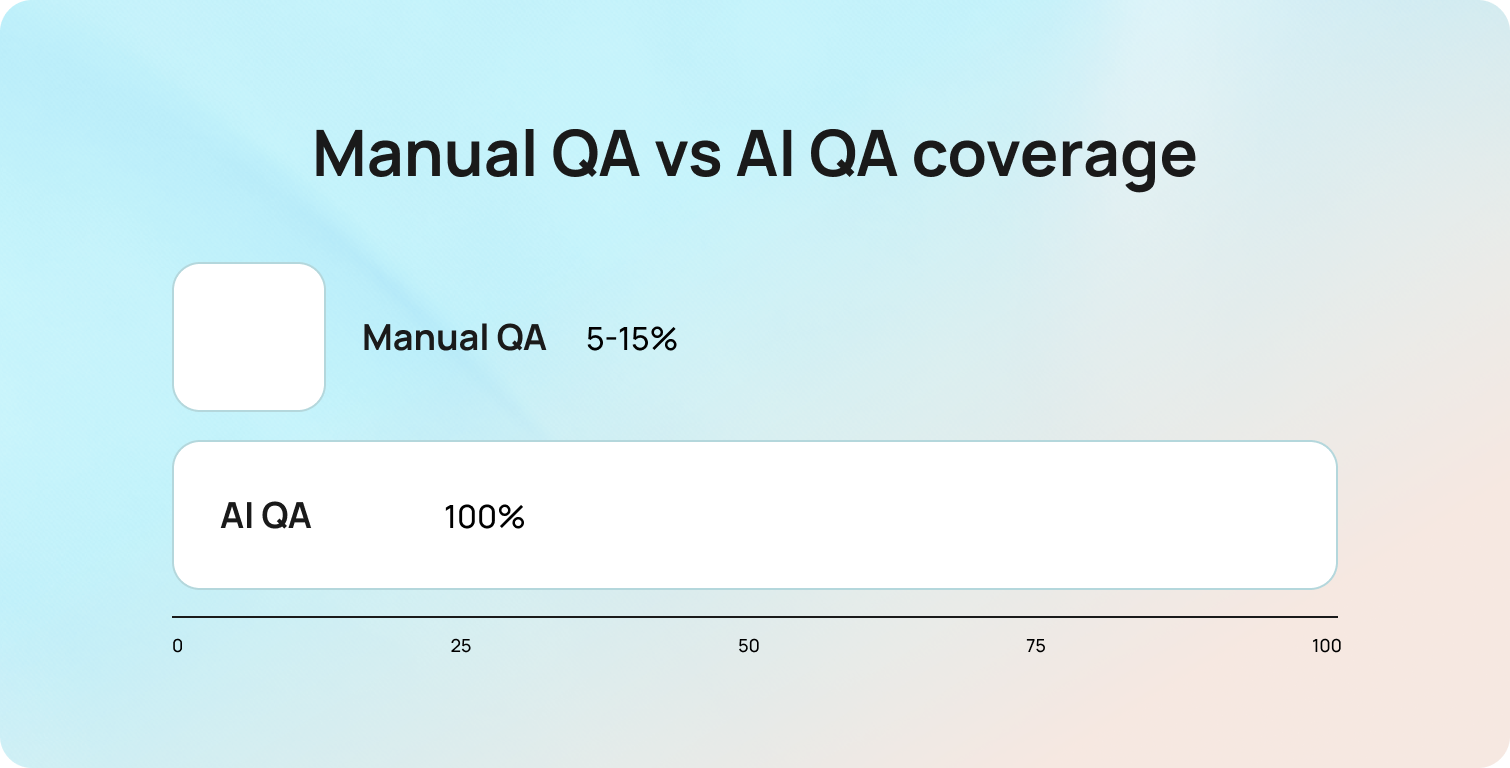
Manual quality assurance relies on sampling. Even the most mature QA programs typically review only a small percentage of customer interactions, leaving the majority of conversations unseen. This creates a visibility gap that affects every coaching, staffing, and operational decision that follows.
The difference between reviewing 10% of interactions and 100% of interactions is not just quantitative; it changes what is knowable. A recurring issue affecting 4% of customer conversations may never appear in a manual sample, yet it becomes immediately visible when every interaction is evaluated.
According to Deloitte's Global Contact Center Survey, organizations classified as service innovators are 4.6 times more likely to report excellent customer satisfaction than their peers, highlighting the value of using technology to gain deeper visibility into customer experience and service quality.
Pattern Detection vs. Individual Interaction Review
Traditional QA programs are designed to identify what happened in a specific interaction. AI-powered quality monitoring is designed to identify why issues occur repeatedly across the operation.
Instead of surfacing isolated examples, AI can reveal patterns across thousands of customer conversations. It can identify an agent who consistently struggles with a particular query type, uncover a knowledge base gap that leads to inaccurate responses, or highlight a routing workflow that produces poor outcomes for a specific customer segment. These insights are significantly more actionable because they focus attention on root causes rather than individual incidents, helping teams improve coaching, processes, and customer experience at scale through customer service analytics.
QA as a Retraining Signal for AI Agents
QA as a retraining signal is the process of using quality assurance findings from AI-handled interactions to improve future AI performance. This is an increasingly important consideration for support teams deploying AI agents.
When a QA review identifies that an AI agent mishandled a billing dispute, failed to escalate an urgent issue, or surfaced inaccurate information, that interaction becomes a valuable labelled example of where the system needs improvement. In other words, QA data becomes training data. Many organizations support this process through a human-in-the-loop AI approach, where QA teams help validate and improve AI decisions before updates are deployed more broadly.
Most standalone QA tools stop at measurement; they can identify quality issues, but they lack a structured mechanism to feed those insights back into the AI platform. Integrated support platforms close this loop by connecting quality monitoring, knowledge management, coaching, and AI improvement workflows. As AI adoption grows, the ability to use QA as a retraining signal will become a critical differentiator between quality monitoring platforms.
AI QA for AI Agents vs. Human Agents: The Metrics Are Different
AI quality assurance for human agents focuses on different outcomes than AI quality assurance for AI agents.
For human agents, quality frameworks typically assess factors such as empathy, tone, policy compliance, resolution quality, and communication skills. AI agents require a different evaluation model. Teams need visibility into containment rates, intent classification accuracy, escalation trigger accuracy, knowledge base retrieval relevance, and response accuracy. These metrics directly influence how effectively AI systems classify, prioritize, and route customer requests before they reach support teams.
This distinction matters because a quality monitoring platform built primarily for human agent coaching may not provide the metrics needed to evaluate AI performance effectively. Organizations running hybrid support operations should look for tools that can assess both human and AI interactions using evaluation frameworks tailored to each environment. Without that flexibility, important performance gaps can remain hidden.
What to Look for in AI Support Quality Monitoring Tools
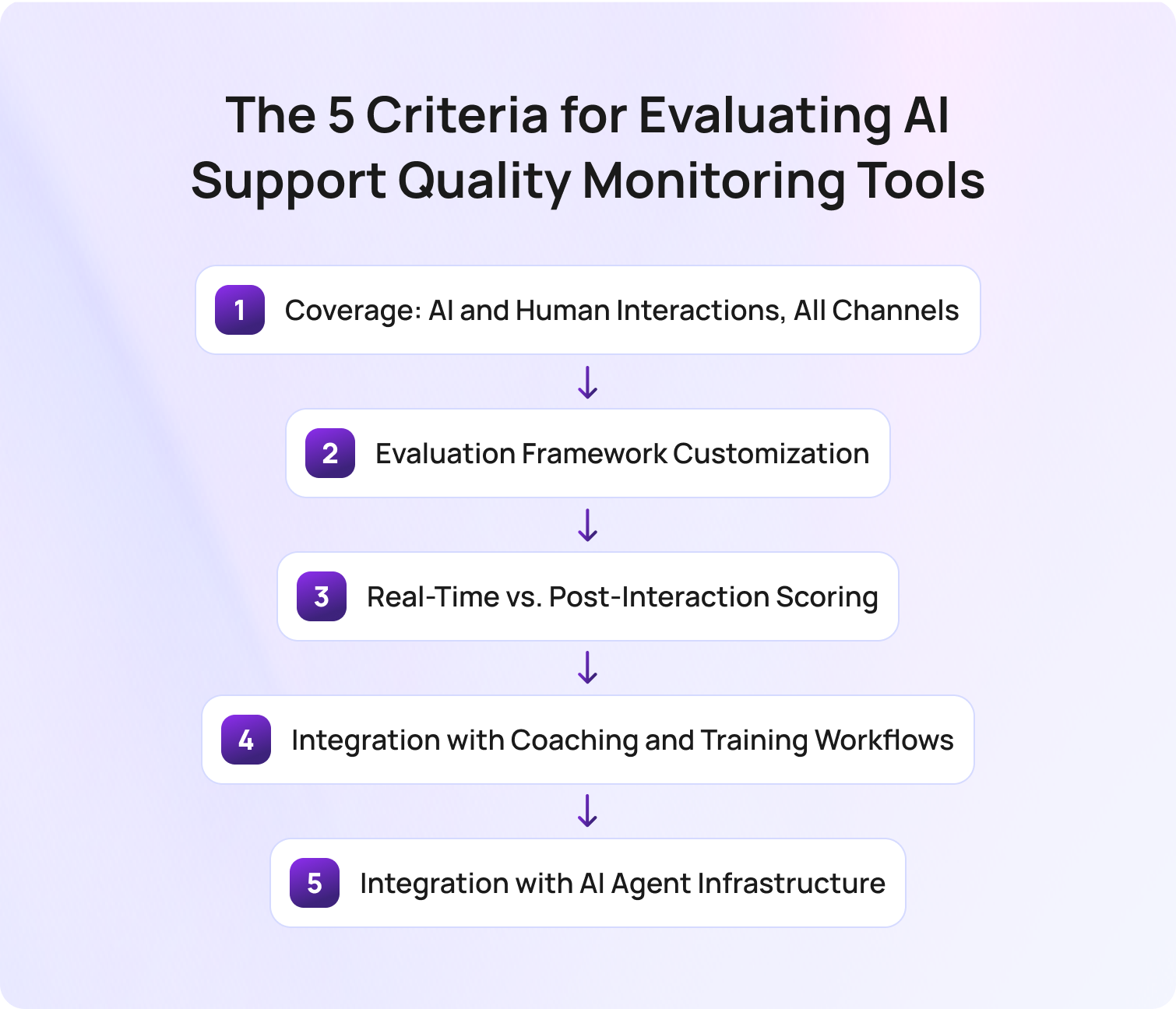
The five criteria for evaluating AI support quality monitoring tools provide a framework for comparing platforms beyond feature lists and marketing claims.
Not every quality monitoring solution is designed for the same environment. Some tools focus exclusively on voice interactions, while others support omnichannel customer service operations. Some excel at coaching workflows, while others are better suited to compliance monitoring or conversation analytics. For teams running AI agents, there is an additional consideration: whether quality data can be used to improve AI performance over time.
The 5 Criteria for Evaluating AI Support Quality Monitoring Tools
1. Coverage: AI and Human Interactions, All Channels
Coverage refers to the interactions, channels, and support environments a platform can evaluate.
Many quality monitoring tools were originally built for call centers and remain heavily focused on voice conversations. Modern customer service operations, however, often span chat, email, social media, messaging apps, and AI-powered interactions. A tool that only evaluates one channel provides only a partial view of service quality.
The strongest platforms can assess both AI-handled and human-handled interactions across every customer touchpoint. This gives support leaders a consistent view of customer experience, customer sentiment, and agent performance regardless of where the conversation takes place.
2. Evaluation Framework Customization
Evaluation framework customization is the ability to tailor quality scorecards to your organization's specific quality standards and business objectives.
Generic QA templates rarely reflect the nuances of a particular support operation. A healthcare provider may prioritize compliance and accuracy, while an ecommerce business may focus on resolution quality and customer satisfaction. Applying the same framework to both environments can lead to misleading results.
Look for platforms that support custom scorecards, weighted scoring models, and configurable evaluation criteria. The more closely the framework reflects your customer expectations and operational goals, the more valuable the resulting insights will be.
3. Real-Time vs. Post-Interaction Scoring
Real-time and post-interaction scoring serve different purposes within a quality assurance program.
Post-interaction scoring helps QA teams identify trends, evaluate agent performance, and uncover coaching opportunities after conversations have concluded. This remains essential for long-term quality management and performance improvement.
Real-time monitoring introduces a different use case. It enables supervisors to identify issues while conversations are still active, allowing intervention before a negative customer outcome occurs. Teams handling high-value transactions, compliance-sensitive interactions, or complex support requests may benefit significantly from real-time capabilities. Other organizations may find post-interaction analysis sufficient for their needs.
4. Integration with Coaching and Training Workflows
Integration with coaching and training workflows determines whether QA insights lead to measurable performance improvement.
A quality score has limited value if it remains isolated in a dashboard. The most effective quality monitoring platforms connect evaluation results directly to coaching actions, learning programs, and performance management processes.
Rather than simply showing that an agent's score has declined, the platform should explain why, identify the underlying performance gap, and recommend specific coaching opportunities. This helps managers spend less time analyzing reports and more time improving agent performance.
5. Integration with AI Agent Infrastructure
Integration with AI agent infrastructure determines whether quality monitoring can contribute to ongoing AI improvement.
For organizations deploying AI agents, measuring performance is only part of the equation. The more important question is whether QA findings can be used to improve future outcomes. This is where the concept of QA as a retraining signal becomes particularly valuable.
Platforms that integrate directly with AI systems can use quality flags to identify knowledge gaps, improve retrieval accuracy, refine escalation logic, and strengthen future responses. Standalone QA tools can still identify these issues, but they often require manual processes to turn quality findings into AI improvements. As AI support operations mature, this distinction will become increasingly important when evaluating long-term platform value.
AI Support Quality Monitoring Tools Comparison Table
The following comparison table evaluates the leading AI support quality monitoring tools against the five criteria for evaluating AI support quality monitoring tools discussed above.
While every platform aims to improve service quality, customer satisfaction, and agent performance, they take very different approaches. Some focus primarily on call center quality monitoring and speech analytics, while others provide broader omnichannel quality management capabilities. For organizations deploying AI agents, it's also important to understand whether a platform can evaluate AI interactions and help improve AI performance over time.
Use this table as a starting point to narrow your shortlist before exploring each platform in more detail.
BlueTweak AI Support Quality Monitoring Comparison Table
| Tool | Best For | Coverage (Channels) | Real-Time Monitoring | AI Agent QA | Pricing Tier |
| BlueTweak | Omnichannel teams running AI and human agents | Voice, chat, email, social | Yes | Yes | Mid-market / Enterprise |
| Observe.AI | Enterprise voice QA | Voice | Yes | Limited | Enterprise |
| Level AI | Customer insight and QA analytics | Voice, chat | Yes | Limited | Enterprise |
| NICE CXone | Enterprise contact center operations | Omnichannel | Yes | Yes | Enterprise |
| Dialpad | Unified communications and QA | Voice, messaging | Yes | Limited | Mid-market / Enterprise |
| CallMiner | Speech analytics and compliance | Primarily voice | Limited | Limited | Enterprise |
| MaestroQA | Custom QA frameworks | Omnichannel | No | Limited | Mid-market |
| Playvox | Digital-first support teams | Chat, email, voice | Limited | Limited | Mid-market |
| Enthu.AI | Affordable AI QA | Voice, chat | Yes | Limited | SMB / Mid-market |
| Talkdesk | Existing Talkdesk customers | Omnichannel | Yes | Yes | Enterprise |
| Balto | Real-time agent guidance | Voice | Yes | No | Mid-market / Enterprise |
| Genesys Cloud QA | Genesys contact centers | Omnichannel | Yes | Yes | Enterprise |
| Qualtrics | QA plus customer experience research | Omnichannel | Limited | Limited | Enterprise |
| AmplifAI | Coaching and performance management | Omnichannel | No | Limited | Mid-market / Enterprise |
The comparison table provides a high-level overview, but platform capabilities vary significantly once you look beyond feature checklists. The following reviews assess each tool against the five criteria for evaluating AI support quality monitoring tools, highlighting strengths, limitations, and the environments where each platform is most effective.
14 Top Providers of AI-Powered Quality Monitoring in Support Services
The best AI support quality monitoring platform depends on how your organization handles customer interactions, evaluates service quality, and uses quality data to drive improvement. Some tools focus on call center quality monitoring and coaching, while others provide broader capabilities for omnichannel support, AI agents, workforce management, and customer experience optimization.
The providers below have been evaluated against the five criteria for evaluating AI support quality monitoring tools, helping you compare strengths, limitations, and best-fit use cases before making a decision.
1. BlueTweak: Best for Omnichannel Support Teams Running Both AI Agents and Human Agents
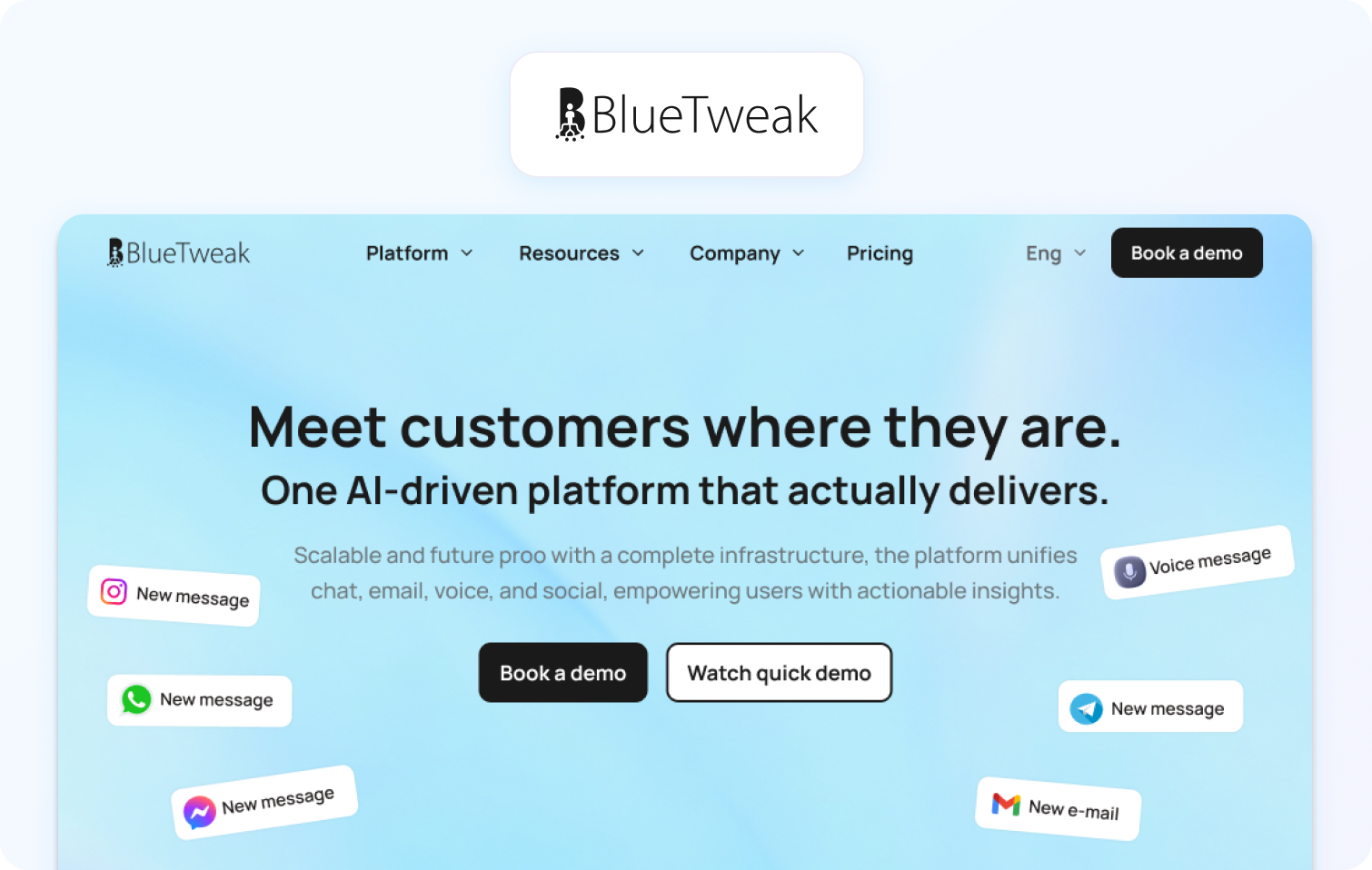
BlueTweak is an AI-powered customer service platform that combines omnichannel support, quality assurance, workforce management, analytics, and AI automation in a single system. Unlike standalone QA tools, it connects quality monitoring directly to coaching workflows, knowledge management, and AI improvement.
Best for: Support teams running both AI agents and human agents that need quality data to improve customer experience, agent performance, and AI outcomes.
Key BlueTweak features:
- 100% interaction scoring: Evaluate every customer interaction against a configurable quality framework rather than relying on manual sampling.
- Omnichannel coverage: Monitor AI-handled and human-handled conversations across voice, chat, email, and social channels from a single dashboard.
- Separate AI and human QA tracking: Measure CSAT and QA performance independently for AI agents and support agents to understand how automation impacts service quality.
- Sentiment analysis: Detect signs of customer frustration during conversations and surface potential escalation risks before they become larger issues.
- QA-to-KB feedback loop: Use quality monitoring insights to identify knowledge base gaps that may be impacting AI response accuracy.
- Integrated coaching workflows: Turn insights from your customer service quality assurance program into coaching actions instead of leaving performance data trapped inside reporting dashboards.
- Advanced analytics: Track quality metrics alongside containment rates, operational costs, and customer satisfaction scores.
BlueTweak case study: Aeroitalia used BlueTweak to unify customer support operations across multiple channels while introducing AI-driven automation and sentiment analysis. The project contributed to a 33% increase in customer satisfaction and a 45% increase in agent productivity, demonstrating the value of connecting quality insights directly to operational improvements.
“Most organizations still treat quality assurance as a measurement activity. The real opportunity is to treat QA as a learning system. Every flagged interaction should improve either agent performance, AI performance, or both. That’s where quality monitoring starts creating compounding value.”

Pros:
- True omnichannel quality monitoring: Evaluate customer interactions consistently across voice, chat, email, and social channels.
- Built for AI and human support: Separate performance tracking makes it easier to manage hybrid support operations.
- Integrated improvement workflows: QA insights can drive coaching, knowledge base improvements, and AI optimization from one platform.
Cons:
- Not a standalone QA tool: Organizations looking to add QA to an existing support platform may prefer a dedicated quality monitoring solution.
- Broader platform scope: Teams only seeking speech analytics or basic QA functionality may not need the platform's wider capabilities.
Pricing: Pricing starts at €65 per agent, per month, including ticketing, omnichannel support, AI chatbot, AI voicebot, copilot tools, workforce management, quality assurance, analytics, and integrations.
Ready to move beyond sampled QA? Explore more BlueTweak case studies and product resources to see how organizations are using AI-powered quality monitoring to improve customer experience, coaching outcomes, and AI performance. Start a free 14-day trial with no credit card required, or book a demo to see the platform in action.
2. Observe.AI: Best for Enterprise Voice QA with AI Coaching

Observe.AI is an AI-powered quality assurance and conversation intelligence platform designed primarily for contact centers. It combines automated QA, speech analytics, and coaching tools to help organizations improve agent performance at scale.
Best for: Enterprise contact centers looking for advanced voice quality monitoring and AI-assisted coaching.
Key Observe.AI features:
- Automated QA scoring: Evaluate customer interactions automatically to reduce manual review workloads.
- Conversation intelligence: Analyze call transcripts to identify trends, coaching opportunities, and customer concerns.
- Real-time agent assistance: Provide live guidance and recommendations during customer conversations.
- Coaching workflows: Surface performance gaps and connect them to coaching actions.
- Compliance monitoring: Identify potential compliance risks across customer interactions.
Pros:
- Strong voice analytics capabilities: Particularly effective for organizations with large call center operations.
- Advanced coaching tools: Makes it easier to identify and address agent performance gaps.
- Enterprise scalability: Designed to support large teams and high interaction volumes.
Cons:
- Voice-first focus: Less comprehensive for organizations prioritizing digital channels.
- Enterprise-oriented pricing: May be difficult to justify for smaller support teams.
Pricing: Custom enterprise pricing; verify with the vendor for details.
3. Level AI: Best for Customer Insight Alongside QA

Level AI combines quality assurance with customer insight and conversation analytics. The platform focuses on helping teams understand customer intent, sentiment, and emerging trends while improving QA processes.
Best for: Organizations that want customer intelligence and operational insights alongside quality monitoring.
Key Level AI features:
- Automated quality monitoring: Score customer interactions at scale using AI.
- Customer insight analytics: Identify recurring customer issues, product feedback, and emerging trends.
- Custom scorecards: Tailor evaluations to business-specific quality standards.
- Sentiment analysis: Monitor customer sentiment throughout interactions.
- Real-time monitoring: Surface issues while conversations are still active.
Pros:
- Strong customer insight capabilities: Goes beyond QA to help identify broader business opportunities.
- Flexible evaluation frameworks: Supports customized quality scorecards.
- Useful trend analysis: Helps uncover patterns across large interaction volumes.
Cons:
- Less focused on coaching workflows: Some competitors provide deeper coaching functionality.
- Can require dedicated analysis resources: The breadth of insights may overwhelm smaller teams.
Pricing: Custom pricing; verify with vendor for details.
4. NICE CXone: Best for Enterprise Contact Centre QA with Full WEM Suite

NICE CXone is a cloud contact center platform that includes workforce engagement management, quality monitoring, analytics, and automation capabilities.
Best for: Large enterprises seeking quality monitoring as part of a broader workforce engagement management strategy.
Key NICE CXone features:
- Omnichannel quality monitoring: Evaluate customer interactions across multiple channels.
- Automated evaluations: Reduce manual QA effort through AI-powered scoring.
- Workforce engagement tools: Connect quality insights with workforce management and coaching.
- Speech and interaction analytics: Analyze customer conversations at scale.
- Compliance monitoring: Track adherence to internal and regulatory requirements.
Pros:
- Comprehensive feature set: Combines QA, workforce management, and analytics in one ecosystem.
- Strong omnichannel capabilities: Suitable for large, complex customer service operations.
- Enterprise-grade scalability: Handles high interaction volumes across global teams.
Cons:
- Implementation complexity: May require significant resources to deploy and manage.
- Enterprise pricing model: Often exceeds the budgets of smaller organizations.
Pricing: Tiered pricing starting at $110 per agent, per month for the ‘Omnichannel Suite’. Verify for details.
5. Dialpad: Best for Midsize Teams Wanting QA and Communications in One Platform

Dialpad combines business communications, contact center capabilities, and AI-powered quality monitoring within a single platform.
Best for: Growing organizations looking to consolidate communications and QA functionality.
Key Dialpad features:
- AI-powered call analysis: Automatically review customer conversations for quality insights.
- Real-time assistance: Provide prompts and recommendations during live interactions.
- Voice and messaging support: Manage multiple communication channels from one platform.
- Performance analytics: Track agent and team performance trends.
- Call transcription: Generate searchable conversation records automatically.
Pros:
- Unified communications platform: Reduces the need for multiple vendors.
- Strong real-time features: Supports in-the-moment coaching and guidance.
- Accessible for mid-market teams: Easier to adopt than some enterprise alternatives.
Cons:
- Less comprehensive QA functionality: Not as specialized as dedicated quality monitoring platforms.
- Limited AI agent monitoring: Primarily focused on human agent interactions.
Pricing: Tiered pricing available with plans starting with their ‘Essentials’ package at $80 per user, per month, billed annually. Verify for details.
6. CallMiner: Best for Speech Analytics and Compliance Monitoring
CallMiner is a conversation intelligence platform focused on speech analytics, quality assurance, and compliance monitoring.
Best for: Organizations prioritizing compliance, risk management, and detailed voice analytics.
Key CallMiner features:
- Speech analytics: Analyze customer conversations for trends and risks.
- Automated quality monitoring: Scale QA across large call volumes.
- Compliance tracking: Identify regulatory and policy violations.
- Customer sentiment analysis: Monitor customer reactions and behavior.
- Root cause analysis: Surface recurring operational issues.
Pros:
- Excellent analytics depth: Provides highly detailed conversation analysis.
- Strong compliance capabilities: Well suited to regulated industries.
- Mature reporting functionality: Supports advanced operational analysis.
Cons:
- Voice-centric approach: Less comprehensive for digital-first support operations.
- Can require specialist expertise: Advanced capabilities may involve a steeper learning curve.
Pricing: Custom pricing; verify with the vendor for details.
7. MaestroQA: Best for Custom QA Frameworks and Coaching Workflows

MaestroQA is a dedicated quality assurance platform built around customizable scorecards and coaching programs.
Best for: Support teams that want flexible QA frameworks and structured coaching workflows.
Key MaestroQA features:
- Custom scorecards: Build QA frameworks tailored to business requirements.
- Calibration tools: Improve consistency across evaluators.
- Coaching workflows: Connect evaluations directly to performance improvement plans.
- Omnichannel support: Evaluate interactions across multiple channels.
- QA reporting: Track quality trends over time.
Pros:
- Highly customizable evaluations: Supports complex quality frameworks.
- Strong coaching functionality: Makes performance improvement easier to manage.
- Dedicated QA focus: Built specifically for quality assurance teams.
Cons:
- Limited AI agent optimization: Less focused on improving AI-driven support.
- Requires integration with other systems: Not a full customer service platform.
Pricing: Custom pricing available on request; verify with vendor.
8. Playvox: Best for Digital-First Support Teams
Playvox combines quality management, workforce engagement, and performance management for customer service teams.
Best for: Organizations managing large volumes of chat, email, and digital support interactions.
Key Playvox features:
- Quality monitoring tools: Automate interaction reviews and evaluations.
- Performance management: Track agent performance against key metrics.
- Coaching workflows: Support ongoing agent development.
- Workforce engagement features: Improve team productivity and collaboration.
- Omnichannel evaluations: Assess quality across multiple support channels.
Pros:
- Well suited to digital support environments: Strong chat and email capabilities.
- Integrated workforce tools: Connects QA and performance management.
- Easy-to-use interface: Accessible for growing support teams.
Cons:
- Less emphasis on AI agent QA: Primarily focused on human support teams.
- Advanced features may require higher-tier plans: Some functionality is not available in entry-level packages.
Pricing: Custom pricing available on request. Verify with vendor for details.
9. Enthu.AI: Best for SMB and Mid-Market Teams Wanting Affordable Voice QA
Enthu.AI is an AI-powered quality monitoring platform focused on helping customer service teams automate call reviews, identify coaching opportunities, and improve agent performance without enterprise-level complexity.
Best for: Small and mid-sized businesses looking for affordable AI-powered quality assurance and conversation analytics.
Key Enthu.AI features:
- Automated QA scoring: Evaluate customer conversations automatically to reduce manual review workloads.
- Call transcription and analysis: Turn voice interactions into searchable insights for QA teams and managers.
- Sentiment analysis: Identify positive and negative customer experiences across interactions.
- Custom scorecards: Adapt quality evaluations to match your organization's standards and goals.
- Agent coaching insights: Highlight performance gaps and opportunities for improvement.
Pros:
- Accessible for smaller teams: Designed to provide AI-powered QA without the complexity of enterprise platforms.
- Quick to implement: Organizations can often begin automating evaluations without lengthy deployment projects.
- Strong value for money: Offers many core QA capabilities at a more accessible price point.
Cons:
- Voice-focused coverage: Less comprehensive for organizations with significant email, chat, or social support volumes.
- Limited AI agent monitoring: Better suited to evaluating human agent interactions than AI-driven support operations.
Pricing: Custom pricing available on request; verify with vendor for details.
10. Talkdesk: Best for Contact Centres Already on Talkdesk CCaaS
Talkdesk is a cloud contact center platform that combines workforce engagement, AI capabilities, quality management, and customer service operations within a unified ecosystem.
Best for: Organizations already using Talkdesk that want quality monitoring built into their broader contact center environment.
Key Talkdesk features:
- Omnichannel quality monitoring: Evaluate interactions across voice and digital support channels.
- AI-powered automated scoring: Review customer interactions at scale using configurable evaluation criteria.
- Workforce engagement tools: Connect QA insights to coaching and performance management workflows.
- Real-time monitoring: Surface issues during live interactions to support faster intervention.
- Integrated reporting: Combine quality metrics with operational performance data.
Pros:
- Native platform integration: Existing Talkdesk customers can extend capabilities without adding another vendor.
- Strong omnichannel functionality: Supports both voice and digital customer interactions.
- Broad contact center feature set: Combines quality monitoring with wider customer service tools.
Cons:
- Best suited to existing Talkdesk users: Organizations using other contact center platforms may find migration challenging.
- Enterprise-focused pricing: May be difficult to justify for smaller support operations.
Pricing: Tiered and custom pricing plans available; verify with the vendor for details.
11. Balto: Best for Real-Time Agent Guidance During Live Interactions

Balto is a real-time guidance platform that helps agents navigate customer conversations by providing live prompts, recommendations, and coaching during calls.
Best for: Contact centers where real-time support and call handling improvements are a higher priority than traditional post-interaction QA.
Key Balto features:
- Live agent guidance: Deliver recommendations and prompts while conversations are taking place.
- Call compliance monitoring: Help agents follow required scripts and processes in real time.
- Conversation analytics: Analyze customer interactions to identify performance trends.
- Automated coaching support: Use interaction data to improve agent performance over time.
- Workflow guidance: Standardize call handling across teams and locations.
Pros:
- Exceptional real-time capabilities: Helps improve outcomes while interactions are still active.
- Strong compliance support: Useful for organizations operating in regulated industries.
- Fast agent ramp-up: New hires can benefit from in-the-moment guidance and best-practice prompts.
Cons:
- Less focused on post-interaction QA: Some competitors offer deeper quality monitoring and evaluation functionality.
- Voice-centric approach: Best suited to call center environments rather than omnichannel support operations.
Pricing: Custom pricing custom, depending on total user count and contract length; verify for details.
12. Genesys Cloud QA: Best for Enterprise Contact Centres on Genesys Infrastructure
Genesys Cloud QA forms part of the broader Genesys Cloud platform, providing quality management, workforce engagement, and conversation analytics capabilities.
Best for: Large organizations already operating on Genesys infrastructure that want quality monitoring integrated into their existing ecosystem.
Key Genesys Cloud QA features:
- Automated evaluations: Score customer interactions using configurable quality frameworks.
- Omnichannel monitoring: Review conversations across voice and digital channels.
- Workforce engagement integration: Connect quality insights to coaching and performance management activities.
- Speech and text analytics: Analyze interactions for trends, risks, and customer sentiment.
- Performance reporting: Track quality and operational metrics from a unified dashboard.
Pros:
- Strong integration with Genesys Cloud: Reduces complexity for existing customers.
- Enterprise-grade scalability: Suitable for large, distributed customer service teams.
- Comprehensive workforce engagement tools: Links QA, coaching, and workforce management.
Cons:
- Most valuable within the Genesys ecosystem: Less attractive for organizations using alternative contact center platforms.
- Implementation complexity: Advanced capabilities can require specialist configuration and administration.
Pricing: Genesys Cloud QA is bundled into its native Workforce Engagement Management (WEM) suite, for which tiered plans are available; verify for details.
13. Qualtrics: Best for Connecting QA Data to Voice of the Customer Research
Qualtrics is primarily known for experience management and customer feedback programs, but it also offers quality monitoring and conversation analytics capabilities that help organizations connect QA data to broader customer experience initiatives.
Best for: Organizations that want to combine quality assurance with Voice of the Customer (VoC) and customer experience research.
Key Qualtrics features:
- Experience management analytics: Connect quality insights to wider customer experience outcomes.
- Customer feedback integration: Combine QA data with survey responses and satisfaction metrics.
- Sentiment analysis: Monitor customer perceptions across interactions and feedback channels.
- Conversation intelligence: Identify recurring customer issues and service trends.
- Performance reporting: Track relationships between agent behavior and customer outcomes.
Pros:
- Strong customer experience focus: Helps connect quality monitoring to business outcomes.
- Rich feedback analysis capabilities: Combines operational and customer perception data.
- Enterprise-grade analytics: Supports advanced reporting and trend analysis.
Cons:
- Not a dedicated QA platform: Some competitors offer deeper quality assurance functionality.
- Can be more complex than necessary: Smaller support teams may not need the broader experience management capabilities.
Pricing: Custom pricing available on request; verify for details.
14. AmplifAI: Best for AI-Driven Coaching and Performance Management
AmplifAI is a performance management and coaching platform that uses AI-driven insights to help organizations improve agent engagement, productivity, and quality outcomes.
Best for: Support teams that view quality monitoring primarily as a coaching and performance improvement tool.
Key AmplifAI features:
- AI-powered performance insights: Identify trends and performance gaps across agents and teams.
- Coaching recommendations: Turn QA findings into targeted development opportunities.
- Gamification tools: Encourage engagement through leaderboards, goals, and recognition programs.
- Performance management dashboards: Track key performance indicators in real time.
- Workflow automation: Reduce administrative effort for managers and team leaders.
Pros:
- Excellent coaching capabilities: Designed to help managers drive measurable performance improvements.
- Strong employee engagement features: Uses gamification and recognition to support team motivation.
- Action-oriented insights: Focuses on helping teams improve, not just measuring performance.
Cons:
- Less focused on omnichannel QA: Some competitors provide broader quality monitoring capabilities.
- Not designed as a complete support platform: Organizations may need additional tools for customer service operations and AI agent management.
Pricing: Custom pricing available, verify with the vendor for details.
How to Choose the Right AI Support Quality Monitoring Tool
Choosing the right AI support quality monitoring tool starts with understanding how your support operation is structured, which channels you support, and how you plan to use quality data.
While every platform in this guide can help improve quality assurance processes, agent performance, and customer experience, the best choice depends on your operational priorities. Use the framework below to identify which type of solution is the best fit for your team.
Start With Your Channel Mix
Your support channels should be the first factor in any purchasing decision. Organizations that handle the majority of customer interactions by phone will often benefit most from platforms with deep speech analytics and call quality monitoring capabilities, such as Observe.AI, CallMiner, or Balto. These tools are specifically designed to analyze voice conversations and surface coaching opportunities at scale.
Digital-first support teams may prefer solutions such as Playvox that offer strong support for chat and email quality assurance workflows. For organizations managing customer interactions across voice, chat, email, social media, and AI agents, omnichannel platforms such as BlueTweak provide a more complete view of service quality across the entire customer journey.
Decide Whether You Need Standalone QA or Integrated QA
Not every organization needs to replace its existing support platform to improve quality monitoring. If your primary goal is to add automated QA, conversation analytics, or coaching capabilities to an existing customer service environment, standalone platforms such as MaestroQA, Playvox, and Enthu.AI may provide the flexibility you're looking for.
However, organizations deploying AI agents should think beyond measurement alone. If QA findings need to improve knowledge quality, coaching outcomes, routing logic, or AI performance, an integrated platform may deliver greater long-term value by connecting quality assurance directly to operational improvement workflows.
Assess Your Coaching Workflow Requirements
The best quality monitoring platform is the one that helps teams take action on the insights it generates. Organizations focused on coaching automation and performance management should look closely at platforms such as AmplifAI, MaestroQA, and Observe.AI, which place coaching workflows at the center of their offering.
Teams primarily interested in scoring accuracy, conversation analytics, and operational insights may find Level AI or CallMiner a stronger fit. If real-time support is a priority, Balto stands out for its ability to guide agents during live customer interactions rather than after the conversation has ended.
Match Pricing Tier to Team Size
Budget, implementation complexity, and internal resources should all play a role in your evaluation process. Enterprise platforms such as NICE CXone, Genesys Cloud, Talkdesk, and Observe.AI offer extensive functionality, but they often come with longer implementation timelines and pricing structures designed for larger contact center environments.
Mid-market organizations may find solutions such as Enthu.AI, Playvox, MaestroQA, and BlueTweak more accessible. These platforms can deliver advanced quality monitoring, coaching, and analytics capabilities without the complexity or contract requirements often associated with enterprise deployments.
Ultimately, the best AI support quality monitoring tool is the one that aligns with your channel strategy, coaching model, AI adoption plans, and growth objectives. The more closely a platform fits your operating model, the more value you'll generate from your quality assurance program.
Finding the Right AI Support Quality Monitoring Platform
In 2026, AI support quality monitoring is about more than just reviewing interactions faster; it’s about gaining complete visibility into customer conversations, agent performance, and service quality across your entire support operation.
The core challenge with traditional QA is that reviewing 5–15% of interactions isn’t true quality assurance. It’s quality sampling. AI-powered quality monitoring changes what is knowable by evaluating 100% of customer interactions and uncovering patterns that would otherwise remain hidden. This shift is part of a broader trend in how organizations are using AI to improve customer support operations, moving beyond automation alone and toward continuous optimization.
The platforms in this guide span everything from standalone QA tools and coaching platforms to fully integrated omnichannel support solutions. The right choice depends on your channel mix, coaching requirements, AI strategy, and whether quality data needs to improve future AI performance or simply measure current outcomes.
If you're looking for a platform that combines AI support quality monitoring, omnichannel customer service, workforce management, coaching, and AI agent optimization in one place, start a free 14-day BlueTweak trial with no credit card required, or book a personalized demo to see it in action.
Get Your 14 Day Free Trial Today.
Get Started
How to Use AI Automation for Support Ticket Backlog Reduction in 2026
Support ticket backlogs rarely appear overnight. They build gradually as ticket volume outpaces the capacity of support teams to resolve incoming requests. Before long, response times slow, SLA breaches increase, and support agents spend more time managing queues than solving problems.
For IT support operations and customer support teams, simply adding headcount is rarely enough to reverse the trend. The backlog often continues to grow while new hires are recruited, onboarded, and trained.
This is why many organizations are turning to AI automation for support ticket backlog reduction. By combining AI agents, intelligent ticket routing, workflow automation, and self-service resolution, platforms like BlueTweak help teams reduce ticket volume, automate repetitive requests, and resolve tickets faster without increasing operational cost.
The challenge is knowing which AI capabilities actually reduce a support backlog, and how to measure whether the backlog is genuinely shrinking. That's what this guide covers.
Why Support Ticket Backlogs Form: The Ratio Problem Most Teams Miss
A support ticket backlog forms when incoming ticket volume grows faster than a team's ability to resolve tickets.
Most organizations treat a backlog as a staffing issue; if tickets are piling up, the assumption is that more support agents are needed. Workforce planning remains important, but scheduling alone rarely solves the underlying imbalance between incoming demand and resolution capacity. While additional headcount can provide temporary relief, it rarely addresses the underlying cause of backlog growth. A support backlog is fundamentally a ratio problem, not a headcount problem.
The ratio is simple: incoming requests versus resolution capacity. When ticket volume consistently exceeds the number of tickets a team can close, the queue grows. It does not matter how experienced the team is or how hard they work, the maths eventually wins.
This challenge is becoming more common as organizations support more users, more applications, and more digital services than ever before. Every new system, process, or customer touchpoint creates additional opportunities for support tickets, repetitive questions, access requests, password resets, and service desk enquiries.
The traditional response is to hire, but the problem is that hiring operates on a delay. Effective workforce planning can improve coverage and resource allocation, but even the best schedules cannot solve a backlog if ticket volume continues to grow faster than resolution capacity. Recruitment takes weeks or months, and onboarding takes longer. During that time, incoming requests continue to arrive, and the support backlog continues to grow. By the time new agents become fully productive, ticket volume has often increased again.
This creates a cycle that many support operations know all too well: the team spends months trying to catch up, only to discover the target has moved.
And the situation becomes even harder as the backlog ages. Older tickets are rarely easier tickets; they often involve frustrated users who have already waited for assistance, chased updates, or contacted support through multiple channels. These interactions typically take longer to resolve than fresh tickets, increasing average resolution time and placing additional pressure on support operations.
As resolution times increase, throughput falls. As throughput falls, the backlog grows. The queue begins to feed itself.
This is why backlog-clearing projects frequently fail despite significant effort. Teams focus on adding capacity while ignoring the volume entering the queue each day.
AI automation approaches the problem differently. Rather than increasing the number of people available to process tickets, AI automation reduces the number of tickets requiring human involvement in the first place. Routine requests such as password resets, software provisioning, access management queries, and common knowledge base questions can be resolved automatically before they ever enter the service desk queue.
This distinction matters because preventing a ticket from entering the backlog is often more valuable than resolving it after it has already aged.
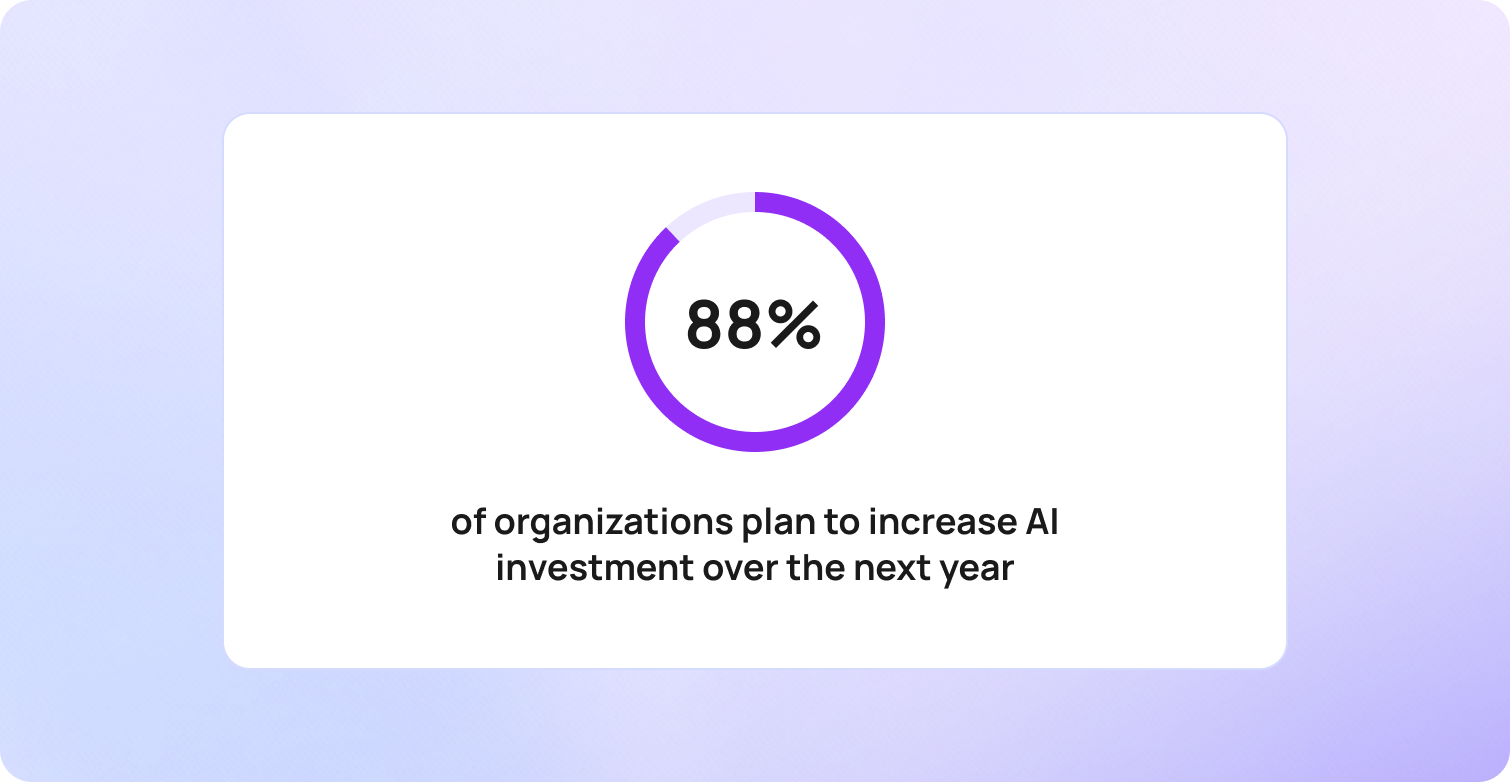
According to PwC's 2025 AI Agent Survey, 79% of organizations are already using AI agents, while 88% plan to increase AI investment over the next year. The shift reflects a growing recognition that sustainable backlog reduction requires more than additional headcount. It requires reducing the gap between ticket volume and resolution capacity.
The most successful organizations are not simply working through support backlogs faster. They are changing the ratio that created the backlog in the first place.
The Difference Between Deflecting a Backlog and Actually Clearing It
Support ticket backlog reduction means reducing both the size and age of the queue, not simply reducing visible ticket volume. One of the biggest mistakes organizations make when evaluating AI automation is confusing ticket deflection with ticket containment.
Deflection measures whether a user avoided creating a support ticket during a particular interaction. Containment measures whether the issue was fully resolved without generating a follow-up request.
A user may interact with an AI agent, fail to find an answer, and contact support later through email, phone, or Microsoft Teams. The original interaction may count as a successful deflection, but the underlying issue remains unresolved. The workload has not disappeared. It has simply moved.
This is why support leaders should treat deflection as an activity metric and containment as an outcome metric.

A team reporting a 60% ticket deflection rate may appear highly efficient. However, if users continue to create support tickets later, the backlog remains intact. In some cases, deflection-focused programmes can even increase customer frustration by adding another step before a user reaches support.
True ticket backlog reduction requires containment. For AI automation to reduce a support backlog sustainably, it must resolve issues completely, prevent repeat contacts, and remove demand from the service desk altogether.
This is also why ticket volume alone is an unreliable measure of success.
Support operations should track two metrics together:
| Metric | What it Reveals |
|---|---|
| Queue Depth | The total number of open tickets |
| Queue Age | The age of the oldest unresolved tickets |
This queue depth versus queue age framework provides a more accurate picture of backlog health than ticket volume alone.
If queue depth falls while queue age rises, the backlog is not being cleared. Teams are processing newer tickets while older requests continue to age in the background.
A genuinely improving support operation sees both metrics move in the right direction. Queue depth falls because fewer tickets are entering the system, and queue age falls because older tickets are being resolved faster than new ones arrive. This is the difference between managing a backlog and eliminating one.
5 AI Automation Mechanisms That Reduce Support Ticket Backlogs
AI automation for support ticket backlog reduction combines multiple technologies that reduce incoming ticket volume, accelerate ticket resolution, and improve support team productivity.
Once teams understand the difference between backlog management and backlog reduction, the next question becomes practical: which AI capabilities actually move those metrics? While AI automation is often discussed as a single technology, backlog reduction is typically driven by five distinct mechanisms that work together to reduce inflow, increase throughput, and improve ticket resolution quality.
Not all AI automation mechanisms contribute to backlog reduction in the same way. Some reduce the number of support tickets entering the service desk, while others help support teams resolve existing tickets faster. Understanding the difference is essential when building an effective backlog reduction strategy.
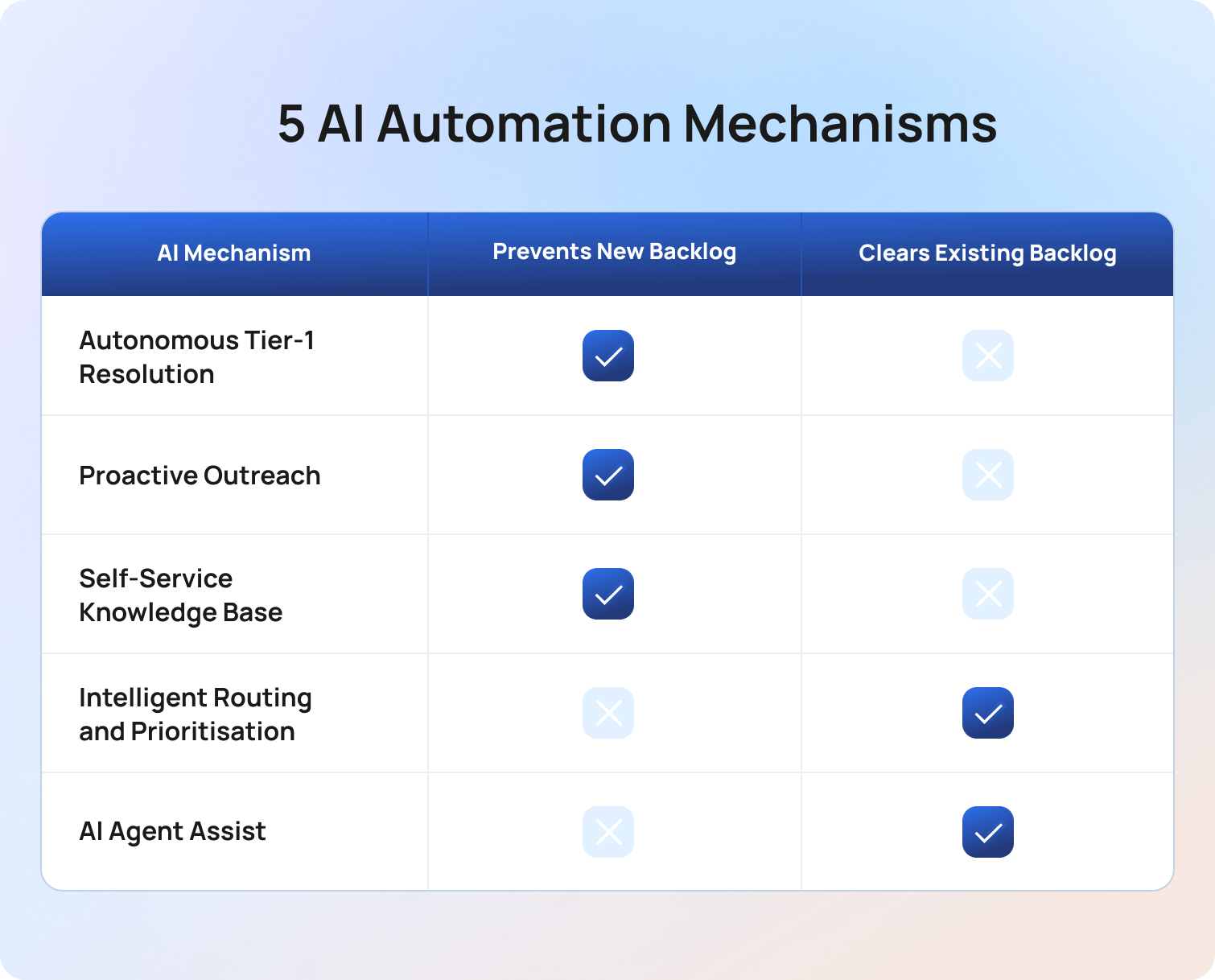
The most effective backlog reduction programmes combine both approaches: reducing demand entering the queue while increasing the speed at which existing tickets are resolved.
1. Autonomous Tier-1 Resolution
While autonomous resolution prevents new tickets from entering the queue, organizations must also ensure the tickets that do arrive reach the right people as quickly as possible.
Autonomous tier-1 resolution uses AI agents to resolve routine support requests without human intervention.
For most support teams, a significant percentage of incoming tickets involve repetitive, predictable requests. Password resets, access requests, account updates, order status queries, billing questions, and common service desk enquiries often follow well-defined processes with known outcomes.
AI-powered virtual agents can handle these interactions automatically by understanding natural language, retrieving relevant information, and delivering an automated resolution in real time.
The biggest benefit is that these tickets never enter the support queue. Rather than helping agents work through an existing backlog, autonomous resolution prevents new backlog formation by removing routine requests before they require agent involvement.
For organizations struggling with growing ticket volume, this is often the fastest way to reduce pressure on support operations because it immediately lowers the rate at which new tickets enter the system.
2. Intelligent Routing and Prioritisation
Reducing delays in ticket assignment improves flow through the queue, but many tickets still require human expertise to reach a successful resolution. Intelligent routing and prioritisation uses AI to ensure support tickets reach the right team, with the right priority, as quickly as possible.
Misrouted tickets are one of the most common contributors to support backlog growth. A ticket assigned to the wrong queue may sit untouched for hours or days before being transferred, increasing queue age and delaying resolution. In many cases, the ticket effectively starts its journey again once it reaches the correct team.
AI-powered ticket triage uses natural language processing to analyse ticket content, identify intent, assess urgency, and route requests automatically. It can also prioritise tickets based on SLA risk, customer value, business impact, or sentiment.
Unlike autonomous resolution, intelligent routing does not prevent new tickets from entering the queue. Instead, it reduces delays within the existing ticket lifecycle, helping support teams work through backlogs more efficiently and preventing tickets from ageing unnecessarily.
3. AI Agent Assist for Faster Human-Handled Resolution
AI agent assist helps support agents resolve complex tickets faster by surfacing relevant information and recommending next actions.
Not every support request should be automated. Complex issues, sensitive cases, and requests requiring human judgment will always need human involvement. However, these tickets often consume the greatest amount of agent time.
AI-powered agent assist tools analyse conversation context, retrieve relevant knowledge base articles, surface information from past tickets, and generate suggested responses. Combined with reusable canned responses for common enquiries, these capabilities help support agents maintain consistency while reducing the time spent on repetitive drafting tasks. This reduces the time agents spend searching across multiple tools and allows them to focus on solving the issue itself. For voice-based support operations, AI-generated call transcriptions can also make historical conversations searchable, giving agents faster access to context from previous customer interactions.
For well-implemented deployments, organizations commonly report average handle time reductions of 15–20% during the first year.
Unlike autonomous resolution, agent assist directly addresses existing backlog depth. By reducing the effort required to resolve complex tickets, support teams can increase throughput without increasing headcount, helping older tickets leave the queue faster.
4. Proactive Outreach to Prevent Predictable Tickets
Proactive outreach uses AI and workflow automation to resolve issues before users feel the need to contact support.
A significant percentage of support tickets are predictable. Service outages, payment failures, delayed deliveries, software maintenance windows, and billing cycle changes frequently generate waves of incoming requests that support teams know are coming.
AI-powered workflow automation can trigger targeted communications when these events occur, providing users with timely updates, expected resolution times, or self-service guidance before they submit a support ticket.
The result is fewer incoming requests and lower pressure on support operations during high-volume periods.
For predictable events, well-designed proactive outreach programmes can reduce associated inbound ticket volume by 20–40%. Rather than helping teams clear existing backlogs, this mechanism reduces the rate at which new tickets enter the queue, making backlog reduction efforts more sustainable over time.
5. Self-Service Knowledge Base for Tier-0 Containment
A self-service knowledge base enables users to find answers independently without contacting support.
This is often referred to as tier-0 containment because no support interaction is required. Users search for information, find a relevant answer, and resolve the issue themselves without creating a ticket or engaging with a support agent.
Modern AI-powered search capabilities make this process significantly more effective by understanding natural language queries and surfacing the most relevant knowledge base articles, even when users do not use the correct technical terminology. For global organizations, multilingual self-service experiences can further reduce ticket volume by helping users find answers in their preferred language before contacting support.
The effectiveness of this approach depends heavily on knowledge base quality. Outdated, incomplete, or poorly structured content often creates repeat contacts rather than preventing them.
When maintained effectively, a self-service knowledge base delivers the lowest-cost form of ticket resolution available. Every issue resolved through self-service is one less ticket entering the service desk queue, reducing ticket volume and helping prevent future backlog growth.
The Right Sequence for Deploying AI Automation Against a Backlog

The most effective AI automation programmes follow a specific deployment order that reduces incoming demand before increasing resolution capacity.
Many organizations make the mistake of implementing AI wherever it appears easiest or most visible. The result is often a collection of disconnected automation initiatives that improve individual metrics without materially reducing the support backlog.
Successful backlog reduction requires a more structured approach. Rather than treating every automation opportunity equally, support teams should focus first on reducing the number of tickets entering the queue and then on accelerating the resolution of the tickets that remain. This approach forms what we call the ‘four-step backlog reduction sequence’.
Step 1: Stop the Inflow First
The fastest way to reduce a support backlog is to prevent new tickets from entering it.
Autonomous tier-1 resolution, proactive outreach, and self-service knowledge bases should typically be deployed before attempting to clear the existing queue. Every password reset, access request, or routine enquiry that is automatically resolved is one less ticket competing for agent attention.
Reducing inflow creates breathing room for support teams and prevents the backlog from growing while recovery efforts are underway.
Step 2: Triage the Existing Queue
Once inflow is under control, attention should shift to the backlog itself. AI-powered ticket triage can analyse existing support tickets based on urgency, SLA risk, customer value, and business impact. This ensures support agents focus on the tickets that matter most rather than simply working through the queue in chronological order.
The goal shouldn’t be to resolve the oldest ticket first, but to resolve the right ticket next.
Step 3: Accelerate Human-Handled Resolution
Many tickets within a support backlog will still require human judgment. Agent assist tools help support teams resolve these complex issues faster by surfacing knowledge base articles, retrieving information from past tickets, and generating context-aware suggested responses. This reduces manual effort and increases throughput without requiring additional headcount.
As resolution times fall, support teams can work through existing backlog tickets more quickly while maintaining service quality.
Step 4: Measure Queue Depth and Queue Age Weekly
Backlog reduction is only successful if the underlying metrics improve. So, support teams should monitor both queue depth and queue age throughout the deployment process. A reduction in open tickets may appear positive, but if older tickets continue to age, the backlog is simply being managed rather than eliminated.
Sustainable backlog reduction occurs when both metrics move in the right direction: fewer open tickets and fewer ageing tickets. This is the clearest indicator that AI automation is reducing backlog pressure rather than shifting it elsewhere in the support process.
How to Measure Whether Your AI Automation Is Actually Clearing the Backlog
Support ticket backlog reduction should be measured using operational outcomes, not activity metrics alone. One of the most common reasons AI initiatives fail to deliver meaningful results is that organizations track the wrong indicators. A falling ticket volume, rising deflection rate, or increase in chatbot usage may look positive on a dashboard, but none of these metrics prove that a support backlog is actually shrinking.
To understand whether AI automation is reducing backlog pressure, support teams need to focus on the metrics that reveal what is happening inside the queue itself.
Queue Depth
Queue depth measures the total number of open support tickets at any given point in time. This is typically the first metric teams monitor when tackling a support backlog because it provides a clear view of overall workload. A falling queue depth is generally a positive sign, indicating that support teams are resolving tickets faster than new requests are entering the queue.
However, queue depth alone can be misleading. A backlog may appear to be shrinking simply because incoming ticket volume has slowed temporarily. To understand whether older tickets are genuinely being resolved, queue depth must always be measured alongside queue age.
Queue depth answers one question: how much work is waiting?
The next metric answers a far more important one: how long has it been waiting?
Queue Age
Queue age measures how long open tickets remain unresolved within the support queue. While queue depth shows backlog size, queue age reveals backlog health. A queue containing 500 tickets is not necessarily a problem if those tickets are being resolved within SLA targets. A queue containing 500 tickets that includes hundreds of ageing requests is a very different situation.
Support teams should track the percentage of open tickets older than key thresholds such as 24, 48, and 72 hours, or against their existing SLA commitments.
A healthy operation keeps queue age under control; a backlog problem almost always reveals itself through a growing tail of ageing tickets. This is why queue depth versus queue age provides a more reliable framework for measuring backlog reduction than ticket volume alone.
Containment Rate vs. Deflection Rate
Containment rate measures whether an issue was fully resolved without generating a follow-up request, while deflection rate measures whether a user avoided creating a ticket during a specific interaction.
Many organizations celebrate improvements in ticket deflection without examining what happens next. If users return later through another channel, the support workload has not been eliminated, it’s simply been delayed.
Containment provides a more meaningful measure of AI effectiveness because it focuses on successful resolution rather than interaction outcomes. A rising deflection rate accompanied by a flat containment rate is often a warning sign that AI automation is moving demand around the support ecosystem rather than removing it.
First Contact Resolution Rate by Channel
First contact resolution rate measures the percentage of issues resolved during the first interaction. As AI agents mature and knowledge base quality improves, first contact resolution should increase across both automated and human-assisted channels. Higher first contact resolution rates reduce repeat contacts, lower ticket volume, and improve customer satisfaction.
Monitoring first contact resolution separately for AI-handled and human-handled interactions can also reveal where automation is delivering value and where additional optimisation is required.
If containment appears to be improving while first contact resolution declines, support teams should investigate whether tickets are being closed prematurely rather than genuinely resolved.
Repeat Contact Rate Within 48 Hours
Repeat contact rate measures the percentage of resolved tickets that generate another request within a defined period. This is often the clearest indicator of whether backlog reduction is genuine.
When repeat contact rates increase, support teams may appear to be resolving more tickets while actually creating additional demand elsewhere. Users return because their original issue was not resolved fully, creating new workload that eventually re-enters the queue.
For organizations investing in AI automation for support ticket backlog reduction, repeat contact rate acts as an important quality-control metric. Falling repeat contact rates suggest that containment is improving while rising repeat contact rates suggest that apparent backlog improvements may not be sustainable.
Metrics tell you whether a backlog reduction strategy is working; the next step is understanding what those improvements look like in practice.
A Worked Example: Clearing a 4,000-Ticket Backlog in 90 Days
A support ticket backlog can often be reduced significantly within 90 days when AI automation is deployed in the right sequence and measured against the right outcomes.
Consider a hypothetical support operation with the following characteristics:
| Metric | Starting Position |
|---|---|
| Support Agents | 15 |
| Monthly Incoming Contacts | 8,000 |
| Open Ticket Backlog | 4.000 |
| Ticket Mix | 55% Tier-1, 45% Complex |
| Average Resolution Time | 3.5 Days |
The organization is struggling with growing queue depth, ageing tickets, and increasing SLA pressure. Rather than hiring additional agents immediately, the team follows the four-step backlog reduction sequence.

Days 1–14: Reduce New Ticket Inflow
The first priority is stopping unnecessary tickets from entering the queue.
The organization deploys AI-powered autonomous resolution for routine requests such as password resets, access requests, account updates, and common service desk enquiries. Within two weeks, a significant proportion of tier-1 requests are being resolved automatically.
With 55% of monthly contacts falling into repeatable tier-1 categories, the support team no longer receives approximately 4,400 routine tickets each month. This immediately reduces pressure on support agents and prevents the backlog from growing further.
Days 1–7: Reprioritise the Existing Backlog
At the same time, AI-powered ticket triage analyses the existing queue.
Tickets are prioritised based on urgency, SLA risk, customer impact, and business value. Instead of simply working through the oldest tickets first, agents focus on the requests that create the greatest operational and customer experience risk.
This improves backlog quality immediately, ensuring the most important issues are resolved first while reducing the number of tickets approaching SLA breach.
Days 7–30: Increase Resolution Throughput
Once ticket inflow is under control, attention shifts to the existing backlog.
Agent assist capabilities are introduced to help support agents resolve complex issues faster. AI-powered knowledge retrieval, suggested responses, and access to relevant ticket history reduce the time spent searching for information across multiple tools.
As a result, average handle time for complex tickets falls by approximately 15%, allowing the team to work through more tickets each day without increasing headcount.
Day 30 Review: Measuring Progress
After the first month, the organization reviews its backlog metrics.
Queue depth has fallen by approximately 35%, while the number of tickets older than 72 hours is steadily declining. Importantly, queue age is improving alongside queue depth, indicating that older tickets are being cleared rather than hidden behind newer requests.
Containment rates continue to rise as AI agents resolve more tier-1 requests without requiring escalation.
Day 90: Sustainable Backlog Reduction
After three months, the support operation looks very different. The original 4,000-ticket backlog has been eliminated, incoming ticket volume remains significantly lower, and support agents are spending the majority of their time on higher-value work rather than repetitive requests.
Most importantly, the improvements are sustainable. The organization hasn’t simply worked through the backlog faster; it’s reduced the volume of work entering the queue while improving its ability to resolve the tickets that remain. This is the difference between a temporary backlog-clearing project and a long-term support operations strategy.
The scenario above is hypothetical, but the principles behind it are proven. Organizations using BlueTweak have successfully streamlined service desk operations through AI-powered ticket automation, intelligent routing, and workflow automation. For examples of how these initiatives have been implemented in real environments, explore the BlueTweak Case Studies page.
Estimate Your Potential ROI
Every support operation is different. Factors such as ticket volume, average handle time, labour costs, and containment rates all influence the financial impact of AI automation. Use BlueTweak's ROI Calculator to estimate potential cost savings and productivity gains based on your own service desk metrics.
How BlueTweak Addresses Support Ticket Backlog Reduction
BlueTweak combines AI automation, service management, and workflow orchestration capabilities in a single platform designed to reduce ticket volume, accelerate ticket resolution, and improve support operations performance.
The workflow described above is exactly how many organizations begin their backlog reduction journey with BlueTweak. Rather than treating automation as a collection of disconnected tools, BlueTweak brings together the core capabilities required to reduce inflow, increase throughput, and measure backlog reduction accurately. Administrative controls also allow IT teams to manage user roles, permissions, automation rules, and platform configuration from a single environment, reducing the operational overhead associated with managing multiple support tools.
Conversational AI for Autonomous Tier-1 Resolution
BlueTweak's AI-powered virtual agents help support teams automate routine requests across chat and voice channels.
Common service desk enquiries such as password resets, access requests, software provisioning, account updates, and knowledge base queries can be resolved automatically without requiring agent intervention. By resolving repetitive tickets before they enter the queue, support teams can reduce ticket volume and prevent new backlog formation.
AI Ticket Triage for Intelligent Routing and Prioritisation
BlueTweak's AI Ticket Triage capability helps ensure incoming requests reach the right team as quickly as possible.
Using natural language processing and conversation context, tickets can be categorised, prioritised, and routed automatically based on intent, urgency, SLA risk, and business impact. This reduces delays caused by manual triage and helps support agents focus on the tickets that matter most.
Agent Assist for Faster Ticket Resolution
For tickets that require human judgment, BlueTweak provides AI-powered support directly within the agent workflow. Proposed Reply capabilities help agents respond more quickly, while intelligent knowledge retrieval surfaces relevant knowledge base articles, ticket history, and contextual information from across enterprise systems. This reduces manual effort, improves agent productivity, and helps support teams resolve tickets faster without sacrificing quality.
Workflow Automation for Proactive Outreach
Many support tickets are entirely predictable; BlueTweak enables organizations to automate communications and workflows triggered by service outages, maintenance events, billing issues, access management changes, and other common operational scenarios. By proactively informing users before they contact support, organizations can reduce ticket volume and minimise pressure on service desk teams.
Smart Knowledge Base for Tier-0 Self-Service
BlueTweak's Smart Knowledge Base helps users find answers independently through AI-powered search and self-service resolution. Rather than forcing users to navigate static documentation, AI-powered search understands natural language queries and returns the most relevant content. This improves knowledge base effectiveness, increases self-service resolution rates, and reduces unnecessary support requests.
Unified Analytics for Measuring Real Backlog Reduction
Technology alone does not reduce a support backlog, measurement matters. BlueTweak's analytics and reporting capabilities bring together queue depth, queue age, containment rate, ticket deflection rate, resolution time, and other operational metrics within a single dashboard. This allows support leaders to distinguish between genuine backlog reduction and deferred demand, ensuring automation initiatives are delivering measurable business outcomes.
Most organizations assume the solution to a growing backlog is adding more people. But backlogs grow because ticket volume increases faster than operational capacity. AI changes that equation by reducing the number of tickets entering the queue while helping agents resolve the remaining ones faster. The result is sustainable backlog reduction, not temporary relief.
The real advantage of BlueTweak is that these capabilities work together. Ticket triage data informs containment reporting, knowledge base gaps highlight opportunities for workflow automation, and agent interactions reveal new self-service opportunities.
Instead of managing multiple tools across the support lifecycle, organizations gain a connected platform designed to improve customer experience, increase user satisfaction, and drive sustainable support ticket backlog reduction.
Ready to see the potential impact on your own service desk? Try out BlueTweak's ROI Calculator to estimate potential productivity gains, cost savings, and ticket backlog reduction opportunities.
Final Thoughts: Building a Sustainable Strategy for Support Ticket Backlog Reduction
Support ticket backlogs are rarely caused by a lack of effort. More often, they occur because ticket volume grows faster than support teams can resolve incoming requests.
The organizations that reduce backlogs sustainably are reducing inflow through AI-powered automation, accelerate human-handled resolution, and measuring success using queue depth, queue age, and containment rate rather than ticket volume alone.
BlueTweak brings these capabilities together in a single platform, helping organizations automate repetitive requests, improve ticket management, and resolve support tickets faster without increasing operational cost.
If your team is struggling with a growing support backlog, start with a free 14-day trial of BlueTweak, with no credit card required, or book a personalized demo to see how AI automation can help reduce ticket volume and improve support operations performance.
AI Agent Monitoring Tools: 5 Best Options for Customer Support Teams
AI agent monitoring helps customer support teams understand whether AI-powered interactions are improving customer outcomes or simply automating conversations.
As organizations deploy more AI-powered support experiences across customer service operations, support leaders need visibility into how those agents affect customer satisfaction, escalation rates, containment, and service quality.
Without proper monitoring, it becomes difficult to identify knowledge gaps, investigate poor customer experiences, or understand why performance changes over time.
Purpose-built AI agent monitoring tools such as BlueTweak help support teams move beyond technical metrics and focus on the operational insights that drive customer experience, quality assurance, and business outcomes.
What AI Agent Monitoring Means for Customer Support Teams
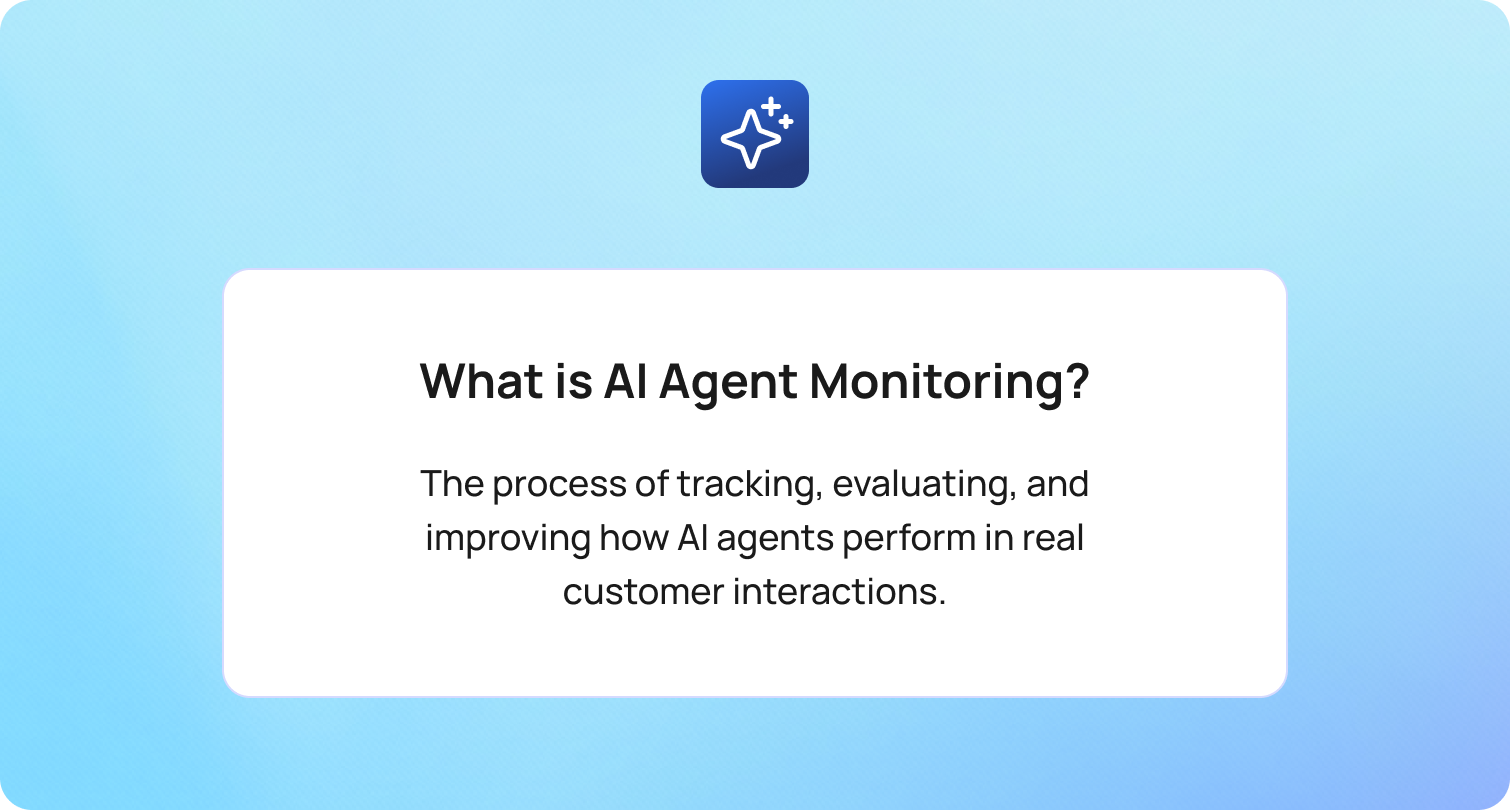
AI agent monitoring is the process of tracking, evaluating, and improving how AI agents perform in real customer interactions.
For Machine Learning (ML) engineers, AI agent monitoring often focuses on latency, token usage, infrastructure metrics, production traces, and model performance. For support operations leaders, the question is different: are AI agents resolving customer issues accurately, consistently, and in a way that improves customer satisfaction?
As organizations deploy more AI systems across customer support, monitoring must move beyond traditional application monitoring and traditional monitoring tools. Deloitte's 2026 State of AI report found that approximately 80% of organizations deploying agentic AI still lack mature governance capabilities, including real-time monitoring systems and audit trails for agent behavior.
For support teams, the most important metrics include:
- Containment rate versus deflection rate
- Escalation rate and escalation trigger accuracy
- CSAT on AI-handled interactions
- Intent classification accuracy
- Knowledge base gap rate
- Sentiment shift detection
- QA scoring across all conversations
These metrics reveal whether AI agents are creating business outcomes or simply closing conversations.
Before comparing tools, it's worth understanding how different platforms approach AI agent monitoring.
AI Agent Monitoring Tools at a Glance
AI agent monitoring tools vary significantly depending on whether they were designed for engineering teams, ML teams, or support operations teams.
The table below compares some of the leading tools for monitoring AI agents from a customer support perspective.
BlueTweak AI Agent Monitoring Tools Comparison Table
Pricing verified June 2026.
The key distinction is not simply features. It's who can actually act on the insights.
5 Best AI Agent Monitoring Tools for Customer Support Teams
The tools below are evaluated specifically for customer support operations teams rather than ML engineers. Monitoring capabilities, support-specific metrics, deployment requirements, and accessibility for non-technical teams are the primary evaluation criteria. No vendor paid for inclusion in this list.
1. BlueTweak: Best Built-In Monitoring for Customer Support AI Agents
BlueTweak is an AI agent monitoring platform built specifically for customer support operations.
Unlike traditional monitoring tools that focus on API calls, infrastructure monitoring, production traffic, and tool usage, BlueTweak focuses on the metrics support leaders actually use to manage service quality.
BlueTweak’s Key Monitoring Capabilities:
BlueTweak provides visibility into the customer support metrics that matter most:
- Containment rate across channels, including follow-up contact tracking - measures whether customer issues were genuinely resolved without requiring additional contact, helping teams distinguish true resolution from simple conversation closure.
- Escalation rate and escalation trigger accuracy - highlights how often conversations are transferred to human agents and whether escalation rules are activating appropriately for the situation.
- CSAT for AI-handled versus human-handled conversations - tracks customer satisfaction separately across AI and human interactions, making it easier to understand the real impact of automation on customer experience.
- Intent classification accuracy by intent category - provides visibility into how accurately the AI identifies customer needs across different query types, helping teams pinpoint underperforming intents that may be driving escalations or dissatisfaction.
- Sentiment shift detection - flags conversations where customer sentiment deteriorates during an interaction, helping teams identify potential friction points before they become complaints or escalations.
- QA scoring with 100% conversation coverage - evaluates every AI-handled interaction against predefined quality standards, eliminating the blind spots that can occur when only a sample of conversations is reviewed.
This matters because support leaders are not typically asking why token usage increased or whether a tool call failed. They are asking why customer satisfaction dropped, why escalation rates increased, or why a particular workflow is producing poor outcomes.
The future of AI agent monitoring is not just understanding what an agent did. It’s understanding whether the customer achieved their goal, and whether the interaction strengthened trust in the brand.
Why This Matters: Most observability tools focus on agent reliability from a technical perspective. BlueTweak, however, focuses on agent performance from a customer experience perspective.
That distinction becomes increasingly important as AI agents move from simple answering customer questions to handling business-critical workflows.
Honest Limitation: BlueTweak is not designed to replace infrastructure-level observability tools. Organizations requiring deep production monitoring, CI/CD visibility, multi-agent tracing, or engineering-focused observability data may choose to complement BlueTweak with a dedicated engineering platform.
Pricing: BlueTweak offers a transparent pricing system at €65 per agent per month, all-in. The platform includes ticketing, omnichannel support, AI functionality, workforce management, quality assurance, analytics, and APIs within a single subscription.
Organizations evaluating AI agent monitoring tools can explore BlueTweak's capabilities firsthand with a 14-day free trial to see how the platform helps support teams monitor AI agent performance, improve customer satisfaction, and gain greater visibility across customer interactions.
Best For: Customer support teams that need proper monitoring of AI agent workflows without building a separate observability stack.
BlueTweak in Practice: BlueTweak's work with Europe Direct, a European Union service that helps citizens and businesses access information about EU policies, programs, and regulations, demonstrates how support-focused monitoring, reporting, quality assurance, and AI-powered workflows can improve both operational efficiency and customer outcomes. Facing challenges around multilingual communication, reporting visibility, workflow management, and GDPR compliance, Europe Direct implemented BlueTweak to streamline customer support operations across the EU.
Supporting inquiries across 26 languages, the organization needed greater visibility into performance, service quality, and operational efficiency while maintaining strict compliance requirements. Following the implementation of BlueTweak's unified customer support platform, Europe Direct achieved:
- 55% increase in Customer Satisfaction Score (CSAT)
- 35% increase in Net Promoter Score (NPS)
- 45% reduction in resolution time
The project highlights how customer support teams can combine AI-driven automation, quality assurance, and operational analytics to improve both agent performance and customer experience.
Organizations looking to strengthen their AI agent monitoring capabilities can book a personalized demo of BlueTweak to see how support-focused monitoring works in practice.
2. Datadog LLM Observability: Best for Engineering Teams Monitoring LLM Infrastructure Alongside Support
Datadog LLM Observability extends Datadog's broader observability platform to support AI-powered applications and agent workflows.
The platform is designed primarily for engineering teams that need visibility into production environments, infrastructure metrics, model interactions, and application performance.
Datadog Key Monitoring Capabilities:
Datadog is commonly used by engineering teams managing business-critical AI systems where infrastructure reliability, security posture, and performance analysis are the primary objectives. Datadog provides visibility into:
- Production traces across AI workflows
- API calls and tool usage
- Token usage and cost metrics
- Error rates and latency monitoring
- Infrastructure monitoring alongside AI systems
- Alerting and anomaly detection
- Multi-agent workflow observability
Why This Matters: Organizations already using Datadog can monitor AI agents alongside traditional applications, reducing the need to introduce additional observability tools.
Engineering teams gain a unified platform for infrastructure monitoring, production monitoring, and AI monitoring, making it easier to identify performance bottlenecks, service disruptions, and unexpected agent behavior.
Honest Limitation: Datadog does not natively surface support-specific metrics such as containment rate, escalation quality, intent classification accuracy, CSAT, or knowledge base gap rate. These typically require custom dashboards and engineering resources to configure.
Pricing: The LLM Observability free tier includes up to 40,000 LLM spans per month, while the Pro plan starts at $160 per month for 100,000 spans, with costs scaling based on span volume and data retention. Organizations running broader infrastructure monitoring will also pay separately for APM, logs, and hosts, so total bills can grow significantly at scale. Verify for details.
Best For: Organizations already invested in the Datadog ecosystem that want AI agent observability integrated into their existing monitoring stack.
3. Arize AI: Best for ML Teams Monitoring Intent Classification and Model Drift
Arize AI is an ML observability platform focused on model performance, explainability, drift detection, and production monitoring. For organizations running custom AI models, Arize provides deep visibility into how model behavior changes over time.
Arize Key Monitoring Capabilities:
Arize is often deployed alongside AI agent platforms where model quality, drift detection, and intent classification performance are considered mission-critical to customer experience. This makes it one of the more specialized monitoring tools for AI agent platforms that rely on custom models and ML workflows. Arize provides:
- Model performance monitoring
- Behavior drift and data drift detection
- Per-class intent classification analysis
- Explainability tooling
- Data quality monitoring
- Anomaly detection
- Production model evaluation
Why This Matters: Organizations that have built or fine-tuned their own intent classification models need visibility into performance degradation before it impacts customer outcomes.
Arize helps teams identify deviations, uncover the root causes of declining model accuracy, and maintain consistent agent performance across production environments.
Honest Limitation: Arize is designed primarily for ML practitioners. Connecting observability data to customer satisfaction, containment rates, or support outcomes often requires additional integrations and internal expertise.
Pricing: Arize offers a free open-source self-hosted tier alongside a managed free plan for individual developers. The AX Pro plan starts at $50 per month, with enterprise pricing available on request. Costs scale with usage, monitoring volume, and compliance requirements, so verify with the vendor for specifics.
Best For: Organizations with dedicated ML or data science teams responsible for maintaining custom models used within customer support operations.
4. Braintrust: Best for LLM Evaluation and Prompt Testing Before and After Deployment

Braintrust is an evaluation platform designed to help teams test, validate, and improve AI agent quality before and after deployment. Rather than focusing exclusively on real-time monitoring, Braintrust specializes in measuring output quality and identifying regressions when prompts, workflows, or underlying models change.
Braintrust Key Monitoring Capabilities:
Braintrust is commonly used as part of a broader AI agent monitoring strategy, helping teams validate changes before deployment while relying on separate tools for production monitoring. Braintrust supports:
- Automated regression testing
- Prompt evaluation
- Model comparison
- Output quality assessment
- Evaluation datasets
- Workflow testing
- Performance benchmarking
Why This Matters: Many organizations rely on third-party foundation models that are updated regularly.
Braintrust helps teams validate whether changes to prompts, models, or workflows introduce the same failures, unexpected behavior, or declines in output quality before those issues reach customers.
Honest Limitation: Braintrust is not a real-time production monitoring tool. It does not provide native visibility into live customer support metrics such as CSAT, containment rate, escalation performance, or sentiment shifts.
Pricing: Braintrust offers a free Starter plan for smaller teams, with the Pro plan at $249 per month. Enterprise pricing is custom-quoted and available via sales. Note that costs scale with data volume (billed at $3/GB) and evaluation scores, so teams running high-volume eval workloads should model this carefully before committing. Verify for details.
Best For: Development, QA, and AI product teams that need structured evaluation and automated regression testing for AI agents.
5. Helicone: Best for Lightweight LLM Tracing and Cost Tracking
Helicone is a lightweight AI monitoring platform that acts as a proxy layer between applications and large language models. Its primary focus is visibility into requests, responses, costs, and performance without the complexity of a full observability platform.
Helicone Key Monitoring Capabilities
Helicone is frequently used during early-stage AI deployments where visibility into token usage, API calls, and production traffic is more important than advanced customer support analytics. Helicone provides:
- Token usage tracking
- Cost monitoring and cost control
- Request and response logging
- Latency monitoring
- Error tracking
- Basic production traces
- Usage analytics
Why This Matters: For smaller teams, Helicone offers a fast way to gain visibility into AI agent usage patterns without investing in a large-scale observability stack.
The platform helps teams understand how agents interact with models, how costs accumulate, and where performance issues may be emerging.
Honest Limitation: Helicone is primarily focused on tracing and usage analytics. Support-specific metrics such as containment rate, escalation quality, customer satisfaction, knowledge base gaps, and QA scoring require substantial customization or external reporting systems.
Pricing: Helicone's Hobby plan is free and covers up to 10,000 requests per month with 7-day data retention. The Pro plan is $79 per month and adds unlimited seats, alerts, and 30-day retention. A Team plan is available at $799 per month for organizations needing compliance certifications and higher throughput. Enterprise pricing is custom; verify with the vendor for specific details.
Best For: Smaller teams seeking lightweight monitoring, token visibility, and cost tracking without significant engineering overhead.
What to Look for in AI Agent Monitoring Tools for Customer Support
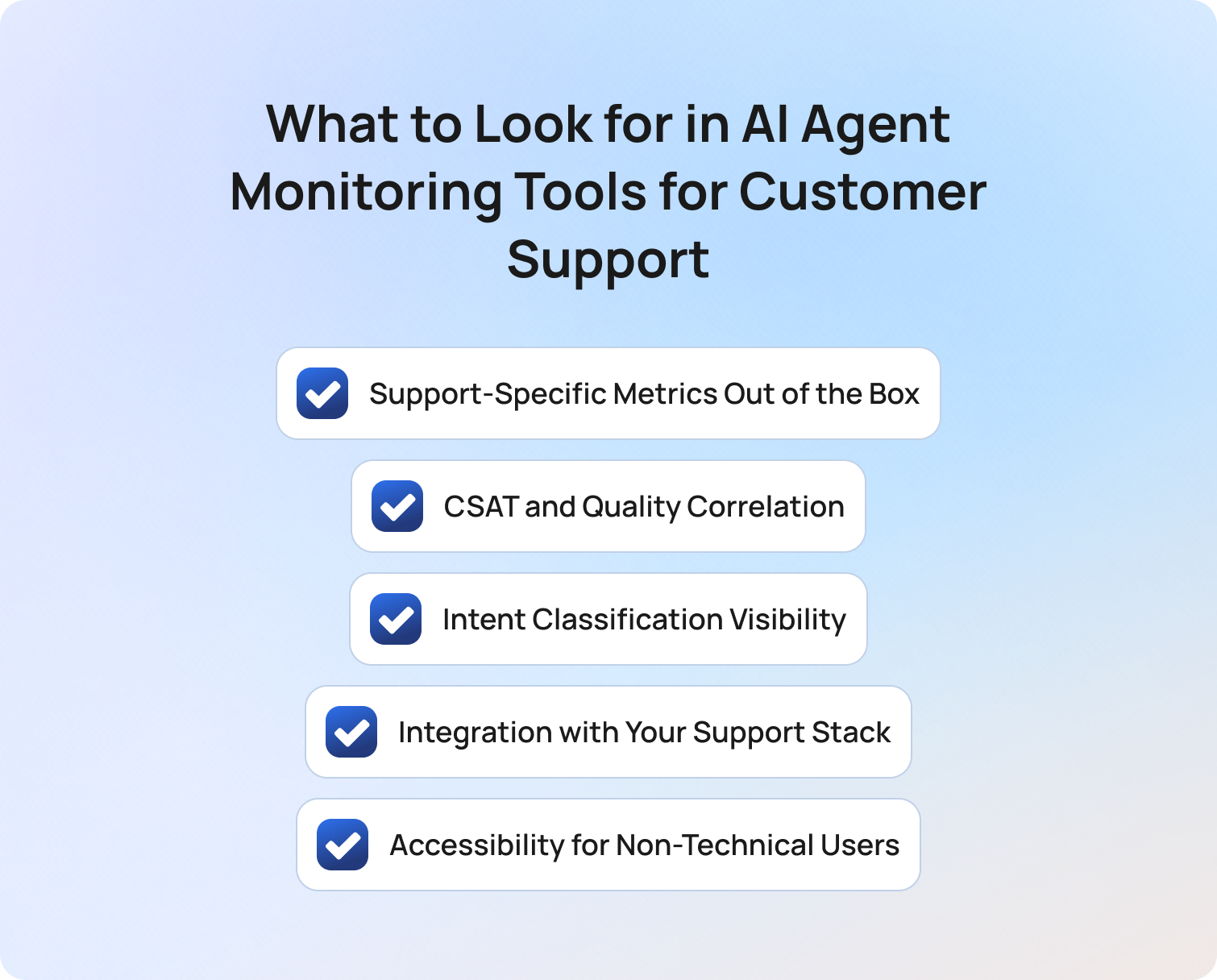
AI agent monitoring tools should help support teams improve outcomes, not simply collect observability data. As AI agent ecosystems become more complex, the most valuable monitoring tools are those that connect agent behavior directly to customer outcomes.
Support-Specific Metrics Out of the Box
Support-specific metrics are the foundation of effective AI agent monitoring. While many monitoring tools focus on technical performance indicators such as latency, token usage, and API calls, customer support teams need visibility into metrics that directly impact service quality and business outcomes.
The best AI agent monitoring tools should natively surface containment rate, escalation rate, CSAT, intent classification accuracy, and knowledge base gap rate without requiring extensive custom configuration. These metrics help support leaders understand not only whether an AI agent completed a workflow, but whether it successfully resolved the customer's issue.
Without support-focused reporting, teams often spend significant time building custom dashboards and manually combining data from multiple systems. Native support metrics allow organizations to identify trends faster, optimize agent performance more effectively, and make confident operational decisions based on real customer outcomes.
CSAT and Quality Correlation
Customer satisfaction is ultimately the metric that determines whether an AI-powered support experience is delivering value. However, CSAT data becomes far more useful when it can be connected directly to conversation quality and agent behavior.
The strongest agent monitoring tools correlate quality assurance scores, escalation events, intent recognition accuracy, and customer satisfaction outcomes within a single reporting environment. This makes it possible to identify patterns that would otherwise remain hidden. For example, a drop in CSAT may be linked to a specific intent category, a change in agent workflows, or a recurring knowledge gap rather than a broader issue with the AI system itself.
Understanding whether an agent followed the correct process is important. Understanding whether that process resulted in a satisfied customer is what enables support teams to make meaningful improvements to service quality.
Intent Classification Visibility
Intent classification is one of the most important factors influencing AI agent performance. If an agent misunderstands what a customer is trying to achieve, every subsequent action is built on an incorrect assumption.
Many monitoring tools report overall accuracy scores, but aggregate metrics often hide underperforming categories that have a disproportionate impact on customer experience. A support team may see an acceptable overall accuracy rate while a high-volume intent, such as billing inquiries or account access requests, consistently produces poor outcomes.
Effective monitoring tools provide visibility into performance at the intent level, helping teams identify recurring issues, prioritize optimization efforts, and reduce escalation rates. This level of insight is particularly valuable for organizations managing complex customer journeys across multiple channels and languages.
Integration with Your Support Stack
Monitoring data becomes significantly more valuable when it's connected to the systems support teams already use every day. AI agent monitoring should not exist in isolation from the broader customer service operation.
The most effective platforms integrate with ticketing systems, CRM platforms, quality assurance workflows, workforce management tools, and reporting environments. This creates a more complete picture of the customer journey and eliminates the need for teams to manually reconcile information from multiple sources.
When monitoring data is disconnected from operational systems, identifying root causes becomes more difficult and acting on insights becomes slower. Seamless integration helps support leaders move from observation to action, allowing them to improve customer outcomes rather than simply generate reports.
Accessibility for Non-Technical Users
AI agent monitoring should empower support operations teams, not create additional dependence on engineering resources. While technical observability tools provide valuable insights, they are often designed for developers, data scientists, and infrastructure teams rather than customer support leaders.
The most effective monitoring platforms present information in a way that allows non-technical stakeholders to identify deviations, investigate blind spots, monitor compliance, and optimize performance independently. This reduces delays, accelerates decision-making, and ensures that operational improvements can be implemented quickly.
Accessibility is often the difference between a monitoring platform that becomes a core part of day-to-day support management and one that is only consulted when a problem occurs. If support leaders cannot easily understand and act on the data, the value of monitoring is significantly diminished.
Final Thoughts: Is Monitoring Becoming a CX Discipline?
The best AI agent monitoring tools help teams understand more than what an AI agent did. They help organizations understand whether customer issues were resolved, whether service quality is improving, and whether automation is delivering meaningful business outcomes.
For engineering teams, that may mean infrastructure observability, production monitoring, and model performance insights. For customer support operations teams, the priority is different. Success depends on visibility into containment rates, escalation quality, customer satisfaction, intent accuracy, and knowledge base performance.
That is where BlueTweak stands apart. Rather than adapting engineering-focused observability tools to support use cases, BlueTweak was built specifically to help customer support teams monitor AI agent performance, identify quality issues, and improve customer outcomes without relying on complex custom dashboards or engineering resources.
If you’re evaluating AI agent monitoring tools for customer support, the next step is to see how support-specific monitoring works in practice.
Start a free 14-day trial of BlueTweak to explore its monitoring capabilities firsthand, with no credit card required, or book a personalized demo to see how the platform can help your team monitor AI agents, improve customer satisfaction, and maintain visibility across complex agent workflows.
AI Support Automation: Where It Delivers Value in 2026
What Is AI Support Automation?
Customer service refers to the full range of support interactions a business provides to resolve customer issues, answer customer questions, and maintain customer relationships. AI in customer service is the application of artificial intelligence, machine learning, and natural language processing to those interactions, automating routine tasks, assisting support agents, and analyzing customer data to improve service quality.
AI support automation specifically covers the use of AI systems to handle, route, assist with, and score customer service interactions without requiring human involvement at each step. It ranges from automating repetitive tasks like ticket routing and post-interaction summarisation to enabling autonomous resolution of customer inquiries end-to-end.
Generative AI and conversational AI are the two technologies most actively reshaping customer service processes in 2026. Generative AI powers response generation, personalised support, and post-interaction summarisation. Conversational AI powers the chatbots, voicebots, and virtual assistants that handle customer conversations across chat, voice, and messaging channels.
The distinction that matters most for implementing AI in customer service is between two deployment modes:
AI that assists human agents: suggested reply, knowledge base retrieval, sentiment analysis, and automated support workflows that reduce cognitive load for support agents during live interactions.
AI that replaces human agents: autonomous resolution, where AI agents handle the customer service interaction end-to-end with no human in the loop.
Both have strong use cases. Both have clear performance boundaries. Customer service teams that understand those boundaries before deploying get the efficiency gains without the CX damage.
AI Support Automation: Value vs. Oversight at a Glance
BlueTweak AI Support Automation Table
| Automation Type | Where It Delivers Value | Where Oversight Is Required |
|---|---|---|
| AI chatbot / autonomous resolution | Tier-1 routine tasks: FAQs, order status, password resets | Emotionally distressed customers; complex issues; trust recovery |
| Intelligent routing and triage | High-volume intent classification; skill-based assignment | Novel query types; ambiguous intent signals |
| Real-time agent assist | Suggested reply, KB retrieval, sentiment flagging during live interactions | Final response approval on sensitive or high-stakes topics |
| Post-interaction summarisation | All interaction types — low risk, high efficiency gain | None — summarisation is safe to fully automate |
| AI QA scoring | All interaction types — enables 100% QA coverage | Final coaching decisions; performance management actions |
| Proactive outreach | Order updates, delivery alerts, and appointment reminders | Personalised judgment required for complaints, VIP accounts |
Where AI Support Automation Delivers Value

AI in customer service delivers measurable results across six interaction types and workflow stages. The value is most consistent when customer service automation is applied to high-volume, low-complexity customer inquiries with a clear, correct answer, and when the AI is grounded in a well-maintained knowledge base that reflects current products and policies.
Tier-1 Query Resolution: Containment at Scale
AI customer service chatbots and AI voicebots handle customer service FAQs, order status queries, password resets, and account updates end-to-end without human agents. This is the clearest ROI case in AI support automation. When grounded in a maintained knowledge base, AI agents resolve routine tasks at scale, improve agent productivity, and reduce operational costs without increasing headcount.
Automating support deflection using AI in products requires tracking the right metric. The correct measure is containment rate, not deflection rate. Deflection means the customer did not reach a human agent. Containment means the customer issue was fully resolved without a follow-up contact. AI customer service that deflects without resolving transfers the cost rather than eliminating it.
Well-implemented customer support automation deployments achieve 40 to 70 percent containment on tier-1 customer queries.
Key metrics: containment rate, cost per interaction, agent productivity.
Intelligent Routing and Triage
AI in customer service classifies incoming support tickets by intent, customer sentiment, urgency, and required skill before any support agents see them. Automated support workflows assign each interaction to the right team based on customer needs, not just the channel used.
This is meaningfully different from rules-based ticket routing. Rules break when customers phrase requests in unexpected ways. AI handles paraphrase, multi-intent customer queries, and new query types without manual updates. Customer service teams that implement intelligent routing reduce misrouting and the repeat contacts it generates.
Support teams that implement AI in customer service routing report measurable improvements in first contact resolution and average handle time.
Key metrics: FCR, AHT, misroute rate, repeat contact rate.
Real-Time Agent Assist: Reducing Cognitive Load
AI in customer service at its safest and most immediately ROI-positive does not replace support agents. It removes friction from customer service interactions. Proposed reply surfaces relevant responses based on the customer's message. Knowledge base retrieval pulls relevant articles into the agent workspace. Sentiment analysis flags shifts in customer emotions so support agents can adjust their approach in real time.
Human support agents make every final decision. AI customer service tools enable teams to respond faster, more consistently, and with less cognitive load. Customer service automation in this mode delivers personalised support at scale because agents have better information, not because AI replaces the human touch.
Key metrics: AHT, FCR, CSAT variance, agent efficiency.
Post-Interaction Summarisation: The Safest Full Automation Win
AI ticket summary generates structured summaries of every interaction immediately after it ends. Issue, actions, resolution, follow-up. The customer has already left. There is no live decision to make. The output is internal. This makes post-interaction summarisation the customer support automation use case with the highest ROI-to-risk ratio.
Automating routine tasks like note-writing eliminates wrap-up time, improves customer data quality in the CRM, and gives QA reviewers better context from past interactions. Customer service teams implementing AI support automation should prioritise this early. The risk is near zero, and the impact on agent efficiency is immediate.
Key metrics: AHT wrap-up, customer data accuracy, QA review efficiency.
AI QA Scoring: 100% Coverage Without 100% Headcount
Traditional QA reviews 5 to 15 percent of customer service interactions. AI-powered QA reviews 100 percent, applying the same framework to every customer service interaction, AI-handled and human-handled alike. This enables customer service teams to analyze customer data at full scale, gauge customer sentiment across all service interactions, and surface compliance risks that sampling misses.
The coaching decision remains with human agents and supervisors. The data collection is automated. This is how customer service automation enables support teams to improve service quality without proportional increases in QA headcount.
Key metrics: QA coverage, coaching efficiency, improving customer satisfaction rate, and compliance risk reduction.
Proactive Outreach: Resolving Issues Before Customers Contact
AI in customer service triggers outbound messages before customers need to contact support. Order updates, delivery alerts, outage notifications, and appointment reminders. The goal is to anticipate customer needs and address customer concerns before they become support tickets. Customer feedback consistently shows that proactive communication improves customer satisfaction more than a faster response to reactive contacts.
This self-service and proactive outreach approach reduces operational costs by eliminating avoidable inbound volume. It works best on transactional notifications. It requires human judgment for personalised support scenarios such as complaints or high-value account communications.
Key metrics: inbound contact volume, customer satisfaction, repeat contact rate.
Where Teams Need Human Oversight and Why
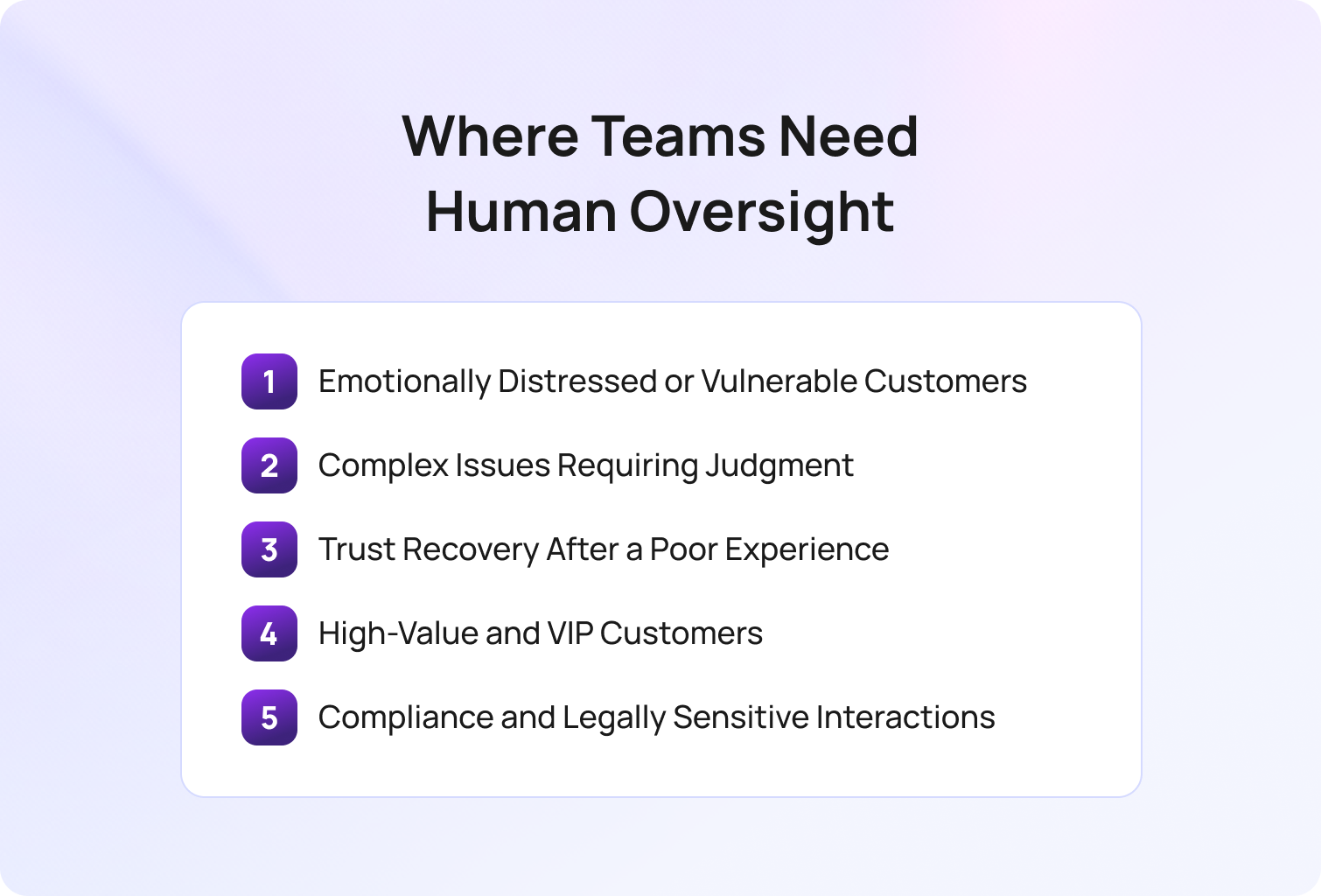
AI support automation has clear performance boundaries. Deploying customer service automation beyond them does not just fail to deliver value. It actively damages customer experience and customer relationships. The five scenarios below are where human intervention is not optional.
The same AI tools that improve customer service on routine customer requests produce poor outcomes on complex, emotional, or high-stakes service interactions. Identifying these boundaries before implementing AI, not after a complaint spike, separates customer service teams that scale AI successfully from those that scale it recklessly.
Emotionally Distressed or Vulnerable Customers
AI in customer service can detect customer emotions and analyze customer sentiment during interactions. Sentiment analysis can flag distress signals. But the response to a distressed customer requires human empathy that ai systems cannot safely replicate in 2026.
Customer service interactions involving grief, financial hardship, or any form of vulnerability should route to human support regardless of AI confidence score. An ai customer service response that misreads the emotional register causes trust damage disproportionate to the cost of the interaction. Escalation triggers that detect customer emotions should be configured before launch, not after the first incident.
Complex Issues Requiring Judgment
Customer service automation handles tier-1 customer queries well because the correct answer is definitive. Complex issues are different. Billing disputes that involve policy interpretation, technical faults that require diagnosis across backend systems, and complaints that require discretionary resolution all demand judgment that AI systems cannot reliably provide.
The failure mode is not an incorrect answer; the customer rejects. It is a confident, incorrect answer that the customer accepts, leading to a repeat contact or an escalated complaint. That is more expensive than routing the interaction to human agents from the start.
Trust Recovery After a Poor Experience
When a customer has already had a poor experience, particularly one where ai customer service contributed to it, the recovery requires human acknowledgement. An AI apology after an AI failure is perceived as insincere. Customer service teams that flag trust recovery scenarios in their automated support workflows should route those customers directly to human support with full context from past interactions.
High-Value and VIP Customers
High-value accounts and VIP customers expect human engagement at key moments regardless of query type. This is a customer service strategy decision, not a complexity decision. Configure routing rules that guarantee a human touch for these segments. The customer relationship requires it.
Compliance and Legally Sensitive Interactions
Customer service interactions involving data access requests, regulatory complaints, or policy exceptions require human review before any response is sent. AI in customer service carries legal and regulatory risk in these categories. Even AI-powered customer service responses in these categories require human approval. Configure intent-based escalation triggers before deployment, not as a post-incident fix.
The customer service teams that get into trouble with AI support automation are almost never the ones who deployed too cautiously. They are the ones who expanded the scope without updating their oversight model. The boundary between what AI agents should handle and what human agents should handle shifts as your product and your customers change. If you are not reviewing it quarterly, it is already out of date.

How to Build the Right Balance Between Automation and Oversight
1. Map your interaction types by automation suitability. Categorise your volume: which customer inquiries are tier-1, definitive, and high-confidence? Which involve emotional complexity, compliance risk, or relationship value? Start automating routine tasks only in the first category.
2. Configure confidence thresholds conservatively. Set escalation thresholds that produce a slightly higher-than-target human handoff rate. Tune down as QA data accumulates. Never set thresholds based on vendor demos. Set them based on your own customer service interactions and query mix.
3. Define the five oversight triggers before go-live. Emotional distress, complex issues, trust recovery, VIP routing, compliance queries. Every ai support automation deployment should have explicit escalation logic for each before the first customer interaction.
4. Measure containment rate, not deflection rate. A deflected customer who follows up is a cost transfer, not a resolution. Track containment separately from deflection from day one.
5. Review oversight triggers quarterly. As customer behavior and customer needs change, the boundary between safe customer service automation and required oversight shifts. Most modern customer service solutions allow teams to implement AI workflows without writing code, reducing the friction of quarterly updates. Build the review into your support operations calendar.
How BlueTweak Delivers AI Support Automation With Built-In Oversight
BlueTweak delivers automated AI customer support solutions across all six value use cases in a unified platform, with configurable oversight controls built into each.
AI in customer service starts before the interaction. Customer support automation routes incoming support tickets to the right team based on intent and customer sentiment. The AI chatbot and AI voicebot handle tier-1 customer queries autonomously. Suggested reply enables real-time agent assist for support agents during live customer conversations. AI ticket summary eliminates post-interaction wrap-up. The QA module enables 100% interaction scoring across AI and human agents to improve customer service processes at scale.
Built-in oversight means customer service analytics surfaces containment rate, CSAT delta, and repeat contact rate per interaction type, giving customer service teams the data to manage the automation boundary continuously. Configurable confidence thresholds and escalation triggers route customer service interactions to human agents when automation limits are reached. Human approval workflows on sensitive interactions ensure support agents review before sending.
Final Thoughts
AI in customer service delivers strong, measurable value across tier-1 resolution, intelligent routing, agent assist, post-interaction summarisation, QA scoring, and proactive outreach. It requires human oversight for emotionally distressed customers, complex issues, trust recovery scenarios, VIP accounts, and compliance queries.
Customer service teams that scale AI support automation successfully are not those who automate the most. They are those who deploy customer service automation precisely, measure containment rather than deflection, and maintain explicit oversight controls at the boundaries. AI improves customer service outcomes when the boundaries are respected. Reducing operational costs through AI automation is achievable without damaging customer experience when the right service strategies are in place.
Start your free BlueTweak Trial
Start Now
Self-Hosted AI Agent for Customer Support Guide for Security-Conscious Support Teams
Why Customer Support Teams Are Re-Evaluating Self-Hosted AI Agents
A self-hosted AI agent gives organizations full control over how customer support data is processed, stored, and secured by deploying AI infrastructure on their own servers or private cloud.
The rapid growth of AI agents across customer support has created a new problem for enterprise teams: balancing automation with security, compliance, and operational control. While most discussions around self-hosted AI agent deployments focus on developers experimenting with workflows, vector databases, Docker Compose setups, or open source frameworks, support leaders are asking a different question: How do you safely deploy AI into customer conversations without losing control of sensitive data?
That question matters more than ever in regulated industries. Financial services, healthcare, insurance, legal services, and government organizations are under growing pressure to modernize support operations while maintaining strict compliance standards around data residency, auditability, and privacy.
According to Deloitte’s 2026 Regulatory Outlook research, 94% of financial services firms plan to increase AI investment over the next 12 months, yet nearly a third cite managing AI risk and meeting regulatory obligations as their biggest barrier to value.
At the same time, the market for self-hosted AI agents has exploded. Teams can now deploy open source AI models, containerised orchestration platforms, and low-code platforms directly on their own infrastructure. Tools like Rasa, Flowise, Dify, and Botpress make it possible to create AI agents without relying entirely on external services.
But there is a major gap in the conversation: most articles ranking for “self-hosted AI agent” are written for developers. Very few explain the operational reality for customer support teams, the hidden infrastructure costs, or the trade-offs between self-hosted AI and secure cloud deployment.
What Is a Self-Hosted AI Agent for Customer Support?
A self-hosted AI agent for customer support is an AI system deployed on a team’s own infrastructure, such as on-premise servers or a private cloud, rather than a vendor’s shared cloud environment, giving the organization direct control over data storage, model behaviour, access management, and integrations.
In a cloud-hosted AI agent deployment, the vendor processes and stores interaction data on infrastructure shared across multiple customers. In a self-hosted deployment, all data remains within the organization’s own environment.
That distinction is increasingly important for enterprise support operations handling sensitive customer conversations, financial records, healthcare data, or regulated documentation.
In 2026, self-hosted AI agents generally fall into two categories:
- Open source frameworks that require significant developer setup and custom architecture
- Containerised or deployment-ready platforms that simplify installation through Docker Compose, Kubernetes, or managed private cloud infrastructure
Modern self-hosted AI agent ecosystems can include:
- Open source AI models, including Gemma models and Llama-based systems
- Vector databases for retrieval-augmented generation (RAG)
- Persistent storage layers for memory and workflows
- APIs and browser integrations
- Workflow orchestration tools
- Fine-tuning pipelines for specific needs
- Integration with internal files, CRMs, and support platforms
The appeal is obvious. Organizations gain greater control over data, infrastructure, and AI behaviour while reducing dependency on external services or vendor lock-in.
But self-hosting also changes the ownership model. When a team chooses to self-host AI agent infrastructure, they are no longer just buying software. They are operating an AI system. That includes deployment, scaling, model updates, security hardening, observability, backups, integration management, and uptime.
Why Support Teams Consider Self-Hosting
Support teams consider self-hosted AI agents primarily because they offer more direct control over data security, compliance, and AI customisation than traditional hosted AI platforms.
Importantly, these are not hypothetical concerns. For many organizations, especially in regulated industries, self-hosted AI is a legitimate operational requirement.
Data Residency and Sovereignty
Data residency refers to where customer data is physically stored and processed. Healthcare providers operating under HIPAA, financial institutions handling payment data, and government organizations managing citizen records may need to ensure customer interactions never leave a defined geographic region or internal network.
Some cloud providers offer regional hosting, but not all can guarantee complete data isolation or on-premise deployment. For organizations with strict sovereignty requirements, a self-hosted AI agent can provide:
- Full control over where customer data resides
- Internal-only processing for sensitive workflows
- Reduced exposure to third-party infrastructure risk
- Greater control over audit logs and retention policies
This becomes particularly important for organizations managing large amounts of customer interaction data across multiple channels.
Security and Compliance Control
Security control is another major reason organizations self-host AI agent infrastructure. A self-hosted deployment allows internal teams to directly manage:
- Encryption policies
- Access control and RBAC
- Multi-factor authentication
- Audit trails
- Network segmentation
- Internal APIs and integrations
- Data retention policies
For some enterprise security teams, relying on external services introduces unacceptable risk.
Deloitte’s State of Generative AI in the Enterprise research found that risk management and regulatory compliance remain the two biggest barriers preventing organisations from scaling generative AI initiatives. The challenge is in operationalizing AI safely in production environments.
Customisation and Model Ownership
Self-hosted AI agents also appeal to organizations that want deeper customization. Unlike many hosted AI agent platforms, self-hosted systems allow developers to:
- Fine-tune models on proprietary data
- Control model update schedules
- Build complex workflows from scratch
- Experiment with multiple AI models
- Connect directly to internal systems
- Manage long-term memory and context layers
- Deploy open source tools without vendor restrictions
This level of control can be valuable for organizations with highly specialized support workflows. But it also introduces more complexity; every layer of flexibility creates another layer that internal teams must manage.
The Real Trade-Offs of Self-Hosting for Support Teams
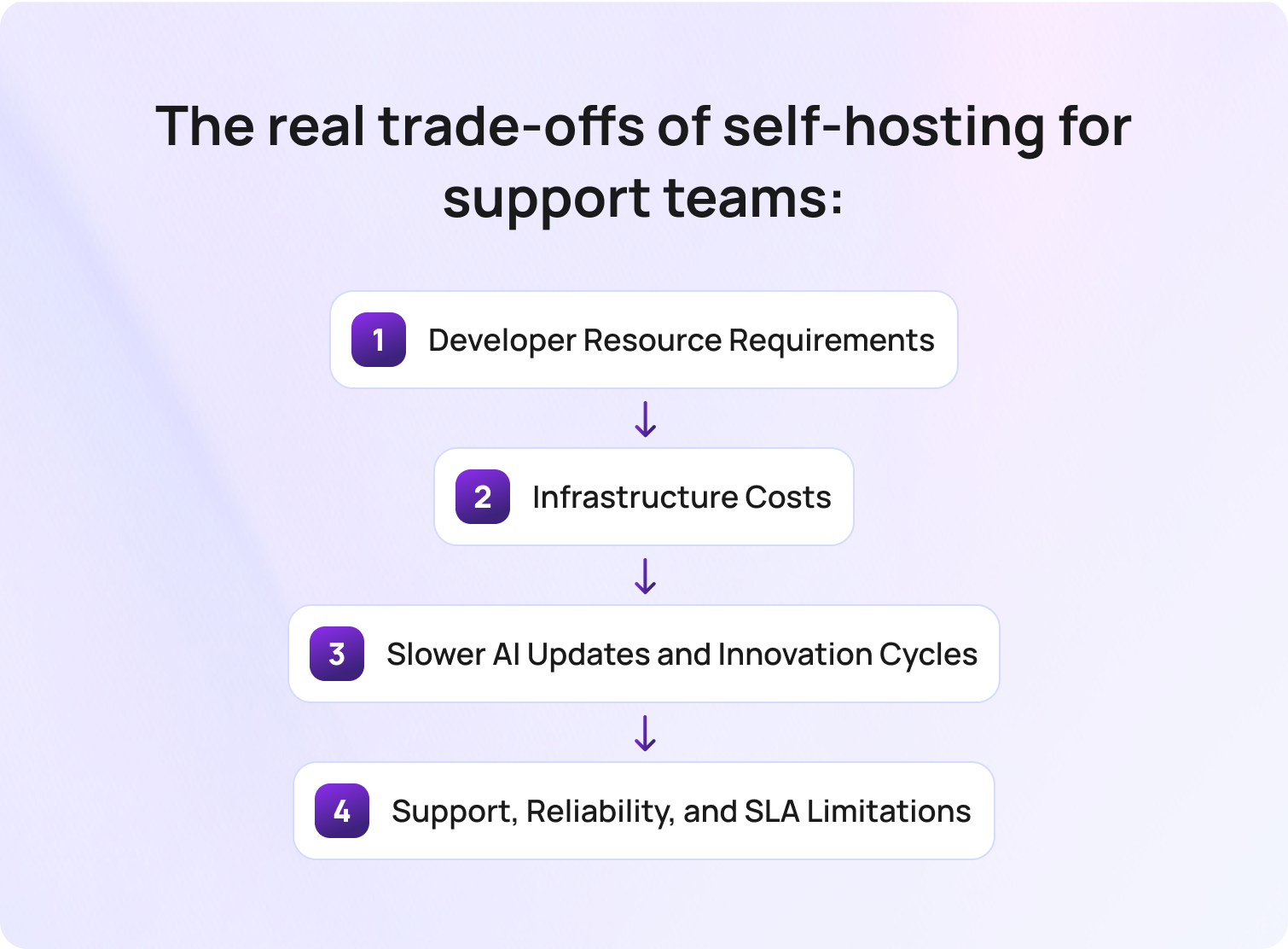
The real trade-offs of using a self-hosted AI agent for customer support are the increased technical, operational, and infrastructure responsibilities organizations take on in exchange for greater control over data, security, and AI deployment.
For some organizations, particularly those operating in heavily regulated industries, that trade-off is entirely justified. A self-hosted AI agent can provide greater control over sensitive data, deployment architecture, model access, and compliance workflows than many hosted AI platforms. However, self-hosting is not simply a more secure version of cloud AI. It is a fundamentally different operational model, and one that many support teams underestimate at the beginning of deployment planning.
Developer Resource Requirements
A self-hosted AI agent requires ongoing technical ownership, including deployment, integrations, monitoring, updates, and infrastructure management.
Even the most accessible self-hosted AI agents still depend on developer involvement. Most platforms require teams to manage Docker Compose environments, APIs, vector databases, persistent storage, authentication layers, workflow orchestration, and security configuration. For organizations building more complex workflows, the technical overhead increases further, particularly when integrating AI models with internal systems, support platforms, or proprietary data sources.
This is the point many support teams overlook. Self-hosting is not a feature that gets switched on. It is an operational project that requires internal engineering resources long after deployment is complete.
Implementation timelines can also stretch quickly. What begins as a lightweight AI experiment often evolves into a broader infrastructure initiative involving IT, security, DevOps, and compliance teams.
Infrastructure Costs
Self-hosted AI infrastructure includes ongoing compute, storage, networking, maintenance, and security costs that many organizations fail to fully account for during procurement.
While many open source AI agents are technically free to download, production deployment is not free. Running modern AI models locally requires significant infrastructure planning, especially for enterprise-scale support operations processing large amounts of customer interaction data across multiple channels.
GPU requirements alone can become substantial depending on concurrency, workflow complexity, and model size. Teams also need to account for vector databases, backups, monitoring systems, redundancy planning, networking, container orchestration, and disaster recovery processes.
Deloitte research into enterprise AI infrastructure found that many organizations underestimate the long-term operational and infrastructure costs associated with managing AI workloads internally, particularly as deployments scale across compute, storage, networking, and governance requirements. The real challenge here is operating and scaling it reliably over time.
Slower AI Updates and Innovation Cycles
Self-hosted AI agents require organizations to manage their own model updates, validation cycles, and deployment testing. Cloud AI platforms continuously improve their AI models, workflows, integrations, and orchestration capabilities behind the scenes. In self-hosted environments, those responsibilities move entirely to the organization itself.
Every update introduces operational work, including:
- Compatibility testing
- Security reviews
- Workflow validation
- Regression checks
- Rollback planning
- Re-deployment management
Over time, many organizations discover their self-hosted AI stack begins to lag behind hosted AI alternatives, particularly in conversational quality, multilingual support, retrieval accuracy, memory handling, and orchestration capabilities.
This creates an important strategic question for support leaders: Is the goal to own infrastructure, or to continuously improve customer support outcomes with AI?
For many teams, those are not the same thing.
Support, Reliability, and SLA Limitations
Most open source self-hosted AI agents rely heavily on community support rather than enterprise-grade SLAs. That distinction becomes critical in production customer support environments. If an AI workflow fails during a peak support period, internal teams are responsible for diagnosing the issue, restoring services, managing outages, and securing the environment.
This can include:
- Infrastructure troubleshooting
- Dependency management
- Security patching
- Performance monitoring
- Workflow debugging
- API failure resolution
- Incident response management
Unlike managed hosted AI platforms, there is often no dedicated vendor accountable for uptime, support response times, or operational continuity.
The real question is rarely cloud versus self-hosted. It’s whether the deployment model actually delivers the level of data control the business needs without creating operational overhead that slows the entire support organisation down.
That distinction matters more than many organizations initially realise. For some enterprises, self-hosting is absolutely the right long-term strategy. For many support teams, however, the operational burden of maintaining self-hosted AI infrastructure ultimately outweighs the theoretical security advantages that drove the decision in the first place.
Best Self-Hosted AI Agent Options for Customer Support
The best self-hosted AI agent platforms for customer support are tools that allow organizations to deploy AI workflows, conversational automation, and support operations on their own infrastructure while maintaining greater control over data, integrations, security, and compliance.
As of Q2 2026, the self-hosted AI ecosystem includes everything from lightweight low-code platforms to highly customizable open source frameworks designed for enterprise deployment. However, every option below requires some level of technical resources to deploy, manage, secure, and maintain in production environments. The right choice depends less on features alone and more on your organization’s internal engineering capacity, compliance requirements, and long-term operational goals.
Botpress — Best Self-Hosted AI Agent for Teams With Developer Resource
Botpress is a conversational AI platform that supports self-hosted deployment through Docker and private cloud infrastructure, making it one of the more accessible enterprise-ready AI agent platforms for customer support teams with internal technical resources.
The platform combines visual workflow design with developer tooling, allowing organizations to create AI-powered support workflows, automate repetitive customer tasks, and connect agents to internal systems through APIs and integrations. Botpress supports omnichannel conversations, knowledge base integrations, workflow orchestration, and custom conversational logic.
From a deployment perspective, Botpress offers more structure and usability than many open source frameworks. However, teams still need to manage infrastructure, deployment environments, integrations, scaling, monitoring, updates, and security internally.
Pros:
- Strong conversational AI tooling
- Good balance between usability and flexibility
- Omnichannel support capabilities
- Supports private cloud and self-hosted deployment
Cons:
- Requires developer involvement for production deployments
- Infrastructure management remains internal
- Advanced workflows increase operational complexity
- Ongoing maintenance and model management are required
Best for: Support teams with developer resources that want conversational AI flexibility without building workflows entirely from scratch.
Rasa — Best Self-Hosted AI Agent for Highly Customised NLP Workflows

Rasa is an open source conversational AI framework designed for organizations that require highly customized NLP workflows, advanced orchestration, and complete control over deployment architecture.
Unlike low-code platforms, Rasa is heavily developer-focused and designed for teams building AI systems around specific operational or compliance requirements. The framework supports fully self-hosted deployment, custom NLU pipelines, fine-tuning workflows, API integrations, and contextual conversation management.
Rasa is often used by enterprise organizations that need full control over sensitive data, model behaviour, infrastructure, and workflow logic. It can also integrate directly with internal systems, vector databases, proprietary knowledge sources, and customer support platforms.
The trade-off is technical complexity. Rasa requires experienced developers, infrastructure planning, and long-term operational ownership to maintain effectively in production environments.
Pros:
- Exceptional workflow customisation
- Full infrastructure and model control
- Strong fit for regulated enterprise environments
- Extensive integration flexibility
Cons:
- Steep technical learning curve
- Significant developer and DevOps requirements
- Longer implementation timelines
- Higher operational overhead than managed platforms
Best for: Enterprises with dedicated AI engineering resources and highly specific compliance or workflow requirements.
Chatwoot — Best Self-Hosted AI Agent for Open-Source Omnichannel Support
Chatwoot is an open source customer support platform that supports self-hosted deployment while offering omnichannel communication management and lightweight AI-assisted workflows.
Although Chatwoot is not exclusively an AI agent platform, it provides support teams with self-hosted infrastructure for managing customer conversations across chat, email, social messaging, and web channels. AI capabilities can be integrated through APIs and external AI models to automate responses, routing, and support workflows.
One of Chatwoot’s strengths is operational simplicity compared to larger AI orchestration platforms. It is generally easier to deploy and manage for teams already familiar with customer support tooling.
However, organizations still need to manage hosting, updates, security, integrations, and infrastructure internally. Its AI orchestration capabilities are also more limited than dedicated AI agent frameworks.
Pros:
- Strong omnichannel support focus
- Open source flexibility
- More approachable deployment model
- Good visibility across customer interactions
Cons:
- Less advanced AI orchestration capabilities
- AI functionality depends heavily on integrations
- Self-hosted infrastructure still requires maintenance
- Enterprise scalability requires planning
Best for: Support teams wanting open source omnichannel support with lightweight AI automation capabilities.
Dify — Best Self-Hosted AI Agent for RAG-Grounded Support Workflows
Dify is a self-hosted AI application platform designed for building retrieval-augmented generation workflows and knowledge-grounded support experiences.
The platform simplifies the process of connecting AI models to internal knowledge bases, files, APIs, and vector databases, making it particularly useful for customer support teams that need grounded, context-aware AI responses.
Dify supports Docker Compose deployment, multi-model orchestration, conversational workflows, prompt management, and API integrations. Compared to many older open source tools, the interface is relatively modern and accessible.
For support environments with large knowledge libraries or documentation-heavy workflows, Dify’s retrieval-focused architecture can improve answer consistency and reduce hallucination risk.
However, production deployment still requires technical ownership across infrastructure, monitoring, security, scaling, and maintenance.
Pros:
- Strong retrieval-augmented generation capabilities
- Good support for knowledge-grounded AI
- Flexible AI model integrations
- More modern user experience than many frameworks
Cons:
- Requires technical deployment expertise
- Internal teams remain responsible for infrastructure
- Scaling production workloads adds complexity
- Limited enterprise SLA support compared to managed platforms
Best for: Organizations prioritising knowledge-grounded customer support workflows and RAG-based AI experiences.
Flowise — Best Self-Hosted AI Agent for Low-Code Agent Building

Flowise is a low-code AI orchestration platform that allows teams to build conversational workflows visually using drag-and-drop interfaces.
Built around the LangChain ecosystem, Flowise allows organizations to connect AI models, APIs, vector databases, tools, and memory layers without writing large amounts of code from scratch. This makes it one of the more accessible self-hosted AI agent options for experimentation and rapid workflow prototyping.
The platform supports workflow templates, conversational pipelines, integrations, and orchestration across multiple AI providers and open source models.
Its biggest advantage is speed. Teams can create and test workflows quickly without building entire orchestration systems manually. However, as deployments scale, governance, monitoring, maintenance, and operational complexity increase significantly.
Pros:
- Fast workflow experimentation
- Accessible low-code interface
- Flexible integrations and orchestration
- Good for prototyping AI workflows
Cons:
- Production governance can become difficult at scale
- Infrastructure management is still required
- Less suited for highly regulated enterprise environments
- Limited enterprise-grade support structure
Best for: Teams experimenting with AI workflows before moving into larger production deployments.
Typebot — Best Self-Hosted AI Agent for Lightweight Chat Automation

Typebot is a lightweight conversational automation platform that supports self-hosted deployment for browser-based customer interaction workflows.
The platform focuses on usability and simple chat automation rather than highly autonomous AI orchestration. Teams can create conversational forms, automate customer interactions, and connect workflows through APIs and integrations.
Compared to larger enterprise platforms, Typebot offers a faster setup experience and lower infrastructure complexity. This makes it attractive for smaller teams or organizations testing self-hosted AI support workflows for the first time.
However, Typebot is not designed for highly complex enterprise AI workflows, advanced contextual memory management, or deeply autonomous support operations.
Pros:
- Lightweight deployment model
- Faster setup and onboarding
- Simple workflow automation
- Lower infrastructure complexity
Cons:
- Limited advanced AI orchestration
- Not suited to highly complex support environments
- Fewer governance controls
- Scaling limitations for larger teams
Best for: Smaller support teams seeking lightweight conversational automation with self-hosted deployment flexibility.
BlueTweak — Best Secure Cloud AI Agent for Support Teams With Compliance Requirements
BlueTweak is a secure cloud AI customer support platform designed for organisations that need enterprise-grade security, compliance controls, and AI-powered support automation without the operational overhead of self-hosting infrastructure.
Unlike most self-hosted AI agents, BlueTweak focuses specifically on customer support operations, combining conversational AI, suggested replies, knowledge base-grounded responses, workflow automation, and omnichannel support inside a managed enterprise platform. The platform is designed for organisations that need strong control over customer data and governance while avoiding the infrastructure burden associated with managing AI systems internally.
BlueTweak supports customer support workflows across chat, email, web, and messaging channels, while integrating with enterprise systems and internal knowledge sources to provide context-aware AI assistance.
From a security perspective, BlueTweak is positioned around enterprise governance and compliance readiness. The platform is built on enterprise-grade cloud infrastructure environments, including Microsoft Azure, enabling organisations to combine secure AI deployment with regional hosting, access controls, auditability, and operational reliability.
Pros:
- Faster deployment than self-hosted AI infrastructure
- Lower operational overhead
- Enterprise-grade security and governance controls
- Omnichannel customer support capabilities
- AI features designed specifically for support teams
Cons:
- Not a fully self-hosted deployment model
- Less infrastructure-level customisation than open source frameworks
- Vendor-managed architecture
Best for: Enterprise support teams that need strong security and compliance controls without dedicating internal teams to AI infrastructure management.
BlueTweak Customer Spotlight
A packaging and manufacturing organization partnered with BlueTweak to improve visibility across quality management and customer support workflows. By implementing AI-powered operational oversight and reporting capabilities, the company achieved improved operational reporting visibility, faster issue resolution processes, and better oversight across customer interactions.
BlueTweak AI Agent Security Comparison Table
The comparison table below includes both self-hosted AI agents and secure cloud platforms to help support teams evaluate the trade-offs between infrastructure control, operational complexity, security governance, and deployment speed. This provides a broader view of which deployment model best aligns with different compliance, support, and technical requirements.
| Platform | Deployment Model | Technical Requirement | Support Channels | Best For |
|---|---|---|---|---|
| Botpress | Docker / Private Cloud | Medium-High | Chat, Messaging, Web | Teams with developer resources |
| Rasa | Fully Self-Hosted | High | Omnichannel via integrations | Custom enterprise NLP workflows |
| Chatwoot | Open Source Self-Hosted | Medium | Email, Chat, Social | Omnichannel support operations |
| Dify | Docker Compose / Containerised | Medium | API-driven workflows | RAG-grounded support |
| Flowise | Low Code Self-Hosted | Medium | Workflow integrations | AI workflow experimentation |
| Typebot | Lightweight Self-Hosted | Low-Medium | Chat interfaces | Lightweight automation |
When a Secure Cloud Platform Is a Better Fit
A secure cloud AI platform for customer support is a vendor-managed AI environment that provides enterprise-grade security, compliance controls, and data governance without requiring organizations to manage infrastructure internally.
This is the point many organizations reach during procurement. They begin exploring a self-hosted AI agent because they want greater control over sensitive data, compliance, and security, but eventually realize that self-hosting is not the only way to achieve those outcomes.
In practice, most support teams are not looking to own AI infrastructure for its own sake. They are looking for confidence that customer data is protected, access is controlled, compliance requirements are met, and AI systems can be deployed safely at scale.
For many organizations, particularly those outside highly restricted on-premise environments, a secure cloud platform can deliver those protections without the operational burden of managing self-hosted AI infrastructure internally.
When evaluating a secure cloud AI platform, support teams should look for:
- Guaranteed regional data residency controls
- SOC 2 Type II and ISO 27001 certification
- End-to-end encryption at rest and in transit
- Role-based access control (RBAC) and multi-factor authentication (MFA)
- Full audit logging and activity monitoring
- GDPR and HIPAA compliance documentation
- Contractual data processing agreements (DPAs)
- Enterprise support and uptime commitments
These controls matter because they address the real business requirement behind most self-hosted AI discussions: reducing operational and compliance risk around customer data.
This is also where many organizations discover the hidden cost of self-hosting. Infrastructure management, model updates, security patching, monitoring, scaling, and workflow maintenance all become internal responsibilities. Over time, maintaining the AI system itself can consume more attention than improving the customer support experience it was originally deployed to enhance.
For most support teams, even in regulated industries, a secure cloud platform that meets enterprise security and compliance standards can deliver the required level of data control significantly faster and with lower operational overhead than a self-hosted deployment.
Final Thoughts: Choosing the Right AI Agent Deployment Strategy for Customer Support
The right AI agent deployment strategy depends on what your organization actually needs to control: infrastructure itself, or the security, compliance, and governance outcomes surrounding customer data.
For organizations with strict on-premise requirements and zero tolerance for external cloud processing, a self-hosted AI agent is often the correct long-term approach. Platforms like Rasa and Botpress provide some of the most mature foundations for teams willing to invest in infrastructure, engineering resources, and ongoing operational management.
However, for many customer support teams, particularly those balancing compliance requirements with limited internal technical resources, the reality is more nuanced.
Self-hosting introduces ongoing responsibility for infrastructure, updates, monitoring, security hardening, scaling, and support reliability; responsibilities that can quickly outweigh the perceived benefits of full infrastructure ownership.
That is why many organizations ultimately move toward secure cloud AI platforms instead. A platform that offers regional data residency, enterprise-grade security controls, auditability, encryption, and compliance support can often deliver the same practical data protection outcomes without the operational overhead of maintaining self-hosted AI infrastructure internally.
If your team is evaluating how to balance AI innovation with enterprise security and compliance requirements, BlueTweak can help you explore the right deployment model for your support environment. You can book a demo or try the platform for free to get a first-hand experience of how enterprise AI support automation can improve customer service operations without the infrastructure overhead of self-hosting.
Get your 14-day free BlueTweak trial
Get Free Trial
Reduce Support Costs With AI Without Hurting Service Quality
What Actually Drives Customer Support Costs

Before modelling AI cost reduction, you need to understand your cost structure. Most support cost reduction programmes target the wrong line items because they are working from an incomplete picture of what customer support costs actually consist of.
Agent Labour: 60–70% of Total Support Spend
Agent labour is the largest cost line in virtually every customer support operation, typically representing 60–70% of total support spend. This includes base salary, benefits, payroll tax, management overhead, and attrition and replacement cost, and most teams undercount it by excluding the last two. Operational costs and business costs beyond the labour line, technology, management, and facilities account for the remaining 30–40%. Teams that want to model AI cost reduction accurately need the full number, not just the wage bill. It is also worth noting that most contact centres do not employ data scientists to build and maintain AI models in-house. The platform you choose determines how much of that capability comes included.
Attrition in customer service operations runs at 25–40% annually in many contact centres. Replacing a trained support agent costs 50–200% of their annual salary when you factor in recruitment, onboarding, and the productivity ramp before a new agent reaches full performance. Excluding this from your fully-loaded cost per agent means your cost reduction projections are built on a number that understates the real cost of human-handled volume.
Cost Per Interaction: The Metric That Actually Matters
Cost per interaction, total support cost divided by total interactions handled, is the derived metric that determines whether AI automation is delivering genuine cost reduction or simply redistributing cost.
AI reduces cost per interaction in two ways: by increasing the number of interactions each agent handles per hour (AHT reduction through agent assist tools), and by handling some interactions without an agent at all (containment through autonomous AI resolution). Both move the metric in the same direction. Only containment eliminates the agent cost entirely.
Scaling Cost: The Relationship Between Volume and Headcount
Without AI, contact volume growth requires proportional headcount growth. The tenth thousand new monthly interactions costs roughly the same to handle as the first thousand. With AI agents and AI systems handling tier-1 volume and routine inquiries, growth is absorbed by automation. AI reduces costs most significantly here: the marginal cost of the next batch of interactions falls as containment rate rises. This is the scaling advantage that makes AI cost reduction compound rather than linear for high-growth operations.
Quality Failure Costs: The Hidden Cost Driver
This is the cost driver most AI cost reduction models ignore entirely, and it is the one that causes the most aggressive cost-cutting programmes to fail on a medium-term basis.
CSAT decline generates churn. Churn generates customer lifetime value loss. Repeat contacts from unresolved interactions drive up interaction volume without generating revenue. Escalated complaints require more expensive human time to resolve. Human error in stressful, high-volume environments also increases when agents are overloaded, which damages the customer experience and makes the cost of exceptional service even harder to sustain. Customer frustration that reaches social media or review platforms damages customer acquisition costs downstream.
Aggressive AI cost reduction that damages service quality frequently costs more within 12 months than it saves in the first 90 days. Every strategy in this article is evaluated against its quality risk specifically to prevent this outcome.
AI Cost Reduction Strategies: Value and Quality Risk at a Glance
The BlueTweak Support Cost Reduction Table gives support leads and finance stakeholders a single reference for the cost reduction mechanism, primary KPI impact, quality risk without a safeguard, and the mitigation for each strategy. The "Quality Risk Without Safeguard" column is the editorial differentiator; no competitor includes it because acknowledging quality risk is not in the interest of a vendor who wants to sell you everything at once.
| Strategy | Cost Reduction Mechanism | Primary KPI Impact | Quality Risk Without Safeguard | Mitigation |
|---|---|---|---|---|
| Autonomous tier-1 resolution | Eliminates agent handle cost on contained interactions | Containment rate, cost per interaction | CSAT drop if misclassified interactions are contained | Confidence threshold + escalation triggers |
| AI agent assist | Reduces AHT on agent-handled interactions | AHT, FCR | Low, human makes final decision | None required |
| Intelligent routing | Reduces misrouting and repeat contacts | FCR, repeat contact rate | Low | Quarterly trigger review |
| Post-interaction summarisation | Eliminates wrap-up time per interaction | AHT (wrap-up), CRM data quality | Very low | None required |
| Self-service knowledge base | Deflects interactions to self-service | Inbound volume, cost per ticket | Low if KB is maintained | KB quality review cadence |
| WFM optimisation | Right-sizes staffing to volume | Labour cost, SLA compliance | Understaffing during peaks causes CSAT drop | WFM forecasting accuracy review |
| Multilingual AI | Eliminates dedicated multilingual staffing cost | Labour cost, response time | CSAT drop in multilingual markets if translation quality is poor | NLP quality review per language |
| AI QA (100% coverage) | Reduces QA staffing overhead, improves coaching efficiency | QA coverage, CSAT improvement rate | None, quality improves with broader coverage | None required |
Why Cost-Cutting Often Hurts Service Quality, and How to Prevent It
Most AI cost reduction programmes that damage service quality make the same three mistakes. Understanding them is more valuable than any list of cost-saving tactics, because the mistake pattern is consistent and entirely avoidable.
Optimising for deflection, not containment. A deflected customer who follows up via another channel, or abandons the interaction frustrated, is a cost transfer, not a saving. Teams that target deflection rate produce high deflection and declining customer satisfaction scores simultaneously. Deflection is easy to manufacture. Containment requires genuine resolution.
Deploying automation beyond its performance boundary. Artificial intelligence resolves tier-1 routine queries reliably. It performs poorly on emotionally complex interactions, multi-step issues, and trust recovery scenarios. Teams that expand automation scope to hit cost targets before the technology is ready produce bad AI interactions that cost more in customer loyalty damage and repeat contacts than the operational savings justify. Customer frustration from a bad automated experience is harder to recover from than a slow human-handled one.
Cutting quality monitoring alongside agent headcount. When support teams reduce QA staffing as part of a broader cost reduction programme, quality problems accumulate undetected until CSAT has already declined materially. The right sequence is: deploy AI QA to achieve 100% coverage, then reduce manual QA overhead once the automated coverage is proven.
The principle this article applies: every cost reduction strategy below is evaluated against its quality risk, and every strategy includes the safeguard that prevents the cost saving from becoming a quality problem.
8 Ways AI Reduces Support Costs Without Hurting Service Quality

Every strategy below includes three elements: the cost reduction mechanism, the quality safeguard that prevents service decline, and the metrics to track to confirm both are working. Apply all three or accept that cost reduction and quality decline are likely to move together.
1. Autonomous Tier-1 Resolution
Cost mechanism. A RAG-grounded conversational AI chatbot and voicebot handles FAQs, order status, password resets, and account queries end-to-end using natural language processing, eliminating agent handling cost on contained interactions. Well-implemented deployments achieve 40–70% containment on tier-1 query types. Automating routine tasks and repetitive tasks at this scale reduces cost per interaction significantly; the cost efficiency of AI-powered resolution versus human agent handling is typically 60–70% lower per contained interaction. Human agents focus on customer inquiries that require judgment, empathy, and the kind of complex problem-solving that maintains high service quality on the interactions that matter most.
Quality safeguard. Configure confidence thresholds conservatively; interactions below the threshold escalate to a human agent regardless of query type. Define five mandatory escalation triggers before launch: emotional distress, VIP accounts, compliance queries, trust recovery, and complex multi-step issues. Monitor post-interaction CSAT and repeat contact rate per query type. If either deteriorates, narrow the scope immediately.
Metrics to track. Containment rate (not deflection rate), post-bot CSAT, repeat contact rate on bot-handled interactions, escalation rate.
2. AI Agent Assist: Reduce AHT Without Reducing Resolution Quality
Cost mechanism. Suggested reply and real-time KB retrieval reduce AHT on agent-handled customer interactions by eliminating manual search time and reducing response drafting time. AHT reduction directly increases agent productivity; the same headcount handles more volume, creating efficiency gains without adding staffing costs.
Quality safeguard. The human agent reviews and approves every suggested reply before sending. This is AI at its lowest quality risk: the cost saving is real and the quality floor is maintained by human approval. Human intervention remains at the point where it matters most, the outgoing response.
Metrics to track. AHT (total and by query type), FCR, CSAT, and agent concurrency.
3. Intelligent Routing: Eliminate the Cost of Misrouting
Cost mechanism. Misrouted interactions cost twice, once to handle in the wrong queue, and again when transferred or when the customer contacts again. AI routing by intent, sentiment, and urgency eliminates misrouting and the repeat contacts and escalations it generates. Machine learning models classify every incoming interaction in real time, without the rule maintenance overhead of keyword-based systems.
Quality safeguard. Review routing triggers quarterly as products, policies, and query types evolve. New query types not in training data will be misclassified until the routing logic is updated. Build this review into operations as a standing cadence.
Metrics to track. Misroute rate, FCR, repeat contact rate.
4. Post-Interaction Summarisation: Eliminate Wrap-Up Time Entirely
Cost mechanism. Wrap-up time, agent note-writing after each interaction, is a hidden component of AHT that adds 1–5 minutes per interaction across all handled volume. AI ticket summarisation eliminates wrap-up time by generating a structured summary immediately after the interaction ends. At 100 interactions per agent per day, this compounds into significant daily capacity savings.
Quality safeguard. None required. Summarisation is post-interaction and internal. The quality of the summary improves CRM data quality, which improves future interaction quality and the reliability of predictive analytics built on customer interaction history.
Metrics to track. AHT (total vs. handle time only), CRM data completeness.
5. Self-Service Knowledge Base: Deflect Tier-0 Volume Before It Reaches Any Agent
Cost mechanism. A well-structured, AI-powered self-service knowledge base resolves simple customer queries before a customer opens a chat or calls. Tier-0 containment, the customer self-serves without any AI interaction, is the lowest-cost resolution possible. It also reduces operational expenses without reducing service availability, because the KB is accessible 24/7 without staffing costs.
Quality safeguard. KB quality degrades without maintenance. Assign KB ownership, set a review cadence, and track self-service CSAT separately from agent-handled CSAT. A KB that is not maintained actively will become a source of customer frustration rather than a cost reduction asset.
Metrics to track. Self-service resolution rate, inbound contact volume trend, and self-service CSAT.
6. WFM Optimisation: Match Staffing to Volume, Not Vice Versa
Cost mechanism. Overstaffing during low-volume periods wastes labour costs. Understaffing during peaks creates SLA breaches, CSAT drops, and overtime costs. AI-powered WFM forecasting models volume by time, channel, and interaction type, scheduling the right number of support agents for predicted demand. Analyzing historical data on volume patterns, including peaks driven by product launches, billing cycles, and marketing campaigns, is what makes WFM forecasting reliable rather than reactive. Overtime costs fall because peaks are anticipated and staffed accurately.
Quality safeguard. WFM accuracy depends on data quality. Review forecast accuracy monthly and adjust as seasonal patterns, product changes, and marketing campaigns affect volume. Analyzing historical data on volume spikes from predictable business events, launches, billing cycles, and service outages is what makes forecasting reliable rather than reactive.
Metrics to track. Labour cost per period, SLA compliance during peaks, abandonment rate, and forecast accuracy.
7. Multilingual AI: Serve Global Customers Without Dedicated Multilingual Staffing
Cost mechanism. Dedicated multilingual support teams are expensive to hire, train, and retain. AI translation and multilingual natural language processing serve customers in their preferred language without a proportional increase in multilingual staffing costs. This is one area where AI automation generates immediate cost savings for international operations.
Quality safeguard. LLM-powered translation as of Q2 2026 handles nuance and context far better than earlier rule-based approaches, but quality varies by language. Review translation quality per language in your top markets, and monitor CSAT separately for non-primary-language customers.
Metrics to track. CSAT by language, first response time for non-primary languages, multilingual headcount vs. coverage.
8. AI QA Scoring: Protect Quality While Reducing QA Staffing Overhead
Cost mechanism. Traditional QA reviews 5–15% of interactions. AI QA scoring covers 100% against a defined framework, reducing the QA staffing required for broad quality coverage and improving the coaching efficiency of team leads who now work from complete data rather than samples.
Quality safeguard. This is the one strategy where AI directly protects quality rather than risking it. 100% QA coverage catches quality problems that sampling misses, the agent whose CSAT is consistently below average on a specific query type, the routing rule that is producing poor outcomes on a new product, and the knowledge base gap that is generating repeat contacts. Coaching decisions remain human. AI surfaces the data.
Metrics to track. QA coverage rate, quality score trend (bot-handled and agent-handled separately), coaching frequency, and CSAT correlation with QA score.
How to Calculate Your AI Cost Reduction Potential
No competitor provides a complete, worked calculation for support-specific AI cost reduction. The following framework builds a number any CFO can interrogate.
Step 1: Establish Your Fully-Loaded Cost Per Interaction
Formula: (Total annual support cost, including labour, management, technology, facilities) divided by total annual interactions handled.
Illustrative example. A 50-agent team with a fully-loaded cost per interaction of £18, handling 15,000 interactions per month.
Most teams using an incomplete cost figure here are underestimating the true cost of human-handled volume by 20–30%. Include management overhead, technology, training costs, and attrition replacement costs. If you are not counting attrition, your cost per interaction is lower than reality, and your AI ROI projections will understate the return.
Step 2: Model Containment Savings
Formula: Monthly interactions × target containment rate × fully-loaded cost per interaction minus platform cost per contained interaction = monthly gross saving.
Using the illustrative example of three scenarios:
| Scenario | Containment Rate | Gross Monthly Saving | Platform Cost | Net Monthly Saving |
|---|---|---|---|---|
| Conservative | 30% | £81,000 | £12,000 | £69,000 |
| Mid | 45% | £121,500 | £12,000 | £109,500 |
| Optimistic | 60% | £162,000 | £12,000 | £150,000 |
Conservative is the right number to use for Year 1 planning. Optimistic figures are achievable at 18–24 months with a maintained knowledge base and expanded scope.
Step 3: Model AHT Reduction Savings
Formula: (Current AHT minus projected AHT with AI agent assist) × fully-loaded cost per minute × monthly agent-handled interactions = monthly efficiency saving.
Use a conservative 15–20% AHT reduction estimate for Year 1. Do not use vendor-supplied figures; use published independent benchmarks. McKinsey's Q1 2026 data shows a 20–30% AHT reduction in mature deployments. Year 1 at 15% is a credible, defensible figure. Improved support efficiency from AHT reduction directly increases customer satisfaction scores because customers wait less and agents resolve more confidently.
Step 4: Account for Implementation Cost
Add platform licensing, integration development, knowledge base preparation, and change management. Amortise over 12 months. Subtract from gross saving to arrive at net Year 1 saving.
KB preparation is consistently underestimated. Budget 4–8 weeks of a dedicated resource for initial KB audit and gap closure before launch. This is the investment that determines whether your containment rate reaches 55–70% or plateaus at 30–35%.
Step 5: Calculate ROI and Break-Even
ROI% = (Net Year 1 saving divided by total implementation cost) × 100.
Break-even month = implementation cost divided by monthly net saving.
At the conservative scenario in the example above: £69,000 monthly net saving, £85,000 implementation cost. Break-even at month 2. At the mid scenario: break-even at month 1. These are realistic figures for a well-scoped tier-1 deployment, not the headline claims of a vendor pitch.
Use the BlueTweak ROI calculator to run this framework against your own contact volume, cost structure, and containment targets.
Measuring Success: The Metrics That Confirm Cost Reduction and Quality Are Both Moving
Competitors either track cost metrics or quality metrics. Rarely both, simultaneously. This dual-track framework is what separates successful AI implementation from a deployment that looks good on one set of dashboards while the other set quietly deteriorates.
Cost metrics to track:
- Cost per interaction (automated vs. agent-handled separately)
- Containment rate (not deflection rate)
- AHT (total and handle time only, excluding wrap-up)
- Labour cost per interaction
- WFM forecast accuracy
Quality metrics to track in parallel:
- Post-interaction CSAT (bot-handled and agent-handled separately)
- FCR (first contact resolution rate)
- Repeat contact rate within 48 hours
- CSAT variance across shifts and channels
- Escalation rate from automation
The three pairs most teams track incorrectly:
Deflection rate vs. containment rate. Track containment: resolution without follow-up contact. Deflection without containment is a cost transfer, not a saving. A team reporting high deflection and flat inbound volume is generating more total contacts, not fewer.
Total AHT vs. handle time. Track wrap-up time separately. AI summarisation reduces wrap-up. Agent assist reduces handle time. Conflating them makes it impossible to attribute the saving to the right tool or justify the investment in either.
Aggregate CSAT vs. per-channel CSAT. A CSAT improvement in agent-handled interactions can mask a CSAT decline in bot-handled interactions if only the aggregate is tracked. Improving customer service quality for some customers while degrading it for others is not success, regardless of what the aggregate score shows.
The customer service analytics guide covers how to structure this dual-track measurement framework in practice.
Common Pitfalls That Undermine Both Cost Reduction and Quality
These are the specific failure modes that prevent real-world examples of AI cost reduction from holding at 180 days.
Optimising for deflection rate. The easiest metric to inflate, and the least meaningful. A bot that refuses to escalate inflates deflection while damaging customer satisfaction. Any deployment where deflection rate is the primary KPI is optimised for the wrong outcome.
Deploying before the knowledge base is ready. Cost reduction targets drive teams to go live before KB content is complete. Bot responses grounded in an incomplete KB produce inaccurate answers from day one. Customer trust in the self-service channel is hard to rebuild once it is lost, and the repeat contact volume generated by inaccurate bot responses offsets cost savings faster than most teams' models. Improving support quality starts with KB readiness, not the go-live date.
Cutting QA alongside headcount. When AI cost savings fund QA team reductions before AI QA coverage is established, quality problems accumulate without detection. AI QA must replace manual QA coverage first; the headcount reduction follows once 100% coverage is confirmed to be working.
Setting ROI expectations based on vendor benchmarks. Published containment rate benchmarks reflect top-quartile figures from mature deployments with high KB quality. Year 1 projections should use 30–40% containment and ramp over 6–12 months. Expectations set against vendor-supplied figures create internal credibility problems when real performance lands where it should.
Ignoring agent change management. Support agents who distrust AI tools override escalations and bypass suggested replies, undermining the AHT savings the deployment was projected to deliver. AI automation eliminates data entry and manual wrap-up as part of improving support quality, but agents need to see this demonstrated, not described. Successful AI implementation requires that agents understand what the AI is doing for them rather than to them. Agent adoption is an operational discipline, not a technology problem. Team provides comprehensive training and structured change management before and after launch.
A final note on scope: AI cost reduction in customer support is part of a broader pattern of AI delivering operational efficiency across business operations. Supply chain management teams have used predictive analytics and predictive maintenance to reduce costs by similar proportions. Supply chain optimization and customer support have more in common than they appear; both involve high-volume, pattern-driven operations where machine learning models identify cost inefficiencies that human review misses. The same principles apply.
How BlueTweak Reduces Support Costs Without Sacrificing Service Quality

Most AI cost reduction failures share a root cause: the tools generating the cost savings are not the same tools measuring whether quality is being maintained. Cost data lives in the ticketing system. Quality data lives in the QA tool. Customer satisfaction data lives in the survey platform. No one sees all three simultaneously until one of them has already broken.
BlueTweak is built on the principle that cost reduction and quality protection are the same operational problem, and they require the same platform to solve.
The conversational AI handles autonomous tier-1 resolution with configurable confidence thresholds and escalation triggers configured before launch, not retrofitted when CSAT drops. Proposed Reply and real-time KB retrieval reduce AHT on agent-handled interactions without removing human approval on outgoing responses. The QA module scores 100% of customer interactions, maintaining quality coverage as headcount is optimised and surfacing coaching opportunities from the full interaction population rather than a sample. The WFM module right-sizes scheduling to predicted volume, reducing overtime costs during peaks and eliminating overstaffing costs during troughs. AI ticket summaries eliminate wrap-up time across all handled customer interactions. The analytics and reporting layer tracks cost and quality metrics side by side, making it impossible to optimise one while the other quietly deteriorates.
Because all of these capabilities run in a unified platform, the feedback loops between them work. QA flags improve the knowledge base. Knowledge base improvements improve containment rate. Containment rate data informs routing scope decisions. Each capability makes the others more effective. This is how BlueTweak helps AI reduce costs while maintaining high service quality: not by choosing one over the other, but by building the measurement infrastructure that confirms both are moving in the right direction. The result is lower support costs and better customer experience at the same time. The data quality that results from this integration is what makes predictive analytics on customer behavior and customer requests reliable rather than directional.
The teams that achieve durable cost reduction are not the ones with the most aggressive targets. They are the ones who treated quality as a constraint, not a trade-off. Every strategy we have seen fail at 180 days failed because quality was deprioritised in the first 90 days to hit a cost number. The recovery cost, in churn, in repeat contacts, in brand damage, was always higher than the short-term savings. The teams that get this right deploy more slowly, scope more conservatively, and end up with lower costs and better customer satisfaction at the same time.
Final Thoughts
Reducing support costs with AI is one of the clearest value cases in business operations today. The technology is mature, the benchmarks are established, and real-world examples of teams achieving 25–40% cost reductions at 90-day steady state are common enough to be expected rather than exceptional.
The constraint is not the technology. It is the operational discipline to deploy against the right interaction types, maintain the knowledge base as a first-class asset, measure containment rather than deflection, and protect quality monitoring through the transition rather than cutting it. Teams that apply that discipline deliver durable AI cost reduction, saving money on cost per interaction while improving customer satisfaction, reducing customer frustration, and building the customer relationships that drive customer loyalty and customer retention over time.
Teams that skip that discipline report good numbers at 30 days and explain difficult ones at 180.
Book a demo to see how BlueTweak delivers cost reduction and quality protection in one platform, or use the ROI calculator to model your specific cost reduction potential before the conversation starts.
Talk to a member of our team today
Book Demo
How Conversational AI Detects Customer Intent in Support Conversations
What Is Customer Intent Detection?
Customer intent detection is the process by which conversational AI interprets the meaning behind a user’s message, rather than just matching exact words. This is a critical distinction: simple keyword matching looks for specific phrases, while intent detection understands meaning across variations in human language.
For example:
- “I can’t log in.”
- “My account isn’t working.”
- “I’m locked out.”
These messages are quite different, but still express the same user intent. Only true intent recognition can connect them.
In 2026, intent detection is powered by advanced natural language processing (NLP) pipelines and large language models (LLMs) trained on real customer interactions, not static rule-based systems. These models interpret context, tone, and phrasing, enabling far more accurate intent classification across real-world customer conversations. However, accuracy and, more importantly, trust remain active challenges. According to PwC, 58% of consumers say they are only somewhat or not at all comfortable using AI to engage with brands, highlighting a clear gap between AI capability and customer confidence.
This reinforces why intent detection must go beyond simply matching keywords; it’s not just about understanding language, but about interpreting customer intent accurately enough to build trust in every interaction.
How Conversational AI Detects Intent Step by Step
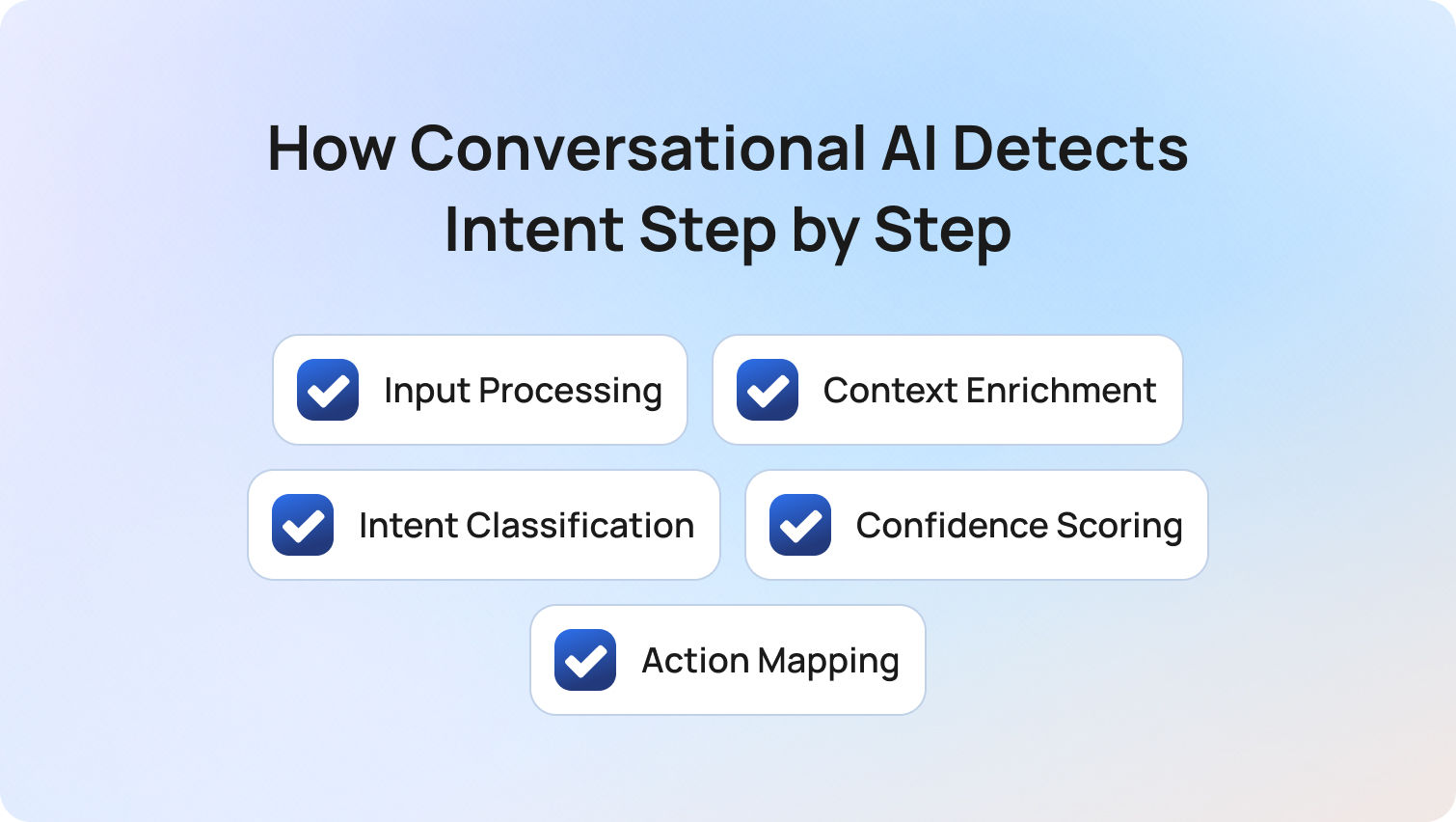
To understand how conversational AI detects intent, it helps to look at what is actually happening behind the scenes. Each step in the process transforms raw customer communication into structured intent data that can drive meaningful action across the support workflow.
1. Input Processing
Every customer interaction begins as unstructured input. When a customer sends a message, the system first processes it by breaking it down into smaller components such as words, phrases, and semantic units. This process, often referred to as tokenization, allows the AI to analyze language in a structured way. At the same time, the system removes noise, including typos, filler words, and inconsistent formatting, so that the underlying meaning becomes clearer.
In voice-based customer interactions, this stage also includes speech-to-text transcription. The quality of this transcription has a direct impact on everything that follows. If the input is misheard or poorly transcribed, even the most advanced intent detection models will struggle to interpret it correctly.
This step is foundational. Without clean, structured input, accurate intent detection simply is not possible.
2. Context Enrichment
Once the input is processed, the system enriches it with context before attempting to classify intent. This context typically includes previous turns in the customer conversation, relevant customer data such as account status or recent orders, and the channel the interaction originated from. Each of these factors influences how a message should be interpreted.
For example, a message like “Where is my order?” carries very different meanings depending on the situation. For a new visitor, it may indicate a general inquiry. For an existing customer who placed an order moments ago, it is likely a real-time order status request. Without context, both messages look identical, but with context, they require completely different responses.
This is where modern conversational AI technology moves beyond simple language processing into true customer understanding.
3. Intent Classification
With context applied, the system can begin intent classification. At this stage, the AI maps the customer’s message to a predefined intent category, such as order status, refund request, technical issue, or account access problem. Unlike earlier systems that relied heavily on exact matches or rigid rules, modern ML models are trained to recognize meaning across variations in human language.
This means the system can correctly interpret paraphrasing, slang, indirect phrasing, and even incomplete sentences. A customer does not need to phrase their query perfectly for the system to understand it.
The quality of intent classification depends heavily on the underlying model and the training data used. Systems trained on real customer conversations consistently outperform those built on synthetic or overly structured datasets.
4. Confidence Scoring
After an intent is identified, the system evaluates how certain it is about that classification. This is done through a confidence score, which reflects how closely the customer’s message matches the predicted intent. When the confidence level is high, the system can proceed with an automated response or trigger a predefined action with minimal risk. When the confidence level is lower, the system may ask the customer a clarifying question or escalate the interaction to a human agent.
Getting this balance right is critical. If the system acts too confidently on uncertain intent, it risks delivering incorrect or irrelevant responses. If it is too cautious, it escalates too many interactions, reducing the efficiency gains that conversational AI is designed to deliver.
Confidence thresholds are not static; they need to be monitored and adjusted over time based on real performance data, customer feedback, and evolving customer behavior.
5. Action Mapping
Once intent is confirmed, the system translates that understanding into action. This is where intent detection connects directly to business outcomes. Depending on the detected intent, the system might retrieve information from a knowledge base, generate a personalized response, trigger an automated workflow, or route the interaction to a specific team. In more complex scenarios, it may escalate the conversation to a live agent with full context attached.
The effectiveness of this step depends on how well intent categories are mapped to real operational workflows. Even highly accurate intent recognition can fail to deliver value if the downstream actions are poorly configured or disconnected from customer needs.
Ultimately, this is the moment where conversational AI either delivers a seamless customer experience or falls short. Intent detection does not create value on its own. It creates value by enabling the right action to happen at the right time, in the right context.
The Hard Part: Handling Ambiguous and Multi-Intent Queries
In real-world customer conversations, intent is rarely clean, singular, or immediately obvious. Customers do not think in predefined or set intents, and they rarely structure their messages in a way that aligns neatly with how systems are configured.
This is where most conversational AI implementations begin to struggle. Not because the technology cannot detect intent, but because the complexity of real customer behavior is underestimated during setup.
Ambiguous Intent
Some customer queries simply do not contain enough information to classify intent with confidence.
- “Can you help me?”
- “I have an issue with my bill.”
These types of customer queries are common, especially at the start of a conversation. From a system perspective, they present a problem: there is no clear intent to map, and acting too quickly risks sending the customer down the wrong path.
Modern conversational AI technology handles this through a combination of strategies:
- Clarification prompts that guide the customer toward providing more specific information
- Contextual inference based on previous customer interactions or known customer data
- Confidence-based escalation when the system cannot reliably determine intent
What separates high-performing systems from underperforming ones is how intelligently these strategies are applied. Poor implementations either over-rely on generic clarification, creating friction, or attempt to guess intent too early, leading to misclassification.
The focus here shouldn’t be on forcing intent detection prematurely, but on progressively refining and understanding while maintaining a smooth customer experience.
Multi-Intent Queries
Customers frequently express more than one intent within a single message, particularly in digital channels where they can type freely.
“I want to change my address and also check my delivery status.”
From a customer perspective, this is efficient. From a system perspective, it introduces complexity. Each intent may require a different workflow, a different data source, or even a different team.
Older conversational AI systems typically identified a dominant intent and ignored the rest. This often resulted in partial resolutions, forcing customers to repeat themselves and increasing overall handling time.
Modern AI-powered systems take a more advanced approach:
- They detect multiple intents within a single interaction
- They prioritize or sequence those intents logically
- They resolve them either in parallel or step-by-step within the same conversation
This capability is critical for delivering exceptional customer experiences. Customers expect conversations to feel fluid and responsive, not constrained by system limitations.
For CX teams, this also has a direct operational impact. Properly handling multi-intent queries reduces repeat contacts, shortens resolution times, and improves overall customer satisfaction.
Intent Drift Across Conversations
Intent is not static; it evolves as the conversation progresses. A customer may begin with a straightforward request, but as the interaction unfolds, new information, frustrations, or needs emerge. What starts as a billing query can quickly shift into a complaint, and ultimately into a cancellation request.
This phenomenon, often referred to as intent drift, is one of the most overlooked challenges in conversational AI.
Systems that treat each message in isolation struggle here. They may correctly identify the initial intent but fail to adapt as the conversation changes direction. The result is disjointed interactions where the AI appears to “lose track” of the customer’s needs.
Effective conversational AI systems continuously reassess intent across the full customer journey. They maintain context, track changes in customer behavior, and update the detected intent as new signals emerge.
The most common failure we see isn’t the AI misunderstanding intent; it’s teams configuring intent too rigidly. Real customer conversations evolve, and if your system doesn’t adapt to that, accuracy drops fast. Intent detection isn’t a one-time setup, it’s an ongoing optimization layer.
This is where intent detection moves from a technical capability to an operational discipline. The teams that recognize this are the ones that successfully scale conversational AI.
What Happens When Intent Detection Gets It Wrong
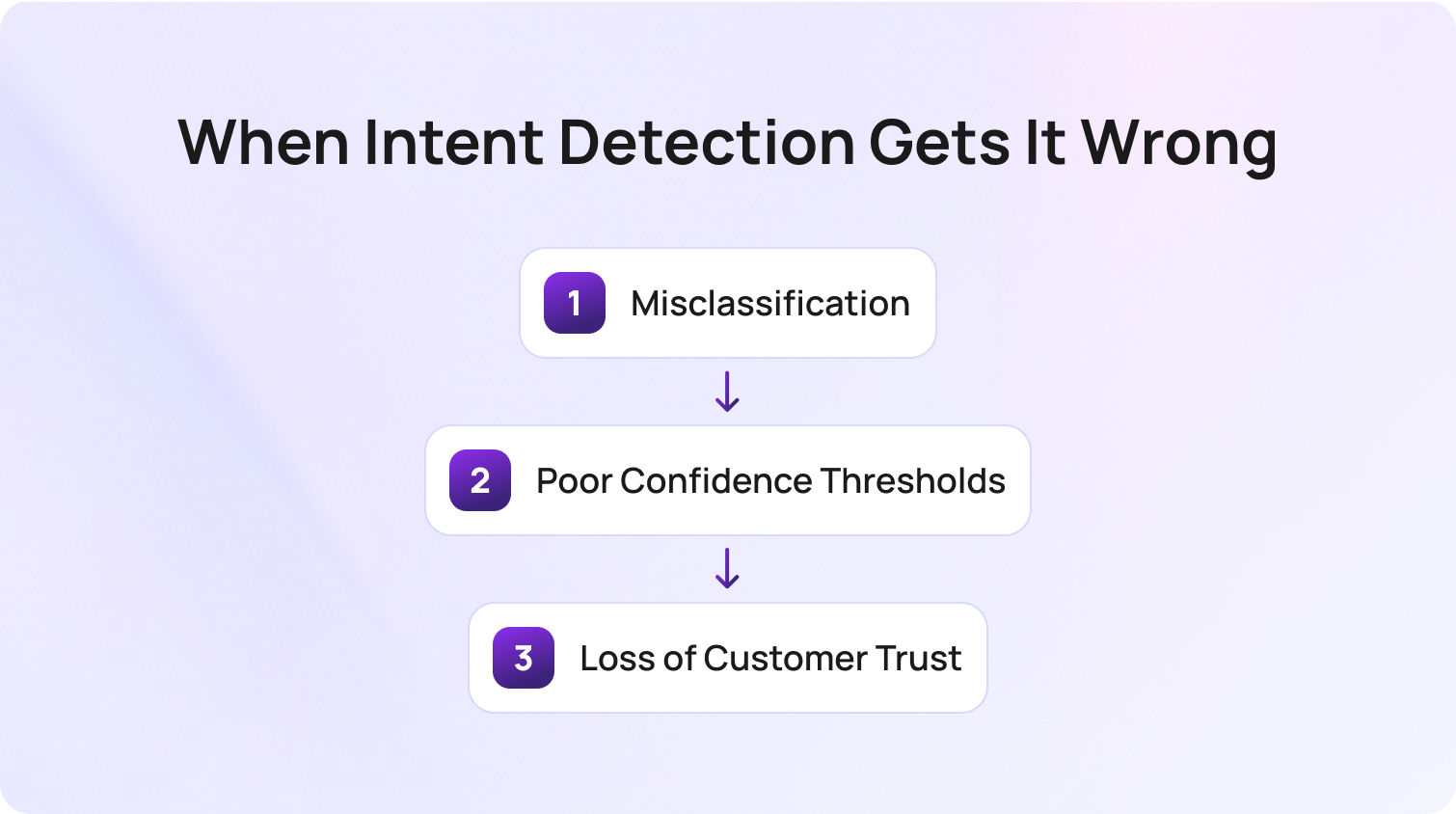
Even with advanced AI models, intent detection is not infallible. What matters is not just accuracy, but how failures are managed and mitigated. When intent detection fails, the impact is rarely isolated. It cascades across the entire customer support system.
Misclassification
When a system incorrectly classifies customer intent, the immediate consequence is misrouting.
- Queries are sent to the wrong team
- Agents receive issues outside their expertise
- Customers are transferred or asked to repeat information
A billing issue routed to a technical support team, for example, creates unnecessary friction. The agent may not have the tools or permissions to resolve the issue, leading to delays and increased handling time.
Over time, repeated misclassification increases operational inefficiency and erodes customer confidence in the system.
Poor Confidence Thresholds
Confidence scoring is one of the most powerful (and most misconfigured) aspects of intent detection.
- If thresholds are set too low, the system acts on weak signals, increasing the likelihood of incorrect responses
- If thresholds are set too high, the system escalates too frequently, reducing the value of automation
In practice, there is no “perfect” threshold. It must be continuously calibrated based on real-world performance, taking into account factors such as query complexity, customer expectations, and business priorities.
Organizations that treat this as a one-time configuration often see performance degrade over time. Those who treat it as an ongoing optimization process achieve significantly better outcomes.
Loss of Customer Trust
The most significant impact of poor intent detection is behavioral. Customers quickly form opinions about AI systems based on their experiences. A single incorrect or irrelevant response can shift a customer’s preference toward speaking with a human agent in future interactions.
- Requests for a live agent increase
- Engagement with AI decreases
- Customer satisfaction declines
This creates a negative feedback loop. As more customers bypass the AI, the system has fewer opportunities to learn and improve, further limiting its effectiveness.
For this reason, intent detection should not only be measured in terms of accuracy, but also in terms of trust signals. Metrics such as repeat escalations, agent request rates, and post-interaction behavior provide valuable insight into how customers perceive the system.
How Intent Detection Connects to Routing and Resolution
Intent detection does not operate in isolation. It is the decision point that determines how every customer interaction is handled. Once intent is identified, it becomes the input for a series of downstream processes that define the overall customer experience.
- Routing logic: Intent determines which team or agent is best suited to handle the query, enabling skill-based routing and more efficient resolution
- Knowledge retrieval: Intent is used to query the knowledge base, ensuring that responses are relevant and contextually appropriate
- Escalation rules: Certain intents, such as cancellations or complaints, may trigger automatic escalation regardless of confidence level
For example, a simple order status request can often be resolved instantly through automation. A complaint, on the other hand, may require priority routing to a specialized team. A cancellation request may always be escalated to a human agent due to its potential business impact.
The key point is that intent detection determines not just what the system understands, but what the system does next.
This is why even small improvements in intent classification accuracy can have a disproportionate impact on overall performance. Better intent detection leads to better routing, faster resolution, and more consistent customer experiences. Conversely, poor intent detection introduces friction at every stage of the process.
How BlueTweak's Conversational AI Handles Intent Detection
BlueTweak approaches conversational AI with a clear principle: intent detection should not be treated as a standalone capability, but as the foundation of the entire customer support system.
Rather than focusing solely on classification accuracy, BlueTweak’s platform is designed to ensure that detected intent translates into meaningful, context-aware action.
- AI models are trained to interpret customer intent across both chat and voice channels, ensuring consistency across different types of customer interactions
- The system maintains context across multi-turn conversations, allowing it to track intent as it evolves over time
- Intent detection is directly connected to routing and escalation logic, ensuring that each interaction is handled appropriately
- Knowledge base integration enables the system to deliver relevant responses grounded in real, up-to-date information
This approach ensures that intent detection is not just technically accurate but operationally effective.
A clear example of this can be seen in BlueTweak’s work with Aeroitalia. The airline faced challenges with fragmented customer data, inconsistent support experiences, and difficulty prioritizing customer queries effectively. By implementing BlueTweak’s AI-powered routing and intent classification capabilities, the organization was able to automatically categorize and route customer messages to the appropriate teams based on context and urgency.
This had a measurable impact on performance. The introduction of AI-driven intent detection and routing reduced backlog tickets and improved response times, contributing to a 33% increase in customer satisfaction and a 45% improvement in agent productivity.
What makes this case particularly relevant is not just the results, but how they were achieved; by combining intent detection with sentiment analysis and contextual data, BlueTweak enabled the support team to prioritize queries more effectively and respond in a way that aligned with customer needs in real time.
This is the difference between intent detection as a feature and intent detection as an operational driver of customer experience. When configured correctly, it does not just understand customer intent; it ensures the entire system responds appropriately.
See how BlueTweak works with a 14-day free trial?
Get Free TrialFinal Thoughts: Why Intent Detection Defines AI Success in Customer Support
Intent detection is the moment where artificial intelligence either succeeds or fails in delivering value.
Every customer interaction, from the simplest order status request to more complex issues, depends on the system’s ability to accurately understand the user's intent and respond appropriately. When intent detection works effectively, it enables AI-powered virtual agents to provide relevant responses, route queries intelligently, and support proactive engagement across the entire customer journey.
For CS teams, this has a direct impact on performance. Accurate intent recognition reduces friction, improves response times, and ensures that customer requests are handled in the right way. Over time, this leads to stronger customer understanding, better alignment with customer needs, and ultimately, enhancing customer satisfaction.
However, the key benefits of conversational AI are not unlocked by technology alone. They come from how well-intentioned detection is configured, monitored, and optimized using real customer data. Teams that actively refine their intent classification models, adjust confidence thresholds, and track how customers respond to AI interactions are the ones that consistently outperform.
In practice, intent detection is not just about understanding language. It is about interpreting customer behavior, identifying pain points, and ensuring that every interaction delivers an appropriate response, whether that comes from an AI agent or a human agent.
For organizations evaluating conversational AI, this is where the real competitive edge lies. The ability to understand intent at scale, across languages, channels, and complex queries, is what separates basic automation from truly intelligent, AI-powered customer support.
If you want to see how this works in real-world scenarios, the next step is simple: explore how BlueTweak’s conversational AI platform applies intent detection to deliver faster, smarter, and more consistent customer experiences; you can book a demo or try it for free now.
Speak with one of our customer support experts today
Book Call
How to Calculate Cost Savings From Automating Support Calls in 2026
Why Most Call Automation ROI Calculations Are Wrong
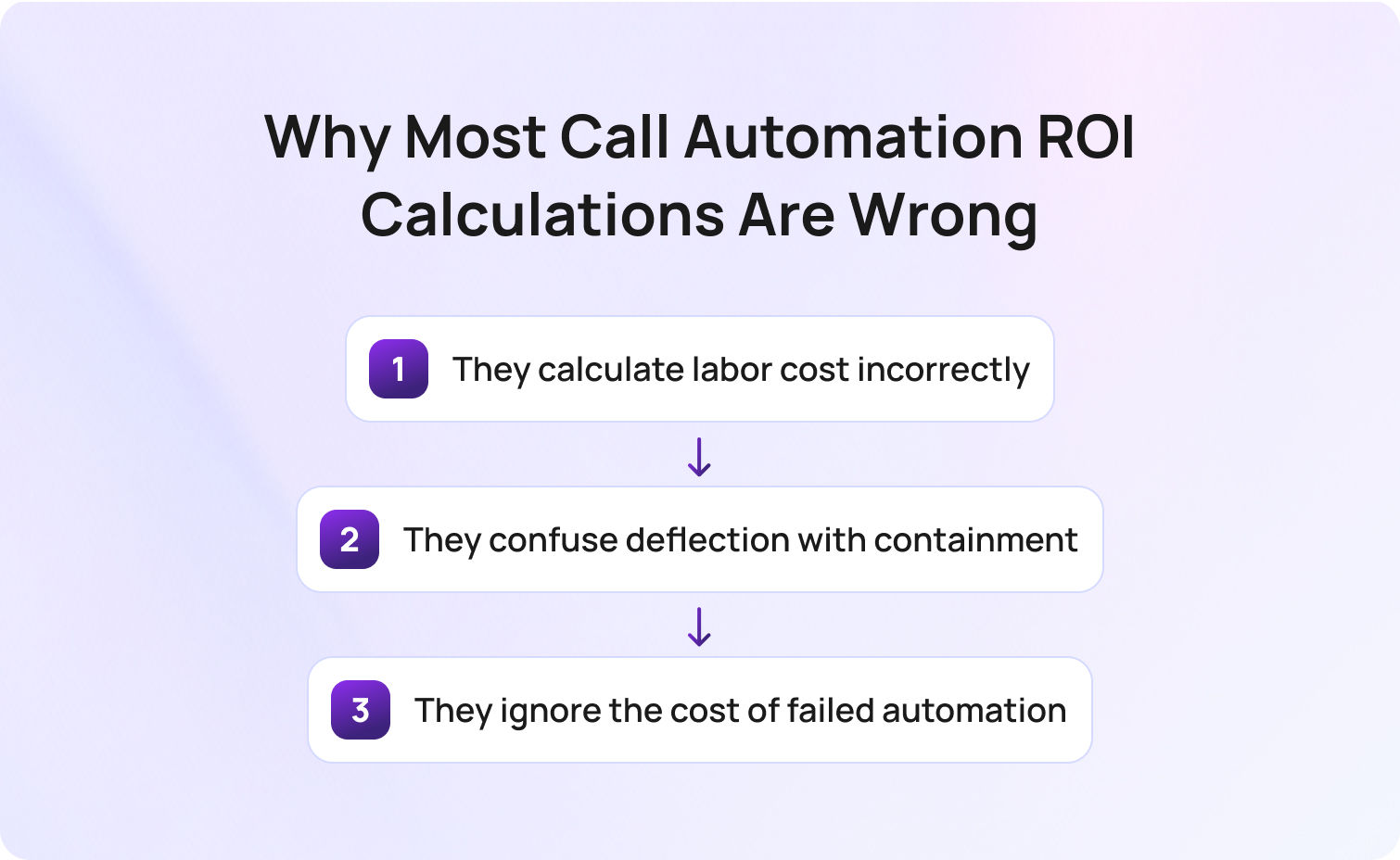
Most call automation ROI calculations are wrong because they rely on simplified cost assumptions, inaccurate performance metrics, and incomplete models of how automation impacts real-world call center operations.
Before jumping into formulas, it’s worth addressing a hard truth: most ROI models for call center cost savings are fundamentally flawed. That’s not because teams lack data; it’s because they model the wrong reality. Most customer service operations are built on a messy mix of fixed and variable operational costs, fluctuating call volume, and inconsistent agent utilization. Yet ROI models tend to flatten that complexity into a single “average cost per call”.
The result is predictable: inflated expectations, missed savings targets, and business cases that don’t stand up to CFO scrutiny. So, where do these calculations actually go wrong?
1. They calculate labor cost incorrectly
Most models divide salary by hours to estimate cost per call. That ignores idle time, training, QA, and management overhead. This, in turn, leads to a misleading view of labor costs and artificially inflated cost savings.
In reality, your call center costs are shaped by utilization, not just wages. Agents aren’t handling calls 100% of the time; they’re in training, after-call work, internal meetings, or simply waiting for the next customer interaction.
This is where many teams underestimate their true support costs. A fully-loaded model reveals that what looks like a $10 cost per call on paper is often closer to $15–$25 when you account for real-world inefficiencies. And that gap is exactly where automation creates measurable cost reduction.
2. They confuse deflection with containment
A deflected call never reaches an agent. A contained call is fully resolved. These are not the same, and this distinction is critical because it directly impacts whether you actually reduce support costs or just shift them elsewhere.
A deflected interaction that leads to a callback, email follow-up, or repeat contact doesn’t eliminate demand; it delays it. In many cases, it increases customer support costs by adding friction and creating duplicate support tickets.
True cost savings come from containment; when the issue is resolved end-to-end without human intervention and without generating additional downstream work.
For teams focused on customer experience, this is also where quality comes into play. Poor containment creates frustrated customers, dragging down customer satisfaction scores.
3. They ignore the cost of failed automation
This is the most expensive blind spot, and the least modeled. When automation fails:
- Customers become frustrated
- Calls are transferred to human agents
- Handle time increases
But the real issue is compounded inefficiency. When a customer reaches an agent after a failed bot interaction, they often repeat information, re-explain their issue, and arrive with lower patience. That drives up AHT, reduces agent productivity, and impacts service quality across the board.
In financial terms, these are the most expensive calls in your contact center. If you don’t explicitly model this, your projected call center cost savings will always look better than reality, and your actual cost efficiency will fall short.
The Three Types of Call Automation and Why Each Has a Different ROI Profile

Call automation cost savings vary significantly depending on whether you use IVR deflection, voicebot containment, or AI-assisted agent support, because each impacts call volume, handle time, and cost structure differently.
Not all automation delivers the same cost savings, so treating it as one category leads to inaccurate projections and missed opportunities. The key is understanding that each type of automation impacts a different part of your cost structure, be it volume, efficiency, or quality.
IVR deflection
This is the simplest form of self-service: calls are resolved through menus or basic voice prompts. It plays a critical role in reducing call volume, particularly for predictable, repetitive queries.
- Best for high-volume, low-complexity queries
- Low cost per interaction
- Limited impact on complex customer support
IVR is often the fastest route to initial call center cost savings, but it has a ceiling. It can’t handle nuance, and over-reliance can negatively impact customer experience if journeys become too rigid.
Voicebot full resolution (AI containment)
This is where modern AI tools fundamentally change the economics of customer support.
A voicebot doesn’t just route calls, it resolves them. Using structured customer data and knowledge bases, it can deliver instant answers across a wide range of queries.
- Highest potential for significant cost savings
- Requires a strong knowledge base quality
- Measured by containment rate
The upside here is substantial: fewer calls reaching human agents, lower support costs, and more scalable customer service operations.
But the ROI depends entirely on execution. Poorly implemented voicebots create unnecessary support tickets, repeat calls, and degraded service quality, which erodes both savings and trust.
AI-assisted agent calls
Here, human agents remain central, but they’re augmented by AI. Rather than reducing call volume, this approach improves how efficiently calls are handled.
- Reduces AHT (average handle time)
- Improves agent productivity
- Enhances consistency and service quality
According to a recent Deloitte Digital study, 64% of organizations report higher agent productivity with AI, while 39% have already achieved lower cost per contact, highlighting the measurable efficiency gains AI-assisted workflows can deliver in contact centers.
This is often the most overlooked lever for cost reduction. While it doesn’t immediately lower headcount, it allows teams to absorb growth without increasing labor costs, effectively lowering cost per call over time.
Before comparing them, it helps to see how each impacts cost structure and ROI:
| Automation Type | Primary Cost Driver | ROI Metric | Typical Savings Range | Time to Value |
|---|---|---|---|---|
| IVR deflection | Agent handling cost | Deflection rate | 10–20% cost reduction | Weeks |
| Voicebot full resolution | Agent + overhead cost | Containment rate | 25–60% cost savings | 1–3 months |
| AI-assisted agent calls | AHT + training cost | AHT reduction | 15–35% efficiency gain | 1–2 months |
The Five-Step Framework for Calculating Call Automation Cost Savings
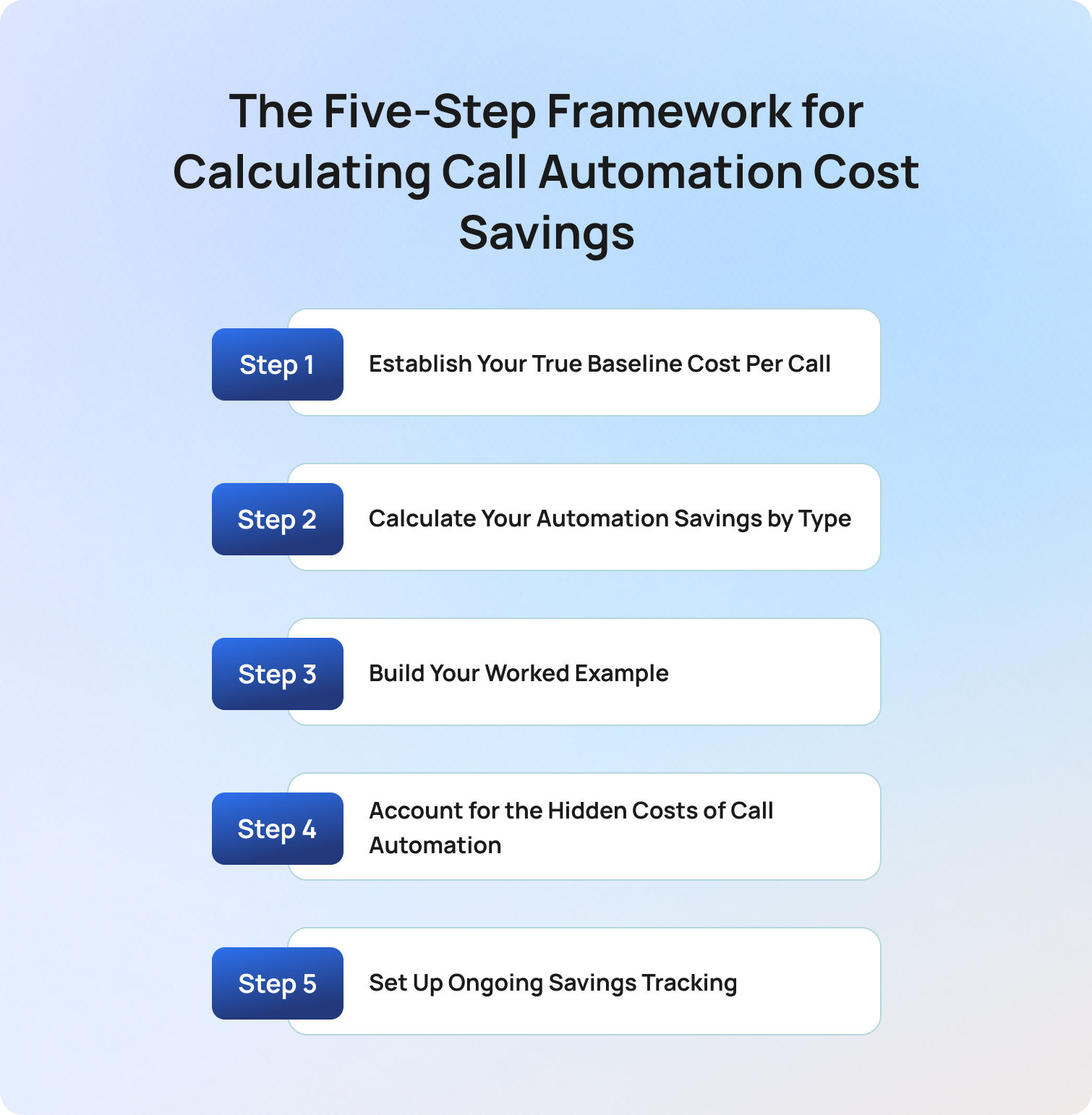
The most accurate way to calculate cost savings from automating support calls is to follow a five-step framework: establish baseline cost per call, model savings by automation type, build a financial scenario, account for hidden costs, and track performance over time.
To build a credible model, you need a structured approach. A strong framework ensures cost savings are realistic, defensible, and repeatable. So what does a reliable calculation model actually look like in practice?
Step 1: Establish Your True Baseline Cost Per Call
Your true cost per call must include all direct and indirect costs (labor, overhead, technology, and attrition) divided by total call volume. Everything starts here, so if your baseline is wrong, your entire ROI model collapses.
Most teams underestimate their call center costs because they only model visible expenses, typically labor costs and platform fees. But in reality, a significant portion of customer support costs sits in indirect or “hidden” areas that scale differently as you automate.
The table below is a diagnostic framework showing you where support costs are often undercounted, and where automation is most likely to drive meaningful cost savings.
As you review it, ask a simple question: which of these costs are we currently excluding from our cost per call calculation? That gap is where your business case either strengthens or falls apart.
BlueTweak Call Cost Baseline Model
| Cost Component | What to Include | Common Mistake |
|---|---|---|
| Agent labor | Salary + benefits + taxes | Ignoring 25–35% uplift |
| Management overhead | Team leads and supervisors | Often excluded |
| Training costs | Onboarding + ongoing | Assumed negligible |
| QA costs | Review teams | Ignored unless large |
| Technology | CCaaS, telephony | Misallocated |
| Facility | Office space | Incorrectly excluded |
| Attrition | Replacement costs | Almost always missed |
Formula:
Fully-loaded cost per call = Total annual call center costs ÷ annual call volume
This is your true baseline for customer support costs.
Step 2 — Calculate Your Automation Savings by Type
Automation savings must be calculated separately for IVR deflection, voicebot containment, and AI-assisted calls, because each reduces support costs in fundamentally different ways.
Now that you’ve established your true cost per call, the next step is to model how automation changes that number.
Instead of applying a single “automation rate” across all customer support, you need to break down savings by mechanism. Each type of automation affects your call center costs differently, either by reducing call volume, lowering cost per interaction, or improving operational efficiency.
The formulas below aren’t just calculations; they represent three distinct financial levers within your contact center.
IVR deflection:
Monthly call volume × deflection rate × cost per call
This is your volume reduction lever. You’re removing calls before they ever reach human agents, which directly lowers support costs. However, this only delivers real cost savings if deflected queries are fully resolved and don’t reappear as repeat contacts.
Voicebot containment:
(Monthly volume × containment rate × cost per call) − (automation cost per interaction × contained calls)
This is your highest-impact lever for cost reduction. Every contained call removes the need for human intervention, but it also introduces a new cost per automated interaction. The key here is balancing containment rate against automation cost to ensure net cost efficiency.
AI-assisted calls:
(AHT reduction × cost per minute × call volume)
This is your efficiency lever. You’re not reducing call volume, but you are lowering the cost per call by shortening handle time and improving agent productivity. Over time, this is what allows teams to scale without increasing labor costs.
Taken together, these three approaches form the foundation of any credible call center cost savings model. The mistake isn’t using them, it’s blending them into a single assumption instead of modeling their impact separately.
Step 3 — Build Your Worked Example
A worked example turns your cost model into a decision-making tool by applying real numbers to automation scenarios and showing how savings materialize over time. At this stage, you’re moving from theory to proof.
A strong business case should demonstrate how potential cost savings play out under realistic conditions. This is what allows stakeholders to evaluate risk, understand timelines, and validate the assumptions behind your model.
Here is a practical scenario for you to consider:
Assumptions:
- 50-agent contact center
- 15,000 calls/month
- $18 fully-loaded cost per call
Baseline monthly cost: 15,000 × $18 = $270,000
From here, automation is layered in as a combination of volume reduction and efficiency gains.
The table below illustrates how different containment assumptions impact overall support costs. This is where scenario modeling becomes critical, particularly when presenting to finance teams who expect to see conservative, mid-range, and optimistic outcomes.
| Scenario | Savings | Notes |
|---|---|---|
| Conservative | ~$60,000 | 30% containment |
| Mid-range | ~$95,000 | 40% containment |
| Optimistic | ~$130,000 | 50% containment |
But this is only part of the picture. To get to true ROI, you also need to:
- Add AI-assisted efficiency gains on the remaining calls
- Subtract your total implementation cost
- Factor in any increase in call volume over time
ROI formula: ROI % = (Net savings ÷ implementation cost) × 100
This gives you a financial model that shows how automation delivers significant savings under different conditions, and how quickly those savings offset the initial investment.
Step 4 — Account for the Hidden Costs of Call Automation
Accurate automation ROI models must include hidden costs such as integration, training, failed automation, and ongoing optimization, as these directly impact net savings. Most ROI models fall apart because the costs required to achieve them are underestimated.
Automation doesn’t operate in isolation; it sits within your existing customer service operations, which means every improvement introduces new dependencies, processes, and overhead.
The items below are not edge cases; they are standard components of any real-world deployment. Ignoring them leads to overstated cost savings and underdelivered results.
- Platform and integration costs: voicebot platforms, telephony APIs, and CRM integrations all contribute to your support costs. These are often quoted as flat fees, but can increase significantly depending on system complexity and data requirements.
- Knowledge base preparation and maintenance: your automation is only as effective as the information it can access. Poorly structured or incomplete knowledge bases lead to lower containment rates, higher repeat contact rates, and reduced service quality.
- Training costs and change management: AI doesn’t replace your support team, but it does change how they work. Agents need to understand escalation flows, how to handle bot transfers, and how to use AI suggestions effectively. Without this, expected gains in operational efficiency won’t materialize.
- Failed automation impact: not all calls will be successfully contained. When automation fails, those calls often become more expensive due to increased handle time and frustrated customers. This needs to be modeled explicitly as part of your customer support costs.
- Ongoing maintenance and tuning: customer queries evolve. Products change. Policies update. Without ongoing tuning, containment rates decline, and cost efficiency erodes over time.
The biggest mistake we see is teams modeling savings without modeling failure. A voicebot that transfers poorly doesn’t just fail, it increases cost per call and damages customer experience.
When you include these factors, your model becomes more conservative but also more credible; in most cases, that’s what gets a business case approved.
Step 5 — Set Up Ongoing Savings Tracking
Call automation savings must be continuously measured using operational and experience metrics to ensure projected savings translate into real-world results.
Building the model is only the first step; the real value comes from validating and improving it over time. Without structured tracking, even well-designed automation programs drift. Cost per call can creep up, containment rates can plateau, and customer satisfaction can decline without clear visibility into why.
The table below outlines the core key metrics every contact center should track to maintain cost efficiency and service quality post-implementation.
| Metric | Formula | Target | Cadence |
|---|---|---|---|
| Containment rate | Resolved calls ÷ total automated | 30–50%+ | Monthly |
| Cost per call | Total cost ÷ calls | Declining | Monthly |
| CSAT delta | Automated vs agent | Neutral or higher | Monthly |
| Repeat contact rate | Repeat calls ÷ total | <10% | Monthly |
| AHT trend | Avg duration | Decreasing | Monthly |
Each of these metrics tells a different part of the story.
- Containment rate shows how effectively automation is resolving customer inquiries
- Cost per call tracks whether you are actually achieving cost reduction
- CSAT and repeat contact rate reveal whether customer experience is improving or degrading
- AHT trends indicate whether AI is truly enhancing agent productivity
Tracking these together ensures you’re not just lowering support costs, but doing so while maintaining service quality and delivering a better overall experience.
Common Mistakes That Undermine Your Business Case
The most common mistakes in call automation business cases stem from overestimating savings, underestimating complexity, and failing to model real-world customer behavior.
Even with a well-structured model, the biggest risk is in the assumptions behind the calculations. This is where many contact center leaders lose credibility internally. A model that looks strong on paper but fails to materialize in practice quickly erodes confidence, especially when projected cost savings don’t align with actual customer support costs.
So where do business cases typically break down?
- Assuming immediate containment rates: most models apply steady-state performance from day one. In reality, containment improves over time as your knowledge base evolves and automation is tuned. Early-stage performance is almost always lower, which impacts short-term cost efficiency.
- Modeling headcount reduction too early:reducing labor costs is often the most attractive part of the business case, but also the hardest to realize. Until containment rates are proven and stable, removing human agents introduces risk to both service quality and customer satisfaction.
- Ignoring call volume growth: many teams model savings against a fixed call volume, missing one of the biggest opportunities: growth absorption. Automation allows you to scale customer support without increasing headcount, which is where long-term cost reduction compounds.
- Confusing cost avoidance with cost reduction: not hiring additional agents as demand grows is real value, but it’s not the same as reducing existing call center costs. For finance stakeholders, this distinction matters. A strong business case clearly separates the two.
- Overlooking customer satisfaction impact: a model that improves cost per call but degrades customer experience is not a sustainable strategy. Lower support costs only matter if they are achieved alongside stable or improved customer satisfaction scores.
A strong business case doesn’t just project lower costs, but also demonstrates how those savings will be achieved without compromising the experience that drives retention and growth.
How BlueTweak Supports Call Automation ROI
BlueTweak enables measurable call automation ROI by aligning voice AI capabilities directly to cost, efficiency, and customer experience metrics. BlueTweak’s approach is built around a simple principle: automation should be accountable to outcomes, not just activity.
Where many AI tools operate in silos (handling either self-service, analytics, or agent support), BlueTweak connects these capabilities into a single system that directly impacts customer support costs and service quality.
This matters because ROI isn’t created by individual features. It’s created by how those features work together across your customer service operations.
So how does that translate into measurable impact?
- Voicebot containment: BlueTweak’s voice AI is designed to maximize containment, not just deflection. By resolving customer inquiries end-to-end, it reduces reliance on human agents and delivers meaningful call center cost savings without increasing repeat contact rates.
- AI agent assist: real-time transcription, suggested responses, and contextual prompts help agents handle complex issues faster and more consistently. This improves agent productivity, reduces cost per call, and supports better customer experience outcomes.
- Ongoing tracking and analytics: BlueTweak surfaces key, real-time metrics like containment rate, cost per call, and customer satisfaction in real-time. This allows teams to validate their cost savings model continuously and make data-driven adjustments.
- Quality assurance loop: automated and agent-led interactions are evaluated using the same QA framework, ensuring the maintenance of service quality across all channels. This is critical for balancing cost reduction with enhanced customer satisfaction.
One example comes from BlueTweak’s work with an e-commerce client, where AI-driven automation increased ticket deflection by 45% and reduced interaction time by 30%, significantly lowering overall customer support costs while improving efficiency, first contact resolution, and customer satisfaction.
See how BlueTweak cna work for you team with a 14-day free trial
Get Free TrialFinal Thoughts: How to Calculate Cost Savings From Automating Support Calls
To calculate cost savings from automating support calls effectively, you need a model that reflects real costs, realistic performance, and ongoing operational dynamics.
The teams that succeed with building models that hold up under scrutiny and continue to deliver as conditions change. That comes down to discipline in how the business case is structured and validated.
Remember to:
- Establish your real cost per call: include all direct and indirect call center costs, not just labor costs.
- Model each automation type separately: different approaches impact support costs in different ways, so don’t oversimplify.
- Build a realistic financial scenario: use conservative, mid-range, and optimistic assumptions to reflect uncertainty.
- Include all hidden costs: integration, training, and failed automation all affect net cost savings
- Track performance continuously: monitor cost per call, containment, and customer satisfaction to ensure results match projections
Automation has the power to reshape your entire cost structure, allowing you to deliver better customer experience at a lower cost base. And that’s where the real value sits: not just in saving money, but in building a customer support function that can scale efficiently as demand grows.
If you want to see what this looks like for your own operation, the next step is to model it with real data. BlueTweak can help you map your current call center costs, simulate automation scenarios, and identify where the biggest cost savings opportunities sit.
Whether you’re exploring voice AI for the first time or looking to optimize an existing setup, you can now book a demo to walk through your specific customer support costs and ROI potential, or start a free trial to see how BlueTweak’s AI performs on your real customer interactions.
Book a call with a member of our team
Book Call
Human-in-the-Loop Customer Support: Scale AI Without Losing Oversight
What Is Human-in-the-Loop (HITL) in Customer Support?
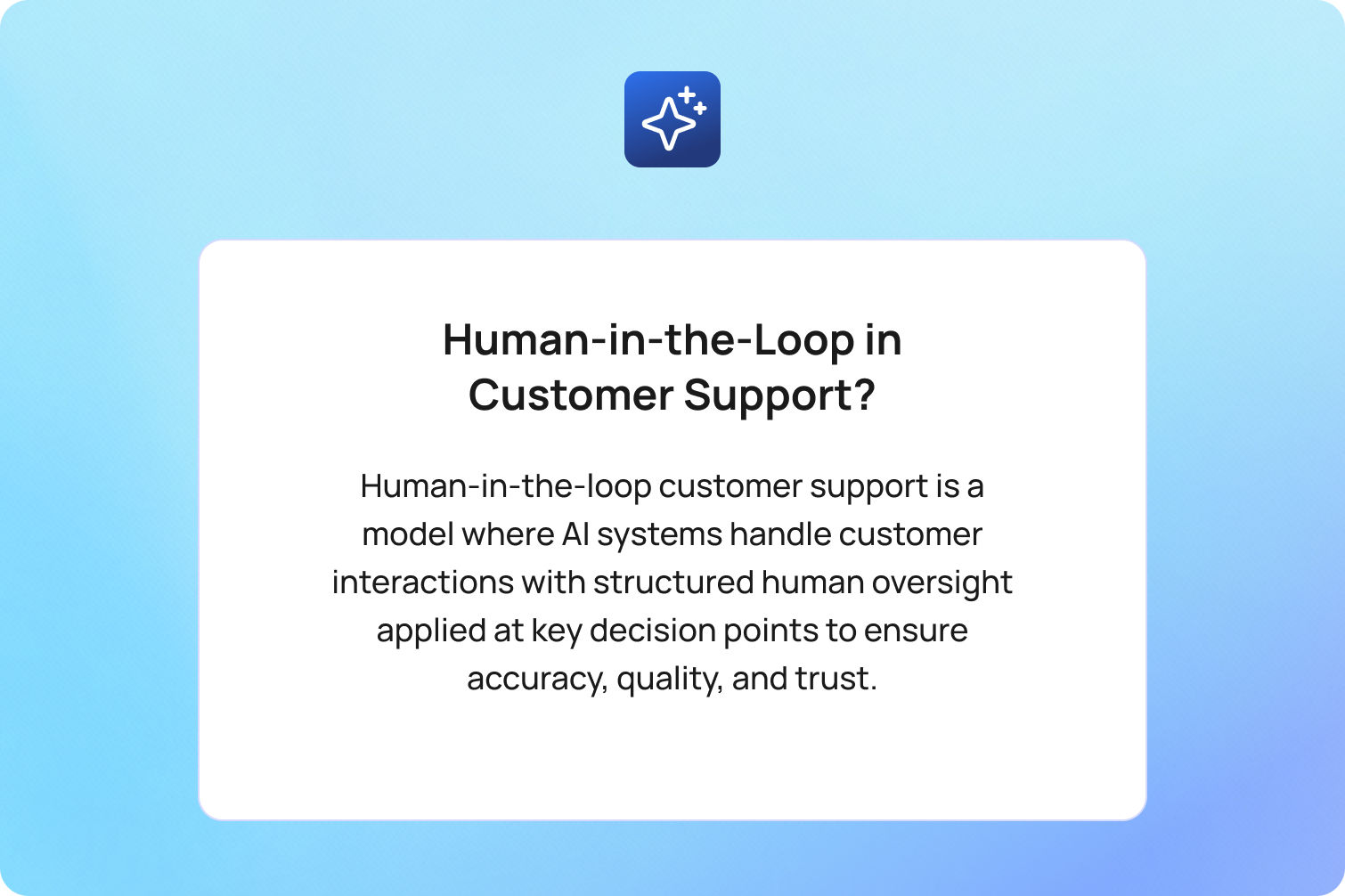
Human-in-the-loop (HITL) customer support is a model where AI systems handle customer interactions with structured human oversight applied at key decision points to ensure accuracy, quality, and trust.
Unlike fully automated systems, HITL introduces human involvement where it matters most; not everywhere, but not nowhere either. AI handles routine tasks at speed, while human agents step in for review, judgment, and complex issues.
This distinction matters more as AI scales. As generative AI and machine learning models take on a larger share of customer interactions, the risk is now loss of control. Without the right loop, AI systems (often powered by modern AI customer support software) can produce generic responses, mishandle edge cases, or erode customer trust at scale.
This is exactly the challenge platforms like BlueTweak are designed to solve; not just enabling AI in the contact center, but structuring how human oversight operates alongside it as volume grows.
A 2025 Gartner survey found that 95% of customer service leaders plan to retain human agents to define how AI is used, even as automation scales. At the same time, AI is expected to resolve up to 80% of routine interactions in the coming years. The implication is clear: the challenge is no longer whether AI can scale, but how to maintain human oversight as it does.
The Three Levels of Human Oversight in AI Support
To scale effectively, teams need a structured way to think about human oversight. Not all interactions require the same level of human interaction, and applying a single model across all AI workflows is where most systems fail. The practical solution is a three-level framework:
| HITL Level | Example Interaction Types | AI Confidence Threshold | Human Role | Best For |
|---|---|---|---|---|
| Human-on-the-loop | FAQs, order status, password resets | High (>90%) | Monitor and audit | Proven, high-volume routine queries |
| Human-in-the-loop | Refund requests, billing queries, complaints | Medium (60–90%) | Review and approve before sending | Sensitive topics; new AI deployments |
| Human-as-the-loop | Crisis, VIP, complex multi-issue | Low (<60%) | Lead interaction with AI assist | High-stakes or emotionally complex cases |
This model aligns oversight with risk and AI confidence, rather than volume alone.
PwC’s 2025 Customer Experience Survey found that only 30% of consumers say AI has improved customer service, while a significantly larger share reports neutral or negative outcomes, highlighting the continued importance of human oversight in AI-driven support models.
Why Scaling AI Makes Oversight Harder, Not Easier
At a small scale, human oversight feels manageable, but at an enterprise scale, it becomes a problem. When AI handles hundreds of interactions, human review queues work; when it handles tens of thousands, the same model breaks.
Manual review doesn’t scale linearly; this is one of the core implementing AI customer support challenges that teams face once deployment moves beyond the pilot stage. When AI handles tens of thousands of interactions, traditional QA models break down, and teams are forced to rethink operational structure rather than just tooling. A queue that works at 100 interactions per day becomes a bottleneck at 10,000. Teams either slow down response times or quietly start skipping reviews.
AI errors also compound with volume. A 2% error rate seems acceptable until it becomes 200 mistakes per day. Without a structured catch mechanism, those errors slip through unnoticed.
Then comes oversight fatigue. When human agents are reviewing large volumes of routine AI interactions, cognitive load increases, attention drops, and the interactions that most need human judgment (think: edge cases, emotionally charged situations, etc.) are the ones most likely to be missed.
AI errors also compound with volume. A small failure rate may seem manageable until it scales across thousands of interactions. A 2025 Qualtrics report found that nearly one in five consumers who used AI for customer service saw no benefit, with failure rates almost four times higher than other AI use cases. As volume increases, the challenge is in detecting where AI has gone wrong in the first place.
The moment most organizations realize something is wrong isn’t when AI fails… It’s when they can’t explain why it failed at scale. Oversight doesn’t break because of the technology. It breaks because the process hasn’t evolved to match it.
How to Scale Oversight Without Scaling Headcount

Fixing the oversight problem means redesigning how oversight works. At a small scale, human-in-the-loop customer support often looks like manual review layered on top of AI. But as interaction volume grows, that model quickly becomes unsustainable.
The teams that scale successfully treat oversight as a dynamic system; one that evolves alongside their AI workflows. That shift, from manual process to structured model, is what allows AI and human agents to operate efficiently at scale.
Segment by interaction type, not volume
The most common mistake is applying the same level of human oversight across every AI interaction. It feels safer, but in practice, it creates unnecessary friction and limits scale.
A more effective approach is to segment interactions based on complexity, risk, and AI confidence. In most contact centers, a significant proportion of volume sits in routine, repeatable queries, following predictable patterns and requiring limited human judgment.
Gartner predicts that AI will autonomously resolve up to 80% of common customer service issues in the coming years, highlighting just how much of today’s support demand is made up of low-complexity, high-volume interactions.
But in practice, most organizations are earlier in that journey.
In most environments we work with, the most routine queries, the ones that can be confidently automated today, typically make up around 20–30% of total volume. The opportunity is not just to automate more, but to expand that category safely over time.
Typically, this high-volume segment includes:
- Order status and delivery updates
- Password resets and account access issues
- Basic product or service FAQs
These interactions are well understood and low risk, making them ideal for human-on-the-loop oversight, where AI handles the interaction, and humans monitor performance at a system level.
By concentrating human involvement on the remaining, higher-risk categories, teams reduce cognitive load, improve speed, and maintain control, all without increasing headcount.
Use confidence scores and QA data to graduate interaction types
Segmentation is only the starting point; the real value comes from movement between tiers. AI systems are not static; they improve with training, feedback, and exposure to real-world interactions. But many organizations fail to capitalize on this because they don’t define how interactions “graduate” to lower levels of oversight.
Instead, interaction types remain stuck in human-in-the-loop indefinitely, creating a ceiling on efficiency. To avoid this, teams need clear, measurable criteria for progression. At scale, improving how to improve average handle time becomes less about agent speed and more about eliminating unnecessary human review through intelligent automation.
To ensure consistency, organisations often rely on structured customer support metrics to define thresholds for AI performance and human oversight transitions. In practice, that usually means aligning around a small set of performance signals:
- Sustained QA scores above a defined threshold
- Stable or improving customer satisfaction (CSAT)
- Error rates consistently below acceptable limits
More importantly, ownership of this decision must be explicit. Without a structured graduation model, AI never earns trust — and oversight never scales down.
Automate the catch layer, not just the response layer
Most organizations focus their AI efforts on generating responses faster, but most don't invest in detecting when those responses shouldn’t be trusted. At scale, the idea that human agents can manually review every interaction becomes unrealistic. Instead, oversight needs to shift from blanket review to intelligent flagging, supported by broader operational systems such as workforce management, which help ensure the right human capacity is applied at the right moments.
This is where AI can support human oversight directly, by surfacing the interactions that actually require attention. For example, effective systems will automatically flag:
- Low-confidence responses from the AI model
- Negative sentiment or emotionally charged language
- Repeat contact patterns within a short timeframe
- High-risk topics such as billing disputes or fraud detection
The result is a system where human agents are no longer acting as passive reviewers, but as targeted decision-makers, focusing their expertise where it has the greatest impact.
Establish a governance model for AI autonomy
As AI systems take on more responsibility, the question of control becomes more important, not less. Who decides when an AI agent can operate more independently? What data justifies that decision? And who is accountable if something goes wrong?
In many organizations, these decisions happen informally, often driven by operational pressure rather than performance data. Over time, this creates inconsistency, risk, and a lack of visibility into how AI is actually being used.
A formal governance model introduces structure by defining:
- The criteria required to expand AI autonomy
- The stakeholders responsible for approval
- The checkpoints where performance is reviewed
This turns scaling from a reactive decision into a controlled progression, where human oversight evolves in step with AI capability.
Build a monthly oversight review into operations
Oversight is not something you configure once and leave in place. It needs to evolve continuously as AI systems learn and customer expectations shift. That’s why leading teams build oversight into their operating rhythm; on a monthly basis, they review performance across key dimensions (QA scores, customer satisfaction, error rates, and escalation patterns) broken down by interaction type.
Each interaction category should result in a clear decision:
- Expand AI autonomy
- Maintain the current level of oversight
- Increase human involvement
Over time, this creates a feedback loop where human judgment actively shapes how AI systems perform. This is what transforms human-in-the-loop from a safety net into a competitive advantage.
The Warning Signs That Scaling Has Outrun Oversight

Most teams don’t realize their oversight model is failing until customer experience has already started to degrade. But breakdown doesn’t happen all at once; it shows up gradually, in metrics that seem unrelated at first, or in small operational workarounds that quietly become the norm.
The key is knowing what to look for early, before these signals compound into systemic issues. In most cases, the problem isn’t that AI is underperforming; it’s that oversight hasn’t evolved to match the scale of deployment.
Here are the clearest indicators that your human-in-the-loop customer support model is falling behind:
- CSAT is falling while AI-handled volume is rising
Automation should improve consistency and speed. If customer satisfaction is declining as AI handles more interactions, it’s a sign that quality controls aren’t keeping pace. This often points to gaps in review processes, poorly calibrated confidence thresholds, or insufficient human feedback loops. In many cases, this also shows up earlier in the journey through declining how to improve first call resolution rates, where AI closes interactions without fully resolving the underlying issue. - Repeat contact rate is increasing
When customers return within 24–48 hours on the same issue, it signals that interactions are being closed without true resolution. At scale, this is one of the most reliable indicators that AI is handling queries superficially; resolving the symptom, not the underlying problem. - Unexpected escalations are rising
If human agents are frequently receiving escalations that “should have been handled already,” it suggests that routing logic or AI confidence scoring is misaligned. These aren’t edge cases, though; they’re predictable failures that the system isn’t catching early enough. - QA reviews are being skipped or delayed
This is often the first internal signal. As volume increases, review queues start to back up, and teams begin bypassing them to meet response SLAs. At that point, oversight still exists on paper, but no longer functions in practice. - AI error rate is unknown or untracked
If the team cannot clearly answer “what is our current AI error rate by interaction type?”, oversight has already broken down. Without visibility, there is no control, and without control, scaling becomes guesswork.
Individually, these signals may seem manageable. Together, they point to a deeper issue: a system designed for low-volume oversight being stretched beyond its limits.
Where Empathy Still Requires a Human
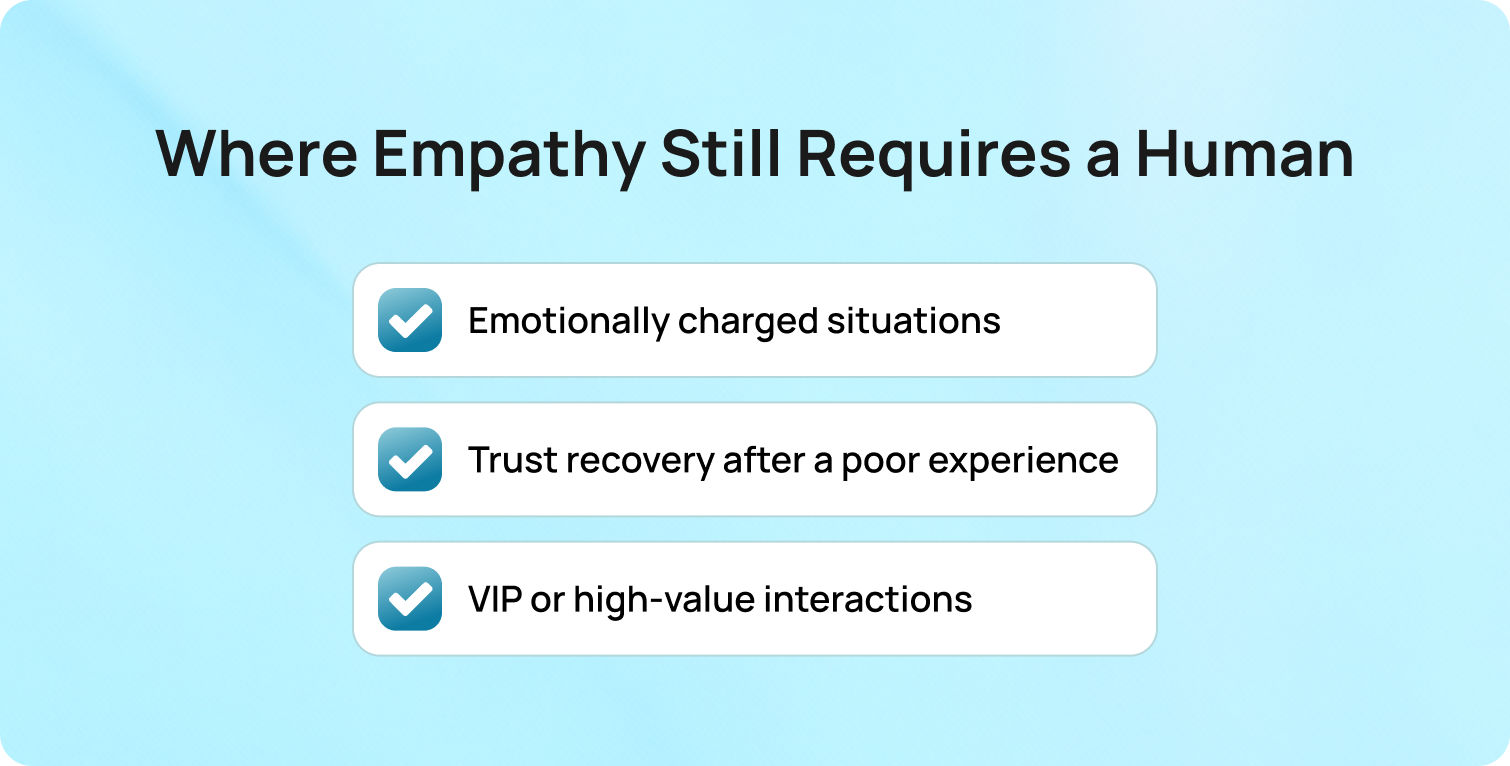
Even in highly automated environments shaped by modern AI chatbot customer service human agents' dynamics, there are moments where human involvement is non-negotiable. These are not defined by complexity alone, but by context. Specifically, situations where emotional intelligence, nuance, and accountability directly influence the outcome of the interaction.
The risk in over-automation is not just getting the answer or the moment wrong. There are three categories where human agents should remain central, regardless of AI confidence scores:
- Emotionally charged situations: when a customer is frustrated, anxious, or distressed, the quality of the interaction is defined by tone as much as outcome. AI can identify sentiment, but responding with appropriate empathy, adjusting language in real-time, and navigating sensitive conversations still relies heavily on human judgment.
- Trust recovery after a poor experience: when something has already gone wrong (think: a failed delivery, a billing issue, or a previous poor interaction), the next conversation becomes critical. This is where brands either rebuild trust or lose it. A human touch here signals accountability in a way automation cannot.
- VIP or high-value interactions: for high-value customers, the expectation is not just resolution, but recognition. These interactions often require personalization, contextual awareness across past interactions, and a level of care that goes beyond efficiency.
This is not just a theoretical distinction. PwC’s Customer Experience research shows that 86% of consumers say human interaction remains important to their overall brand experience, reinforcing that AI and human agents serve fundamentally different roles in the customer experience.
The implication is clear: AI should handle volume, but humans should handle moments that matter.
This is where human-in-the-loop customer support becomes a way to protect customer trust at scale.
How BlueTweak Supports HITL at Scale
BlueTweak’s approach to human-in-the-loop customer support extends across modern omnichannel customer support and is built around the idea that AI and human agents should operate as a coordinated system, not separate layers.
At the human-on-the-loop level, BlueTweak’s AI chatbot and voicebot handle high-volume, routine tasks autonomously across channels. This is where scale is achieved.
At the human-in-the-loop level, suggested replies act as a built-in co-pilot. AI drafts responses, but a live agent reviews and approves before sending. This preserves speed while maintaining human judgment.
To address the scaling problem directly, BlueTweak focuses on the catch layer:
- AI ticket summaries reduce cognitive load for reviewers
- Call transcription extends oversight to voice interactions
- Customer profiles provide full context without switching tools
This reduces oversight fatigue and makes real-time collaboration between AI and human agents viable at scale.
The quality loop is where the system compounds value. BlueTweak’s quality assurance module evaluates AI-handled interactions on the same criteria as human ones: accuracy, tone, and resolution. This creates the data needed to safely expand AI autonomy over time.
Finally, customer service analytics surface the exact signals that matter: CSAT trends, repeat contact rates, and performance by interaction type. This turns oversight from a manual process into a measurable system.
A strong example of this in practice can be seen in BlueTweak’s AI-powered customer support transformation for an e-commerce client, where high volumes of repetitive queries were automated alongside structured human oversight, resulting in faster resolutions and improved operational efficiency.
Try BlueTweak for yourself with a 14-day free trial
Get Free TrialFinal Thoughts: Scaling Human-in-the-Loop Customer Support in the AI Era
The shift toward human-in-the-loop customer support today is centred on designing a collaborative model where both artificial intelligence and people play to their strengths.
AI agents are increasingly effective at handling repetitive tasks, from basic order updates to standard account queries. This frees the contact center to focus human effort where it matters most: moments requiring human empathy, human expertise, and nuanced understanding of customer context.
But scale changes the challenge. As AI agents take on more volume, the quality of oversight becomes the differentiator. Without structured systems for feedback, segmentation, and governance, even the best AI systems can degrade customer experience rather than improve it.
The organizations succeeding today are not those replacing humans, but those redefining when humans step in. They use customer data and relevant data to continuously refine when automation is safe, and when human judgment is required to handle complex or emotionally sensitive interactions.
Ultimately, the future of customer support is not fully automated; it is intelligently balanced. A system where AI delivers scale, and humans preserve trust, nuance, and emotional intelligence in every conversation.
Key takeaways
- A scalable HITL model balances AI efficiency with human empathy and expertise
- Most repetitive tasks can be handled by AI agents, while humans focus on high-value interactions
- Strong governance ensures customer data is used effectively to guide oversight decisions
- Continuous training and providing feedback improve both AI performance and human effectiveness
- The future of the contact center is a tightly integrated collaborative model, not full automation
As organizations evolve, success will depend on how well they design systems where technology and human capability work together, not in isolation.
Ready to scale human-in-the-loop customer support without losing control? Speak with one of our customer support experts to explore how it works in practice.
Book a call with one of our customer support experts
Book Call



