


Outsourcing Customer Service vs Conversational AI: Which Is Best in 2026?

What Is Customer Service Outsourcing?
Customer service outsourcing means engaging a third-party provider, a BPO, specialist support company, or managed call centers offering customer service center services, to handle some or all customer support services on your behalf. Used correctly, outsourcing delivers cost reduction while protecting customer loyalty by ensuring every interaction is handled by someone with the capacity and training to resolve it well. The spectrum runs from full outsourcing, where the provider runs the entire support operation, to partial outsourcing, where specific functions are handed off: after-hours coverage, overflow handling, specific communication channels, or multilingual support.
A third model has emerged more recently: BPO-enhanced AI, where an outsourced team operates AI-assisted support on the client's behalf. In this arrangement, outsourcing customer support and AI are not alternatives; the BPO is the delivery layer, and the AI is the efficiency layer within it.
Outsourcing is not a single model. The right arrangement depends on scope, language requirements, hours of coverage, complexity of customer inquiries, and quality expectations. It is a strategic asset for teams that use it correctly, and a cost centre for teams that treat it as a default.
What Is Conversational AI for Customer Service?
Conversational AI for customer service is software that uses natural language processing and large language models to understand customer intent and resolve customer interactions autonomously across chat, voice, and messaging channels, without requiring human interaction at each step. Artificial intelligence in customer support has matured significantly; AI systems and AI-powered chatbots built on advanced technology now handle customer inquiries that would have required human agents two years ago. AI in customer service, specifically AI customer service applications, has moved from experimental to operational for most mid-market and enterprise support teams.
In 2026, conversational AI operates in three main deployment types: AI chatbots for text-based channels, voice assistants and voice automation for phone and IVR, and omnichannel AI agents that handle customer requests across various channels from a single system.
The technology handles tier-1 routine tasks reliably: order status queries, FAQs, account updates, password resets, status updates, and routine questions that have definitive answers. It requires human oversight for complex processes, emotionally sensitive interactions, and regulated industries where compliance is non-negotiable. Training AI on your specific product, policy, and customer context is what separates deployments that contain interactions from those that only deflect them.
Outsourcing vs Conversational AI: At a Glance
The BlueTweak Outsourcing vs Conversational AI Comparison Table
| Customer Service Outsourcing | Conversational AI | Hybrid (AI + Selective Outsourcing) | |
| Best for | Complex interactions, niche languages, overflow, 24/7 coverage without AI investment | High-volume routine queries, digital-first teams, predictable interaction types | Most teams, AI handles tier-1 volume; outsourcing covers specialist or overflow needs |
| Cost model | Per-agent or per-interaction; scales with volume | Platform fee + usage; scales without linear headcount cost | Optimised, AI reduces outsourced volume; outsourcing covers gaps AI cannot fill |
| Time to deploy | Weeks to months | Days to weeks if KB is ready | Phased, AI first, outsourcing configured around it |
| Quality control | Dependent on provider; SLA-governed | Dependent on KB quality and threshold configuration | Dual, AI QA for automated interactions; SLA for outsourced |
| Language coverage | Broad, providers can supply native speakers | Strong for top languages; variable for long-tail languages | Best combination, AI for top-language volume; outsourcing for niche languages |
| Unique edge | Human judgment for complex, emotional, cultural nuance | Scales instantly; consistent; no turnover | Lowest total cost and highest coverage combination |
The Case for Customer Service Outsourcing
Outsourcing customer service has a genuine, well-established value case. Here is the honest version of it.
Complex Interaction Types
Outsourcing shines where AI struggles most. Emotionally complex complaints, multi-step technical troubleshooting, legal or compliance queries, and sensitive account issues all require experienced agents who can apply human judgment in real time. Experienced agents at a specialist BPO often handle these better than an in-house current team stretched across all interaction types and constantly managing volume pressure.
For regulated industries, such as financial services, healthcare, and insurance, where compliance requirements shape every customer conversation, the oversight and documentation infrastructure that established BPOs bring is a meaningful operational advantage.
Niche Language Coverage
Multilingual support is the most compelling use case for outsourcing in 2026. Conversational AI handles major languages reliably. For long-tail languages with smaller customer bases, recruiting and retaining native-speaking support professionals in-house is expensive and logistically complex. A BPO with pre-built multilingual capacity is faster and cheaper for language coverage beyond the top three or four.
24/7 Coverage Without a Follow-the-Sun In-House Team
Building genuine always-on support in-house requires shift structures that are expensive and complex to manage, particularly for customer support teams in single-timezone organisations. BPOs with distributed global teams provide 24/7 coverage without the in-house management overhead, the labor costs of night shifts, or the staff welfare complexity of round-the-clock scheduling.
Seasonal and Overflow Scaling
E-commerce businesses, travel operators, and events companies face demand peaks that would require hiring cycles if staffed entirely in-house. Outsourcing lets support teams scale capacity up and down without those cycles. This is particularly valuable when reactive support is the norm, when customer contact volume spikes unpredictably and in-house teams cannot absorb the surge without time-consuming hiring and onboarding processes. Customer portals and self-service tools reduce some of this volume, but complex peak-period queries still require human handling. AI handles some of this, but for complex seasonal customer requests that require judgment, returns disputes, itinerary changes, and event cancellations, outsourced human teams are often the right solution.
Speed of Setup
A BPO with an existing trained team, established processes, and operational infrastructure can be operational in weeks. AI deployment requires knowledge base preparation, threshold calibration, and integration work, typically four to eight weeks for a basic deployment. For teams that need coverage fast and can develop the AI layer in parallel, outsourcing first is a defensible sequencing decision.
The Case for Conversational AI
Conversational AI has an equally strong, equally honest value case.
Tier-1 Volume at Scale Without Linear Cost
This is the key difference. Conversational AI handles routine queries, FAQs, order status, password resets, and account updates without a cost-per-interaction that scales with volume. As customer inquiries grow, AI cost grows slowly; outsourced agent cost grows proportionally. The marginal cost of the next thousand interactions is lower with AI than with any human team, in-house or outsourced.
For high-volume operations, this is a transformative economic argument. The cost savings compound as the containment rate improves and the platform cost is spread across increasing interaction volume.
Consistency at Any Volume
AI applies the same knowledge base-grounded response quality at 100 interactions per day and 100,000. Human agents, whether in-house or from an outsourced team, vary in quality by shift, fatigue, tenure, and training recency. For predictable, routine interaction types where consistency matters more than nuance, AI is a genuine quality advantage, not just a cost argument.
This is also why AI plays a crucial role in exceeding customer expectations on routine touchpoints. Customers expect fast, accurate, personalized service on simple queries. AI-powered chatbots and voice assistants deliver that consistently, without waiting in a queue and without the variability that comes from support agents working across different shifts and experience levels.
Immediate and Always On Support
Conversational AI is available 24/7 without shift premiums, without overtime costs, and without queue time. For after-hours coverage on routine queries, AI is faster and cheaper than outsourcing. AI chatbots respond in seconds. Response time on outsourced channels is governed by SLA and staffing. For customers who contact support at 2 am with a password reset or an order status question, the AI-handled experience is better.
Data Ownership and CRM Integration
Every AI-handled interaction generates structured, actionable insights: intent, sentiment, resolution outcome, and CSAT data that flows directly into CRM systems. Outsourced interactions often produce data that is less structured, harder to access, and less integrated with existing workflows. For teams that use support data for product development, CX improvement, and WFM forecasting, AI's data output is a strategic asset that outsourcing rarely matches.
No Turnover or Onboarding Overhead
Agent attrition at BPOs ranges from 30–100% annually in some markets. Every new agent requires onboarding time, training AI on your processes and products, and a quality learning curve before they reach full performance. AI has no turnover. Once the knowledge base is built and thresholds are configured, the system does not require re-onboarding when staff changes.
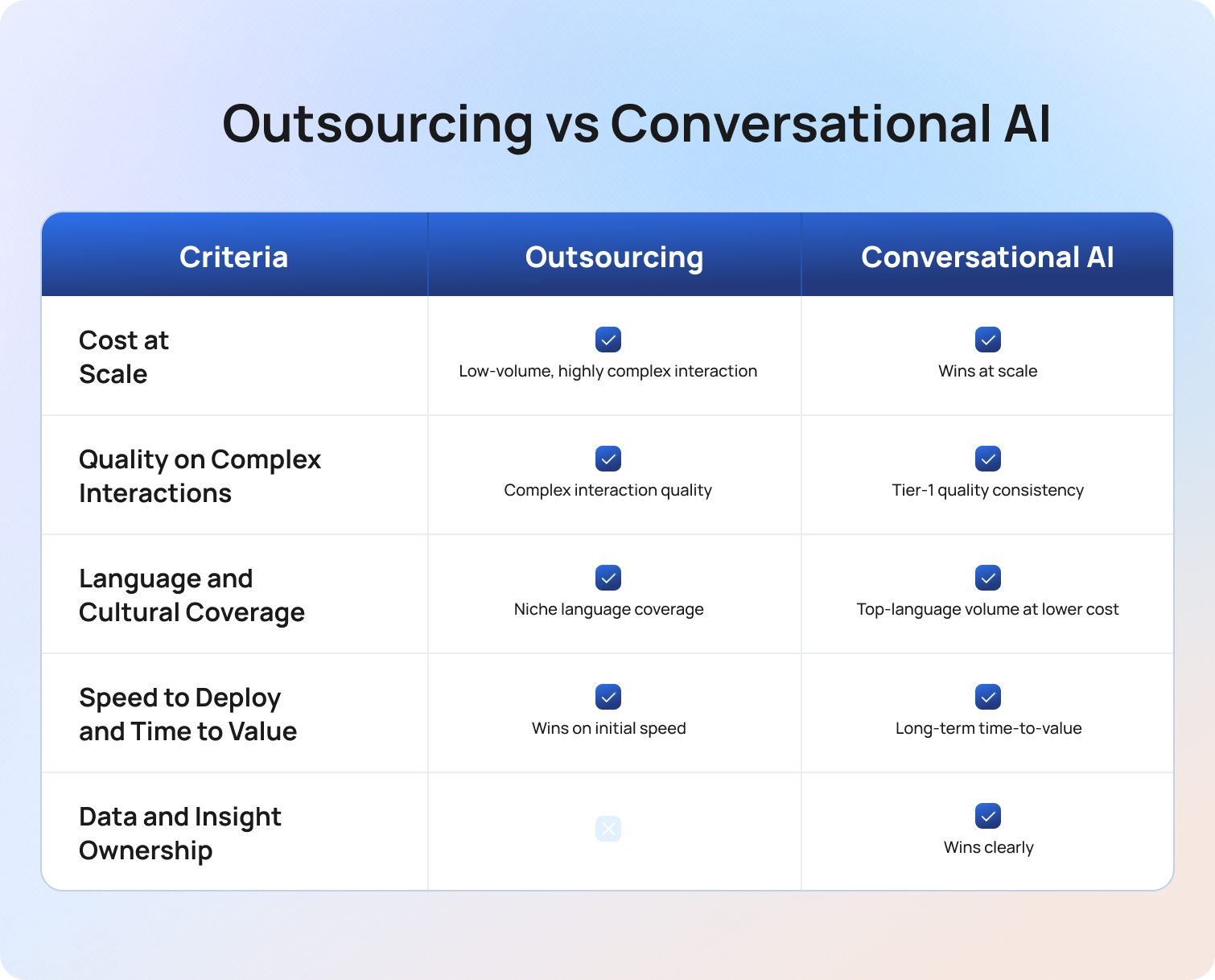
Head-to-Head: Outsourcing vs Conversational AI Across Five Decision Criteria
Cost at Scale
Outsourcing cost scales linearly with interaction volume. More customer interactions mean more agents, which means more cost. Conversational AI cost is largely fixed at the platform level, with usage cost growing more slowly than volume. At low volumes, outsourcing may be cheaper when setup costs are amortised. At high volumes, AI typically delivers a lower cost per interaction than any outsourcing arrangement.
The break-even point depends on your fully-loaded outsourcing cost per interaction versus your AI platform cost plus usage cost per contained interaction. For most operations handling more than 5,000–8,000 interactions per month, AI reaches break-even within 90 days of a well-scoped deployment.
Verdict: AI wins at scale. Outsourcing may win for low-volume or highly complex interaction mixes.
Quality of Complex Interactions
AI handles tier-1 queries with consistent quality. It performs poorly on multi-step complex issues, emotional distress, trust recovery, and compliance-sensitive queries. These are the interactions where human agents, whether in-house or from an outsourced team, deliver better outcomes meaningfully. The quality question depends entirely on your interaction mix: what proportion is routine vs. complex?
Teams with a majority of complex customer interactions will find that AI alone cannot sustain customer satisfaction. For those teams, human customer support remains the quality foundation, and AI assists rather than leads. Experienced agents handle the cases where human judgment is irreplaceable.
Verdict: Outsourcing wins for complex interaction quality. AI wins for tier-1 quality consistency.
Language and Cultural Coverage
Conversational AI in 2026 handles major languages well. For long-tail languages, BPOs can provide native speakers across a wider range. For teams with language requirements beyond the top three or four, outsourcing provides coverage that AI cannot yet match reliably. Cultural nuance, the ability to adjust tone, formality, and framing for different markets, still favours human teams in non-primary languages.
Verdict: Outsourcing wins for niche language coverage. AI wins for top-language volume at lower cost.
Speed to Deploy and Time to Value
A BPO with existing teams can be operational in weeks. AI deployment requires knowledge base preparation and threshold calibration, typically four to eight weeks for a standard deployment, longer for complex integrations. However, AI time-to-value accelerates as containment rate improves and the feedback loops between QA, knowledge base quality, and model performance compound. Outsourcing time-to-value is more stable but does not compound in the same way.
Verdict: Outsourcing wins on initial speed. AI wins on long-term time-to-value.
Data and Insight Ownership
AI generates structured, integrated data on every customer interaction. Outsourced interactions produce data that is often harder to access, less structured, and less integrated with the client's existing systems. For teams building a full picture of customer behavior from support data, feeding it into product development, CX strategy, or WFM forecasting, AI gives significantly better data ownership. This is one area where the gap between the two models is both clear and consequential.
Verdict: AI wins clearly on data quality and ownership.
The Hybrid Model: How Most Teams Should Think About This Decision
The framing of outsourcing customer service vs conversational AI is a false dichotomy for most teams. The question is not which replaces the other. It is which handles which interaction type most effectively and at the lowest total cost.
A practical hybrid setup looks like this:
AI handles tier-1 volume. A RAG-grounded conversational AI chatbot and voicebot contain high-confidence, routine queries 24/7, order status, account queries, FAQs, repetitive questions, and status updates, reducing the total interaction volume that reaches any human agent, whether in-house or outsourced.
In-house agents handle relationship-critical interactions. High-value customers, complex complaints, and trust recovery scenarios route to agents with the deepest product knowledge and brand alignment. These interactions require human judgment, cultural understanding, and the ability to navigate complex processes that AI cannot handle reliably. Human customer service at its best is reserved for the moments where it matters most.
Outsourcing covers specialist and overflow needs. Niche languages, after-hours overflow on complex customer requests, and seasonal spikes are the best-fit use cases for BPO partners. These are the interactions AI cannot handle and in-house customer support teams cannot cost-effectively staff for. The outsourced team operates on the volume that remains after AI containment, making the outsourcing arrangement leaner and more targeted.
The result: AI reduces the total volume of interactions that need a human agent. Outsourcing fills the gaps that remain. In-house agents focus on the interactions that most require them. Customer retention improves because each interaction type is handled by the most appropriate resource.
This is not a theoretical model. It reflects how the most operationally efficient customer support teams in 2026 are actually structured.
How to Decide: A Practical Framework

Step 1: Assess Your Interaction Mix
What proportion of your current volume is tier-1 routine queries, FAQ, order status, account updates, repetitive tasks with definitive answers? If more than 40%, conversational AI has a strong cost case. If the majority is complex, multi-step, or emotionally sensitive, outsourcing or in-house human agents are the better primary investment.
Step 2: Assess Your Language Requirements
How many languages do you actively support? For three or fewer, AI handles the volume well. For broader language coverage, a BPO partner supplements AI for long-tail languages. Multilingual support delivered through a hybrid setup, AI for high-volume top languages, and outsourcing for niche coverage typically achieves better coverage at lower cost than either model alone.
Step 3: Assess Your Hours Requirement
Do you always need support? AI is the lowest-cost 24/7 solution for tier-1 queries. For complex after-hours customer inquiries that require human judgment, outsourcing is the right complement. The combination of AI for routine after-hours volume and outsourcing for complex after-hours queries provides full coverage without building an expensive in-house follow-the-sun operation.
Step 4: Assess Your Data Requirements
If support data informs product development, CX improvement, or WFM forecasting, AI's structured data output is a significant advantage. Outsourced interactions produce data that is harder to integrate and often requires additional work before it becomes actionable insights in your CRM systems.
Step 5: Model the Total Cost of Ownership
Calculate fully-loaded in-house cost per interaction, outsourcing cost per interaction including management overhead and data integration, and AI platform cost per contained interaction. The comparison often resolves the decision faster than any other single factor. Use the BlueTweak ROI calculator to model your specific numbers across all three scenarios.
How BlueTweak Supports Both Models
BlueTweak is not an argument against outsourcing. It is the platform that makes either model, or both together, work better.
For in-house customer support teams, BlueTweak's conversational AI handles tier-1 containment across chat and voice, reducing the volume that reaches any human agent. Proposed Reply and real-time knowledge base retrieval improve in-house agent efficiency on the interactions they do handle, enabling human-like conversations grounded in accurate content rather than agent recall. WFM optimises scheduling to predicted volume, reducing labor costs. The QA module scores 100% of customer interactions, maintaining quality as AI handles more volume, and ensuring that saving time on QA overhead does not come at the cost of visibility.
For teams running a hybrid setup with an outsourced team or BPO partner, BlueTweak provides the AI layer that reduces the volume outsourced to the BPO and provides analytics to measure performance across AI-handled and outsourced interactions in one platform. The operational efficiency of the BPO arrangement improves because AI has already filtered out routine tasks, leaving outsourced agents focus on the complex customer inquiries where experienced agents deliver the most value.
Because everything runs on one platform, the data from AI-handled interactions and human-handled interactions flows into the same view. Support inquiries, customer sentiment, containment rate, CSAT, and agent productivity are trackable together, giving support professionals and operations leads the full picture they need to manage both channels effectively without stitching data together across AI tools and separate CRM systems.
Most teams we work with have spent years thinking about this as an either/or decision: do we outsource or do we build AI? The teams that are getting the best results have stopped asking that question. They have mapped their interaction types honestly, deployed AI where it wins on cost and consistency, kept human judgment where it is genuinely needed, and used outsourcing to fill the gaps that neither AI nor their in-house team can cost-effectively cover. When the three work together, the economics are significantly better than any of them alone, and so is the customer experience.

Final Thoughts
Outsourcing customer service and conversational AI are not competing strategies. They are complementary tools that perform best when matched to the right interaction type.
AI handles high-volume, routine, predictable customer inquiries at the lowest cost and with the best data output. Outsourcing handles complex, niche, or overflow interactions that AI cannot address reliably. In-house agents handle the relationship-critical interactions where brand alignment and human judgment matter most. The teams achieving the best cost and quality outcomes in 2026 are those that deploy all three deliberately, not those that choose one and dismiss the others.
Continuous improvement in this model comes from the feedback loops between them: AI QA improving knowledge base quality, knowledge base quality improving containment rate, containment rate data informing how much volume needs to be routed to outsourced or in-house human teams.
Book a demo to see how BlueTweak supports both in-house and outsourced customer support operations from one platform.
Book a BlueTweak demo today
Book Demo
AI Customer Support Bot Deployment Challenges and Solutions in 2026
Why AI Bot Deployments Fail More Often Than Teams Expect
AI customer support bot deployment challenges often emerge because teams mistake a successful pilot for a production-ready support system. Many AI systems perform well during internal testing, only to fail once real customers interact with them at scale. That gap between pilot performance and live deployment is where most customer service problems begin. Support teams often blame the model when the real issue is deployment planning.
The reality is that AI customer service challenges are usually operational, not technological; a bot can generate accurate answers in a controlled environment and still create customer frustration in production if the deployment process is weak.
One major issue is the knowledge base quality at launch. AI systems rely on training data, conversation history, and structured knowledge base content to deliver context-aware responses. When the KB is incomplete, outdated, or inconsistent, AI chatbots generate wrong answers from day one. That first impression matters; once customers and support agents lose trust in the system, rebuilding confidence becomes significantly harder.
Another common issue is that many support operations teams focus on deflection rate rather than containment rate or customer satisfaction. A customer who abandons chat, submits multiple support requests, or calls back later is not a successful deflection. It is unresolved customer effort disguised as efficiency.
The third issue is the absence of a post-launch feedback loop. Teams deploy AI tools, monitor basic metrics for a few weeks, and assume the system will improve automatically… It won’t. Without structured review processes, actual support tickets never feed back into KB updates, escalation tuning, or model refinement.
This is one of the biggest misconceptions in AI deployment today: AI systems do not become more accurate simply because they are live. They become more accurate when support teams actively govern them.
The biggest deployment mistake we see is teams treating AI like a software installation instead of an operational program. Launch day is not the finish line. It is the start of a continuous optimization cycle that requires governance, QA, and human oversight.
Pre-Deployment Mistakes: What Goes Wrong Before Launch?
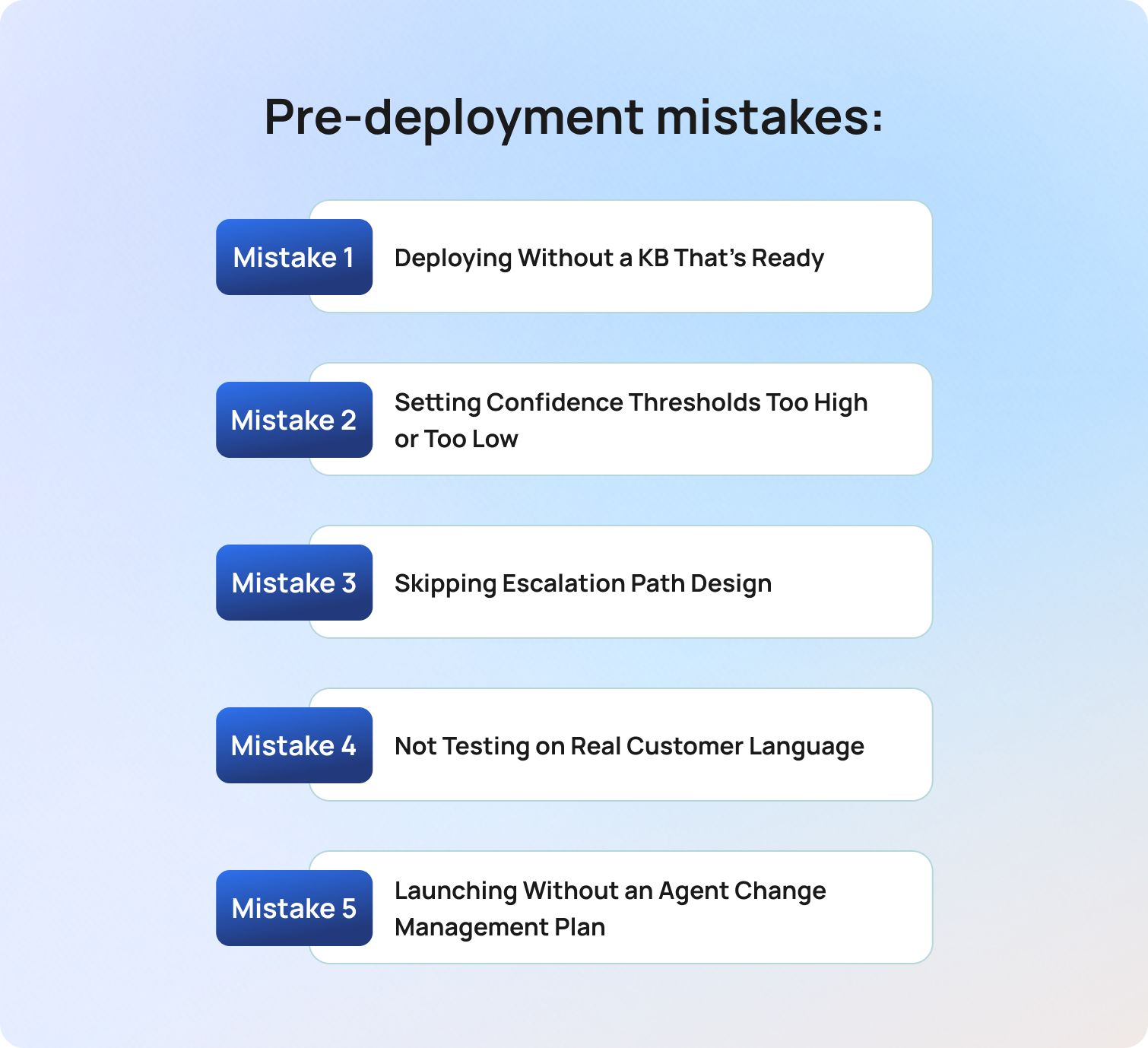
Pre-deployment mistakes are the most important AI customer support bot deployment challenges because the planning phase determines how the system performs in production.
The deployment phase that most damages long-term AI performance is not launch day; it is the weeks before it. The decisions made during planning, KB preparation, escalation mapping, and threshold configuration determine whether a bot enhances customer satisfaction or creates customer frustration at scale.
Mistake 1: Deploying Without a KB That's Ready
A deployment-ready knowledge base is complete, structured, reviewed for accuracy, and capable of supporting consistent answers across high-volume customer inquiries.
As of 2026, most enterprise AI systems rely heavily on retrieval-augmented generation (RAG) architectures. That means the AI agent is only as accurate as the knowledge base it queries.
When teams deploy AI customer support before the KB is fully prepared, the consequences appear immediately:
- Incorrect answers on common support requests
- Inconsistent responses across channels
- Escalation spikes from frustrated customers
- Declining customer trust in automated responses
The most common KB mistake is assuming volume equals quality. Thousands of documents do not help if the information is duplicated, outdated, or missing coverage for high-volume support tickets. The fix is to establish a KB readiness threshold before launch. That threshold should include:
- Coverage for the top 10–20 customer inquiry categories
- SME review and approval
- Removal of duplicate or conflicting articles
- Structured formatting optimized for AI retrieval
- Clear ownership for future updates
Support teams should never set a go-live date before the KB passes readiness review.
Mistake 2: Setting Confidence Thresholds Too High or Too Low
Confidence thresholds define when an AI customer service bot responds autonomously and when it escalates to human agents. This is one of the most common technical deployment mistakes because thresholds directly influence customer experience, response speed, and escalation volume.
If thresholds are set too high, the AI agent escalates almost every interaction. Support teams lose the cost savings and efficient processes that justified the deployment in the first place. If thresholds are set too low, the bot handles interactions it should not attempt. That creates incorrect answers, customer frustration, and damaged brand reputation.
Many companies make the mistake of configuring thresholds based on vendor demos rather than their own data. Vendor demos are designed around clean queries and ideal scenarios, but real customer language is messy.
The best approach is to start conservatively. Configure thresholds that create slightly more escalations than the long-term target, then reduce thresholds gradually as QA data accumulates.
The safest deployment strategy is not maximum automation on day one, but rather controlled automation with measurable oversight.
Mistake 3: Skipping Escalation Path Design
Escalation design is a core system function that determines how AI customer support transitions interactions to human agents. Many support teams treat escalation as an edge case, but in reality, escalation is the mechanism that protects customer satisfaction when AI confidence falls.
When escalation paths are poorly designed, customers get trapped inside automated loops. The AI asks repetitive questions, fails to resolve the issue, and forces customers to repeat information after transfer. That creates unnecessary customer effort and damages customer loyalty quickly.
Before launch, support operations teams should map every escalation trigger, including:
- Confidence threshold failures
- Negative sentiment detection
- VIP customer tags
- Sensitive account details
- Complex interactions require emotional intelligence
- High-risk requests involving data protection or customer records
Each escalation trigger should include a clearly documented handoff process:
- Which team receives the escalation
- Which channel does the escalation move into
- What conversation history transfers automatically
- What customer data is visible to the support agent
This is why BlueTweak emphasizes a HITL (human-in-the-loop) deployment model; AI customer service works best when human agents remain active reviewers, coaches, and escalation owners.
Mistake 4: Not Testing on Real Customer Language
Production-ready AI deployment testing uses real customer interactions rather than scripted internal examples. Many AI companies demonstrate strong intent accuracy during testing because the test data is unrealistically clean. Real customer service interactions include:
- Typos
- Slang
- Multiple questions in one message
- Emotional phrasing
- Incomplete sentences
- Multiple languages
- Frustrated customers using inconsistent wording
Bots that perform well in controlled testing environments often struggle once exposed to actual support tickets. The fix is simple but frequently ignored: test using historical customer service interactions.
Support teams should source at least 200 real interactions across each of their top 10 query categories. That dataset should include both successful and failed conversations. This will help improve:
- Intent detection accuracy
- Context-aware responses
- Multilingual support quality
- Escalation trigger reliability
- Customer satisfaction during live deployment
Real customer language is the only reliable predictor of production performance.
Mistake 5: Launching Without an Agent Change Management Plan
Agent change management is the process of preparing support agents to work alongside AI systems during deployment and scaling.
This deployment risk is consistently underestimated, as many organizations assume resistance comes from fear of replacement. In practice, resistance often comes from distrust in the system itself. Agents who believe the bot produces wrong answers stop using suggested replies, bypass escalation workflows, and weaken the feedback loop that improves performance.
Support teams should involve agents before launch, not after. That means:
- Including agents in KB review
- Using support agents to test automated flow quality
- Explaining the HITL oversight model clearly
- Setting realistic expectations about initial AI accuracy
- Sharing QA results transparently after launch
Teams that position AI customer support as a collaborative tool rather than a replacement system achieve stronger adoption and faster optimization.
Launch Mistakes: What Goes Wrong at Go-Live?
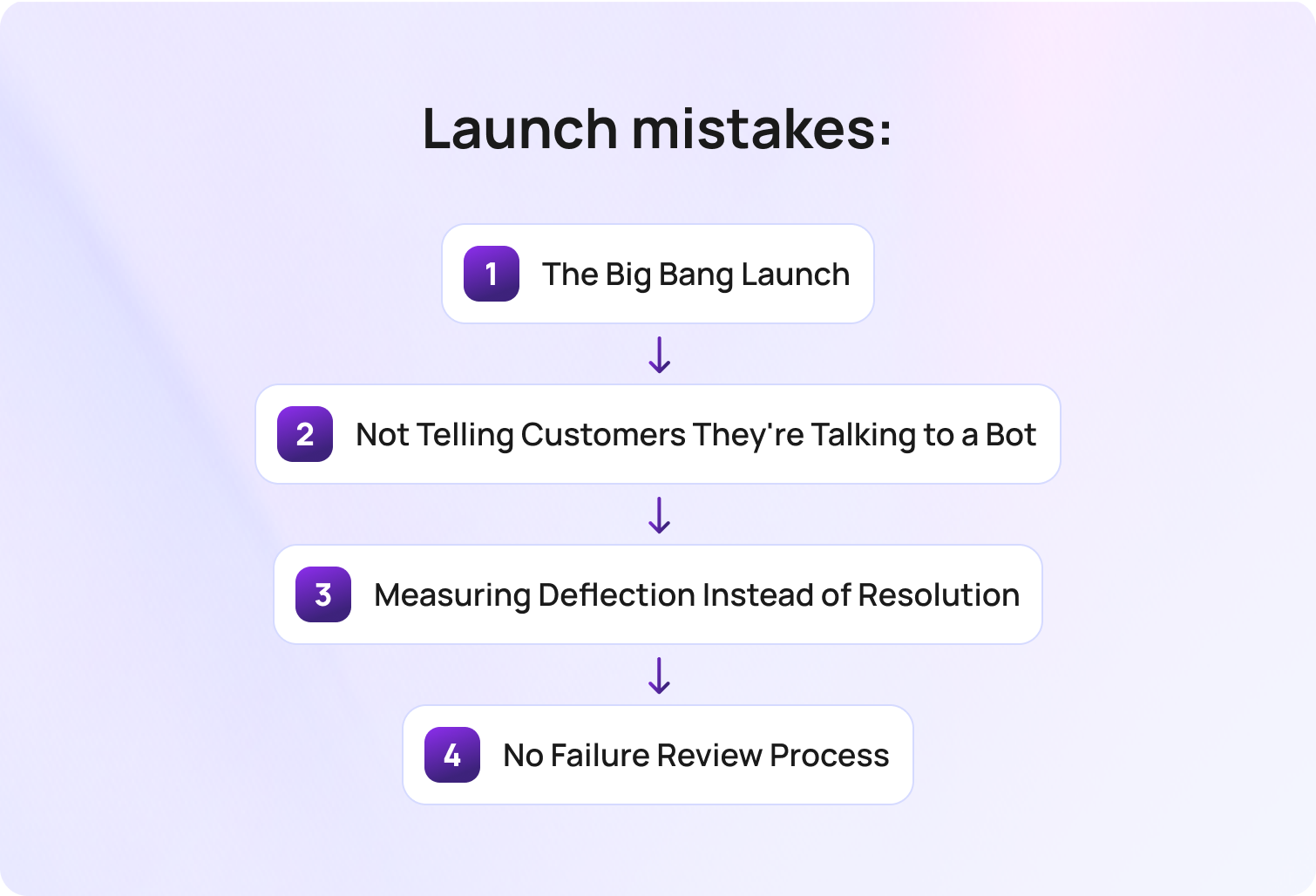
Launch-phase AI customer support bot deployment challenges are the most visible because they affect customer trust immediately. The mistakes made during go-live compound quickly because first impressions define how customers and support teams perceive the AI system moving forward.
Mistake 6: The Big Bang Launch
A big bang launch deploys AI customer support across all channels and query types simultaneously. This is one of the riskiest deployment strategies because it removes the ability to isolate failures.
When teams deploy AI across every customer service channel at once, they create operational complexity before the system has enough QA data to guide optimization. The safer approach is phased deployment.
Start with:
- One support channel
- High-confidence query types
- Low-risk customer inquiries
- Structured escalation oversight
Good examples include password resets, order status requests, shipping questions, and FAQ workflows.
After two weeks of QA review, containment analysis, and CSAT monitoring, teams can expand the bot’s scope gradually.
Mistake 7: Not Telling Customers They're Talking to a Bot
Transparency in AI customer service means clearly informing customers when they are interacting with automated systems. Customer expectations around disclosure have shifted significantly between 2024 and 2026, with most now expecting brands to disclose AI usage at the beginning of interactions.
Beyond compliance considerations around GDPR and emerging AI regulations, there is also a practical CX issue: customers become significantly more frustrated when they discover mid-conversation that they were speaking with a bot without being informed.
According to Deloitte’s 2025 Connected Consumer research, 70% of consumers express concerns about data privacy and security when using digital services, particularly as AI becomes more embedded in customer interactions. This creates a direct expectation gap: customers don’t reject AI customer service, but they do expect clarity, control, and transparency when it is used.
That expectation makes early disclosure a critical driver of trust, customer satisfaction, and long-term customer loyalty.
This issue can be mitigated with a simple deployment standard:
- Disclose AI use immediately
- Explain how escalation works
- Make human support accessible
- Avoid forcing customers into automated-only channels
Customers are typically more forgiving of AI limitations when expectations are set correctly from the outset.
Mistake 8: Measuring Deflection Instead of Resolution
Deflection metrics measure how many interactions avoid human escalation, while resolution metrics measure whether the customer issue was actually solved.
This distinction matters more than many support teams realize because a deflected interaction is not necessarily a successful one. Customers may reopen tickets, call back later, or post complaints on social media.
This creates hidden customer service challenges that distort performance reporting. Support operations teams should prioritize:
- Containment rate
- Post-interaction CSAT
- Repeat contact rate
- Escalation quality
- Resolution accuracy
Containment rate is especially important because it measures full resolution without additional human follow-up.
Deflection without resolution simply transfers cost from one channel to another. This is also where thought leadership around AI customer service needs to mature. Many AI deployment conversations still prioritize operational efficiency over customer outcomes, but this is a mindset that is becoming increasingly outdated.
The most successful AI customer service leaders today are balancing automation with trust, emotional intelligence, and measurable customer satisfaction.
Mistake 9: No Failure Review Process
A failure review process is a structured QA workflow for identifying, categorizing, and fixing bot interaction failures after launch. Many teams deploy AI systems and review failures informally, but that approach breaks quickly at scale.
Without a formal review cadence, support operations teams miss the patterns that drive rapid improvement. The first 30 days after deployment are especially important because they reveal:
- Knowledge base gaps
- Incorrect escalation triggers
- Weak intent detection
- Poor automated responses
- Query categories with high customer frustration
Every deployment should assign a weekly failure review owner. That review process should include:
- QA scoring for sampled conversations
- Categorization of failure causes
- KB update prioritization
- Escalation path tuning
- Reporting on high-volume error patterns
Post-Launch Mistakes: What Goes Wrong When You Scale?

Post-launch AI deployment challenges emerge when support teams expand automation faster than governance processes can keep up.
Many organizations survive launch successfully but encounter major customer service problems during scaling because oversight models that worked at low volume fail under larger workloads.
Mistake 10: Not Updating the KB as the Business Changes
Knowledge base decay happens when business processes, products, or policies evolve faster than the AI knowledge base. A KB that was accurate during deployment can become outdated within weeks in high-change environments.
When outdated information remains inside the support system, AI chatbots continue generating inaccurate responses with complete confidence. That creates one of the most damaging forms of customer frustration because the responses sound authoritative while being wrong.
The solution is governance. Support teams should:
- Assign KB ownership formally
- Define review cadences
- Build workflows for agent feedback
- Flag outdated articles proactively
- Prioritize updates for high-volume query types
Agents handling escalated interactions are often the first people to identify KB gaps, so their feedback should feed directly into KB maintenance processes.
Mistake 11: Scaling Scope Without Scaling Oversight
Scaling oversight means updating QA, escalation, and governance processes whenever the AI deployment scope expands. Many support teams expand into new channels or query types without recalibrating thresholds, testing workflows, or retraining agents. That creates inconsistent performance across support operations.
Every expansion should be treated as a new mini-deployment. This should include:
- KB preparation
- Confidence threshold tuning
- QA review setup
- Agent briefing
- Controlled rollout sequencing
Teams that scale AI customer support successfully understand that operational governance must scale alongside automation.
Mistake 12: Ignoring Repeat Contact Rate
Repeat contact rate measures how often customers recontact support regarding the same unresolved issue. This is one of the strongest indicators that automation is failing silently.
A customer may appear successfully deflected during the initial interaction while still remaining unresolved. When customers contact support again within 48 hours on the same issue, it often signals:
- Incorrect answers
- Incomplete resolutions
- Escalation failures
- Broken automated flow logic
- Poor context awareness
Support teams should monitor repeat contact rate by query type rather than as an overall average. That level of granularity helps identify where automation genuinely works and where oversight needs to increase. If the repeat contact rate exceeds threshold levels for a specific workflow, escalation rules should tighten immediately.
Mistake 13: No Governance Model for Expanding AI Autonomy
AI governance is the process of defining how and when the scope expands safely. Many companies expand autonomy informally because of operational pressure. The problem is that unmanaged expansion removes the quality controls that protect customer experience.
Organizations should document clear expansion criteria before increasing AI autonomy. Those criteria should include:
- QA score thresholds
- CSAT minimums
- Error rate targets
- Repeat contact rate benchmarks
- Escalation performance metrics
One practical governance approach is requiring sustained low error rates and stable CSAT performance over a defined review period before expanding automation into more sensitive workflows.
There is a major difference between deploying a chatbot and running a governed AI customer support program. Sustainable deployments come from structured oversight, consistent QA, and disciplined rollout decisions, not from automation volume alone. So, scaling successfully depends less on the sophistication of the model and more on the quality of the operational controls surrounding it.
A Deployment Plan That Avoids These Mistakes
BlueTweak has developed a stage-by-stage deployment methodology designed to reduce AI customer support bot deployment challenges before they affect customers. It explains how to structure deployment correctly from the start.
The framework below provides a practical deployment plan that support teams can operationalize immediately.
The BlueTweak Bot Deployment Framework

Phase 1: Pre-Deployment (Weeks 1–4)
- Define deployment scope
o Identify the top 10–20 query types by volume and confidence level.
o Prioritize low-risk, high-frequency customer inquiries first.
- Achieve KB readiness before setting launch dates
o Validate coverage across priority workflows.
o Remove duplicate or outdated documentation.
o Secure SME approval for customer-facing accuracy.
- Configure confidence thresholds conservatively
o Favor escalation over risky automation during early deployment.
o Tune thresholds using real interaction data after launch.
- Map escalation triggers and handoff workflows
o Define escalation conditions clearly.
o Ensure full conversation history transfers to support agents.
- Test using real customer language
o Use at least 200 historical interactions.
o Include frustrated customers, multilingual support cases, and complex interactions.
- Brief support teams thoroughly
o Explain the HITL model.
o Clarify agent responsibilities.
o Set expectations around iterative optimization.
Phase 2 — Launch (Week 5 onwards)
- Define deployment scope
o Identify the top 10–20 query types by volume and confidence level.
o Prioritize low-risk, high-frequency customer inquiries first.
- Achieve KB readiness before setting launch dates
o Validate coverage across priority workflows.
o Remove duplicate or outdated documentation.
o Secure SME approval for customer-facing accuracy.
- Configure confidence thresholds conservatively
o Favor escalation over risky automation during early deployment.
o Tune thresholds using real interaction data after launch.
- Map escalation triggers and handoff workflows
o Define escalation conditions clearly.
o Ensure full conversation history transfers to support agents.
- Test using real customer language
o Use at least 200 historical interactions.
o Include frustrated customers, multilingual support cases, and complex interactions.
- Brief support teams thoroughly
o Explain the HITL model.
o Clarify agent responsibilities.
o Set expectations around iterative optimization.
Phase 3 — Scaling
- Define deployment scope
o Identify the top 10–20 query types by volume and confidence level.
o Prioritize low-risk, high-frequency customer inquiries first.
- Achieve KB readiness before setting launch dates
o Validate coverage across priority workflows.
o Remove duplicate or outdated documentation.
o Secure SME approval for customer-facing accuracy.
- Configure confidence thresholds conservatively
o Favor escalation over risky automation during early deployment.
o Tune thresholds using real interaction data after launch.
- Map escalation triggers and handoff workflows
o Define escalation conditions clearly.
o Ensure full conversation history transfers to support agents.
- Test using real customer language
o Use at least 200 historical interactions.
o Include frustrated customers, multilingual support cases, and complex interactions.
- Brief support teams thoroughly
o Explain the HITL model.
o Clarify agent responsibilities.
o Set expectations around iterative optimization.
How BlueTweak Supports AI Bot Deployment at Every Stage
BlueTweak helps organizations manage AI customer support bot deployment challenges through a governance-first deployment model built around operational oversight, QA visibility, and controlled automation.
During pre-deployment, BlueTweak helps support teams structure the knowledge base that grounds AI responses. The platform allows organizations to configure confidence thresholds by intent category before launch, helping teams deploy AI safely rather than aggressively.
During launch, BlueTweak’s conversational AI platform supports configurable escalation triggers, enabling support operations teams to route sensitive interactions directly to human agents. The QA module begins scoring bot interactions from launch day, giving teams immediate visibility into incorrect answers, escalation failures, and customer satisfaction trends.
As deployments scale, BlueTweak surfaces containment rate, repeat contact rate, CSAT trends, and interaction-level analytics directly inside the platform. That visibility becomes critical as support teams expand automation into more complex workflows. BlueTweak also maintains the human-in-the-loop model through suggested replies and agent oversight capabilities, helping organizations expand AI customer service without losing human accountability.
One example of this operational approach can be seen in BlueTweak’s AI-powered customer support transformation project for a growing e-commerce client, where the deployment focused on reducing repetitive support workloads, improving operational visibility, and creating more scalable support processes. Rather than pursuing automation for its own sake, the project emphasized controlled implementation, workflow optimization, and measurable improvements in support efficiency.
You don’t need the most advanced models to make AI customer support work for you. But you do need clear deployment governance, the strongest QA processes, and the discipline to expand automation gradually instead of chasing full autonomy too early.
Final Thoughts: Building a Structured AI Deployment Strategy That Customers Actually Trust
AI customer support bot deployment challenges happen at three distinct stages: pre-deployment, launch, and scaling. Most organizations focus their risk management efforts on launch day while overlooking the planning phase, where the most consequential deployment decisions are made.
The organizations that tend to get the most value from AI customer support are not necessarily the ones with the most advanced AI tools. More often, they are the teams with:
- Structured deployment frameworks
- Strong KB governance
- Clear escalation design
- Human oversight models
- Measurable QA processes
- Disciplined scope expansion
The difference between successful AI deployment and failed automation is rarely the model itself; it is the operational discipline surrounding deployment.
As AI customer service continues evolving, the organizations that win customer trust will need to balance automation with transparency, governance, and measurable customer outcomes.
If your organization is preparing to deploy AI customer support or improve an underperforming deployment, BlueTweak can help you design a deployment strategy that scales responsibly. Get in touch to book a BlueTweak demo, or try BlueTweak for free today.
Get your free 14-day free trial
Get free trial
Using AI for Customer Service: Practical Use Cases That Drive Results in 2026
AI in Customer Service: What It Actually Does
AI in customer service is the application of machine learning, natural language processing, and large language models to automate, assist, and improve customer interactions. It reduces manual work for support agents while improving resolution speed, accuracy, and consistency across customer service operations.
The most useful way to map AI capabilities is by the stage at which they operate. Before the interaction: routing, triage, and proactive outreach. During the interaction: autonomous resolution, real-time agent assist, and real-time guidance. After the interaction: summarisation, QA scoring, and analytics.
Organising AI use cases by interaction stage rather than as a flat feature list is what helps support teams decide where to start. A 2025 Deloitte report found that AI adoption in customer service has increased from 46% in 2023 to 61% in 2025. The teams seeing measurable results are those deploying AI customer service tools against specific interaction types, with clear customer service metrics in place from day one.
Generative AI and machine learning algorithms are reshaping customer service by enabling AI systems to handle not just simple customer requests, but complex, multi-turn conversations that earlier rule-based tools could not manage. For customer service teams, this means AI can now address customer needs across the full interaction lifecycle, not just at the FAQ layer.
AI in Customer Service Use Cases at a Glance
| Use Case | Interaction Stage | AI Capability | Primary KPI Impact |
|---|---|---|---|
| Intelligent routing and triage | Before | Intent detection, priority scoring | FCR, AHT, misroute rate |
| Proactive outreach | Before | Triggered messaging, order/status alerts | Inbound volume, CSAT |
| Autonomous chatbot resolution | During | RAG-grounded KB, LLM-powered NLP | Containment rate, cost per interaction |
| AI voicebot for inbound calls | During | Voice recognition, NLP, TTS | Abandon rate, AHT, MOS |
| Real-time agent assist | During | Suggested reply, KB retrieval, sentiment alerts | AHT, FCR, concurrency |
| Multilingual support | During | Real-time translation, multilingual NLP | CSAT, first response time |
| Post-interaction summarisation | After | LLM-powered summary generation | AHT (wrap-up time), QA consistency |
| AI QA scoring | After | Automated interaction review | QA coverage, CSAT, and coaching efficiency |
| Sentiment and CSAT analysis | After | Sentiment scoring, CSAT prediction | CSAT, churn risk identification |
| Predictive support and forecasting | After | Volume forecasting, WFM integration | Abandon rate, SLA compliance |
Practical AI Use Cases That Drive Results
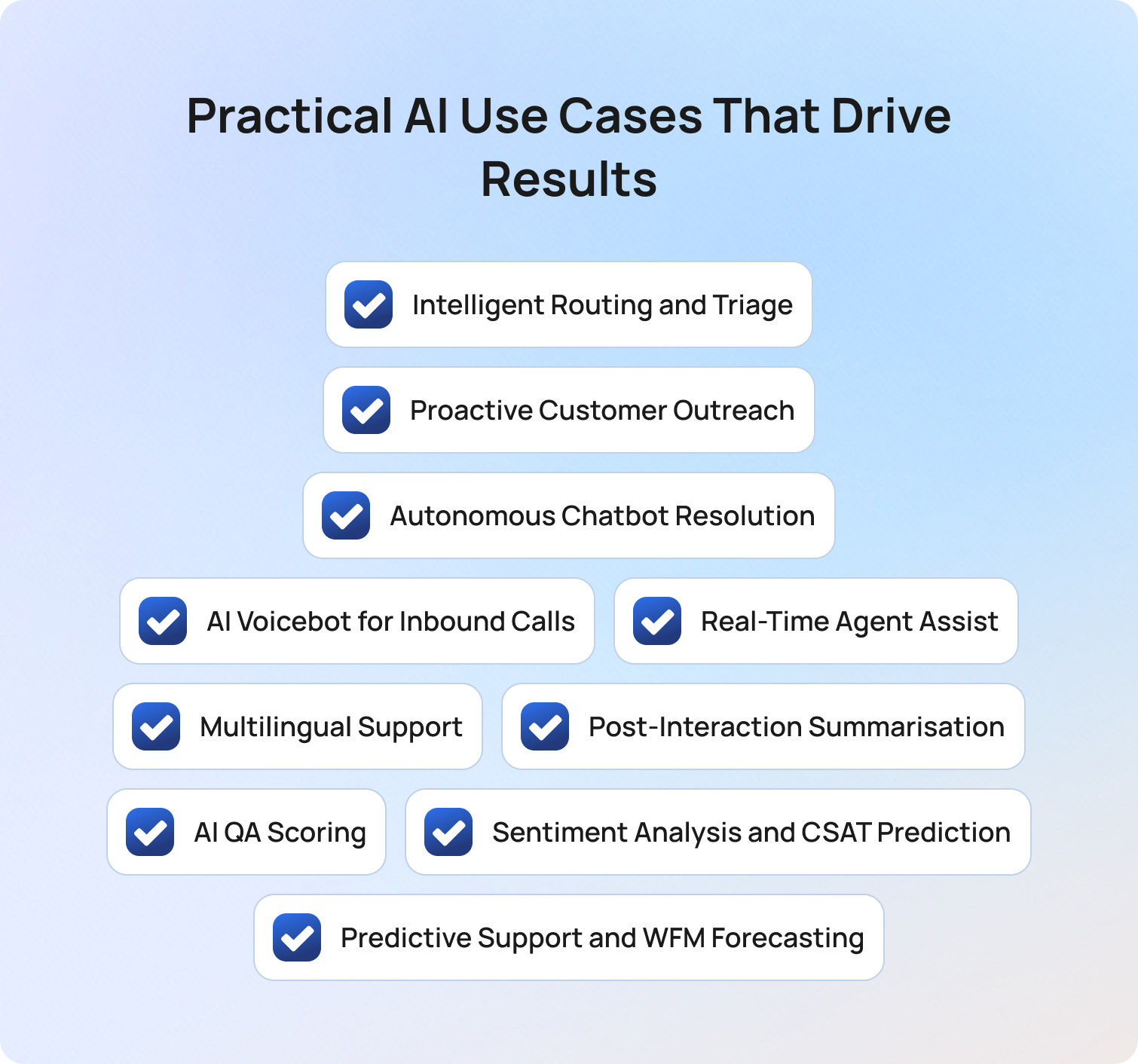
Not every AI use case applies equally to every customer service team. The goal is to match AI capabilities to your primary KPI gaps before deploying, rather than deploying broadly and hoping the numbers move.
Intelligent Routing and Triage
AI classifies incoming support tickets and customer inquiries by intent, sentiment, and urgency before they reach an agent. It assigns each interaction to the right team, skill set, and priority queue automatically. This is meaningfully different from rules-based routing: AI systems handle paraphrase, multi-intent customer queries, and entirely new customer requests without requiring manual rule updates.
Correct routing reduces misrouting and the repeated contacts that follow. A customer whose initial customer inquiry reaches the wrong team and who has to contact again counts as two interactions, both with higher-than-necessary handle time.
KPI impact: FCR, AHT on routed interactions, repeat contact rate.
Proactive Customer Outreach
AI-triggered proactive messaging resolves customer needs before they become support tickets. Order updates, delivery alerts, appointment reminders, and outage notifications all fall into this category. Analyzing customer data and customer behavior patterns allows AI-powered tools to identify which trigger events generate the highest inbound contact volume. Teams that act on those patterns report measurable reductions in customer inquiries on predictable issues. The customer gets the information they needed. The team never handles the contact.
KPI impact: inbound contact volume, improving customer satisfaction, and repeat contact rate.
Autonomous Chatbot Resolution
RAG-grounded AI customer service chatbots handle routine inquiries and initial customer inquiries end-to-end without agent involvement. They are grounded in a maintained knowledge base with access to articles that keep responses accurate and current.
The key distinction here is the difference between deflection and containment. Deflection means the customer did not reach an agent. Containment means the issue was resolved without human follow-up. A deflected customer who emails the next day again has not been contained. Track containment rate, not deflection rate.
Well-implemented RAG-grounded chatbot deployments achieve 40 to 70 percent containment on routine tasks and tier-1 query types as of Q2 2026. AI agents that handle routine inquiries free human agents to focus on more complex tasks that require judgment.
KPI impact: containment rate, customer service costs, and agent concurrency.
AI Voicebot for Inbound Calls
LLM-powered voice AI handles inbound calls using voice recognition, natural language processing, and text-to-speech. It replaces legacy IVR menus with natural conversation capable of full call resolution, directly reducing customer frustration caused by rigid menu trees.
A platform with strong chat AI may have mediocre voice AI, so it is worth evaluating each channel independently. Voice-specific evaluation criteria include MOS (Mean Opinion Score) for call quality, transcription accuracy across accents, and response latency.
AI voicebots reduce abandonment rate by shortening queue time on routine calls and reduce AHT by resolving tier-1 interactions autonomously, lowering operational costs without reducing service quality.
KPI impact: abandon rate, AHT, cost per call.
Real-Time Agent Assist
AI supports human agents during live customer interactions. It surfaces relevant knowledge base articles, generates proposed replies, flags customer sentiment shifts, and alerts on SLA breach risk. The human leads. AI removes friction. This is the use case with the best time-to-value and the lowest quality risk, because support agents make every final decision.
Real-time agent assist reduces AHT by eliminating manual KB search mid-interaction and improves FCR by surfacing the correct answer faster. It also delivers more consistent service quality across the customer service team. A junior agent with AI assist regularly matches the performance of a senior agent without it.
KPI impact: AHT, FCR, CSAT variance, agent concurrency.
Multilingual Support
Real-time AI translation and multilingual natural language processing enable support agents to serve customers in their preferred language without dedicated multilingual staffing. In 2026, LLM-powered translation handles nuance and context far more accurately than earlier rule-based approaches. Customer service teams with international operations can expand language coverage to meet customer expectations without proportional headcount increases, maintaining consistent service quality across markets.
KPI impact: first response time for non-primary-language customers, customer satisfaction in multilingual markets.
Post-Interaction Summarisation
AI generates a structured summary of each interaction immediately after the conversation ends. Issue identified, actions taken, resolution status, follow-up required. AI ticket summary eliminates wrap-up time entirely. Support agents move to the next interaction without a manual note-writing step.
Analyzing customer data from past interactions improves over time because AI summaries are consistent in structure. Human agents handling returning customers have better context on previous customer requests. Wrap-up time is a hidden component of AHT that many customer service operations do not measure separately. At 100 interactions per agent per day, even a two-minute reduction per interaction compounds significantly.
KPI impact: AHT (wrap-up component), customer data quality.
AI QA Scoring
Automated quality assurance scores AI and human interactions against a defined framework at scale. Tone, accuracy, resolution quality, policy compliance. Traditional QA reviews 5 to 15 percent of interactions. AI QA reviews 100 percent, surfacing coaching opportunities and failure patterns that sampling misses. A systemic issue affecting 3 percent of customer interactions may never appear in a 10 percent sample. It will always appear in a 100 percent review.
AI performance monitoring at this level is what allows customer service operations to maintain service quality as volume scales.
KPI impact: QA coverage rate, improving customer satisfaction, and coaching efficiency.
Sentiment Analysis and CSAT Prediction
AI analyzes customer sentiment across customer interactions in real time and post-interaction. It flags at-risk customers before they churn and predicts CSAT scores on interactions where surveys are not returned. Identifying customer frustration early allows teams to intervene before a complaint escalates. Proactive intervention happens before the customer takes their feedback elsewhere.
Analyze incoming support tickets for customer sentiment at scale to identify trends that would be invisible in a manually reviewed sample.
KPI impact: customer satisfaction, churn risk, escalation rate.
Predictive Support and WFM Forecasting
AI analyzes historical customer behavior and interaction patterns to forecast volume by channel, time, and query type. This feeds workforce management scheduling to ensure the right number of support agents for predicted demand. Understaffing during peaks creates SLA breaches and CSAT drops. Overstaffing during troughs wastes labour costs. Both the customer experience and operational costs suffer when staffing is misaligned with demand.
KPI impact: abandon rate, SLA compliance, and reducing operational costs.
How to Prioritise Which AI Use Cases to Deploy First

Three steps help customer service teams and support operations leads cut through the noise.
1. Map your biggest KPI gap. Start with the metric furthest from the target. If AHT is the primary problem, agent assist and post-interaction summarisation are the highest-ROI starting points. Both reduce customer service costs directly and carry minimal quality risk. If FCR is the problem, routing accuracy and KB-grounded chatbot resolution are the priority.
2. Match the use case to your interaction mix. High-volume digital channels benefit most from self-service and chatbot resolution. High voice volume benefits most from an AI voicebot and real-time agent assist. Mixed channel operations benefit from omnichannel conversational AI that applies the same AI layer across all channels to deliver consistent service quality.
3. Start with the highest-confidence, lowest-risk deployment. Agent assist and post-interaction summarisation are the two AI use cases with the fastest time-to-value and the lowest failure risk. Human agents still lead in both, and neither exposes a customer-facing AI decision before the team is ready. Deploy these first to build team confidence. Then expand to autonomous resolution once AI performance data confirms the model is ready.
How BlueTweak Delivers AI Across the Full Customer Service Interaction
BlueTweak applies the same AI layer across all three interaction stages in a unified platform. It removes the tool sprawl that forces customer service teams to manage separate AI-powered tools for routing, chatbots, agent assist, summarisation, and analytics. This is customer service integrating AI across the full operation, not bolting it on channel by channel.
Before the interaction: Intelligent routing and automation classify incoming support tickets by intent and urgency. KB-grounded AI responses ensure every automated response is based on verified, current knowledge base articles rather than base LLM generation.
During the interaction: The AI customer service chatbot and AI voicebot handle tier-1 autonomous resolution across chat and voice channels. Proposed reply delivers personalized support and real-time agent assist during live customer interactions. Multilingual support extends coverage to address customer needs across languages without additional headcount.
After the interaction: AI ticket summary eliminates wrap-up time. The QA module scores AI and human agents at 100 percent coverage. Customer service analytics surfaces customer sentiment, CSAT prediction, and AI performance data in a single view, helping human customer service teams improve continuously.
Most teams want to start with autonomous resolution because the containment numbers look impressive. The teams that actually hit their ROI targets start with agent assist. AHT comes down from day one, the human stays in control, and you build the performance data you need before you ask AI to act alone.
Final Thoughts
The teams that get the most value from AI in customer service are not those who deploy the most AI. They are those who match each use case to a specific KPI gap, measure from day one, and expand scope based on data rather than assumptions.
Implementing AI in customer service operations delivers the strongest results when each use case is tied to a clear outcome: lower customer service costs, higher customer satisfaction, more consistent service quality, or better customer experience. The interaction-stage framework in this article gives customer service teams a practical starting point for that prioritisation.
Get your 14-day free trial
Start Now
Human-in-the-Loop AI: How to Stay in Control While You Scale Support in 2026
What Is Human-in-the-Loop AI?
Human-in-the-loop AI is an approach to artificial intelligence where human judgment is embedded into the decision-making process to guide, validate, or correct AI outputs in real-time, forming the foundation of modern customer service AI empowerment.
In practical terms, the human-in-the-loop AI definition is simple: AI generates outputs, and humans provide oversight, feedback, or approval to ensure accuracy, reduce risk, and improve performance over time.
A 2025 Deloitte report found that AI adoption in customer service has increased from 46% in 2023 to 61% in 2025, underscoring how quickly AI is moving from experimentation to operational reality in support environments. This shift is driving renewed focus on structured human-in-the-loop AI frameworks, particularly in high-volume support environments where accuracy and customer trust directly impact retention.
There are three primary human-in-the-loop models used across AI systems:
- Human-on-the-loop: AI operates autonomously while humans monitor performance and intervene on exceptions. This is common in high-volume customer support automation, where most interactions are low risk.
- Human-in-the-loop: AI proposes an action, but a human must approve it before it is executed. This is often used in customer support workflows involving refunds, complaints, or sensitive account changes.
- Human-as-the-loop: Humans lead the interaction, and AI acts as an assistant providing suggestions, summaries, or next-best actions in real-time.
In customer support operations, the right model depends on interaction type, confidence thresholds, and the potential impact of getting the decision wrong.
Why HITL Matters More as AI Scales, Not Less

Most ML-focused explanations of AI human-in-the-loop assume that human oversight is a bottleneck that should be reduced over time. In customer support operations, the opposite is true: oversight becomes more important as scale increases. This is because scaling AI does not just increase efficiency; it multiplies risk exposure.
The biggest misconception in AI-driven support is that scale removes the need for human control. In reality, scale amplifies every error, every edge case, and every blind spot in the model.
There are three key reasons this matters:
Error volume compounds with scale: even a small error rate becomes operationally significant at scale. A system handling 50,000 monthly conversations will surface far more misclassifications than one handling 500. Without structured human review, these errors remain invisible until they affect CSAT and retention.
Edge cases expand with usage: as AI systems are exposed to broader real-world inputs, they encounter long-tail queries that were underrepresented in training data. These edge cases are where generative AI and ML models are most likely to produce misleading outputs or fail entirely.
Trust is cumulative, not transactional: in customer support, one poor interaction can permanently shift behavior. Customers who experience incorrect AI responses are more likely to bypass automation entirely and request human agents in future interactions, reducing the ROI of automation.
Nearly nine in ten executives say they have already partially or fully implemented AI in customer-facing functions such as customer service and marketing, according to PwC’s 2025 Customer Experience Survey. This shift is rapidly moving AI from experimentation into live support environments, where human-in-the-loop AI becomes critical to maintaining accuracy, trust, and customer experience quality at scale. This is why many teams are rethinking not just how AI improves customer support, but how AI and human-in-the-loop systems work together to sustain quality at scale.
How to Apply HITL in a Customer Support Operation
The challenge most teams face is not understanding what human-in-the-loop AI is, but knowing how to apply it consistently across channels in modern, omnichannel customer support environments. The key is to align HITL models with interaction risk, not just automation capability.
Routine, high-confidence queries such as password resets or order tracking are best suited to human-on-the-loop setups. The AI agent human-in-the-loop approach allows the system to act independently while humans monitor performance, particularly through suggested response workflows and approval layers.
More sensitive interactions require tighter control. Complaints, billing disputes, or refund requests should use a human-in-the-loop model where AI proposes responses and human agents approve them before sending.
High-emotion or high-value interactions, such as enterprise escalations or retention-critical conversations, should remain human-as-the-loop, where AI supports but does not lead decision-making. This is where AI agents and human-in-the-loop setups become critical, combining chatbot efficiency with human agents to handle complexity and nuance.
BlueTweak HITL Oversight Model
To operationalise this at scale, support teams need a clear framework that maps interaction risk to the right level of human oversight:
| HITL Model | When to Apply | AI Role | Human Role | Oversight Level |
|---|---|---|---|---|
| Human-on-the-loop | Routine, high-confidence queries | Acts autonomously | Monitors metrics and exceptions | Low |
| Human-in-the-loop | Sensitive or evolving workflows | Drafts response | Reviews and approves | Medium |
| Human-as-the-loop | High-value or emotional cases | Assists with insights | Leads interaction | High |
The most effective AI human-in-the-loop approach also depends on confidence scoring. If an AI model cannot meet a defined confidence threshold, it should automatically escalate to human review. These thresholds are not static; they must be reviewed regularly using live performance data, including CSAT delta and repeat contact rates.
Equally important is building the feedback loop, supported by quality assurance and analytics, to continuously evaluate model performance and human intervention outcomes. Every correction made by a human becomes training data for future model training. This is where active learning and machine teaching reinforce one another in real production environments.
Finally, scalable HITL systems rely on automated catch layers. Rather than reviewing every interaction, teams should use sentiment analysis, anomaly detection, and intent classification to surface only the conversations most likely to require human intervention.
The Warning Signs That HITL Has Broken Down
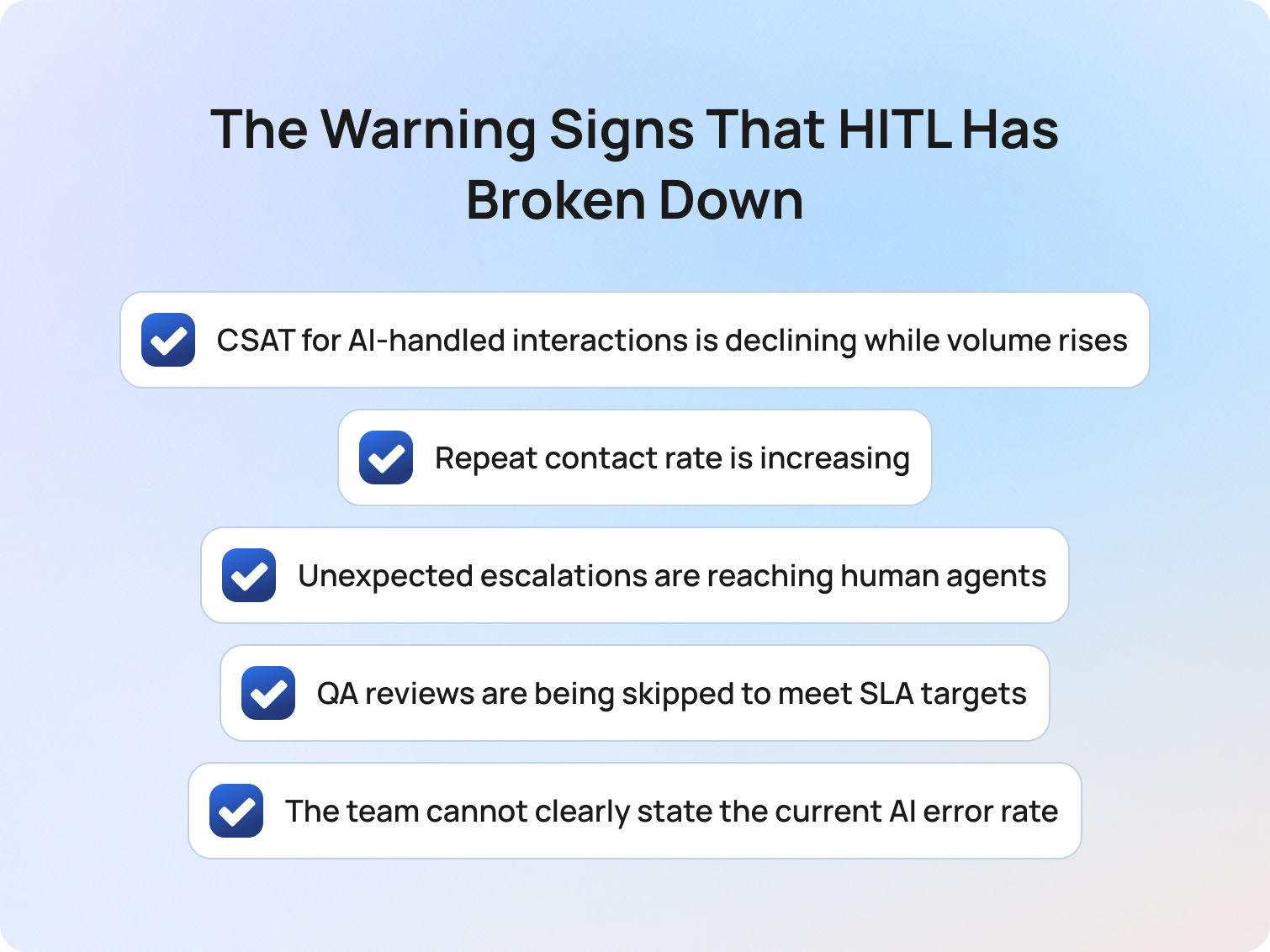
When human-in-the-loop systems fall out of sync with AI scale, performance rarely fails all at once. Instead, it degrades quietly, showing up first in operational metrics before it becomes visible to customers.
The most effective teams treat the following signals as early warnings, not lagging indicators:
- CSAT for AI-handled interactions is declining while volume rises
This is often visible through sentiment shifts and interaction analysis and typically signals that the AI is scaling faster than your oversight model can support, allowing low-quality outputs to reach customers unchecked. - Repeat contact rate is increasing
AI is closing conversations without truly resolving them, often due to gaps in training data or weak escalation logic. - Unexpected escalations are reaching human agents
When agents are surprised by what lands in their queue, it indicates that confidence thresholds or routing rules are misaligned with real-world complexity. - QA reviews are being skipped to meet SLA targets
This is where the feedback loop breaks. Without consistent human review, AI models stop improving and begin to drift. - The team cannot clearly state the current AI error rate
If accuracy cannot be measured by interaction type, oversight is no longer structured; it’s reactive.
Any one of these signals warrants immediate review of your confidence thresholds, escalation rules, and feedback loop design. Left unaddressed, they compound quickly as volume increases. Many of these signals emerge during the early stages of implementing AI in customer support, particularly when oversight models are not designed alongside the technology itself.
How BlueTweak Supports Human-in-the-Loop AI
BlueTweak is designed around the principle that AI and human-in-the-loop systems must work as a continuous feedback cycle powered by conversational AI for customer service environments, not a static deployment.
In practice, BlueTweak’s suggested reply functionality enables a native human-in-the-loop workflow: the AI generates a response, and the human agent validates or edits it before sending. This ensures accuracy while preserving speed in live customer support environments.
For human-on-the-loop operations, BlueTweak’s analytics layer aggregates interaction performance data, allowing teams to monitor AI models without reviewing every individual case. This includes CSAT trends, containment rates, and repeat contact signals.
The platform’s QA module extends this further by scoring both human and AI outputs against the same framework. This creates a consistent benchmark for evaluating model behavior, improving training data quality, and refining confidence thresholds over time.
BlueTweak’s customer intelligence capabilities also reduce the overhead of oversight by summarising tickets, highlighting intent patterns, and surfacing anomalies that require human review.
Human-in-the-loop AI only works when feedback is operationalised. If human input is not structured back into the system, you don’t get learning, you get stagnation.
For a real-world example, BlueTweak’s AI-powered customer support transformation for an e-commerce client shows how embedding human review into automated workflows improved efficiency, reduced interaction times, and maintained service quality at scale. By combining automated handling for routine queries with human oversight on more complex or sensitive interactions, the team was able to scale support volume without increasing operational risk. The result was not just faster responses, but more consistent resolution quality across both AI- and human-led interactions.
Final Thoughts: Human-in-the-Loop AI Is the Operating Model for Scalable Trust
Human-in-the-loop AI is not a constraint on automation. It’s the system that makes automation viable in real customer environments, where accuracy, trust, and context matter as much as speed.
The teams seeing the strongest results are the ones designing the loop intentionally: aligning oversight with interaction risk, setting confidence thresholds based on real performance data, and turning every piece of human feedback into measurable model improvement.
As AI adoption accelerates across customer support, the gap is no longer between companies using AI and those that are not. It is between those treating AI as a standalone tool and those operating it as a controlled, continuously improving system.
That distinction shows up quickly in performance. Without structured human oversight, AI scale introduces inconsistency, hidden errors, and declining trust. With it, AI becomes a force multiplier, increasing efficiency without compromising quality.
For support leaders, the question today is whether their current setup is designed to sustain quality as volume grows.
If you want to see how this works in practice, BlueTweak gives you a way to apply human-in-the-loop AI from day one, with built-in approval workflows, performance analytics, and feedback loops that continuously improve your AI outputs.
You can start with a demo of the BlueTweak platform, or try it yourself with a free trial, and see how a structured human-in-the-loop approach changes both the speed and quality of your support operations.
Start your 14-day free trial today
Start now – free
How AI-Driven Customer Service Automation Drives Revenue and Efficiency
Why AI-Driven Customer Service Is Now a Business Imperative
The integration of artificial intelligence (AI) into customer service platforms has fundamentally reshaped how businesses engage, support, and retain customers. What began as simple automation has evolved into intelligent, context-aware systems capable of delivering fast, personalized, and proactive experiences at scale.
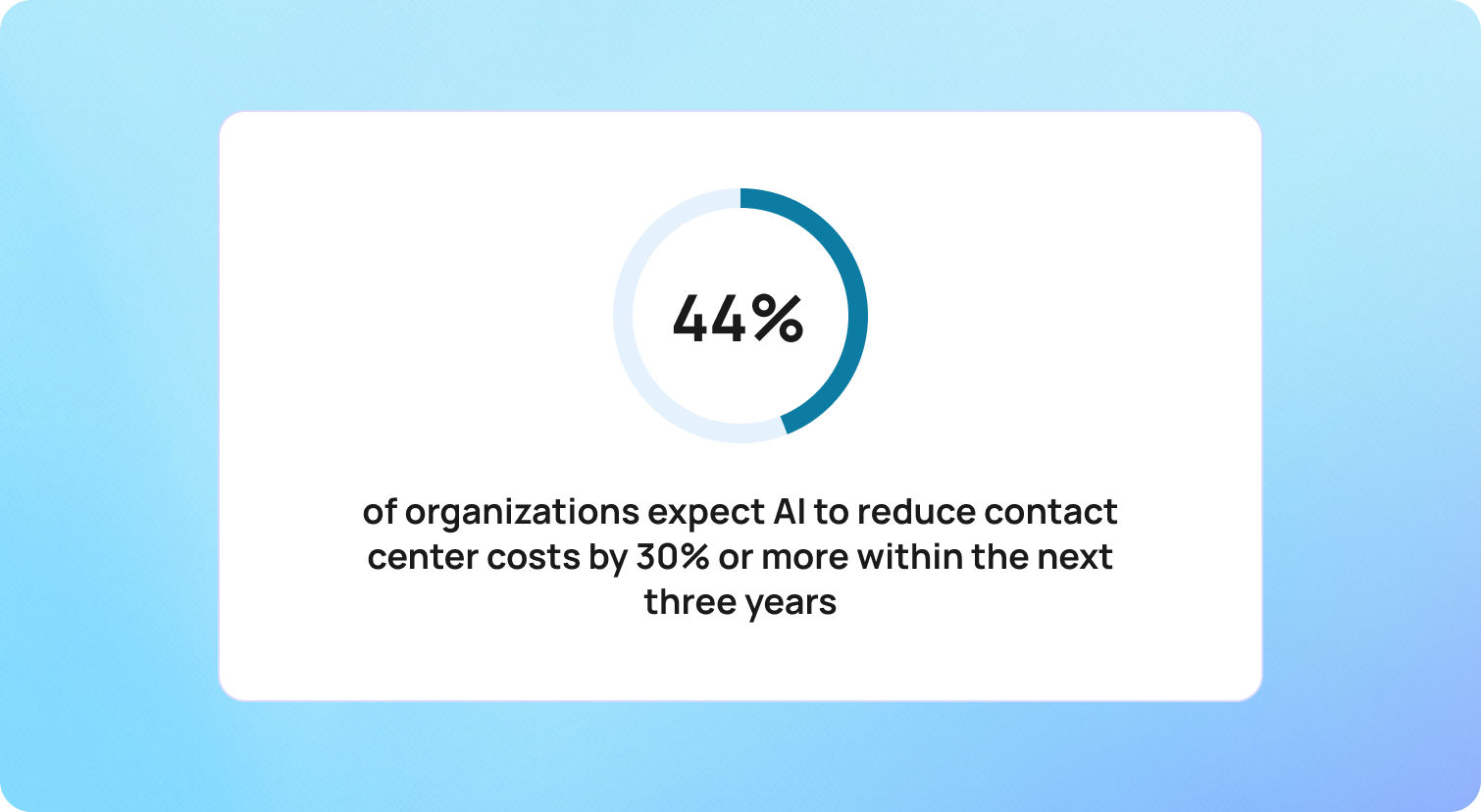
Today, AI-driven customer service automation is redefining what customers expect. According to Deloitte, 43% of organizations expect AI to reduce contact center costs by 30% or more within the next three years, highlighting the growing role of AI as both an operational and financial lever.
These platforms enable businesses to automate repetitive tasks, provide 24/7 support, and deliver hyper-personalized interactions, all while unlocking new levels of scalability. Rather than increasing headcount to handle rising demand, organizations can use AI-driven customer service to manage growing volumes of inquiries with precision and consistency.
The financial impact is significant. Businesses are seeing cost reductions of 25–30%, alongside measurable improvements in customer satisfaction and operational efficiency. As AI-driven customer service strategies mature, the focus is shifting from cost savings alone to delivering faster, more personalized, and more scalable customer experiences.
At BlueTweak, this evolution is seen as a strategic turning point. According to Radu Dumitrescu, Head of Automation & Digital Transformation at BlueTweak:
"AI isn't just about automating support, it's about elevating every interaction into a meaningful, revenue-driving moment… The companies winning today are the ones using AI-driven customer service strategies to anticipate, not just respond."
As AI continues to advance, particularly in areas like sentiment analysis and predictive intelligence, its role in shaping customer experience, operational performance, and long-term growth will only become more critical.
Enhanced Customer Satisfaction Through AI-Driven Service Innovations
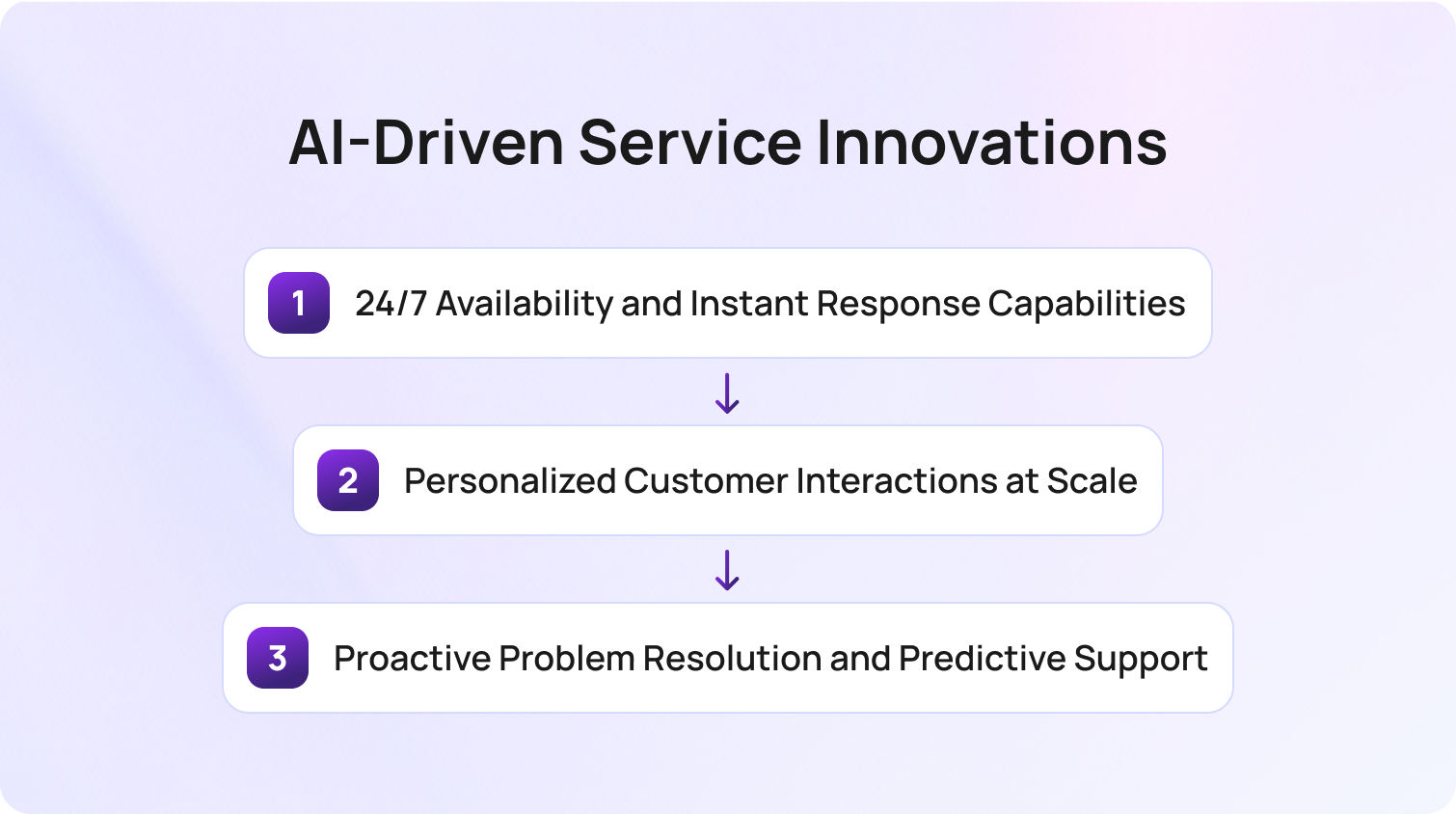
AI-driven customer service is no longer limited to automating basic support processes; it is fundamentally reshaping how businesses deliver customer experience at scale. By combining speed, intelligence, and personalization, modern AI-driven customer service automation enables organizations to enhance customer service while maintaining efficiency across increasingly complex customer service operations. This is where platforms like BlueTweak enable businesses to operationalise AI-driven customer service at scale, combining automation with intelligent, context-aware support.
Rather than relying solely on human agents, businesses are now implementing AI to handle high volumes of customer inquiries, automate responses, and deliver consistent, high-quality support. The result is a more responsive, scalable, and insight-driven approach to improving customer satisfaction.
24/7 Availability and Instant Response Capabilities
One of the most immediate benefits of AI in customer service is the removal of time-based limitations. AI-powered systems, including conversational AI and intelligent virtual assistants, provide continuous support, ensuring that customer queries are addressed instantly, regardless of time zone or business hours.
This shift is critical in meeting rising customer expectations. Today's customers expect immediate answers, whether they are submitting initial customer inquiries, tracking orders, or resolving issues outside traditional working hours.
AI-driven customer service automation achieves this by:
- Automating routine tasks such as password resets, billing questions, and order tracking
- Handling high volumes of customer requests without delays or queue times
- Providing relevant responses in real-time using natural language processing
Compared to traditional support operations (where email responses can take hours) AI systems resolve routine questions in seconds. This speed not only reduces friction in customer interactions but also plays a direct role in improving customer satisfaction and perceived service quality.
At the same time, human agents are freed from repetitive tasks, allowing the customer service team to focus on more complex issues that require critical thinking, empathy, and deeper product knowledge.
Personalized Customer Interactions at Scale
As AI technologies evolve, personalization has become a defining factor in AI-driven customer service quality. Customers no longer accept generic, one-size-fits-all support — they expect businesses to understand their preferences, history, and intent.
AI-driven customer service solutions achieve this by analyzing customer data across multiple touchpoints, including past purchases, browsing behavior, and previous customer interactions. This enables businesses to deliver personalized support that feels relevant and timely.
For example, AI agents can:
- Recommend products based on purchase history and behavior patterns
- Deliver context-aware responses tailored to individual customer needs
- Adapt messaging based on location, device, or interaction history
Beyond surface-level personalization, advances in generative AI and sentiment analysis allow systems to detect customer sentiment and respond accordingly. When frustration or urgency is identified, AI can prioritize requests, adjust tone, and escalate to human agents with full context.
This ability to detect customer emotions and adapt in real-time is key to enhancing customer interactions. It ensures that automated systems are not just efficient, but also aligned with the emotional expectations of modern customer experience.
Proactive Problem Resolution and Predictive Support
Perhaps the most transformative aspect of AI-driven customer service automation is its ability to anticipate customer needs rather than simply react to them. Solutions like BlueTweak bring these predictive capabilities into real-world customer service operations, helping teams move from reactive support to proactive engagement.
By analyzing customer data and identifying behavioral patterns, AI systems can detect potential issues before they escalate into incoming support tickets. This marks a significant shift in customer service strategies, from reactive problem-solving to proactive engagement.
This is also where AI-driven voice of customer solutions boost self-service capabilities. Instead of waiting for customers to submit queries, AI can:
- Identify friction points, such as repeated errors or abandoned journeys
- Trigger guided assistance during key moments in the customer journey
- Automate responses to resolve issues before escalation
- Deliver targeted incentives to recover at-risk conversions
For example, if a customer encounters repeated checkout errors, the system can automatically offer support, suggest solutions, or provide a limited-time incentive to complete the purchase.
These proactive interventions reduce the volume of customer inquiries, optimize support processes, and significantly lower customer service costs. At the same time, they improve retention by addressing problems before they impact the overall customer experience.
Predictive capabilities also extend into post-purchase support. AI can anticipate renewal cycles, maintenance needs, or usage drop-offs, enabling businesses to re-engage customers at the right moment with relevant, value-driven interactions.
Business Impact and Profitability Enhancement
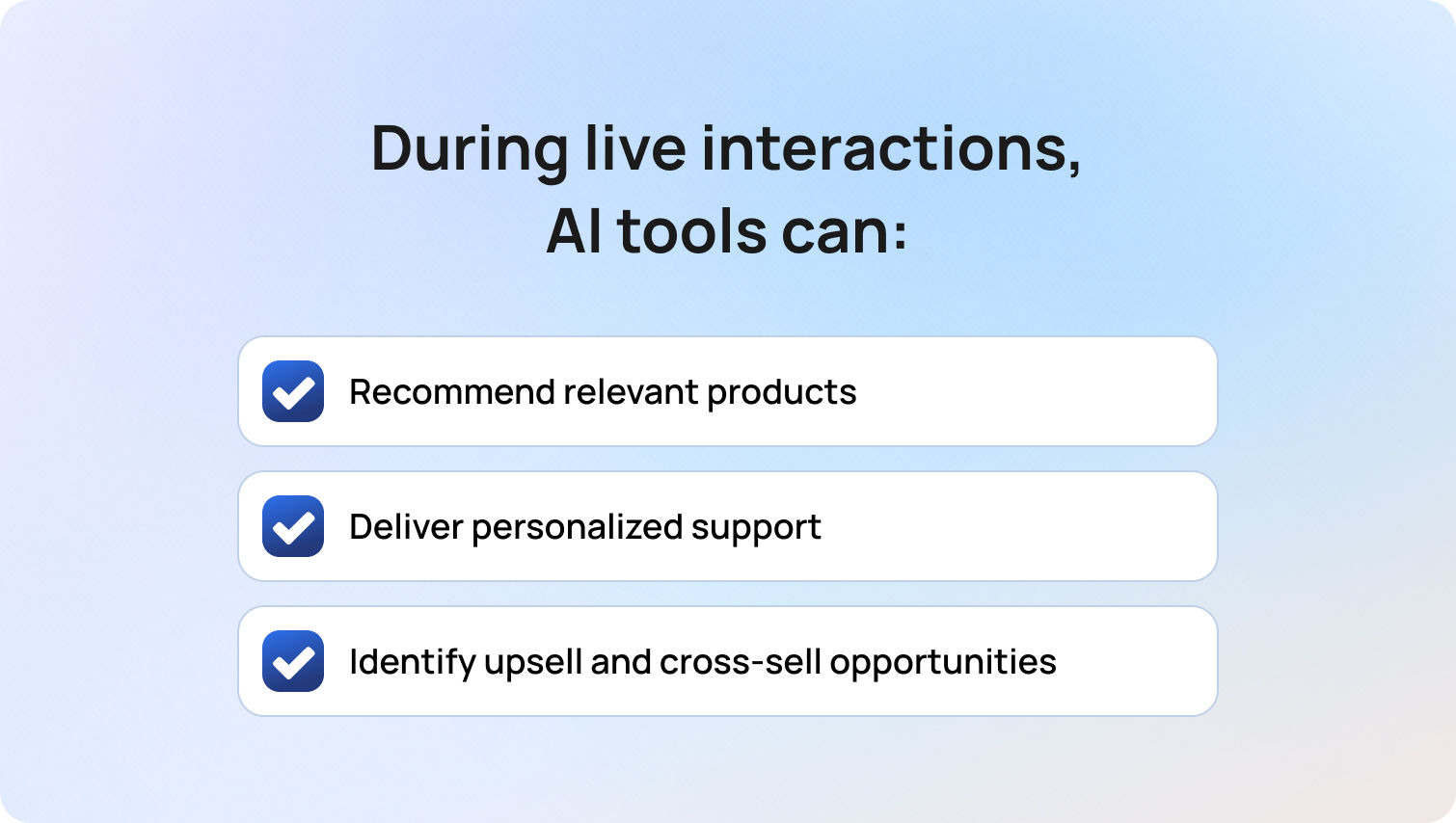
AI-driven customer service isn't just a tool for improving support; it is a measurable driver of business performance. Organizations implementing AI-driven customer service automation are transforming customer service operations into scalable, insight-led systems that reduce costs, increase revenue, and enhance overall customer experience.
By combining automation, intelligent routing, and real-time data analysis, businesses can optimize both front-end customer interactions and back-end support processes. The result is a more efficient, more responsive, and more profitable customer service model. For businesses looking to accelerate this shift, platforms like BlueTweak provide a practical way to implement AI-driven customer service without overhauling existing systems.
Operational Cost Reduction and Resource Optimization
One of the most immediate benefits of AI in customer service is its ability to reduce operational overhead while maintaining high service quality. By automating routine tasks and handling large volumes of customer queries, AI significantly lowers the burden on human agents.
AI-powered customer service solutions can:
- Automate responses to routine questions such as account updates, order tracking, and billing inquiries
- Manage high volumes of customer requests without increasing headcount
- Streamline support operations through intelligent ticket routing and workflow automation
This redistribution of work allows support agents to focus on more complex tasks and high-value interactions, improving both efficiency and agent productivity.
In addition, AI reduces costly errors across customer service functions. From data entry to ticket classification, automated systems ensure consistency and accuracy, minimizing the need for rework and lowering operational costs over time. With platforms such as BlueTweak, these efficiencies can be implemented without disrupting existing workflows, allowing businesses to modernise support operations incrementally.
Revenue Growth Through Intelligent Upselling
AI-driven customer service is increasingly playing a direct role in revenue generation. By analyzing customer data in real-time, AI systems can identify opportunities to enhance customer interactions and drive conversion.
This is where AI-driven customer service strategies move beyond efficiency and into growth.
During live interactions, AI tools can:
- Recommend relevant products or services based on behavior and purchase history
- Deliver personalized support that increases trust and engagement
- Identify upsell and cross-sell opportunities within existing customer conversations
Rather than acting as a cost center, customer service becomes a revenue-generating function, capable of influencing purchasing decisions at critical moments in the customer journey.
AI also supports conversion by addressing hesitation in real-time. For example, if a customer shows signs of drop-off, AI agents can intervene with relevant responses, targeted incentives, or additional guidance, helping to recover otherwise lost revenue.
Scalability and Elastic Resource Allocation
Traditional customer service models often struggle to scale efficiently, particularly during periods of high demand. AI-driven customer service automation removes this limitation by enabling businesses to scale support operations dynamically.
AI systems can handle thousands of simultaneous customer inquiries without impacting performance, ensuring consistent service quality even during peak periods. This is particularly valuable for global businesses managing diverse customer needs across multiple regions and time zones.
At the same time, AI enables smarter resource allocation within the customer service team. By analyzing patterns in customer interactions and incoming support tickets, businesses can:
- Identify trends and optimize staffing decisions
- Allocate human agents to more complex issues
- Continuously refine support processes based on real-time insights
This combination of scalability and intelligence allows organizations to grow without proportionally increasing costs, creating a more sustainable and efficient operating model.
From Cost Center to Strategic Growth Function
The most significant shift driven by AI is strategic. Customer service is no longer viewed as a reactive support function. Instead, it has become a critical source of valuable insights, customer data, and revenue opportunities. AI systems continuously analyze interactions to identify trends, surface pain points, and uncover opportunities to improve customer service at a systemic level.
At BlueTweak, this shift is central to how businesses unlock long-term value from AI.
"The real impact of AI isn't just efficiency, it's visibility. When you can truly understand customer needs at scale, you're no longer reacting, you're leading." — Radu Dumitrescu, Head of Automation & Digital Transformation, BlueTweak
By turning customer service into a proactive, data-driven function, organizations can anticipate customer needs, refine service strategies, and deliver experiences that drive both loyalty and growth.
Key Features Driving Business Growth
To fully realize the value of AI-driven customer service, businesses need more than basic automation. High-performing customer service solutions combine multiple AI technologies to deliver seamless, intelligent, and scalable support across the entire customer journey.
These capabilities don't just improve efficiency; they directly impact customer experience, service quality, and long-term business growth. By integrating advanced AI tools into customer service operations, organizations can move from fragmented support models to unified, insight-driven systems.
Omnichannel Integration and Consistent Experiences
Modern customers engage with businesses across multiple channels, from email and live chat to social media and voice. AI-driven customer service solutions unify these touchpoints, ensuring that customer interactions remain consistent, regardless of where they begin.
This omnichannel approach enhances customer experience by eliminating silos across support operations. Whether a customer reaches out via social media or submits a request through email, AI systems ensure continuity by centralizing customer data and interaction history.
This allows businesses to:
- Deliver consistent, high-quality responses across all channels
- Reduce duplication in customer queries and support processes
- Improve first-contact resolution by providing full context to support agents
By aligning all customer service functions within a single ecosystem, businesses can enhance customer service while improving efficiency across the entire customer service team. BlueTweak's omnichannel capabilities, for example, ensure that customer data and interactions remain unified across every touchpoint, enabling truly consistent service delivery.
Advanced Natural Language Processing (NLP)
At the core of effective AI customer service is natural language processing (NLP), which enables systems to understand, interpret, and respond to human language in a meaningful way. Unlike early chatbot models that relied on rigid scripts, modern AI systems use NLP to interpret intent, context, and nuance. This allows them to handle a wide range of customer questions, even when phrased informally or ambiguously.
For example, phrases like "Where's my order?" and "My delivery hasn't arrived" are recognized as having the same intent, enabling accurate and relevant responses without friction. This capability improves AI-driven customer service quality by:
- Reducing misinterpretation of customer queries
- Delivering faster, more accurate responses
- Supporting more natural, conversational customer interactions
NLP-powered systems can also operate across multiple languages, enabling global businesses to support diverse customer needs without expanding their human agent headcount.
Automated Workflow Orchestration
Beyond handling conversations, AI plays a critical role in automating backend support processes. AI-driven workflow orchestration connects customer-facing interactions with internal systems, enabling end-to-end automation of customer service functions. When a customer submits a request, such as a refund or account update, AI systems can:
- Verify customer data and eligibility
- Trigger the appropriate workflows
- Update internal systems and knowledge base records
- Complete the action without requiring manual intervention
This level of automation significantly reduces processing times while improving service quality and consistency.
Intelligent routing further enhances efficiency by directing customer inquiries to the most appropriate resolution path. Routine tasks are handled automatically, while more complex issues are escalated to human agents with full context. This ensures that support agents can focus on high-value, complex tasks, while AI handles repetitive, time-consuming processes.
Continuous Learning and Insight Generation
One of the most powerful advantages of AI in customer service is its ability to continuously learn and improve. AI systems analyze customer interactions at scale, generating valuable insights that help businesses refine their service strategies over time. By analyzing customer data, AI can:
- Identify trends in customer needs and behavior
- Highlight gaps in support processes or knowledge base coverage
- Detect recurring issues that drive incoming support tickets
These insights allow businesses to improve customer service proactively, rather than reacting to problems after they arise.
Over time, this creates a feedback loop where AI performance improves continuously, delivering better responses, faster resolutions, and more personalized support with every interaction.
Enabling Smarter, More Scalable Customer Service
Ultimately, these features work together to transform how businesses approach customer service operations. By combining conversational AI, intelligent automation, and data-driven insights, organizations can:
- Scale customer service without increasing costs
- Enhance customer interactions across every touchpoint
- Deliver personalized support that aligns with evolving customer expectations
This is what defines modern AI-driven customer service strategies — not just automation, but intelligent systems designed to anticipate customer needs, improve efficiency, and drive measurable business outcomes.
Quantifiable Benefits Across Business Metrics
AI-driven customer service isn't just an operational tool, but rather, a measurable driver of business value. By combining speed, predictive intelligence, and personalization, AI enhances customer service quality while delivering tangible results across revenue, retention, and efficiency metrics. Businesses adopting AI-driven customer service automation are seeing benefits that extend far beyond cost savings, positioning support functions as strategic growth engines.
Customer Lifetime Value (CLV) Enhancement
AI-powered personalization strengthens the customer relationship, fostering loyalty and driving repeat purchases. By analyzing customer data, AI systems anticipate needs, tailor support, and deliver relevant offers, transforming routine customer service interactions into revenue-generating opportunities.
Verified research highlights these measurable outcomes:
- 65% of revenue comes from repeat customers, emphasizing the importance of retention-focused support
- AI-enhanced loyalty programs deliver 4.8–5.2x ROI, showing the effectiveness of personalized rewards
By using AI to predict customer needs, provide timely interventions, and deliver personalized service, organizations maximize customer lifetime value while cultivating long-term brand loyalty.
Employee Productivity and Satisfaction
AI-driven customer service is about augmenting human agents' capabilities, so support teams can focus on more strategic, complex, and emotionally nuanced tasks while AI handles repetitive or routine work. Research from Gartner confirms this broader trend: while only 20% of customer service leaders report headcount reduction directly due to AI, the majority are maintaining staffing levels even as they support higher volumes and more complex inquiries, underscoring the role of AI in boosting operational efficiency rather than eliminating jobs.
Gartner's 2026 survey also shows that 91% of customer service leaders feel pressure to implement AI, largely because executives expect it to improve customer satisfaction, drive operational efficiency, and strengthen self-service outcomes — priorities that directly influence agent productivity and morale.
Rather than replacing human roles, service organisations are reshaping jobs to take advantage of AI's strengths. Gartner also highlights that nearly 80% of organisations plan to transition agents into new roles where human expertise — such as handling emotionally sensitive interactions, complex problem-solving, and delivering judgment — complements AI at scale.
Research from PwC shows that a significant share of companies deploying AI agents report increased productivity and faster decision-making, with many also indicating improvements in customer experience. Over half of organizations surveyed reported gains in efficiency due to AI integration — a clear beneficial signal for support teams and customer service leaders alike.
By working in tandem with automated tools that handle repetitive customer interactions — such as case summarisation, knowledge retrieval, and routing — human agents are freed to concentrate on more complex, high-value work. This not only elevates overall service quality but also improves job satisfaction by allowing agents to focus on uniquely human strengths like empathy, creativity, and critical thinking.
Risk Mitigation and Compliance Assurance
AI-driven customer service automation not only streamlines support operations but also strengthens compliance and risk management, especially in regulated industries where data governance, auditability, and oversight are essential. Leading research firms consistently highlight the growing role of AI in supporting risk and compliance functions, from automated monitoring to governance frameworks that ensure responsible use.
According to PwC, organizations are increasingly modernizing risk and compliance functions by using AI-powered capabilities to automate monitoring, interpret regulatory changes in real-time, and surface risk insights faster than traditional manual processes. This transformation helps reduce operational burden and creates space for teams to focus on strategic oversight rather than rote compliance tasks.
Similarly, Deloitte's State of AI in the Enterprise research highlights that as organizations scale AI adoption, effective AI governance becomes critical to managing risk and regulatory obligations, with firms that embed governance actively across people and processes poised to achieve greater value and operational resilience.
From an industry risk perspective, Gartner predicts that legal, risk, and compliance functions will significantly increase technology investments through the remainder of the decade, reflecting the growing importance of automation and AI technologies in managing complex regulatory environments and risk workflows.
While specific numerical impacts vary by implementation and industry, these authoritative sources point to a clear trend: AI tools can automate inspection of compliance controls, surface risk indicators, and support governance practices that improve consistency and oversight. For customer service teams, this means fewer manual errors, more traceable audit trails, and reduced risk of non-compliance in interactions that involve sensitive customer data or regulated processes.
This approach ensures that AI-driven customer service supports not only operational goals but also broader enterprise risk and compliance objectives, helping organizations maintain customer trust and regulatory integrity as they scale.
Challenges and Strategic Considerations
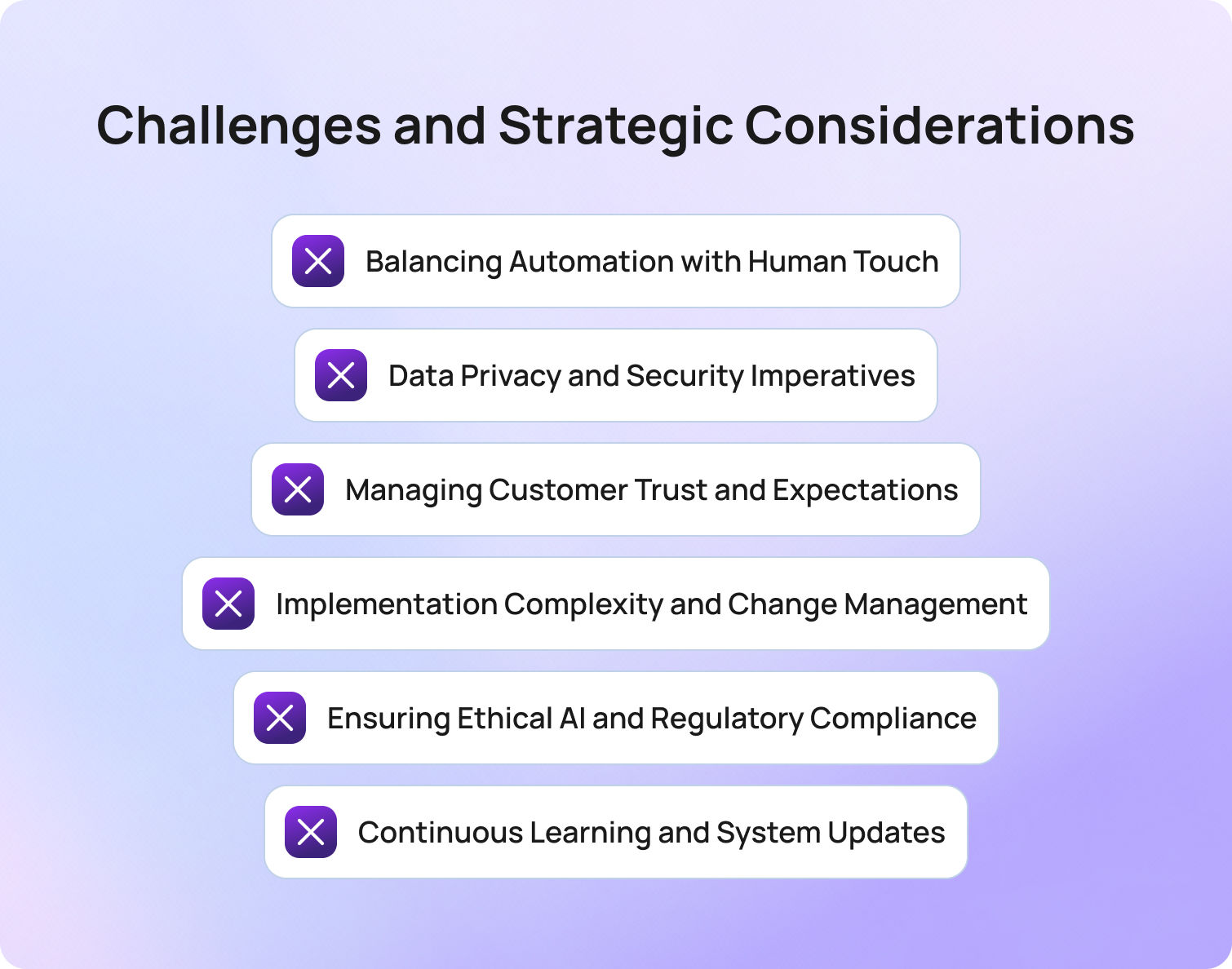
While AI-driven customer service offers significant advantages, successful implementation requires careful planning, governance, and alignment with broader business objectives. Organizations that approach AI as a strategic capability, not just a tool, are better positioned to enhance customer service, maintain service quality, and deliver long-term value across customer service operations.
Balancing Automation with Human Touch
One of the biggest challenges in AI in customer service is finding the right balance between efficiency and empathy. AI excels at handling routine tasks, resolving common customer queries, and managing initial customer inquiries at scale. However, human agents remain essential when it comes to complex issues, nuanced conversations, and understanding customer emotions.
Rather than replacing support teams, AI customer service works best when it augments human agents, freeing them from repetitive tasks so they can focus on higher-value customer interactions. This hybrid approach ensures businesses can scale support operations without sacrificing the quality and emotional intelligence that define a strong customer experience.
Data Privacy and Security Imperatives
The effectiveness of AI-driven customer service solutions depends heavily on the quality of the customer data behind them. Incomplete, outdated, or siloed data can lead to irrelevant responses, fragmented customer interactions, and reduced service quality.
To fully realize the benefits of AI tools, businesses need to prioritize:
- Clean, structured, and accessible customer data
- Seamless integration across customer service operations and support processes
- Well-maintained knowledge bases that evolve alongside customer needs
By investing in strong data foundations, organizations enable AI systems to deliver more accurate, relevant, and personalized support, ultimately improving customer satisfaction and trust.
Managing Customer Trust and Expectations
As AI becomes more embedded in customer interactions, trust becomes a critical factor in adoption. Customers expect fast, accurate, and transparent support, but they also want to know when they're interacting with AI and when a human agent is involved.
To maintain trust while implementing AI, businesses should focus on:
- Being transparent about the use of AI agents in customer service
- Ensuring conversational AI delivers consistent, context-aware responses
- Providing clear and seamless escalation paths to human agents
Managing these expectations effectively helps businesses enhance customer service without creating friction or undermining confidence in the experience.
Implementation Complexity and Change Management
Implementing AI in customer service is not a simple switch; it requires alignment across technology, people, and processes. From integrating AI into existing systems to training support agents and refining workflows, success depends on a structured and iterative approach.
Key considerations include:
- Training customer service teams to work effectively alongside AI tools
- Redesigning customer service functions to incorporate automation
- Continuously monitoring AI performance and optimizing over time
Without this level of planning and adaptability, businesses risk underutilizing AI technologies or failing to achieve meaningful improvements in support operations.
Ensuring Ethical AI and Regulatory Compliance
As AI technologies become more central to customer service operations, businesses must also consider the ethical and regulatory implications. Handling sensitive customer data, automating responses, and making decisions at scale all introduce new responsibilities.
To ensure responsible AI adoption, organizations should focus on:
- Monitoring for bias in AI-generated responses
- Protecting customer data across all customer interactions
- Maintaining transparency and accountability in automated decision-making
By embedding these principles into their AI strategies, businesses can improve customer service while safeguarding trust, compliance, and long-term brand reputation.
Continuous Learning and System Updates
AI-driven customer service systems are not static — they require continuous learning and refinement to remain effective. As customer needs evolve and new products, services, or policies are introduced, AI tools must be regularly updated to ensure they continue delivering accurate and relevant responses.
Without ongoing optimisation, even well-implemented systems can quickly become outdated, leading to poor customer interactions, incorrect answers, and declining service quality. This is particularly important in environments where customer expectations are constantly shifting and real-time accuracy is critical.
To maintain high-performing AI customer service, businesses should focus on:
- Regularly updating knowledge bases to reflect the latest company information and policies
- Continuously training AI models using new customer data and interaction patterns
- Monitoring AI performance to identify gaps, inaccuracies, or emerging trends
- Refining automated responses to better align with customer intent and sentiment
By treating AI as an evolving system rather than a one-time implementation, organizations can consistently improve customer service, adapt to changing customer expectations, and ensure long-term value from their AI investments.
Final Thoughts: Future Trajectory and Emerging Innovations
AI-driven customer service is evolving rapidly, moving beyond automation and efficiency into more intelligent, adaptive, and context-aware experiences. Advances in areas like generative AI, natural language processing, and predictive analytics are enabling systems to better understand customer intent, anticipate needs, and deliver more relevant, human-like interactions at scale.
We're already seeing the shift toward more emotionally aware and proactive support. AI tools are beginning to interpret customer sentiment more effectively, allowing businesses to respond with greater nuance, while predictive capabilities are helping teams anticipate customer needs before they escalate into issues. At the same time, emerging technologies such as augmented reality are opening up new possibilities for guided support, particularly in technical and product-heavy environments.
What's clear is that AI in customer service is no longer just about handling routine tasks. Today, AI in customer service focuses on enhancing customer interactions across the entire customer journey. From first touchpoint to long-term retention, AI is enabling more personalized support, faster resolutions, and more consistent service quality across channels.
As these technologies continue to mature, the gap between automated and human-led support will continue to narrow. Businesses that invest in AI-driven customer service today are not only improving current customer experience but also building the foundation for more scalable, intelligent, and responsive support operations in the future.
If you're ready to see how AI-driven customer service can move beyond automation and become a true growth driver, BlueTweak can help you get there.Book a demo with the BlueTweak team
to explore how you can enhance customer experience, streamline support operations, and unlock new revenue opportunities with AI-powered customer service.
Book a BlueTweak demo
Book Demo
FAQ

What Matters in a Modern Customer Support Platform (And What Doesn’t)
Why Features Alone Don't Drive Better Support
Most customer support platforms promise the same things: omnichannel, automation, AI, and reporting. On paper, they look almost identical. But in practice, very few of these features create a meaningful impact on their own.
The difference comes down to how well they work together and whether they genuinely reduce effort for your team and your customers. As Radu Dumitrescu, Head of Presale & Digital Transformation at BlueTweak, puts it:
"Most organisations don't struggle with choosing features; they struggle with connecting them in a way that actually improves outcomes. That's where modern platforms either create leverage or add complexity."
According to Deloitte's 2026 State of AI in the Enterprise report, organisations across industries are increasingly moving from experimentation to broader deployment of AI, with two-thirds reporting productivity and efficiency gains and many prioritising AI to enhance customer relationships and operational performance.
In practice, this is where many customer support software investments fall short. Platforms may offer advanced features like automation tools, AI capabilities, and integrated ticketing systems, but without a clear strategy, they often add friction instead of removing it. Support teams still find themselves handling repetitive tasks, switching between communication channels, and relying on manual processes that limit agent productivity and slow down customer conversations. The result is a gap between what the technology promises and what it actually delivers.
So instead of asking "what features does this platform have?", the better question is, "what outcomes will these features actually drive?"
Ultimately, the value of customer support software depends less on individual features and more on how well AI customer service, automation, and customer data are connected to improve real-world outcomes.
6 Capabilities That Actually Improve Customer Support Outcomes
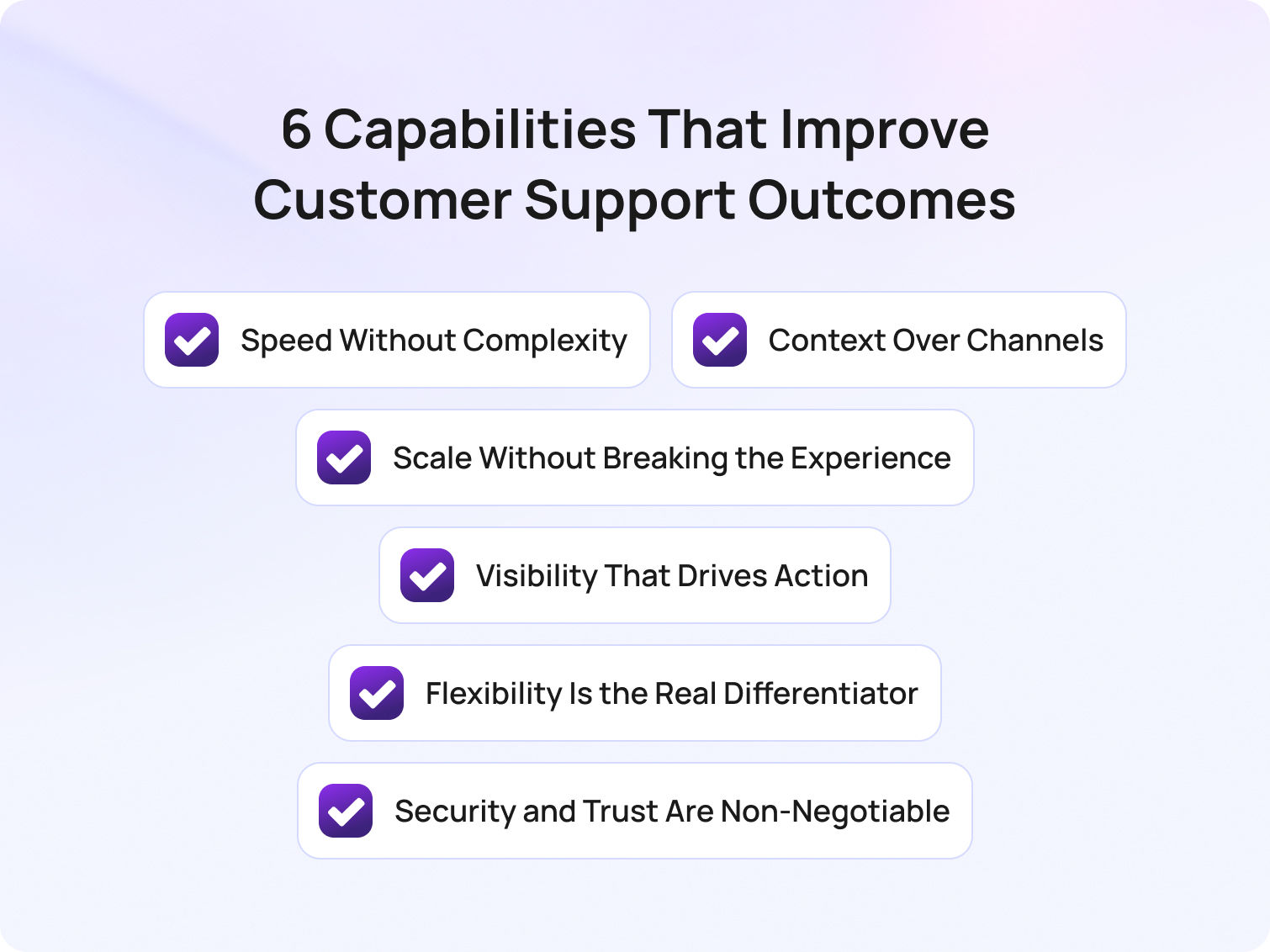
When evaluating the key features of AI customer support platforms for enterprises, it's easy to get lost in long feature lists that promise everything but deliver little in practice. The reality is that the most effective platforms don't just offer more functionality; they also focus on the key features enterprises need in AI customer support platforms to drive efficiency, consistency, and better outcomes at scale.
Rather than comparing surface-level capabilities, it's more useful to understand the features of efficient customer support platforms and how they work together in real environments. In a recent BlueTweak implementation, teams using AI-powered automation saw measurable improvements in response times and agent efficiency within the first rollout phase.
Below are the six capabilities that consistently separate high-performing teams from the rest.
1. Speed Without Complexity
Omnichannel support, automation, and AI are often positioned as separate capabilities. In reality, they only create value when they work together to deliver one outcome: faster support without added complexity.
Most platforms today technically tick the boxes: they offer email, live chat, social, and voice. They include routing rules, workflows, and even AI-powered chatbots. But simply layering these features on top of each other doesn't guarantee efficiency. In many cases, it does the opposite, creating fragmented workflows, duplicated effort, and systems that feel harder to navigate as they scale.
The real differentiator is how seamlessly these elements are connected behind the scenes. What high-performing teams look for isn't more functionality, it's less friction. That means a genuinely unified inbox rather than loosely connected channels. It means automation that removes decisions from agents, not adds new ones. And it means AI that works alongside agents in real-time, surfacing relevant information and next steps, rather than simply deflecting tickets at the front door.
To understand how speed translates into real value, it helps to break it down into specific capabilities that reduce friction for both agents and customers:
- A truly unified inbox (not stitched-together channels)
- Automation that simplifies workflows rather than complicates them
- AI that enhances agent performance in the moment
The simplest way to evaluate this is by looking at how your team feels using it. If handling more tickets makes the system feel heavier, not lighter, something isn't working.
2. Context Over Channels
Customers don't think in channels; they think in conversations. They expect to start a query on live chat, follow up via email, and, if needed, pick up the conversation on the phone without losing momentum.
But many platforms still treat these as separate interactions. The result is a fragmented experience where customers repeat themselves, and agents waste time reconstructing context from multiple systems.
This is why CRM integration shouldn't be viewed as an add-on feature. It's foundational to delivering any kind of consistent, high-quality support experience.
When done properly, it creates a single, continuous view of the customer, bringing together interaction history, behavioural data, and transactional insight in one place. This allows agents to move from reactive problem-solving to informed, personalised support.
Bridging into practical application, here are the elements that ensure context is preserved:
- A single view of the customer across all touchpoints
- Real-time access to history, behaviour, and purchases
- Continuity between conversations, regardless of channel
The impact is immediate. Conversations become faster, more relevant, and far less frustrating. Customers feel recognised, not processed, and agents spend less time searching for answers and more time delivering them. Ultimately, if your platform can't maintain context, it doesn't matter how many channels it supports.
3. Scale Without Breaking the Experience
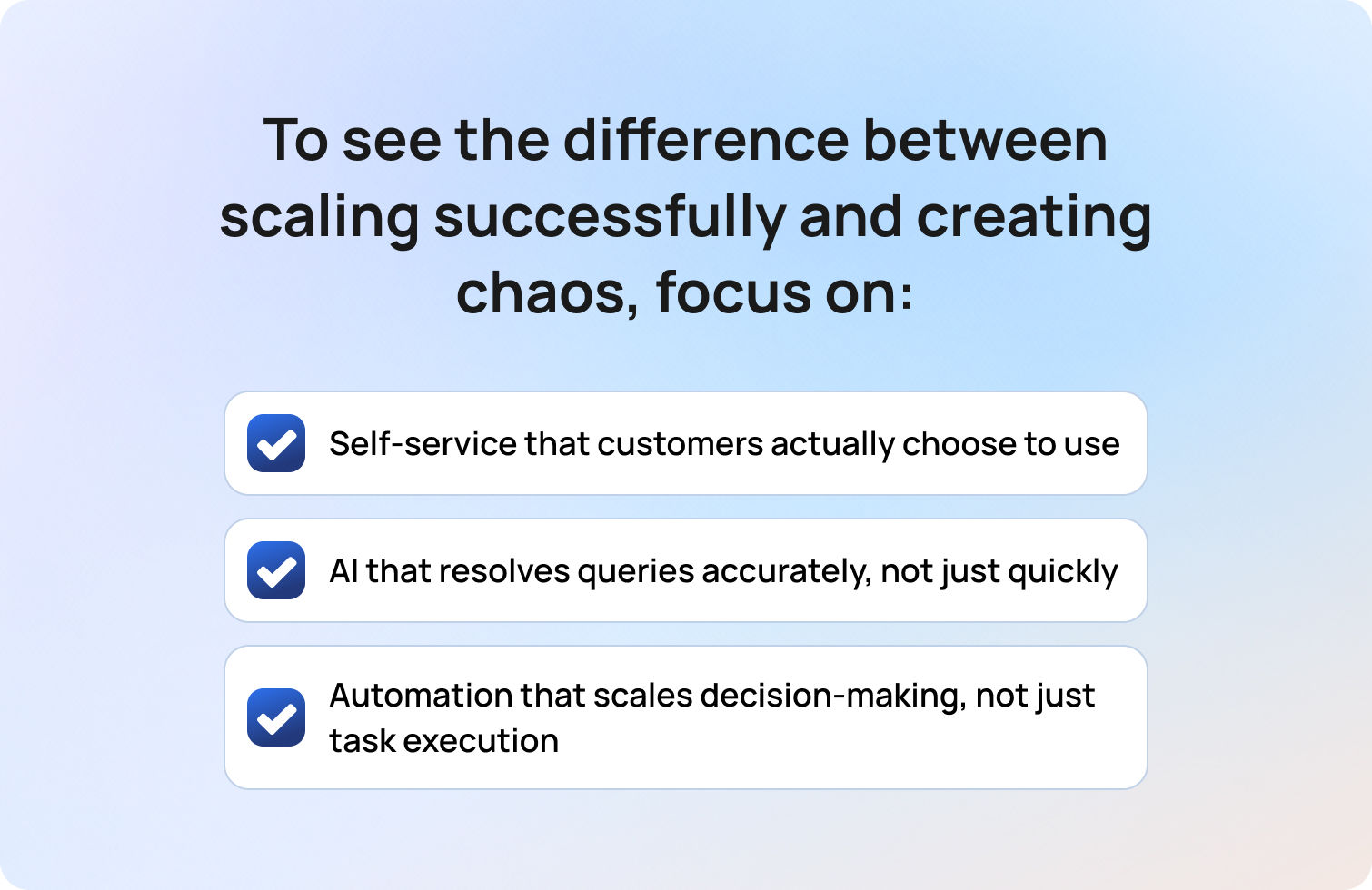
Scaling customer support is where most platforms (and processes) start to break down.
Handling 100 tickets a day is manageable. Handling 10,000 is where cracks begin to show: response times slip, quality becomes inconsistent, and agents quickly become overwhelmed. At this point, adding more people is no longer a sustainable solution.
This is where self-service, automation, and AI are meant to step in. But their success depends entirely on how well they've been implemented.
Too often, self-service takes the form of static FAQs that customers ignore. Chatbots prioritise speed over accuracy, leading to frustration rather than resolution. And automation handles tasks, but not decisions, meaning complexity still sits with the agent.
What matters is whether these tools genuinely absorb demand in a way that maintains or improves the customer experience. To see the difference between scaling successfully and creating chaos, focus on these areas:
- Self-service that customers actually choose to use
- AI that resolves queries accurately, not just quickly
- Automation that scales decision-making, not just task execution
There's a growing gap between AI adoption and AI effectiveness. Many organisations are investing heavily, but seeing limited returns because the experience hasn't been designed around real customer behaviour.
The real test is simple: as your volume increases, does your support experience improve or quietly degrade?
4. Visibility That Drives Action
Most customer support platforms offer reporting, but not many actually offer clarity.
It's easy to build dashboards filled with metrics — response times, ticket volumes, satisfaction scores — but without context or direction, these numbers rarely lead to meaningful change. They become something teams review, rather than something they act on.
The value of reporting lies in its ability to highlight where effort should be focused. Where are the bottlenecks? Which issues are driving repeat tickets? Where is time being lost? High-performing teams use data not just to measure performance, but to continuously refine it.
To turn reporting into real insight, focus on the metrics that inform decisions:
- Real-time visibility into bottlenecks and inefficiencies
- Metrics tied to outcomes, not just activity
- Reporting that informs decisions across the business
Core metrics like first response time, resolution time, CSAT, and ticket deflection rates still matter, but only when they're connected to action. For example, a drop in CSAT should trigger investigation, not just observation.
Essentially, insight isn't about what's happening; it's about what you do next.
5. Flexibility Is the Real Differentiator

This is often the most overlooked aspect of a customer support platform, and the one that matters most over time. At a glance, many platforms appear similar — they offer comparable features, interfaces, and integrations — but the real difference emerges once they're embedded into your organisation.
Out-of-the-box functionality is rarely the issue. The challenge is whether the platform can adapt to your specific workflows, team structures, and customer needs without forcing compromise.
As your business evolves, your support operation will too. New products, new markets, new processes — all of these place new demands on your systems. A rigid platform can quickly become a constraint.
Here are some key areas where flexibility truly makes a difference:
- Customisable workflows and ticket structures
- Role-based permissions tailored to different teams
- Seamless integration with your wider tech stack
Flexibility is what allows a platform to grow with you, rather than hold you back. Without it, even the most feature-rich solution will eventually feel limiting.
6. Security and Trust Are Non-Negotiable
As customer support becomes more data-driven, the stakes around security continue to rise. Every interaction now carries sensitive customer data — transaction history, behavioural insight, and more. Protecting that information isn't just a compliance requirement; it's fundamental to maintaining customer trust.
While most platforms will highlight their security credentials, the real consideration is how these measures are implemented in practice and whether they support, rather than hinder, day-to-day operations.
To ensure security works for your team and your customers, focus on:
- End-to-end data encryption
- Multi-factor authentication across all users
- Compliance with standards such as GDPR and SOC 2
But beyond certifications, security is about confidence. Your team needs to know that customer data is protected, without navigating unnecessary friction to access it. Trust, once lost, is far harder to rebuild than any system.
These six capabilities represent the key features enterprises need in AI customer support platforms to improve efficiency, enhance customer interactions, and streamline support operations at scale.
Why Some Features Don't Move the Needle (And What Actually Does)
Not every feature on a platform creates a meaningful impact. In fact, many of the "bells and whistles" found in modern customer support software are simply table stakes — expected functionality that won't differentiate your customer experience or improve performance on their own.
As Radu Dumitrescu, Head of Automation & Digital Transformation at BlueTweak, explains:
"The real challenge isn't access to features, it's whether those features are actually aligned to the way support teams work day to day. Without that alignment, even the most advanced tools end up creating more complexity than clarity."
The challenge isn't a lack of capability, but a lack of cohesion. Many customer support tools offer similar functionality, but without the right implementation, these service tools operate in isolation, creating fragmented workflows and limiting the effectiveness of both automation and AI customer service.
What truly sets high-performing platforms apart is how these features are applied in practice. The focus should always be on whether they reduce friction, support better customer conversations, and ultimately lead to stronger customer satisfaction outcomes.
To make this more tangible, here's how these capabilities show up in real platforms, and what to look for when evaluating them.
Omnichannel Capabilities
Customers expect support through multiple channels. A robust customer support platform should provide seamless communication across email, live chat, social media, phone, and even SMS. These customer support features allow agents to handle inquiries from any channel within the same interface, ensuring faster response times and higher customer satisfaction.
What to look for:
- Support for the channels your customers actually use
- A unified inbox where conversations don't fragment across systems
- The ability for agents to switch channels without losing context
Automation for Efficiency
Automation is essential for reducing repetitive tasks and enabling support teams to operate at scale. However, not all automation features are created equal, and poorly implemented workflows can add complexity rather than remove it.
What to look for:
- Automation that eliminates routine tasks, rather than shifting them elsewhere
- Intelligent routing that reduces manual effort and speeds up resolution
- Workflows that simplify decision-making for agents, not complicate it
- Workflows that can adapt dynamically to different types of customer requests without requiring constant manual intervention
AI and Chatbot Integration
AI customer service tools are increasingly central to modern platforms, but their effectiveness depends on how well they integrate into real workflows. Chatbots can manage common customer inquiries, freeing agents to address more complicated issues. Additionally, AI can assist agents by providing relevant information in real-time. A solution that serves both speed and accuracy is essential.
What to look for:
- AI agents that can handle routine queries with a high degree of accuracy
- AI tools that support agents in real-time during live customer conversations
- Seamless handoff between AI and human agents when human intervention is needed
CRM Integration
Personalised support depends on access to complete, real-time customer data. Without strong integration between systems, agents are forced to piece together a customer's history manually, slowing down interactions and reducing quality.
What to look for:
- Seamless integration with CRM systems and other service tools
- Real-time access to customer history, behaviour, and past interactions
- A single, unified view of the customer across all touchpoints
Self-Service Options
A comprehensive customer support platform should include self-service tools such as a knowledge base, FAQs, and community forums. This empowers customers to find solutions to their problems independently, reducing the load on your support team.
What to look for:
- Customer portals and knowledge bases that are easy to navigate and regularly updated
- AI customer service capabilities that improve search and recommendation accuracy
- Self-service options that genuinely reduce inbound service requests and improve overall customer satisfaction
Advanced Reporting and Analytics
A high-quality customer support platform should offer advanced reporting capabilities to track and analyse interactions, team performance, and customer satisfaction metrics. Reports should be customisable and easy to share across teams.
What to look for:
- Visibility into support metrics that directly impact performance, including trends in customer satisfaction
- Reporting that connects activity to outcomes, not just volume
- Insights that help teams continuously improve operational efficiency
Scalability
As your business grows, so will your customer support needs. Ensure the platform you choose can scale effortlessly with your team. This includes the ability to add new agents, support more customers, and introduce additional channels without overhauling the system.
What to look for:
- The ability to handle increased ticket volumes without slowing down workflows
- Flexible pricing and infrastructure that supports scaling support teams
- AI customer service tools and automation features that absorb demand effectively
Customisation and Flexibility
Customisation is crucial for adapting the platform to your specific workflows and preferences. Whether it's modifying ticket fields, creating custom reports, or adjusting agent permissions, your customer support platform should offer the flexibility to match your business processes.
What to look for:
- Customisable ticketing systems and workflows that reflect your processes
- Role-based permissions tailored to different service teams
- Integration capabilities that allow the platform to fit into your wider tech stack
Security and Compliance
Security is non-negotiable when dealing with customer data. A reliable platform should include strong security measures like data encryption, two-factor authentication, and compliance with industry standards such as GDPR, HIPAA, or SOC 2, depending on your region and industry.
What to look for:
- Strong data protection measures, including encryption and access controls
- Compliance with relevant standards such as GDPR or SOC 2
- Security practices that support both operational efficiency and customer trust
The real differentiator in customer support tools is not feature volume, but whether AI capabilities, automation, and customer data work together to improve customer experience and service efficiency.
How to Evaluate a Customer Support Platform (Without Getting Distracted by Features)
Once you move beyond feature checklists, evaluating customer support software becomes a very different exercise. The goal isn't to compare how many tools a platform offers, but to understand how effectively it supports your customer service operations in practice.
Start by looking at how the platform handles real workflows. Does it reduce repetitive tasks and routine tasks for your support teams, or simply shift them into different parts of the process? The best customer support tools use AI capabilities and advanced automation to remove friction entirely, allowing support teams to focus on higher-value customer conversations rather than simple queries.
It's also important to assess how well the platform connects your systems. Strong integration with CRM platforms, ticketing systems, and other service tools ensures that customer data, history, and service requests flow seamlessly across the business. Without this, even the most advanced features will struggle to deliver consistent outcomes.
Finally, focus on impact. Look beyond surface-level metrics and evaluate how the platform improves agent productivity, supports agents in real-time, and contributes to key support metrics like resolution time and customer satisfaction. The right platform should make support operations feel simpler, faster, and more scalable, not more complex.
Effective evaluation of customer support software should focus on outcomes such as improved agent productivity, better handling of customer requests, and stronger alignment between service tools and business operations.
The Shift from Tools to Outcomes
The way organisations think about customer support technology is changing. Where teams once focused on implementing more tools, today the emphasis is on how those tools work together to deliver measurable outcomes.
This shift is being driven by the rapid evolution of AI customer service. Modern platforms are no longer just collections of disconnected service tools; they are increasingly built around AI-powered systems that combine automation features, machine learning, and intelligent orchestration. AI tools and AI agents now play a central role in managing customer interactions, resolving routine queries, and supporting human agents in real-time.
As a result, the conversation is moving away from individual features and towards performance. Businesses are asking how their customer support tools contribute to faster resolutions, better customer experiences, and more efficient support operations. This includes everything from how customer portals deflect demand to how AI customer service tools enhance decision-making during live interactions.
Ultimately, success comes down to alignment. The most effective platforms aren't the ones with the most features, but the ones where every capability — from automation to AI — works together to improve outcomes across the entire customer journey.
Modern AI customer service platforms succeed when they unify customer data, automation, and AI tools into a single system that improves both customer interactions and operational efficiency.
Final Thoughts: From Features to Real-World Impact
As rising customer expectations continue to reshape how businesses approach support, the role of modern customer service platforms is evolving rapidly. It's no longer enough to manage customer inquiries or resolve support tickets; customer service teams today need to deliver seamless, personalised experiences across every interaction.
This is where the features of today's customer support platforms truly come into play. When implemented effectively, they don't just support customer service functions; they transform them. By combining AI customer service tools, intelligent automation, and strong integration capabilities, organisations can reduce human effort while improving human agent productivity and create more meaningful customer interactions at scale.
A key part of this shift is the move towards omnichannel support, where businesses unify communication across multiple touchpoints to create a consistent and connected experience. When done well, this approach ensures that customer data, context, and customer history flow seamlessly between channels.
But success doesn't come from technology alone. It comes from how well those tools are aligned to your workflows, your teams, and your customers. The right platform should help service teams streamline support operations, surface insights from analysing customer data, and continuously improve operational efficiency.
Implementing better customer support software isn't enough. In 2026, teams need to deliver exceptional customer experiences that drive long-term business outcomes. The future of customer support software lies in integrated AI customer service systems that combine automation, customer data, and service tools to deliver consistent, scalable, and high-quality customer experiences.
If you're evaluating customer support software and want to understand how these capabilities come together in a real environment, book a demo with BlueTweak and start exploring how modern customer support platforms translate into measurable outcomes for your team.
Book a BlueTweak Demo
Book Demo
11 Use Cases for Suggest Reply AI That Drive Results (2026)
From Blank Page to Confident Send
Queues do not slow down to let agents write. A short question arises, yet the correct answer depends on policies, entitlements, and context that span multiple systems. The result is hesitation at the keyboard and inconsistent replies that stretch resolution times. This is the gap where suggested reply AI earns its keep, not by taking over the conversation, but by removing the blank page, making it a less daunting task.
"The blank page is where most handle time is lost. When an agent opens a ticket and has to construct a reply from scratch — cross-referencing policy docs, checking order data, recalling the right tone — that cognitive overhead compounds across hundreds of interactions a day. Suggested reply AI doesn't replace the agent's judgment; it eliminates the retrieval work so that judgment is the only thing left to apply."— Radu Dumitrescu, Head of Presale & Digital Transformation, BlueTweak
When a ticket opens, an advanced AI response generator assembles a grounded first draft from the knowledge base
, conversation history, and current case data. Agents stay in control. They review, edit, add a link or file, adjust tone to match brand identity, and send. The work shifts from "write from scratch" to "finish well," which reduces cognitive load, keeps messages accurate and polite, and gives humans more time for judgment on complex issues.
This article explains how AI-powered reply suggestions
for support work, where they deliver quick wins, what key features matter, and how to roll them out responsibly.
How Reply Suggestion AI Actually Works
Under the hood,generative AI
performs two key functions: retrieval and generation. Retrieval collects conversation history, relevant articles from the knowledge base, and any approved reference snippets. Generation then uses a large language model to understand the context and write a reply that follows your style and tone.The system can display a few options, such as a concise, thoughtful reply for simple questions or a more detailed draft for complex messages. Safeguards route sensitive cases to a person. Nothing is sent automatically. An agent constantly reviews and approves suggestions before they are sent out.
11 Use Cases That Consistently Drive Results

Suggested reply AI excels in repeatable moments where speed, clarity, and brand consistency are most crucial, ensuring a prompt response to customer queries. The use cases below demonstrate how AI-suggested replies eliminate the blank page, enabling agents to complete tasks efficiently, customers to receive relevant answers more quickly, and operations to remain stable at scale.
1) Order Status and Logistics Updates
An incoming message asks, "Where is my order?" The suggested reply AI pulls carrier scans, dates, and policy wording, then drafts a thoughtful reply with the next step and a friendly sign-off. Agents edit a detail and send it immediately. It is a small win repeated on a larger scale. Response times decrease, rework decreases, and service remains consistent.
2) Account Access and Verification
When accounts lock or MFA fails, accuracy matters. AI suggested responses guide agents through verification steps, edge-case branches, and privacy language. The draft includes only the details that the process permits and proposes a transparent fallback if the user cannot verify. The team maintains compliance while moving at a faster pace.
3) Returns, Eligibility, and Warranties
Policies can be dense. A good response generator turns them into plain-language steps, including eligibility criteria, conditions, and the following steps to take. If the product qualifies, the draft includes the correct link and the single piece of data still needed. If not, the model suggests empathetic language that preserves the relationship.
4) How-To Setup and Configuration
For step-by-step guidance, the AI text response generator provides numbered instructions that avoid jargon and include a quick validation step, ensuring the customer knows the issue has been resolved. Agents can add a short video or article link when helpful, then send a version that fits the user's specific needs and device.
5) Outage and Incident Communication
During incidents, clarity and tone are crucial, especially when addressing customer inquiries effectively. Suggested reply AI assembles a calm, factual update with the current status, scope, and next checkpoint. It helps teams maintain a steady cadence without having to hand-type each message, which reduces duplicated work and keeps communications consistent across all channels.
6) Billing Questions and Plan Changes
Money conversations can escalate. Suggested replies acknowledge the concern, summarize charges in plain language, and direct the user to the exact self-service path or the verified policy. Agents keep control and can edit for nuance, which leads to more positive outcomes and improved customer satisfaction.
7) B2B Technical Triage
In technical contexts, the AI tool proposes a minimal, reproducible checklist, requests logs with the necessary redactions, and offers a concise hypothesis based on conversation data. That keeps the ticket moving toward the correct queue with all prerequisites captured, so engineers spend less time asking for the same information.
8) Multilingual Support at the Same Quality
Global teams often face a language mismatch. With guardrails and an approved glossary, AI-suggested replies can propose the same accurate answer in a different language while preserving brand identity and tone. Agents confirm intent and send a localized reply that feels native to the customer.
9) De-escalation and Empathy at Tense Moments
When sentiment turns, a high-level, on-brand template helps. The system suggests language that names the impact, commits to a timeline, and avoids defensive phrasing. Humans add context that only they can see. The blend of speed and care improves customer satisfaction without sounding robotic.
10) Knowledge Gaps and Unknowns
Sometimes the perfect reply is an honest one. A good model will generate a short acknowledgment, a clarifying question, and a commitment to follow up. It also tags the missing articles, allowing the knowledge base to be updated. That loop makes future suggestions better.
11) Post-Resolution Follow-ups
After closing, an on-brand follow-up confirms the fix, invites quick feedback, and provides a link to helpful resources. Consistent, considerate closers build stronger customer relationships and reduce reopen rates.

What Good Looks Like: Key Features That Matter
Great AI-powered suggested reply for support
share a few traits. They understand context from the whole conversation, not just the last line. They stay grounded in verified knowledge, which keeps replies accurate and aligned with policy. They let admins define tone rules and brand identity so every reply sounds like your team on its best day. They offer multiple options, ranging from a concise, thoughtful reply to a more comprehensive pathway draft. Finally, they make maintenance simple. Owners can update content and immediately see the responses generated change for the better.Equally important are guardrails. Sensitive flows such as refunds, identity checks, and legal notices should route to human-only playbooks due to the challenges in implementing AI for customer support
. Reply suggestions should "know what it does not know," flagging low confidence and proposing questions instead of overconfident answers. That is how teams maintain quality and trust while gaining speed.
Where BlueTweak Helps
BlueTweakcombines tickets, the knowledge base, and reply suggestions in one workspace, reducing context switching for agents. The system can surface the right article, propose relevant replies based on case metadata and conversation history, and allow agents to review and send them in real-time. Program owners define tone, align suggestions with procedures, and track usage and impact (e.g., handle time, first-contact outcomes, and customer satisfaction) from the same workspace. It functions as an AI-powered drafting layer designed to maintain control while increasing speed.
From SOPs to Running Workflows
Speed without structure is brittle. Teams get the best from suggested reply AI when standard operating procedures exist for the top ticket types. Those straightforward procedures become the source of truth for the model and the agent: what to ask, what to check, and how to close. Once captured, the SOP is linked to the knowledge base and stored alongside the ticket. The model can then generate replies that reflect the exact process, rather than relying on improvisation. Over time, feedback from agents and end users refines each SOP, keeping the suggested replies aligned with reality.
BlueTweak Keeps SOPs Alive in the Flow
With BlueTweak, SOP steps appear as guided actions within the case, so AI-generated responses follow the same steps agents use, rather than being stored in a separate document elsewhere. When an SOP is updated and published, the feature reflects the change immediately, helping the team stay aligned without the need for additional meetings.
How To Roll It Out

Follow these steps to launch suggested reply AI effectively — starting small, validating quality, then expanding with confidence.
| Phase | Action | Goal |
|---|---|---|
| 1. Prepare | Define your most common ticket types in writing; add verified KB articles and tone examples for apologies, denials, and follow-ups | Give the model a grounded source of truth before it generates anything |
| 2. Launch | Enable suggested replies for one channel or region only; review a sample of drafts each week | Validate quality in a controlled scope before scaling |
| 3. Refine | Encourage agents to mark suggestions helpful or not and leave a one-line note when something sounds off; use that signal to update content and rules | Continuously improve accuracy without tweaking prompts endlessly |
| 4. Expand | Roll out to additional channels, languages, or queues; for multilingual needs, start with one language and an approved glossary | Scale what works while keeping terminology consistent |
| 5. Launch prep | During new product launches, seed the model with the launch FAQ and the three most likely failure paths | Clarity first, automation second |
Measuring the Impact That Actually Matters
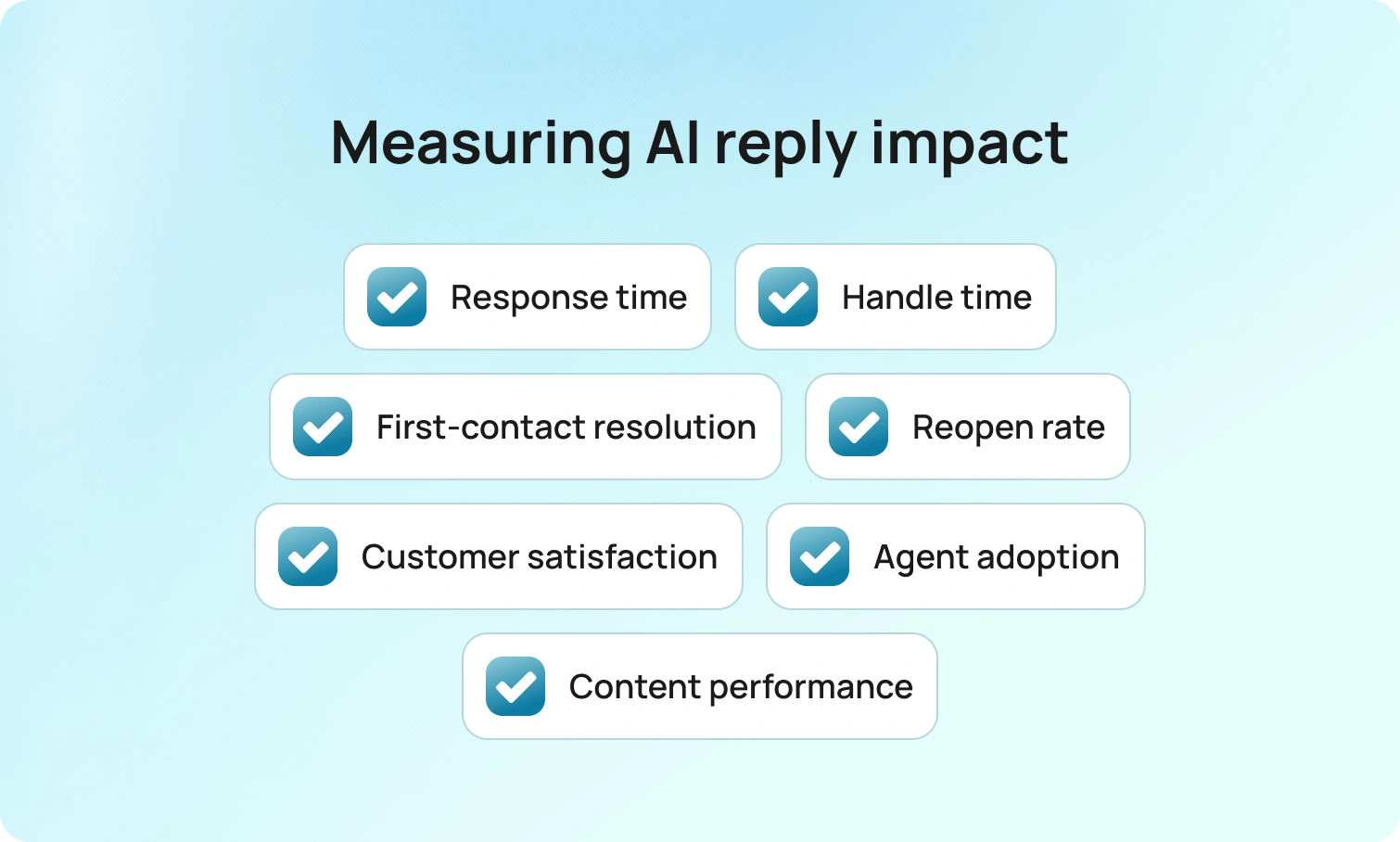
Dashboards do not answer customers. Messages do. Track this short set of metrics to know whether your suggested reply AI is working.
| Metric | What to Watch | Expected Direction |
|---|---|---|
| Time to first response | How quickly agents send the first reply after a ticket opens | ↓ Drops — first draft appears immediately |
| Handle time | Total time spent per ticket, including writing and review | ↓ Falls for routine tasks — agents edit, not write |
| First-contact resolution | Tickets resolved without a follow-up message from the customer | ↑ Rises in SOP-covered cases |
| Reopen rate | Tickets reopened because the first reply missed something | ↓ Declines as drafts include the missing step |
| Customer satisfaction | CSAT scores across AI-assisted interactions | → Holds or improves — replies stay relevant and polite |
| Suggestion acceptance rate | How often agents use a suggestion vs. writing from scratch | ↑ Rises as content and tone rules improve |
Program signals matter too. Watch where agents edit most frequently and which articles drive the best outcomes. Those insights tell you which content to refine and where to expand coverage next. BlueTweak presents that view in the same place agents work, which shortens the path from insight to action.
Guardrails, Governance, and Brand Voice
Trust comes from consistency. Establish clear guidelines for tone and wording, including how to effectively acknowledge frustration and decline requests without causing harm. Keep knowledge articles concise and up-to-date, using the exact wording the organization is comfortable with. Maintain audit trails so leaders can see how a particular answer was produced. Ensure nothing auto-sends by default. AI-suggested replies should always serve as a drafting layer, requiring human approval. Do these things well, and the team can move fast while staying accurate.
Conclusion: Faster Replies, Still Human
Suggested reply AI is not about replacing people. It is about removing the blank page so humans can focus on judgment, empathy, and complex issues. When a model can understand context, propose relevant responses, and stay grounded in a knowledge base, teams respond more quickly, write more accurate messages, and maintain a consistent brand identity across channels and languages.That combination leads to improved customer satisfaction and calmer operations within the business, as the process moves with less friction and greater clarity. BlueTweak helps teams reach that state by consolidating tickets, knowledge, and AI-suggested replies in one workspace, where control and speed can coexist.Request a BlueTweak walkthrough
to observe a ticket's progress from intake to resolution, including reply suggestions, knowledge grounding, and guided steps that work together. Discover how your team can save time, reduce costs, and deliver a better experience in every reply.
FAQ
20 Customer Service Email Templates For Faster, Friendlier Support in 2026
Why Templates Still Matter in 2026 (And What Changed)
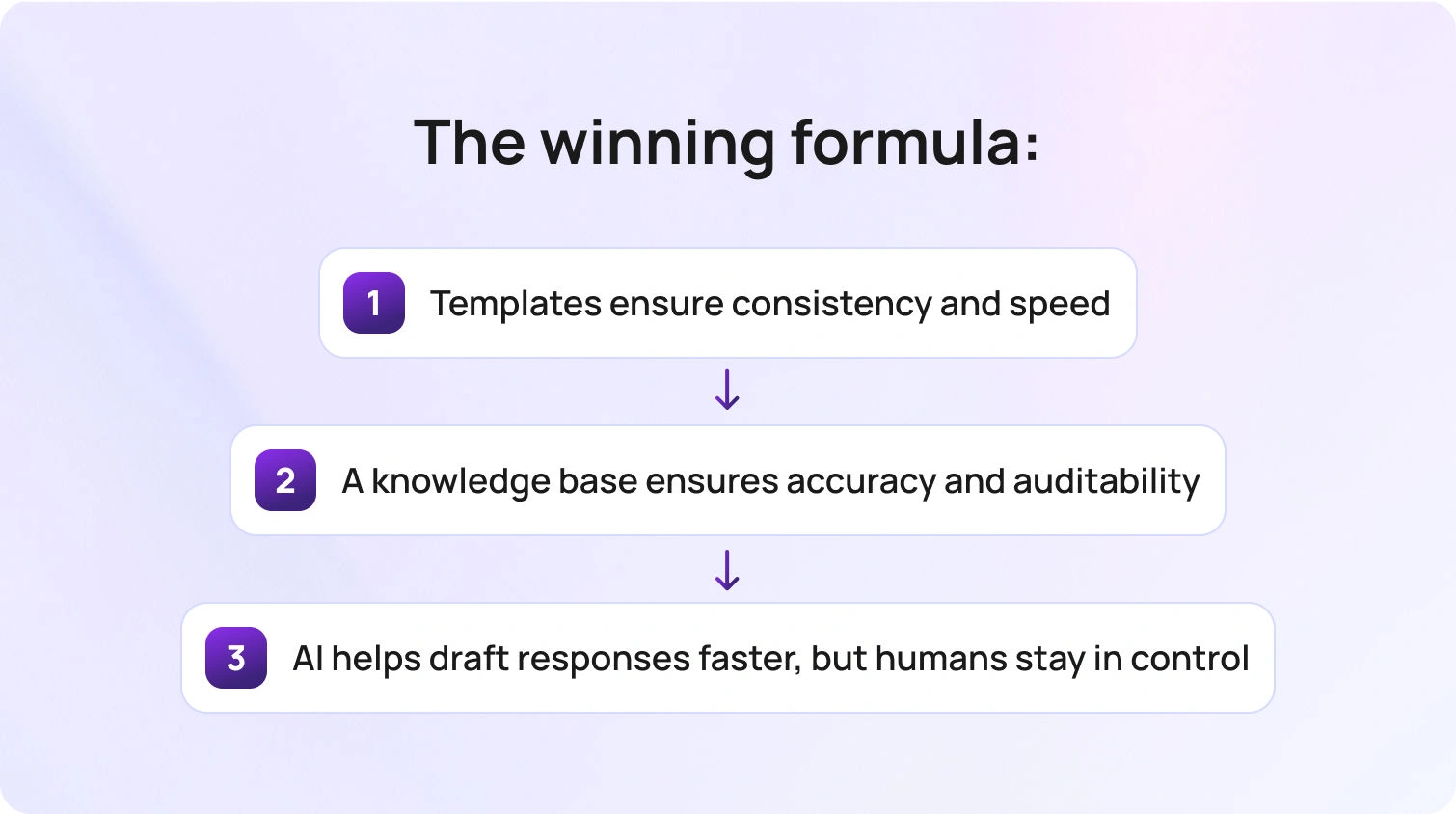
Customer expectations haven’t just increased, they’ve accelerated. Faster replies are now the baseline, not a differentiator. At the same time, support teams are handling more volume, more channels, and more complexity than ever before.
That’s where customer service email templates still deliver outsized value. They reduce average handling time, improve consistency, and eliminate avoidable errors, especially for repeatable requests. But what’s changed is how templates fit into the modern support stack.
According to McKinsey, companies that invest in personalization and modern customer experience capabilities, combining technology, data, and operational improvements, see significant gains in efficiency and customer satisfaction. The lesson here isn’t to replace templates with AI, it’s the opposite. Templates provide the guardrails AI needs to stay accurate, compliant, and on-brand.
This shift reflects a broader move toward more structured, customer-centric operations, where understanding customer needs and resolving issues efficiently becomes a core capability of any modern support team.
In 2026, the winning formula looks like this:
- Templates ensure consistency and speed
- A knowledge base ensures accuracy and auditability
- AI helps draft responses faster, but humans stay in control
Used together, they transform email support from reactive to operational. Platforms like BlueTweak help customer support teams bring these elements together, combining email templates, knowledge, and AI to improve response time and deliver more consistent customer experiences at scale.
20 Customer Service Email Templates
Below are 20 best customer service email templates, grouped by common support scenarios.
Cluster A: First Response + Triage
A strong first response sets the tone and prevents unnecessary follow-ups.
1. Auto-Acknowledgement / First Response
Use when: Confirming receipt and setting expectations
Subject options:
- We’ve received your request
- Your support request is in progress
Email body:
Hi {FirstName},
Thanks for reaching out. We’ve received your request, and our team is reviewing it now.
To help us resolve this as quickly as possible, could you confirm:
- {NextStep}
We’ll update you within {ETA}.
Best,
{AgentName}
Optional internal note (for agent only): Ensure required fields are requested upfront to avoid back-and-forth.
Escalation trigger: Missing critical account info after 2 follow-ups
2. Request More Information
Use when: Additional details are needed to proceed
Subject options:
- Quick info needed to move forward
- Can you confirm a few details?
Email body:
Hi {FirstName},
Thanks for your message. To move forward, we just need a bit more detail:
- Steps taken before the issue occurred
- Any screenshots (if available)
- Relevant account info (last 4 digits only)
Once we have this, we’ll take the next step right away.
Best,
{AgentName}
Optional internal note (for agent only): Avoid asking for full sensitive details, stick to secure identifiers only.
Escalation trigger: Customer unable to provide required verification
3. Handoff to Another Team
Use when: Transferring ownership to a specialist team
Subject options:
- We’re connecting you with the right team
- Your request has been escalated
Email body:
Hi {FirstName},
Thanks for your patience. I’ve shared your request with our {TeamName} team, who are best placed to help.
They’ll review and follow up within {ETA}. You don’t need to do anything further right now.
Best,
{AgentName}
Optional internal note (for agent only): Include full context and previous correspondence in handoff.
Escalation trigger: No response from the receiving team within the SLA
4. Still Working on It
Use when: Providing an update without resolution
Subject options:
- Update on your request
- We’re still working on this
Email body:
Hi {FirstName},
Just a quick update - we’re still working on your request and haven’t forgotten about it.
We’ll share the next update by {ETA}.
Thanks for your patience,
{AgentName}
Optional internal note (for agent only): Always set a clear next update time to prevent churn.
Escalation trigger: Issue exceeds expected resolution time
Cluster B: E-commerce / Order + Shipping
These customer service email templates handle high-volume order and delivery queries (including tracking number and tracking information requests) quickly, while keeping customers informed and reassured.
5. Order Status (WISMO)
Use when: Customer asks for order status
Subject options:
- Your order {OrderID} status
- Update on your delivery
Email body:
Hi {FirstName},
Your order {OrderID} is currently {Status}.
Estimated delivery: {ETA}. You can track it here: {TrackingLink}.
Let us know if you need anything else.
Best,
{AgentName}
Optional internal note (for agent only): Confirm tracking link is active before sending.
Escalation trigger: Tracking unavailable or stalled
6. Shipping Delay
Use when: Order is delayed
Subject options:
- Update on your delivery
- Shipping delay notification
Email body:
Hi {FirstName},
We wanted to let you know that your order has been delayed due to {Reason}.
The new estimated delivery date is {ETA}. We’ll keep you updated if anything changes.
Thanks for your patience; we appreciate it.
Best,
{AgentName}
Optional internal note (for agent only): Offer compensation if delay exceeds policy threshold.
Escalation trigger: Delay exceeds SLA or customer dissatisfaction
7. Delivered but Not Received
Use when: Order marked delivered but missing
Subject options:
- Let’s locate your delivery
- Delivery confirmation issue
Email body:
Hi {FirstName},
Our records show your order {OrderID} was delivered.
We recommend checking:
- With neighbors or reception
- Safe places around your property
If it’s still missing, let us know, and we’ll investigate with the carrier.
Best,
{AgentName}
Optional internal note (for agent only): Initiate carrier claim after customer confirmation.
Escalation trigger: High-value order or repeated delivery issues
8. Address Change Request
Use when: Customer requests an address update
Subject options:
- Update your shipping address
- Address change request
Email body:
Hi {FirstName},
Thanks for your message. We can update your address if your order hasn’t shipped yet.
Please confirm the new address: {NextStep}
Once confirmed, we’ll update it right away.
Best,
{AgentName}
Optional internal note (for agent only): Verify order status before confirming change.
Escalation trigger: Order already shipped
Cluster C: Refunds / Returns / Exchanges
Clear, policy-aligned responses are essential here; these templates help you set expectations while maintaining trust. Refunds are typically processed within a set number of business days, depending on the original payment method.
9. Refund Request Received
Use when: Customer submits a refund request, and you need to confirm receipt
Subject options:
- We’ve received your refund request
- Your refund request is being reviewed
Email body:
Hi {FirstName},
Thanks for your request. We’ve received your refund request for order {OrderID}.
Our team is reviewing this in line with our policy here: {PolicyLink}.
We’ll confirm the outcome within {ETA}. If we need anything further, we’ll let you know.
Best,
{AgentName}
Optional internal note (for agent only): Check eligibility window and payment method before confirming timeline.
Escalation trigger: Refund exceeds threshold or falls outside standard policy
10. Refund Approved
Use when: Refund has been approved and processed
Subject options:
- Your refund has been approved
- Refund processed for order {OrderID}
Email body:
Hi {FirstName},
Good news, your refund for order {OrderID} has been approved.
The amount will be returned to your original payment method within {ETA}.
If you don’t see it after this time, feel free to reach out, and we’ll take a closer look.
Best,
{AgentName}
Optional internal note (for agent only): Confirm refund method matches original payment route.
Escalation trigger: Payment failure or refund delay beyond SLA
11. Return / Exchange Instructions
Use when: Customer needs to return or exchange an item
Subject options:
- How to return your item
- Your return instructions
Email body:
Hi {FirstName},
You can return or exchange your item using the steps below:
- Package the item securely
- Include your order reference: {OrderID}
- Send it to the address provided here: {PolicyLink}
Once received, we’ll process your return within {ETA}.
Let us know once it’s been shipped, and we’ll keep an eye out for it.
Best,
{AgentName}
Optional internal note (for agent only): Check if prepaid label applies based on region/order value.
Escalation trigger: High-value item or missing return tracking
12. Policy Ineligibility (Denial)
Use when: Request falls outside the refund/return policy
Subject options:
- Update on your request
- Regarding your recent request
Email body:
Hi {FirstName},
Thanks for your request. After reviewing the details, this falls outside our policy guidelines: {PolicyLink}.
While we’re unable to process this request, we’d still like to help where possible. {NextStep}
If you have any questions, feel free to reply - we’re here to help.
Best,
{AgentName}
Optional internal note (for agent only): Always offer alternative (store credit, discount, etc.) where allowed.
Escalation trigger: Customer disputes policy or threatens a chargeback
Cluster D: Complaints + De-escalation
When emotions run high, the right structure helps agents stay calm, take ownership, and move the conversation toward resolution.
13. Angry Customer De-escalation
Use when: Customer expresses frustration or anger
Subject options:
- We’re here to help
- Let’s get this resolved
Email body:
Hi {FirstName},
I understand how frustrating this situation must be, and I appreciate you bringing it to our attention.
Here’s what I’m doing to help:
- {NextStep}
I’ll personally make sure this is followed through and update you by {ETA}.
Best,
{AgentName}
Optional internal note (for agent only): Acknowledge emotion, avoid defensiveness, take ownership.
Escalation trigger: Threats, chargebacks, or abusive language
14. Poor Service Experience
Use when: Customer reports a bad experience
Subject options:
- We appreciate your feedback
- Sorry about your experience
Email body:
Hi {FirstName},
I’m sorry to hear about your experience. That’s not the standard we aim to deliver.
We’re reviewing what happened and taking steps to address it. In the meantime:
- {NextStep}
Thank you for your feedback. It helps us improve.
Best,
{AgentName}
Optional internal note (for agent only): Log feedback internally for QA review.
Escalation trigger: Repeated complaints or public escalation risk
15. Multiple Transfers / Escalation Frustration
Use when: Customer is frustrated by being passed around
Subject options:
- I’ll take this from here
- Let’s resolve this together
Email body:
Hi {FirstName},
I’m sorry for the back-and-forth - you shouldn’t have to repeat yourself.
I’ll take ownership of your request from here and ensure it’s resolved.
Next step: {NextStep}
Update by: {ETA}
Best,
{AgentName}
Optional internal note (for agent only): Keep single-thread ownership until resolution.
Escalation trigger: Complex cross-team dependency
Cluster E: Technical Issue + Outage
These templates ensure customers stay informed during technical issues, with clear updates, next steps, and realistic timelines, including directing customers to a status page where appropriate.
16. Bug Report Acknowledgement
Use when: Customer reports bug
Subject options:
- Thanks for reporting this
- We’re looking into your report
Email body:
Hi {FirstName},
Thanks for flagging this. We’ve logged it with our technical team.
To help us investigate further, could you confirm:
- {NextStep}
We’ll keep you updated as we learn more.
Best,
{AgentName}
Optional internal note (for agent only): Attach logs or reproduction steps where possible.
Escalation trigger: Critical bug affecting multiple users
17. Known Issue / Outage
Use when: Issue already identified
Subject options:
- Service update
- Known issue we’re working on
Email body:
Hi {FirstName},
We’re aware of an issue currently affecting {Feature}.
Our team is actively working on a fix. In the meantime, you can try:
- {NextStep}
We’ll provide another update by {ETA}.
Best,
{AgentName}
Optional internal note (for agent only): Use consistent messaging across all affected tickets.
Escalation trigger: Enterprise customers or SLA breach risk
18. Troubleshooting Steps
Use when: Providing structured resolution steps
Subject options:
- Steps to resolve your issue
- Let’s fix this together
Email body:
Hi {FirstName},
Let’s try the following steps to resolve this:
- Step 1: {NextStep}
- Step 2: {NextStep}
- Step 3: {NextStep}
Once completed, let me know the outcome, and we’ll take it from there.
Best,
{AgentName}
Optional internal note (for agent only): Keep steps concise and ordered logically.
Escalation trigger: Steps fail, or issue persists
Cluster F: Account / Billing + Trust
For sensitive topics like billing and security, these templates prioritize clarity, accuracy, and customer confidence.
19. Billing / Charge Question
Use when: Customer questions a charge
Subject options:
- About your recent charge
- Billing query update
Email body:
Hi {FirstName},
Thanks for reaching out about this charge.
Here’s what we can see on our end:
- {NextStep}
We’re reviewing this further and will update you by {ETA}.
Best,
{AgentName}
Optional internal note (for agent only): Cross-check billing system and subscriptions.
Escalation trigger: Potential fraud or dispute
20. Account Security Verification
Use when: Verifying account safely
Subject options:
- Quick account verification
- Security check for your account
Email body:
Hi {FirstName},
To help us securely access your account, we need to verify a few details.
Please confirm:
- The last four digits associated with your account
- Any recent activity you recognize
For your security, please do not share full passwords or sensitive information.
Best,
{AgentName}
Optional internal note (for agent only): Follow security protocol strictly—never request full credentials.
Escalation trigger: Suspicious activity or failed verification
When to Use a Template vs a Fully Custom Reply
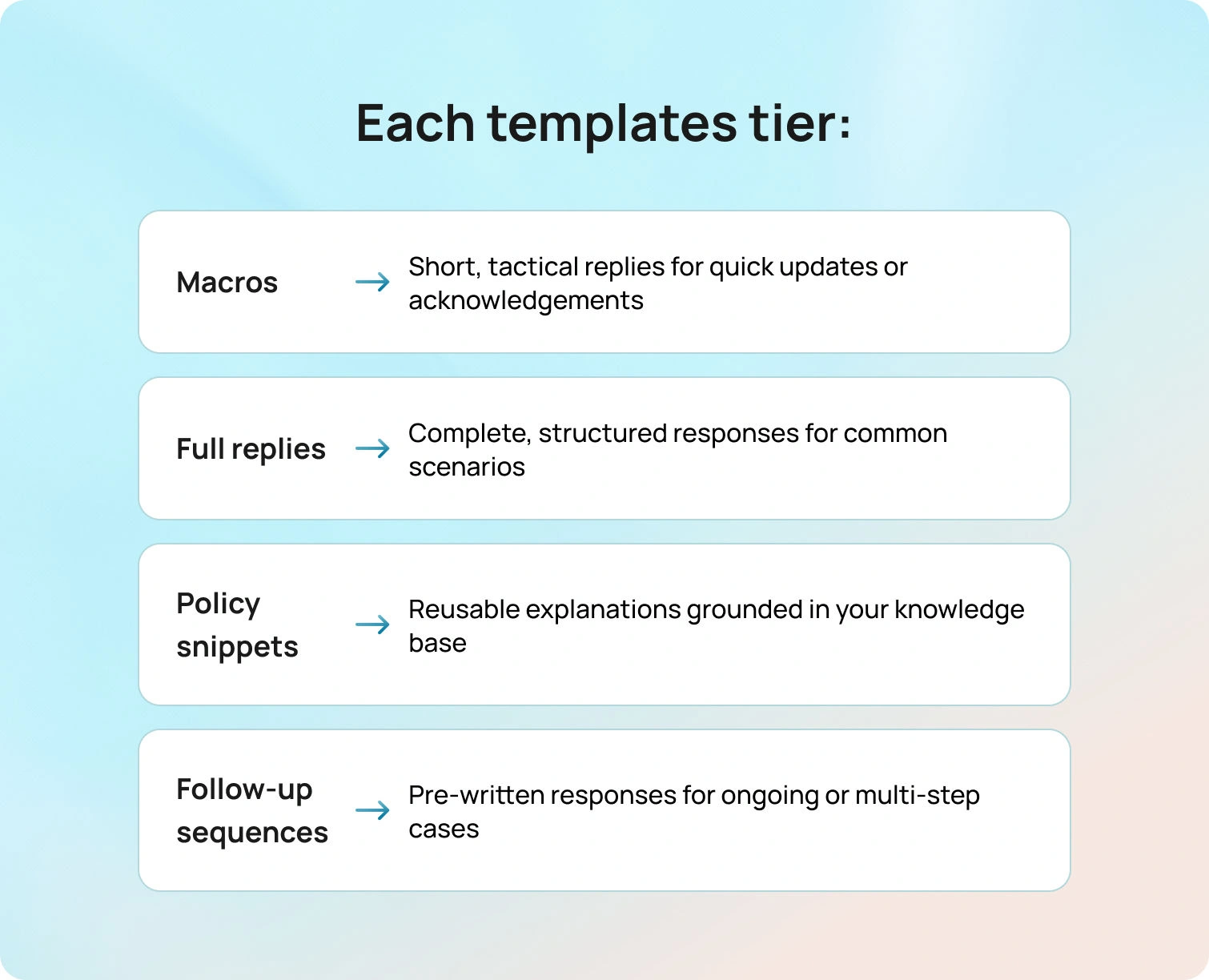
Not every ticket should get a templated response, and knowing the difference is what separates efficient teams from robotic ones.
Templates work best when the situation is predictable and repeatable. In these cases, speed and consistency matter more than originality. A well-written customer service email template ensures customers get a clear, accurate response without unnecessary delays, while also reducing the cognitive load on agents handling high volumes.
Use a template when the request follows a familiar pattern, such as order status updates, refund requests, or common troubleshooting steps. These scenarios typically rely on known policies, standard next steps, and repeatable workflows, which makes them ideal for structured responses.
By contrast, fully custom replies are essential when nuance matters more than speed. High-severity issues, sensitive personal situations, or cases involving legal or financial implications require a more tailored approach. In these moments, customers are looking for reassurance, ownership, and careful handling. This is especially important for customer service agents handling complex or emotional situations, where clear, thoughtful communication can make the difference between a resolved issue and a negative experience.
It’s helpful to think about templates not as a single format, but as a spectrum of support tools. Most teams benefit from structuring their customer service email response templates into tiers, depending on the complexity of the interaction:
- Macros: Short, tactical replies for quick updates or acknowledgements
- Full replies: Complete, structured responses for common scenarios
- Policy snippets: Reusable explanations grounded in your knowledge base
- Follow-up sequences: Pre-written responses for ongoing or multi-step cases
The goal is to remove friction where possible, so agents can focus their attention where it matters most. At their best, templates don’t replace human judgment; they support it.
Anatomy of the Best Customer Service Email Templates (2026-Ready)
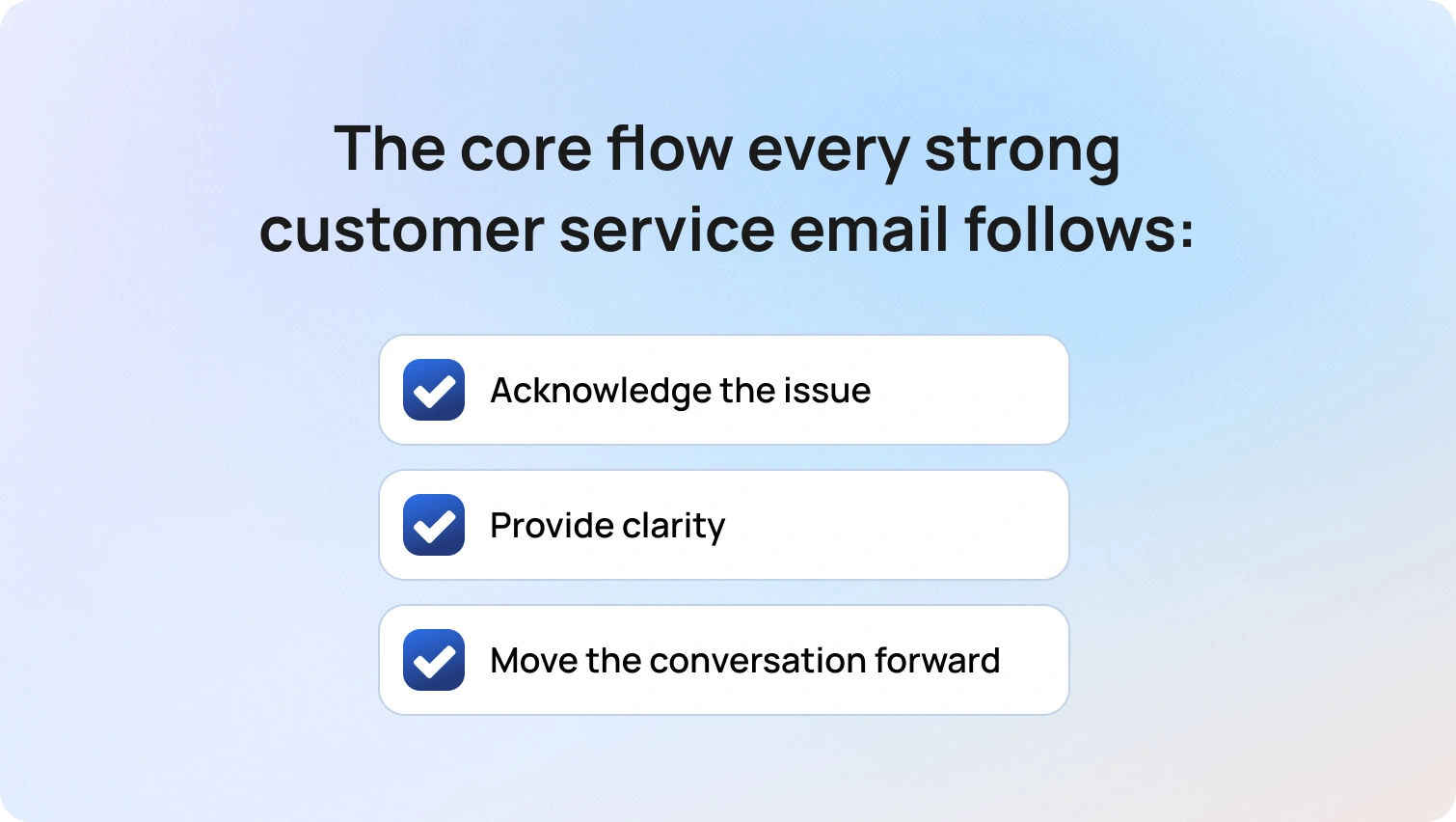
Before diving into the sample customer service email templates, it’s worth understanding what separates a good template from one that actually improves performance.
Standard, pre-written responses aren’t the most effective way of addressing customer concerns. Templates, when used well, are structured frameworks that guide agents toward clarity, empathy, and action. In 2026, that structure matters even more, as templates increasingly power AI-assisted replies and need to hold up under automation as well as human use.
At a high level, every strong customer service email template follows the same core flow:
- Acknowledge the issue
- Provide clarity
- Move the conversation forward
The difference lies in how clearly and consistently that structure is applied.
It starts with the subject line. This should be clear, neutral, and specific enough to set expectations before the email is even opened. Overly urgent or vague subject lines can create confusion, or worse, unnecessary concern.
From there, the opening line should acknowledge the customer’s situation and establish a human tone. This doesn’t mean over-apologizing, but it does mean showing that the issue has been understood. A simple, direct acknowledgment is often more effective than a long-winded expression of empathy.
The body of the email should focus on two things: what’s already been done, and what needs to happen next. This is where light structure, such as short paragraphs or occasional bullet points, can improve readability, especially for more complex responses.
Where relevant, templates should also guide customers toward self-serve options. Linking to your knowledge base not only speeds up resolution but also reduces repeat queries and builds customer confidence.
Finally, every template should close with clarity. That means:
- A clear next step
- A realistic timeline
- A sign-off that feels human, not transactional.
Including a reference like a case ID can also help maintain continuity across longer threads.
To make templates scalable and adaptable, it’s important to use consistent placeholders that agents can quickly personalize before sending. These typically include key details like the customer’s first name, order ID, or the last four digits of an account identifier, along with operational fields such as estimated timelines, relevant policy links, next steps, and the assigned agent’s name. Using standardized placeholders ensures every response feels tailored, while still maintaining speed and consistency across the team.
Tone also plays a critical role. The best templates are flexible enough to adapt; whether that means a more formal tone for sensitive issues, or a shorter, more conversational style for quick updates.
This structure underpins all the best customer service email templates that follow. When applied consistently, it turns templates from simple shortcuts into a reliable system for delivering fast, high-quality support. As more teams introduce AI into their workflows, maintaining this structure becomes even more important, helping support agents avoid inconsistent or inaccurate automated responses.
Best Practices to Make Templates Feel Human (and Not Robotic)
Even the most well-crafted sample customer service email templates can feel flat if they come across as scripted. The key is to write like a human solving a problem, not a system processing a ticket. Personalization is important, but it should be meaningful: including the customer’s first name or specific order details adds warmth, but overusing names or generic phrases can feel forced.
It’s also critical to keep each email focused. Sticking to one clear question or action per message prevents confusion and reduces unnecessary back-and-forth. Structure is your friend (it helps guide the customer through the conversation), but it shouldn’t feel restrictive. Every email should clearly indicate the next step, so the customer knows exactly what to do or expect. Apologies, if needed, should always be proportional: one sincere acknowledgment is enough; repeated apologies can weaken trust.
Some common phrases to avoid include overly formal or overused lines like “We apologize for any inconvenience caused” or “Your patience is greatly appreciated.” Instead, aim for natural, straightforward language that shows empathy, clarity, and a commitment to solving the customer’s issue.
Striking the right balance between automation and empathy is critical, especially as more customer support teams look to scale without losing the human touch.
How to Operationalize Templates (So They Actually Improve SLAs)
Templates are only effective if they are actively maintained and properly integrated into your support workflows. A shared, governed library ensures that every agent has access to the most up-to-date templates, and assigning clear ownership per category prevents outdated responses from lingering in circulation. Linking templates directly to your knowledge base guarantees accuracy and consistency, while weekly reviews of real tickets help identify gaps or improvements.
For any customer service department, this means moving beyond static documents and building a system where templates, workflows, and performance tracking are tightly connected.
Mapping templates to specific intents and tags further streamlines operations, allowing agents to select the right response quickly and maintain quality across the team. Training is just as important: new agents should practice using templates in realistic scenarios rather than simply reading them. This hands-on experience reinforces both tone and policy compliance, making templates a true productivity tool rather than a static resource.
Measuring Template Performance (What to Track)
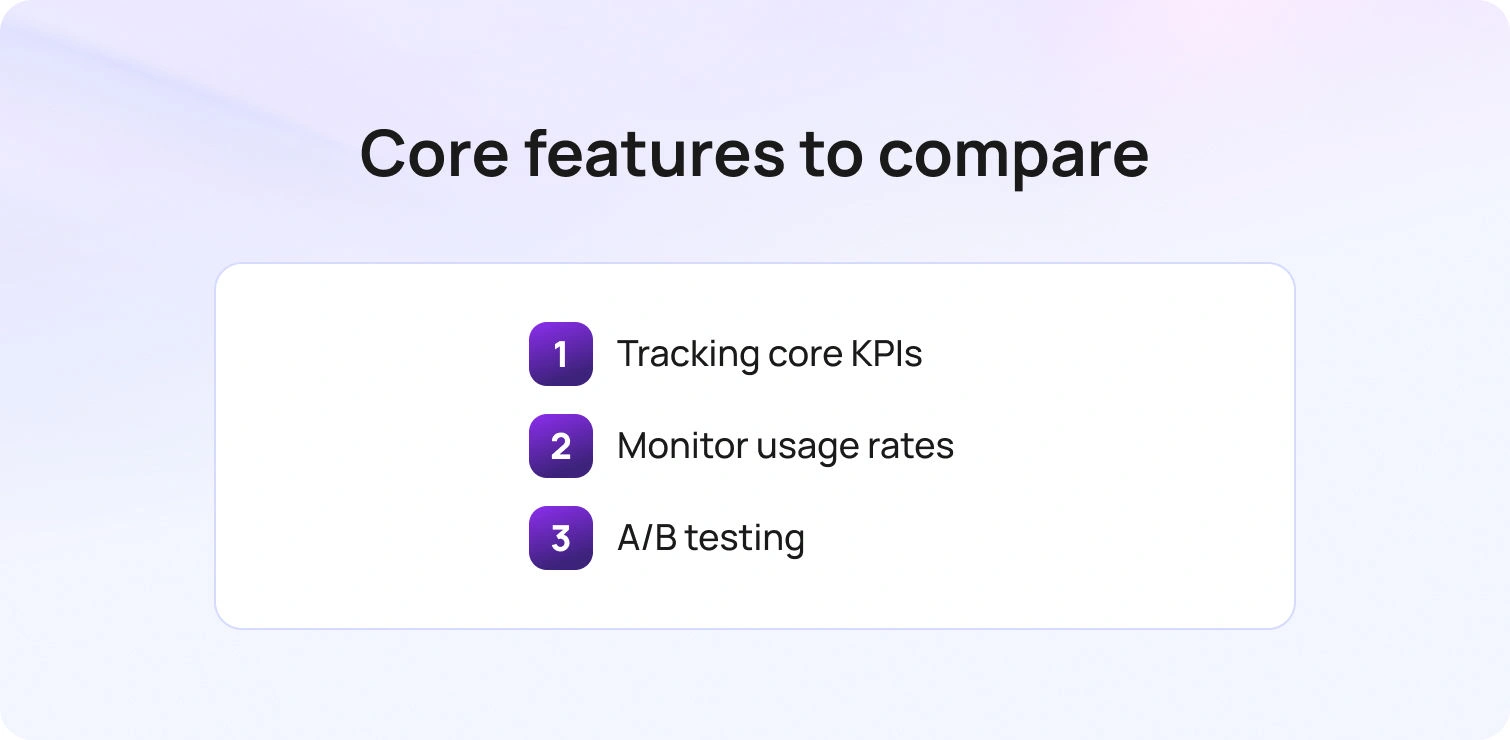
Templates should do more than just save time; they should improve outcomes. Start by tracking core KPIs such as first response time, time to resolution, reopen rate, customer satisfaction (CSAT), and escalation rate. These metrics reveal whether templates are helping agents resolve issues efficiently while maintaining a positive customer experience.
At a more granular level, monitor template usage rates, edit frequency, and adoption of saved responses. This helps identify which templates are truly effective and which might need refinement. A/B testing is also invaluable: experimenting with subject lines, opening sentences, and CTA placement can optimize engagement and response rates, giving your team data-backed insights into what works best for your customers. These insights not only improve individual email responses but also help teams build a more customer-centric strategy over time.
How We Built This Template Set
This set of customer service email templates was developed by analyzing common support scenarios across e-commerce, SaaS, and service teams. Templates were grouped by intent, allowing agents to quickly select the right response for any situation. Flexible placeholders were added to ensure messages remain personalized without sacrificing efficiency.
We also incorporated escalation triggers and guardrails, giving agents guidance on when to escalate complex issues or exceptions. Every template remains fully customizable to match your company’s policies, timelines, and tone of voice, making them both practical and adaptable for 2026 workflows. These patterns reflect broader trends shaping modern customer support, where speed, personalization, and consistency are no longer trade-offs but expectations.
How BlueTweak Helps You Scale Email Support (Without Losing the Human Touch)
Templates are just the starting point. The real impact comes when they’re embedded into your workflows and supported by the right systems. This kind of operational approach is becoming more accessible as modern customer service software evolves, with flexible solutions designed to support teams of all sizes.
BlueTweak helps teams move from static templates to dynamic, high-performing support operations, where speed, consistency, and quality are built in by design.
Instead of starting from scratch, agents begin with strong, AI-assisted drafts grounded in your templates and knowledge base. They review, refine, and send, keeping humans firmly in control while dramatically reducing response time.
That’s where BlueTweak goes beyond traditional tooling. It connects templates, automation, and knowledge into a single, operational system:
- Turn templates into consistent, on-brand replies, fast: Agents start with AI-suggested responses based on your approved templates, reducing variability and improving speed.
- Ground every response in your knowledge base: Replies are backed by your KB, ensuring accuracy and consistency, especially for policy-heavy topics like refunds, eligibility, and troubleshooting.
- Handle more volume with less agent fatigue: Ticket summaries and suggested replies reduce reading and writing time, helping agents process more requests without burnout.
- Support customers in multiple languages: Real-time translation extends your template approach across languages, maintaining consistency globally.
- Unify email with chat and voice: BlueTweak brings all channels into one place, so context isn’t lost when conversations escalate beyond email.
- Run support like an operation, not an inbox: Built-in analytics and workforce management tools help you manage SLAs, staffing, and demand more effectively.
- Scale across multiple brands with ease: Native multi-brand support allows teams to manage different storefronts or business units without losing consistency.
With everything connected (think: templates, knowledge, and AI) teams can move faster without sacrificing quality. The result is faster replies, better consistency, and support that scales without feeling robotic.
Final Thoughts: Scale Customer Service Email Templates Into Real Performance Gains
Customer service email templates remain one of the most effective ways for any customer service team to deliver fast, reliable support at scale. When used correctly, they help support agents respond in a timely manner, reduce errors, and maintain consistent service quality across every customer interaction.
But templates alone aren’t enough. The teams delivering great customer service in 2026 are the ones that treat templates as part of a wider system, one that combines structured email templates, knowledge base guidance, and AI-assisted drafting. This approach helps customer service agents handle more volume, improve response time, and ensure every reply aligns with your brand voice.
Whether it’s helping a frustrated customer, resolving a customer complaint, or supporting technical support queries, the goal is always the same: deliver clear, accurate, and human responses that improve the overall customer experience. When your entire team is working from the same foundation, it becomes much easier to stay aligned, reduce back-and-forth, and keep everyone on the same page.
If you’re ready to move beyond static templates and build a smarter, more scalable approach to customer support, now is the time to take the next step.
Request a demo of BlueTweak to see how you can turn customer service email templates into faster response times, better customer satisfaction, and more consistent service across your entire team, without losing the human touch.
Omnichannel vs Multichannel Customer Service: 2026 Guide
Why Omnichannel Versus Multichannel Matters in 2026
Customers expect continuity, not channel silos. In Salesforce’s State of the Connected Customer, large majorities say they expect companies to understand their unique needs, deliver consistent interactions across departments, and use the data they share to improve experiences, signals that context must travel from one channel to the next for a seamless customer experience. Those same respondents tie trust to how well brands use their information and avoid making them repeat details, a hallmark of omnichannel contact centers that unify customer data and past interactions across support channels.
Two implications follow. First, omnichannel vs. multichannel customer service is not an abstract debate about technology; it is a decision about how you will manage customer interactions and information throughout the entire customer journey. Second, the operational model you choose shapes business outcomes. Unified context reduces handle time spent on discovery, improves first contact resolution, and supports customer retention by preventing the “tell us again” loop that frustrates customers and customer service representatives alike. Next, you’ll get clear definitions and key differences between omnichannel customer support vs multichannel customer support, followed by a decision framework that maps your goals, channel mix, and customer preferences to the right model. We’ll also cover architecture must-haves, the metrics that prove impact, a practical migration roadmap, and where BlueTweak fits to unify customer data and past interactions across support channels.
Clear Omnichannel and Multichannel Definitions You Can Use
Multichannel customer service means you offer multiple communication channels (email, chat, phone, social, in-app messaging) and manage them on a channel-by-channel basis. The customer may choose any channel, but data, workflow, and reporting often remain siloed. A multichannel approach improves reach and convenience but makes it harder to connect the dots across customer service interactions.
Omnichannel customer service integrates multiple channels into a single timeline and identity. Conversations, notes, knowledge usage, and customer data persist across touchpoints, so a customer can start in one channel and continue in another without having to start over. An omnichannel strategy emphasizes the entire customer journey and a unified customer experience, not just coverage for various channels.
If you need a working test, ask two questions. Can an agent see the past interactions and preferences from other channels without switching systems? Can you measure outcomes at the intent level across channels, not just per channel? If the answer is yes, you are operating closer to an omnichannel contact center.
Omnichannel vs Multichannel Customer Service: Key Differences in 2026
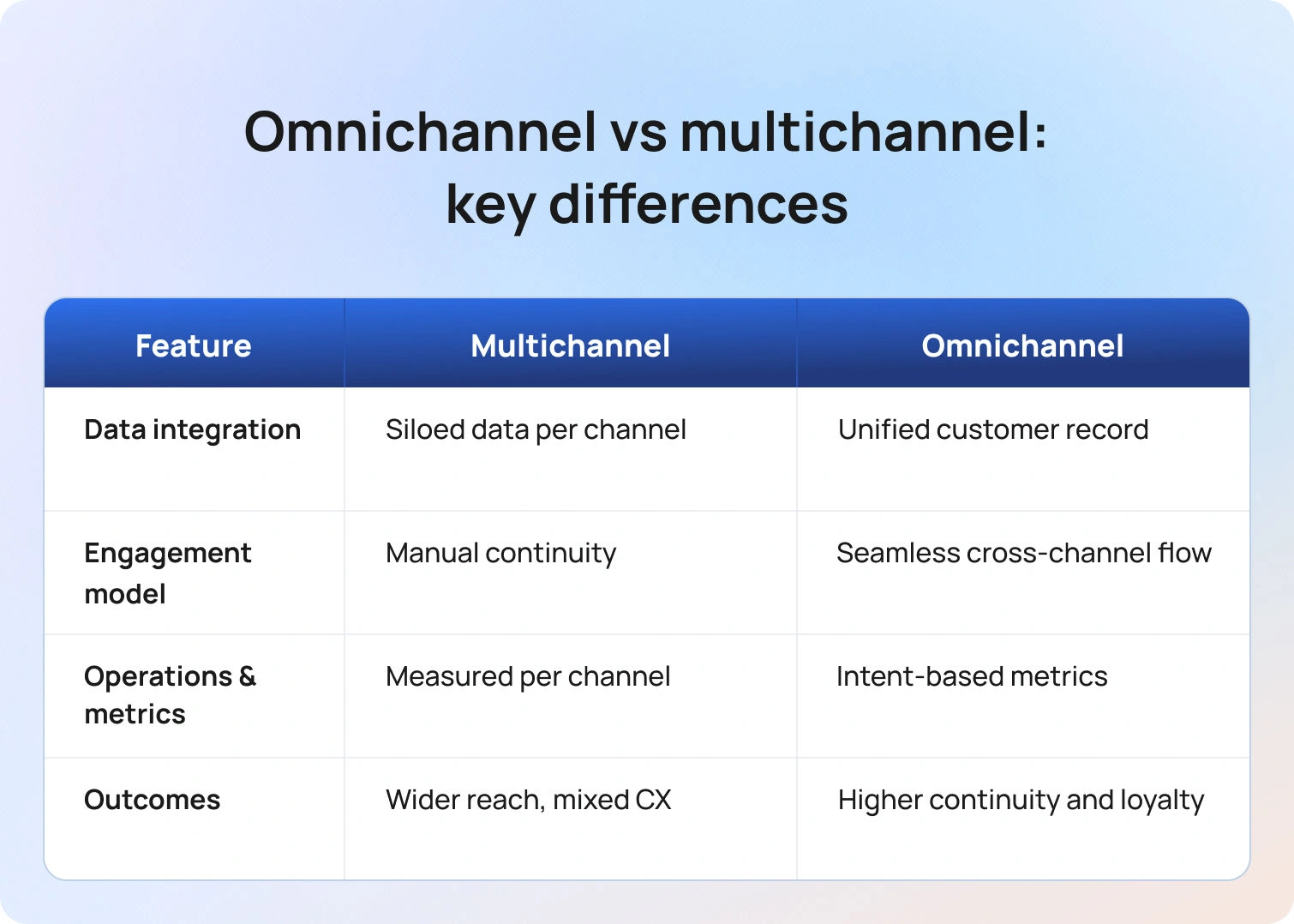
Use this quick lens to compare omnichannel vs multichannel customer service across data integration, context continuity, and operational control. The focus is on how each model handles customer journey handoffs across multiple channels to deliver, or miss, a seamless customer experience.
1) Data integration
- Multichannel: Each channel operates independently. Customer information and context live in separate tools or tabs.
- Omnichannel: One conversation record unifies customer data, past interactions, and support resources. Agents and automations share the same context.
2) Customer engagement model
- Multichannel: You engage customers across many channels, but continuity depends on the manual handoffs your team executes.
- Omnichannel: The system integrates multiple communication channels, enabling the customer engagement platform to orchestrate a seamless service experience.
3) Operations and metrics
- Multichannel: You measure service levels, response times, and satisfaction for each channel. Coaching and planning are done on a channel-by-channel basis.
- Omnichannel: You measure the same key metrics by intent across channels, for example, “Billing address change” performance in chat versus email, so you can route by customer preferences, staff by skill, and improve consistently.
4) Business outcomes
- Multichannel: Faster launch across more channels and potentially more reach. Risk of inconsistent experiences.
Omnichannel: Higher odds of increased customer satisfaction and loyalty due to continuity and personalization, plus cleaner analytics for decision-making.
Where Each Model Fits
Use this section to match your support model to business realities: team size, tech stack, customer expectations, and channel mix. It outlines when multichannel customer service is sufficient and when an omnichannel approach is required to unify customer data, past interactions, and support channels across the entire customer journey.
Choose a disciplined multichannel approach when:
- You handle modest contact volume and a limited set of customer inquiries.
- Integration budget and IT capacity are constrained in the near term.
- You are piloting new digital channels and need speed more than depth.
Choose an omnichannel approach when:
- Customers engage across multiple touchpoints and expect to switch without friction.
- You manage a complex product set, regional variations, or multiple brands.
- Leaders want a single view of the entire customer journey and intent-level reporting that links marketing, sales, and service channels and outcomes.
Capability Checklist For 2026: Omnichannel vs Multichannel
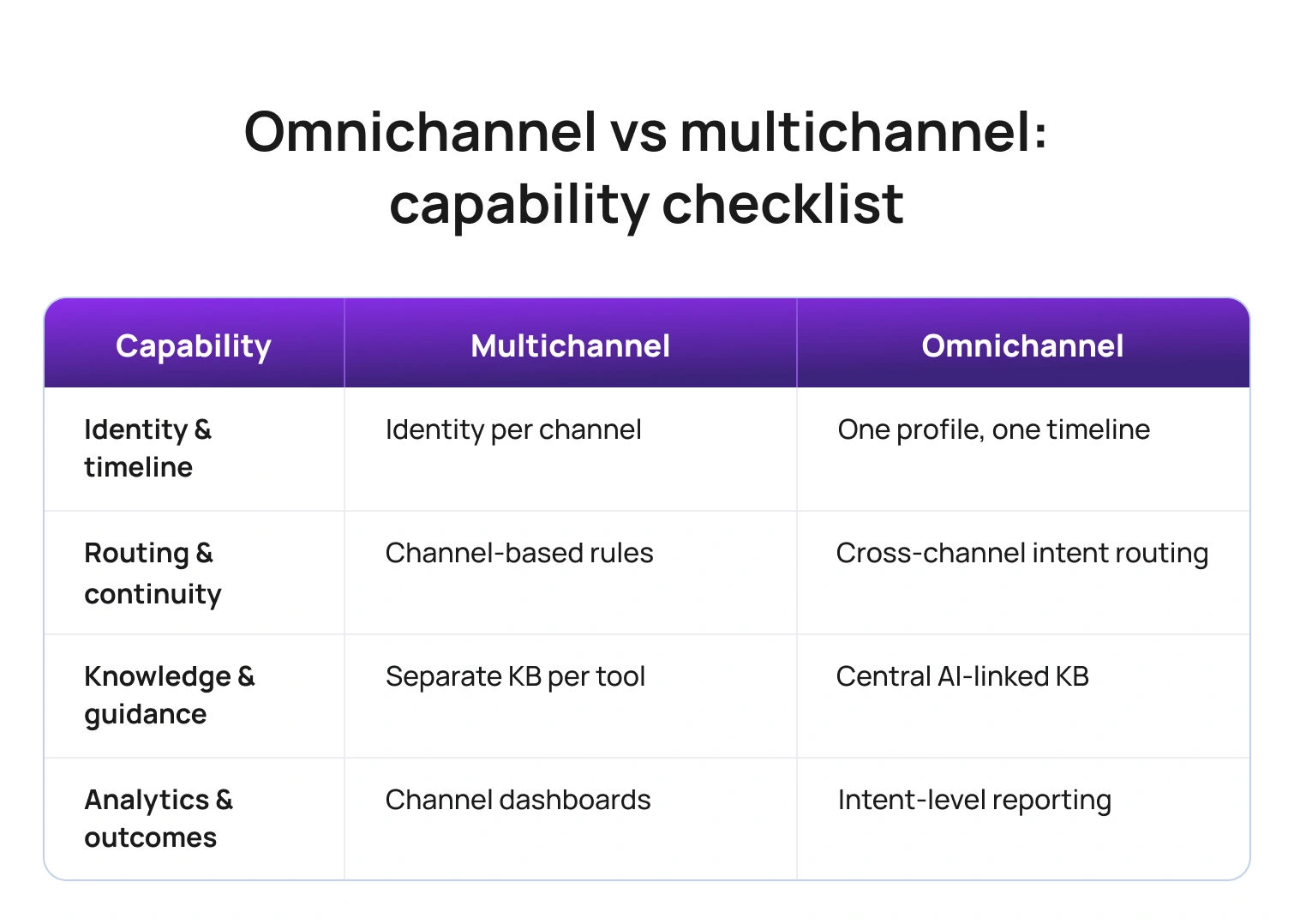
Use this checklist to verify the foundations you need in 2026 and to spot gaps by model. It clarifies which capabilities are table stakes for multichannel customer service and which are required for a true omnichannel approach that integrates multiple communication channels, unifies customer data, and preserves context across the entire customer journey.
Customer identity and timeline
- Multichannel: Identity per channel, limited stitching across systems.
- Omnichannel: One profile, one timeline, all customer contacts and past interactions attached.
Routing and continuity
- Multichannel: Rules per channel, manual transfers between teams.
- Omnichannel: Intent, language, and priority routing across channels with context preserved.
Knowledge and guidance
- Multichannel: Separate macros and articles per tool.
Omnichannel: Central AI customer support knowledge base with consistent snippets across channels; assistants cite the same source of truth.
Analytics and business outcomes
- Multichannel: Channel dashboards, harder attribution, and a fragmented view of customer behavior.
- Omnichannel: Cross-channel reporting by intent, clean measurement of customer experience, and customer retention drivers.
How the Models Change Day-to-Day Work For Customer Service Teams
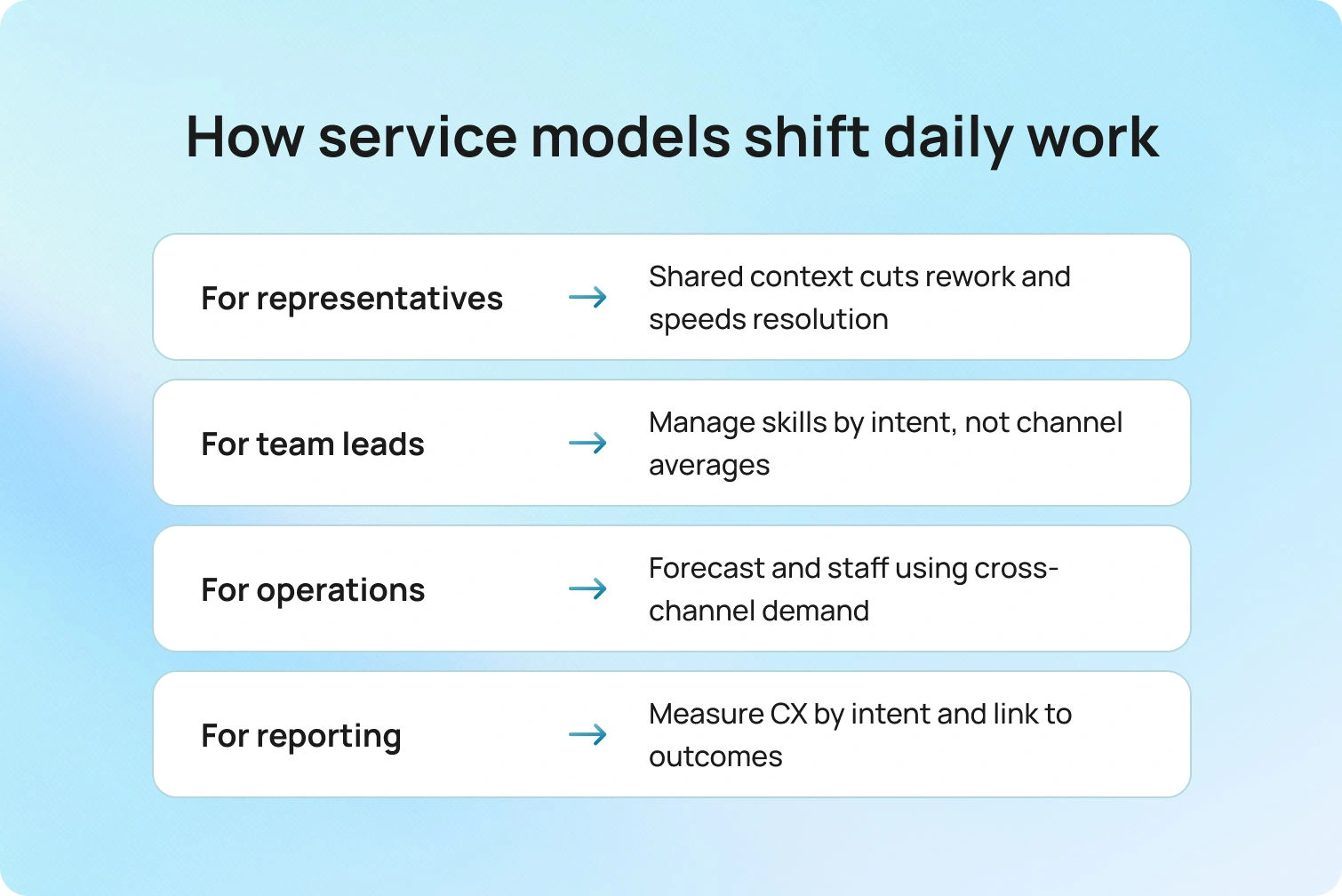
Omnichannel shifts daily work from juggling tickets by channel to managing a single conversation with shared context, so agents spend less time rediscovering and more time resolving. Multichannel keeps teams fast on a channel-by-channel basis, but increases handoffs, duplicate investigation, and coaching silos, changes that affect staffing, routing, and how you measure performance.
For customer service representatives: Omnichannel reduces tab-switching, re-asks, and duplicate ticket creation. Agents see past interactions and can continue a thread regardless of where the customer reappears. That speeds initial diagnosis and improves first contact resolution.
For team leads: Scheduling and coaching shift from channel averages to intent-based outcomes. You can compare how the same customer inquiries perform in chat vs. email, then set the right skills and playbooks for each channel.
For support operations: Forecasting and intraday management become more precise because contact volumes, handle time, and outcomes are measurable across channels, not just in silos.
For customer service reporting: Scorecards show customer satisfaction by intent and channel, linking customer engagement to business outcomes in a way multichannel reports struggle to achieve.
Customer Experience Scenarios: Multichannel vs Omnichannel
This section contrasts real moments in the customer journey to show how each model handles context, handoffs, and outcomes. Use these scenarios to see where multichannel works well and where omnichannel produces a more seamless customer experience with higher first-contact resolution.
Scenario 1: A return that starts online and ends in store
- Multichannel outcome: The web request is closed. In the physical store, the associate cannot see the online notes, asks for the same details, and re-enters the return, extending the visit and risking a poor customer experience.
- Omnichannel outcome: The associate opens the same case, sees photos and approvals, and completes the return. The customer leaves with a consistent experience across the online and brick-and-mortar stores.
Scenario 2: A billing dispute across chat and email
- Multichannel outcome: The customer explains the issue in chat, receives a reference number, and later emails support. The email team cannot view the chat and start over.
- Omnichannel outcome: The email agent opens the unified timeline, reads the chat transcript, and continues the work with the same steps and knowledge article cited in chat.
Scenario 3: A technical issue across the app, forum, and phone
- Multichannel outcome: The customer tries in-app help, posts to the community, and then calls. None of those touchpoints is linked.
Omnichannel outcome: The IVR recognizes the logged issue from the app, routes to a skilled queue, and the agent opens the thread containing the community post and device logs.
Multichannel vs Omnichannel Customer Service: Key Questions to Decide
Choosing between omnichannel vs multichannel customer service isn’t about buzzwords; it’s about how your support team will manage customer data, context, and outcomes across multiple channels. Use the questions below as a quick decision framework to match your current reality and roadmap to the model that will deliver a seamless customer experience and measurable business results.
What does your volume and mix look like today and next year?
If multiple touchpoints already account for most customer interactions, omnichannel support will prevent fragmentation as you scale.
Where does context break most often?
List the top five reasons customers repeat themselves. If three or more involve channel changes, the omnichannel approach offers immediate gains.
Do you need one source of truth for reporting?
If leaders want to analyze outcomes by intent across channels and marketing campaigns, omnichannel analytics are essential.
What is your integration tolerance?
If your IT team can implement identity, case, and knowledge integration, an omnichannel contact center pays back in continuity and measurement. If not, implement a strict multichannel strategy with documented handoffs and a plan for integration.
Metrics That Reveal the Model’s Impact
Customer support metrics tell you whether your model is creating continuity or just adding channels. Read each KPI two ways: in a multichannel approach, you evaluate performance channel by channel, while in an omnichannel strategy, you evaluate the same metric by intent across the entire customer journey to see if context actually travels. Use the signals below to confirm where omnichannel should outperform multichannel and where a disciplined multichannel setup can still hold its own.
- Customer satisfaction and customer effort score. Measure by intent across channels to see if continuity improves outcomes.
- First contact resolution. If FCR rises as customers move between channels without repeating details, your omnichannel approach is working.
- Average handle time and time-to-resolution. Context carry-over should reduce discovery time even if some conversations lengthen due to richer problem-solving.
- Channel switching rate with repeat explanation. Track how often customers switch channels and whether agents reuse context from past interactions.
Customer retention and loyalty signals. Tie intent-level outcomes to renewal or repeat purchase where possible.
Migration Path: Multichannel to Omnichannel in Four Phases
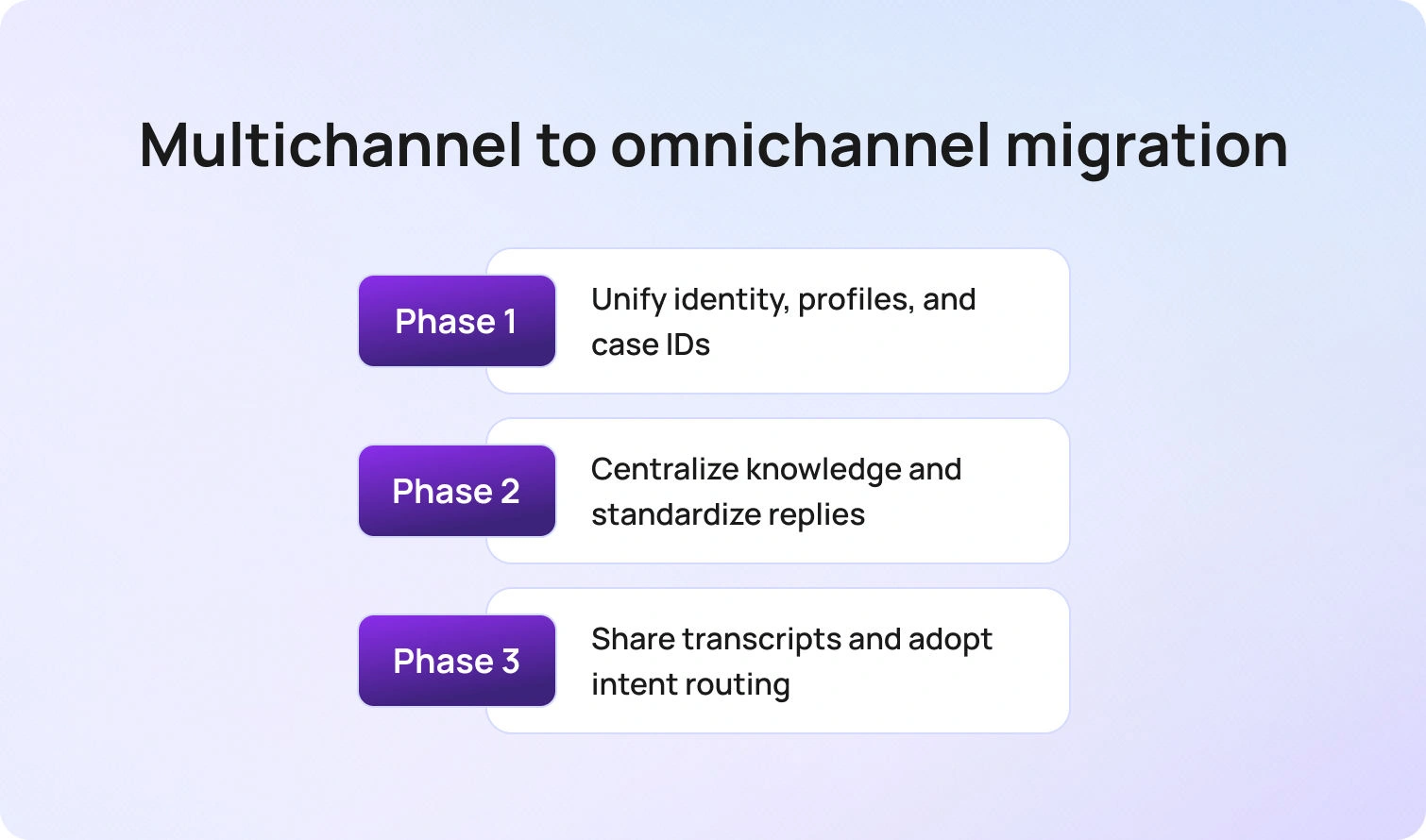
A smart migration keeps service running while you add continuity. Use the phases below to move from a strong multichannel baseline to true omnichannel customer service without rebuilding your stack or confusing your support team.
Phase 1: Unify identity and case IDs
Connect authentication, case numbers, and contact profiles so that all channels resolve to a single customer.
Phase 2: Centralize knowledge
Move macros and articles into one library, then embed the same snippets across channels to ensure consistent answers.
Phase 3: Share transcripts and notes
Expose prior interactions within each agent's workspace. Train teams to continue threads rather than re-interview customers.
Phase 4: Orchestrate routing and reporting
Adopt intent- and language-aware routing across channels and shift to cross-channel reporting by intent.
Future Outlook: Where Omnichannel vs Multichannel is Heading Beyond 2026
Omnichannel is becoming the default expectation. Recent research shows customers now judge brands on continuity across channels and on how responsibly their data is used to personalize service, which puts unified context at the core of modern CX.
As organizations move from channel silos to journey orchestration, first-party data and AI are being used to predict next-best actions in the customer’s preferred channel while measuring outcomes at the journey level, not just by queue. Teams that embrace this shift see fewer handoffs, faster discovery from shared history, and staffing models that treat messaging and proactive outreach as first-class work, advantages that compound over time in retention and revenue.
How BlueTweak Supports Both Models
BlueTweak lets you run the strongest possible multichannel operation right now without asking your team to change tools. A multilingual chatbot, AI voicebot, email, and social live in a single workspace, so customer service representatives can see shared knowledge and full transcripts across different channels. Even if you still report performance on a channel-by-channel basis, agents have the past interactions and context they need to keep conversations moving.
When you decide to move toward an omnichannel approach, you do not have to rebuild your stack. Enable language- and intent-based routing across channels, unify reporting by intent rather than by inbox, and connect customer data from your CRM and order systems. The same AI suggested replies, and AI summaries, and its engagement capabilities extend across every touchpoint, turning separate threads into a single continuous conversation without retraining the support team. Leaders then get clarity on business outcomes, not just traffic. BlueTweak’s analytics compare omnichannel versus multichannel at the intent level, customer satisfaction, customer effort, first-call resolution, and retention signals, so you can see where continuity is boosting results, where to tune playbooks, and which model best fits your support team as volumes and complexity grow.
Omnichannel vs Multichannel Bottom Line
Omnichannel vs multichannel customer service is a choice about outcomes and operating rhythm. Multichannel expands reach across multiple communication channels; omnichannel integrates those channels so context and customer data travel with the conversation across the entire customer journey.
If customers expect continuity, if you need intent-level reporting across various channels, and if your team is ready to manage unified context, move toward omnichannel support. If you are earlier in maturity, run a disciplined multichannel strategy with clear handoffs, shared knowledge, and a roadmap to unify data. In both cases, design around customer preferences, ensure past interactions are visible to every agent, and measure what matters: customer satisfaction, effort, first-contact resolution, and retention.
Ready to see this in action? Book a BlueTweak demo.



