



TL;DR
Teams searching for Nextiva alternatives typically need to grow beyond unified communications into omnichannel contact center operations. The best alternatives to Nextiva offer voice, chat, email, and social in one platform, AI-powered features grounded in a knowledge base, integrated workforce management and quality assurance, and transparent pricing.
Why Companies Are Looking For Nextiva Alternatives
Nextiva built its reputation as a reliable unified communications platform offering business phone systems, video conferencing, and team messaging. For many teams, Nextiva worked well when communication needs centered on internal collaboration and basic phone support.
But as your customer service operations expanded, the limitations became clear. You needed omnichannel support across voice, chat, email, and social media (not just a phone system with team chat). Your support team wanted AI-powered features like call transcription, ticket summaries, and suggested replies grounded in your knowledge base.
Nextiva's contact center offerings exist, but teams often find themselves navigating between UCaaS and CCaaS tiers, managing separate licensing for advanced features, and hitting pricing complexity as needs evolve. The platform supports unified communications, but wasn't designed as a comprehensive communication solution for modern contact center operations.
This guide compares 12 Nextiva competitors for mid-market teams managing 20–100 agents. We focus on alternatives that deliver proper omnichannel support, AI capabilities tied to knowledge bases, native workforce management, and pricing clarity that includes core features without expensive plans or hidden add-ons.
12 Nextiva Alternatives for 2026

Here’s a curated look at 12 platforms that offer stronger omnichannel support, clearer pricing, and AI built for modern customer operations.
1. BlueTweak — Editor's Choice

BlueTweak is an all-in-one customerservice solution that combines voice, email, chat, and social channels with AI-powered automation, workforce management, and quality assurance on a unified platform. Unlike Nextiva's approach of layering contact center capabilities onto a UCaaS foundation, BlueTweak treats omnichannel support as core architecture.
Features:
- Ticketing system with intelligent routing based on skills, language, priority, and customer history
- Unified inbox consolidates voice, email, chat, SMS, and social media into one agent workspace
- AI voicebot handles routine customer inquiries with context-preserving escalation
- Call transcription software with real-time transcription and post-call summaries
- Suggested reply and canned responses grounded in the knowledge base
- AI ticket summary condenses long conversations into actionable insights
- Call center workforce management with forecasting, scheduling, and real-time adherence
- Customer service quality assurance with scorecards and coaching workflows
- Customer service analytics track sentiment, SLA compliance, and outcomes across channels
- Multilingual customer support with real-time translation
- The customer profile view shows the complete interaction history
- Multi-brand routing manages multiple product lines in a single instance
- Customer support automation with KB-grounded chatbot and voicebot
Who uses it: Customer service teams managing 20–100 agents who need true omnichannel contact center capabilities with AI features and predictable pricing.
Pricing:
- €65/agent/month includes omnichannel (voice, email, chat, social), AI features, workforce management, quality assurance, analytics, and APIs
Note: Single transparent plan instead of tiered seat bundles. See pricing for details.
Pros:
- All-in-one platform eliminates fragmentation between UCaaS and contact center features
- Built-in AI tools include call summaries, transcription, and KB-grounded suggested replies without add-ons
- Native workforce management and quality assurance reduce vendor sprawl
- Fast implementation measured in weeks with guided rollout
- Transparent pricing includes all contact center features without usage-based surprises
- API-open architecture enables seamless integration with CRM and business systems
- Multilingual support with real-time translation preserves context across languages
Cons:
- Newer contact center platform with a smaller third-party marketplace
- Less brand recognition compared to Nextiva competitors like RingCentral or 8×8
- Some advanced security features are planned for future releases
2. Dialpad

Dialpad started as a cloud phone system and evolved into a unified communications platform with contact center add-ons. The platform's standout feature is Vi, its AI assistant that provides real-time coaching, transcribes calls on the fly, and surfaces relevant customer information while agents are still talking.
Features:
- Voice and digital channels with advanced call routing
- AI capabilities (Vi) for real-time transcription and coaching
- Call monitoring and call analytics for agent performance tracking
- Video conferencing and video meetings for remote teams
- Integration with business tools (Salesforce, Zendesk, Google Workspace)
Who uses it: Small to medium-sized businesses seeking a unified communications platform with contact center capabilities, especially remote teams needing video conferencing.
- Standard - $15/user/month for UCaaS with calling, messaging, and meetings
- Pro - $25/user/month adds CRM integrations, multi-office support, and advanced admin controls
- Dialpad Support (Contact Center) - ~$80–$150/user/month adds inbound/outbound routing, IVR, analytics, and WEM depending on tier
Note: Telephony usage and some AI features are billed separately in addition to seat licenses.
Pros:
- Real-time transcription and AI-powered coaching during calls
- User-friendly interface with easy setup for small teams
- Strong integration with Google Workspace and collaboration tools
- Video conferencing capabilities support visual customer engagement
Cons:
- Usage-based pricing for minutes and AI features adds complexity to the total cost
- Contact center features are less mature than specialized contact center solutions
- Workforce management capabilities require add-ons
- Voice quality can vary depending on network conditions
3. RingCentral

RingCentral has been pushing hard into contact center territory with RingCX. The value proposition is simple: use one platform for internal team collaboration (calling, video, messaging) and customer-facing support. It works well for companies that want their agents to seamlessly switch between helping customers and consulting with internal teams without changing tools.
Features:
- Voice and digital channels, including chat, email, SMS, and social media
- Advanced call routing and intelligent routing systems
- Video conferencing and team collaboration tools
- Integration with RingCentral's core UCaaS platform for smooth transitions
- Workforce management add-ons for scheduling and forecasting
- Quality management with call monitoring and evaluation
Who uses it: Businesses wanting unified communications for internal teams plus contact center capabilities for customer-facing operations in one unified platform.
- Core - ~$30/user/month (annual) for business phone with calling, SMS, and team messaging
- Advanced - ~$35/user/month adds auto call recording, CRM integrations
- Ultra - ~$45/user/month with full UC plus analytics and device status reporting
- RingCX Contact Center - Enterprise tier with full CC routing, AI features, WFM, and QA capabilities layered on top of RingEX
Pros:
- Comprehensive unified communications platform with strong team collaboration features
- Video conferencing capabilities support remote teams effectively
- Growing AI features and analytics tools
- Good integration with business applications and Microsoft Teams
Cons:
- Contact center features require the enterprise tier with separate licensing
- Pricing structure is complex between UCaaS and contact center tiers
- Workforce management requires additional add-on purchases
- Some advanced contact center features are locked behind higher-tier plans
4. Zoom (Phone/Workplace + Contact Center)
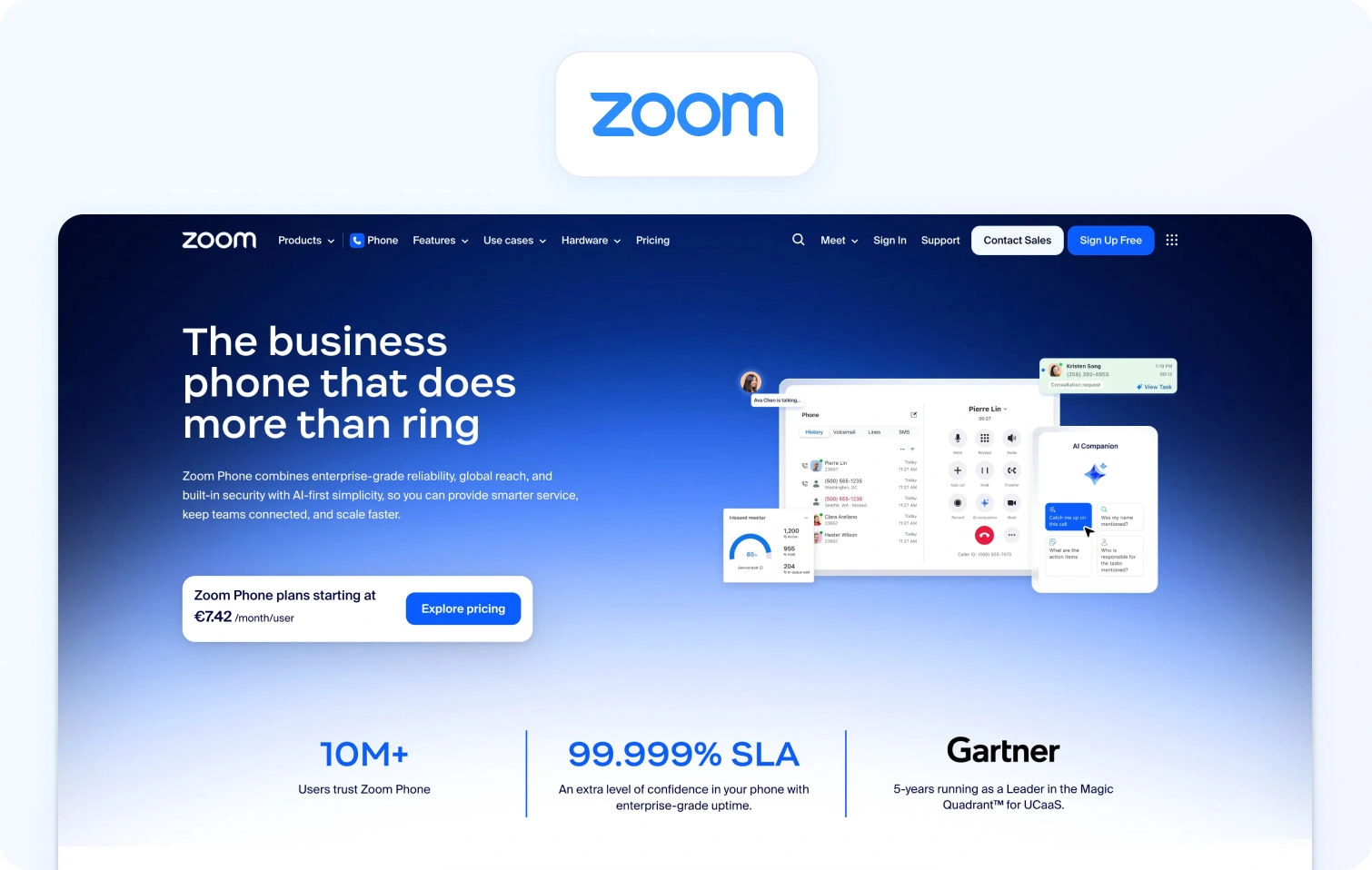
Zoom Contact Center’s entry into contact center software leverages its massive video conferencing footprint. If your organization already uses Zoom for meetings, adding Zoom Contact Center creates a seamless experience in which support agents can escalate customer issues to video consultations with subject-matter experts.
Features:
- Voice, video, chat, email, and SMS in one platform
- Intelligent routing for voice and digital channels
- Video engagement for complex customer inquiries requiring visual support
- Integration with Zoom's core meeting platform
- Analytics tracking contact center performance
- Team chat and collaboration features
Who uses it: Businesses that use Zoom for internal meetings and want integrated contact center capabilities, especially those benefiting from video customer engagement.
- Zoom Phone Pro - $10–$15/user/month for a cloud phone system with call routing
- Zoom Workplace Business - $20–$25/user/month for meetings, chat, phone, and collaboration suite
- Contact Center Essentials - $69/user/month (annual) for inbound omnichannel with VoC, IVR, and real-time transcription
- Contact Center Premium - $99/user/month (annual) for inbound/outbound omnichannel, including social channels and cobrowse
- Contact Center Elite - $149/user/month (annual) adds AI Expert Assist and Workforce Engagement Management
Note: Contact center is layered on the existing Zoom subscription; PSTN/voice minutes are metered separately.
Pros:
- Strong video conferencing capabilities for visual customer engagement
- Familiar user interface for organizations already using Zoom
- Quick deployment for existing Zoom customers
- Seamless integration between meetings and the contact center
Cons:
- Contact center features are less comprehensive than specialized platforms
- Usage-based voice pricing adds complexity to the total cost
- Workforce optimization capabilities are limited compared to alternatives to Nextiva
- Best value requires existing Zoom investment for full feature access
5. 8×8
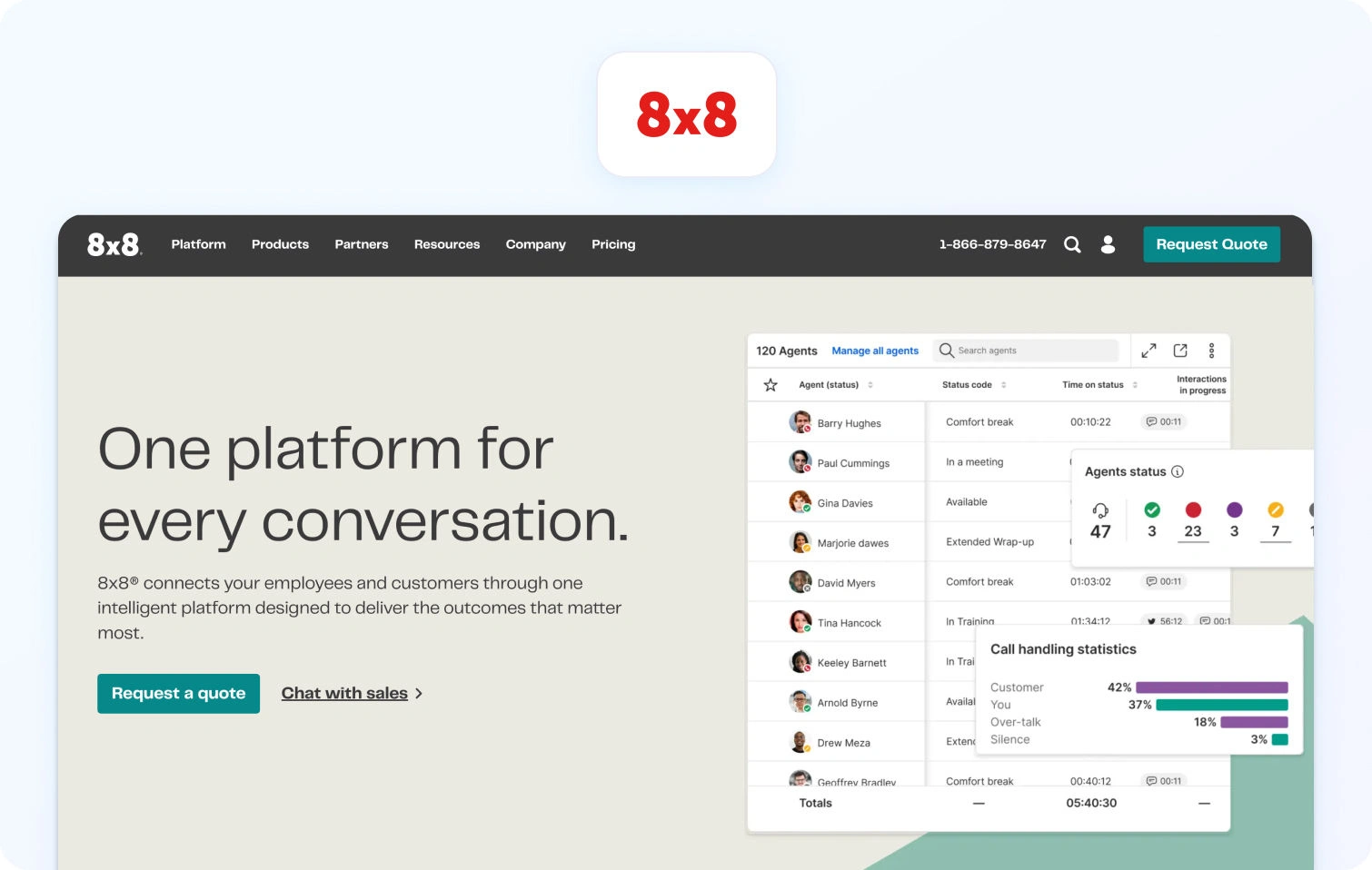
8×8 has been in the telecom business for decades, and it shows in its reliability and global voice coverage. The X Series bundles UCaaS and contact center capabilities into tiered packages, making it straightforward to scale from basic business phone (X2) to full omnichannel contact center (X8).
Features:
- Omnichannel support, including voice, chat, email, SMS, and social media
- Call recording and call monitoring for compliance and coaching
- Quality management tools with evaluation scorecards
- Video meetings and team collaboration tools
- Advanced analytics tracking agent performance
- International calling capabilities for global teams
Who uses it: Small to medium-sized businesses needing unified communications and customer support in one comprehensive suite.
- Must contact sales for pricing.
Pros:
- Unified platform for internal communications and customer support
- Comprehensive contact center features at mid-tier pricing
- Global voice capabilities with international calling
- Established telecommunications company with reliable infrastructure
Cons:
- Pricing structure is complex across UC and contact center tiers
- User interface feels dated compared to modern Nextiva alternatives
- Some AI-powered features require higher-priced bundles
- Customer support quality varies according to user reviews
6. Five9
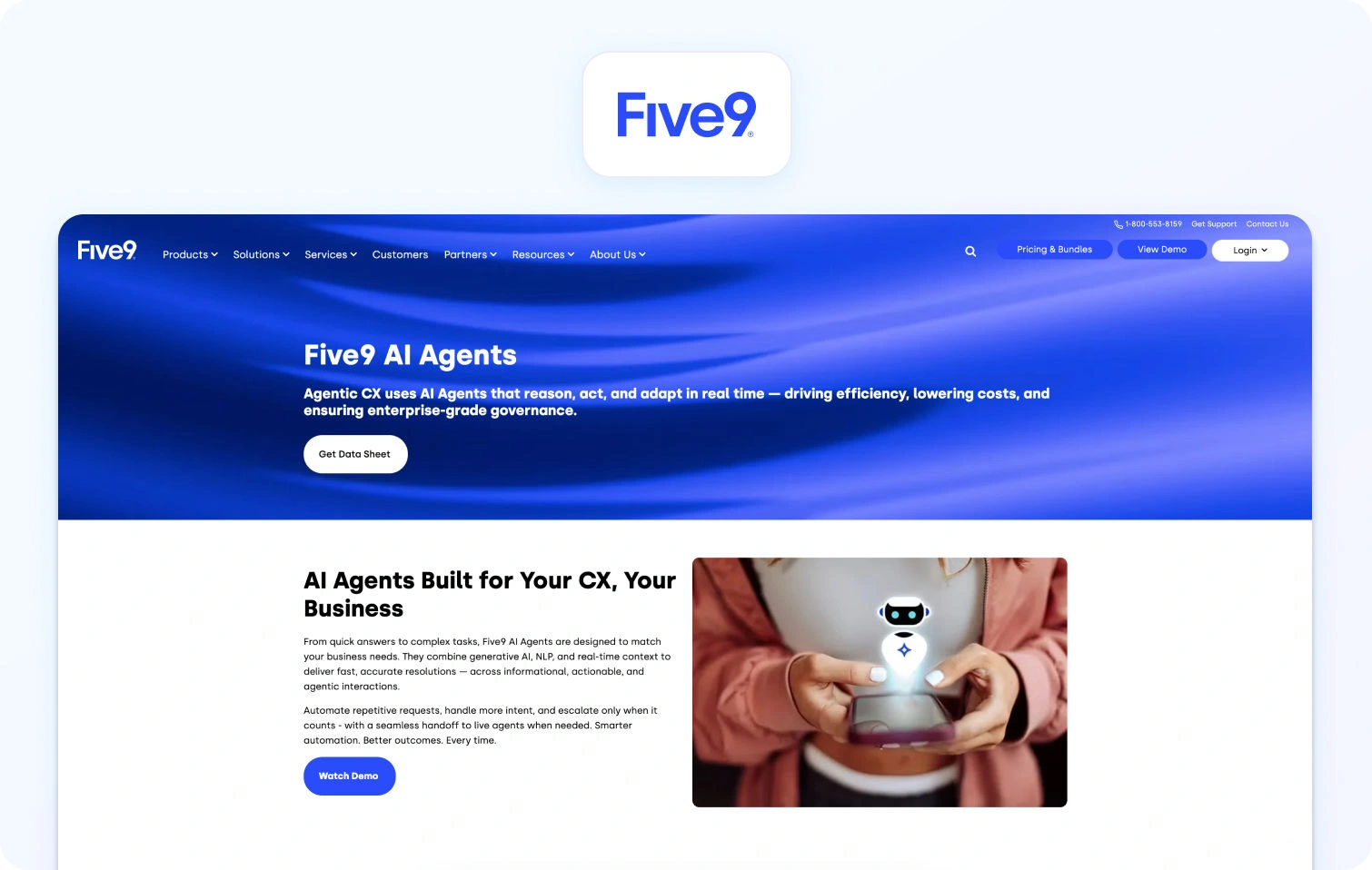
Five9 built its reputation in the enterprise contact center market, particularly for outbound sales and marketing campaigns. The platform works for predictive dialing, campaign management, and sophisticated call routing. Five9's workforce optimization and AI features are mature, but the platform enforces minimum seat counts (typically 50+) and pricing that reflects its enterprise focus.
Features:
- Voice and digital channels, including email, chat, SMS, and social media
- Intelligent virtual agents for self-service automation
- Conversation analytics and sentiment analysis
- AI-powered agent assist tools surfacing relevant information
- Workforce management with forecasting, scheduling, and adherence tracking
- Quality management with call monitoring and evaluation
Who uses it: Mid-market to enterprise contact centers managing 50+ agents with significant outbound call volumes or complex routing requirements.
- Digital - $119/user/month for digital-only (chat, email, messaging)
- Core - $159/user/month for voice plus digital channels with AI routing
- Plus, Pro, and Enterprise: Must talk to sales.
Pros:
- Strong outbound calling capabilities with predictive dialers and sales tools
- Comprehensive workforce optimization and quality management built in
- Mature AI features, including conversation analytics and virtual agents
- Extensive integrations with CRM and business systems
Cons:
- Expensive compared to cheaper alternatives to Nextiva for smaller operations
- Minimum seat commitments exclude teams below 50 agents
- Complex pricing with numerous tiers and expensive plans
- Implementation can be lengthy and requires professional services
7. NICE CXone
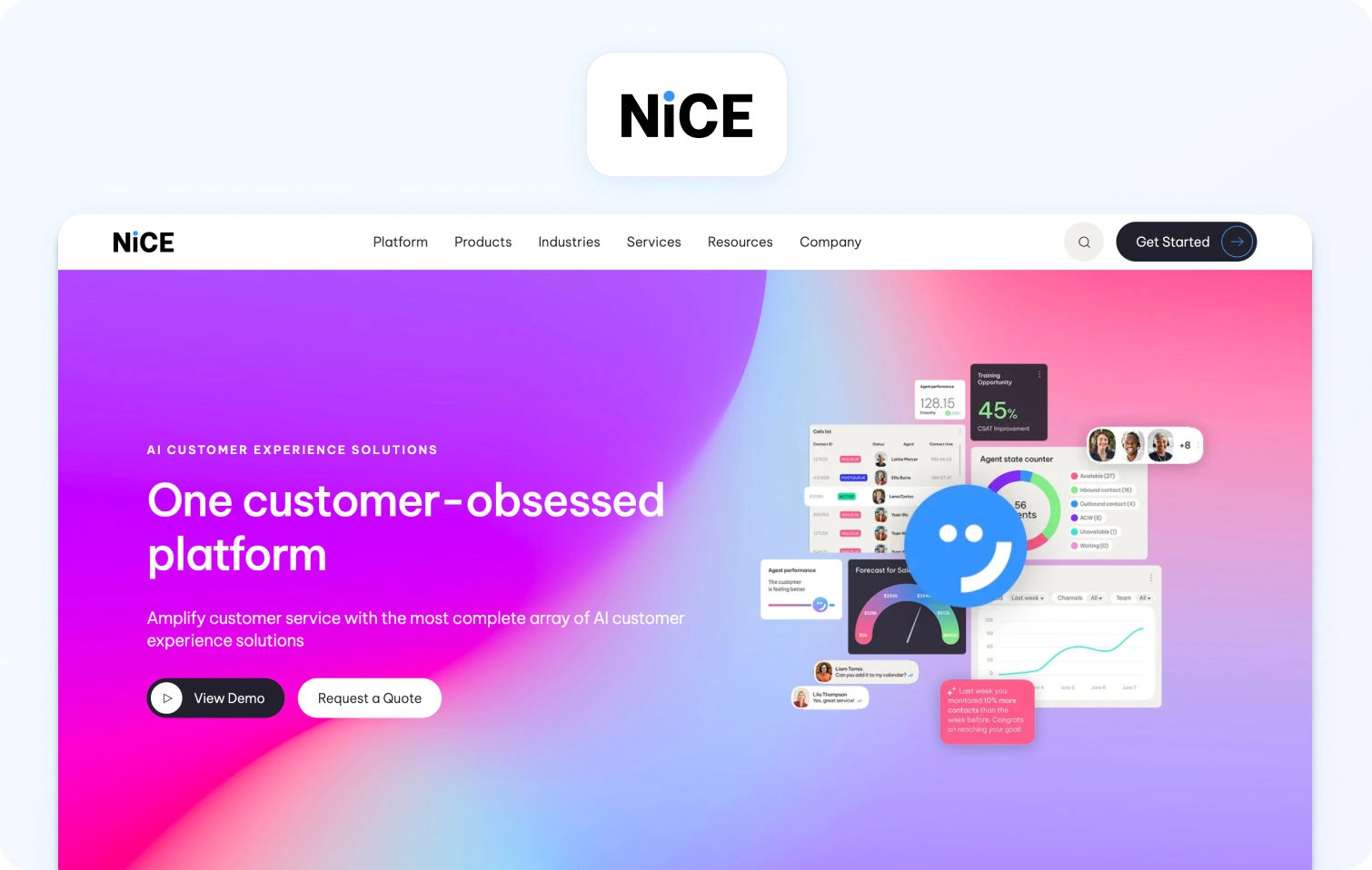
NICE CXone is the heavyweight enterprise option, designed for contact centers managing hundreds or thousands of agents across complex customer journeys. NICE targets large enterprises with dedicated CX teams and budgets to match; mid-market teams often find the implementation timeline, learning curve, and total cost overwhelming.
Features:
- Voice and digital channels with unified customer data
- Sentiment analysis and automated quality management
- Customer journey orchestration connecting interactions across touchpoints
- Quality management with automated evaluations and coaching
- Advanced analytics tracking agent performance and customer behavior
- Custom reporting and analytics tools
Who uses it: Enterprise contact centers managing hundreds of agents with complex requirements across multiple channels and customer journey touchpoints.
- CXone Mpower Omnichannel Suite - $110/agent/month for omnichannel routing and workflow orchestration
- CXone Mpower Essential Suite - $135/agent/month adds more WEM and QA capabilities
- CXone Mpower Core Suite - $169/agent/month with broader analytics and performance features
- CXone Mpower Complete Suite - $209/agent/month for full enterprise bundle with advanced analytics and VoC
Pros:
- Enterprise-grade scalability for large contact center operations
- Comprehensive customer experience tools and journey analytics
- Strong workforce optimization and quality management capabilities
- Extensive AI features, including predictive analytics
Cons:
- Very expensive for mid-market teams under 100 agents
- Complex implementation requiring significant professional services
- Steep learning curve with extensive training requirements
- Overkill for straightforward contact center operations
8. Talkdesk
Talkdesk focuses on automation and self-service without sacrificing agent experience. The platform's visual workflow builder lets non-technical teams configure routing, automation, and integrations without developer help. Talkdesk strikes a balance between enterprise capabilities and mid-market accessibility.
Features:
- Omnichannel support across voice, email, chat, SMS, and social media
- Virtual agents for self-service automation
- An AI-powered agent assists in surfacing relevant knowledge during conversations
- Sentiment analysis and customer emotion detection
- Automated quality management and call monitoring
- Integration with CRM systems, connecting customer data
Who uses it: Mid-market to enterprise contact centers needing AI capabilities and omnichannel support with faster implementation than legacy platforms.
- CX Cloud Digital Essentials - $85/user/month for digital-only channels (email, chat, SMS, social)
- CX Cloud Voice Essentials - $105/user/month for a voice-centric plan with telephony features
- CX Cloud Elite - ~$165/user/month for full WFM, QM, AI features, and enterprise reporting
Pros:
- Modern user-friendly interface with relatively quick implementation
- Strong AI capabilities, including virtual agents and agent assist
- Good balance of enterprise features without excessive complexity
- Active development with regular feature updates
Cons:
- Pricing increases significantly as you add AI and analytics modules
- Workforce management capabilities are less comprehensive than specialized platforms
- Some more advanced features require moving to higher-priced tiers
- Integration depth varies by third-party system
9. Zendesk (with Contact Center Add-Ons)
Zendesk built its brand on ticketing and help desk software, and many support teams already use it for email, chat, and knowledge base management. Adding Zendesk Talk and the Contact Center add-on brings voice capabilities into the same workspace. This makes sense if you're already invested in Zendesk Suite and want to consolidate vendors, but teams starting fresh often find they're paying for multiple overlapping modules (Suite + Talk + Contact Center + WFM) to achieve what unified platforms include by default.
Features:
- Multi-channel ticketing across email, chat, voice, and social media
- Knowledge base with a self-service portal for customers
- AI-powered ticket classification and routing
- Workflow automation and custom triggers
- Contact Center add-on for omnichannel voice capabilities
- Zendesk Talk for phone support with usage-based or per-agent pricing
Who uses it: Mid-market to enterprise customer service teams with existing Zendesk investment wanting to add voice and contact center features.
- Zendesk Suite Team - $55/agent/month (annual) for omnichannel ticketing, help center, essential AI agents, voice, and basic analytics
- Zendesk Suite Professional - $115/agent/month with advanced routing, analytics, and multiple brands
- Zendesk Suite Enterprise - $169/agent/month for AI tools
Pros
- Established platform with extensive third-party marketplace
- Strong integration ecosystem with business tools
- Comprehensive customer support software features across tiers
- Good documentation and community forums
Cons:
- Expensive when adding voice and workforce management capabilities
- AI features and automation require premium paid plans
- Complex pricing model with numerous add-ons and expensive plans
- Interface feels dated compared to modern alternatives
10. CloudTalk

CloudTalk targets small to mid-sized businesses that need a straightforward cloud phone system with basic contact center features: call routing, IVR, call recording, and integrations with popular CRMs. It's not trying to compete with enterprise platforms on AI depth or workforce optimization. Instead, CloudTalk focuses on affordability, ease of setup, and reliability for voice-first support teams.
Features:
- Cloud phone system with call center capabilities
- Advanced call routing and IVR customization
- Call monitoring, call recording, and quality management
- Call analytics tracking call volumes and agent performance
- AI add-ons are available separately for voice agents and sentiment analysis
- Mobile app for remote agents
Who uses it: Small to medium-sized businesses needing a straightforward call center solution without enterprise complexity, particularly those prioritizing phone support.
- Lite - €19/user/month (annual) for basic cloud phone system
- Starter - €25/user/month (annual) adds IVR and call queues
- Essential - €29/user/month (annual) unlocks advanced analytics and CRM integrations
- Expert - €49/user/month (annual) with outbound dialers, wallboards, and sales automation tools
Pros:
- More affordable pricing compared to Nextiva for small teams
- User-friendly interface with easy setup
- Good integration with popular CRM and help desk tools
- International phone numbers are available in many countries
Cons:
- Limited digital channel capabilities compared to omnichannel platforms
- AI-powered features require separate add-on purchases
- Basic workforce management and quality management features
- Less suitable for complex contact center operations
11. GoTo Connect / GoTo Contact Center

GoTo Connect combines the legacy of GoToMeeting (video) and Jive/GoToConnect (VoIP) into a unified communications platform with an optional contact center tier. You get business phone, video meetings, team messaging, and basic contact center features at price points that undercut most Nextiva competitors.
Features:
- VoIP calling with advanced call routing
- Video meetings and video conferencing
- Team messaging and team chat
- SMS and WhatsApp integration
- Unified inbox consolidating communication channels
- Call analytics and reporting
- Mobile app for remote teams
Who uses it: Small to medium-sized businesses seeking cost-effective unified communications with contact center capabilities in one all-in-one platform.
- Must contact sales for pricing.
Pros:
- Cost-effective pricing makes it one of the cheaper alternatives to Nextiva
- Easy setup and user-friendly interface for small business owners
- Unified platform for business phone and contact center needs
- Includes video conferencing and team collaboration tools in the basic plan
Cons:
- Contact center features are less comprehensive than specialized platforms
- AI capabilities are limited compared to enterprise solutions
- Workforce management capabilities require workarounds
- Smaller ecosystem of integrations compared to major providers
12. Vonage

Vonage operates as a full-stack communications-as-a-service provider, offering everything from basic VoIP to enterprise contact center solutions under the Vonage Contact Center (VCC) brand. For standard contact center deployments, Vonage provides solid voice infrastructure and reliability, though its AI capabilities and user interface feel less modern than those of newer cloud-native competitors.
Features:
- Voice and digital channels, including chat, email, SMS, and social media
- Advanced call routing and call management
- Auto attendants and IVR capabilities
- CRM integrations with popular platforms
- Team messaging and collaboration tools
- Video conferencing capabilities
Who uses it: Small to medium-sized businesses wanting unified communications for business phone and customer support operations.
- Mobile - ~$19.99/user/month for an entry business phone system
- Premium - ~$29.99/user/month with auto attendants, CRM integrations, and call recording
- Advanced - ~$39.99/user/month adds analytics, ring groups, and on-demand call recording
Pros:
- Established telecommunications company with reliable voice infrastructure
- Scalable from a basic phone system to an enterprise contact center
- Good integration with CRM and business tools
- Unlimited calling on most plans reduces usage concerns
Cons:
- Contact center features require the enterprise tier with custom pricing
- Limited AI-powered features in standard plans
- Interface is less modern than newer Nextiva contact center alternatives
- Best contact center features locked behind expensive plans
How We Evaluated
This comparison relies on public documentation, vendor websites, and published pricing as of December 2026. Who uses each platform is based on public customer logos and case studies. Pricing cited directly from vendor sites; quote-based where unavailable publicly.
Must-Have Capability Checklist
When comparing alternatives to Nextiva, verify these foundational capabilities:
- Voice and messaging with seamless channel handoffs
- KB-grounded AI or strong knowledge base integrations
- AI features: transcription, summaries, suggested replies, real-time assist
- Analytics tracking FCR, AHT, containment, sentiment across channels
- Native WFM/QA modules or tight first-party integrations
- Security/admin: MFA, audit logs, role-based access
- Integrations via APIs and pre-built connectors
- Built-in customer feedback collection
- Core AI and analytics in base pricing, not add-on-only
Scoring Rubric
These factors guided the evaluation of Nextiva competitors:
- Fit for 20–100 agents - Mid-market solutions without enterprise contract requirements
- Voice/omnichannel depth - Unified inbox across all channels
- AI coverage - Agent assist plus KB grounding, beyond basic transcription
- WFM/QA - Native tools reducing vendor fragmentation
- Time-to-value - Weeks to deploy, not months
- Total cost to operate - Licensing, usage fees, integrations, training, support
Security and control: Compliance features for regulated industries
Why Teams Look for Nextiva Alternatives in 2026
Every business has different needs, but here's why most explore alternatives to Nextiva:
- Outgrowing unified communications - Nextiva excels at business phone, video, and team messaging. But when support becomes strategic, you need full omnichannel ticketing where voice is one channel among many. Nextiva's contact center options require tier jumps and module add-ons, creating friction as you scale.
- Limited AI depth - Voicemail transcription doesn't cut it. Teams need AI that surfaces knowledge during calls, drafts contextual responses, analyzes sentiment in real time, and generates detailed summaries, all grounded in actual company policies rather than hallucinated guesses.
- Weak knowledge base integration - Without tight KB grounding, AI becomes risky. Suggested replies contradict policies. Chatbots state incorrect information confidently. Teams need platforms where every AI output can be traced back to verified documentation.
- Shallow operational tools - Basic call reporting isn't workforce management. Growing teams need forecasting engines, intelligent scheduling, adherence monitoring, and SLA tracking by channel and segment. Nextiva includes lightweight versions in premium tiers; purpose-built contact centers go deeper.
- Surface-level analytics - Tracking call volume and wait times misses the point. Modern operations measure first-contact resolution, containment by intent, sentiment trends, and agent performance across voice, chat, email, and social, with drill-downs that reveal coaching opportunities.
- Basic security and admin - Handling sensitive customer data requires MFA, granular audit logs, role-based access controls, and data residency options. Nextiva covers basics; regulated industries often need more sophisticated governance.
- Limited integration flexibility - Nextiva connects to major CRMs, but teams building complex workflows need deeper integrations with commerce platforms, help desks, and BI tools. Open APIs and webhook support matter when you're automating cross-system processes.
Pricing opacity: Nextiva's structure spans basic VoIP to enterprise contact center across multiple tiers. Teams struggle to determine which features live in which plan, how named versus concurrent licensing works, and what usage charges apply. Transparent all-in pricing eliminates guesswork.
What to Look for in a Contact Center Solution in 2026
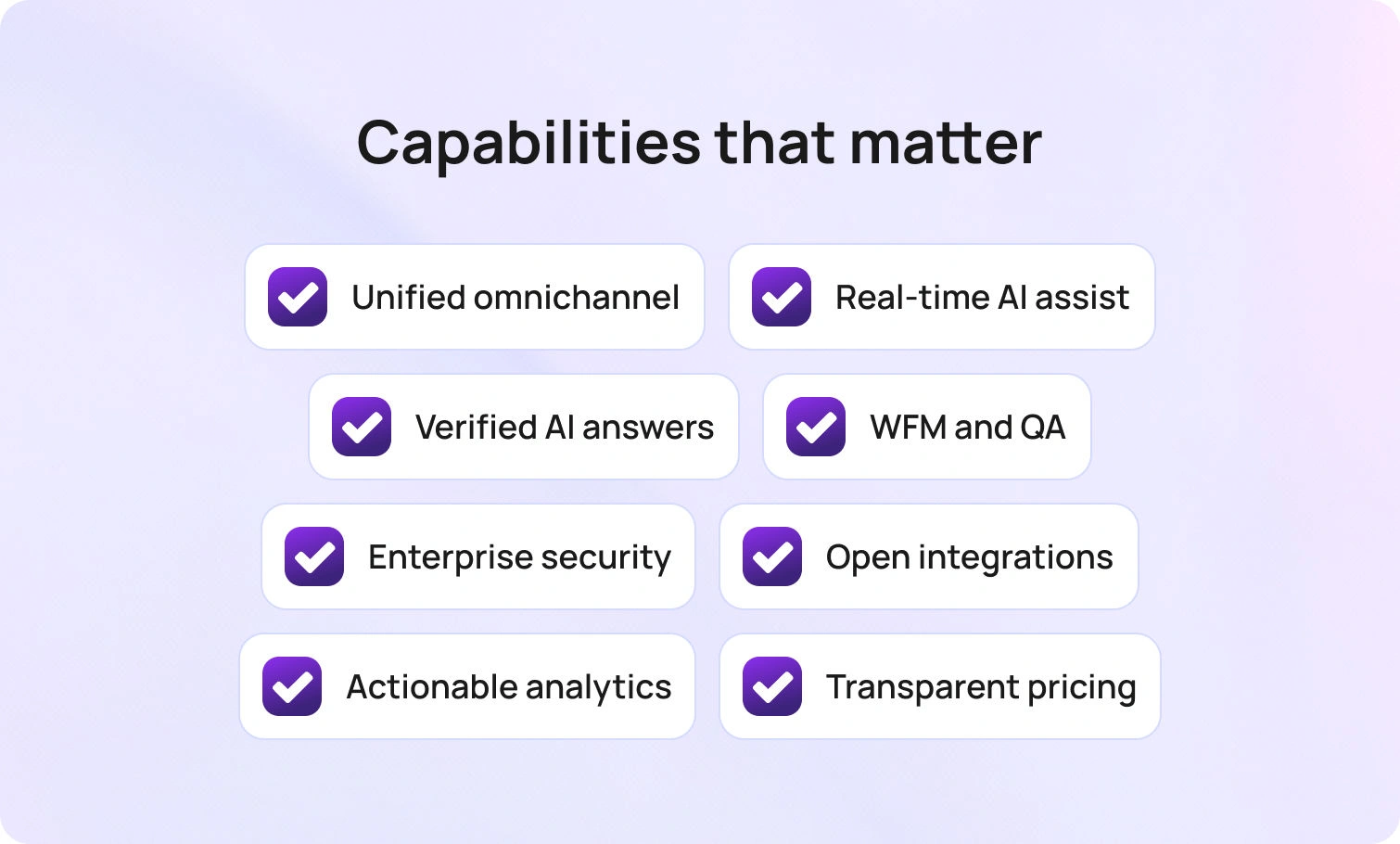
Before comparing Nextiva competitors, here are the capabilities that matter for mid-market contact centers:
- Voice, chat, email, SMS, social, and web, all unified in one workspace with context preservation across channel switches.
- Real-time transcription, interaction summaries, KB-grounded suggested replies, live-agent assistance, and automated post-call documentation.
- AI that pulls from verified documentation rather than inventing answers, ensuring consistency across every customer touchpoint.
- Workforce management covering forecasting, scheduling, and adherence; quality management with scorecards and coaching; SLA dashboards by team and channel.
- MFA, audit trails, role-based permissions, and data retention controls.
- Native connections to CRM (Salesforce, HubSpot), commerce (Shopify, Magento), help desks, and BI platforms; open APIs for custom workflows.
- FCR, AHT, containment, abandon rate, concurrency, sentiment, and voice quality—broken down by channel, agent, and segment.
- Transparent per-agent costs, bundling core features versus tiered structures hiding AI and analytics behind premium add-ons.
BlueTweak delivers a unified stack that combines omnichannel support, workforce management, analytics, and a knowledge base on a single platform. AI Copilot features include an AI voicebot, suggested replies, and AI ticket summaries. Transparent pricing at €65/agent/month includes all features, with no add-on complexity.
Putting the Right Contact Center Platform in Place
The best alternative to Nextiva depends on your team size, channel requirements, AI needs, and operational complexity.
If you have 20–100 agents and need to grow from a business phone system to an actual omnichannel contact center, BlueTweak is the perfect fit. It consolidates voice, email, chat, and social channels, with AI-driven features and quality assurance, bundled into a single platform with transparent pricing.
When to Shortlist BlueTweak:
- You're outgrowing unified communications and need comprehensive contact center solutions with omnichannel support
- You want AI-powered features like call summaries, transcription, and KB-grounded suggested replies included in base pricing, not as expensive add-ons.
- You need native workforce management and quality assurance, not patching together third-party tools.
- You manage multiple brands or product lines and need clean workspace separation.
- You want implementation measured in weeks with guided rollout, not months of professional service.s
- You serve global customers and require multilingual support with real-time translation.
- You need transparent pricing without hidden fees, usage-based surprises, or complex tier structures.
Request a demo to see BlueTweak in action. Check out the pricing page for transparent costs without add-on complexity.

As Head of Digital Transformation, Radu looks over multiple departments across the company, providing visibility over what happens in product, and what are the needs of customers. With more than 8 years in the Technology era, and part of BlueTweak since the beginning, Radu shifted from a developer (addressing end-customer needs) to a more business oriented role, to have an influence and touch base with people who use the actual technology.



