14 Strategies To Build A Scalable Help Desk Workflow In 2026



BlueTweak is an AI Customer Support Platform that unifies every conversation, customer record, and automation into one workspace.
Explore more
Insights, trends, and practical ideas from customer experience and AI
Real-world scenarios showing how teams use BlueTweak to deliver better service
The daily blueprint that guides customer support leadership.
ROI and savings calculators for support teams
See how BlueTweak stacks up against leading customer support platforms
A modern help desk workflow streamlines messy handoffs into a straightforward, automated process. Capture the correct details at ticket creation, automate ticket routing and status updates, tie categories to knowledge and SLAs, and measure a small set of outcomes. BlueTweak is a help desk software that unifies ticketing, knowledge, automation, analytics, reporting, and workforce management, enabling support operations to move faster without losing control.
Not every delay is caused by a complex technical issue. Most begin at the start of the help desk workflow process, when an incoming ticket lacks the necessary details for the right team. That is fixable.
This article takes a practical look at how to design help desk workflows that scale: what a modern help desk ticket workflow looks like end to end, 14 strategies you can apply, the key features to prioritize in a help desk system, where automation capabilities deliver the most significant gains, which KPIs prove progress, and how BlueTweak keeps design, execution, and staffing in one place.
If the goal is to streamline support, reduce repetitive tasks, and improve customer satisfaction, follow these steps to transition from ideas to durable desk operations.
Think of the workflow as the operating model for service desk workflows. It defines who sees what, when, and with which expectations across the desk process flow. In practice, a scalable flow:
The result is a repeatable path from support tickets to resolved tickets, which enhances service quality and operational efficiency.
A customer cannot sign in after enabling MFA. The help desk ticket workflow auto-detects “Access: MFA” from the message, sets the appropriate service level agreements SLAs, and assigns the case to the access queue. The console opens with a short checklist, a device-specific article, and the right macro.
The agent confirms identity, checks device time drift, resets the token, and closes with an automated response and a one-question CSAT. If a broader incident is suspected, the agent links related desk tickets to a parent ticket. That is a scalable and straightforward example of a help desk workflow that reduces the number of touches and increases first-contact resolution.
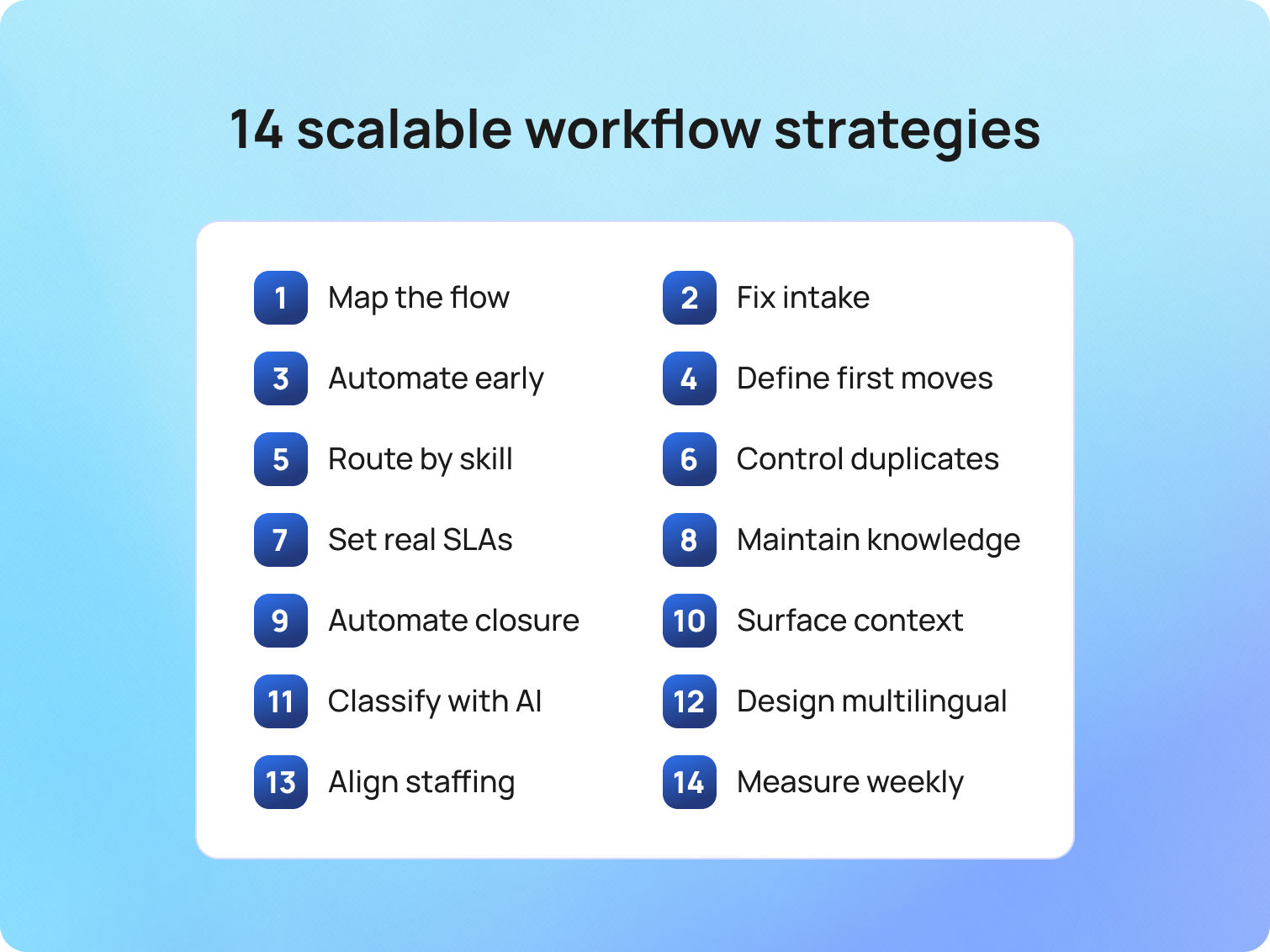
Draw your desk workflow before you document it. A one-page map of the desk process clarifies who is responsible for each step, which approvals are required, and which fields are mandatory. Then codify it inside your help desk software so the diagram becomes the live help desk automation workflow teams actually run.
BlueTweak fit: Admins configure steps, forms, SLAs, macros, and transitions in the same workspace, and these settings are applied at intake.
Bad intake creates slow tickets. Use category-aware forms so each new ticket collects only the fields a resolver needs: invoice number for credits, device and OS for client issues, approver for access. That keeps ticket organization clean and eliminates guesswork that can stretch response times.
BlueTweak fit: Dynamic forms align to categories. Required fields adapt when a category is selected, eliminating the need for back-and-forth to provide missing details.
If a step repeats dozens of times per day, automate it. Set smart defaults for ticket priority, prefill tags, trigger the first-reply macro when conditions are met, and auto-advance the ticket status when a case moves to a new queue. Streamline repetitive tasks so people solve problems instead of arranging screens.
Key benefits Include Faster response times, fewer stale tickets, a lower cognitive load, and reduced ticket volume in escalation queues.
A label without a first step is a dead end. Attach a short checklist or macro to each category so that the opening message includes a specific action. For branching paths, define clear decision points in the desk workflow process and link to a concise article in the internal knowledge base.
BlueTweak fit: Categories, playbooks, and articles live together. When admins update a category and its mappings, routing, the attached macro, and the surfaced article, all updates occur in one place.
Effective ticket routing directs work to the right team members and maintains a balanced workload. Use skills for products and platforms, then apply load logic so no one drowns while a neighbor idles. Reserve rules protect a select group of agents for VIP customers or high-risk categories.
BlueTweak fit: Skills, rotations, caps, and overflow rules are configured at the workflow level. Managers can adjust routing policies from the same workspace and see changes take effect without disrupting active cases.
Two customers report the same outage. Ten colleagues submit the exact service requests. Without care, desk tickets duplicate, and analytics blur. Use similarity detection on the subject and body, along with a clean merge flow that links children to a parent ticket. Communicate with the parent and close the loop with all linked end users when the issue is resolved.
Result: Lower noise and more transparent reporting for support operations.
SLAs are a critical component of service delivery, but they must align with staffing, business hours, and the expected impact of the service. Define response and resolution targets per category and channel, add pause rules for customer waits, and route escalations to owners who can act, not just receive alerts.
BlueTweak fit: SLA calendars, pause conditions, and breach actions are configured in conjunction with the workflow. Leaders can review SLA performance by queue and time window in the same workspace and spot where to adjust coverage.
Agents cannot follow rules that do not exist. Keep articles concise, accurate, and aligned with their respective categories. For each, include purpose, prerequisites, steps, and one validation check. Allow agents to add internal notes and suggestions in place. Good knowledge shortens handle time, improves consistency, and powers self-service where appropriate.
BlueTweak fit: The help desk workflow can surface the matching article directly in the agent view. When content owners publish an update, the new version is displayed in subsequent applicable tickets, based on permissions and caching settings.
Humans forget. Workflows should not. Move tickets to Waiting on customer when a form is requested, reopen on reply, and close after a defined idle period with a polite final note. Trigger a short CSAT on closure. These micro-automations keep queues tidy and protect service quality.
Automation tip: Use templates that avoid jargon and include a link to the case for transparency and clarity.
The fastest way to improve customer service is to stop context hunting. Show recent interactions, plan tier, entitlements, and recent asset management changes inside the ticket. When agents see the whole story, they take the right path the first time.
BlueTweak fit: Case layouts are configurable. When connected to your CRM and other data sources, the agent view can display selected account fields, product usage metrics, and recent interactions, enabling informed decisions to be made in context, subject to role-based permissions.
AI ticket classification belongs at intake. Let the model read natural language, infer customer intent from ticket data, and suggest a category with confidence and a rationale. Tie that label to the macro, article, and SLA. If confidence is middling, present the top options for one-click confirmation. Each correction is training data for continuous learning.
Outcome: Fewer misroutes, steadier queues, and valuable insights into what customers actually ask.
Global support requires the same help desk workflows in different language pairs. Provide a glossary for product names and sensitive phrases, localize the top articles first, and route to teams that can respond in the customer’s language. Detect language at intake so the help desk support workflow always starts in the right place.
BlueTweak fit: Language detection, localized content, and region-specific SLAs can be configured alongside the base workflow. This lets teams localize responses and policies without duplicating or forking core processes, subject to your setup and permissions.
When automation shortens handle time in one category, workload shifts. Connect category volume and handle time to staffing, allowing leaders to rebalance coverage without relying on spreadsheets. Good workflow management includes workforce planning.
BlueTweak fit: Workforce management features sit alongside analytics and workflows in the same workspace. This allows schedulers to adjust rosters and coverage as volume and handle time shift, based on your configuration and permissions.
Dashboards do not answer customers, but they help you make better choices. Track time to first reply, SLA breaches, transfer rate, FCR, reopen rate, and customer satisfaction by category and queue. Add program signals, such as auto-route percentage, macro use, and knowledge deflection. Meet weekly, ship one change, and watch the curve bend.
BlueTweak fit: Key signals surface directly in the workspace where agents and managers work. Owners can adjust labels and flows in place, and, once changes are published, see their impact reflected in the next reporting cycle, based on your configuration.
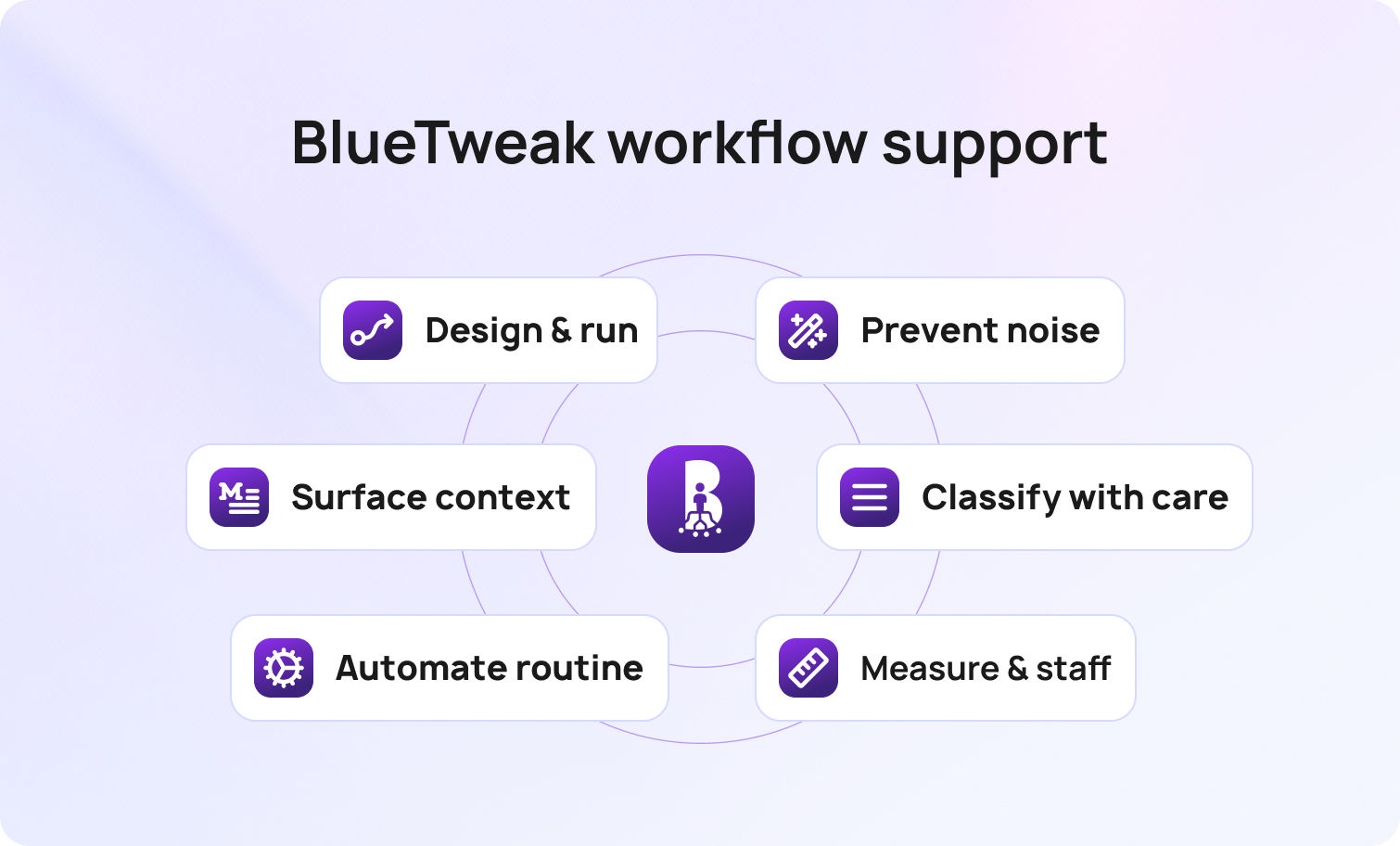
BlueTweak is desk software built for help desk workflows at scale. It combines ticketing, the internal knowledge base, workflow management, analytics, and workforce scheduling into a single workspace. Teams design a help desk automation workflow, publish it, and run it at intake without switching tools.
Design and run. Build the flow where the work happens. Attach forms, SLAs, and macros, and then publish them in the same place where agents handle cases.
Automate the routine. Use automated responses, automatically assigned owners, and status transitions that keep ticket status current without manual effort.
Classify with care. AI assists with labels and provides rationale. High-confidence predictions can route automatically. Lower confidence presents top options for one-click confirmation.
Surface context. Agents view customer tier, plan, recent contacts, and other approved fields within the case, allowing them to make informed decisions with context.
Prevent noise. Merge duplicate tickets, link related issues to a parent ticket, and send coordinated updates from a single location.
Measure and staff. Owners track outcomes by label, queue, and time. Schedulers adjust coverage as volume shifts, using the same workspace.
None of this replaces people. It removes the drag that keeps people from doing their best work.
Service level agreements that agents trust
SLA promises must match headcount, time zones, and impact. Calendars, business hours, and pause conditions keep SLA charts accurate. When a breach threshold is reached, BlueTweak triggers targeted actions, such as priority bumps, owner alerts, or auto-updates, so teams respond with intent rather than in a state of panic.
Knowledge that matches the work
Articles live beside categories and macros. When the workflow changes, the article updates simultaneously. Agents suggest improvements in-line. This is how teams improve customer satisfaction week after week.
Governance without ceremony
Owners manage categories, flows, and desk automation rules with a short change log. Audit trails show who changed what and why. Exports exist for audits, but day-to-day improvements occur where the queue resides.
Automation is not the star. People are. Good help desk operations free team members to use judgment and empathy. Training stays short and close to the work. New hires learn by following guided steps, reading the short article, and sending a clear message. Veterans leave fewer open loops because the system removes setup chores. Leaders spend less time triaging and more time coaching. The customer interactions that used to feel like a scramble become predictable, respectful exchanges that build trust.
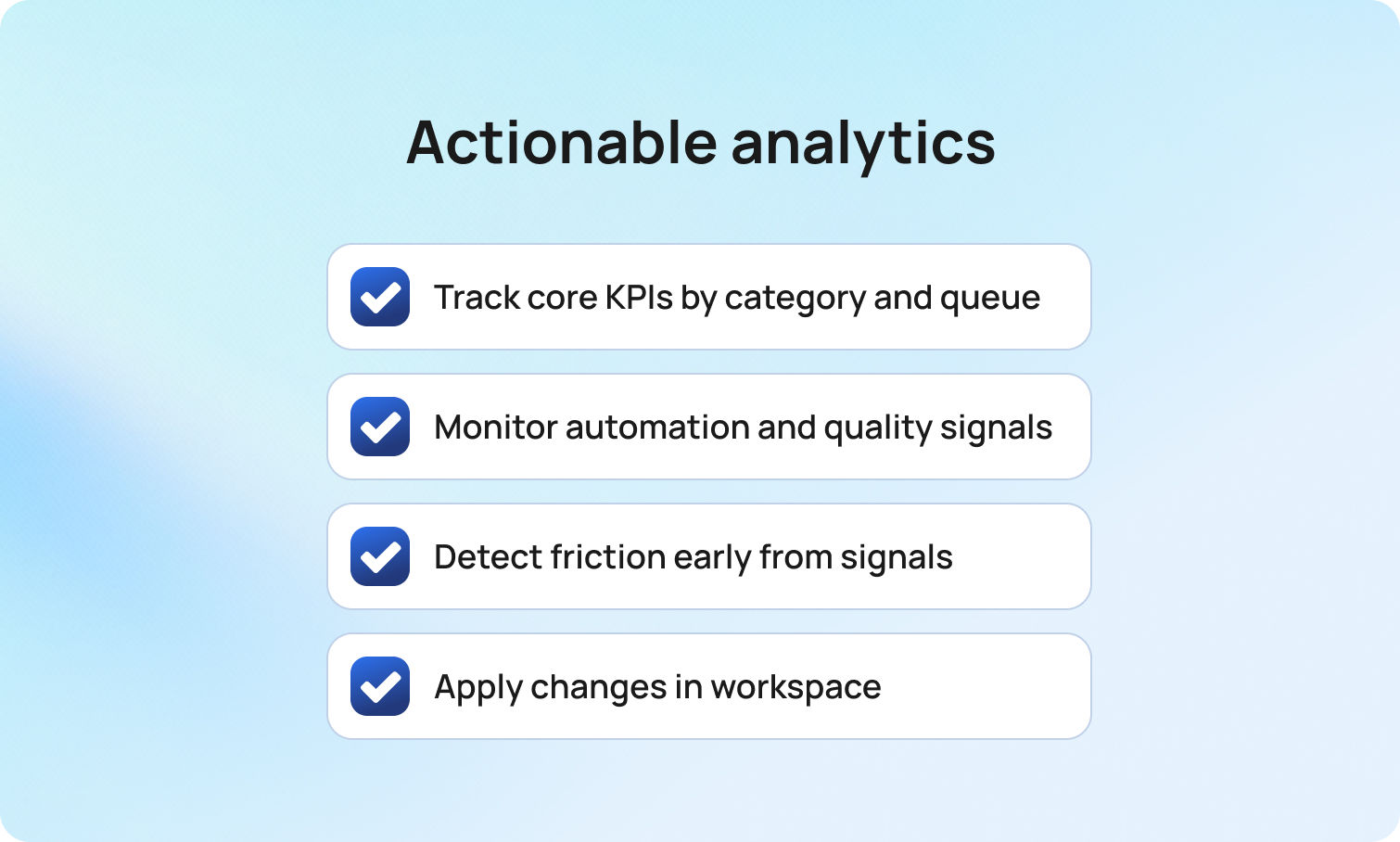
Track a small, durable set of KPIs: time to first reply, handle time, transfer rate, first-contact resolution, reopen rate, and CSAT by category and queue. Add program signals, such as auto-route percentage, macro adoption, and label correction rate. Monitor the watch abandonment rate and sentiment to identify friction early. The point is not to drown in charts. It is to find one edit per week that moves the number.
BlueTweak fit: These signals appear in the same workspace where owners adjust labels, routing, or content, so changes move quickly from insight to action.
Minutes saved at intake become more resolved tickets per shift. Fewer transfers mean fewer apologies and higher CSAT. Clean categories improve planning. When the first responder sees the proper context, the first reply contains a real step instead of another question. Those minutes compound across thousands of tickets. A stable help desk support workflow reduces overtime, keeps burnout at bay, and produces numerous benefits that outlast a quarter.
Expect clearer visibility into desk system health, steadier service desk performance, and a more predictable customer service experience across channels.
A scalable help desk workflow is not a PDF in a folder. It is a living system that guides how your help desk operations meet customer issues every day. When the help desk process ties intake, intelligent routing, first-move playbooks, knowledge, SLAs, and analytics together in the same workspace, queues calm down, agent productivity rises, and customer satisfaction follows.
See BlueTweak in action. Request a walkthrough to observe a live help desk workflow from intake to resolution, including automatic ticket classification, ticket routing, knowledge surfacing, and measurable outcomes that demonstrate the impact of the change.
It’s the step-by-step path a ticket follows from creation to closure. In BlueTweak, a good workflow defines intake fields and forms, categories/tags, skills-based routing, SLAs, knowledge usage, and clear closure rules so teams resolve issues consistently across email, chat, voice, and social.
Rules act on single conditions. A real automation workflow orchestrates the whole path, combining forms, routing, SLAs, macros/canned replies, knowledge search, analytics, and even staffing signals. BlueTweak does this end-to-end with native ticketing, AI classification/summarization, suggested replies, and WFM/analytics in a single stack to cut handoffs and reduce response time.
Yes, mature service desk workflows update asset records and roll up related incidents. In BlueTweak, teams link related tickets across products/brands, keep communications consolidated, and keep reporting unified—use custom fields, multiple ticket forms, and dashboards to surface impact without duplicating effort.
No. Automation handles repetitive setup and keeps the desk tidy; humans handle complex problems and empathy. BlueTweak is built for “AI assist → approve → auto,” with features like AI Suggested Replies where the model drafts and the agent approves—so people stay in control while efficiency climbs.
BlueTweak combines design, execution, knowledge, analytics, AI classification, and staffing in one place. It is help desk software with workflow, built to run help desk workflows at scale while keeping humans in control.
As Head of Digital Transformation, Radu looks over multiple departments across the company, providing visibility over what happens in product, and what are the needs of customers. With more than 8 years in the Technology era, and part of BlueTweak since the beginning, Radu shifted from a developer (addressing end-customer needs) to a more business oriented role, to have an influence and touch base with people who use the actual technology.