



TL;DR
Choosing the right customer service software for e-commerce businesses comes down to how well it unifies customer data, customer conversations, and support tickets into a single, scalable system. The best desk software options combine AI tools, automation features, and native integrations to help small businesses and growing businesses streamline support, reduce repetitive tasks, and improve customer satisfaction. Ultimately, platforms that give your customer service team a complete picture of customer interactions, while keeping operational costs predictable, are the ones that deliver long-term value in modern customer support.
Why E-commerce Customer Service Software Is Now a Revenue Lever
Most e-commerce brands still treat support as a cost center. That assumption is very expensive.
According to PwC’s 2025 research, 55% of consumers will stop buying from a company after several bad experiences. This reframes support entirely; it’s not a post-purchase function, it’s a retention system. At the same time, the pressure on support teams is increasing faster than most organizations can respond to it. PwC also found that 70% of executives say customer expectations are outpacing their ability to deliver. This aligns with broader shifts outlined incustomer support trends shaping modern CX, where expectations continue to rise faster than most support systems can adapt.
That gap is not caused by effort; it’s caused by infrastructure. Most support teams already understand what a good customer experience looks like. They’ve defined SLAs, built help centers, trained agents, and invested in automation. The constraint is execution under real-world conditions.
In e-commerce, those conditions are unforgiving, often shaped by small but compounding friction points across the customer journey that, left unresolved, quietly erode both experience and efficiency. Volume spikes without warning, customers expect instant answers across multiple channels, and the majority of queries require real-time order context. When systems aren’t designed for that environment, even well-trained teams are forced into reactive workflows; switching between tools, duplicating effort, and relying on incomplete information.
This is where the gap widens. Not because teams aren’t capable, but because their tooling introduces friction at exactly the moments where speed and accuracy matter most.
For buyers, the implication is clear: improving support performance isn’t just about hiring more agents or refining processes. It’s about removing the structural bottlenecks that prevent teams from executing consistently at scale.
In practice, that friction shows up in familiar ways:
- Agents switching between systems to answer simple order questions
- Delays during peak periods that compound into churn
- Inconsistent answers across channels that erode trust
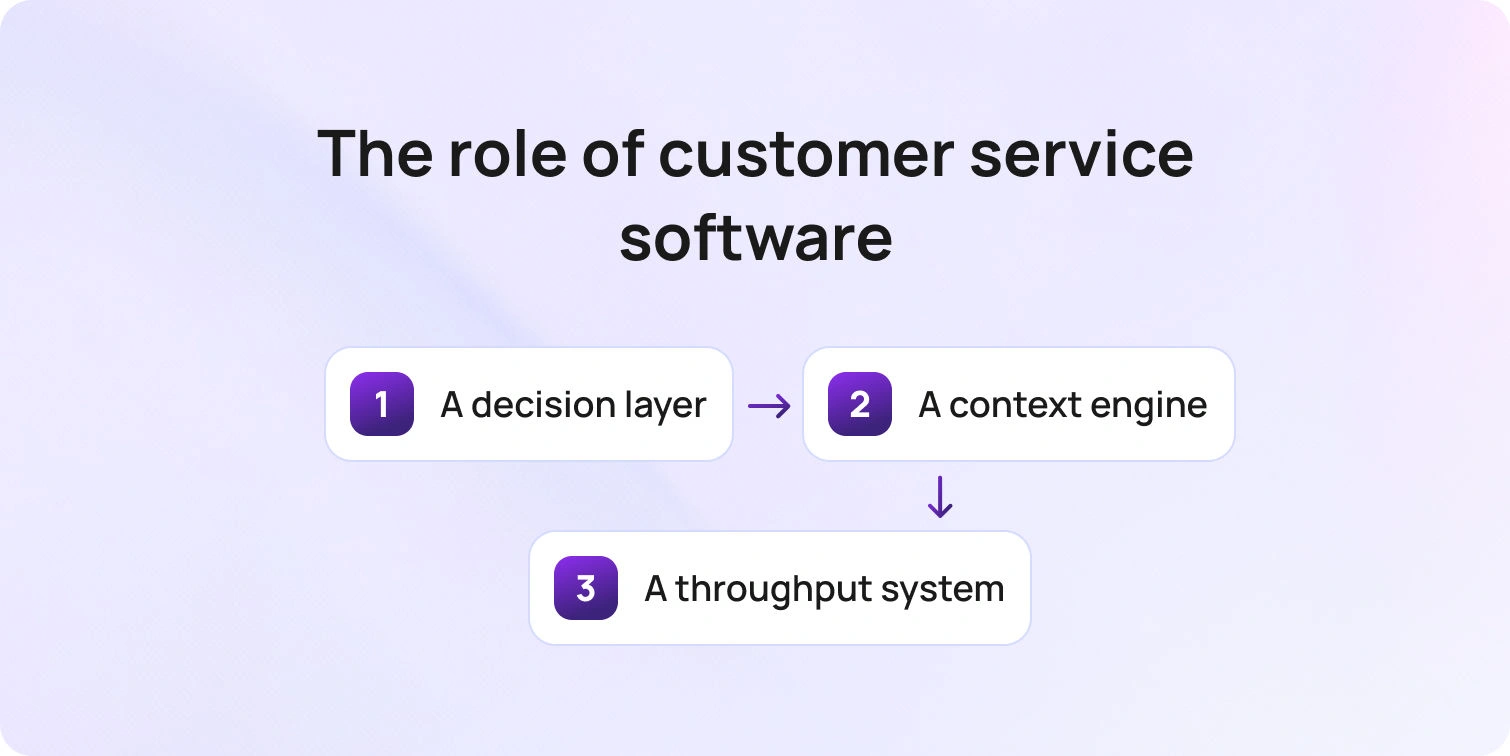
This is why the role of customer service software for e-commerce has fundamentally shifted. The best platforms no longer just manage tickets—they enable decisions, context, and scale.
They act as:
- A decision layer (what should happen for this customer, right now?)
- A context engine (what do we know about the order, history, and risk?)
- A throughput system (how do we handle 3x demand without degrading CX?)
If your tooling can’t support those outcomes, it doesn’t just slow support; it limits growth.
The 20 Best E-Commerce Customer Service Software Tools
Not all platforms are built for ecommerce complexity. Below, we’ve grouped the best e-commerce customer service software based on how they approach support operations.
BlueTweak — Editor’s Choice

Best for: Scaling e-commerce teams, managing multiple brands, and high-volume support
BlueTweak is designed specifically as e-commerce customer service software, rather than a general-purpose help desk adapted for retail.
Its core advantage is consolidation. Instead of stitching together separate tools for chat, voice, analytics, and workforce management, it brings these into a single system with shared context.
This enables:
- Faster resolution times, because agents don’t switch systems
- More consistent answers, because AI is grounded in a unified knowledge base
- Better operational control, because analytics and WFM sit alongside support workflows
For teams managing multi-store operations or high ticket volumes, this reduces both complexity and time-to-value.
“Our goal has always been to remove friction from e-commerce support. By unifying chat, voice, AI, and analytics in a single platform, we empower teams to focus on customers, not toggling between systems” Radu Dumitrescu, Head of Digital Transformation at BlueTweak.
E-commerce fit: Strong (multi-store, API-first integrations)
Channels: Chat, email, voice, omnichannel routing
Automation & AI: Summaries, suggested replies, smart KB, workflow automation
KB/self-service: Advanced, AI-grounded
Ops analytics/WFM/QA: Built-in
Pricing: Transparent, all-in-one pricing starts at approximately €65 per agent/month (~$70 USD), with core capabilities (AI, omnichannel support, WFM, QA, and analytics) included rather than sold as add-ons. Verify with the vendor.
Watch-out: None significant, designed to reduce tool sprawl
Ecommerce-First Tools (Shopify-heavy, retail-native)
2) Gorgias
Best for: Shopify-centric brands
Gorgias is one of the most established e-commerce customer service software platforms built specifically for Shopify-first brands. It focuses heavily on connecting support tickets with order data, enabling agents to take actions like refunds or edits directly within the support interface. Its strength lies in tight Shopify integration and automation around common e-commerce workflows.
E-commerce fit: Strong (Shopify-first, multi-store support)
Channels: Email, chat, social, SMS
Automation & AI: Rules, macros, and intent-based automation
KB/self-service: Basic
Ops analytics/WFM/QA: Limited WFM, standard reporting
Pricing: Tiered pricing based on ticket volume, starting from entry-level plans with usage-based scaling as support volume increases. Additional automation and integrations may increase costs; verify with the vendor.
Watch-out: Costs can scale quickly with ticket volume and add-ons
3) Re:amaze
Best for: SMB ecommerce teams
Re:amaze is a lightweight, ecommerce-focused support platform designed for smaller teams that want an accessible, all-in-one solution without enterprise complexity. It combines chat, email, and social support with built-in ecommerce integrations. Its positioning is simplicity and speed to value.
E-commerce fit: Strong (Shopify, BigCommerce, WooCommerce)
Channels: Chat, email, social, SMS
Automation & AI: Basic automation and chatbots
KB/self-service: Included
Ops analytics/WFM/QA: Limited
Pricing: Transparent tiered pricing starts at a per-user monthly rate (entry-level plans publicly listed), with higher tiers unlocking automation and integrations. Verify with the vendor.
Watch-out: May require migration as operational complexity increases
4) Richpanel

Best for: Self-service-first ecommerce brands
Richpanel is built around the idea that most e-commerce support should be resolved without agent involvement. It emphasizes self-service, automation, and customer-facing workflows to reduce ticket volume. Its approach prioritizes deflection over traditional ticket handling.
E-commerce fit: Strong (Shopify-focused, ecommerce-native)
Channels: Chat, email
Automation & AI: Strong automation and self-service workflows
KB/self-service: Advanced, customer-facing portal
Ops analytics/WFM/QA: Moderate
Pricing: Usage-based pricing aligned to support volume and automation usage, typically requiring vendor consultation for full visibility. Verify with the vendor.
Watch-out: Less robust for teams with significant voice or complex workflows
5) Gladly
Best for: Retail customer experience teams
Gladly is designed around a customer-centric model rather than a ticket-centric one, making it well-suited for retail and ecommerce brands focused on delivering premium support experiences. It organizes conversations around the customer, not individual tickets.
E-commerce fit: Moderate–strong (retail-focused integrations)
Channels: Omnichannel (chat, email, voice, SMS)
Automation & AI: Growing AI capabilities
KB/self-service: Strong
Ops analytics/WFM/QA: Good reporting, limited WFM
Pricing: Custom pricing model based on seats and feature requirements, typically positioned for mid-market to enterprise teams. Verify with the vendor.
Watch-out: Not purely e-commerce-native, may require integrations for a full commerce context
Help Desk Suites (Strong Ecosystems)
6) Zendesk
Best for: Enterprise teams
Zendesk is one of the most widely used customer service platforms, offering a broad ecosystem of tools that can be adapted for e-commerce through integrations. Its strength lies in flexibility and scale.
E-commerce fit: Moderate (integration-dependent)
Channels: Omnichannel + voice
Automation & AI: Advanced (Zendesk AI)
KB/self-service: Strong
Ops analytics/WFM/QA: Strong
Pricing: Tiered per-agent pricing starting from entry-level plans, with advanced features (AI, analytics, voice) typically available in higher tiers or add-ons. Verify with the vendor.
Watch-out: Pricing and feature access can become complex across tiers
7) Freshdesk (Freshworks)
Best for: Growing teams
Freshdesk offers a balance between usability and functionality, making it a popular choice for scaling teams that need more structure without enterprise overhead. It provides a broad feature set with relatively quick setup.
E-commerce fit: Moderate
Channels: Omnichannel
Automation & AI: Freddy AI
KB/self-service: Included
Ops analytics/WFM/QA: Moderate
Pricing: Free tier available, with paid plans starting at a per-agent monthly rate and scaling based on features like automation, AI, and analytics. Verify with the vendor.
Watch-out: Advanced capabilities often require higher-tier plans or add-ons
8) Zoho Desk
Best for: Budget-conscious teams
Zoho Desk is part of the broader Zoho ecosystem, offering cost-effective support capabilities with tight integration across Zoho products. Its strength is affordability and ecosystem depth.
E-commerce fit: Moderate
Channels: Omnichannel
Automation & AI: Zia AI
KB/self-service: Included
Ops analytics/WFM/QA: Moderate
Pricing: Tiered pricing starting from low-cost per-agent plans, with AI and advanced automation available in higher tiers. Verify with the vendor.
Watch-out: Interface and UX can feel complex for new users
9) Salesforce Service Cloud
Best for: Enterprise ecosystems
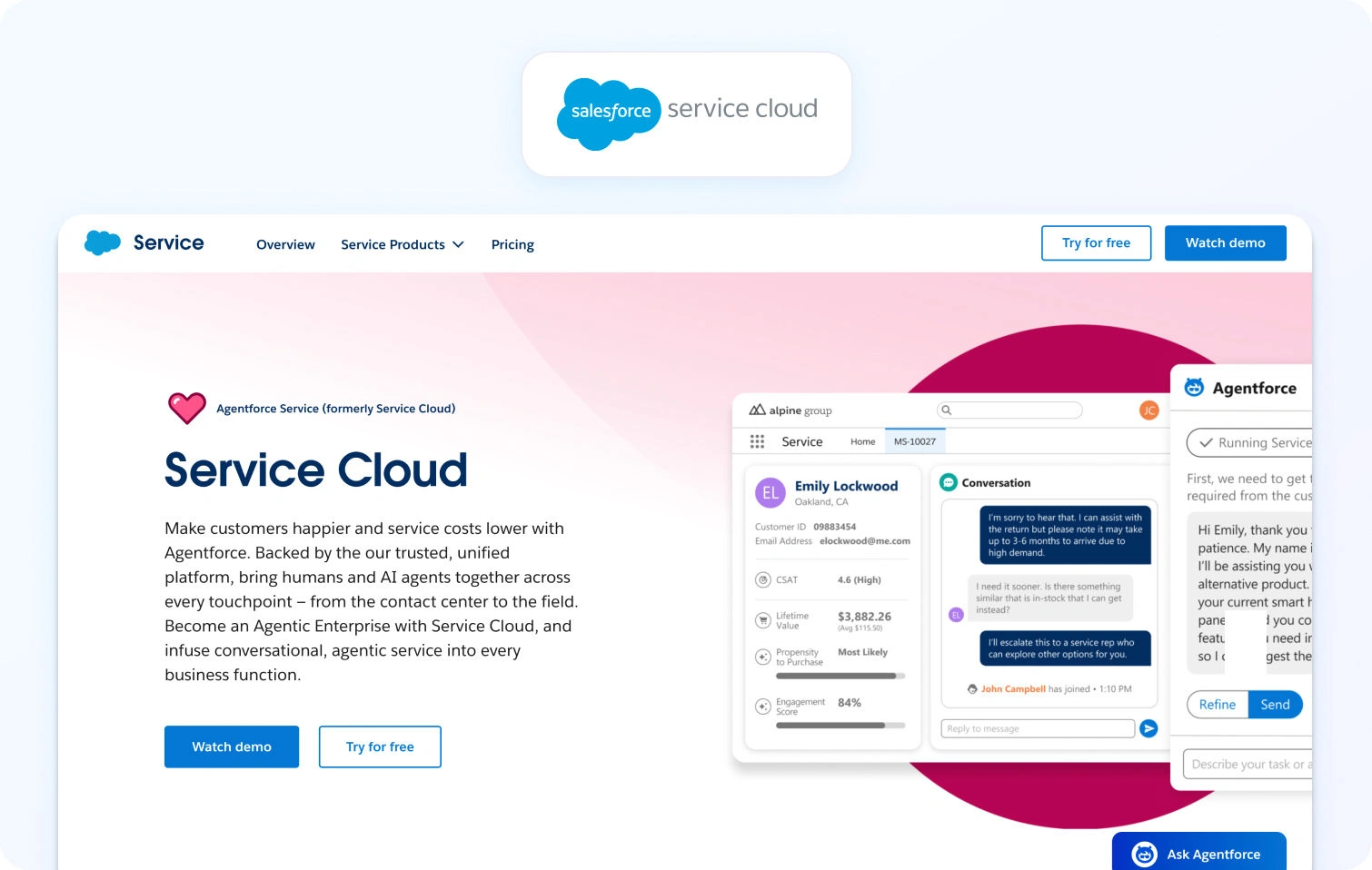
Salesforce Service Cloud is designed for large organizations already operating within the Salesforce ecosystem. It offers deep customization and enterprise-grade capabilities. Its value comes from integration and scale.
E-commerce fit: Strong (with integrations)
Channels: Omnichannel
Automation & AI: Einstein AI
KB/self-service: Advanced
Ops analytics/WFM/QA: Strong
Pricing: Enterprise pricing model with per-user monthly costs typically starting at higher tiers, with additional costs for AI, automation, and integrations. Verify with the vendor.
Watch-out: High total cost of ownership and implementation complexity
10) ServiceNow CSM
Best for: Enterprise retail operations
ServiceNow CSM is built for large-scale service operations, often spanning multiple departments beyond customer support. It focuses on process orchestration and enterprise workflows.
E-commerce fit: Strong (enterprise retail focus)
Channels: Omnichannel
Automation & AI: Advanced
KB/self-service: Enterprise-grade
Ops analytics/WFM/QA: Strong
Pricing: Custom enterprise pricing based on users, workflows, and modules, typically requiring consultation. Verify with the vendor.
Watch-out: Significant implementation time and resource requirements
Messenger-Led / Proactive Chat + Bots
11) Intercom
Best for: Conversational, chat-first support teams
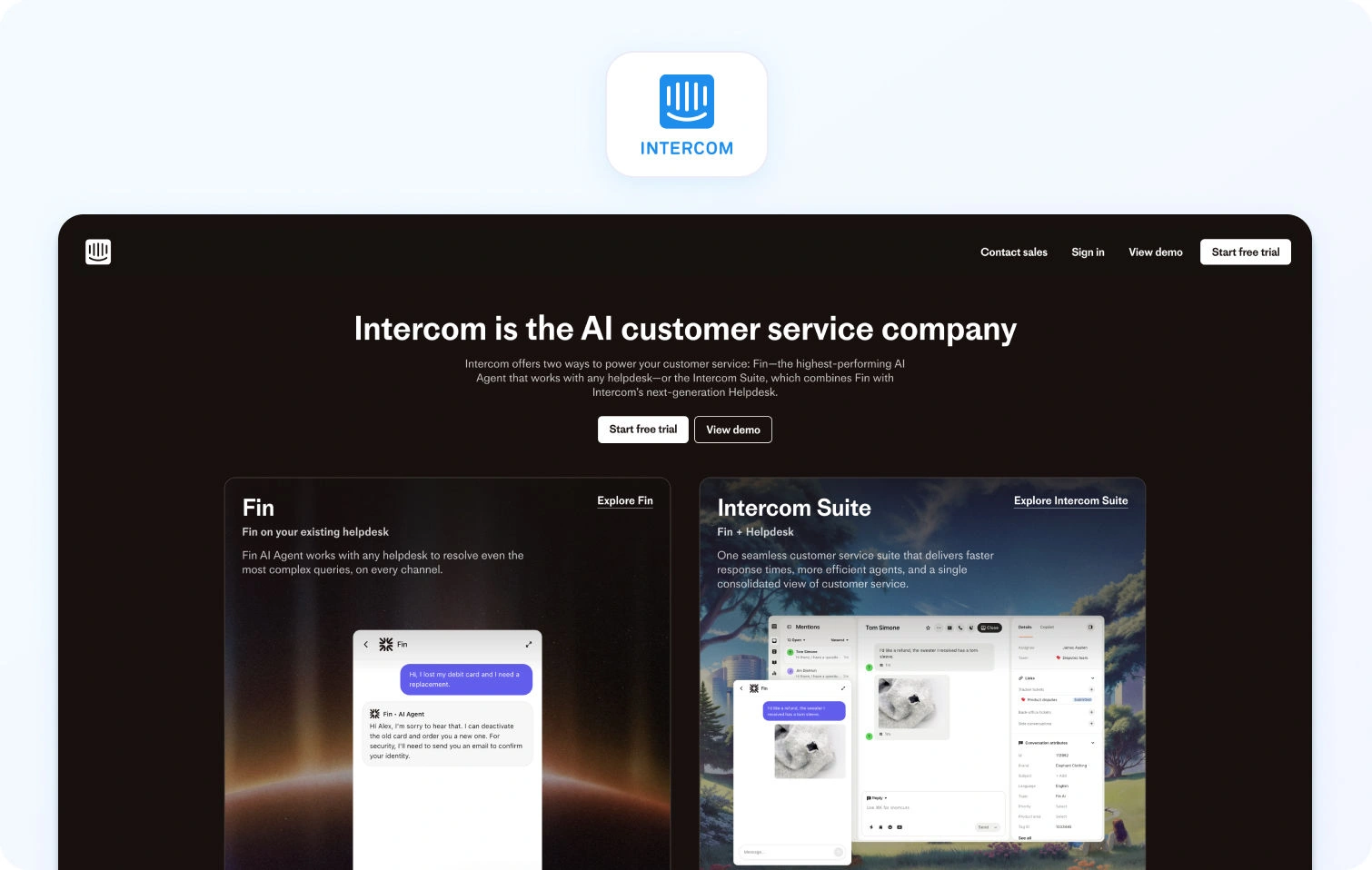
Intercom is built around real-time, messenger-led customer communication, combining live chat, bots, and proactive messaging into a single interface. It’s particularly strong for brands that want to engage customers before and after purchase. Its focus is on reducing friction through conversation rather than traditional ticketing.
Ecommerce fit: Moderate (integration-dependent)
Channels: Chat, email, in-app messaging
Automation & AI: Strong (Fin AI agent, automation workflows)
KB/self-service: Strong
Ops analytics/WFM/QA: Moderate
Pricing: Modular pricing structure with a base platform fee plus per-seat and AI usage costs (Fin AI billed separately), which can scale with usage. Verify with the vendor.
Watch-out: Pricing can increase significantly with AI and messaging volume
12) Tidio
Best for: SMB ecommerce brands
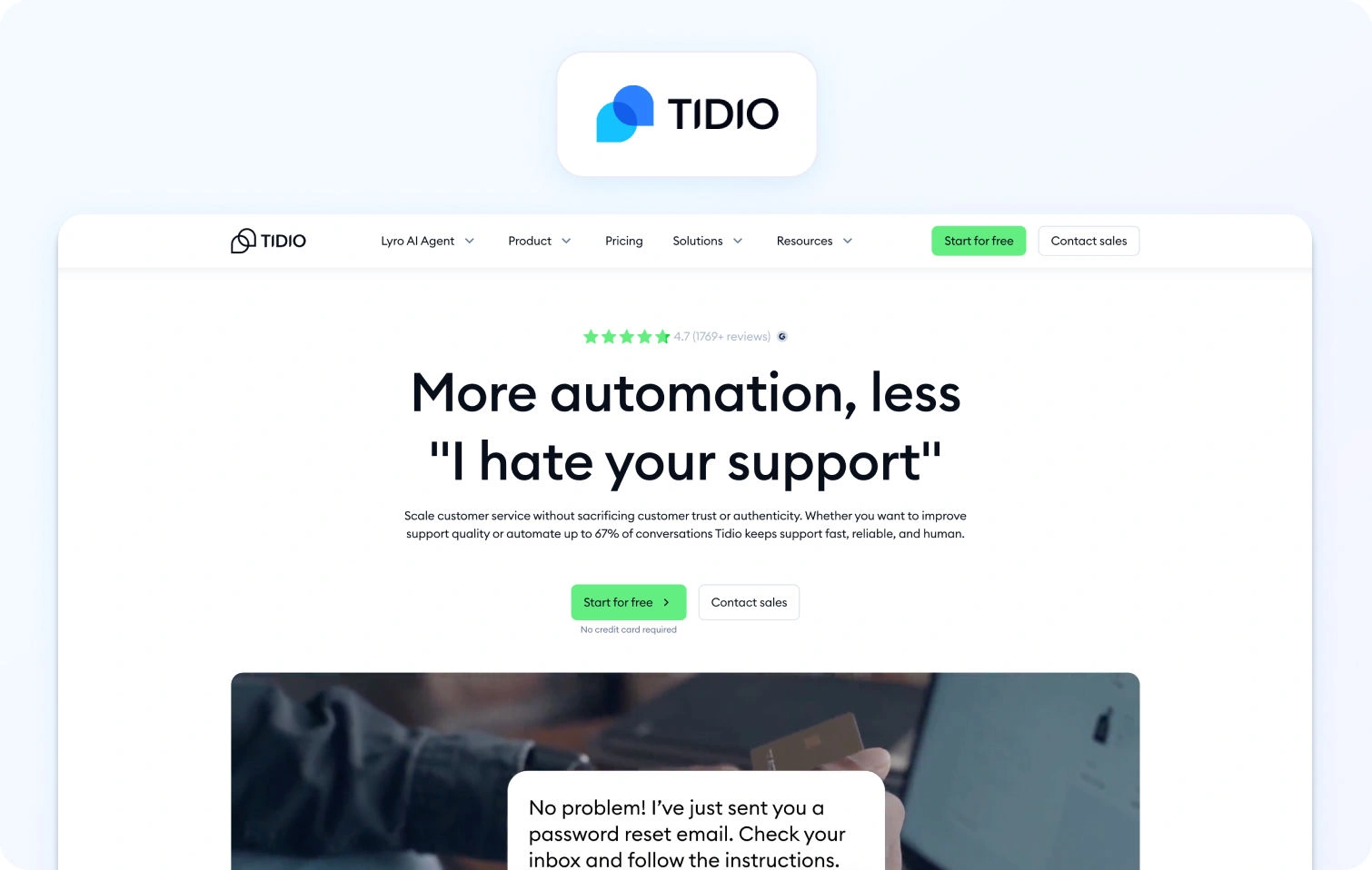
Tidio is a lightweight, chat-first support tool designed for small to mid-sized ecommerce teams. It combines live chat with AI chatbots to automate common queries. Its strength lies in simplicity and quick setup.
E-commerce fit: Strong (Shopify, WooCommerce integrations)
Channels: Chat, email
Automation & AI: AI chatbot (Lyro)
KB/self-service: Basic
Ops analytics/WFM/QA: Limited
Pricing: Free plan available, with paid tiers starting at a low monthly cost and scaling based on chatbot usage and features. Verify with the vendor.
Watch-out: Limited depth for scaling teams or complex operations
13) Crisp
Best for: Startups and early-stage teams
Crisp is a simple, cost-effective messaging platform that combines live chat, email, and basic automation in a single interface. It prioritizes accessibility over complexity.
E-commerce fit: Moderate
Channels: Chat, email, messaging apps
Automation & AI: Basic chatbot and automation
KB/self-service: Included
Ops analytics/WFM/QA: Basic
Pricing: Flat-rate pricing model with entry-level paid plans offering unlimited seats, with higher tiers unlocking automation and integrations. Verify with the vendor.
Watch-out: Limited scalability for high-volume support environments
14) Helpshift
Best for: Mobile-first ecommerce apps
Helpshift is designed for in-app customer support, making it particularly strong for e-commerce brands with mobile apps as a primary channel. It focuses on embedding support directly within the product experience.
E-commerce fit: Strong (mobile-first environments)
Channels: In-app messaging, chat
Automation & AI: Strong automation and bots
KB/self-service: Strong
Ops analytics/WFM/QA: Moderate
Pricing: Enterprise-oriented pricing model based on usage and scale, typically requiring vendor consultation. Verify with the vendor.
Watch-out: Less suited for web-first or omnichannel-heavy brands
Shared Inbox / Collaboration-Led
15) Front

Best for: Collaborative support teams
Front combines shared inbox functionality with collaboration tools, allowing teams to manage customer conversations similarly to email while adding workflows and automation. Its strength is internal collaboration.
E-commerce fit: Moderate
Channels: Email, chat, SMS
Automation & AI: Moderate
KB/self-service: Basic
Ops analytics/WFM/QA: Limited
Pricing: Per-user monthly pricing starting from entry-level plans, with advanced automation and analytics in higher tiers. Verify with the vendor.
Watch-out: Not ecommerce-native, requires integrations for full context
16) Help Scout
Best for: Customer-centric support teams
Help Scout focuses on simplicity and a human-centered support experience, with a clean interface and integrated knowledge base. It’s designed to feel more personal than traditional ticketing systems.
E-commerce fit: Moderate
Channels: Email, chat
Automation & AI: Moderate
KB/self-service: Strong
Ops analytics/WFM/QA: Basic
Pricing: Tiered per-user pricing with plans increasing based on features, users, and contact volume. Verify with the vendor.
Watch-out: Limited automation and operational depth at scale
17) Hiver
Best for: Gmail-based support teams
Hiver transforms Gmail into a shared support inbox, allowing teams to manage customer queries without leaving their email environment. It's aimed at teams already operating in Gmail, offering a low-friction solution.
E-commerce fit: Moderate
Channels: Email
Automation & AI: Basic
KB/self-service: Limited
Ops analytics/WFM/QA: Basic
Pricing: Per-user monthly pricing with tiered plans based on features like automation and analytics. Verify with the vendor.
Watch-out: Limited omnichannel and scalability capabilities
Voice / Contact Center (Phone-heavy brands)
H4: 18) Genesys Cloud CX
Best for: Enterprise voice and contact center operations
Genesys Cloud CX is a full-featured contact center platform designed for large-scale customer support operations, with strong capabilities in voice, routing, and workforce management. For e-commerce brands with significant phone support, it provides enterprise-grade infrastructure.
E-commerce fit: Moderate
Channels: Voice-first, with digital channel
Automation & AI: Advanced
KB/self-service: Moderate
Ops analytics/WFM/QA: Strong
Pricing: Usage-based pricing model with per-user and consumption-based costs (voice, digital, AI), typically requiring detailed vendor consultation. Verify with the vendor.
Watch-out: Complexity and cost for teams that don’t require full contact center capabilities
19) Five9
Best for: Call-heavy support environments
Five9 is a cloud contact center platform focused on voice and AI-driven automation, often used by teams with high inbound and outbound call volumes. It emphasizes efficiency and automation in voice workflows.
E-commerce fit: Moderate
Channels: Voice, digital
Automation & AI: Strong
KB/self-service: Moderate
Ops analytics/WFM/QA: Strong
Pricing: Custom pricing based on usage, seats, and features, typically structured around consumption (minutes, AI usage). Verify with the vendor.
Watch-out: Limited ecommerce-specific context without integrations
20) Talkdesk
Best for: Omnichannel contact center teams
Talkdesk combines contact center capabilities with digital channels, positioning itself as a modern alternative to legacy voice systems. It focuses on flexibility and AI-driven automation.
E-commerce fit: Moderate
Channels: Voice, chat, email, SMS
Automation & AI: Strong
KB/self-service: Moderate
Ops analytics/WFM/QA: Strong
Pricing: Subscription-based pricing with additional costs for AI, automation, and usage-based components like voice minutes. Verify with the vendor.
Watch-out: Add-ons can increase the total cost of ownership
What Ecommerce Support Teams Need in 2026 (and Why Generic Help Desks Fall Short)
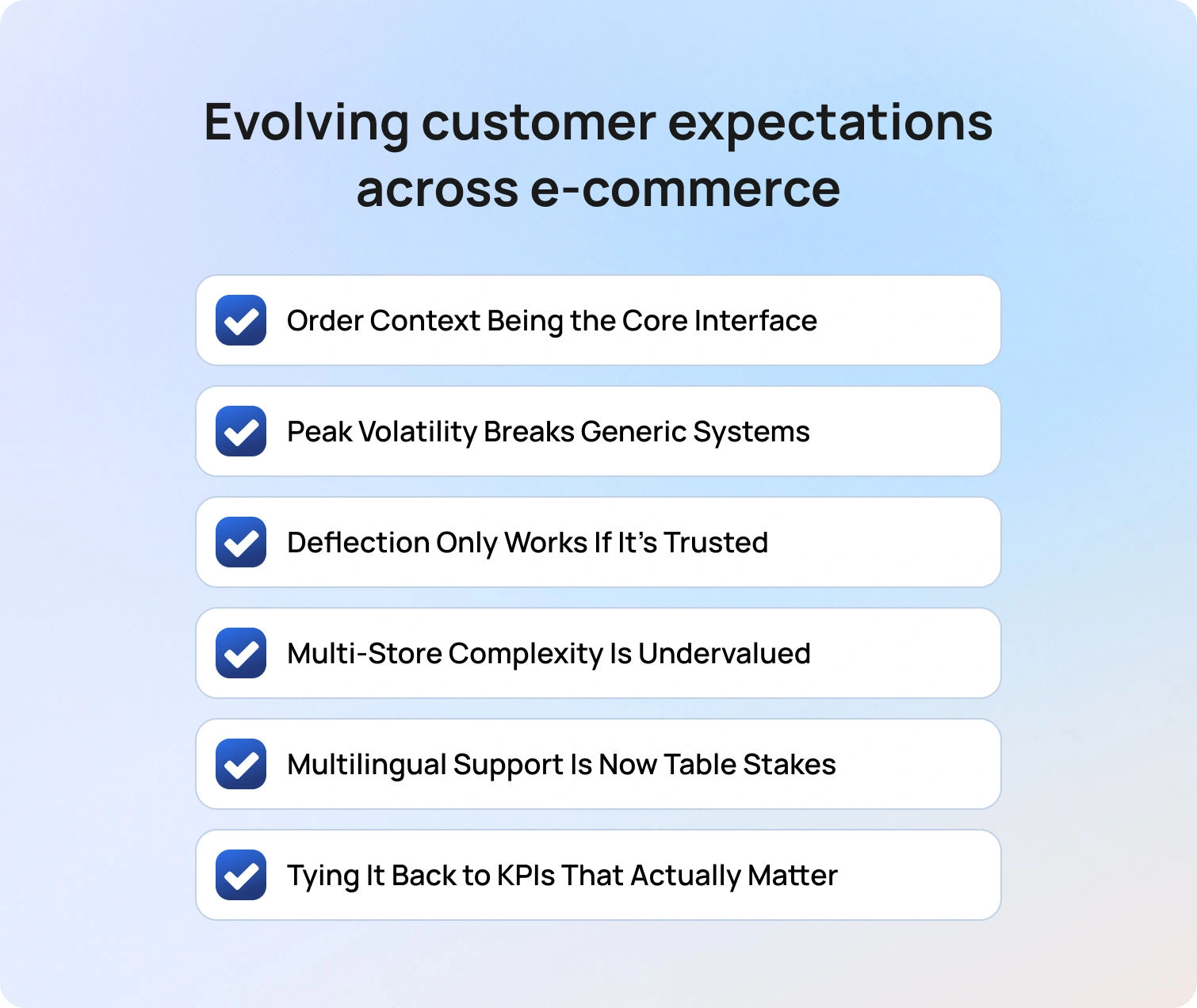
There’s a structural mismatch between what e-commerce support requires and what traditional help desks were designed to do. Help desks were built around tickets. E-commerce runs on events: orders, shipments, delays, refunds, subscriptions.
That difference matters more than most buyers realize, and this shift reflects a broader move toward adapting to evolving customer expectations across e-commerce.
1. Order Context Isn’t a “Nice-to-Have”, It’s the Core Interface
In e-commerce, the majority of support queries are not abstract; they are tied to a transaction. Agents need immediate access to:
- Order status and fulfillment stage
- Shipping and carrier data
- Return eligibility and policy logic
- Refund timelines and payment status
Without this, resolution becomes a multi-tab, multi-tool process, which directly increases handle time and error rates.
More importantly, it erodes customer trust. Customers can tell when your agent is “looking things up” versus actually understanding their situation.
2. Peak Volatility Breaks Generic Systems
E-commerce doesn’t scale linearly; it spikes. Promotions, product drops, and delivery disruptions can increase ticket volume by 2–5x in just a matter of hours.
Generic tools struggle here because they lack:
- Concurrency visibility
- Workforce management (WFM) is tied to real demand
- Forecasting based on e-commerce-specific triggers
This is where many teams quietly lose margin; by overstaffing to compensate, or underperforming during peaks. The better approach is systems that absorb volatility, not just report on it.
3. Deflection Only Works If It’s Trusted
Every vendor promises “ticket deflection,” but few address the real constraint: accuracy. If your self-service or AI:
- Misrepresents return policies
- Gives outdated shipping timelines
- Provides generic answers to specific queries
You don’t reduce tickets; you create follow-ups, complaints, and churn. Effective deflection in e-commerce depends on:
- Policy-aware knowledge bases
- Real-time data (orders, carriers, inventory)
- AI grounded in that data, not just trained on past conversations
This is where many “AI-powered” tools fall short; they generate answers, but not reliable ones. Balancing automation with accuracy is critical, particularly when maintaining trust in the interplay between automation and personalization.
4. Multi-Store Complexity Is Undervalued (Until It Breaks Reporting)
As brands expand across regions, storefronts, and product lines, support complexity compounds quickly. What starts as a single queue evolves into a layered operation with different SLAs, policies, and customer expectations, often without the infrastructure to match.
At that point, you’re no longer managing “a queue.” You’re managing fragmented experiences.
Without proper routing and reporting, teams lose visibility into:
- Which store is driving volume
- Where performance is degrading
- How resources should be allocated
This is one of the biggest blind spots in scaling ecommerce operations.
5. Multilingual Support Is Now Table Stakes
Global ecommerce has made multilingual support a baseline expectation, not a premium feature. But translation alone isn’t enough. Consistency here depends heavily on effective written customer support communication across languages and channels.
What matters is:
- Context-aware responses in the correct tone
- Localized policies and FAQs
- QA processes that ensure consistency across languages
This is where AI can add real value, but only when paired with structured content and governance.
Tying It Back to KPIs That Actually Matter
All of these challenges ultimately surface in the metrics ecommerce teams are measured against, but not always in obvious ways.
First contact resolution improves when agents have immediate access to order context, rather than piecing together information across systems. Average handle time decreases when workflows are streamlined and repetitive actions are automated. Deflection rates only increase when self-service and AI responses are accurate enough to be trusted, rather than escalated. Even customer satisfaction and sentiment are less about speed in isolation, and more about consistency; getting the right answer, the first time, regardless of channel.
Concurrency is where these factors converge. During peak periods, it becomes the defining constraint on whether a support team can maintain performance without increasing headcount. When systems lack the infrastructure to support agents at scale, teams are forced into trade-offs between speed, quality, and cost.
The result is that performance issues are often misdiagnosed, with teams optimising surface-level metrics instead of addressing the underlying operational constraints that actually drive outcomes.
That distinction matters. Because once support is understood as an operational system (rather than a reactive function), the role of e-commerce customer support software becomes much clearer. It’s not just there to manage demand. It determines how efficiently, consistently, and profitably demand can be handled.
Common E-commerce Use Cases (Support Workflows Buyers Actually Automate)
The real value of modern e-commerce customer service software is in how effectively it removes repetitive operational load from support teams. The highest-performing teams aren’t trying to automate everything; instead, they align workflows to a customer-centric strategy that prioritises high-impact interactions. They focus on a core set of high-frequency, high-friction interactions that consistently drive volume and erode customer experience when handled manually.
Order tracking remains the most obvious example. “Where is my order?” queries can account for a significant share of inbound volume, particularly during peak periods. Leading teams reduce this through a combination of proactive notifications and automated responses grounded in real-time carrier data, effectively eliminating the need for agent intervention in most cases.
Returns and exchanges follow a similar pattern. Rather than handling these as ad hoc conversations, mature teams implement guided workflows that apply policy logic consistently, ensuring faster resolution for customers while maintaining control over outcomes like refunds, exchanges, or store credit.
Other operational pressure points tend to cluster around status-based queries such as refund timelines, delivery issues, or subscription changes. These are rarely complex, but they are time-sensitive and volume-heavy. When handled manually, they create bottlenecks. When automated with the right integrations and approval flows, they become predictable, low-effort processes.
There’s also a second layer of use cases that’s less about volume and more about consistency. Product questions, social-driven spikes in demand, VIP customer handling, and multilingual support all introduce variability into the system. Without structure, that variability leads to inconsistent answers and fragmented experiences. With the right combination of knowledge base, routing, and automation, it becomes manageable at scale.
The pattern across all of these is consistent: the goal isn’t just faster responses. It’s removing the need for responses altogether where possible, and standardising them where it isn’t.
What to Look For in Ecommerce Customer Service Software: Your 2026 Checklist
Choosing e-commerce customer service software in 2026 is less about feature comparison and more about identifying where operational friction exists, and whether a platform is designed to remove it.
At a foundational level, ecommerce context is non-negotiable. Support teams need immediate access to order data, delivery status, returns history, and customer context without switching systems. Platforms that rely heavily on third-party integrations rather than native or deeply embedded connections often introduce latency at exactly the wrong moments.
From there, omnichannel support is table stakes, but the nuance is in how those channels are unified. It’s not enough to offer email, chat, social, and voice. The system needs to maintain continuity across them, so customers don’t have to repeat themselves, and agents aren’t reconstructing context manually.
Automation is where meaningful differentiation starts to emerge. Basic routing and macros are no longer enough. Buyers should be looking for depth: systems that operationalise decisions, not just responses.
AI is now embedded across most platforms, but its effectiveness depends on guardrails. Features like summaries, suggested replies, and intent detection are only valuable when grounded in accurate knowledge and real customer context. Without that, they risk introducing inconsistency rather than reducing it. However, implementation is often where value is lost, particularly when teams underestimate AI customer support challenges in practice.
Self-service plays a critical role, particularly for high-volume ecommerce queries like order tracking and returns. The best implementations don’t just deflect tickets; they resolve customer needs entirely, without escalation.
Finally, operational visibility and control often become the deciding factor at scale. Analytics, workforce management, quality assurance, and forecasting are what allow teams to maintain performance as demand fluctuates.
In practical terms, your checklist should look like this:
- Native ecommerce context: Order data, delivery status, returns, and customer history accessible in one place
- True omnichannel continuity: Conversations persist across email, chat, social, and voice without losing context
- Advanced automation: SLA management, intelligent routing, and approval workflows—not just macros
- AI with guardrails: Accurate summaries, suggestions, and intent detection grounded in real data
- Self-service that resolves (not deflects): Order tracking, returns, and FAQs handled without agent intervention
- Operational control: Reporting, QA, and workforce management to maintain performance at scale
- Flexible integrations & APIs: Ability to connect cleanly with the wider ecommerce stack
- Transparent pricing: Clear visibility into add-ons, usage costs, and total cost of ownership
Across all of this, pricing transparency remains an underappreciated differentiator. Many platforms appear cost-effective at the entry level but introduce significant add-ons for AI, reporting, or channel expansion. Understanding the total cost of ownership upfront is essential.
How We Evaluated
To identify the best customer service software for e-commerce, we applied a consistent evaluation framework designed to reflect how these platforms perform under real operating conditions, not just how they’re positioned in marketing. This approach is intended to mirror how buyers actually compare customer support software for e-commerce and broader e-commerce customer service tools in practice.
Each vendor was assessed based on publicly available product documentation, pricing pages, and integration ecosystems. This was supplemented by a detailed review of feature sets across automation, AI, self-service, and operational tooling; areas that consistently define the gap between baseline tools and the best ecommerce customer service tools on the market.
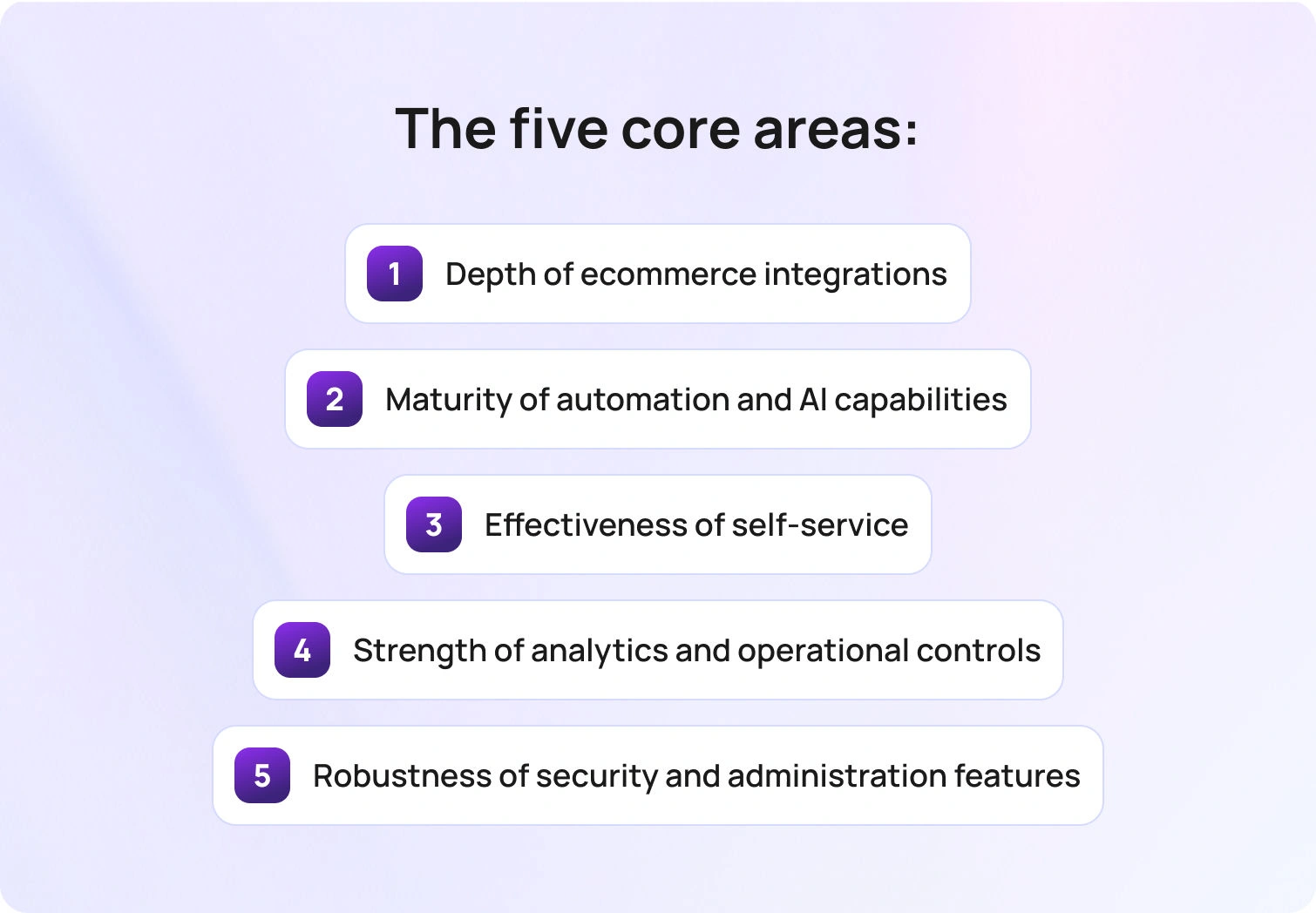
The evaluation focused on five core areas:
- Depth of ecommerce integrations
- Maturity of automation and AI capabilities
- Effectiveness of self-service
- Strength of analytics and operational controls
- Robustness of security and administration features
Where possible, we prioritised evidence of how these capabilities work together. Individual features are less meaningful than how well they integrate into a cohesive system that supports real workflows—particularly for teams evaluating e-commerce software customer support solutions that need to operate at scale.
There are, however, some limitations to note. Pricing structures vary significantly by plan, usage, and negotiation, and are not always fully transparent. Feature sets also evolve quickly, particularly in areas like AI, meaning buyers should validate key capabilities during the demo process.
The goal of this methodology is not to provide a definitive ranking, but to give buyers a clear, structured way to evaluate trade-offs based on their own operational priorities when selecting customer service tools for e-commerce.
Must-Have Capability Checklist
Most e-commerce teams don’t lose time choosing tools; they lose time fixing gaps they didn’t catch during evaluation. Use this checklist to pressure-test whether a platform is truly fit for purpose.
Core platform capabilities:
- E-commerce-native context: Orders, returns, delivery status, and customer history in one view
- Omnichannel continuity: Seamless conversations across email, chat, social, and voice
- Automation depth: SLA management, intelligent routing, and workflow automation
- AI assistance: Accurate summaries, suggested replies, and intent detection
- Self-service resolution: Order tracking, returns, and FAQs handled without agent input
Operational & scaling capabilities:
- Analytics & reporting: Visibility into performance, volume, and resolution times
- Workforce management: Forecasting, scheduling, and capacity planning
- Quality assurance: Structured QA processes to maintain consistency
- Security & admin controls: Permissions, audit logs, and data protection
- APIs & integrations: Flexibility to connect with your wider ecommerce stack
Commercial considerations:
- Transparent pricing: Clear breakdown of seat costs, usage, and add-ons
- Scalable cost model: Predictable pricing as ticket volume and team size grow
A strong platform won’t just meet these requirements; it will handle them natively, without excessive reliance on workarounds or third-party tools.
Scoring Rubric (How to Compare Vendors Side-by-Side)
A checklist tells you what to look for. A scoring rubric helps you decide.
When multiple platforms appear to meet the same requirements, the difference usually comes down to depth: how well each capability actually performs under real operating conditions. Scoring vendors across a consistent framework makes those differences visible.
Score each category from 1–5 (1 = limited, 5 = best-in-class):
Product & Experience
- E-commerce context: Depth and accessibility of order, returns, and customer data
- Omnichannel experience: Continuity across channels without loss of context
- Agent experience: Usability, speed, and workflow efficiency
Automation & AI
- Workflow automation: Routing, SLAs, approvals, and process design
- AI effectiveness: Accuracy of summaries, suggestions, and intent detection
- Self-service capability: Ability to fully resolve high-volume queries
Operations & Scale
- Reporting & analytics: Visibility into performance and actionable insights
- Workforce management: Forecasting, scheduling, and capacity planning
- Quality assurance: Tools to maintain consistency and improve performance
Commercial & Technical Fit
- Pricing transparency: Clarity of costs across seats, usage, and add-ons
- Scalability of cost: How pricing evolves with growth and peak demand
- Integrations & flexibility: Ease of connecting to your existing stack
Once scored, patterns emerge quickly. Some platforms will perform well at a surface level but fall short operationally. Others may be powerful but introduce complexity or cost at scale.
The goal is to identify the platform that aligns best with how your support operation actually runs today, and how it needs to evolve.
Pricing & TCO Modeling for Ecommerce Teams
Pricing for e-commerce customer service software is rarely straightforward, and headline figures often underrepresent the true cost of ownership. Most platforms combine multiple pricing dimensions, including per-agent seat costs, usage-based fees for messaging or automation, AI consumption, and, in some cases, voice minutes. On top of this, integrations, advanced reporting, and implementation services are frequently positioned as add-ons.
This creates a situation where two platforms with similar entry-level pricing can diverge significantly as usage scales.
Hidden costs tend to emerge in predictable areas. AI features are often priced separately or metered based on usage. Advanced analytics and reporting may sit behind higher-tier plans. Multilingual support, workforce management, and certain integrations can also introduce additional fees.
A more effective approach to evaluation is to model total cost across different growth scenarios. Estimating costs at 25, 50, and 100 agents (while factoring in peak season demand) provides a more realistic view of how pricing behaves over time. The key is to surface these variables early, rather than discovering them post-implementation.
Implementation Playbook (Go Live Without Breaking CX)
Implementing new customer service software in an e-commerce environment isn’t just a technical rollout; it’s an operational transition. The most effective teams take a phased approach, introducing structure before scale.
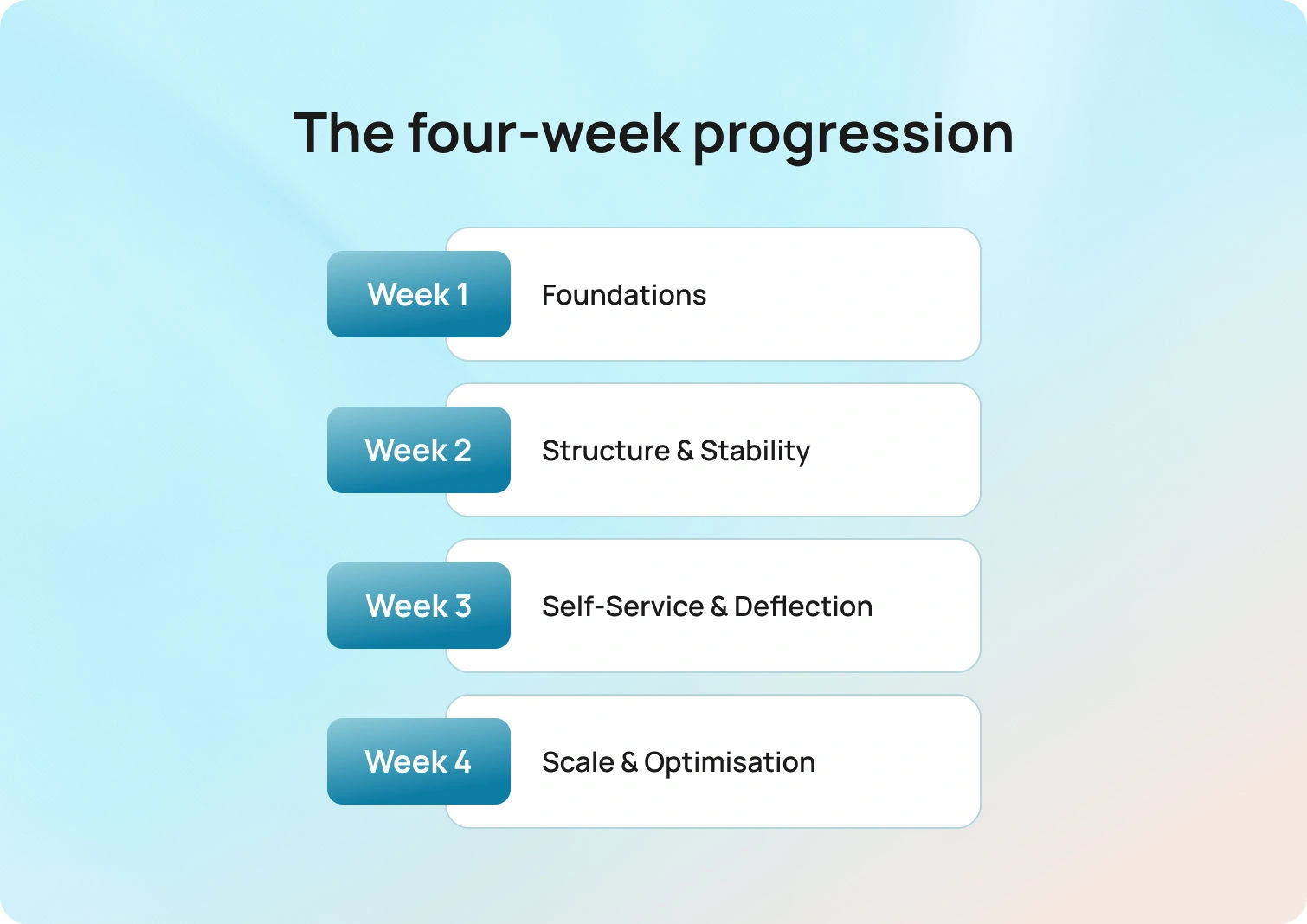
A typical rollout follows a four-week progression:
Week 1: Foundations: the focus here is alignment. Teams define success metrics, map high-volume customer intents, and audit existing workflows. At the same time, core systems (such as ecommerce platforms, order data, and knowledge bases) need to be clean, connected, and reliable. Gaps at this stage tend to compound later, so it’s worth getting the fundamentals right.
Week 2: Structure & Stability: with the foundation in place, attention shifts to how work flows through the system. Routing logic, SLA frameworks, and initial automation rules are introduced to create consistency. AI-assisted features like summaries and suggested replies can be layered in here, helping agents move faster without disrupting quality.
Week 3: Self-Service & Deflection: this is where teams start to reduce volume meaningfully. High-frequency queries, particularly order tracking and returns, are transitioned into self-service workflows. Done well, this removes a significant portion of inbound demand without requiring customers to change behaviour.
Week 4: Scale & Optimisation: once the core system is stable, teams can expand with confidence. Additional channels can be introduced, automation refined, and more advanced capabilities, such as forecasting, workforce management, and QA, brought online. The focus shifts from setup to performance.
Across each stage, governance is what holds everything together. Clear ownership of workflows, consistent terminology, and defined escalation paths ensure the system scales without introducing inconsistency.
Final Thoughts: Choosing the Right E-commerce Customer Service Software for Growth
The most important shift in how ecommerce teams approach customer service software is recognising that it’s no longer just a support function; it’s an operational layer that directly impacts retention, efficiency, and growth.
The platforms that perform best in this environment are those that combine deep ecommerce context with true omnichannel support, layered automation, and AI that enhances rather than disrupts consistency. Just as importantly, they provide the operational visibility needed to manage performance as demand scales.
Pricing transparency also plays a critical role. Tools that appear flexible early on can become restrictive as costs accumulate across add-ons and usage-based components.
Within this landscape, BlueTweak stands out for teams that want to consolidate these capabilities into a single system. By combining support workflows, AI, analytics, and workforce management in one platform, it reduces the need for additional tooling and simplifies execution at scale.
For e-commerce teams managing multiple stores, high ticket volumes, or complex customer journeys, that consolidation translates directly into faster time to value and more consistent customer experience. You can explore how this works in practice with a BlueTweak demo.

As Head of Digital Transformation, Radu looks over multiple departments across the company, providing visibility over what happens in product, and what are the needs of customers. With more than 8 years in the Technology era, and part of BlueTweak since the beginning, Radu shifted from a developer (addressing end-customer needs) to a more business oriented role, to have an influence and touch base with people who use the actual technology.



