



10 Best AI Chatbots for Customer Support in 2026



BlueHub unifies every conversation, customer record, and automation into one powerful platform.
Explore more
Finding the best AI chatbot means looking beyond flashy demos to verify multilingual capabilities, GDPR compliance, and a robust knowledge base. Most platforms promise conversational AI but deliver text-only bots with translation add-ons, unclear data processing agreements, and limited agent assist features. This guide examines vetted options using a consistent scoring rubric. BlueTweak leads for teams that need a chatbot, suggested replies, call transcription, and workforce management in one subscription.
Customer support volume has shifted from email-only to omnichannel messaging, with teams handling inquiries across WhatsApp, chat, voice, and social media in 15+ languages. Human agents alone can’t scale this efficiently, which is why AI chatbots and voicebots are stepping in to automate routine inquiries.
CFOs now focus on total cost of operation, data sovereignty, and whether your AI chatbot actually grounds answers in your knowledge base or hallucinates under pressure. Common pitfalls include:
We evaluated 10 platforms against a consistent checklist and scoring rubric to help you find exactly what each customer service AI chatbot delivers, where it falls short, and when to shortlist BlueTweak for an all-in-one approach.
A typical 2018 setup might include Zendesk for ticketing, Twilio for voice, Google Translate API for chat, a standalone chatbot builder (such as Drift or Chatfuel), and manual quality assurance via call recording exports. Customer data flowed through five systems with no unified customer profile, no shared context between channels, and weak oversight of what information the AI chatbot could access.
However, growth in messaging and voice volume, as well as the increasing complexity of multi-brand operations for BPOs, and stricter privacy expectations, drove the shift. Older stacks (one vendor for ticketing, another for chat, a third for telephony, separate translation APIs, spreadsheet-based WFM) created unclear data paths, siloed analytics, inconsistent terminology, and high agent handoff rates.
To accommodate, teams moved from chat-only existing tools with menu-based IVR systems and translation plug-ins to unified omnichannel platforms with multilingual AI chatbots and voicebots that ground answers in the knowledge base and provide transparent data governance.
Teams have shifted from chat-only tools with translation plug-ins to unified platforms that provide multilingual, knowledge-grounded chat with transparent data governance across digital channels.
Now, it’s important to prioritize:
Double-check the platform handles customer interactions end-to-end—bot deflection, seamless agent escalation, suggested replies, and post-interaction analysis—without requiring custom development or third-party middleware.
These changes demonstrate the importance of using our must-have checklist and scoring rubric for every vendor evaluation.
Editor’s note: This guide ranks chatbots first and flags voice only to clarify scope.
Not all platforms that claim GDPR compliance actually deliver the controls teams need. Here’s what to verify before signing:
GDPR essentials:
Multilingual bot capabilities:
Voice + text: Confirm multilingual support for chat (not just translated UI labels), and evaluate any voice features separately if you plan to automate phone calls.
Choosing a customer service AI chatbot without verified GDPR compliance exposes your organization to regulatory penalties, reputational damage, and operational disruption. Here’s what’s at risk:
GDPR compliance isn’t a checkbox. It’s a competitive advantage. Sales teams that choose GDPR-ready platforms with transparent data governance win enterprise deals, pass audits faster, and sleep better knowing customer interactions are protected.
Our ranking process ensures you can compare platforms objectively, without marketing spin or unverified claims. Here’s how we assessed every AI customer service chatbot:
Every platform below was evaluated against these baseline requirements:
After confirming baseline capabilities, we scored each platform on these dimensions:
Security & control: MFA, granular role-based permissions, audit trails showing who accessed what data and when, data residency options (EU/US/Asia), DPA with SCCs, public sub-processor list.
These platforms pair knowledge-grounded chatbots with agent copilot tools to deflect routine work and speed resolution. Each was evaluated using the checklist and rubric above.

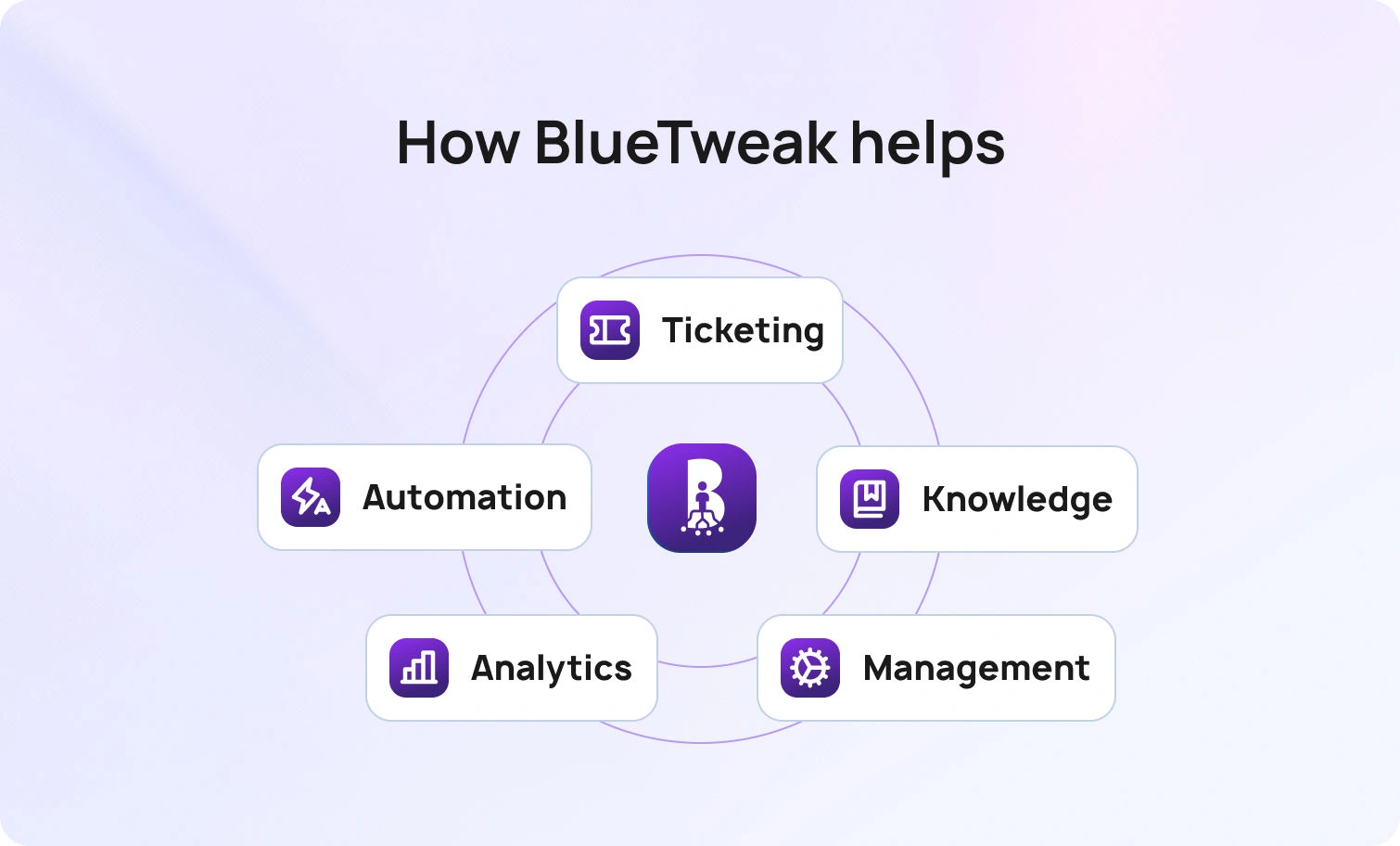
BlueTweak is an AI-native customer service solution that unifies ticketing, chatbot, agent assist, analytics, and workforce management. It handles email, chat, SMS, WhatsApp, Facebook Messenger, and voice in a unified inbox with shared customer profiles.
The platform grounds AI in your internal knowledge base using embeddings + LLM, preventing hallucinations with natural language processing while enabling instant answers to complex queries across text and voice channels. Multilingual support is available for both chatbots and voicebots, featuring real-time translation and native fluency in over 35 languages. GDPR compliance includes DPA with SCCs, EU data residency, a public sub-processor list, DSAR automation, and audit logs tracking every interaction.
Who Uses It: BPO providers and internal CX teams (20–100+ agents) across e-commerce, telecom, finance, and healthcare, managing multilingual support at scale.
Key Features:
Pricing:
Pros:
Cons:
Request a demo to see how BlueTweak’s unified AI customer support platform handles voicebot deflection, agent copilot workflows, and real-time workforce analytics in one subscription—no feature gating, no surprise fees.

Zendesk is a cloud-based helpdesk platform with AI add-ons for ticket summarization, customer intent detection, and chatbot automation. It covers email, chat, voice (via Twilio partnership), and messaging, but charges separately for advanced AI, WFM, and voice features.
Who Uses It: SMBs to enterprises across industries; strong in SaaS, e-commerce, and tech support.
Key Features:
Pricing:
Pros:
Cons:

Intercom combines live chat, a custom AI chatbot (Fin AI), and helpdesk ticketing, with a focus on proactive engagement and sales conversations. It includes basic email/messaging but limited native voice support.
Who Uses It: SaaS companies, product-led growth teams, and digital-first businesses engaging customers via in-app chat.
Key Features:
Pricing:
Pros:
Cons:

Freshdesk offers ticketing, email, chat, phone (Freshcaller), and Freddy AI for chatbot and real-time assistance. WFM and advanced analytics are available in higher tiers or separate Freshworks products.
Who Uses It: SMBs and mid-market teams; popular in retail, hospitality, and education.
Key Features:
Pricing:
Pros:
Cons:

Salesforce Service Cloud integrates CRM data with omnichannel case management and Einstein AI for predictive routing, chatbots, and sentiment analysis. Voice via third-party CTI or Amazon Connect integration.
Who Uses It: Enterprise companies already in the Salesforce ecosystem; finance, healthcare, and B2B services.
Key Features:
Pricing:
Pros:
Cons:

Genesys Cloud CX is a contact-center platform with native voice, digital channels, WFM, QA, and AI for predictive routing, sentiment analysis, and agent assist.
Who Uses It: Large contact centers (100+ agents) in telecom, financial services, healthcare, and utilities.
Key Features:
Pricing:
Pros:
Cons:

Ada is a no-code AI chatbot platform (text-only) that automatically handles customer inquiries via chat and messaging. No native ticketing, voice, or WFM. It integrates with external helpdesks.
Who Uses It: E-commerce, fintech, SaaS; companies seeking chatbot-first automation with low IT overhead.
Key Features:
Pricing:
Pros:
Cons:

LivePerson is a conversational messaging platform that specializes in messaging-first customer engagement across web, mobile apps, SMS, and social channels, utilizing generative AI and LLM orchestration.
Who Uses It: Enterprise brands (retail, telecom, finance, hospitality) prioritizing digital-first, messaging-based engagement over voice.
Key Features:
Pricing:
Pros:
Cons:

HubSpot combines CRM, marketing automation, and customer service with a free chatbot builder and live chat. It’s designed for inbound marketing teams that want unified customer data across sales, marketing, and support.
Who Uses It: SMBs and mid-market companies using HubSpot CRM; strong in SaaS, professional services, and B2B.
Key Features:
Pricing:
Pros:
Cons:

Gorgias is an e-commerce-focused helpdesk with deep integrations for Shopify/BigCommerce/Magento, as well as AI Agent capabilities for order management, refunds, and product recommendations.
Who Uses It: E-commerce brands (especially Shopify stores) with moderate to high order volumes.
Key Features:
Pricing:
Pros:
Cons:
The best AI chatbot for improving customer service delivers multilingual coverage, a knowledge base foundation to prevent hallucinations, a clear GDPR posture, and native WFM/QA capabilities. It does this without gating features behind enterprise SKUs or charging unpredictable per-resolution fees.
If you’re running a 20–100 agent team and need everything in one platform, BlueTweak delivers. It’s the only solution that bundles agentic AI (voicebot + chatbot), agent copilot tools (call transcription, ticket summaries, suggested replies), native workforce management, quality assurance, and full omnichannel capabilities in one €65/agent/month subscription.
No feature sprawl, no surprise fees, no voice or AI add-ons; just transparent pricing and fast deployment.
Schedule a 30-minute demo and learn how BlueTweak replaces five tools while delivering measurable gains in ticket deflection, first response time, and agent productivity.
Knowledge base grounding utilises embeddings and LLMs to extract context from internal content without exposing raw data to public models. BlueTweak, Salesforce Einstein, and Ada offer strong KB-grounding with role-based permissions. Confirm the platform uses retrieval-augmented generation (RAG) with your proprietary data.
Look for a Data Processing Agreement (DPA) with Standard Contractual Clauses (SCCs), a public list of sub-processors, regional data-residency options (EU/US/Asia), and DSAR tooling for access/erasure requests. “Secure” alone (e.g., SSL/TLS) isn’t enough—auditors expect governance controls and evidence. Verify DPA availability and data-location choices before signing; BlueTweak supports enterprise compliance reviews and data-residency options, and you can request its DPA, SCCs, and sub-processor details during procurement.
Per-resolution pricing can swing costs with volume spikes, making monthly spend hard to predict—even a short-term surge can double the bill. A per-agent subscription with transparent AI usage fees offers steadier TCO; BlueTweak follows this model, so finance teams can forecast without guesswork.
Many “multilingual” solutions lean on real-time translation APIs, which add latency and can miss nuance; native multilingual understanding performs better for intent and tone. Ask vendors whether language support is native or translation-based and test mid-conversation language switching. BlueTweak delivers multilingual voice and text with native routing and detection, and it lets you validate quality per language before you scale.
As Head of Digital Transformation, Radu looks over multiple departments across the company, providing visibility over what happens in product, and what are the needs of customers. With more than 8 years in the Technology era, and part of BlueTweak since the beginning, Radu shifted from a developer (addressing end-customer needs) to a more business oriented role, to have an influence and touch base with people who use the actual technology.
Quality
Administration
Workforce Management
Customer Support Analytics
Copyright BlueTweak 2025
