Self-Hosted AI Agent for Customer Support Guide for Security-Conscious Support Teams



BlueTweak is an AI Customer Support Platform that unifies every conversation, customer record, and automation into one workspace.
Explore more
Insights, trends, and practical ideas from customer experience and AI
Real-world scenarios showing how teams use BlueTweak to deliver better service
The daily blueprint that guides customer support leadership.
ROI and savings calculators for support teams
See how BlueTweak stacks up against leading customer support platforms
A self-hosted AI agent for customer support is an AI system deployed on a company’s own infrastructure rather than a vendor’s shared cloud, giving organisations full control over customer data, model access, security policies, and compliance workflows. For enterprises with strict data residency, on-premise, or regulatory requirements, self-hosted AI agents can offer the level of control needed to safely deploy AI across customer support operations. However, self-hosting also introduces significant technical overhead, including infrastructure management, model maintenance, integrations, updates, monitoring, and scaling, meaning many support teams ultimately achieve the same security and compliance outcomes faster, cheaper, and with less operational risk through a secure cloud AI platform.
A self-hosted AI agent gives organizations full control over how customer support data is processed, stored, and secured by deploying AI infrastructure on their own servers or private cloud.
The rapid growth of AI agents across customer support has created a new problem for enterprise teams: balancing automation with security, compliance, and operational control. While most discussions around self-hosted AI agent deployments focus on developers experimenting with workflows, vector databases, Docker Compose setups, or open source frameworks, support leaders are asking a different question: How do you safely deploy AI into customer conversations without losing control of sensitive data?
That question matters more than ever in regulated industries. Financial services, healthcare, insurance, legal services, and government organizations are under growing pressure to modernize support operations while maintaining strict compliance standards around data residency, auditability, and privacy.
According to Deloitte’s 2026 Regulatory Outlook research, 94% of financial services firms plan to increase AI investment over the next 12 months, yet nearly a third cite managing AI risk and meeting regulatory obligations as their biggest barrier to value.
At the same time, the market for self-hosted AI agents has exploded. Teams can now deploy open source AI models, containerised orchestration platforms, and low-code platforms directly on their own infrastructure. Tools like Rasa, Flowise, Dify, and Botpress make it possible to create AI agents without relying entirely on external services.
But there is a major gap in the conversation: most articles ranking for “self-hosted AI agent” are written for developers. Very few explain the operational reality for customer support teams, the hidden infrastructure costs, or the trade-offs between self-hosted AI and secure cloud deployment.
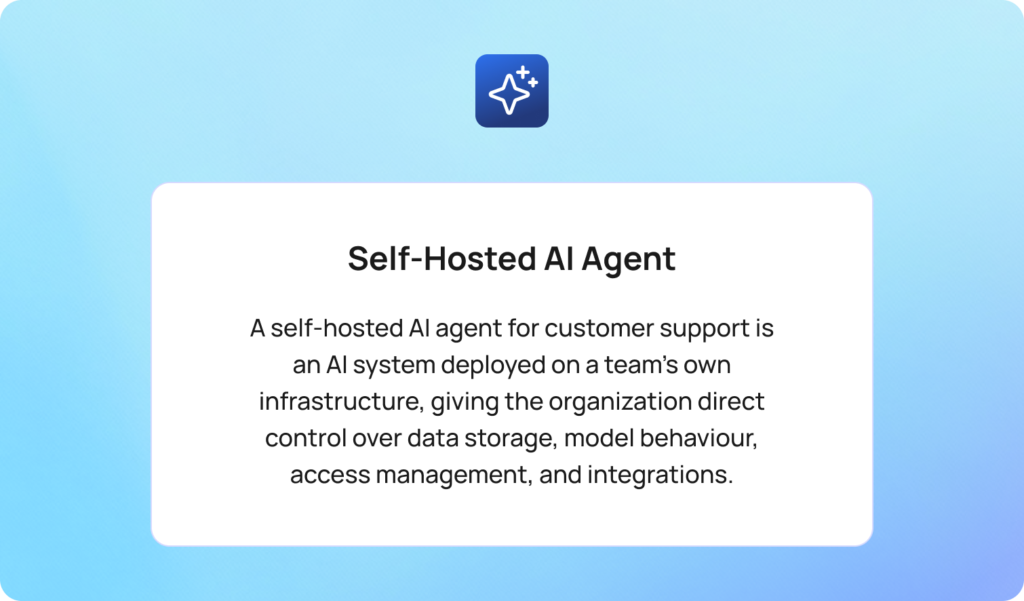
A self-hosted AI agent for customer support is an AI system deployed on a team’s own infrastructure, such as on-premise servers or a private cloud, rather than a vendor’s shared cloud environment, giving the organization direct control over data storage, model behaviour, access management, and integrations.
In a cloud-hosted AI agent deployment, the vendor processes and stores interaction data on infrastructure shared across multiple customers. In a self-hosted deployment, all data remains within the organization’s own environment.
That distinction is increasingly important for enterprise support operations handling sensitive customer conversations, financial records, healthcare data, or regulated documentation.
In 2026, self-hosted AI agents generally fall into two categories:
Modern self-hosted AI agent ecosystems can include:
The appeal is obvious. Organizations gain greater control over data, infrastructure, and AI behaviour while reducing dependency on external services or vendor lock-in.
But self-hosting also changes the ownership model. When a team chooses to self-host AI agent infrastructure, they are no longer just buying software. They are operating an AI system. That includes deployment, scaling, model updates, security hardening, observability, backups, integration management, and uptime.
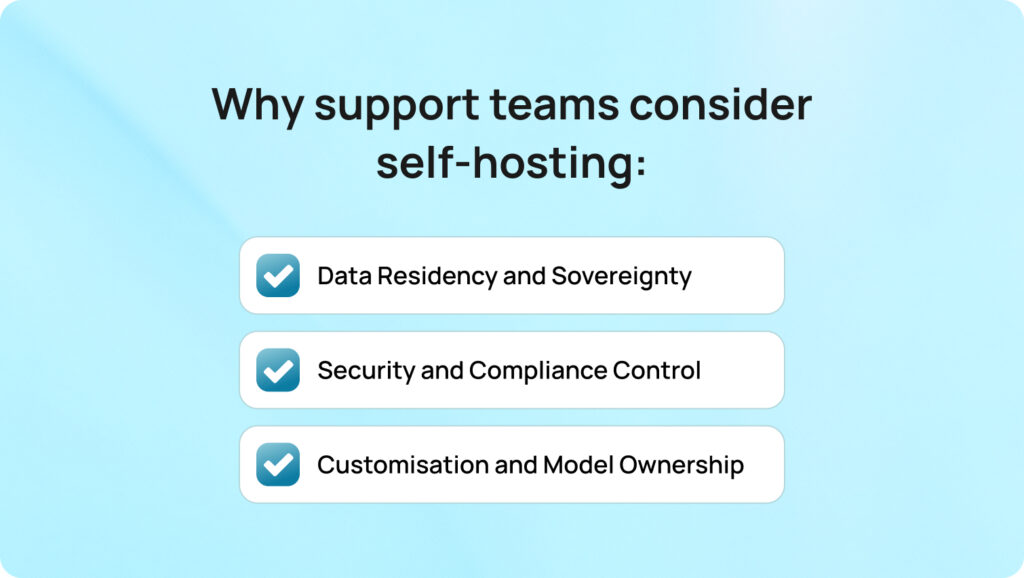
Support teams consider self-hosted AI agents primarily because they offer more direct control over data security, compliance, and AI customisation than traditional hosted AI platforms.
Importantly, these are not hypothetical concerns. For many organizations, especially in regulated industries, self-hosted AI is a legitimate operational requirement.
Data residency refers to where customer data is physically stored and processed. Healthcare providers operating under HIPAA, financial institutions handling payment data, and government organizations managing citizen records may need to ensure customer interactions never leave a defined geographic region or internal network.
Some cloud providers offer regional hosting, but not all can guarantee complete data isolation or on-premise deployment. For organizations with strict sovereignty requirements, a self-hosted AI agent can provide:
This becomes particularly important for organizations managing large amounts of customer interaction data across multiple channels.
Security control is another major reason organizations self-host AI agent infrastructure. A self-hosted deployment allows internal teams to directly manage:
For some enterprise security teams, relying on external services introduces unacceptable risk.
Deloitte’s State of Generative AI in the Enterprise research found that risk management and regulatory compliance remain the two biggest barriers preventing organisations from scaling generative AI initiatives. The challenge is in operationalizing AI safely in production environments.
Self-hosted AI agents also appeal to organizations that want deeper customization. Unlike many hosted AI agent platforms, self-hosted systems allow developers to:
This level of control can be valuable for organizations with highly specialized support workflows. But it also introduces more complexity; every layer of flexibility creates another layer that internal teams must manage.
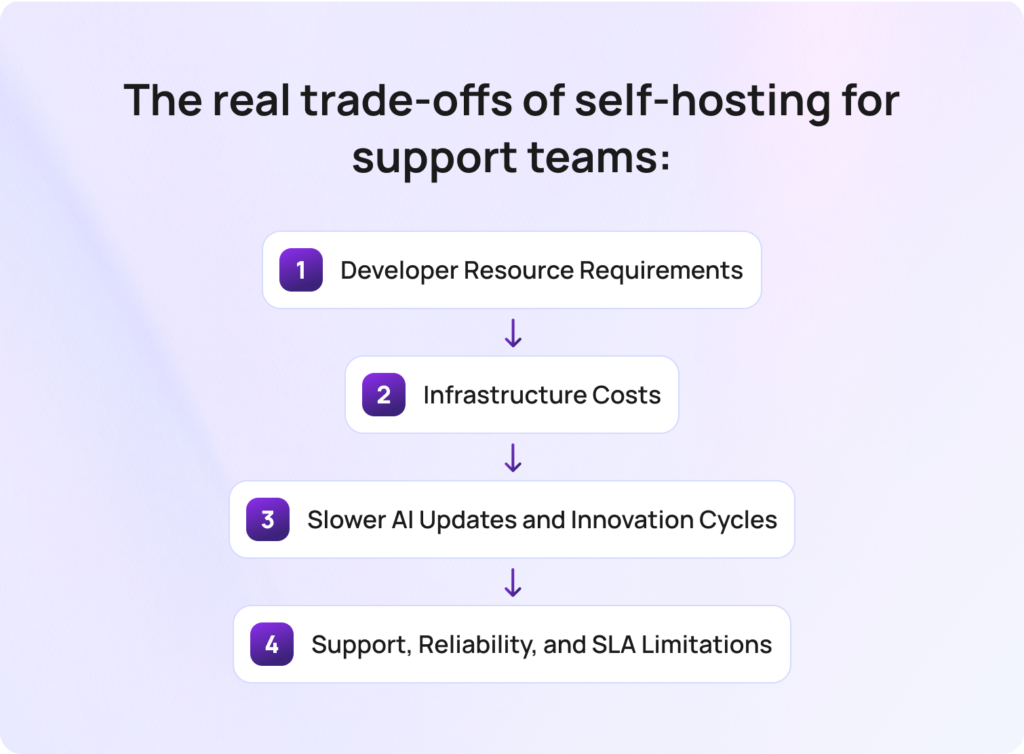
The real trade-offs of using a self-hosted AI agent for customer support are the increased technical, operational, and infrastructure responsibilities organizations take on in exchange for greater control over data, security, and AI deployment.
For some organizations, particularly those operating in heavily regulated industries, that trade-off is entirely justified. A self-hosted AI agent can provide greater control over sensitive data, deployment architecture, model access, and compliance workflows than many hosted AI platforms. However, self-hosting is not simply a more secure version of cloud AI. It is a fundamentally different operational model, and one that many support teams underestimate at the beginning of deployment planning.
A self-hosted AI agent requires ongoing technical ownership, including deployment, integrations, monitoring, updates, and infrastructure management.
Even the most accessible self-hosted AI agents still depend on developer involvement. Most platforms require teams to manage Docker Compose environments, APIs, vector databases, persistent storage, authentication layers, workflow orchestration, and security configuration. For organizations building more complex workflows, the technical overhead increases further, particularly when integrating AI models with internal systems, support platforms, or proprietary data sources.
This is the point many support teams overlook. Self-hosting is not a feature that gets switched on. It is an operational project that requires internal engineering resources long after deployment is complete.
Implementation timelines can also stretch quickly. What begins as a lightweight AI experiment often evolves into a broader infrastructure initiative involving IT, security, DevOps, and compliance teams.
Self-hosted AI infrastructure includes ongoing compute, storage, networking, maintenance, and security costs that many organizations fail to fully account for during procurement.
While many open source AI agents are technically free to download, production deployment is not free. Running modern AI models locally requires significant infrastructure planning, especially for enterprise-scale support operations processing large amounts of customer interaction data across multiple channels.
GPU requirements alone can become substantial depending on concurrency, workflow complexity, and model size. Teams also need to account for vector databases, backups, monitoring systems, redundancy planning, networking, container orchestration, and disaster recovery processes.
Deloitte research into enterprise AI infrastructure found that many organizations underestimate the long-term operational and infrastructure costs associated with managing AI workloads internally, particularly as deployments scale across compute, storage, networking, and governance requirements. The real challenge here is operating and scaling it reliably over time.
Self-hosted AI agents require organizations to manage their own model updates, validation cycles, and deployment testing. Cloud AI platforms continuously improve their AI models, workflows, integrations, and orchestration capabilities behind the scenes. In self-hosted environments, those responsibilities move entirely to the organization itself.
Every update introduces operational work, including:
Over time, many organizations discover their self-hosted AI stack begins to lag behind hosted AI alternatives, particularly in conversational quality, multilingual support, retrieval accuracy, memory handling, and orchestration capabilities.
This creates an important strategic question for support leaders: Is the goal to own infrastructure, or to continuously improve customer support outcomes with AI?
For many teams, those are not the same thing.
Most open source self-hosted AI agents rely heavily on community support rather than enterprise-grade SLAs. That distinction becomes critical in production customer support environments. If an AI workflow fails during a peak support period, internal teams are responsible for diagnosing the issue, restoring services, managing outages, and securing the environment.
This can include:
Unlike managed hosted AI platforms, there is often no dedicated vendor accountable for uptime, support response times, or operational continuity.
The real question is rarely cloud versus self-hosted. It’s whether the deployment model actually delivers the level of data control the business needs without creating operational overhead that slows the entire support organisation down.

Radu Dumitrescu, Head of Presale & Digital Transformation at BlueTweak
That distinction matters more than many organizations initially realise. For some enterprises, self-hosting is absolutely the right long-term strategy. For many support teams, however, the operational burden of maintaining self-hosted AI infrastructure ultimately outweighs the theoretical security advantages that drove the decision in the first place.
The best self-hosted AI agent platforms for customer support are tools that allow organizations to deploy AI workflows, conversational automation, and support operations on their own infrastructure while maintaining greater control over data, integrations, security, and compliance.
As of Q2 2026, the self-hosted AI ecosystem includes everything from lightweight low-code platforms to highly customizable open source frameworks designed for enterprise deployment. However, every option below requires some level of technical resources to deploy, manage, secure, and maintain in production environments. The right choice depends less on features alone and more on your organization’s internal engineering capacity, compliance requirements, and long-term operational goals.
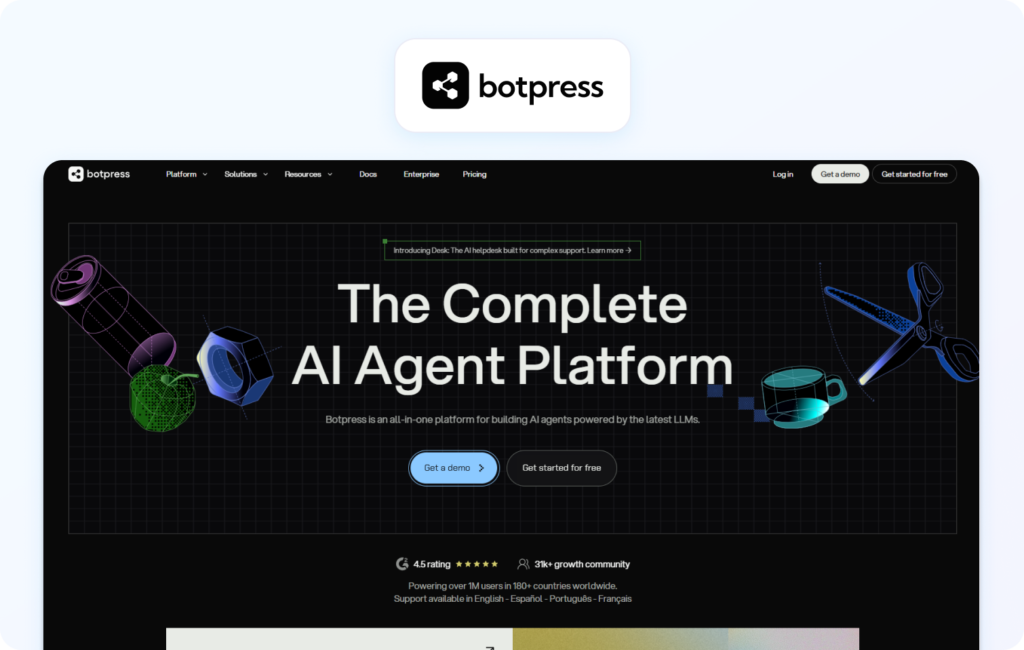
Botpress is a conversational AI platform that supports self-hosted deployment through Docker and private cloud infrastructure, making it one of the more accessible enterprise-ready AI agent platforms for customer support teams with internal technical resources.
The platform combines visual workflow design with developer tooling, allowing organizations to create AI-powered support workflows, automate repetitive customer tasks, and connect agents to internal systems through APIs and integrations. Botpress supports omnichannel conversations, knowledge base integrations, workflow orchestration, and custom conversational logic.
From a deployment perspective, Botpress offers more structure and usability than many open source frameworks. However, teams still need to manage infrastructure, deployment environments, integrations, scaling, monitoring, updates, and security internally.
Pros:
Cons:
Best for: Support teams with developer resources that want conversational AI flexibility without building workflows entirely from scratch.
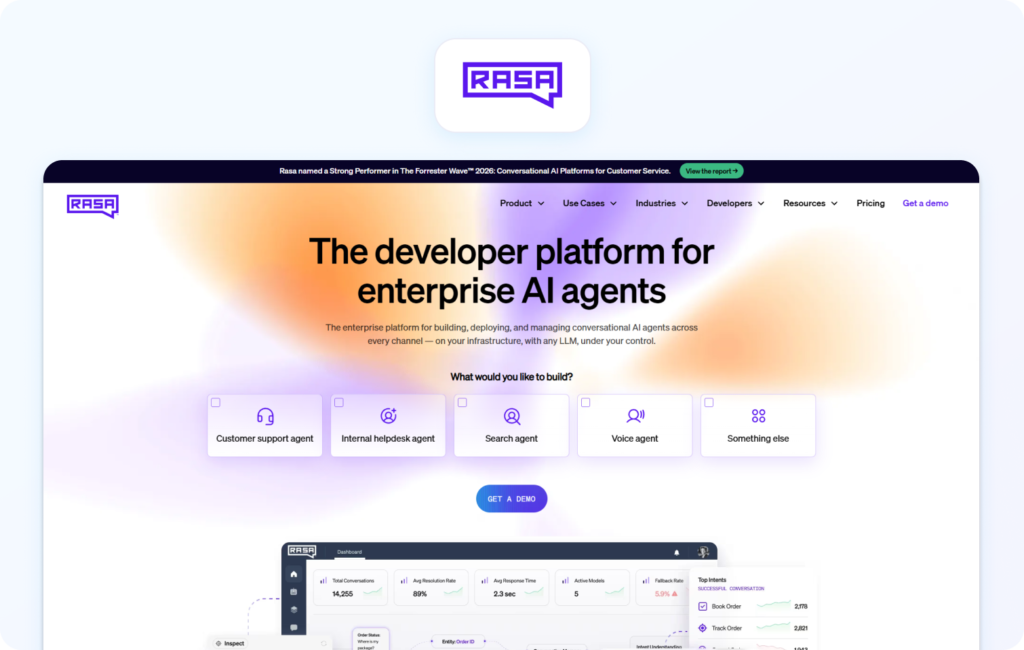
Rasa is an open source conversational AI framework designed for organizations that require highly customized NLP workflows, advanced orchestration, and complete control over deployment architecture.
Unlike low-code platforms, Rasa is heavily developer-focused and designed for teams building AI systems around specific operational or compliance requirements. The framework supports fully self-hosted deployment, custom NLU pipelines, fine-tuning workflows, API integrations, and contextual conversation management.
Rasa is often used by enterprise organizations that need full control over sensitive data, model behaviour, infrastructure, and workflow logic. It can also integrate directly with internal systems, vector databases, proprietary knowledge sources, and customer support platforms.
The trade-off is technical complexity. Rasa requires experienced developers, infrastructure planning, and long-term operational ownership to maintain effectively in production environments.
Pros:
Cons:
Best for: Enterprises with dedicated AI engineering resources and highly specific compliance or workflow requirements.
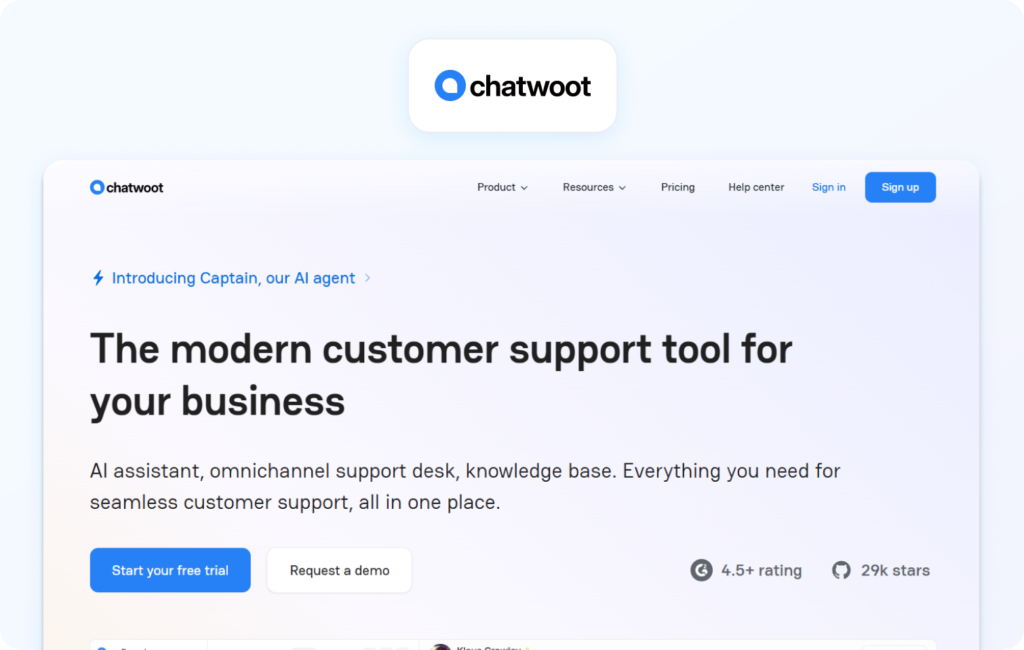
Chatwoot is an open source customer support platform that supports self-hosted deployment while offering omnichannel communication management and lightweight AI-assisted workflows.
Although Chatwoot is not exclusively an AI agent platform, it provides support teams with self-hosted infrastructure for managing customer conversations across chat, email, social messaging, and web channels. AI capabilities can be integrated through APIs and external AI models to automate responses, routing, and support workflows.
One of Chatwoot’s strengths is operational simplicity compared to larger AI orchestration platforms. It is generally easier to deploy and manage for teams already familiar with customer support tooling.
However, organizations still need to manage hosting, updates, security, integrations, and infrastructure internally. Its AI orchestration capabilities are also more limited than dedicated AI agent frameworks.
Pros:
Cons:
Best for: Support teams wanting open source omnichannel support with lightweight AI automation capabilities.
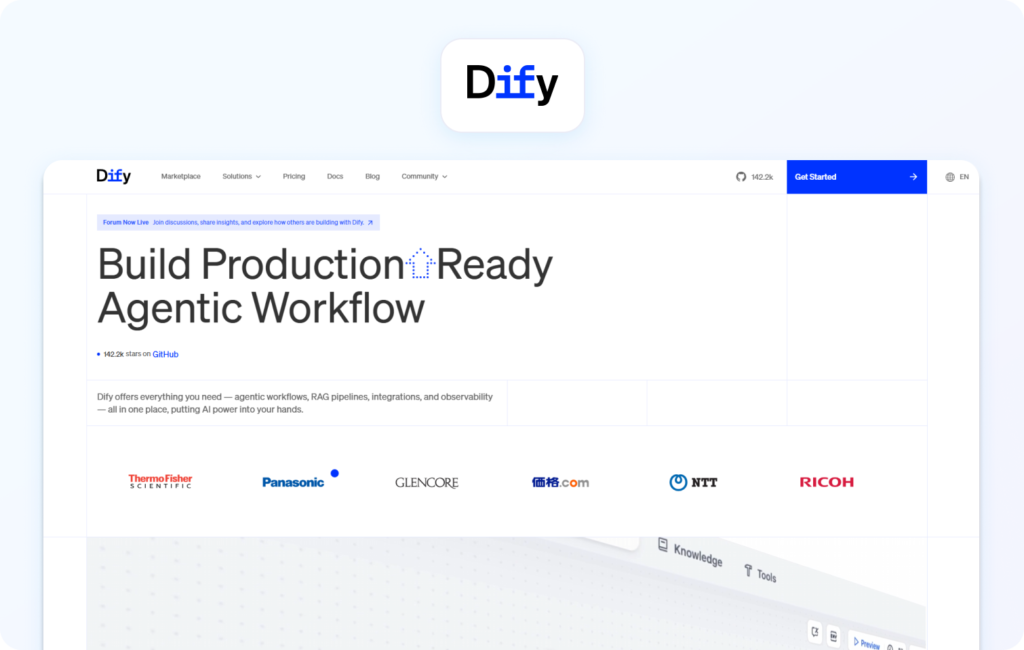
Dify is a self-hosted AI application platform designed for building retrieval-augmented generation workflows and knowledge-grounded support experiences.
The platform simplifies the process of connecting AI models to internal knowledge bases, files, APIs, and vector databases, making it particularly useful for customer support teams that need grounded, context-aware AI responses.
Dify supports Docker Compose deployment, multi-model orchestration, conversational workflows, prompt management, and API integrations. Compared to many older open source tools, the interface is relatively modern and accessible.
For support environments with large knowledge libraries or documentation-heavy workflows, Dify’s retrieval-focused architecture can improve answer consistency and reduce hallucination risk.
However, production deployment still requires technical ownership across infrastructure, monitoring, security, scaling, and maintenance.
Pros:
Cons:
Best for: Organizations prioritising knowledge-grounded customer support workflows and RAG-based AI experiences.
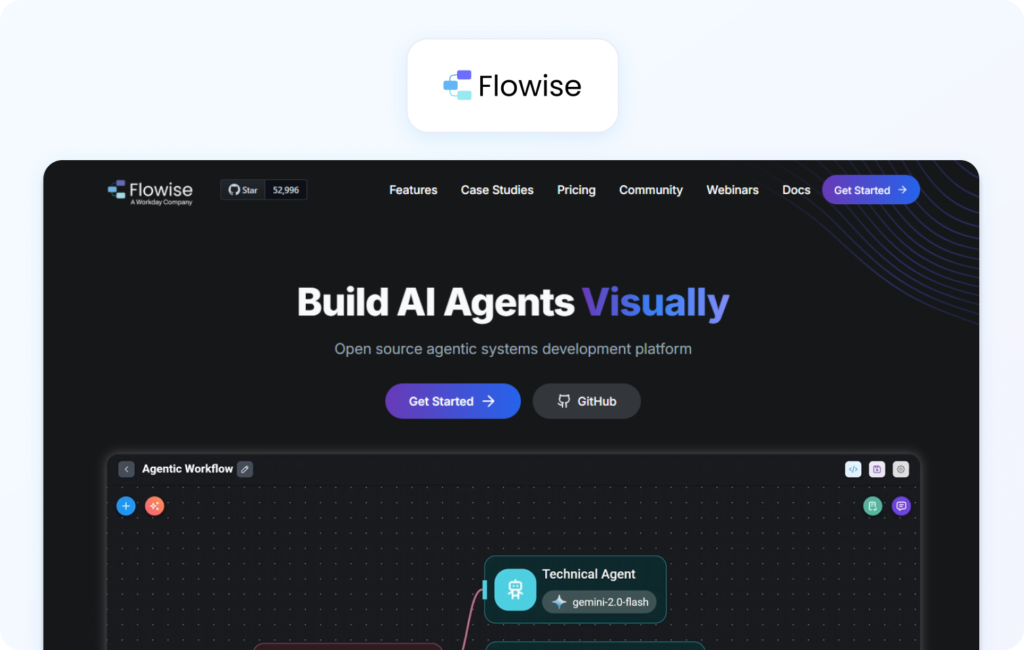
Flowise is a low-code AI orchestration platform that allows teams to build conversational workflows visually using drag-and-drop interfaces.
Built around the LangChain ecosystem, Flowise allows organizations to connect AI models, APIs, vector databases, tools, and memory layers without writing large amounts of code from scratch. This makes it one of the more accessible self-hosted AI agent options for experimentation and rapid workflow prototyping.
The platform supports workflow templates, conversational pipelines, integrations, and orchestration across multiple AI providers and open source models.
Its biggest advantage is speed. Teams can create and test workflows quickly without building entire orchestration systems manually. However, as deployments scale, governance, monitoring, maintenance, and operational complexity increase significantly.
Pros:
Cons:
Best for: Teams experimenting with AI workflows before moving into larger production deployments.
Typebot is a lightweight conversational automation platform that supports self-hosted deployment for browser-based customer interaction workflows.
The platform focuses on usability and simple chat automation rather than highly autonomous AI orchestration. Teams can create conversational forms, automate customer interactions, and connect workflows through APIs and integrations.
Compared to larger enterprise platforms, Typebot offers a faster setup experience and lower infrastructure complexity. This makes it attractive for smaller teams or organizations testing self-hosted AI support workflows for the first time.
However, Typebot is not designed for highly complex enterprise AI workflows, advanced contextual memory management, or deeply autonomous support operations.
Pros:
Cons:
Best for: Smaller support teams seeking lightweight conversational automation with self-hosted deployment flexibility.
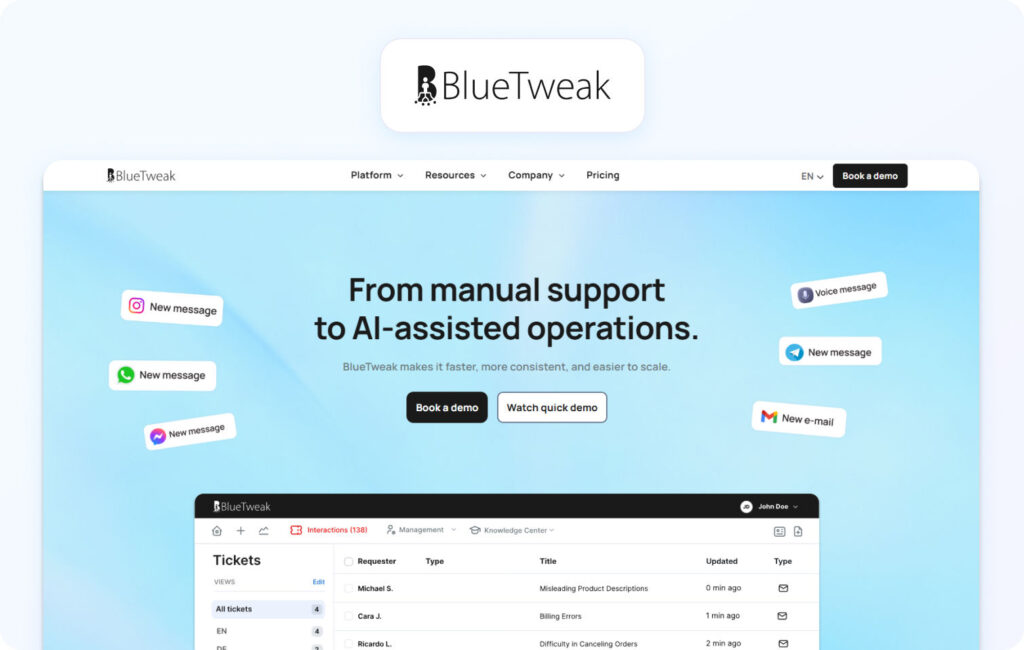
BlueTweak is a secure cloud AI customer support platform designed for organisations that need enterprise-grade security, compliance controls, and AI-powered support automation without the operational overhead of self-hosting infrastructure.
Unlike most self-hosted AI agents, BlueTweak focuses specifically on customer support operations, combining conversational AI, suggested replies, knowledge base-grounded responses, workflow automation, and omnichannel support inside a managed enterprise platform. The platform is designed for organisations that need strong control over customer data and governance while avoiding the infrastructure burden associated with managing AI systems internally.
BlueTweak supports customer support workflows across chat, email, web, and messaging channels, while integrating with enterprise systems and internal knowledge sources to provide context-aware AI assistance.
From a security perspective, BlueTweak is positioned around enterprise governance and compliance readiness. The platform is built on enterprise-grade cloud infrastructure environments, including Microsoft Azure, enabling organisations to combine secure AI deployment with regional hosting, access controls, auditability, and operational reliability.
Pros:
Cons:
Best for: Enterprise support teams that need strong security and compliance controls without dedicating internal teams to AI infrastructure management.
BlueTweak Customer Spotlight
A packaging and manufacturing organization partnered with BlueTweak to improve visibility across quality management and customer support workflows. By implementing AI-powered operational oversight and reporting capabilities, the company achieved improved operational reporting visibility, faster issue resolution processes, and better oversight across customer interactions.
The comparison table below includes both self-hosted AI agents and secure cloud platforms to help support teams evaluate the trade-offs between infrastructure control, operational complexity, security governance, and deployment speed. This provides a broader view of which deployment model best aligns with different compliance, support, and technical requirements.
| Platform | Deployment Model | Technical Requirement | Support Channels | Best For |
| Botpress | Docker / Private Cloud | Medium-High | Chat, Messaging, Web | Teams with developer resources |
| Rasa | Fully Self-Hosted | High | Omnichannel via integrations | Custom enterprise NLP workflows |
| Chatwoot | Open Source Self-Hosted | Medium | Email, Chat, Social | Omnichannel support operations |
| Dify | Docker Compose / Containerised | Medium | API-driven workflows | RAG-grounded support |
| Flowise | Low Code Self-Hosted | Medium | Workflow integrations | AI workflow experimentation |
| Typebot | Lightweight Self-Hosted | Low-Medium | Chat interfaces | Lightweight automation |
A secure cloud AI platform for customer support is a vendor-managed AI environment that provides enterprise-grade security, compliance controls, and data governance without requiring organizations to manage infrastructure internally.
This is the point many organizations reach during procurement. They begin exploring a self-hosted AI agent because they want greater control over sensitive data, compliance, and security, but eventually realize that self-hosting is not the only way to achieve those outcomes.
In practice, most support teams are not looking to own AI infrastructure for its own sake. They are looking for confidence that customer data is protected, access is controlled, compliance requirements are met, and AI systems can be deployed safely at scale.
For many organizations, particularly those outside highly restricted on-premise environments, a secure cloud platform can deliver those protections without the operational burden of managing self-hosted AI infrastructure internally.
When evaluating a secure cloud AI platform, support teams should look for:
These controls matter because they address the real business requirement behind most self-hosted AI discussions: reducing operational and compliance risk around customer data.
This is also where many organizations discover the hidden cost of self-hosting. Infrastructure management, model updates, security patching, monitoring, scaling, and workflow maintenance all become internal responsibilities. Over time, maintaining the AI system itself can consume more attention than improving the customer support experience it was originally deployed to enhance.
For most support teams, even in regulated industries, a secure cloud platform that meets enterprise security and compliance standards can deliver the required level of data control significantly faster and with lower operational overhead than a self-hosted deployment.
The right AI agent deployment strategy depends on what your organization actually needs to control: infrastructure itself, or the security, compliance, and governance outcomes surrounding customer data.
For organizations with strict on-premise requirements and zero tolerance for external cloud processing, a self-hosted AI agent is often the correct long-term approach. Platforms like Rasa and Botpress provide some of the most mature foundations for teams willing to invest in infrastructure, engineering resources, and ongoing operational management.
However, for many customer support teams, particularly those balancing compliance requirements with limited internal technical resources, the reality is more nuanced.
Self-hosting introduces ongoing responsibility for infrastructure, updates, monitoring, security hardening, scaling, and support reliability; responsibilities that can quickly outweigh the perceived benefits of full infrastructure ownership.
That is why many organizations ultimately move toward secure cloud AI platforms instead. A platform that offers regional data residency, enterprise-grade security controls, auditability, encryption, and compliance support can often deliver the same practical data protection outcomes without the operational overhead of maintaining self-hosted AI infrastructure internally.
If your team is evaluating how to balance AI innovation with enterprise security and compliance requirements, BlueTweak can help you explore the right deployment model for your support environment. You can book a demo or try the platform for free to get a first-hand experience of how enterprise AI support automation can improve customer service operations without the infrastructure overhead of self-hosting.
A self-hosted AI agent is an AI system deployed on an organization’s own infrastructure rather than a vendor-managed cloud environment. This allows organizations to maintain greater control over data storage, security policies, integrations, and compliance workflows.
Not necessarily. Self-hosted AI agents provide more direct infrastructure control, but security depends on how well the organization manages deployment, access controls, updates, monitoring, and maintenance. A secure cloud platform with enterprise-grade certifications and governance controls can often provide equivalent or stronger practical security outcomes.
Regulated industries such as healthcare, finance, legal services, and government often have stricter requirements around data residency, auditability, and sensitive customer information. Self-hosting can help organizations maintain tighter control over how customer data is processed and stored
The biggest challenges are infrastructure complexity, developer resource requirements, ongoing maintenance, scalability, security management, and long-term operational cost. Many organizations underestimate the amount of technical ownership required to run AI agents reliably in production environments.
A secure cloud AI platform is often the better choice when organizations need strong security, compliance, and data governance controls without managing infrastructure internally. For many support teams, a secure cloud deployment provides faster implementation, lower operational overhead, and easier long-term scalability than a fully self-hosted AI agent deployment.
As Head of Digital Transformation, Radu looks over multiple departments across the company, providing visibility over what happens in product, and what are the needs of customers. With more than 8 years in the Technology era, and part of BlueTweak since the beginning, Radu shifted from a developer (addressing end-customer needs) to a more business oriented role, to have an influence and touch base with people who use the actual technology.