



TL;DR
If you want to know how to measure help desk performance, choose a tight set of metrics that mirror how the work actually flows: demand, speed, quality, reliability, cost, and team health, using key performance indicators and help desk metrics as the foundation for effective measurement. Define each metric once, calculate it the same way every week, and use trends to guide one practical change at a time. Customers should feel faster, clearer service while agents see fewer handoffs and cleaner queues. BlueTweak brings ticketing, SLAs, knowledge, AI assist, analytics, and workforce management into one workspace so measurement and improvement live side by side.
Why Measurement Should Mirror the Work
Monday, 9:05 a.m. The queue looks calm, yet your inbox is not. A customer asks for an update for the second time, a VIP copies a director, and two analysts debate ownership of a stubborn access request. The dashboard says handle time is down. It also says reopenings are up. Neither explains why the team feels stretched or why customers keep chasing status.
The gap is clarity. Customers notice slow first responses and vague timelines long before they answer a survey. Agents feel the drag of missing details, unclear handoffs, and tickets that boomerang. Leaders see green SLA charts that hide aging VIP work and quiet backlogs. Without the proper measures, you fix symptoms and miss the cause. With the proper measures, you see the pattern behind the noise: where demand is spiking, where work stalls, which promises break, and which changes actually help. These patterns provide valuable insights that enable data-driven decisions to improve help desk performance.
This article focuses on the numbers that reveal that story. You will not see vanity charts. You will see a small set of metrics that capture what customers feel, what agents can change today, and what leaders can tune this week. The goal is simple: clearer decisions and calmer days.
How to Measure Help Desk Performance: The 21 Metrics That Matter
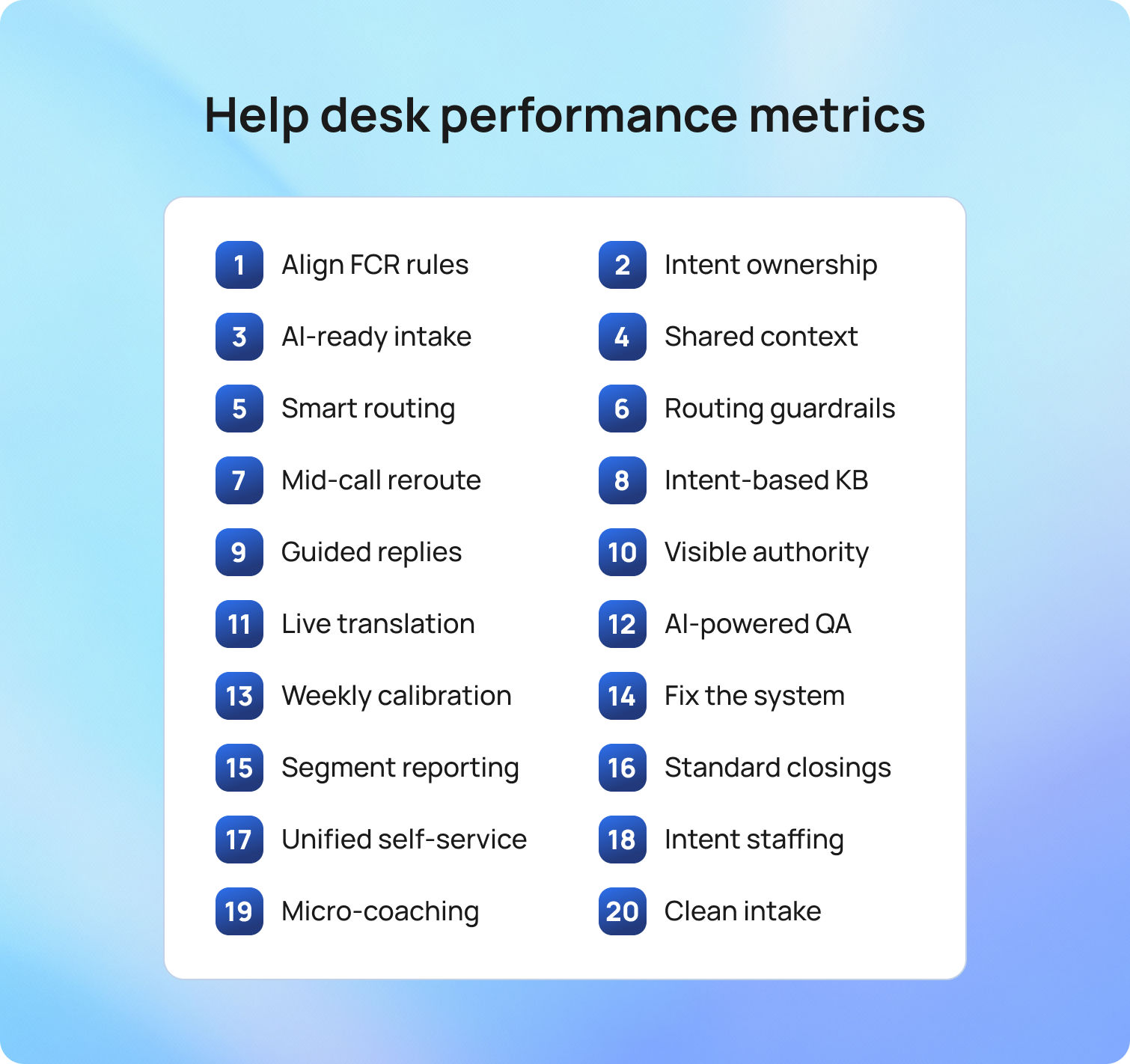
Strong measurement starts with a clear picture of demand, follows how work moves, and ends with what customers felt and what held up the fix. The metrics below work together in the order shown. Tracking these metrics is essential for improving support and service desk performance, support operations, and overall process optimization to deliver better outcomes. Read them as a storyline rather than isolated numbers: volume and mix set the stage, speed and flow show pacing, quality and accuracy confirm outcomes, productivity and cost reveal the effort required, reliability shows whether promises held, and team signals tell you if the pace is sustainable.
1) Ticket Volume
Ticket volume is the count of support tickets opened in a defined period (often tracked as support channel ticket volume and compared as support tickets opened vs. resolved within a specific period). It frames the load your support team carried and gives context to every other number. Segment by intent and channel so a spike in chat for complex billing does not hide in a single total. Volume by itself is neutral; pair it with deflection and self-service usage to see whether fewer tickets reflect better design or silent abandonment.
2) Ticket Volume by Channel
Channel mix shows how demand arrives across portal, email, chat, voice, and social. Each channel carries a different context and speed. Different channels may generate different types of support requests, requiring agents to perform a variety of support tasks to resolve them efficiently. Chat suits quick, well-understood fixes, while email fits attachments and approvals. Knowing the mix lets you place skills by hour and language so the customer service team is present where customers actually show up.
3) Ticket Creation to Qualification
Creation-to-qualification measures the time from ticket creation to the first assignment with the right skills and permissions. It combines intake quality and routing clarity into a single value. Long waits often point to vague forms, missing attachments, or guesswork on ownership. Conditional fields, simple pre-checks, and routing by intent, language, and risk shorten this interval and give analysts a clean first move. Streamlining and continuously improving support processes at this stage can significantly reduce delays and improve efficiency.
4) First Response Time (FRT)
First response time tracks minutes from creation to the first meaningful human reply, often referred to as the initial contact with the customer. Customers relax when an early update sets expectations in plain language. Empty acknowledgments distort the metric and damage trust. Visible SLA timers in the queue view and short, copy-ready first responses keep timing predictable without encouraging shortcuts.
5) Average Resolution Time (Time to Resolution, TTR)
TTR measures the whole journey from creation to resolution and shows whether work is advancing or idling. Tracking average and overall resolution times is key to understanding how efficiently the team resolves issues. Count only allowed pauses such as Pending customer or Waiting on vendor with a visible reason. If FRT (first resolution time) improves while TTR worsens, handoffs or unclear next steps are likely. A brief daily unblock huddle often clears the few items that jam everything else.
6) In Progress Age
In progress age is the median age of active tickets. It exposes quiet drift that averages can hide. Monitoring in-progress age helps identify and manage the ticket backlog, ensuring that unresolved tickets do not accumulate unnoticed. Report medians and percentiles to avoid distortion from a single long case. Protect focus windows for L2 and L3 queues, where specialists diagnose complex issues and engineers deliver durable fixes, so deep work can be completed without constant interruptions. When this value drops, customers feel genuine movement and response times improve where it matters.
7) Backlog and Backlog Age
Backlog counts open tickets and their age by intent. Comparing opened and closed tickets over time helps teams allocate resources effectively and optimize resource allocation to prevent backlog growth. It is the honest view of debt. Older items usually signal missing steps, unclear ownership, or stalled approvals. Tackle one intent at a time and pair the push with a small intake or routing fix so the problem does not return next week. Track VIP backlog age to prevent a quiet risk.
8) First Contact Resolution (FCR)
FCR is the share of tickets resolved after the initial qualified touchpoint with no additional agent interaction (also known as the first-contact resolution rate). It reflects how well intake and knowledge match reality. Segment by intent and language so you target work that can truly be solved at first touch. Draft replies to approved articles and surface them during submission to lift FCR without sacrificing tone.
9) Contact Resolution Rate
Contact resolution rate asks whether the fix holds. Measure the percentage of tickets that remain solved after a defined window, such as seven days. A dip here often means rushed closures or weak verification. Ensuring the resolution fully addresses the customer's issue is essential for maintaining a high contact resolution rate. Clearer closure notes and a short confirm-outcome step reduce returns without slowing the queue.
10) Reopen Rate
Reopen rate is the percentage of tickets that return after resolution. Every reopen adds cost and erodes confidence. Capture why cases come back so you can separate misunderstandings from defects or missing entitlements. A small verification step for higher-risk intents and a tighter resolution template usually bring this down.
11) Transfer Rate
Transfer rate is the share of tickets that change owners at least once. Reassignments add reading time and break context. Treat valid specialist handoffs differently from misroutes. Clear handoff triggers in role cards and queues organized by intent reduce unnecessary transfers, giving support agents more time to solve tickets and allowing each to focus on resolving tickets efficiently.
12) Escalation Rate
Escalation rate is the percentage of tickets pushed to a higher tier or a vendor. A well-trained IT support team can handle more issues at the first level, reducing unnecessary escalations. Healthy operations do not aim for zero; they aim for justified escalations with clear evidence. Watch trends by intent. A sudden rise often signals a new product issue or a knowledge gap. Pair escalations with fast article updates and short teach-backs so L1 can handle the next one.
13) SLA Compliance
SLA (service level agreement) compliance reports the percentage of tickets that meet first response and resolution targets, making it one of the most essential service desk KPIs. It reflects both predictability and speed. Pauses should be limited to clear states with visible reasons. Breach warnings belong in the live queue view so action happens in time, not in a retro report after the promise is already broken.
14) VIP Exposure and Aging
VIP exposure shows open VIP tickets by severity and age, along with the next promised update. Effective service desk management ensures VIP tickets receive timely attention. It prevents high-risk work from aging quietly under routine requests. You do not need a separate process for VIPs, only timely visibility and scheduled communication that matches expectations. When this stays clean, leaders support rather than chase status.
15) Customer Satisfaction Score (CSAT)
CSAT measures how satisfied customers are at the end of a case, with customer satisfaction surveys as the primary tool for collecting this feedback. Keep the survey short and send it when the outcome is fresh. A single question with an optional comment usually tells you enough. If CSAT looks fine while message sentiment sours, adjust status timing and template tone before problems spread.
16) Customer Effort Score (CES)
CES asks how much effort customers had to put into resolving an issue. It shines a light on intake friction, unclear updates, and handoffs. Ask after an unlock, access grant, or device swap when memory is fresh. Then remove the step that customers most often stumble on. CES improves, and so does overall satisfaction, as higher CES scores are closely associated with greater user satisfaction.
17) Net Promoter Score (NPS)
NPS reflects willingness to recommend and sits within the broader customer experience, with high NPS scores serving as a strong indicator of customer loyalty. Support influences it through tone, speed, and fix quality. Use NPS to inform cross-functional work with product and operations rather than to grade an individual agent. When support themes explain swings in NPS, you have evidence to focus on the next improvement.
18) Average Handle Time (AHT)
AHT is the active work time per ticket. Monitoring AHT helps assess agent productivity and identify areas for improvement. Treat it as a lens on waste, not a speed trap. Extended reading and repetitive writing are common culprits. Thread summaries, reply drafts grounded in the knowledge base, and in-flow article snippets lower AHT while protecting service quality, which matters more than shaving seconds that customers can feel.
19) Agent Utilization Rate
Utilization compares productive time to scheduled time. Sustained values in the high eighties or nineties suggest a team running hot. Short peaks happen; long strain predicts attrition. Forecast by hour and language, keep a small overflow pool trained on common intents, and protect deep work windows. Utilization settles, and team performance rises, while optimal utilization reflects the team's ability to handle workload efficiently and serves as a key indicator of the team's performance.
20) Cost Per Ticket
Cost per ticket is the total support costs divided by the number of tickets resolved in a period, providing insight into the overall efficiency of support services. It provides a financial view of performance and helps justify investments. Durable reductions come from fewer repeats and faster first-qualified ownership, rather than shifting work to customers. When FCR rises and reopens fall, the cost per ticket drops in a way customers appreciate.
21) Knowledge Engagement
Knowledge engagement blends article usage, feedback, and update cadence, and strong knowledge engagement is essential for delivering high-quality technical support. It answers whether the self-service library and agent articles actually help. Track which pieces appear during submission, which are used during handling, and which receive a quick thumbs-up. Nudge authors when agents deviate from recommended steps. Minor, steady edits keep helpful content and lift FCR without a rewrite project.
How These Metrics Connect
Connections tell the story. A faster first response with a longer time to resolution often means handoffs or unclear procedures. A drop in TTR paired with rising reopens reveals rushed closures. Stable FCR with worsening sentiment points to tone or timing issues rather than technical gaps. The chain is the point, and it is how to measure help desk performance without drowning in charts. Understanding the relationships between desk metrics and service desk metrics is key to making meaningful improvements.
A change log that pairs a minor fix with expected movement in two or three connected metrics makes learning fast. Add model and OS to the device swap intake, and you should see fewer reopens, a shorter path to the qualified owner, and a modest drop in handle time. If the signals do not move, revisit the fix.
How to Set a Baseline in One Week
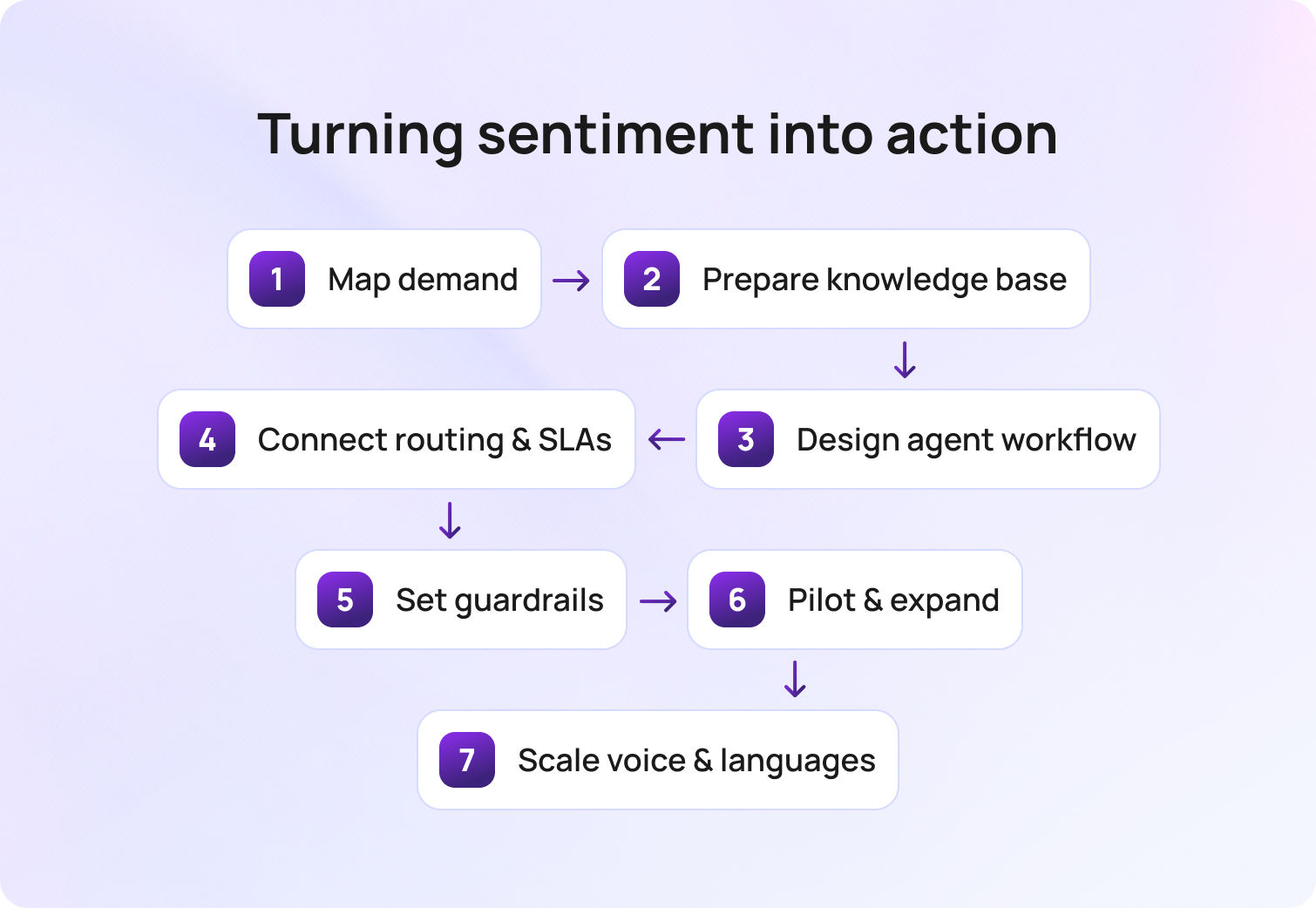
A solid baseline does not require a quarter or a BI project. It needs one shared window, precise definitions, clean data, and a simple loop that ties changes to results. The goal is a view your team trusts enough to act on every week.
Pick the window and freeze it. A rolling 28-day period smooths holidays and odd weeks without hiding problems. Set the clock on Monday morning and keep the same cadence each week. Everyone knows what “this period” means, which stops calendar confusion before it starts.
Write the glossary first. Publish a one-page list of metric names and formulas. Define first response time, time to resolution, first contact resolution, reopen rate, SLA compliance, backlog age, and any VIP views you plan to show. Note what counts as a pause, which statuses qualify as resolved, and whether you use business hours or calendar hours. Lock it. The glossary prevents later debates that waste time.
Choose a single source of truth. Pull every metric from the same workspace so the numbers line up with how people actually work. Tickets, SLAs, knowledge usage, AI drafts, and staffing should feed the same dataset. Integrating customer data from systems such as CRM, billing, and analytics provides a unified, accurate view of support performance. If you must combine systems, declare the join keys upfront and test them on a small slice before you scale.
Focus on trends, not trophies. Targets are helpful, but trends tell the story you can act on. Show this week versus the prior four and the same window last quarter. Celebrate direction with context. A decrease in time to resolution is only good if reopens are not increasing.
Segment where it matters. Report by intent, channel, and language so averages do not hide risk. Password resets should not mask payroll incidents. Chat performance should not be judged by email complexity. Segmenting reveals where a minor fix can move a real number.
Publish a change log next to the dashboard. Pair every tweak with the metric it should move. “Added device model and OS to swap intake” should link to expected drops in reopens and handle time for that intent. Review the log in the same meeting where you review the numbers. Cause and effect become explicit.
Assign owners and meeting rhythm. Name a data owner for the extract, a lead for the glossary, and a facilitator for the weekly review. Keep the meeting tight. Ten minutes on the five anchors, ten minutes on one fix, five minutes on the change log. Decisions become routine rather than dramatic.
Validate with a small audit. Pick ten tickets from the period and hand-check the timestamps and statuses against your formulas. Confirm that paused states are applied correctly, that resolved means the same thing across queues, and that VIP tags are accurate. Fix any drift before you broadcast the dashboard.
Close the loop with one improvement. Use the baseline to pick a friction point and ship a small change within the week. Add a missing intake field, tweak a routing rule, clarify a delay template, or update one article that does the most damage when it is wrong. Check the impact in the following review and write two lines in the log.
Let the platform do the heavy lifting. BlueTweak makes it quicker because intake, routing, timers, knowledge,AI ticket summaries, staffing, and analytics live in one place. The same data powers both dashboards and decisions, which means less reconciliation and more actual improvement.
How BlueTweak Turns Measurement Into Weekly Wins

Monday starts with a short review, not a scramble. The team opens BlueTweak and sees the five anchors in one place: first response time, time to resolution, SLA compliance, reopen rate, and CSAT. A pattern stands out. Reopens ticked up on device swaps. You click the device-swap intent and read recent tickets in the same workspace, complete with AI summaries, call transcripts, and the exact steps agents took.
The fix is minor and immediate. In conditional intake, you set a model and OS as required, with a clear field hint and an attachment rule for screenshots. In dynamic routing, you tighten the rule so that complex swaps go to the L2 device pod with German-language coverage when needed. In status templates, you add a one-line verification at closure. Each change takes minutes because forms, routing rules, and templates live next to the queue rather than in a separate admin tool.
By Friday, the impact is visible. Analytics show first-touch quality up, minutes to a qualified owner down, and reopens easing. A linked change log pairs each edit with the movement it produced, so there is no guesswork about cause and effect. Knowledge base usage confirms that agents opened the updated article in flow, and AI reply drafts grounded in that content kept tone consistent while speeding responses.
The next week follows the same rhythm. A late-afternoon slowdown in billing emails is shown in the workforce management view, alongside the queues. You shift one agent for two hours and watch SLA timers settle before they breach. A quick check of multi-channel views confirms that chat is handling simple requests, while email handles longer approvals.
Over time, this quiet loop becomes the operating habit. This approach enables teams to consistently deliver exceptional customer support and create a positive customer experience. Minor edits ship quickly, numbers move in the right direction, and the day feels calmer because measurement and action are on the same screen in BlueTweak.
Numbers That Power Faster Resolutions
A strong measurement system looks simple at first glance and precise underneath. The families cover demand, speed, quality, reliability, cost, and team health. The individual metrics have definitions that do not change, formulas anyone can calculate, and trends that point to one practical fix.
When intake improves, the time to a qualified owner falls. When knowledge sits in the path of work, first-contact resolution improves. When status language becomes clear, second contacts drop. When pauses are visible and justified, SLA compliance becomes trustworthy. The chain is the point, and it is how to measure help desk performance without drowning in charts.
If you want to see this model operating in one place, BlueTweak maps each metric to the workflow that moves it and shows its impact in days. Tracking support issues and addressing customer concerns are central to effective help desk measurement. See BlueTweak in action with a short demo and watch a ticket move from intake to resolution with the right metrics front and center.

As Head of Digital Transformation, Radu looks over multiple departments across the company, providing visibility over what happens in product, and what are the needs of customers. With more than 8 years in the Technology era, and part of BlueTweak since the beginning, Radu shifted from a developer (addressing end-customer needs) to a more business oriented role, to have an influence and touch base with people who use the actual technology.



