



TL;DR
Live chat translation software breaks down language barriers by automatically detecting a customer's language and translating conversations in real time between support agents and global customers. The best platforms in 2026 combine automatic language detection, bi-directional translation, glossary control for brand terms, and knowledge base-grounded suggested replies.
What "Live Chat Translation Software" Means in 2026
Live chat translation software automatically detects the language a customer speaks in their first message and translates the conversation in real time, bidirectionally, from agent to customer and from customer to agent. This technology goes beyond basic Google Translate-style word swapping. Modern platforms lock glossaries so your brand nouns, product names, and regulated terms stay consistent across every language your team supports.
The best systems provide support by grounding suggested replies in your knowledge base, ensuring recommendations remain accurate whether a customer types in Spanish, Japanese, or Arabic. AI customer service chatbots now work with Agent Copilot features (summarization, proposed replies, tone coaching) across multiple languages, keeping humans in the loop to approve or edit before messages go out.
Latency targets have improved dramatically. Top platforms deliver translations in under two seconds, fast enough that conversations feel natural instead of stilted. Privacy controls mask PII during translation, and transcripts store both the original text and the translated version so quality teams can audit accuracy without re-translating everything.
The shift in 2026 is integration depth. Translation is built into the same platform that handles routing, analytics, and workforce management. You filter reports by language, track first-contact resolution per region, and schedule agents based on which languages see the highest demand, all within one system.
The 10 Best Live Chat Translation Software to Use in 2026
These platforms deliver real-time chat translation with the capabilities mid-market teams need to communicate across the world: automatic language detection, bi-directional accuracy, glossary control, and analytics that break down performance by language. Pricing comes directly from vendor websites; when details were unclear, we noted "Varies by plan.”
1. BlueTweak — Editor's Choice

BlueTweak combines live chat translation with omnichannel support in a single platform built for teams managing 20 to 100 agents. Real-time translation automatically detects the customer's language on first contact and translates both sides of the conversation instantly in 35+ languages. Suggested replies pull from your knowledge base, so agents across mobile devices and computers get accurate recommendations grounded in your actual help content, regardless of which language the customer speaks.
Best for: Mid-market teams (20–100 agents) seeking unified chat, voice, and email with real-time translation, automation, KB-grounded AI, and language-filtered analytics/WFM.
Key features:
- Real-time translation for a global audience with automatic language detection across 35+ languages
- KB-grounded AI for suggested replies and conversation summarization
- Built-in workforce management with multilingual scheduling
- Analytics filtered by language (FCR, AHT, sentiment, containment)
- Glossary controls to lock brand terminology across translations
Pricing:
- All-in-One Plan: €65/agent/month (all features included)
- No tiered plans or feature gating
- AI usage priced separately per customer interaction (transparent, predictable)
Pros:
- Transparent pricing with no translation surcharges or character limits
- Knowledge base grounding ensures suggested replies stay accurate in any language
- WFM and QA built around multilingual operations (schedule by language skill, filter analytics by region)
- Omnichannel core means one platform for chat, voice, virtual meetings, and email instead of stitching separate tools
Cons:
- Smaller brand recognition compared to Zendesk or Intercom in enterprise markets
- Feature roadmap moves quickly; teams wanting extreme stability may prefer slower-moving legacy platforms
- Optimized for mid-market; very large enterprises may need customization
2. Zendesk
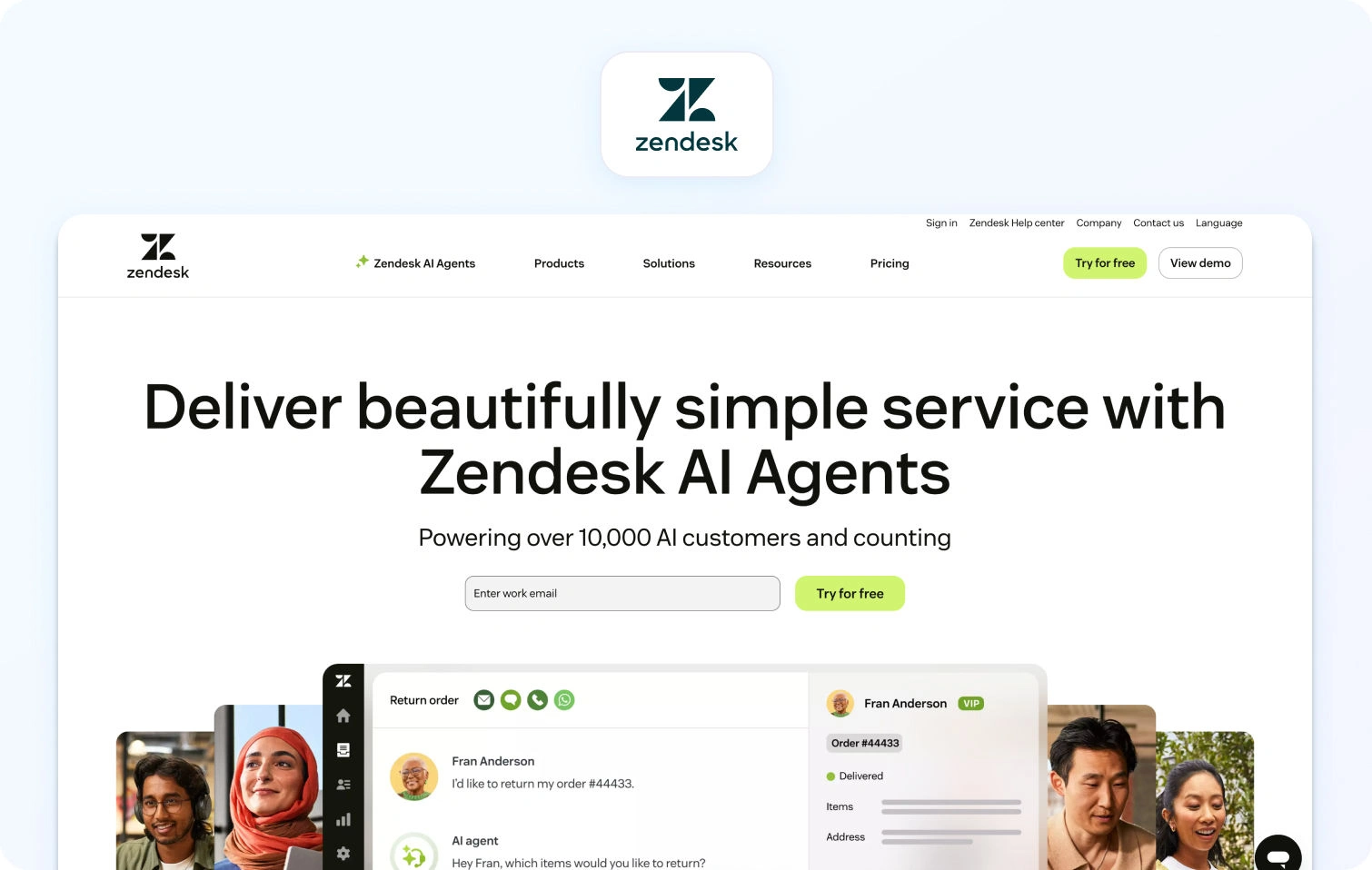
Zendesk offers real-time chat translation via third-party apps in its marketplace, often powered by integrations with Google Translate or DeepL. Automatic language detection triggers on the first message, and conversations translate bi-directionally. Glossary features depend on which translation app you install; some support custom dictionaries, others don't.
Best for: Enterprise employees already invested in Zendesk who need translation layered into existing workflows and can absorb per-character fees.
Key features:
- Third-party translation apps via marketplace (Google Translate, DeepL)
- Omnichannel ticketing with multilingual capabilities
- Analytics filtered by language for regional performance tracking
- Multi-brand support for managing separate regional operations
- Enterprise-grade security and compliance controls
Pricing:
- Suite Team: $55/agent/month (annual) — omnichannel ticketing, help center, voice, core analytics
- Suite Professional: $115/agent/month — advanced routing, workflows, multi-brand support
- Suite Enterprise: $169/agent/month — enterprise controls, advanced AI tools
- Add-ons: WFM ($25/agent/month), QA ($35/agent/month), Copilot ($50/agent/month)
Pros:
- Deep CRM and help desk integrations with established enterprise workflows
- Marketplace offers multiple translation providers (choose accuracy vs cost)
- Strong security and compliance certifications for regulated industries
- Massive ecosystem with 1,200+ apps
Cons:
- Translation locked behind higher-tier plans with separate per-character fees
- WFM requires a separate product; no unified multilingual scheduling view
- Setup complexity increases when layering marketplace apps
- Total cost balloons when adding AI, WFM, and QA features
3. Intercom
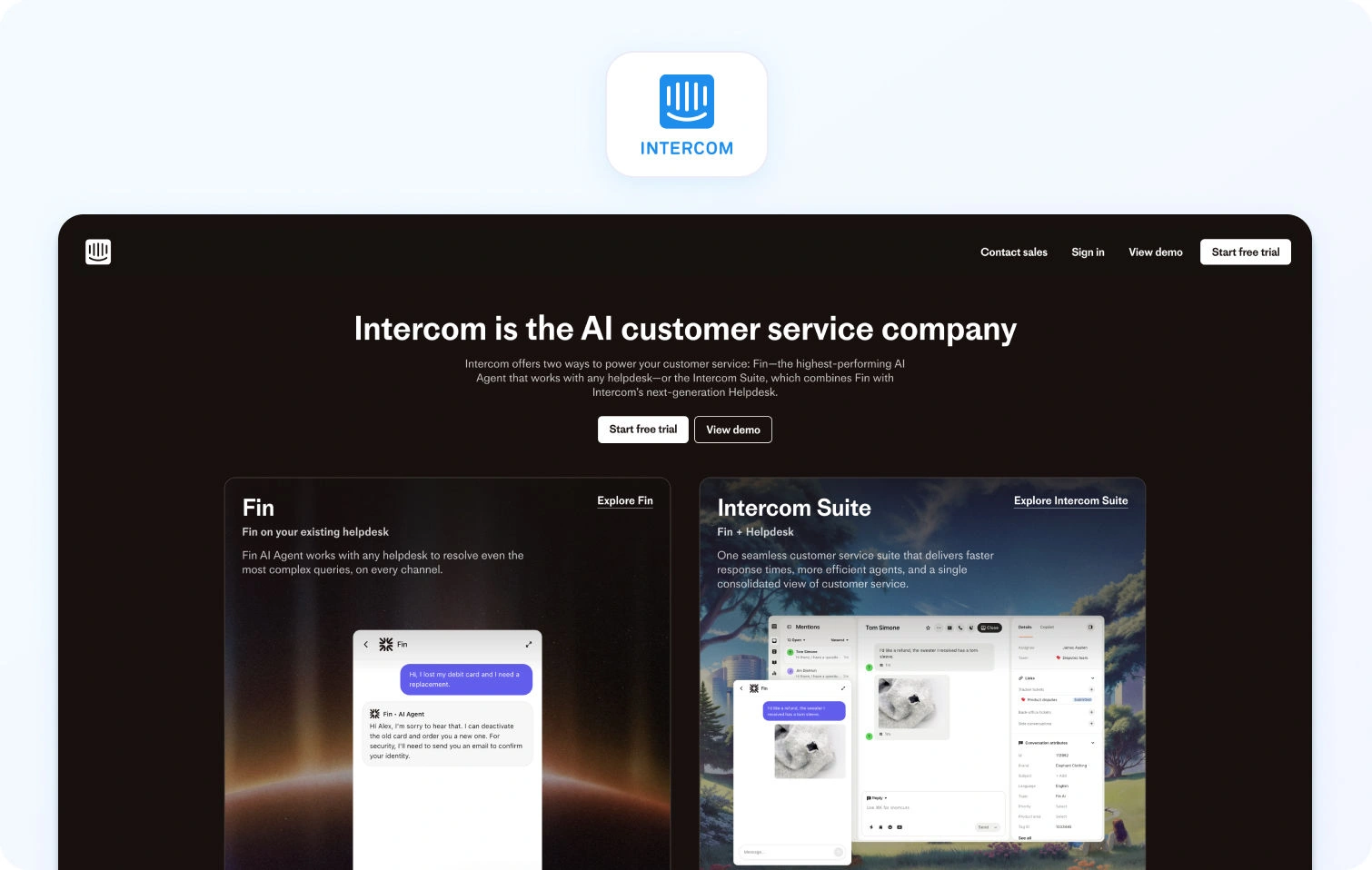
Intercom provides real-time translation for chat and messaging through built-in language detection. Conversations are translated automatically, and agents see both the original text and the translation. Glossary support is available but requires manual setup; brand terms require configuration to remain consistent.
Best for: Teams already on Intercom who need translation layered into existing chat and messaging workflows.
Key features:
- Native translation with automatic language detection (45+ different languages)
- AI Copilot for suggested replies and conversation summarization
- In-product help widgets and proactive messaging campaigns
- Analytics broken down by language and customer attributes
- Strong messenger capabilities for customer engagement
Pricing:
- Essential: $39/seat/month — shared inbox, basic automation, messenger
- Advanced: $99/seat/month — advanced workflows, analytics, multilingual help
- Expert: $139/seat/month — enterprise controls, SLAs, additional features
- AI add-ons: Fin AI Agent ($0.99 per resolution), Copilot ($35/agent/month)
Pros:
- Native translation without third-party marketplace apps
- Strong messenger and proactive chat capabilities
- Modern interface with good multilingual bot functionality
- CRM integrations connect customer data across sales and support
Cons:
- Usage fees for translation add up quickly at scale
- Suggested replies don't consistently ground in KB content, risking inaccurate recommendations
- No built-in WFM; multilingual scheduling requires separate tools
- Costs escalate with contact volume (unpredictable AI resolution fees)
4. Freshdesk Messaging
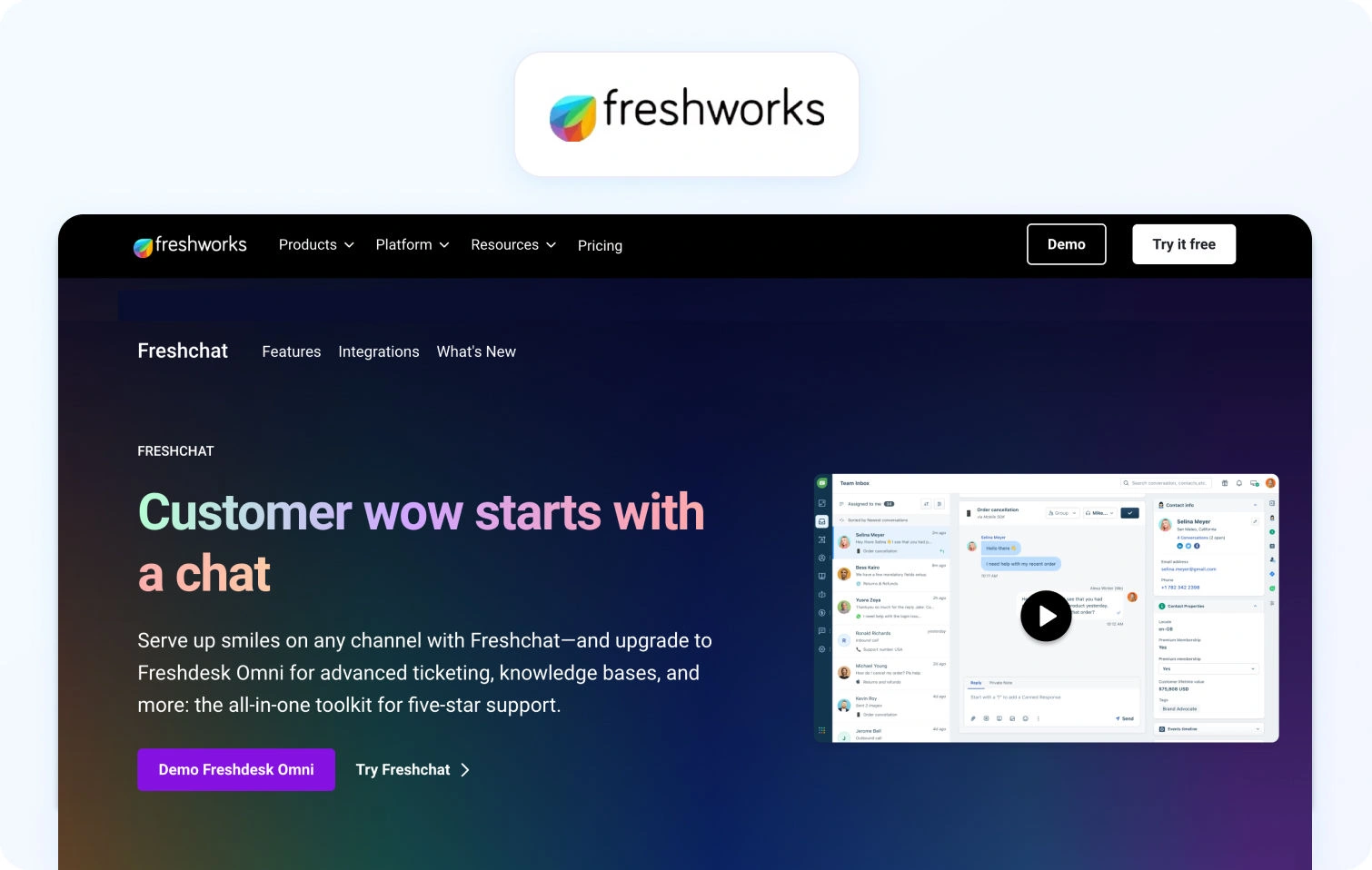
Freshdesk Messaging delivers real-time chat translation with automatic language detection on first contact. Conversations are bidirectional, and agents toggle between the original and translated text. Glossary controls let you lock brand terms for consistency, though setup requires manual input.
Best for: Mid-market teams on Freshdesk who want chat translation without exploring and switching platforms, and can verify pricing details upfront.
Key features:
- Real-time translation with automatic language detection
- AI Copilot for suggested replies and summarization across languages
- Glossary controls for brand consistency
- Analytics filtered by language (resolution time, sentiment, containment)
- Integration with Freshdesk ticketing ecosystem
Pricing:
- Growth: $35/agent/month — omnichannel ticketing, AI agent, knowledge base
- Pro: $95/agent/month — custom portals, advanced rules, reporting
- Enterprise: $143/agent/month — audit logs, skills-based routing, enhanced security
- AI Sessions: First 500 Freddy AI sessions free, then $49 per 100 sessions
Pros:
- Glossary controls help maintain brand consistency across languages
- AI Copilot works in multiple languages for suggested replies
- Analytics by language supports regional performance tracking
- Affordable entry pricing compared to enterprise platforms
Cons:
- Pricing transparency is limited; character limits require sales confirmation
- WFM requires a separate Omnichannel product; no unified view
- KB grounding for suggested replies isn't always reliable
- Voice support not native; requires separate Freshdesk products
5. Language IO

Language IO specializes in customer support translation, integrating with platforms such as Zendesk, Salesforce Service Cloud, and Freshdesk. Real-time translation handles chat, email, and tickets bi-directionally with automatic language detection across 150+ languages.
Best for: Enterprise teams with existing support platforms who need high-accuracy translation with linguist QA and can absorb usage-based pricing.
Key features:
- Real-time translation across 150+ languages
- Glossary and terminology locks for brand consistency
- Linguist QA loop for improving translation accuracy over time
- Analytics tracking translation volume, language distribution, and quality scores
- Integration with major support platforms (Zendesk, Salesforce, Freshdesk)
Pricing:
- Contact Sales — pricing dependent on usage-based packages (words translated, channels, integrations)
- Free trial available
- Typically negotiated based on volume and support needs
Pros:
- Supports 150+ languages with sophisticated glossary controls
- Linguist QA loop continuously improves translation quality
- Integrates with major support platforms without forcing a switch
- Strong accuracy for complex industry terminology
Cons:
- Usage-based pricing (per character/message) adds up quickly at scale
- No native chat interface or WFM; requires existing support stack
- Setup complexity increases when integrating multiple systems
- Pricing transparency requires sales engagement
6. Lokalise Messages / Crowdin

Lokalise Messages and Crowdin are translation management systems that integrate with live chat platforms. They manage glossary control, terminology consistency, and localization workflows for translating chat messages, help center articles, UI strings, and product content.
Best for: Teams managing broad localization projects (help center, product UI, chat) who need translation workflow tools.
Key features:
- Glossary and terminology management across all content types
- Workflow tools for linguist collaboration and QA
- Broad language support with detailed localization controls
- Integration with chat platforms and help desk systems
- Translation memory and side-by-side diff views
Pricing:
- Lokalise Explorer: ~$144/month
- Lokalise Essential: ~$499/month
- Lokalise Advanced: ~$999/month
- Lokalise Enterprise: Custom pricing
- Crowdin: Starting around $50/month for base tiers
Pros:
- Strong glossary and terminology management across all content types
- Workflow tools support linguist collaboration and quality assurance
- Broad language support with detailed localization controls
- Good for teams managing comprehensive localization projects
Cons:
- Live chat translation depends on the integration quality with the chat platform
- Analytics focus on translation workflow, not customer support KPIs
- Usage fees and integration complexity can exceed dedicated support platforms
- Pricing is usage-based on processed words rather than a simple seat count
7. LiveAgent
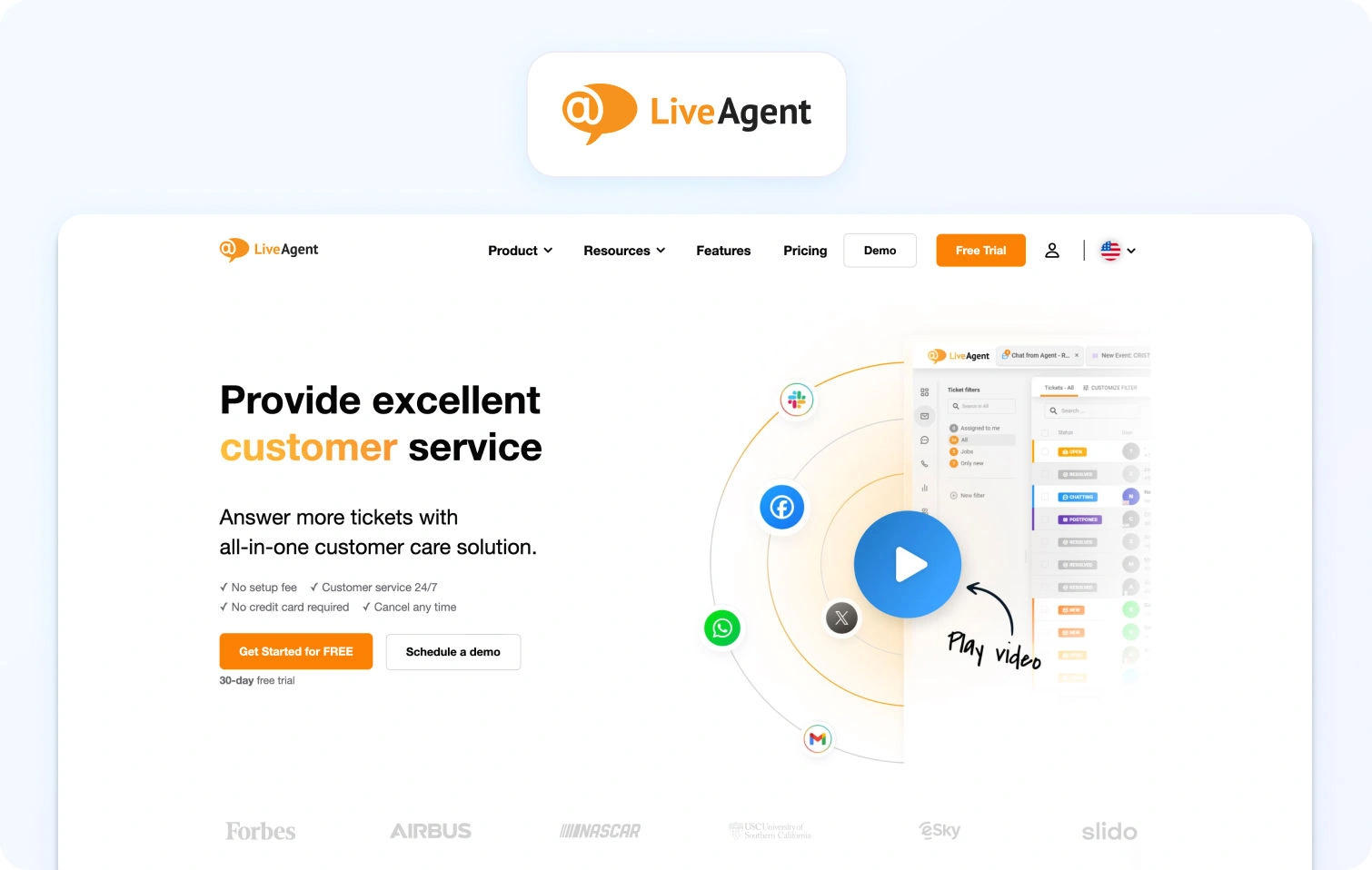
LiveAgent provides real-time chat translation through integrations with Google Translate and other third-party services. Automatic language detection triggers on the first message, and conversations translate bi-directionally. Glossary support is limited; brand terms don't always lock consistently across languages.
Best for: Small teams (under 20 agents) needing affordable multilingual chat with basic translation.
Key features:
- Real-time translation via Google Translate integration
- Omnichannel support (chat, email, phone with IVR)
- Analytics filtered by language for tracking response time and satisfaction
- Basic workforce management (scheduling without deep multilingual routing)
- Automation rules engine for ticket routing
Pricing:
- Small Business: $15/agent/month (annual) — ticketing, chat, knowledge base, automation
- Medium Business: $29/agent/month (annual) — call center, IVR, dashboards
- Large Business: $49/agent/month (annual) — SSO, audit logs, expanded social channels
- Enterprise: $69/agent/month (annual) — priority support, account manager
Pros:
- Very affordable pricing for ticketing capabilities
- Omnichannel support (chat, email, phone) in one platform
- Simple setup with Google Translate integration
- Good value for budget-conscious operations
Cons:
- Limited glossary support means brand terms may translate inconsistently
- Basic AI features compared to platforms with KB-grounded suggestions
- Analytics lack the depth needed for workforce management decisions
- User interface feels dated compared to modern platforms
8. Dixa
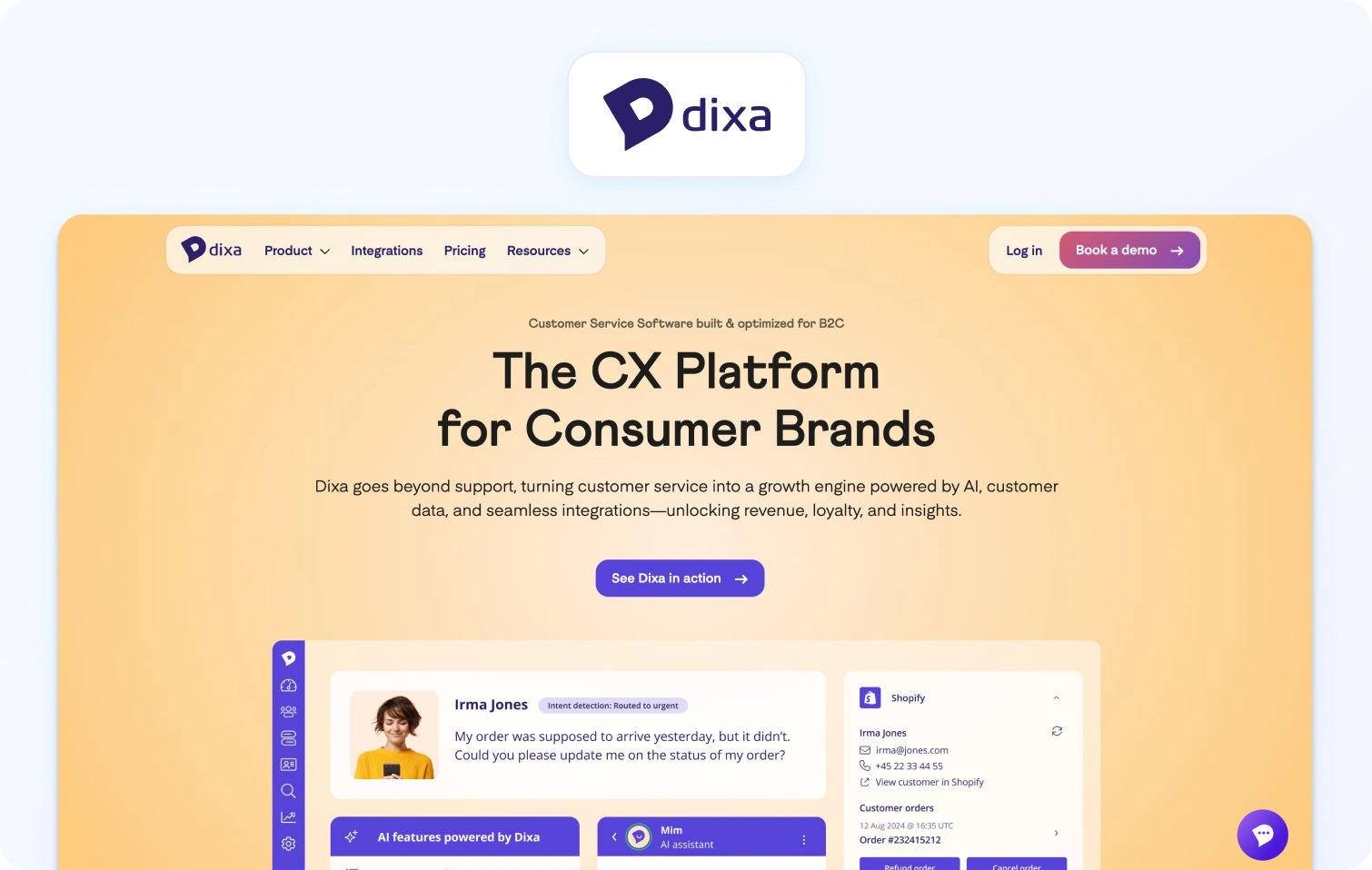
Dixa delivers conversational customer service through native voice, chat, email, and social messaging in a single agent desktop. Real-time translation supports multilingual conversations across channels, but the feature requires configuration and may require third-party integrations depending on your language needs.
Best for: Teams emphasizing conversation-driven support efficiency across channels with moderate translation needs.
Key features:
- Omnichannel support (phone, email, chat, social) with native voice
- Unified agent desktop with smart routing
- Analytics broken down by language and performance indicators
- Built-in quality monitoring tools
- A conversation-centric approach maintains customer context
Pricing:
- Growth: $89/agent/month (annual, 7-seat minimum) — omnichannel routing, analytics, automation
- Ultimate: $139/agent/month (annual) — advanced automations, knowledge support, sandbox
- Prime: $179/agent/month (annual) — enterprise features, SSO, advanced AI routing
- AI add-ons: Mim AI Agent ($0.40 per conversation), AI Copilot ($39/agent/month), QA ($29/agent/month)
Pros:
- True omnichannel platform with native voice support
- A conversation-centric approach maintains customer context across channels
- Built-in quality monitoring tools
- Modern interface optimized for agent efficiency
Cons:
- Translation features are less comprehensive than specialized platforms
- Higher pricing for mid-market teams
- Limited public documentation on multilingual capabilities
- Smaller third-party integration ecosystem
9. Tidio
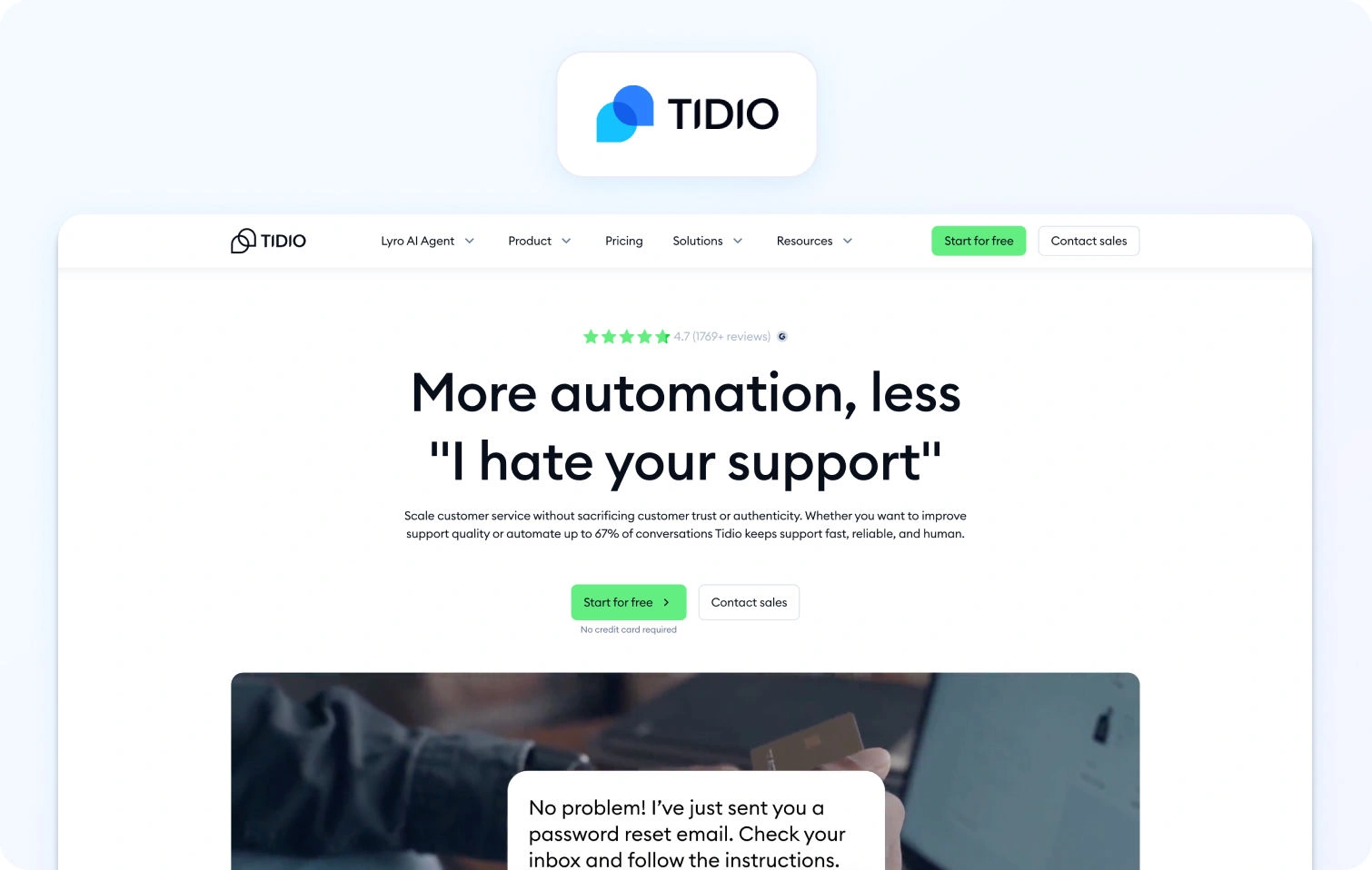
Tidio is a live chat and chatbot platform for e-commerce teams, combining on-site chat widgets with basic automation. Translation features depend on third-party integrations; automatic language detection and real-time translation aren't native to the platform.
Best for: Small e-commerce operations needing basic chat with limited translation requirements.
Key features:
- Live chat widget with basic chatbot automation
- Email integration and mobile app
- Visitor tracking and basic analytics
- E-commerce platform integrations (Shopify, WooCommerce)
- Simple customer engagement tools
Pricing:
- Free: $0/month — 50 billable conversations, live chat, basic ticketing
- Starter: $29/month — 100 billable conversations, core automation
- Growth: Starts at $59/month — 250+ conversations, team routing, macros
- Plus: Starts at $749/month — custom limits, enterprise features
- AI add-ons: Lyro AI Agent (starts $39/month), Flows (starts $29/month)
Pros:
- Free plan for basic chat functionality
- Easy installation on e-commerce platforms
- Affordable entry-level pricing
- Mobile app included for on-the-go support
Cons:
- Translation requires third-party integrations (not native)
- Very limited ticketing and analytics features
- No native workforce management capabilities
- Conversation-based pricing can be confusing and unpredictable
10. Crisp
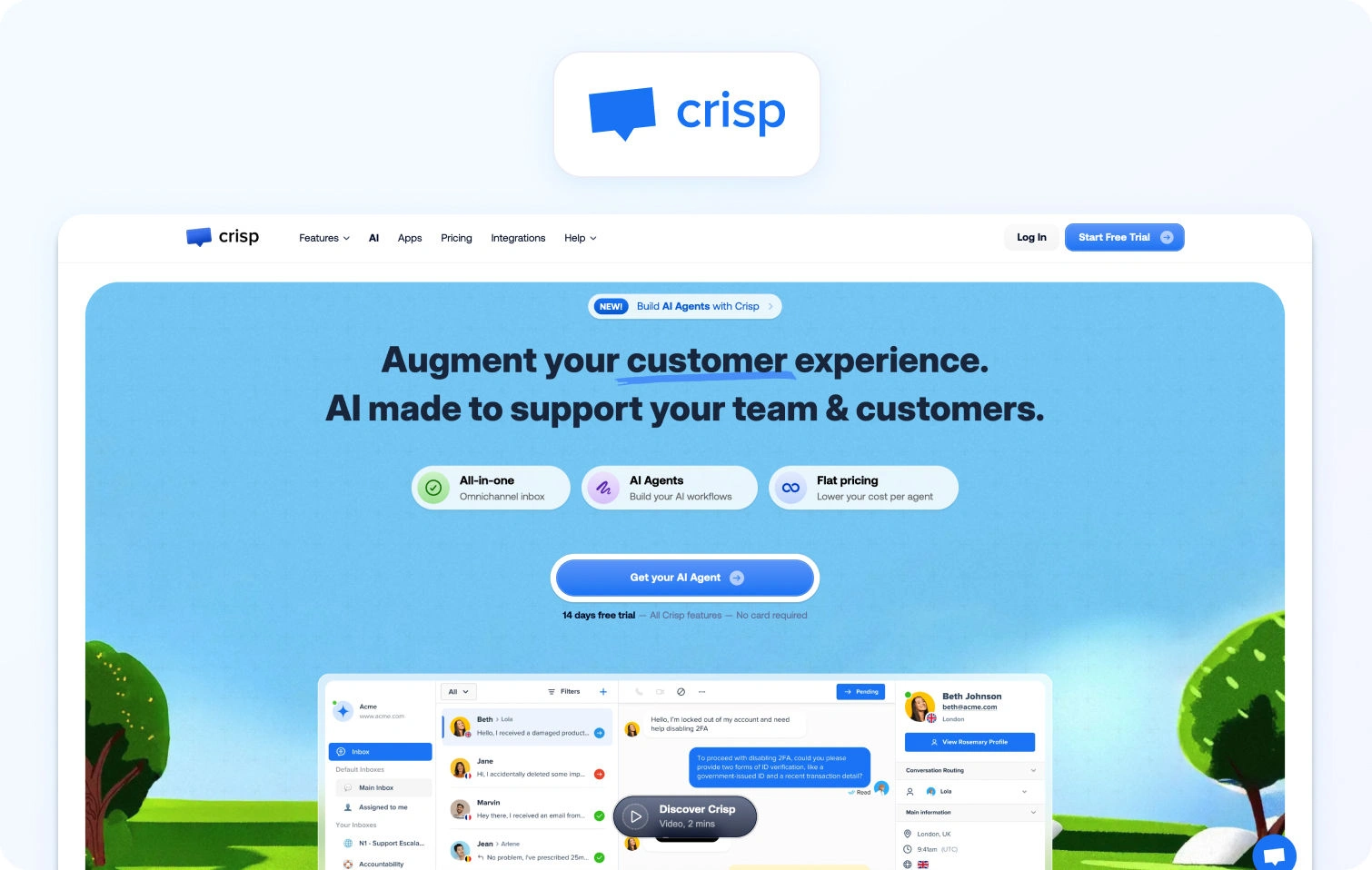
Crisp is an all-in-one messaging platform with live chat, chatbots, and shared inbox designed for startups. Translation capabilities depend on integrations; the platform doesn't offer native, real-time translation with built-in automatic language detection.
Best for: Startups needing simple, affordable live chat with minimal translation requirements.
Key features:
- Live chat widget with chatbot automation
- Shared inbox and basic knowledge base
- Automated marketing campaigns
- CRM integrations and customer data platform
- Basic analytics dashboards
Pricing:
- Free: $0/month — 2 seats, shared inbox, chat widget, push notifications
- Mini: $45/workspace/month — shared email inbox, chat triggers (4 seats)
- Essentials: $95/workspace/month — omnichannel inbox, automation, CRM (10 seats)
- Plus: $295/workspace/month — unlimited AI resolutions, routing rules (20+ seats)
- Enterprise: Custom pricing — dedicated onboarding, SLAs, custom features
Pros:
- Affordable with a functional free tier
- Quick setup and modern, user-friendly interface
- Good for basic customer engagement
- Workspace-based pricing (flat rate) instead of per-agent
Cons:
- No native translation features; requires integrations
- Limited analytics and no workforce management
- Doesn't scale well to mid-market needs
- Small integration ecosystem compared to established platforms
What to Look For in 2026 (Real-Time Translation Software)
To scale for a global audience, modern live chat translation software must do more than just swap words; it must bridge language barriers instantly to preserve the flow of a conversation. The right real-time translation tool should include automatic language detection so your support agents can communicate with global customers in their preferred language without manual switching.
Core channel capabilities
Real-time chat translation first; optional voice-to-chat handoff if your flows need it. Verify that the platform handles your primary channels—web chat, mobile app messaging, and social platforms—with consistent translation quality across all.
AI depth and accuracy
Automatic language detection on first message, bi-directional real-time translation, conversation summarization, KB-grounded suggested replies, and basic agent coaching for tone and terminology. Look for platforms that let AI learn from your knowledge base rather than generating generic responses.
Glossary and quality controls
Brand glossary and terminology lock to keep product names and regulated terms consistent. Formality toggle for adjusting tone by market. RTL (right-to-left) support for Arabic and Hebrew. Code-switching and dialect handling for markets where customers blend languages.
Knowledge base integration
Per-locale KB mapping with source citations in suggested replies. Verify translations are pulled from the correct language version of your help articles, and cite sources so agents can verify accuracy.
Operations and analytics
Analytics with language filters showing FCR, AHT, sentiment, and containment rates by region. SLA views broken down by language. Light WFM and QA alignment for chat skills, letting you schedule agents by language proficiency and track quality across multilingual teams.
Security and admin
MFA, audit logs, granular roles, PII redaction during translation, and regional data controls for compliance. Verify the platform meets your data residency requirements if you serve customers in regulated markets.
Integrations
CRM, commerce, help desk, and BI platform connections. Open APIs and webhooks for custom workflows. Optional TMS (translation management system) or LSP (language service provider) connectors for glossary and KB sync.
KPIs to track
Monitor by language and brand: first-contact resolution, average handle time, containment rates, agent concurrency, and sentiment scores. If you use voice handoff, add Mean Opinion Score (MOS) for call quality.
Pricing clarity
Understand whether you're paying per seat or per usage (characters, messages, or ASR minutes if voice is involved). Avoid platforms locking core translation behind enterprise add-ons. Calculate total cost including seats, usage fees, and any separate charges for AI or analytics.
How We Evaluated
We reviewed each vendor's public product pages, pricing information, help centers, and marketplace listings. Features were verified against vendor websites and cross-referenced with published documentation.
Translation depth: We verified automatic language detection, bi-directional real-time translation, glossary and terminology control, KB-grounded suggested replies, and conversation summarization.
Voice capabilities: We included voice-to-chat ASR only when vendors document it. Most platforms focus on text-based chat translation; voice handoff is noted where available.
Analytics and operations: We tested analytics with language filters and basic WFM/QA alignment for chat skills, ensuring platforms allow you to track performance by language and schedule agents accordingly.
Security and admin: We audited MFA, audit logs, PII redaction, and data controls, including residency options where stated.
Integrations: We confirmed support for CRM, help desk, and webhooks, plus optional TMS/LSP connectors for teams managing complex localization workflows.
Pricing transparency: We took pricing from vendor pages. When specifics were unclear, we marked "Varies by plan" and recommended contacting sales for confirmation.
Evidence-based assessment: Pros and cons derive from documented capabilities. We excluded third-party ratings and unverified claims. If a vendor lacked documentation on a multilingual scope, we flagged it and recommended sales verification.
Must-Have Capability Checklist
- Omnichannel core: chat, voice, and email in one platform
- AI features in agent workflow: classification, summarization, proposed reply
- Real-time chat translation (multilingual text)
- Call transcription (voice to text in tickets)
- Smart knowledge base powering responses
- Analytics and WFM support built around omnichannel operation
- KPI framework (FCR, Abandon, Concurrency, Sentiment)
- Automatic routing (foundation for language and skill flows)
- Open integration stance with APIs
BlueTweak meets all criteria with AI features, multilingual support, and analytics/WFM capabilities, bundled into transparent, consistent pricing.
Scoring Rubric
- Fit for 20–100 agents: Complexity vs speed to value; platforms should scale without high cost or configuration burden.
- Voice/omnichannel depth: Native voice calling, chat handoff, post-call notes, transcription flowing into tickets.
- AI coverage: Language detection, real-time translation, and KB-grounded assistance across all channels.
- WFM/QA capabilities: Forecasting, scheduling, and QA forms filterable by language for multilingual team management.
- Time-to-value: Configuration measured in days, not months. Low integration burden for faster deployment.
- Total cost to operate (TCO): Seats plus telephony plus AI usage plus any linguist QA effort required.
Security and control: Roles, audit trails, MFA, data residency options for compliance.
Conclusion
Prioritize live chat tools that combine fast, accurate speech translation with glossary control, KB-grounded replies, and language-level analytics, with clear pricing based on characters or messages. Avoid platforms that lock core translation features behind enterprise add-ons or charge unpredictable usage fees that spike during high-volume periods.
Shortlist BlueTweak when you want unified chat with real-time translation, KB-grounded suggested replies, and preferred language-filtered analytics/WFM in one stack to cut tool sprawl and speed time-to-value. For mid-market teams managing global customers across multiple languages, BlueTweak delivers measurable ROI through consistent service quality, reduced tool costs, and faster agent response times, all at transparent €65/agent/month pricing with no translation surcharges.
Request a demo to see how real-time translation, knowledge base grounding, and multilingual analytics work together in one platform.

As Head of Digital Transformation, Radu looks over multiple departments across the company, providing visibility over what happens in product, and what are the needs of customers. With more than 8 years in the Technology era, and part of BlueTweak since the beginning, Radu shifted from a developer (addressing end-customer needs) to a more business oriented role, to have an influence and touch base with people who use the actual technology.



