How To Use Customer Support AI Translation To Scale Multilingual Teams


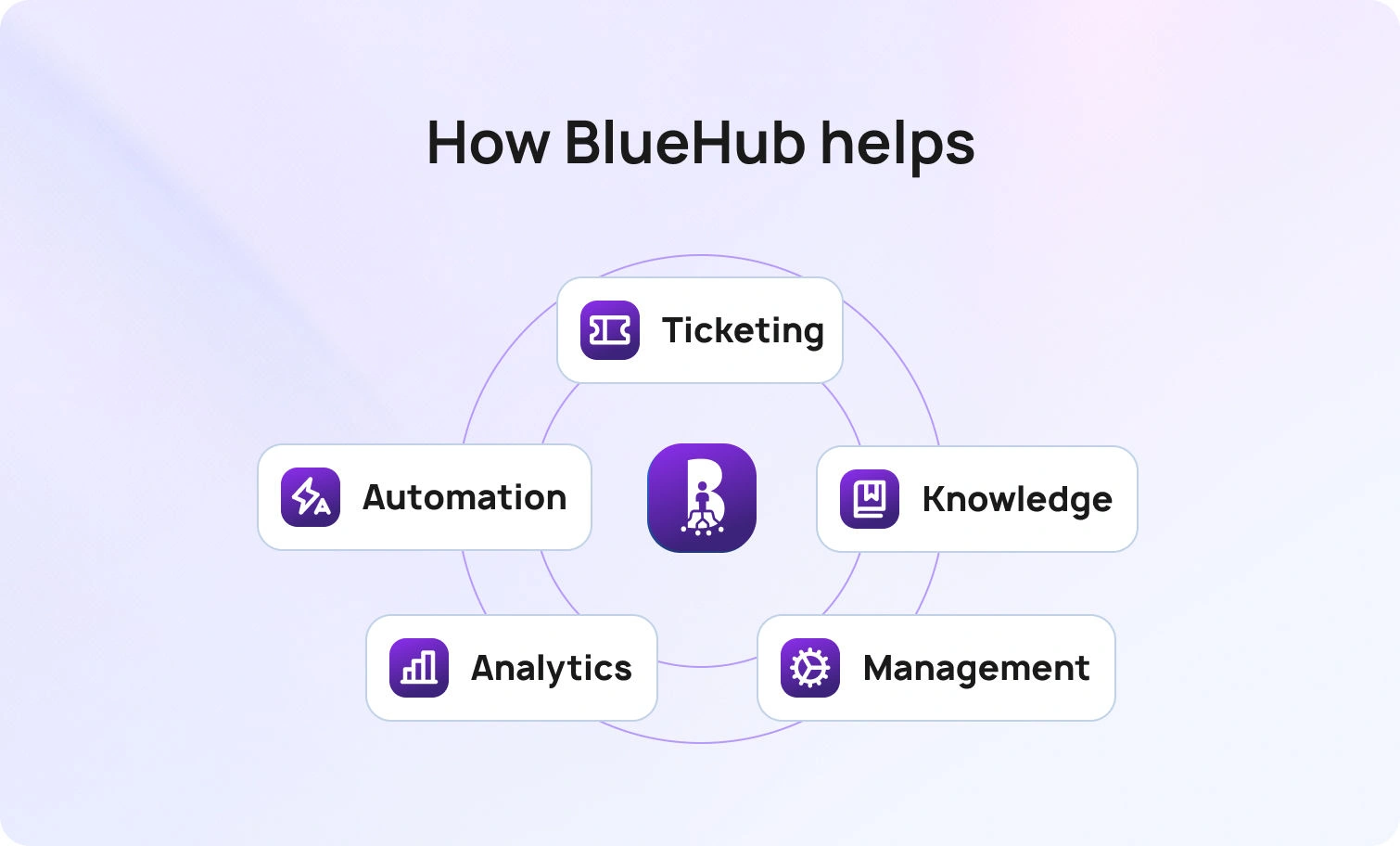
BlueHub unifies every conversation, customer record, and automation into one powerful platform.
Explore more
Customer support AI translation removes language barriers, helping you raise customer satisfaction and scale coverage across multiple languages without hiring ahead of demand. The playbook centers on routing every customer interaction in the customer’s preferred language, translating from governed knowledge, and using human review where risk is high, with quality and speed tracked in a single view. Combined with customer support translation software, a translation API, speech-to-text, and selective voice translation for call centers, the stack delivers accurate, secure, policy-true translations across chat, email, and phone. BlueTweak ties these pieces together with grounded drafting, language-aware routing, and analytics so teams can enter new markets, protect customer data, and scale with control.
Global customers expect to speak in their native language and get thoughtful, relevant answers fast. Teams need to support more languages across more channels without sacrificing quality. Classic approaches do not keep up. Hiring a whole in-house multilingual team for every region is expensive, slow, and brittle. Pure machine translation without governance creates inconsistency and risk. A better approach blends AI-powered translation with workflow, knowledge, and human review so agents stay in control and customers feel heard.
Integrating AI translation into business operations enhances communication, improves customer support, and expands global reach, helping businesses operate more effectively in international markets.
Done well, customer support AI translation improves the customer experience end-to-end. Messages read naturally. Product names and policy phrases remain accurate. Conversations hand off cleanly between email, customer support chat, translation, and phone. Leaders see where quality slips and fix it quickly. Most importantly, customers receive high-quality translations in their language, which raises trust and shortens time to resolution.
Three forces hold teams back when they try to scale multilingual support.
These issues slow down the process and degrade quality, harming customer satisfaction and hindering global growth.

Fixing language gaps does more than clean up inboxes. It unlocks real outcomes.
AI translation enables teams to serve customers in any language, maintaining continuous growth.
In short, customer support becomes a growth engine rather than a blocker.
Before buying tools, map the real bottlenecks. You want to see where customer support AI translation will deliver the most significant gain with the least risk. Assess your support agents’ ability to communicate effectively across multiple languages using AI translation, and identify where enhanced multilingual communication can improve the customer experience and operational efficiency.

This section turns customer support AI translation from a concept into a repeatable workflow. You will see how to combine governed knowledge, language-aware routing, and customer support translation software so customers get help in their preferred language across channels. The steps focus on accuracy, speed, and control, with human review applied where risk is higher.
Start with a single source of truth. Replies should be translated from approved articles, macros, or templates, not written from scratch. This keeps words like legal terms, warranty periods, and product names stable across languages. It also enables human review to focus on nuance rather than fact-checking.
Adaptive translation that learns preferred phrasing should be your baseline. A per-language glossary, signed off by product and legal, keeps terminology stable. Short style notes for greetings, empathy, and closings guide tone across channels. Together, these elements yield high-quality translation that reads as if a local wrote it.
Human review belongs on regulated content, public announcements, complex refunds, and anything with legal effect. Professional linguists handle edge cases while guided automation carries the core volume. This higher level of oversight preserves accuracy without sacrificing speed.
Language is one factor, not the whole rule. A return written in German should be addressed to a returns specialist who speaks German. For low-volume languages, guided drafts, along with a brief confirmation in the customer’s language, provide coverage. With the correct routing, translation requests shrink, ping pong handoffs disappear, and accuracy rises.
Customers switch channels. Your support stack should integrate customer support chat translation, email translation, and call center voice translation. Translating and monitoring calls provides complete visibility and automated scoring for all translated calls, ensuring consistent quality and facilitating coaching. Use speech-to-text to capture the spoken side, translate with context, and reply in the customer’s preferred language. Keep the entire conversation together so the next support touch starts with context.
Integrate a translation API inside your CX platform rather than pasting text into external tools. Apply role-based access controls, redact sensitive customer data, and set short retention windows. If your company uses Google Workspace or similar suites, align identity and logging. Security and compliance are not add-ons. They are table stakes.
Many translation API services also offer a free tier or include free characters, allowing you to start translating at no initial cost and realize cost savings during early usage.
Email and chat call for different structures. Per-language templates for the top 20 intents, with short paragraphs and a clear outcome check, set a consistent baseline. Agents then personalize the middle to add context. The result is faster support that preserves tone and terminology.
First reply time, full resolution time, and edit count on translated replies form the core speed signals. A lightweight quality score for meaning and tone completes the picture. Reviewing these metrics by language and intent shows where software tweaks, glossary updates, or training will have the most significant impact.
Short weekly sessions work better than annual marathons. In each one, review three real threads and note how AI-powered translation handled idioms and brand terms. Fold the lessons into the style guide, then share the best patterns with the sales team and onboarding so everyone learns to speak the same way.
Do not stop at the inbox. Publish the duplicate governed content to your help site and websites in the top languages. When self-service is accurate, inbound volume drops, and agents spend time on complex cases.
Integrate with various platforms to ensure consistent multilingual support across all customer touchpoints.
Staffing should follow real arrival patterns by language and intent. Peak hours call for staggered coverage across call centers and chat. A small bench of on-call reviewers handles high-risk replies, while professional linguists focus on specialized content.
Keep external exposure of customer data to a minimum. Numbers and personal identifiers should be redacted wherever practical, and translation memory kept to the smallest proper size. Your chosen solution needs to meet regional data privacy rules, and that stance should be captured in a short internal guide so everyone follows the same process.
Some situations need voice translation or video captioning, especially in field service or in-person support. AI-driven transcription, translation, subtitling, and voice-over services can enhance videos for multilingual audiences, making them more accessible and practical. Use speech capture with customer consent and show the translated text to the agent for confirmation before sending. Accuracy beats speed when risk is high.
If a reply is confusing, tag the reason and fix the source article or glossary entry. When product names change, update the knowledge and translation memory together. Quality rises when fixes go to the source rather than only the last ticket.
Connect your customer support translation stack to CRM, ticketing, analytics, and QA. By integrating with comprehensive language and support services, you can provide end-to-end solutions for global businesses. The more your systems integrate, the less your team copies and pastes, and the more auditable your process becomes. Integration also exposes key performance indicators to leaders who control the budget and hiring.
Show how customer support AI translation reduces wait times, improves first-contact resolution, and protects costs as volume grows. Tie improvements to retention and expansion in new markets. A straightforward narrative wins budget and accelerates adoption.

A great experience feels native in the customer’s language across chat, email, and phone, with tone and terminology staying consistent from one touch to the next. Context, summaries, and preferences travel with the conversation, so agents start informed rather than from a blank screen. Quality and speed are measured consistently across every channel, making improvements visible and repeatable.
Each case respects data privacy, uses the same glossary, and keeps the thread intact for later follow-up.

BlueTweak brings the pieces together so your team can scale multilingual support with control. It is an omnichannel app that unifies chat, voice, and email, with AI ticket summaries and analytics to support operations.
The outcome is practical. Customers get high-quality translations in their native languages. Agents answer faster with confidence. Managers launch in new markets without losing control of quality, security, or cost.
Customer support AI translation is not a switch you flip. It is a set of habits that turn fragmented tools into a coherent solution. Ground every translation in governed knowledge. Use adaptive translation with a glossary to make the phrasing sound local. Keep human review where accuracy matters most. Route by intent and language together. Respect data privacy at each step. Measure speed and quality in one place and feed what you learn back into the source content.
Follow this path and your support will feel fluent in every channel. Global customers will receive clear, accurate help in their native language, your support teams will move faster, and the company will enter new markets with confidence.
If you want to see how this works in one platform,request a BlueTweak demo. You will learn how unified routing, grounded drafting, and governed translation raise customer satisfaction while protecting compliance, security, and cost.
It is an integrated approach that blends customer support translation software, a translation API, knowledge grounding, and workflow so translation happens inside the support process. Replies draw from approved articles, follow an agreed glossary, and include human review on high-risk cases. BlueTweak implements this model through knowledge-grounded drafting, language-aware routing, and optional review gates, ensuring translations are accurate, consistent, and auditable.
Yes, when constrained by a glossary, style guide, and governed knowledge. Use adaptive translation to learn phrasing over time and bring in professional linguists for specialized topics. Pair quality checks with speed metrics to see where accuracy slips and how to fix it. BlueTweak supports this workflow with per-language analytics, glossary-aligned drafts, and controls that let teams decide when a human review is needed before sending.
BlueTweak unifies chat, email, and voice, grounds drafting in knowledge, supports glossary-guided translation, and surfaces analytics by language and intent. Open APIs and integration options let you tie results to CRM, help center, QA, and reporting so you can scale with confidence across customers, channels, and new markets.
As Head of Digital Transformation, Radu looks over multiple departments across the company, providing visibility over what happens in product, and what are the needs of customers. With more than 8 years in the Technology era, and part of BlueTweak since the beginning, Radu shifted from a developer (addressing end-customer needs) to a more business oriented role, to have an influence and touch base with people who use the actual technology.
Quality
Administration
Workforce Management
Customer Support Analytics
Copyright BlueTweak 2025