



TL;DR
Teams look for RingCentral alternatives when rising costs, fragmented contact center add-ons, and limited AI capabilities start slowing support operations. The best alternative to RingCentral depends on whether you need stronger unified communications, advanced contact center features, or AI-powered automation built into your workflow. BlueTweak helps mid-market support teams combine voice, email, chat, AI assistance, workforce management, and quality assurance in one platform with transparent per-agent pricing.
RingCentral remains one of the best-known names in business communications, but many support teams are now looking beyond traditional voice-first platforms. As customer expectations grow and AI becomes central to service operations, organisations need more than reliable calling. They need omnichannel support, intelligent automation, workforce management, and real-time insights in one place.
This is where RingCentral alternatives come in. Teams often start looking elsewhere because contact center features can require additional licensing, pricing becomes difficult to predict, or advanced AI capabilities are limited without higher-tier plans.
BlueTweak is built for teams that want to move beyond disconnected communication tools. By combining voice, email, chat, social channels, AI-powered assistance, workforce management, and quality assurance in a single platform, BlueTweak helps support teams manage more customer interactions without increasing operational complexity.
Below, we compare the leading RingCentral alternatives for 2026, including their features, pricing, strengths, limitations, and best-fit use cases.
Why Teams Look for RingCentral Alternatives in 2026
No platform is going to be the perfect fit for everyone, but here's what has many companies looking for competitors to RingCentral:
- Pricing complexity: RingCentral's modular approach keeps base unified communications costs reasonable; however, adding contact center capabilities, AI features, or analytics significantly increases pricing. Teams find themselves stacking licenses and add-ons, making the total cost of ownership unclear.
- Contact center add-ons: If you need workforce management, quality assurance, or advanced call routing with skills-based assignment, RingCentral requires purchasing contact center plans separately from the core phone system. This creates vendor fragmentation even within a single platform.
- Limited AI for support teams: While RingCentral handles voicemail transcription well, teams seeking knowledge-base-grounded agent assistance, real-time AI ticket summaries, or suggested replies often require third-party integrations or find capabilities locked behind enterprise tiers.
- Global coverage gaps: International calling rates and toll-free numbers can be expensive or limited in certain regions. Companies supporting global customers need reliable coverage without premium charges eating into budgets.
- Integration depth: RingCentral integrates with popular CRMs and business tools; however, deeper integrations with help desk platforms, commerce systems, or custom workflows may require middleware or significant development.
- Analytics and workforce management: Basic call logs and reports cover surface-level metrics. Operations teams managing complex support queues need forecasting, scheduling, real-time SLA dashboards, and quality scorecards that tie voice data to customer satisfaction.
- Support experience: Some teams report inconsistent support quality or slower response times during critical issues, prompting them to search for RingCentral competitors with more responsive customer support.
Ready to see what a more straightforward alternative looks like? BlueTweak brings unified pricing, built-in AI support tools, and global coverage together in one platform; no add-on stacking required. Start your free 14-day trial today (no credit card required) and see the difference for yourself.
RingCentral Alternatives At A Glance
The right RingCentral alternative depends on what your team needs most from a contact center platform. Some businesses are looking for a reliable cloud phone system with strong calling features, while others need a complete customer service solution with AI automation, workforce management, and omnichannel support built in.
The table below provides a quick comparison of the leading RingCentral alternatives based on their core strengths, pricing models, AI capabilities, workforce management features, and channel coverage. Use it to narrow down the platforms that best match your team's requirements before exploring each provider in more detail.
While this table highlights the key differences between each platform, choosing the right solution requires looking beyond feature checklists. Factors such as implementation time, scalability, AI maturity, integration requirements, and total cost of ownership can significantly impact whether a platform delivers long-term value.
Below, we break down each RingCentral alternative in more detail, including who each platform is best suited for, its core features, pricing considerations, and the advantages and limitations to consider before making a decision.
12 RingCentral Alternatives for 2026
Here are twelve proven options to consider in 2026. Each entry highlights core strengths, best-fit use cases, AI and omnichannel depth, and pricing considerations.
1. BlueTweak: Best for AI-powered omnichannel support teams

BlueTweak is an all-in-one customer service solution built for growing support teams that need more than a traditional business phone system. While many RingCentral alternatives focus primarily on business calls, internal calls, video meetings, or VoIP functionality, BlueTweak combines voice, email, chat, social messaging, AI automation, workforce management, and quality assurance in one platform.
Unlike voice-first providers that add contact center functionality through separate plans or integrations, BlueTweak gives support teams the tools they need to manage the complete customer journey from a single workspace. This makes it particularly suitable for distributed teams and organisations that want a scalable alternative without the complexity of managing multiple vendors.
Best for: BlueTweak is best for mid-market teams that need AI-powered omnichannel support, combining voice, digital channels, automation, workforce management, and quality assurance in one platform.
Why choose BlueTweak?
BlueTweak helps customer service teams move beyond basic phone systems by bringing every customer interaction into one unified environment. Instead of switching between separate tools for incoming calls, emails, chat conversations, and support tickets, agents can manage interactions across channels while maintaining full customer context.
Features:
- Unified inbox consolidates voice, email, chat, SMS, and social media into one agent workspace
- AI voicebot handles routine inbound calls with context-preserving escalation to human agents
- Call transcription software converts conversations to searchable text automatically
- Suggested reply and canned responses grounded in a knowledge base for fast, consistent answers
- AI ticket summary condenses prolonged interactions into actionable insights
- Call center workforce management forecasts demand and schedules agents optimally
- Customer service quality assurance with scorecards, calibration, and coaching tools
- Customer service analytics track sentiment, SLA performance, and outcomes in real time
- Multilingual customer support with real-time translation across all channels
- Customer profile view shows the complete interaction history regardless of the channel
- Multi-brand routing manages multiple product lines or client accounts in one instance
- Customer support automation includes a KB-grounded chatbot and a voicebot
Who Uses It: Support teams managing 20 to 100 agents who need omnichannel capabilities, AI assistance, and predictable pricing without add-on complexity.
Pros:
- All-in-one platform eliminates vendor fragmentation and tool switching
- Multilingual customer support with real-time translation preserves context across languages
- Multi-brand routing manages multiple product lines or client accounts in a single instance
- Fast implementation with guided rollout measured in weeks, not months
- Customer support automation includes a KB-grounded chatbot and voicebot capabilities
- API-open architecture enables seamless integration with existing business systems
- Transparent pricing includes workforce management, quality assurance, and AI features without hidden add-ons
Cons:
- Newer platform with a more miniature third-party marketplace compared to established players
- Less brand recognition than legacy unified communications vendors
- Some advanced security features are planned for future releases
BlueTweak in Action
BlueTweak has helped support teams improve efficiency, reporting, and customer satisfaction through automation and better visibility across channels. For example, Conectys used BlueTweak to streamline support operations, reducing data retrieval times by 30%, improving reporting efficiency by 40%, increasing CSAT by 35%, and reducing resolution times by 25%.
For multilingual customer service teams, BlueTweak’s AI-powered workflows and translation capabilities have helped organisations support global customers more effectively, contributing to improvements including a 55% increase in CSAT, 35% improvement in NPS, and a 45% reduction in resolution times.
Pricing: BlueTweak pricing starts at €65/agent/month, including omnichannel support, AI features, workforce management, quality assurance, analytics, and APIs.
Unlike platforms where essential contact center features can require enterprise pricing tiers, separate add-ons, or complex licensing models, BlueTweak provides transparent per-agent pricing.
Book a personalised BlueTweak demo to see how AI-powered routing, workforce management, quality assurance, and omnichannel support work together in a single platform.
2. Nextiva: Best for Small Businesses Prioritising Business Communications
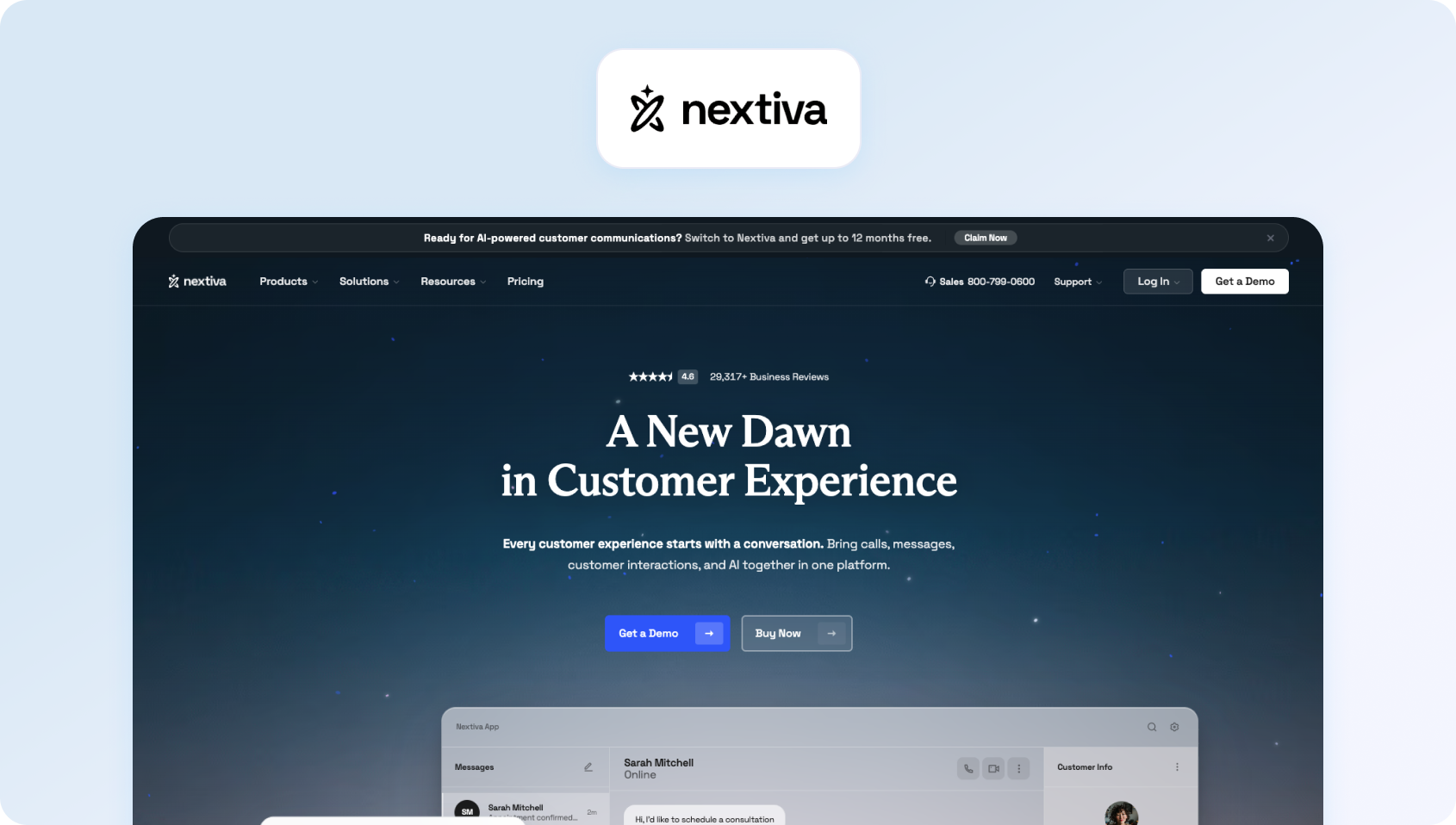
Nextiva delivers a unified communications platform combining voice, video, team messaging, and basic contact center capabilities. It targets small businesses and mid-market teams that want reliable business phone system functionality without the complexity of a contact center.
Best for: Nextiva is best for small to mid-sized businesses that want a dependable cloud phone system with voice, video, messaging, and basic contact center capabilities. It's a strong option for organisations focused on business communications rather than advanced customer support operations.
Features:
- Cloud-based phone system with unlimited calling in the US and Canada
- Video meetings and team chat for collaboration
- Basic call center features, including call queues and smart routing
- CRM integration and workflow automation
- Call analytics and reporting dashboards
- Mobile and desktop apps for flexible work
- Auto attendant and call forwarding options
- Voicemail transcription
Who Uses It: Small to mid-sized businesses needing a dependable business phone system with basic contact center solution features.
Pros:
- Reliable customer support with US-based teams
- Unlimited domestic calling within the US and Canada
- Simple pricing plans without hidden fees at the entry level
- Good uptime and voice quality
Cons:
- Limited AI capabilities compared to specialized contact center platforms
- Workforce management requires external tools
- Advanced contact center capabilities are less mature than dedicated CCaaS vendors
- International calling rates can add up for global operations
Pricing:
- Core: $15/user/month (annual billing)
- Engage: $25/user/month (annual billing)
- Scale: $75/user/month (annual billing)
- Monthly billing is available at higher rates (Core $23/user/month, Engage $50/user/month, Scale $75/user/month). AI receptionist is available as an add-on.
Note: While Nextiva's entry-level plans are competitively priced for unified communications, businesses that need advanced AI capabilities, contact center functionality, and supervisor tools will typically need the Scale plan or higher, increasing the overall cost as support requirements grow.
3. Dialpad: Best for AI-Enhanced Sales and Support Calling

Dialpad combines voice, video, and messaging with AI-powered transcription and real-time coaching. It positions itself as a unified communications platform for sales and support teams that need call analytics, CRM integration, and modern AI capabilities.
Best for: Dialpad is best for sales and support teams that want AI-powered call transcription, coaching, and analytics built into their communications platform. It's particularly well suited to businesses that rely heavily on voice conversations and CRM integrations.
Features:
- Voice calling with automatic call recording and transcription
- Video conferencing and team messaging in one platform
- AI-powered call analytics, including sentiment analysis
- Real-time agent coaching with keyword detection during calls
- Integration with major CRM and help desk platforms
- Desktop and mobile applications with a user-friendly interface
- Visual voicemail with transcription
- Call routing and ring groups
Who Uses It: Sales teams and support teams needing AI-driven insights during customer interactions with strong Salesforce and HubSpot integration.
Pros:
- Strong AI features, including real-time transcription and coaching during live calls
- Excellent call quality on a reliable internet connection
- User-friendly interface with minimal learning curve for new users
- Good integration capabilities with popular business tools and CRMs
Cons:
- Limited workforce management features require third-party tools
- International calling and toll-free phone numbers coverage varies by region
- Advanced analytics are available only on higher tiers
- Voice-first design means help desk features are less comprehensive than specialized platforms
Pricing:
- Standard: $15/user/month (annual billing)
- Pro: $25/user/month (annual billing)
- Enterprise: Custom pricing
- Monthly billing is available at higher rates for Standard and Pro plans
Note: Dialpad includes AI-powered transcription and call summaries in its entry-level plan, but organisations requiring advanced administration, scalability, and enterprise controls will need the Enterprise tier. Businesses evaluating Dialpad for customer support should also note that contact center products (Dialpad Support) and AI Agents are priced separately from Dialpad Connect.
4. Zoom Phone: Best for Existing Zoom Customers

Zoom Phone extends Zoom's video conferencing capabilities into cloud communications, offering voice calling, SMS, and contact center add-ons. It fits teams already using Zoom Meetings who want to consolidate vendors and leverage familiar interfaces.
Best for: Zoom Phone is best for organisations already invested in the Zoom ecosystem that want to add cloud calling without introducing another communications platform. It offers a familiar experience for teams already using Zoom Meetings and Team Chat.
Features:
- Cloud-based phone system integrated seamlessly with Zoom Meetings
- Unlimited calling in select countries, depending on plan
- Basic call center software features, including call queues and routing
- SMS/MMS messaging capabilities
- Call recording and voicemail transcription
- Integration with Zoom Contact Center for advanced contact center features
- Desktop application and mobile application with a consistent experience
- Screen sharing during voice and video calls
Who Uses It: Organizations already using Zoom for video meetings that want to add voice calling and basic contact center solution capabilities.
Pros:
- Seamless integration with Zoom Meetings and chat creates a familiar user experience
- Familiar user interface for existing Zoom users reduces training time
- Good video calling quality and reliability
- Flexible pricing plans accommodate different usage patterns
Cons:
- Contact center capabilities require a separate Zoom Contact Center purchase
- Limited AI-powered features without add-ons
- Workforce management and quality assurance tools are not native to the platform
- Best value comes from using the full Zoom ecosystem
Pricing:
- US & CA Unlimited + Workplace Basic: From $16/user/month (annual billing) or $18/user/month (monthly billing)
- Pro Plus + Zoom Phone: Custom pricing
- Business Plus + Zoom Phone: Custom pricing
- Zoom Contact Center: Sold separately with custom pricing
Note: Zoom Phone offers competitively priced cloud calling for organisations already using Zoom Workplace. However, businesses that need advanced contact center capabilities, workforce management, or dedicated customer service functionality will need Zoom Contact Center as a separate product, increasing the total cost of ownership.
5. 8×8: Best for Enterprise Contact Center Operations

8×8 provides a unified communications platform that combines voice, video, chat, and contact center software, targeting mid-market and enterprise teams that need comprehensive communication channels in one platform.
Best for: 8×8 is best for larger organisations managing high call volumes across multiple regions. Its combination of unified communications and enterprise contact center capabilities makes it a strong choice for complex customer operations.
Features:
- Business phone system with unlimited calling to multiple countries
- Video conferencing and team messaging
- Contact center platform with omnichannel routing
- Call analytics and quality management tools
- Workforce management capabilities
- API and integration options for custom workflows
- Advanced call routing with skills-based assignment
- Call monitoring and recording
Who Uses It: Mid-market to enterprise teams managing contact centers with 50+ agents needing omnichannel capabilities.
Pros:
- Comprehensive contact center features, including workforce management
- Strong international coverage with toll-free numbers in many countries
- Unified platform reduces vendor complexity
- Good call quality and uptime reliability
Cons:
- Complex pricing with multiple tiers and add-ons makes TCO unclear
- The user interface can feel dated compared to modern alternatives
- Initial learning curve for advanced features
- Some users report that support response times vary
Pricing:
- Unified Communications (UCaaS): Custom pricing. 8×8 offers tailored plans for business communications, allowing organisations to mix and match services based on their requirements.
- 8×8 Contact Center: Custom pricing
- 8×8 Engage: Custom pricing
Note: Unlike some competitors, 8×8 no longer publishes per-user pricing on its website, so businesses need to contact sales for a customised quote. While this provides flexibility, it also makes it more difficult to compare total costs upfront, particularly for organisations evaluating contact center capabilities alongside unified communications.
6. Vonage: Best for Flexible Global Business Communications
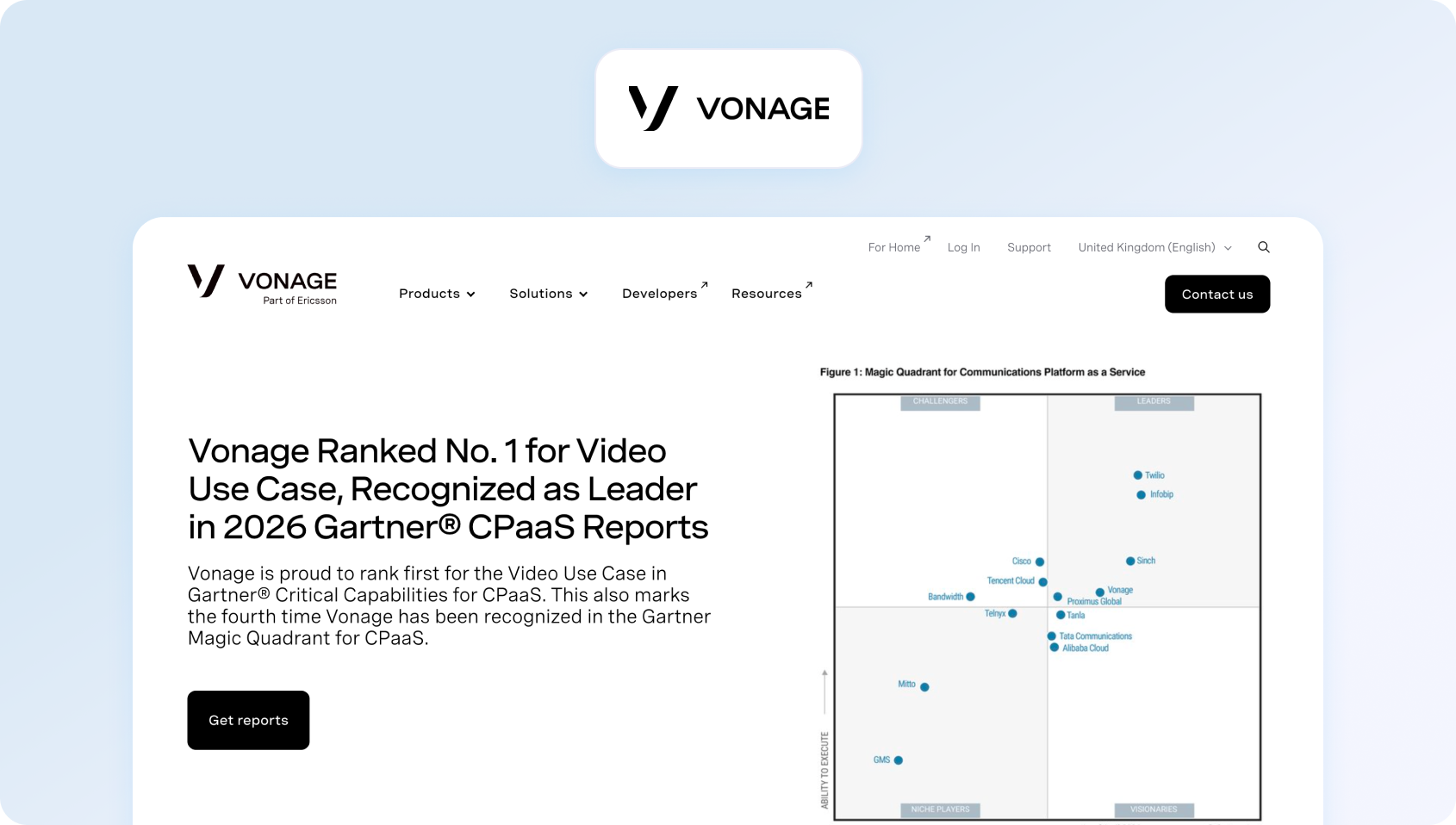
Vonage offers a unified communications platform that includes voice, video, messaging, and contact center add-ons, serving businesses of all sizes with flexible deployment options.
Best for: Vonage is best for businesses that want flexible unified communications with the option to expand into contact center functionality as their needs grow. Its extensive API ecosystem also appeals to organisations building customised communication workflows.
Features:
- Cloud communications platform with voice calling and video meetings
- SMS and messaging for business communications
- Contact center platform available as an add-on module
- Call analytics and reporting
- Integration capabilities with business systems
- Unlimited office locations support
- Auto attendant and call forwarding
- Mobile application and desktop app
Who Uses It: Businesses needing flexible unified communications with optional contact center solution features.
Pros:
- Flexible deployment options accommodate different business models
- Good international coverage for global operations
- Comprehensive feature set when fully configured
- Strong API for custom integrations
Cons:
- Contact center features require an add-on purchase, increasing complexity
- Pricing can become expensive with add-ons and usage charges
- The user interface is less modern than newer competitors
- Implementation complexity for advanced features
Pricing:
- Mobile: £13.50/user/month (annual contract)
- Premium: £18.50/user/month (annual contract)
- Advanced: £27.50/user/month (annual contract)
- Vonage Contact Center: Sold separately with custom pricing. Advanced contact center capabilities are available as an additional product.
Note: Vonage offers competitively priced unified communications for businesses needing cloud calling and collaboration. However, organisations requiring omnichannel customer support, workforce management, or advanced contact center capabilities will need Vonage Contact Center as a separate purchase, increasing the overall cost and complexity.
7. GoTo Connect: Best for Straightforward Cloud Phone Systems
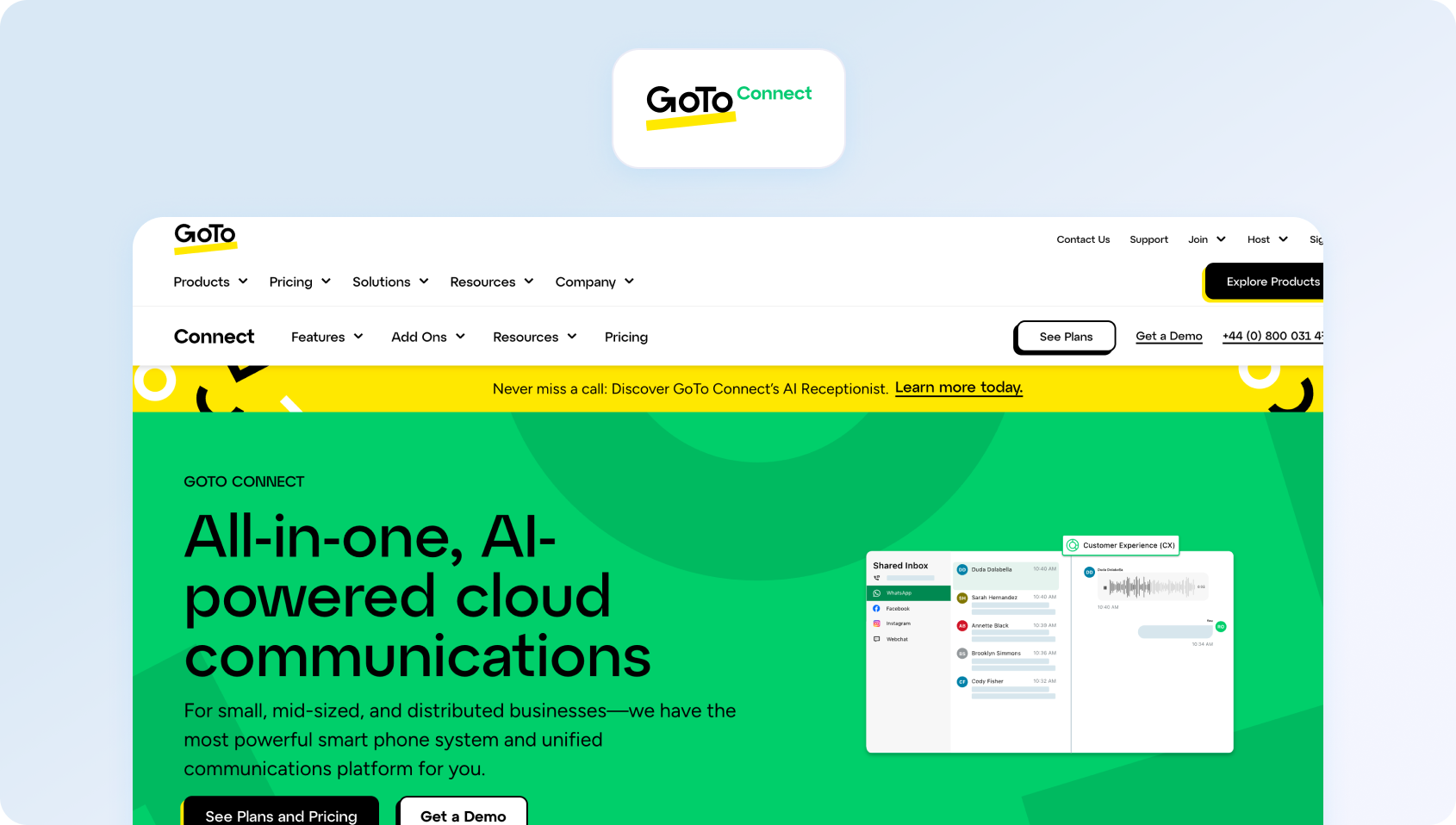
GoTo Connect (formerly Jive) combines unified communications with basic contact center capabilities, targeting small- to mid-sized businesses that prioritize simplicity over extensive customization.
Best for: GoTo Connect is best for small and growing businesses looking for a simple, reliable business phone system with essential communication features. It prioritises ease of deployment over advanced contact center functionality.
Features:
- Business phone system with voice, video, and messaging
- Basic call center solution features
- Call recording and voicemail transcription
- Team collaboration tools
- Mobile and desktop apps for flexible access
- CRM integrations with popular platforms
- Ring groups and call forwarding
- Simple phone system setup
Who Uses It: Small businesses needing a straightforward business communications platform without contact center complexity.
Pros:
- Simple pricing and straightforward setup process
- Reliable customer support
- Suitable for teams without technical expertise
- Includes all essential business phone features
Cons:
- Limited contact center capabilities compared to specialized platforms
- Basic AI features
- Less suitable for teams managing high call volume
- Fewer integrations than larger platforms
Pricing:
- Phone System: Custom pricing
- Customer Experience (CX): Custom pricing
- CX Complete: Custom pricing
- Contact Center: Custom pricing
Note: GoTo Connect offers a broad range of unified communications and customer experience features, but pricing is only available through its sales team. Organisations comparing platforms should request a tailored quote to understand the total cost of advanced customer experience and contact center capabilities.
8. Aircall: Best for CRM-Connected Sales Teams
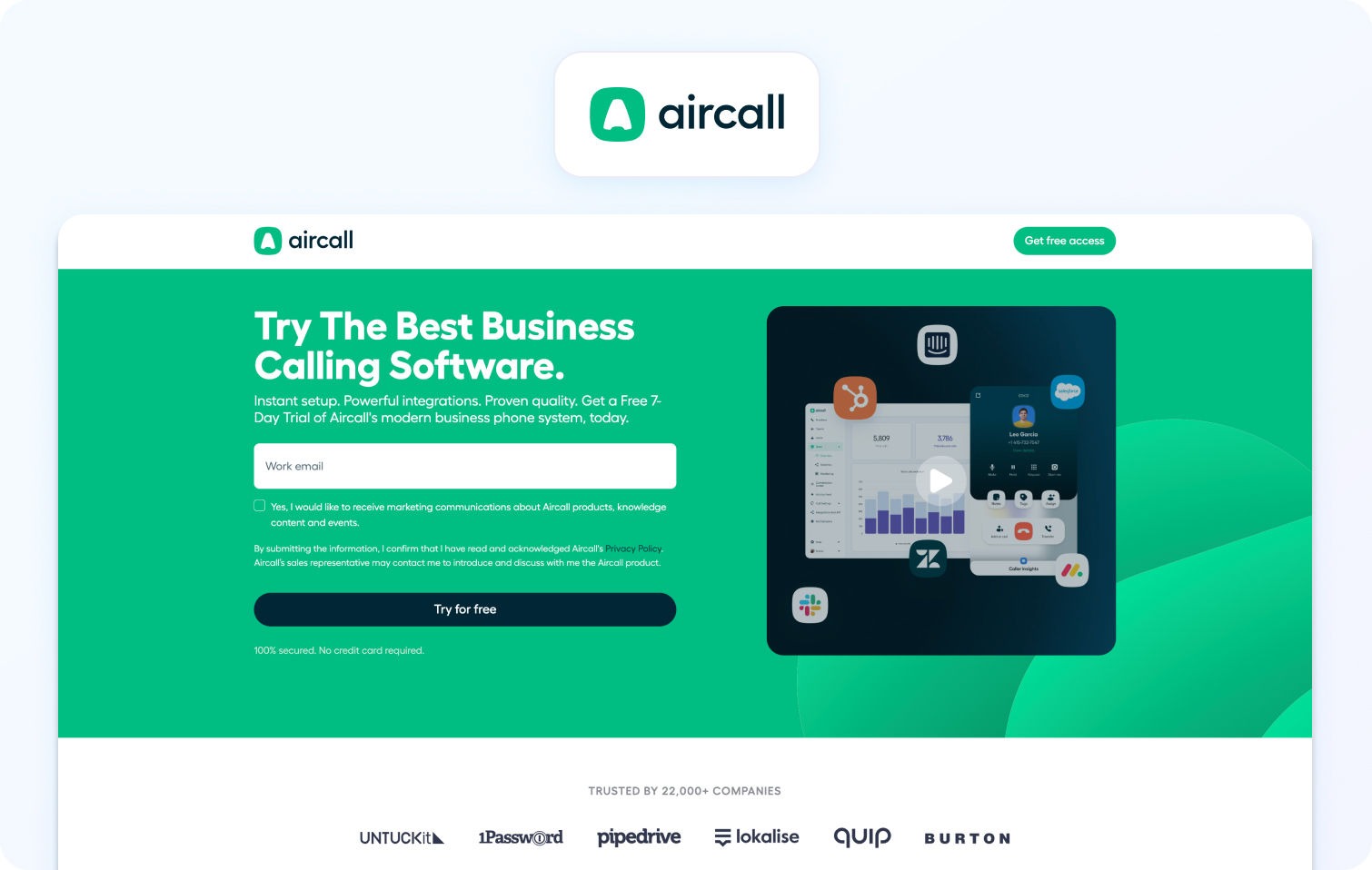
Aircall provides a cloud phone system designed for sales and support teams that need call analytics and CRM integration, with an emphasis on ease of use.
Best for: Aircall is best for sales-focused organisations that want a cloud phone system tightly integrated with their CRM. Its simple interface and fast implementation make it popular with smaller teams that primarily handle voice interactions.
Features:
- Voice calling with call recording automatically
- Call analytics and reporting focused on sales metrics
- CRM integration with major platforms
- Team collaboration features
- Call routing and IVR capabilities
- Mobile and desktop apps
- Call monitoring for quality assurance
- Click-to-dial from browser
Who Uses It: Sales teams and smaller support teams (typically under 50 users) needing straightforward phone support with CRM integration.
Pros:
- Simple, quality interface with minimal training required
- Quick setup and implementation
- Good integration with popular CRMs
- Strong focus on sales workflows
Cons:
- Limited contact center features compared to full platforms
- Voice-first design means omnichannel support requires integrations
- Analytics and AI features often require add-ons
- Less suitable for teams needing workforce management or quality assurance
Pricing:
- Essentials: £25/license/month (billed annually). Minimum of 3 licences (£75/month)
- Professional: £40/licence/month (billed annually). Minimum of 3 licences (£120/month)
- Custom: Custom pricing (minimum of 25 users)
Note: Aircall publishes pricing for its Essentials and Professional plans, while the Custom plan requires a tailored quote. Businesses should also factor in the cost of optional AI products, such as AI Voice Agents, AI Messaging Agents, and Conversation Intelligence, when comparing the total cost of ownership.
9. Microsoft Teams Phone: Best for Microsoft 365 Organisations
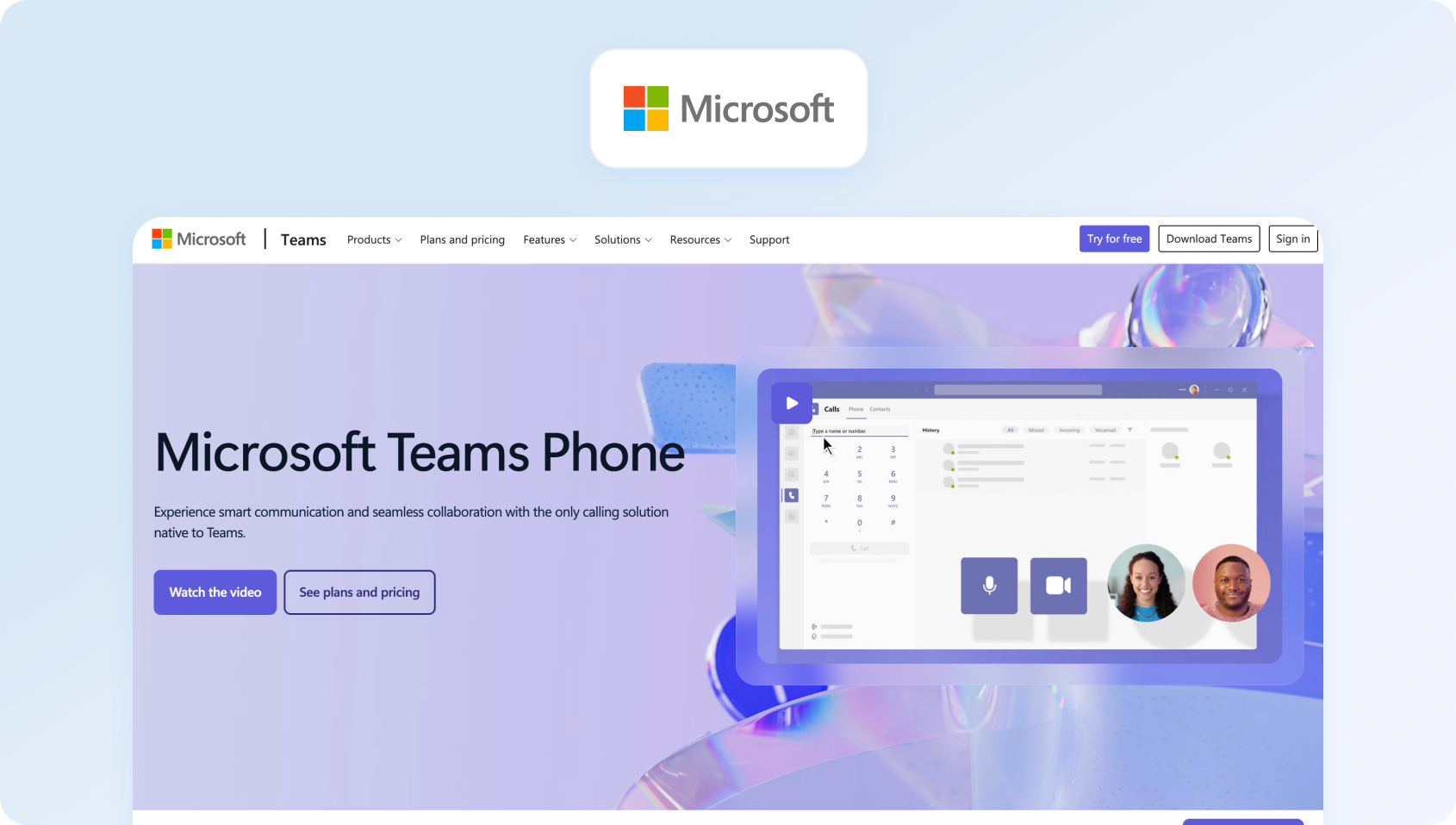
Microsoft Teams Phone adds business phone system capabilities to Microsoft Teams, positioning it as the phone solution for organizations already using Microsoft 365.
Best for: Microsoft Teams Phone is best for businesses already using Microsoft 365 that want to consolidate internal communications within a familiar platform. It extends Teams with business calling capabilities but relies on additional solutions for advanced contact center features.
Features:
- Cloud phone system integrated with Microsoft Teams
- Voice calling through the Teams interface
- Call routing and auto attendant
- Voicemail transcription
- Integration with Microsoft 365 apps
- Desktop and mobile apps with the Teams interface
- Video calls within Teams
- Third-party apps through the Teams marketplace
Who Uses It: Organizations heavily invested in the Microsoft 365 ecosystem, wanting unified communications within Teams.
Pros:
- Seamless integration with the Microsoft 365 ecosystem
- Familiar interface for Teams users reduces learning curve
- Suitable for organizations standardized on Microsoft tools
- Video meetings are integrated natively
Cons:
- Best value requires Microsoft 365 licensing (additional cost)
- Contact center capabilities are limited without third-party solutions
- Call dependability depends on the Teams infrastructure
- Advanced features require complex configuration
Pricing:
- Microsoft Teams Phone Standard: £7.70/user/month (annual billing) –
- Teams Phone with Pay-as-you-go Calling: £9.20/user/month (annual billing)
- Teams Phone with Domestic Calling: £13.10/user/month (annual billing) –
- Teams Phone with Domestic and International Calling: £26.10/user/month (annual billing)
Note: Microsoft Teams Phone is a strong option for organisations already using Microsoft 365, but the published pricing covers the phone service only. Businesses also need a separate Microsoft Teams licence, and organisations requiring advanced contact centre capabilities typically need additional third-party solutions or integrations.
10. Ooma Office: Best for Budget-Conscious Small Businesses
Ooma Office offers a virtual phone system for small businesses that need business phone features at an affordable price without complexity.
Best for: Ooma Office is best for small businesses that need an affordable business phone system with straightforward setup and core calling features. It suits organisations with relatively simple communication requirements and limited technical resources.
Features:
- Cloud phone system with virtual receptionist
- Call forwarding and ring groups
- Voicemail transcription
- Desktop and mobile app
- Basic call analytics
- Toll-free numbers available
- Extension dialing
- Call recording
Who Uses It: Small businesses with basic phone system requirements and limited technical resources.
Pros:
- Affordable pricing for small businesses
- Simple setup without technical expertise required
- Includes phone features at the entry level
- Good voice quality on standard internet connections
Cons:
- Very basic features compared to enterprise platforms
- Limited integrations with business tools
- No native contact center capabilities
- Not suitable for teams over 20–30 users
Pricing:
- Essentials: $19.95/user/month
- Pro: $24.95/user/month
- Pro Plus: $29.95/user/month
- Enterprise: Custom pricing, adds Teams integration, Direct Routing, advanced contact centre features, analytics, SIP trunking, and custom implementation.
Note: Ooma offers transparent per-user pricing with no contracts, making it an affordable option for small businesses. However, many of its AI capabilities, CRM integrations, and advanced call management features are reserved for the Pro Plus plan or Enterprise offering, while dedicated contact centre functionality is primarily targeted at larger organisations.
11. Ringover: Best for Growing Sales and Support Teams
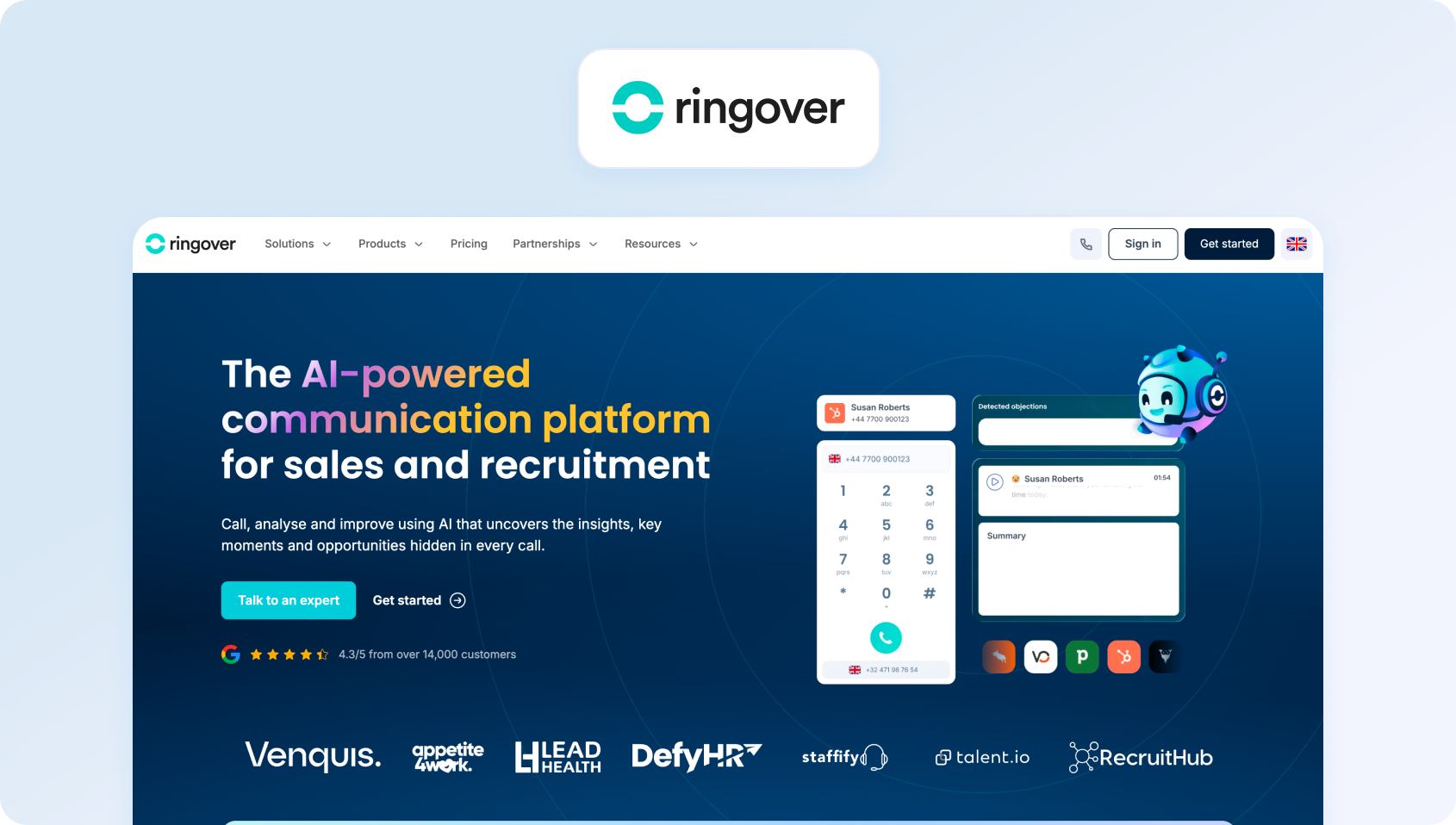
Ringover offers a cloud phone platform designed for sales and customer service teams that require call analytics and omnichannel communication capabilities.
Best for: Ringover is best for growing sales and customer service teams that want cloud calling, messaging, and analytics without the complexity of enterprise communications platforms. It balances ease of use with useful productivity features.
Features:
- Voice calling with call recording
- SMS and messaging
- Video calls and conferencing
- Call analytics and reporting
- CRM integrations
- AI-powered features available as add-ons
- Call routing and IVR
- Mobile and desktop apps
Who Uses It: Small to mid-sized sales and support teams needing a straightforward communications platform with analytics.
Pros:
- Fair pricing for the included feature set
- Good call reliability
- Integration with popular business tools
- Quality interface
Cons:
- Limited advanced features compared to enterprise platforms
- AI capabilities are often sold as add-ons
- Workforce management is not native
- Smaller customer base and ecosystem
Pricing:
- Quicktalk: £15/user/month (12-month commitment)
- Smart: £17/user/month (12-month commitment)
- Business: £32/user/month (12-month commitment)
- Advanced: Custom pricing, adds call campaigns, voicemail drop, Single Sign-On (SSO), call scripts, and additional enterprise communication features.
Note: Ringover offers transparent pricing for its Quicktalk, Smart, and Business plans, while the Advanced plan requires a customised quote. Additional AI and omnichannel capabilities, including Empower Conversational AI, Omnichannel Messaging, and AI Voice Agent (AIRO), are available as paid add-ons, which can increase the total cost of ownership.
12. Intermedia Unite: Best for Unified Business Communications
Intermedia Unite combines voice, video, chat, and collaboration tools into a single platform for mid-sized businesses.
Best for: Intermedia Unite is best for mid-sized organisations looking to combine voice, video, messaging, and collaboration in a single communications platform. It's well suited to businesses that prioritise employee communication over dedicated contact center functionality.
Features:
- Business phone system with voice calling
- Video conferencing capabilities
- Team chat and messaging
- File sharing within the platform
- Call recording and analytics
- Desktop and mobile apps
- Integration options
- Attendant and call routing
Who Uses It: Mid-sized businesses needing a communications platform with standard phone features.
Pros:
- Reliable communications platform
- Good feature set for mid-sized businesses
- Includes video conferencing in base plans
- Decent integration options
Cons:
- Limited contact center features for support operations
- Basic AI capabilities
- Less modern interface compared to newer competitors
- Smaller market presence than major vendors
Pricing:
- Unite Pro: $27.99/user/month
- Unite Enterprise: $32.99/user/month
- Contact Center: Custom pricing, available as an add-on for organizations that need omnichannel customer engagement across phone, email, chat, and social channels.
Note: Intermedia Unite offers transparent per-user pricing for its core unified communications plans, while Contact Center is priced separately. Businesses looking for dedicated customer support capabilities should factor in the additional cost of the Contact Center add-on when comparing total cost of ownership.
What to Look for in a Contact Center Software Solution
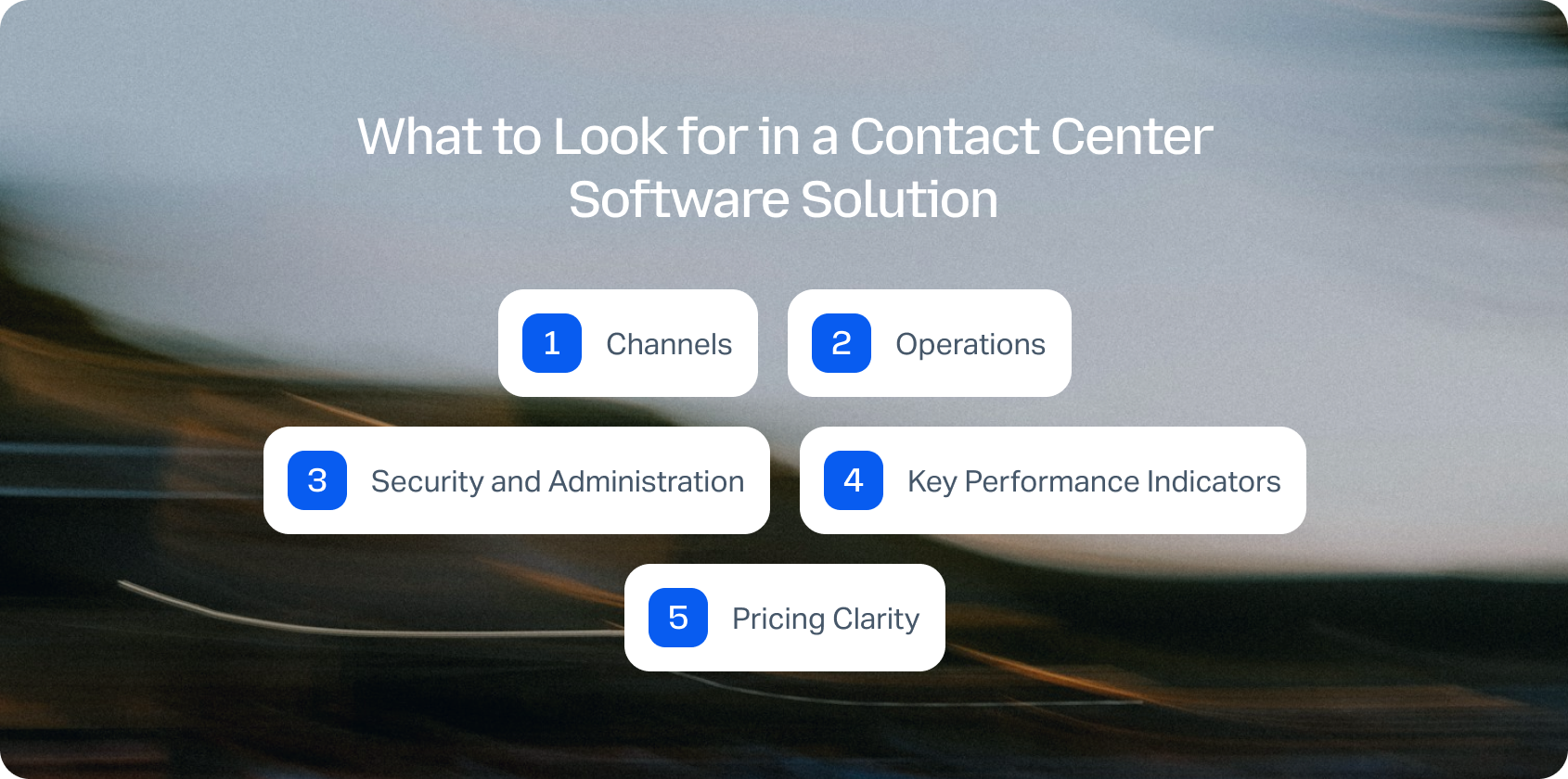
There's a lot to consider when evaluating new platforms, but here's what matters most:
Channels
A modern cloud phone system needs to handle more than voice calls. SMS and MMS messaging, team collaboration tools, and video conferencing increasingly matter for business communications. For customer support teams specifically, a seamless handoff from voice to chat or email prevents customers from repeating information and keeps agents working in a single, unified workspace, rather than juggling multiple apps.
AI-powered features transform how agents work. Call transcription software automatically converts conversations into searchable text. Summarization condenses lengthy interactions into key points. Suggested reply helps agents respond faster with answers grounded in your knowledge base, maintaining consistency. Real-time coaching delivers tips during calls based on detected sentiment or keywords. Post-call notes auto-populate tickets so agents don't waste time typing summaries manually.
For support operations, a smart knowledge base integrated with your phone system enables agents to search for answers mid-conversation and for customers to self-solve via IVR menus or portals. KB-grounded assistance prevents agents from guessing or delivering inconsistent information across interactions.
Operations
Call center workforce management uses historical call volume to forecast demand and schedules agents to match it. Customer service quality assurance samples interactions, scores them against rubrics, and identifies coaching opportunities. SLA dashboards display real-time performance by team, channel, and priority level.
Security and Administration
Multi-factor authentication, audit logs, role-based permissions, and data retention policies are essential for compliance. You need controls in place to restrict who can modify routing rules, access call recording archives, or change system configurations. Administration capabilities ensure security without slowing down operations.
Your phone system should integrate with CRM platforms (such as Salesforce or HubSpot), help desks (such as Zendesk or Freshdesk), commerce systems (such as Shopify or Magento), and business intelligence tools. Open APIs and webhooks enable custom workflows and data synchronization without requiring expensive middleware or custom development.
Key Performance Indicators
Track metrics that drive decisions: first-contact resolution shows efficiency, average handle time measures agent productivity, containment rate reveals self-service success through AI voicebot or AI customer service chatbot, abandon rate flags capacity issues, concurrency shows simultaneous interaction handling, sentiment analysis identifies frustrated customers, and MOS (Mean Opinion Score) measures voice quality.
Pricing Clarity
Understand the difference between seat-based costs and usage fees. Some platforms charge a monthly fee per user for basic features, then separately meter voice minutes, international calling, or AI interactions. Avoid systems that require expensive add-ons for essential business phone features, such as call recording, auto attendant, or intelligent call routing, which were not clearly disclosed during the initial evaluation.
Comparing subscription prices only tells part of the story. Hidden costs like AI add-ons, workforce management software, quality assurance tools, and multiple vendor contracts can significantly increase your total cost of ownership.
Use BlueTweak's ROI Calculator to estimate your potential savings and compare the cost of consolidating your customer service tools onto a single platform.
How We Evaluated
This comparison of RingCentral alternatives relies on publicly available documentation, feature specifications, and published case studies. We identify who uses each platform through public customer logos and case studies. Where pricing appears on vendor websites, we cite it directly. Where pricing remains unclear, we note it.
Pros and cons reflect evidence-based assessment. No marketing hype. No unverifiable claims. This is practical guidance for teams evaluating alternatives to RingCentral.
When evaluating the best RingCentral alternatives, verify these foundational capabilities:
- Omnichannel voice and messaging: Voice calling plus SMS, team chat, and video with seamless channel switching for support teams
- Knowledge base integration: Strong KB-grounded answers or robust integration capabilities for consistent support
- AI features: Call transcription, summarization, and proposed reply to accelerate agent workflows
- Analytics: Track 2–3 core KPIs, including resolution rates, customer satisfaction, and call quality
- Workforce management and quality assurance: Native modules or strong first-party options to avoid vendor sprawl
- Security and administration: MFA, audit logs, role-based permissions for compliance and control
- Integration capabilities: APIs and pre-built connections with CRM, help desk, and business systems
- Transparent pricing: Core AI and analytics included in base plans, not exclusively sold as add-ons
- Customer satisfaction surveys: Built-in CSAT monitoring after interactions
These factors guided our evaluation of competitors to RingCentral:
- Fit for 20–100 agents: We prioritize platforms that work for small to mid-sized teams without forcing enterprise contracts
- Voice and omnichannel depth: Does it maintain a professional phone presence while integrating seamlessly with other communication channels?
- AI coverage: Agent assistance features plus knowledge base grounding, not just basic voicemail transcription
- Workforce management and quality assurance: Native tools reduce complexity and speed deployment
- Time-to-value: How quickly can you implement and start seeing operational improvements?
- Total cost to operate: Include licensing, usage fees, integrations, hardware, and support costs
- Security and control: Compliance-ready features for regulated industries
Instead of comparing feature lists alone, experience how a unified customer experience platform works in practice. Start your free 14-day BlueTweak trial and explore voice, email, chat, AI automation, workforce management, and analytics, all from one workspace. No credit card required.
Putting the Right Platform in Place
The right RingCentral alternative really depends on what you're trying to solve.
If your team lives and breathes sales calls, you probably care most about reliability, CRM integration, and affordable international rates. In that case, Dialpad or Aircall are hard to beat. They're fast, intuitive, and built for sales-driven workflows.
Once you hit 50 agents or more, priorities shift toward advanced routing, analytics, and workforce management. That's where platforms like 8×8 or other dedicated contact center systems make sense.
But for support teams that fall somewhere in the middle (say, 20 to 100 agents), you need voice, chat, and email in one place. You want AI that actually helps agents do their jobs, not just another add-on. And you want workforce management without a stack of disconnected tools.
That's where BlueTweak stands out. It pulls everything (voice, email, chat, social channels) into a single platform. AI handles the heavy lifting, summarizing tickets, suggesting replies, and transcribing calls in real-time. Workforce management and quality assurance are built right in, and pricing stays precise and predictable from day one.
When to Shortlist BlueTweak:
- You need something that brings customer service and communications together across channels.
- You want AI tools like transcription, ticket summarization, and knowledge-based suggestions included (not locked behind premium upgrades).
- You're tired of managing a patchwork of vendors for QA and analytics.
- You'd rather get up and running in weeks, not months.
- You operate globally and require multilingual support with real-time translation that accurately preserves meaning.
- You rely on APIs to connect everything.
If that sounds like your world, BlueTweak is worth a closer look. Book a demo to see its omnichannel setup, AI assistance, and unified analytics in action.

As Head of Digital Transformation, Radu looks over multiple departments across the company, providing visibility over what happens in product, and what are the needs of customers. With more than 8 years in the Technology era, and part of BlueTweak since the beginning, Radu shifted from a developer (addressing end-customer needs) to a more business oriented role, to have an influence and touch base with people who use the actual technology.



